AI-Powered Creative Tools
458+ tools for image and video generation, photo editing, style filters, character creators, and more. Free to try — 300 credits monthly, no credit card required.
AI video agents
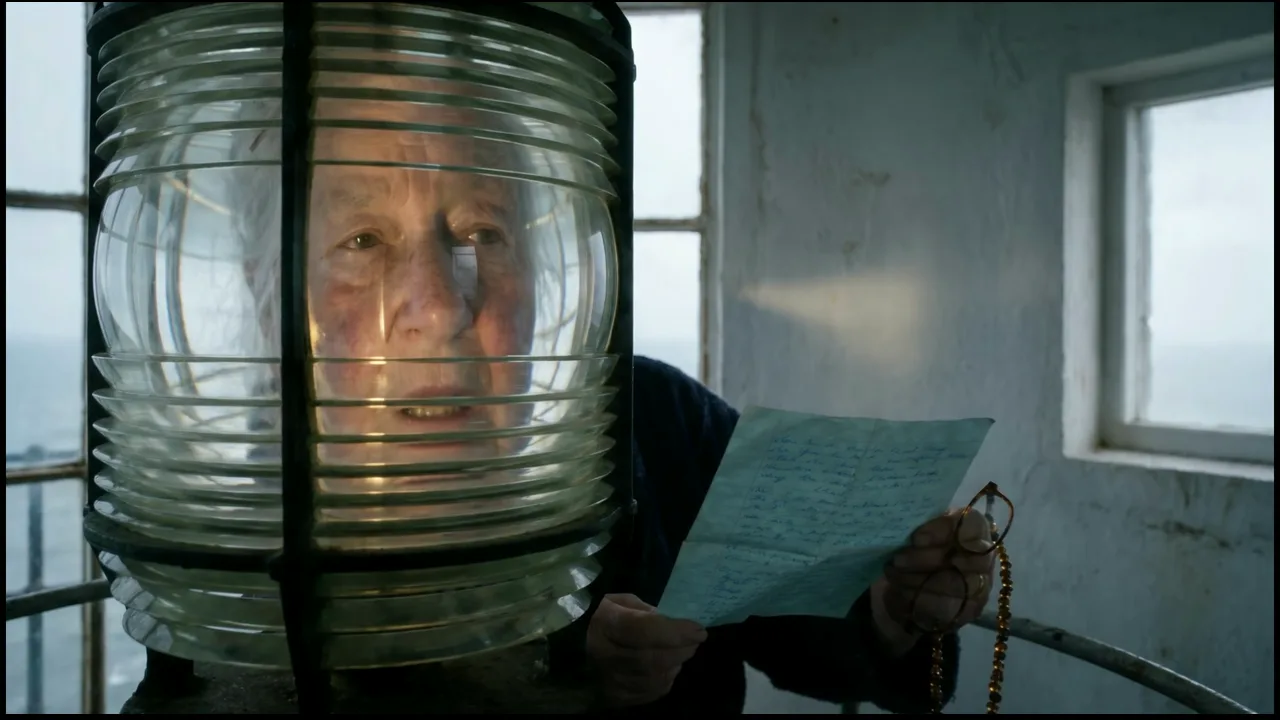
AI Movie Generator
Turn an idea into a short film with AI: a story, a script, a cast that looks the same in every shot, a storyboard, the scenes, the music and the final cut.
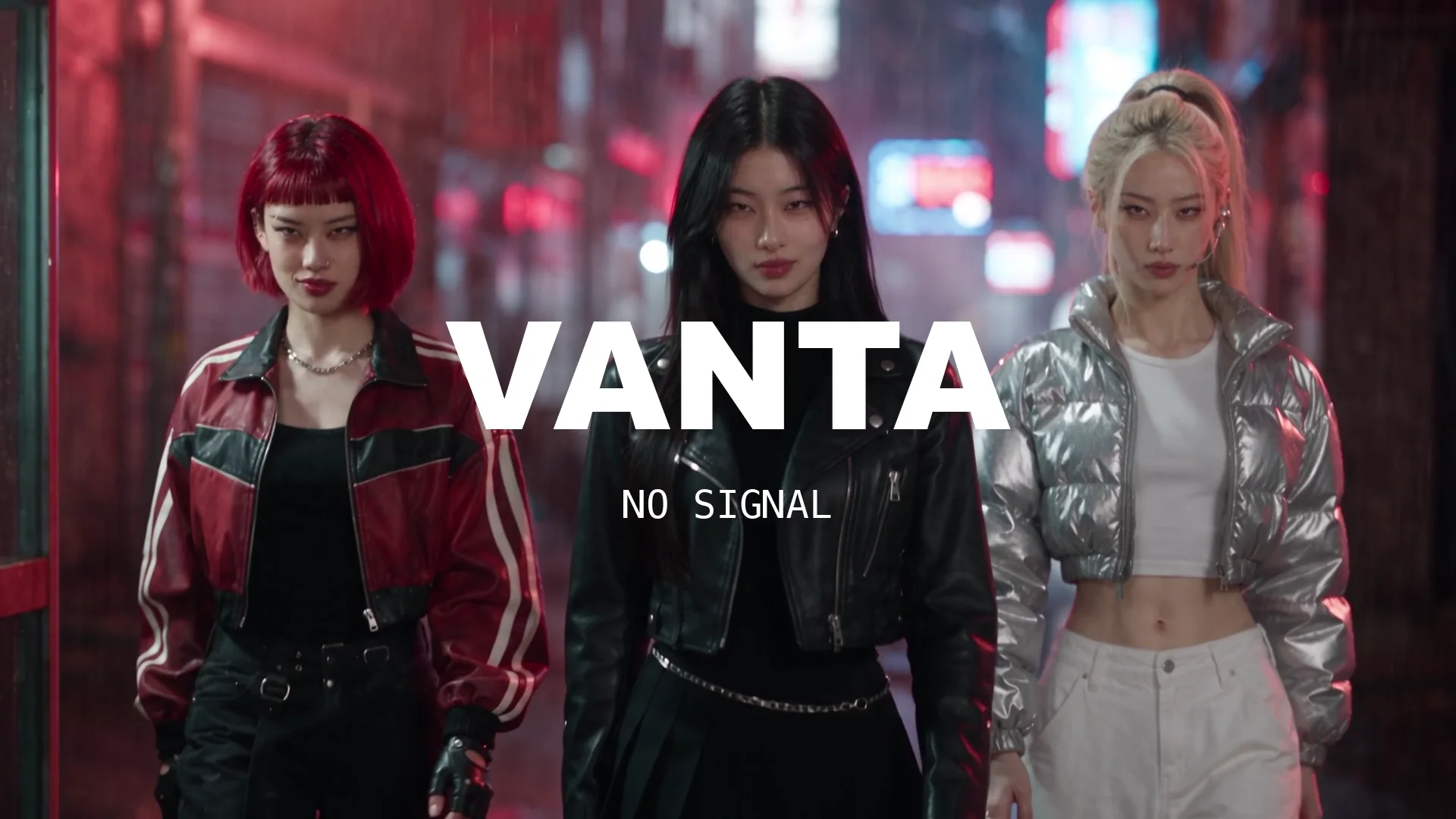
AI Music Video Generator
Turn your song into a music video with AI: singers who lip-sync to your vocal, members who look the same in every shot, choreography and a cut on the beat.
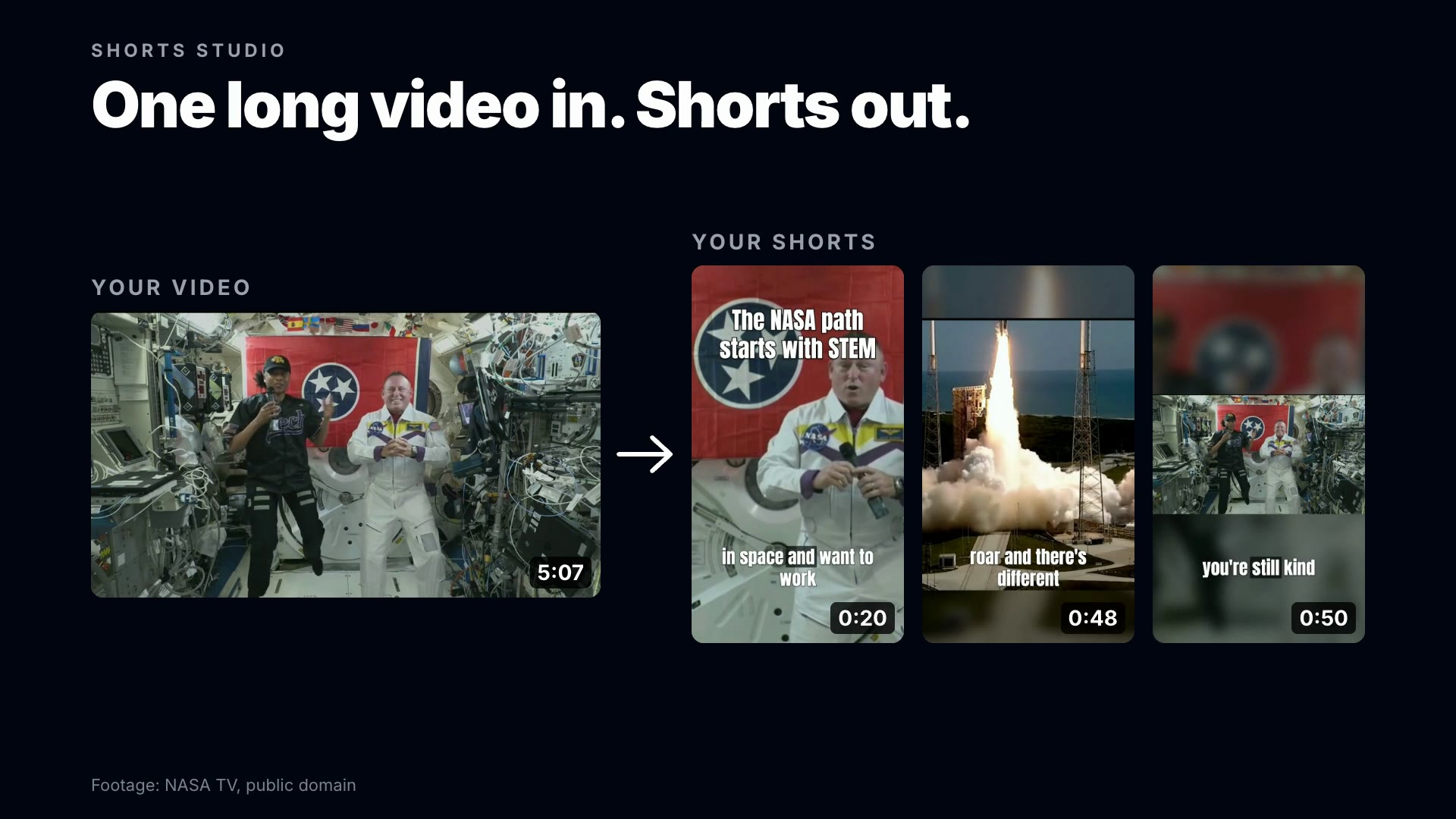
AI Shorts Generator
Turn one long video into vertical Shorts with AI: the moments that stand on their own, reframed to 9:16 around the speaker, with word-timed captions.
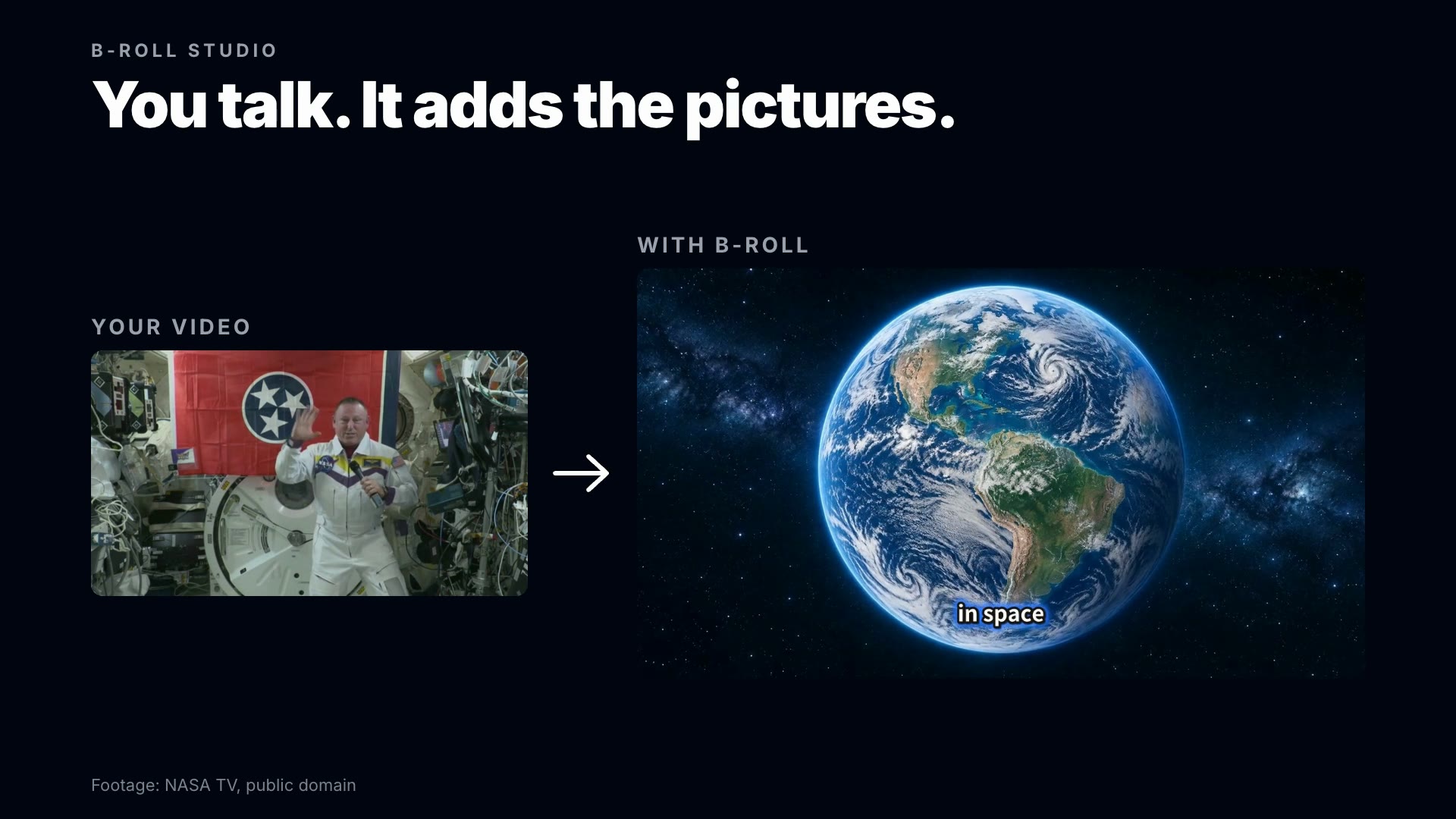
AI B-Roll Generator
Add B-roll to a talking video with AI: pictures and moving shots placed on the words they illustrate, in one consistent look, with captions and zoom cuts.
Faceless Video Generator
Make faceless videos with AI from a topic, a script or a voice-over: real photos on every line, maps, numbers on screen, captions and music, nobody on camera.

AI Thumbnail Maker
Make YouTube thumbnails with AI from your own video: the most clickable frames found for you, then a cover designed on the one you pick, with your text.
Design tools
Browse all design templates →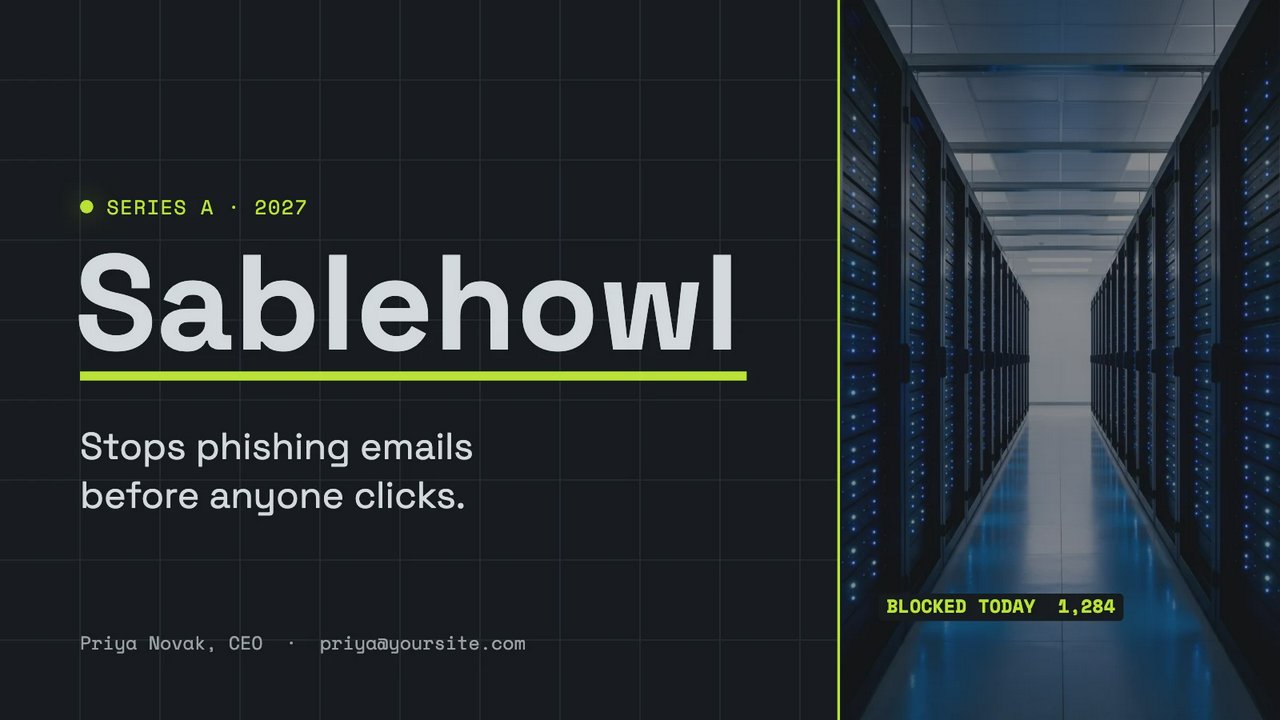
Pick a deck for a pitch, a portfolio, a proposal, a report or a school project. All its slides open together in Design Studio, side by side and each one editable: retype the titles, replace the photos, change the colours, or ask the AI designer to put your content in.

Pick a profile picture: your photo in a glowing ring, initials in a circle, a cat, a fox or a gamer tag. It opens in Design Studio with the photo, the name and the colours all yours to change, and everything that matters kept inside the circle every network crops to.
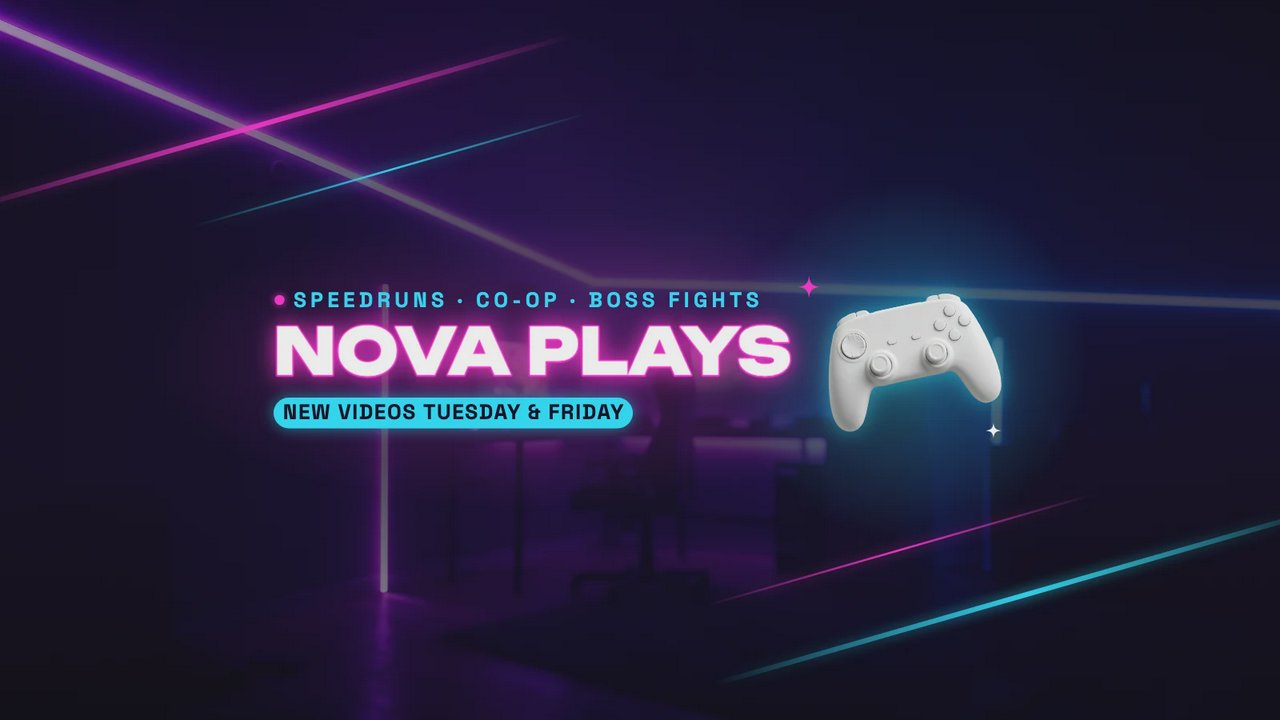
Pick a banner for a gaming, music, cooking, vlog or tech channel. It opens in Design Studio at 2560×1440 pixels, with the name and the upload days inside the strip YouTube shows on phones, so nothing important is cut off. Change the words and the photo, or ask the AI designer.

Pick a card that suits your work: a consultant, a realtor, a salon, a contractor, a photographer. It opens in Design Studio with every line as live text, so your name, title, phone and email go in by typing, and your logo or photo goes where the sample is.
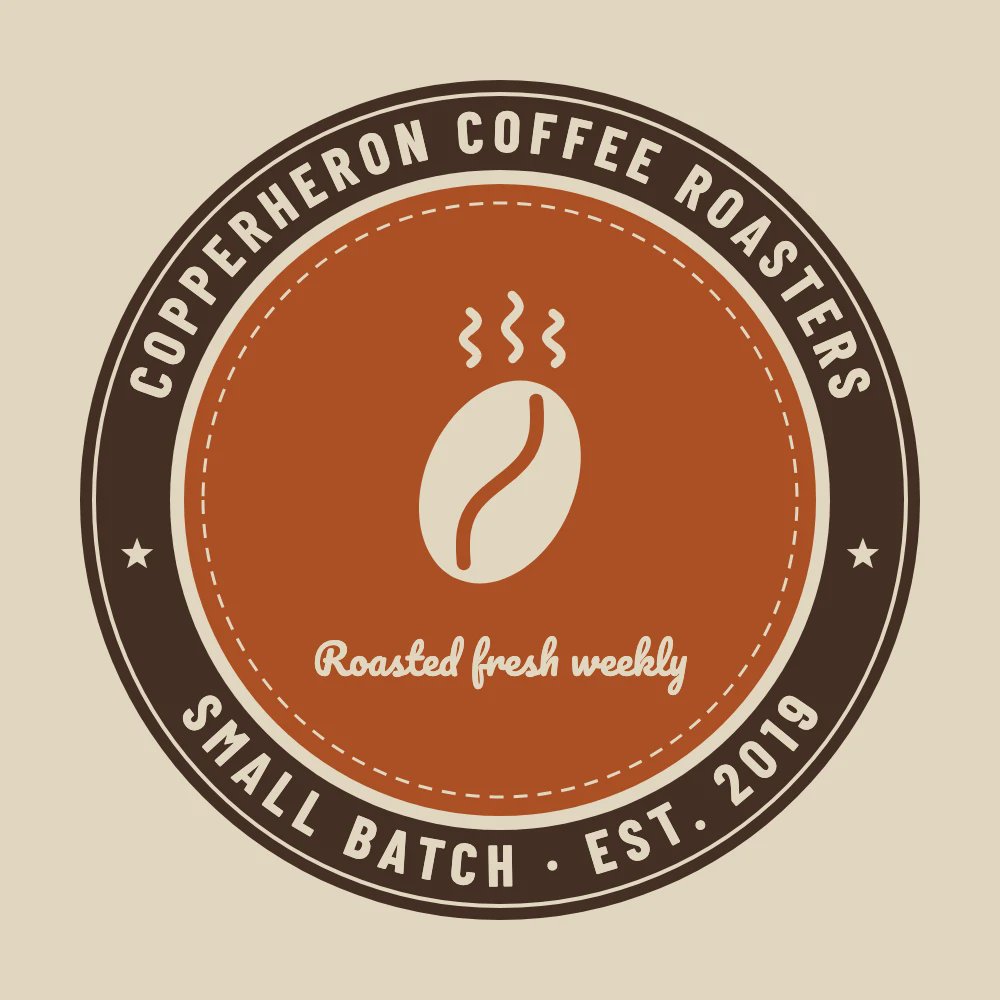
Pick a badge, a monogram, a script wordmark or an emblem for a café, a shop, a studio or a channel. It opens in Design Studio built from live text and shapes, so the name, the tagline and the colours change in seconds, by hand or by asking the AI designer.
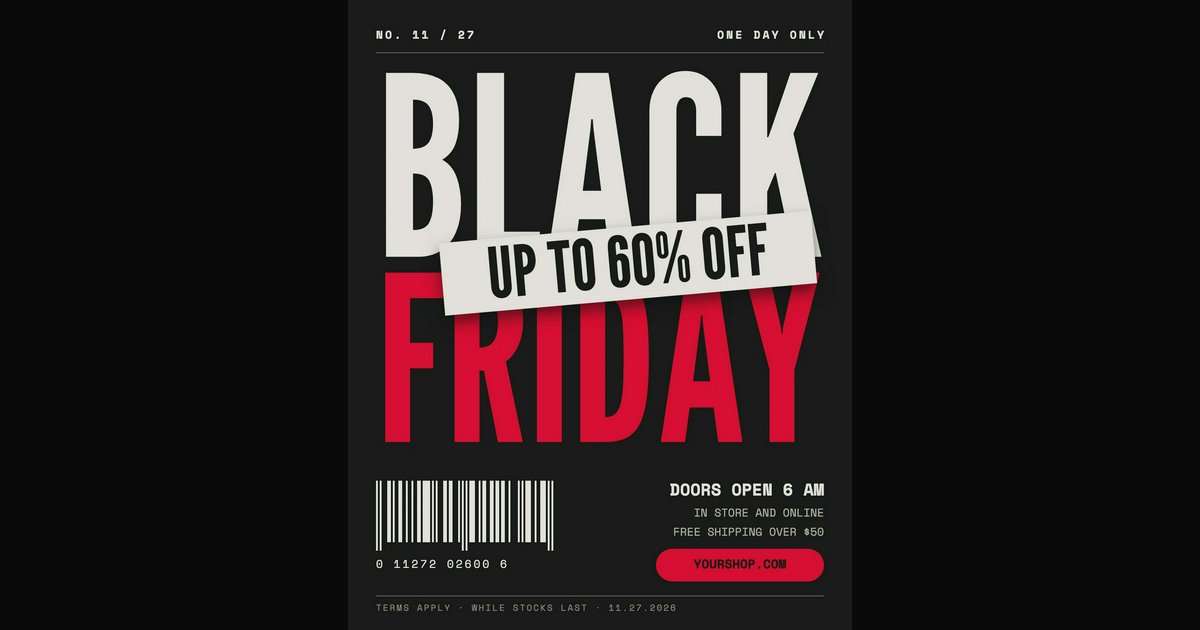
Most AI tools hand back one flat picture. The AI designer in Design Studio works on a canvas: it lays out text, pictures and shapes as separate layers, from your description or from a template, so the result is a design you can keep editing.
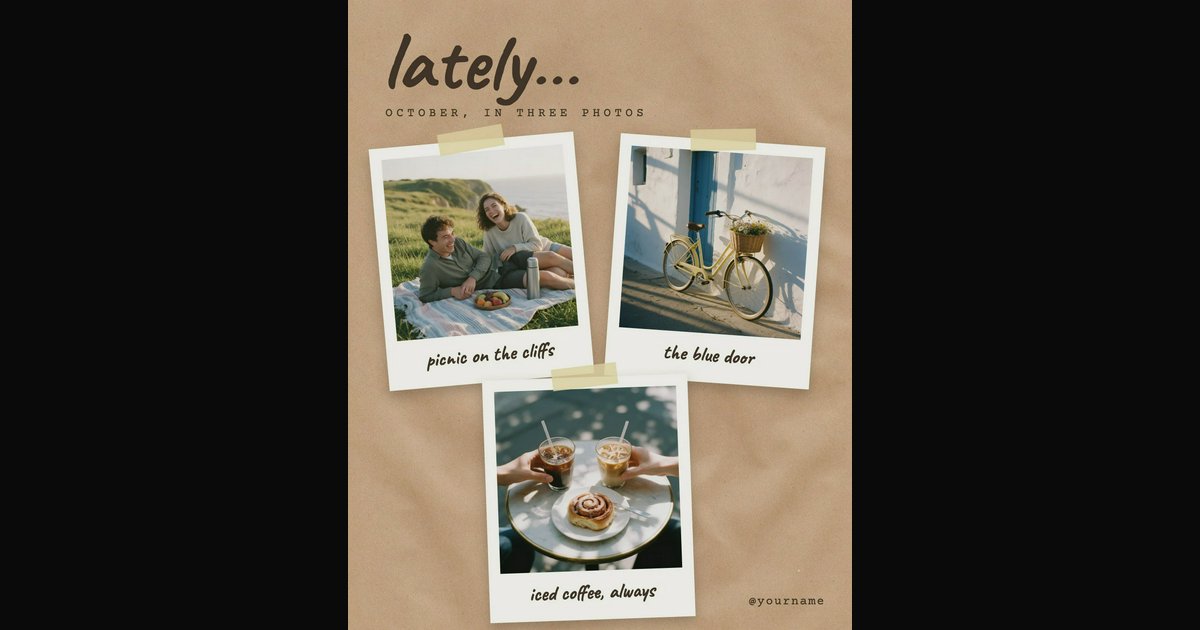
Open your photo in Design Studio, add a line of text, and set its font, size and colour. Text is a layer of its own, so you can move it, restyle it or change the words tomorrow. Or start from a design that already has the type worked out.

In Design Studio, select a line of text and drag Curve: the letters follow an arc, upward or downward, as tight as nearly a full circle. It stays live text, so you can still retype it. Start from a badge, a sticker or a logo that already uses it.
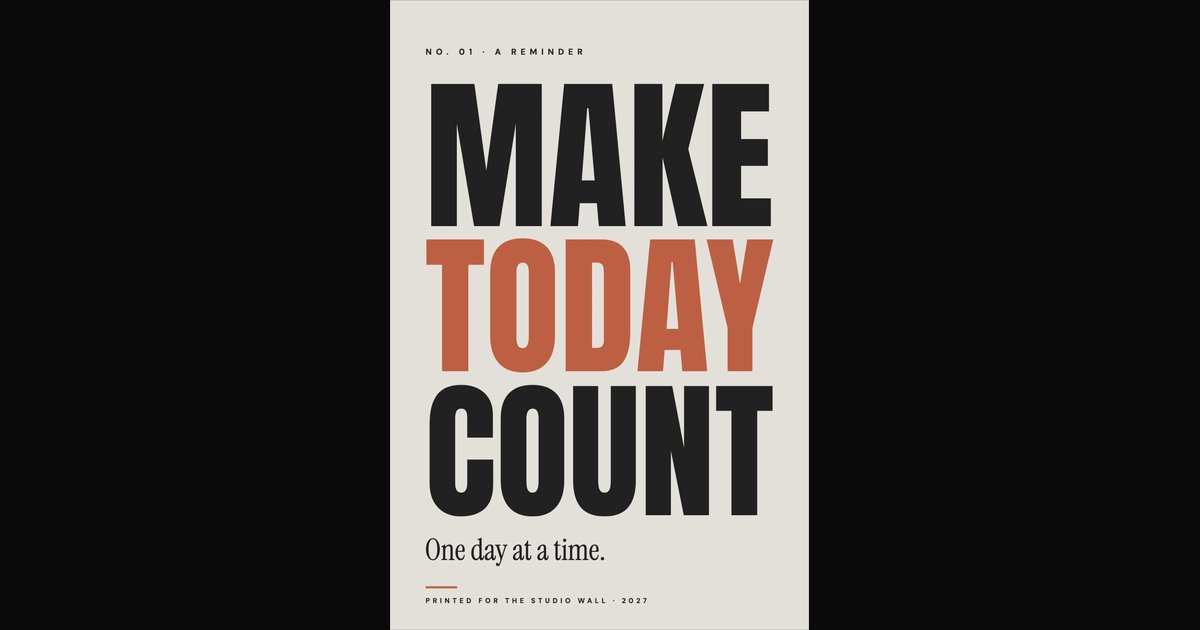
Pick a quote design and type over the sample line. The text is live, so it refits as you write, and you can change the font, the colours and the background, or ask the AI designer to restyle it.
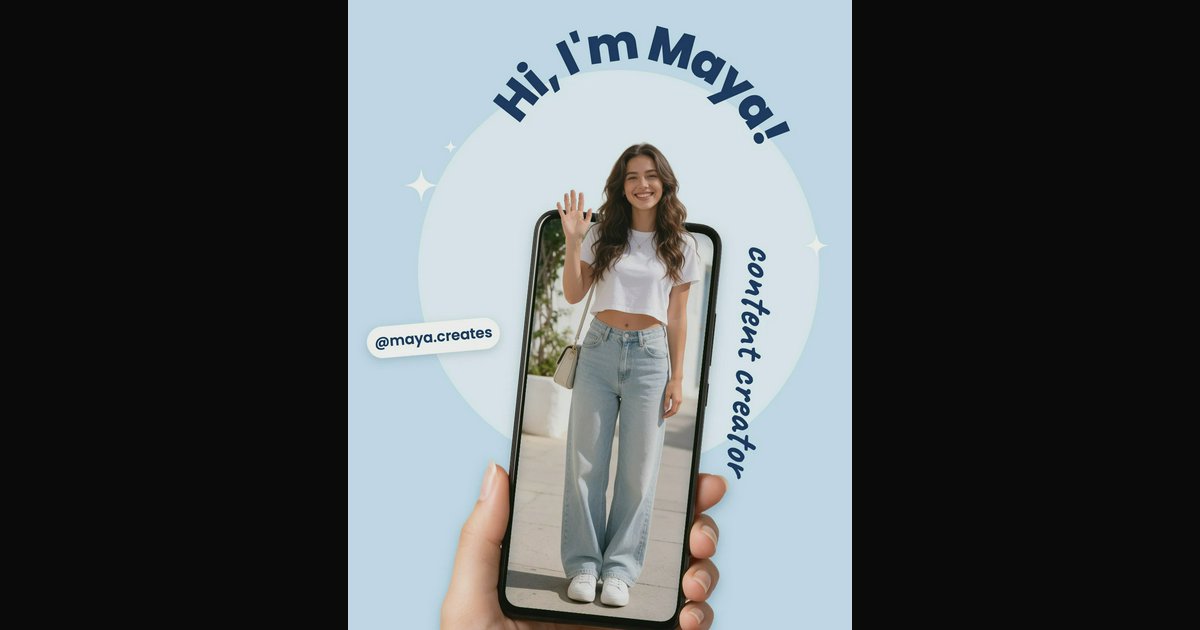
Pick a post for a sale, a launch, a quote, a tip or an announcement. It opens in Design Studio at Instagram's 4:5 size with every word and photo editable, by hand or by asking the AI designer.
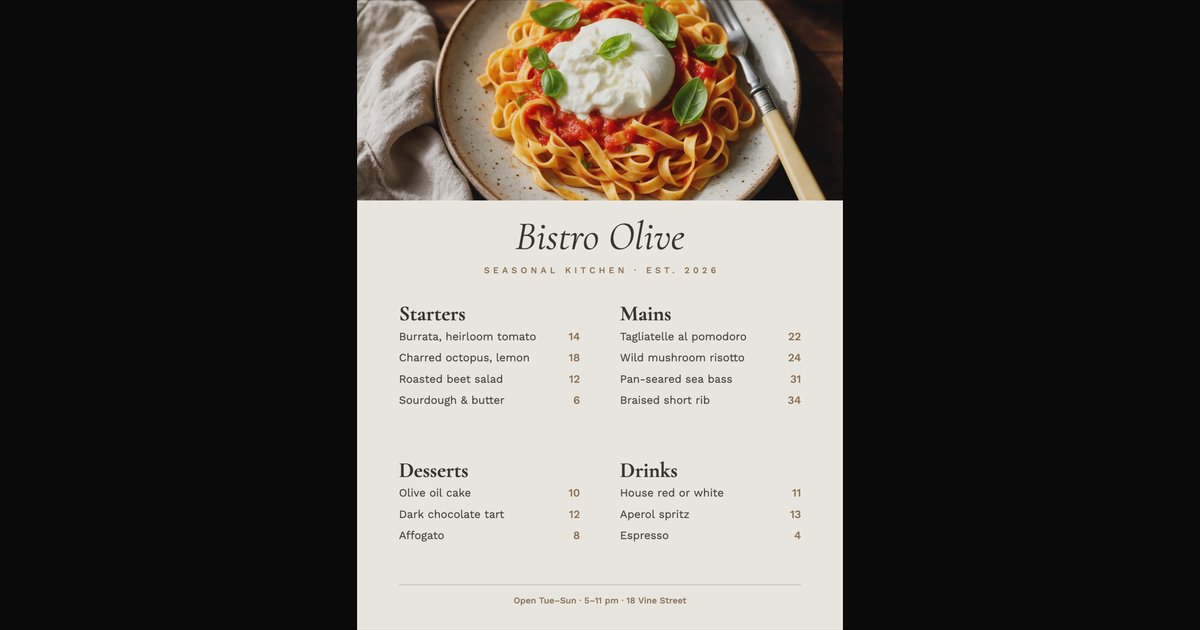
Pick a menu for a restaurant, a café, a bar, a wedding or a holiday dinner. It opens in Design Studio with every dish and price as live text, so today's change is a click and a few keys. The AI designer can put a whole menu in for you.
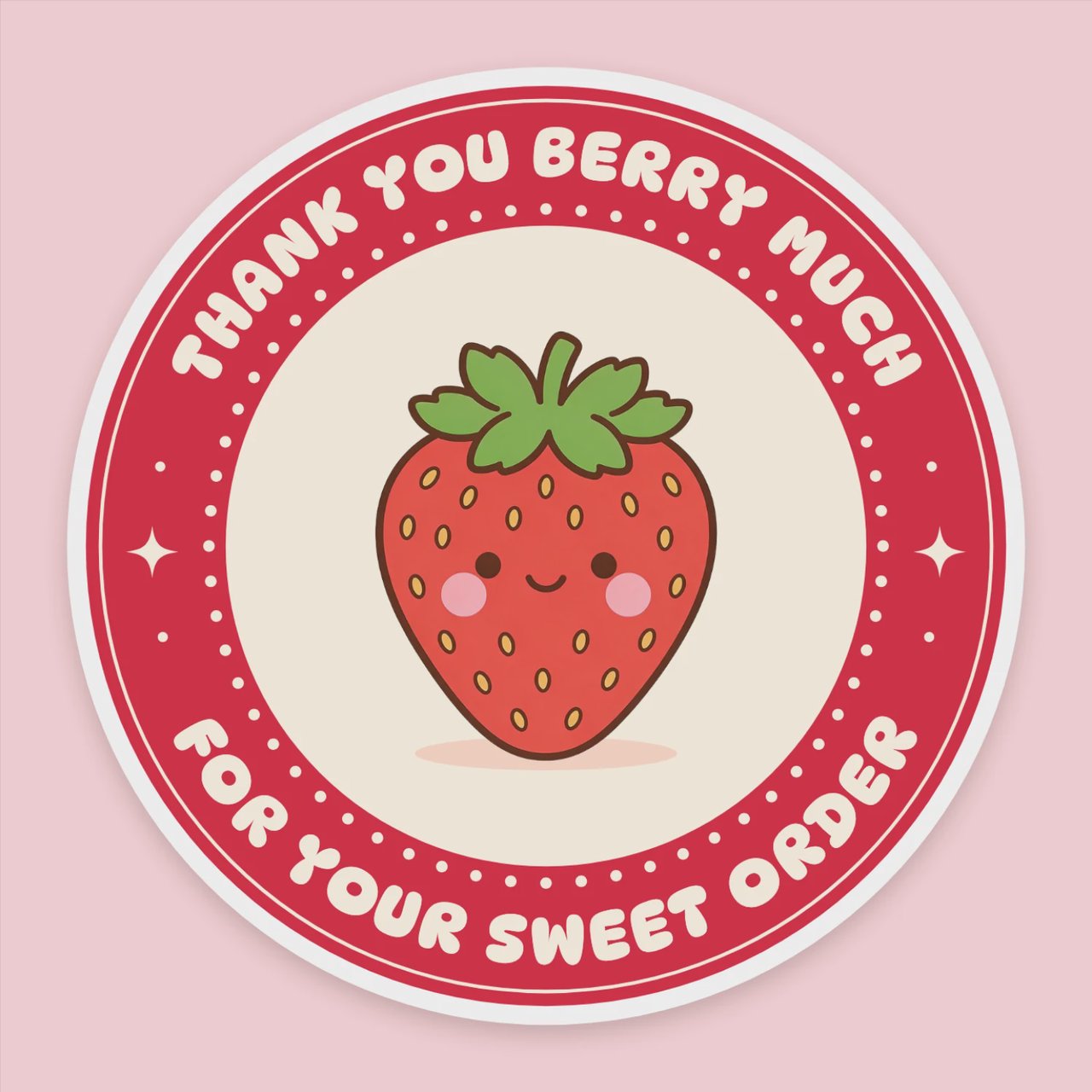
Each sticker opens in Design Studio as a layered design: retype the words, recolour the art, bend the text round the edge, or ask the AI designer to redraw it for your shop or your party. Then download it at print size.
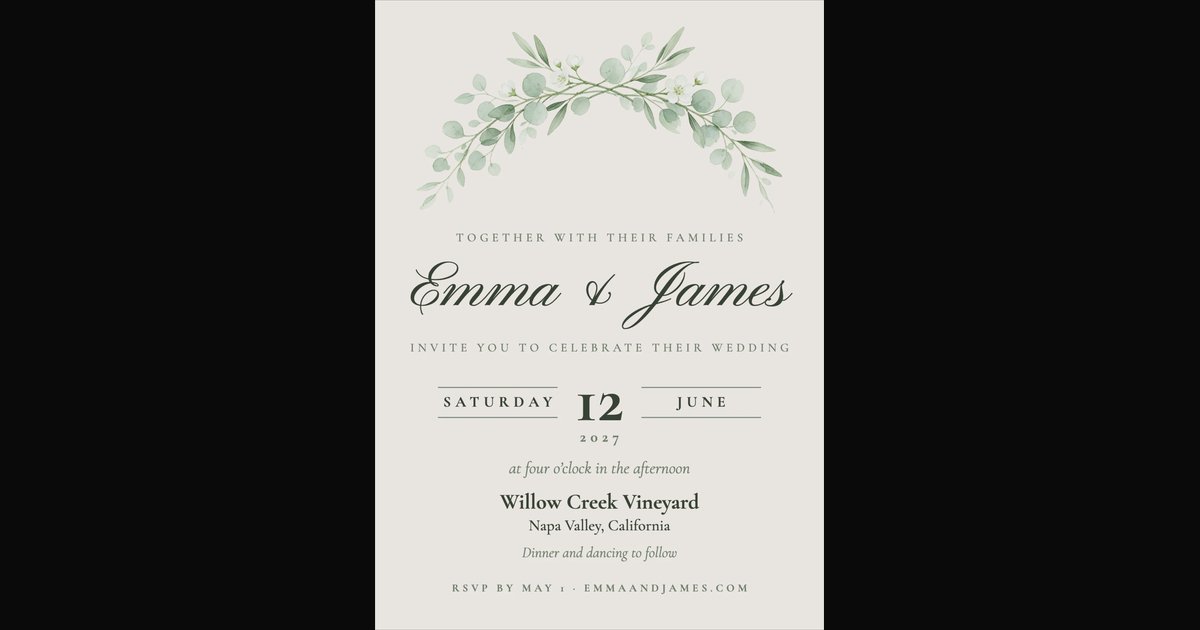
Each invitation opens in Design Studio with real layers. Put in the names, the date and the place, change the colours to match, and print it at 5×7 inches or send it as a picture. The AI designer can do the edits if you tell it the details.
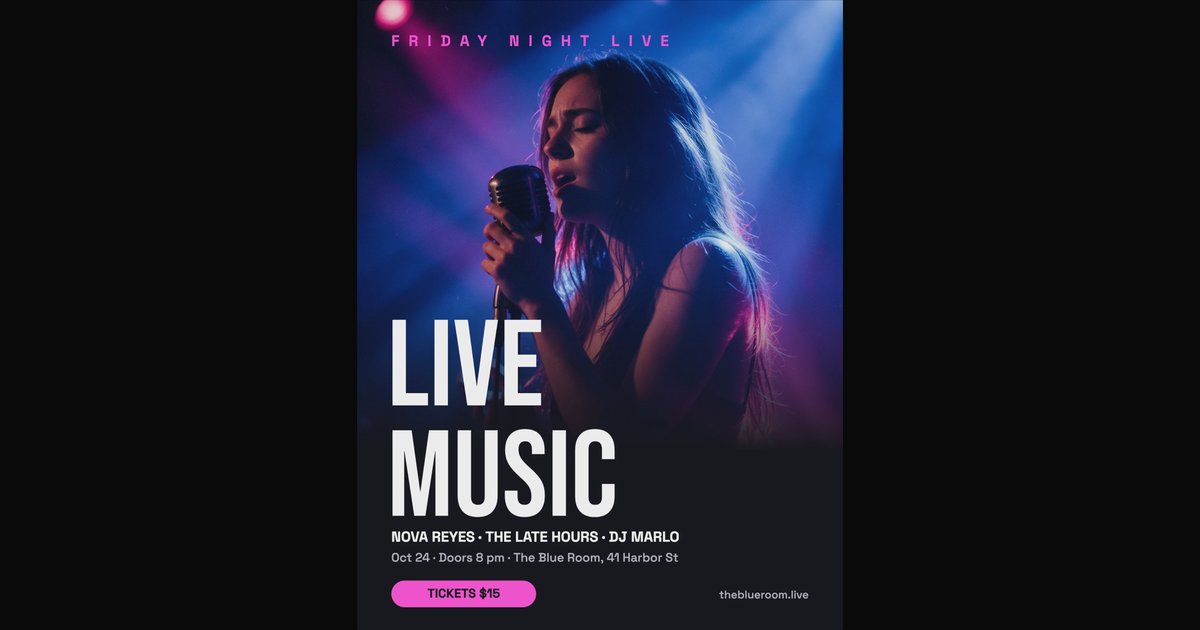
Pick a flyer for an event, a sale, an opening or a class. It opens in Design Studio with real layers, so the date, the address and the photo change in seconds, by hand or by asking the AI designer.
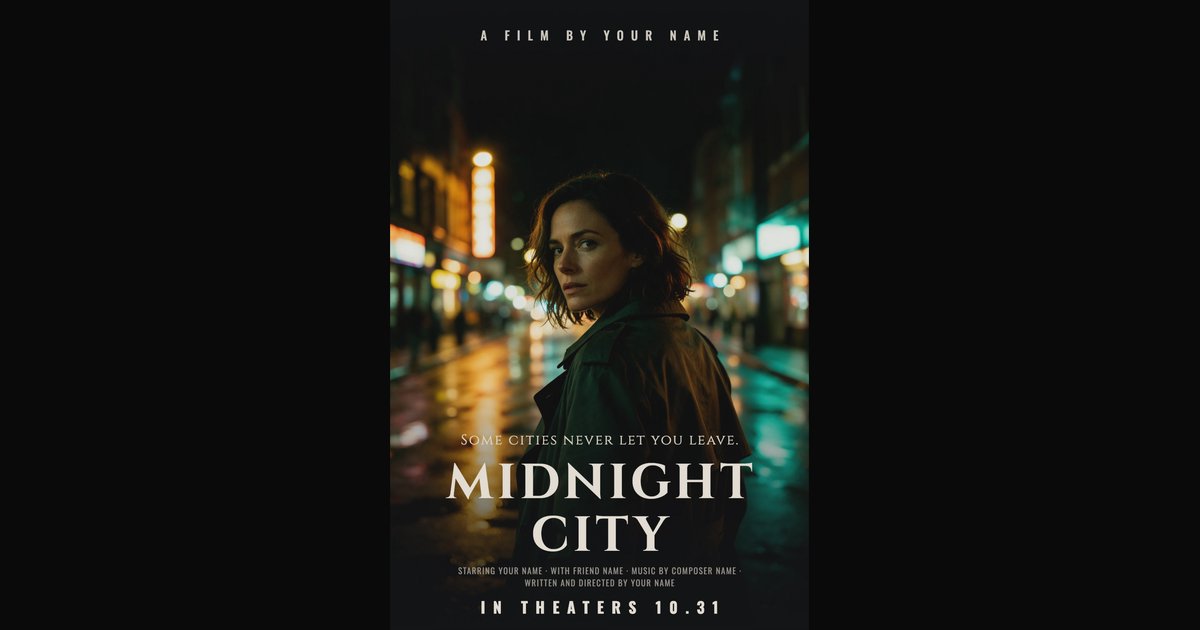
Every template opens in Design Studio with real layers: text you can retype, photos you can replace, colours you can change. Do it by hand, or tell the AI designer what you want and it edits the design for you.
AI video tools
Open the video workshop →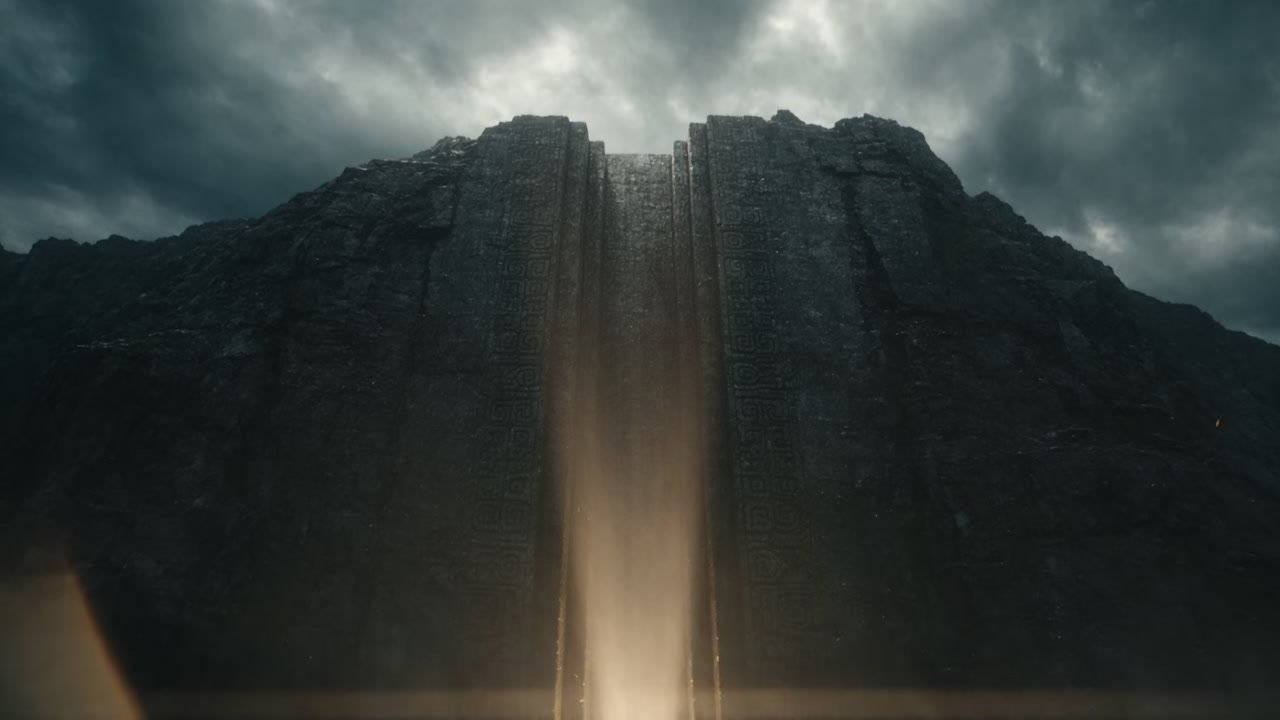
A trailer is a sequence of promises: the world, the character, the threat, the title. Generate each beat as its own shot, hold the look across all of them, and cut them together.
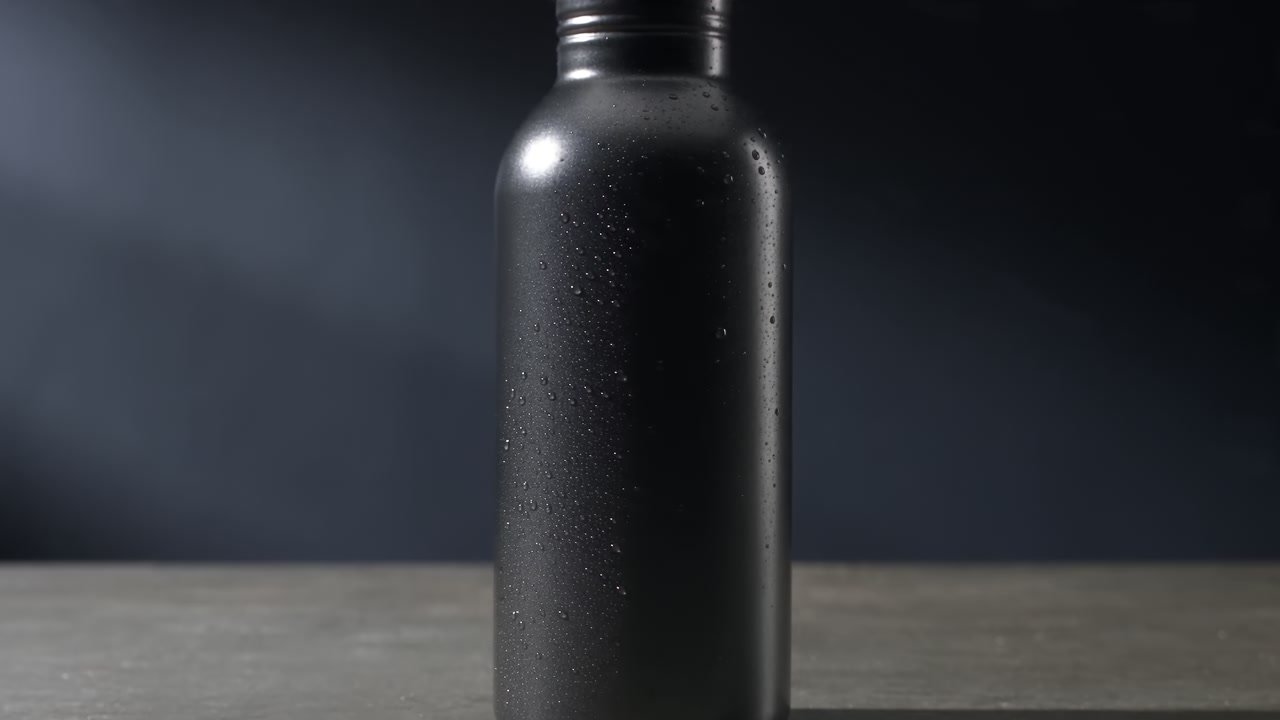
A product shoot costs a day and covers one product. Describe the product, the surface and the light, and generate the hero shot, the lifestyle scene and the vertical cutdown from the same brief.
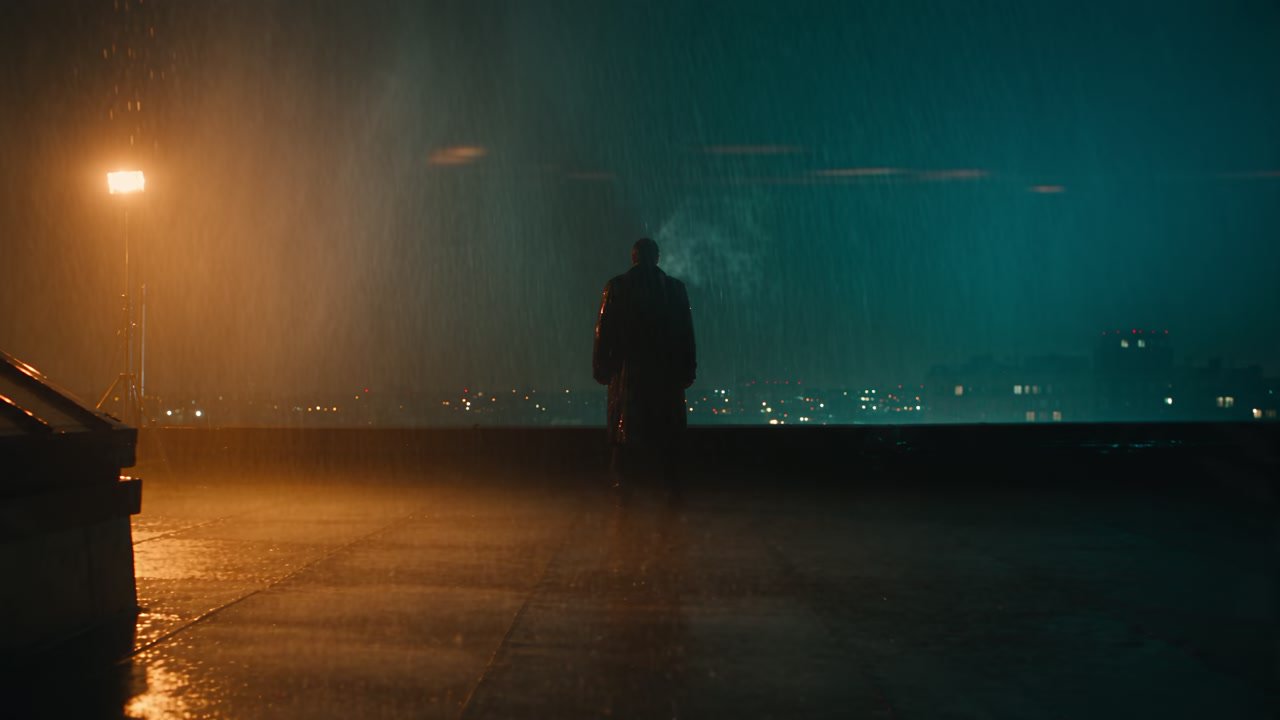
Most AI video looks flat because the prompt describes a subject and forgets the camera. Name the shot, the lens, the move and the light, and the model gives you something that reads as filmed rather than rendered.
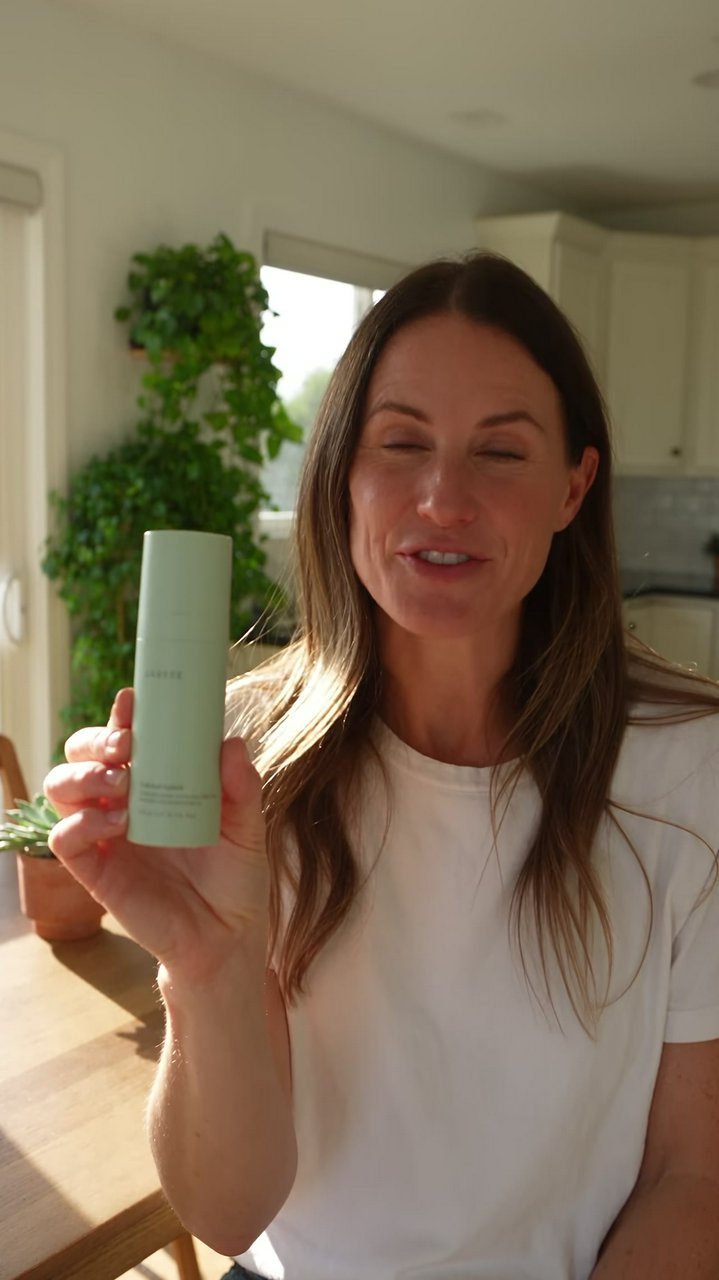
Describe the person, the room and the line they say. Get a vertical, lip-synced, UGC-style ad you can put straight into a test - then generate ten more hooks and let the platform pick the winner.
Pick a deck for a pitch, a portfolio, a proposal, a report or a school project. All its slides open together in Design Studio, side by side and each one editable: retype the titles, replace the photos, change the colours, or ask the AI designer to put your content in.
Pick a profile picture: your photo in a glowing ring, initials in a circle, a cat, a fox or a gamer tag. It opens in Design Studio with the photo, the name and the colours all yours to change, and everything that matters kept inside the circle every network crops to.
Pick a banner for a gaming, music, cooking, vlog or tech channel. It opens in Design Studio at 2560×1440 pixels, with the name and the upload days inside the strip YouTube shows on phones, so nothing important is cut off. Change the words and the photo, or ask the AI designer.
Pick a card that suits your work: a consultant, a realtor, a salon, a contractor, a photographer. It opens in Design Studio with every line as live text, so your name, title, phone and email go in by typing, and your logo or photo goes where the sample is.
Pick a badge, a monogram, a script wordmark or an emblem for a café, a shop, a studio or a channel. It opens in Design Studio built from live text and shapes, so the name, the tagline and the colours change in seconds, by hand or by asking the AI designer.
Most AI tools hand back one flat picture. The AI designer in Design Studio works on a canvas: it lays out text, pictures and shapes as separate layers, from your description or from a template, so the result is a design you can keep editing.
Open your photo in Design Studio, add a line of text, and set its font, size and colour. Text is a layer of its own, so you can move it, restyle it or change the words tomorrow. Or start from a design that already has the type worked out.
In Design Studio, select a line of text and drag Curve: the letters follow an arc, upward or downward, as tight as nearly a full circle. It stays live text, so you can still retype it. Start from a badge, a sticker or a logo that already uses it.
Pick a quote design and type over the sample line. The text is live, so it refits as you write, and you can change the font, the colours and the background, or ask the AI designer to restyle it.
Pick a post for a sale, a launch, a quote, a tip or an announcement. It opens in Design Studio at Instagram's 4:5 size with every word and photo editable, by hand or by asking the AI designer.
Pick a menu for a restaurant, a café, a bar, a wedding or a holiday dinner. It opens in Design Studio with every dish and price as live text, so today's change is a click and a few keys. The AI designer can put a whole menu in for you.
Each sticker opens in Design Studio as a layered design: retype the words, recolour the art, bend the text round the edge, or ask the AI designer to redraw it for your shop or your party. Then download it at print size.
Each invitation opens in Design Studio with real layers. Put in the names, the date and the place, change the colours to match, and print it at 5×7 inches or send it as a picture. The AI designer can do the edits if you tell it the details.
Pick a flyer for an event, a sale, an opening or a class. It opens in Design Studio with real layers, so the date, the address and the photo change in seconds, by hand or by asking the AI designer.
Every template opens in Design Studio with real layers: text you can retype, photos you can replace, colours you can change. Do it by hand, or tell the AI designer what you want and it edits the design for you.
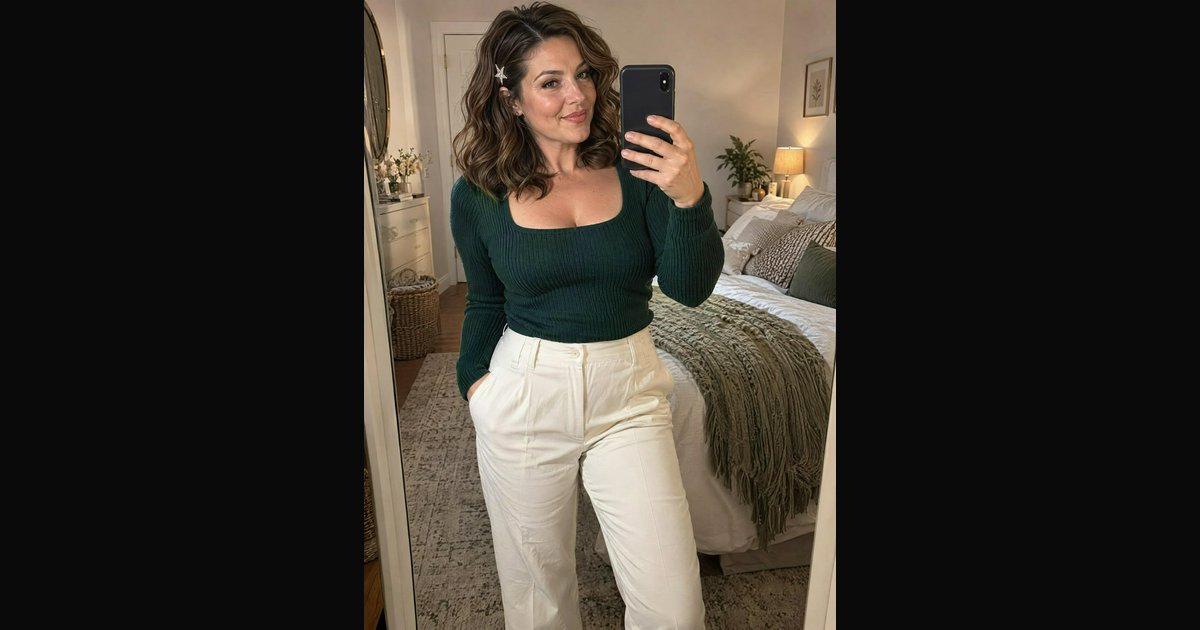
BudgetPixel helps creators build consistent characters and generate glamorous photos, outfit try-ons and short videos. For OnlyFans, AI content must clearly feature the verified creator and be captioned as AI; fully fictional influencers belong on platforms that allow AI creators. BudgetPixel is not affiliated with OnlyFans.
A trailer is a sequence of promises: the world, the character, the threat, the title. Generate each beat as its own shot, hold the look across all of them, and cut them together.
A product shoot costs a day and covers one product. Describe the product, the surface and the light, and generate the hero shot, the lifestyle scene and the vertical cutdown from the same brief.
Most AI video looks flat because the prompt describes a subject and forgets the camera. Name the shot, the lens, the move and the light, and the model gives you something that reads as filmed rather than rendered.
Describe the person, the room and the line they say. Get a vertical, lip-synced, UGC-style ad you can put straight into a test - then generate ten more hooks and let the platform pick the winner.
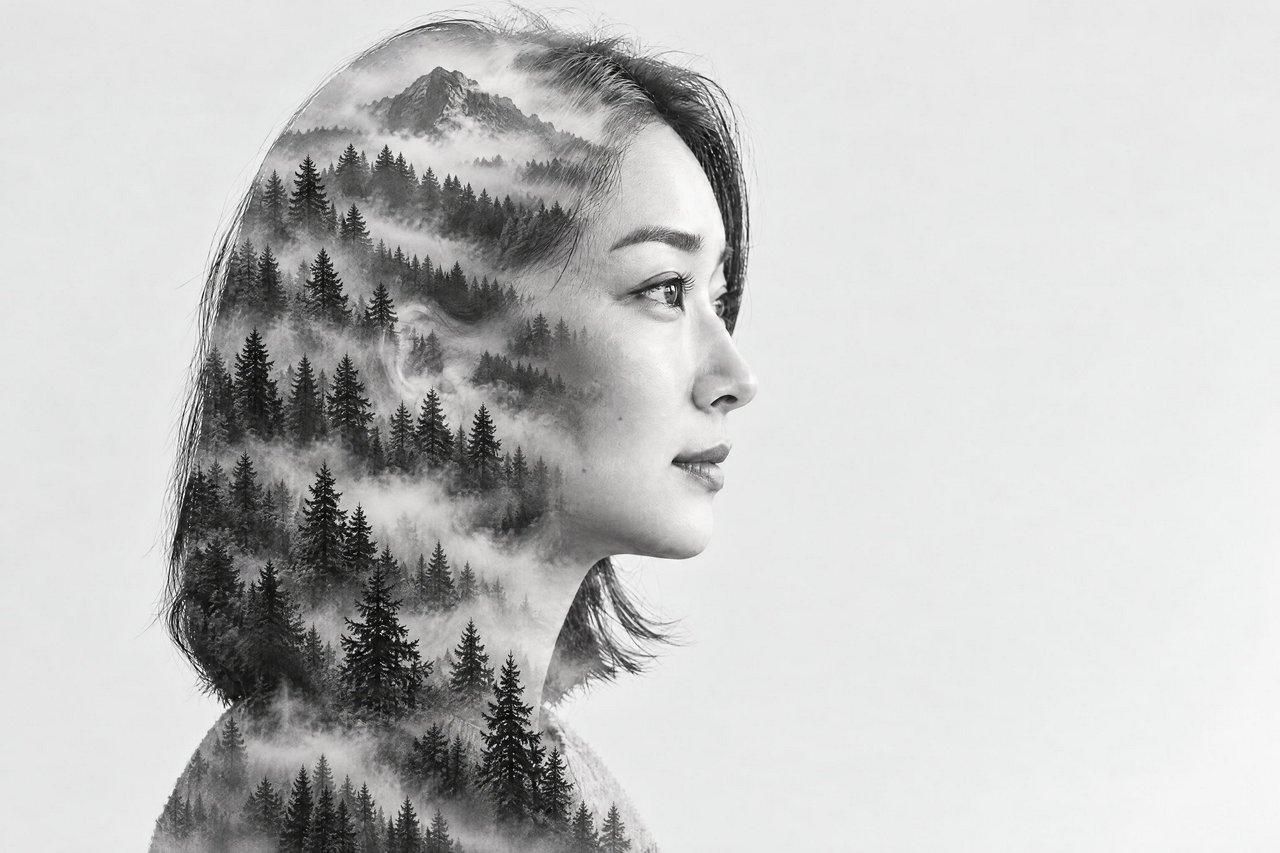
Turn a portrait into a gallery-quality double exposure while keeping the face and silhouette identifiable. Use a reference image or describe a second layer such as a misty forest, skyline, ocean, or nebula.
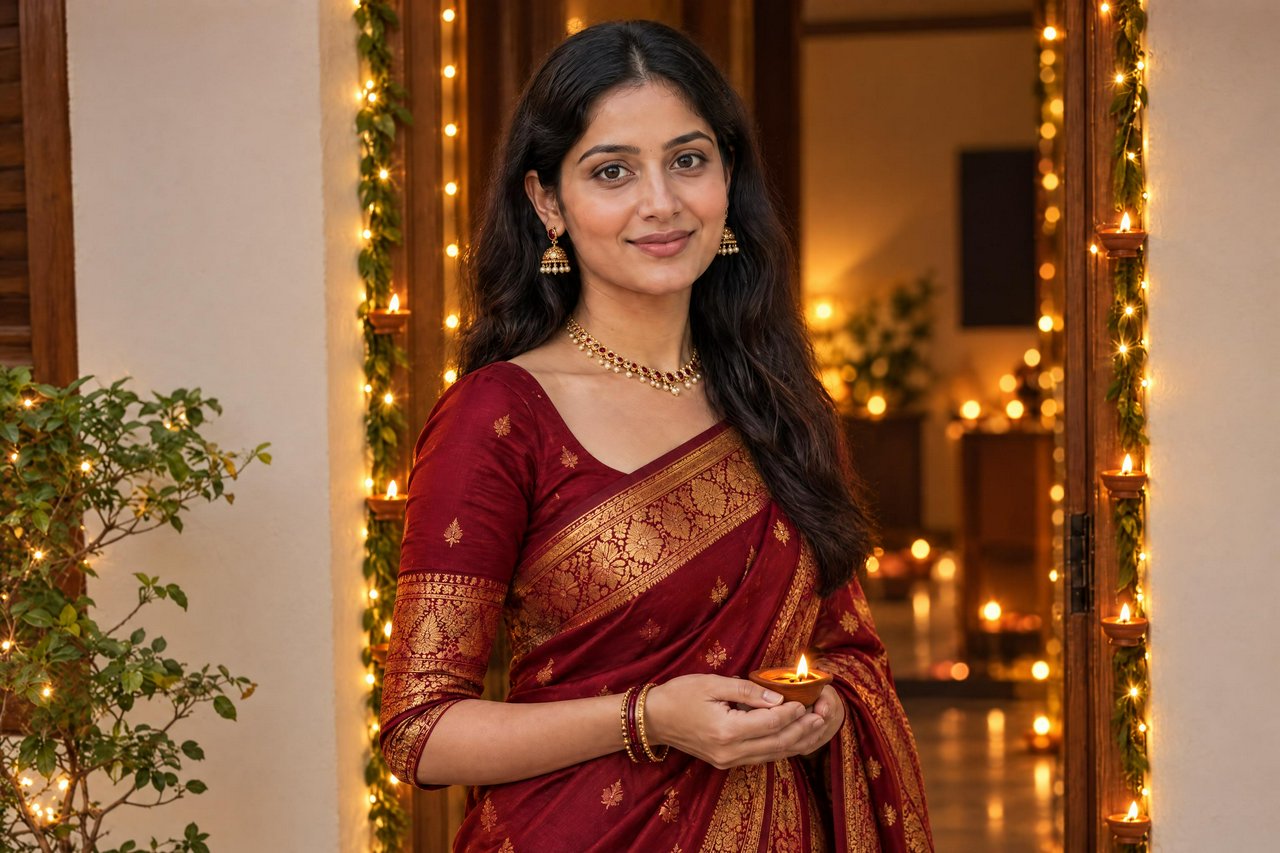
Create a festive Diwali photo with traditional attire, glowing diyas, marigolds and warm seasonal lighting. Our AI keeps your face, skin tone, age and identity identical while changing only your wardrobe, setting and light.
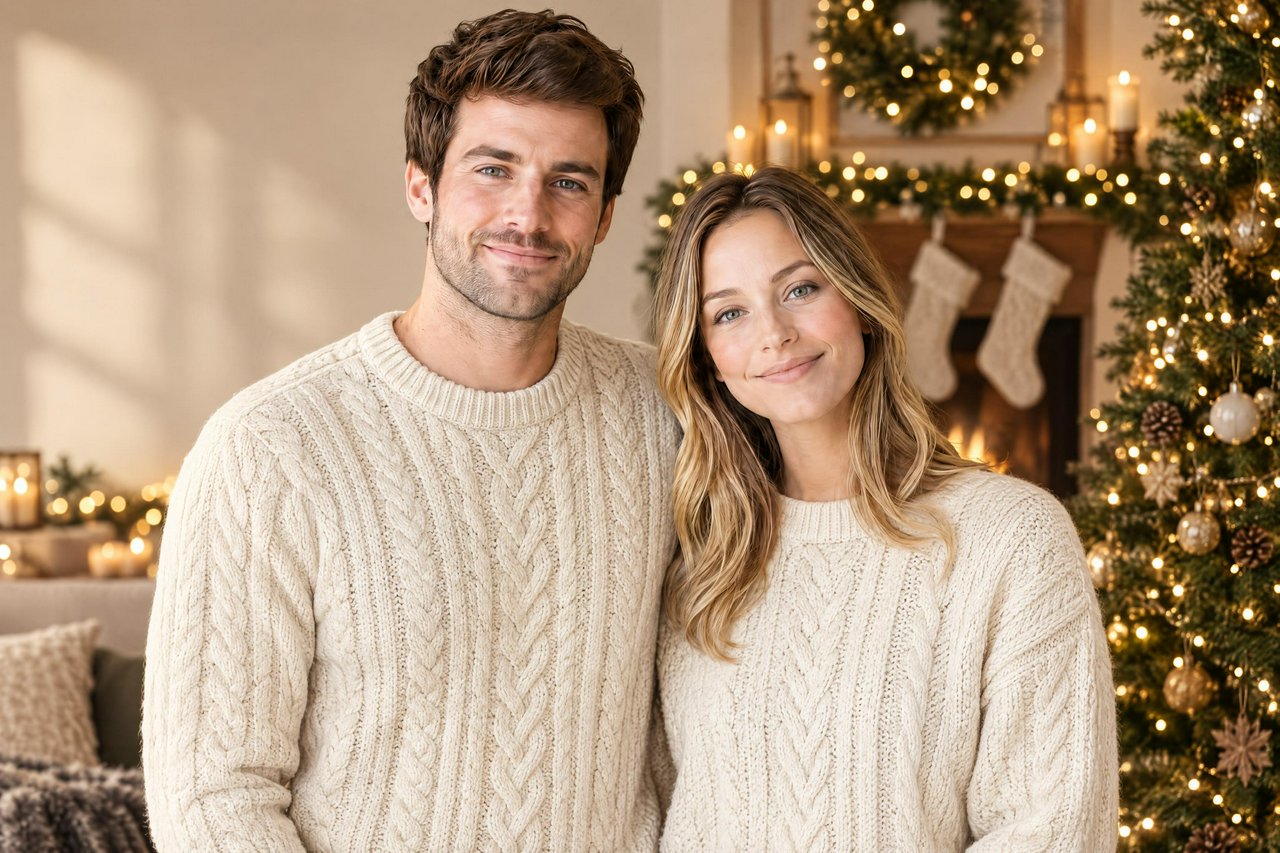
Transform solo, couple, family and pet photos with festive wardrobe, seasonal settings and warm lighting. Faces, skin tones, ages and identities remain unchanged, with clean space available for adding your greeting later.
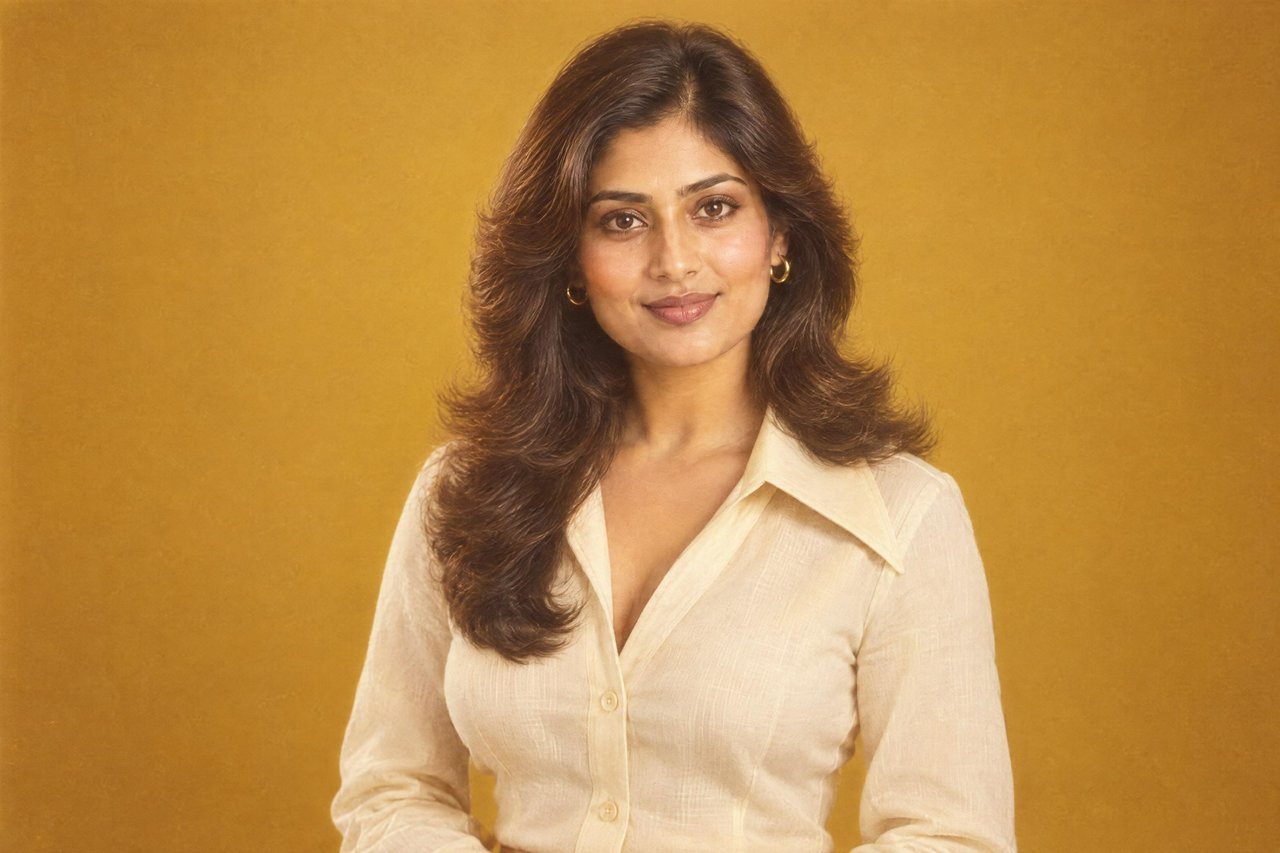
Turn a current photo into a photographic 1970s portrait with period hair, clothing, settings and warm, faded film character. Your face, skin tone, age and identity stay the same while the era changes around you.
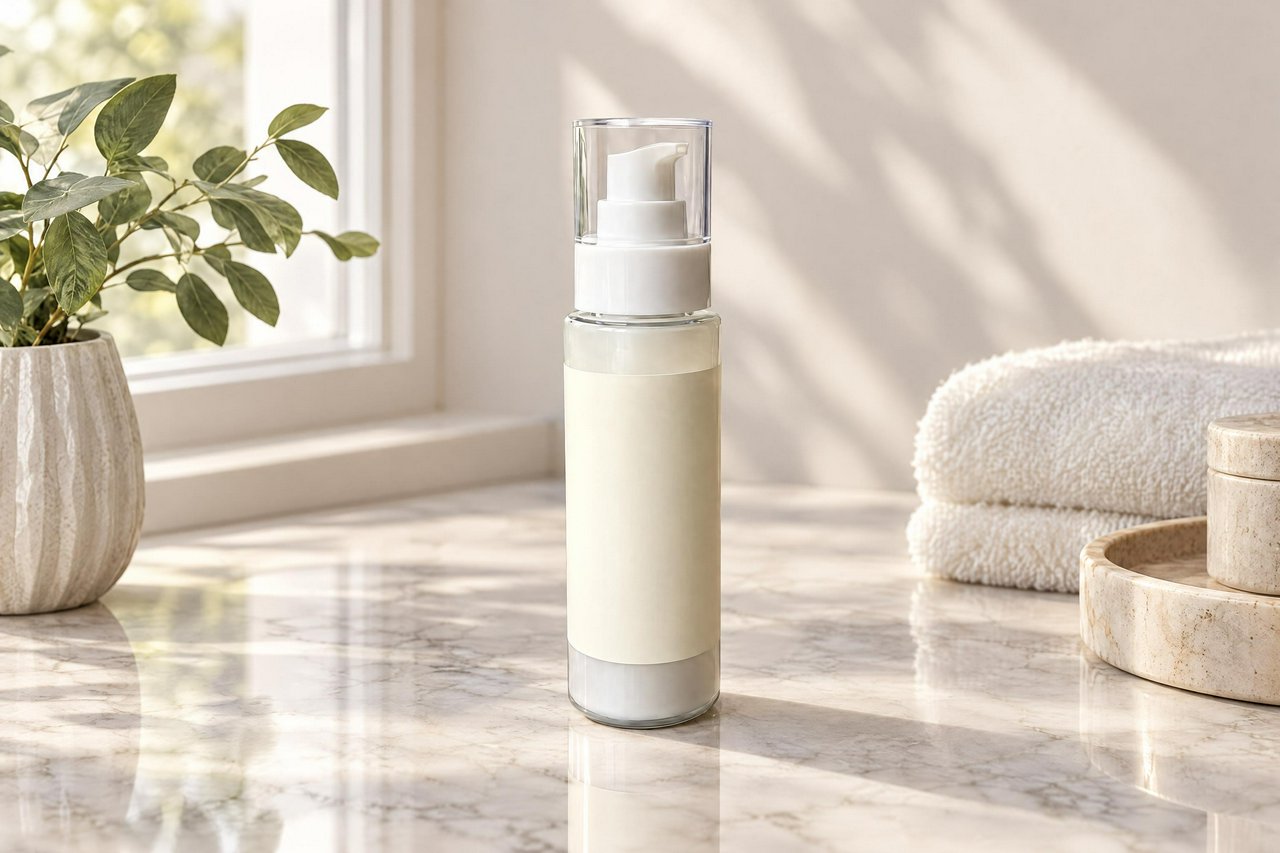
Upload a product photo and replace the original setting with a commercial scene. Create clean packshots or styled lifestyle images while keeping the product's shape, label area, colours and proportions unchanged.
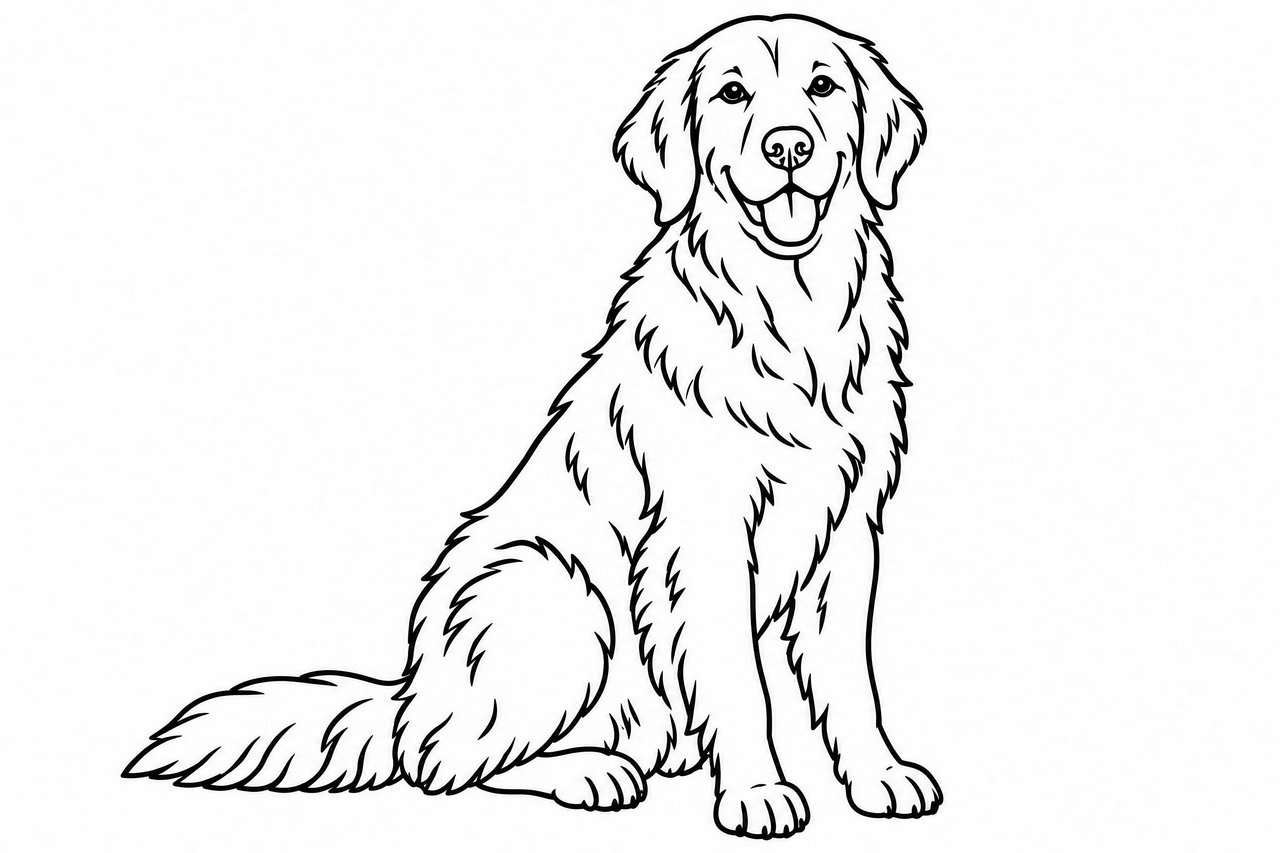
Convert pets, plants, landscapes, vehicles, food, and fantasy ideas into pure black-and-white line art. Get clear, even outlines with simplified shapes and generous white space for coloring.
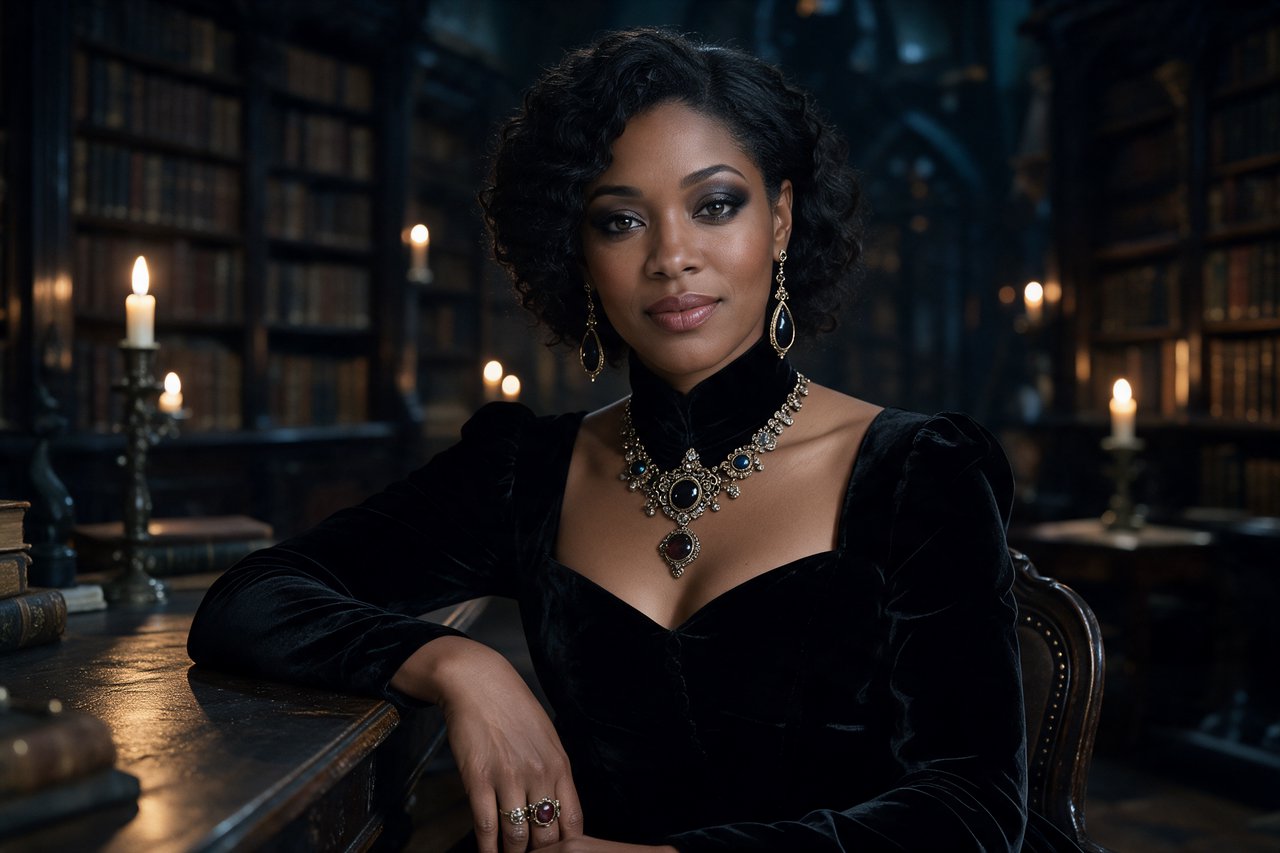
Upload a photo and create a photographic Halloween portrait with new clothing, makeup, lighting and scenery. Your face, skin tone, age and identity remain the same while the costume transformation takes center stage.
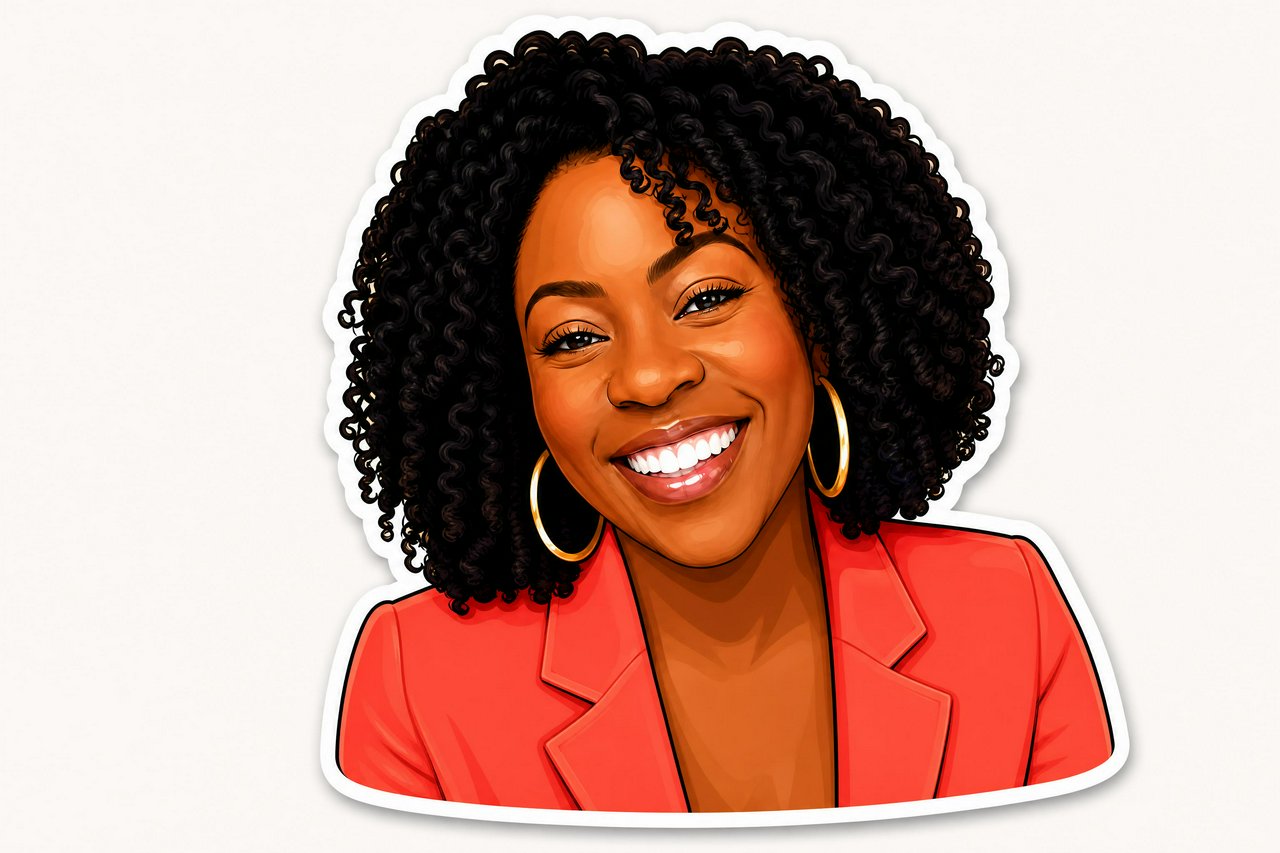
Upload a photo and restyle it as a custom die-cut sticker while keeping the subject recognizable. Create individual designs or a coordinated pack for WhatsApp, Telegram, iMessage, Discord, and more.
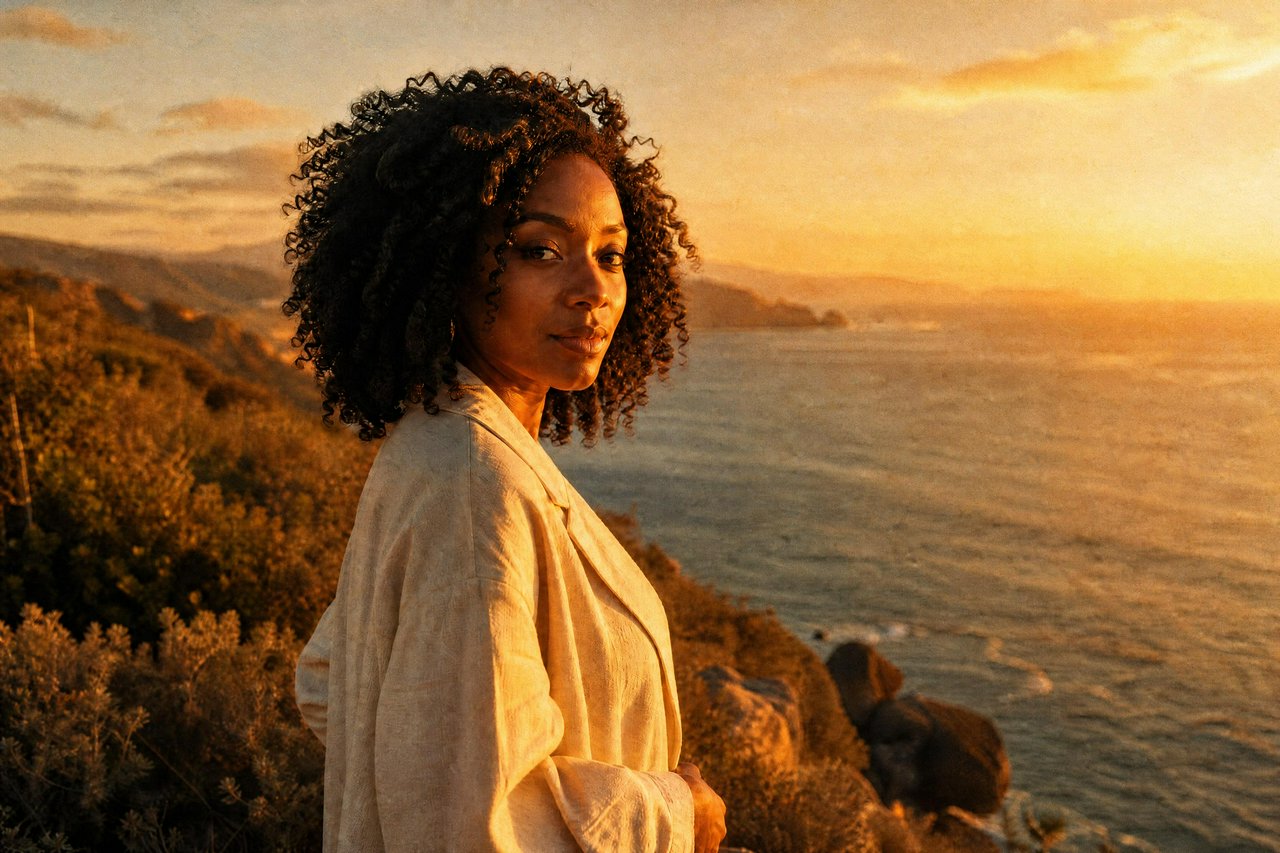
Add visible grain, highlight halation, crushed shadows, color casts, light leaks, and soft lens falloff without changing your subject or scene. Choose anything from warm portrait film to a raw disposable-camera flash look.
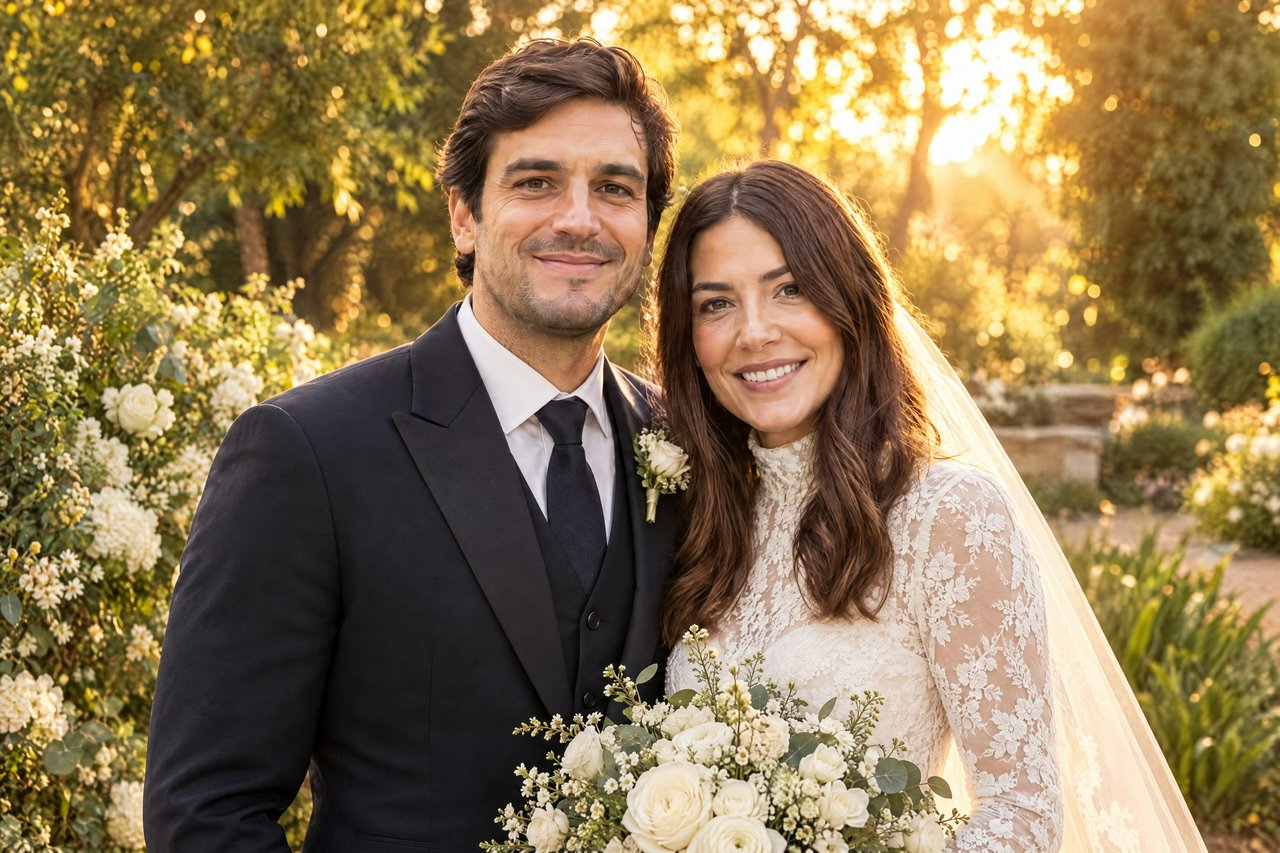
Turn an ordinary couple or solo photo into a wedding-style portrait with new attire, scenery and lighting. Our AI keeps faces, skin tones, ages and identities identical while creating the finished composition.
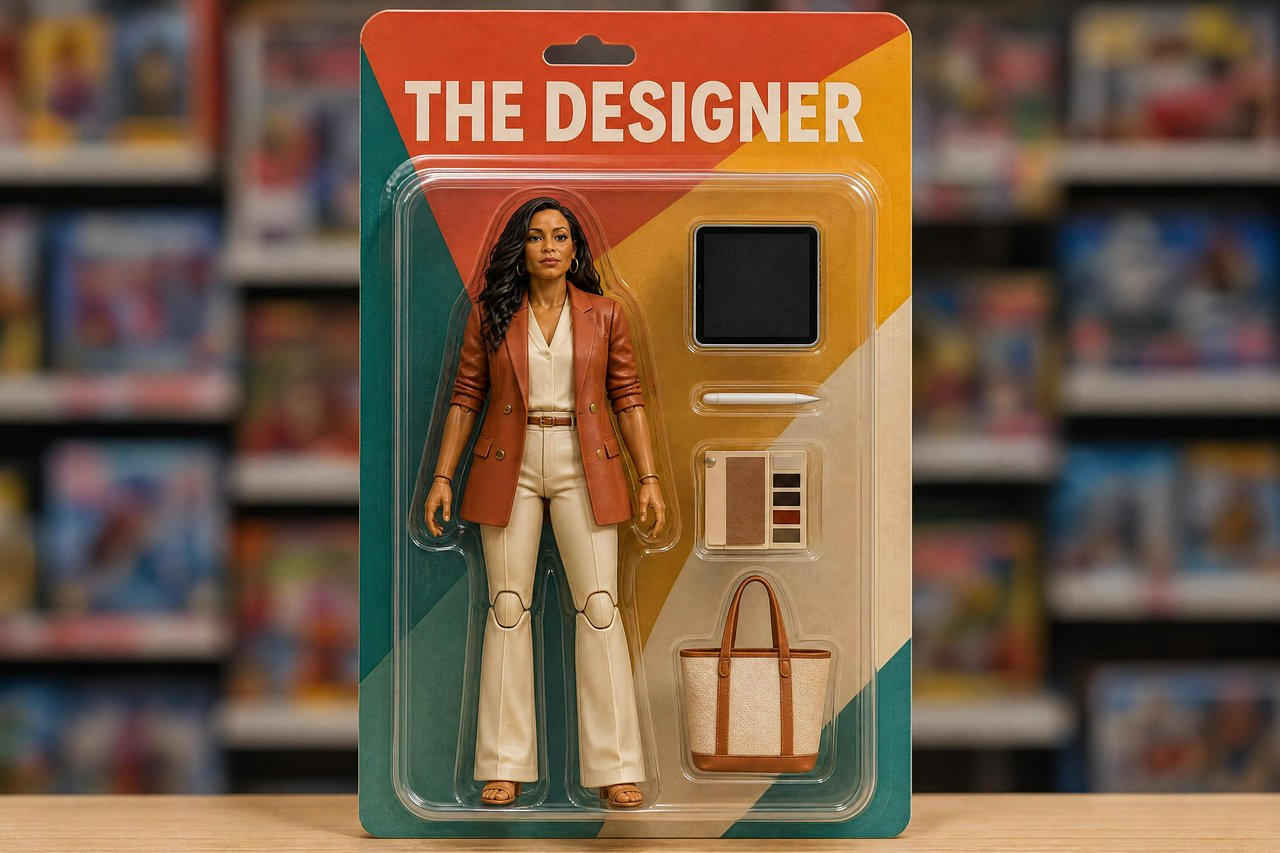
Create a glossy plastic action figure that keeps your face, hairstyle and skin tone recognizable. Place it inside colorful retail blister packaging with miniature accessories inspired by your profession, hobby or personality.
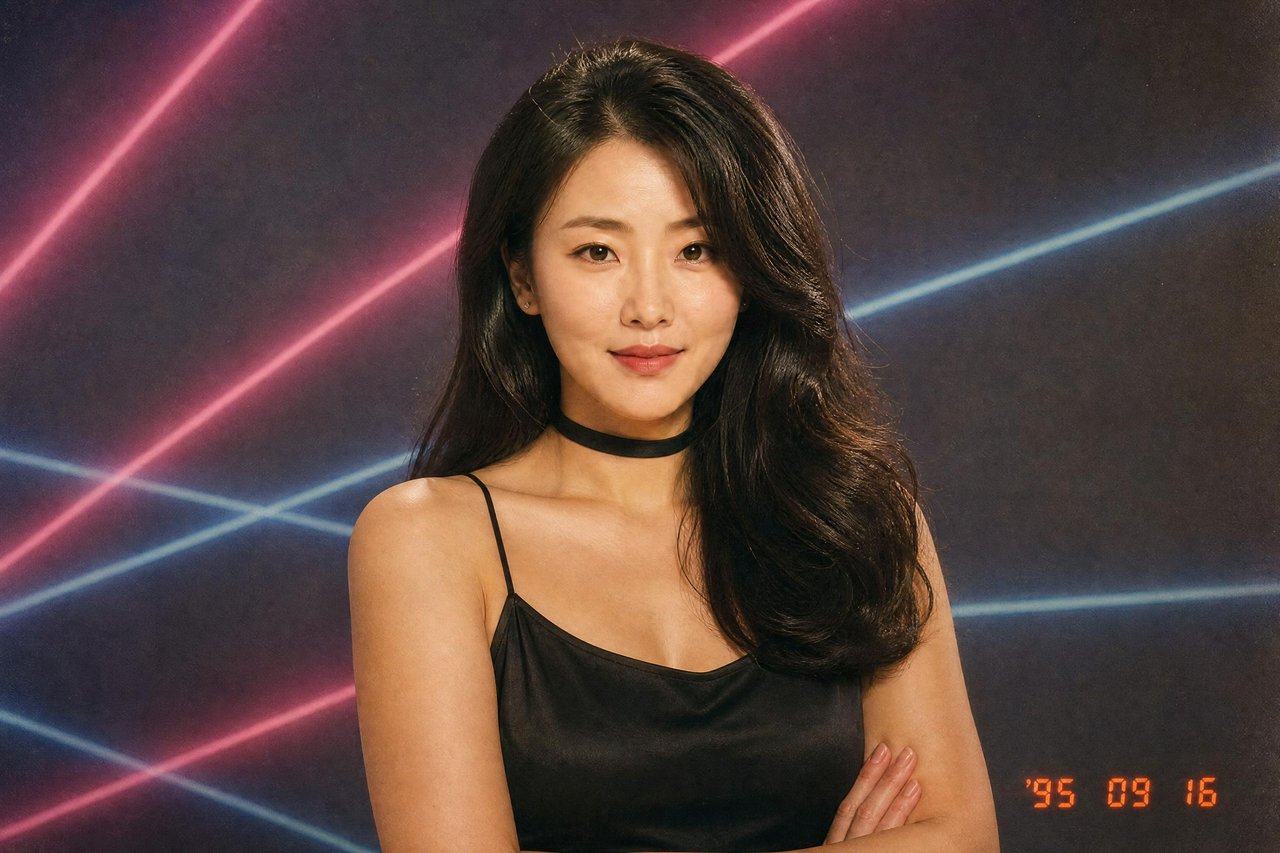
Turn a modern selfie into a believable 1990s photo with era-specific hair, clothing, settings and film texture. Your face, skin tone, age and identity stay the same while the world around you goes fully 90s.
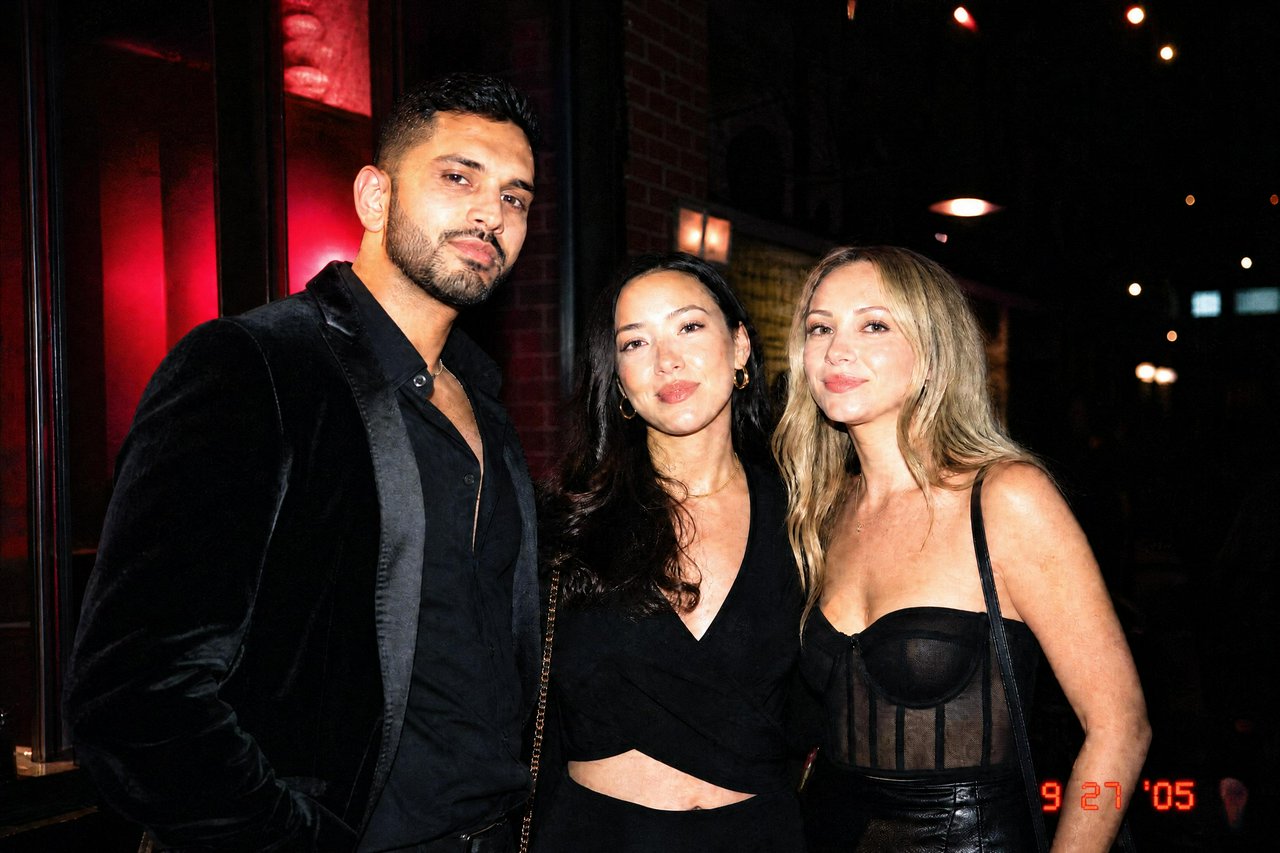
Recreate the imperfect charm of a mid-2000s point-and-shoot camera or flip phone. Our AI keeps the subject, face, age, pose, and scene intact while adding harsh flash, soft detail, JPEG noise, vintage color casts, and an optional date stamp.
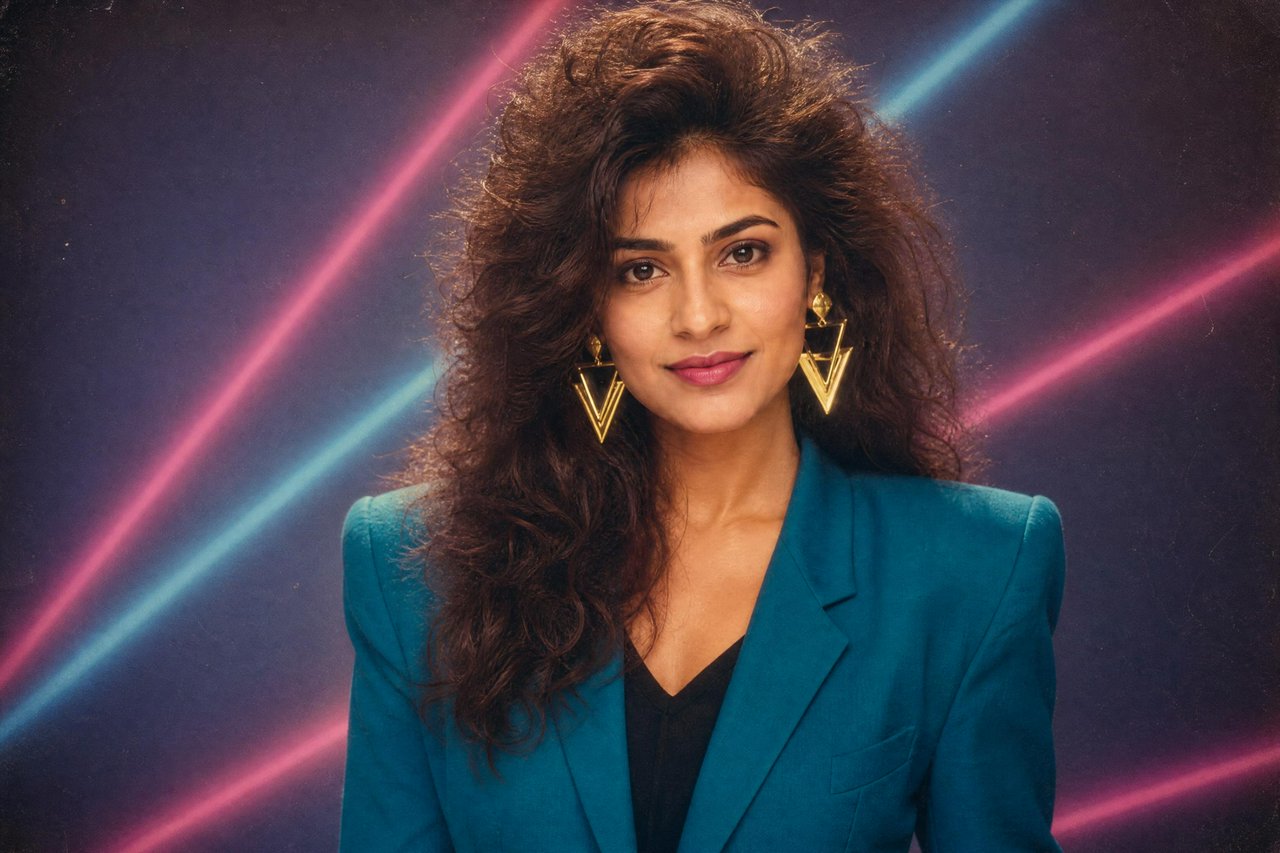
Upload a modern selfie and transform it into a convincing 1980s portrait. Keep your face, skin tone, age and identity while changing the hair, clothing, setting, lighting and film finish.

This AI image editor transforms photos of casual clothes, dresses, loungewear or work outfits into realistic, well-fitted swimwear. Your face, body shape, pose, background and identity all remain exactly as they were. No awkward cutouts, no distorted features, no reshoots required.

Generate a polished avatar for a private AI companion using only a text prompt. Choose the look, personality cues, setting, and art style to create an image that feels personal, friendly, and safe for everyday chats.

Generate elegant fantasy love interests, royal couples, fae suitors, witchy heroines, and storybook portraits in seconds. BudgetPixel helps authors, roleplayers, and romantasy fans turn character ideas into polished visual concepts for covers, moodboards, and campaigns.

Create polished fantasy girlfriend portraits for stories, roleplay profiles, character inspiration, and mood boards. Describe her species, outfit, setting, personality, and art style, then generate a shareable image in seconds.

This text-to-image tool generates polished, stylized adult female character artwork exclusively. No male characters are ever produced. All outputs are tuned for flattering, confident framing suitable for creator projects, personal art references and commercial work.

This text-to-image tool creates stylish adult female anime art directly from your written prompts. Generate confident, expressive characters with custom poses, outfits, lighting and scenes. Built for anime fans, creators and artists who want fast, consistent results.

This tool creates polished, tasteful adult glamour and alluring character artwork from simple text prompts. Designed for creators who want confident, stylish female character art without generic stock results. All outputs are compliant, original, and fully customizable through your prompt.

This tool generates tasteful, stylish glamour art featuring exclusively adult female characters. Perfect for personal projects, concept reference, and creative inspiration. All outputs follow respectful, safe artistic guidelines.

This text-to-image tool builds custom artwork for adult roleplay narratives. Generate tasteful, original characters and settings perfectly matched to your story prompts. Built for roleplayers, writers and creative communities who want consistent, custom art without stock limits. All output adheres to safe, consensual content guidelines.

This AI tool enhances body curves while preserving every other detail of your photo. Keep your face, hair, outfit, pose and identity completely unchanged, while creating a balanced, confident hourglass silhouette. No awkward distortions, no obvious edited look.

This tool generates beautiful, tasteful intimate adult female portraits from any text prompt. No reference photos are required. Built for creators, artists, and anyone wanting soft, confident personal art that matches exactly what you imagine. All outputs follow safe, respectful framing guidelines.

This tool generates polished, tasteful sultry feminine portraits directly from your text description. No reference photos required. Designed for creators, designers, and anyone wanting beautiful, confident character art.

This tool generates high quality, stylish portraits for your virtual girlfriend chat characters. Describe appearance, mood, outfit and setting to get exactly the look you want for chat profiles, roleplay and personal use. No drawing skills required.

This tool generates high quality mature female anime character art directly from your text prompt. No male characters will ever appear in results. Built for game developers, writers, fan creators and artists who want consistent, properly styled adult character designs.

This tool generates polished, natural portraits of your ideal romantic AI companion from any text description. No drawing skills required. Perfect for personal use, character references, or creative projects.

This AI tool converts your ordinary photos into high quality spicy anime illustrations. Keep your face, pose and proportions intact while applying that polished, modern anime style. No drawing skills required, results ready in seconds.
Don't see what you need?
Every studio in one platform — drop into any of them with 300 free credits/month.
Building on BudgetPixel?