Photo to Emoji Converter
Turn portraits into bold, readable emoji-style images in seconds.
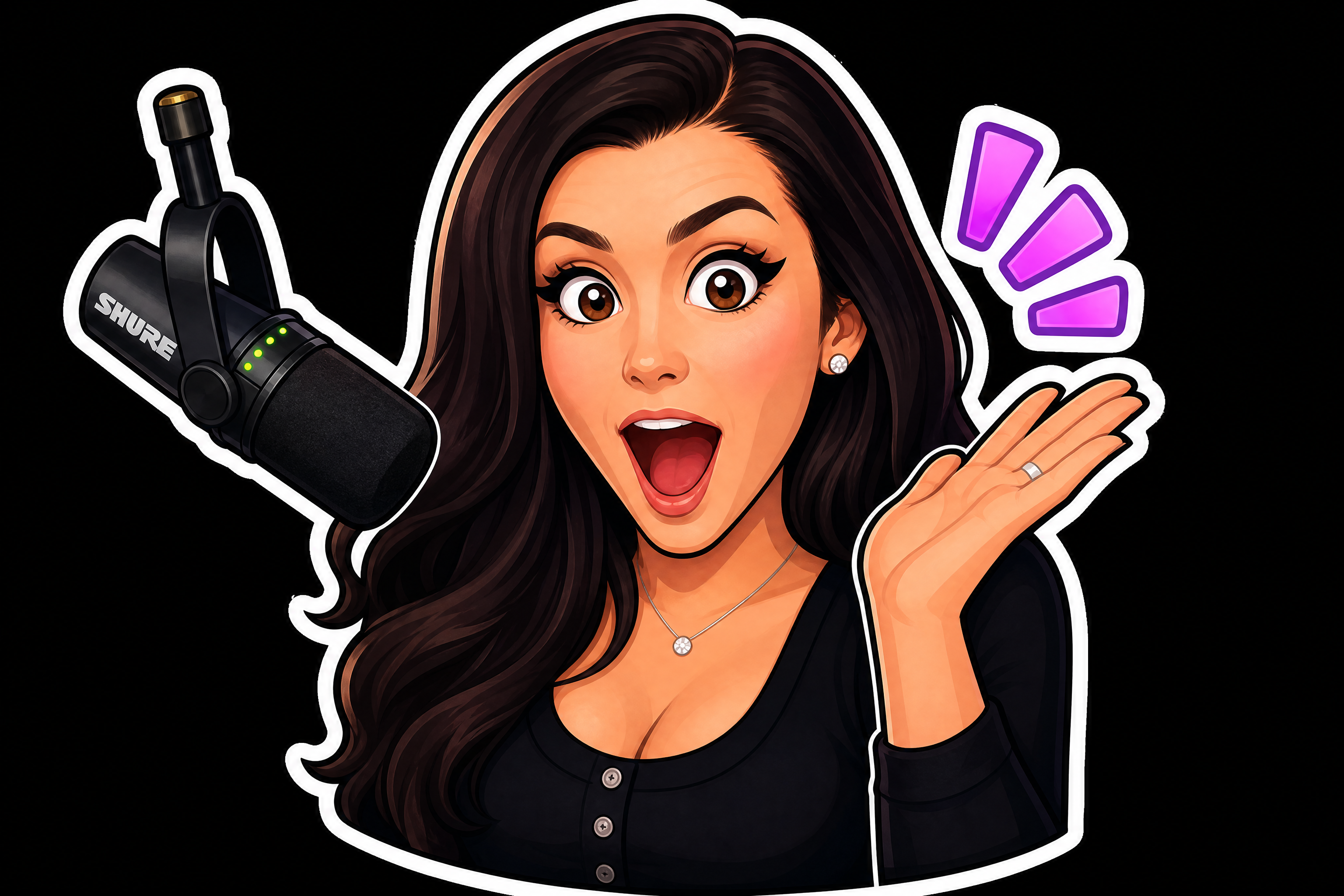
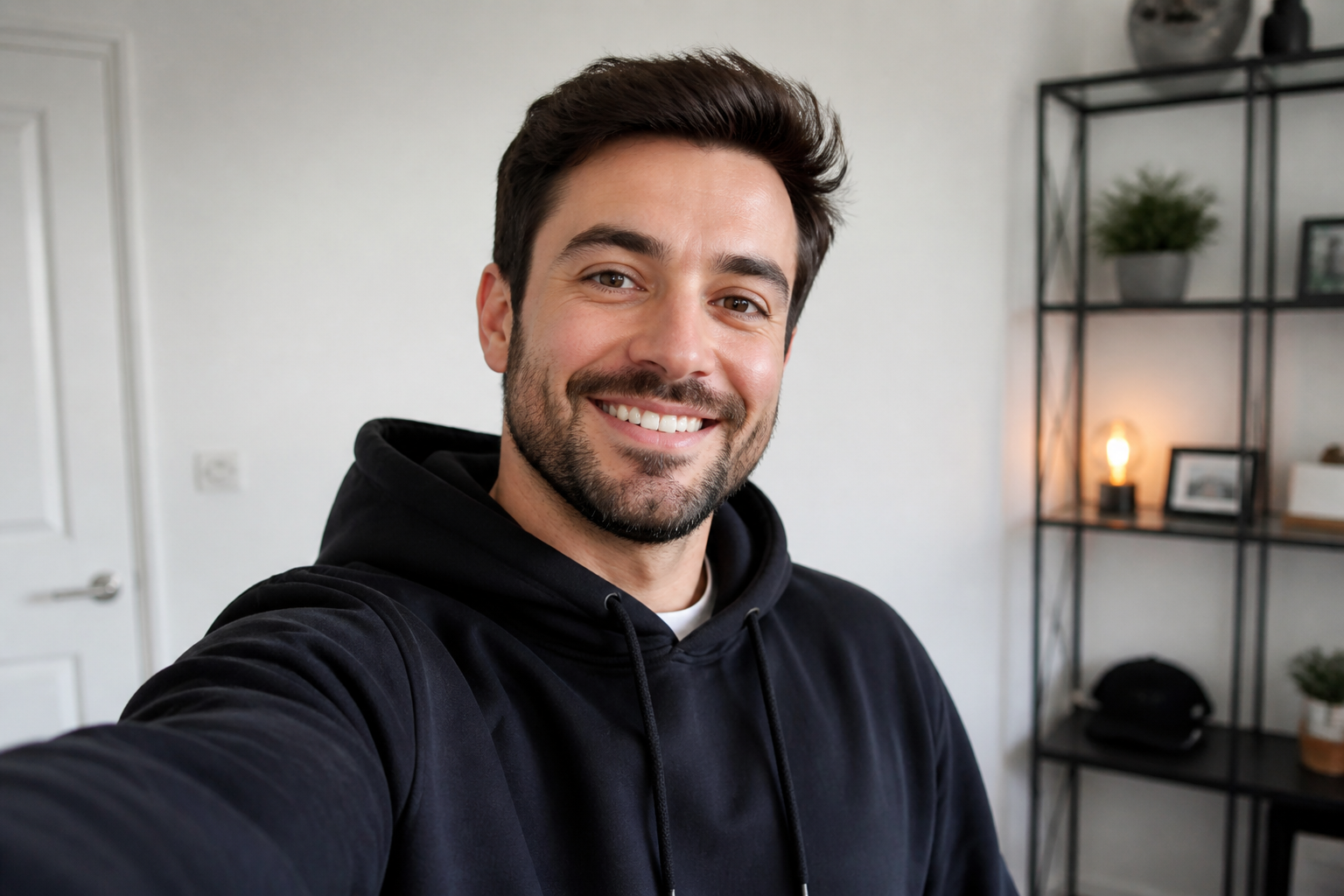
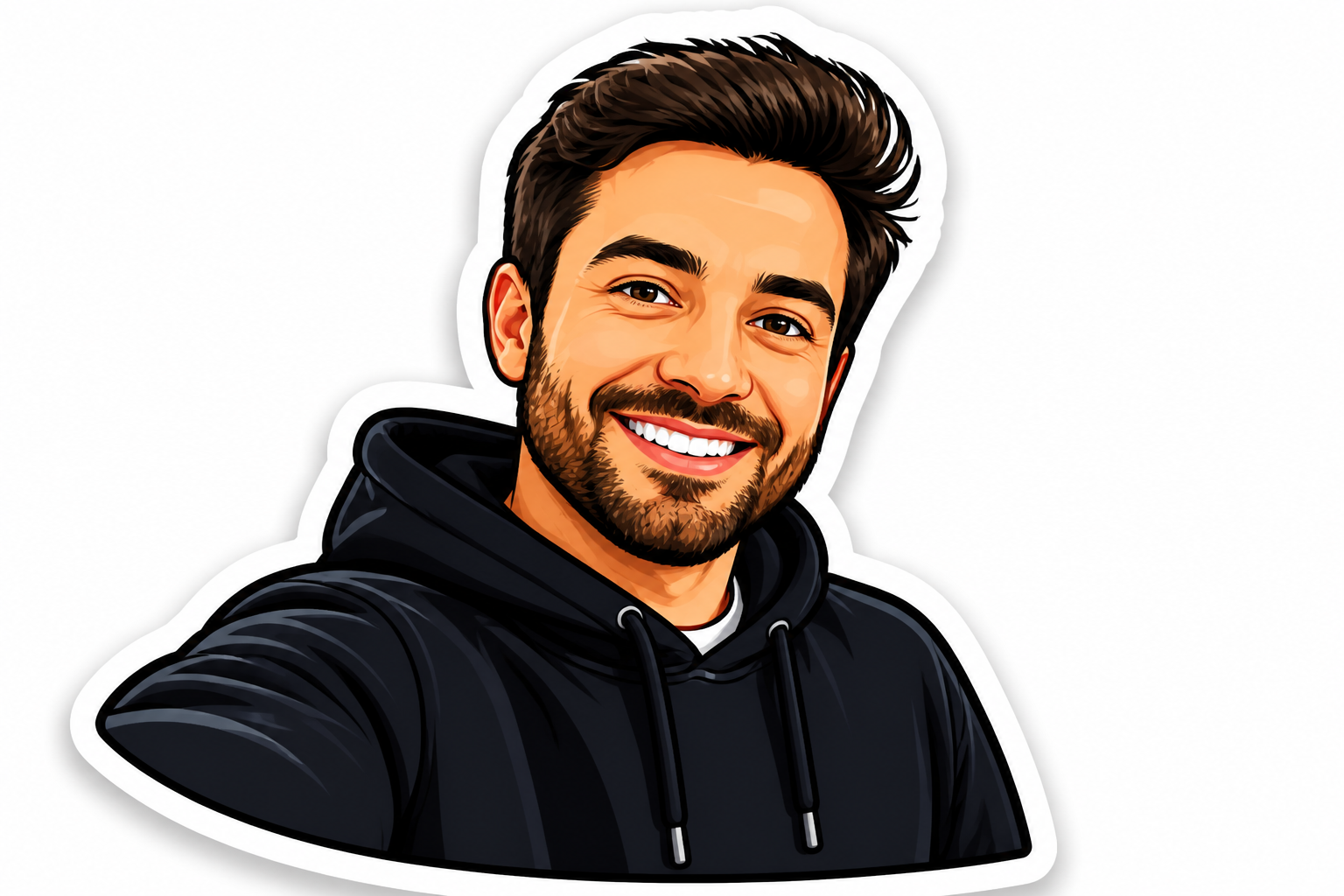
Upload a photo and transform it into a custom emoji while keeping the expression, pose, and overall identity easy to recognize. Create clean avatar-style graphics for chats, profiles, stickers, and social posts without drawing by hand.
Watch the Transformation
See photo to emoji converter in motion — generated end-to-end by our AI.
See It In Action
Real outputs from photo to emoji converter.
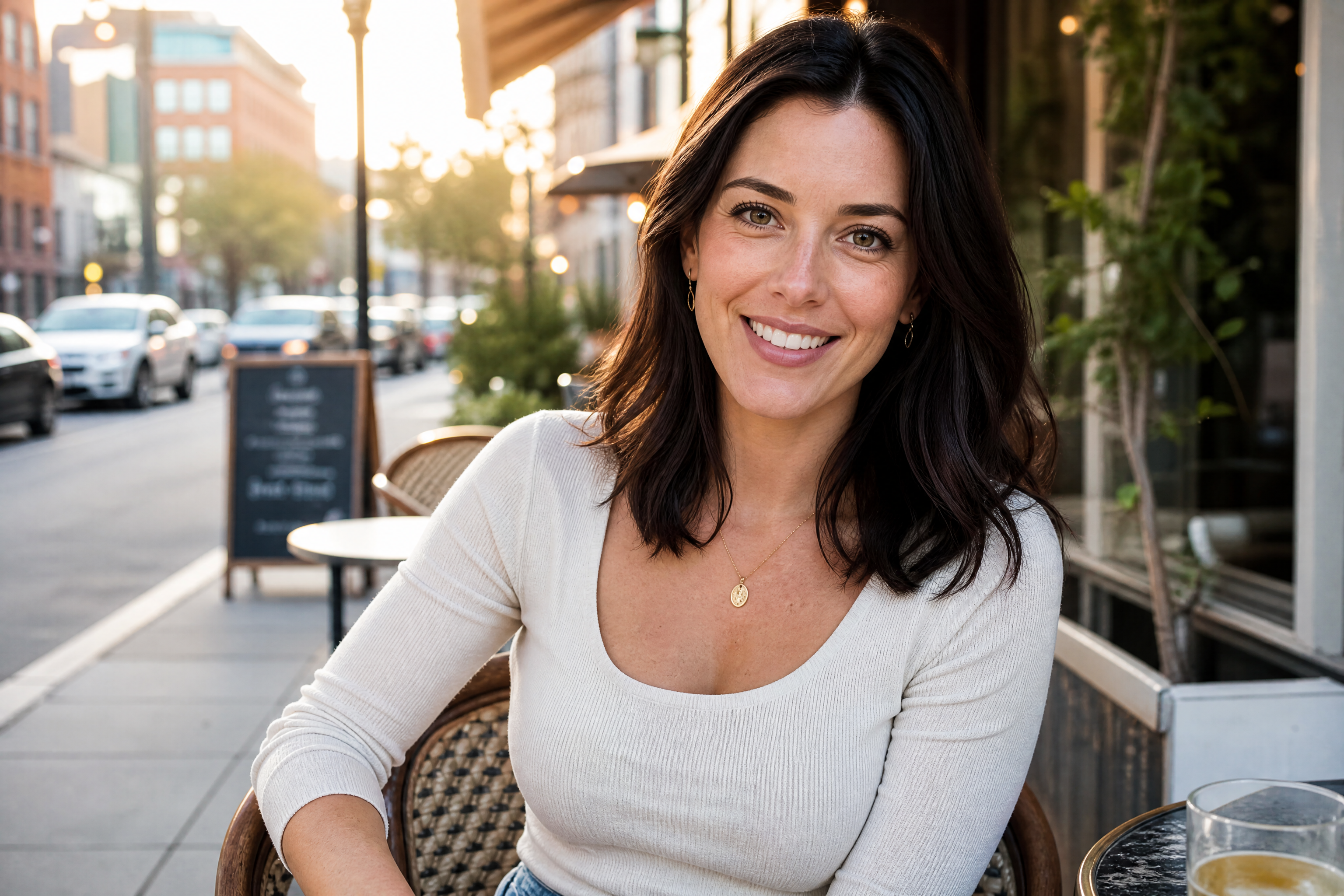
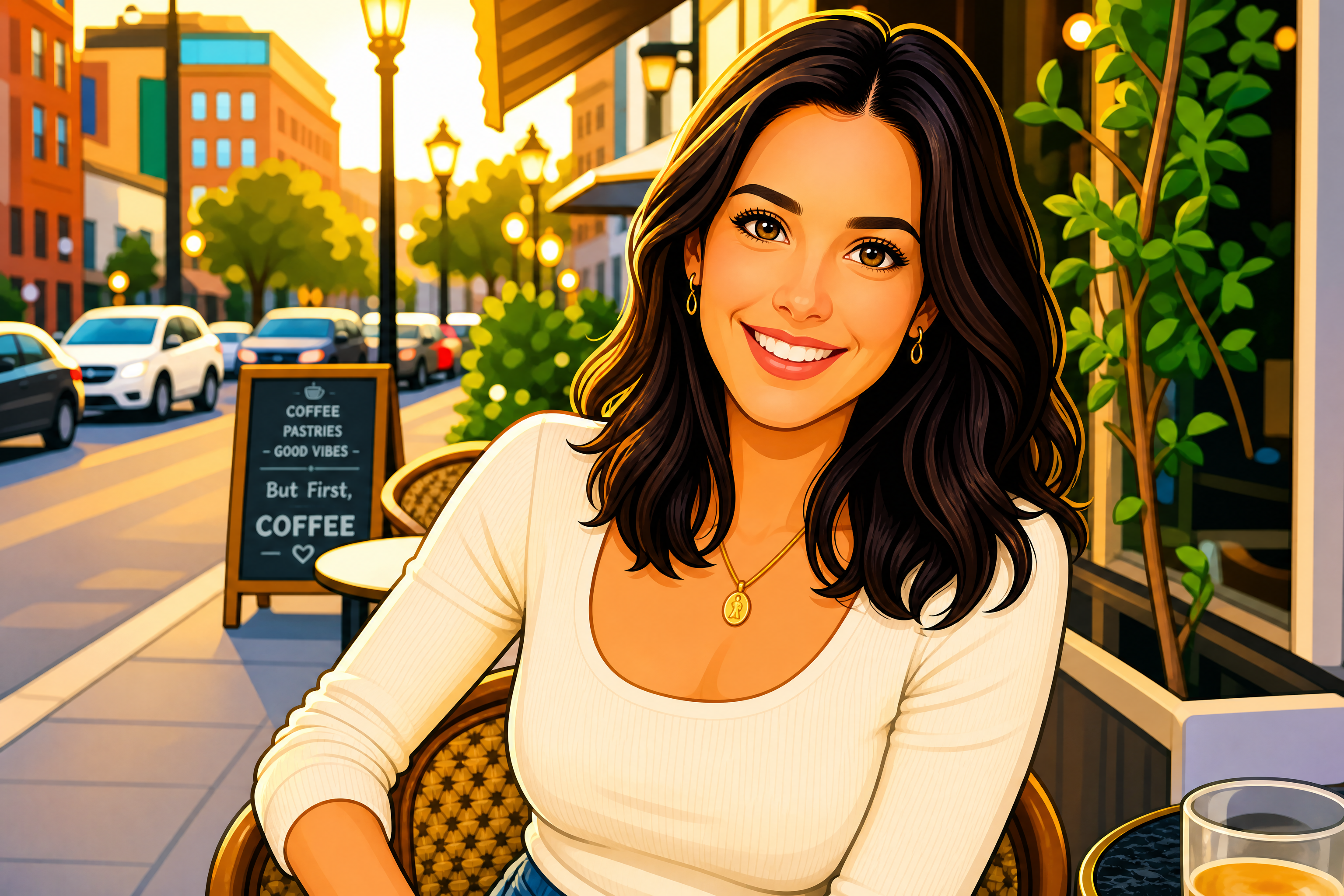
BEFOREAFTER BEFORE
 AFTER
AFTER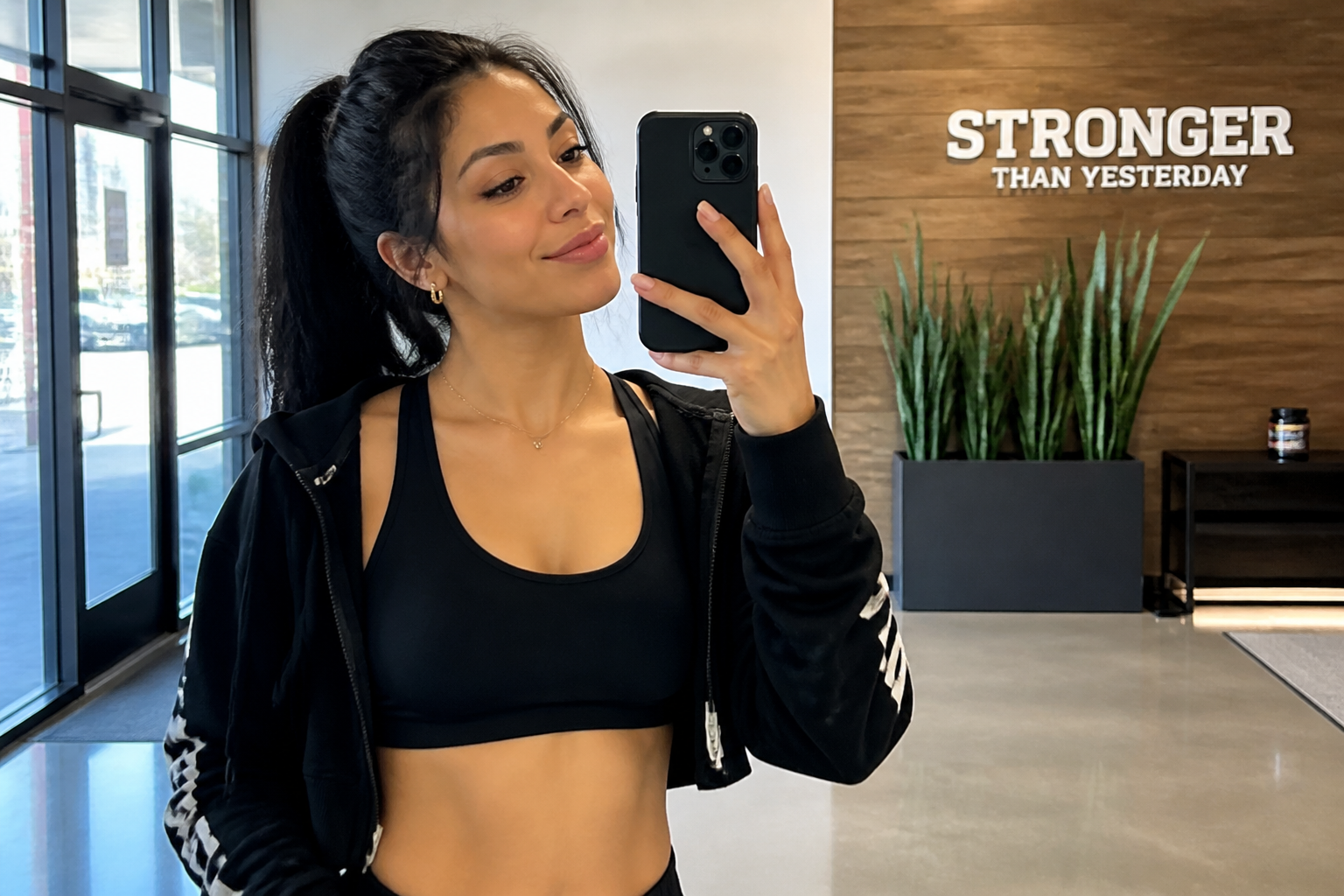 BEFORE
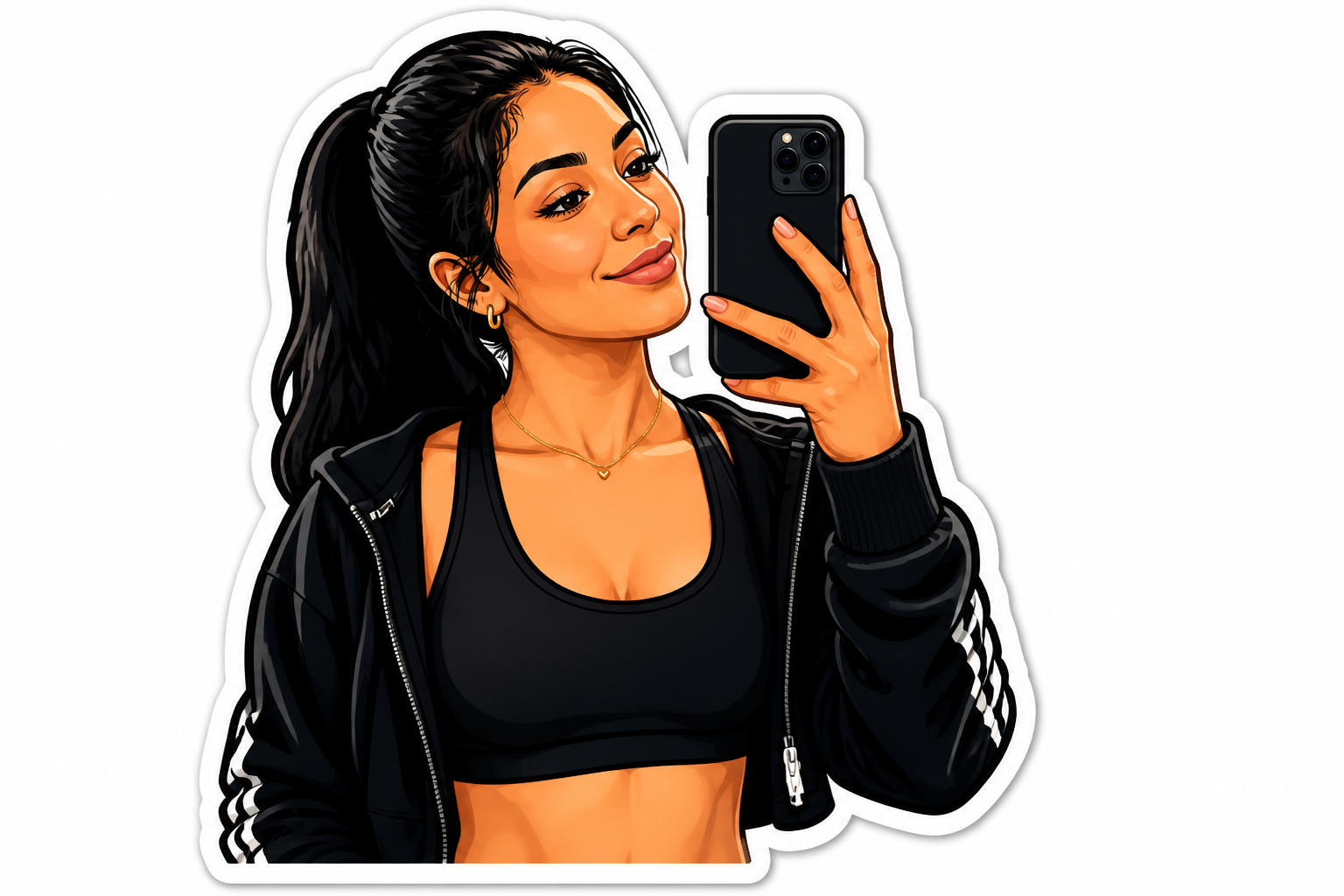 AFTER
AFTER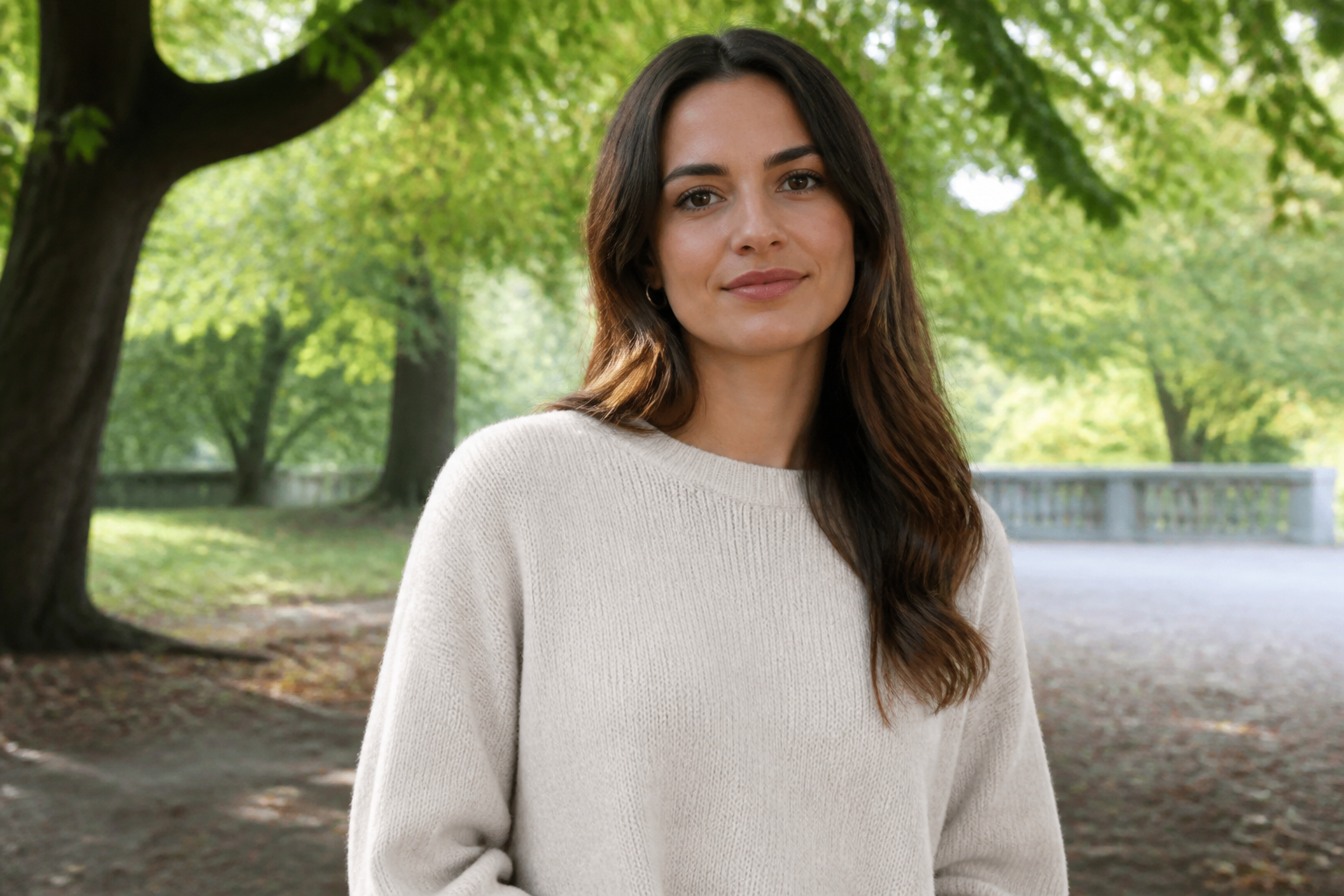 BEFORE
 AFTER
AFTER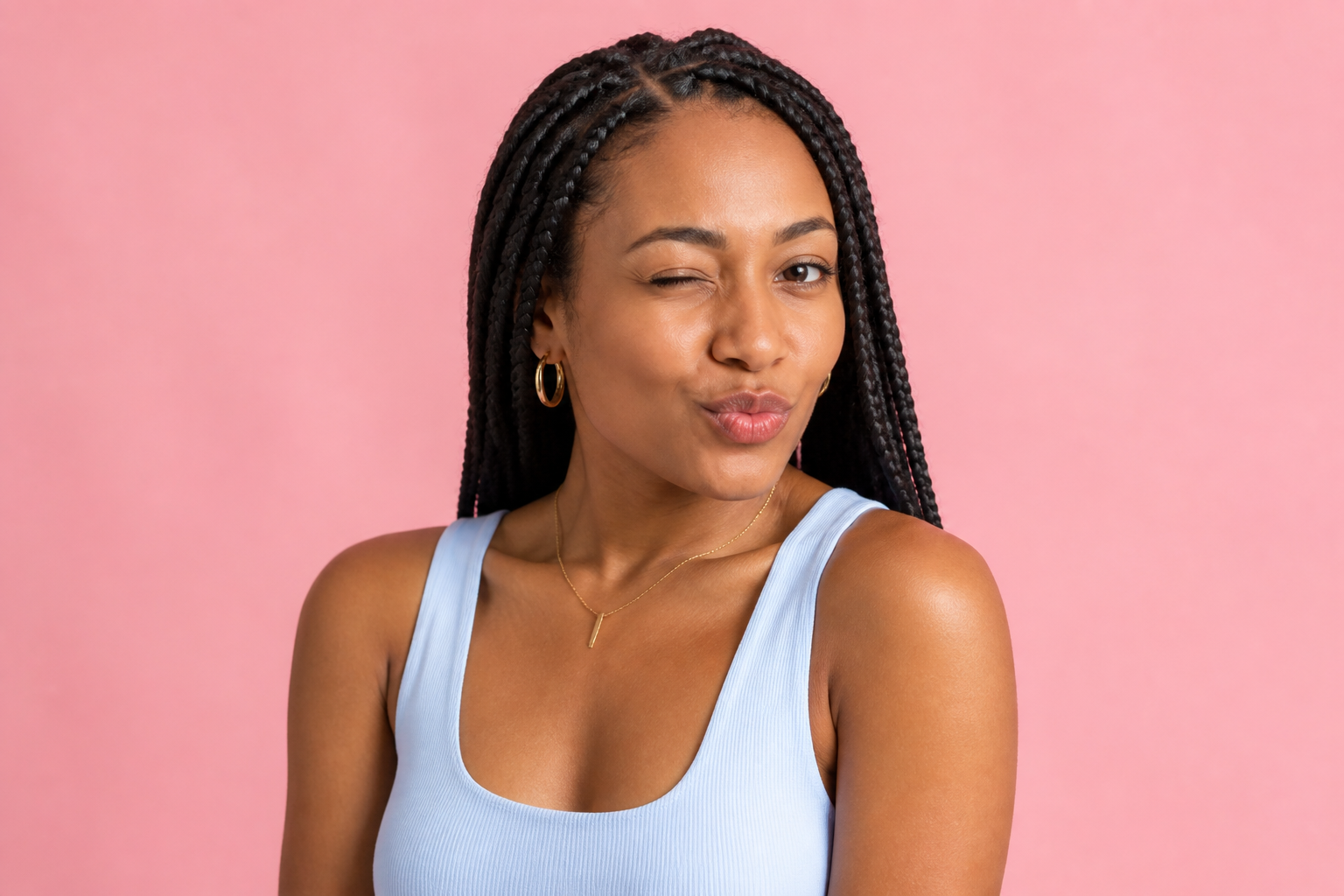 BEFORE
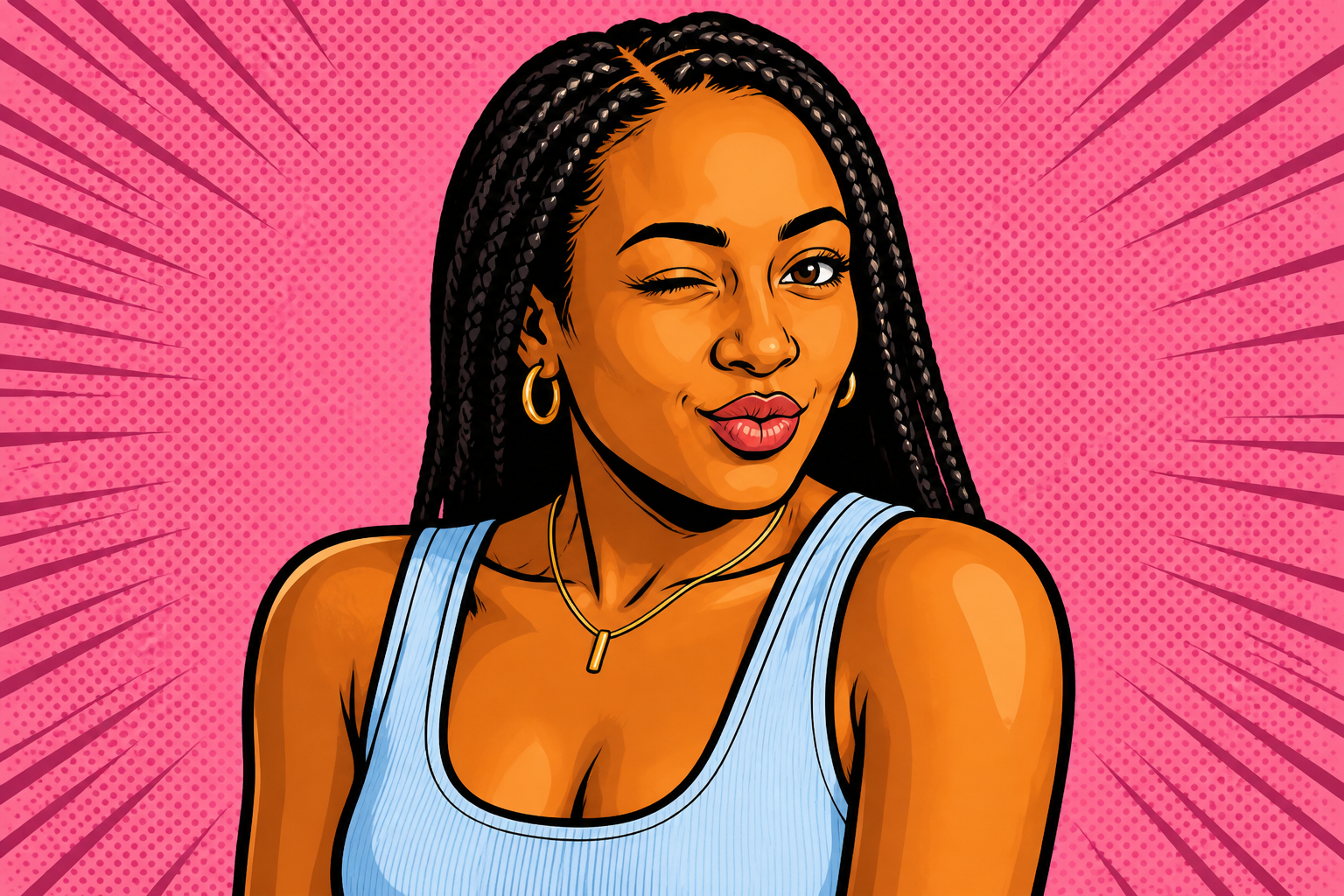 AFTERBEFOREAFTERBEFOREAFTERBEFOREAFTERBEFOREAFTERBEFOREAFTER
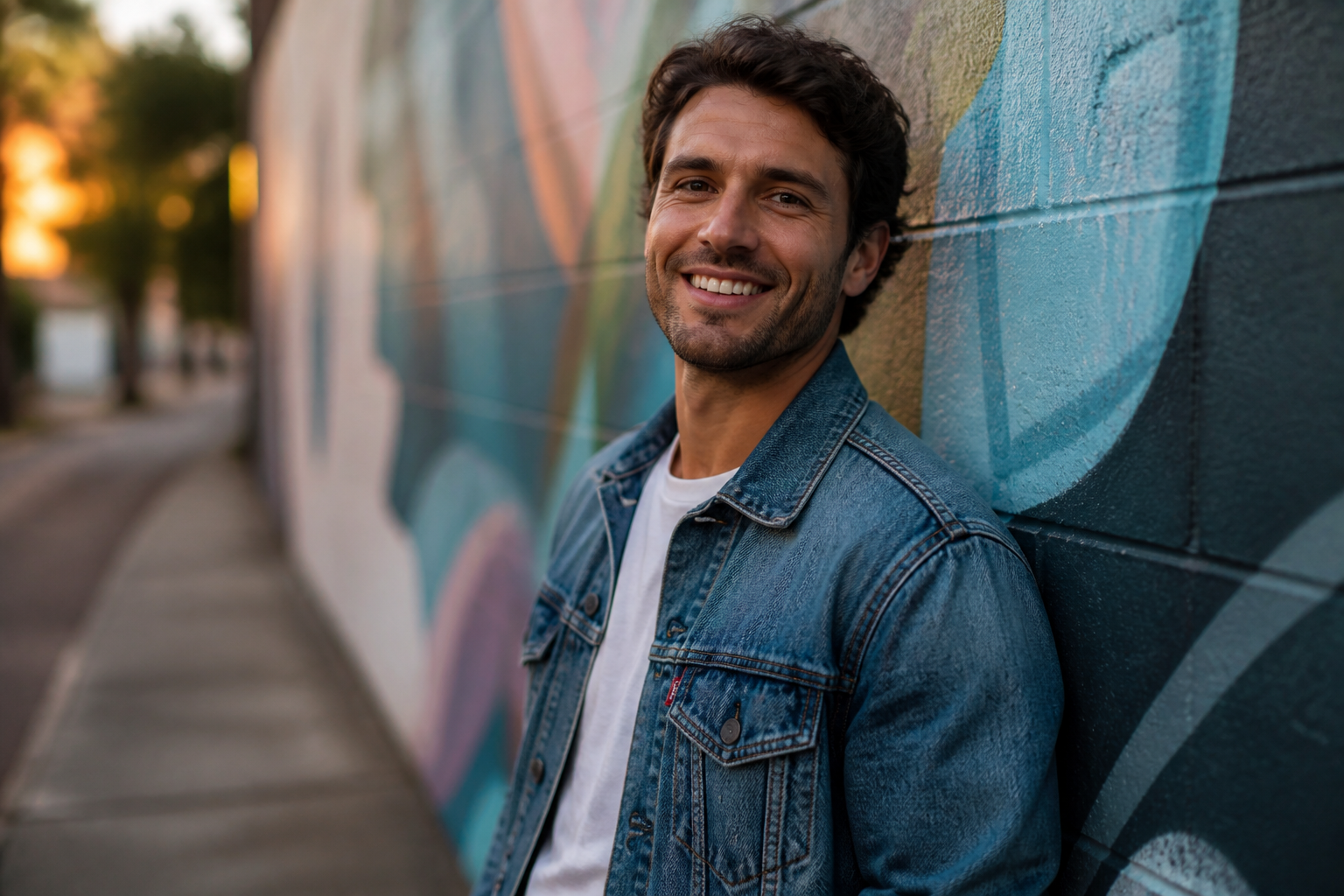 BEFORE
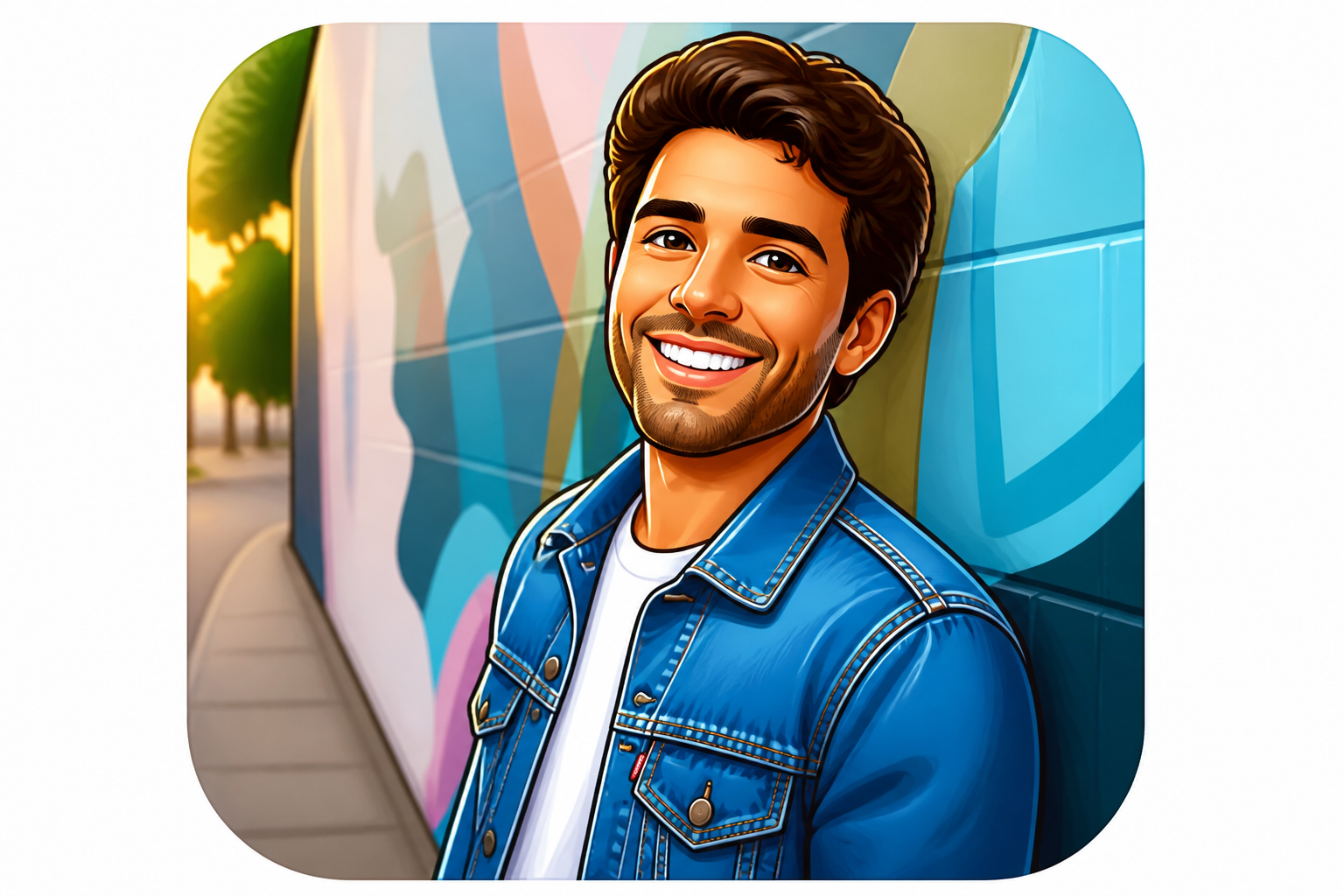 AFTER
AFTER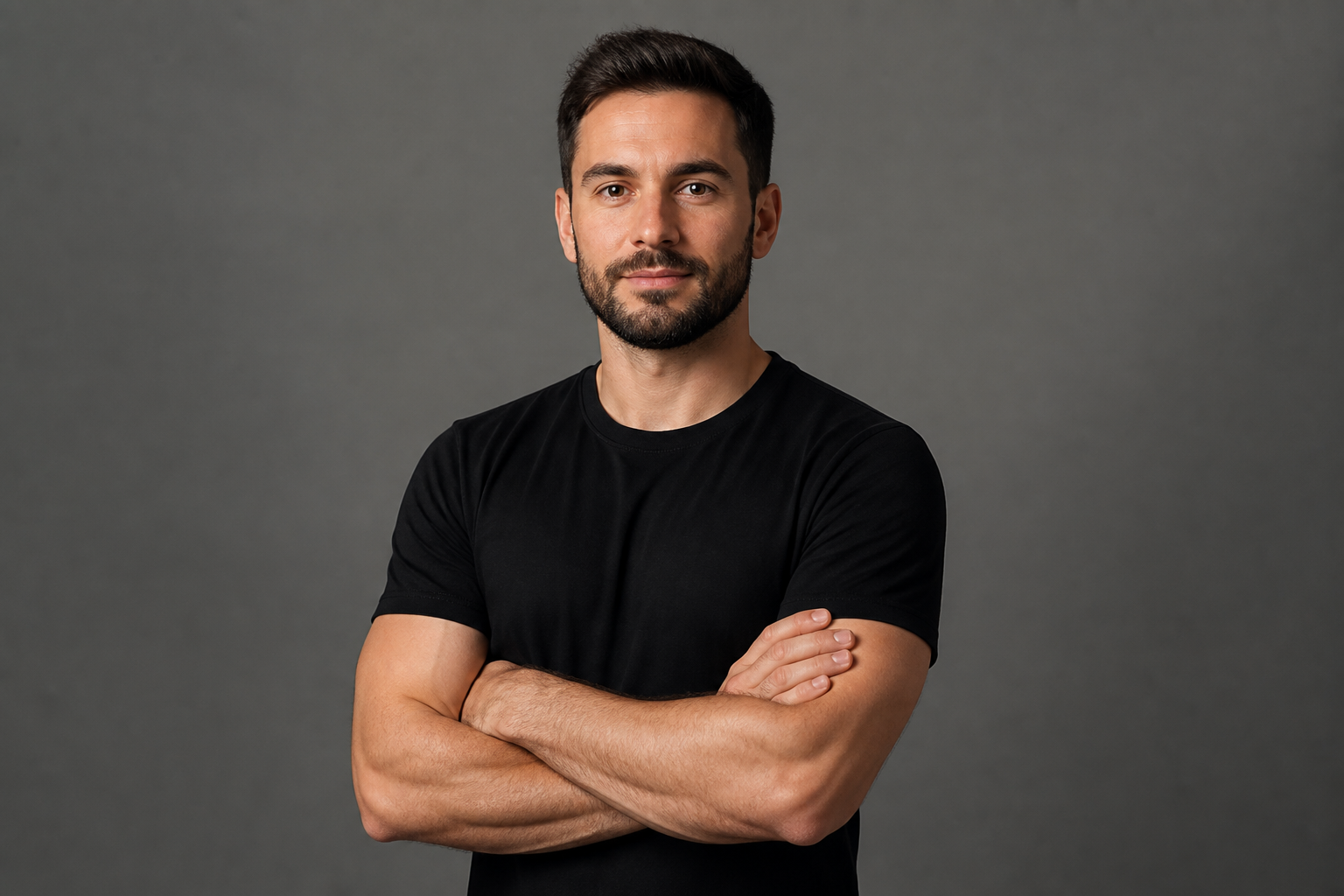 BEFORE
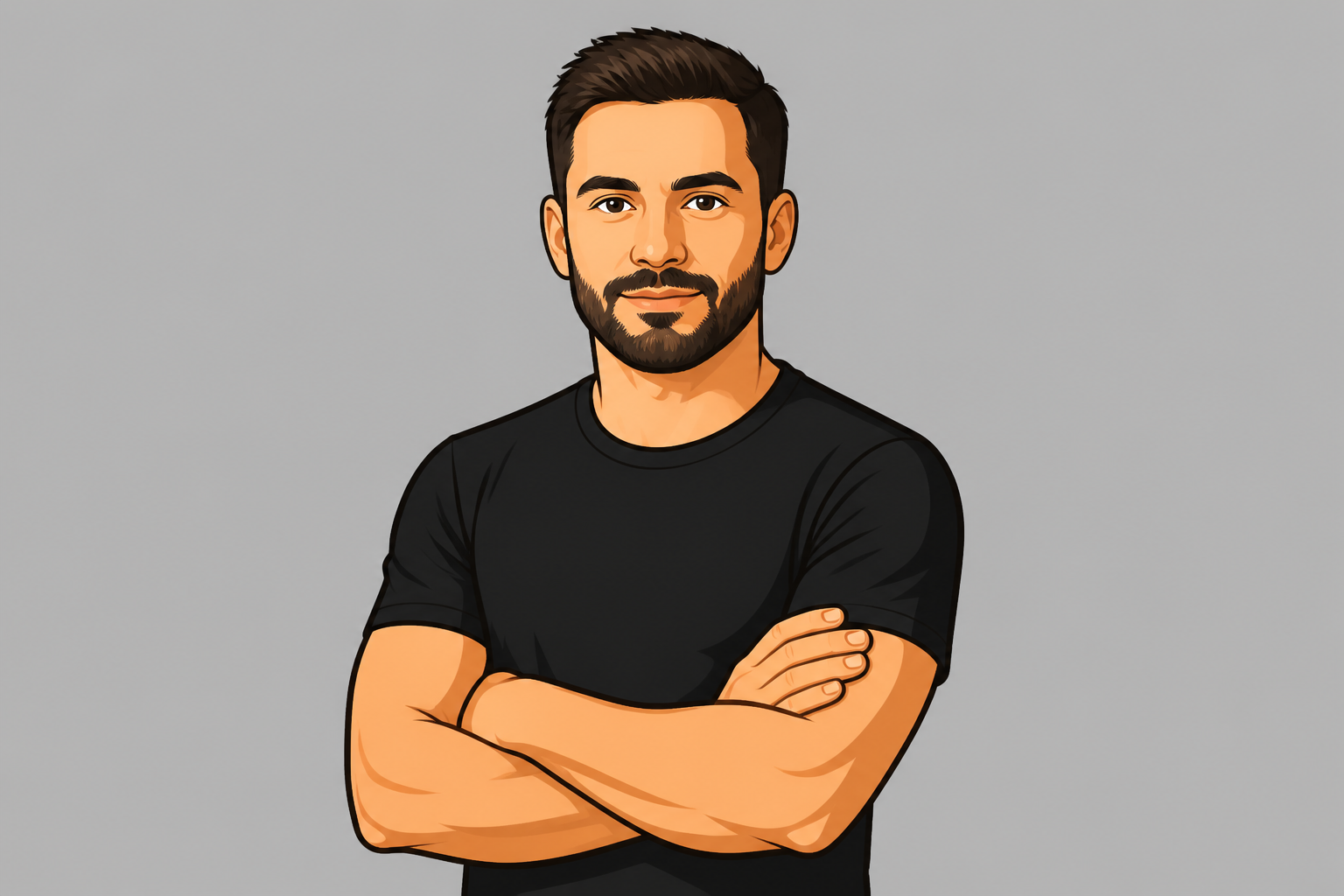 AFTER
AFTER BEFORE
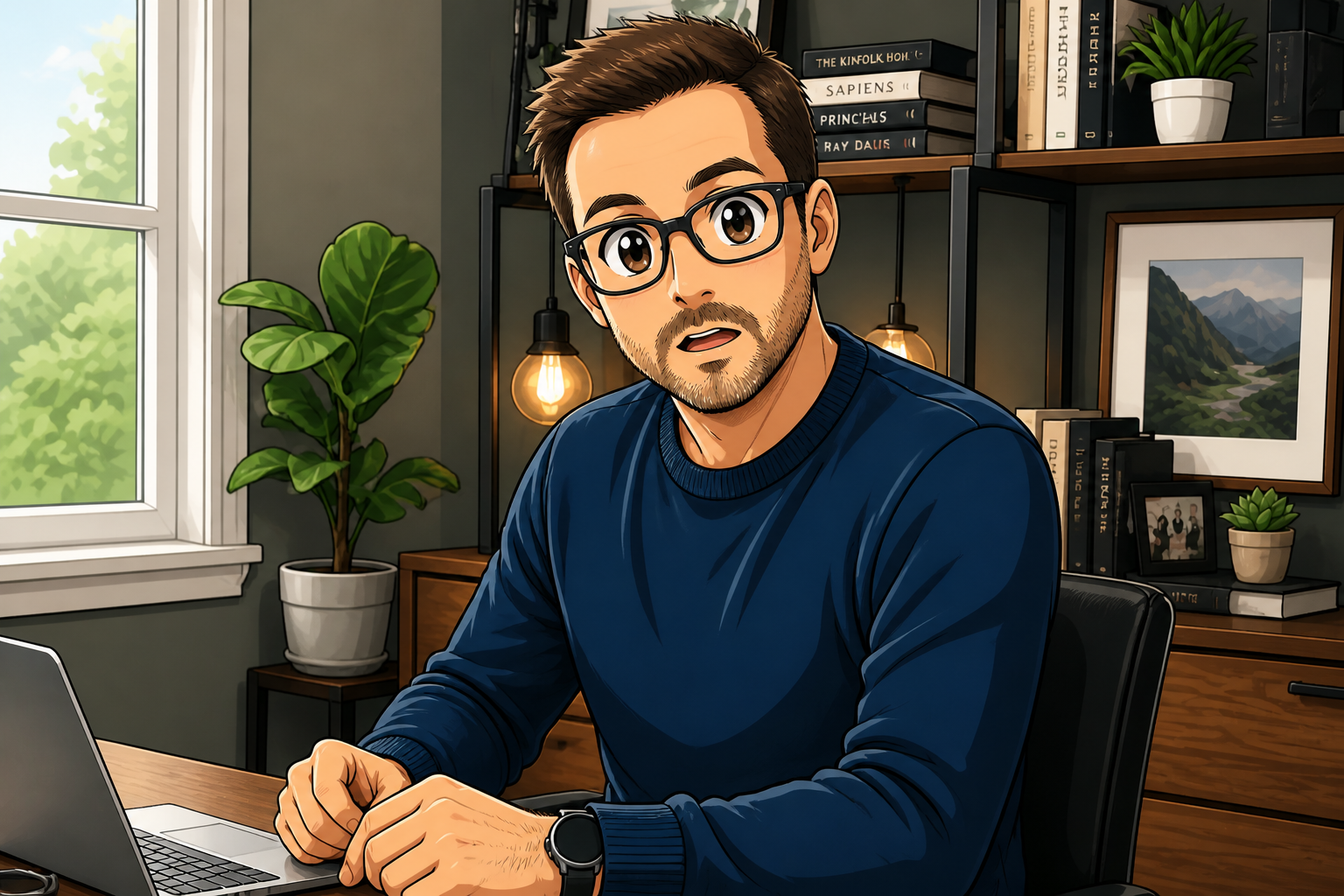 AFTER
AFTER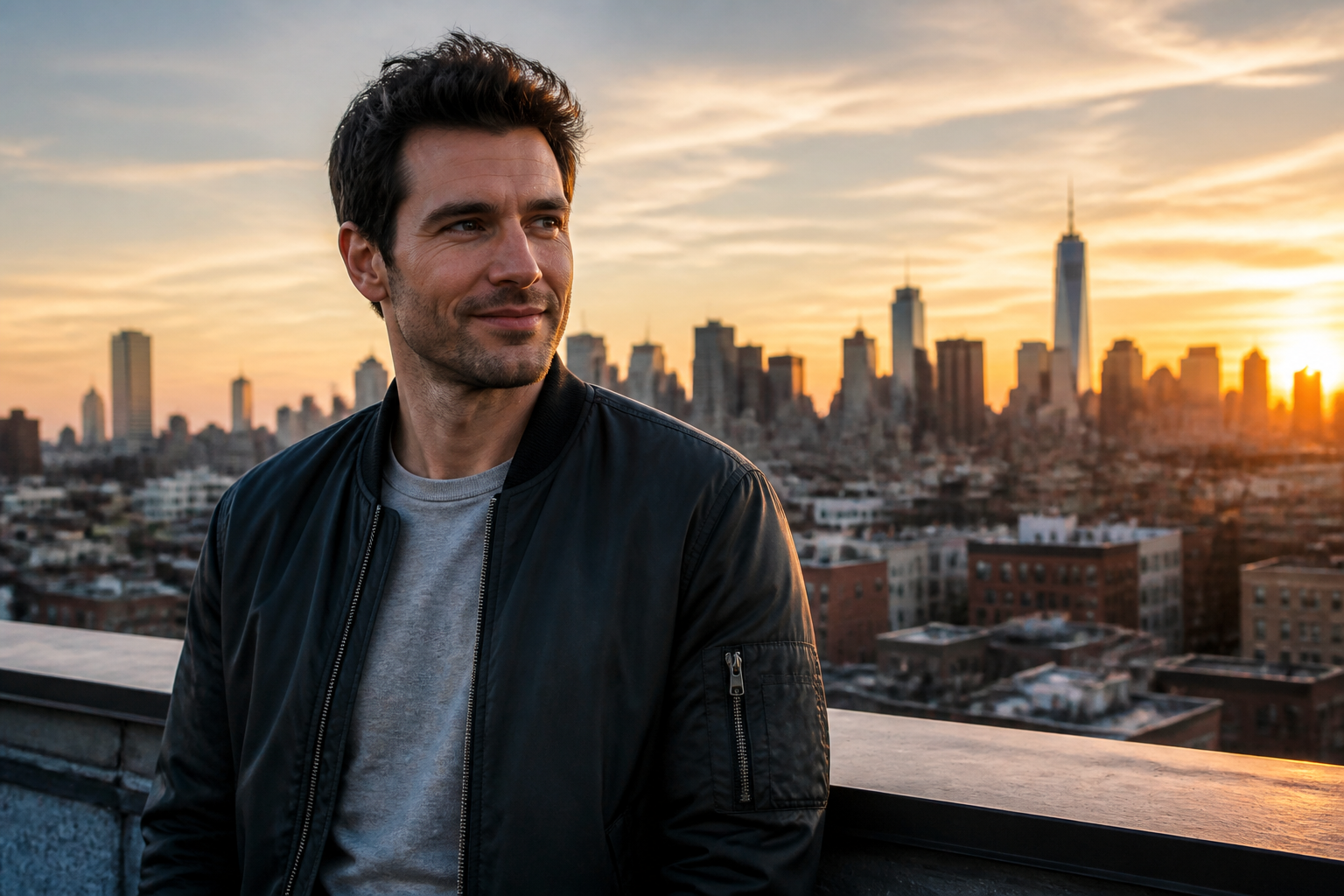 BEFORE
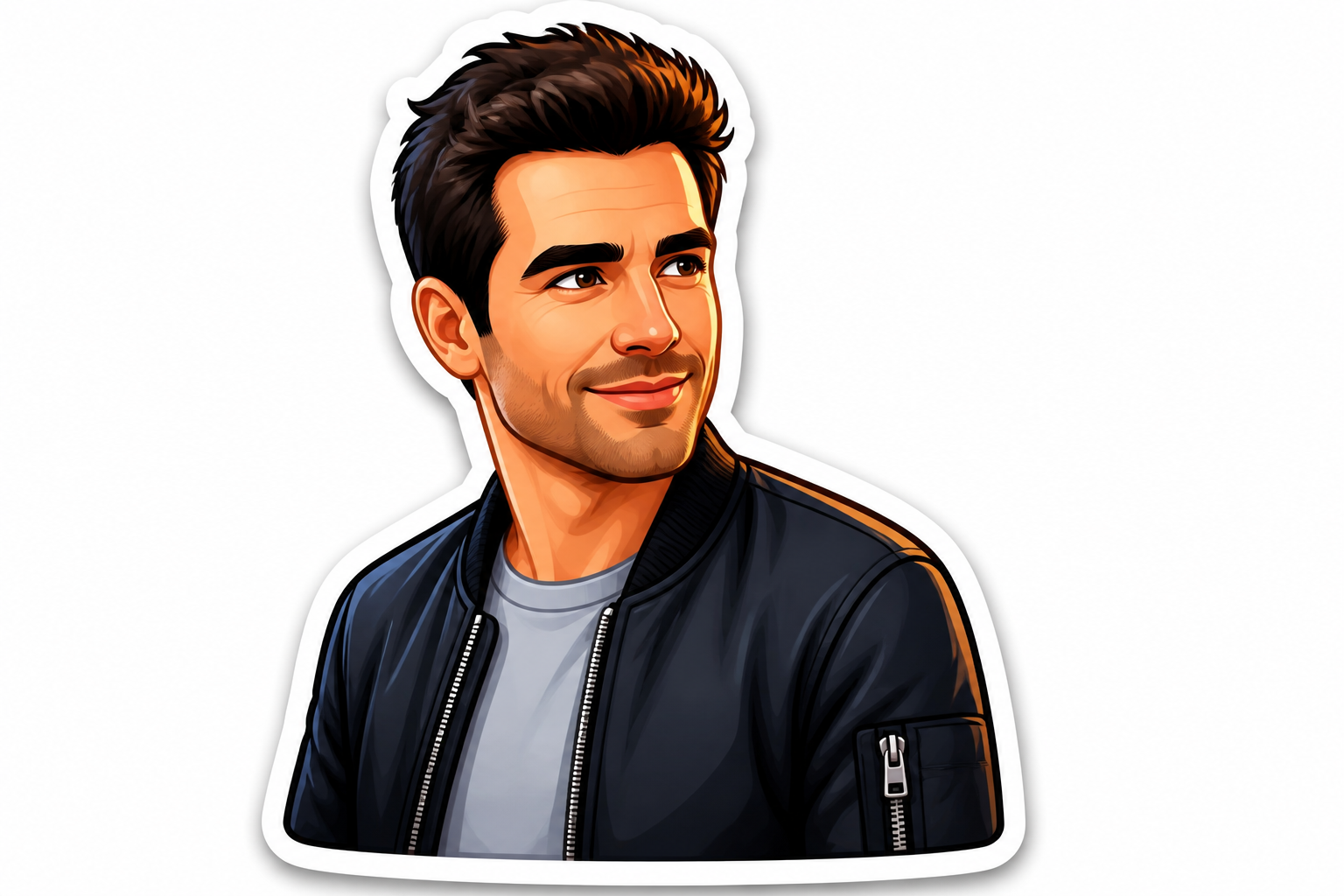 AFTER
AFTER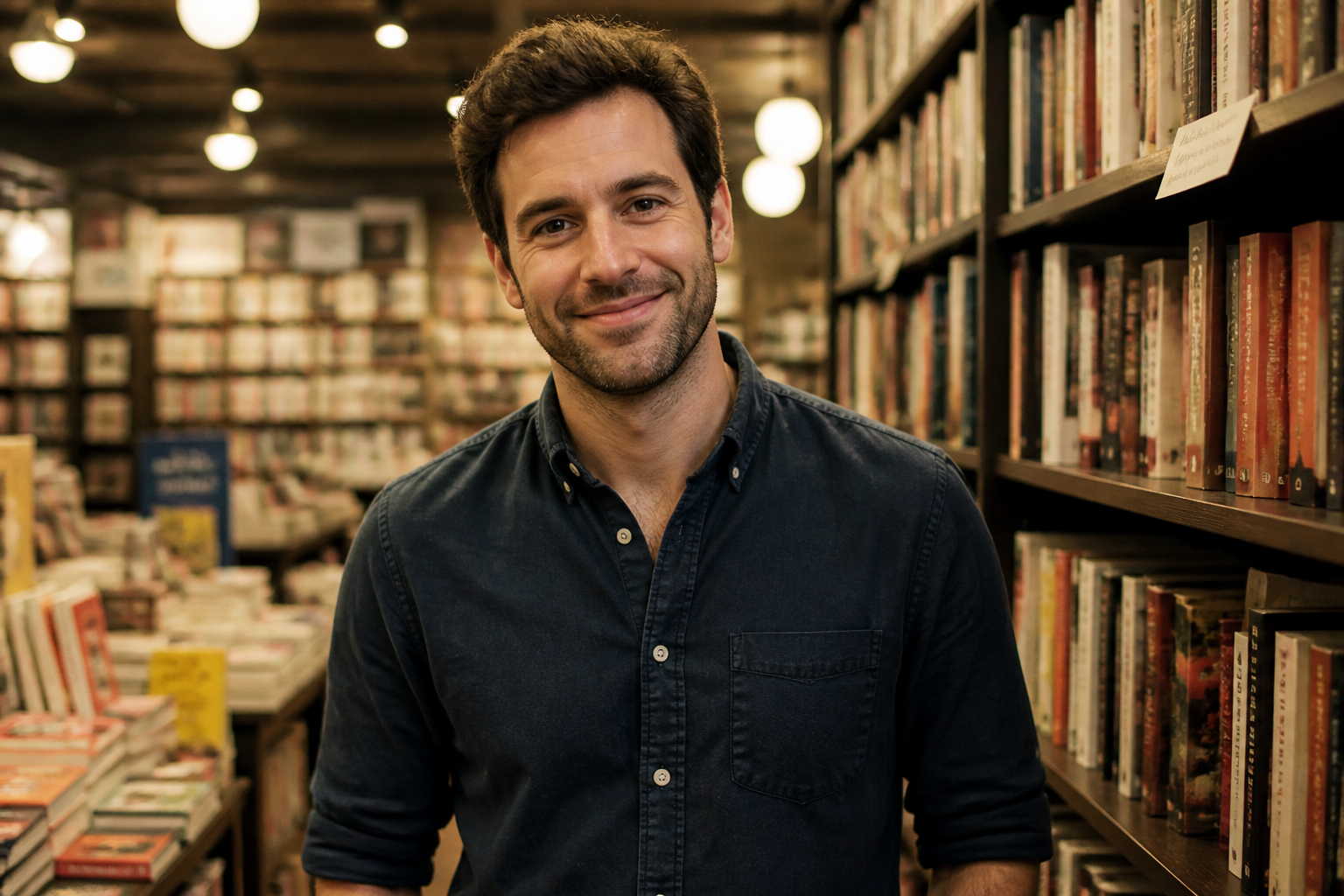 BEFORE
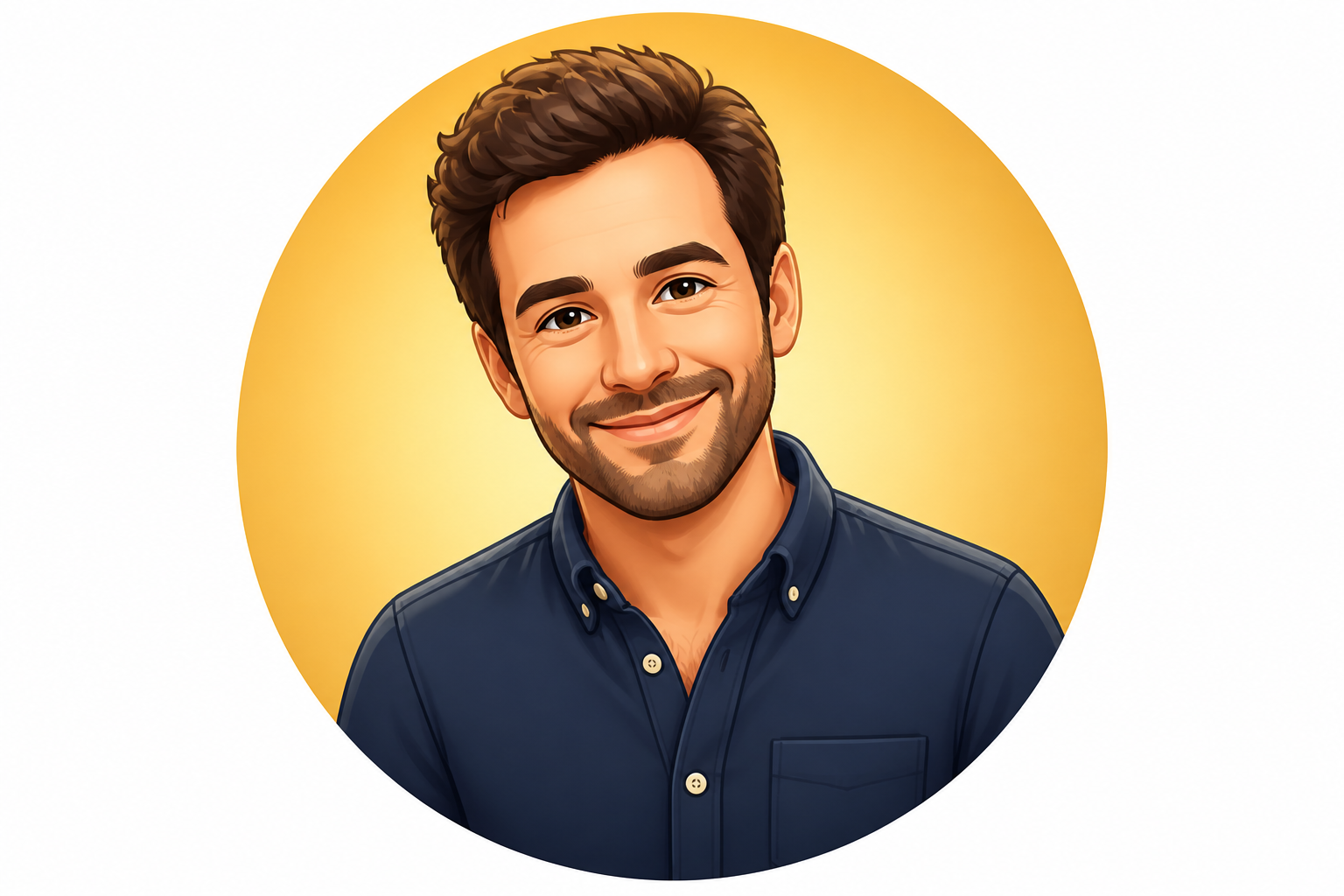 AFTERBEFOREAFTERBEFOREAFTERBEFOREAFTERBEFOREAFTERBEFOREAFTER
Key Features

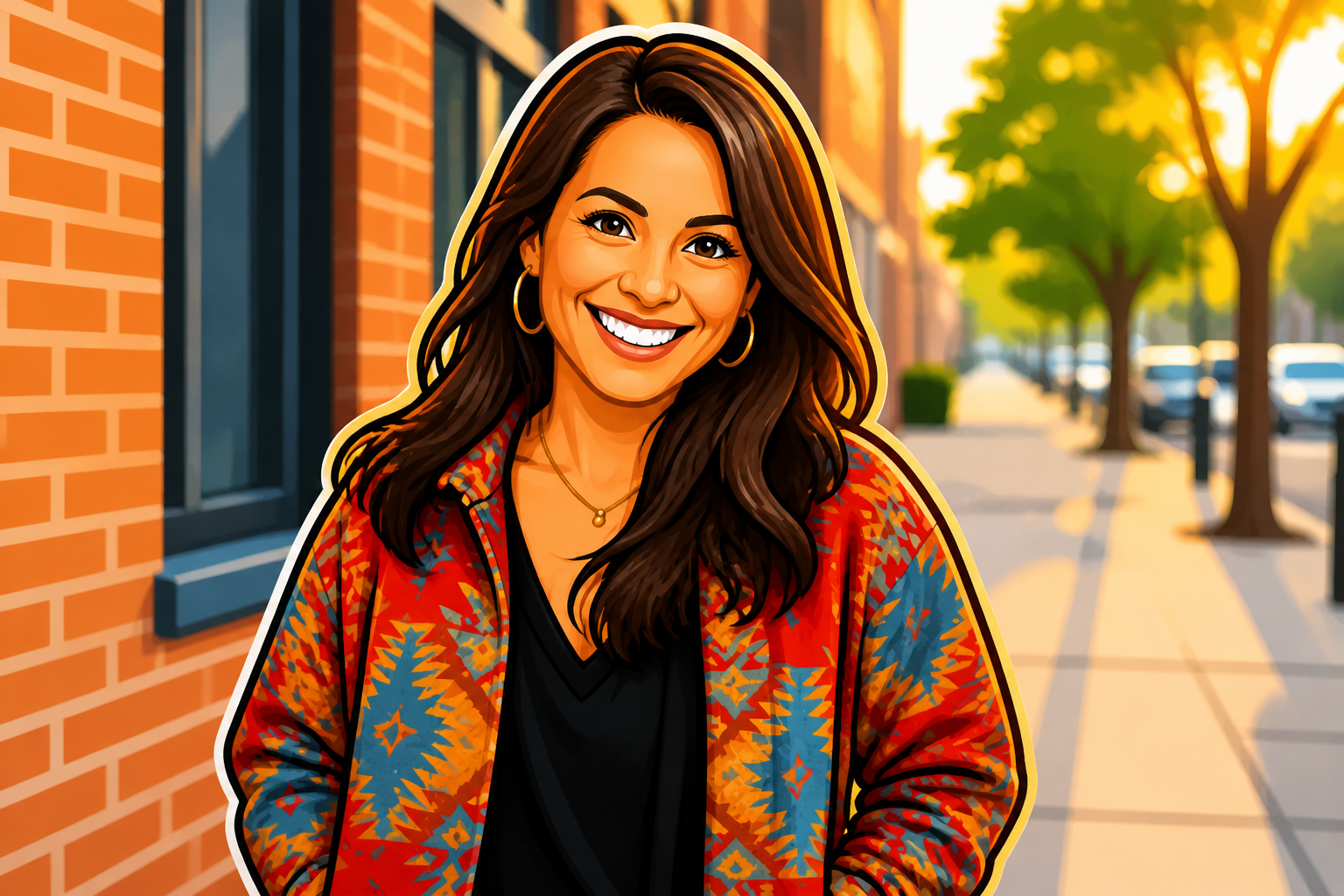
Readable at small sizes
Emoji only work when the face is clear in a tiny thumbnail. Our AI simplifies details into bold shapes, clean outlines, and strong expressions that still read well in chats and profile icons. You do not need to manually redraw eyes, hair, or skin tones for every image. The result stays crisp and easy to recognize when scaled down.

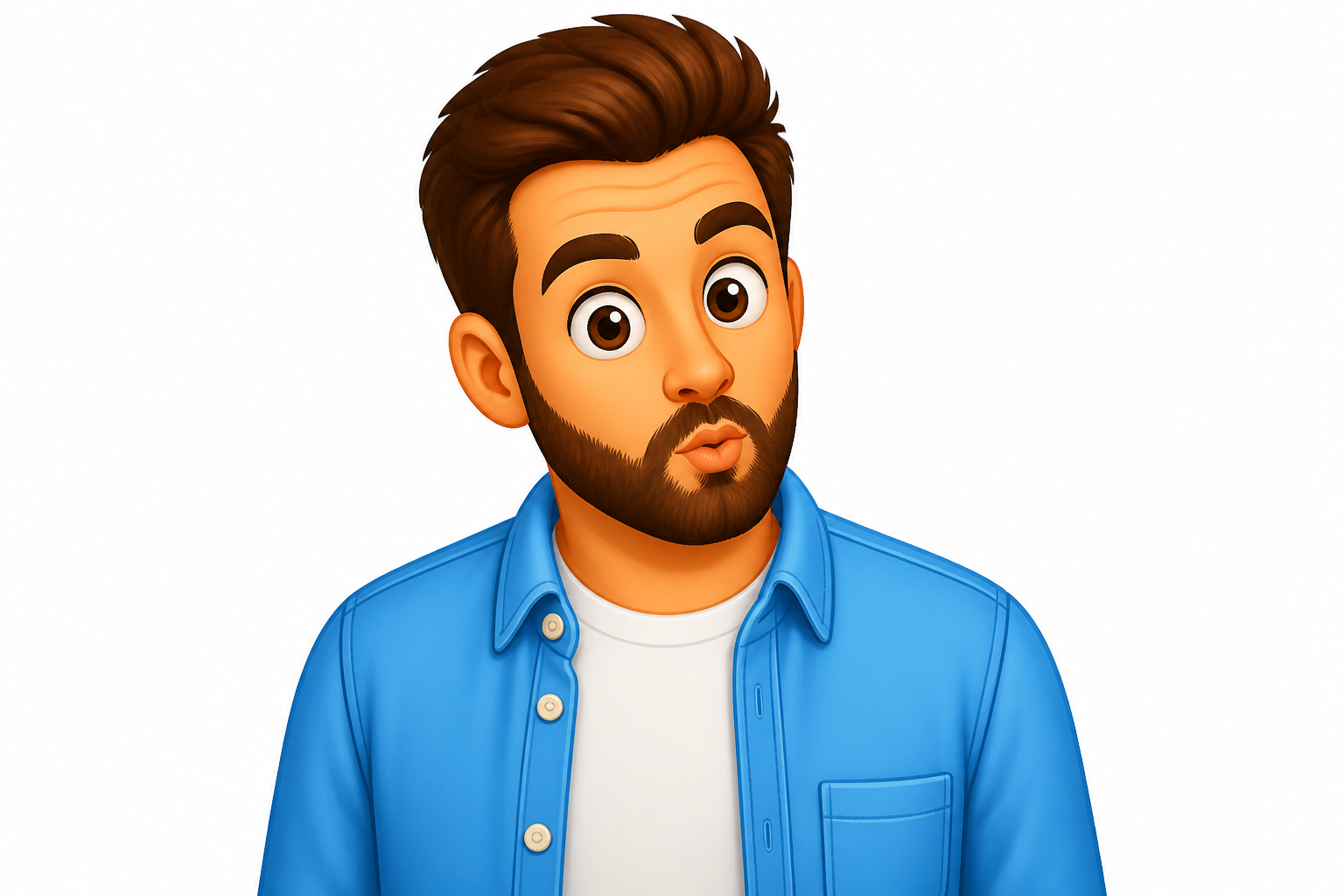
Keeps your expression clear
A custom emoji should still feel like the original person, not a random cartoon. Our AI preserves the key expression, head angle, and overall facial identity while translating the photo into a simpler visual language. That makes the edit useful for reaction sets, profile images, and branded sticker packs. It saves time compared with manually tracing a face from scratch.
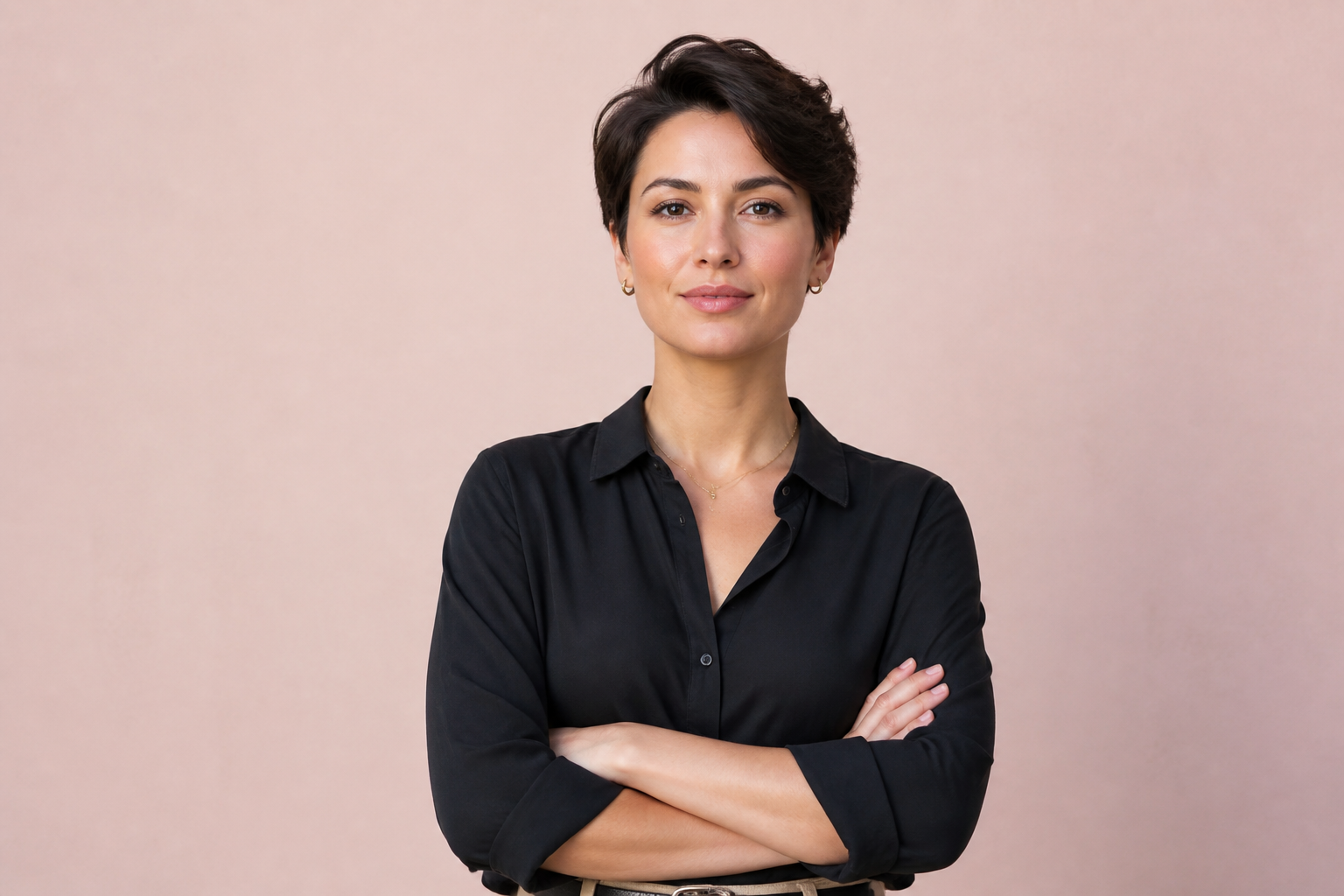
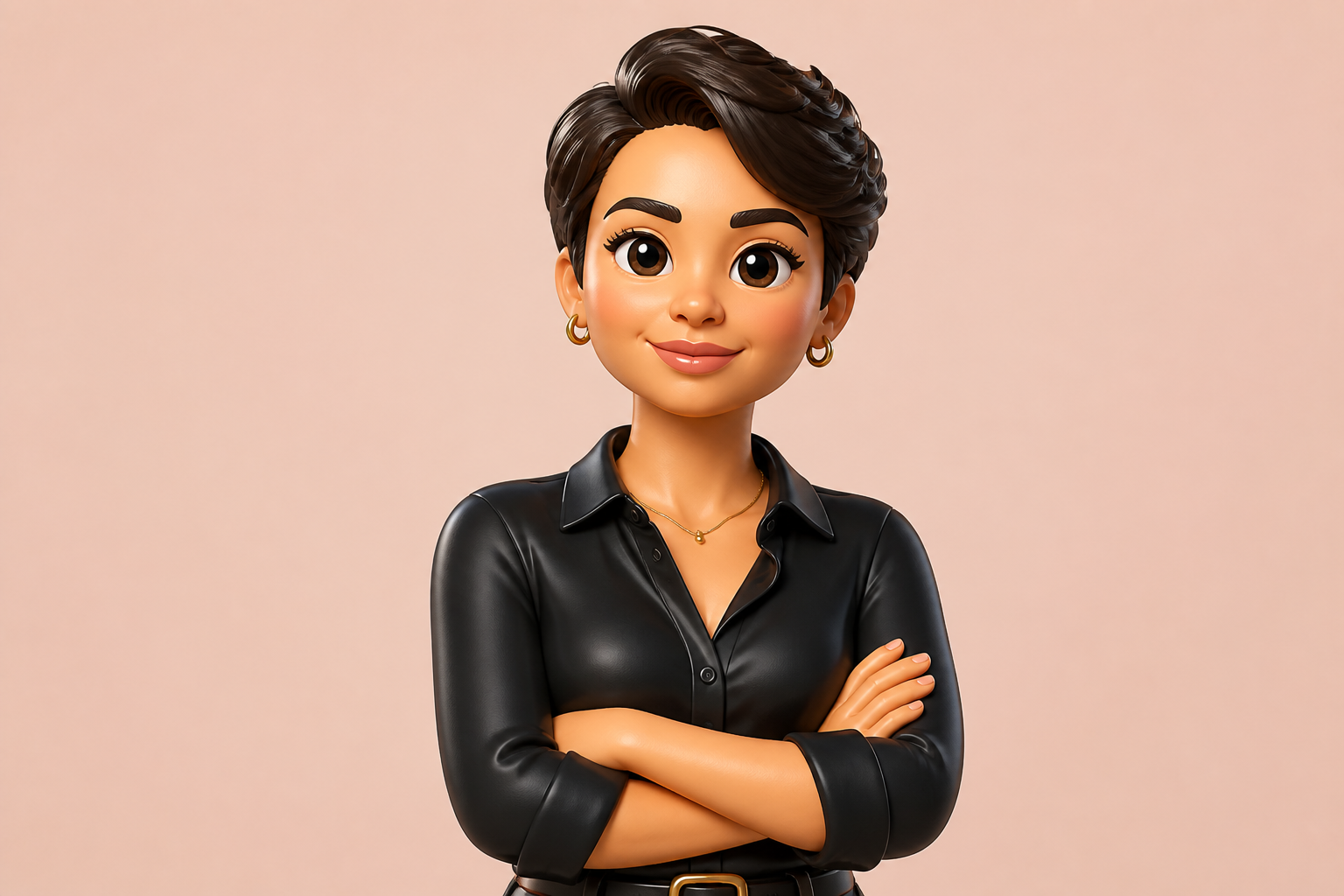
Works across visual styles
You are not limited to one generic emoji look. Our AI can turn the same photo into flat vector, glossy 3D, comic, or sticker-style results while keeping the subject recognizable. That gives you more range for social posts, creator branding, and themed assets. It is much faster than commissioning several versions in different styles.
Fast sticker pack starting point
Custom emoji often become stickers, avatars, and reaction images across multiple apps. Our AI gives you a polished base image quickly, so you can generate several expressions and export the ones you like. That is useful for creators, small teams, and community managers who need consistent graphics fast. It removes the slow first draft stage from the workflow.
How It Works
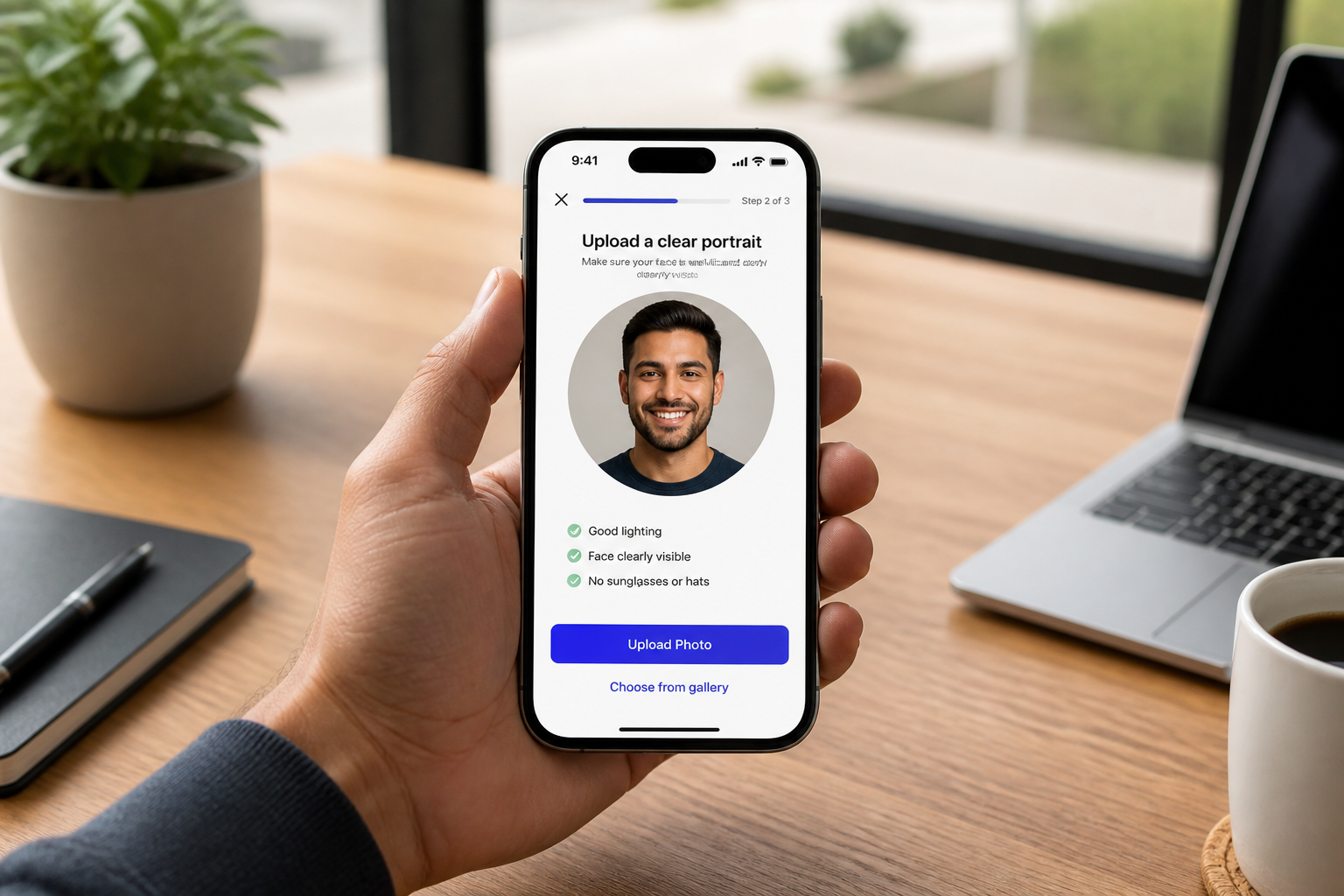
Upload your photo
Start with a clear portrait or upper-body image. Good lighting and a visible facial expression usually produce the best emoji conversion.
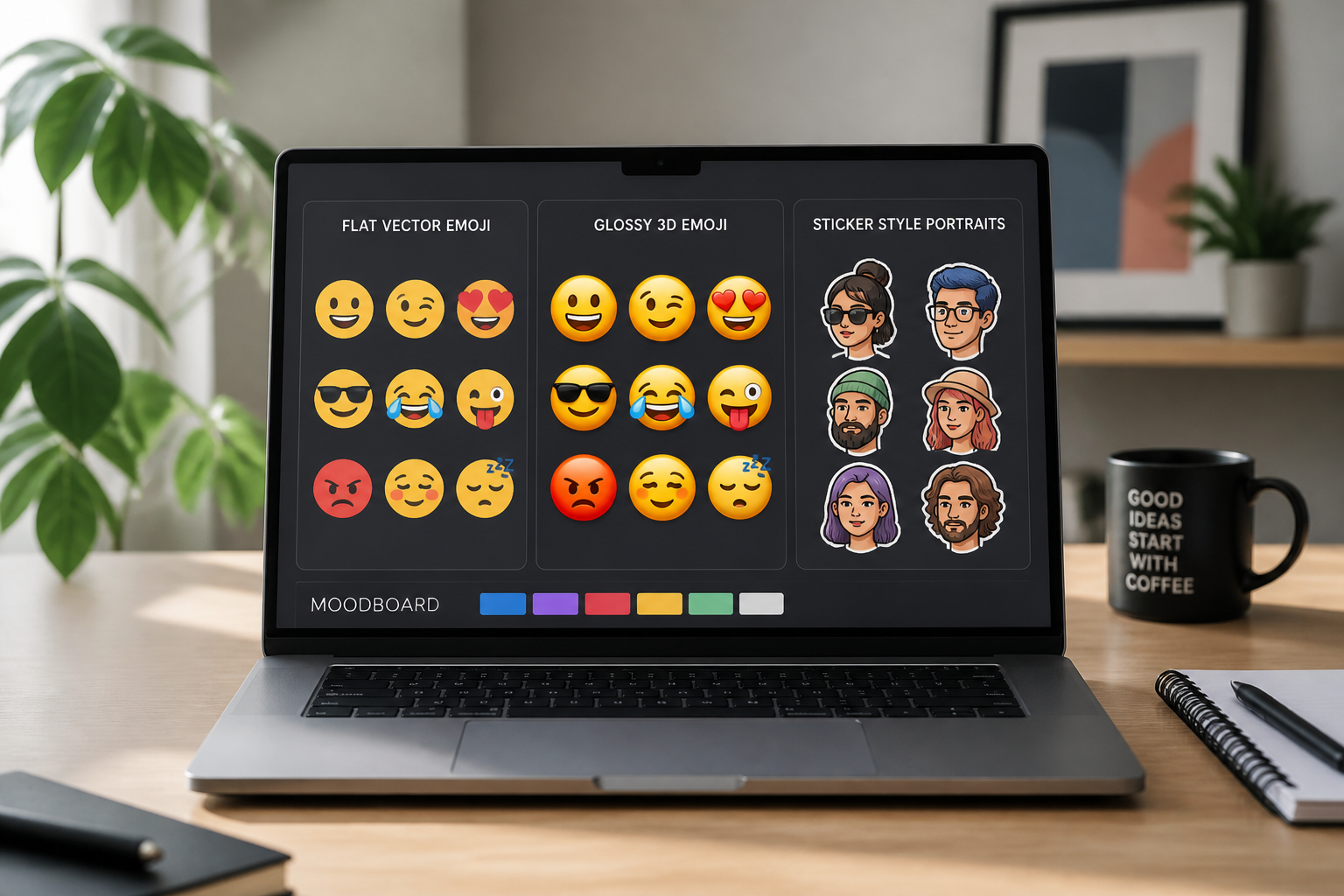
Pick the emoji style
Describe the look you want, such as flat vector, glossy 3D, or sticker-style. You can keep it simple or try a more stylized visual direction.
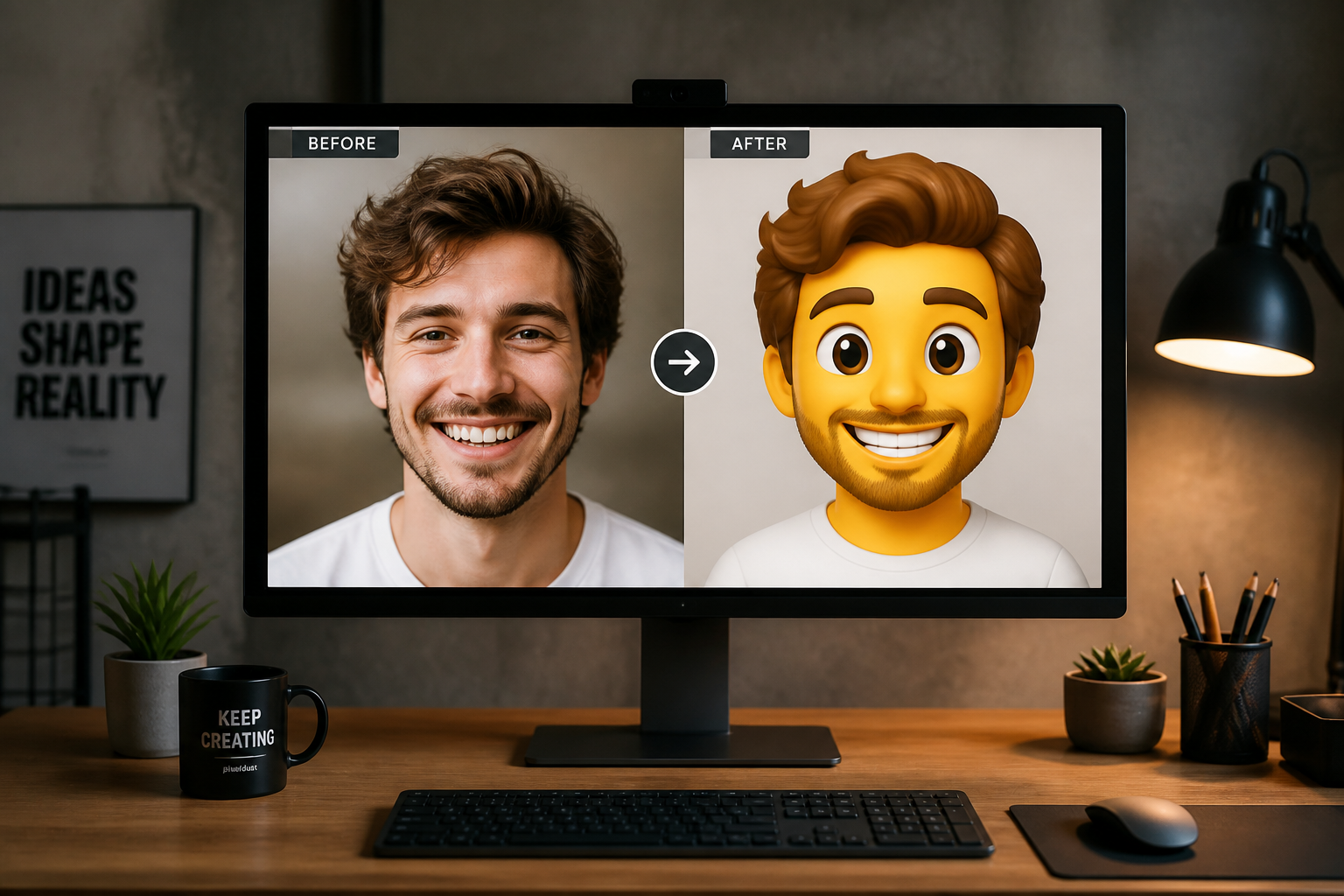
Generate and compare
Our AI creates the emoji version from your photo so you can review the result. Compare before and after, then regenerate with a new style if you want a different look.
Perfect For
Discover how creators and professionals use photo to emoji converter
Custom profile avatars
Turn selfies into clean emoji-style avatars for social profiles, community forums, and messaging apps.
Reaction sticker packs
Create expressive emoji portraits that work as sticker bases for chats, streams, and private communities.
Creator branding
Use a consistent emoji version of your face across thumbnails, bios, merch mockups, and social graphics.
Team and community icons
Make recognizable emoji portraits for staff directories, member badges, and internal chat identities.
Built For
Creators and streamers
Make fast emoji-style assets for channels, reaction packs, and recognizable personal branding.
Social media managers
Generate light, shareable avatar graphics and sticker-like visuals without a full illustration workflow.
Everyday users
Turn a favorite selfie into a fun emoji portrait for chats, group icons, and personal profiles.
Why use it for emoji conversions
A quick look at how we compare on the things that matter for this niche.
| Feature | BudgetPixel | Generic AI editors | Manual editing apps |
|---|---|---|---|
| Photo-to-emoji transformation | ✓ | ✓ | — |
| Recognizable facial expression | ✓ | — | — |
| Multiple emoji styles | ✓ | — | — |
| Fast first draft | ✓ | ✓ | — |
Frequently Asked Questions
What kind of photos work best?
Will the emoji still look like me?
Can I make different emoji styles from the same photo?
Is this only for faces?
Can I use the result for social media or chat apps?
Create together.
Share your creations, discover trending AI art, and grow with fellow creators.