FLUX 3 Klein
Generate and edit images quickly in the same model.
Free plan: up to 25 images a month, then from $0.012 an image.
768px to 4KSizes
Up to 10 reference imagesEditing
FreeReferences
13, or autoAspect ratios
Most images in secondsSpeed
PNG, JPEG at 4KOutput
Professional images for every use case
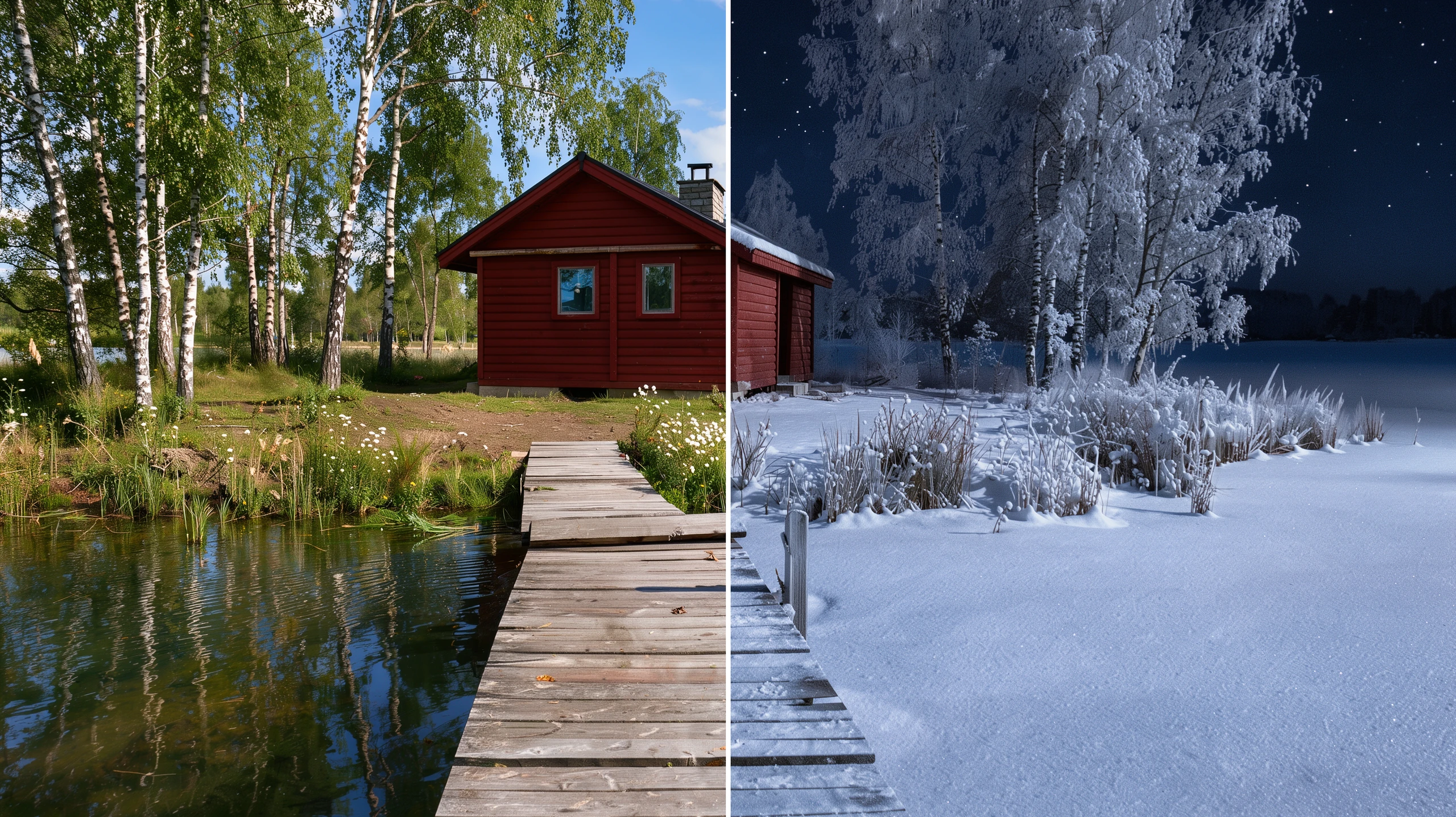
Plain-language photo edits.
Describe a change to an existing photo instead of rebuilding the whole scene.
Multi-reference compositions.
Combine objects and visual cues from reference images into one new scene.
Social posts and blog images.
Make distinct visuals for a publishing schedule without slowing down each draft.
Budget product photography.
Create product-shot concepts at smaller sizes, then render a selected direction larger.Text-to-image and editing in one model
Describe a new picture, or give FLUX 3 Klein one and say what to change. The same model generates and edits, and with references the result keeps the shape of your first image unless you choose an aspect ratio.
- •New pictures from a plain description
- •Edits from a single sentence
- •Keeps the first image's shape by default
- •13 aspect ratios, or auto

Up to 10 reference images, free
Combine products, characters, styles and scenes from up to ten pictures in one request. Reference images cost nothing extra, so a busy composition costs the same as a single picture.
- •Place a product into a scene
- •Put a character into a new setting
- •Mix a style with a subject
- •References add nothing to the cost

Five sizes from 768px to 4K
Start at 768px for quick drafts, keep 1K as the everyday default, or step up to 1.5K, 2K and 4K for finished, large-format pictures with fine detail.
- •768px, 1K, 1.5K, 2K and 4K
- •PNG up to 2K, JPEG at 4K
- •4K is about 16 megapixels
- •The size is chosen per picture

Fast and low-cost
Most images up to 1.5K are ready in seconds, so you can try several directions quickly and save the larger sizes for the pictures you keep.
- •Most images ready in seconds
- •Try several versions before committing
- •FLUX 3's request, at a fraction of the cost
- •Larger sizes when you need them
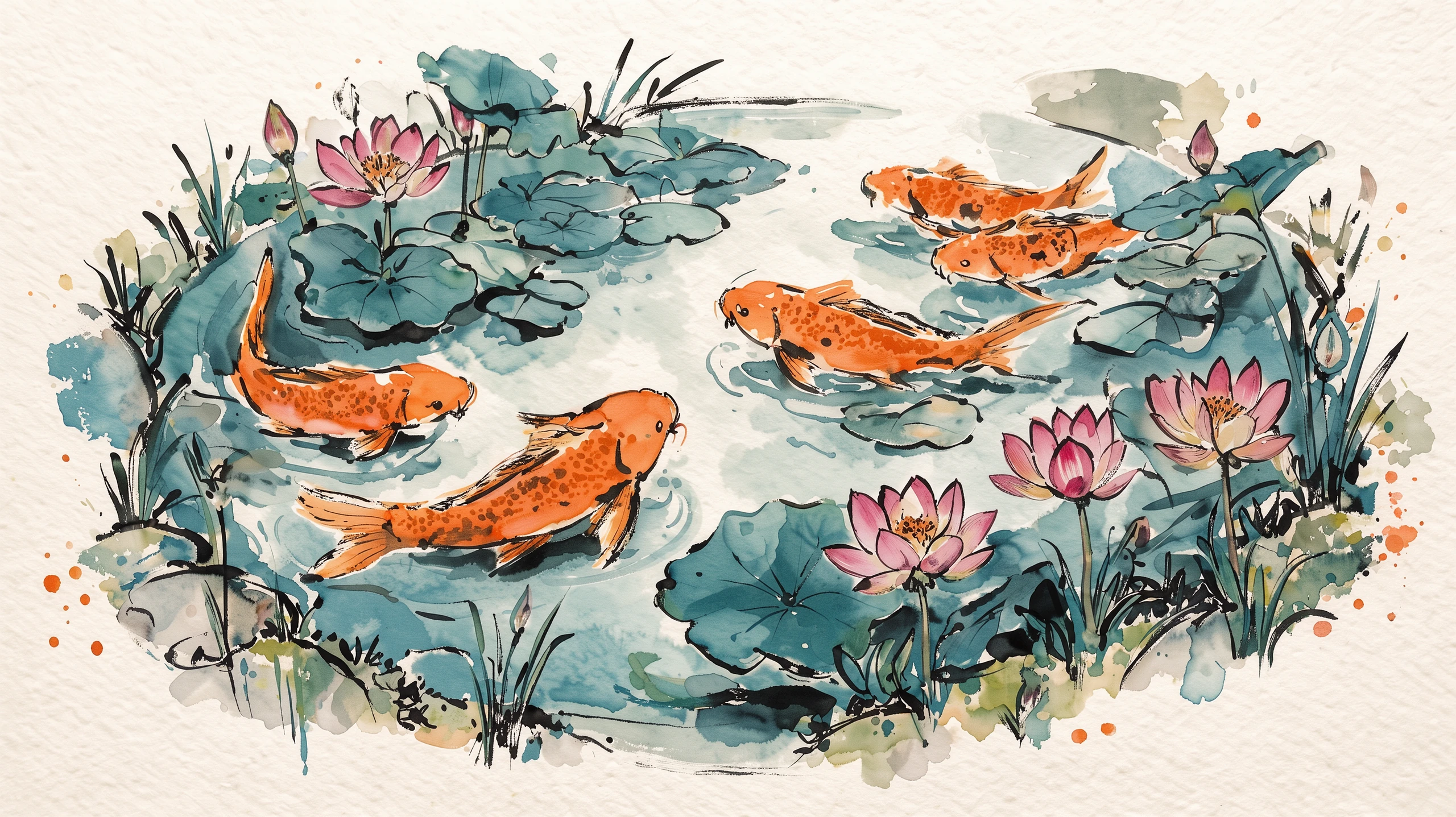
How it works

1
Describe your image or edit
Open the Image Workshop and select FLUX 3 Klein. Write what you want to create, or upload a photo and state the change you want in plain language.
2
Add references and pick a size
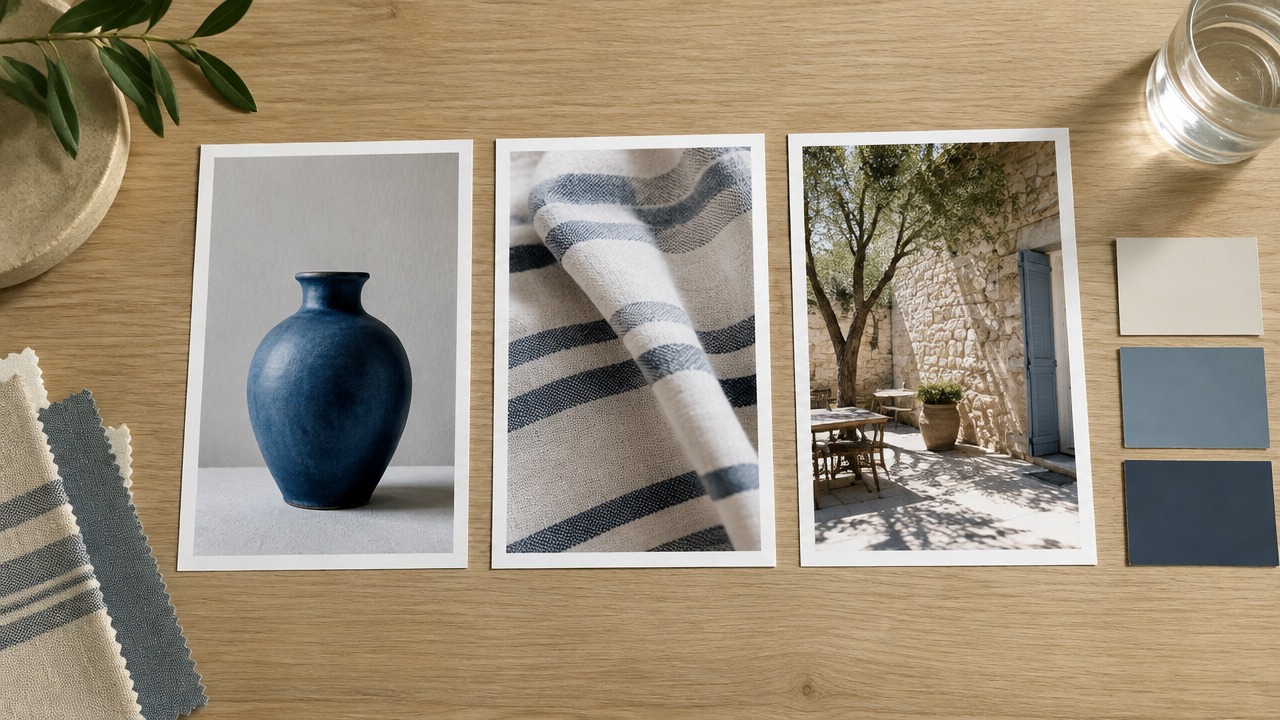
Upload up to 10 reference images if they will help guide the result. Choose an output size and aspect ratio, or leave the ratio on auto to keep the first image's shape when editing.

3
Generate and refine
Generate a draft, then adjust your instructions or references and try again. Start at a smaller size for exploration and choose a larger output when you have a direction you like.
Prompts to try
Macro photograph of an iridescent green beetle on a dewy fern leaf, morning backlight, droplets glowing, shallow depth of field.
Text to image, at any of the five sizes.
Make it a deep winter night: snow on the roof, the jetty and the trees, the lake frozen, warm light glowing in the cabin windows, stars in the sky. Keep the cabin, the jetty and the composition the same.
Add a photo and edit it with one sentence.
The clay fox chef from image 1, now wearing the mustard yellow knitted scarf from image 2, standing in the snowy clearing of image 3 in front of the cabin, holding a steaming mug.
Combine up to 10 reference images.
Pricing for FLUX 3 Klein
Runs on credits — no per-model surcharges, no surprise billing.
12credits
per generation
12 credits per image
Show pricing details▾
ResolutionCredits
- 1Kdefault12/ generation
- 1.5K15/ generation
- 2K19/ generation
- 4K48/ generation
- 768px11/ generation
Credits work across every plan. See /pricing for credit packages.
Compare all 7 versions
All 7 run on the same credits in the same workshop — here is what each costs and what it is for.
FLUX 3 Klein
12credits per generation
- Resolution:
- 768px 11 credits · 1K 12 credits · 1.5K 15 credits · 2K 19 credits · 4K 48 credits
Black Forest Labs' FLUX 3 Klein: the fast, low-cost FLUX 3. Text-to-image and image editing in one model, up to 10 reference images at no extra cost, and five sizes from 768px to 4K, with most images back in seconds.
Try FLUX 3 Klein →FLUX 3
65credits per generation
- Resolution:
- 768px 55 credits · 1K 65 credits · 1.5K 90 credits · 2K 130 credits · 4K 790 credits
Black Forest Labs' FLUX 3: text-to-image and image editing in one model. Edit or compose from up to 10 reference images at no extra cost, render at five sizes from 768px to 4K, and optionally let the model ground your prompt with web and image search before it renders.
Try FLUX 3 →Flux 2 Max
80credits per generation
- Resolution:
- 0.5MP 60 credits · 1MP 80 credits · 2MP 120 credits · 4MP 180 credits
Black Forest Labs' most powerful FLUX model with exceptional detail and quality. Resolution-based pricing (0.5MP to 4MP) and multi-image reference support (up to 4 images). The ultimate choice for maximum quality output.
Try Flux 2 Max →Flux 2 Pro
25credits per generation
- Resolution:
- 0.5MP 15 credits · 1MP 25 credits · 2MP 50 credits · 4MP 80 credits
Black Forest Labs' premium FLUX model with resolution-based pricing (0.5MP to 4MP) and multi-image reference support (up to 4 images). Offers superior quality with flexible resolution options for professional workflows.
Try Flux 2 Pro →Flux 2 Flex
80credits per generation
- Resolution:
- 0.5MP 40 credits · 1MP 80 credits · 2MP 160 credits · 4MP 260 credits
Black Forest Labs' advanced FLUX model with resolution-based pricing (0.5MP to 4MP), adjustable steps and guidance, and multi-image reference support (up to 4 images). Offers fine-grained control over generation quality and style.
Try Flux 2 Flex →Flux 2 Dev
25credits per generation
Black Forest Labs' next-generation FLUX model with improved quality, better prompt adherence, and multi-image reference support (up to 4 images). Excellent for both text-to-image and image-to-image generation with permissive content policies.
Try Flux 2 Dev →Flux 2 Klein
10credits per generation
Black Forest Labs' sub-second image generation model (FLUX.2-klein-9B) with text-to-image and image editing capabilities. Supports up to 3 reference images for multi-image fusion, excellent prompt adherence, and high-definition output up to 2048x2048.
Try Flux 2 Klein →Use FLUX 3 Klein via the API
FLUX 3 Klein is available through the BudgetPixel developer API — the same model the studio runs, supporting text-to-image, and image editing / references. Pricing is metered in credits (11 credits/image at 768px, 12 credits/image at 1K, 15 credits/image at 1.5K, 19 credits/image at 2K, 48 credits/image at 4K), charged only on success, with an API key available on Premium plans and above.
curl -X POST https://api.budgetpixel.com/v1/images/flux-3-image-klein \
  -H "Authorization: Bearer $BUDGETPIXEL_API_KEY" \
  -H "Content-Type: application/json" \
-d '{"prompt": "your prompt here"}'No code? Use FLUX 3 Klein from Claude or Cursor
FLUX 3 Klein is also available through the BudgetPixel MCP server. Connect your account to Claude, Cursor, or any MCP-enabled agent and generate with FLUX 3 Klein by asking in plain language — same credits, same pricing, no code required.
FLUX 3 Klein at a glance
- Text-to-image and editing in one model
- Up to 10 reference images, free
- Five output sizes, 768px to 4K
- Most images back in seconds
- 14 aspect ratios including auto
- FLUX 3's request at a fraction of the price
How FLUX 3 Klein compares
The differences that actually change which one you pick.
- FLUX 3 Klein vs FLUX 3
- The same request and the same five sizes. FLUX 3 is the larger model and can ground a prompt with web and image search; Klein costs about a fifth as much and returns faster, so it suits drafts, volume and quick edits.
- FLUX 3 Klein vs Flux 2 Klein
- Flux 2 Klein tops out at 2048x2048 with up to 3 reference images. FLUX 3 Klein takes up to 10 references and renders up to 4K.
Frequently asked questions
What is FLUX 3 Klein?▾
FLUX 3 Klein is Black Forest Labs' smaller, faster FLUX 3 Image model, released on October 15, 2026. On BudgetPixel, you can use it to generate images from text or edit existing images.
How do I use FLUX 3 Klein on BudgetPixel?▾
Select FLUX 3 Klein in the Image Workshop or Design Studio, then enter a prompt. Add reference images if you are editing a photo or combining visual sources. It is also available through the developer API and MCP connector.
Can FLUX 3 Klein edit an existing photo?▾
Yes. Upload the photo as your first reference and describe the change, such as replacing an object or changing a color. Review the result and refine your instruction if needed.
How many reference images can FLUX 3 Klein use?▾
You can add up to 10 reference images to an edit. References do not add to the image charge on BudgetPixel. If you leave the aspect ratio on auto, the output follows the first reference image's shape.
What sizes and aspect ratios does FLUX 3 Klein offer?▾
BudgetPixel offers 768px, 1K, 1.5K, 2K and 4K output sizes; 1K is the default for a new image. You can choose from 13 aspect ratios spanning 21:9 to 9:21, or use auto. Outputs through 2K are PNG; 4K outputs are JPEG.
How fast is FLUX 3 Klein?▾
In BudgetPixel tests, most images up to 1.5K took about 5–8 seconds. A 2K image took about 13 seconds, while 4K took about a minute. Times can vary by request.
How much does FLUX 3 Klein cost?▾
BudgetPixel bills per image by output size: 11 credits at 768px, 12 at 1K, 15 at 1.5K, 19 at 2K and 48 at 4K. Text-to-image and editing cost the same at a given size, and references cost nothing extra. Pro and Ultra plans also include FLUX 3 Klein in their daily free-model allowance.
Why use FLUX 3 Klein for frequent image work?▾
It brings text-to-image generation, plain-language edits and multi-reference compositions into one fast workflow. Smaller output sizes make it practical to explore directions before generating a larger selected image.
Can I use FLUX 3 Klein images commercially?▾
BudgetPixel plans include commercial usage terms that vary by plan. Check the Terms of Service and the terms of your plan before using an image commercially, and make sure you have the rights to any images you upload.
Does FLUX 3 Klein have an API?▾
Yes — FLUX 3 Klein is available through the BudgetPixel developer API via the `POST /v1/images/flux-3-image-klein` endpoint, supporting text-to-image, and image editing / references. Generate an API key from the developer console (available on Premium plans and above) and see the full reference at docs.budgetpixel.com.
How much does the FLUX 3 Klein API cost?▾
API usage is billed in credits from the same balance your plan includes, at the standard metered rate: 11 credits/image at 768px, 12 credits/image at 1K, 15 credits/image at 1.5K, 19 credits/image at 2K, 48 credits/image at 4K. Failed generations are never charged. You can estimate any request's exact cost with POST /v1/cost before running it.
Can I use FLUX 3 Klein with Claude or other AI agents (MCP)?▾
Yes — FLUX 3 Klein is exposed through the BudgetPixel MCP server, so Claude, Cursor, and any MCP-compatible agent can generate with it from a plain-language request. Connect your account at budgetpixel.com/mcp; generations use the same credit balance and pricing as the web studio and the API.