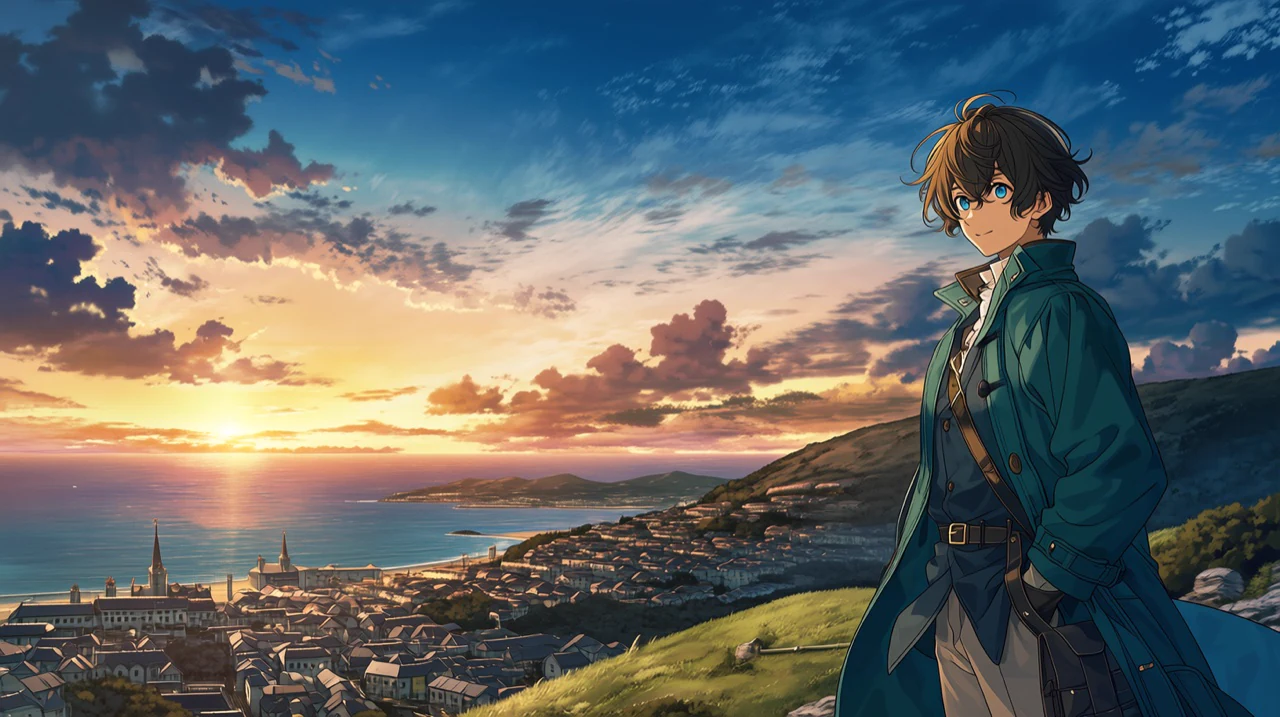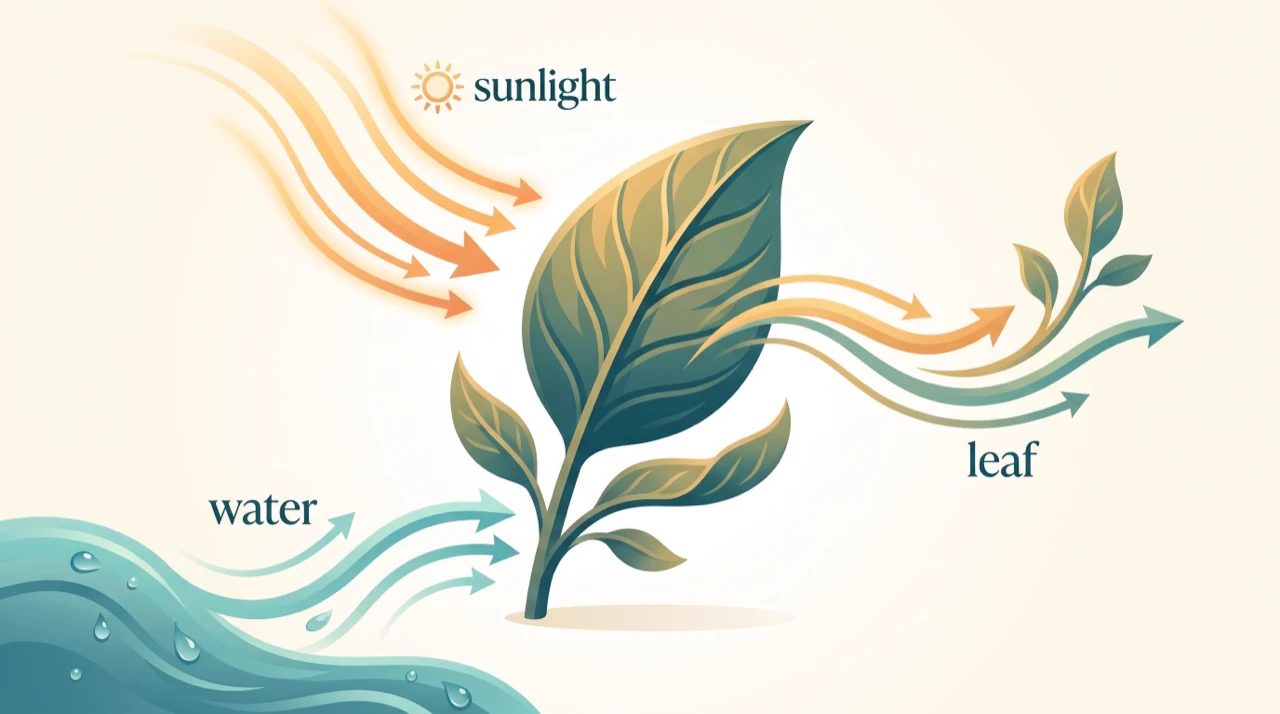
Ideogram V4.5
Create typography-led designs, then edit them with guidance from reference images.

~4 MP, 13 aspect ratiosOutput
Image + up to 4 referencesEditing
40 · 80 · 290 by qualityCredits
Image WorkshopRuns in
Professional images for every use case
Logo and wordmark concepts.
Explore lettering and symbols together before choosing a direction for a visual identity.Packaging and label mockups.
See how a product name, illustration and label design work together on a package.Social graphics and thumbnails.
Make a short headline the focal point of a graphic sized for sharing.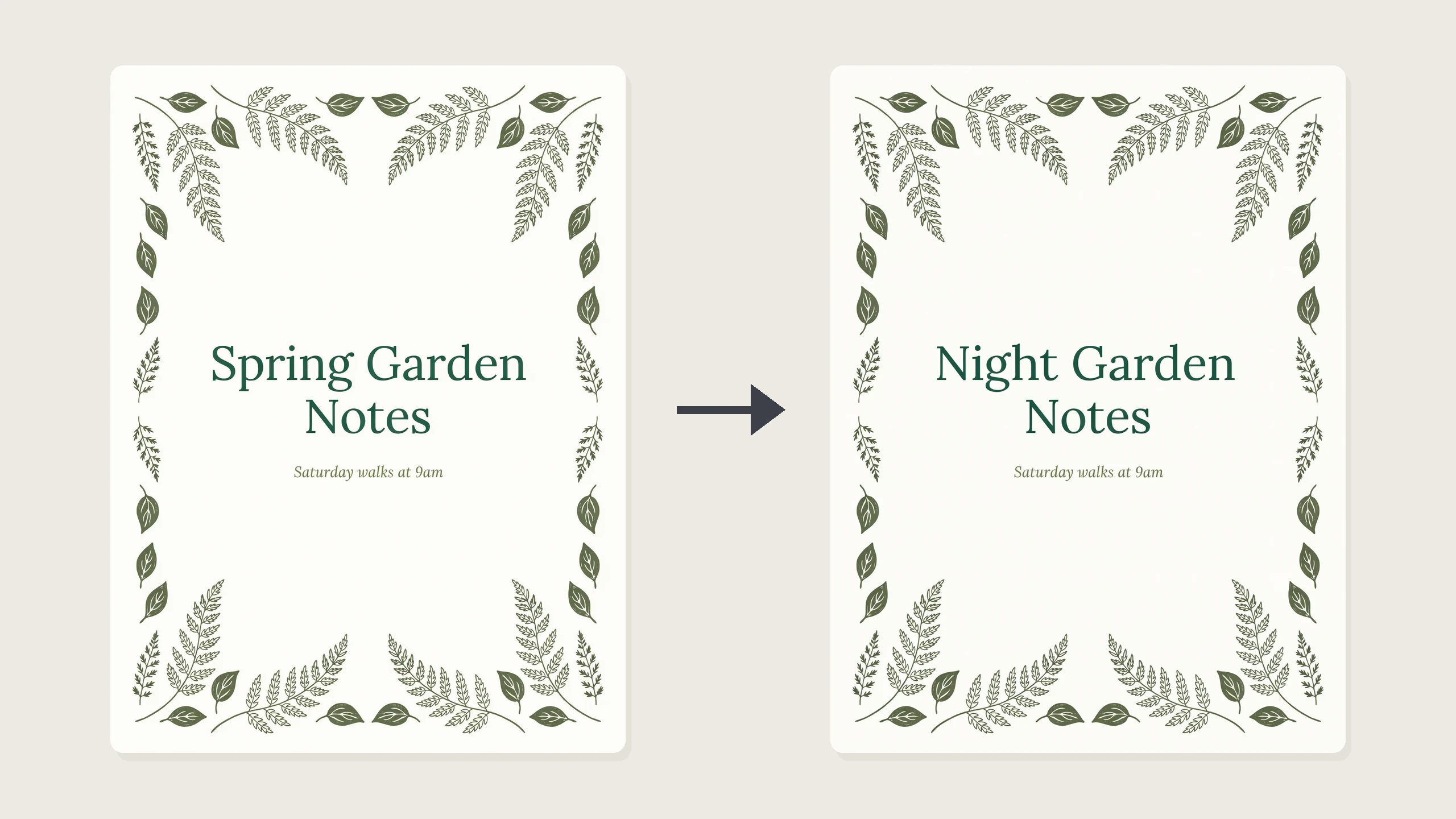
Existing design revisions.
Change a headline or visual direction using the original design and references as guidance.Typography built into the image
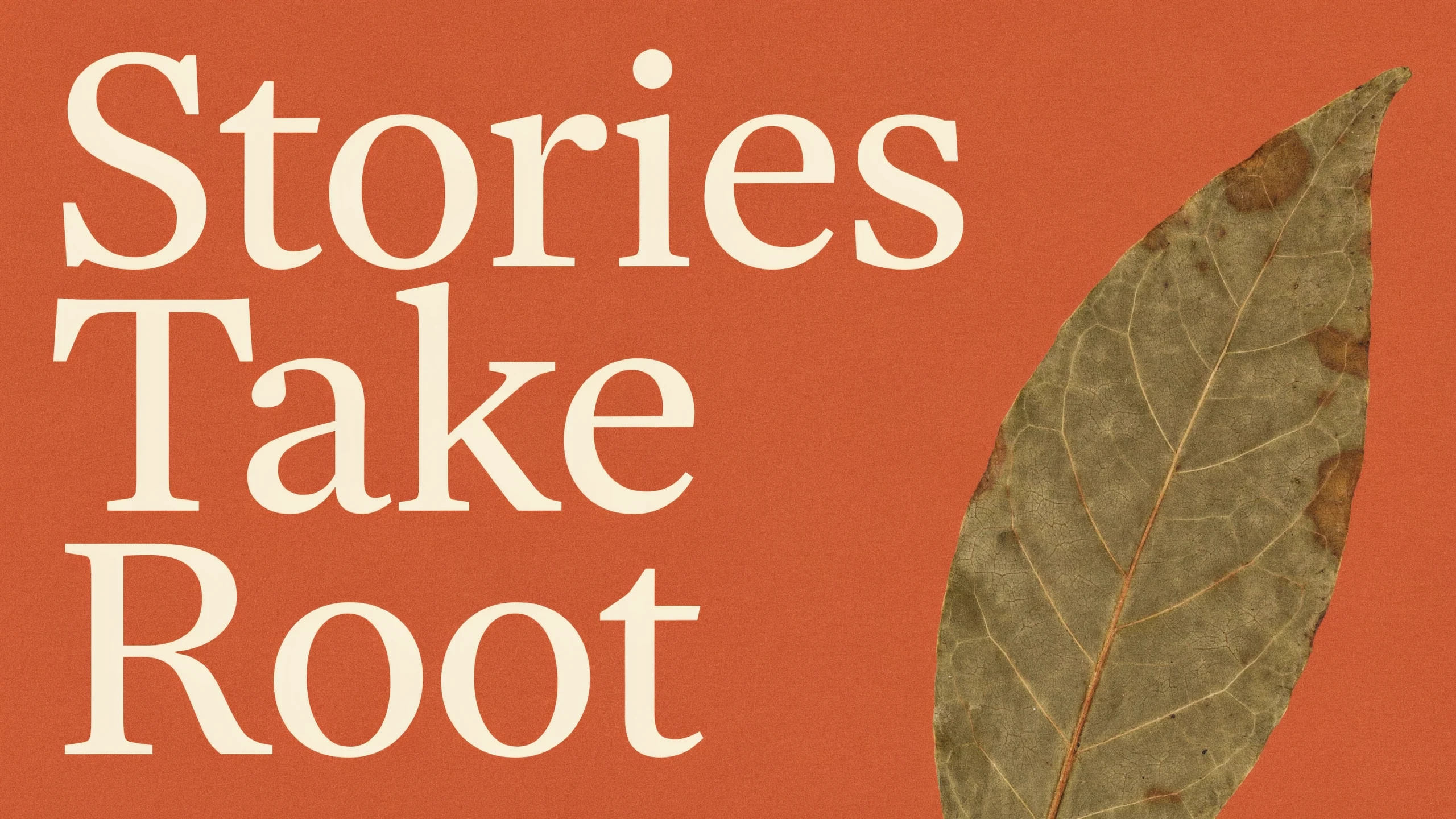
Put the exact headline in your prompt and describe its style and placement. Ideogram emphasizes in-image text for posters, packaging and logos, where the lettering is part of the design rather than an afterthought.
- •Prompt for exact headline wording
- •Describe serif, sans-serif or hand-lettered type
- •Place text within a complete visual layout
- •Explore posters, labels and wordmarks
Edit designs with image references
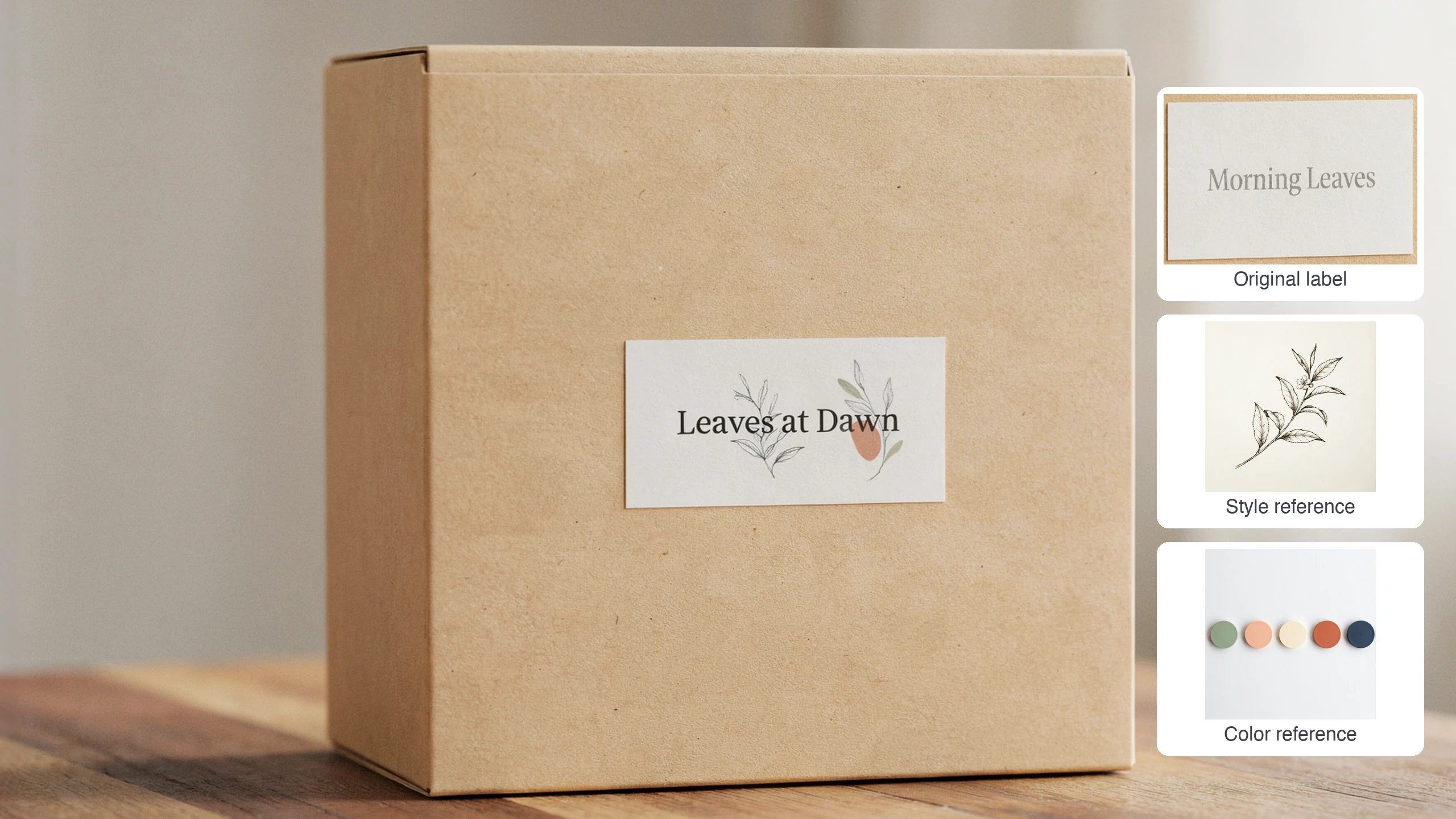
Start with the image you want to change, then add references for a product, logo, style or other visual direction. Describe the change in plain language; Ideogram presents V4.5 as a model designed to reduce unwanted visual drift during edits.
- •Add the image to edit first
- •Include up to 4 additional reference images
- •Swap wording or restyle a layout
- •Keep the first image's shape by default
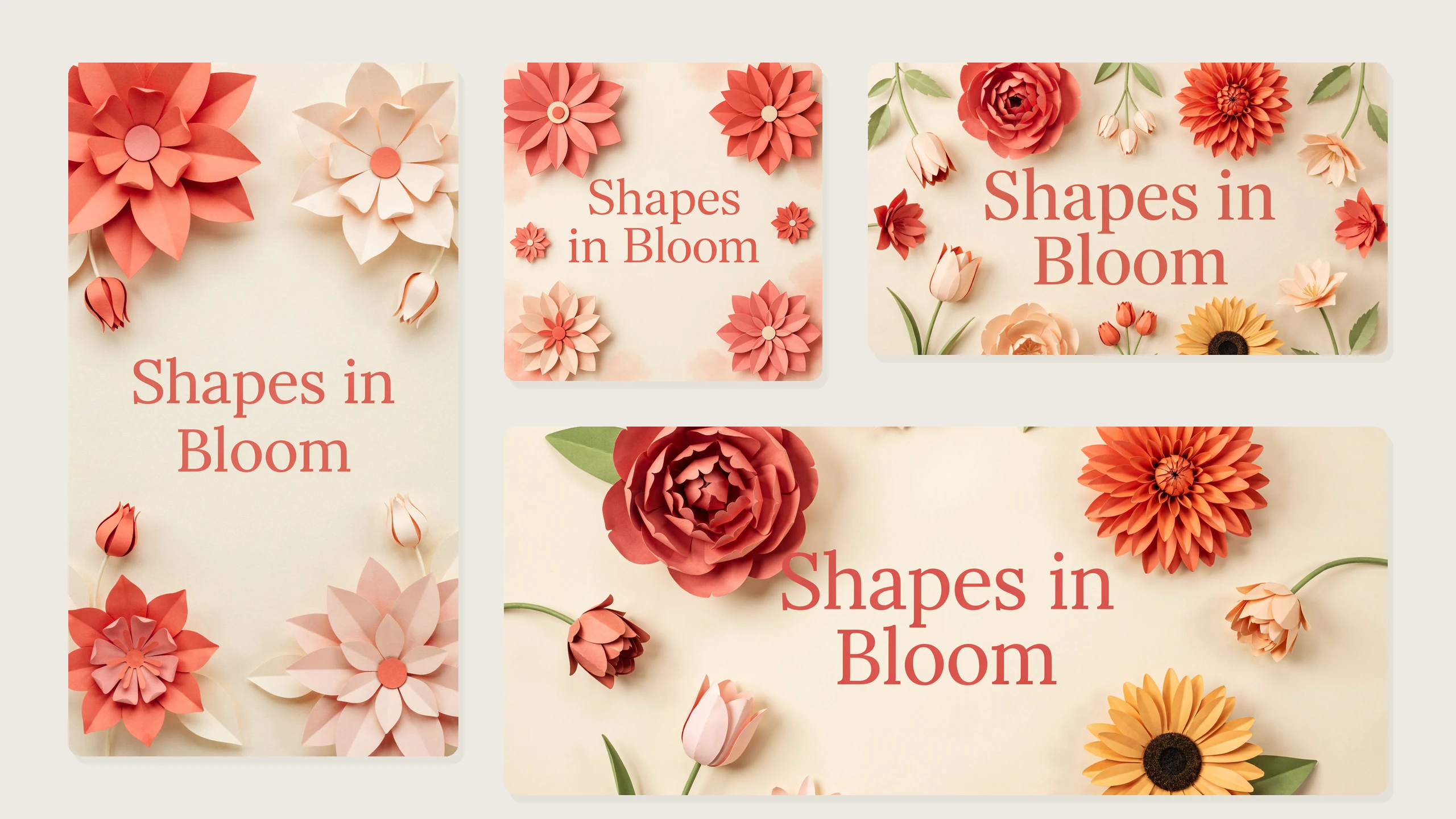
Layouts for different design formats
Choose a shape suited to a poster, social graphic, label concept or wide banner. Selecting an aspect ratio when editing also re-frames the result instead of keeping the first image's shape.
- •Square, portrait and landscape options
- •Wide and tall compositions
- •About 4 megapixels at each shape's largest size
- •Aspect-ratio selection for edit reframing
Seed and quality controls
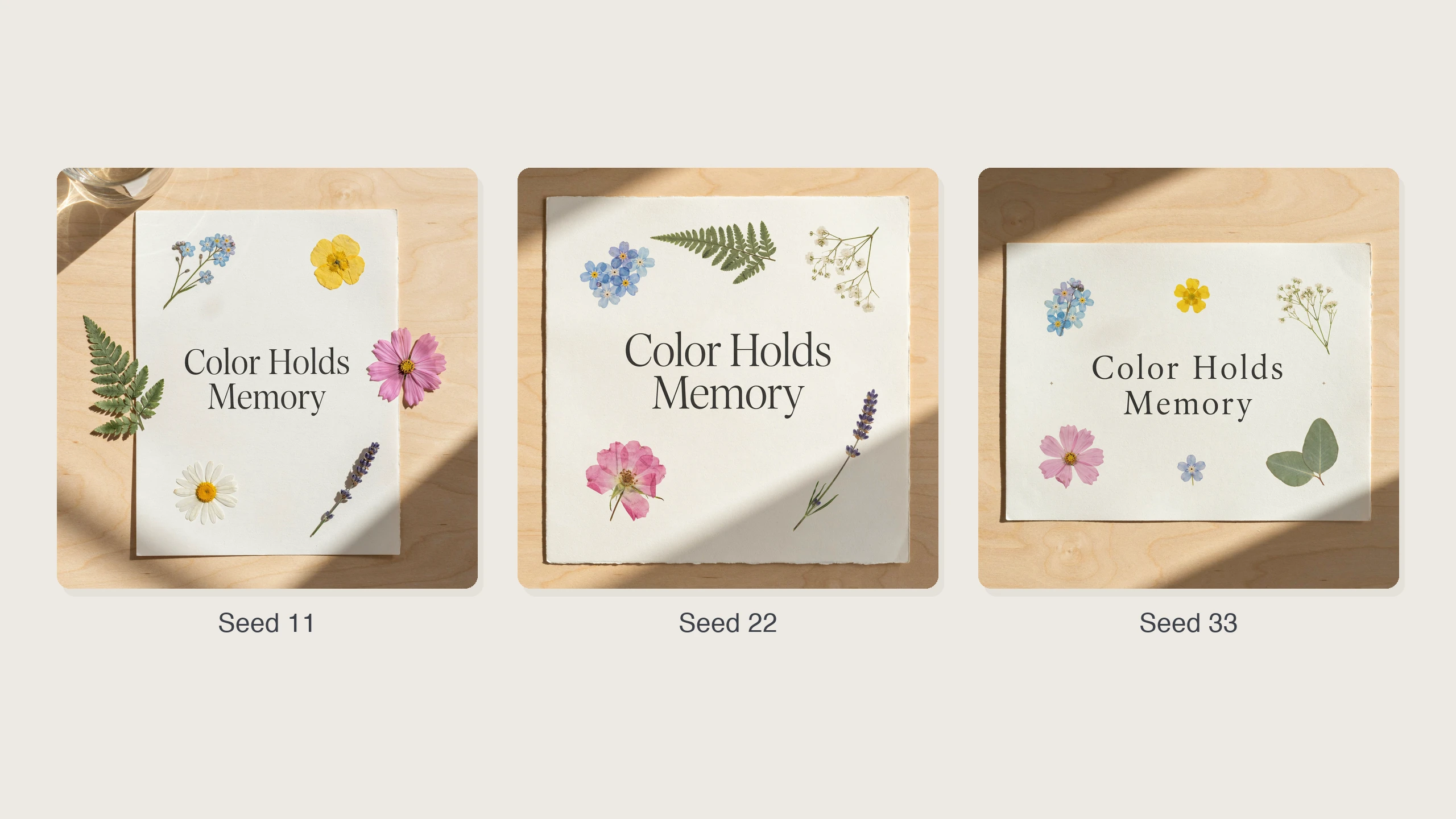
Use a seed to reproduce a result or vary it deliberately while exploring a direction. Choose Low, Medium or High quality to match the level of detail you need; higher quality takes longer.
- •Reproduce a result with its seed
- •Explore deliberate variations
- •Choose Low, Medium or High quality
- •Use Medium as the default
How it works
1
Describe your design
Open BudgetPixel's Image Workshop and select Ideogram V4.5. Describe the subject, layout and typography; put any exact words you want in quotation marks.
2
Choose shape and quality
Pick an aspect ratio that fits where the image will appear, then choose Low, Medium or High quality. Medium is the default, while higher quality takes longer.
3
Generate or edit
Generate from your prompt, or switch to the Image to Image tab to revise an existing design. For an edit, add the image to change first, add any references, and describe what should change.
Prompts to steal
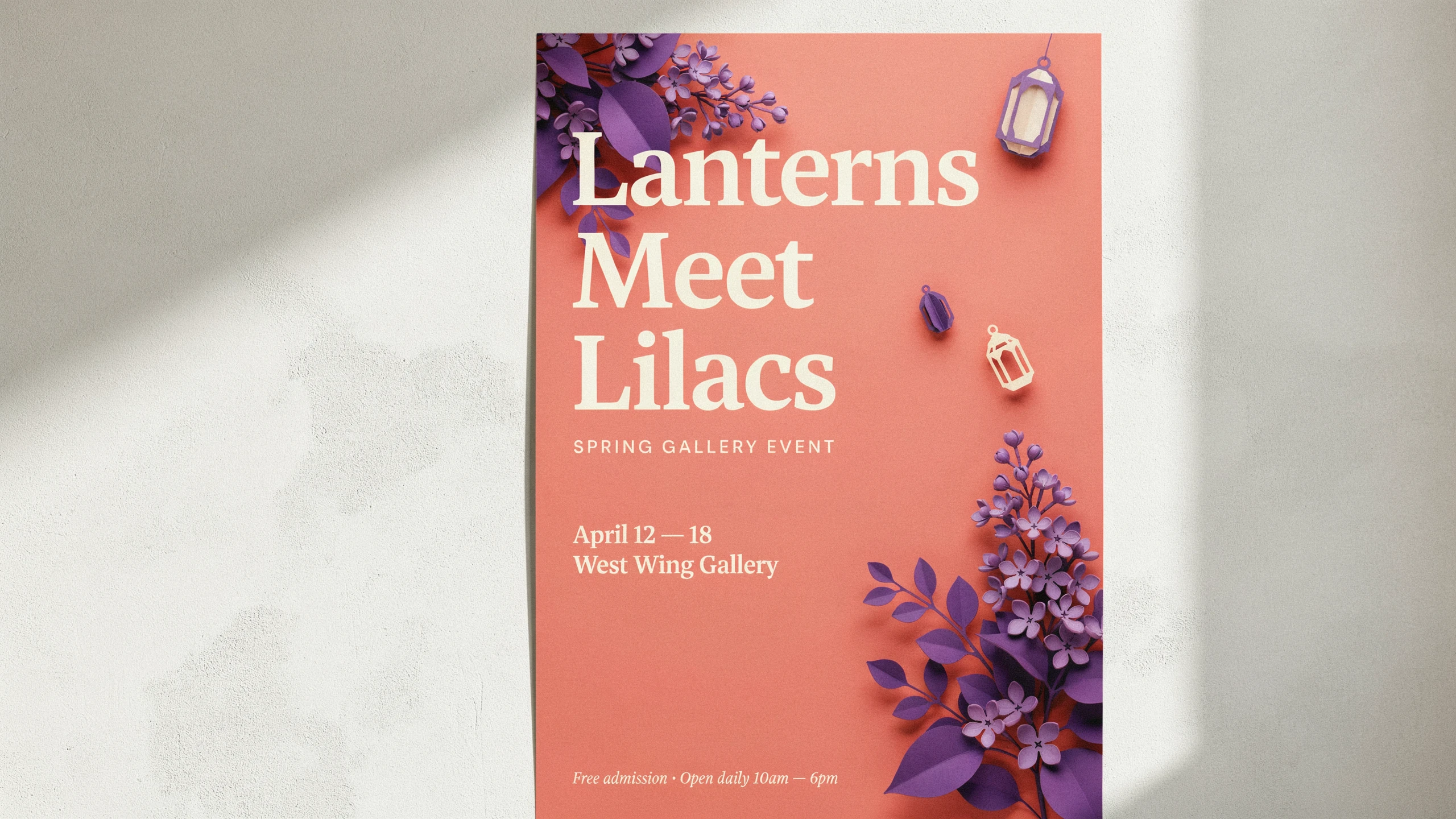
Event poster on a sunlit gallery wall, headline "Lanterns Meet Lilacs" in bold cream serif, violet paper-cut florals, warm coral background, crisp editorial layout.
Event posters and flyers
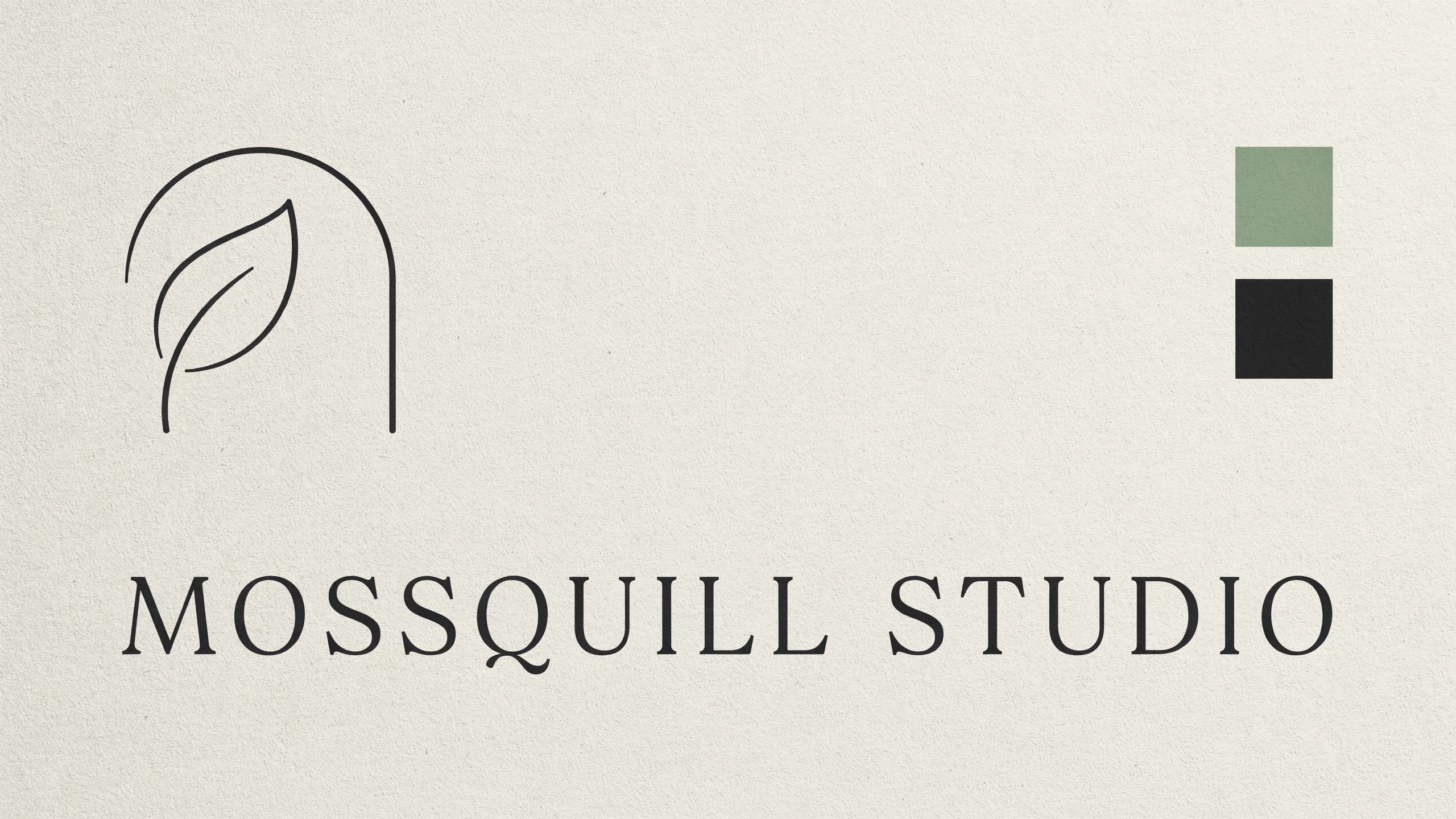
Presentation board with an abstract leaf-and-arch symbol and invented wordmark "Mossquill Studio" in geometric serif, cream cardstock, sage and ink swatches.
Logo and wordmark concepts
Studio photo of a paper tea tin with a large label reading "Citrus After Rain", orange-slice line art, matte ivory stock, mint backdrop, soft shadows.
Packaging and label mockups
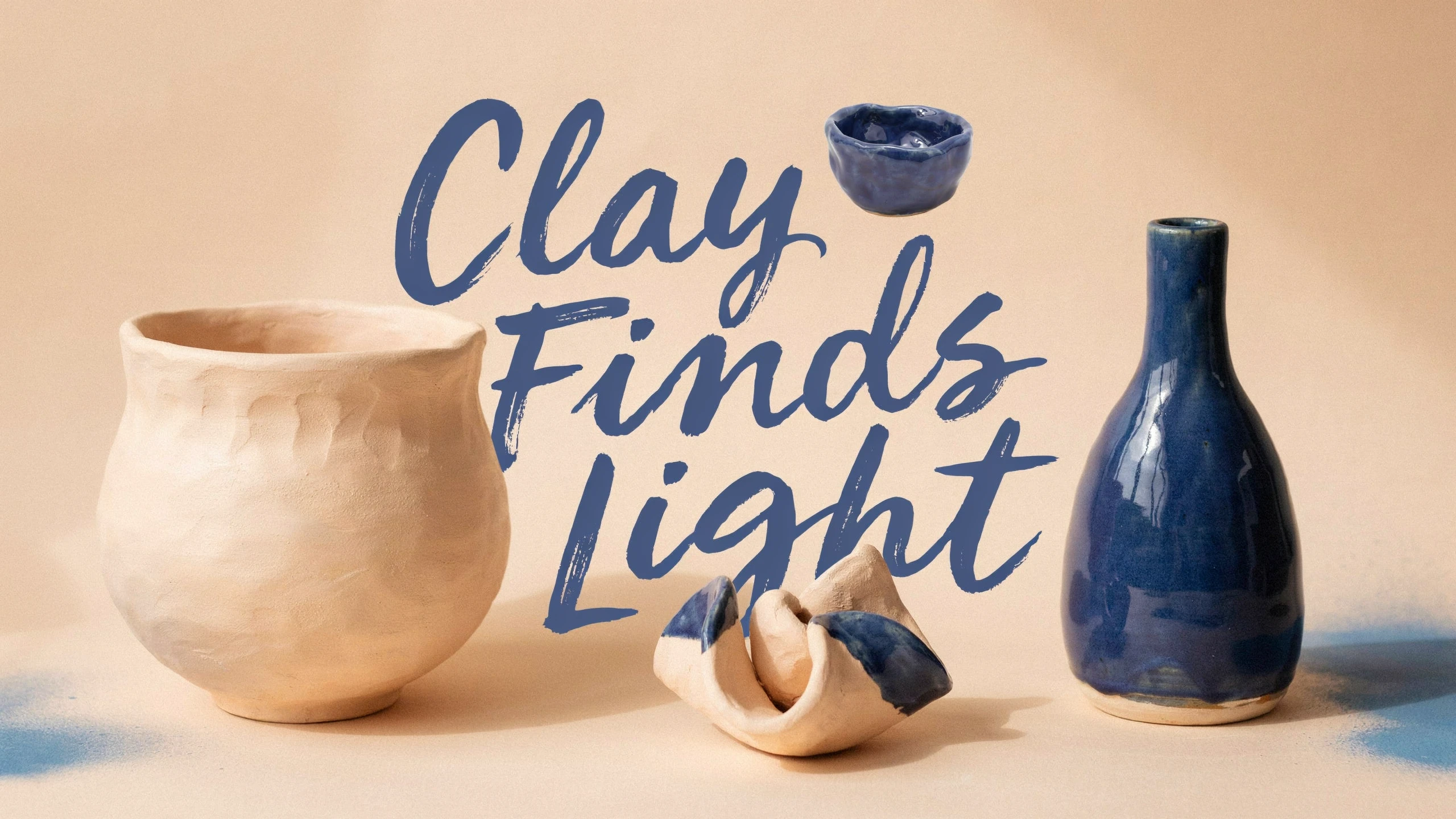
Social graphic for a ceramics workshop, headline "Clay Finds Light", expressive oversized lettering, sculptural clay forms, pale apricot and cobalt palette.
Social graphics and thumbnails
Change the headline to "Night Garden Notes". Keep the illustrated leaves, the layout, the small line and the cream paper texture. (Image to Image, 1 image)
Existing design revisions
Pricing for Ideogram V4.5
Runs on credits — no per-model surcharges, no surprise billing.
80credits
per generation
80 credits per image
Show pricing details▾
QualityCredits
- mediumdefault80/ generation
- high290/ generation
- low40/ generation
Credits work across every plan. See /pricing for credit packages.
Compare all 5 versions
All 5 run on the same credits in the same workshop — here is what each costs and what it is for.
Ideogram V4.5
80credits per generation
- Quality:
- low 40 credits · medium 80 credits · high 290 credits
Ideogram's newest image model, built for posters, logos and designs with accurate typography. Generate from a prompt, or edit an image with plain-language instructions and up to 4 more reference images. Choose Low, Medium or High quality at a flat price per image, at any aspect ratio.
Try Ideogram V4.5 →Ideogram v3 Quality
90credits per generation
Ideogram's premium model delivering the highest quality output with exceptional photorealism, precise text rendering, and sophisticated visual compositions. Best for professional and commercial use.
Try Ideogram v3 Quality →Ideogram v3 Balanced
60credits per generation
Ideogram's balanced model offering an optimal combination of speed and quality. Features stunning realism, creative designs, and consistent styles with enhanced image-prompt alignment.
Try Ideogram v3 Balanced →Ideogram v3 Turbo
30credits per generation
Ideogram's fastest and most affordable model with stunning realism, creative designs, and consistent styles. Supports text-to-image, image-to-image, and future inpainting capabilities.
Try Ideogram v3 Turbo →Ideogram V4.5 at a glance
- Accurate text rendering
- Posters, logos and layouts
- Editing with up to 4 reference images
- Three quality tiers at a flat price per image
- 13 aspect ratios, up to about 4 megapixels
- Seed control for repeatable results
How Ideogram V4.5 compares
The differences that actually change which one you pick.
- Ideogram V4.5 vs Ideogram V4
- V4 is text-to-image only, priced by rendering speed (Turbo 40, Balanced 80, Quality 120 credits). V4.5 adds editing with up to 4 reference images, seed control and quality tiers (Low 40, Medium 80, High 290).
- Ideogram V4.5 vs Ideogram V3 Quality
- Both focus on typography. V4.5 renders larger images at more aspect ratios and edits with up to 4 references; V3 Quality is a flat 90 credits.
Frequently asked questions
What is Ideogram V4.5, and who makes it?▾
Ideogram V4.5 is an image model from Ideogram. In BudgetPixel's Image Workshop, you can generate images from text or edit an existing image, with a particular focus on designs that contain typography.
How much does Ideogram V4.5 cost on BudgetPixel?▾
Each image costs 40 credits at Low quality, 80 at Medium or 290 at High. Those rates are the same for text-to-image and editing at every available aspect ratio and size; reference images cost nothing extra.
How is Ideogram V4.5 different from Ideogram V4?▾
Ideogram V4 is a separate, text-to-image-only option without editing or seed control and offers 7 aspect ratios. Ideogram V4.5 adds image editing, seed control and a wider selection of shapes.
How is Ideogram V4.5 different from Ideogram V3?▾
Ideogram V3's Turbo, Balanced and Quality options have their own pages. They offer 1:1, 16:9 and 9:16 shapes and up to 3 style reference images; V4.5 offers text-to-image plus editing with an original image and additional references.
How does editing with reference images work?▾
In the Image to Image tab, add the image you want to change first, then up to 4 more references, for 5 images in total. Describe the change in plain language, such as replacing a headline or drawing on a style reference. The edit keeps the first image's shape by default; selecting an aspect ratio re-frames it.
Which aspect ratios and image sizes can Ideogram V4.5 render?▾
The available ratios are 1:1, 16:9, 9:16, 4:3, 3:4, 3:2, 2:3, 5:4, 4:5, 2:1, 1:2, 21:9 and 9:21. Each renders at the largest size offered for that shape, about 4 megapixels: examples include 2048×2048 at 1:1, 2560×1440 at 16:9, 1440×2560 at 9:16 and 3072×1280 at 21:9.
Can I use Ideogram V4.5 images commercially?▾
Plans include commercial usage terms, but check the applicable Terms before using an image in a campaign or product. Make sure you have the rights to any images, logos or wording you supply as inputs.
Does Ideogram V4.5 render text inside images?▾
Yes. Typography is a core Ideogram capability, making V4.5 useful for posters, labels, signage and graphics with a headline. Put the exact wording in your prompt and specify its style and placement, then check the result before publishing.
How do I use Ideogram V4.5 on BudgetPixel?▾
Select it in the Image Workshop, enter a prompt and choose your aspect ratio and quality. To change an existing image, open the Image to Image tab and add that image before any references. You use BudgetPixel credits, with no separate subscription or local GPU needed.
Can I reproduce an image with a seed?▾
Yes. Ideogram V4.5 includes seed control so you can reproduce a result or deliberately vary it. Keep the seed when revisiting a direction, and change it when you want to explore another variation.