Ideogram 4.0
Readable text, tighter layouts, and polished 2K output for design-heavy image work.
Free plan: up to 7 images a month, then from $0.04 an image.
Professional images for every use case
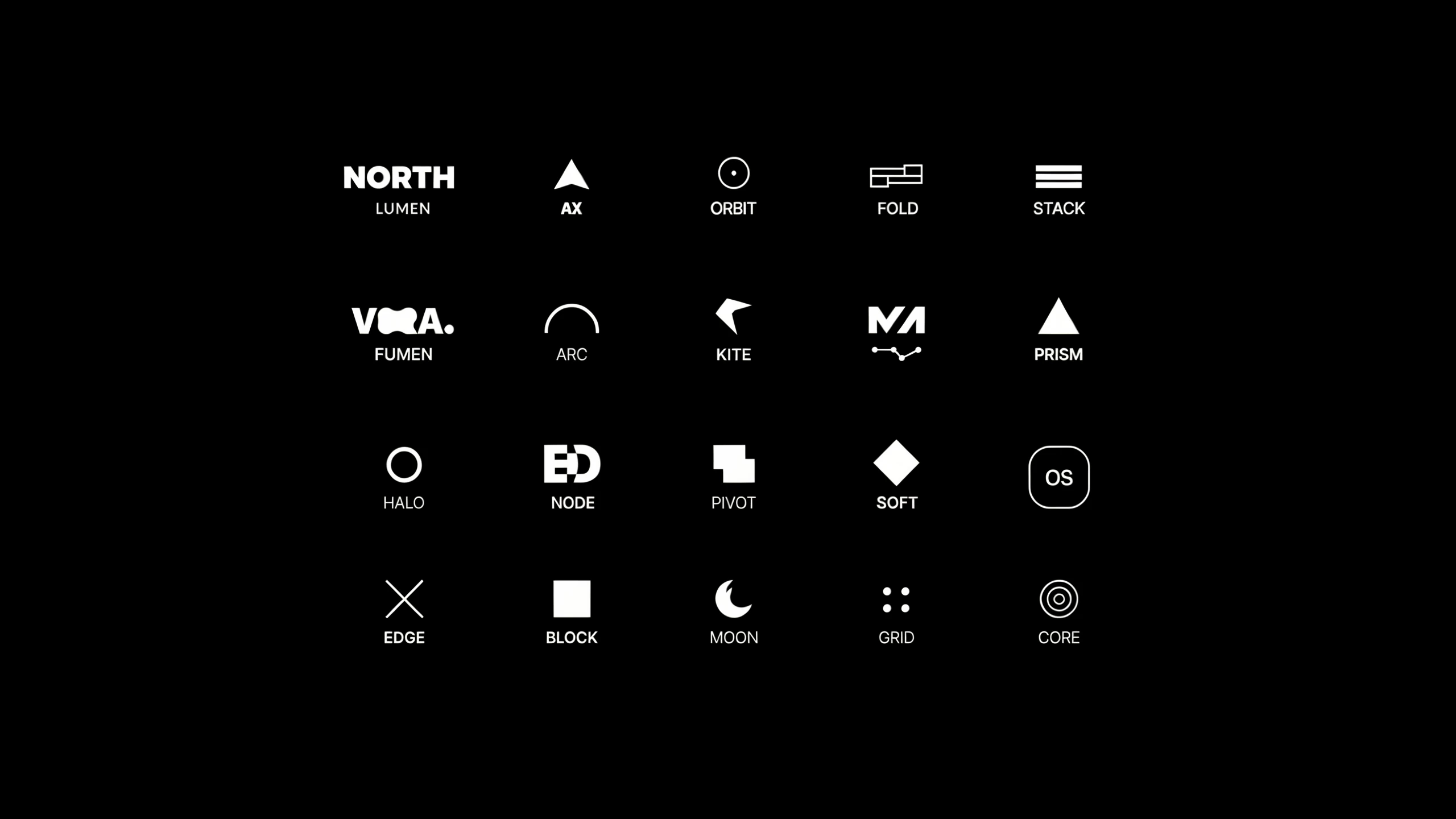
Logo concepts.
Useful for fast logo exploration when wordmarks, spacing, and clean composition matter.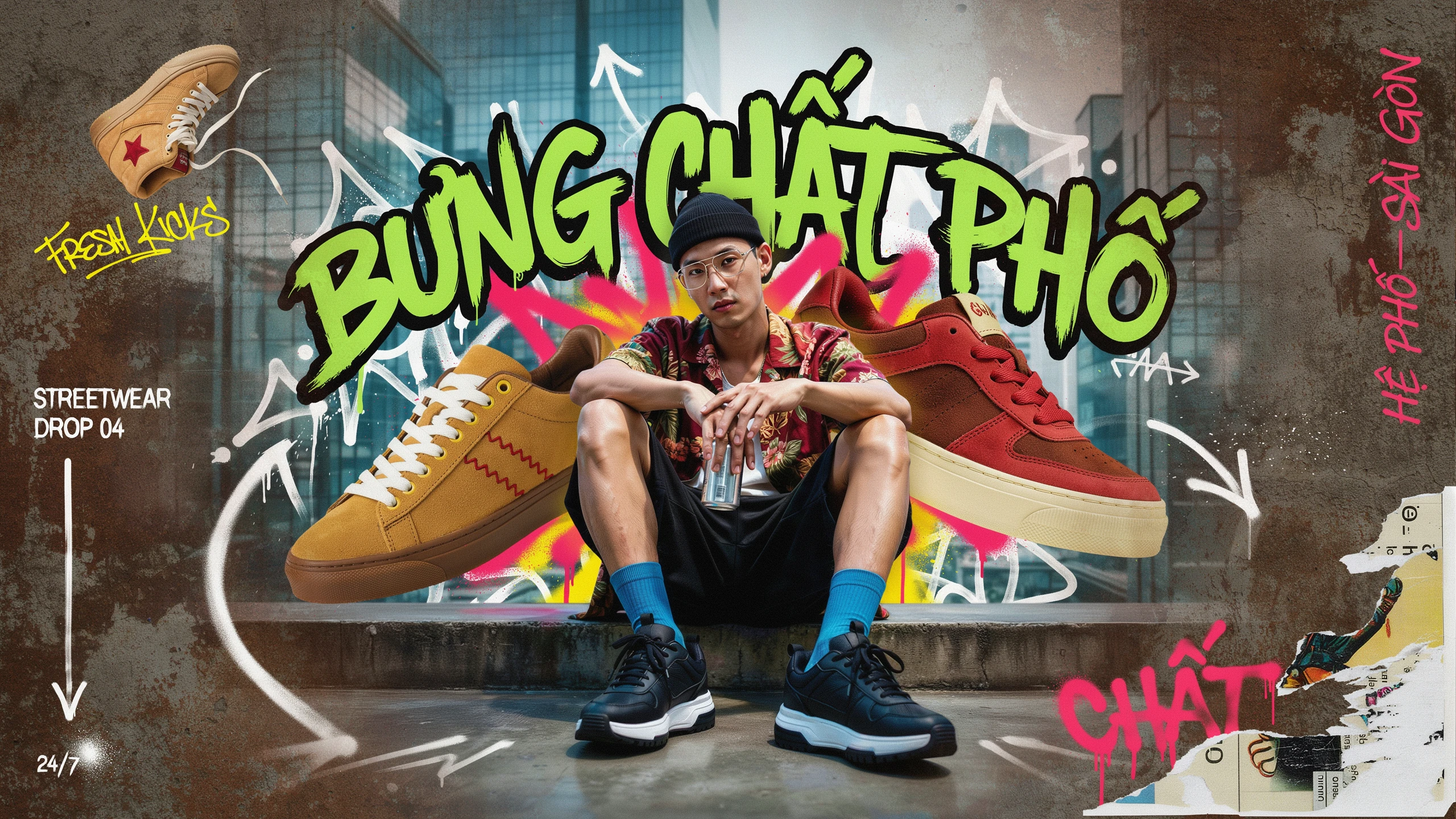
Product packaging.
Strong for label text, brand lockups, and ad-ready packaging mockups.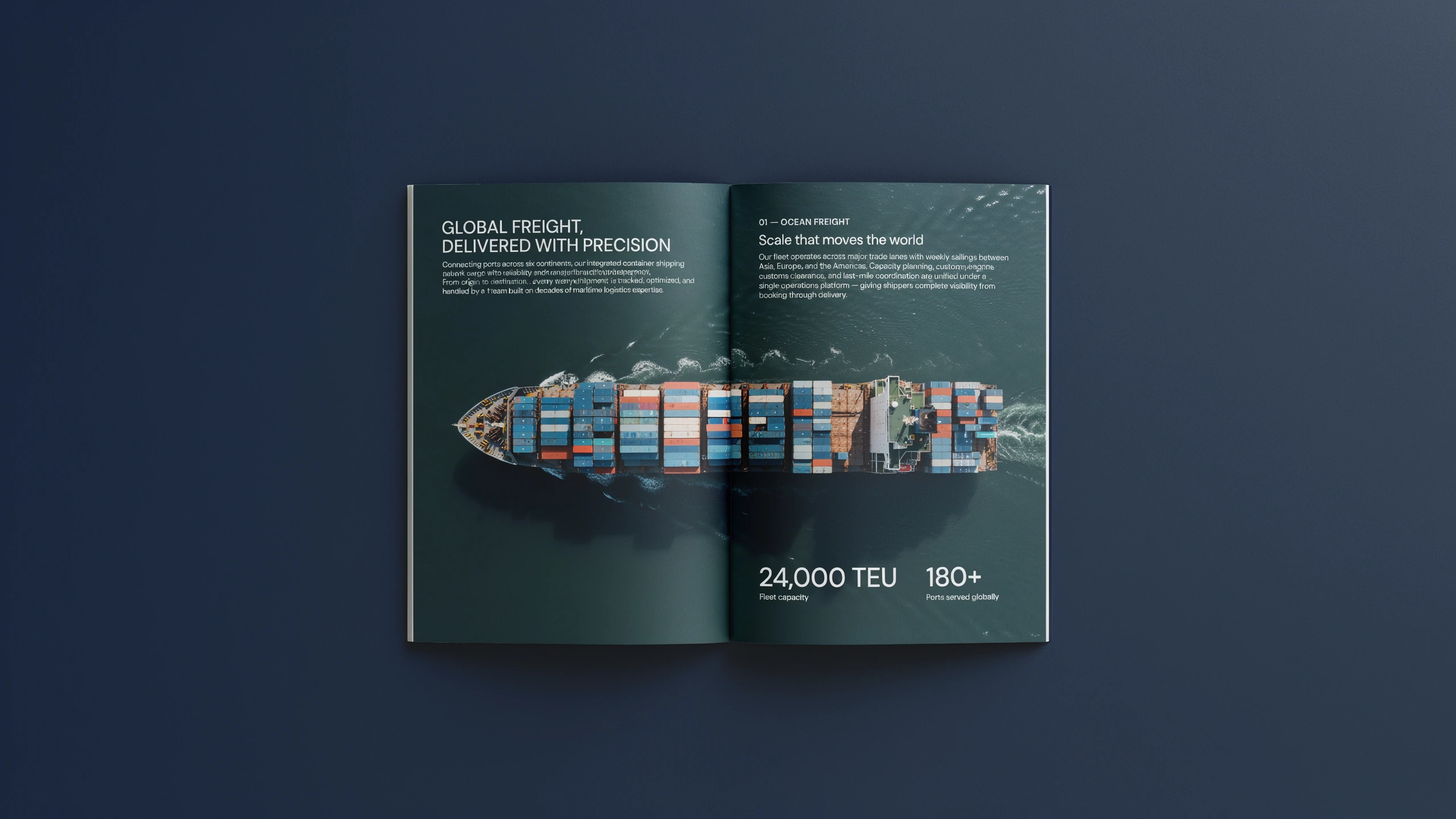
Book covers.
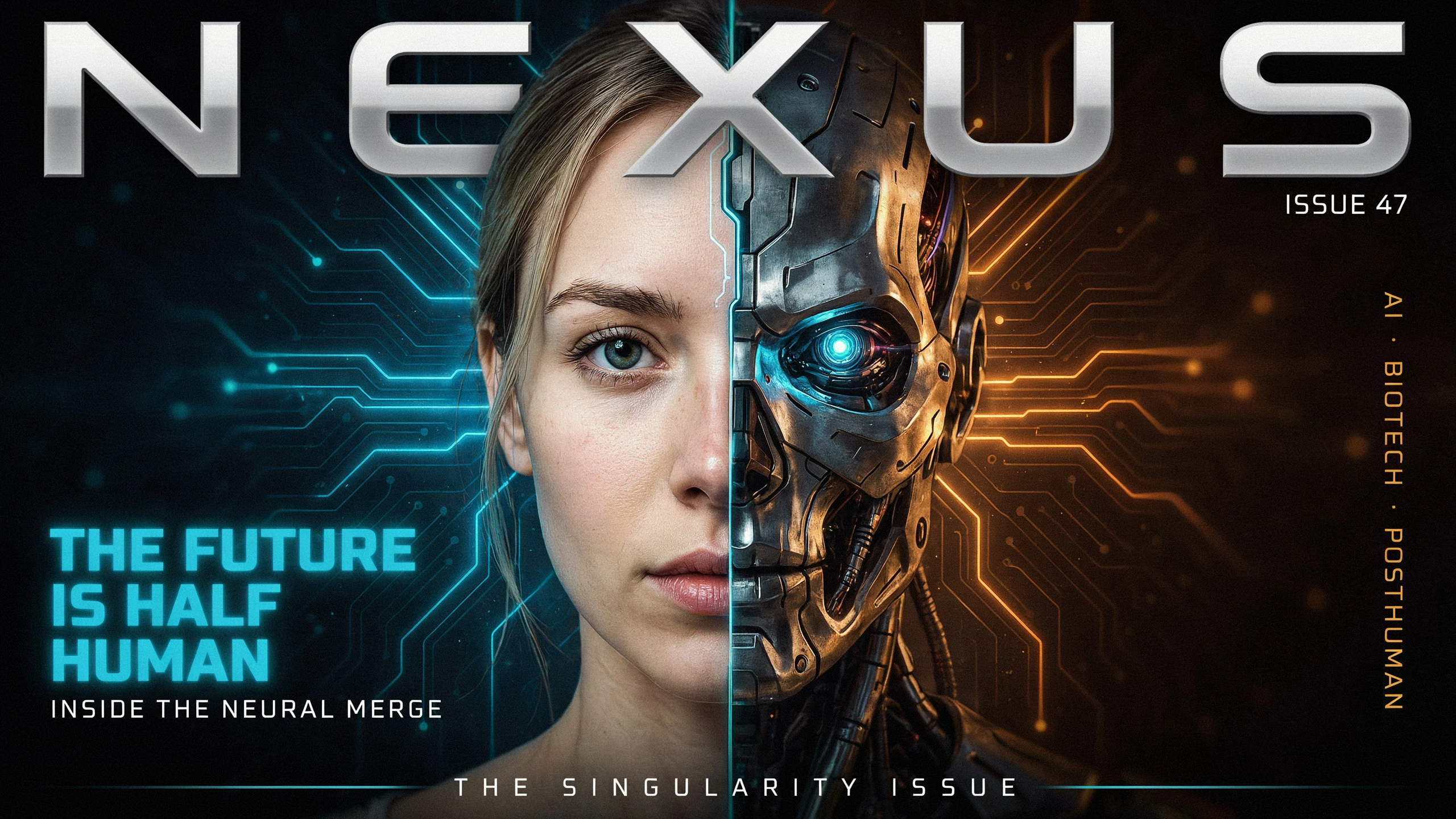
Handles title-heavy covers without blurring the typography.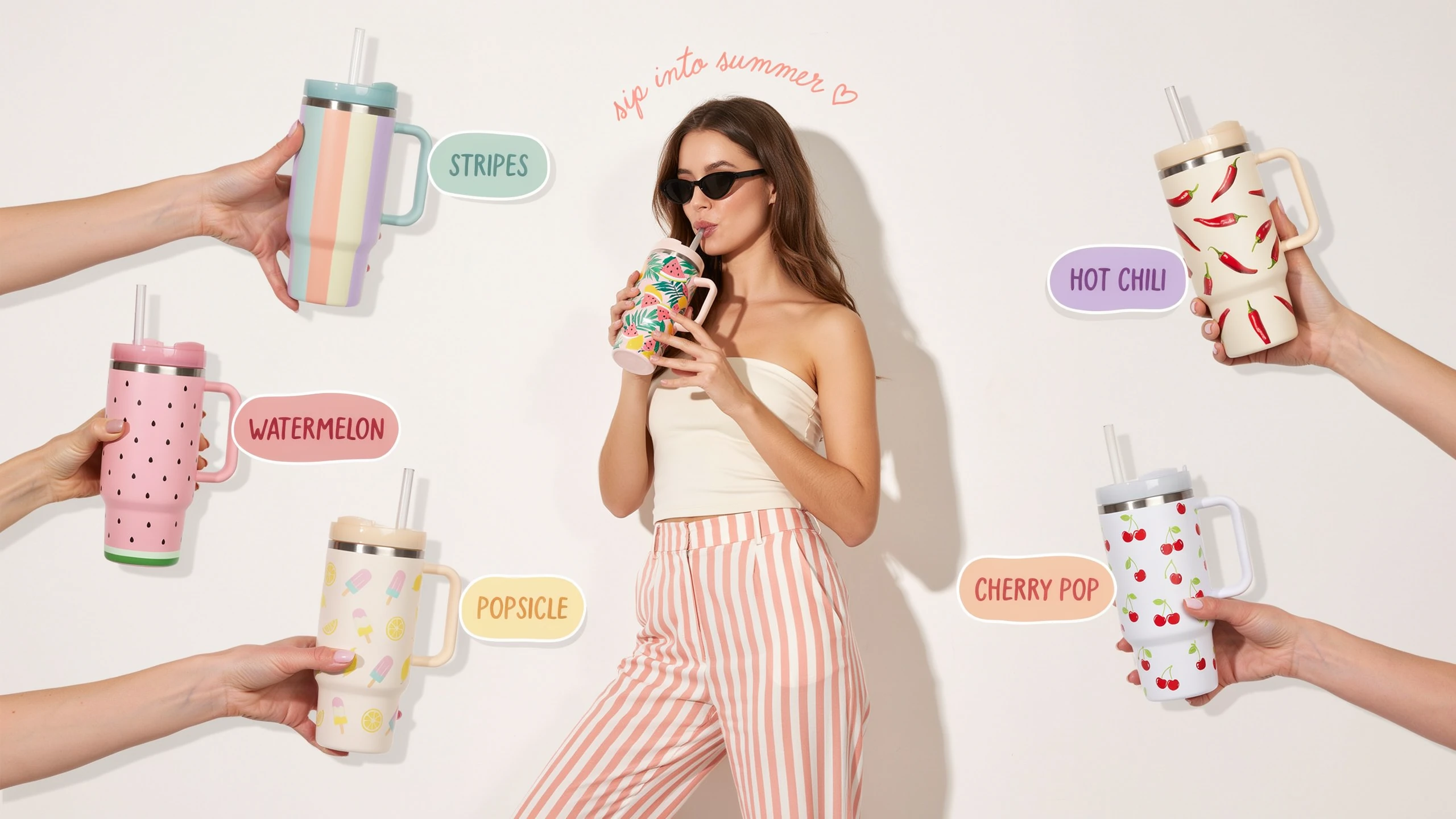
Merch graphics.
Works well for t-shirt and sticker concepts with bold art plus clean lettering.Readable text inside posters, labels, and graphics
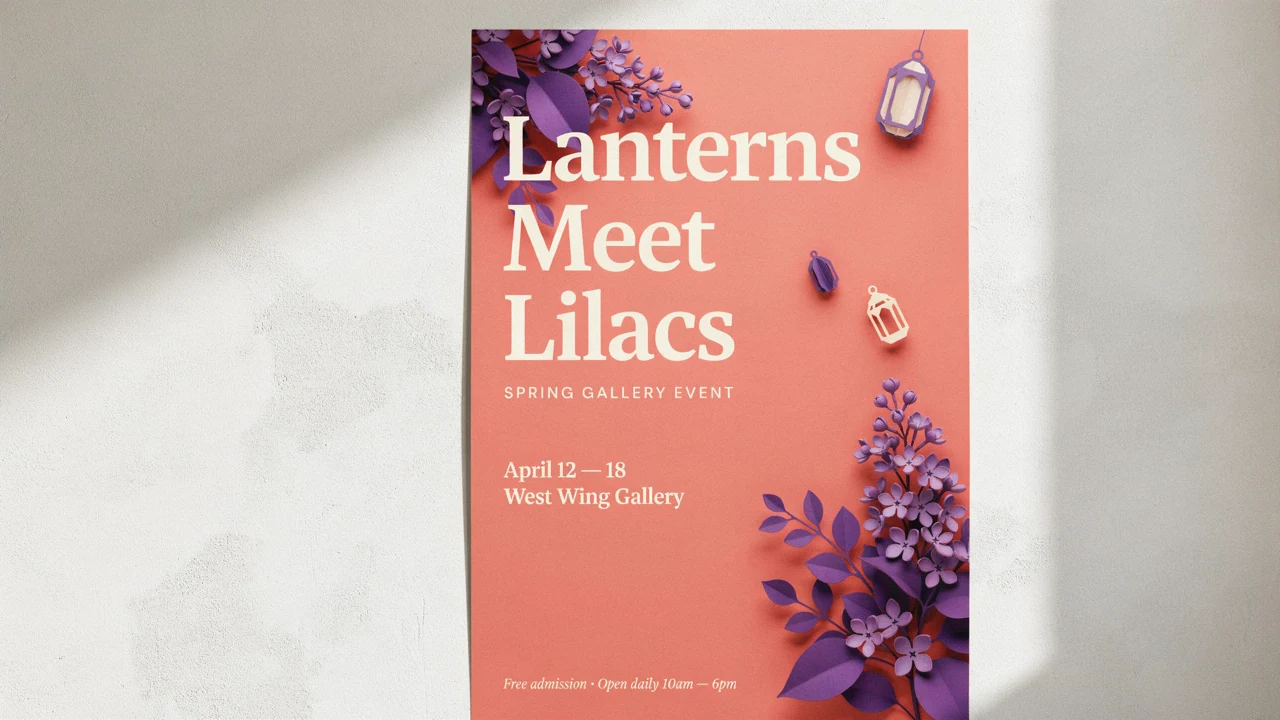
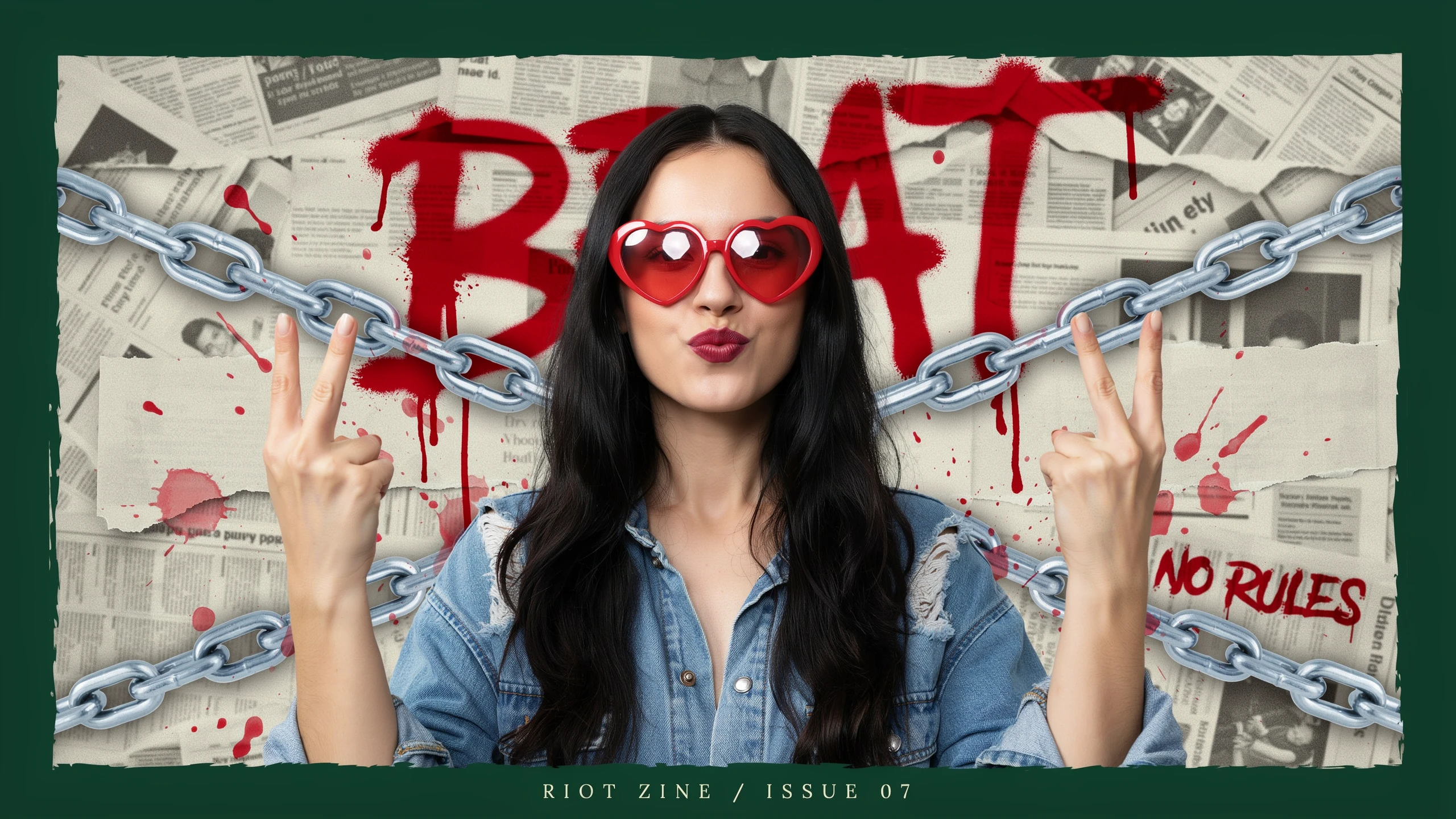
Ideogram is strongest when the image needs to say something, not just show something. Headlines, labels, poster copy, and short blocks of text stay more usable than the usual AI-image baseline.
- •Strong headline legibility
- •Good for labels and pack shots
- •Useful for posters and cover art
- •Handles multi-word copy well
- •Best with clear typographic direction
More control over layout-heavy compositions
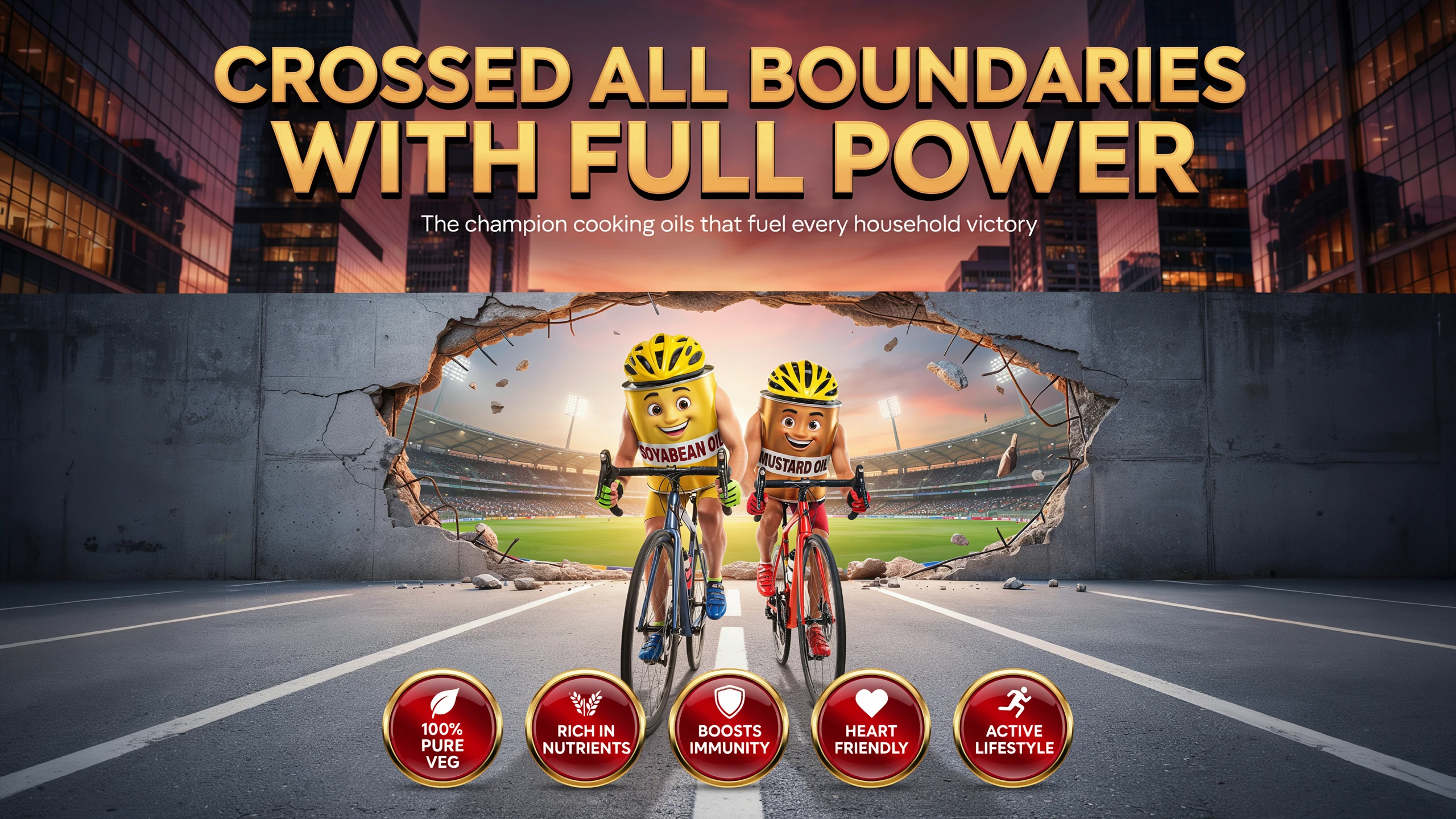
Ideogram v4 is built around structure, not just style. On supported endpoints, structured JSON prompting and layout-aware generation help place text regions and objects more predictably in busy designs.
- •Structured JSON prompts on some hosts
- •Layout-aware composition planning
- •Better text-region placement
- •Useful for dense posters and ads
- •Prompt fidelity holds up in busy scenes
2K output for polished campaigns and cover art
The official Ideogram 4.0 page emphasizes realistic 2K images, giving design work more headroom for crops, covers, and presentation mockups. On supported hosts, quality and resolution settings also let you trade speed for finish.
- •Official 2K positioning
- •Better detail for product renders
- •More room for crops and layouts
- •Hosted versions offer speed tiers
- •Exact caps vary by endpoint
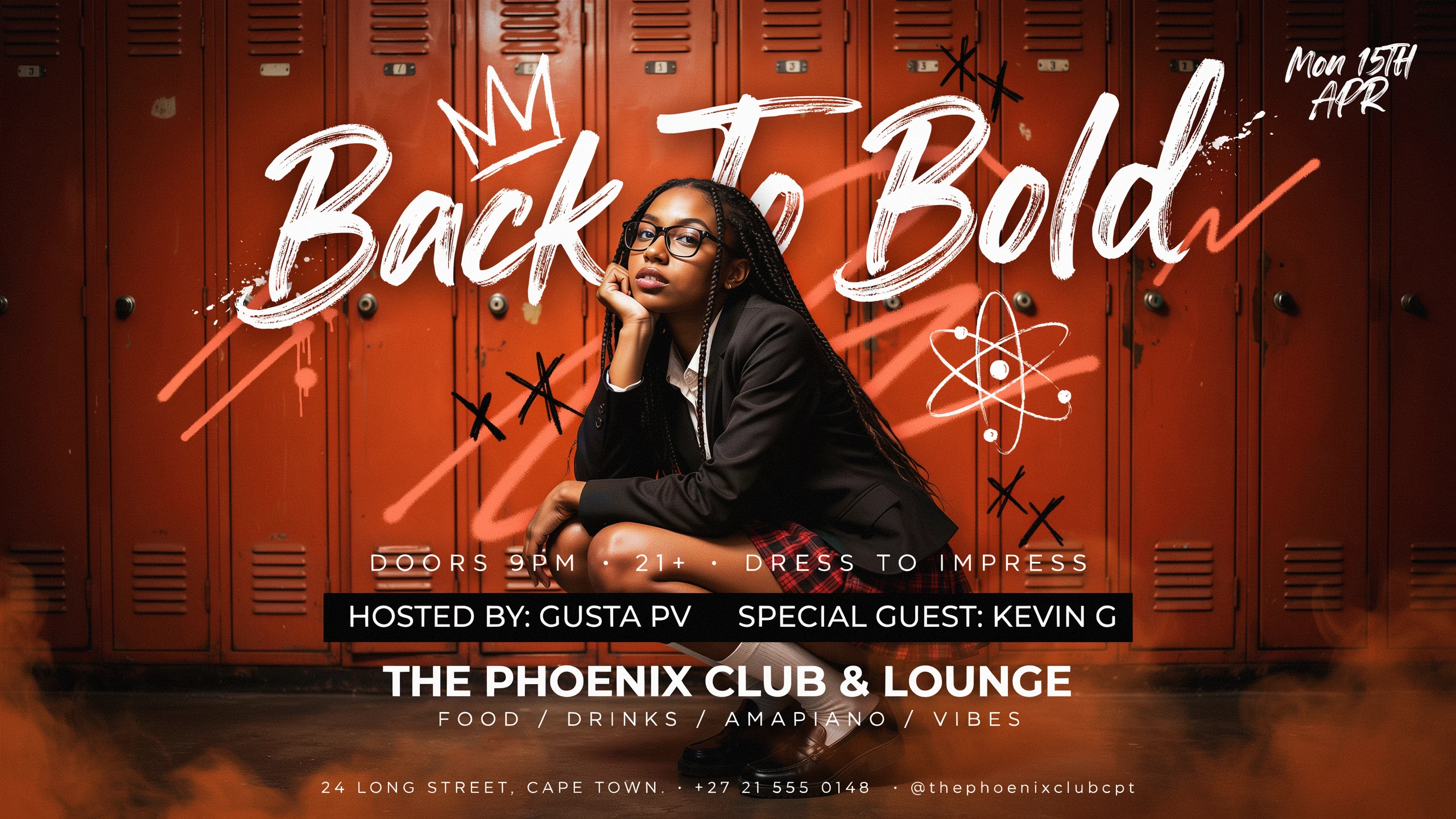
Editing tools for copy and background cleanup
The wider Ideogram workflow is built for refinement after generation. You can extract text into editable layers, remove or replace backgrounds, and keep improving the asset without rebuilding it from zero.
- •Editable text layer extraction
- •Background remove or replace
- •Useful for merch and marketplace assets
- •Less need to rerun full prompts
- •Faster handoff to downstream design
How it works
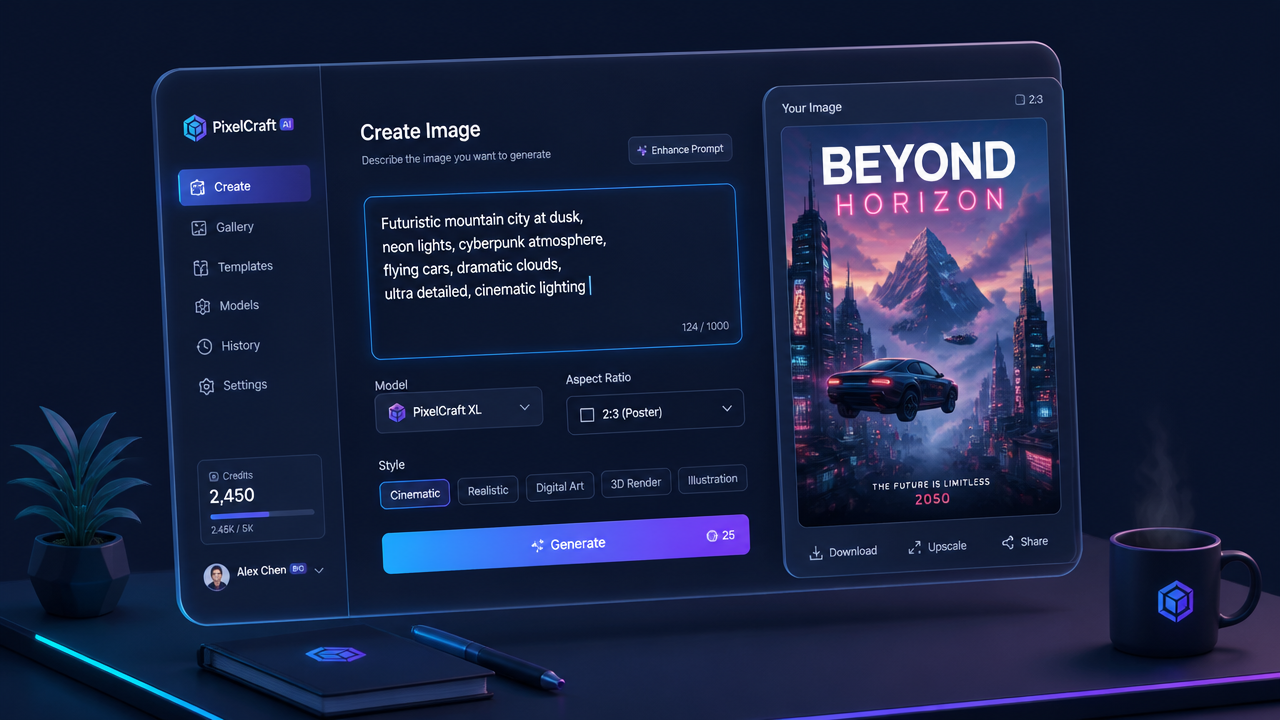
1
Describe the image
Start with the subject, scene, camera feel, and visual style. If the image needs words inside it, write the exact text you want and describe placement or hierarchy.
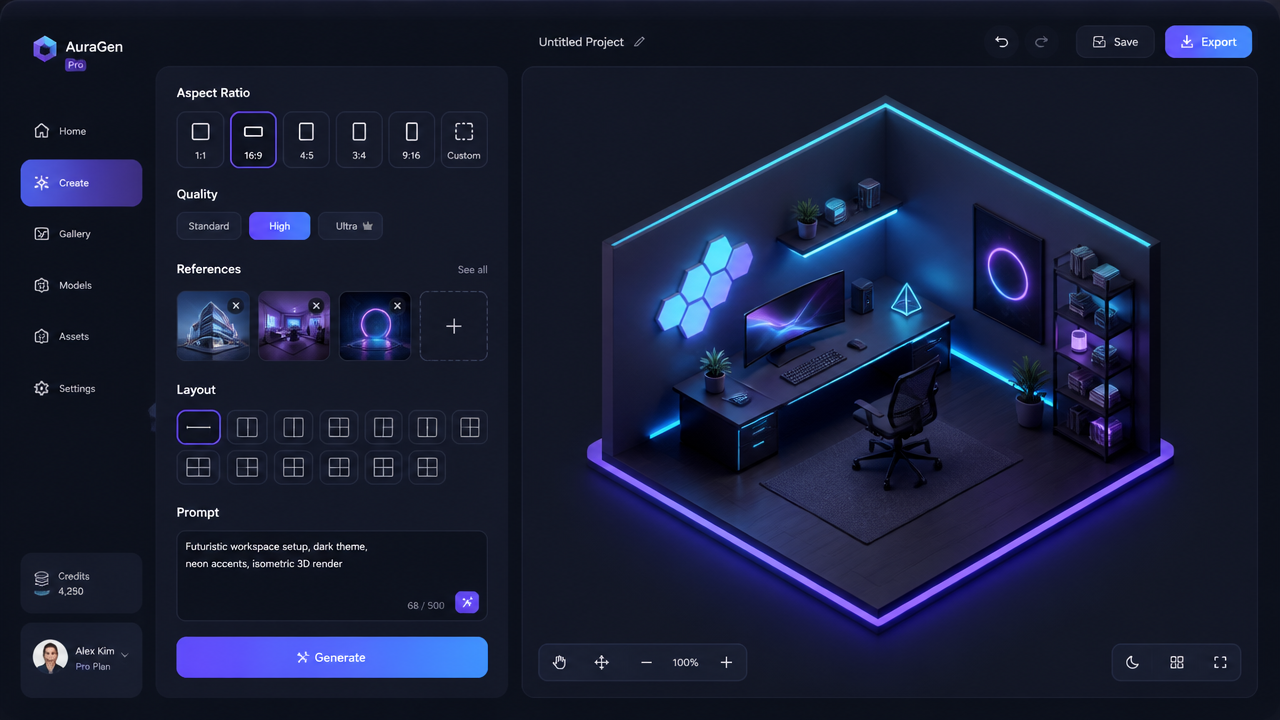
2
Set layout and references
Choose the aspect ratio that fits the final asset, then set quality or resolution. If your workflow supports them, add character or style references, or use clearer layout instructions for text-heavy designs.
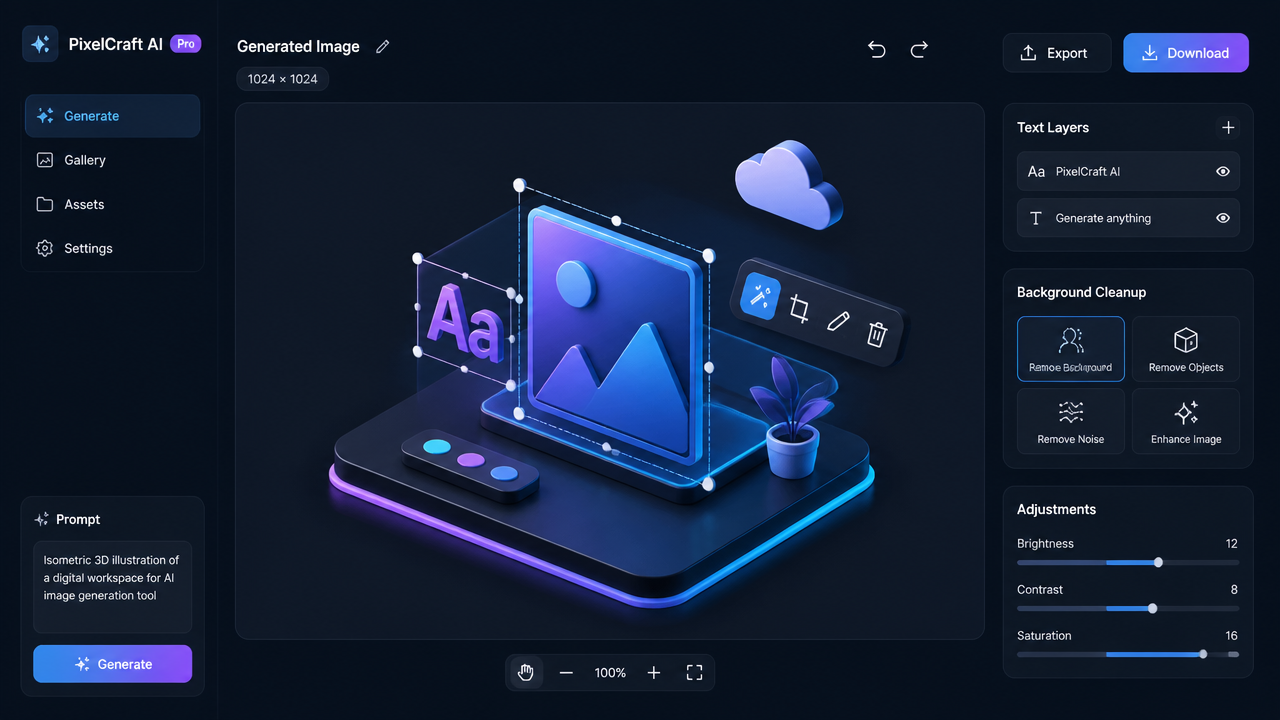
3
Generate and refine
Generate a few variants, keep the strongest composition, and iterate. Then use editing tools to fix copy, reframe for a new format, swap backgrounds, or clean up production details.
Top community creations
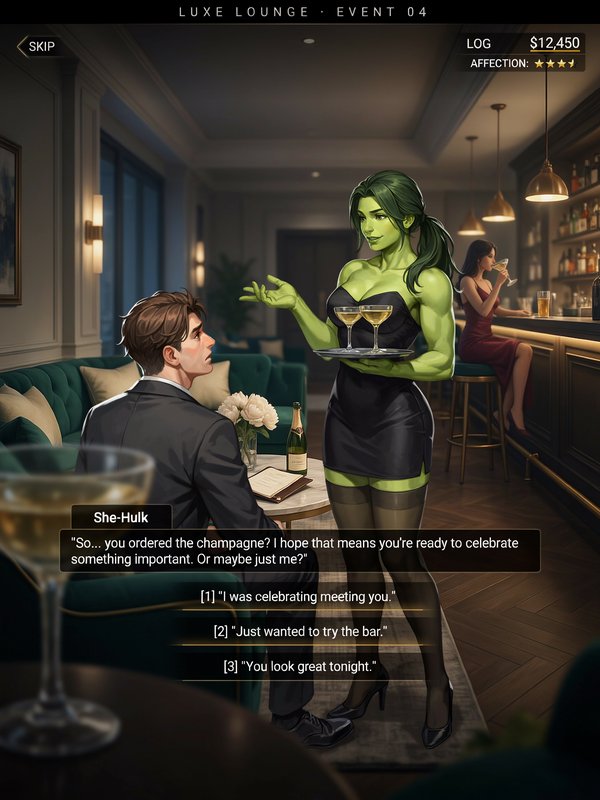
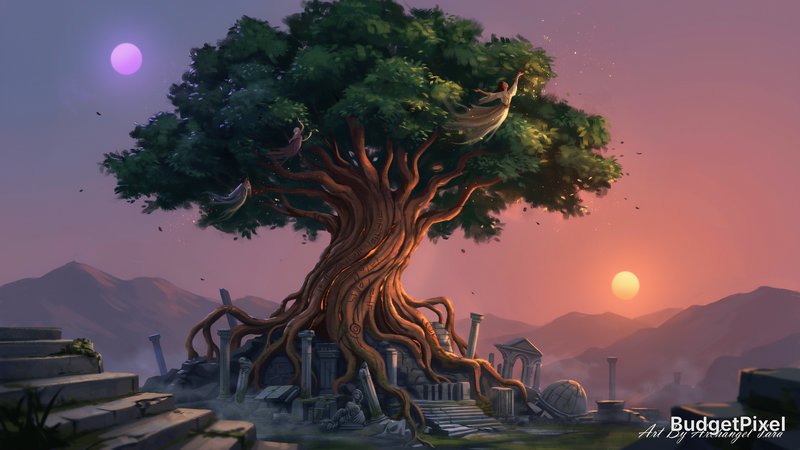
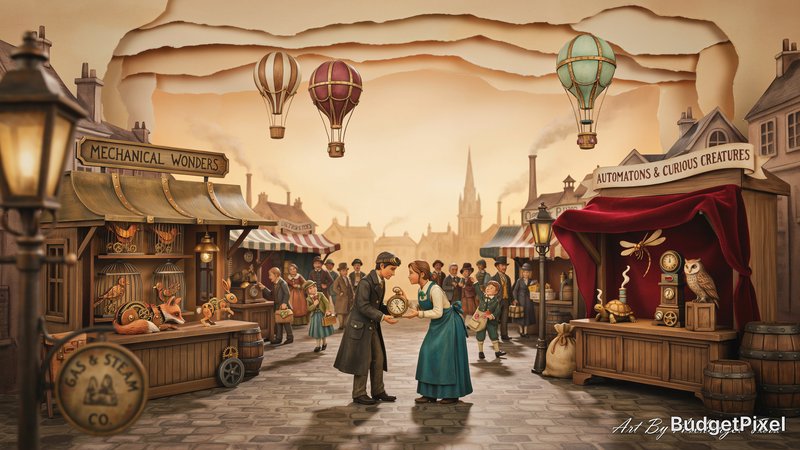
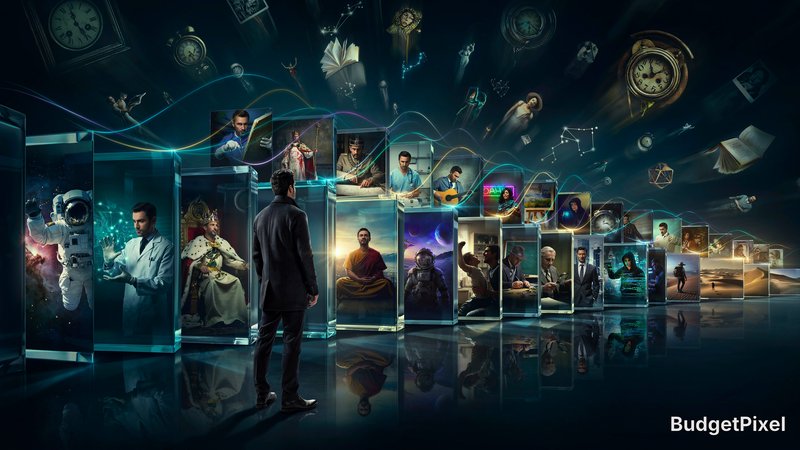
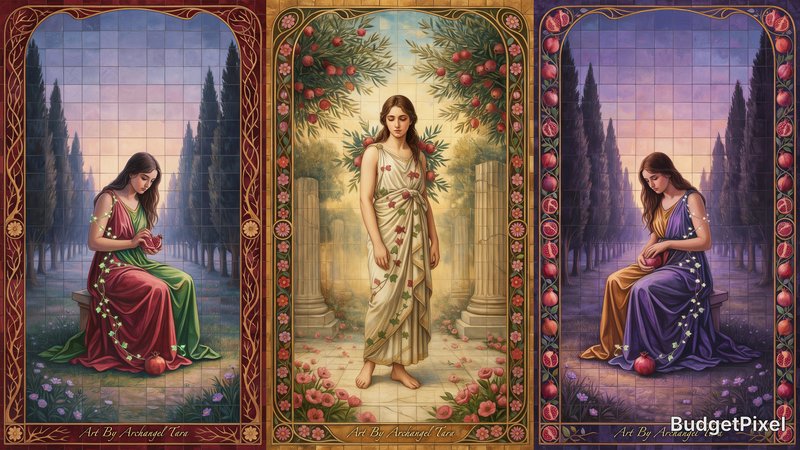
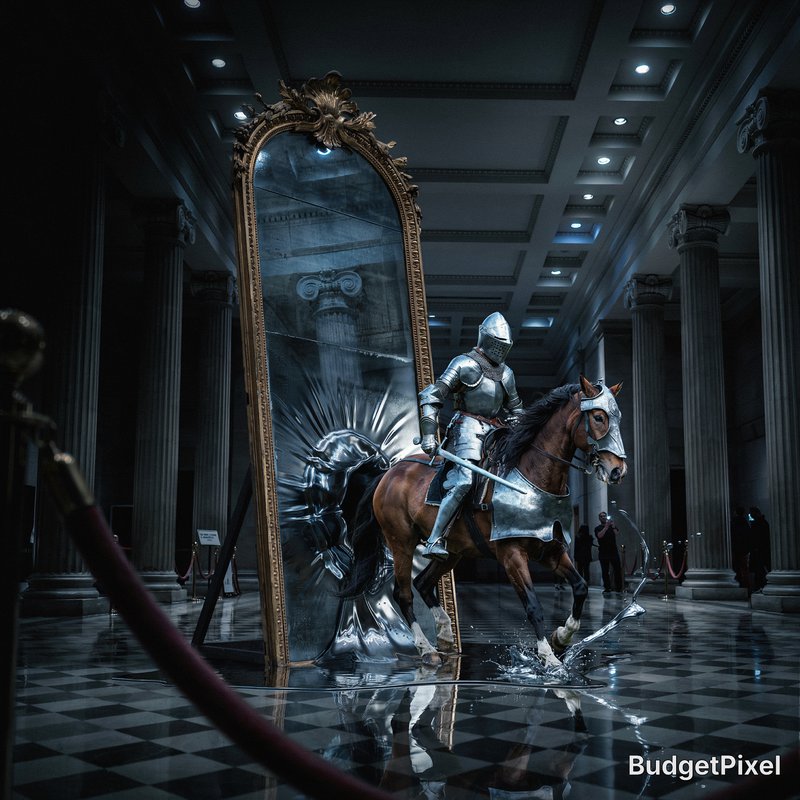
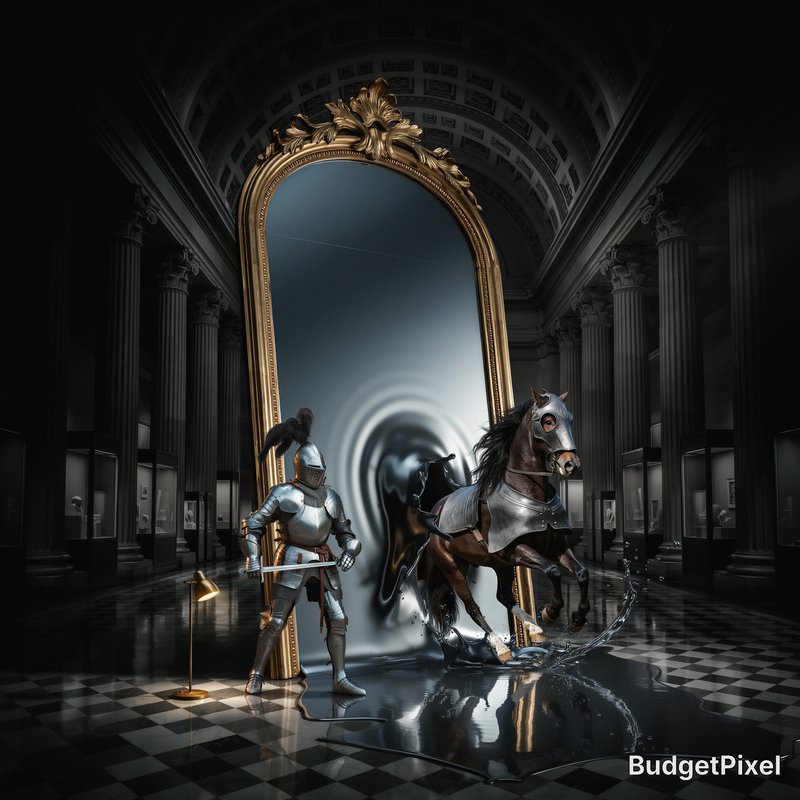
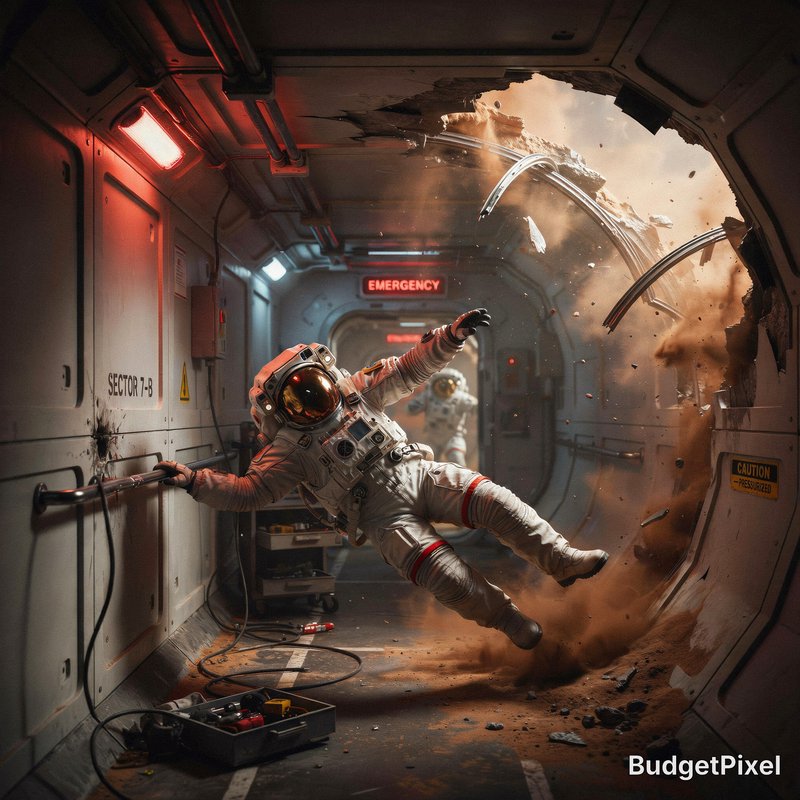
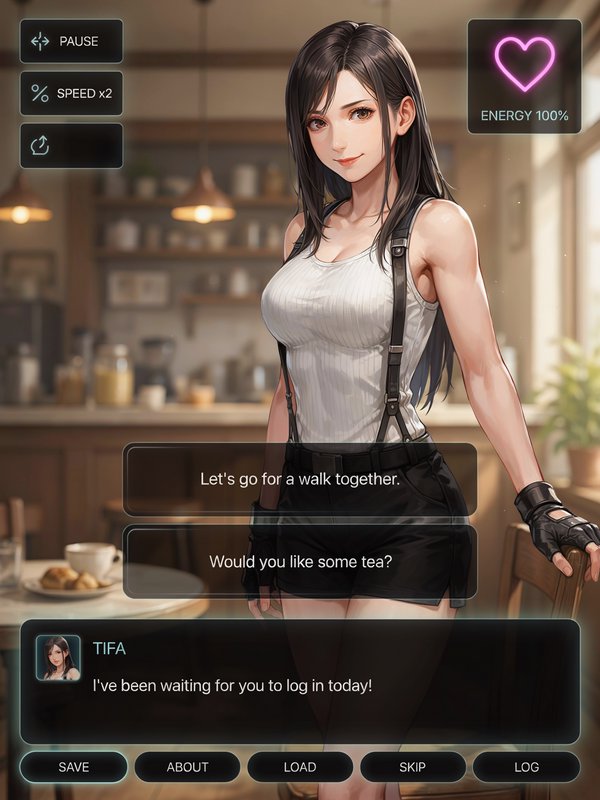
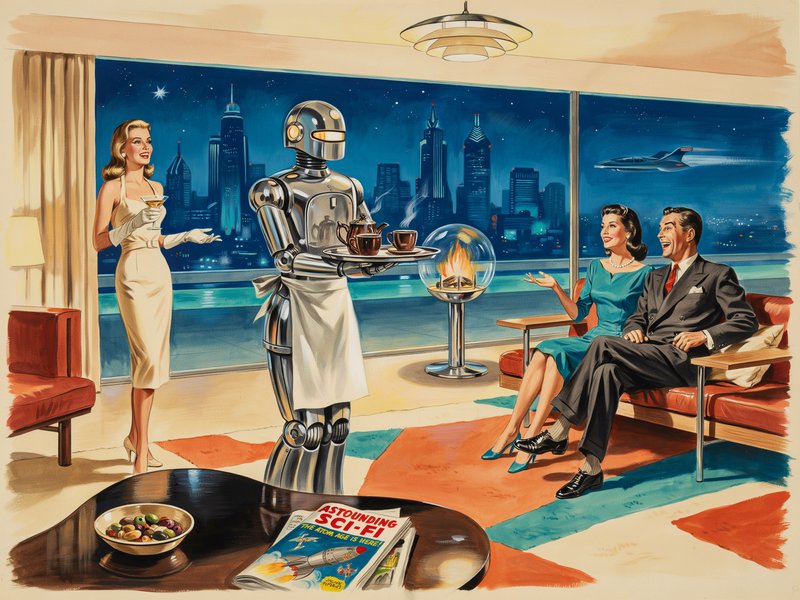
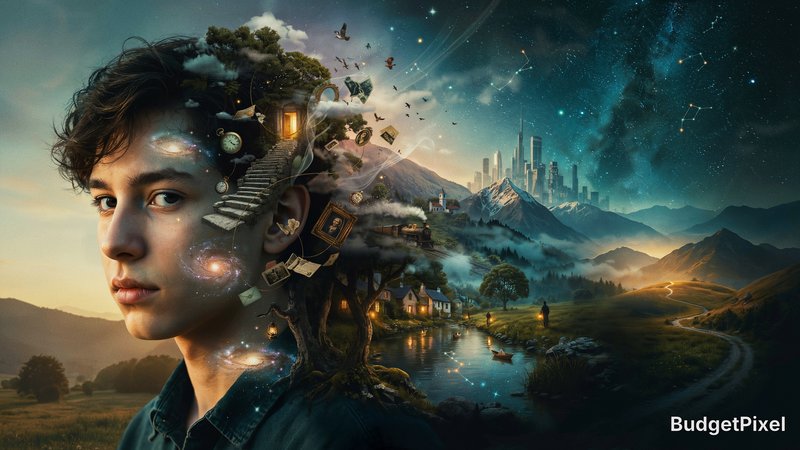
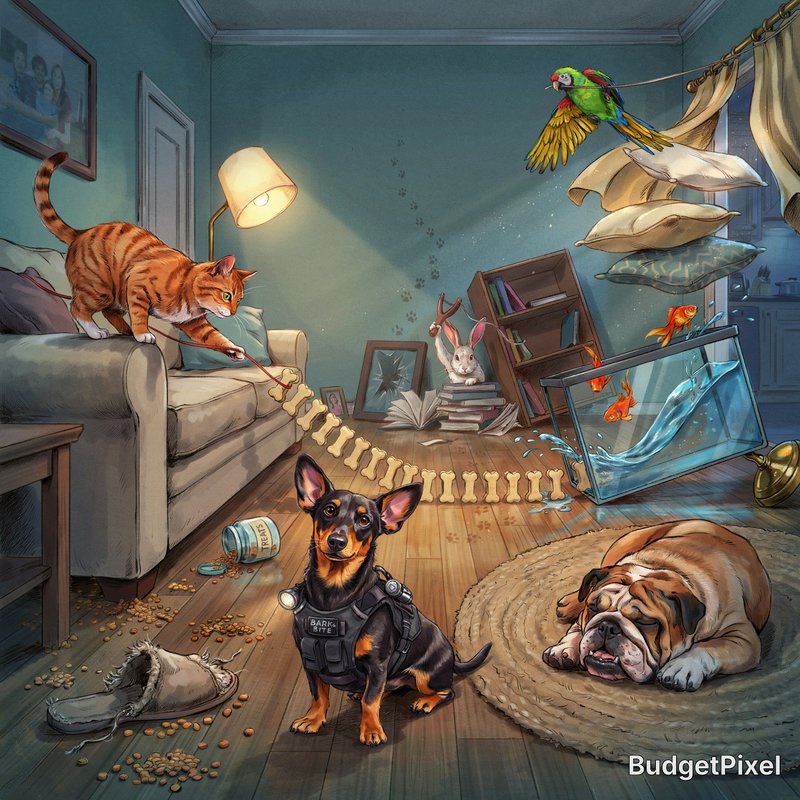
Recent Ideogram 4.0 images shared by the BudgetPixel community.








How Ideogram v4 ranks in blind votes
In the BudgetPixel AI Image Arena, voters pick between two images made from the same prompt without knowing which model made them. Ideogram v4 has 1,843 wins and 497 ties in 4,621 votes against 25 other recent image models.
- #17 of 26
- overall rank
- 1459
- Elo (95% range 1450–1469)
- 4,621
- blind votes
- 14 s
- median generation time
Rank by category
Ideogram v4 head to head
Ratings are refitted nightly; last updated Oct 17, 2026. See every Ideogram v4 arena image or vote in the arena.
Pricing for Ideogram 4.0
Runs on credits — no per-model surcharges, no surprise billing.
40credits
per generation
40 credits per image
Compare all 5 versions
All 5 run on the same credits in the same workshop — here is what each costs and what it is for.
Ideogram V4.5
80credits per generation
- Quality:
- low 40 credits · medium 80 credits · high 290 credits
Ideogram's newest image model, built for posters, logos and designs with accurate typography. Generate from a prompt, or edit an image with plain-language instructions and up to 4 more reference images. Choose Low, Medium or High quality at a flat price per image, at any aspect ratio.
Try Ideogram V4.5 →Ideogram v3 Quality
90credits per generation
Ideogram's premium model delivering the highest quality output with exceptional photorealism, precise text rendering, and sophisticated visual compositions. Best for professional and commercial use.
Try Ideogram v3 Quality →Ideogram v3 Balanced
60credits per generation
Ideogram's balanced model offering an optimal combination of speed and quality. Features stunning realism, creative designs, and consistent styles with enhanced image-prompt alignment.
Try Ideogram v3 Balanced →Ideogram v3 Turbo
30credits per generation
Ideogram's fastest and most affordable model with stunning realism, creative designs, and consistent styles. Supports text-to-image, image-to-image, and future inpainting capabilities.
Try Ideogram v3 Turbo →Frequently asked questions
What is Ideogram v4?▾
Ideogram v4, officially presented as Ideogram 4.0, is Ideogram's current design-focused image model. The official model page highlights multilingual text, precise layout control, editable-element workflows, and realistic 2K images.
How does Ideogram v4 work?▾
You can prompt it with normal language, and some hosted versions also accept structured JSON prompts. That makes it easier to separate background, objects, and exact text when layout matters.
What is Ideogram v4 best for?▾
It shines on work that mixes imagery and typography, such as posters, logos, packaging, book covers, marketing graphics, and product mockups. It is especially useful when layout matters as much as style.
Does Ideogram v4 render text well?▾
Yes. Text rendering is one of its core strengths, especially for headlines, labels, logos, and short-to-medium copy inside the image. Clear wording and explicit font or placement instructions still improve reliability.
What resolutions and aspect ratios are available?▾
The official Ideogram 4.0 page highlights realistic 2K images, and hosted versions expose selectable resolution or image-size settings. Exact caps and aspect options depend on the app or API endpoint you use, so check the current integration if size is critical.
Does Ideogram v4 support reference images?▾
Ideogram's platform supports one-photo Character Reference and quick Style References using up to three images. Availability can vary by endpoint, so some integrations expose more reference controls than others.
Can Ideogram v4 edit existing images?▾
Yes, within the wider Ideogram toolset. Remixing, masked edits, reframing, background replacement or removal, and text-layer extraction are all part of the workflow, although not every host exposes every tool in the same place.
Can I use Ideogram v4 commercially?▾
Usually, yes for generated outputs when you access the model through a hosted commercial path and follow the provider's terms. The public open weights are positioned for non-commercial research and prototyping unless you obtain a commercial license.
How much does Ideogram v4 cost?▾
On BudgetPixel, usage is typically credit-based and scales with the mode or workflow you choose. On external hosts, pricing changes by provider, speed tier, and output settings, so it is best to compare the current run cost before large batches.
How does Ideogram v4 compare to other AI image generators?▾
Ideogram v4 stands out most when you need readable text, controlled layouts, and design-ready assets rather than purely open-ended art exploration. If your job is posters, branding, packaging, or social graphics, its strengths are easy to notice.