
Design Studio · your AI designer
Describe it. Design it. Done.


An AI designer on an infinite canvas. Brief it with words and reference images, watch it generate with the best image models, then edit anything in place — layers, text and all — until it’s finished.
Free credits on signup · no subscription required
- Read three reference images
- Compose one photoreal scene
- Iterate: pixel tower, red suits, a wedding
One brief in
A finished piece out.
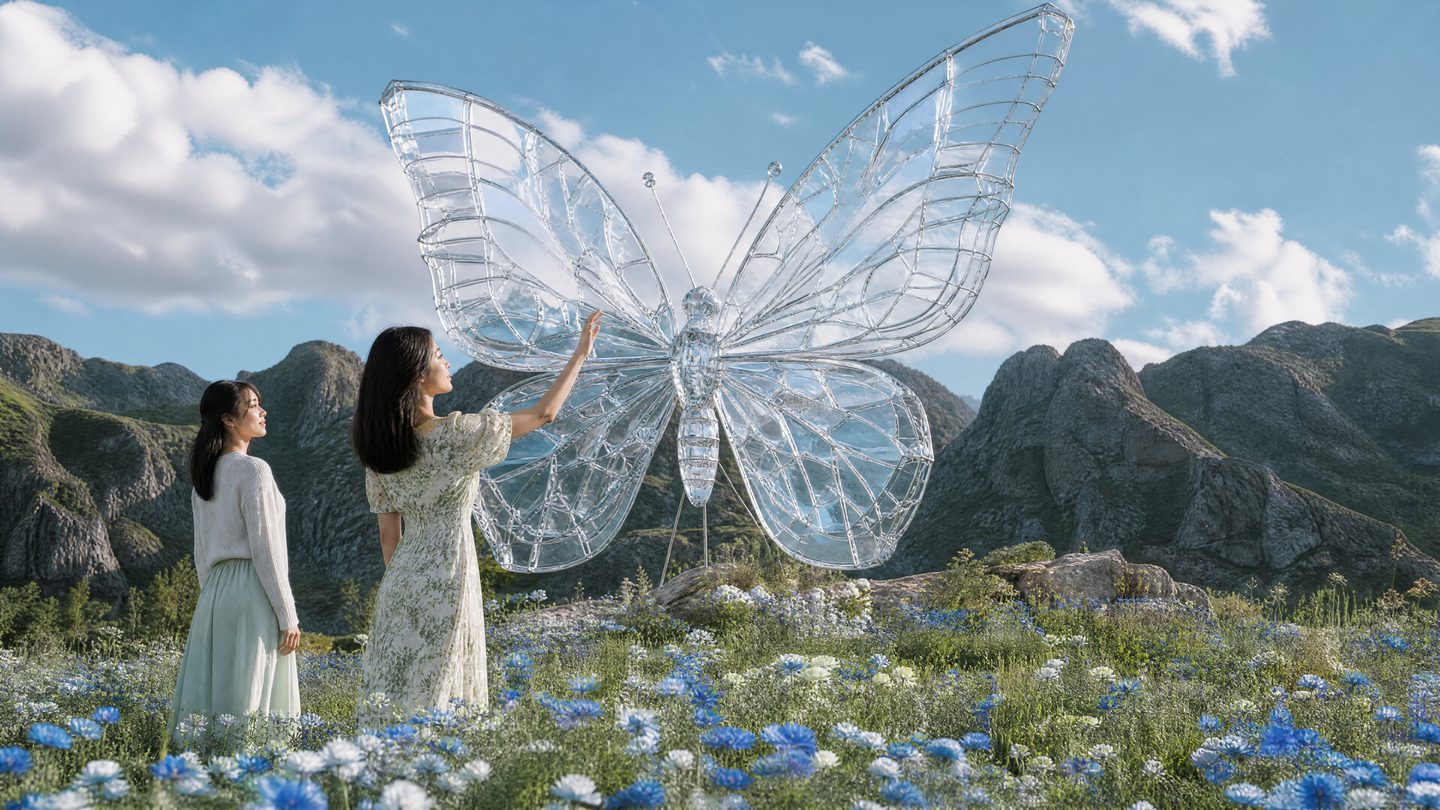
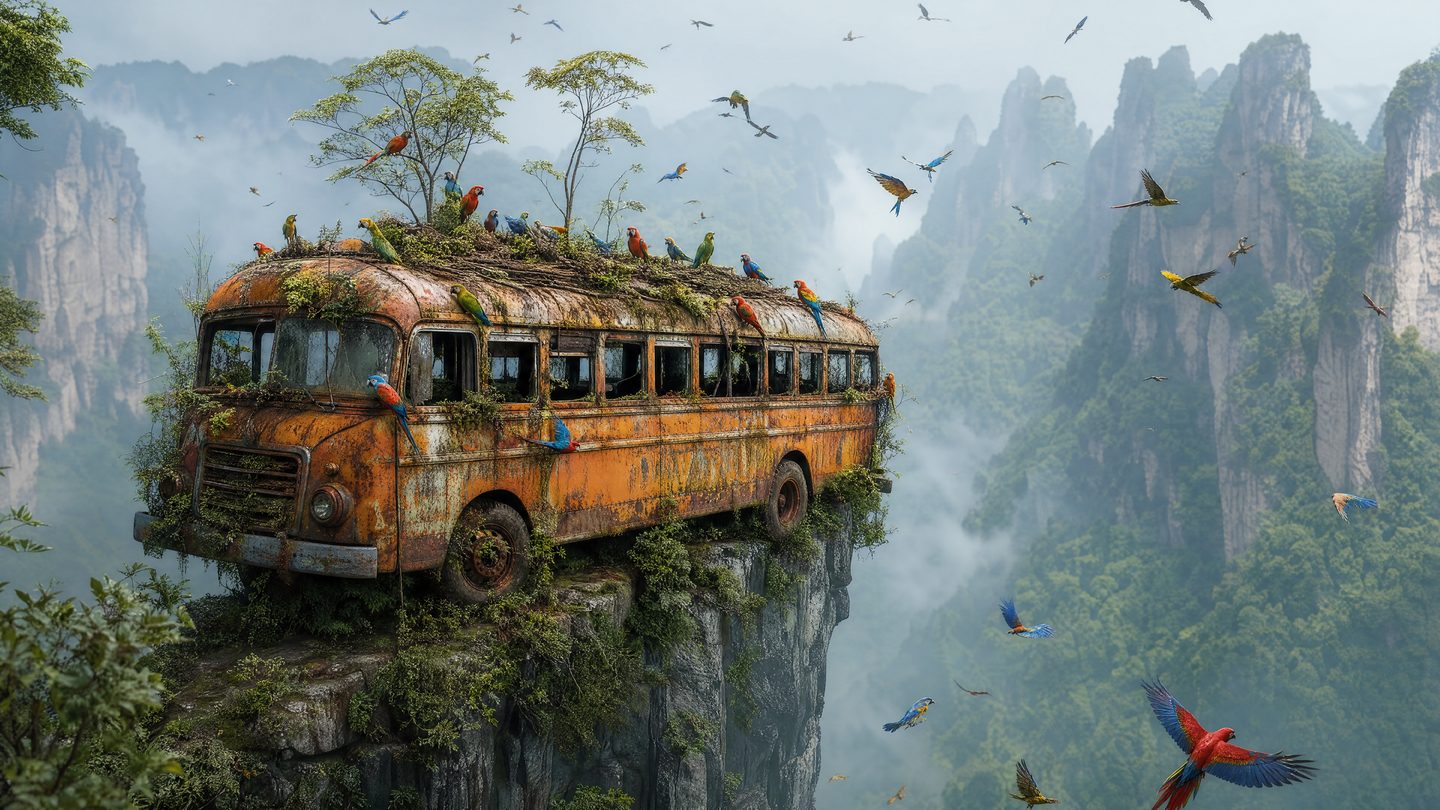
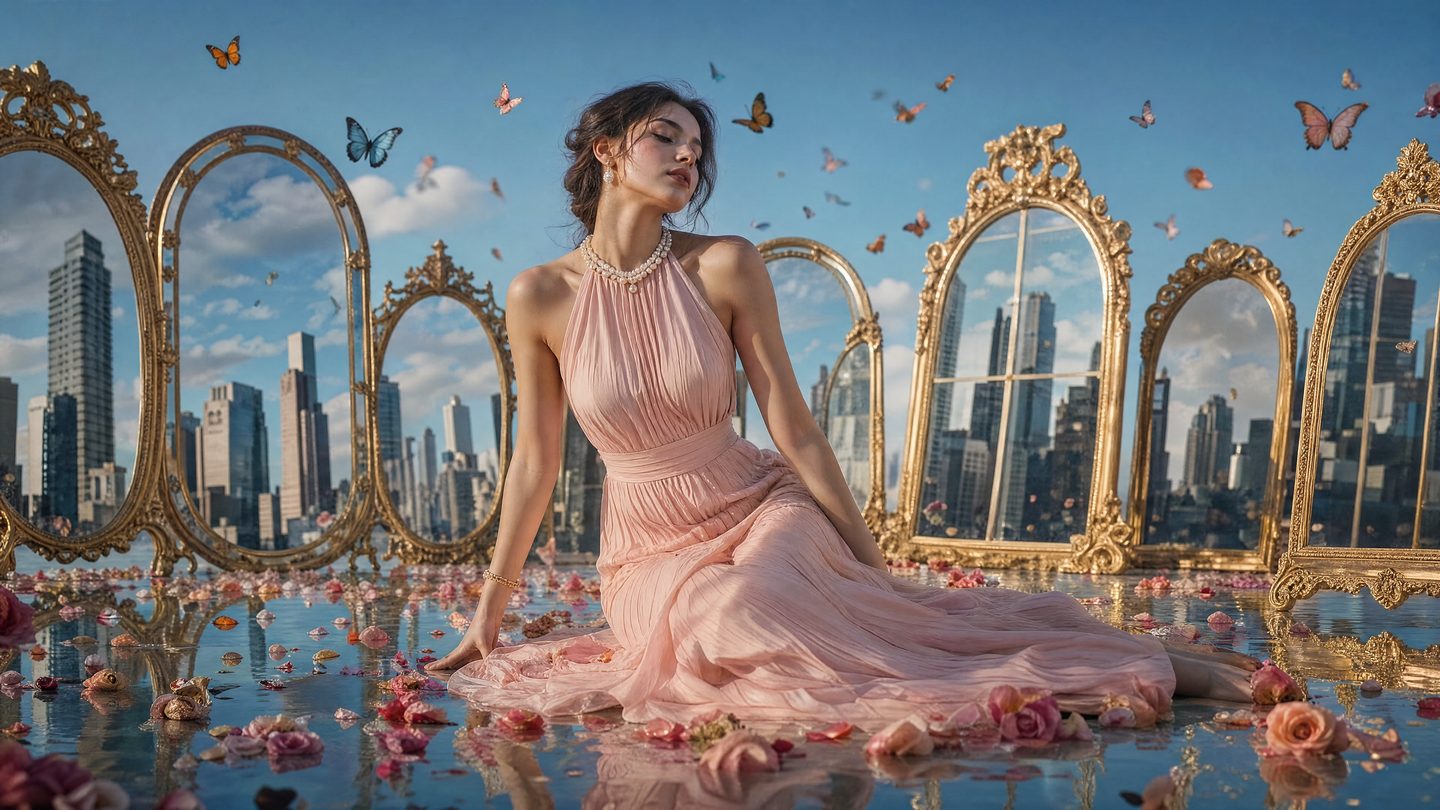
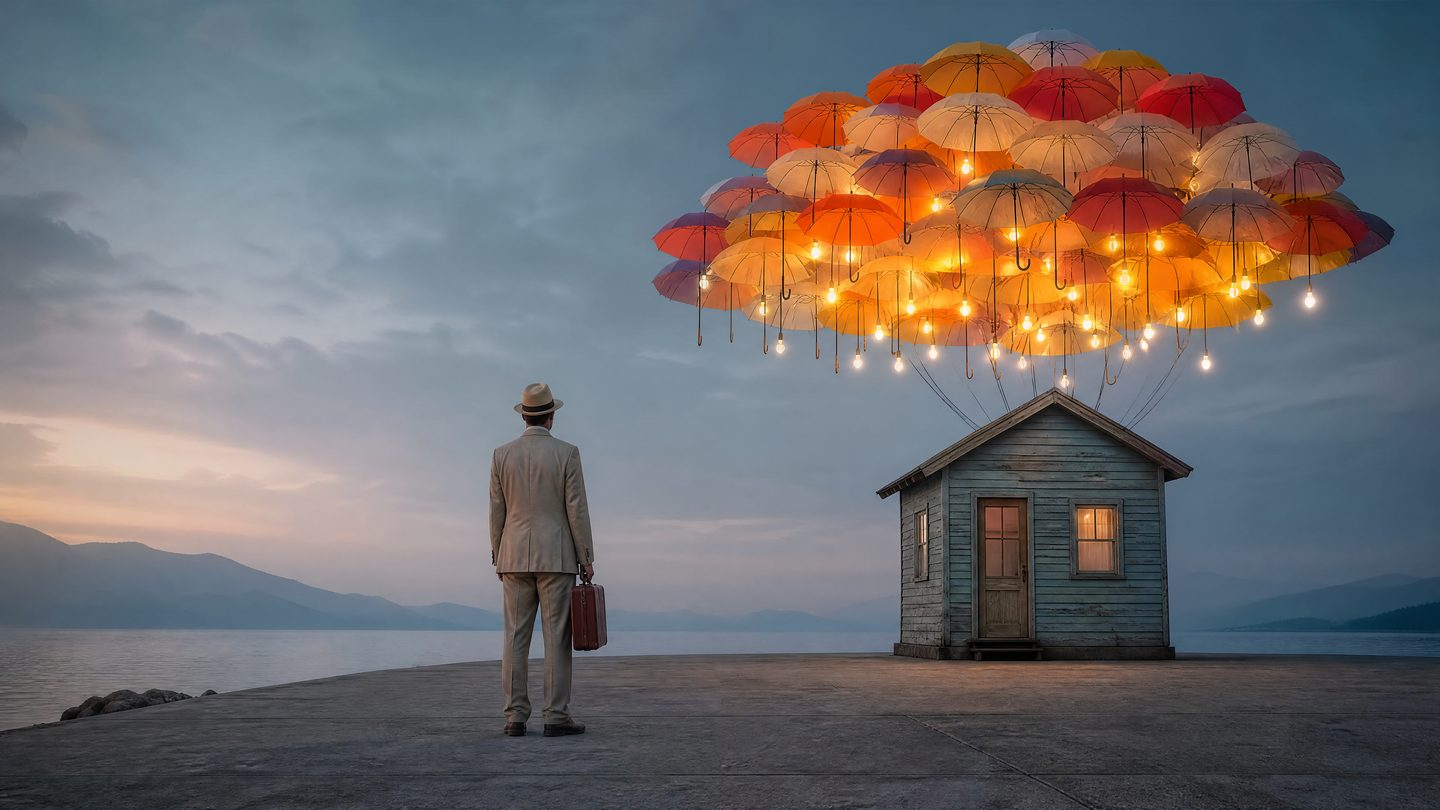
Photoreal, painterly, product or key art — whatever the brief asks for lands on one canvas, with the references, prompts and edits beside it, ready to keep working.
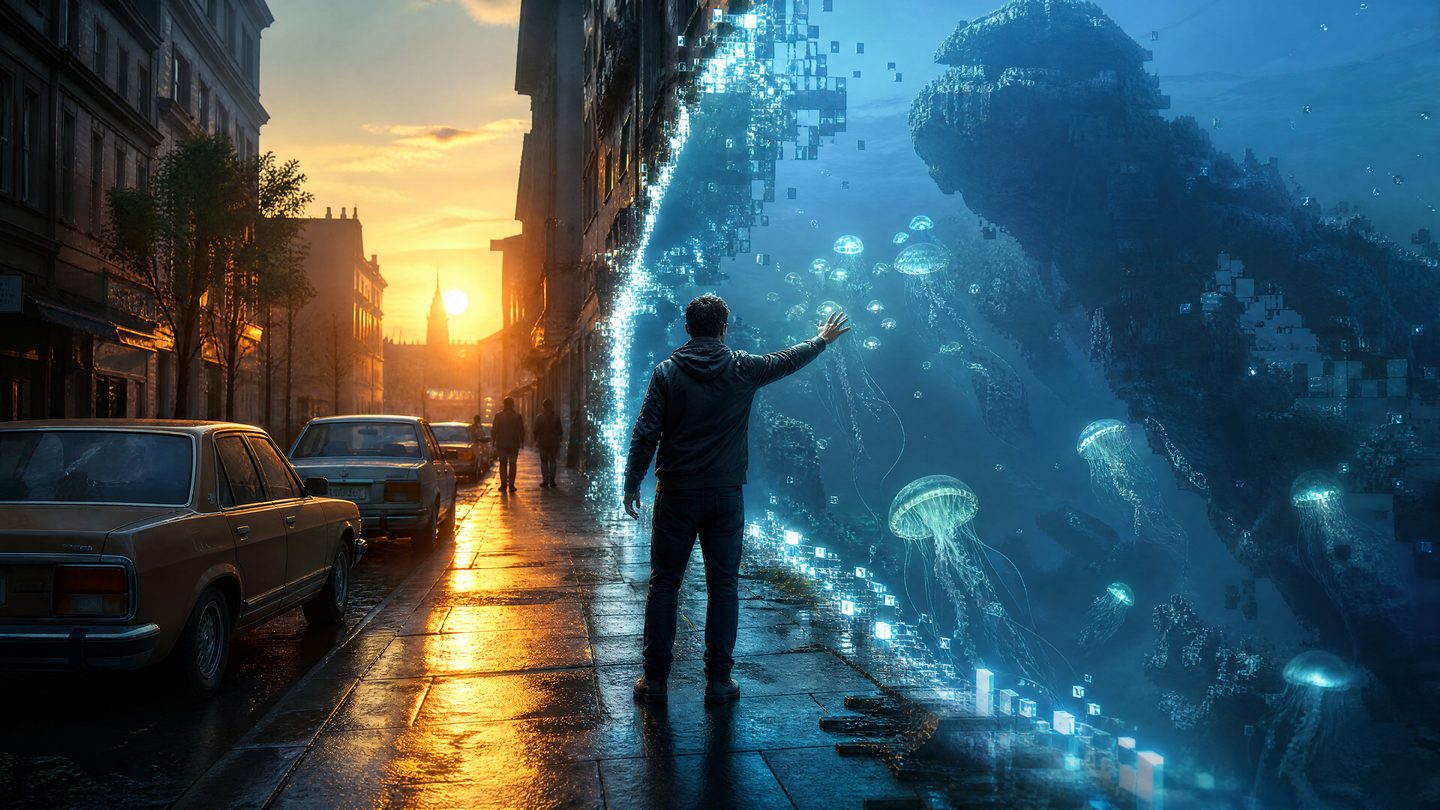
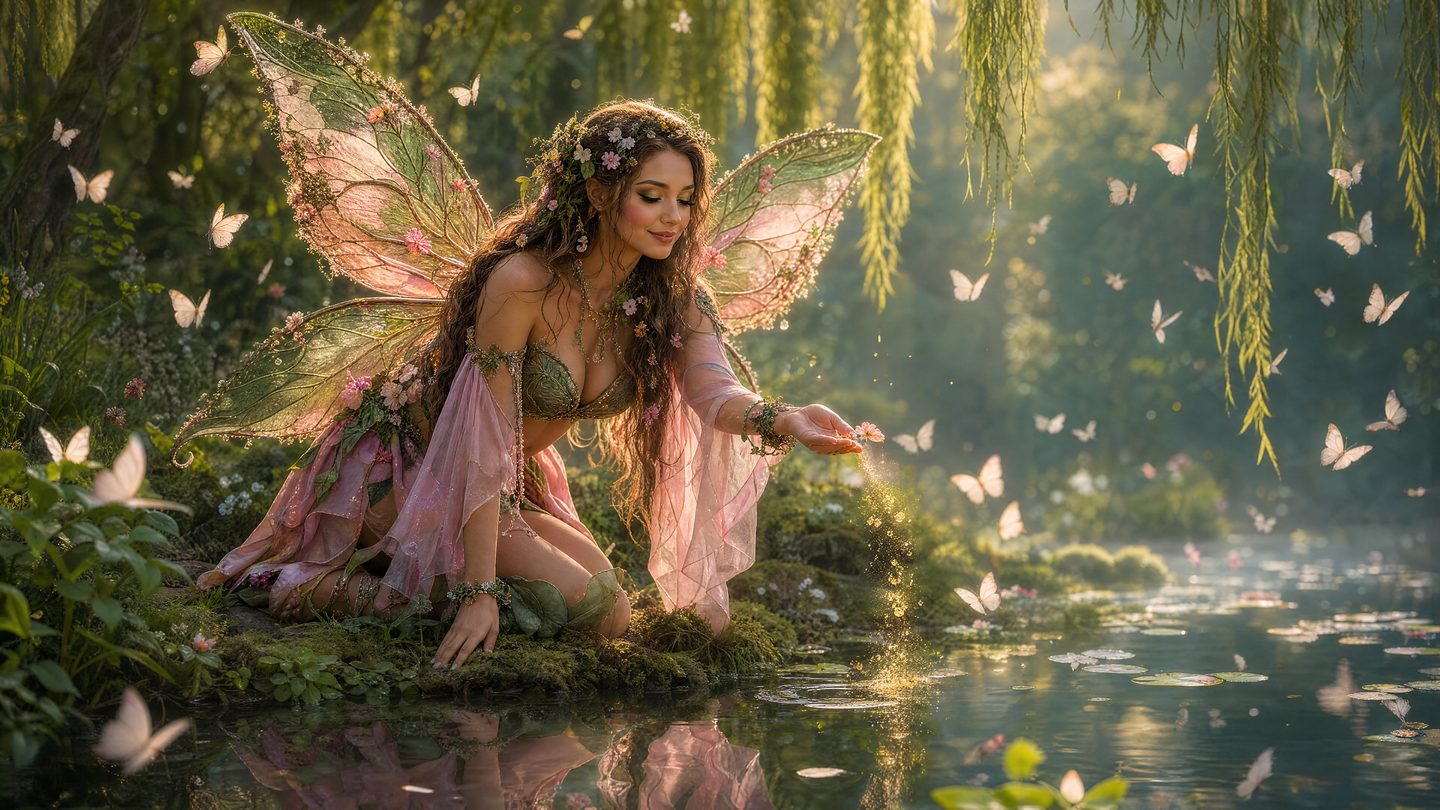
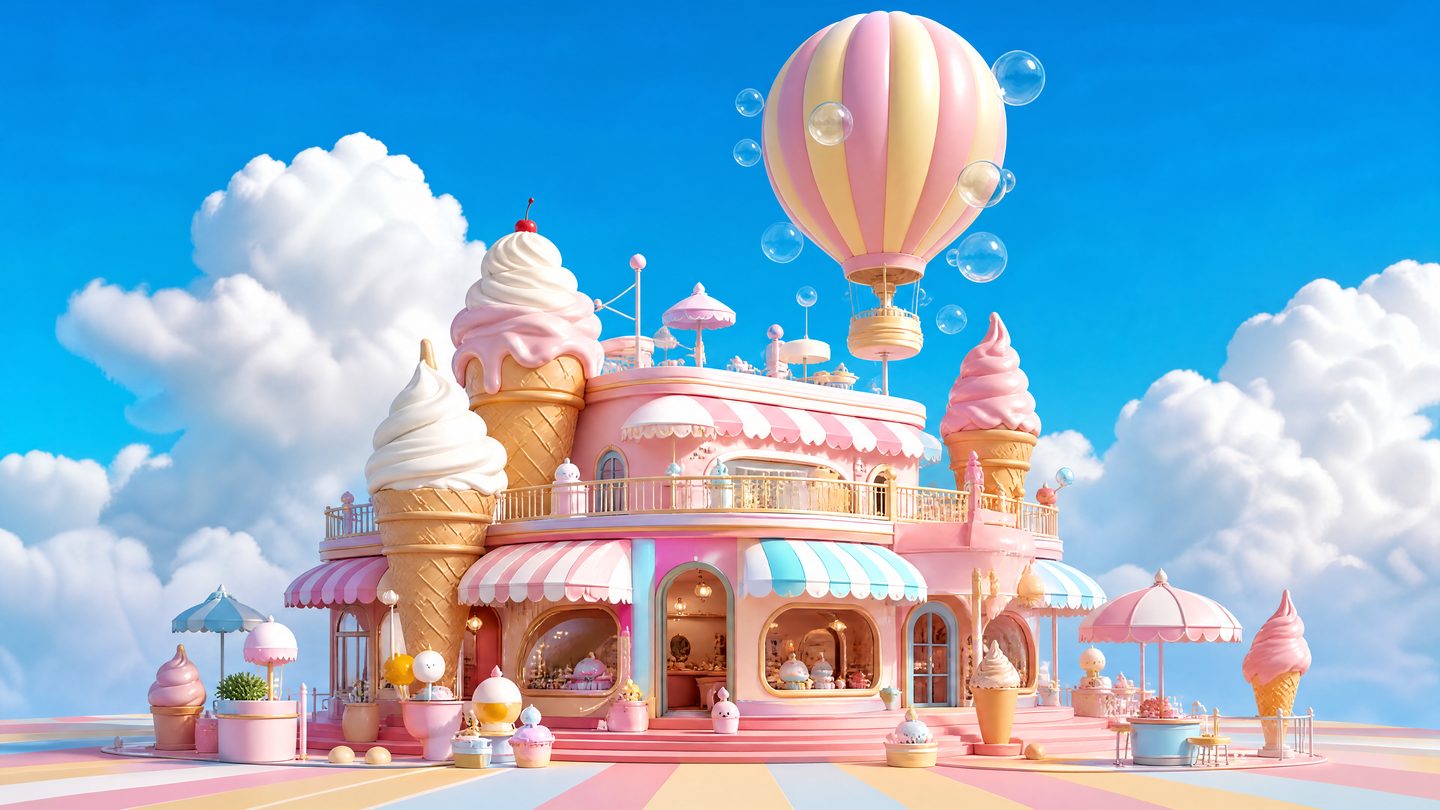
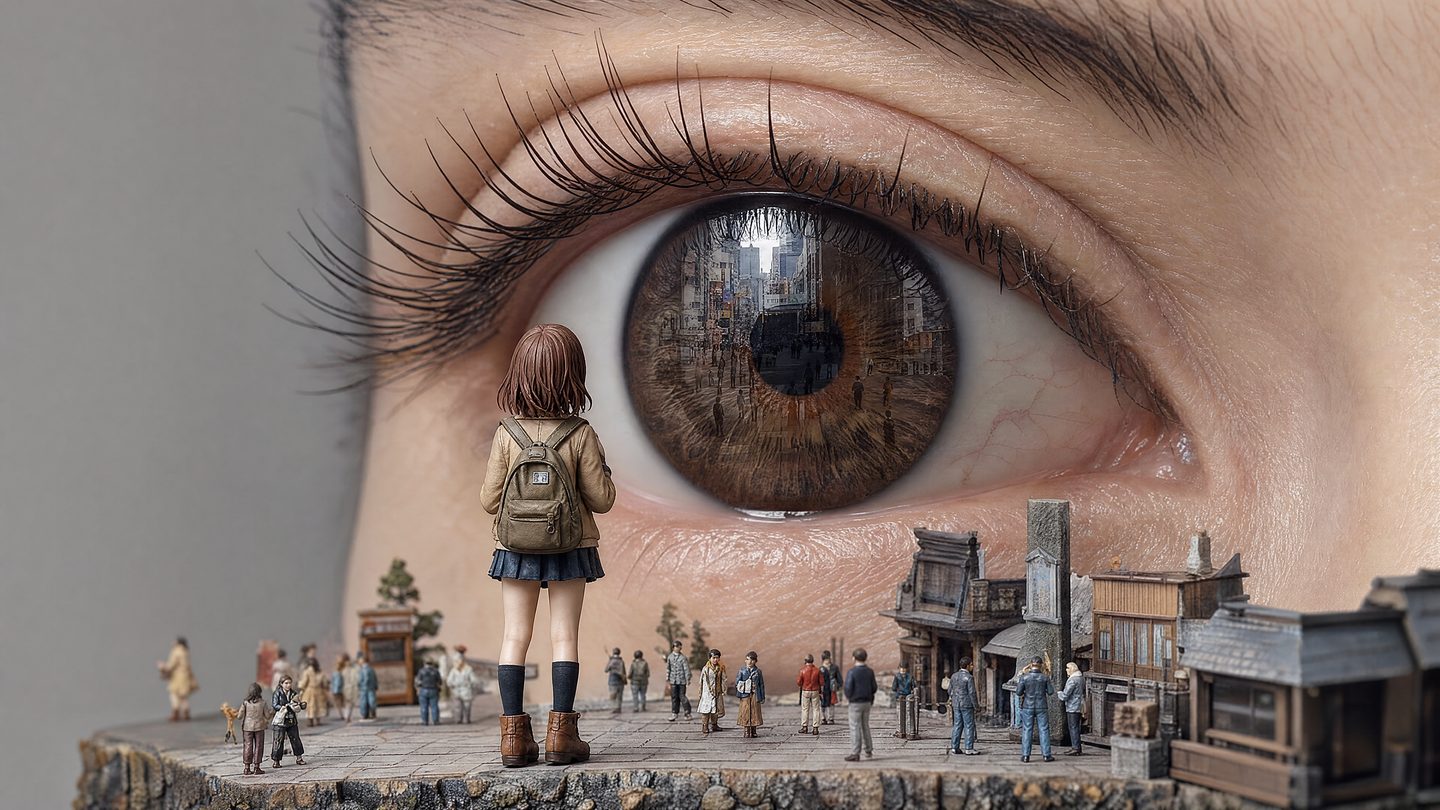
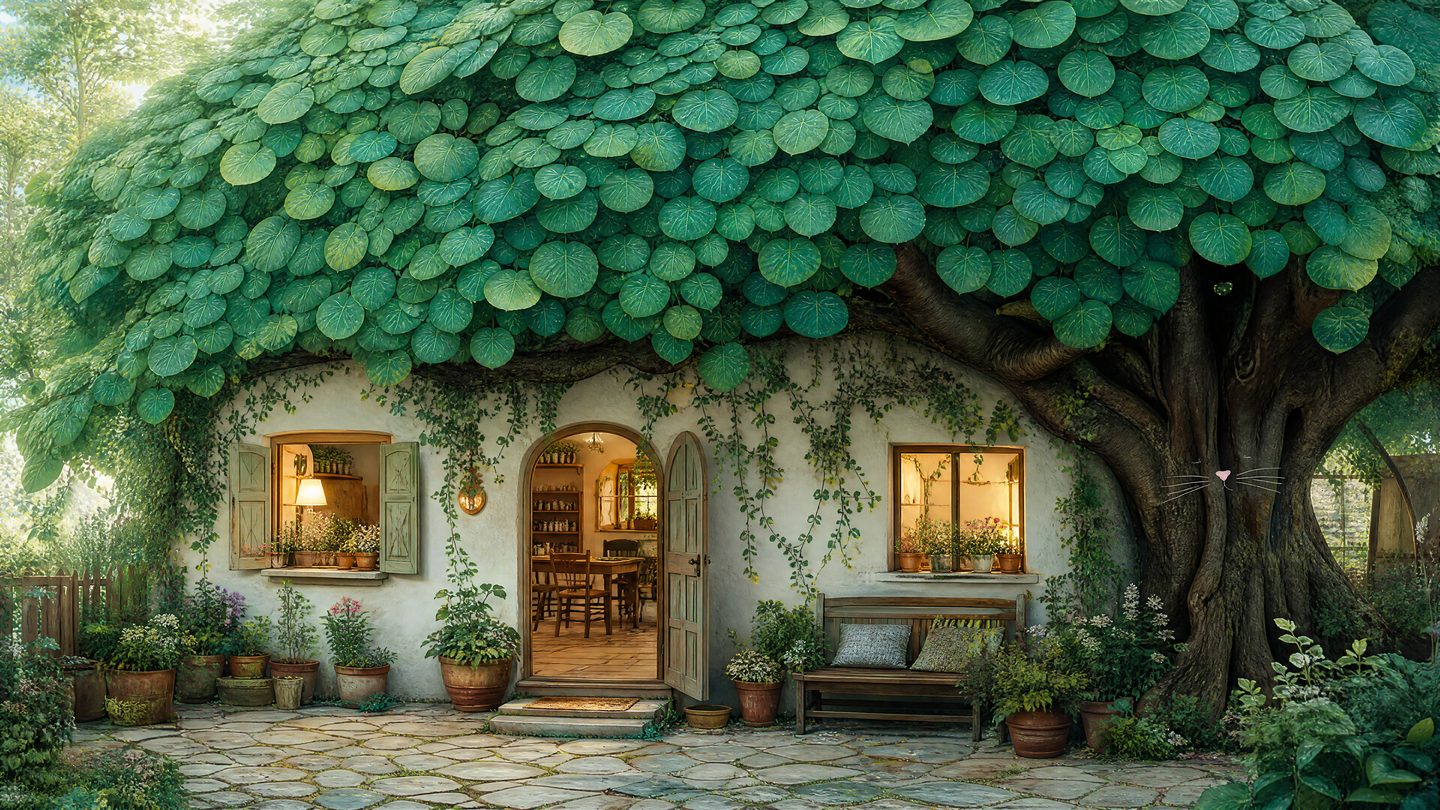
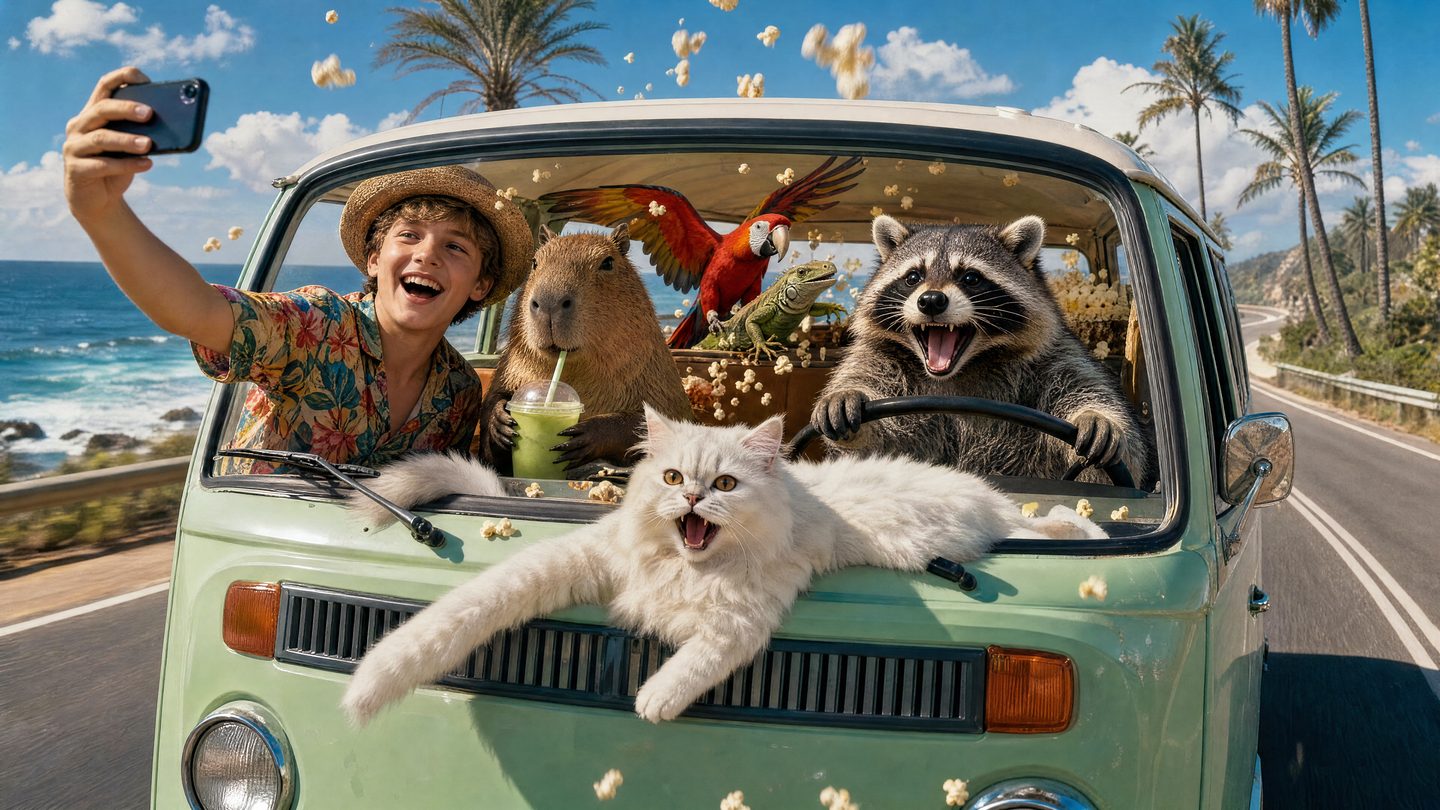
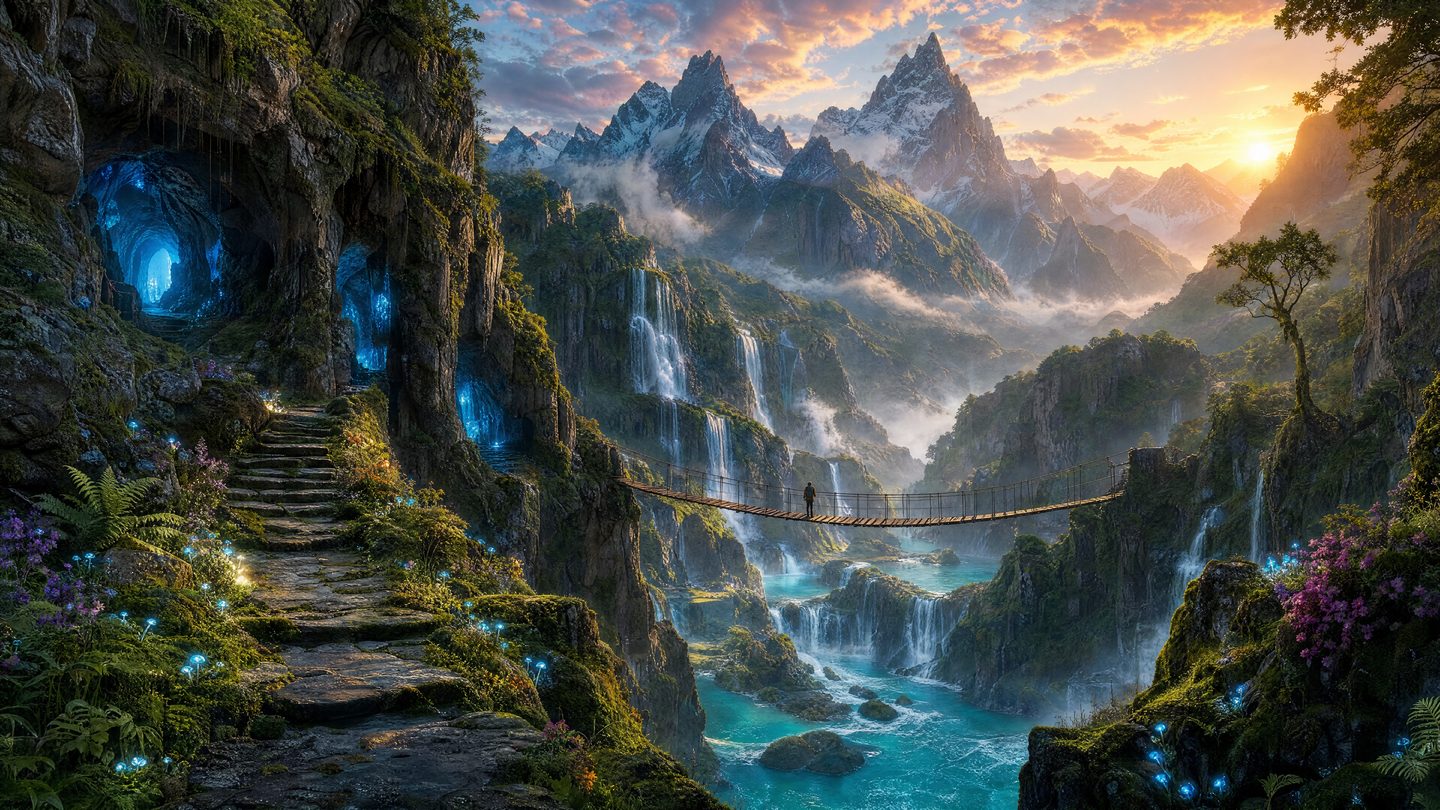
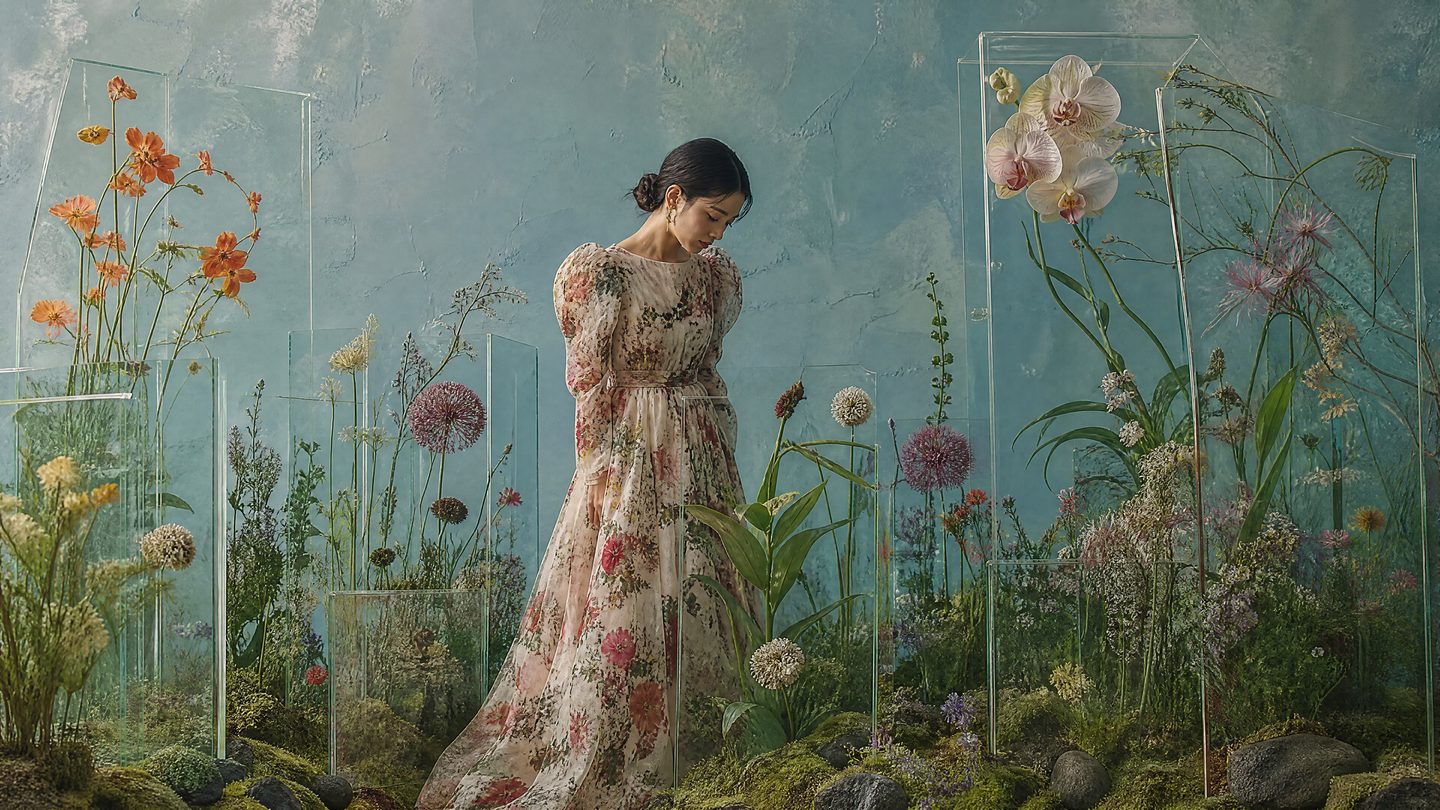

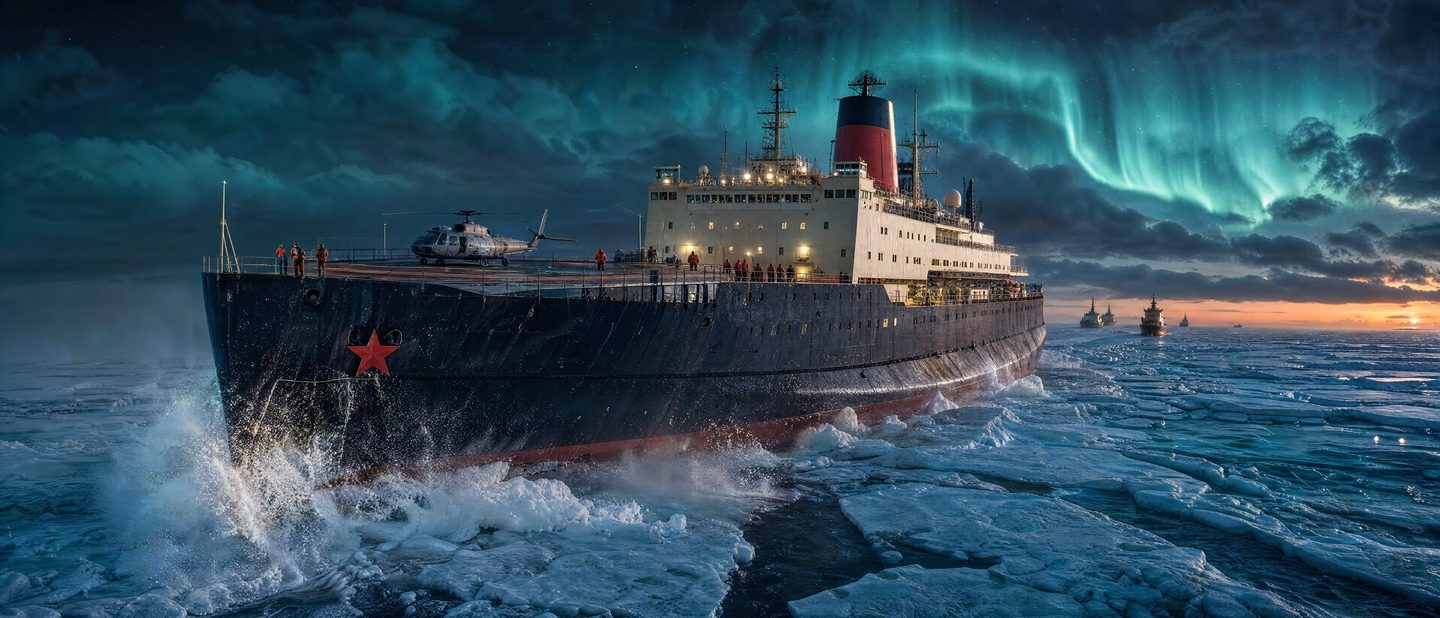
One-click skills
Every fix is one click away.
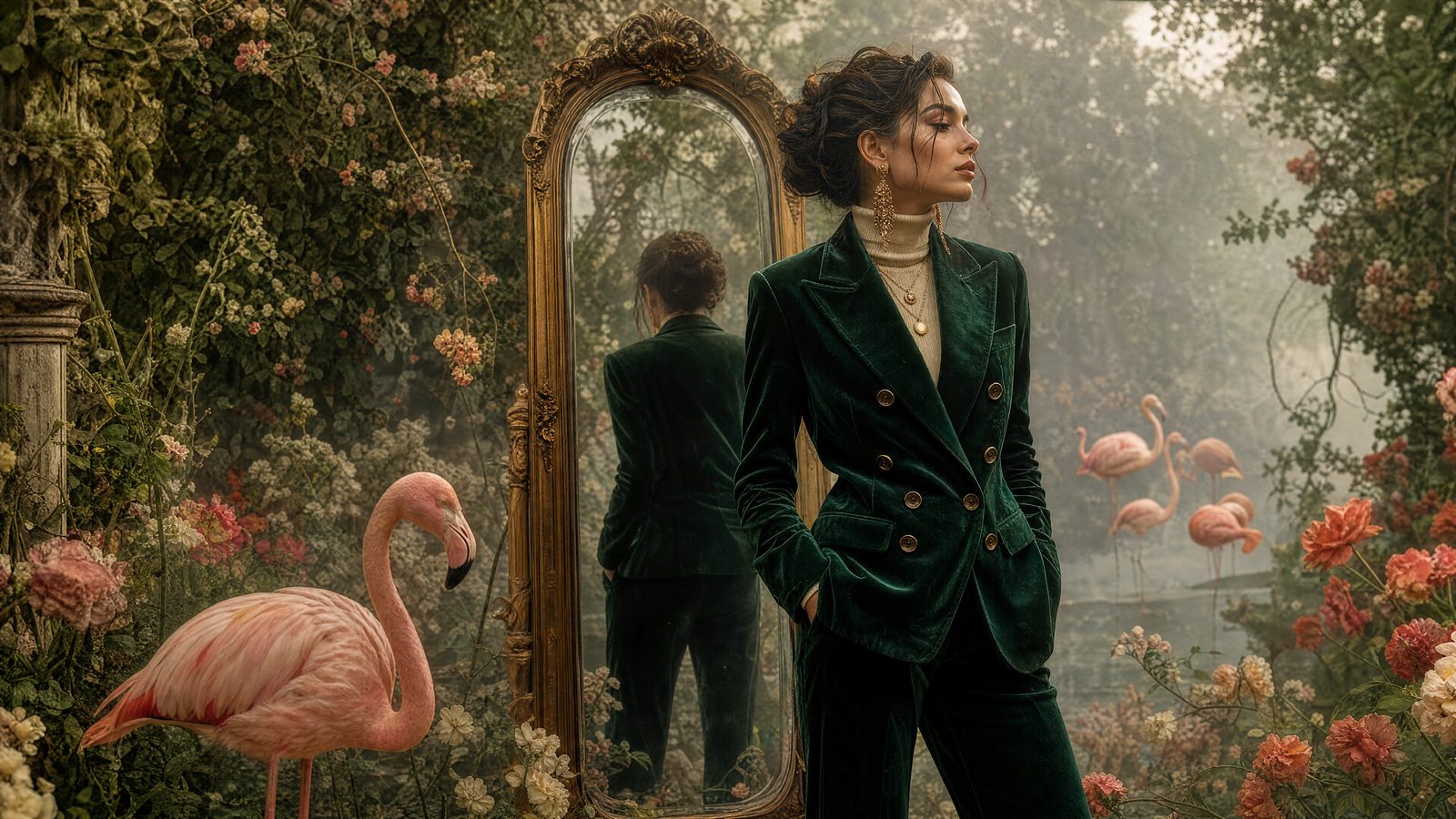
Compose from up to nine reference images
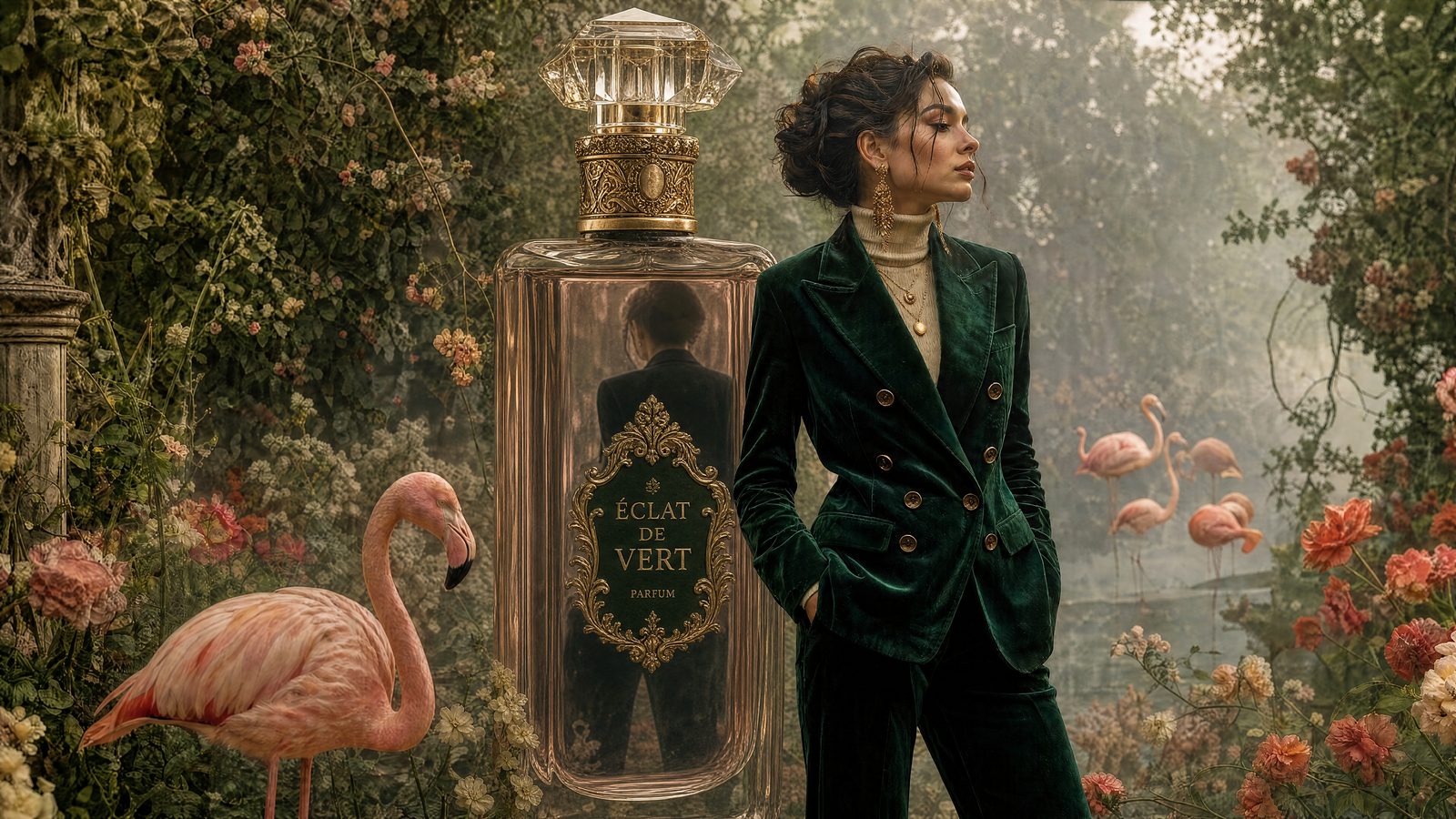
Beyond generation
Design, not just generate.
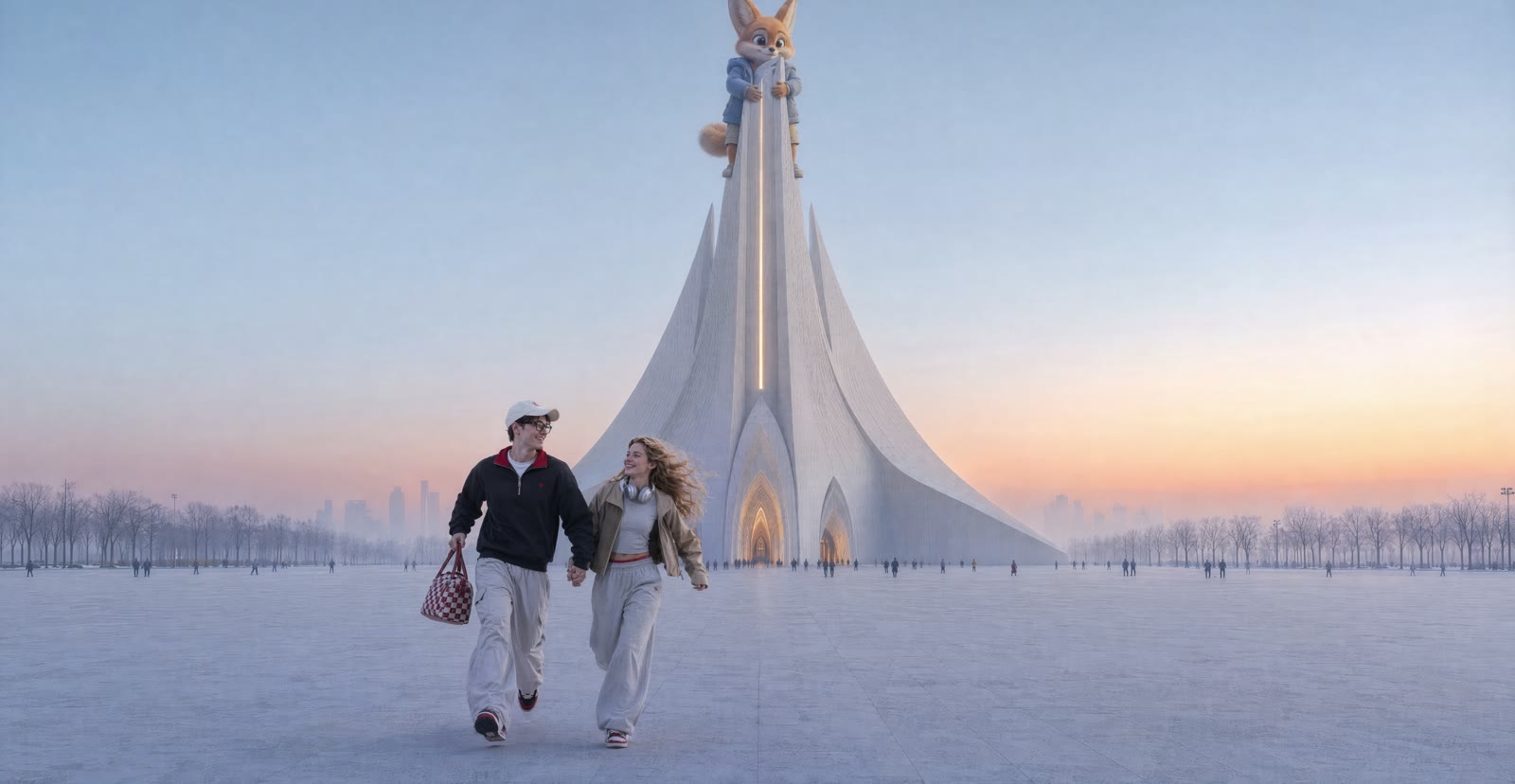
 1
1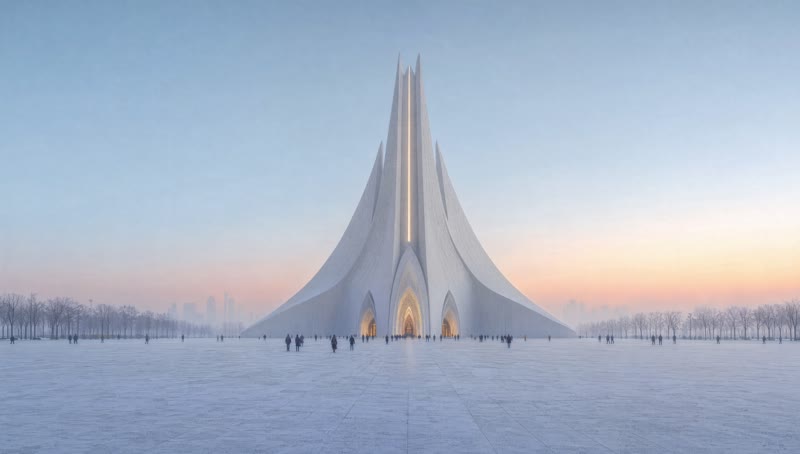 2
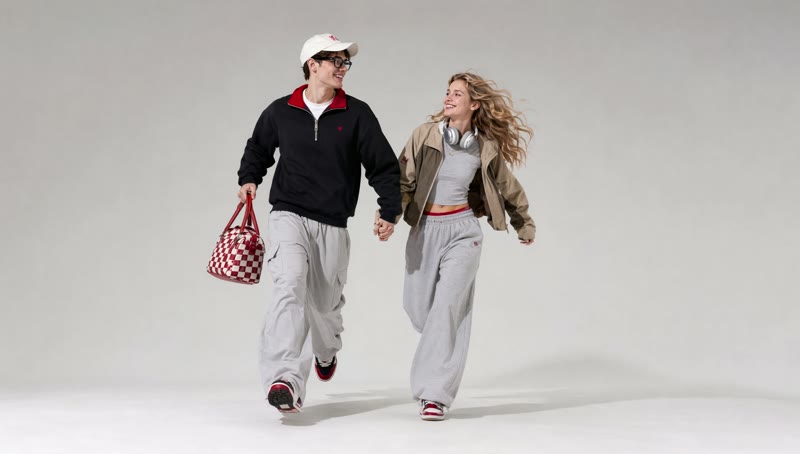
2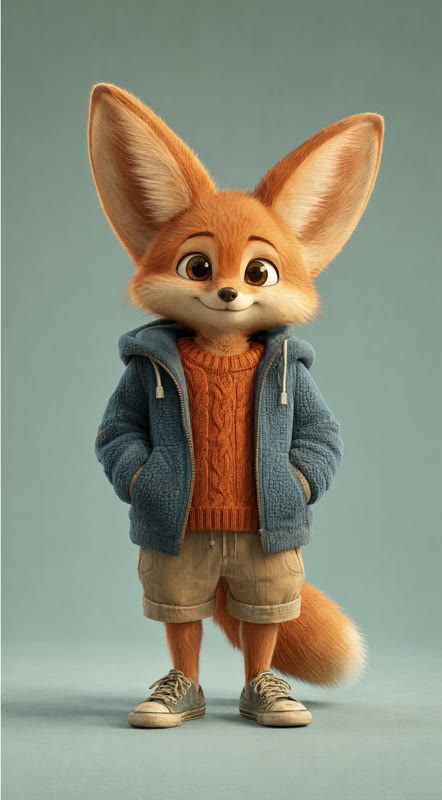 3Put 1 on the ground, 2 as the base, 3 on the roof
Compose from references
Drop in the people, the product and the place, then describe how they meet. The agent reads every reference and matches light, perspective and shadow, so the composite reads as one photograph.

Layers
TitleCredits blockKey artText stays editable
Titles, taglines and credits are real text layers, not pixels. Move them, restyle them or rewrite them after the picture is done — the composition underneath never has to be regenerated.
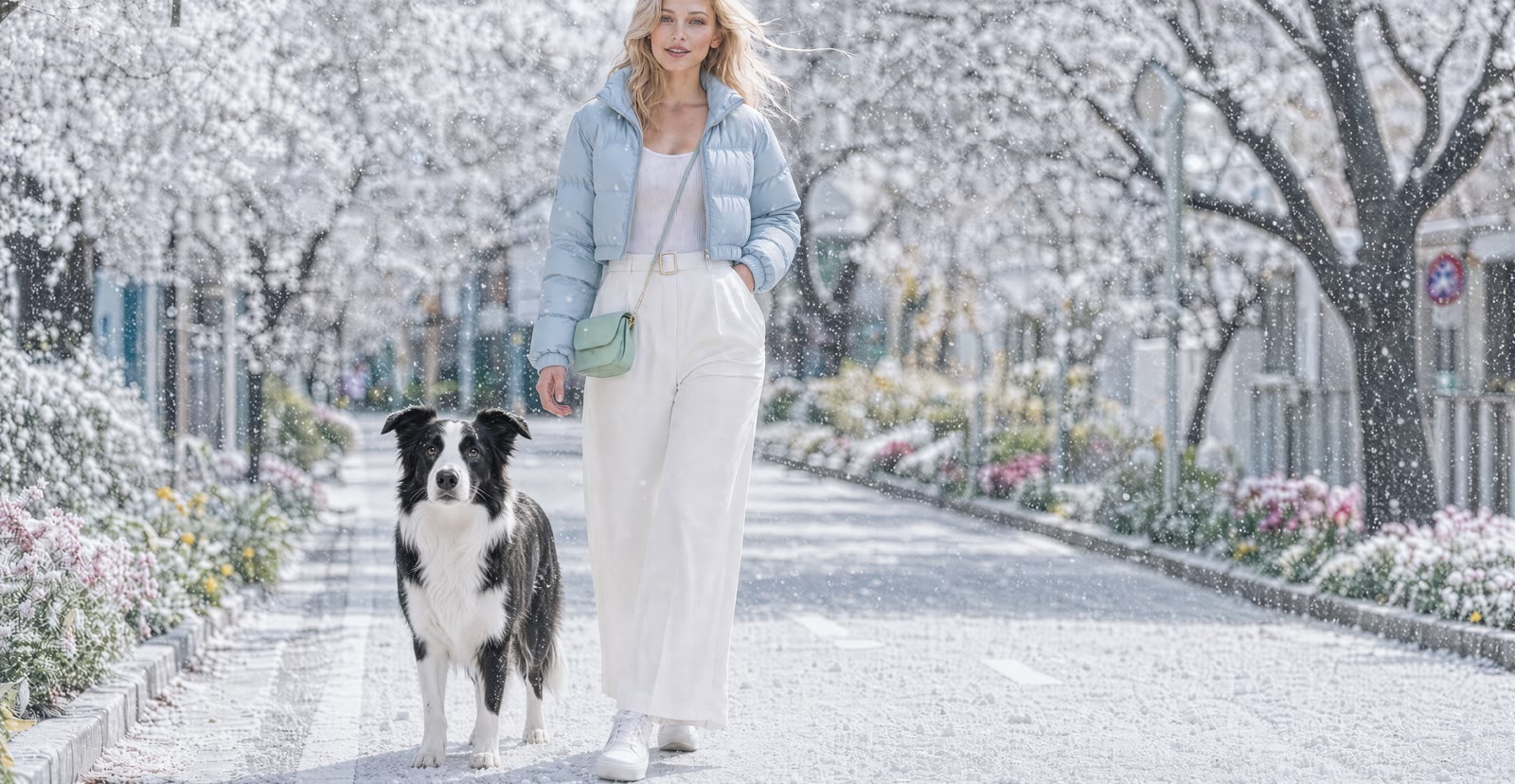 A border collie stands here. Turn the day to snow — keep everything else.
Change one thing, keep the rest
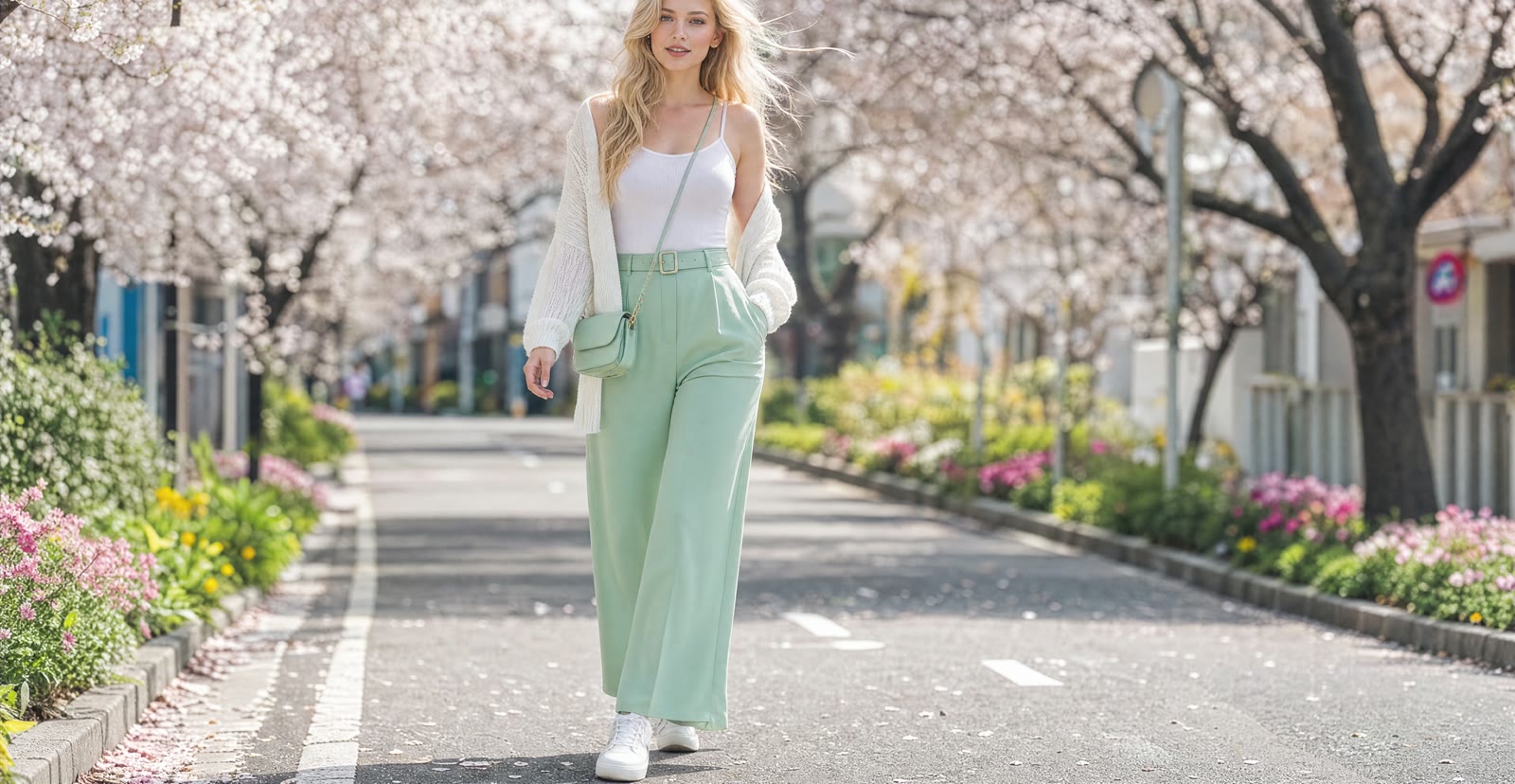
Circle what should change and say what you want instead. A plant becomes a cat tree, green trousers become white, a sunny street turns to snow — with every other pixel left exactly where it was.

Model
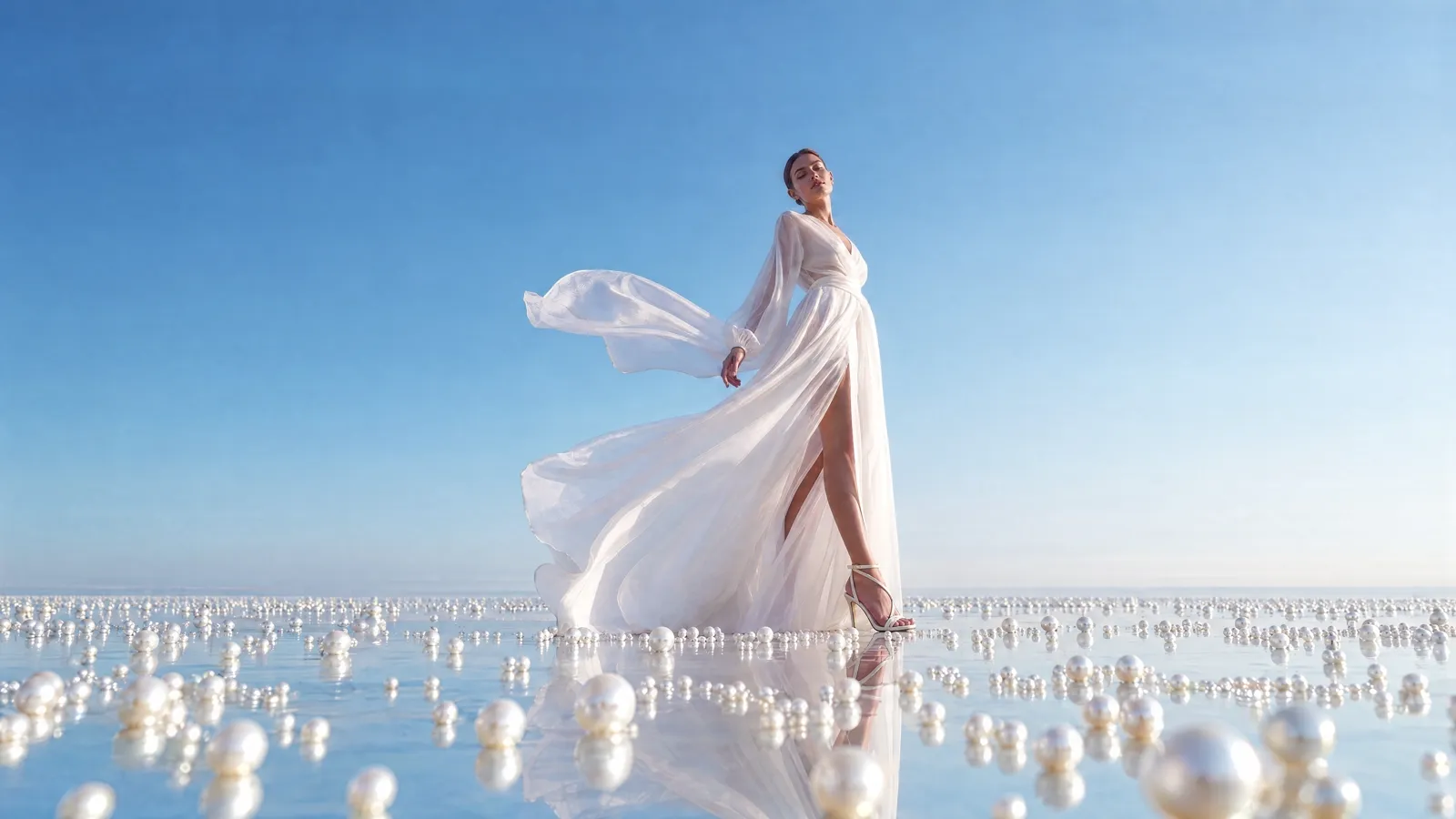
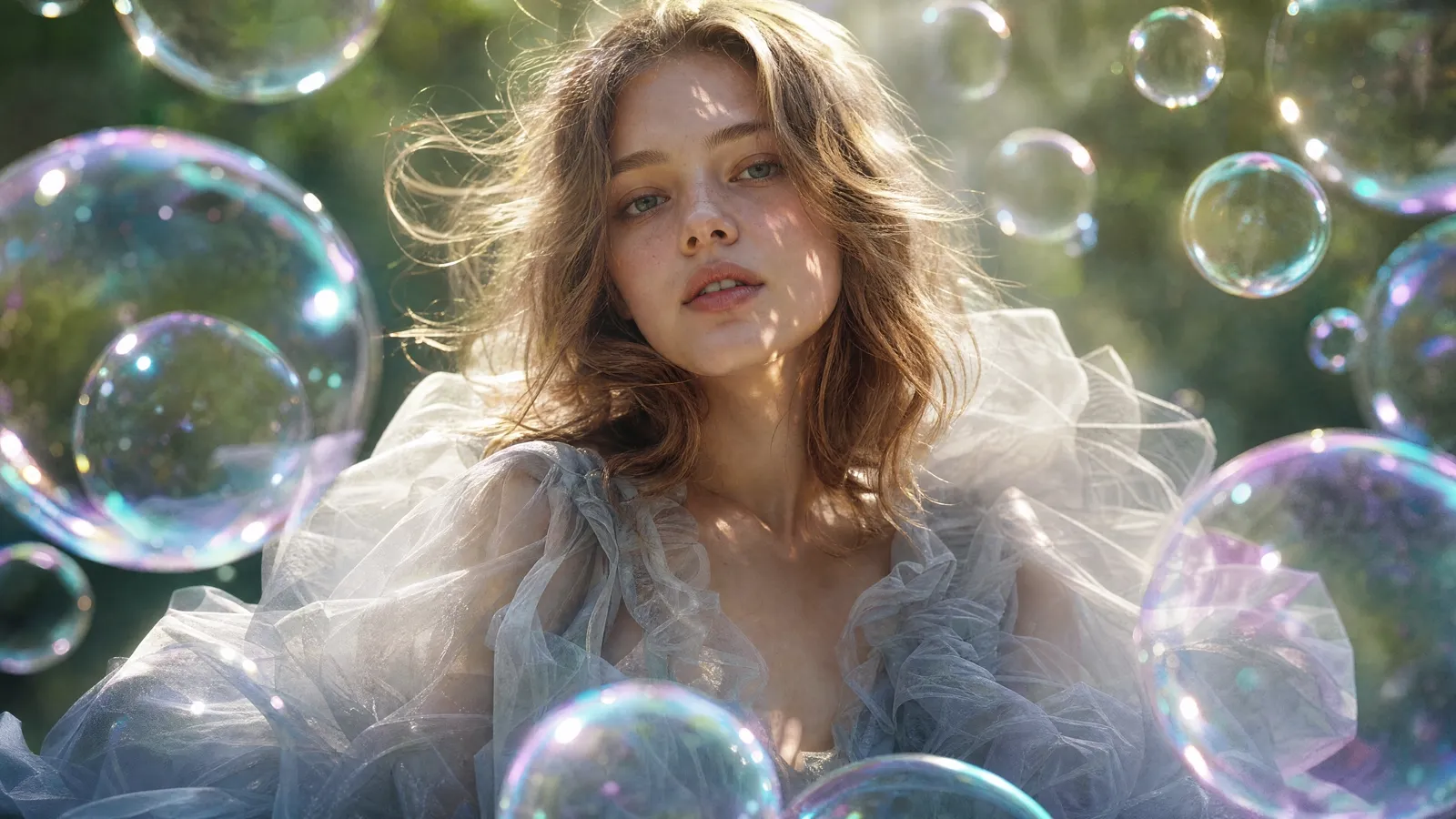
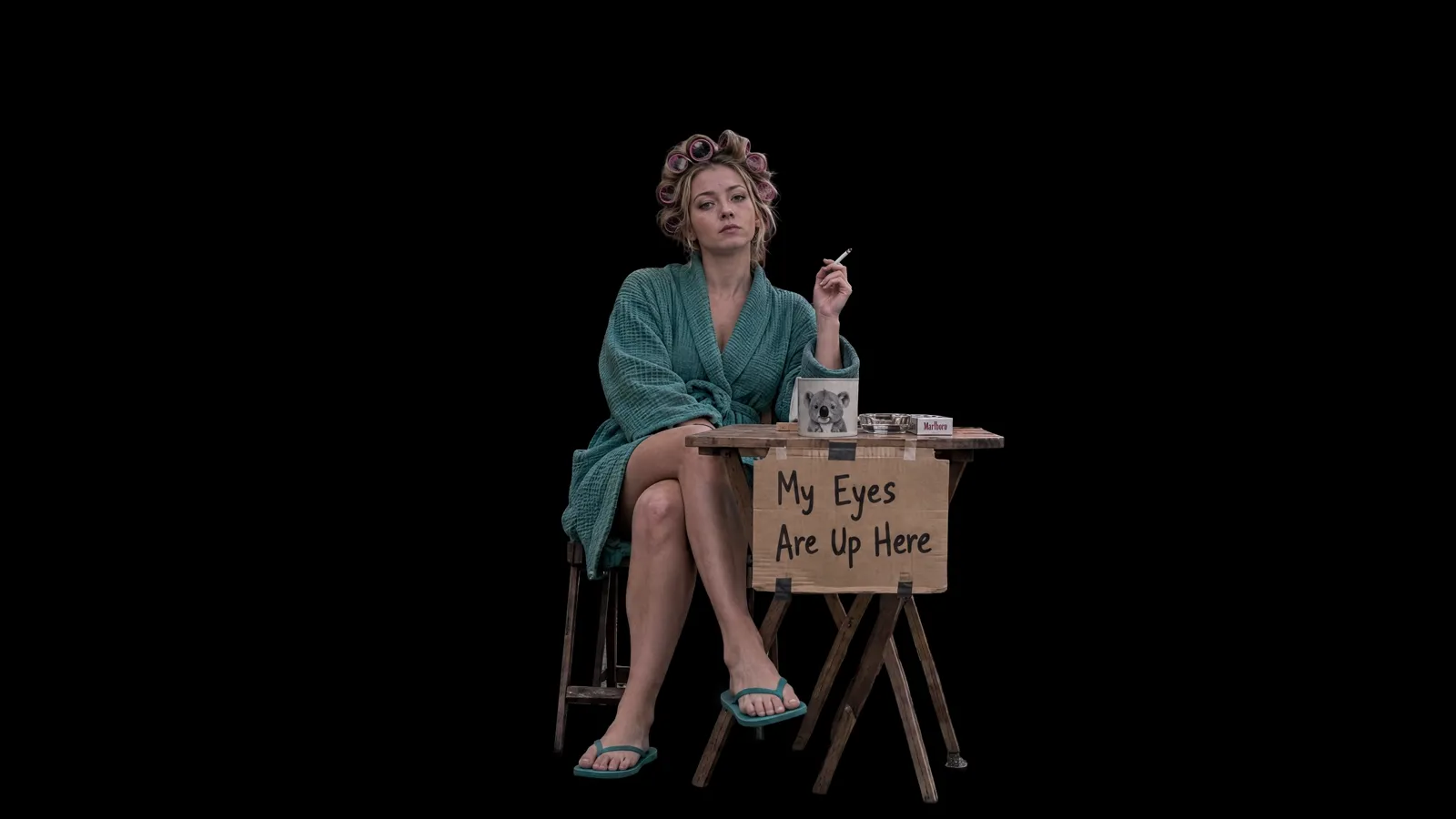
Seedream 5.0 ProphotorealNano Banana Proup to 4KGPT Image 2typographyGrok ImaginestylisedSame prompt · same canvasAny model, one canvas
Pick the model per step: a fast one for drafts, a precise one for the final. Results land side by side on the same canvas, so comparing, cropping and combining is a drag, not an export.
Learn more
Tools
More tools to finish the job on the same canvas
Models
The right model for every step.
Pick per step and see what it costs before you run it. A fast model for drafts, a precise one for the final — results land on the same canvas.
Design with GPT Image 2 on BudgetPixel
Reads layouts and typography
Plus 100+ image, video and audio models in the workshop — anything made there drops onto the canvas.
Pricing
Free to start. Pay per action.
The canvas is free without limits, and so is chatting with the design agent. AI actions cost credits. No subscription is required to design.
Free on the canvas
- Infinite canvas, layers and frames
- Chat with the design agent
- Text, shapes and drawing tools
- Projects, history and undo
- Import your own images
What uses credits
- Generating an image
- Removing a background
- Upscaling
- Editing, expanding or removing objects
Each action shows its cost before you run it. New accounts start with free credits; the full price list, plans and credit packs are on the pricing page.
FAQ
Questions, answered.
What is the BudgetPixel Design Studio?
An infinite canvas with an AI design agent built in. You brief it with words and reference images; it generates with the image model you pick, places the results on the canvas, and edits them in place — background removal, upscaling, object removal, expansion, inpainting and editable text layers — without leaving the page.
How is it different from Canva or Adobe Express?
Those tools start from templates. The Design Studio starts from a brief: it generates original images with the best current models and composes them on one canvas, then gives you the same one-click edits a designer would reach for. It runs in the browser, needs no download, and charges per action instead of a subscription.
How does it compare with Lovart?
Both are canvas-based AI design agents. On BudgetPixel, chatting with the agent is free; you pick the image model, the editing tools sit on the same canvas, and generation is pay-as-you-go with free credits for new accounts rather than subscription-only.
Which models can I use on the canvas?
Today: GPT Image 2, Seedream 5.0 Pro and 4.5, Nano Banana Pro and Nano Banana 2, Grok Imagine and Flux Klein, each with reference-image support. The wider workshop offers 100+ image, video and audio models, and everything you make there can be dropped onto the canvas.
Is it free to use?
The canvas itself is free: pan, zoom, layers, text, drawing, frames and undo have no limits. Chatting with the design agent is free too, up to a generous daily allowance. AI actions — generating, removing backgrounds, upscaling, editing — use credits, priced per action. New accounts get free credits to start, there is no subscription requirement, and the full price list is on the pricing page.
Can I use my own brand?
Yes. Save your colors, fonts and logo as a brand kit and the agent applies them across generations, so a campaign stays consistent from the first asset to the last.
Design Studio
Design with BudgetPixel.
Open a canvas, drop in a reference, and describe the first thing you want to see. Free credits are included with a new account.