Latest
Guides7 min read
How to Make a YouTube Thumbnail With AI (Free Templates)
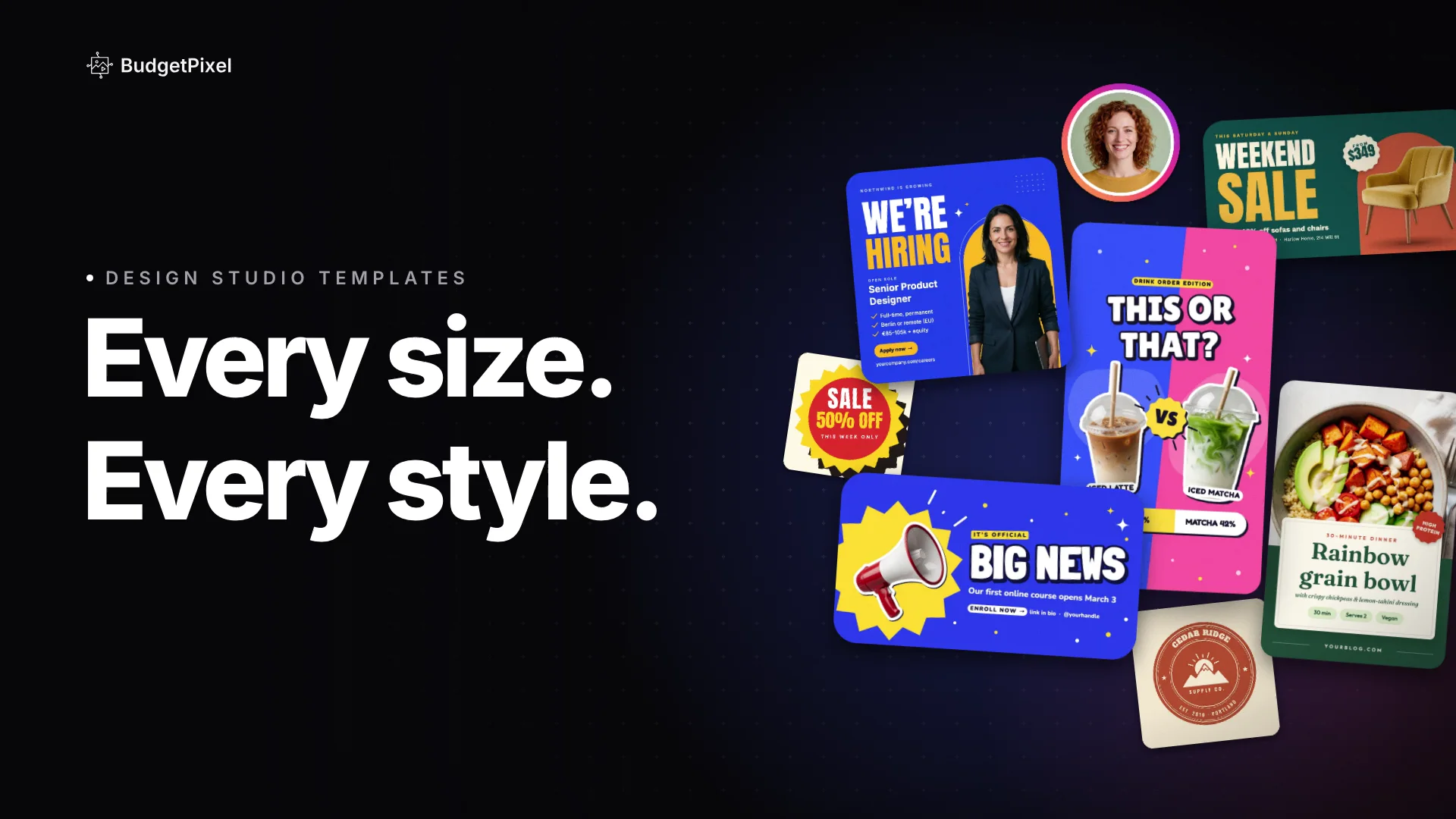
To make a YouTube thumbnail with AI on BudgetPixel, open a free 16:9 thumbnail template or brief the AI designer, swap in your photo or an AI influencer, then download a PNG or JPG and upload it in YouTube Studio. YouTube now recommends 3840 × 2160 and accepts 16:9 images from 640 pixels wide.
Read the post