
Invitation templates
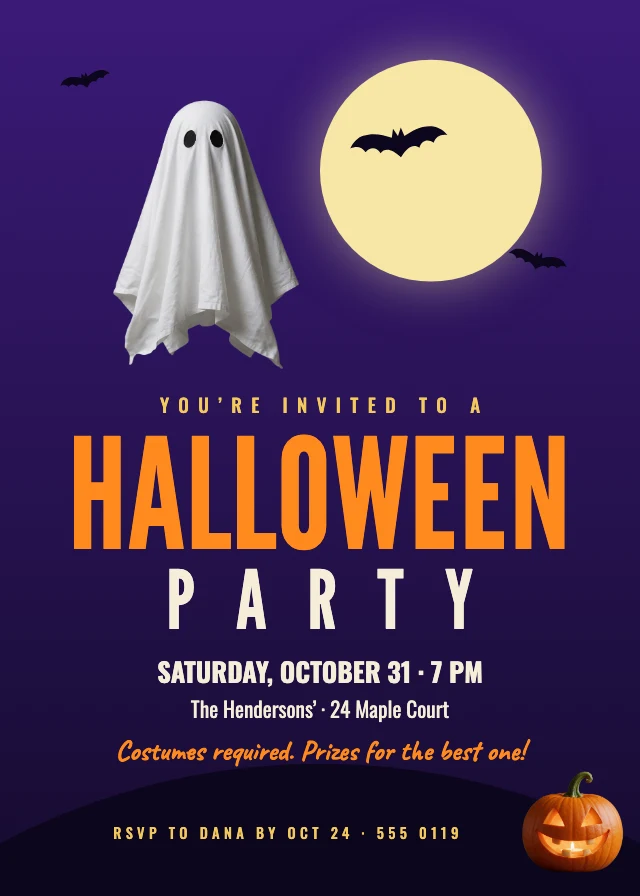
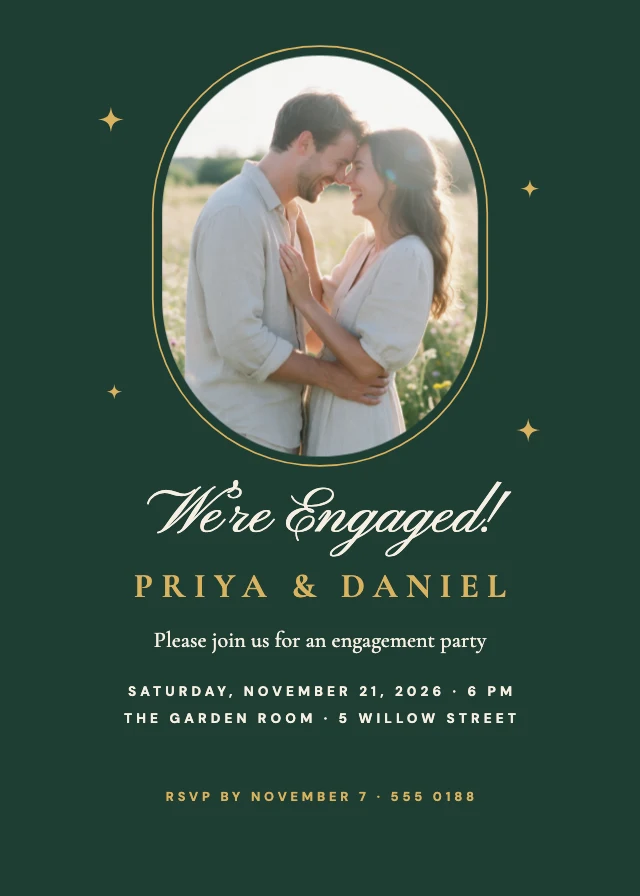
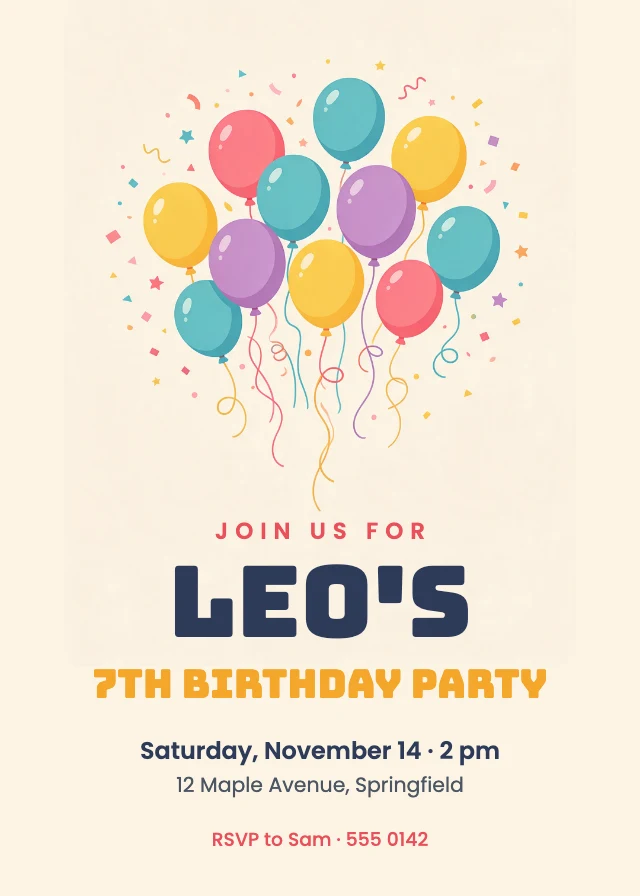
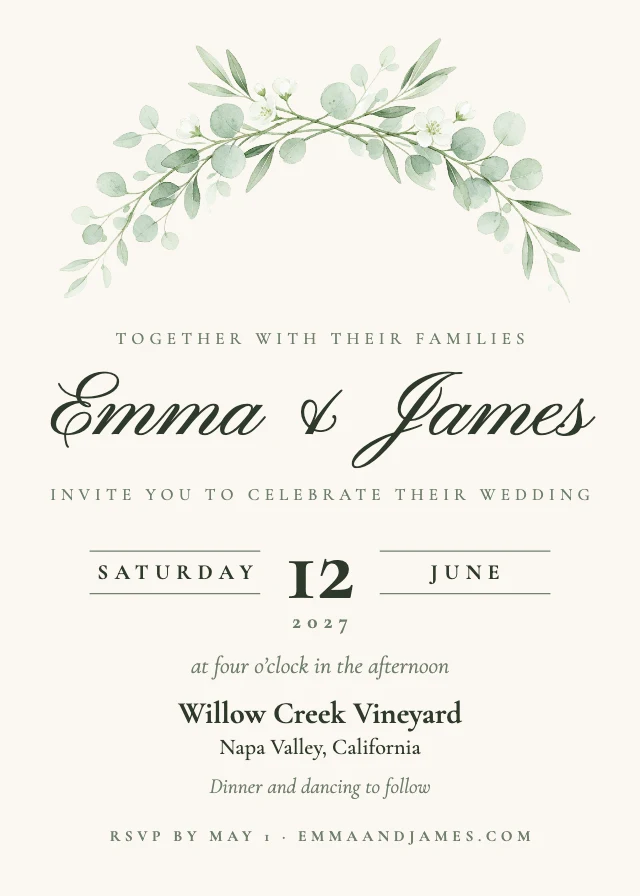
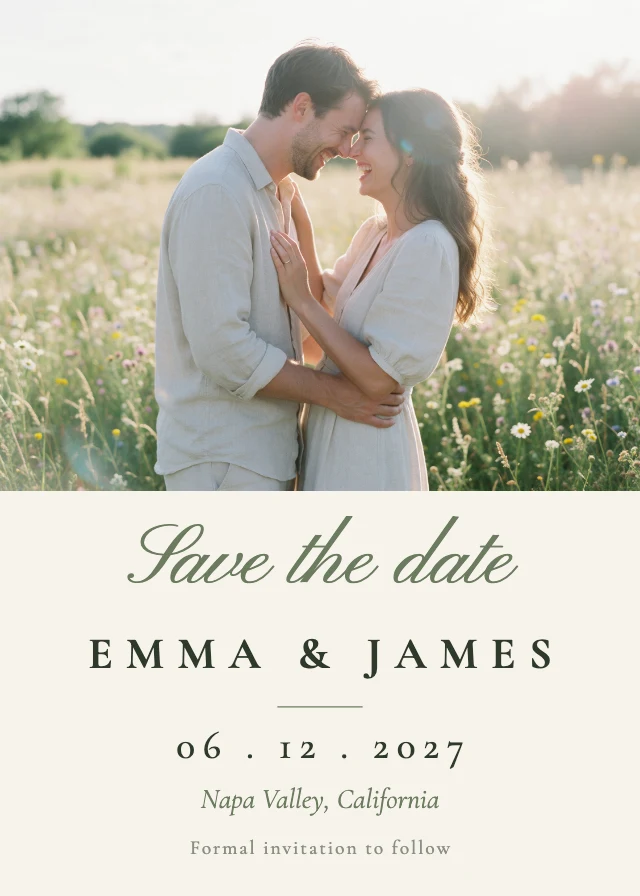
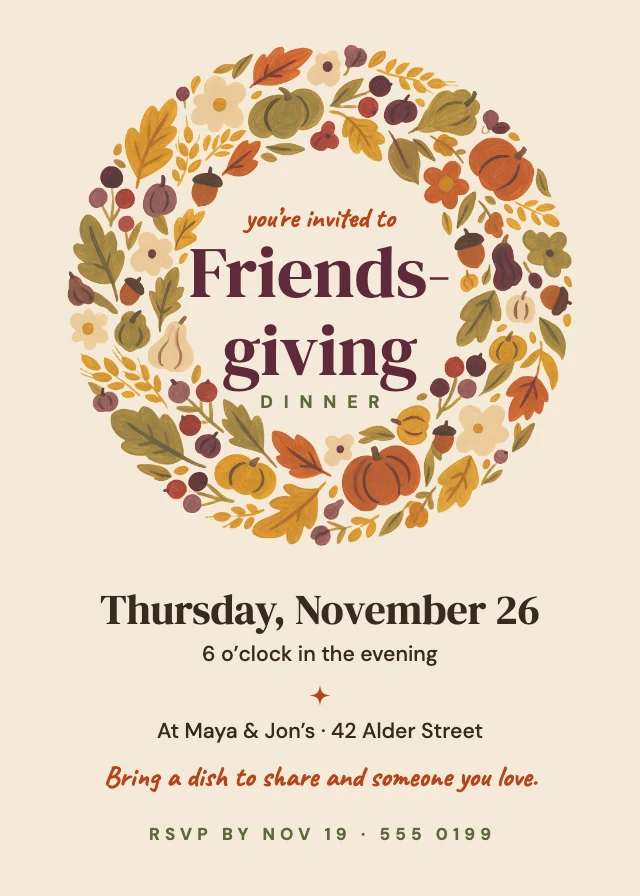
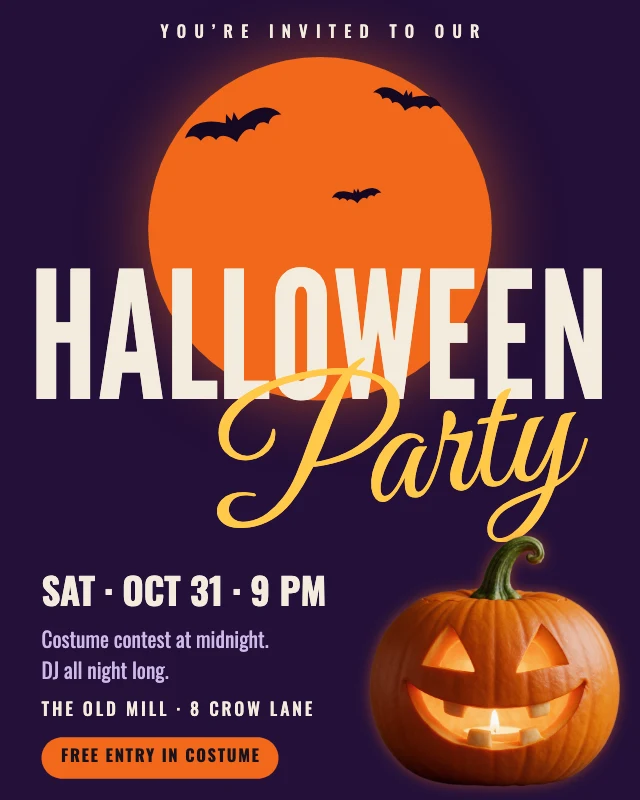
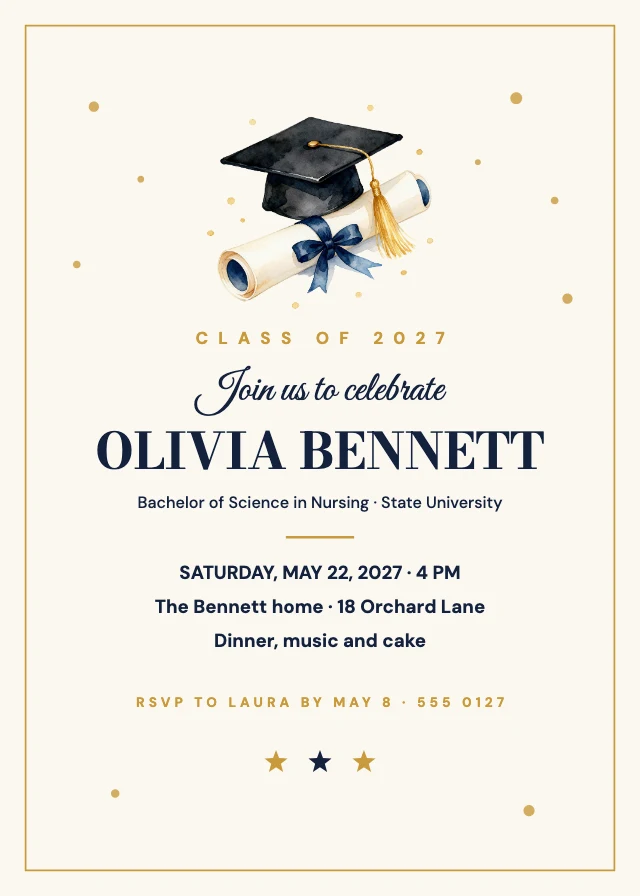
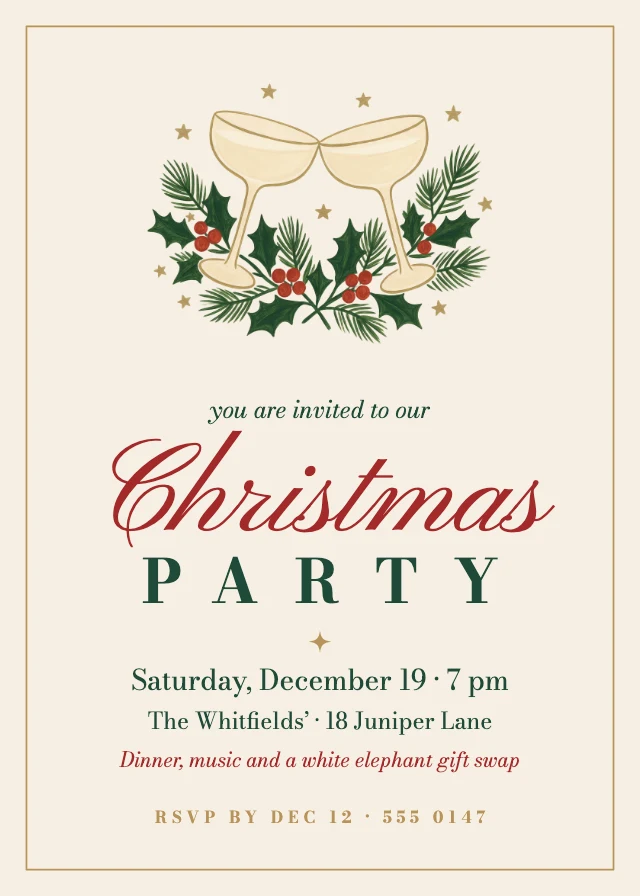
Invitations for weddings, birthdays, baby showers, graduations, engagements and holiday parties, most at 5×7 inches and ready to print or send as a picture. Each one opens in Design Studio with every layer editable: retype the words, swap in your own photos, or ask the AI designer to restyle it.
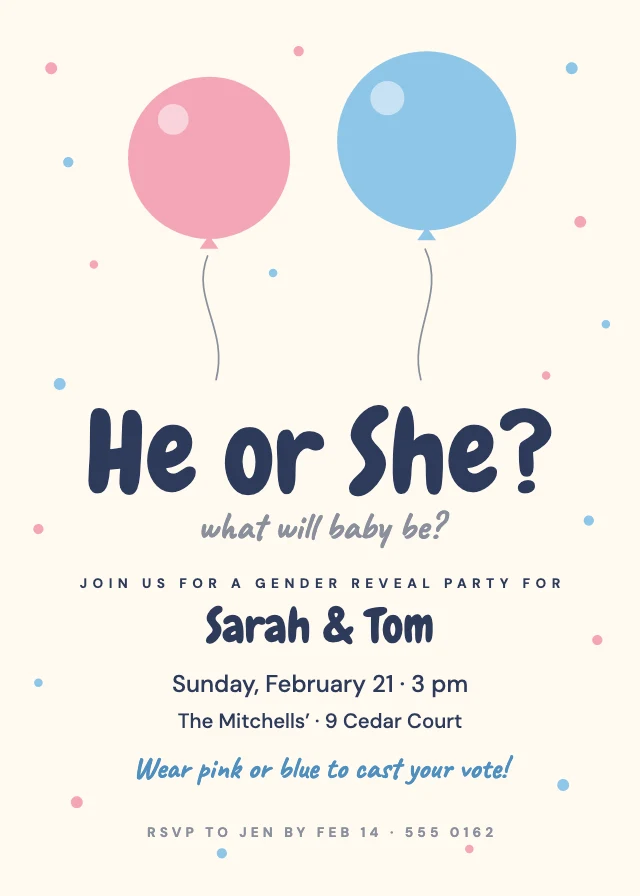
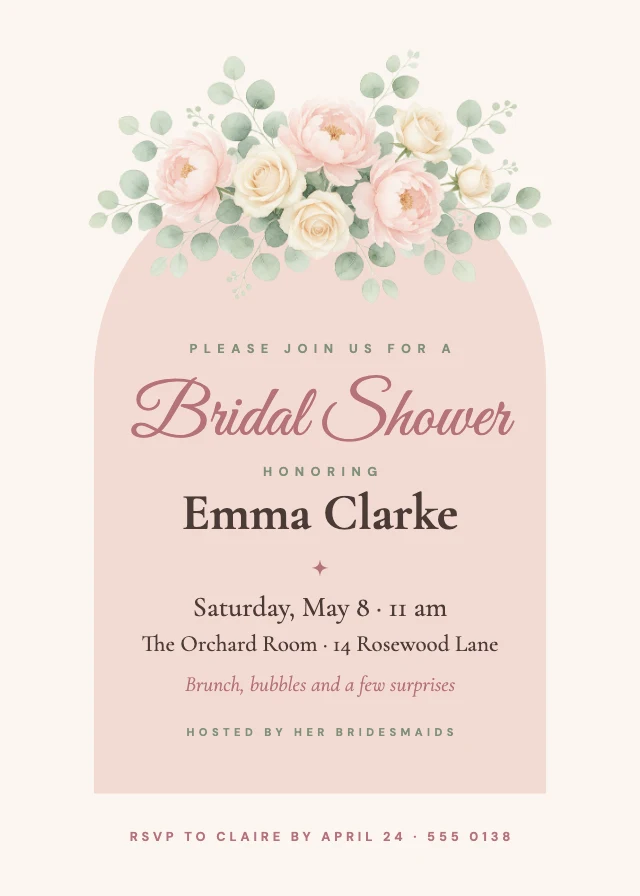
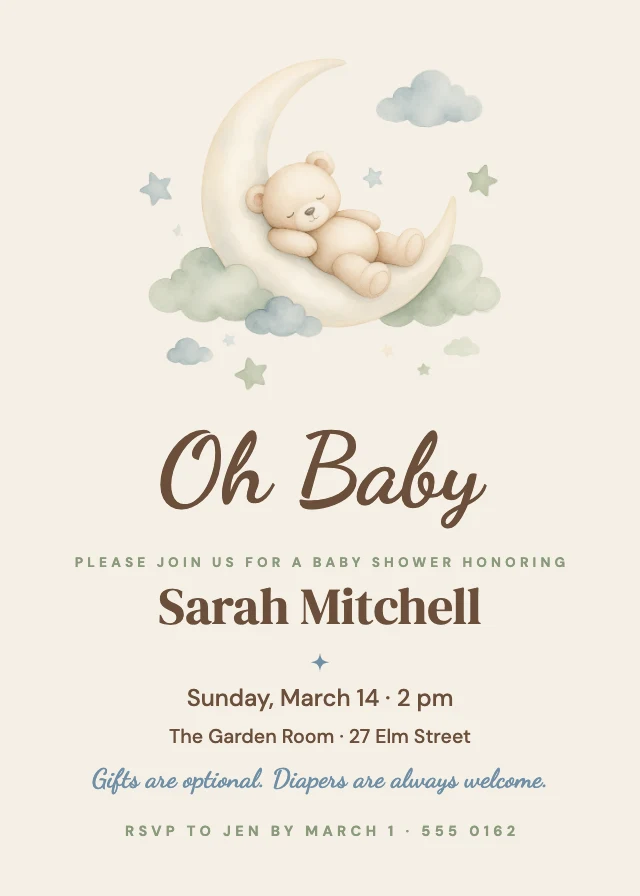
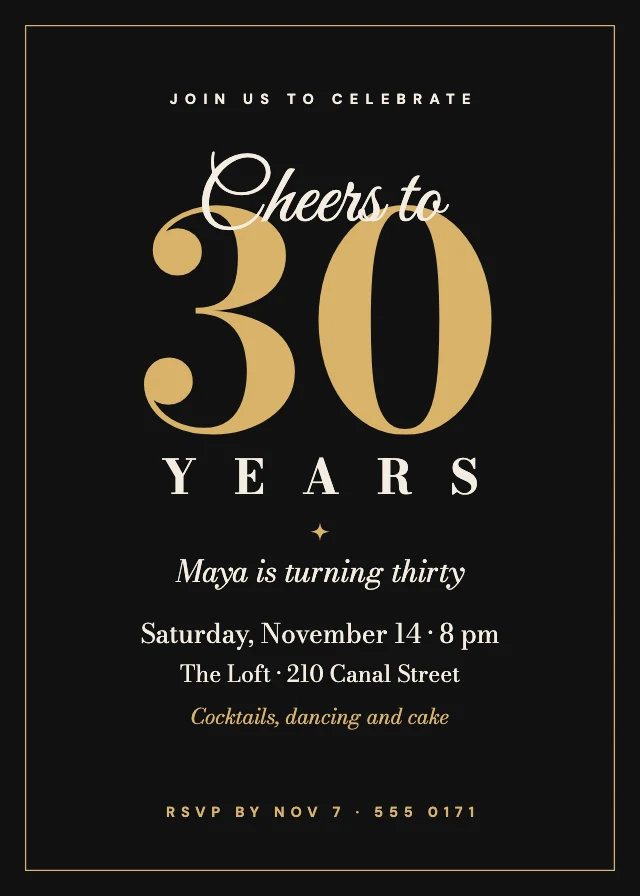
More kinds of template
All templates →How to use a template
- Choose "Use this template". It opens in Design Studio as your own copy.
- Click any text to select it, then click again to type.
- Click a photo, then Replace to use your own picture.
- Download as PNG or JPG, or ask the AI designer to change colours, wording or style.
Free on every plan. You can use, edit and publish what you make from a template, for personal or commercial work. The templates themselves may not be resold or shared as templates.
Questions
- What sizes are the invitation templates?
- They come in 2 sizes: a 5×7 inch card (1500×2100 px); a 4:5 Instagram post (1080×1350 px). Every template is made at its real size, so nothing has to be resized before it is posted or printed.
- Can I print the invitation templates?
- Yes. The designs made for paper are sized at 300 dpi: a 5×7 inch card is 1500×2100 px and a US Letter page is 2550×3300 px. Download the design as a PNG or JPG and print it at home or send it to a print shop.
- Are the templates free?
- Yes. Every template is free on every plan, including the free one. Editing text, moving things and replacing photos with your own cost nothing; AI image generation and AI edits use credits.
- Can I use designs made from a template commercially?
- Yes. You can use, edit and publish designs you make from a template, for personal or commercial work such as social posts, ads, menus and flyers. The templates themselves may not be resold or shared as templates.
- Can AI customize a template for me?
- Yes. Choose "Edit with AI" and tell the AI designer what to change, for example the name, the colours or the photo. Chatting with it is free; images it makes use credits.