
Presentation templates
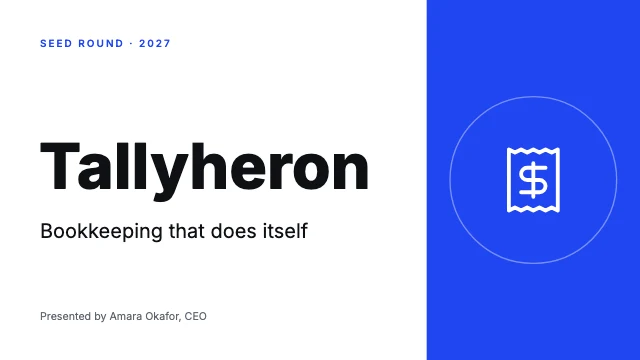
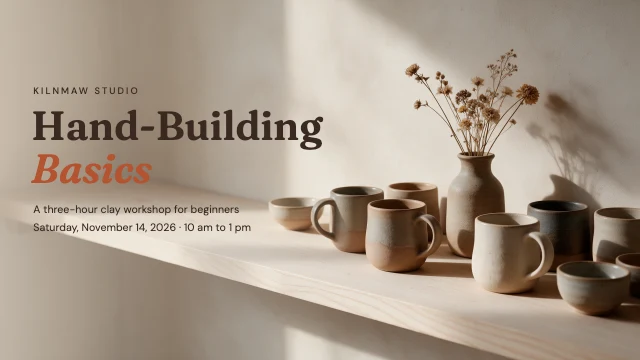
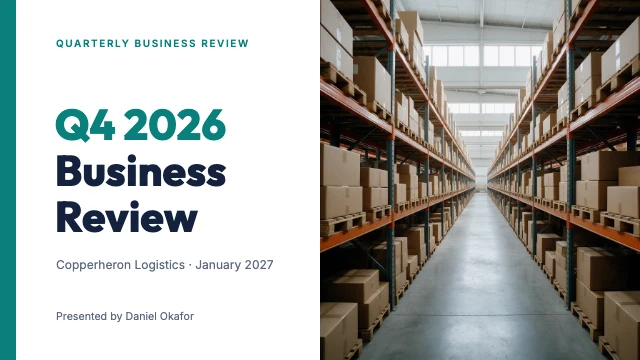
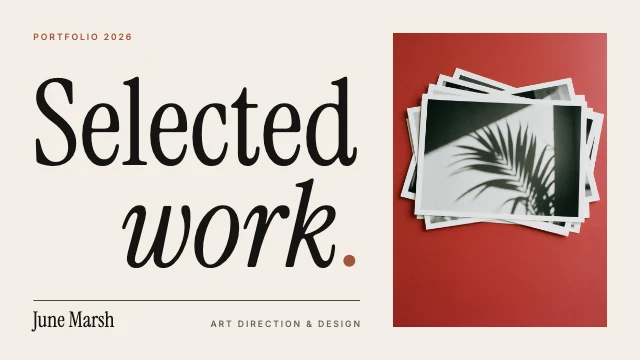
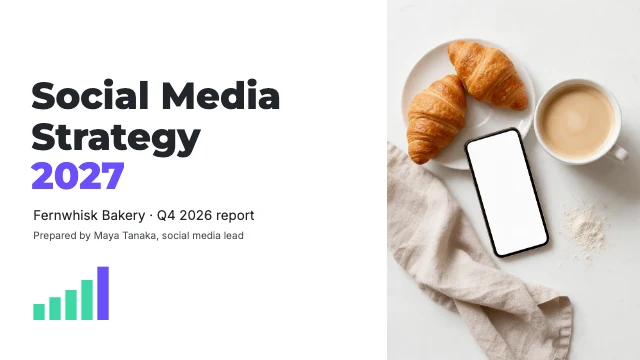
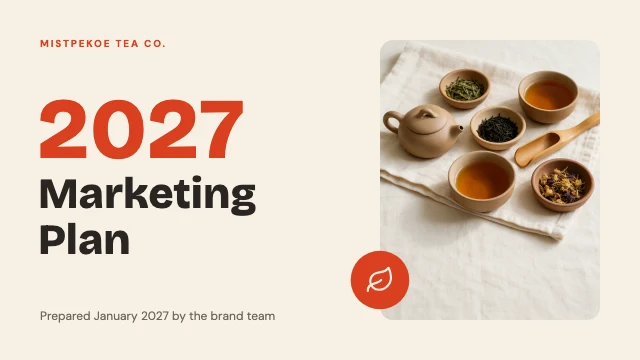
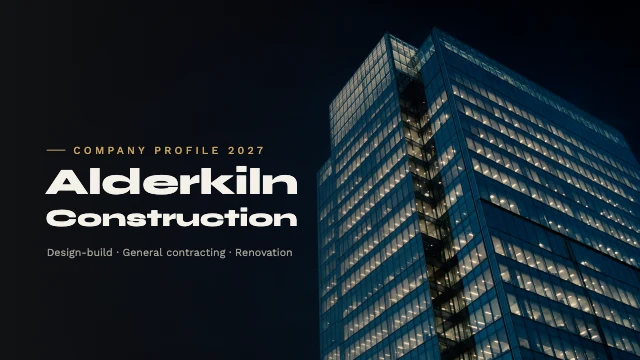
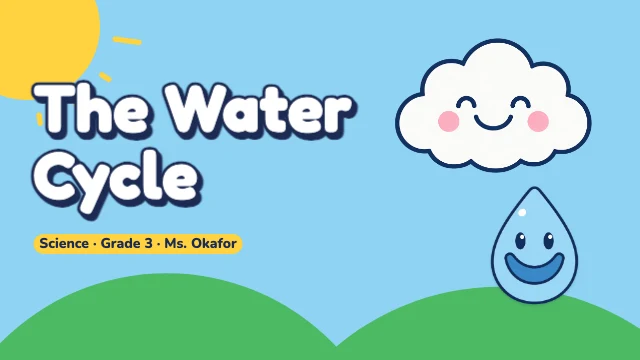
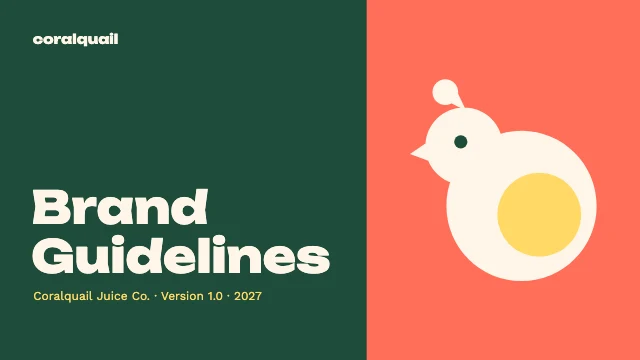
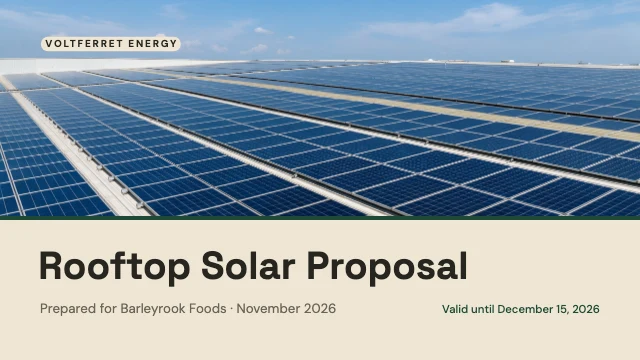
Whole decks of 16:9 slides that belong together: a title slide, an agenda, the slides in between and a closing one, for a pitch, a business report, a class or a webinar. All the slides are added to your design side by side, and every one stays editable. Each one opens in Design Studio with every layer editable: retype the words, swap in your own photos, or ask the AI designer to restyle it.
More kinds of template
All templates →By occasionHalloweenElection DayDiwaliHanukkahValentine's DayMother's DayGraduationThanksgivingBlack FridayChristmasNew YearFallBirthdayWeddingWinterKwanzaaLunar New YearRamadan & EidMardi GrasSt. Patrick's DayEasterWomen's Day
By formatInstagram postsInstagram storiesYouTube thumbnailsLinkedIn postsX (Twitter) postsFacebook postsFacebook coversPinterest pinsLogosProfile picturesStickers & labelsBumper stickersYouTube bannersBusiness cardsPostersLinkedIn bannersPresentation slidesX (Twitter) headersTwitch bannersDiscord bannersRedNotePresentation decksPostcardsBookmarksProduct labelsHang tagsTicketsPlace cardsTable signsProgramsName badgesEmail headersDesktop wallpapersPhone wallpapersZoom backgrounds
How to use a template
- Choose "Use this template". It opens in Design Studio as your own copy.
- Click any text to select it, then click again to type.
- Click a photo, then Replace to use your own picture.
- Download as PNG or JPG, or ask the AI designer to change colours, wording or style.
Free on every plan. You can use, edit and publish what you make from a template, for personal or commercial work. The templates themselves may not be resold or shared as templates.
Questions
- Is each presentation template a whole deck?
- Yes. Each one is several 16:9 slides that belong together, and all of them are added to your design side by side. For one slide to place in a deck of your own, see the presentation slide templates.
- What sizes are the presentation templates?
- Each one is a 16:9 slide (1920×1080 px). Every template is made at its real size, so nothing has to be resized before it is posted or printed.
- Are the templates free?
- Yes. Every template is free on every plan, including the free one. Editing text, moving things and replacing photos with your own cost nothing; AI image generation and AI edits use credits.
- Can I use designs made from a template commercially?
- Yes. You can use, edit and publish designs you make from a template, for personal or commercial work such as social posts, ads, menus and flyers. The templates themselves may not be resold or shared as templates.
- Can AI customize a template for me?
- Yes. Choose "Edit with AI" and tell the AI designer what to change, for example the name, the colours or the photo. Chatting with it is free; images it makes use credits.