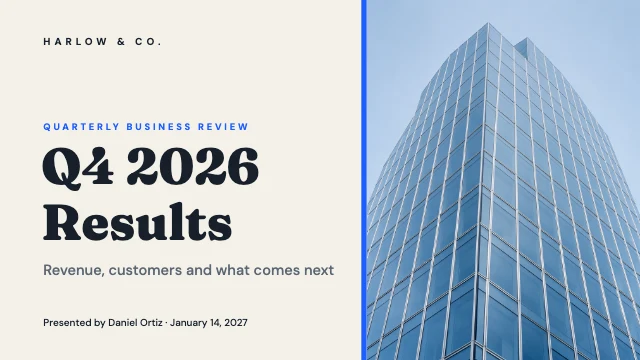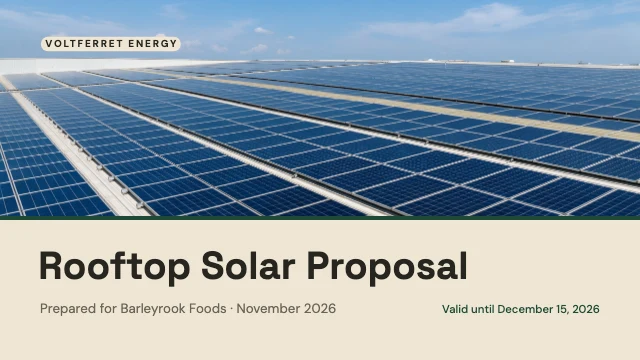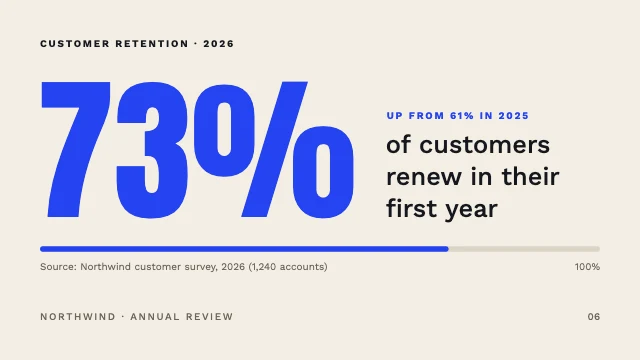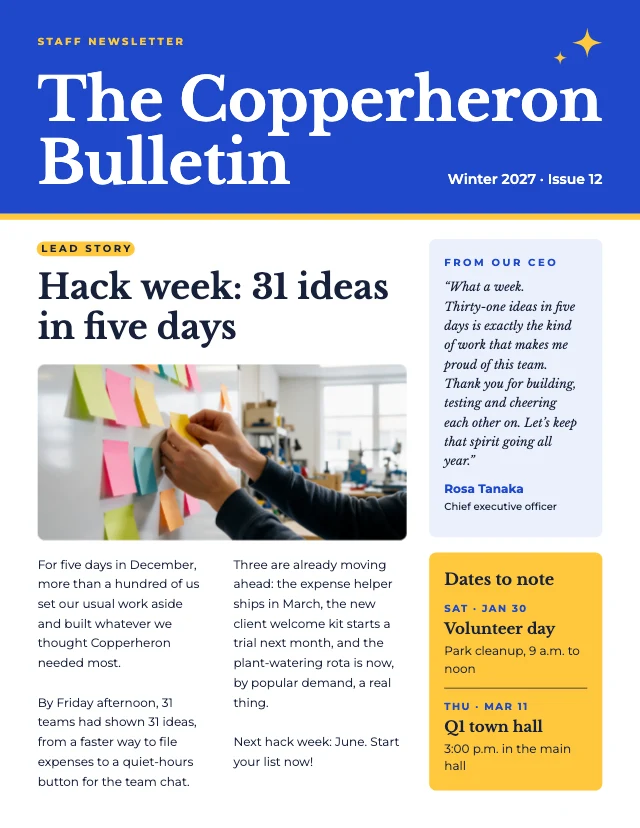
Quarterly business review presentation
Free template · Presentation slide (16:9) · 1920×1080 · 8 pages
An 8-slide quarterly business review: title, agenda, three KPI tiles, revenue by month with a target line, a section slide, wins and challenges, next quarter's milestones and a closing slide, in navy with one teal accent. Retype the figures and redraw the bars. A presentation deck, 1920×1080 (16:9).
8 pages
 Page 1
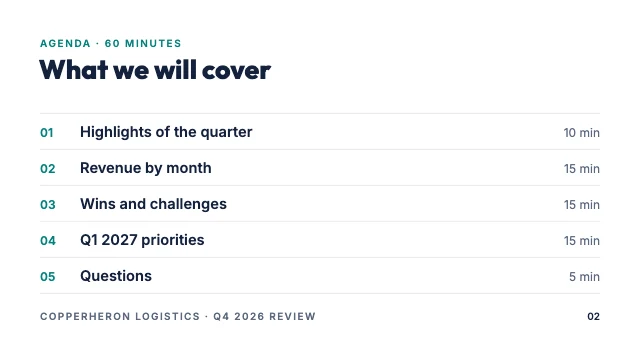 Page 2
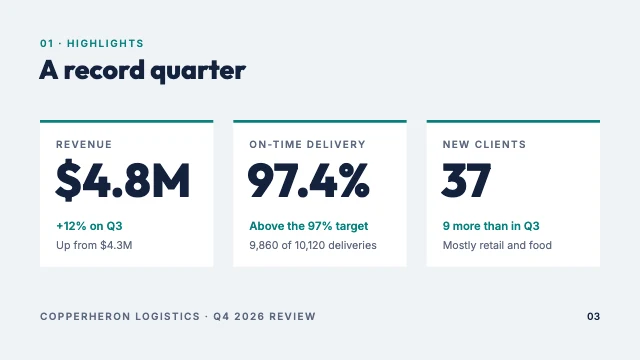 Page 3
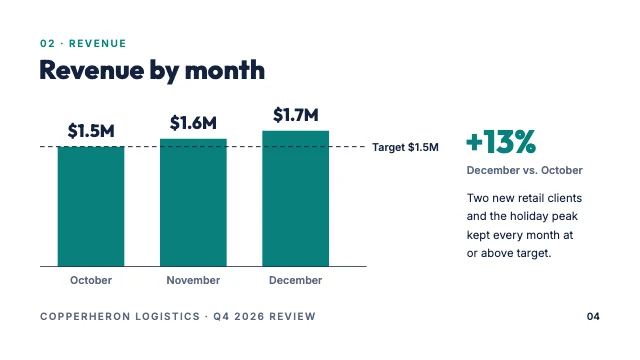 Page 4
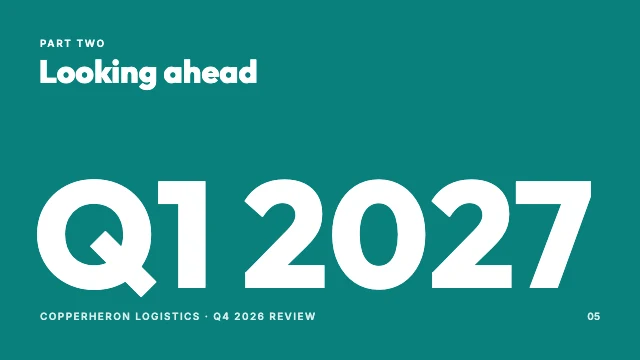 Page 5
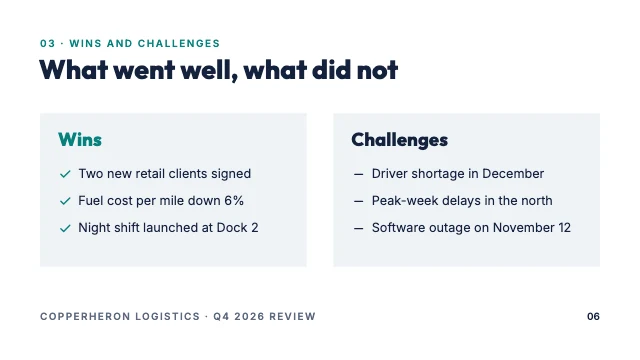 Page 6
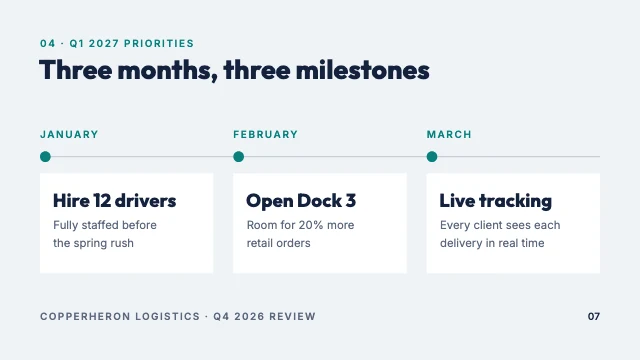 Page 7
 Page 8
Free. Sign in or create a free account to open it in Design Studio, on a computer. Star it to find it again later.
What you can change
- Photo · photo: a photo of your workplace
- Kicker · text
- Quarter · text
- Title · text
- Subtitle · text
- Presenter · text
- Kicker · text
- Title · text
- Numbers · text
- Topics · text
- Times · text
- Deck name · text
- Slide number · text
- Kicker · text
- Title · text
- KPI label 1 · text
- KPI 1 · text
- KPI change 1 · text
- KPI context 1 · text
- KPI label 2 · text
- KPI 2 · text
- KPI change 2 · text
- KPI context 2 · text
- KPI label 3 · text
- KPI 3 · text
- KPI change 3 · text
- KPI context 3 · text
- Deck name · text
- Slide number · text
- Kicker · text
- Title · text
- Value 1 · text
- Value 2 · text
- Value 3 · text
- Month 1 · text
- Month 2 · text
- Month 3 · text
- Target label · text
- Change · text
- Change label · text
- Comment · text
- Deck name · text
- Slide number · text
- Kicker · text
- Title · text
- Big quarter · text
- Deck name · text
- Slide number · text
- Kicker · text
- Title · text
- Wins · text
- Challenges · text
- Wins list · text
- Challenges list · text
- Deck name · text
- Slide number · text
- Kicker · text
- Title · text
- Month 1 · text
- Milestone 1 · text
- Milestone text 1 · text
- Month 2 · text
- Milestone 2 · text
- Milestone text 2 · text
- Month 3 · text
- Milestone 3 · text
- Milestone text 3 · text
- Deck name · text
- Slide number · text
- Kicker · text
- Questions · text
- Name · text
- Role · text
- Email · text
- Next label · text
- Next date · text
- Next note · text
- Deck name · text
- Slide number · text
- Plus every colour, shape and font: all layers stay editable.
Details
- Format
- Presentation slide (16:9), a 16:9 slide for a presentation or a video call
- Size
- 1920×1080 px
- Pages
- 8, added to your design side by side, each one editable
- Fonts
- Inter, Outfit (free, loaded for you)
- Category
- Business
- For
- Documents & planners
- Style
- Minimal · Professional
See all: Presentation templates · Document templates · Minimalist templates · Professional templates
How to use this template
- Choose "Use this template". It opens in Design Studio as your own copy.
- Click any text to select it, then click again to type.
- Click a photo, then Replace to use your own picture.
- Download as PNG or JPG, or ask the AI designer to change colours, wording or style.
Free on every plan. You can use, edit and publish what you make from a template, for personal or commercial work. The templates themselves may not be resold or shared as templates.