Company newsletter
Free template · US Letter · 2550×3300 · 2 pages
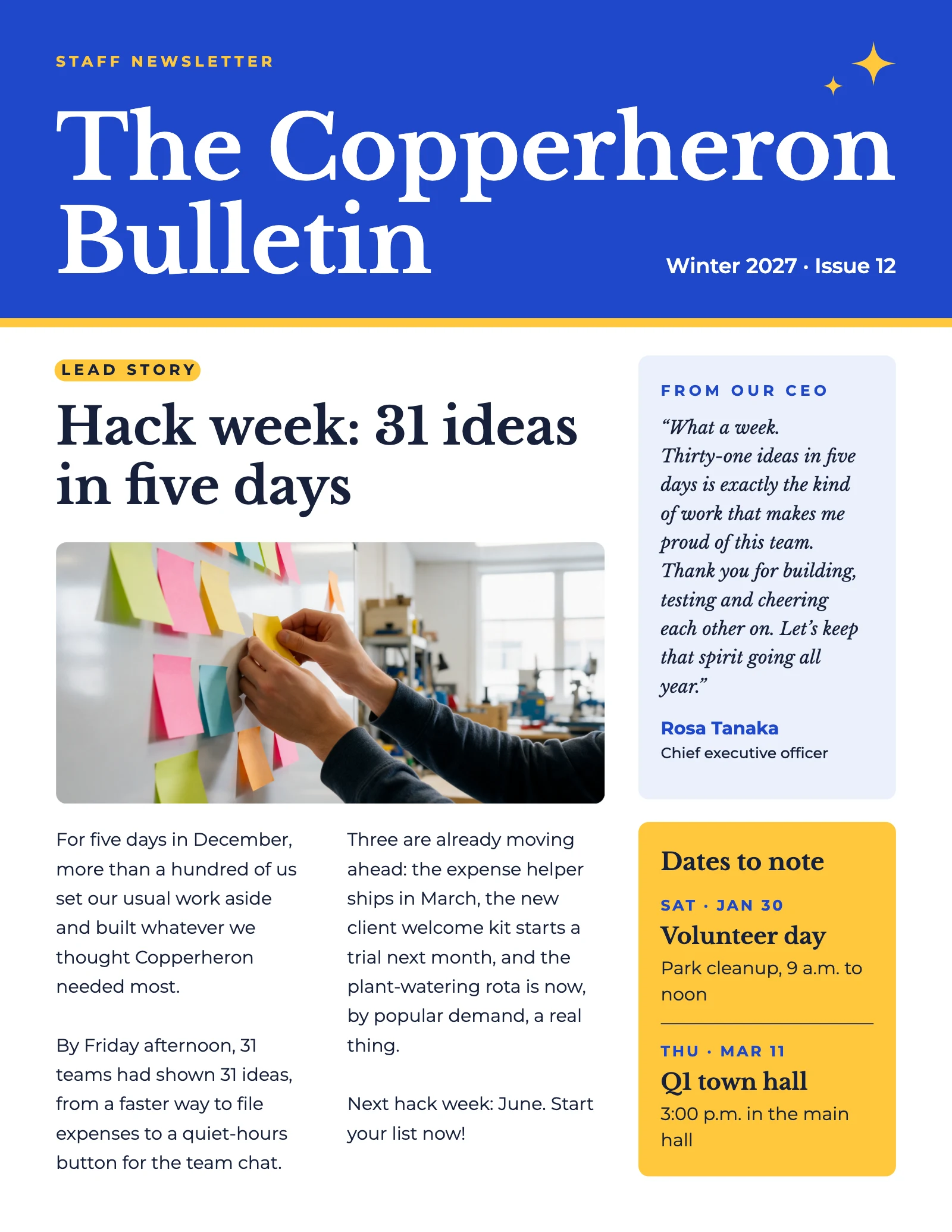
A bright two-page staff newsletter: a cobalt masthead, a lead story with a wide photo, a note from the CEO and dates to note, then new colleagues, the quarter’s wins and office news. Retype the stories and swap in your own photos. Two pages, US Letter, 2550×3300.
2 pages
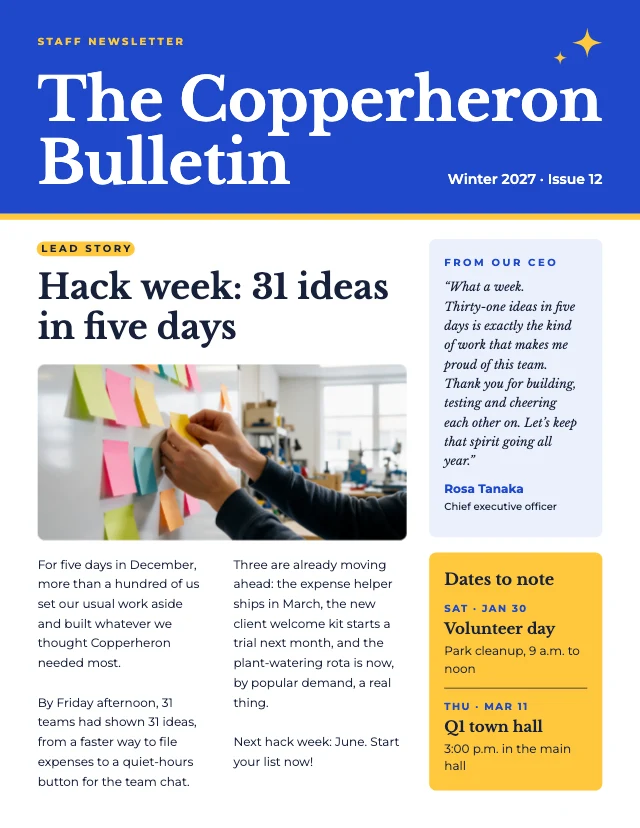 Page 1
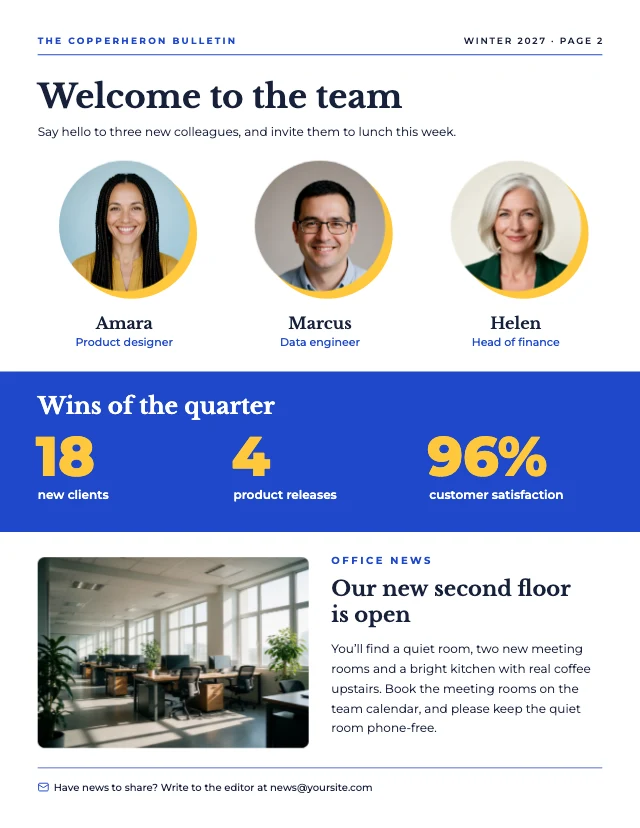 Page 2
Free. Sign in or create a free account to open it in Design Studio, on a computer. Star it to find it again later.
What you can change
- Kicker · text
- Masthead · text
- Issue line · text
- Lead kicker · text
- Lead headline · text
- Lead photo · photo: a wide photo for the lead story: a team at work
- Story column 1 · text
- Story column 2 · text
- CEO kicker · text
- CEO note · text
- CEO name · text
- CEO role · text
- Dates title · text
- Date 1 · text
- Event 1 · text
- Event 1 details · text
- Date 2 · text
- Event 2 · text
- Event 2 details · text
- Header title · text
- Header issue · text
- Team title · text
- Team intro · text
- Portrait 1 · photo: a head-and-shoulders photo of the new colleague
- Name 1 · text
- Role 1 · text
- Portrait 2 · photo: a head-and-shoulders photo of the new colleague
- Name 2 · text
- Role 2 · text
- Portrait 3 · photo: a head-and-shoulders photo of the new colleague
- Name 3 · text
- Role 3 · text
- Wins title · text
- Win 1 number · text
- Win 1 label · text
- Win 2 number · text
- Win 2 label · text
- Win 3 number · text
- Win 3 label · text
- Office photo · photo: a photo of the office or the team
- Office kicker · text
- Office heading · text
- Office story · text
- Footer · text
- Plus every colour, shape and font: all layers stay editable.
Details
- Format
- US Letter, a US Letter page to print at 300 dpi or share online
- Size
- 2550×3300 px
- Pages
- 2, added to your design side by side, each one editable
- Fonts
- Montserrat, Libre Baskerville (free, loaded for you)
- Category
- Business
- For
- Documents & planners
- Style
- Modern · Photo · Professional
See all: Newsletter templates · Document templates · Modern templates · Photo templates · Professional templates
How to use this template
- Choose "Use this template". It opens in Design Studio as your own copy.
- Click any text to select it, then click again to type.
- Click a photo, then Replace to use your own picture.
- Download as PNG or JPG, or ask the AI designer to change colours, wording or style.
Free on every plan. You can use, edit and publish what you make from a template, for personal or commercial work. The templates themselves may not be resold or shared as templates.