
Presentation slide templates
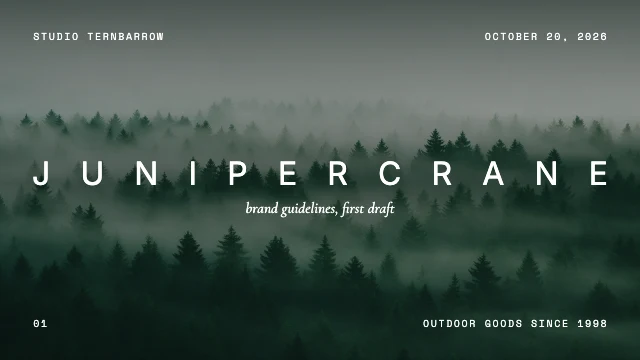
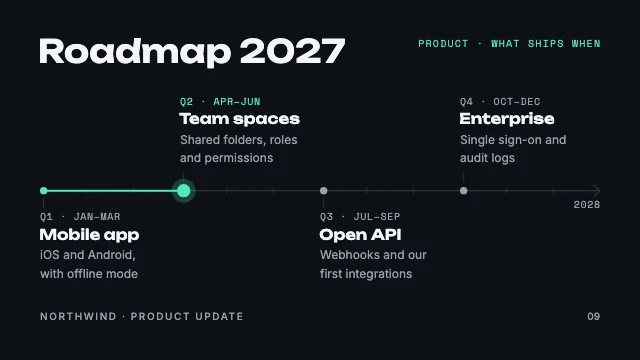
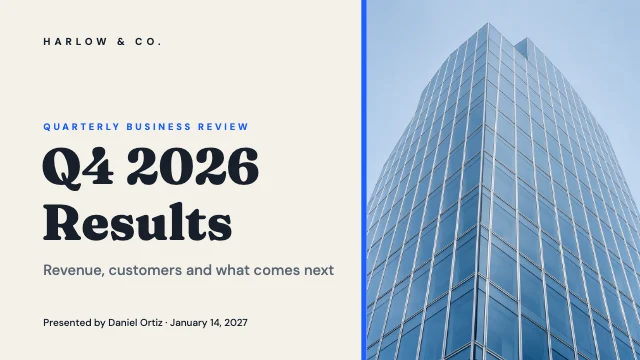
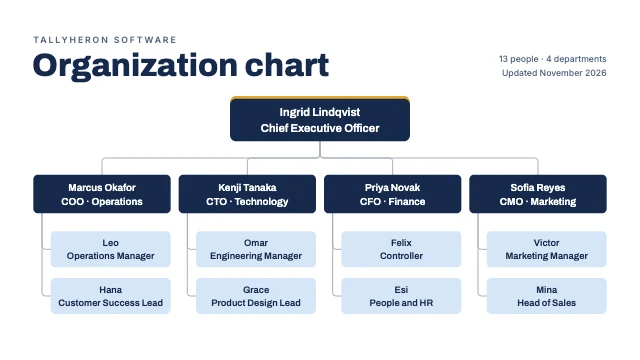
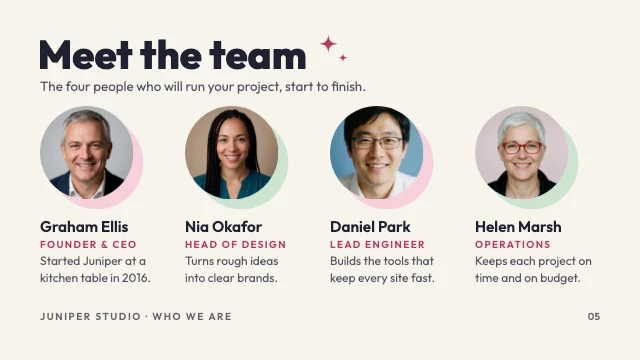
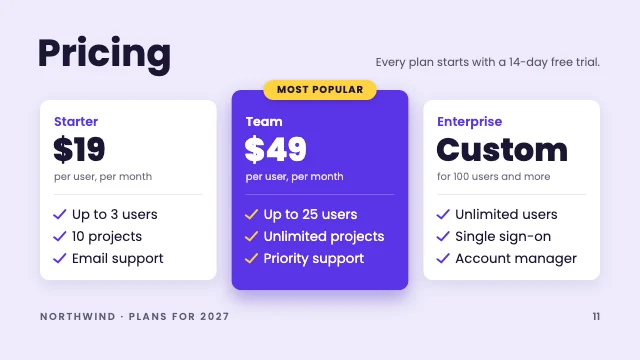
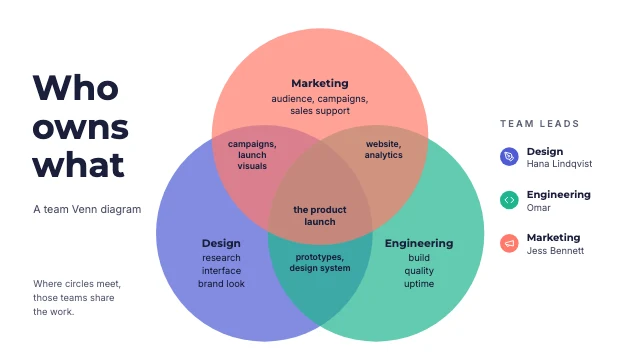
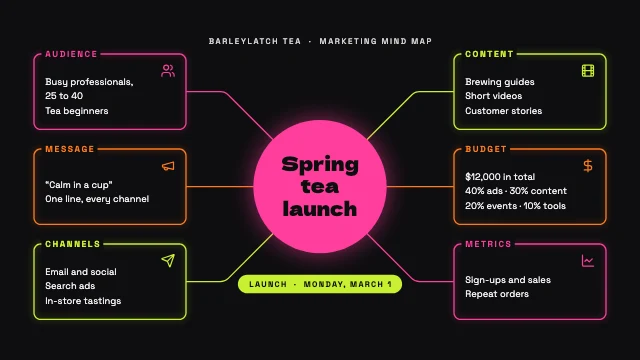
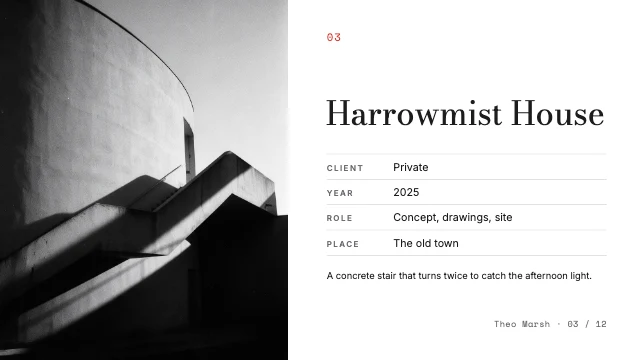
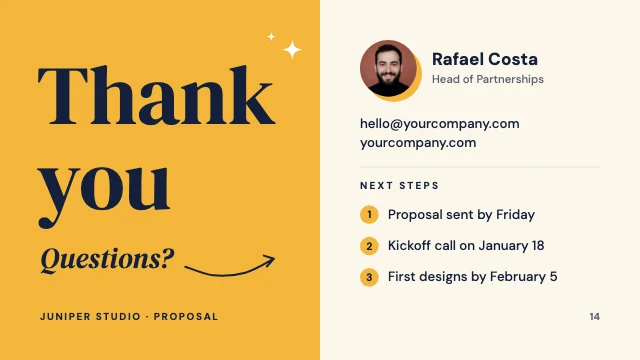
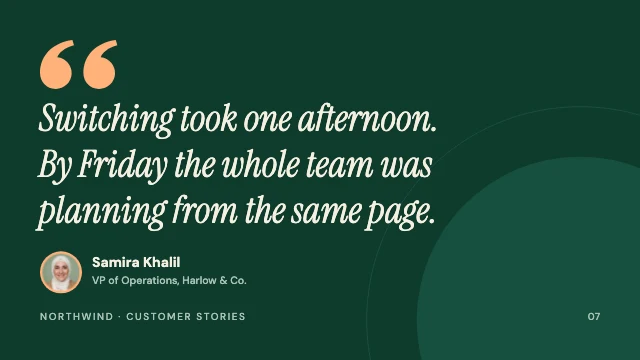
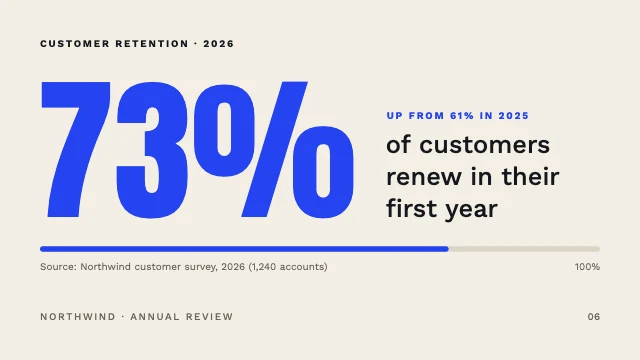
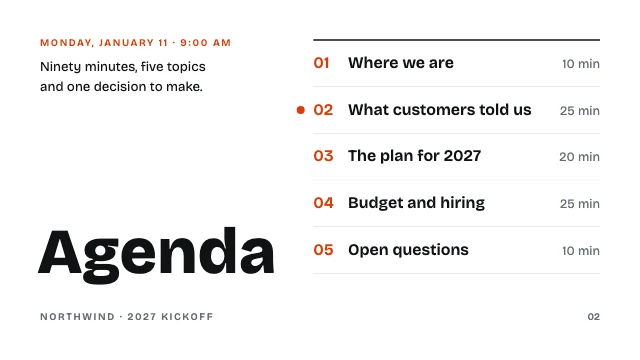
Single 16:9 slides at 1920×1080 for a presentation or a video call: title slides for a pitch deck, a webinar and a business report, an agenda, one big number, a roadmap timeline, a pricing table, the team, a customer quote and a closing thank-you. A template is a single slide: download it as a PNG or JPG and place it in your own deck. Each one opens in Design Studio with every layer editable: retype the words, swap in your own photos, or ask the AI designer to restyle it.



How to make a presentation slide
- Step 1
Pick a template
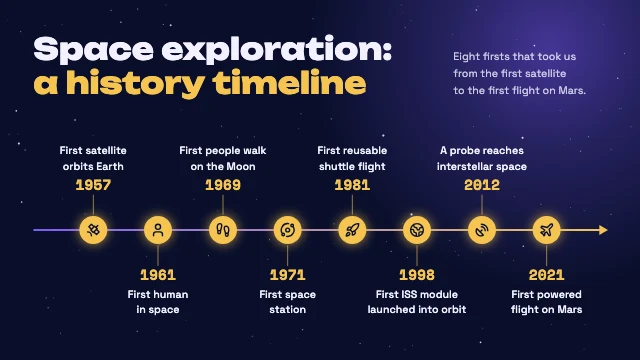
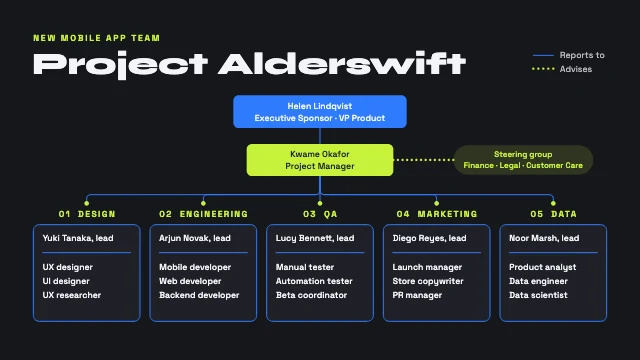
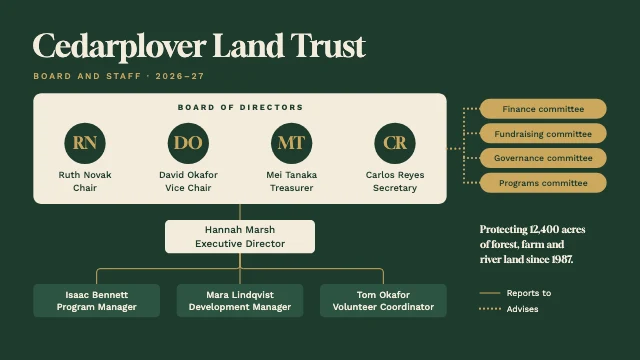
Choose one above that is close to what you need, such as “Space exploration history timeline”, “Company org chart” or “Pricing table slide”. It opens in Design Studio as your own copy, with every layer editable.
- Step 2
Make it yours
Type your titles and points over the sample, replace the photos, and delete the slides you do not need. Or choose "Edit with AI" and tell the AI designer what to change.
- Step 3
Check it
Each template is already made at the size of the place it goes (see the sizes on this page), so nothing needs resizing: check the words read well at the size people will see them.
- Step 4
Download it
Download it as a PNG or JPG at full size, with no watermark.
- Step 5
Use it
Download each slide, then show them full screen or put them into the slideshow app you present with.
More on making one, with the steps and examples on one page: Presentation Maker.
More kinds of template
All templates →Sizes
Each template is made at its real size, ready to post or print.
- Presentation slide (16:9)1920×1080 px · 16:9
The shape of today's projectors, TVs and video calls.
Free on every plan. You can use, edit and publish what you make from a template, for personal or commercial work. The templates themselves may not be resold or shared as templates.
Questions
- What sizes are the presentation slide templates?
- Each one is a 16:9 slide (1920×1080 px). Every template is made at its real size, so nothing has to be resized before it is posted or printed.
- Are the templates free?
- Yes. Every template is free on every plan, including the free one. Editing text, moving things and replacing photos with your own cost nothing; AI image generation and AI edits use credits.
- Can I use designs made from a template commercially?
- Yes. You can use, edit and publish designs you make from a template, for personal or commercial work such as social posts, ads, menus and flyers. The templates themselves may not be resold or shared as templates.
- Can AI customize a template for me?
- Yes. Choose "Edit with AI" and tell the AI designer what to change, for example the name, the colours or the photo. Chatting with it is free; images it makes use credits.
- What size are the slides?
- 1920×1080 pixels, 16:9: the shape of a projector, a TV and a video call. Every slide of a deck is the same size.
- Can I make one on my phone?
- You can browse the templates and look at them full size on a phone. Editing happens on the Design Studio canvas, which needs a computer: sign in and star a template on your phone, and it is waiting under Starred on your computer.