
Free Presentation Maker
Whole decks of matching slides, ready for your words.
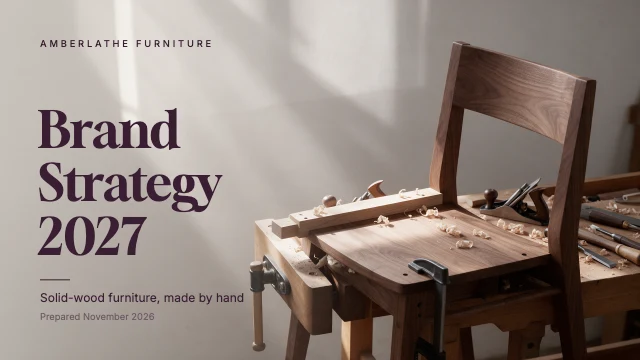
Pick a deck for a pitch, a portfolio, a proposal, a report or a school project. All its slides open together in Design Studio, side by side and each one editable: retype the titles, replace the photos, change the colours, or ask the AI designer to put your content in.
Templates are free, and so is chatting with the AI designer, up to a daily limit. An AI picture is 46 credits with the default Seedream 5.5, or from 12 with FLUX 3 Klein, about $0.04 and $0.01 on the Basic plan.
Free. Sign in or create a free account to open it in Design Studio, on a computer. Star it to find it again later.
Shown: Tech startup pitch deck · Presentation slide (16:9) · 1920×1080. Pick another below.
Pick a presentation to start from
Every one is free and opens as your own copy with all its layers live. Sizes here: Presentation slide (16:9).










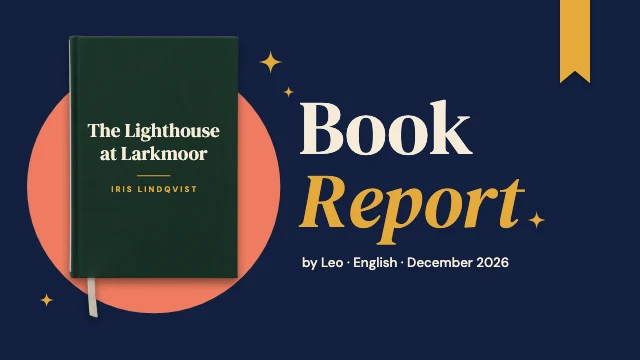
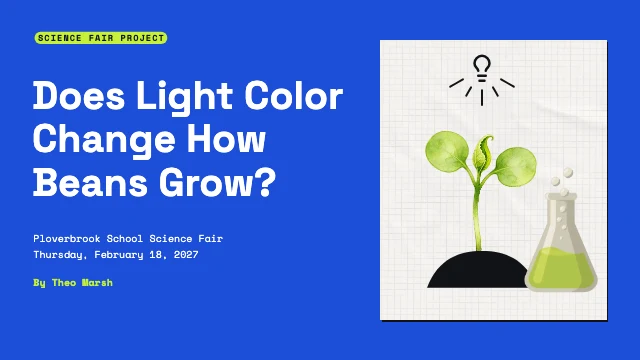

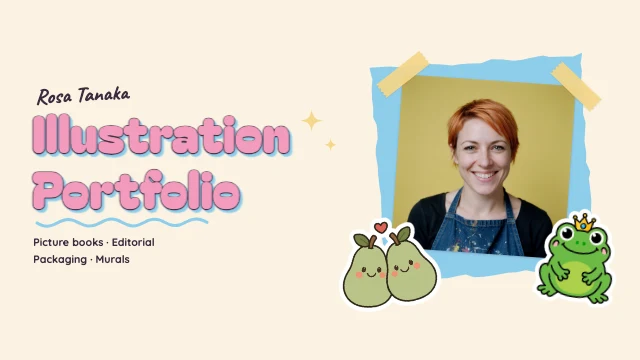

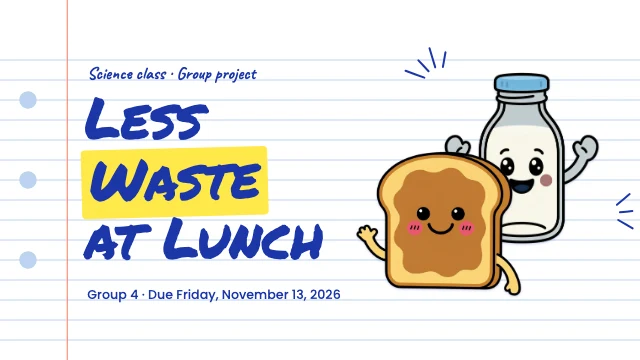
What you can change
Whole decks, not single slides
Each template is a set of slides that belong together: a title, sections, pictures and an ending. All of them open in your design at once.
Text and photos you can change
Every title and point is live text and every photo can be replaced with yours. Delete the slides you do not need.
An AI designer that edits the design
Say what you want in plain words: "make it for a jazz night on March 14", "use my brand colours", "swap the photo for a saxophone player". It changes the layers of the design you have open, and you can undo any of it. Chatting with it is free; pictures it generates use credits.
Slides at 1920×1080
Slides are 16:9 at 1920×1080 pixels, the shape of a projector, a TV and a video call. Download each slide as a PNG or JPG at full size, with no watermark.
How It Works
- 1
Pick a deck
A pitch deck, a portfolio, a proposal, a company profile, a report, a book report or a class project. Every slide opens in your design.
- 2
Put in your content
Retype the titles and the points, replace the photos with yours, and delete the slides you do not need. Or paste your notes to the AI designer and let it fill the slides.
- 3
Download the slides
Download each slide as a PNG or JPG at 1920×1080, then show them full screen or put them into the slideshow app you present with.
Perfect For
Startups and pitches
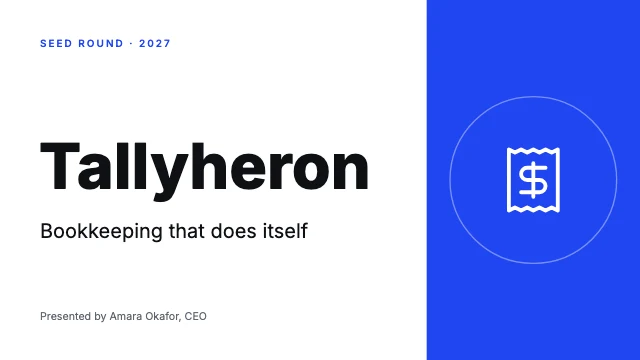
A pitch deck with the problem, the product, the numbers and the ask, in a look investors take seriously.
Portfolios
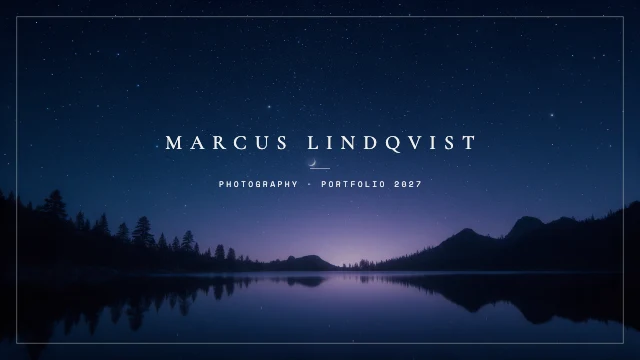
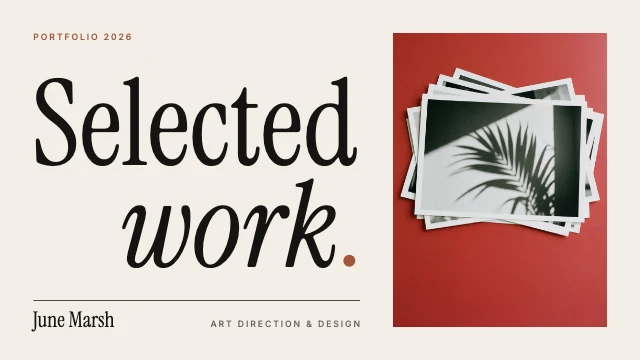
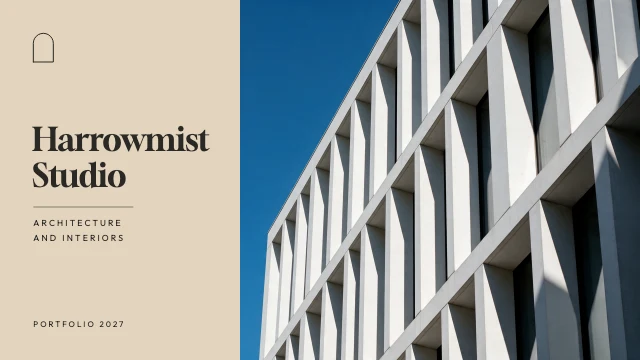
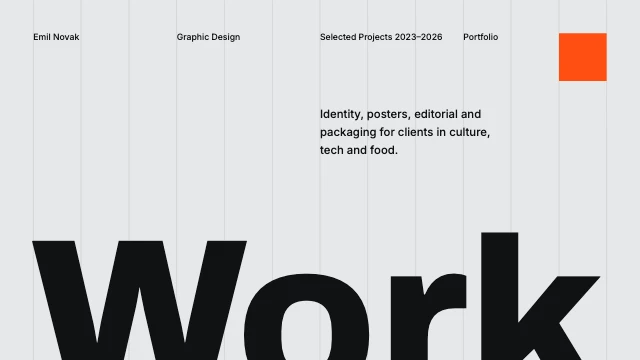
Design, photography, architecture and styling work, one project to a slide.
Proposals and reports
A partnership or sponsorship proposal, a company profile, an annual report.
School and teaching
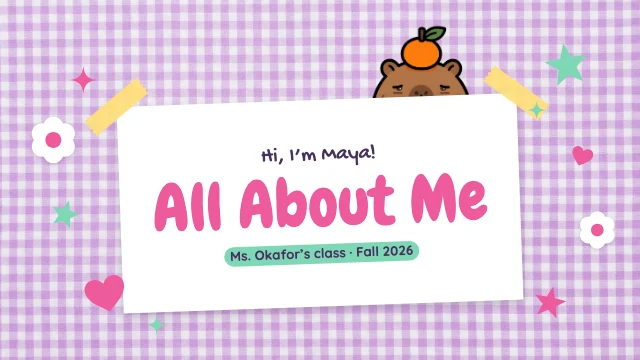
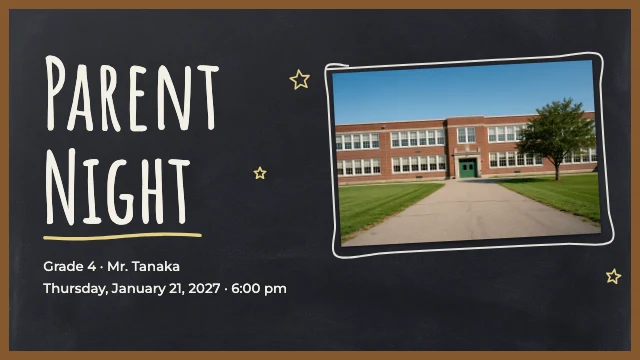
A book report, a science fair project, a class presentation, a parent night.
Frequently Asked Questions
How much does Presentation Maker cost?
What size are the slides?
How do I present the slides?
Can AI write the presentation for me?
Is each template a whole deck?
Do I need design software or design skills?
Can I use the presentations I make for my business?
Does it work on a phone?
Free on every plan. You can use, edit and publish what you make from a template, for personal or commercial work. The templates themselves may not be resold or shared as templates.
More to design
Related Tools
Make your presentation now
Free to start. No design software, no watermark.
Free. Sign in or create a free account to open it in Design Studio, on a computer. Star it to find it again later.