
Free Profile Picture Maker
Your photo, your initials or a mascot, drawn for the round crop.
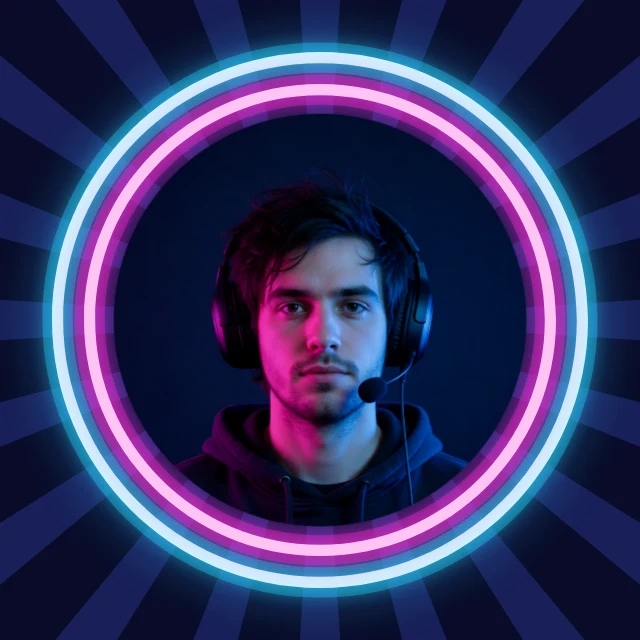
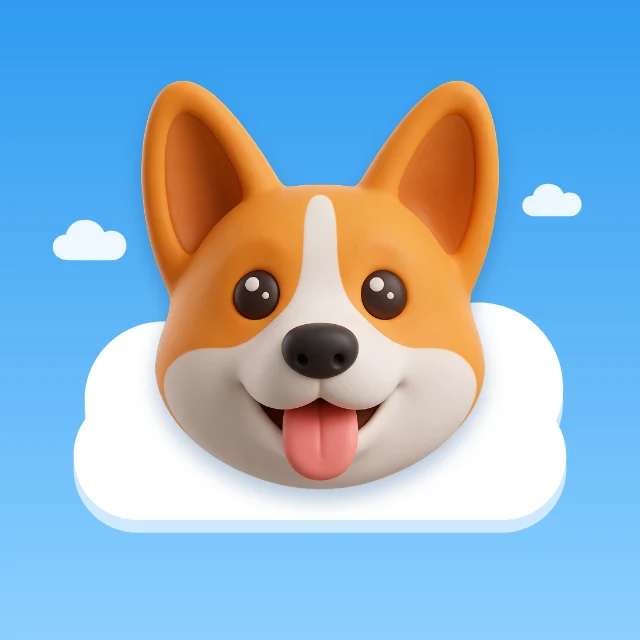
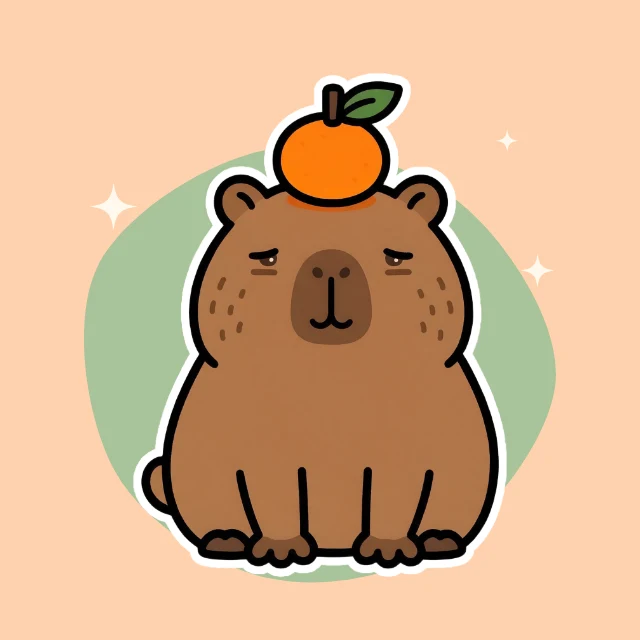
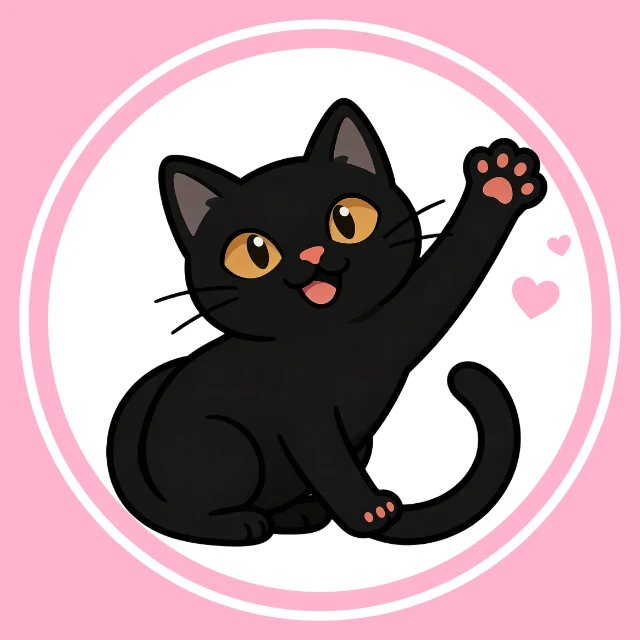
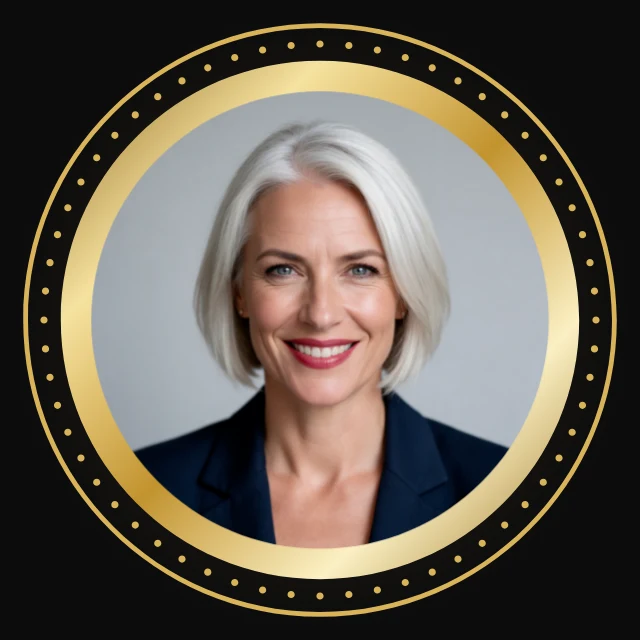
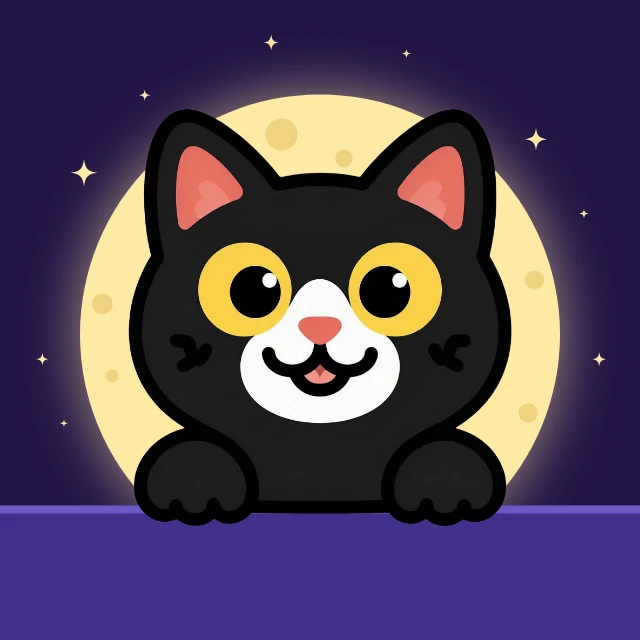
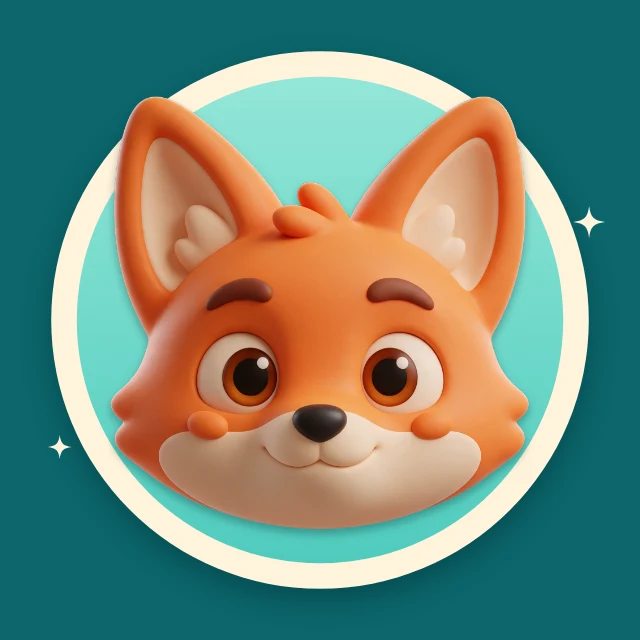
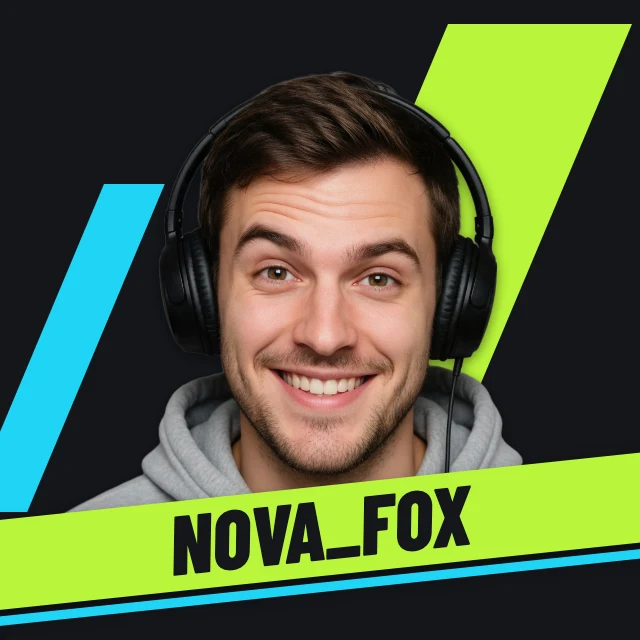
Pick a profile picture: your photo in a glowing ring, initials in a circle, a cat, a fox or a gamer tag. It opens in Design Studio with the photo, the name and the colours all yours to change, and everything that matters kept inside the circle every network crops to.
Templates are free, and so is chatting with the AI designer, up to a daily limit. An AI picture is 46 credits with the default Seedream 5.5, or from 12 with FLUX 3 Klein, about $0.04 and $0.01 on the Basic plan.
Free. Sign in or create a free account to open it in Design Studio, on a computer. Star it to find it again later.
Shown: Violet rays profile picture · Profile picture · 800×800. Pick another below.
Pick a profile picture to start from
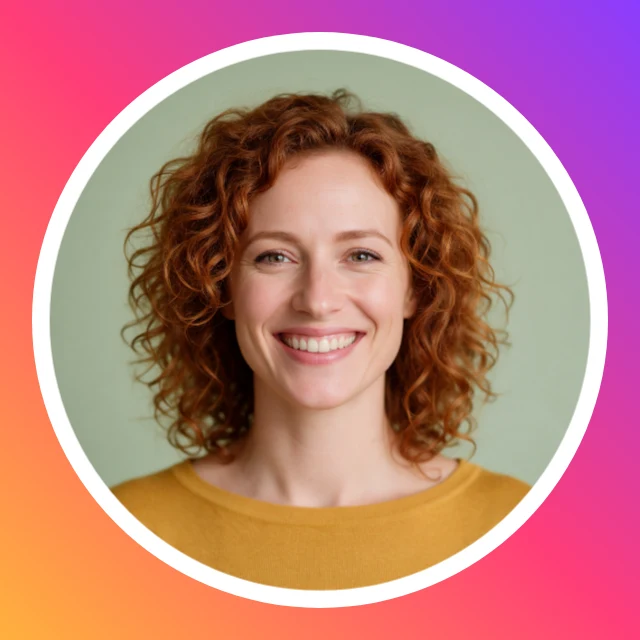
Every one is free and opens as your own copy with all its layers live. Sizes here: Profile picture.




What you can change
Your photo, framed
Click the photo and choose Replace. Your picture takes the sample's place inside the ring or the frame, centred and cropped round.
Made for the circle
YouTube, TikTok, Instagram, Discord, Twitch, X, LinkedIn and Facebook all show a profile picture as a circle. The faces, initials and mascots here sit inside it, so nothing is clipped.
An AI designer that edits the design
Say what you want in plain words: "make it for a jazz night on March 14", "use my brand colours", "swap the photo for a saxophone player". It changes the layers of the design you have open, and you can undo any of it. Chatting with it is free; pictures it generates use credits.
Sharp at every size
Profile pictures are 800×800 pixels, the size YouTube recommends and larger than most networks show, so they stay sharp. Download a PNG or JPG; nothing is watermarked.
How It Works
- 1
Pick a style
A photo in a ring, a monogram, a mascot, a seasonal frame, or a matching pair for two friends. It opens as your own copy.
- 2
Put in your photo or your name
Replace the sample photo with yours, or type your initials or your handle. Change the colours to match your banner or your brand.
- 3
Download and set it
Download at full size and upload it as your profile picture on any network.
Perfect For
Creators and streamers
A face or a mascot that matches the channel banner and reads at the size of a comment.
Professionals
A clean photo in a ring or a monogram for LinkedIn, a team page or an email signature.
Friends and couples
Matching pictures that make one image when they sit side by side.
Gaming and Discord
A gamer tag, a wolf crest or a neon ring for your server and your squad.
Frequently Asked Questions
How much does Profile Picture Maker cost?
What size should a profile picture be?
Why does my profile picture look cut off?
Can I use my own photo?
Can AI make my profile picture?
Can I use the profile pictures I make for my business?
Does it work on a phone?
Free on every plan. You can use, edit and publish what you make from a template, for personal or commercial work. The templates themselves may not be resold or shared as templates.
More to design
Make your profile picture now
Free to start. No design software, no watermark.
Free. Sign in or create a free account to open it in Design Studio, on a computer. Star it to find it again later.