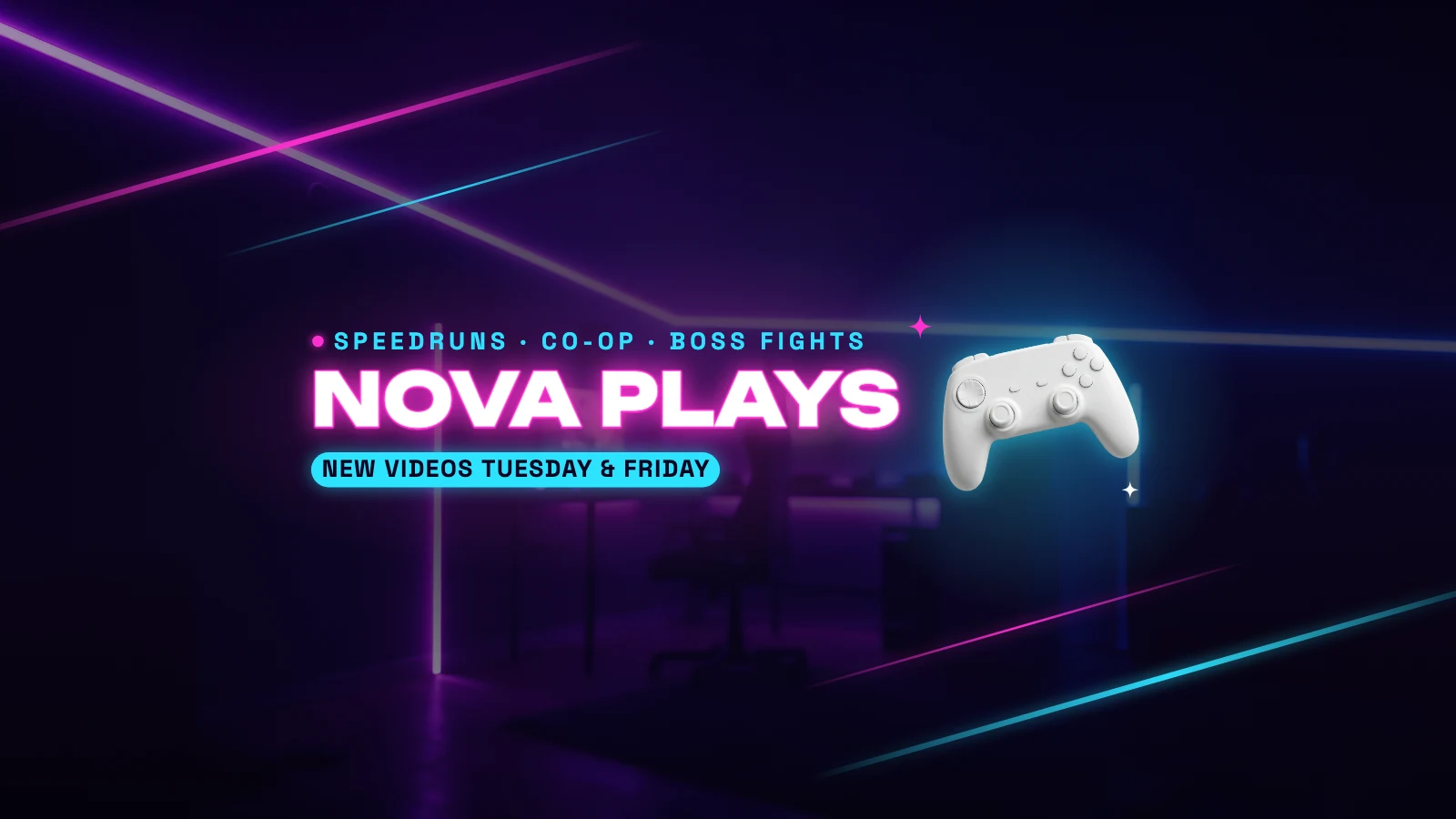
Free YouTube Banner Maker
Channel art at the right size, with what every screen shows kept in the middle.
Pick a banner for a gaming, music, cooking, vlog or tech channel. It opens in Design Studio at 2560×1440 pixels, with the name and the upload days inside the strip YouTube shows on phones, so nothing important is cut off. Change the words and the photo, or ask the AI designer.
Templates are free, and so is chatting with the AI designer, up to a daily limit. An AI picture is 46 credits with the default Seedream 5.5, or from 12 with FLUX 3 Klein, about $0.04 and $0.01 on the Basic plan.
Free. Sign in or create a free account to open it in Design Studio, on a computer. Star it to find it again later.
Shown: Gaming YouTube banner · YouTube channel banner · 2560×1440. Pick another below.
Pick a banner to start from
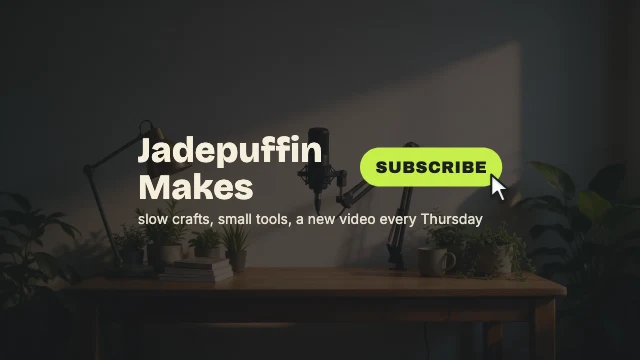
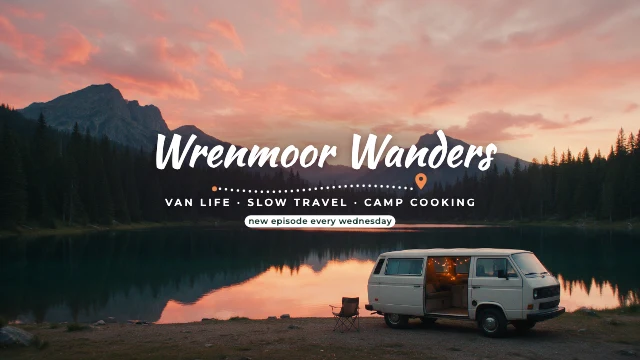
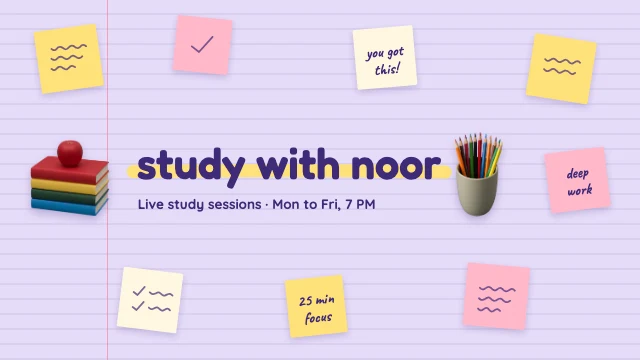
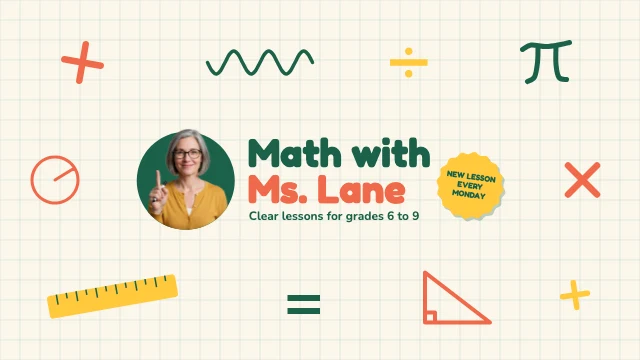
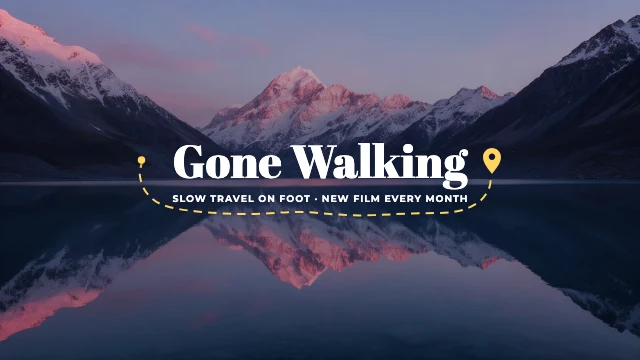
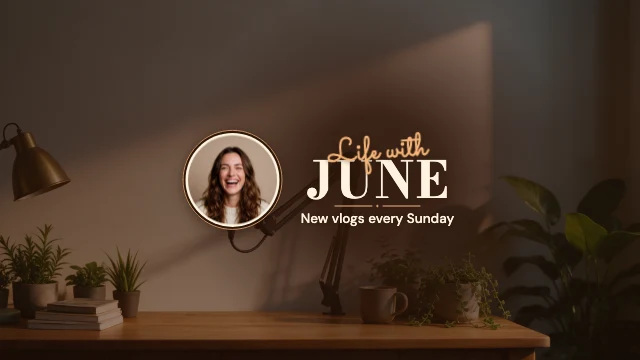
Every one is free and opens as your own copy with all its layers live. Sizes here: YouTube channel banner.
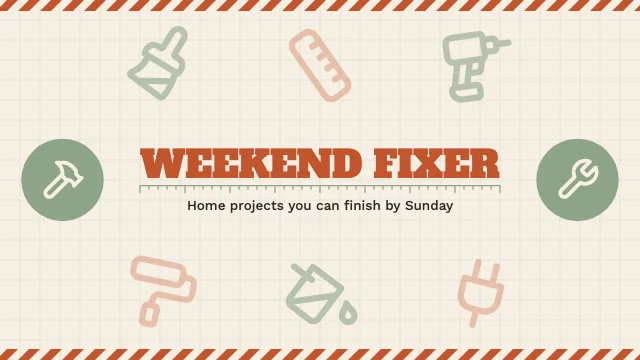
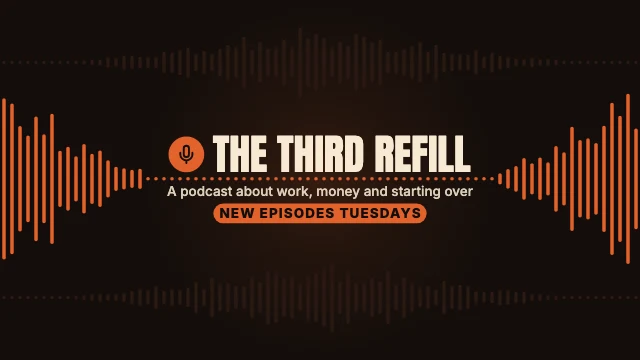
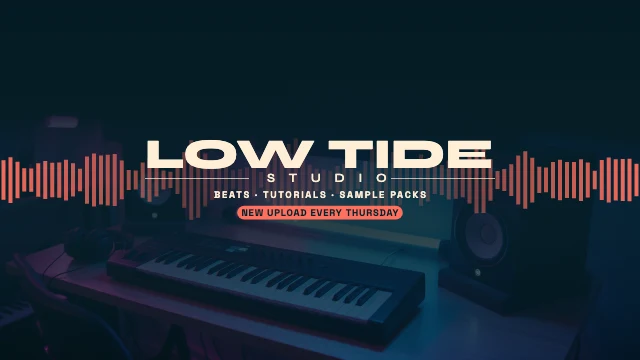
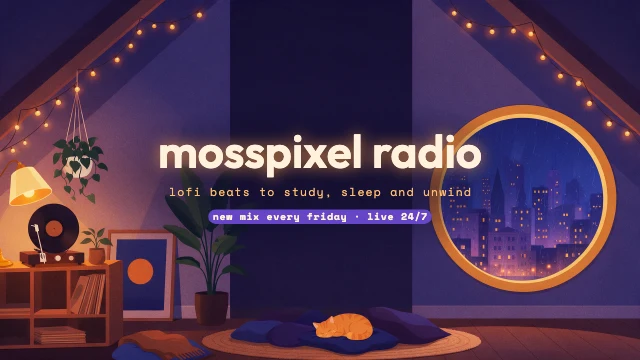
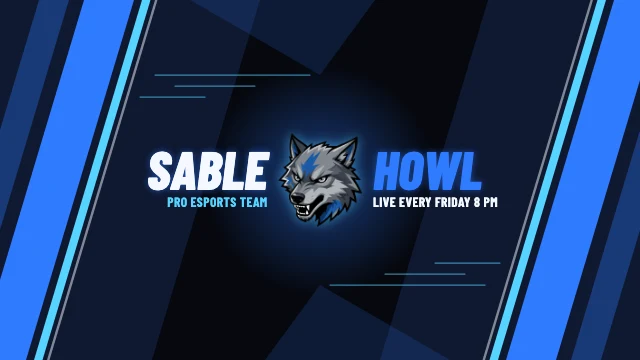
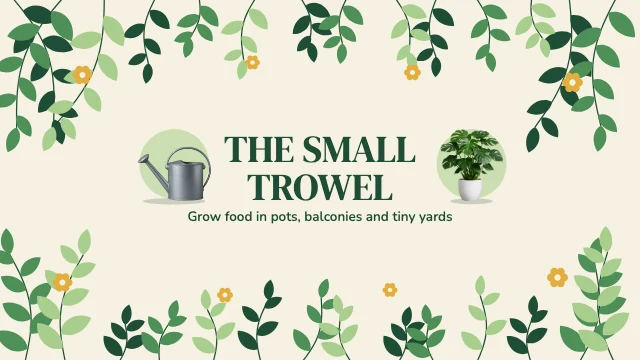
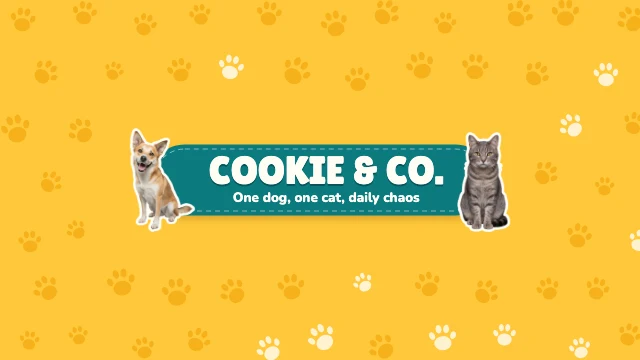
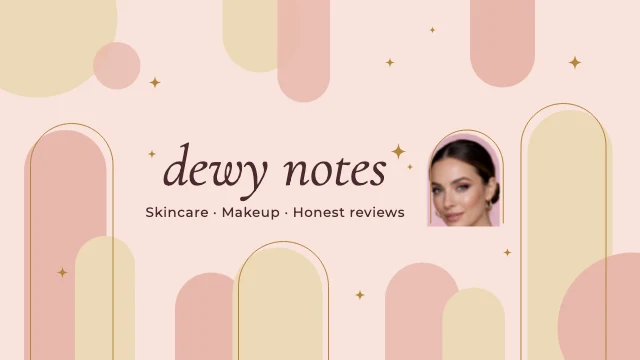
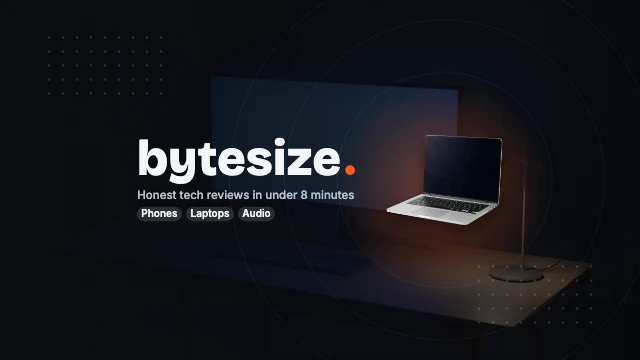
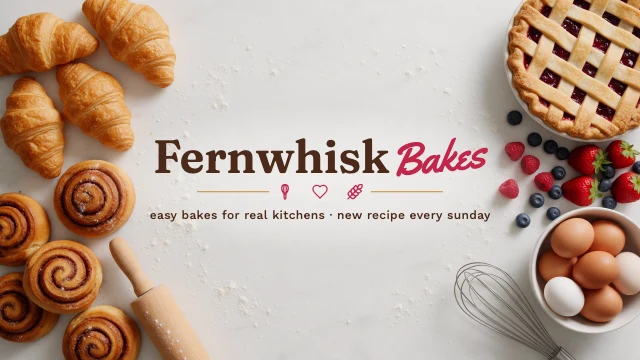
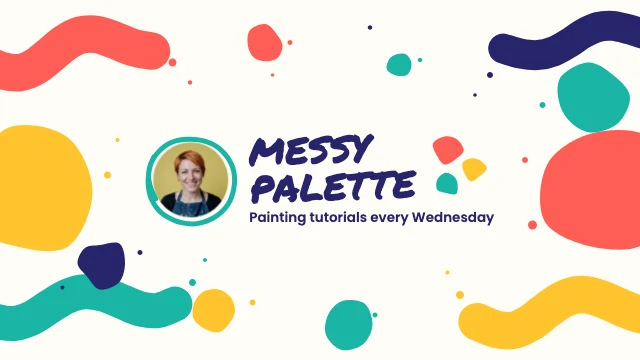
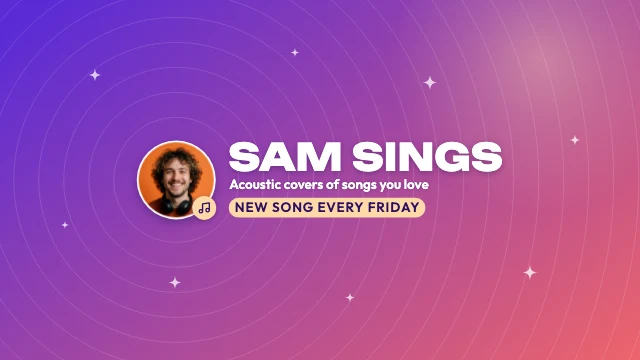
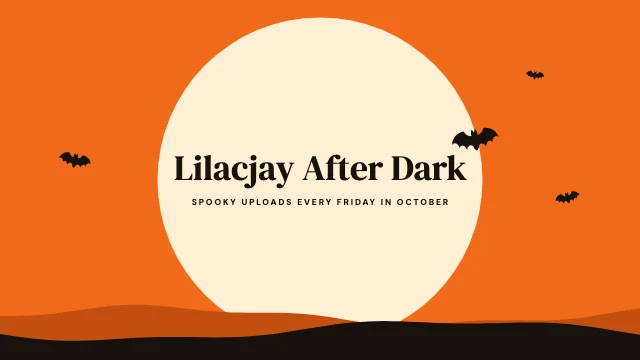
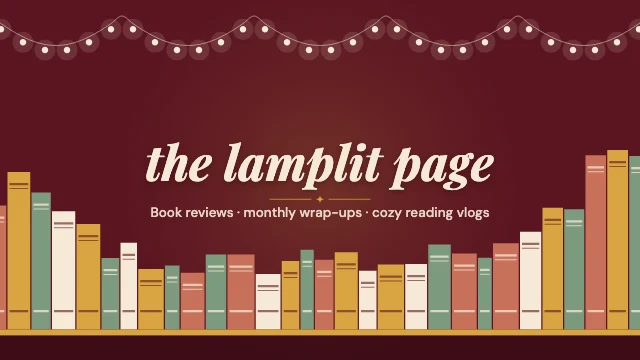
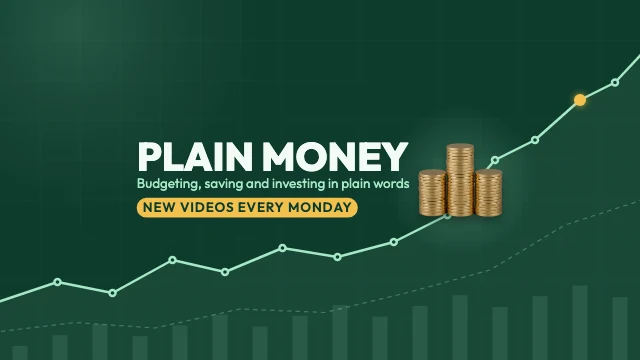
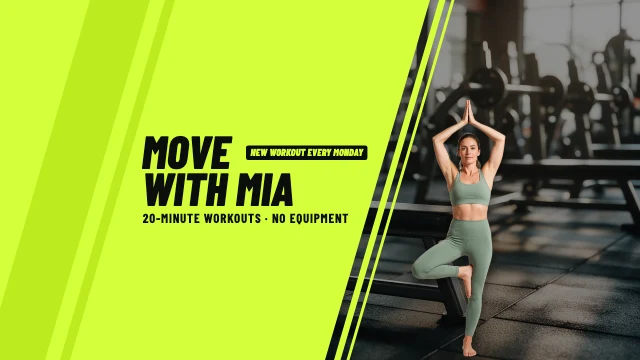

What you can change
Safe on every screen
YouTube crops channel art differently on a TV, a computer and a phone. The templates keep the channel name, the tagline and the schedule inside the 1546×423 middle that all of them show, and use the rest for the picture.
Your photo, in the same place
Click the picture or the portrait and choose Replace. Yours takes the sample's place and crop, so the words stay where they read best.
An AI designer that edits the design
Say what you want in plain words: "make it for a jazz night on March 14", "use my brand colours", "swap the photo for a saxophone player". It changes the layers of the design you have open, and you can undo any of it. Chatting with it is free; pictures it generates use credits.
The size YouTube asks for
Banners are 2560×1440 pixels, the size YouTube recommends for channel art. Download a JPG or PNG and upload it as it is: nothing is watermarked.
How It Works
- 1
Pick a banner
Choose one for your kind of channel: gaming, music, cooking, beauty, travel, tech, a podcast. It opens as your own copy.
- 2
Put in your channel
Type your channel name, what you make and when you upload. Replace the photo or the portrait with yours and change the colours to your channel's.
- 3
Download
Download a JPG or PNG at 2560×1440. A JPG keeps a photo banner under the 6 MB YouTube accepts.
- 4
Upload to YouTube
In YouTube Studio, open Customization, then Profile, and change the banner image. Upload the file and check the preview for each device.
Perfect For
Gaming and streaming
A dark, loud banner with your name, your games and your stream days.
Music and podcasts
Lofi, beats, covers or a talk show: the mood of the channel and the day new episodes land.
How-to and learning
Cooking, DIY, study, teaching and tech reviews: what the channel teaches, said in one line.
Vlogs and travel
A wide photo of where you go, with your name over the part every screen shows.
Frequently Asked Questions
What size is a YouTube banner?
What is the safe area of a YouTube banner?
How much does YouTube Banner Maker cost?
How do I put the banner on my channel?
Can AI make my banner?
Can I make a profile picture to match?
Can I use the banners I make for my business?
Does it work on a phone?
Free on every plan. You can use, edit and publish what you make from a template, for personal or commercial work. The templates themselves may not be resold or shared as templates.
More to design
Make your banner now
Free to start. No design software, no watermark.
Free. Sign in or create a free account to open it in Design Studio, on a computer. Star it to find it again later.