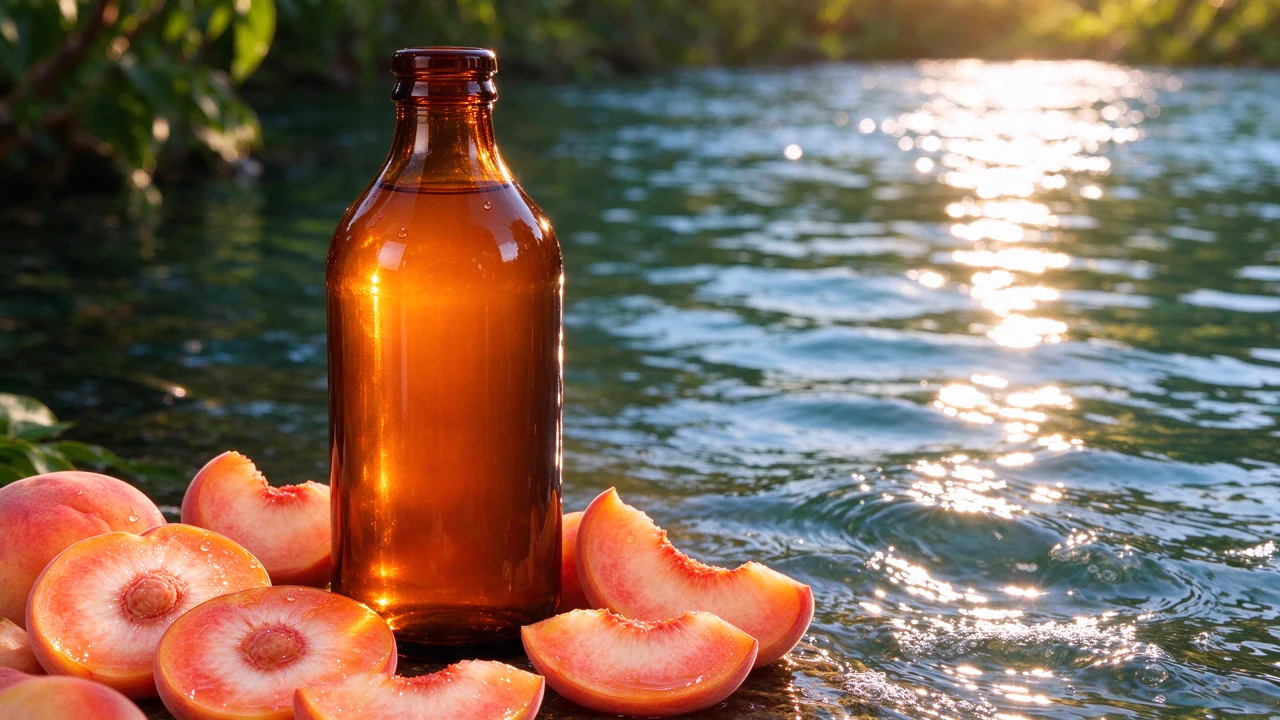
MiniMax H3 Image
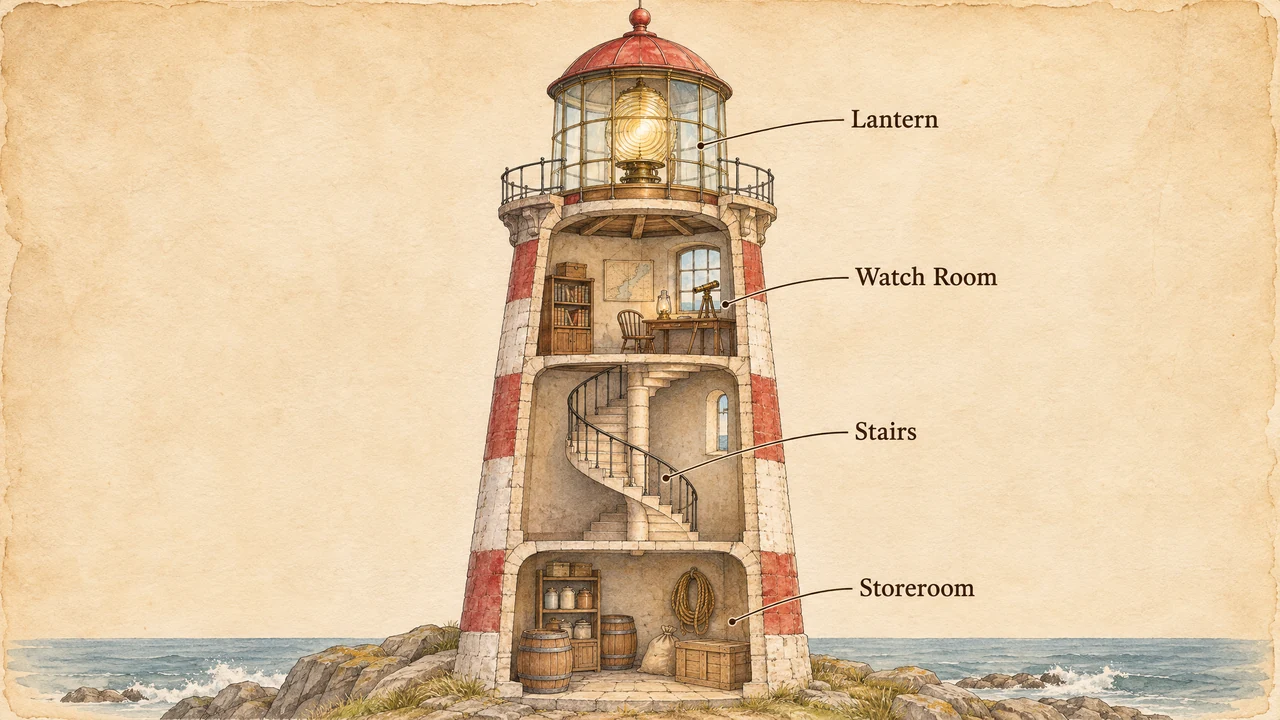
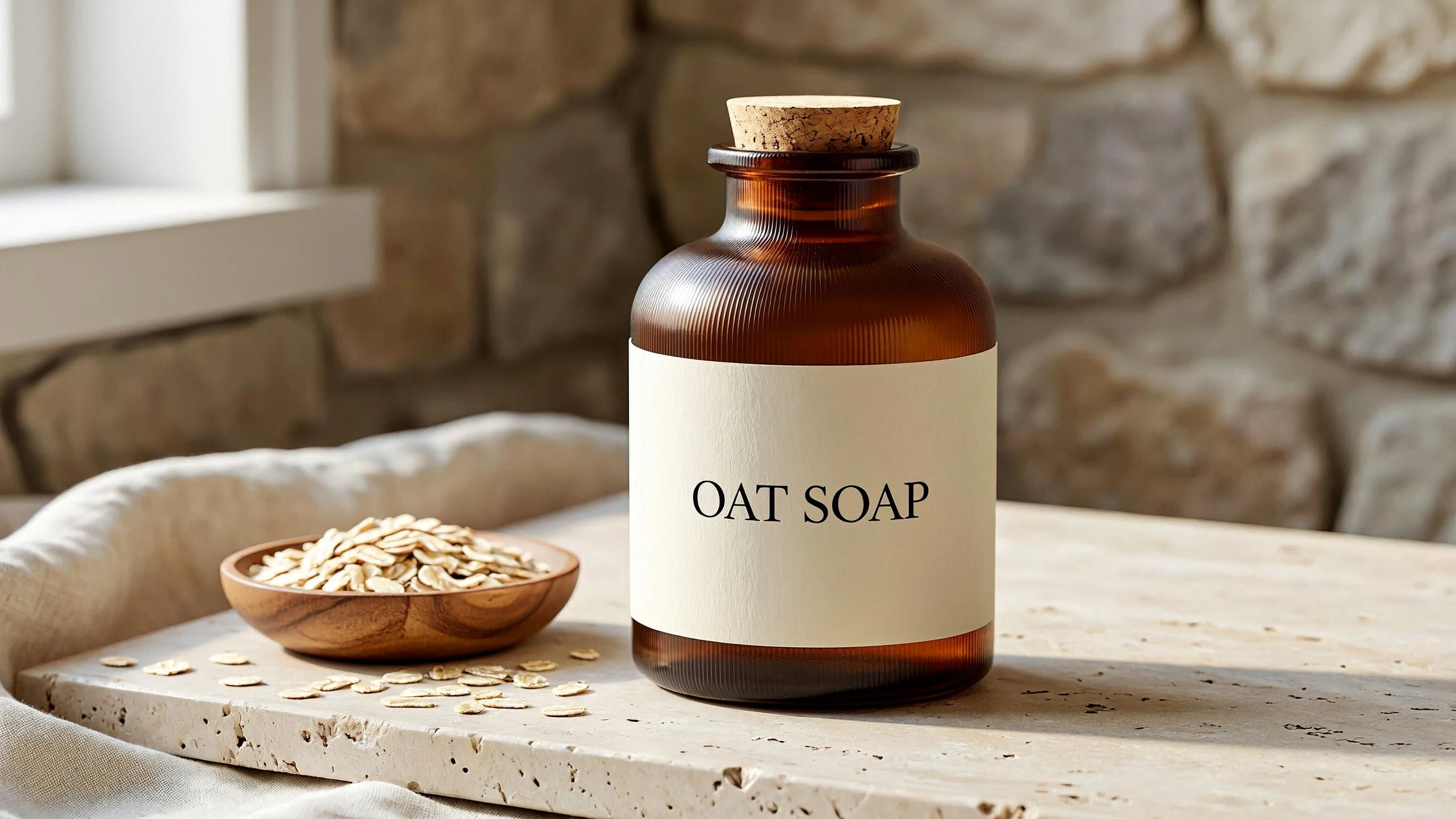
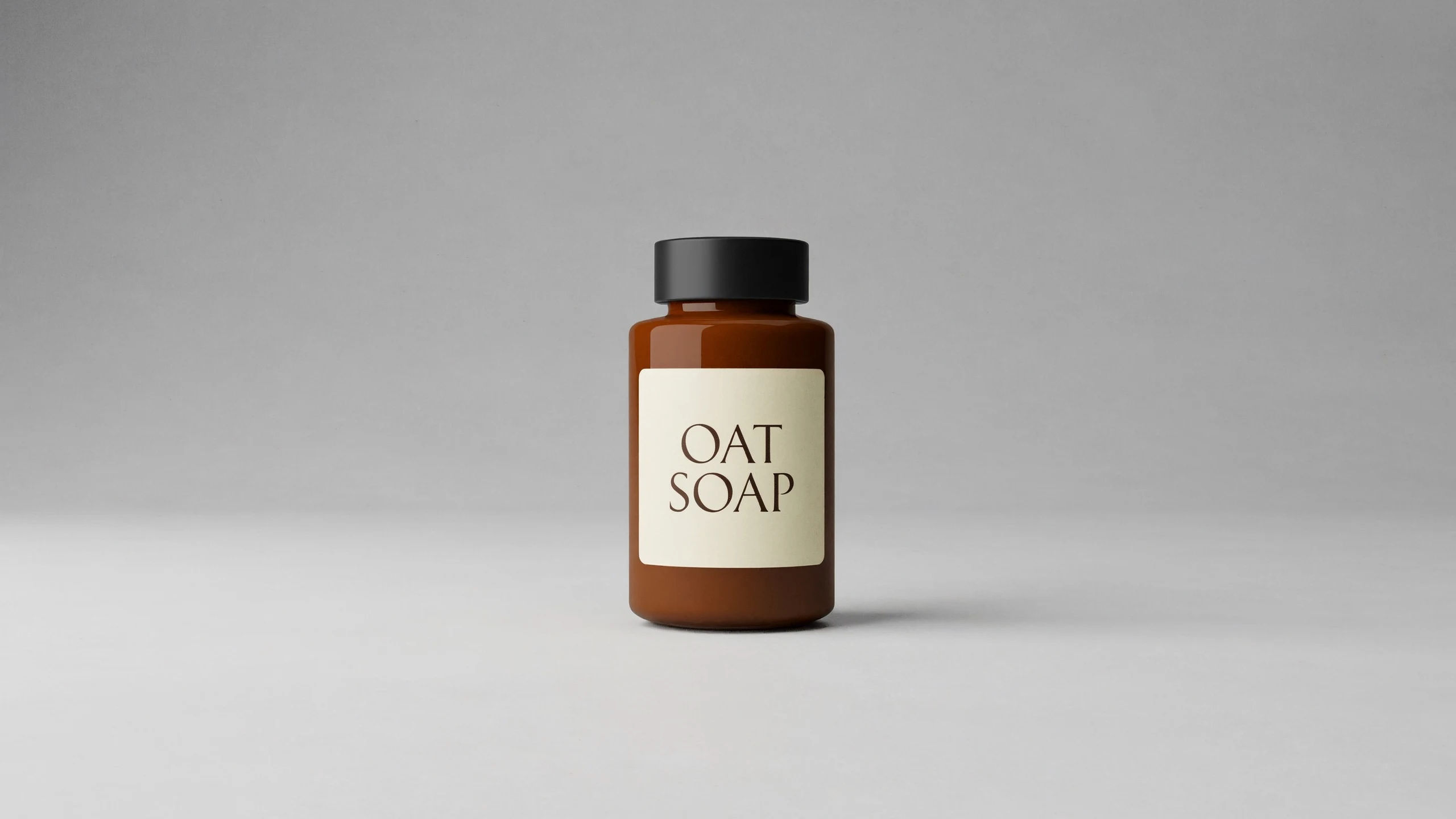
Exact, legible text for signs, menus, posters, packaging and labels.
Free plan: up to 8 images a month, then from $0.034 an image.
MiniMax H3 Image: what it is and what it costs
MiniMax H3 Image is MiniMax's AI image model. On BudgetPixel it costs 34 credits an image at 2K and 100 at 4K ($0.034 and $0.10 an image) at its default settings. The free plan's 300 monthly credits cover up to 8 images. You can run it in the Image Workshop in your browser, through the BudgetPixel API, or from Claude, ChatGPT and Cursor over MCP, all on the same credits.
Prices as of . Every resolution and option
Exact, legible text inside images
Include correctly spelled text directly in signs, menus, posters, packaging and labels. Specify a short headline or several lines of copy as part of the image prompt.
- •Correctly spelled words
- •Legible signs and menus
- •Short headlines or several lines
- •Product packaging and labels
- •Text within photographic or illustrated scenes
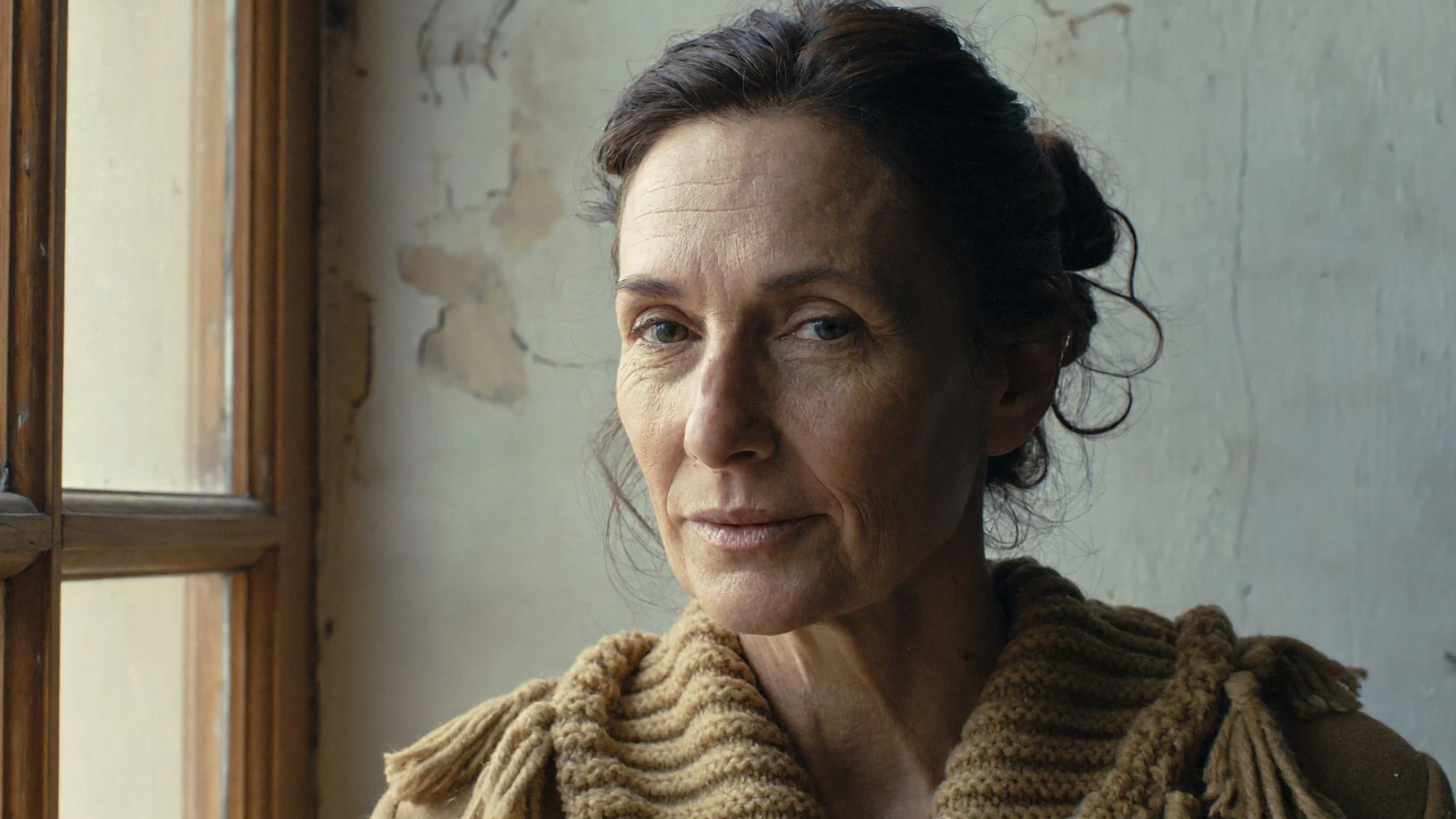
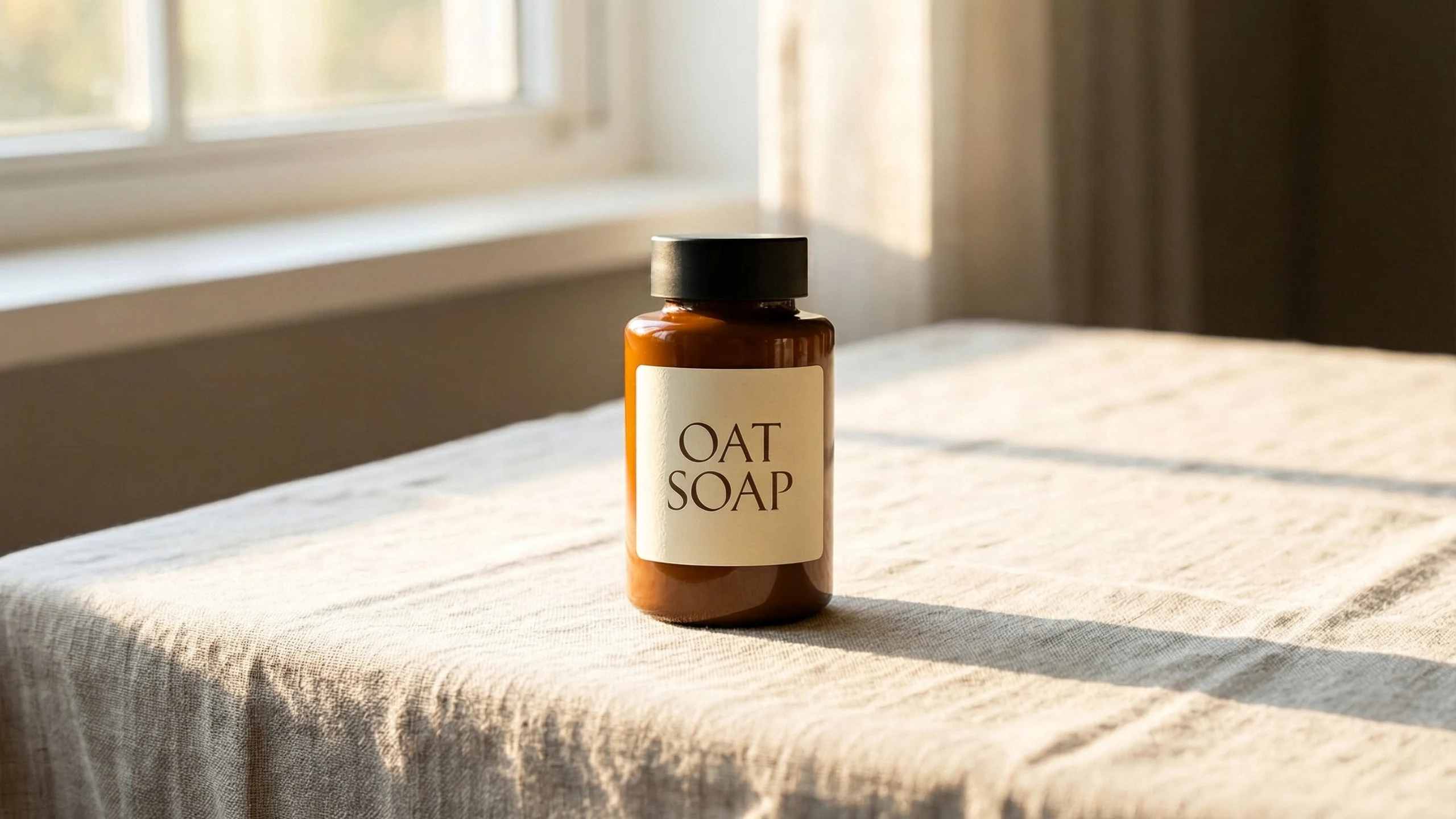
Natural light, realistic skin and fine detail
Create photographic images with natural light and realistic skin and materials. The model also supports clean illustration and poster styles when your brief calls for a graphic treatment.
- •Natural-light photography
- •Realistic skin texture
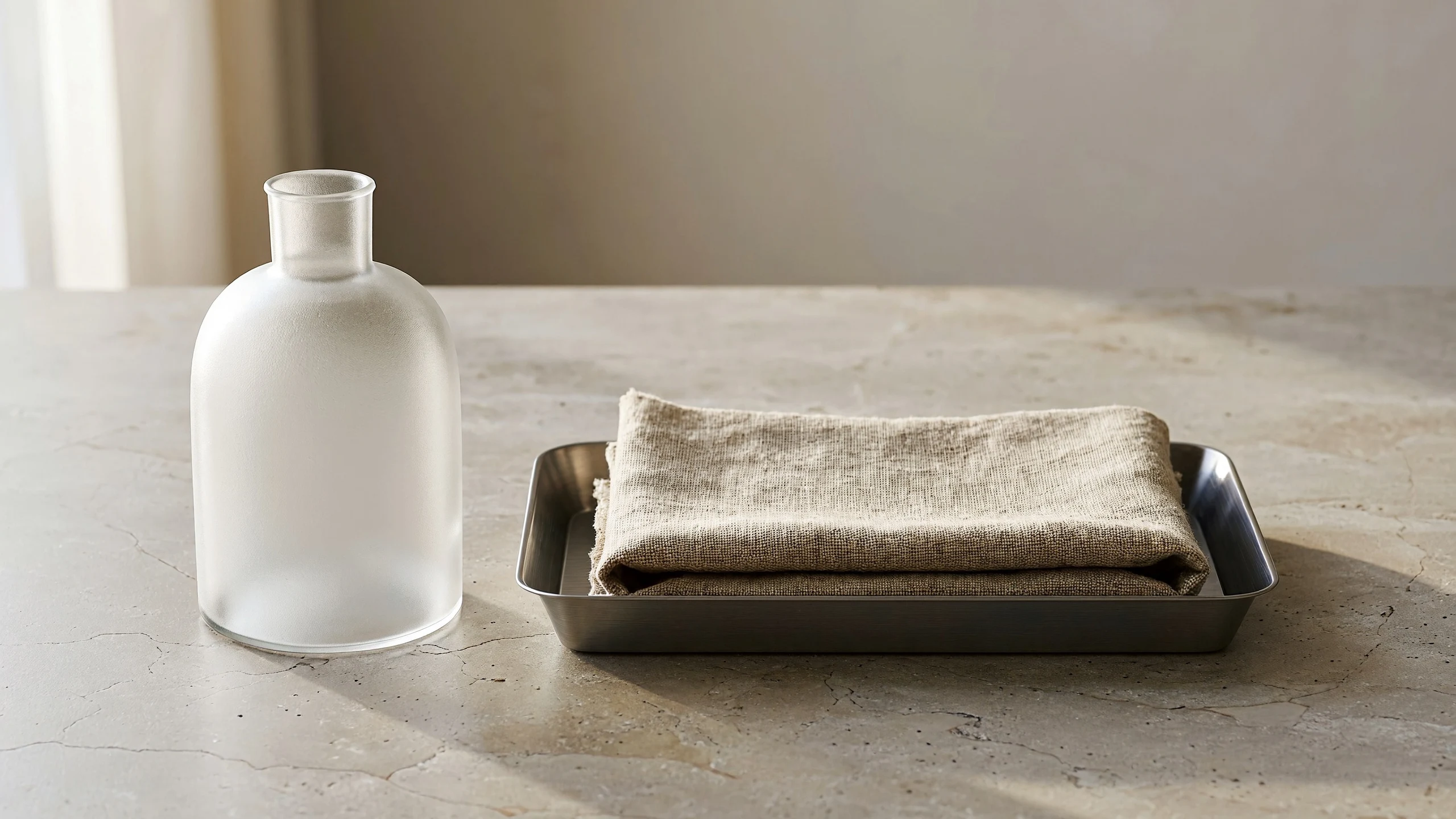
- •Detailed fabric, glass and paper
- •Clean illustration styles
- •Poster-style artwork
Edit with up to 10 reference images
Use up to 10 reference images in one BudgetPixel request to guide an edit or combine subjects and settings. Keep a product or person consistent while changing a specific detail. Saved characters can be cast with an @handle.
- •Up to 10 reference images per request
- •Change one specified detail
- •Combine subjects and settings
- •Keep products or people consistent
- •Cast saved characters with an @handle
2K and 4K output in 11 aspect ratios
Start at the default 2K resolution or choose 4K for print-level detail. Select a square, portrait, landscape or ultrawide format to match the intended placement.
- •2K output by default
- •4K for print-level detail
- •11 supported aspect ratios
- •Square and portrait compositions
- •Landscape and ultrawide compositions
Professional images for every use case
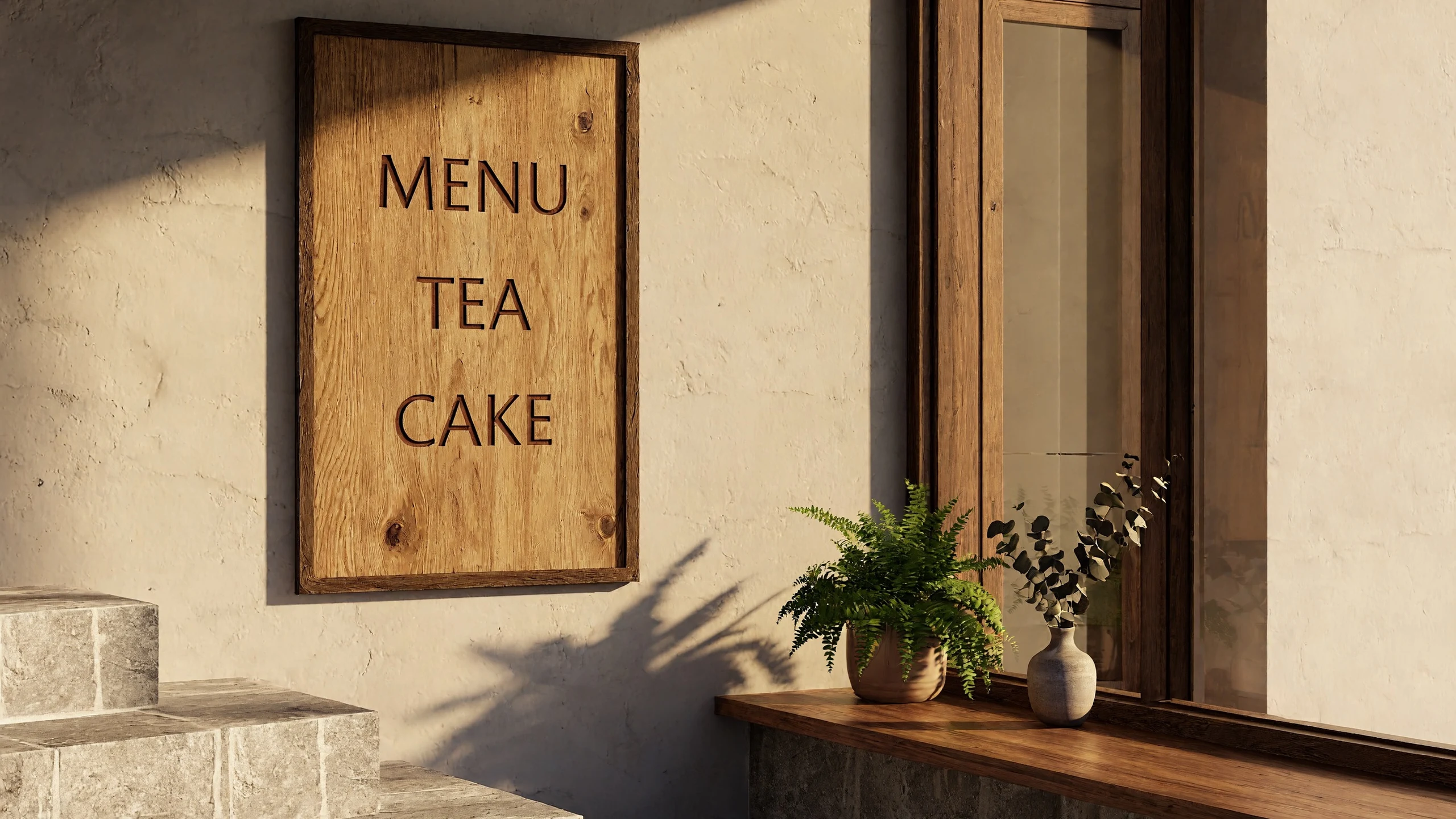
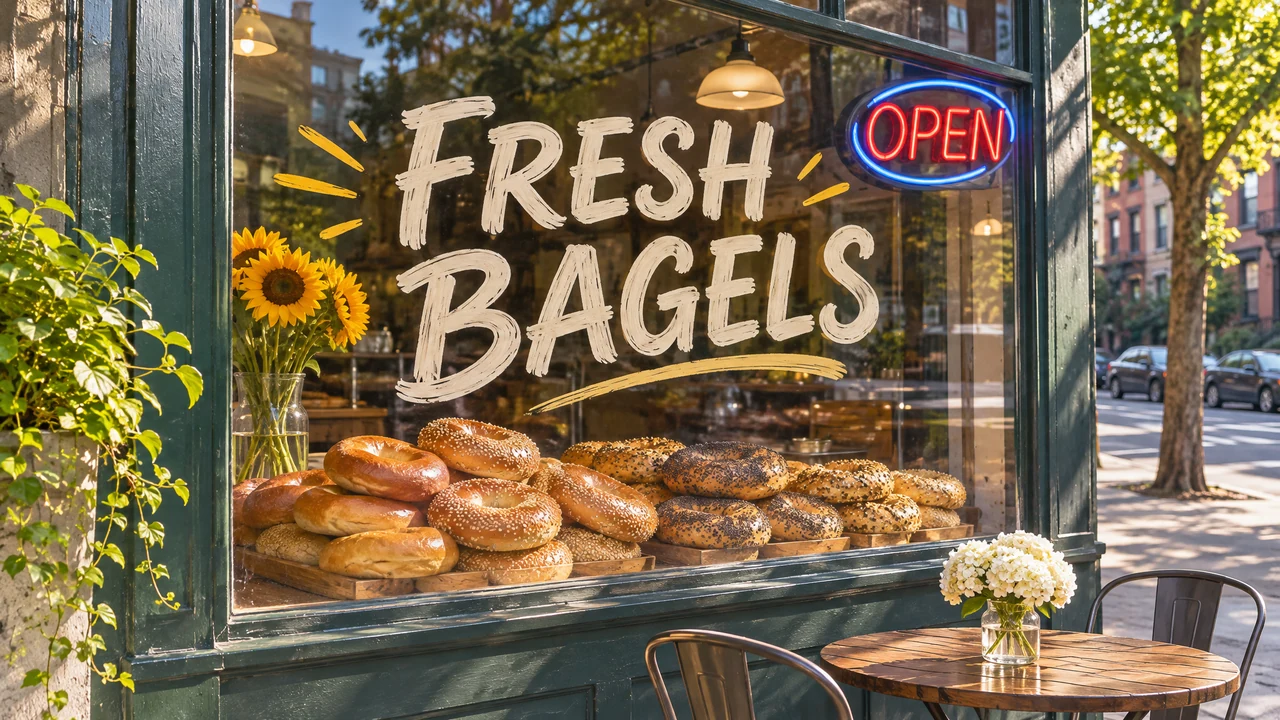
Menus and storefront signs.
Render short or multiline menu text clearly within a naturally lit storefront scene.
Natural-light portraits.
Generate fictional adult portraits with realistic skin, natural light and detailed clothing materials.
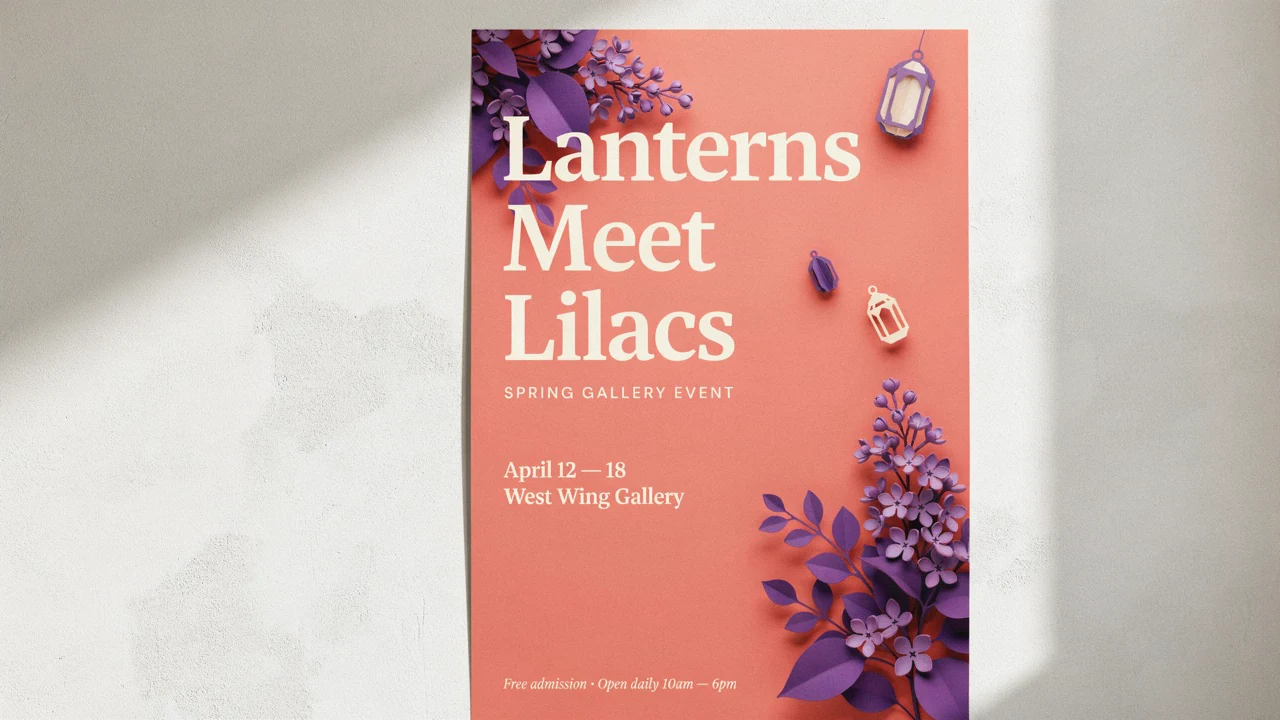
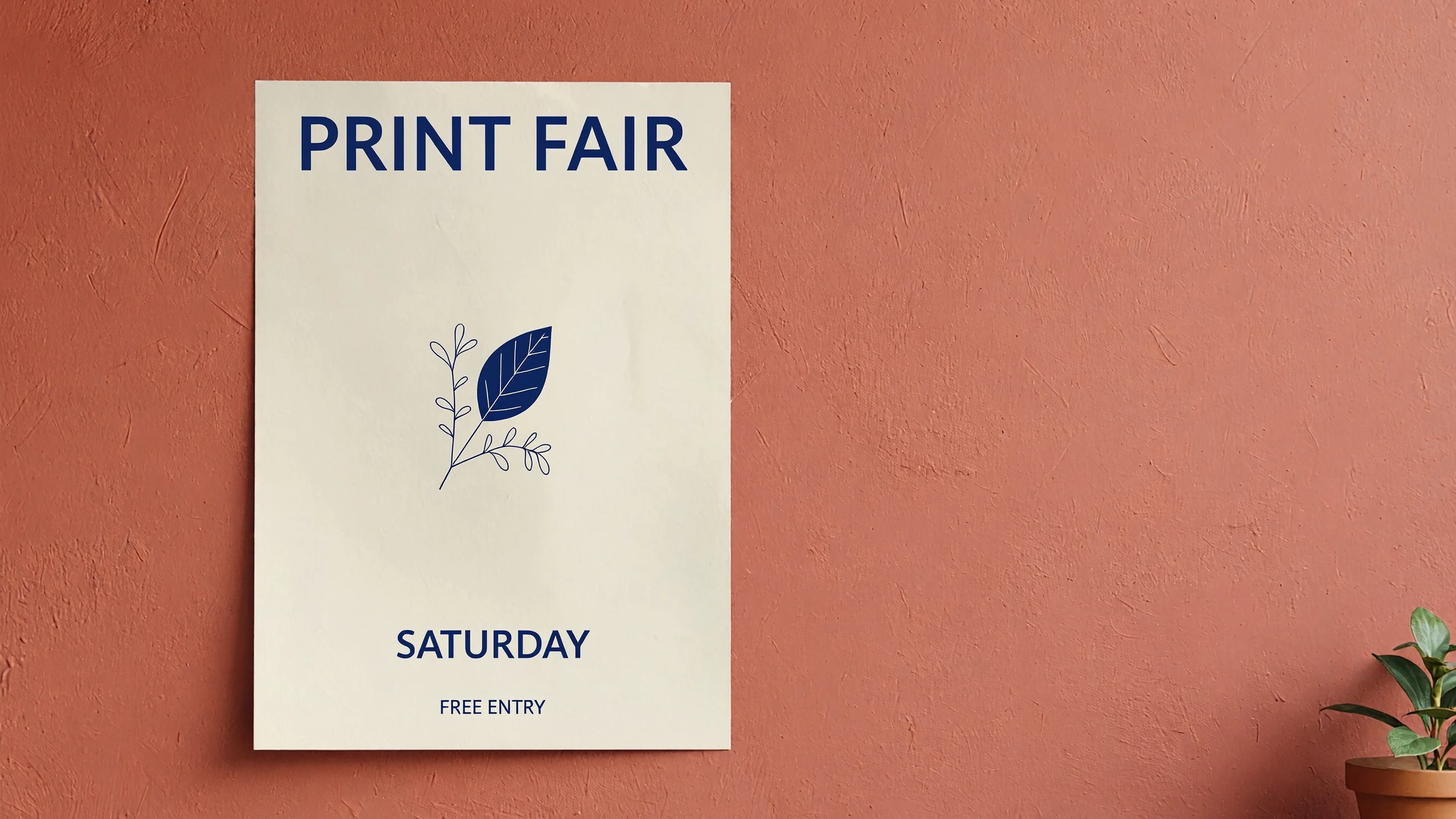
Illustrated event posters.
Pair clean illustration with a clearly spelled headline for event graphics and promotional artwork.
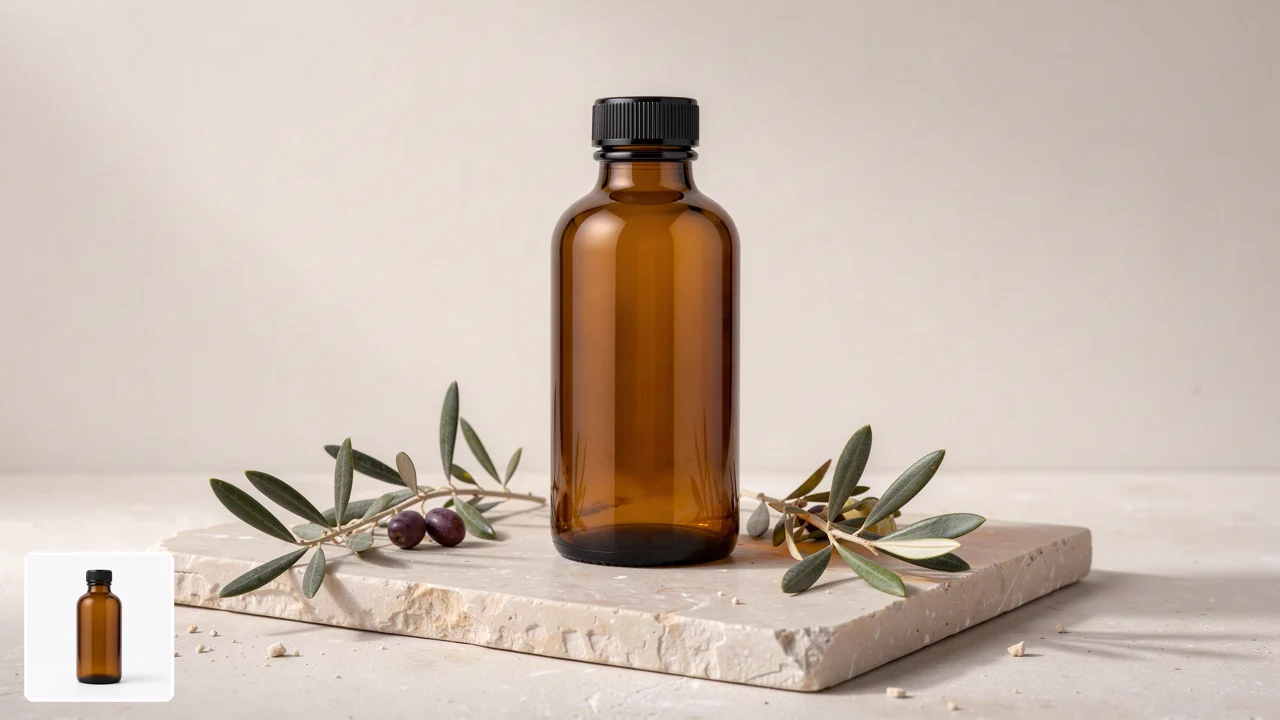
Product photo editing.
Change a product's setting while keeping its appearance consistent with the reference image.How it works

1
Describe your image
Open the BudgetPixel Image Workshop and select MiniMax H3 Image. Start with a short description of the subject and style; the model expands your prompt automatically. Put any text you want inside the image in quotation marks.
2
Choose format and references
Keep the default 2K resolution or choose 4K, then select your aspect ratio. For editing, add up to 10 reference images and explain what should change or stay the same. Use an @handle to cast a saved character when needed.

3
Generate and refine
Generate your image; generation is typically 10-20 seconds per image. Review spelling, lighting and any details that should match your references. To refine the result, use it as a reference and describe one specific change.
Pricing for MiniMax H3 Image
Runs on credits — no per-model surcharges, no surprise billing.
34credits
per generation
34 credits per image
Show pricing details▾
Input imagesCredits
- Each12/ generation
ResolutionCredits
- 2Kdefault34/ generation
- 4K100/ generation
Credits work across every plan. See /pricing for credit packages.
MiniMax H3 Image vs MiniMax Image-01
Both run on the same credits in the same workshop — here is what each costs and what it is for.
MiniMax H3 Image
34credits per generation
- Input images:
- Each 12 credits
- Resolution:
- 2K 34 credits · 4K 100 credits
MiniMax's newest image model: photoreal detail, exact text on signs, menus and posters, and edits from plain instructions. Text-to-image and editing with up to 10 reference images, at 2K or 4K in any shape from 1:3 to 3:1, several images in one request.
Try MiniMax H3 Image →MiniMax Image-01
10credits per generation
MiniMax's text-to-image generation model with strong artistic capabilities and natural image synthesis. Supports both text-to-image and image-to-image generation with good character preservation.
Try MiniMax Image-01 →Use MiniMax H3 Image via the API
MiniMax H3 Image is available through the BudgetPixel developer API — the same model the studio runs, supporting text-to-image, and image editing / references. Pricing is metered in credits (34 credits/image at 2K, 100 credits/image at 4K), charged only on success, with an API key available on Premium plans and above.
curl -X POST https://api.budgetpixel.com/v1/images/minimax-h3-image \
  -H "Authorization: Bearer $BUDGETPIXEL_API_KEY" \
  -H "Content-Type: application/json" \
-d '{"prompt": "your prompt here"}'No code? Use MiniMax H3 Image from Claude or Cursor
MiniMax H3 Image is also available through the BudgetPixel MCP server. Connect your account to Claude, Cursor, or any MCP-enabled agent and generate with MiniMax H3 Image by asking in plain language — same credits, same pricing, no code required.
MiniMax H3 Image at a glance
- Photoreal detail
- Exact text on signs, menus and posters
- Edits from plain instructions
- Multi-reference support (up to 10)
- 2K and 4K output
- Any shape from 1:3 to 3:1
- Prompt expansion built in
- Several images in one request
How MiniMax H3 Image compares
The differences that actually change which one you pick.
- MiniMax H3 Image vs Seedream 5.5
- MiniMax H3 Image costs less at 2K (34 credits against 46) and also renders at 4K. Seedream 5.5 makes transparent backgrounds from a text prompt and charges 10 credits a reference against 12.
- MiniMax H3 Image vs Nano Banana 2
- Both edit from plain instructions and take several references. MiniMax H3 Image costs 34 credits at 2K and 100 at 4K, against Nano Banana 2's 100 and 150, and adds 12 credits per reference image, where Nano Banana 2's references are free.
Frequently asked questions
What is MiniMax H3 Image?▾
MiniMax H3 Image is MiniMax's model for text-to-image generation and image editing. Its capabilities include generating new scenes, working from visual references and refining existing images. On BudgetPixel it is in the Image Workshop, the Developer API and the MCP server.
How much does MiniMax H3 Image cost on BudgetPixel?▾
Each generated image costs 34 credits at 2K, the default size, or 100 credits at 4K. Each reference image adds 12 credits per generated image, so a 2K edit of one picture costs 46 credits and a 2K image made from three references costs 70. An image that fails or that the model's safety check withholds is not charged.
Does MiniMax H3 Image render text well?▾
Yes. It renders legible text within images, including poster titles and product labels. Use it for correctly spelled signs, menus, posters, packaging and labels with short text or several lines, and quote the exact wording in your prompt.
What resolutions and aspect ratios are available on BudgetPixel?▾
BudgetPixel offers 2K output by default and 4K for print-level detail. The available aspect ratios are 1:1, 4:3, 3:4, 3:2, 2:3, 16:9, 9:16, 21:9, 9:21, 5:4 and 4:5.
Can MiniMax H3 Image edit existing images and use references?▾
Yes, you can provide up to 10 reference images in one BudgetPixel request. Ask it to change one thing, combine subjects and settings, or keep a product or person consistent. Explain which reference supplies each element and what should remain unchanged. You can also cast saved characters with an @handle.
How does MiniMax H3 Image compare to other AI image generators?▾
Evaluate it for briefs that need legible text, natural light, realistic skin and detailed materials. It also supports illustrated artwork and poster styles. Compare results against your own brief, checking spelling, lighting and consistency with any references.
Do I need to write a long prompt for MiniMax H3 Image?▾
No, short prompts work well because the model automatically expands them into more detailed instructions. State the subject and desired style, then add any exact text or details that must stay consistent.
Can developers use MiniMax H3 Image through an API or MCP?▾
Yes, BudgetPixel provides the Developer API endpoint POST /v1/images/minimax-h3-image. The model is also available through the BudgetPixel MCP server. For a visual workflow, use it in the BudgetPixel Image Workshop.
Can I use MiniMax H3 Image commercially?▾
Check BudgetPixel's terms and the model provider's applicable terms before commercial use. Use reference images you have the rights to, and review each image before you publish it.
Does MiniMax H3 Image support explicit sexual content?▾
No, explicit sexual content is not supported on this model. Keep prompts and reference images non-explicit.
Does MiniMax H3 Image have an API?▾
Yes — MiniMax H3 Image is available through the BudgetPixel developer API via the `POST /v1/images/minimax-h3-image` endpoint, supporting text-to-image, and image editing / references. Generate an API key from the developer console (available on Premium plans and above) and see the full reference at docs.budgetpixel.com.
How much does the MiniMax H3 Image API cost?▾
API usage is billed in credits from the same balance your plan includes, at the standard metered rate: 34 credits/image at 2K, 100 credits/image at 4K. Failed generations are never charged. You can estimate any request's exact cost with POST /v1/cost before running it.
Can I use MiniMax H3 Image with Claude or other AI agents (MCP)?▾
Yes — MiniMax H3 Image is exposed through the BudgetPixel MCP server, so Claude, Cursor, and any MCP-compatible agent can generate with it from a plain-language request. Connect your account at budgetpixel.com/mcp; generations use the same credit balance and pricing as the web studio and the API.