GPT Image 2.6 Flare
Fast everyday image generation and quick edits with sharp in-image text.
From $0.062 an image on paid plans.


1K · 2K · 4KOutput
Low · Medium · High · Extra High · MaxQuality tiers
Up to 16, freeReference images
Standard · TransparentBackgrounds
PNG · JPEG · WebPFormats
Workshop · Design Studio · API · MCPAccess
Professional images for every use case

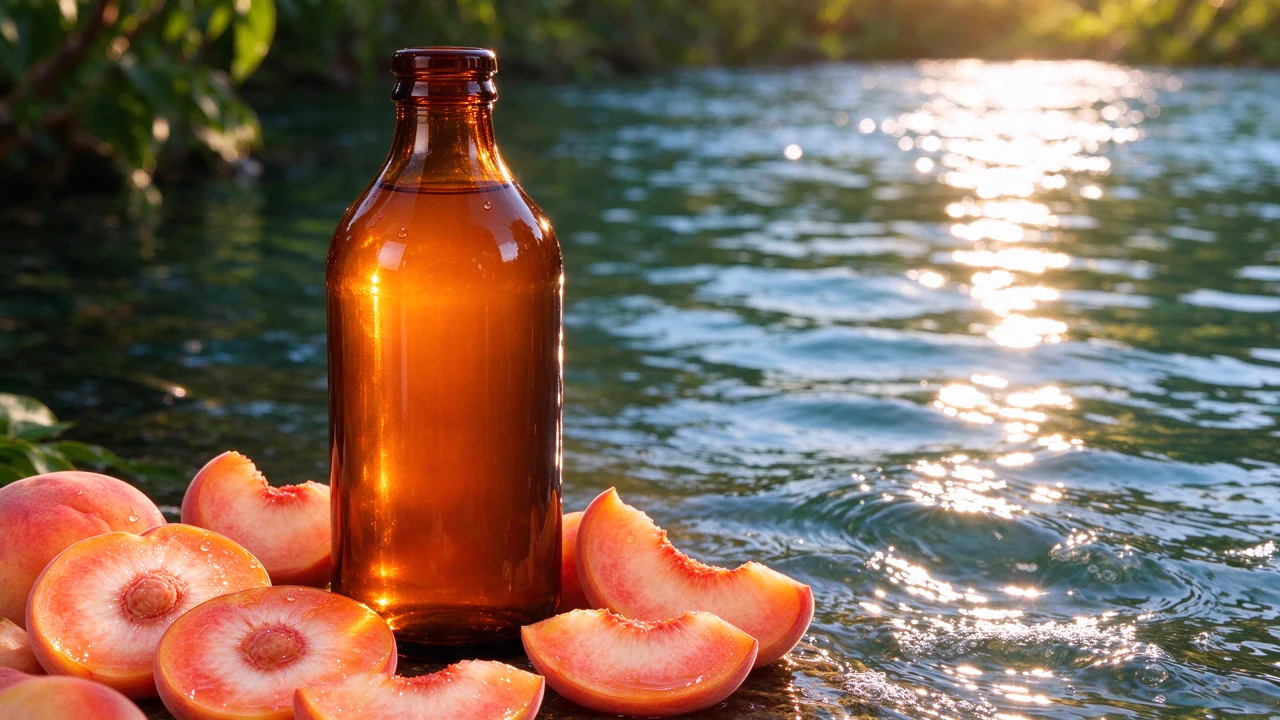
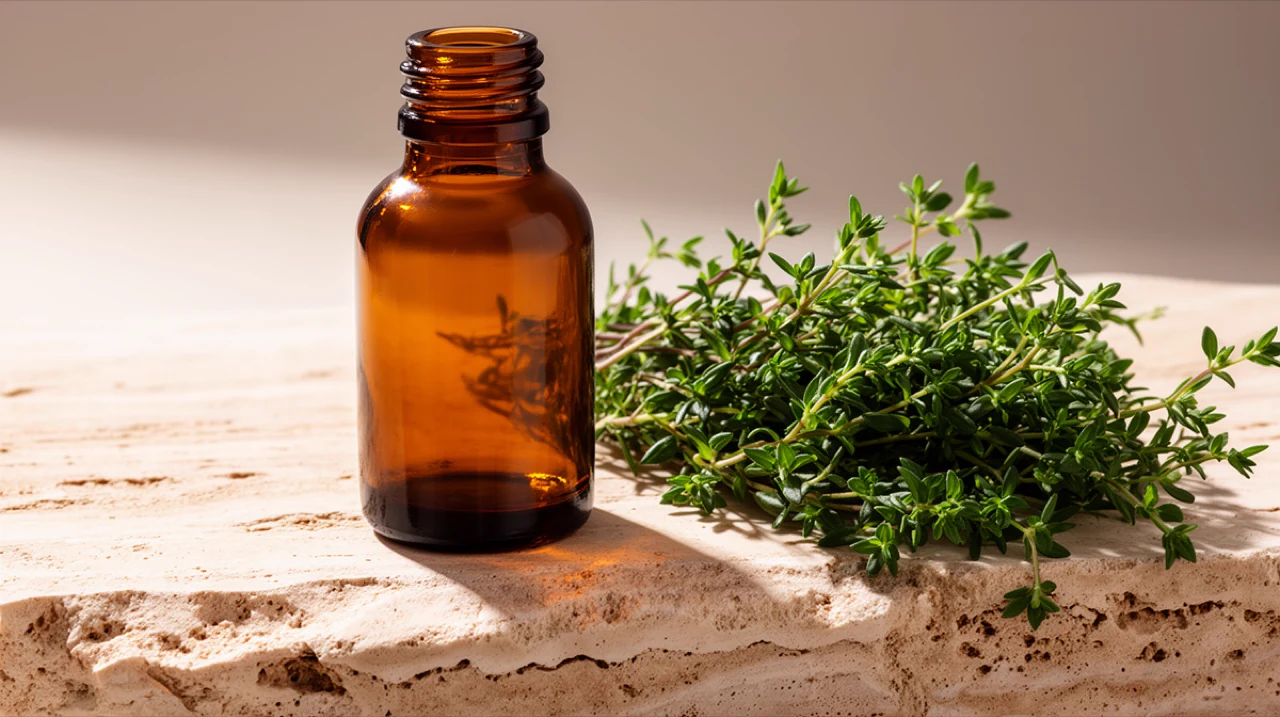
Product photography.
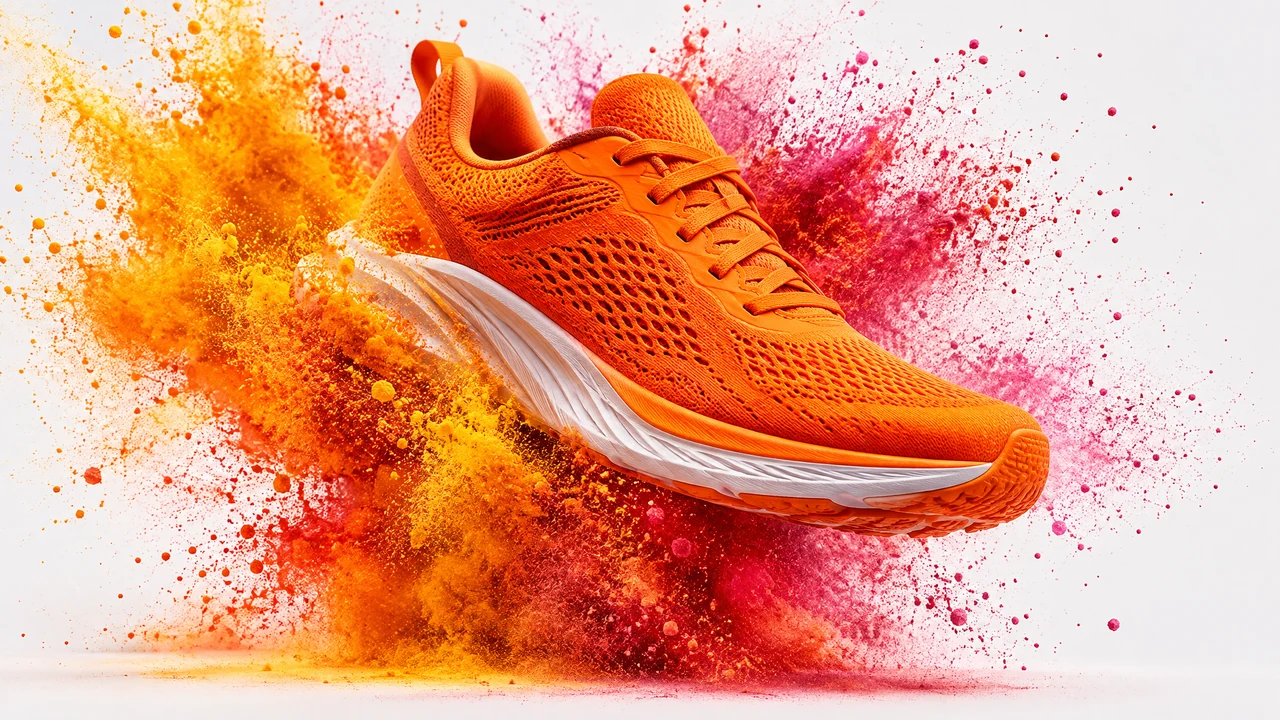
Make focused background edits to product pictures for everyday listings and promotional images.
Website illustrations.
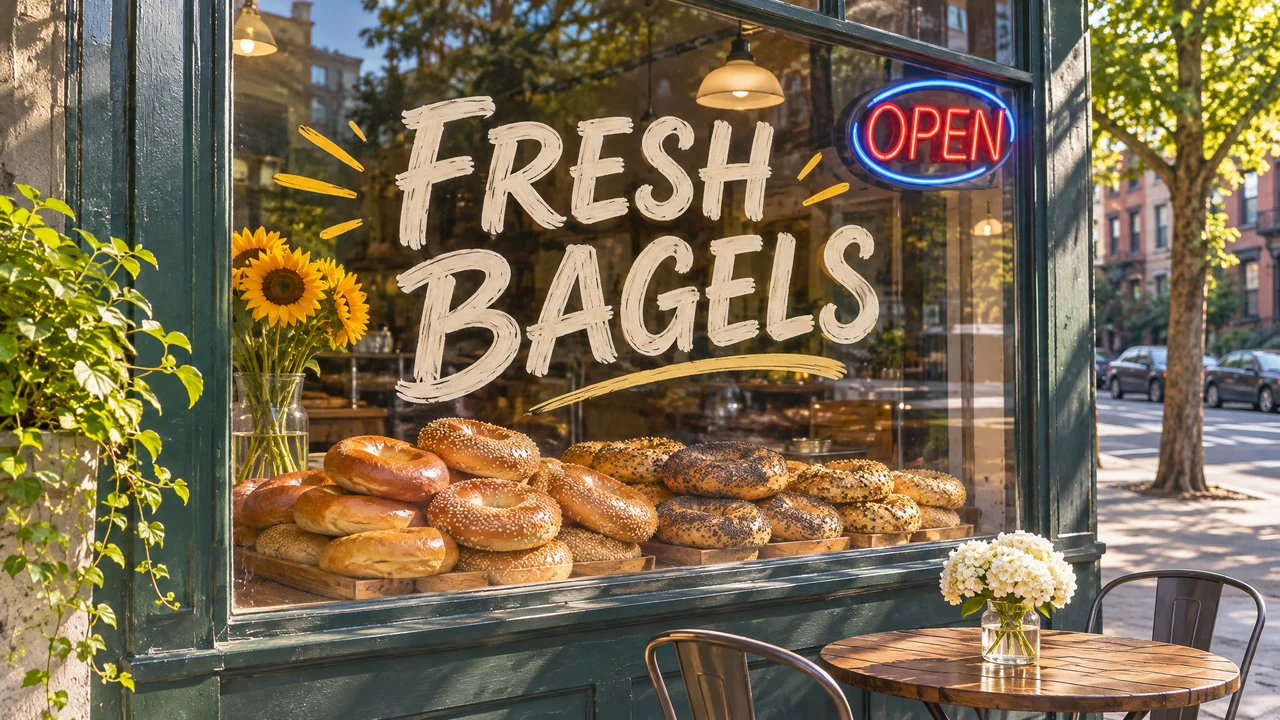
Turn a short brief into a wide website illustration when you need a quick visual for a page.
Transparent stickers.
Generate original sticker cut-outs on transparent backgrounds, delivered as PNG or WebP.
Character portraits.
Cast saved characters with an @handle for portraits and everyday visual stories.Sharp text inside everyday images
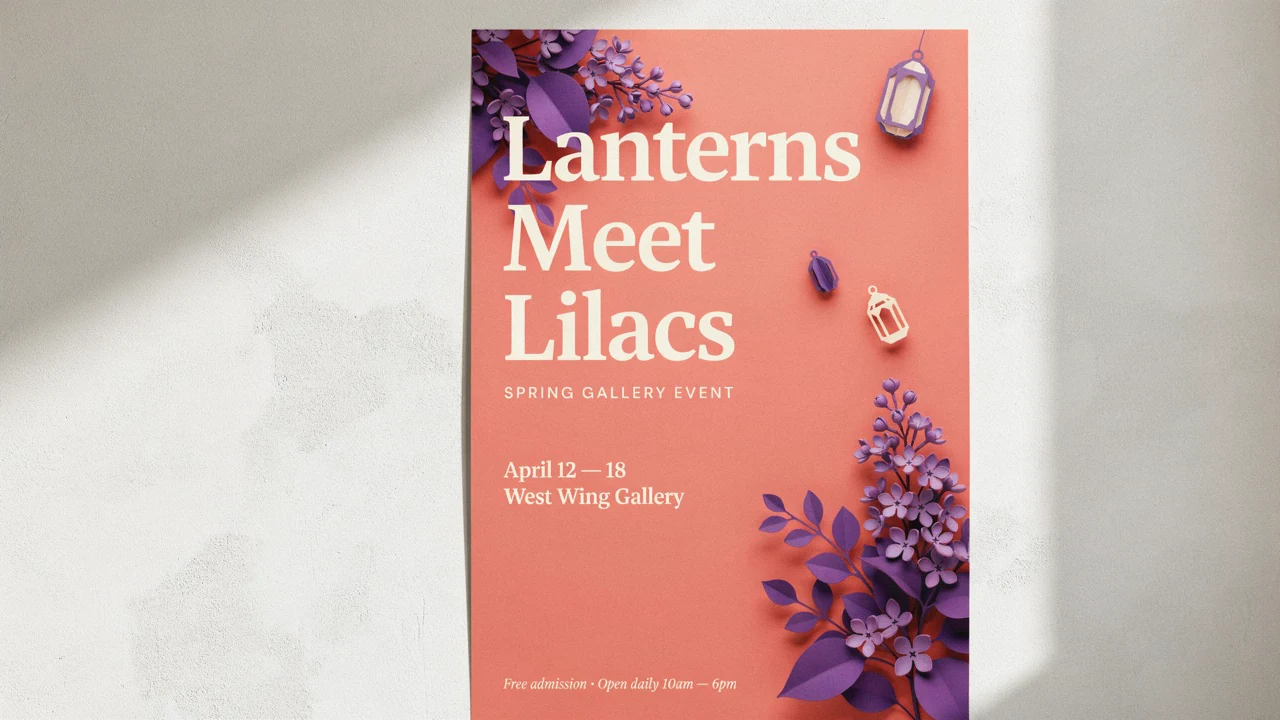
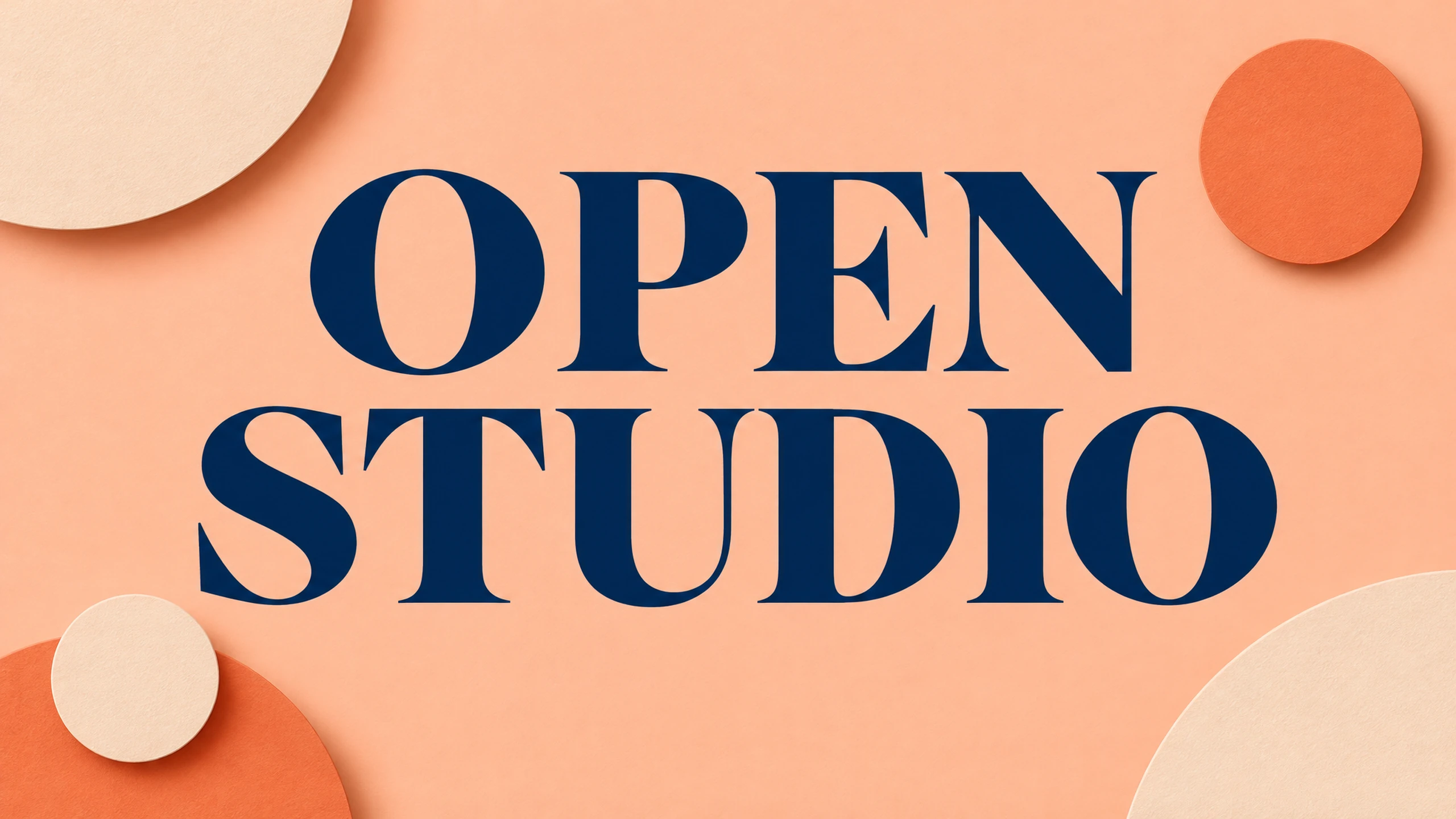
Generate graphics with sharp in-image text, or edit wording in an existing picture. Use short, exact phrases for headlines, signs and labels, and describe where the text should appear.
Planning control for faster, focused edits
New in 2.6, Planning controls how much the model plans before rendering, separately from output quality. High is the default for dense text, complex layouts and object relationships; Medium and Low plan less and run faster for focused edits.

Combine references and mark where to edit
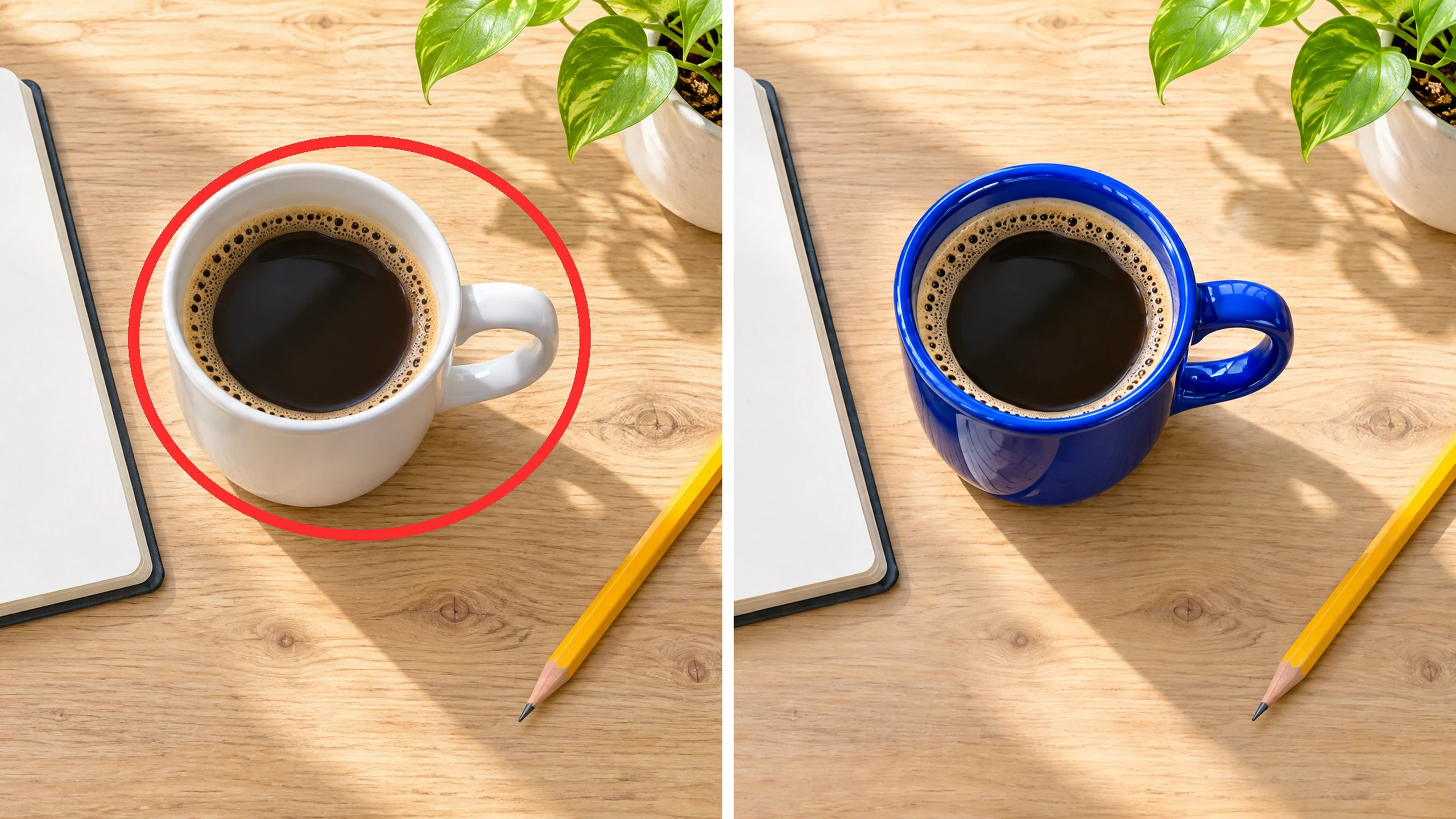
Combine up to 16 reference images when generating or editing a picture. In the BudgetPixel Image Workshop, use Mark on a reference picture to draw circles, arrows or scribbles, then describe the change. The model edits where you marked and removes the marks.
Transparent cut-outs from prompts or edits
Create a sticker, original logo concept or product cut-out directly from a prompt, or request a transparent background while editing. Choose PNG or WebP to keep the background transparent.

How it works

1
Describe or upload your image
Open the Image Workshop with GPT Image 2.6 Flare selected. Describe a new image or add up to 16 reference images for generation or editing. Use an @handle to cast a saved character.
2
Set quality and Planning
Start with Medium quality, the default, and choose your aspect ratio and size. Keep Planning at High for dense text or complex layouts, or choose Medium or Low for faster, focused edits. For a transparent cut-out, request transparency and select PNG or WebP.

3
Generate and refine
Generate your image, then review the text and details. For a local edit, use Mark on the reference picture, draw a circle, arrow or scribble, and describe the change. The model edits where marked and removes the marks from the result.
Prompts to try
Die-cut sticker of a grinning cartoon taco wearing sunglasses, bold black outline, thick white border, flat bright colors, transparent background.
Background: Transparent for a ready cut-out
Square poster for a neighborhood book swap, stacked paperbacks shaped like a city skyline, headline 'SWAP A STORY', warm teal and mustard palette.
Short headlines land clean
Photo of a sunny cafe counter with a chalkboard menu that reads 'COLD BREW 4' and 'OAT LATTE 5', bright morning light, 35mm look.
Readable signs in a real scene
Flat vector app icon set: a paper plane, a calendar, a camera and a speech bubble, rounded squares, one coral-to-violet gradient.
Matching sets in one pass
Pricing for GPT Image 2.6 Flare
Runs on credits — no per-model surcharges, no surprise billing.
120credits
per generation
120 credits per image
Show pricing details▾
ResolutionCredits
- 1Kdefault120/ generation
- 2K120/ generation
- 4K120/ generation
Credits work across every plan. See /pricing for credit packages.
Use GPT Image 2.6 Flare via the API
GPT Image 2.6 Flare is available through the BudgetPixel developer API — the same model the studio runs, supporting text-to-image, and image editing / references. Pricing is metered in credits (120 credits per image), charged only on success, with an API key available on Premium plans and above.
curl -X POST https://api.budgetpixel.com/v1/images/gpt-image-2.6-flare \
  -H "Authorization: Bearer $BUDGETPIXEL_API_KEY" \
  -H "Content-Type: application/json" \
-d '{"prompt": "your prompt here"}'No code? Use GPT Image 2.6 Flare from Claude or Cursor
GPT Image 2.6 Flare is also available through the BudgetPixel MCP server. Connect your account to Claude, Cursor, or any MCP-enabled agent and generate with GPT Image 2.6 Flare by asking in plain language — same credits, same pricing, no code required.
GPT Image 2.6 Flare at a glance
- Fast generation and edits
- Sharp in-image text
- Planning setting: low, medium or high
- Transparent backgrounds
- Up to 16 reference images
- 1K / 2K / 4K output at one price
- Five quality tiers: low to max
Frequently asked questions
What is GPT Image 2.6 Flare?▾
GPT Image 2.6 Flare is OpenAI's fast text-to-image and image-editing model, released November 4, 2026. It is built for everyday images and quick edits, with sharp in-image text and Medium quality as the BudgetPixel default. Creators can use it in the Image Workshop or Design Studio. Developers can access it through POST /v1/images/gpt-image-2.6-flare or the MCP server.
How much does GPT Image 2.6 Flare cost on BudgetPixel?▾
Each output image costs 70 credits at Low, 120 at Medium, 175 at High, 340 at Extra High (xhigh), or 675 at Max. Medium is the default quality. These prices are the same at every supported size and with any number of references up to the 16-image limit. Reference images are free, and changing Planning does not change the price.
What does the new Planning setting do?▾
Planning controls the model's complexity: Low, Medium or High, with High selected by default. High suits dense text, complex layouts and scenes where objects relate to each other. Medium and Low plan less and run faster, making them useful for focused changes such as replacing a background or changing a sign. Planning is separate from quality and does not change the price.
Does GPT Image 2.6 Flare render text well?▾
Sharp in-image text is one of its strengths, making it useful for short headlines, signs and labels. Put the exact wording in quotation marks and describe its placement in the composition. Review the generated spelling and layout before publishing.
Can I combine reference images and use saved characters?▾
Yes, you can combine up to 16 reference images for image generation and editing. Describe how you want the references used in the finished picture. You can also cast a saved character by including its @handle in your prompt.
How do I edit an existing image with markup?▾
Add your picture as a reference in the BudgetPixel Image Workshop, then use its Mark button to draw circles, arrows or scribbles. Describe the change you want in the prompt, such as changing the background or replacing the wording on a marked sign. The model makes the change where you marked and removes the drawn marks from the finished picture.
Can GPT Image 2.6 Flare make transparent backgrounds?▾
Yes, you can request a transparent sticker, original logo concept or product cut-out directly from a prompt or through an edit. Choose PNG or WebP for transparent output. JPEG is also available for images that do not need transparency.
What resolutions and aspect ratios are available?▾
On BudgetPixel, 1:1 supports 1024x1024 (1K) or 2048x2048 (2K). Choose 16:9 at 2048x1152 (2K) or 3840x2160 (4K), or 9:16 at 1152x2048 (2K) or 2160x3840 (4K). The 3:2, 2:3, 4:3 and 3:4 ratios each have one preset size, including 1536x1024 for 3:2 and 1024x1536 for 2:3. Auto lets the model choose, while an edit keeps the source picture's shape.
Can I use GPT Image 2.6 Flare images commercially?▾
Check BudgetPixel's terms and the applicable OpenAI terms for your planned commercial use. Review permissions for uploaded reference images and any rights relevant to the finished image before publishing or distributing it.
How should I choose GPT Image 2.6 Flare among AI image generators?▾
Choose it when fast everyday generation, quick edits and sharp in-image text match your workflow. For dense text, complex layouts and precise edits, consider the detailed sibling GPT Image 2.6 Sunburst at /models/gpt-image-2.6-sunburst, which has the same BudgetPixel prices. The previous generation is GPT Image 2.5 Flare at /models/gpt-image-2.5-flare.
Does GPT Image 2.6 Flare have an API?▾
Yes — GPT Image 2.6 Flare is available through the BudgetPixel developer API via the `POST /v1/images/gpt-image-2.6-flare` endpoint, supporting text-to-image, and image editing / references. Generate an API key from the developer console (available on Premium plans and above) and see the full reference at docs.budgetpixel.com.
How much does the GPT Image 2.6 Flare API cost?▾
API usage is billed in credits from the same balance your plan includes, at the standard metered rate: 120 credits per image. Failed generations are never charged. You can estimate any request's exact cost with POST /v1/cost before running it.
Can I use GPT Image 2.6 Flare with Claude or other AI agents (MCP)?▾
Yes — GPT Image 2.6 Flare is exposed through the BudgetPixel MCP server, so Claude, Cursor, and any MCP-compatible agent can generate with it from a plain-language request. Connect your account at budgetpixel.com/mcp; generations use the same credit balance and pricing as the web studio and the API.