GPT Image 2
Photoreal images and edits with unusually strong in-image text rendering.
From $0.06 an image on paid plans.
Professional images for every use case
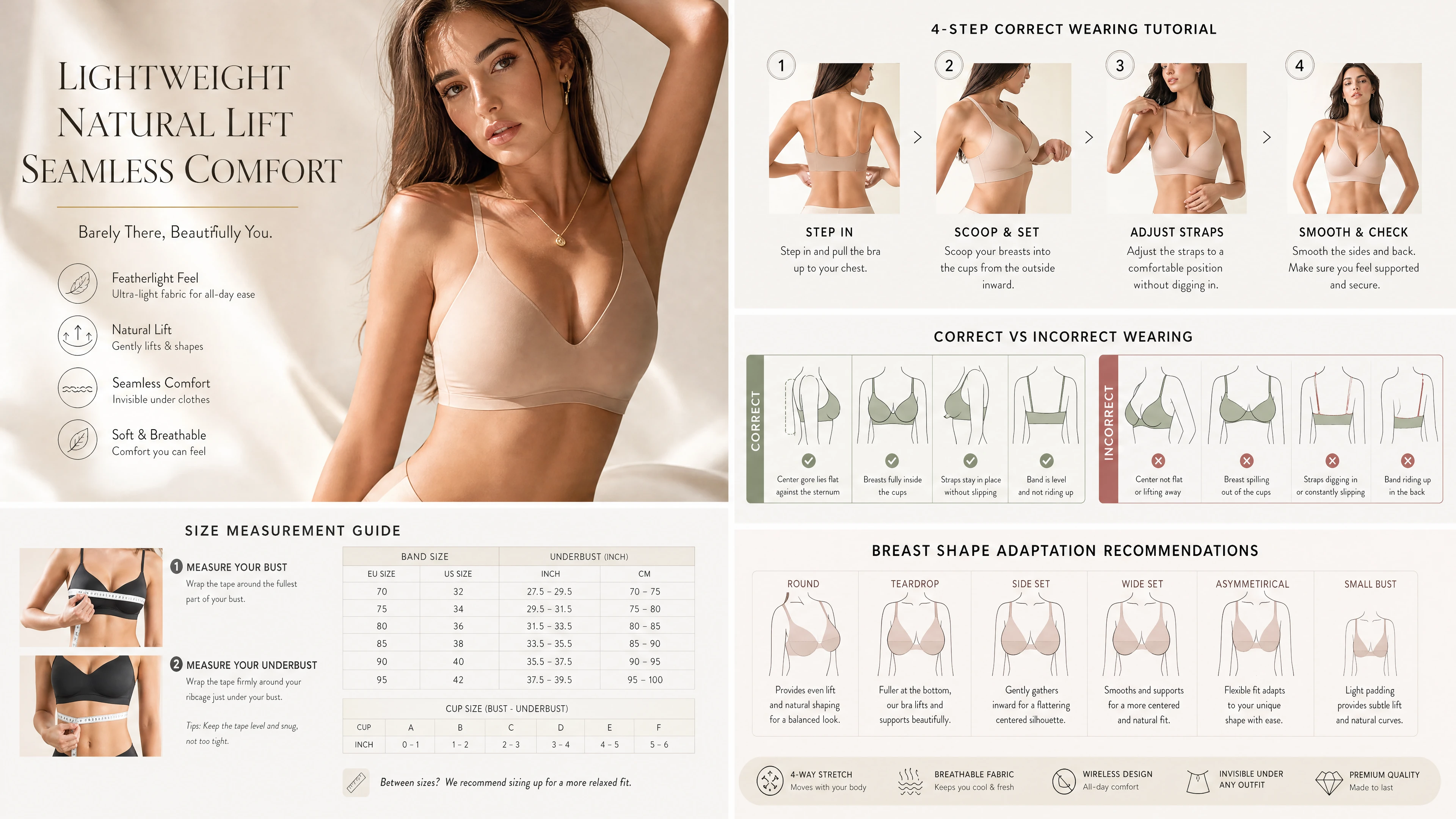
Graphic & Text Content Creation.
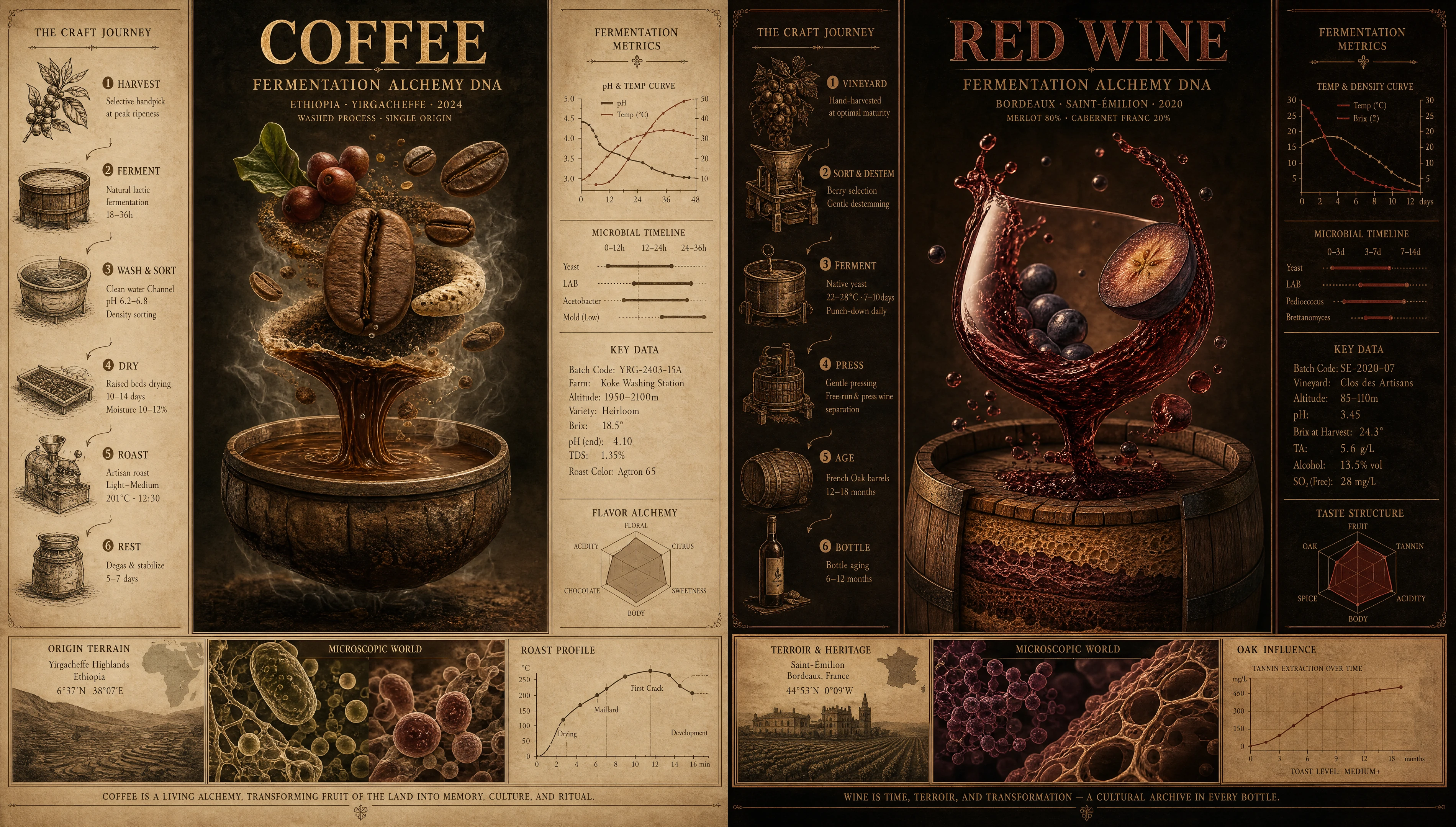
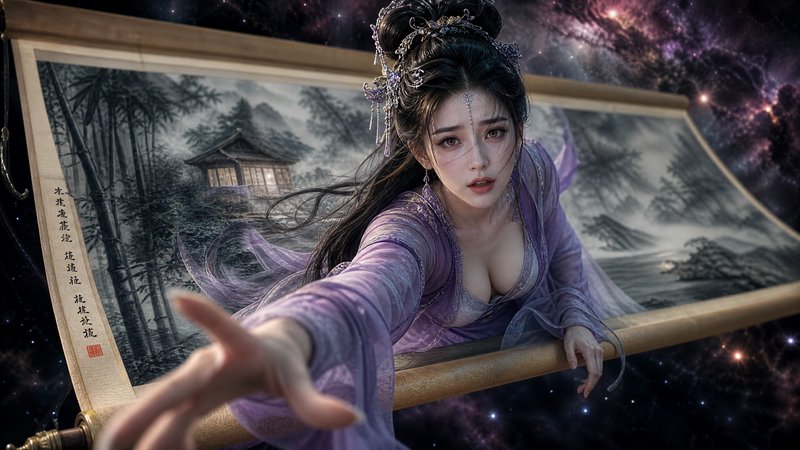
Illustrations, character art, storyboards, infographics — turn text into visuals, one image covers all graphic-text scenarios.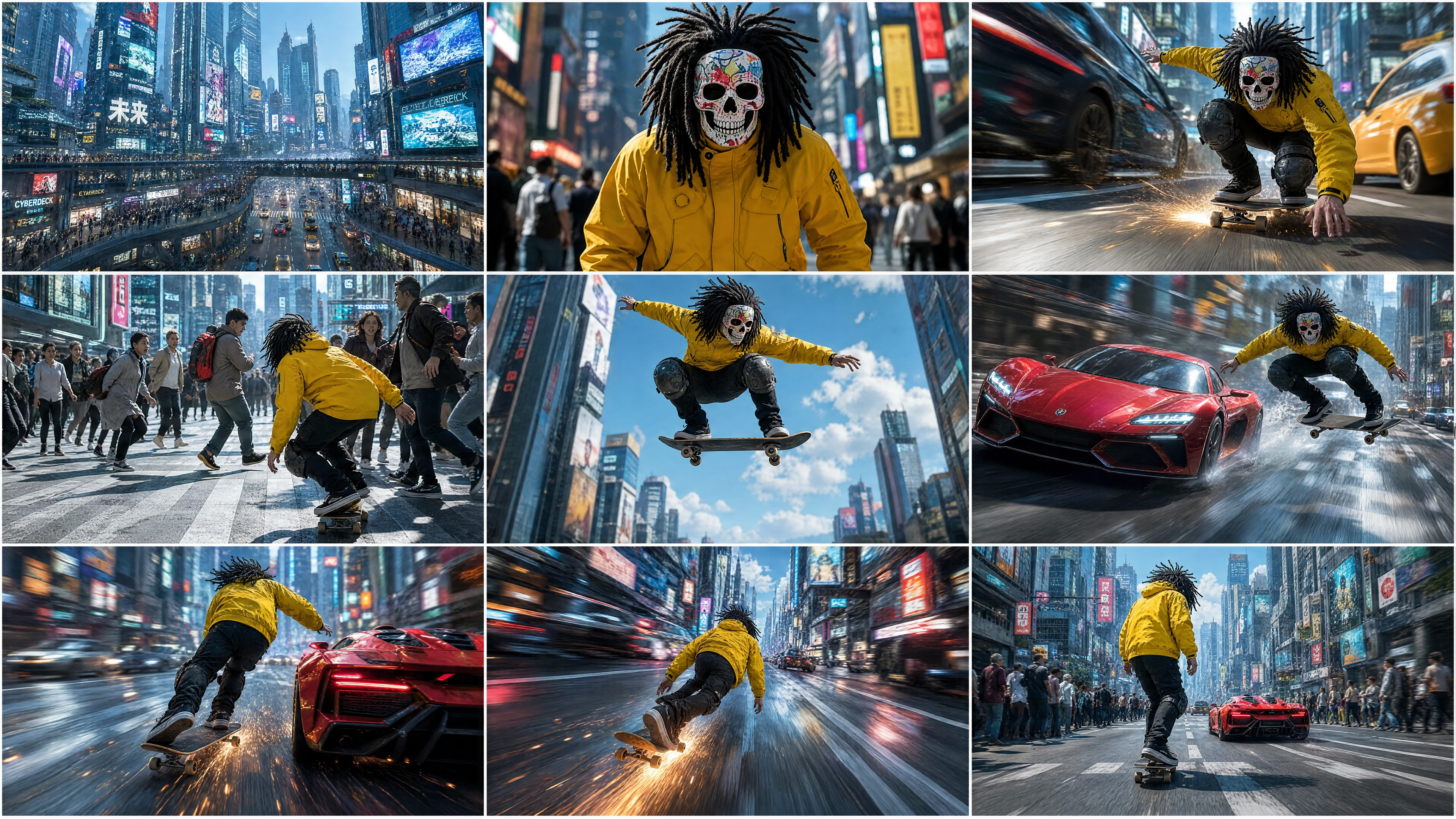
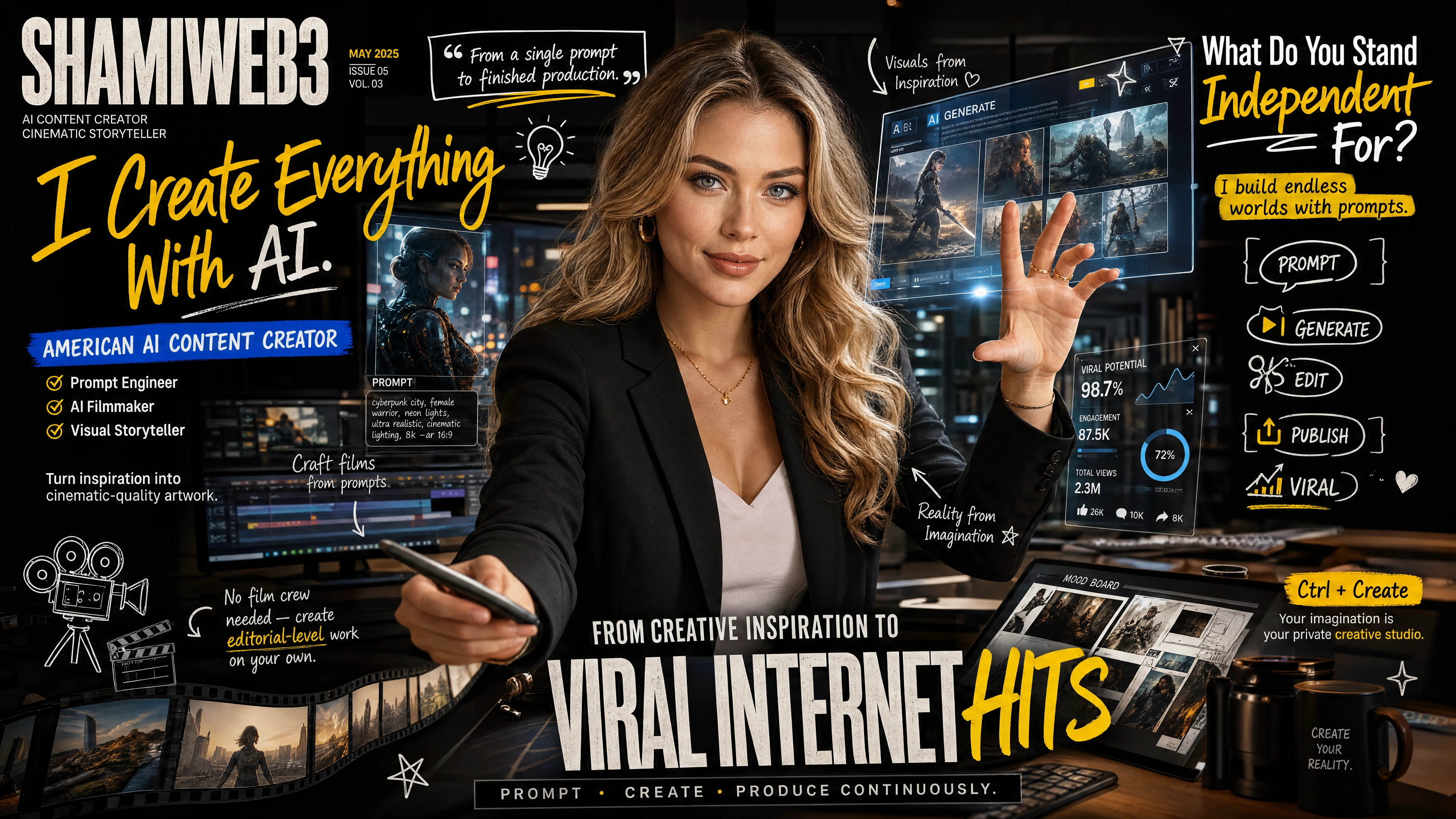
Short Video / Self-Media Content Creation .
Cover art, storyboards, character designs, scenes, opening intros, supporting visuals — from grid layouts to cinematic aesthetics, the entire content creation chain fully covered.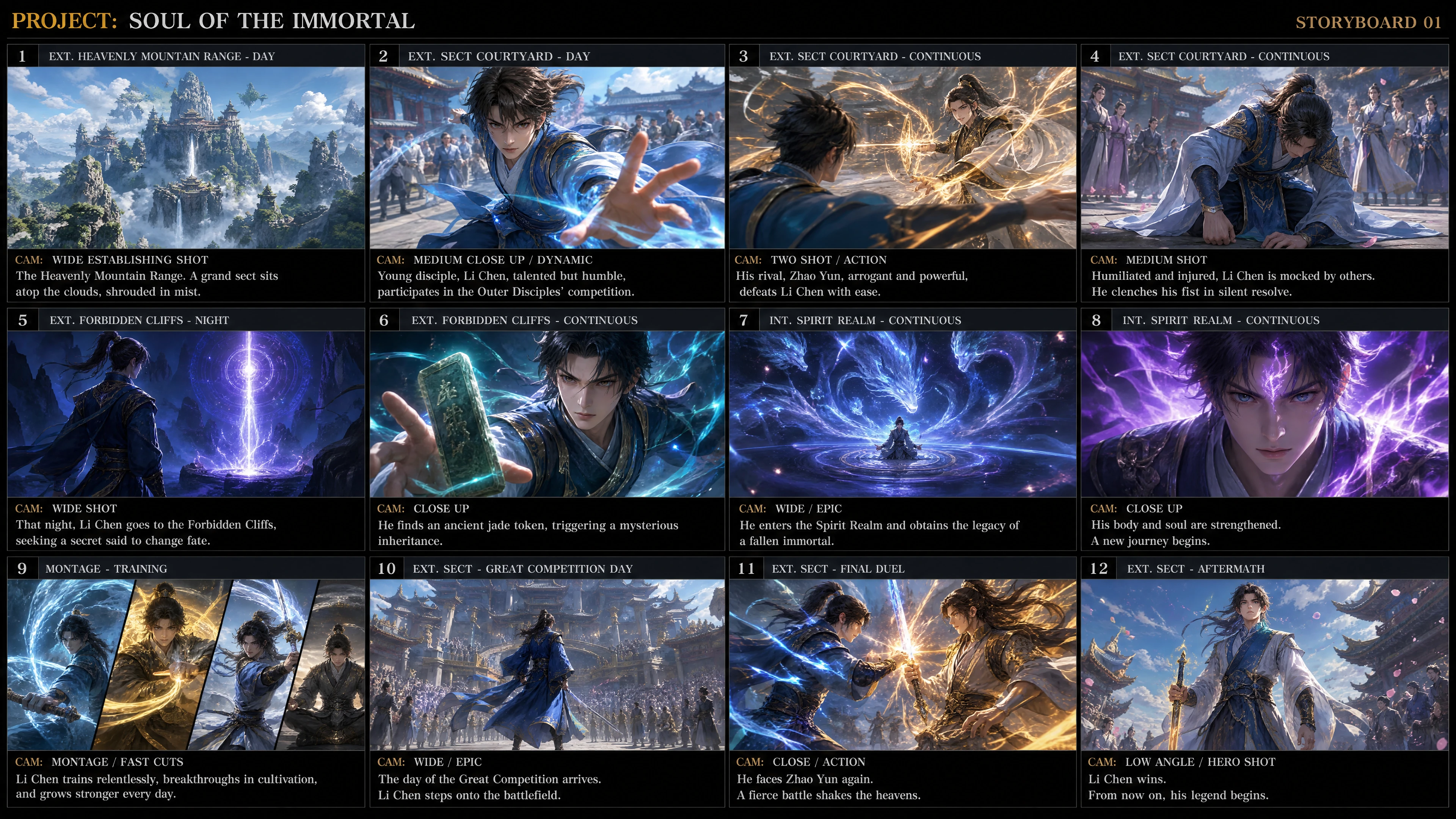
IP & ACGN Creation.
A solid character persona, a locked-in art style — from single illustrations to full batch series, generate an entire IP universe with one click.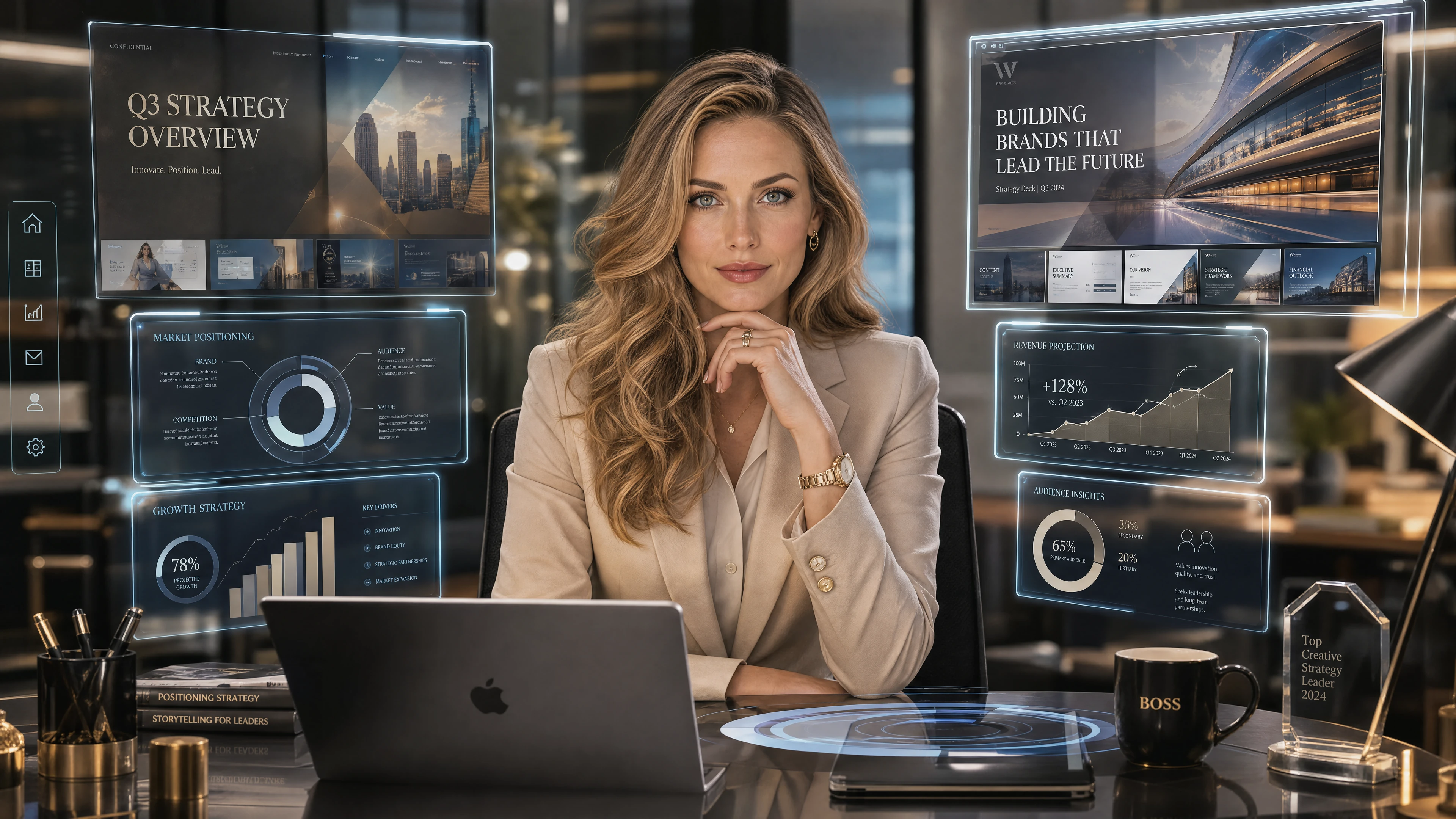
Office & Workplace Practical Use.
Report illustrations, resume visuals, project renderings — the moment copy is finalized, matching visuals generate automatically, no more relying on stock image sites.Readable text, labels, and typography
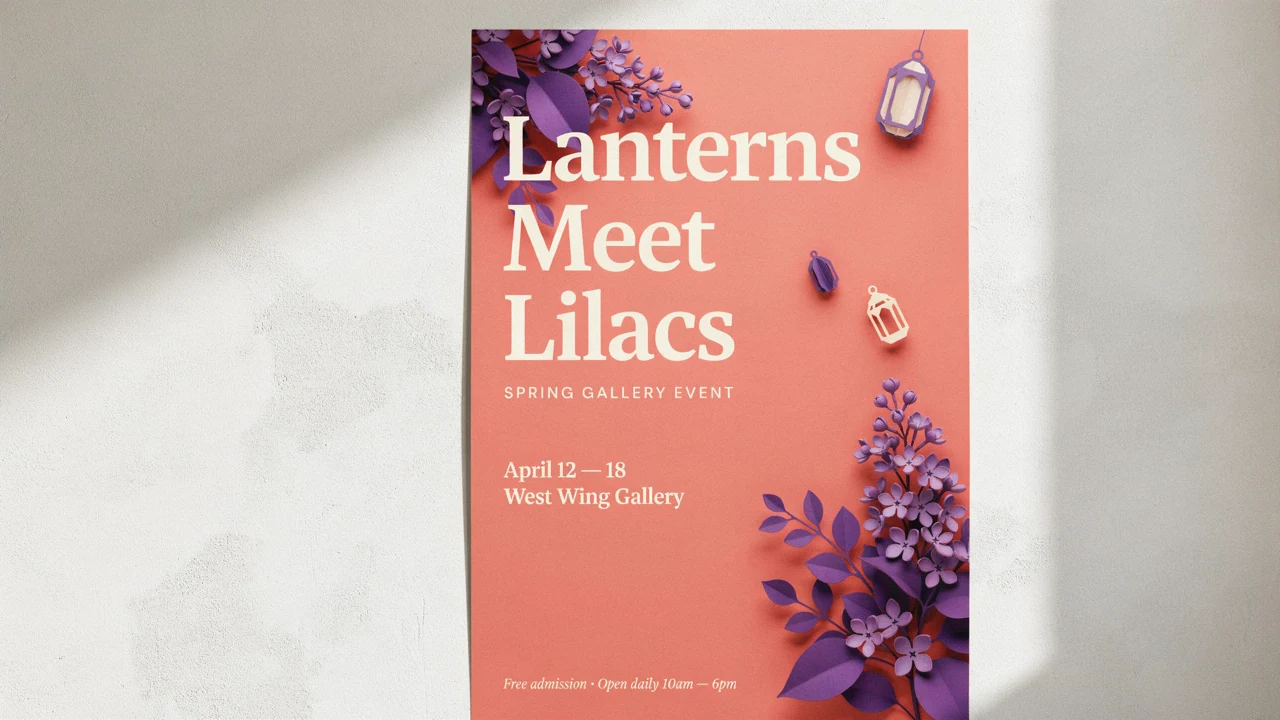
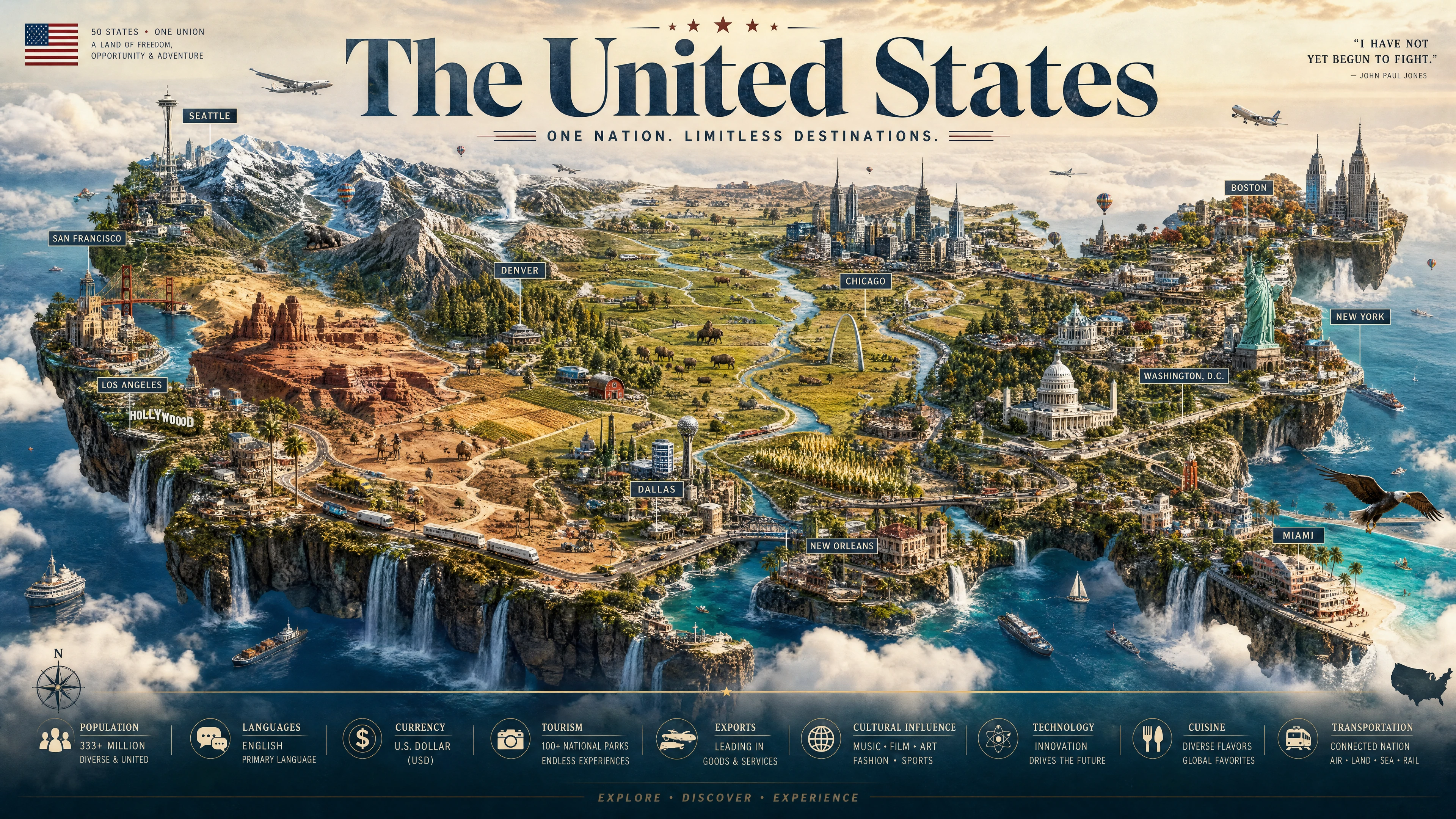
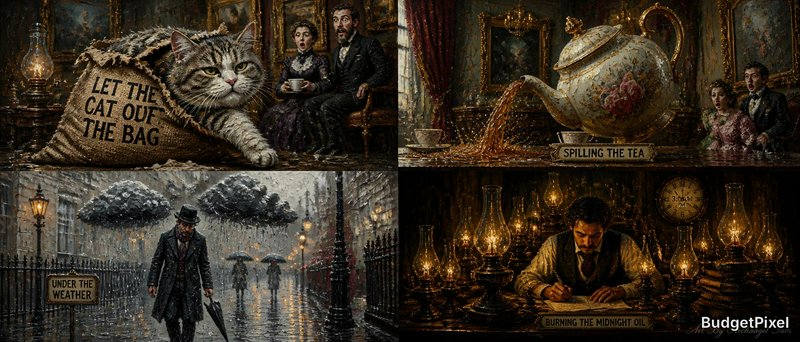
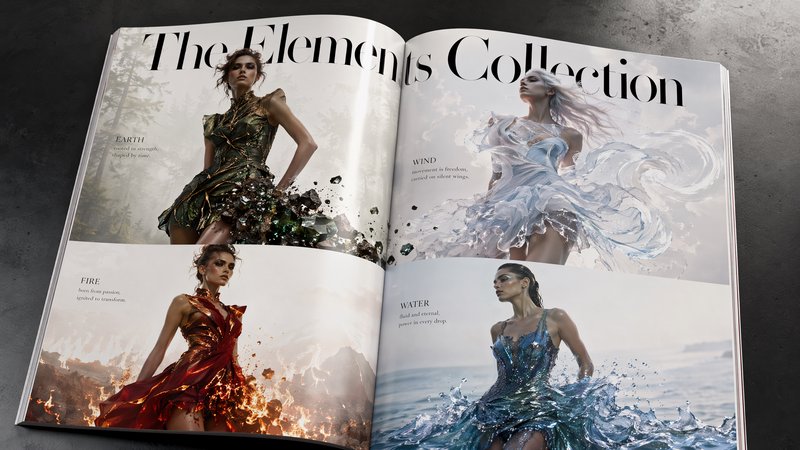
GPT Image 2 is strongest when the image needs to carry actual words, not just atmosphere. Posters, packaging, menus, UI concepts, and diagram labels hold together more reliably than the generic AI-image baseline.
- •Useful for posters, signage, and ad creatives
- •Better label rendering on packaging and products
- •Handles denser layouts more cleanly
- •Helpful for multilingual copy
- •Reduces cleanup for text-heavy visuals
Reference-led generation and masked edits
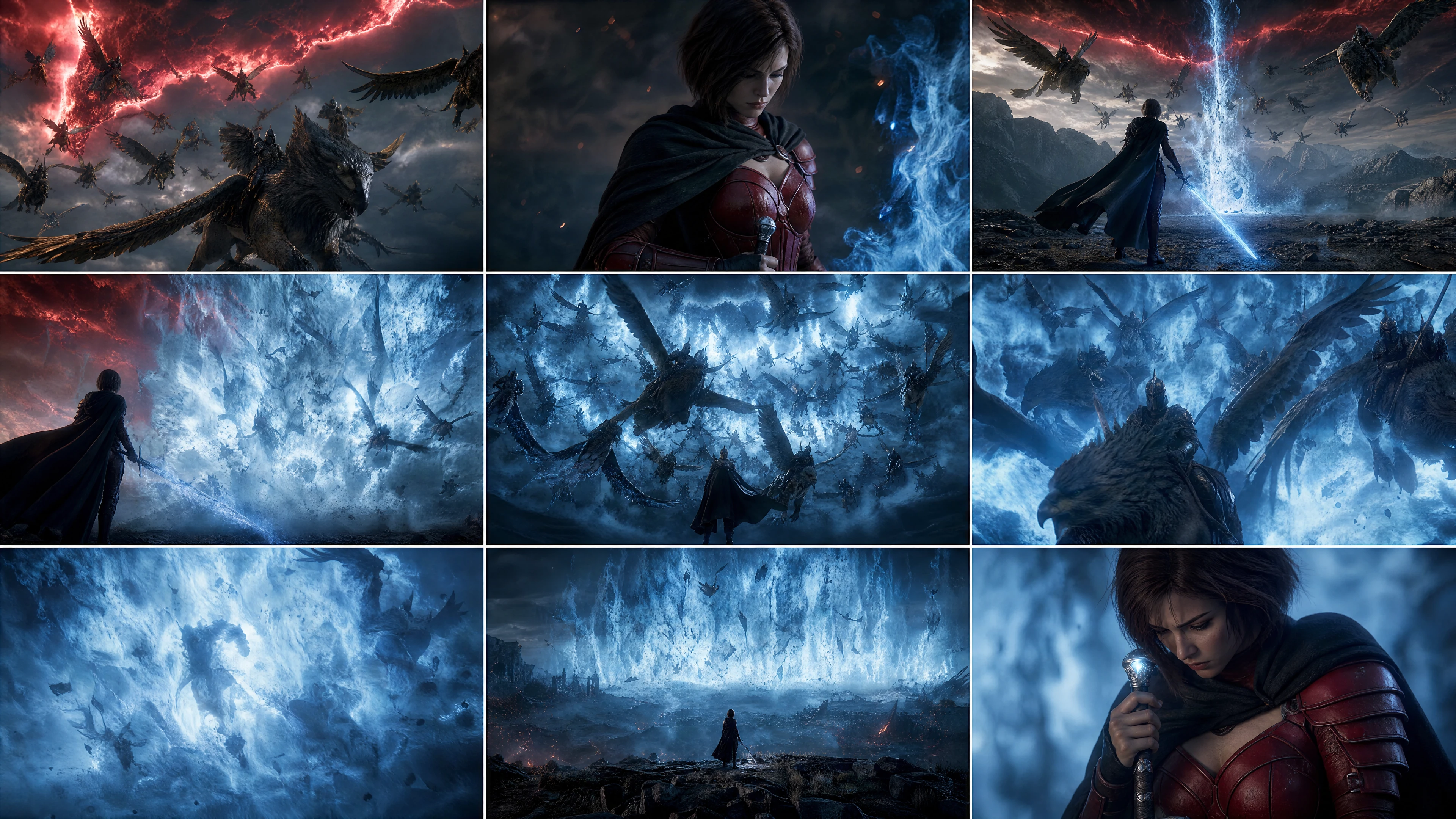
You can start from one or more reference images or edit an existing image with a mask. That gives you more control over product shape, brand elements, and scene continuity than pure prompt-only generation.
- •Works with one or more reference images
- •Supports full-image and masked edits
- •High-fidelity image inputs by default
- •Good for recolors and object swaps
- •Plain-language edit prompts work well
Flexible output sizes up to 4K
GPT Image 2 is not boxed into a tiny set of aspect ratios. It supports many valid resolutions, including 2K and 4K-style outputs, which makes it easier to reuse the same concept across channels.
- •Square, portrait, and landscape friendly
- •Longest edge can reach 3840 px
- •Custom sizes support many layouts
- •Quality controls for draft or polished output
- •Transparent backgrounds are not supported
Photoreal output with tighter prompt adherence
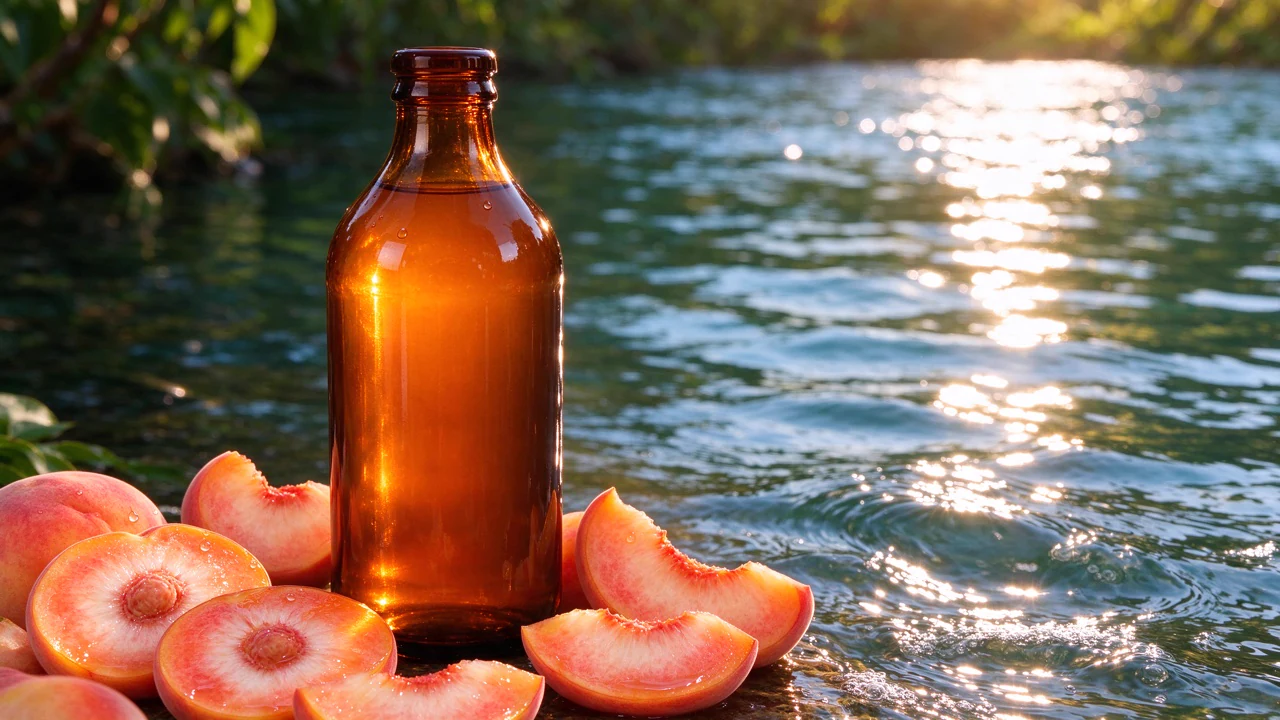
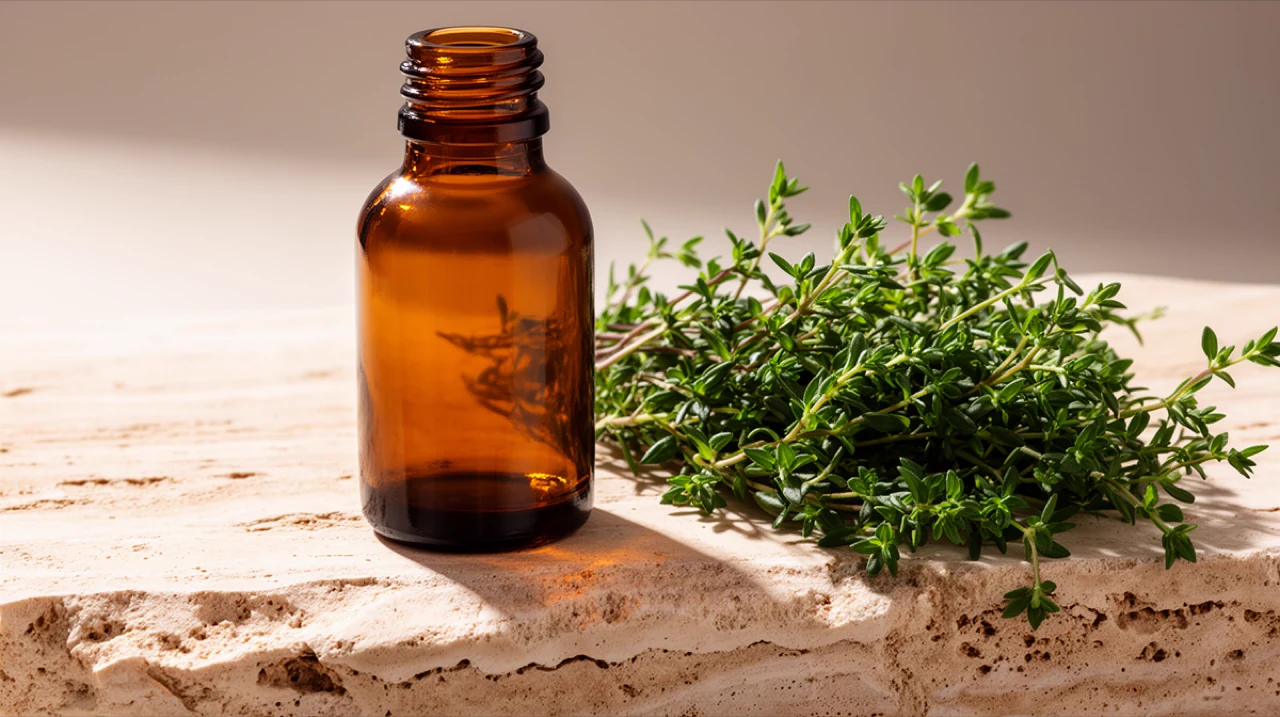
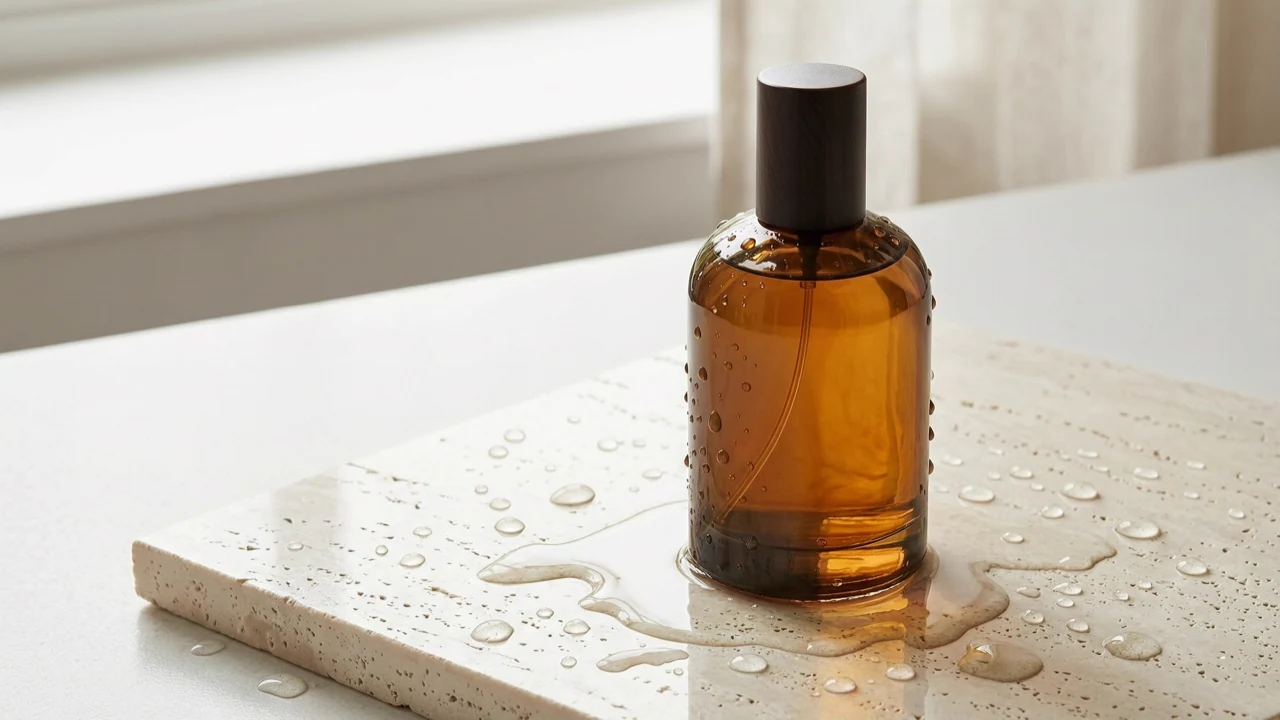
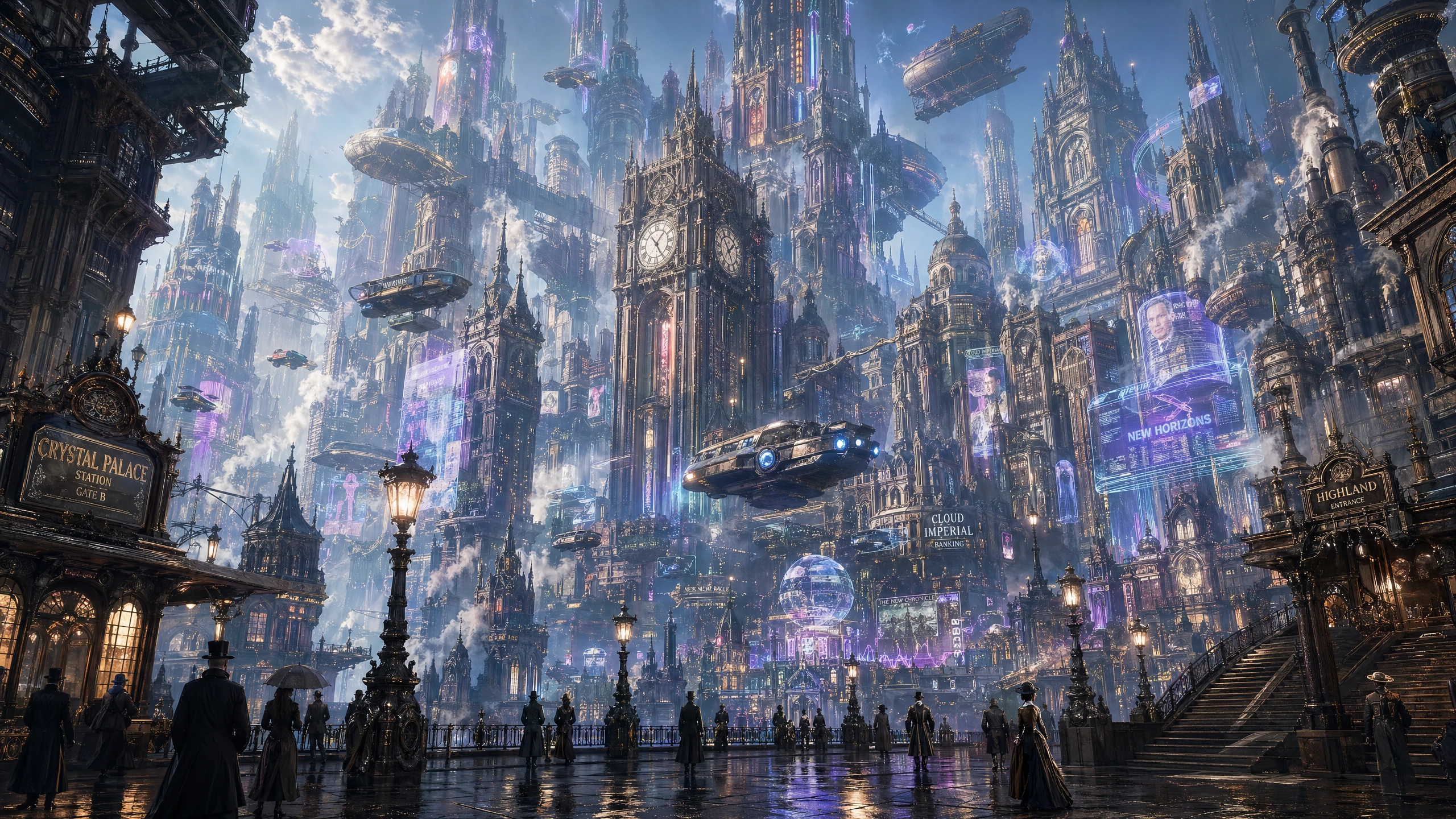
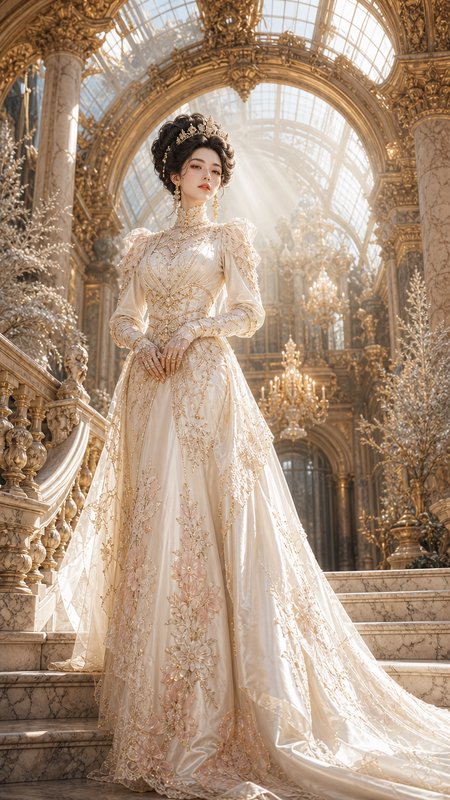
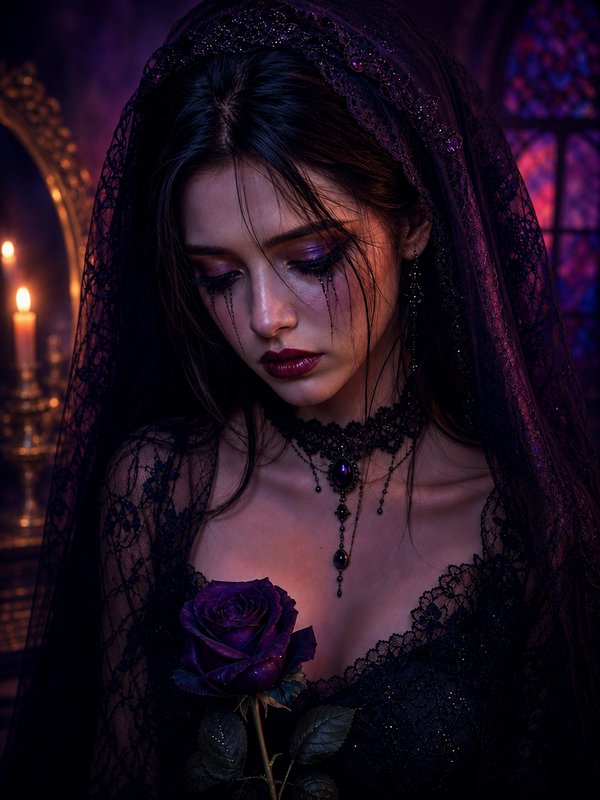
Official materials emphasize stronger instruction following, realism, and dense detail. That matters when you need a shot list, composition, props, or layout to stay close to the brief instead of drifting into a generic look.
- •Natural skin and material response
- •Better obedience to composition cues
- •Strong for product and lifestyle ads
- •Handles detailed briefs well
- •Solid base for iterative refinement
From the source
Official videos about GPT Image 2 from the provider — their own walk-throughs.
From OpenAIWatch on YouTube ↗
How it works
1
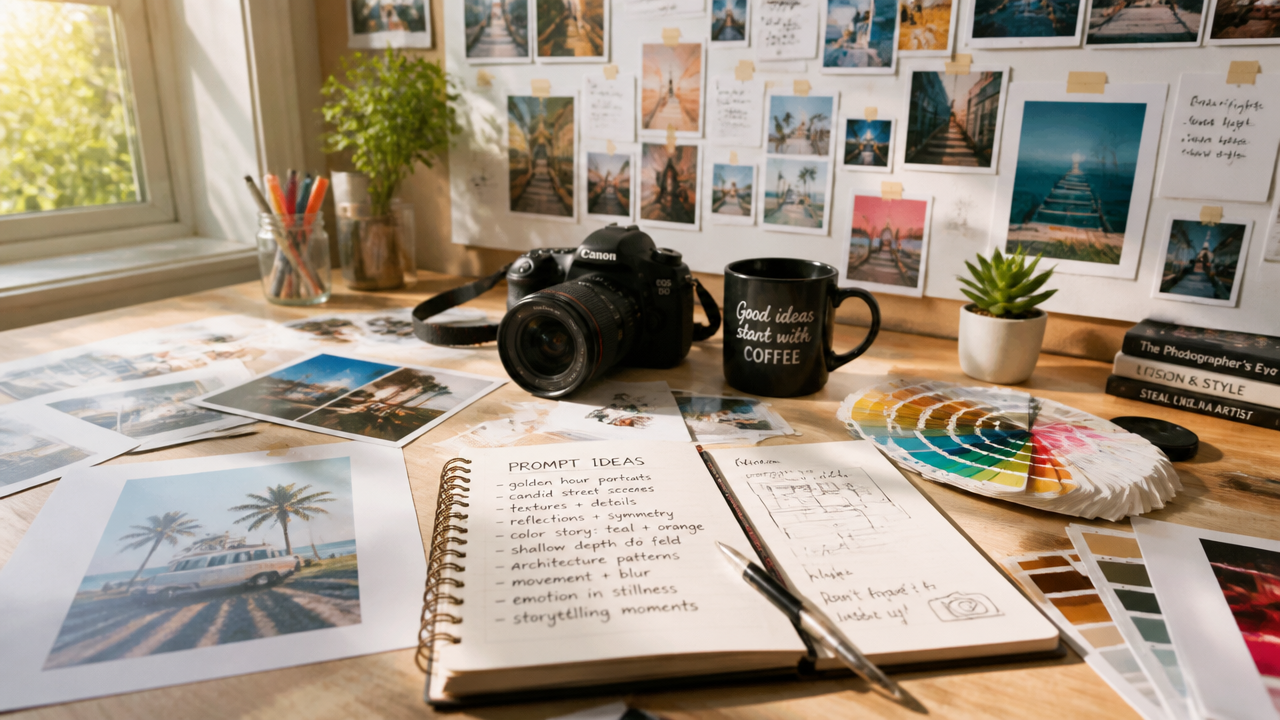
Describe your image
Start with the subject, setting, camera angle, lighting, and any text you need inside the frame. Short, specific instructions usually work better than vague style-only prompts.
2
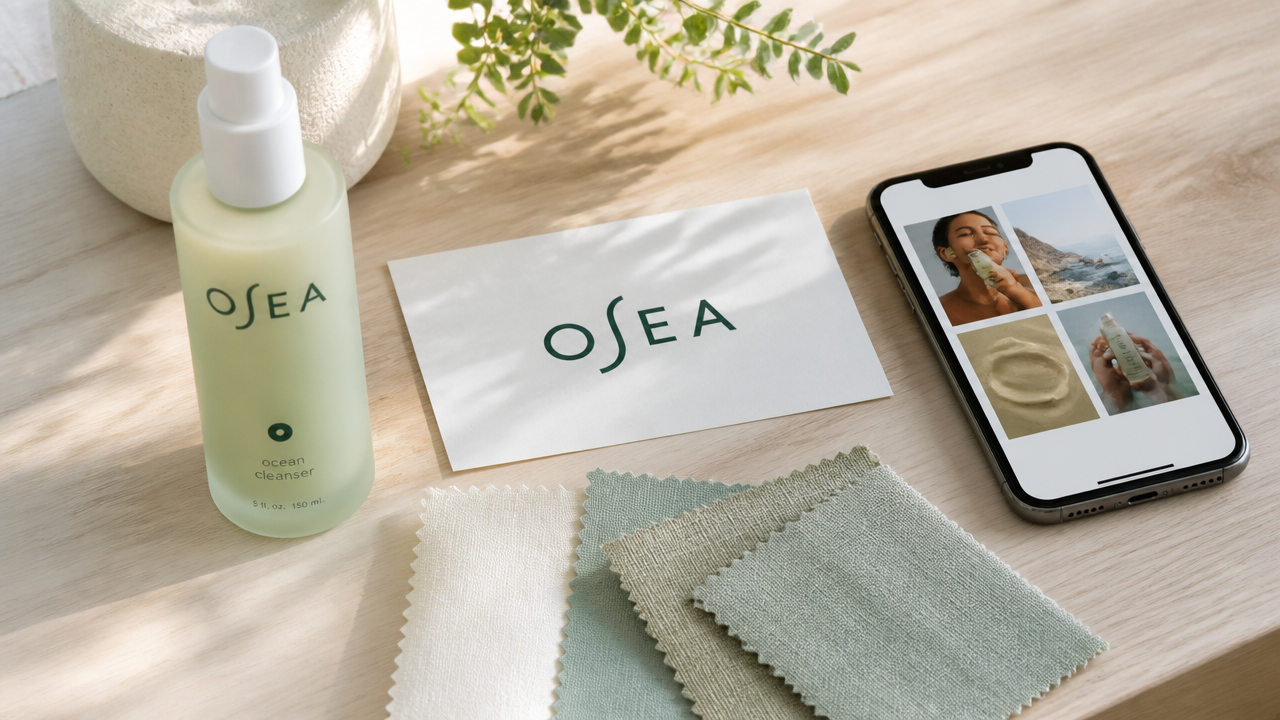
Add references if needed
Upload a source image when you want to preserve a product, person, or visual direction. For edits, say what should stay the same and what should change.
3
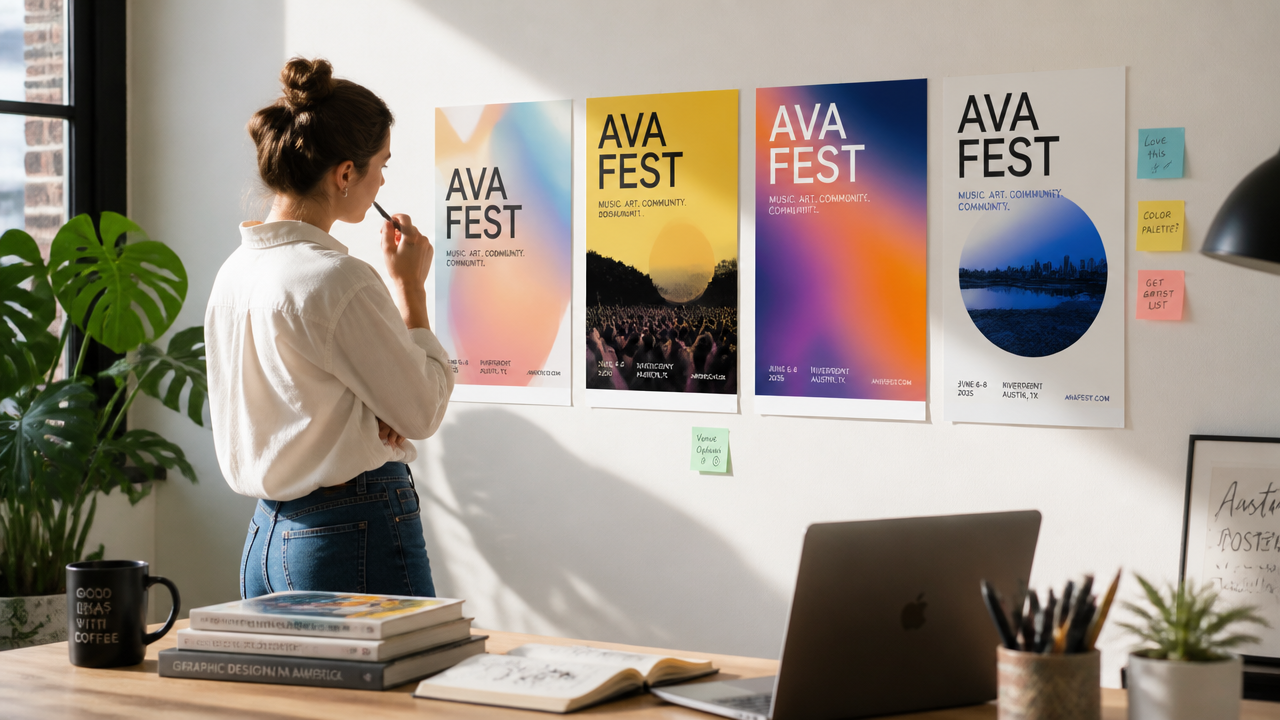
Generate and refine
Choose a size that fits the job, then generate a first pass and tighten the prompt. If something is close, iterate with small edits instead of rewriting everything.
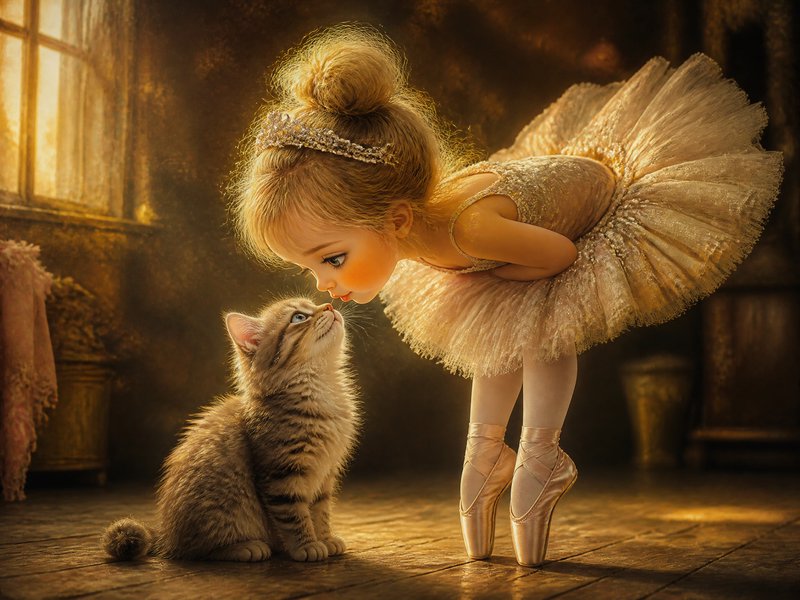
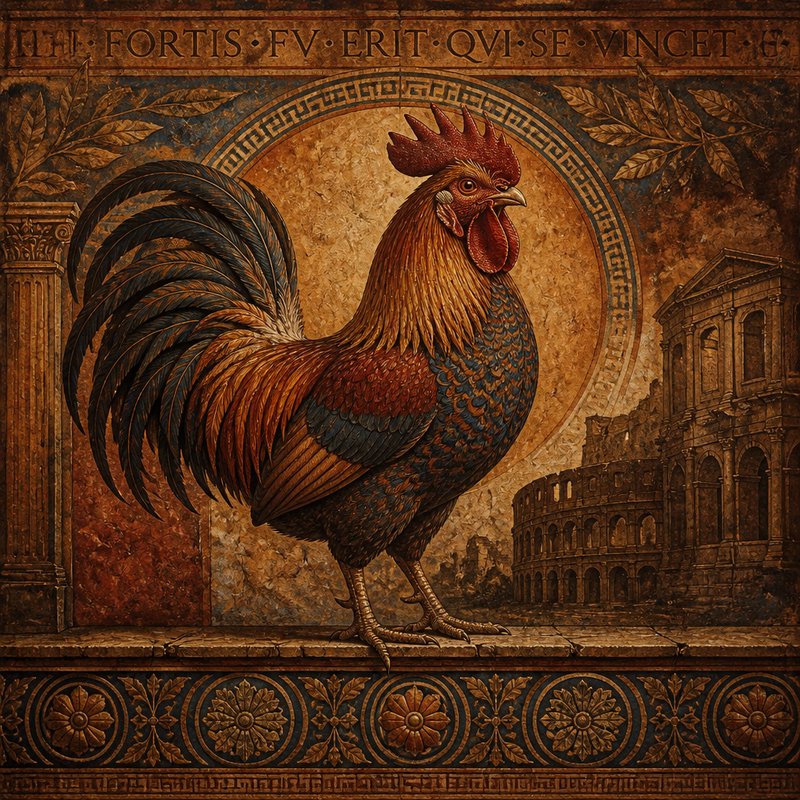
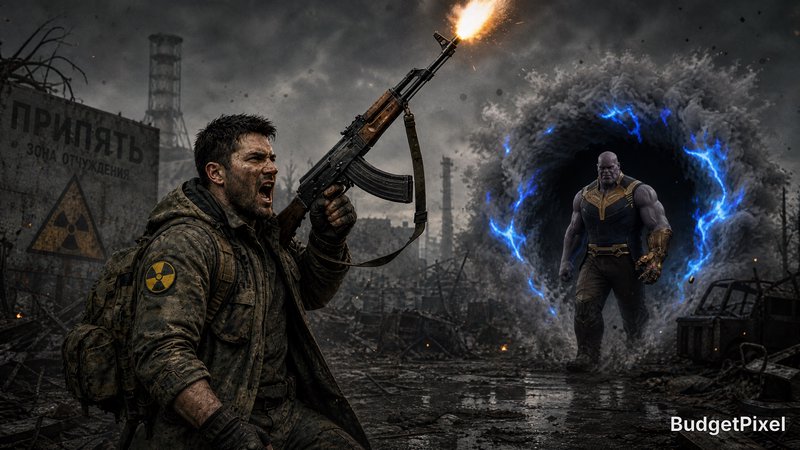
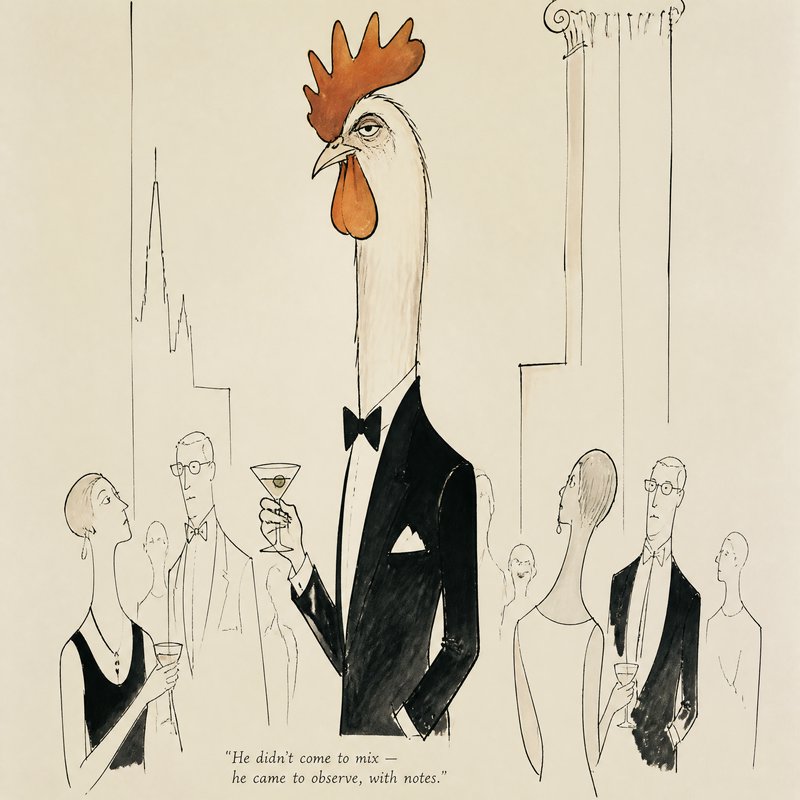
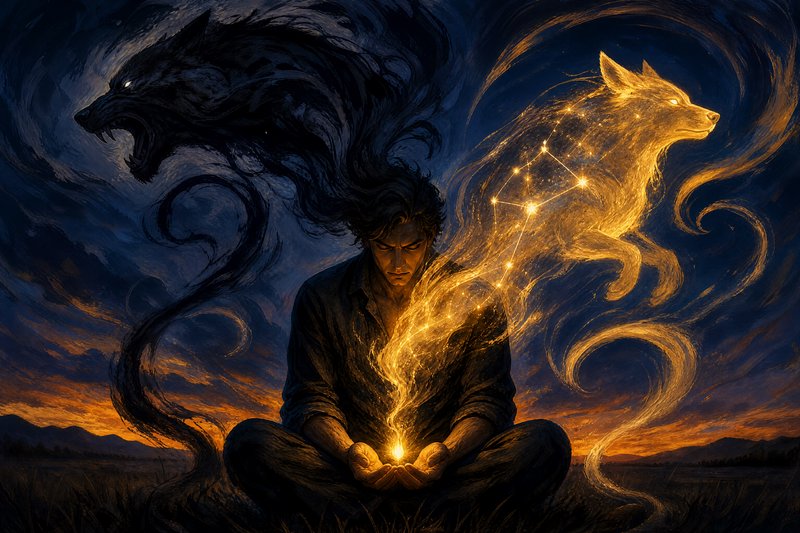
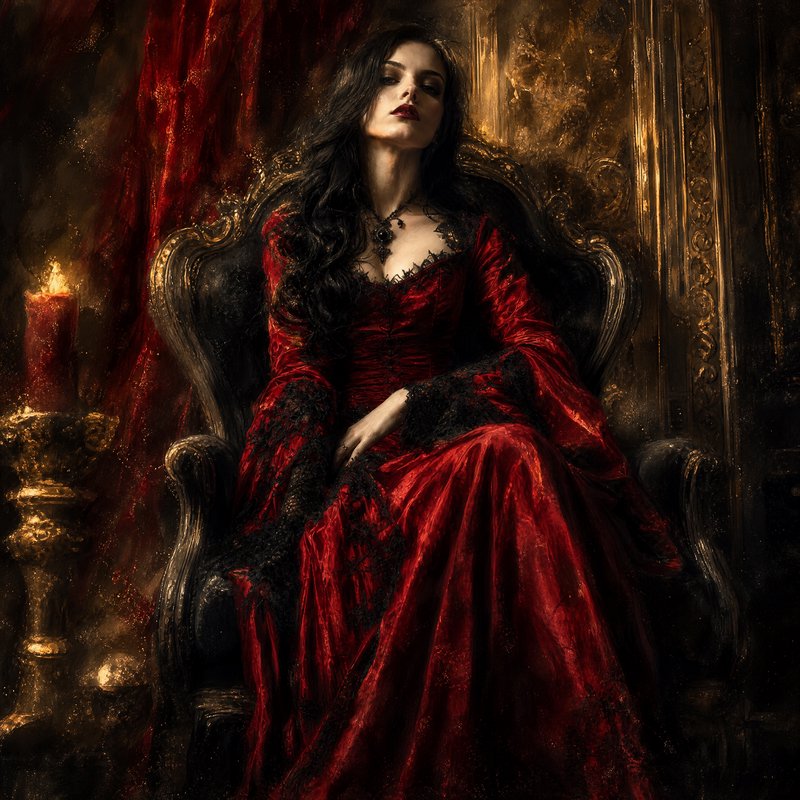
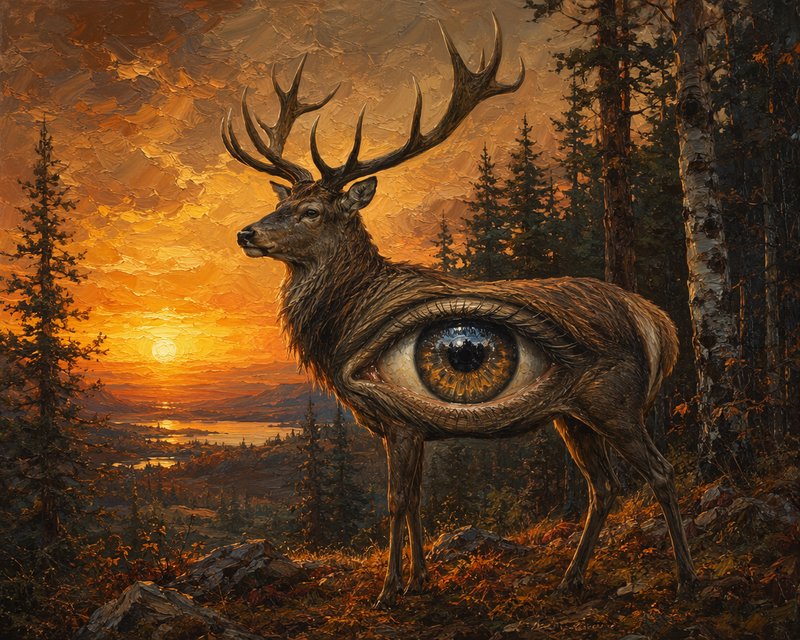
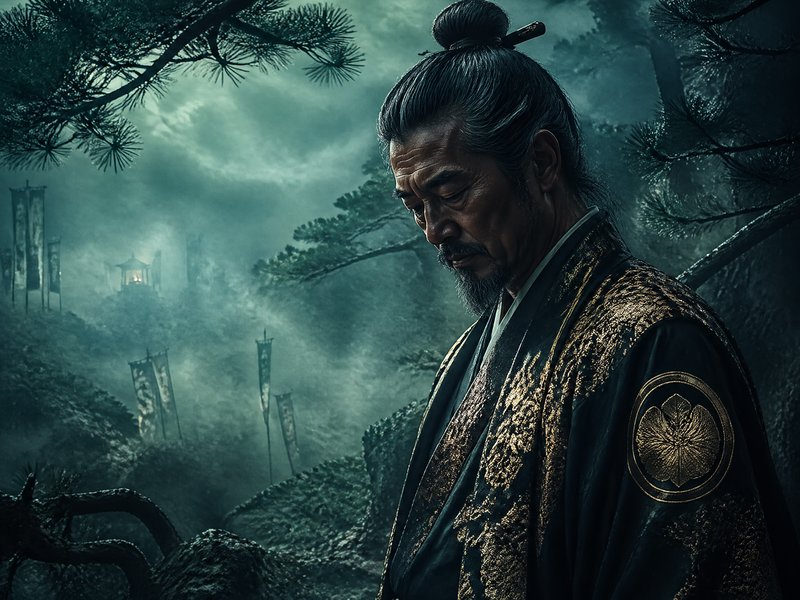
How GPT-Image-2 ranks in blind votes
In the BudgetPixel AI Image Arena, voters pick between two images made from the same prompt without knowing which model made them. GPT-Image-2 has 2,087 wins and 423 ties in 3,879 votes against 25 other recent image models.
- #3 of 26
- overall rank
- 1577
- Elo (95% range 1565–1588)
- 3,879
- blind votes
- 59 s
- median generation time
Rank by category
GPT-Image-2 head to head
Ratings are refitted nightly; last updated Oct 12, 2026. See every GPT-Image-2 arena image or vote in the arena.
Pricing for GPT Image 2
Runs on credits — no per-model surcharges, no surprise billing.
60credits
per generation
60 credits per image
Show pricing details▾
ResolutionCredits
- 1Kdefault60/ generation
- 2K120/ generation
- 4K180/ generation
Credits work across every plan. See /pricing for credit packages.
Use GPT-Image-2 via the API
GPT-Image-2 is available through the BudgetPixel developer API — the same model the studio runs, supporting text-to-image, and image editing / references. Pricing is metered in credits (60 credits/image at 1K, 120 credits/image at 2K, 180 credits/image at 4K), charged only on success, with an API key available on Premium plans and above.
curl -X POST https://api.budgetpixel.com/v1/images/gpt-image-2 \
  -H "Authorization: Bearer $BUDGETPIXEL_API_KEY" \
  -H "Content-Type: application/json" \
-d '{"prompt": "your prompt here"}'No code? Use GPT-Image-2 from Claude or Cursor
GPT-Image-2 is also available through the BudgetPixel MCP server. Connect your account to Claude, Cursor, or any MCP-enabled agent and generate with GPT-Image-2 by asking in plain language — same credits, same pricing, no code required.
GPT-Image-2 at a glance
- 1K / 2K / 4K resolution tiers
- Improved text rendering
- Better instruction following
- PNG / JPEG / WebP output
- Up to 16 reference images (edit)
- Batch generation (1-4 images)
- Quality x resolution pricing
How GPT-Image-2 compares
The differences that actually change which one you pick.
- GPT-Image-2 vs FLUX 2 Pro
- Both are premium. GPT-Image-2 wins on text-in-image and 4K; FLUX has stronger multi-reference composition.
Frequently asked questions
What is GPT Image 2?▾
GPT Image 2 is OpenAI's image model for generating and editing images from text and image inputs. It is built for high-quality visuals, stronger instruction following, and better text handling than older general-purpose image models.
How does GPT Image 2 work?▾
You can start with a text prompt, upload one or more reference images, or edit an existing image with a prompt and optional mask. That makes it useful for both fresh generation and iterative revision workflows.
Does GPT Image 2 render text well?▾
Yes. Text rendering is one of its clearest strengths, especially for posters, packaging, menus, mockups, diagrams, and other images where readable words matter.
What resolutions and aspect ratios does GPT Image 2 support?▾
GPT Image 2 supports flexible sizes rather than only a few presets. The model accepts many valid resolutions up to a 3840 px maximum edge length, with both sides set to multiples of 16, so square, portrait, landscape, 2K, and 4K-style outputs are all practical.
Does GPT Image 2 support reference images?▾
Yes. It can use one or more images as references when generating a new image, which helps maintain product details, composition cues, or brand elements. That is especially useful for product shots, packaging work, and brand consistency.
Can GPT Image 2 edit existing images?▾
Yes. It supports full-image edits and masked edits, so you can change only selected regions instead of rebuilding the whole scene. That works well for recolors, object swaps, background extensions, and small cleanup passes.
Can I use GPT Image 2 commercially?▾
Commercial use is generally possible, and OpenAI's terms say you own the output as between you and OpenAI. You still need to follow provider policies, respect third-party rights, and make sure your prompts, references, and end use are appropriate for your project.
How much does GPT Image 2 cost?▾
Cost usually scales with image size, quality, and how many generations or edits you run. Higher-resolution outputs and reference-heavy edit workflows generally use more credits than quick low-resolution drafts.
GPT Image 2 vs Midjourney: which is better?▾
If you need readable text, cleaner edits, and production-style marketing assets, GPT Image 2 is often the easier fit. If your priority is a more stylized, art-first exploration workflow, some creators still prefer Midjourney. The better choice depends on whether you optimize for usable layout fidelity or for aesthetic experimentation.
Does GPT Image 2 support transparent backgrounds?▾
Not currently. Transparent background requests are not supported for GPT Image 2, so cutout workflows usually need a separate background removal step after generation.
Does GPT-Image-2 have an API?▾
Yes — GPT-Image-2 is available through the BudgetPixel developer API via the `POST /v1/images/gpt-image-2` endpoint, supporting text-to-image, and image editing / references. Generate an API key from the developer console (available on Premium plans and above) and see the full reference at docs.budgetpixel.com.
How much does the GPT-Image-2 API cost?▾
API usage is billed in credits from the same balance your plan includes, at the standard metered rate: 60 credits/image at 1K, 120 credits/image at 2K, 180 credits/image at 4K. Failed generations are never charged. You can estimate any request's exact cost with POST /v1/cost before running it.
Can I use GPT-Image-2 with Claude or other AI agents (MCP)?▾
Yes — GPT-Image-2 is exposed through the BudgetPixel MCP server, so Claude, Cursor, and any MCP-compatible agent can generate with it from a plain-language request. Connect your account at budgetpixel.com/mcp; generations use the same credit balance and pricing as the web studio and the API.