Flux 2 Pro
Production-ready images at the resolution you choose.
Free plan: up to 12 images a month, then from $0.025 an image.

0.5, 1, 2 or 4 MPOutput
Up to 4References
15–80 by resolutionCredits
Image Workshop · APIRuns in
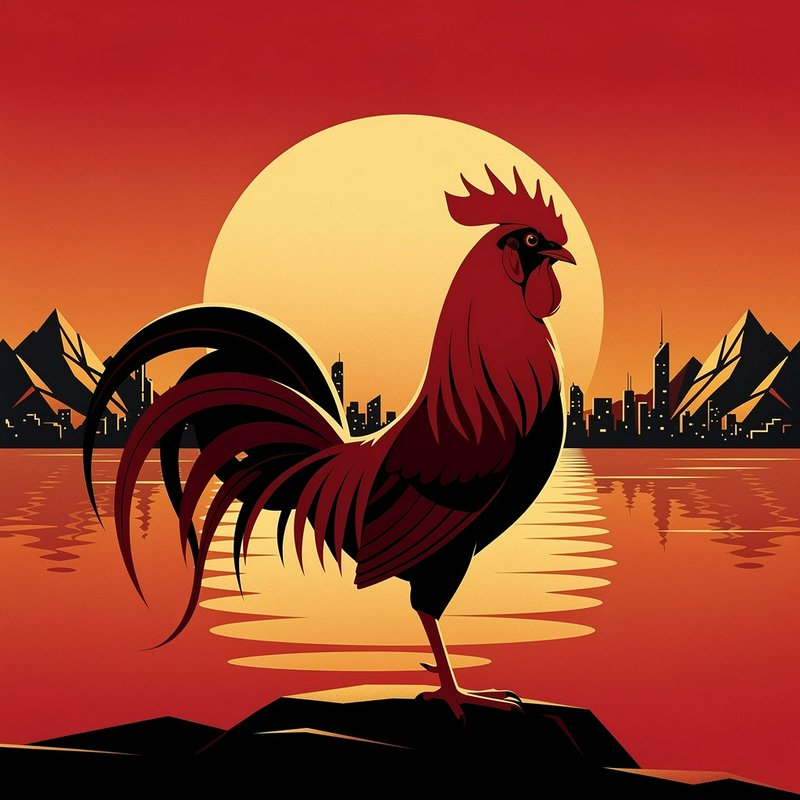
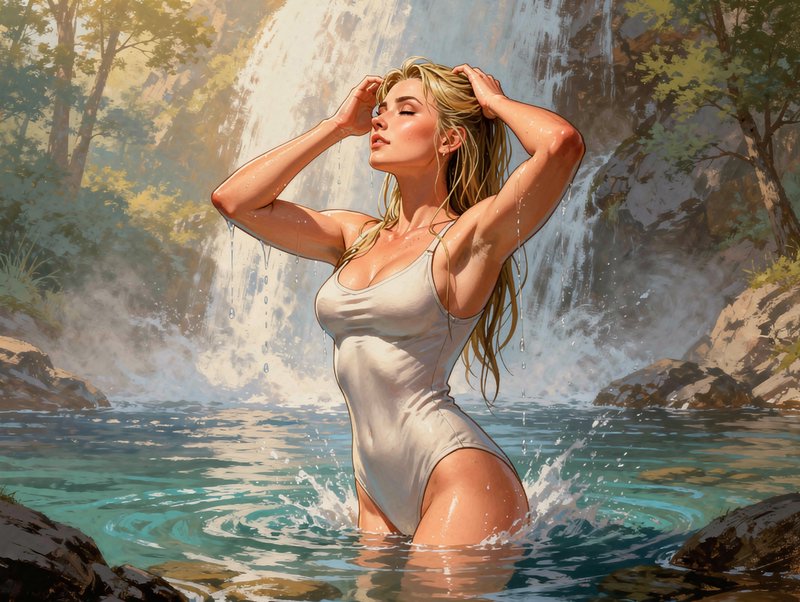
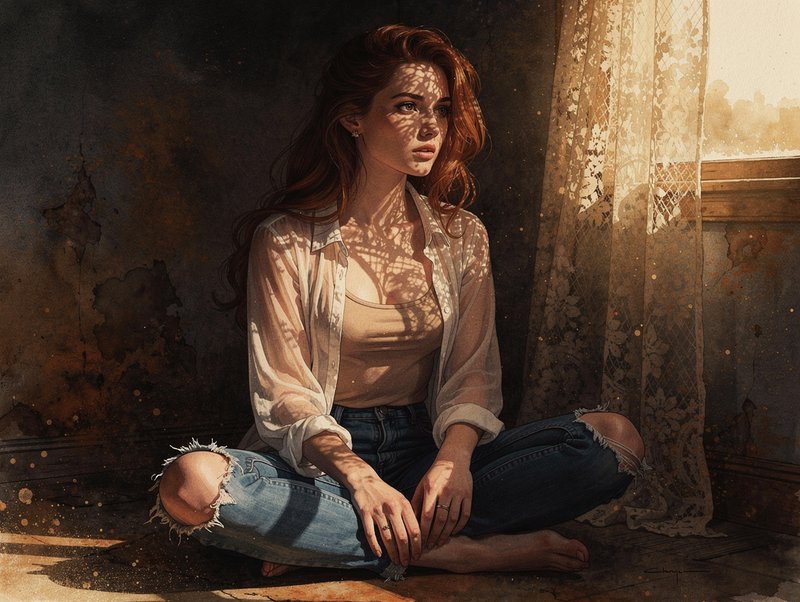
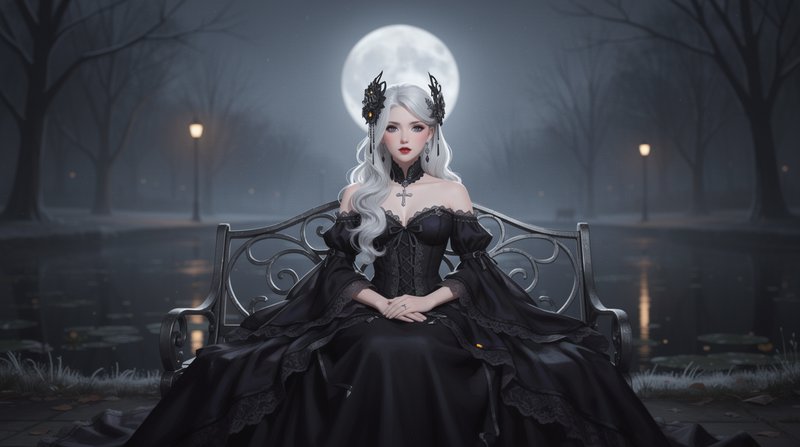
Professional images for every use case
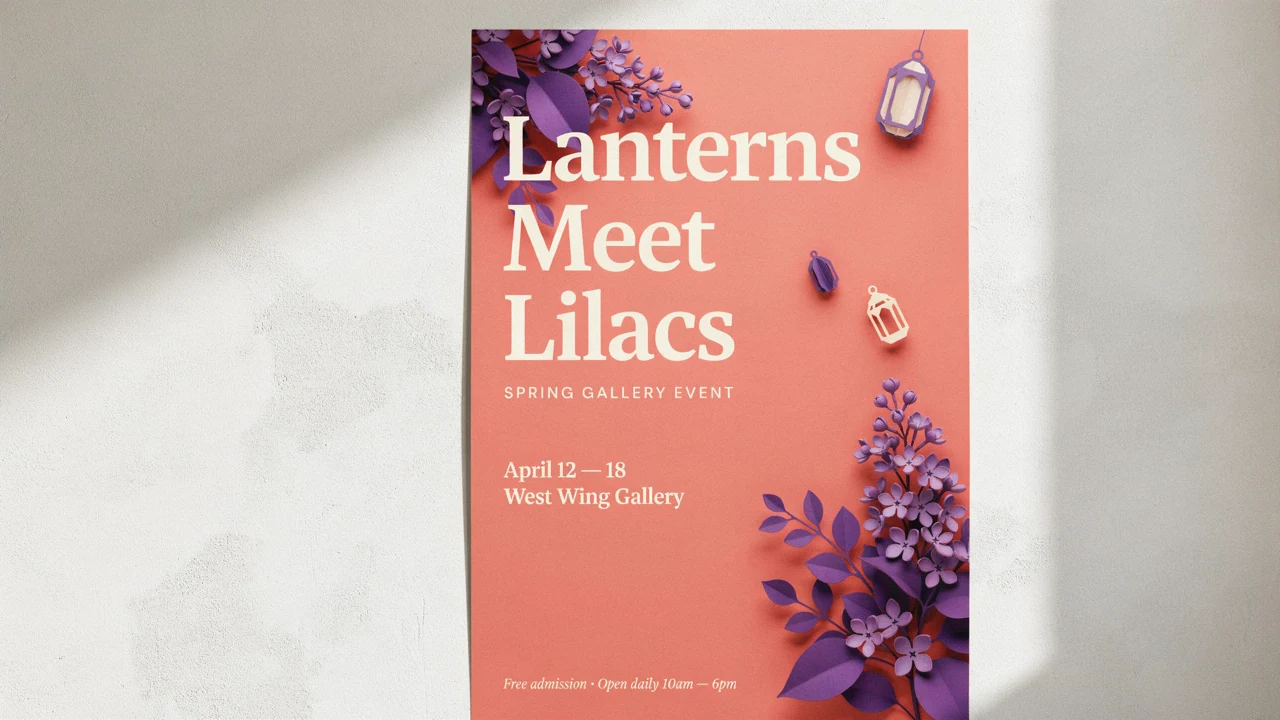
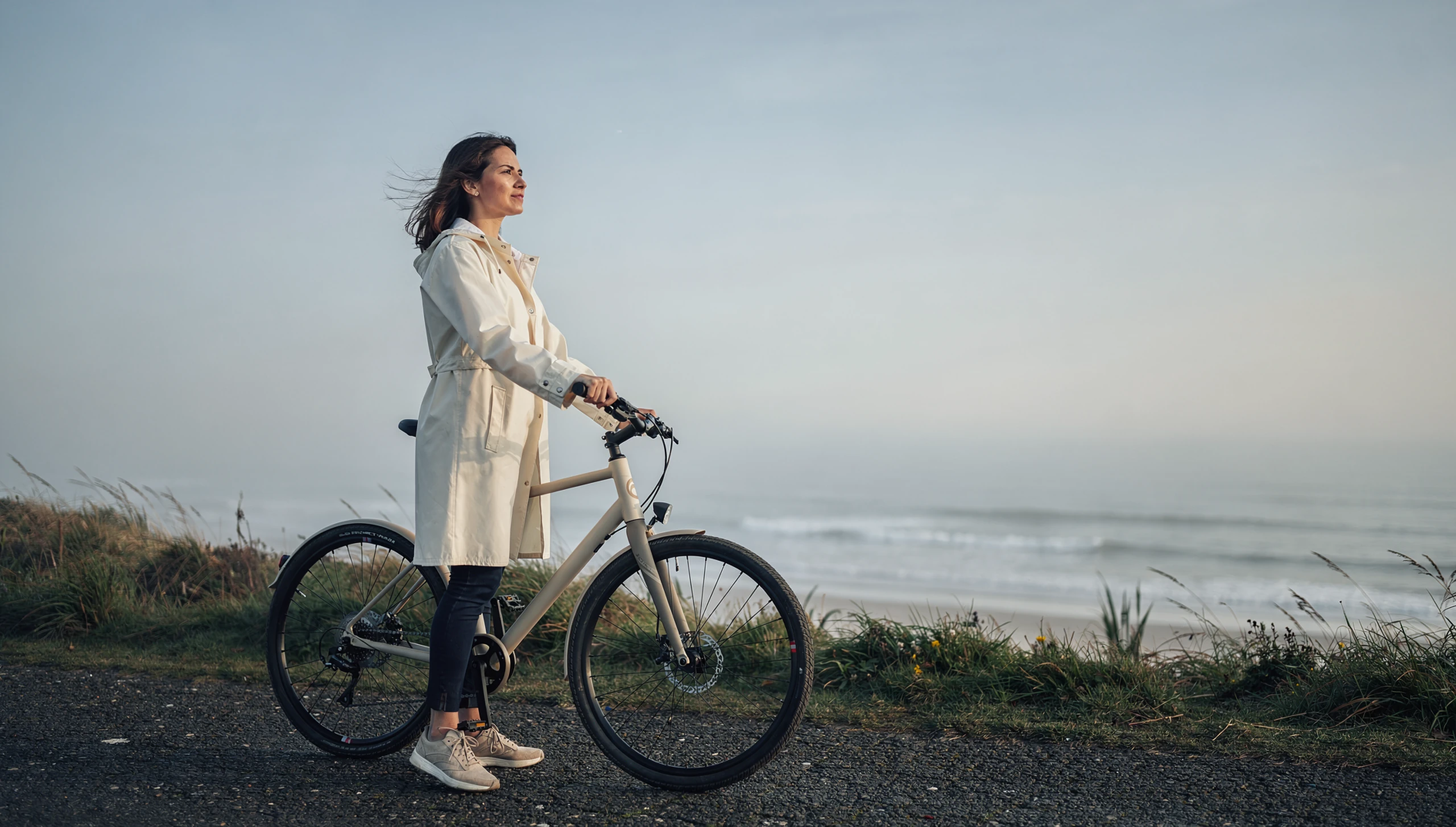
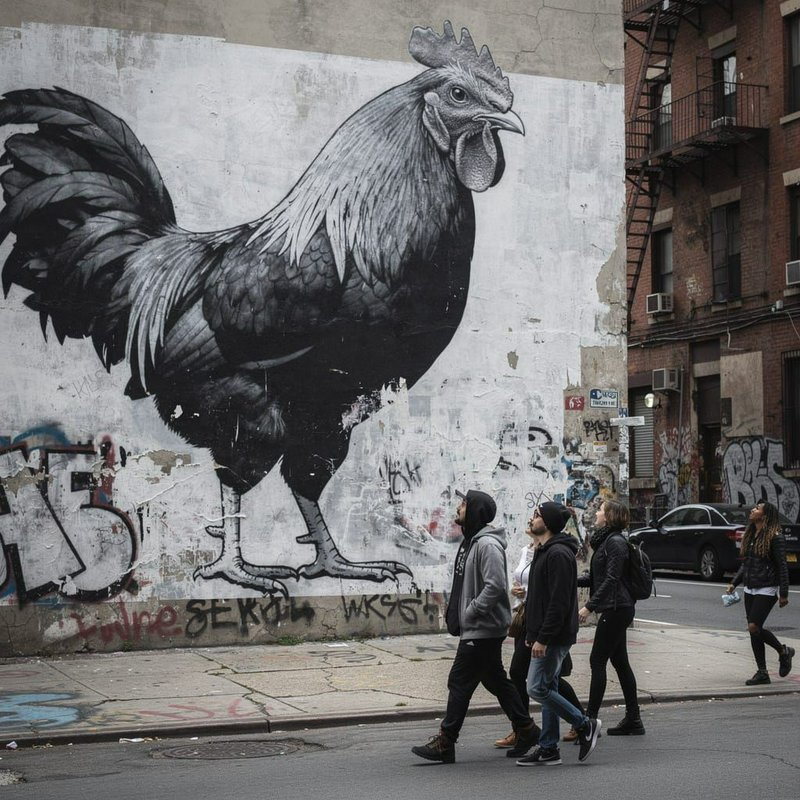
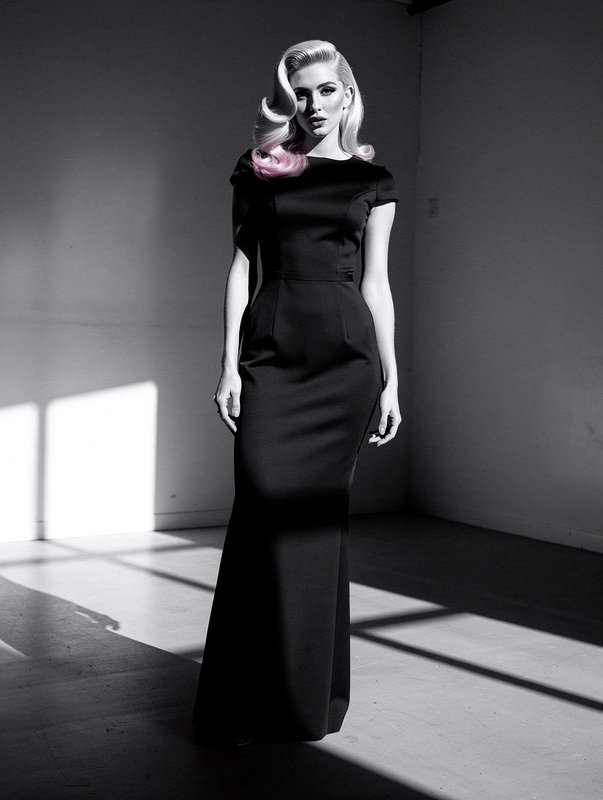
Marketing campaign images.
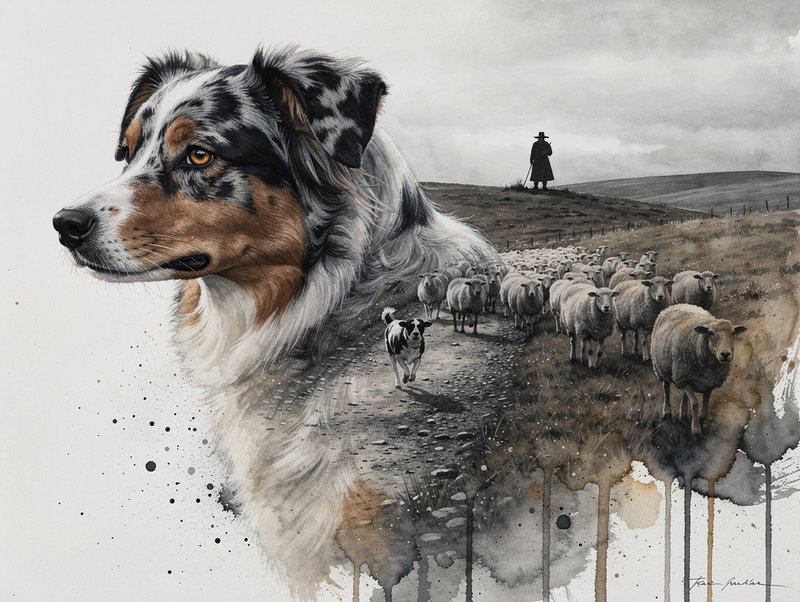
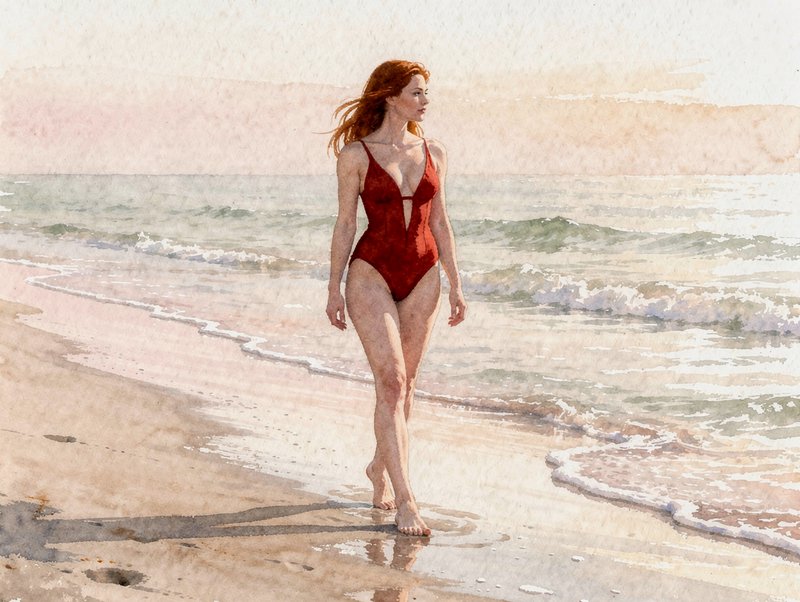
Build lifestyle visuals around a clear subject, setting and color direction.Editorial illustration.
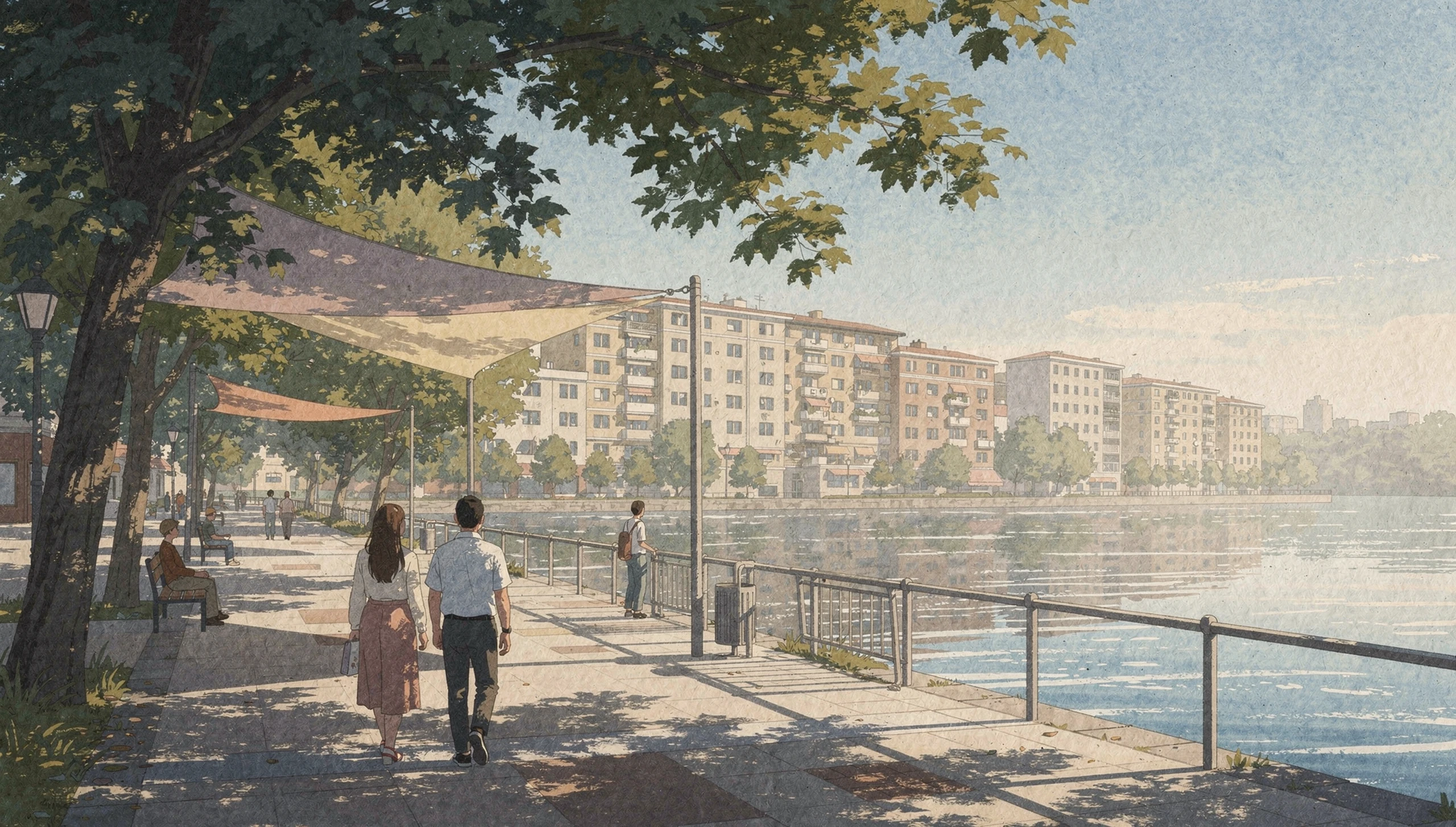
Turn an article theme into a composed visual with a distinct illustrative style.Architectural renders.
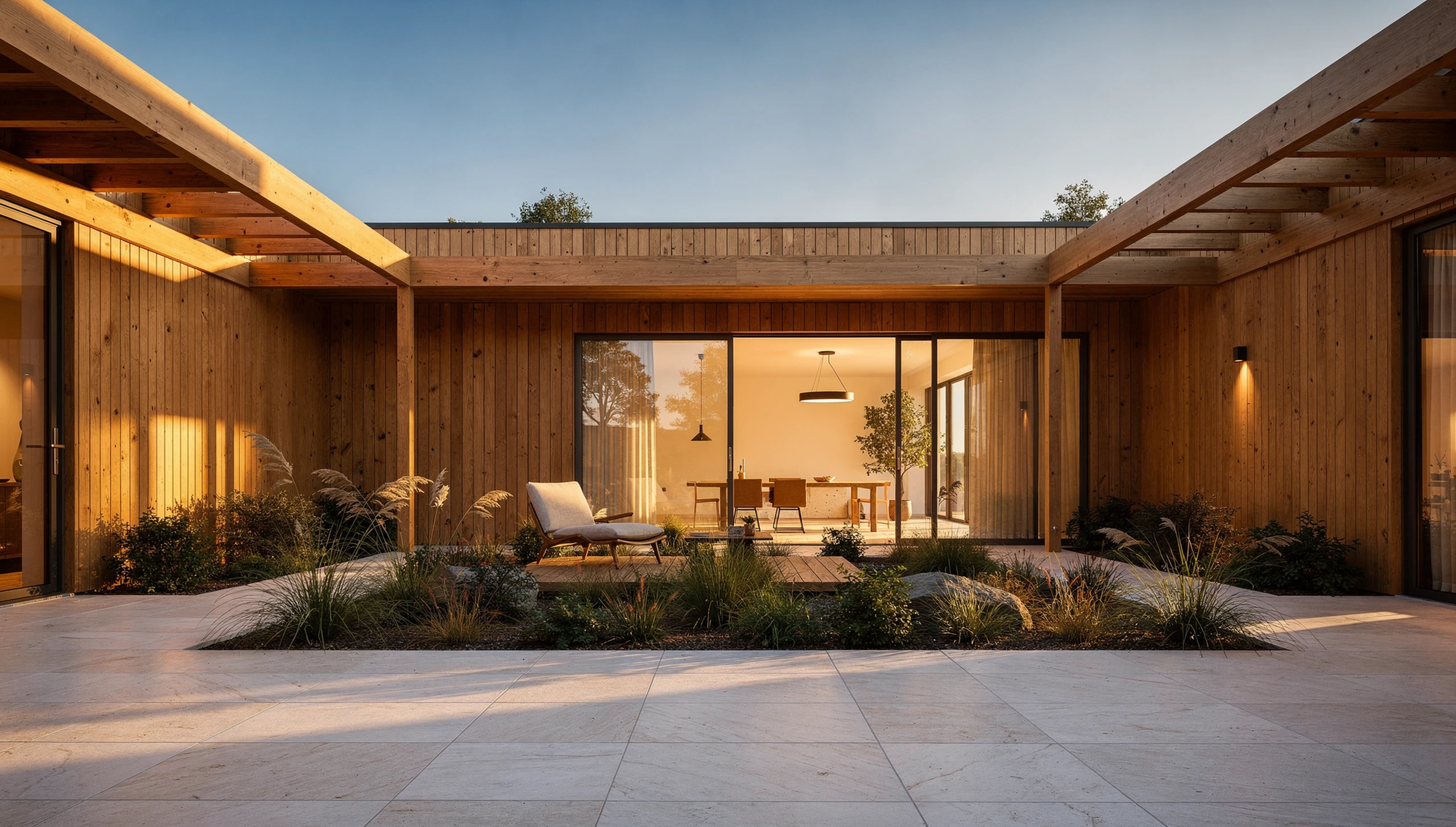
Explore spaces with coherent perspective, material detail and natural-looking light.
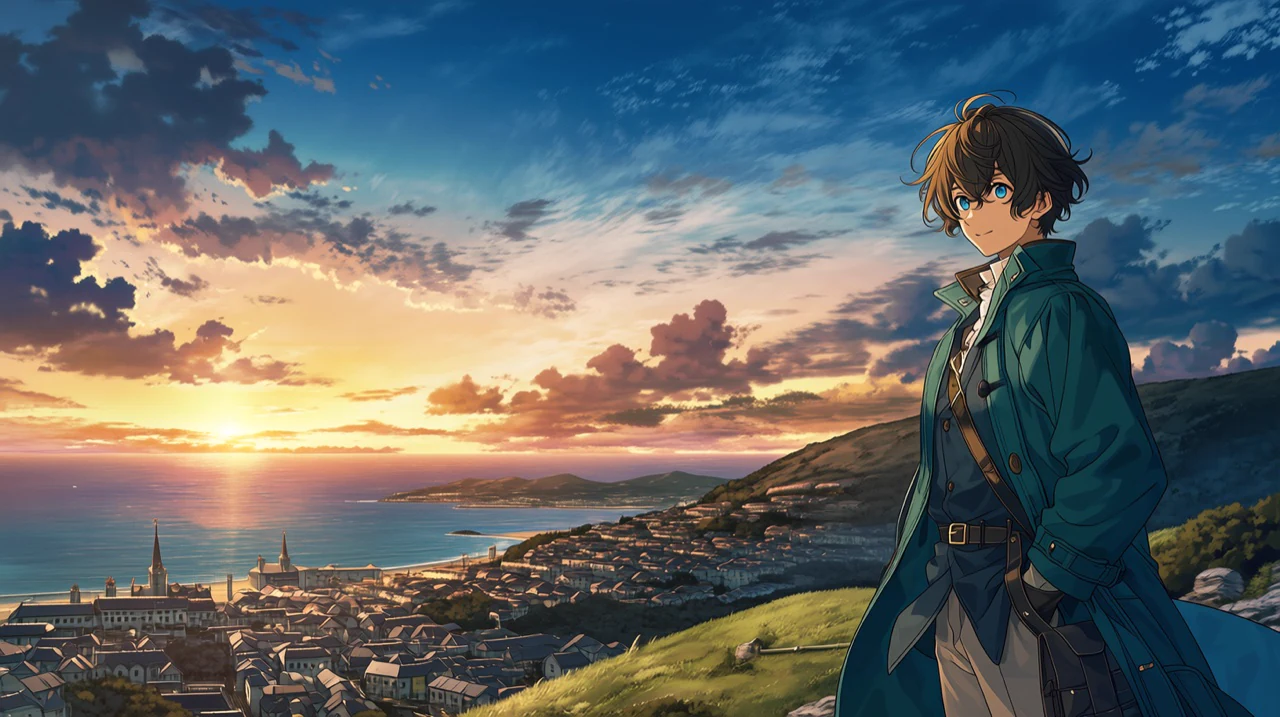
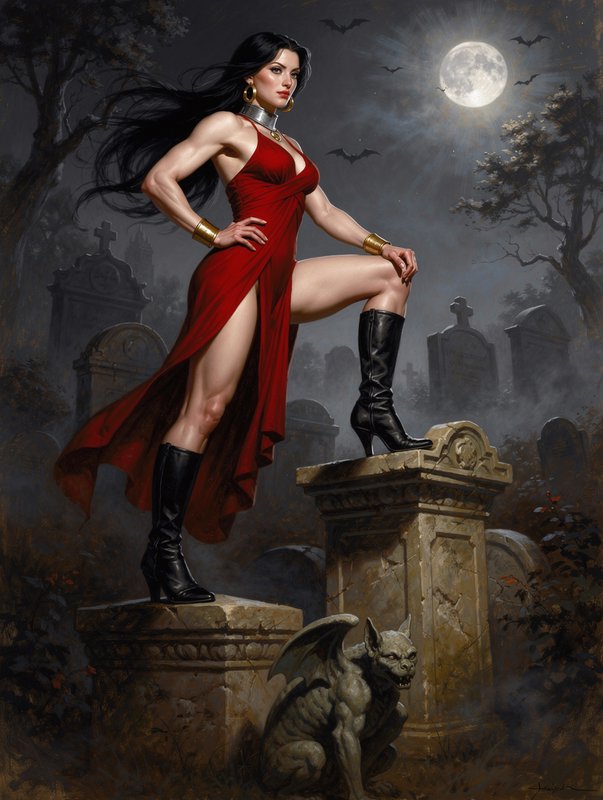
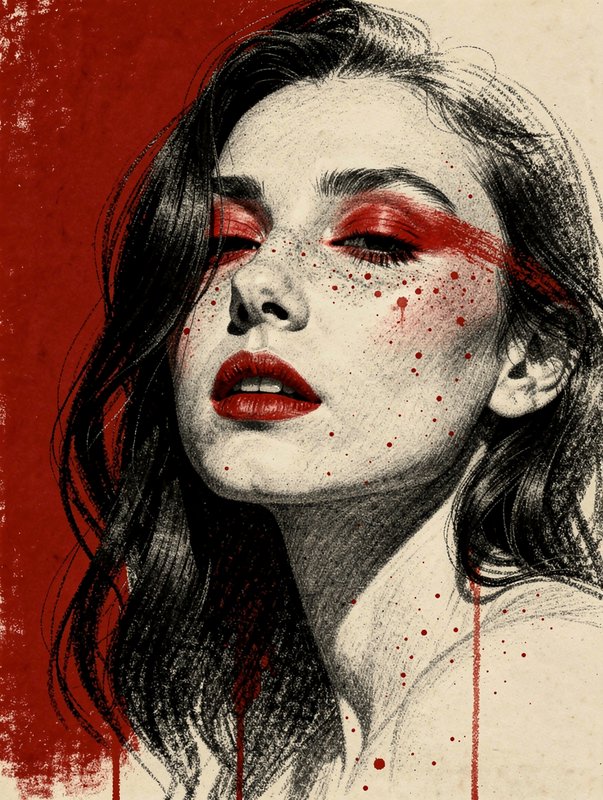
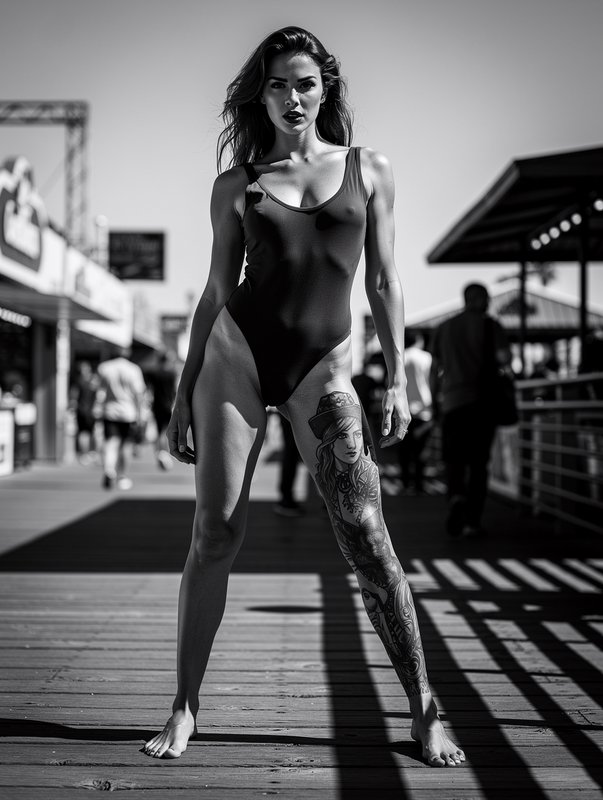
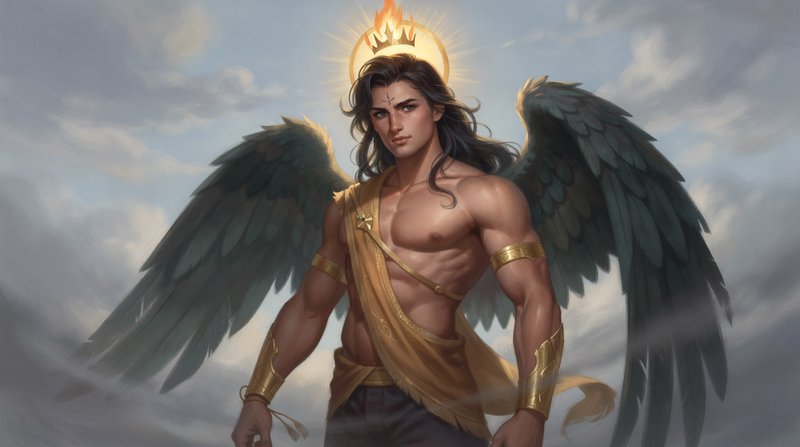
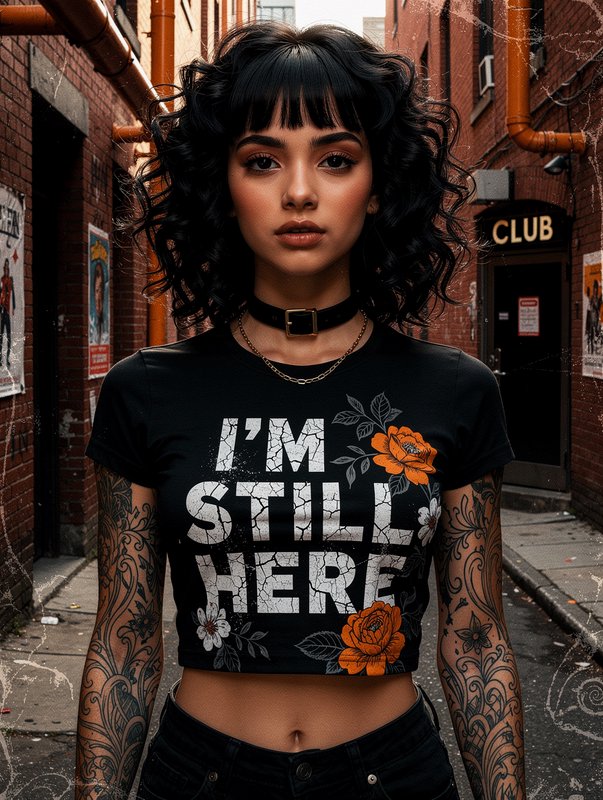
Character portraits.
Develop expressive fictional subjects for editorial and campaign concepts.Photoreal detail for production assets
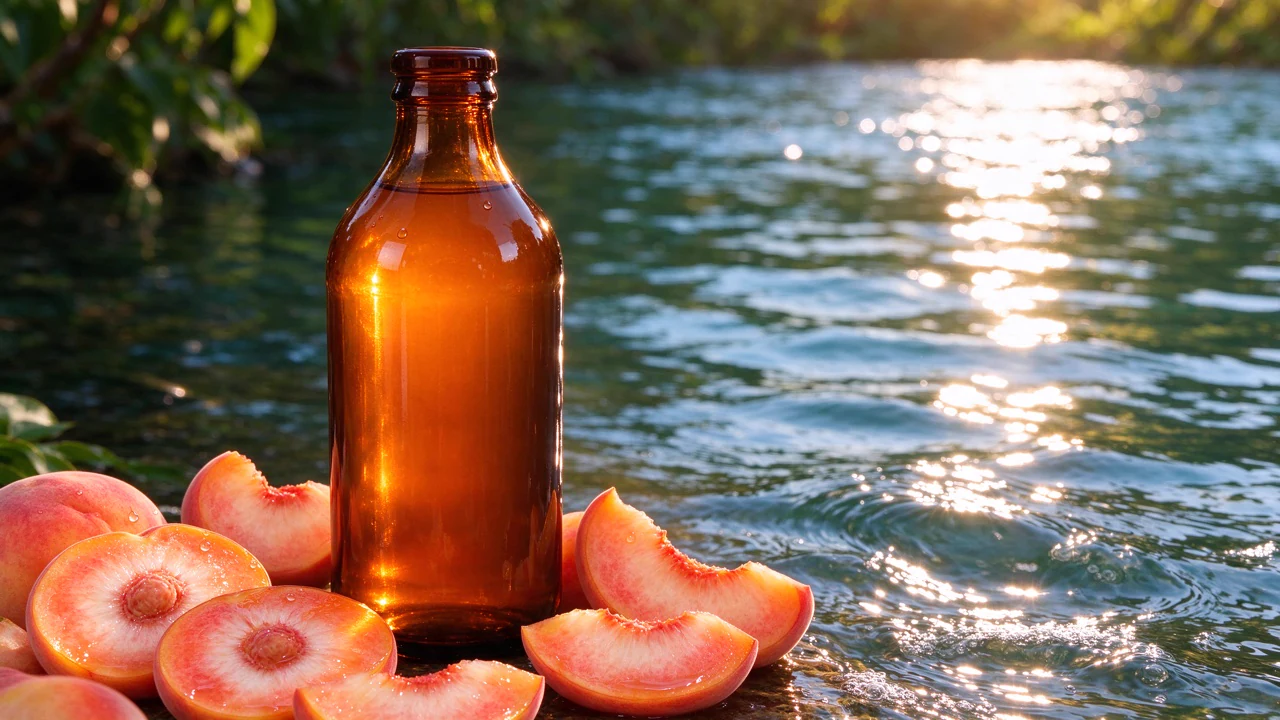
Describe the materials, lighting and setting you need for a product or lifestyle image. Flux 2 Pro can render fine textures and coherent lighting that help a scene feel considered rather than generic.
- •Detailed fabric, glass and surface textures
- •Natural-looking light and shadows
- •Product scenes and lifestyle settings
- •Photographic and illustrative styles

Edit with reference images
Upload an image to edit, or use references to guide a new composition. Describe the role of each reference so the model has a clear direction for the subject, setting or style.
- •Text-guided image editing
- •Up to 4 reference images in BudgetPixel
- •Subject and style guidance
- •Product placement in new settings

Choose the frame and output resolution
Select an aspect ratio that suits the destination, then choose the output resolution for the job. BudgetPixel offers resolution options through 4MP, so you can make a draft or request a larger final image.
- •Landscape, portrait and square framing
- •0.5MP, 1MP, 2MP or 4MP output
- •1MP selected by default
- •Space for headlines and layouts
Direct complex compositions
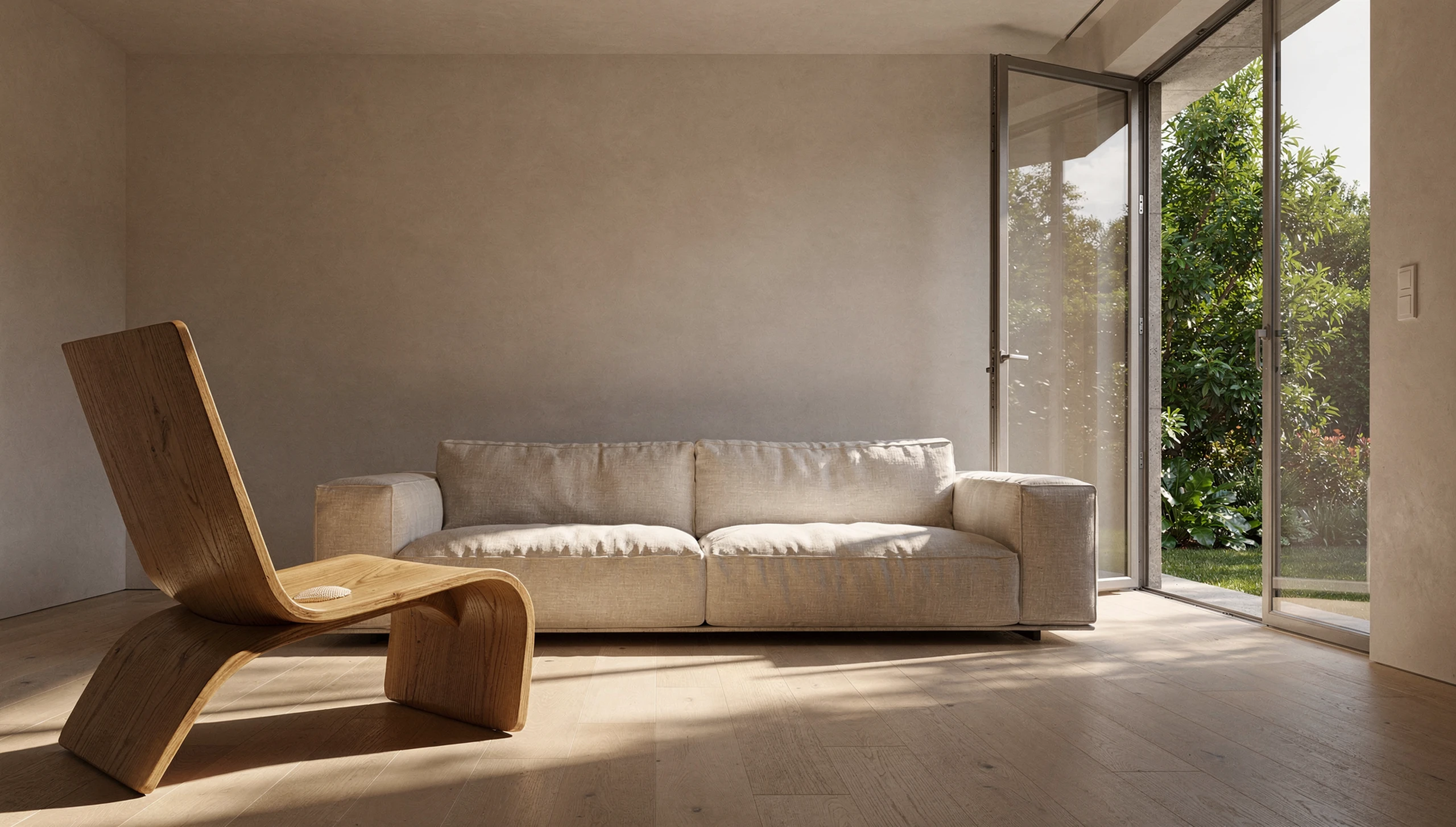
Specify where subjects and objects belong, along with the light, palette and visual style. The model is built to follow structured scene instructions and handle spatial relationships across the image.
- •Subject placement and scene layout
- •Coherent perspective
- •Lighting and palette direction
- •Detailed natural-language prompts
How it works

1
Describe your image
Open BudgetPixel's Image Workshop with Flux 2 Pro selected. Write a prompt that puts the main subject first, then adds its setting, style, lighting and composition.

2
Choose your settings
Pick an aspect ratio and output resolution that fit where the image will go. For an edit or a reference-guided image, upload your images and explain what each should contribute.

3
Generate and refine
Generate with BudgetPixel credits, then inspect the composition and details. Revise your prompt or references to refine the result; set a seed when you want repeatable starting conditions.
Prompts to steal
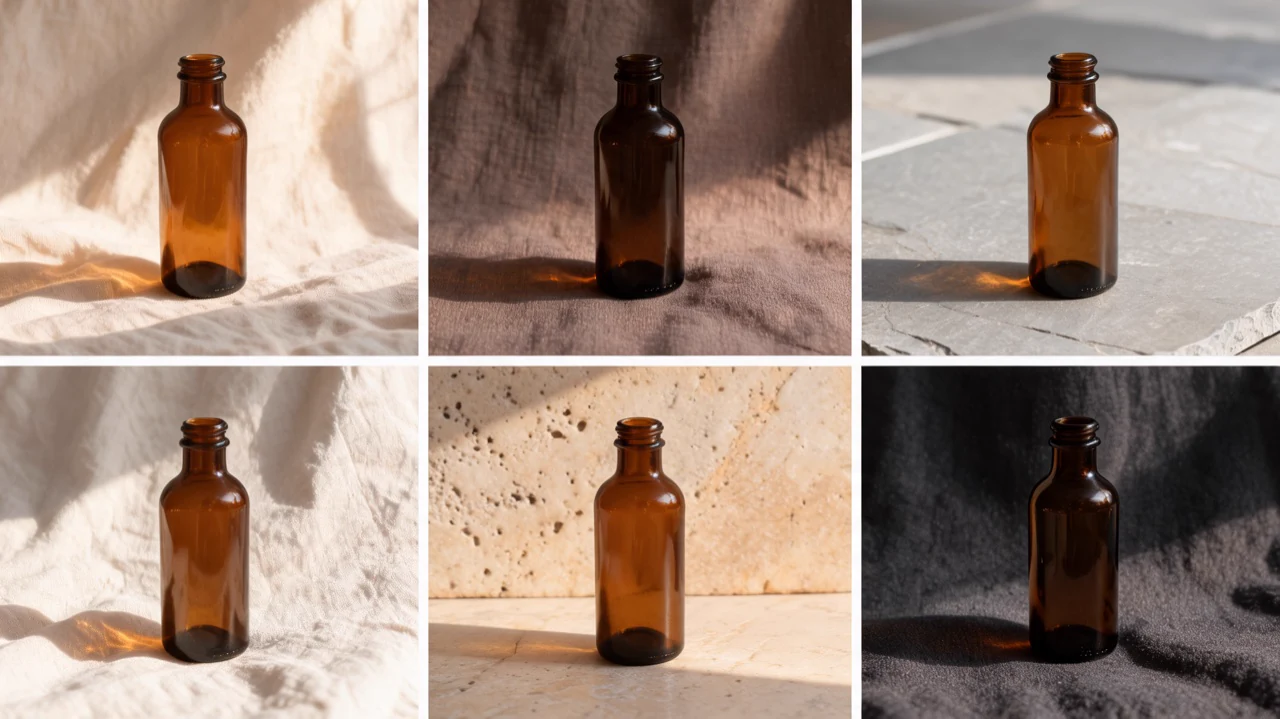
16:9 landscape product photograph of an unmarked amber glass skincare bottle on travertine beside a linen towel, soft morning window light, crisp reflections, warm neutral palette.
Product photography
16:9 landscape lifestyle campaign photograph of a fully clothed fictional woman in a rust coat walking through a sunlit greenhouse, lush leaves, airy composition, open space for copy.
Marketing campaign images
16:9 landscape editorial illustration of a quiet riverside city adapting to summer heat, leafy shade canopies, pedestrians in everyday clothes, textured gouache, clear visual hierarchy.
Editorial illustration
16:9 landscape architectural photograph of a modern timber courtyard home in late afternoon, long shadows on pale stone, native grasses, precise perspective, welcoming interior glow.
Architectural renders
16:9 landscape environmental portrait of a fully clothed fictional botanist in a sage jacket tending seedlings in a greenhouse, natural side light, lifelike skin detail, calm candid framing.
Character portraits



Pricing for Flux 2 Pro
Runs on credits — no per-model surcharges, no surprise billing.
25credits
per generation
25 credits per image
Show pricing details▾
ResolutionCredits
- 1MPdefault25/ generation
- 0.5MP15/ generation
- 2MP50/ generation
- 4MP80/ generation
Credits work across every plan. See /pricing for credit packages.
Compare all 6 versions
All 6 run on the same credits in the same workshop — here is what each costs and what it is for.
Flux 2 Pro
25credits per generation
- Resolution:
- 0.5MP 15 credits · 1MP 25 credits · 2MP 50 credits · 4MP 80 credits
Black Forest Labs' premium FLUX model with resolution-based pricing (0.5MP to 4MP) and multi-image reference support (up to 4 images). Offers superior quality with flexible resolution options for professional workflows.
Try Flux 2 Pro →FLUX 3
65credits per generation
- Resolution:
- 768px 55 credits · 1K 65 credits · 1.5K 90 credits · 2K 130 credits · 4K 790 credits
Black Forest Labs' FLUX 3: text-to-image and image editing in one model. Edit or compose from up to 10 reference images at no extra cost, render at five sizes from 768px to 4K, and optionally let the model ground your prompt with web and image search before it renders.
Try FLUX 3 →Flux 2 Max
80credits per generation
- Resolution:
- 0.5MP 60 credits · 1MP 80 credits · 2MP 120 credits · 4MP 180 credits
Black Forest Labs' most powerful FLUX model with exceptional detail and quality. Resolution-based pricing (0.5MP to 4MP) and multi-image reference support (up to 4 images). The ultimate choice for maximum quality output.
Try Flux 2 Max →Flux 2 Flex
80credits per generation
- Resolution:
- 0.5MP 40 credits · 1MP 80 credits · 2MP 160 credits · 4MP 260 credits
Black Forest Labs' advanced FLUX model with resolution-based pricing (0.5MP to 4MP), adjustable steps and guidance, and multi-image reference support (up to 4 images). Offers fine-grained control over generation quality and style.
Try Flux 2 Flex →Flux 2 Dev
25credits per generation
Black Forest Labs' next-generation FLUX model with improved quality, better prompt adherence, and multi-image reference support (up to 4 images). Excellent for both text-to-image and image-to-image generation with permissive content policies.
Try Flux 2 Dev →Flux 2 Klein
10credits per generation
Black Forest Labs' sub-second image generation model (FLUX.2-klein-9B) with text-to-image and image editing capabilities. Supports up to 3 reference images for multi-image fusion, excellent prompt adherence, and high-definition output up to 2048x2048.
Try Flux 2 Klein →Use FLUX 2 Pro via the API
FLUX 2 Pro is available through the BudgetPixel developer API — the same model the studio runs, supporting text-to-image, and image editing / references. Pricing is metered in credits (15 credits/image at 0.5MP, 25 credits/image at 1MP, 50 credits/image at 2MP, 80 credits/image at 4MP), charged only on success, with an API key available on Premium plans and above.
curl -X POST https://api.budgetpixel.com/v1/images/flux-2-pro \
  -H "Authorization: Bearer $BUDGETPIXEL_API_KEY" \
  -H "Content-Type: application/json" \
-d '{"prompt": "your prompt here"}'No code? Use FLUX 2 Pro from Claude or Cursor
FLUX 2 Pro is also available through the BudgetPixel MCP server. Connect your account to Claude, Cursor, or any MCP-enabled agent and generate with FLUX 2 Pro by asking in plain language — same credits, same pricing, no code required.
Flux 2 Pro at a glance
- Premium quality
- Resolution options (0.5MP-4MP)
- Multi-image reference (up to 4)
- Both text2img & img2img
- Professional output
How Flux 2 Pro compares
The differences that actually change which one you pick.
- Flux 2 Pro vs FLUX 2 Dev
- FLUX 2 Pro offers higher quality output and better prompt adherence than Dev. Choose Pro for final production assets.
- Flux 2 Pro vs FLUX 2 Max
- FLUX 2 Max is the most powerful variant with multi-image reference support. Pro is more cost-effective for single image generation.
- Flux 2 Pro vs Midjourney
- FLUX 2 Pro offers comparable quality with better prompt adherence and API access for automation.
Frequently asked questions
What is Flux 2 Pro and who makes it?▾
Flux 2 Pro is a production-oriented image generation and editing model made by Black Forest Labs. You can run it in BudgetPixel's Image Workshop to create product imagery, marketing assets and editorial visuals.
How much does Flux 2 Pro cost on BudgetPixel?▾
Each image costs 15 credits at 0.5MP, 25 credits at 1MP, 50 credits at 2MP or 80 credits at 4MP. The default is 1MP, and the cost depends on the resolution you select. You use BudgetPixel credits, with no separate model subscription or local GPU required.
How is Flux 2 Pro different from Flux 2 Max?▾
Flux 2 Pro is the production-quality choice for image generation and editing. Flux 2 Max is the sibling to consider when your priority is the highest quality in the family.
How is Flux 2 Pro different from Flux 2 Dev?▾
Flux 2 Pro is the production-oriented model you can run directly in BudgetPixel's Image Workshop. Flux 2 Dev is the open-weight sibling; it has its own BudgetPixel page.
How is Flux 2 Pro different from Flux 2 Klein?▾
Flux 2 Pro is positioned for production-quality images and editing. Flux 2 Klein is the faster, cheaper sibling for rapid exploration and has its own BudgetPixel page.
What resolutions and aspect ratios does Flux 2 Pro support on BudgetPixel?▾
Choose 0.5MP, 1MP, 2MP or 4MP output; 1MP is the default. Available aspect ratios are 1:1, 4:3, 3:4, 9:16, 16:9, 2:3 and 3:2.
Can Flux 2 Pro edit images and use references?▾
Yes. In BudgetPixel, Flux 2 Pro supports text-to-image generation and image editing with up to 4 reference images. Tell it which reference should guide the subject, setting or style.
Can I use Flux 2 Pro images commercially?▾
BudgetPixel plans include commercial usage terms. Check the Terms for the conditions that apply to your work before publishing or delivering an image.
Can Flux 2 Pro render text inside an image?▾
The model supports text rendering, and Black Forest Labs recommends specifying the wording, placement and visual style in your prompt. Review any generated text closely before using the image in a finished asset.
How can I use Flux 2 Pro on BudgetPixel?▾
Select Flux 2 Pro in the Image Workshop, enter a prompt and choose your output settings. For developer workflows, the model is also available through the BudgetPixel developer API and MCP server.
Does FLUX 2 Pro have an API?▾
Yes — FLUX 2 Pro is available through the BudgetPixel developer API via the `POST /v1/images/flux-2-pro` endpoint, supporting text-to-image, and image editing / references. Generate an API key from the developer console (available on Premium plans and above) and see the full reference at docs.budgetpixel.com.
How much does the FLUX 2 Pro API cost?▾
API usage is billed in credits from the same balance your plan includes, at the standard metered rate: 15 credits/image at 0.5MP, 25 credits/image at 1MP, 50 credits/image at 2MP, 80 credits/image at 4MP. Failed generations are never charged. You can estimate any request's exact cost with POST /v1/cost before running it.
Can I use FLUX 2 Pro with Claude or other AI agents (MCP)?▾
Yes — FLUX 2 Pro is exposed through the BudgetPixel MCP server, so Claude, Cursor, and any MCP-compatible agent can generate with it from a plain-language request. Connect your account at budgetpixel.com/mcp; generations use the same credit balance and pricing as the web studio and the API.