Wan 3.0 Prime
Faster end-to-end video generation with the creative controls of Wan 3.0.
From $0.085 a second: a 5-second 480p clip is $0.42.
2–30 sLength
480p to 1080pResolution
Generated with the videoAudio
170/s at 720pCredits
Professional video for every use case
Social launch clips.
Animate a product still into a moving reveal with generated sound.Storyboard motion tests.
Test camera movement and scene pacing before committing to an edit.Product demo revisions.
Change lighting or scene details in a reference clip without starting from scratch.Character-led teasers.
Use visual references to guide a fictional character's look across scene drafts.Faster turnaround across video tasks
Wan 3.0 Prime finishes end-to-end generation faster than standard Wan 3.0 while offering the same all-in-one capabilities. That shorter wait helps when you are testing storyboard ideas or revising campaign footage on a deadline.
- •Generate video from a text prompt
- •Animate a starting image
- •Create scenes from media references
- •Edit or extend a reference video
First and last frame control
Start from an image to turn a planned composition into motion. Add an optional last frame when you want to guide where the clip ends, without building the scene from text alone.
- •Use an image as the first frame
- •Add a last frame when needed
- •Describe the motion between frames
- •Set the clip length to suit the scene
Images, video, and audio as references
Guide a new scene with source material for its appearance, motion, or sound. This reference-to-video workflow is separate from first-and-last-frame image-to-video, so you can choose the input method that fits the draft.
- •Up to 10 reference images
- •Up to 5 reference videos
- •Reference videos 2–15 seconds each
- •Up to 15 seconds of reference video combined
- •Up to 5 reference audio clips
Generated sound and video revisions
Wan 3.0 Prime generates audio alongside the video, including dialogue, music, or sound effects when the scene calls for them. You can also give it a reference video and prompt an edit or extension rather than generating a new scene from scratch.
- •Audio generated with the video
- •Prompt for dialogue, music, or effects
- •Edit an existing reference video
- •Extend a scene from reference footage
How it works

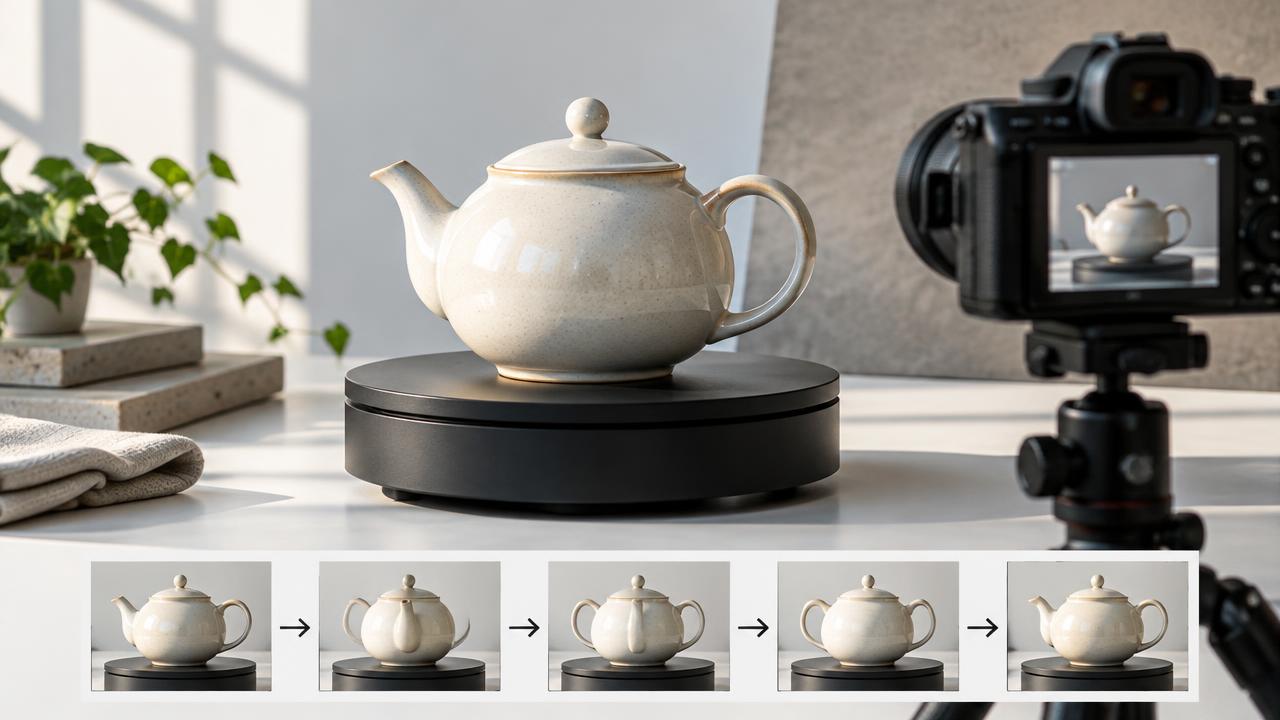
1
Choose your starting material
Open BudgetPixel's Video Workshop and select Wan 3.0 Prime. Start with a text prompt, upload a first frame with an optional last frame, or add media for reference-guided generation.
2
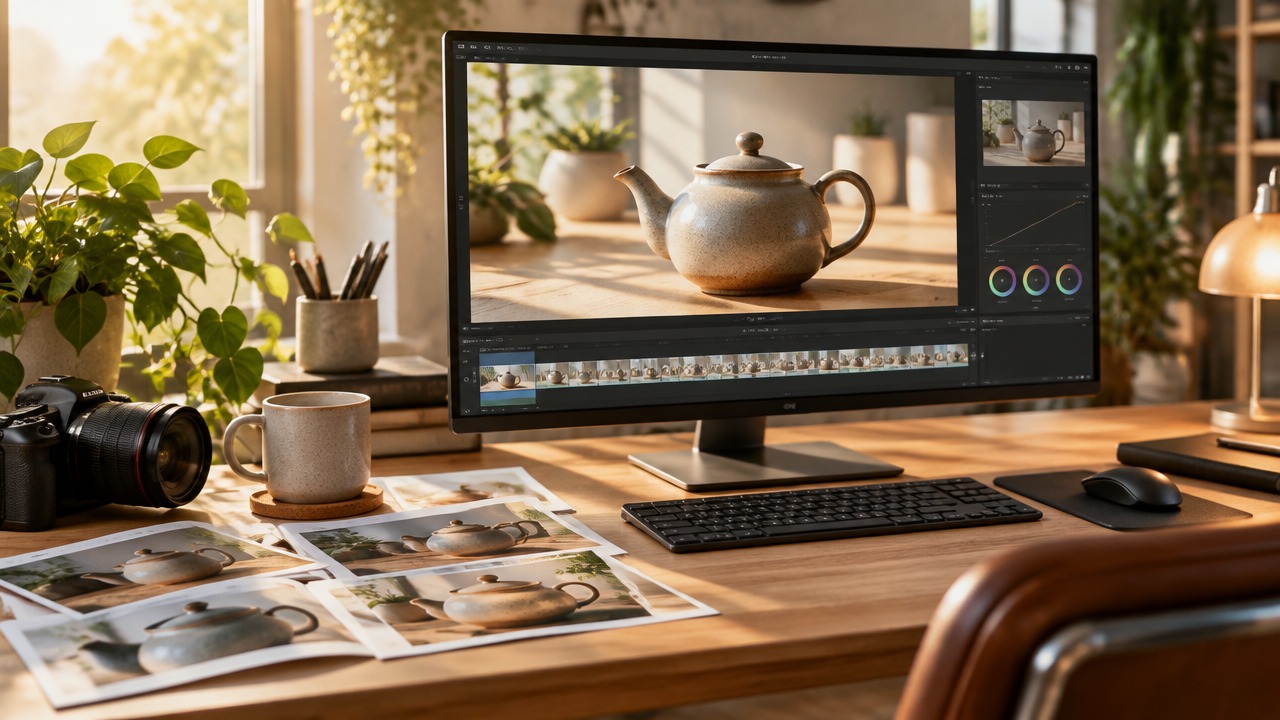
Describe motion and sound
Write the action, camera movement, and sound you want. For an edit or extension, describe what should change or continue, then choose the clip length and resolution.
3
Generate and review
Generate with BudgetPixel credits and review the resulting video and audio. Adjust your prompt or references and generate another draft if the scene needs a change.
Prompts to steal
A plain frosted-glass water bottle with a matte cap stands upright and centered on a sunlit terracotta pedestal, the entire bottle including the cap always in frame, slowly spinning in place as warm afternoon light sweeps across it; soft shadows, shallow depth of field, premium product-ad cinematography, gentle ambient music
Campaign variants
Macro reveal of a plain matte-black earbud charging case opening on a glossy white surface; the camera pushes in as a cool blue rim light glides over its edges; a crisp click and an upbeat electronic sting
Social launch clips
Smooth aerial dolly over a misty pine valley at sunrise; the camera glides forward, then tilts up to reveal distant snowy peaks; wide cinematic shot, soft wind ambience
Storyboard motion tests
A handmade speckled ceramic mug on a wooden kitchen counter with steam rising; window light shifts from cool morning blue to warm gold as the camera slowly orbits; cozy kitchen ambience
Product demo revisions
An original stylized 3D character, a small round robot with a teal body and big friendly eyes, rolls through a sunlit greenhouse full of plants, stops and waves at the camera; whimsical animated film look, light playful music
Character-led teasers
Pricing for Wan 3.0 Prime
Runs on credits — no per-model surcharges, no surprise billing.
170credits
per second of video
≈ 850 credits for a 5-second clip
Show pricing details▾
ResolutionCredits
- 720pdefault170/ sec
- 1080p340/ sec
- 480p85/ sec
Credits work across every plan. See /pricing for credit packages.
Wan 3.0 Prime vs Wan 3.0
Both run on the same credits in the same workshop — here is what each costs and what it is for.
Wan 3.0 Prime
170credits per second of video
- Resolution:
- 480p 85 credits · 720p 170 credits · 1080p 340 credits
The high-speed tier of Alibaba's all-in-one Wan 3.0 — the same text-to-video, image-to-video (first+last frame), and reference-to-video capabilities with significantly faster end-to-end generation. All input media is free; 480p/720p/1080p, AI audio, and output up to 30 seconds at 30fps.
Try Wan 3.0 Prime →Wan 3.0
120credits per second of video
- Resolution:
- 480p 60 credits · 720p 120 credits · 1080p 240 credits
Alibaba's all-in-one video model. Text-to-video, image-to-video with first+last frames, and reference-to-video mixing up to 10 images, 5 video clips, and 5 audio clips — including video editing, replication, and extension. All input media is free; 480p/720p/1080p, AI audio, and output up to 30 seconds at 30fps.
Try Wan 3.0 →Use Wan 3.0 Prime via the API
Wan 3.0 Prime is available through the BudgetPixel developer API — the same model the studio runs, supporting text-to-video, image-to-video, and reference-to-video. Pricing is metered in credits (85 credits/second at 480p, 170 credits/second at 720p, 340 credits/second at 1080p), charged only on success, with an API key available on Premium plans and above.
curl -X POST https://api.budgetpixel.com/v1/videos/wan-3.0-video-prime \
  -H "Authorization: Bearer $BUDGETPIXEL_API_KEY" \
  -H "Content-Type: application/json" \
-d '{"prompt": "your prompt here"}'No code? Use Wan 3.0 Prime from Claude or Cursor
Wan 3.0 Prime is also available through the BudgetPixel MCP server. Connect your account to Claude, Cursor, or any MCP-enabled agent and generate with Wan 3.0 Prime by asking in plain language — same credits, same pricing, no code required.
Wan 3.0 Prime at a glance
- High-speed generation
- Text-to-video
- Image-to-video
- Reference-to-video
- Video editing & extension
- Free input media
- AI Audio generation
- 480p/720p/1080p
- 2s to 30s durations
How Wan 3.0 Prime compares
The differences that actually change which one you pick.
- Wan 3.0 Prime vs Wan 2.7
- Wan 3.0 is the newer all-in-one flagship: up to 30s output (vs 15s), reference-to-video with images/videos/audio, and free input media. Wan 2.7 remains the cheaper 1080p option.
- Wan 3.0 Prime vs SeeDance 2.5
- Both are all-in-one multimodal models with 30s output and edit/extend via reference videos. Wan 3.0's input media is free (output-only billing); SeeDance 2.5 offers more reference-image slots.
Frequently asked questions
What is Wan 3.0 Prime, and who makes it?▾
Wan 3.0 Prime is Alibaba's faster-turnaround tier of the Wan 3.0 video model. It generates video from text, images, or media references and can edit or extend reference footage.
How much does Wan 3.0 Prime cost on BudgetPixel?▾
Output costs 85 BudgetPixel credits per second at 480p, 170 at 720p, or 340 at 1080p. Input media is free, and audio generated with the video costs no extra credits. You use BudgetPixel credits rather than buying a separate model subscription.
How is Wan 3.0 Prime different from Wan 3.0?▾
Prime has the same all-in-one capabilities as standard Wan 3.0 but finishes end-to-end generation faster. Choose Prime when campaign revisions, social content, or storyboard tests need a quicker turnaround; choose standard Wan 3.0 when that faster turnaround is not a priority.
What inputs can I use with Wan 3.0 Prime?▾
You can generate from a text prompt or animate a first-frame image with an optional last frame. For reference-to-video, you can provide images, video clips, and audio clips to guide a new scene. You can also use a reference video for editing or extension.
What are Wan 3.0 Prime's resolution and length limits?▾
Clips can be 2–30 seconds long at 480p, 720p, or 1080p; 720p is the default in BudgetPixel. Reference-to-video accepts up to 10 images, up to 5 videos of 2–15 seconds each with 15 seconds combined, and up to 5 audio clips.
Does Wan 3.0 Prime generate audio?▾
Yes. Audio is generated with the video, so you can describe dialogue, music, or sound effects in your prompt. There is no extra charge for that generated audio on BudgetPixel.
Can Wan 3.0 Prime edit or extend an existing video?▾
Yes. Add a reference video and describe the change you want, such as different lighting or a changed scene element. You can also prompt the model to continue the footage.
Can I use Wan 3.0 Prime commercially?▾
BudgetPixel plans include commercial usage terms. Check the Terms for the conditions that apply to your plan and intended use.
How can I run Wan 3.0 Prime?▾
Select it in BudgetPixel's Video Workshop and generate using BudgetPixel credits; you do not need a local GPU or a separate model subscription. Wan 3.0 Prime is also available through the BudgetPixel developer API and MCP server.
Does Wan 3.0 Prime have an API?▾
Yes — Wan 3.0 Prime is available through the BudgetPixel developer API via the `POST /v1/videos/wan-3.0-video-prime` endpoint, supporting text-to-video, image-to-video, and reference-to-video. Generate an API key from the developer console (available on Premium plans and above) and see the full reference at docs.budgetpixel.com.
How much does the Wan 3.0 Prime API cost?▾
API usage is billed in credits from the same balance your plan includes, at the standard metered rate: 85 credits/second at 480p, 170 credits/second at 720p, 340 credits/second at 1080p. Failed generations are never charged. You can estimate any request's exact cost with POST /v1/cost before running it.
Can I use Wan 3.0 Prime with Claude or other AI agents (MCP)?▾
Yes — Wan 3.0 Prime is exposed through the BudgetPixel MCP server, so Claude, Cursor, and any MCP-compatible agent can generate with it from a plain-language request. Connect your account at budgetpixel.com/mcp; generations use the same credit balance and pricing as the web studio and the API.