MiniMax H3 Max
Sharper prompt following for more polished short videos.
Native sound for the scene
MiniMax H3 Max generates audio alongside the video, so a short shot can arrive with its soundscape in place. Describe the sounds you want in the prompt to give the scene clearer direction.
- •Music generated with the video
- •Sound effects for on-screen action
- •Ambience for the setting
- •Optional soundtrack replacement through the developer API
Guide shots with mixed references
Combine images, video clips, and audio clips in one request to guide appearance, movement, and sound. Refer to each asset by its order in the prompt, such as Image 1, Video 1, or Audio 1.
- •Up to five reference images
- •Up to three video clips, 2–15 seconds each
- •15 seconds of reference video combined
- •Up to three reference audio clips
- •Images, video, and audio can be mixed
Set the first frame, last frame, or both
Start with an image, aim toward a target image, or supply both ends of a shot. A last frame works on its own when you know how the scene should finish but want the model to create the lead-in.
- •Animate from a supplied opening frame
- •Generate toward an end frame alone
- •Connect two chosen frames
- •Describe the action between the anchors
Continue a clip from its last frame
Upload an existing clip and describe what happens next. MiniMax H3 Max adds 5–15 new seconds after the source, continuing from its last frame and keeping its framing.
- •Accepts source clips from 1.6–60 seconds
- •Returns the source followed by the continuation
- •Keeps the source framing
- •Supports 2K output for extensions
Professional video for every use case
Character-consistent social clips.
Use reference images to guide a character's appearance across a new scene.End-frame transitions.
Set a target image and generate the movement that leads into it.Motion-guided dance clips.
Use a reference clip to guide movement in a new shot.Extended cinematic shots.
Continue an existing clip from its last frame while keeping its framing.How it works

1
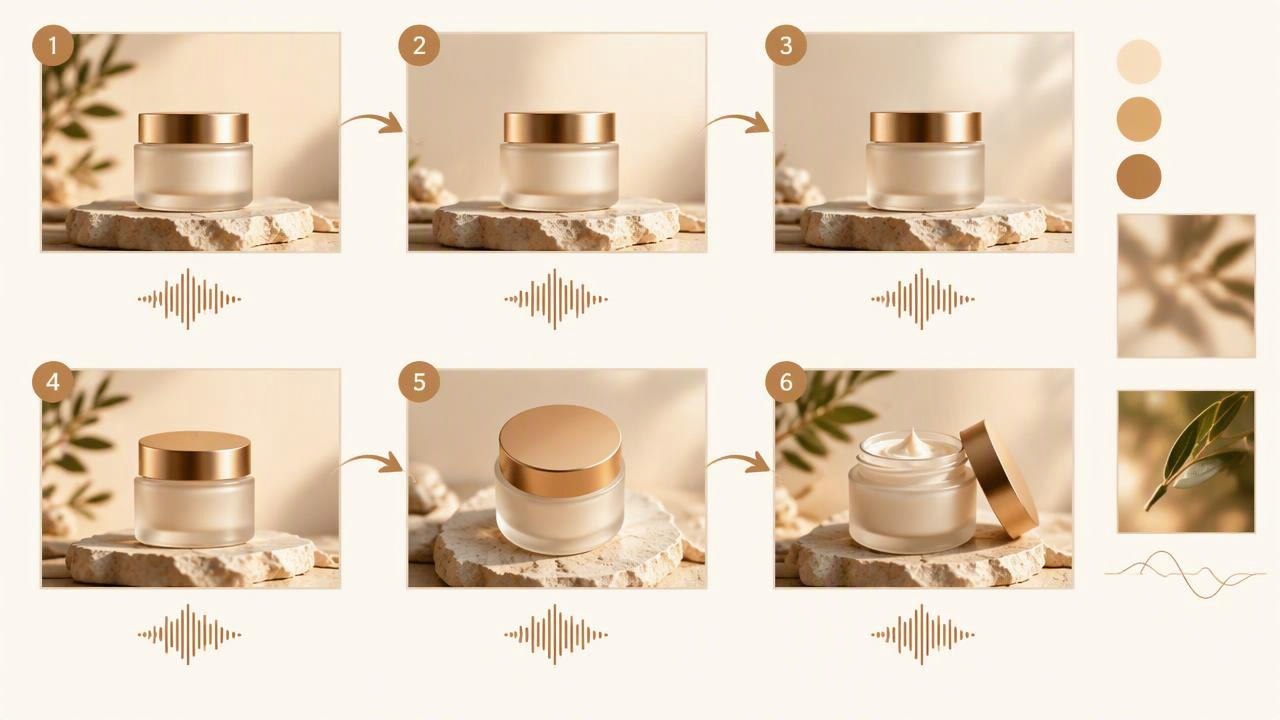
Choose your starting point
Select MiniMax H3 Max in the Video Workshop. Start with a text prompt, opening or closing frames, mixed references, or a clip you want to edit or extend.
2
Direct the shot and sound
Describe the subject, action, camera move, lighting and sound in a clear order. Name mixed assets as Image 1, Video 1 or Audio 1, then choose a 5–15 second length and resolution.
3
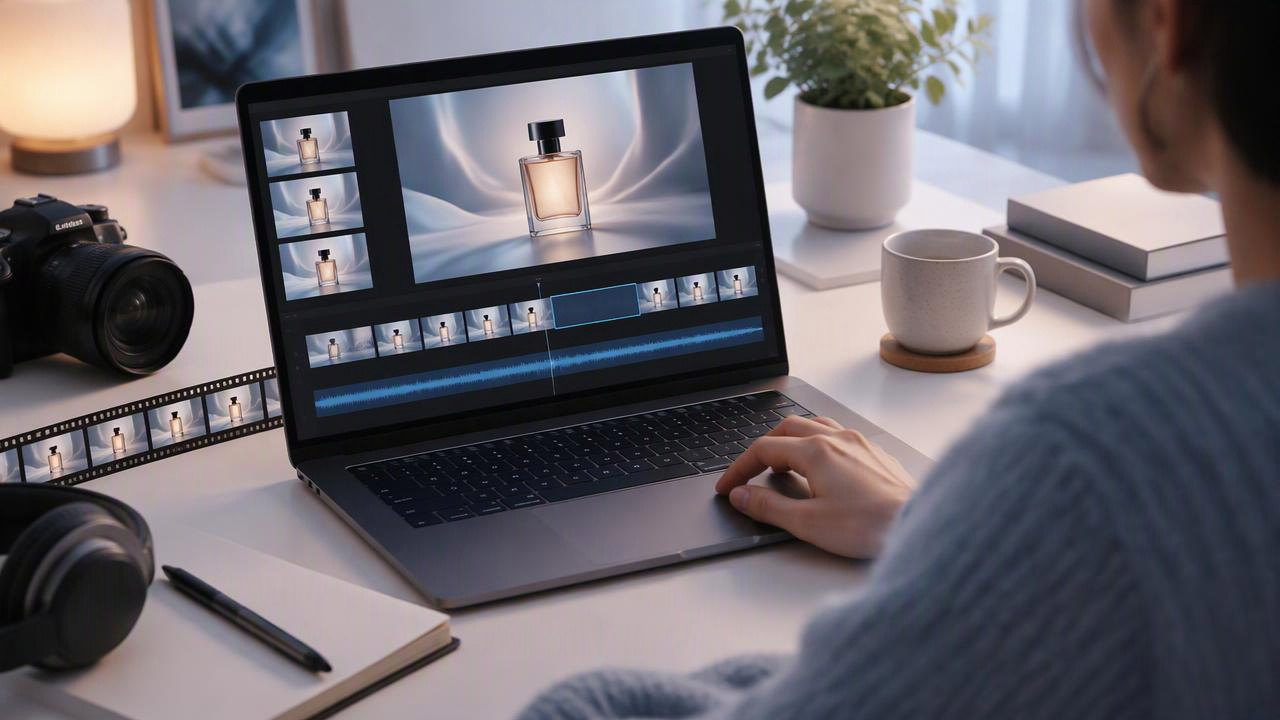
Generate and refine
Generate the clip, review its picture and sound, and adjust the prompt or references for another take. To carry a shot further, extend it from its last frame.
Shot prompts to try
A matte black watch rests on pale stone. The camera makes a slow orbit as morning light travels across the dial. A quiet mechanical tick and soft room ambience accompany the shot.
Product detail, camera direction and native sound.
Begin on a rain-soaked sidewalk at dusk. Track forward past warm storefront reflections and settle on the supplied last frame. Keep the motion steady; add distant traffic and light rain.
A transition guided by an end frame.
Use Image 1 for the jacket’s design and Video 1 for the model’s turning motion. Show a single turn against a sunlit studio wall, with soft footsteps and fabric movement.
Mixed references for product detail and motion.
Pricing for MiniMax H3 Max
Runs on credits — no per-model surcharges, no surprise billing.
105credits
per second of video
≈ 525 credits for a 5-second clip
Show pricing details▾
ResolutionCredits
- 768pdefault105/ sec
- 1080p210/ sec
- 2k420/ sec
- 480p65/ sec
Credits work across every plan. See /pricing for credit packages.
Use MiniMax H3 Max via the API
MiniMax H3 Max is available through the BudgetPixel developer API — the same model the studio runs, supporting text-to-video, image-to-video, reference-to-video, and video-to-video. Pricing is metered in credits (65 credits/second at 480p, 105 credits/second at 768p, 210 credits/second at 1080p, 420 credits/second at 2k), charged only on success, with an API key available on Premium plans and above.
curl -X POST https://api.budgetpixel.com/v1/videos/minimax-h3-max \
  -H "Authorization: Bearer $BUDGETPIXEL_API_KEY" \
  -H "Content-Type: application/json" \
-d '{"prompt": "your prompt here"}'No code? Use MiniMax H3 Max from Claude or Cursor
MiniMax H3 Max is also available through the BudgetPixel MCP server. Connect your account to Claude, Cursor, or any MCP-enabled agent and generate with MiniMax H3 Max by asking in plain language — same credits, same pricing, no code required.
minimax-h3-max at a glance
- Video generation
Frequently asked questions
What is MiniMax H3 Max?▾
MiniMax H3 Max is a post-trained version of MiniMax H3 for short video generation. It is tuned for stronger prompt adherence and more polished visuals, and it generates audio with the video.
How do I use MiniMax H3 Max?▾
Open the Video Workshop, select MiniMax H3 Max, and describe a short scene. You can generate from text, supply a first or last frame, or add ordered image, video, and audio references to guide the result.
Can MiniMax H3 Max generate video from a last frame alone?▾
Yes. Upload an end frame and describe the action that should lead toward that shot. You can also provide a first frame, or use both frames to guide the beginning and end.
What references can I use with MiniMax H3 Max?▾
You can mix up to five images, three video clips, and three audio clips in one reference-to-video request. Video references must each be 2–15 seconds long and total no more than 15 seconds. Address assets in the prompt by order, such as Image 1, Video 1, and Audio 1.
Can MiniMax H3 Max extend an existing video?▾
Yes. Upload a clip from 1.6 to 60 seconds long and describe what happens next. The result contains your source clip followed by 5–15 new seconds that continue from its last frame.
What video lengths and resolutions are available?▾
New output can be any duration from 5 to 15 seconds at 480p, 768p, or 1080p; 768p is the default. Extensions can also render at 2K. Available aspect ratios are 21:9, 16:9, 4:3, 1:1, 3:4, and 9:16.
Does MiniMax H3 Max generate audio?▾
Yes. It generates music, sound effects, and ambience with the video. Through the developer API, you can optionally supply a soundtrack that replaces the generated audio.
How much does MiniMax H3 Max cost on BudgetPixel?▾
Credits scale with output length and resolution. Video references and the source of an extension can add input costs, while using more than two reference images adds credits. Reference audio has no additional reference-audio charge.
How is MiniMax H3 Max related to MiniMax H3?▾
H3 Max is a newer, post-trained sibling tuned for stronger prompt adherence and aesthetics. On BudgetPixel, H3 is offered at 2K for 4–15-second clips without video extension; H3 Max adds extension and offers several output resolutions.
Can I use MiniMax H3 Max videos commercially?▾
Check MiniMax's current terms and BudgetPixel's usage terms before publishing or monetizing a clip. Make sure you also have the rights to any images, video, or audio you upload as references.
Does MiniMax H3 Max have an API?▾
Yes — MiniMax H3 Max is available through the BudgetPixel developer API via the `POST /v1/videos/minimax-h3-max` endpoint, supporting text-to-video, image-to-video, reference-to-video, and video-to-video. Generate an API key from the developer console (available on Premium plans and above) and see the full reference at docs.budgetpixel.com.
How much does the MiniMax H3 Max API cost?▾
API usage is billed in credits from the same balance your plan includes, at the standard metered rate: 65 credits/second at 480p, 105 credits/second at 768p, 210 credits/second at 1080p, 420 credits/second at 2k. Failed generations are never charged. You can estimate any request's exact cost with POST /v1/cost before running it.
Can I use MiniMax H3 Max with Claude or other AI agents (MCP)?▾
Yes — MiniMax H3 Max is exposed through the BudgetPixel MCP server, so Claude, Cursor, and any MCP-compatible agent can generate with it from a plain-language request. Connect your account at budgetpixel.com/mcp; generations use the same credit balance and pricing as the web studio and the API.