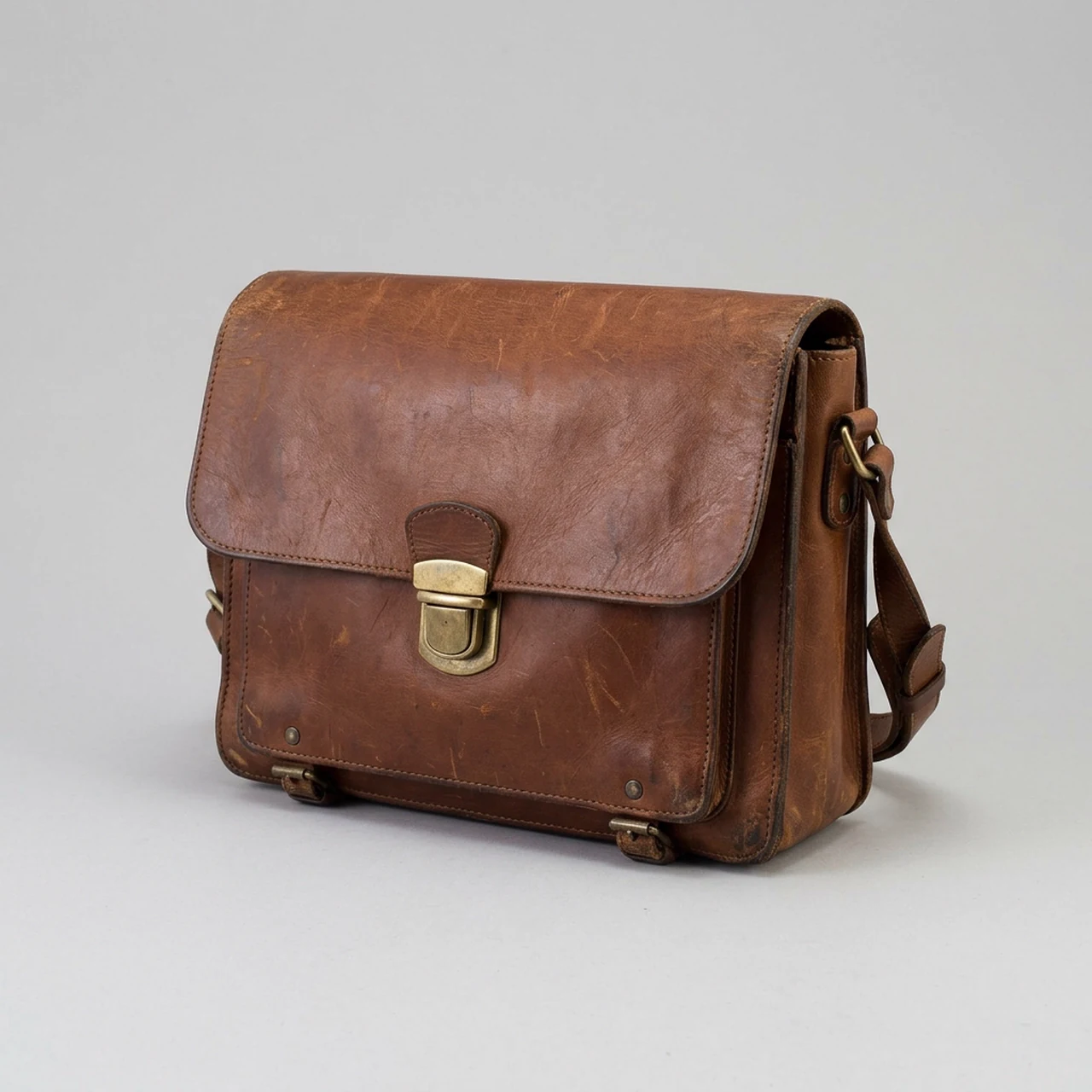
Image to 3D model
Meshy 7.1
Turn one picture into a light, textured 3D model for games, AR and printing.
Upload one picture of one subject; you get a textured 3D model to turn, view and download.
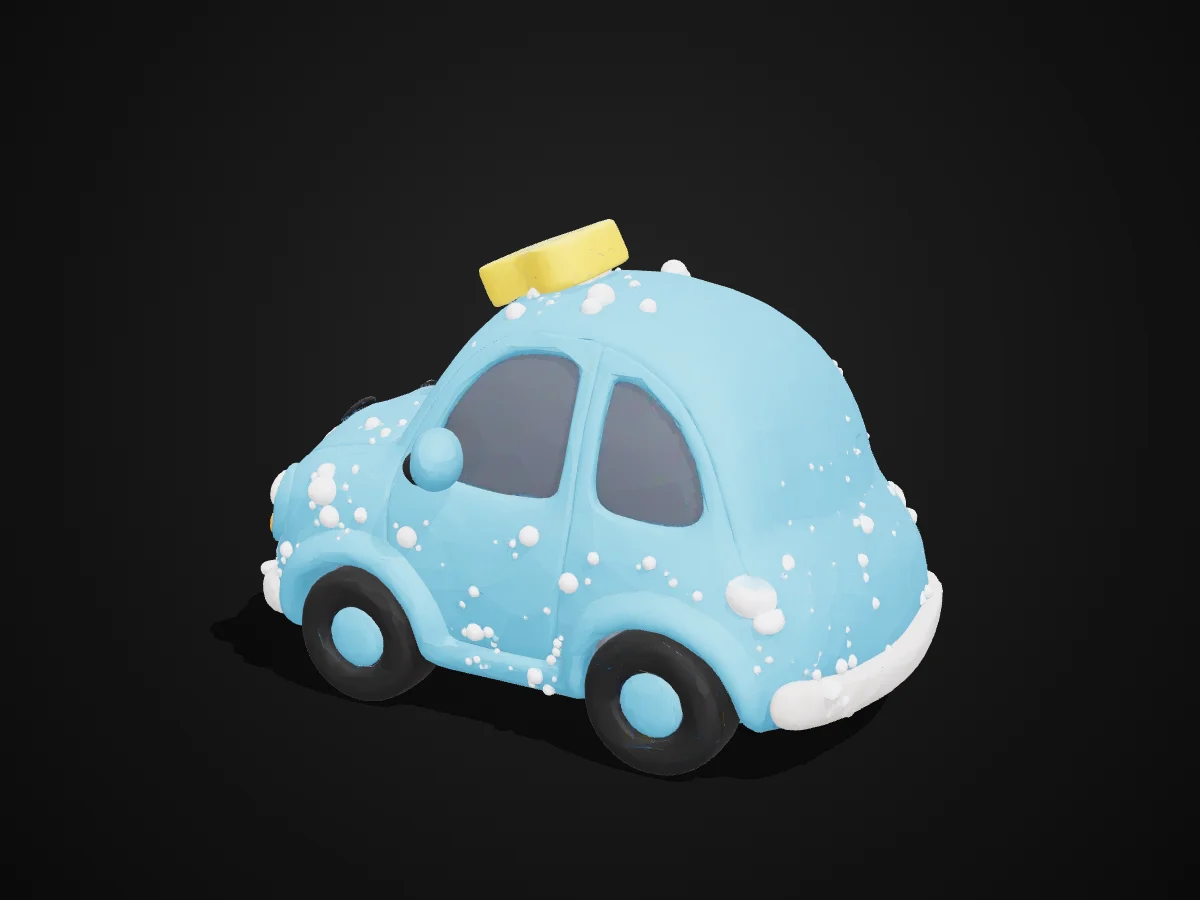

One PNG, JPG or WebPInput
GLB, FBX, OBJ, USDZ, STLOutput
On or offTextures
Around 30,000 trianglesMesh
About 2 minutesTypical time
From one picture to a 3D model
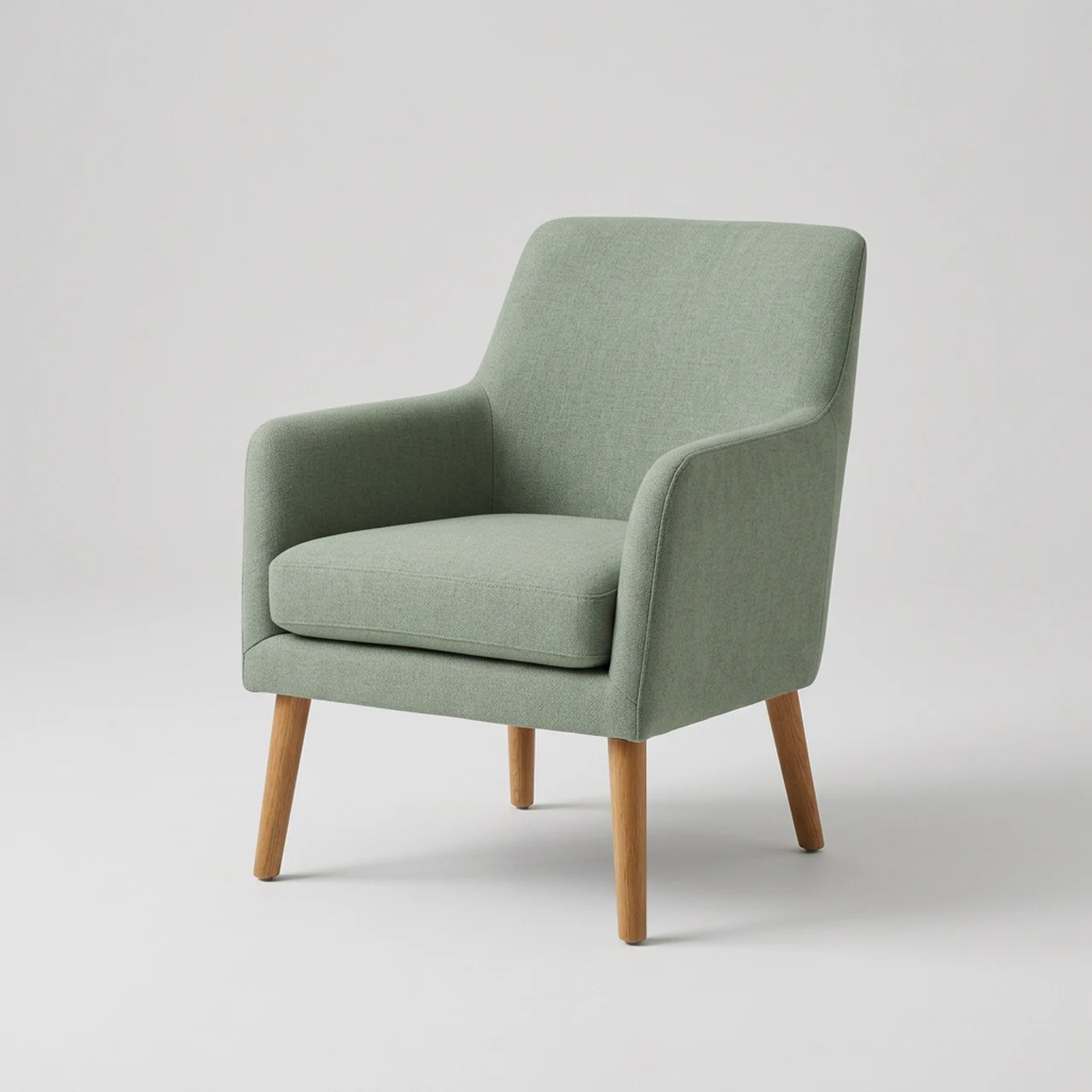
AR product previews for shops.
Make a chair model and use its USDZ file for an iPhone or iPad AR preview; check proportions before publishing.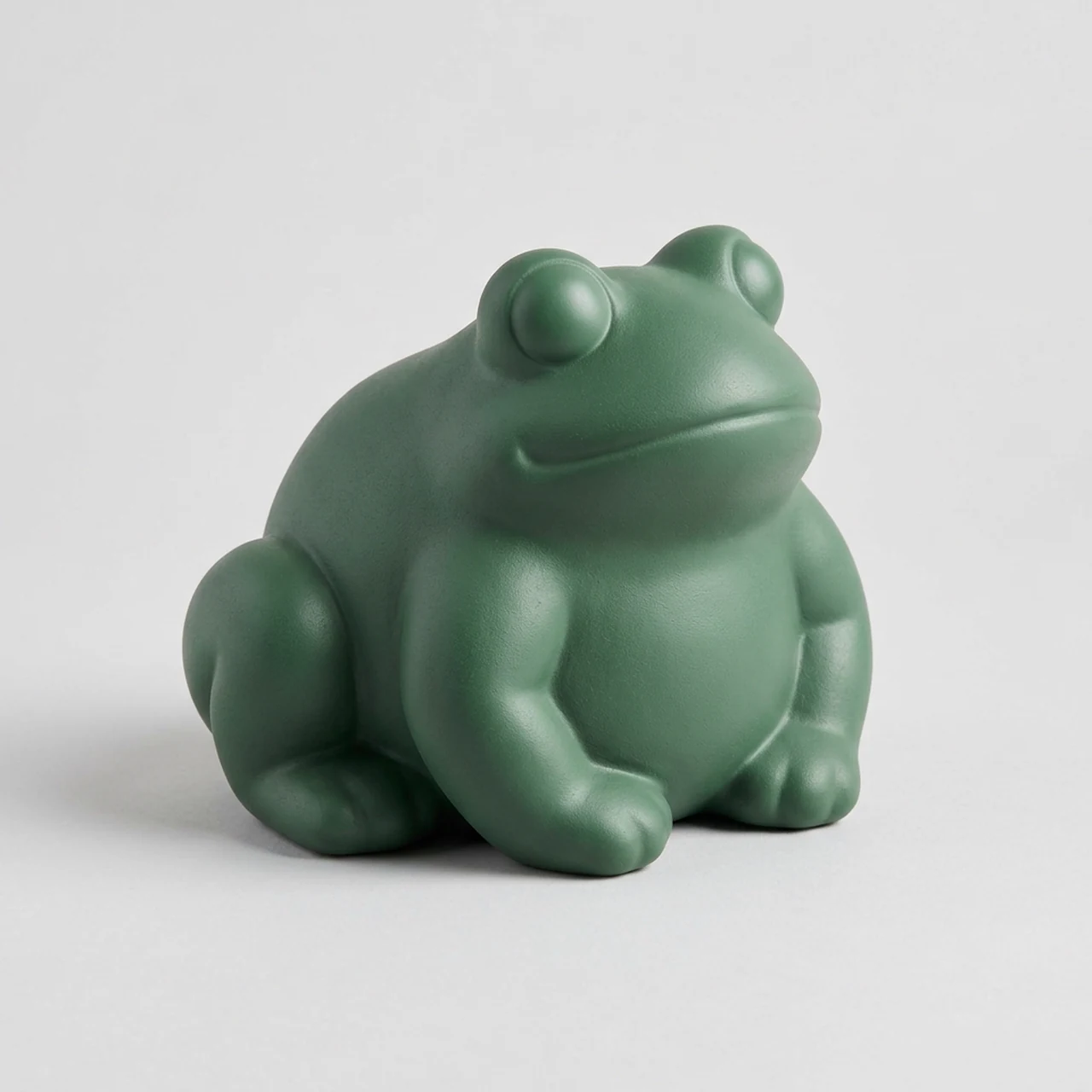
Figurines to 3D print.
Get an STL starting point for a toy figurine, then check its shape, thickness and printability in your slicer.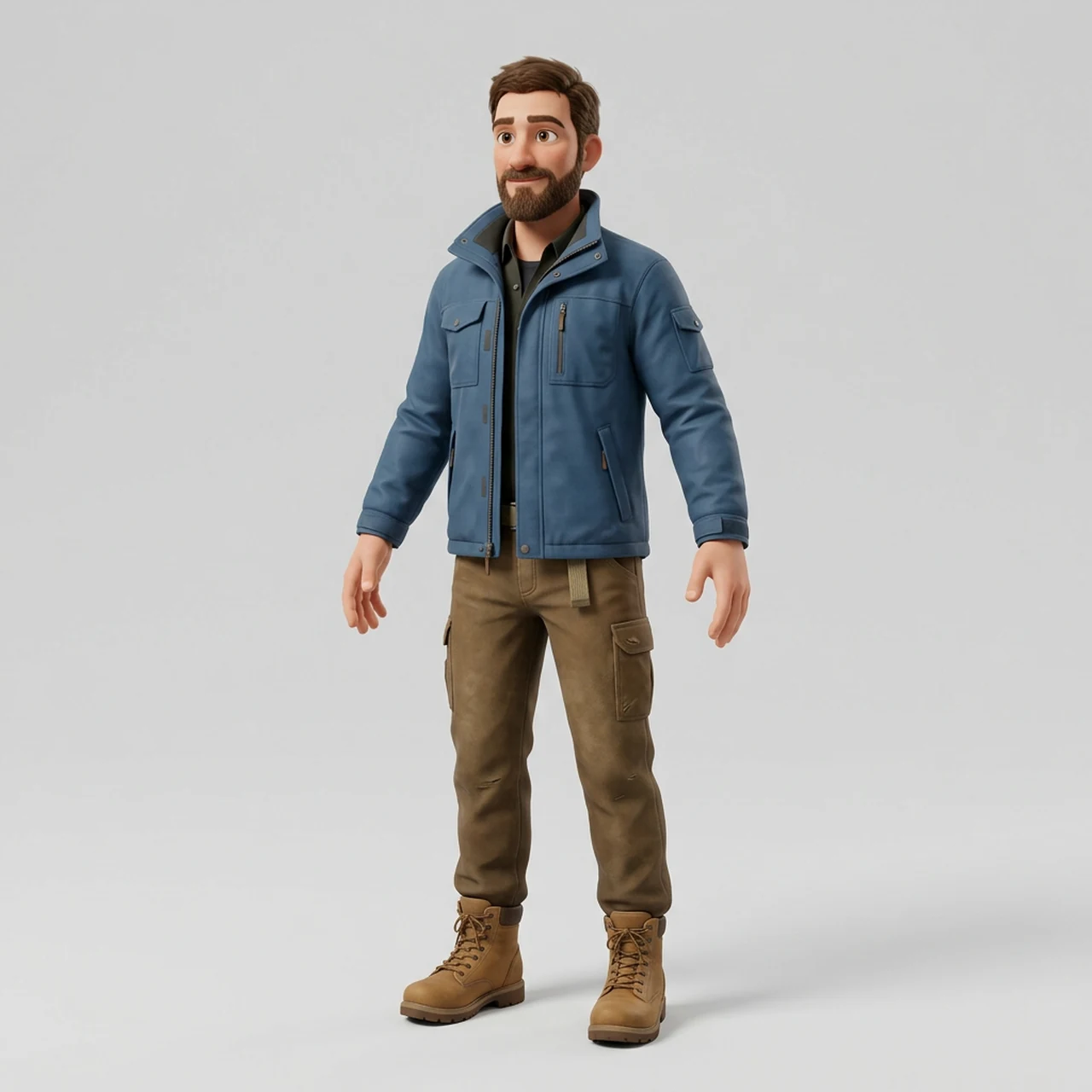
Characters you can animate.
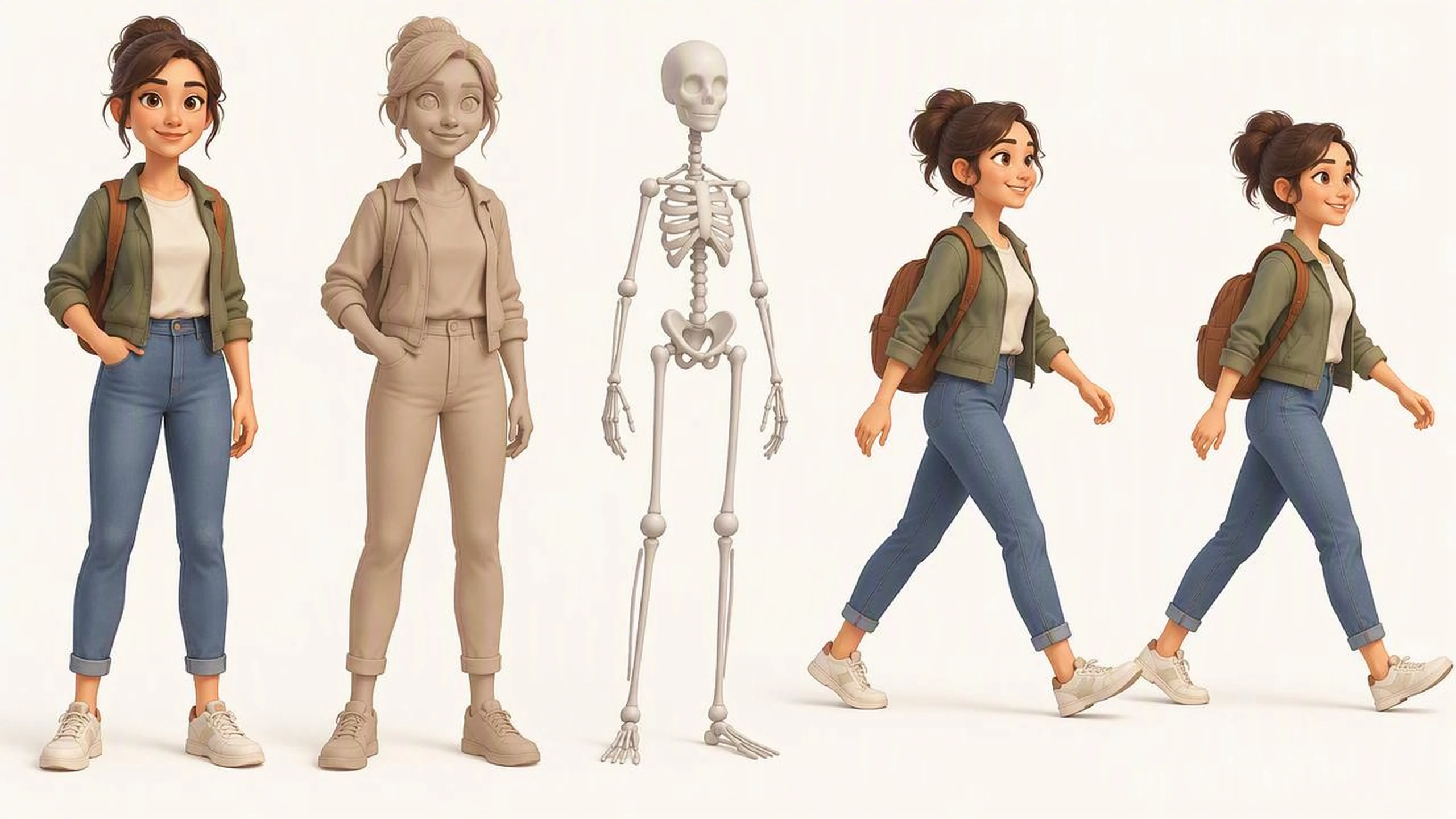
Turn a full-body character picture into a 3D figure, then add rigging for a skeleton and animation for a ready-made motion clip.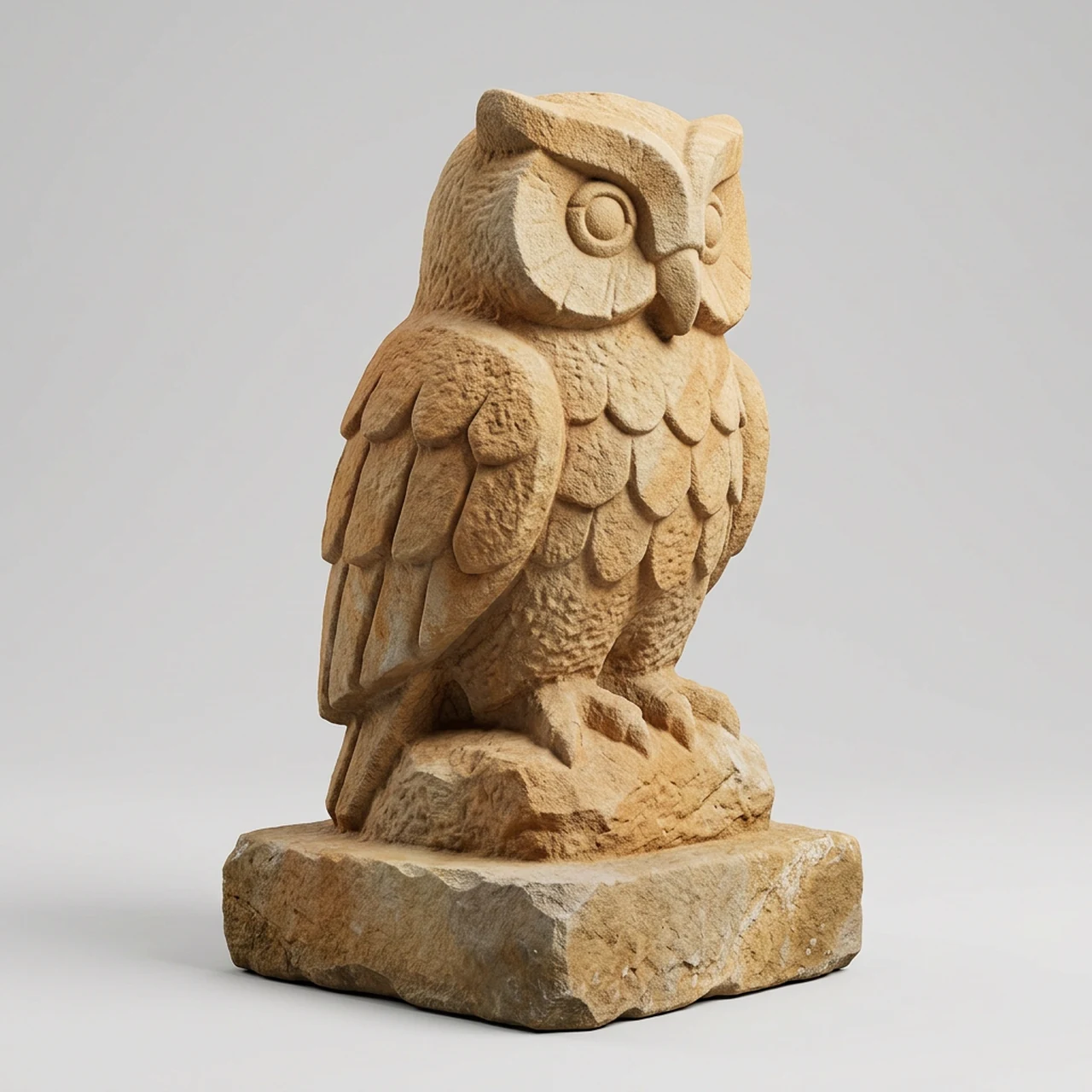
A Blender blockout to refine.
Build a first pass of a stone statue from concept art, then adjust its inferred sides and finer details in Blender.Recognizable shape from one picture
Meshy 7.1 is designed to carry visible surface detail from a single image into 3D geometry. The back, underside and anything hidden are inferred, so turn the result and check those areas rather than expecting an exact copy.
- •One picture of one subject
- •Keeps the visible silhouette as a reference
- •Infers unseen sides
- •Three-quarter views show more of the shape
- •Tiny engravings may need refinement
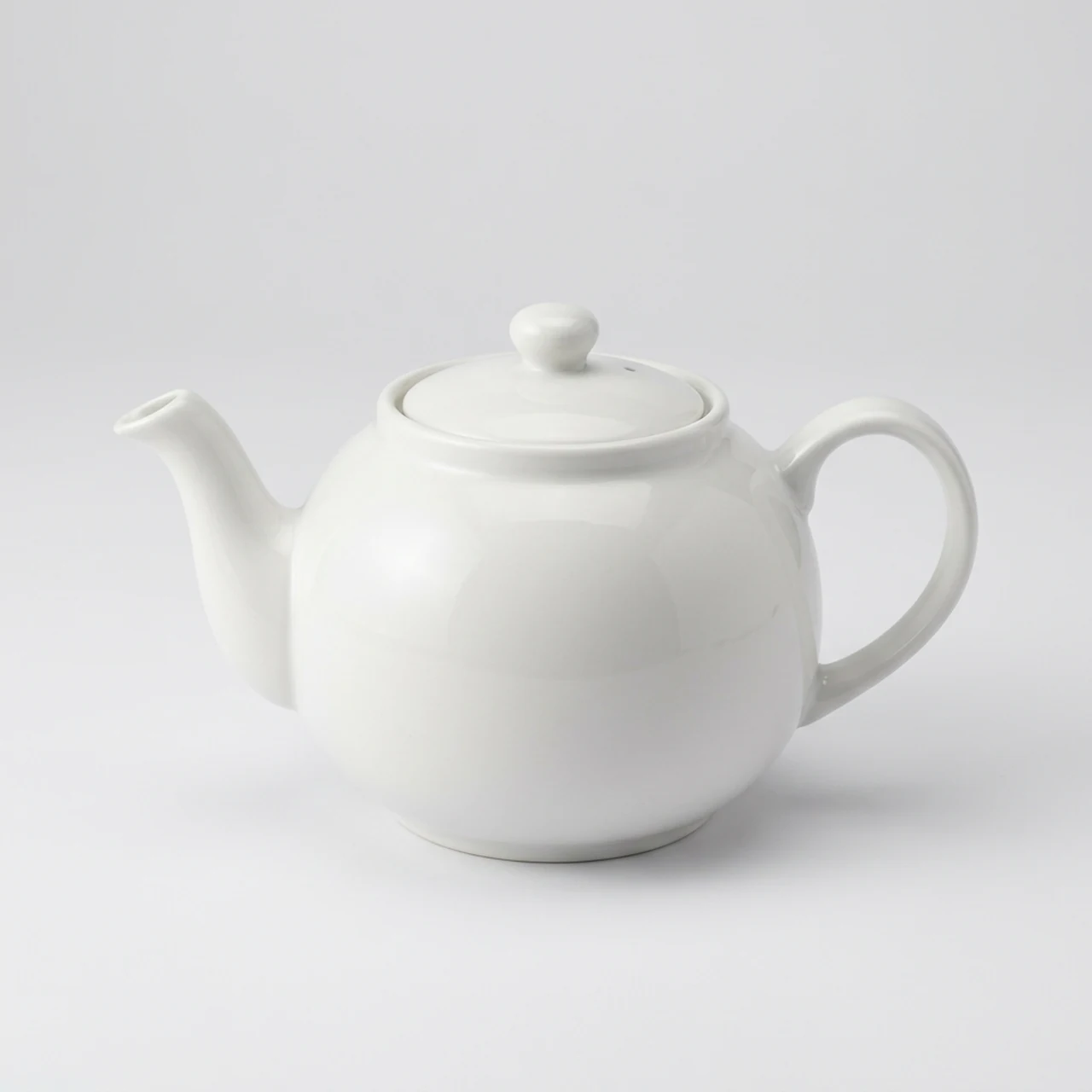
Textures you can switch on or off
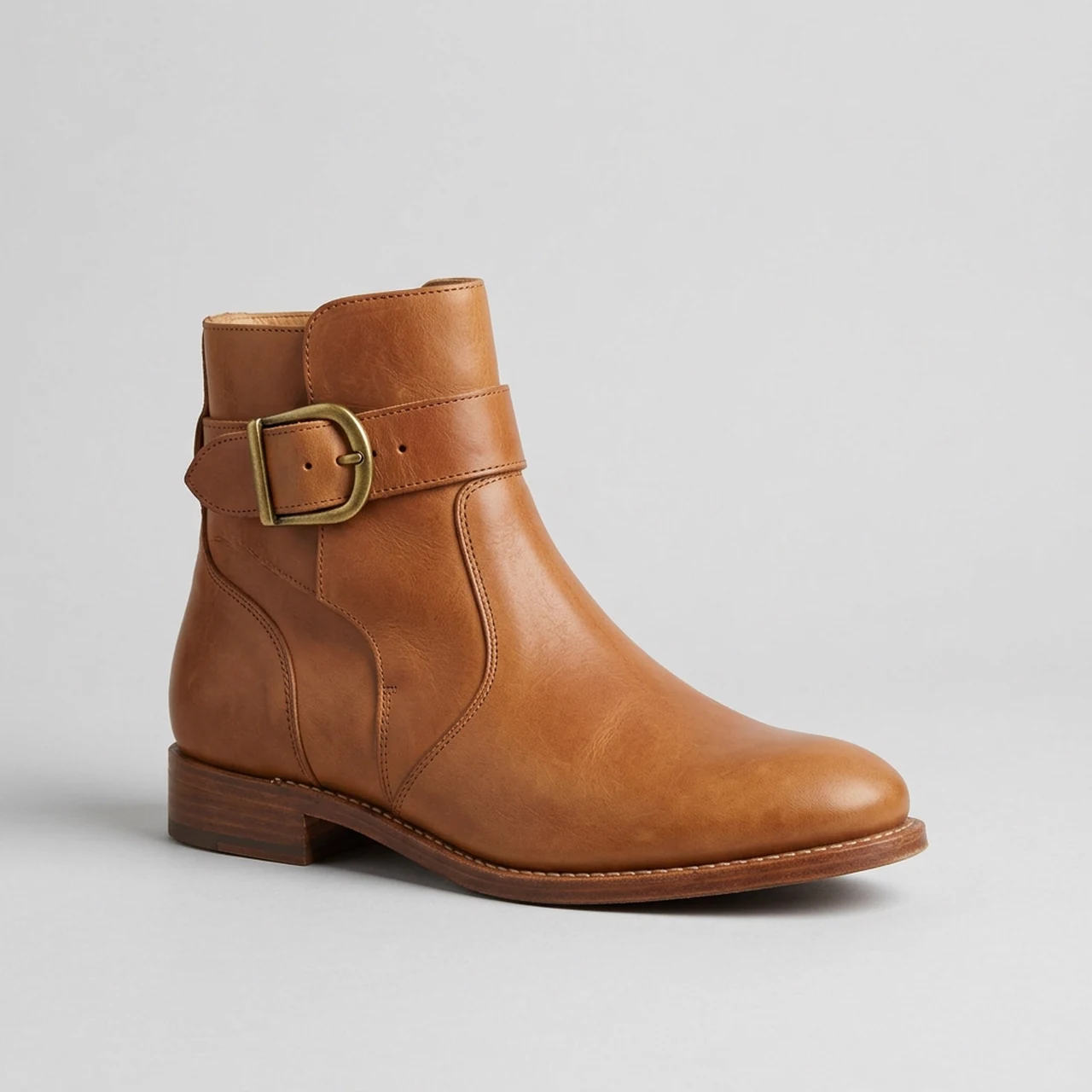
With textures on, the model carries the picture's broad colors and surface appearance. Busy patterns and shiny areas can streak, while small colored details, lettering and logos may shift.
- •Textured or untextured output
- •Broad colors are easier to judge in the viewer
- •Useful for leather, fabric and painted surfaces
- •Check shiny or patterned areas from all sides
- •Do not rely on small text or logos
Light meshes, five file formats
BudgetPixel delivers a mesh of around 30,000 triangles in GLB, FBX, OBJ, USDZ and STL at once, with files of a few MB each. It typically takes about 2 minutes; inspect fine shapes before using the result in a game, AR preview or print.
- •Around 30,000 triangles
- •A few MB per file
- •GLB for web viewers
- •GLB, FBX and OBJ for 3D software and engines
- •USDZ for iPhone and iPad AR; STL for slicers
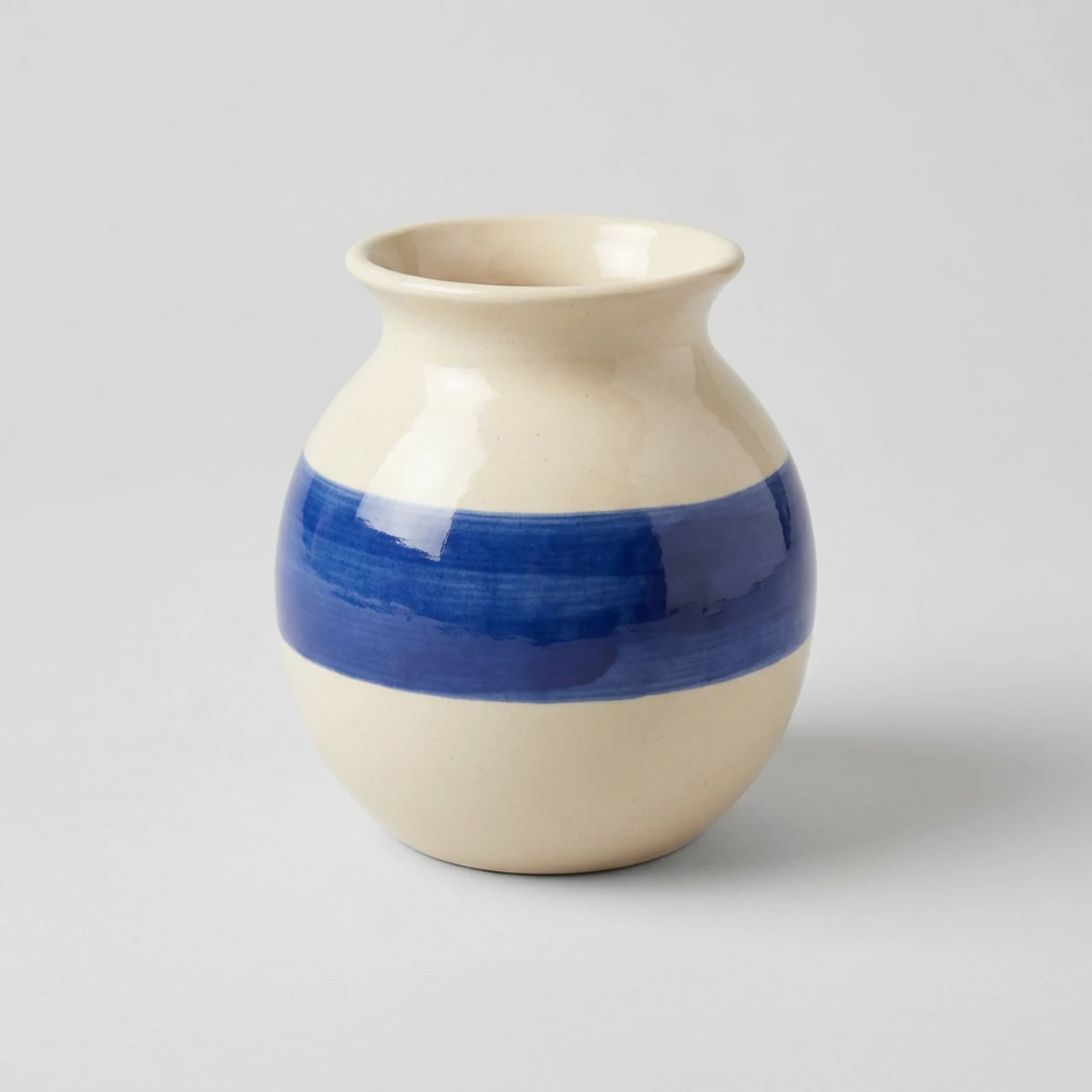
Rig and animate humanoid characters
Choose rigging to give a humanoid character a skeleton, then animation to add a ready-made motion clip. Start with a full-body picture whose arms and legs are visible, and review the motion for awkward bends before you use it.
- •Optional humanoid skeleton
- •Optional ready-made motion clip
- •Rigged and animated GLB and FBX files
- •Clear arms and legs help the result
- •Review the moving model before use

How it works
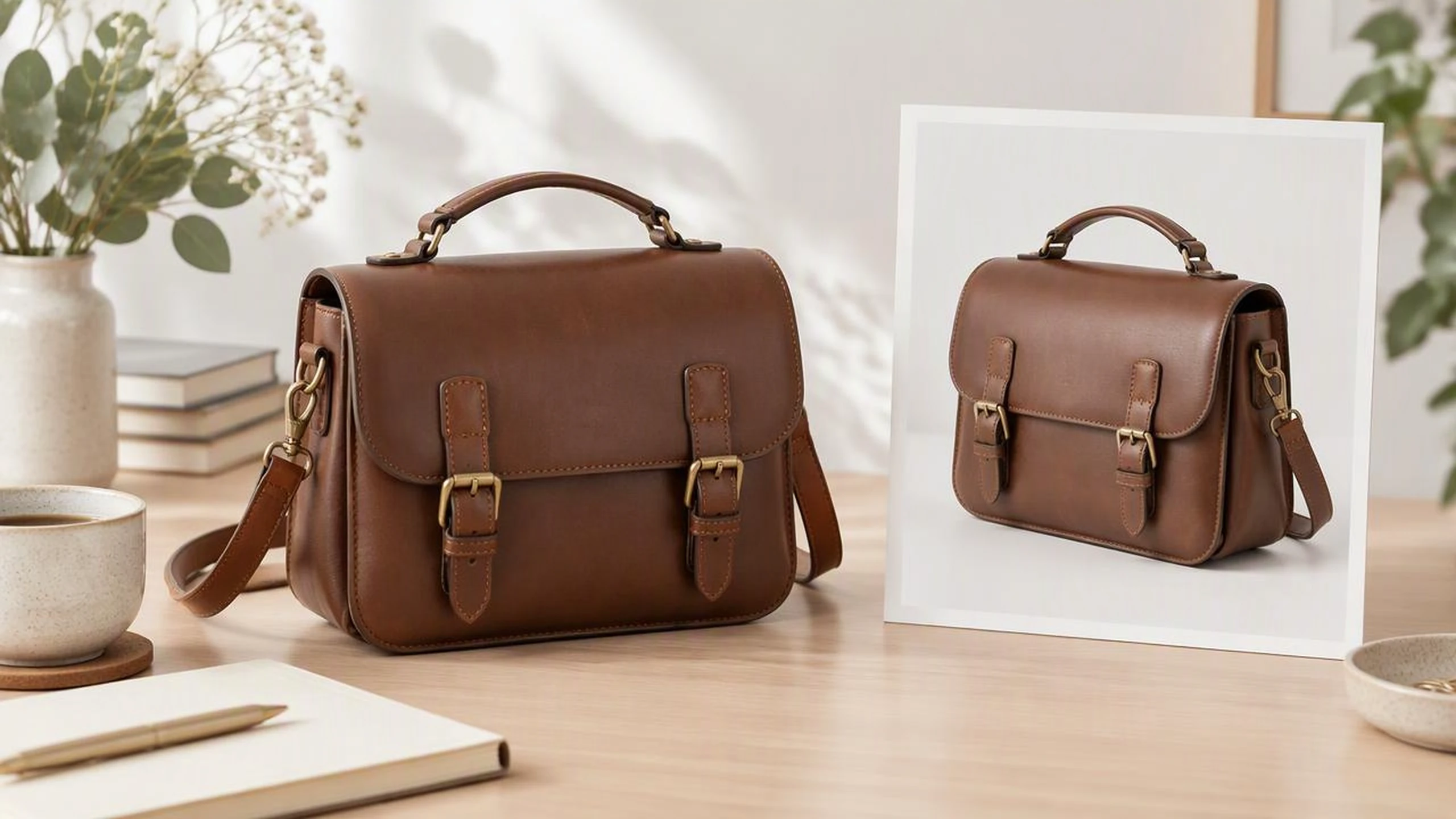
1
Upload one picture
Open the 3D tab of the BudgetPixel Image Workshop and upload one PNG, JPG or WebP. Choose a single subject, fully in frame, against a plain background; a three-quarter view gives the model more shape to work from.
2
Pick your options
Keep textures on for a colored model or switch them off. For a humanoid character, choose rigging for a skeleton and animation for a ready-made motion clip; the options affect the credits used.
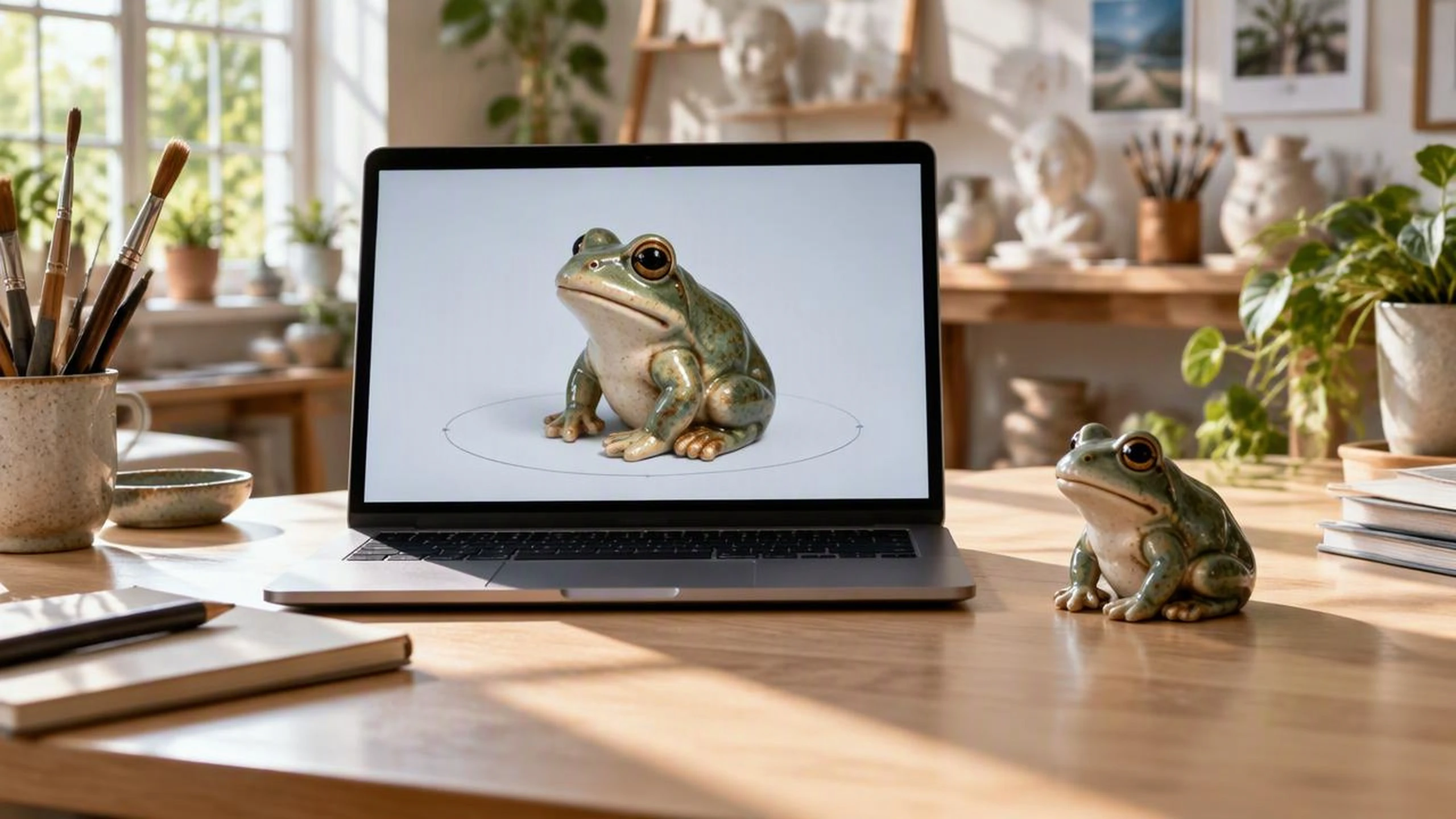
3
Turn it and download
After about 2 minutes, rotate the model to inspect its back and underside. Download GLB, FBX, OBJ, USDZ and STL together, then open the format that fits your project.
Pricing for Meshy 7.1
Runs on credits — no per-model surcharges, no surprise billing.
1600credits
per 3D model
1600 credits per 3D model (textured)
Use Meshy 7.1 via the API
Meshy 7.1 is available through the BudgetPixel developer API — the same model the studio runs, supporting image-to-3d. Pricing is metered in credits (1600 credits per 3D model (1080 without textures); optional: rigging +270, animation +160), charged only on success, with an API key available on Premium plans and above.
curl -X POST https://api.budgetpixel.com/v1/3d/meshy-7.1 \
  -H "Authorization: Bearer $BUDGETPIXEL_API_KEY" \
  -H "Content-Type: application/json" \
-d '{"image": "https://example.com/your-picture.png"}'No code? Use Meshy 7.1 from Claude or Cursor
Meshy 7.1 is also available through the BudgetPixel MCP server. Connect your account to Claude, Cursor, or any MCP-enabled agent and generate with Meshy 7.1 by asking in plain language — same credits, same pricing, no code required.
Frequently asked questions
What is Meshy 7.1 image to 3D?▾
Meshy 7.1 generates a 3D model from a single picture. On BudgetPixel, upload one image of one subject in the Image Workshop's 3D tab; there is no text prompt. You can also run it through the BudgetPixel developer API or MCP connector.
What happens to the back of the object?▾
The model infers the back, underside and parts hidden in your picture; it cannot see them. A three-quarter view, the whole subject in frame and a plain background give it more useful visual information. Rotate the result and refine any hidden-side details your project needs.
What kind of picture works best?▾
Use one clear subject, fully in frame and evenly lit against a plain or removed background. Meshy's image-to-3D guidance also recommends a clear subject and simple background. Avoid several subjects, tiny logos, thin strands, and transparent or mirror-like surfaces if those details matter.
What file formats does Meshy 7.1 give me?▾
Meshy supports GLB, FBX, OBJ, USDZ and STL exports. On BudgetPixel, you receive all five formats together for each model. Choose the one suited to your software or device.
Can I use the model in Blender or a game engine?▾
Yes. The GLB, FBX and OBJ files open in Blender, Unity, Unreal and Godot; GLB also works in web viewers. At around 30,000 triangles and a few MB per file, the mesh is light, but check its appearance and geometry in your project.
Can I preview a product in AR on iPhone or iPad?▾
Yes. Open the USDZ file in AR Quick Look on an iPhone or iPad. Check the inferred sides and proportions first: one picture does not provide an exact measurement of the real product.
Can I 3D print the model?▾
Yes. Download the STL file and open it in a slicer such as Cura or PrusaSlicer. Before printing, check the model's scale, thin parts and mesh for issues that need repair.
Can Meshy 7.1 rig and animate a character?▾
Yes, for humanoid characters. On BudgetPixel, the rigging option adds a skeleton, and the animation option adds a ready-made motion clip to the rigged character; both come as GLB and FBX files. A full-body picture with clear arms and legs works best.
How long does Meshy 7.1 take?▾
A model typically takes about 2 minutes on BudgetPixel. Once it finishes, turn it in the 3D viewer to check the inferred back, surface appearance and any character motion before downloading.
How much does Meshy 7.1 cost on BudgetPixel?▾
It uses credits per model, and the options you choose change the credit cost. Check the displayed cost before running your image.
Does Meshy 7.1 have an API?▾
Yes — Meshy 7.1 is available through the BudgetPixel developer API via the `POST /v1/3d/meshy-7.1` endpoint, supporting image-to-3d. Generate an API key from the developer console (available on Premium plans and above) and see the full reference at docs.budgetpixel.com.
How much does the Meshy 7.1 API cost?▾
API usage is billed in credits from the same balance your plan includes, at the standard metered rate: 1600 credits per 3D model (1080 without textures); optional: rigging +270, animation +160. Failed generations are never charged. You can estimate any request's exact cost with POST /v1/cost before running it.
Can I use Meshy 7.1 with Claude or other AI agents (MCP)?▾
Yes — Meshy 7.1 is exposed through the BudgetPixel MCP server, so Claude, Cursor, and any MCP-compatible agent can generate with it from a plain-language request. Connect your account at budgetpixel.com/mcp; generations use the same credit balance and pricing as the web studio and the API.