Seedream 5.0 Flash
Make and edit images quickly for high-volume creative work.

1K or 2KOutput
Up to 10, freeReferences
PNG cutout editsTransparent
25 per imageCredits
Professional images for every use case
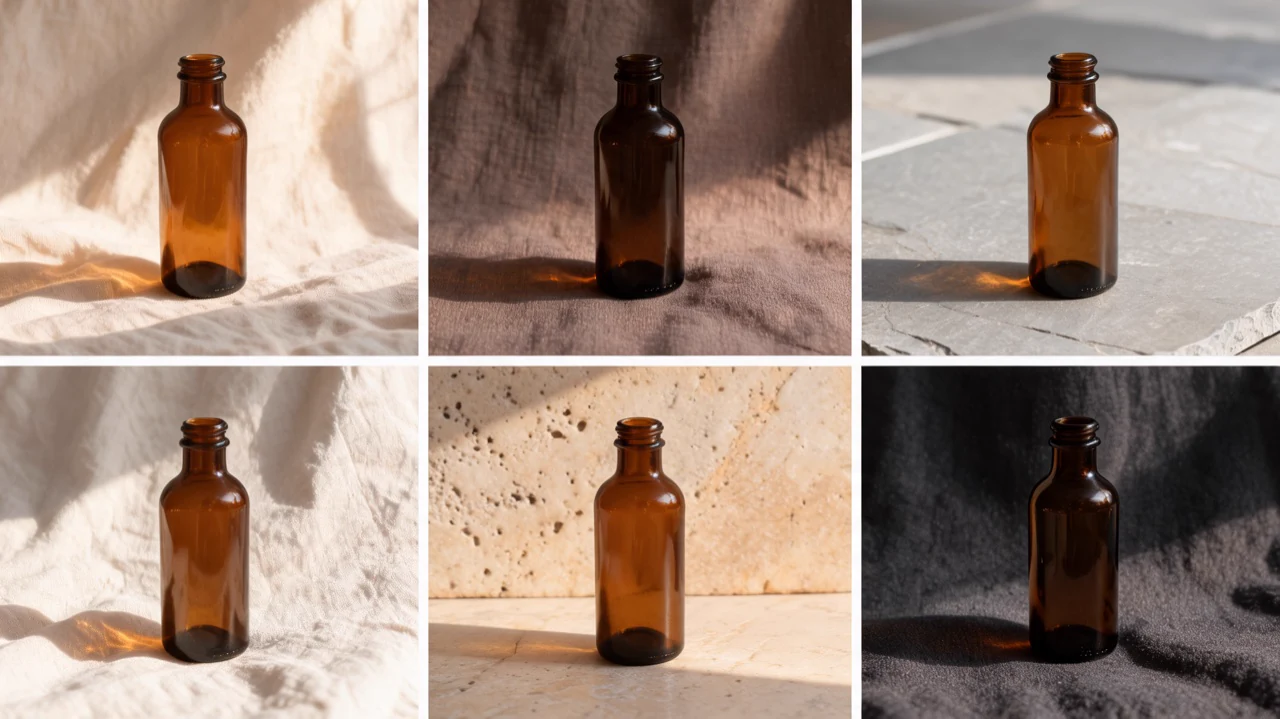
E-commerce product photography.
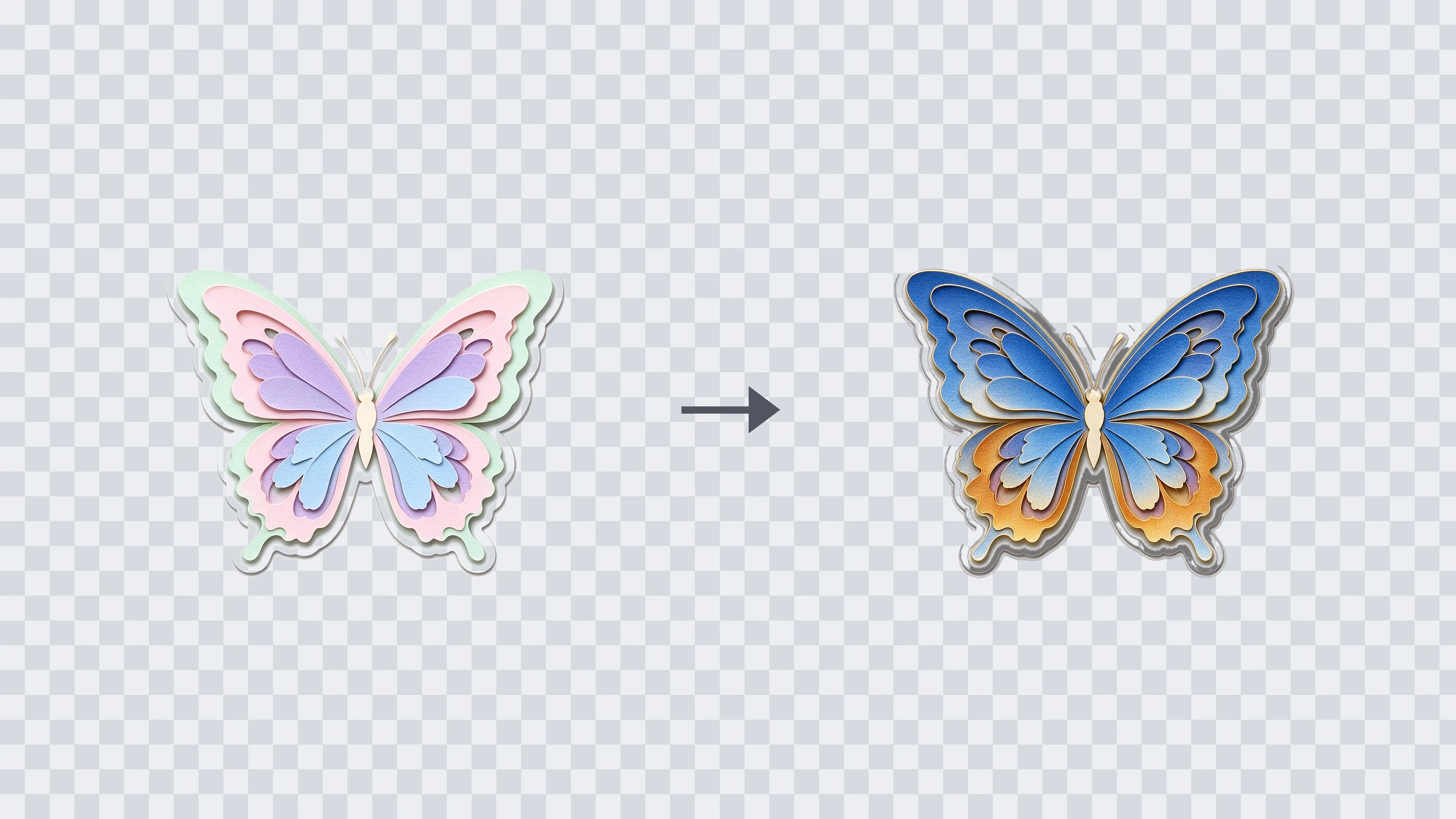
Turn a product idea or reference photo into styled images for a shop or catalog.Transparent sticker edits.
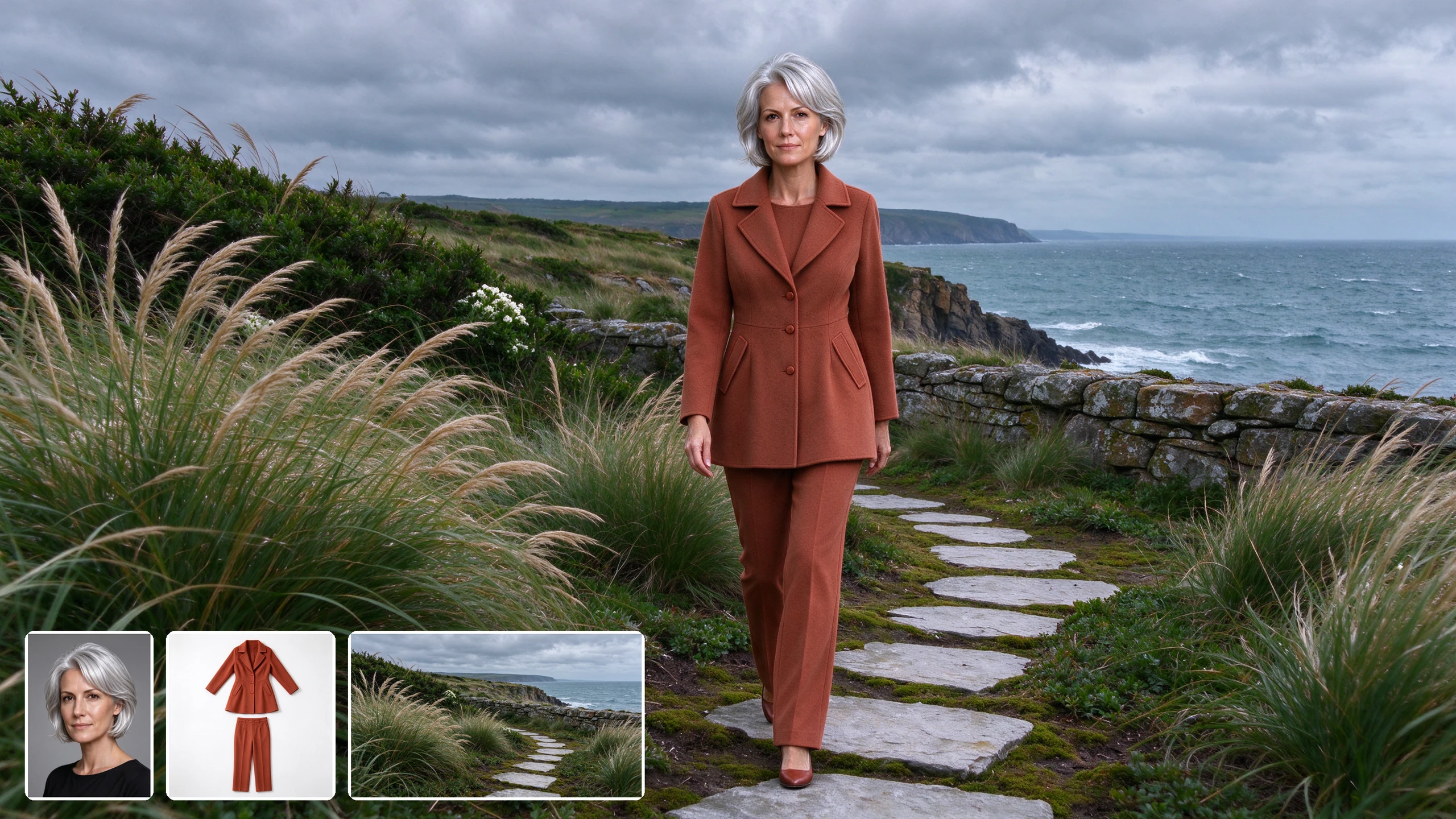
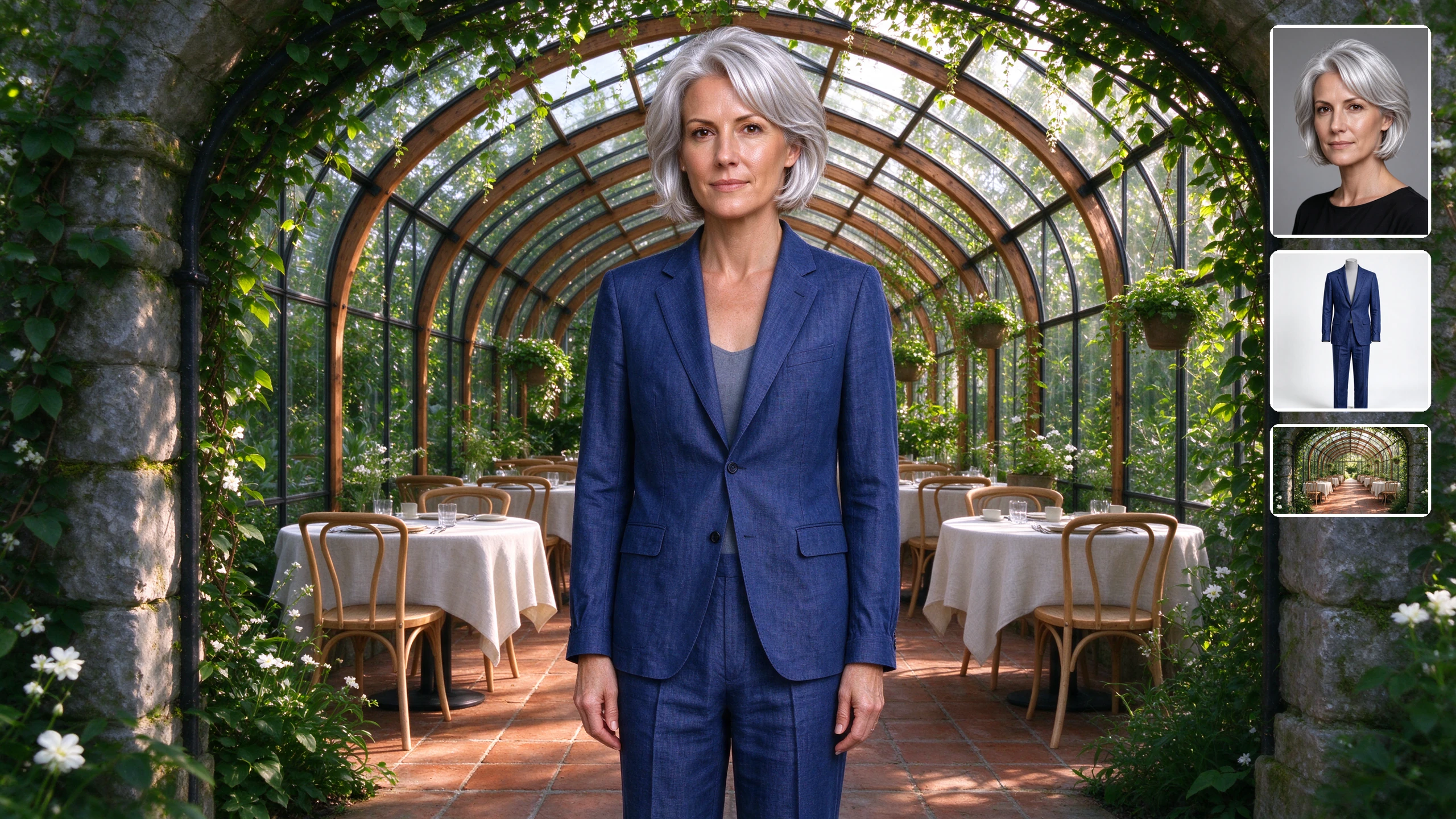
Refine an existing transparent PNG sticker and export the edited cutout with its transparency intact.Multi-reference composites.
Combine subject, clothing and setting references into a new composition guided by your prompt.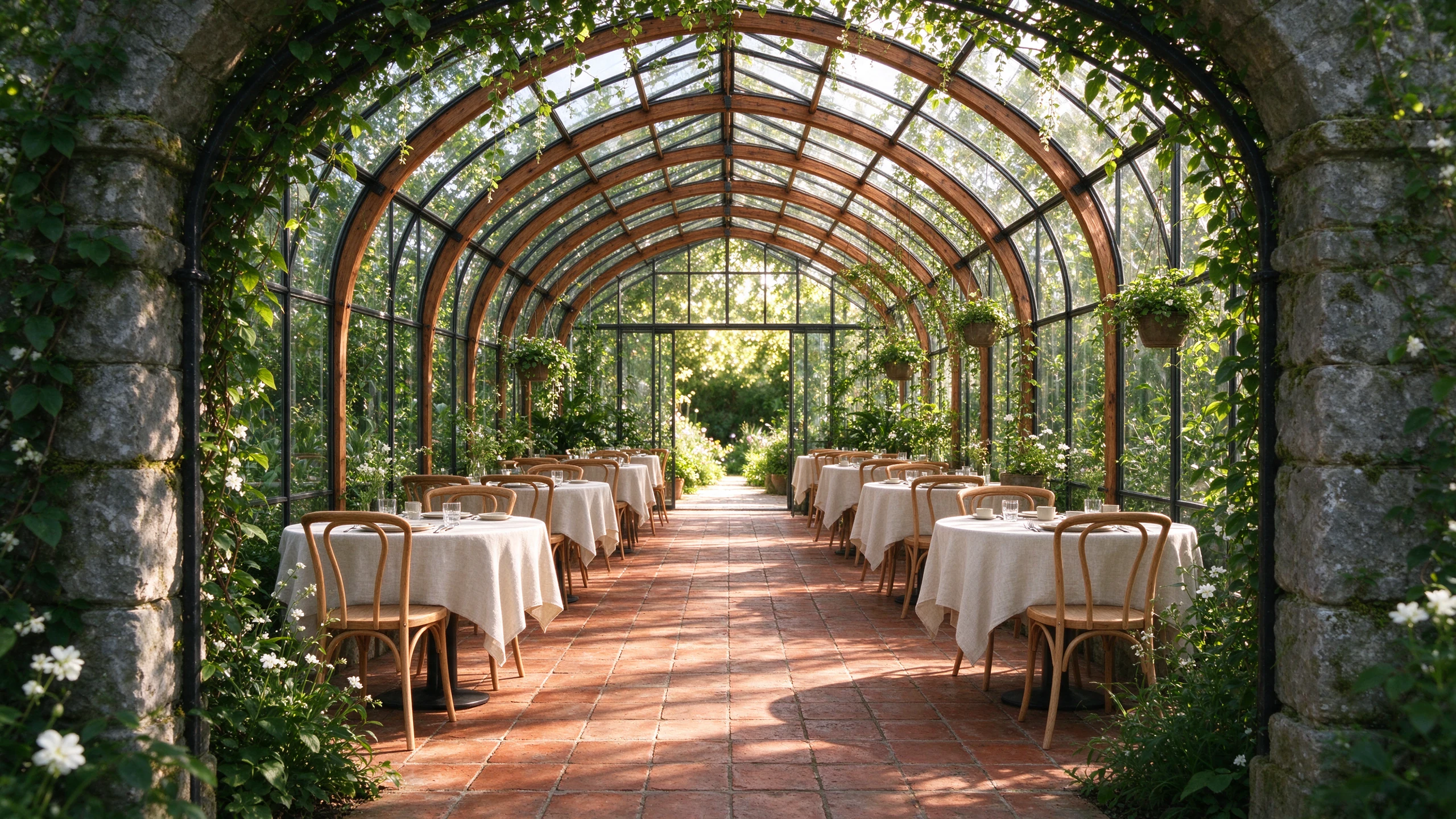
Architectural concept art.
Try different visual directions for an interior or building concept without a lengthy production cycle.Quick iterations for busy creative workflows
Seedream 5.0 Flash is suited to work that needs frequent new images or edits, such as ad variations and concept exploration. Images typically arrive in under 20 seconds, though delivery time can vary.
- •Generate from a text prompt
- •Edit an existing image with plain-language instructions
- •Request up to 4 images, generated separately
- •Try another direction without setting a seed
- •Useful for high-volume visual exploration
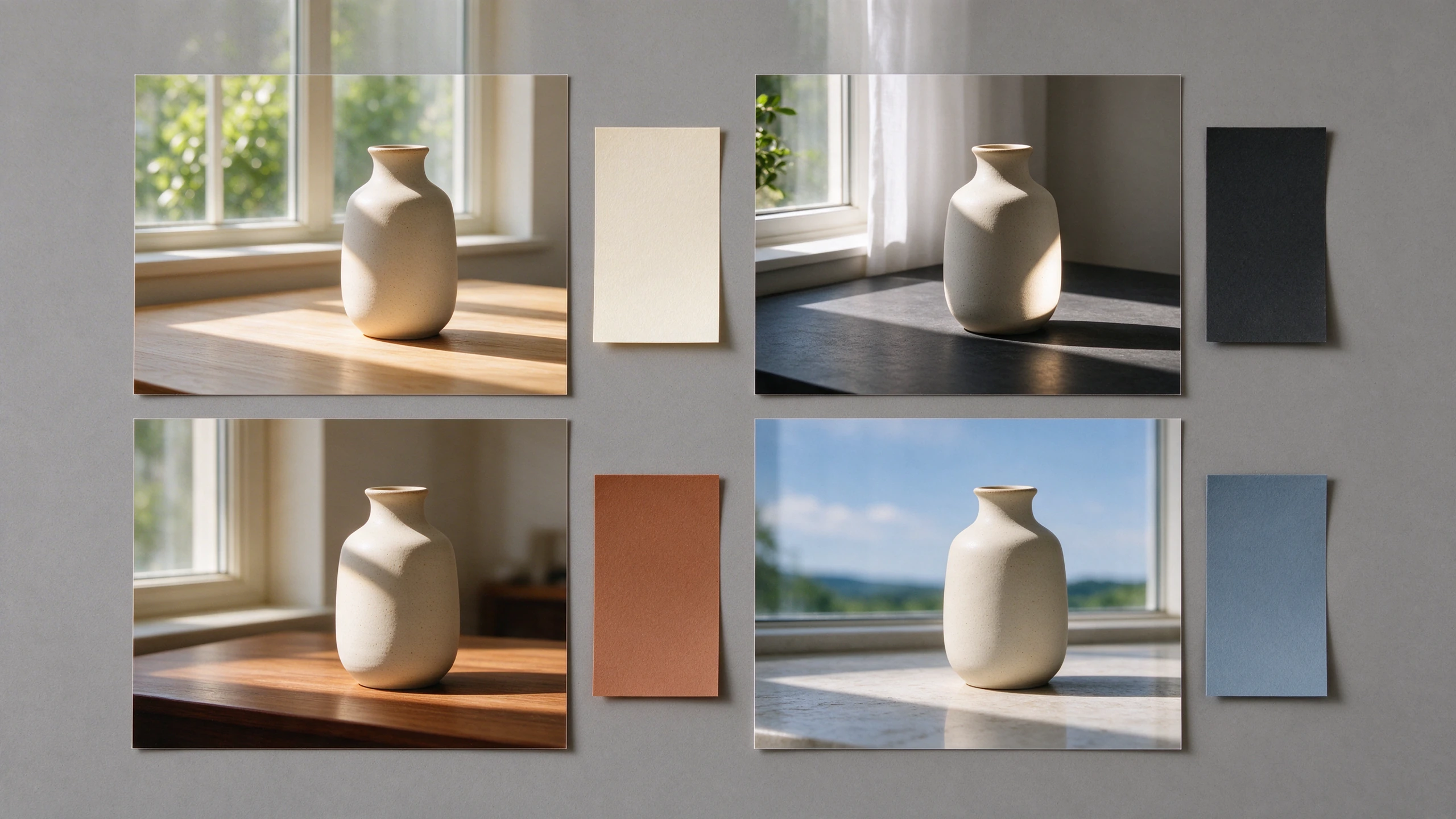
Compose with multiple reference images
Add references when a written prompt alone cannot convey the subject, outfit or setting you have in mind. Describe how their elements should come together in the finished image.
- •Use up to 10 reference images
- •Combine subject, wardrobe and scene cues
- •Guide the result with a plain-language prompt
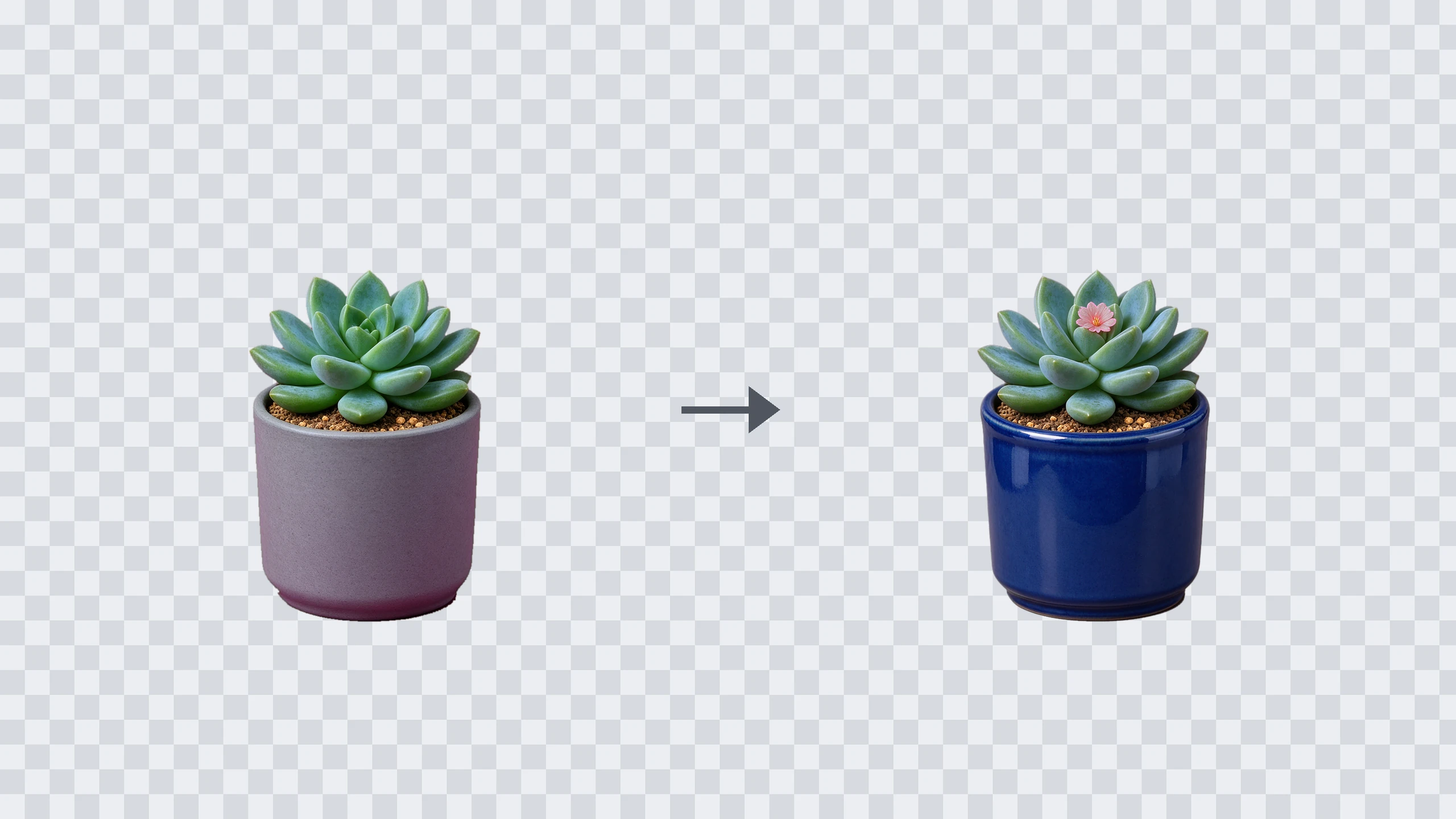
Edit cutouts without losing transparency
Start with a PNG that already has a transparent background, then describe the change you want. In the Image to Image tab, setting Background to Transparent returns an edited PNG that keeps the cutout transparent.
- •Use one transparent PNG as input
- •Set Background to Transparent
- •Refine a sticker, product cutout or logo shape
- •Receive an edited PNG with transparency
- •Text-to-image and multi-reference outputs remain opaque
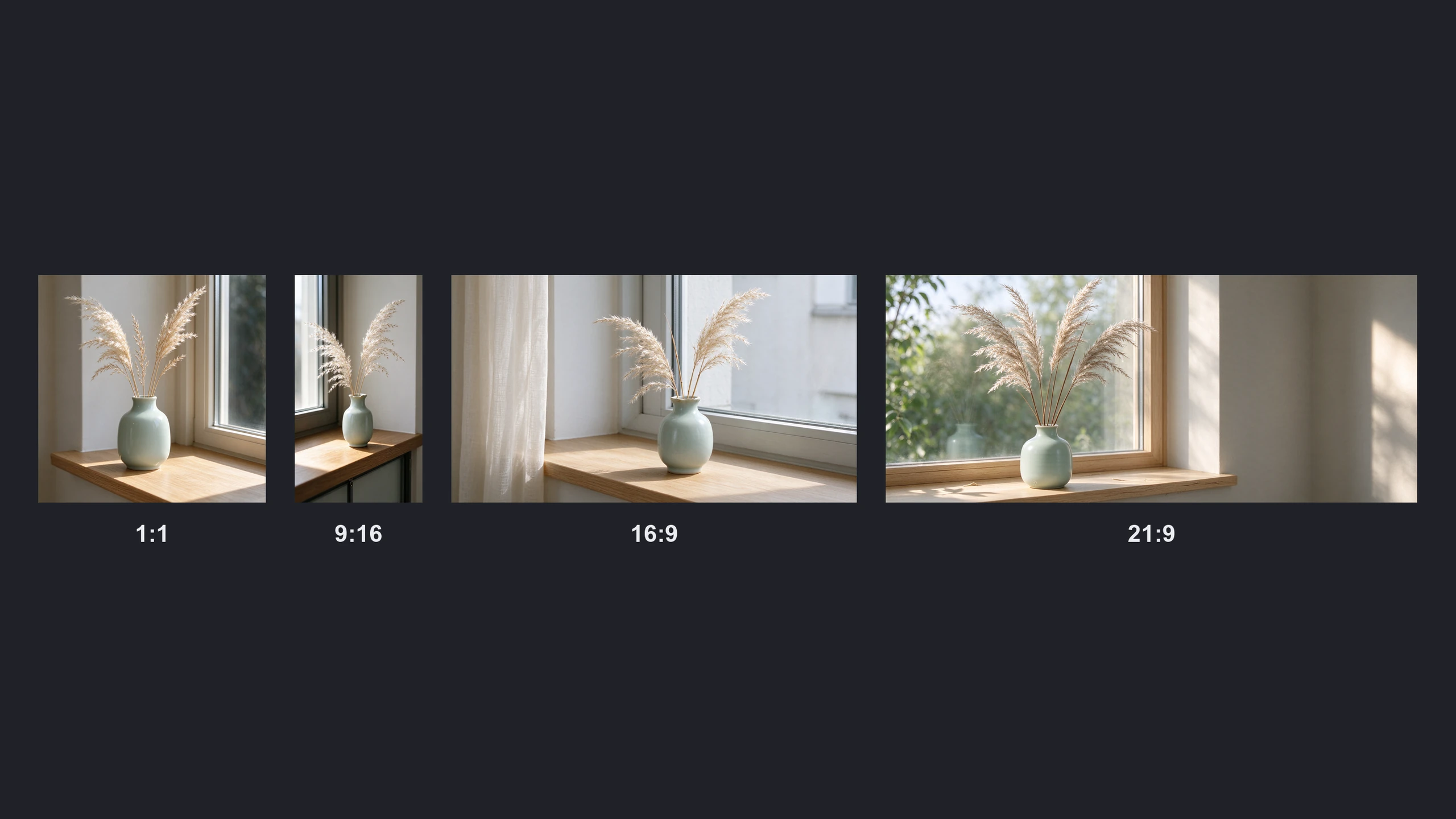
Size and frame images for the destination
Choose the output size and aspect ratio before generating, whether the image is headed for a square post or a wide banner. Prompts also work in English, Chinese and supported additional languages.
- •Choose 1K or 2K output; 2K is the default
- •Square and standard landscape or portrait framing
- •Wide 21:9 and tall 9:21 options
- •Prompt in English, Chinese or 14 more languages
How it works

1
Describe what you want
Open BudgetPixel's Image Workshop and select Seedream 5.0 Flash. Write a prompt describing the subject, setting, lighting and composition, or switch to Image to Image to edit an existing picture.

2
Add references and choose a format
Upload reference images if you want to combine visual ideas, then choose 1K or 2K and an aspect ratio. For a transparency-preserving edit, use a single PNG that already has transparency and set Background to Transparent.

3
Generate and refine
Generate the image and inspect the result. Adjust your prompt or give an image-editing instruction to explore another direction; you can request multiple separately generated images when comparing ideas.
Prompts to steal
16:9 landscape social ad photograph of an unmarked amber glass drink bottle among sliced peaches and rippling water, warm afternoon light, vivid coral and gold palette, crisp reflections.
Social media ad variations
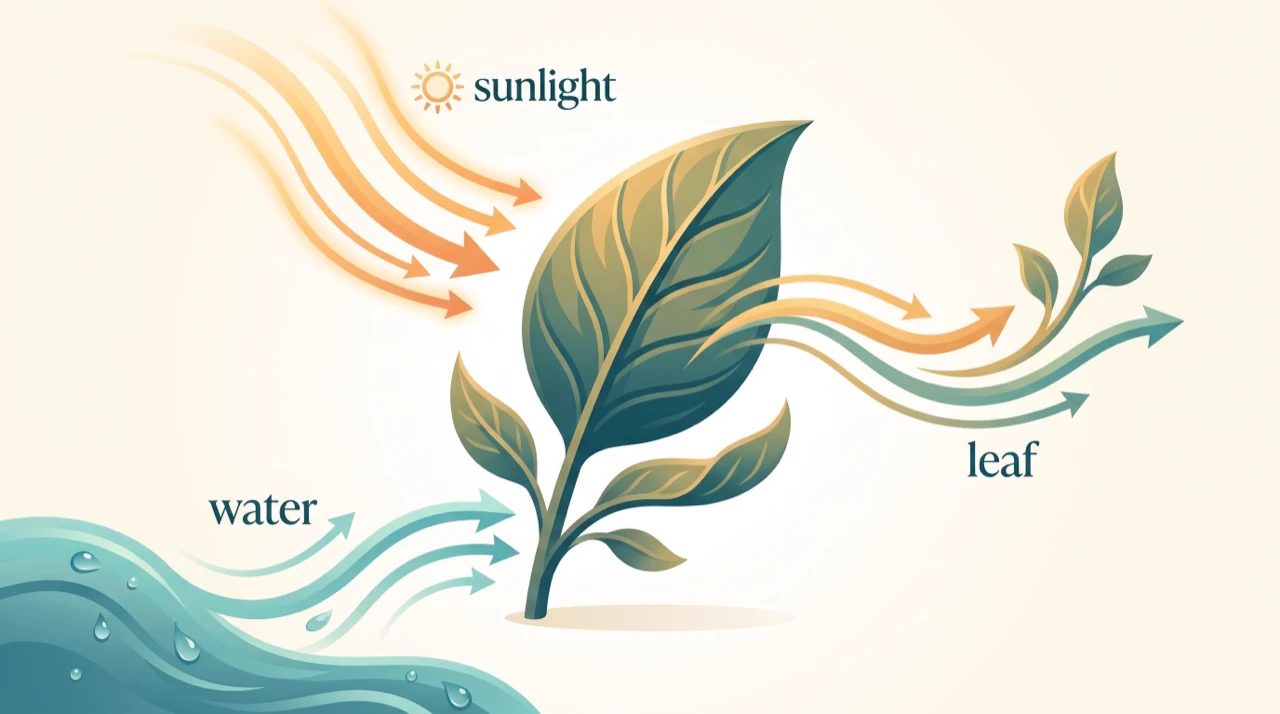
16:9 landscape product photograph of a sculptural cream ceramic table lamp on a pale oak console, linen curtain, soft window light, subtle shadows, warm minimalist interior.
E-commerce product photography
Refine the butterfly: blue and amber gradient wings with fine gold edges and crisp layered paper, keep the cutout shape. (Image to Image, one transparent PNG, Background: Transparent)
Transparent sticker edits
The woman from image 1 wearing the terracotta coat and trousers from image 2, walking along the stone path of the coastal garden from image 3, editorial fashion photograph, overcast light. (3 reference images)
Multi-reference composites
16:9 landscape architectural visualization of a sunlit greenhouse café with curved timber beams, climbing greenery, terracotta floors and linen-covered tables, viewed from the garden entrance.
Architectural concept art
Pricing for Seedream 5.0 Flash
Runs on credits — no per-model surcharges, no surprise billing.
25credits
per generation
25 credits per image
SeeDream 5.0 Flash vs SeeDream 5.0 Pro vs SeeDream 5.0 Lite
All 3 run on the same credits in the same workshop — here is what each costs and what it is for.
SeeDream 5.0 Flash
25credits per generation
ByteDance's fast, low-cost Seedream 5.0 model. Text-to-image and instruction-based editing with up to 10 reference images and 1K/2K output, usually in under 20 seconds, at a flat price with free input images. Can keep a transparent background when editing a PNG cutout.
Try SeeDream 5.0 Flash →SeeDream 5.0 Pro
55credits per generation
- Input images:
- First free · Each additional 5 credits
- Resolution:
- 1K 55 credits · 2K 110 credits
ByteDance's flagship precise image editing model with full layer control. Unifies text-to-image generation and instruction-based editing with up to 9 reference images, superior identity preservation, and 1K/2K output. Input images beyond the first bill 5 credits each.
Try SeeDream 5.0 Pro →SeeDream 5.0 Lite
40credits per generation
ByteDance's latest lightweight unified text-to-image generation and editing model. Delivers fast, high-quality output with 2K/3K resolution support, multi-reference inputs (up to 9), sequential generation, and improved aesthetics at a lower cost than SeeDream 4.5.
Try SeeDream 5.0 Lite →Use SeeDream 5.0 Flash via the API
SeeDream 5.0 Flash is available through the BudgetPixel developer API — the same model the studio runs, supporting text-to-image, and image editing / references. Pricing is metered in credits (25 credits per image), charged only on success, with an API key available on Premium plans and above.
curl -X POST https://api.budgetpixel.com/v1/images/seedream-5.0-flash \
  -H "Authorization: Bearer $BUDGETPIXEL_API_KEY" \
  -H "Content-Type: application/json" \
-d '{"prompt": "your prompt here"}'No code? Use SeeDream 5.0 Flash from Claude or Cursor
SeeDream 5.0 Flash is also available through the BudgetPixel MCP server. Connect your account to Claude, Cursor, or any MCP-enabled agent and generate with SeeDream 5.0 Flash by asking in plain language — same credits, same pricing, no code required.
SeeDream 5.0 Flash at a glance
- Fast generation (typically under 20 seconds)
- Flat price at 1K and 2K
- Free input images
- Multi-reference support (up to 10)
- Transparent-background PNG edits
- Precise instruction-based editing
- Prompts in 16 languages
- Unified generation & editing
How SeeDream 5.0 Flash compares
The differences that actually change which one you pick.
- SeeDream 5.0 Flash vs Seedream 5.0 Pro
- Both share the Seedream 5.0 editing features, including transparent-background PNG edits. Pro reasons longer for the most demanding edits and prices by size (55 credits at 1K, 110 at 2K, plus a fee for extra inputs); Flash returns in seconds for a flat 25 credits with free inputs.
- SeeDream 5.0 Flash vs Seedream 5.0 Lite
- Lite adds a 3K tier and grouped sequential generation (a set of related images in one call). Flash is cheaper and faster, takes up to 10 references, and can keep a transparent background when editing a PNG.
Frequently asked questions
What is Seedream 5.0 Flash, and who makes it?▾
Seedream 5.0 Flash is an image-generation and editing model from ByteDance Seed, positioned for fast, cost-conscious creative work. Run it in BudgetPixel's Image Workshop with BudgetPixel credits, or use the BudgetPixel developer API or MCP server.
How much does Seedream 5.0 Flash cost?▾
On BudgetPixel, Flash costs 25 credits per image at either 1K or 2K, and reference images cost nothing extra. You do not need a separate model subscription or a local GPU. For comparison within the family, Pro costs 55 credits at 1K or 110 at 2K, plus 5 credits for each reference image after the first; Lite costs 40 credits per image.
How does Seedream 5.0 Flash differ from Seedream 5.0 Pro?▾
Flash is the choice for quick iterations and higher-volume work at a flat per-image credit cost. Seedream 5.0 Pro is the family's flagship for the most demanding precise edits and text-heavy layouts; it also supports transparent-background edits. Choose Pro when those harder tasks matter more than turnaround.
How does Seedream 5.0 Flash differ from Seedream 5.0 Lite?▾
Flash focuses on fast, separately generated images and accepts up to 10 references on BudgetPixel. Seedream 5.0 Lite offers 2K or 3K output and sequential sets of up to 14 related images per run, with up to 9 references. Choose Lite when a connected image set or 3K output is the priority.
What resolutions and reference-image limits does Seedream 5.0 Flash have?▾
On BudgetPixel, choose 1K or 2K output; 2K is the default. You can add up to 10 reference images and select from 1:1, 4:3, 3:4, 16:9, 9:16, 3:2, 2:3, 21:9 and 9:21 aspect ratios.
Can Seedream 5.0 Flash make images with transparent backgrounds?▾
It can preserve transparency when editing an existing cutout: in the Image to Image tab, add one PNG that already has a transparent background and set Background to Transparent. The edited result comes back as a transparent PNG. Text-to-image and multi-reference requests produce opaque images; a text prompt alone cannot create a transparent cutout.
Can Seedream 5.0 Flash edit an existing image?▾
Yes. Upload an image in the Image to Image tab and describe the change in plain language, such as adjusting a scene or restyling a product photo. You can also provide multiple references for a new composite, but the transparent-background option requires exactly one PNG that already has transparency.
Can I generate a matching series of images in one request?▾
You can request up to 4 images, but Flash generates each separately. It does not offer a grouped or sequential image-set mode. If you need a related sequence generated together, consider Seedream 5.0 Lite.
Which languages can I use to prompt Seedream 5.0 Flash?▾
You can write prompts in English or Chinese, as well as Russian, Arabic, Filipino, Thai, Turkish, Korean, Malay, Spanish, Portuguese, Indonesian, French, German, Vietnamese or Japanese. Describe the visible subject and the change you want directly.
Can I use Seedream 5.0 Flash images commercially?▾
BudgetPixel plans include commercial usage terms. Check the Terms for the conditions that apply to your plan and intended use before publishing or selling an image.
Does SeeDream 5.0 Flash have an API?▾
Yes — SeeDream 5.0 Flash is available through the BudgetPixel developer API via the `POST /v1/images/seedream-5.0-flash` endpoint, supporting text-to-image, and image editing / references. Generate an API key from the developer console (available on Premium plans and above) and see the full reference at docs.budgetpixel.com.
How much does the SeeDream 5.0 Flash API cost?▾
API usage is billed in credits from the same balance your plan includes, at the standard metered rate: 25 credits per image. Failed generations are never charged. You can estimate any request's exact cost with POST /v1/cost before running it.
Can I use SeeDream 5.0 Flash with Claude or other AI agents (MCP)?▾
Yes — SeeDream 5.0 Flash is exposed through the BudgetPixel MCP server, so Claude, Cursor, and any MCP-compatible agent can generate with it from a plain-language request. Connect your account at budgetpixel.com/mcp; generations use the same credit balance and pricing as the web studio and the API.