
Pose reference library · 115 free poses
Free pose references. Put any character in the pose.
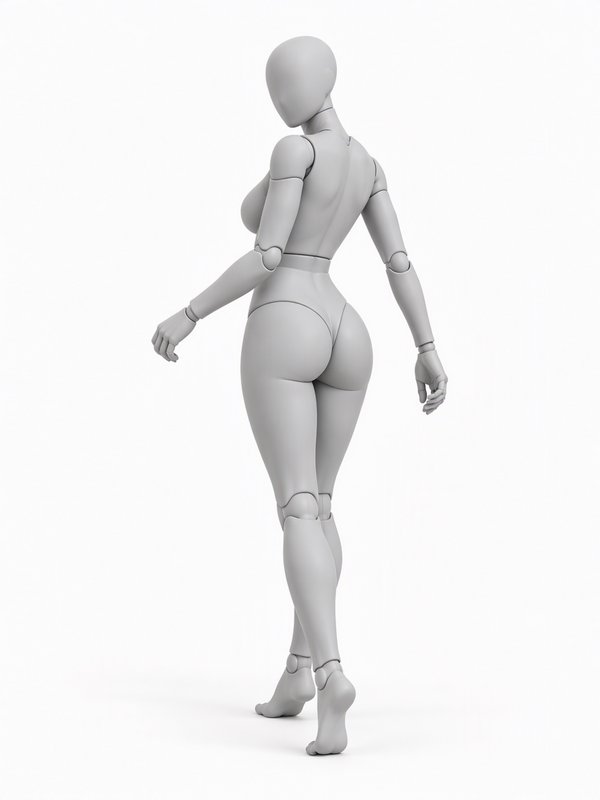
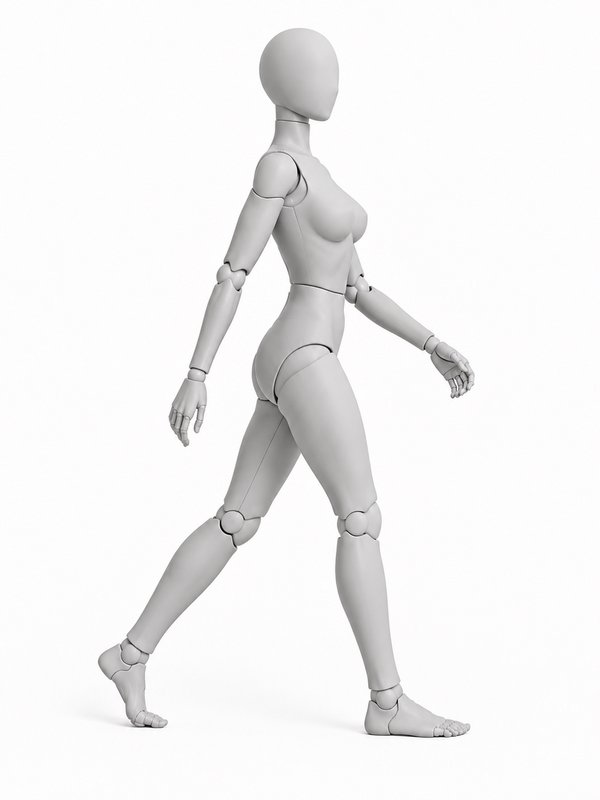
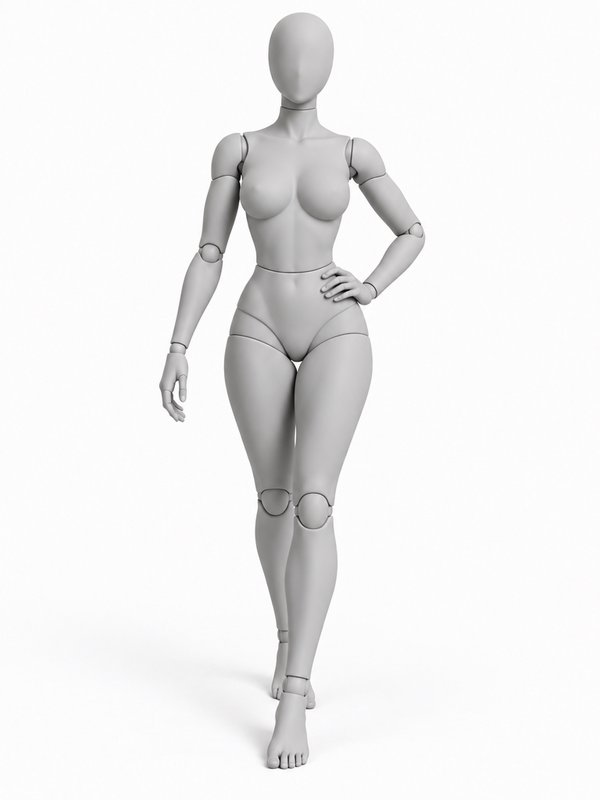
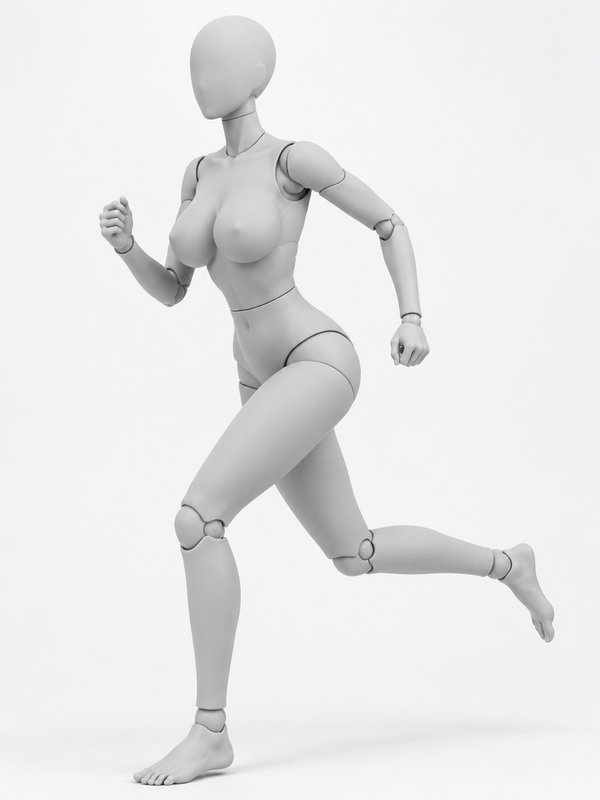
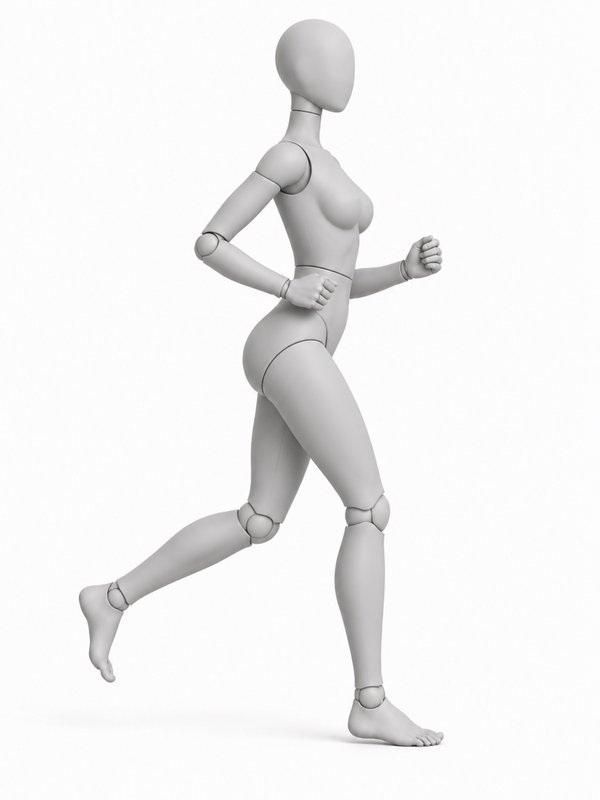
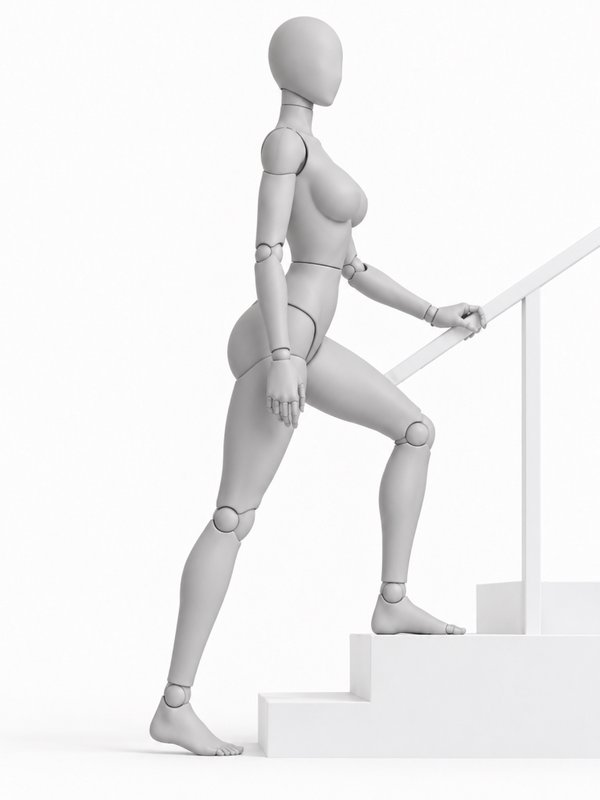
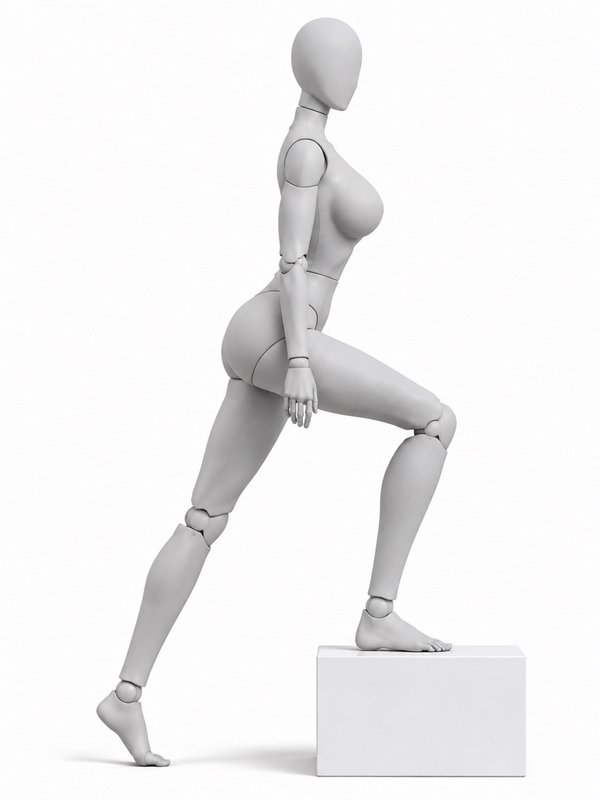
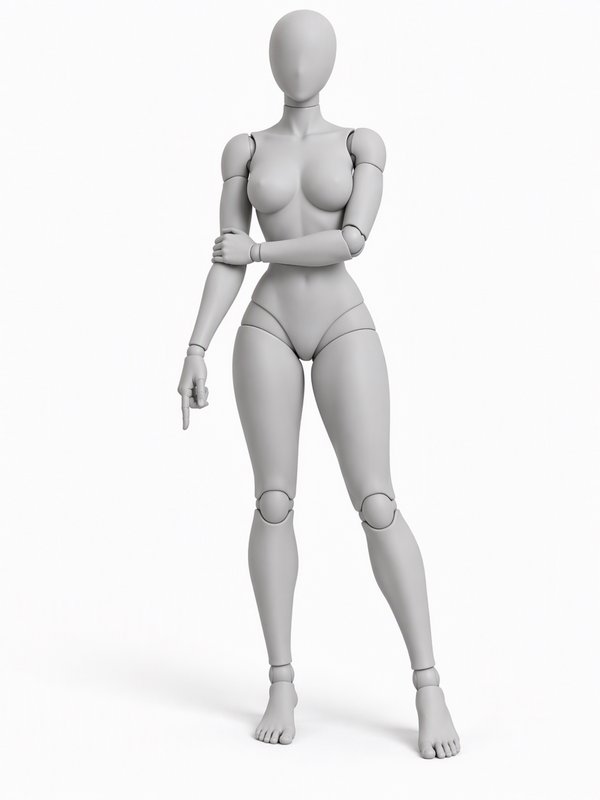
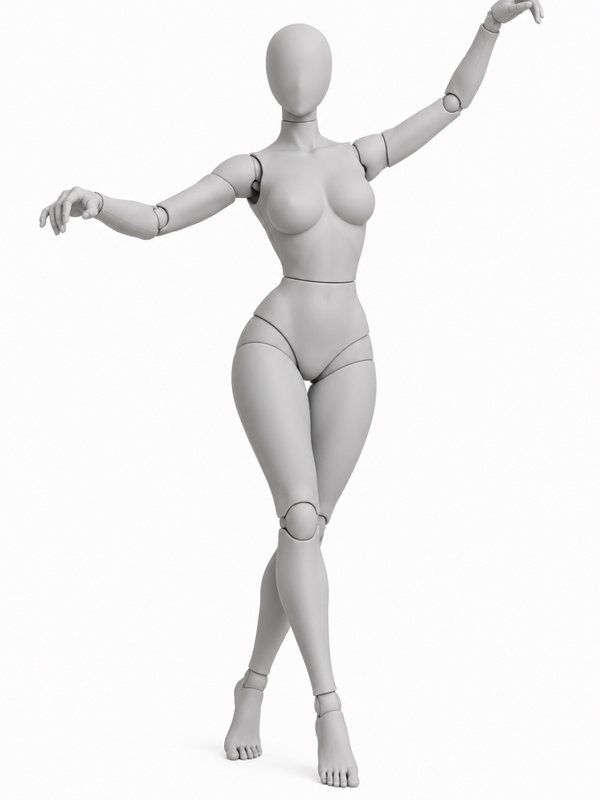
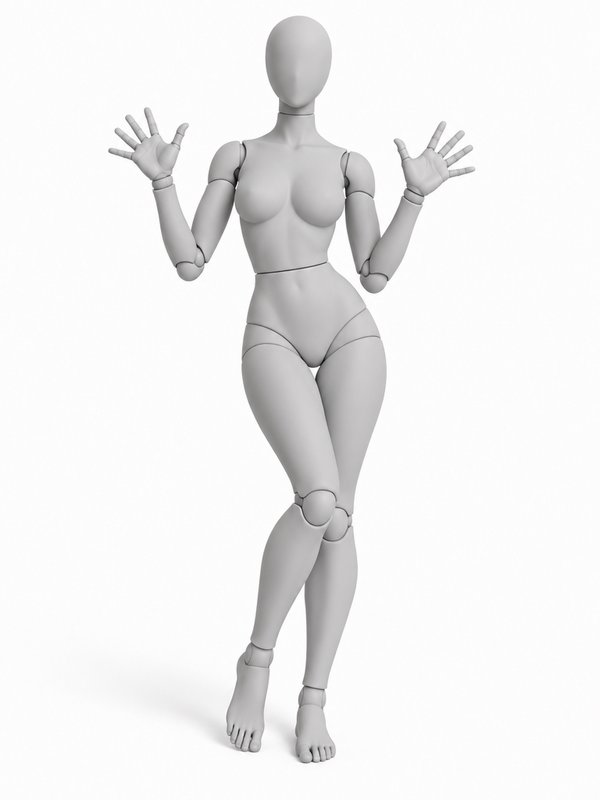
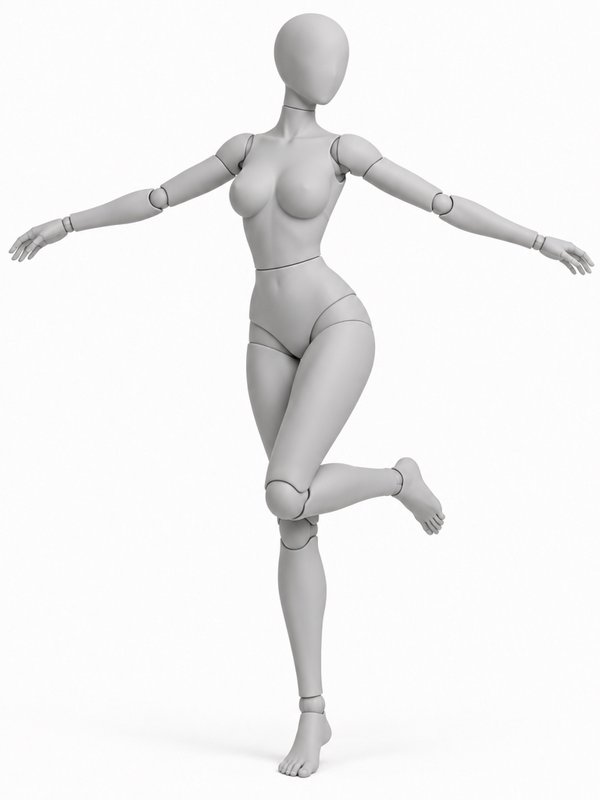
Every pose is drawn on two faceless grey mannequins, a woman and a man, and checked to be one a real body can do. Use the pictures as a reference for drawing or photos, free for any use, or write @your_character in @pose in an image prompt to put your character in it.
- Woman and man mannequins
- Doable by a real body
- Free for commercial use
- One @handle in any prompt
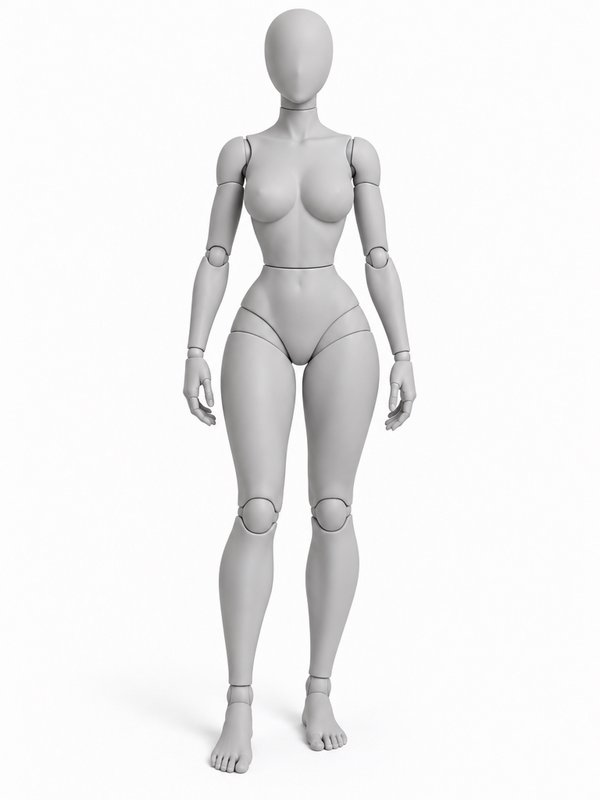
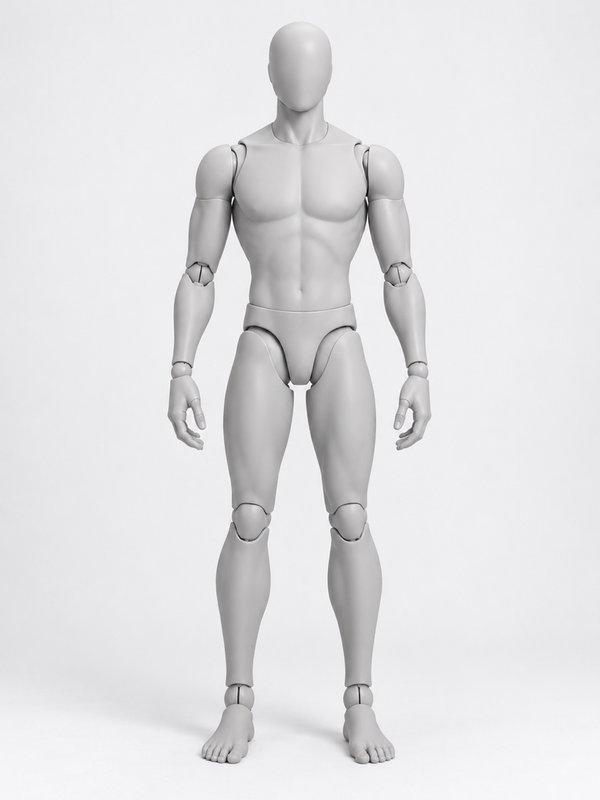
The pose library
115 poses on 10 shelves, free for everyone: standing, sitting, lying, kneeling and crouching, walking and running, jumping and action, dance, sports and fitness, glamour and gestures. Open a pose to see it from every angle, its @handle and the words that describe it.
Standing14
- Relaxed Standing@relaxed_stand_pose
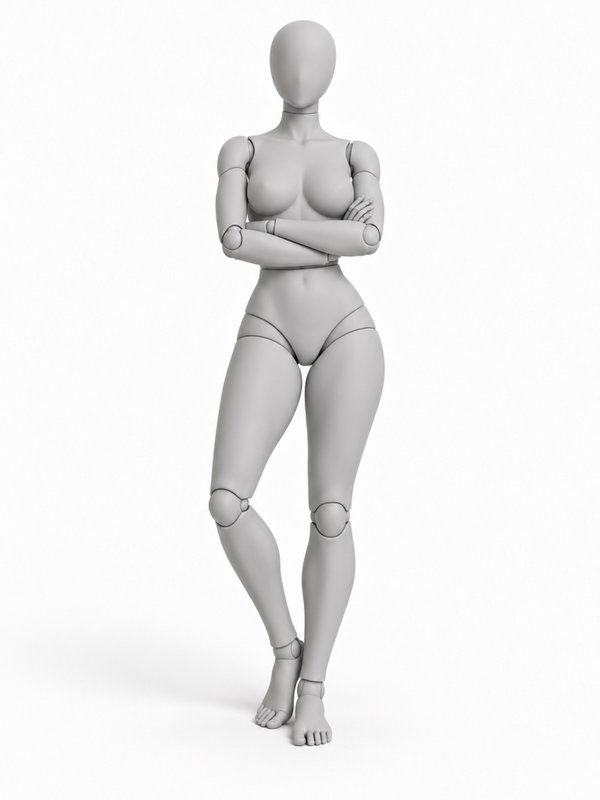 Arms Crossed@arms_crossed_pose
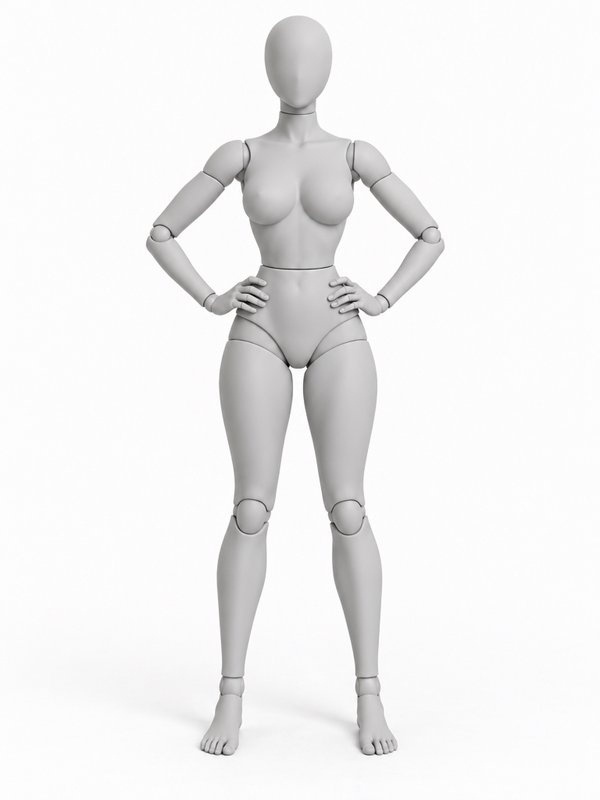 Hands on Hips Power Pose@hands_on_hips_pose
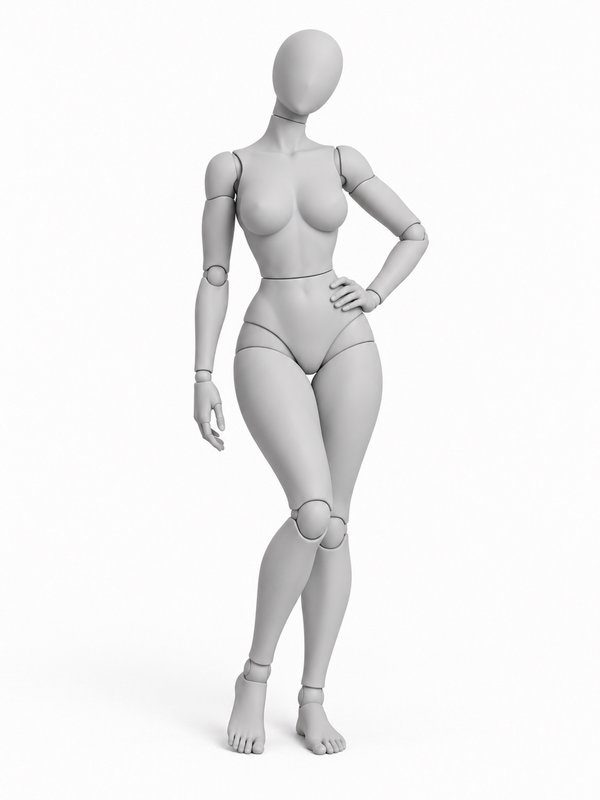 One Hand on Hip@hand_on_hip_pose
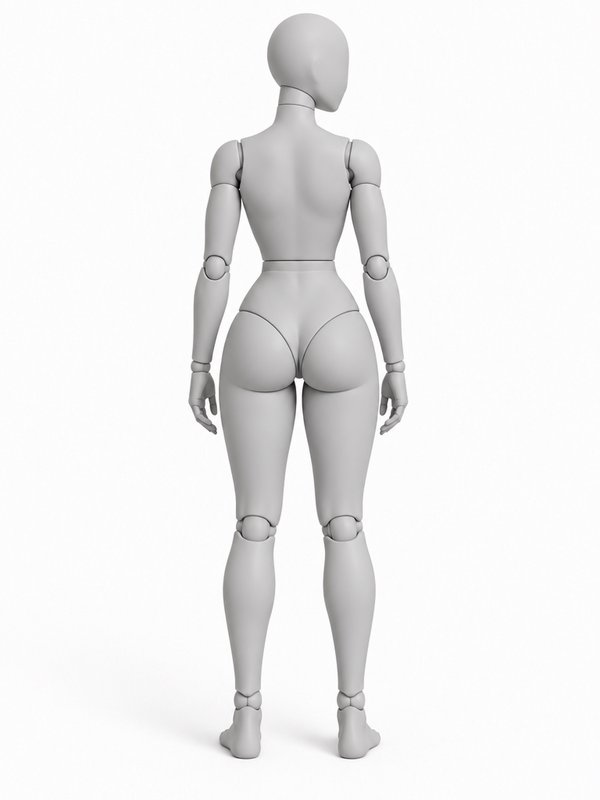 Back View, Looking Aside@back_view_relaxed_pose
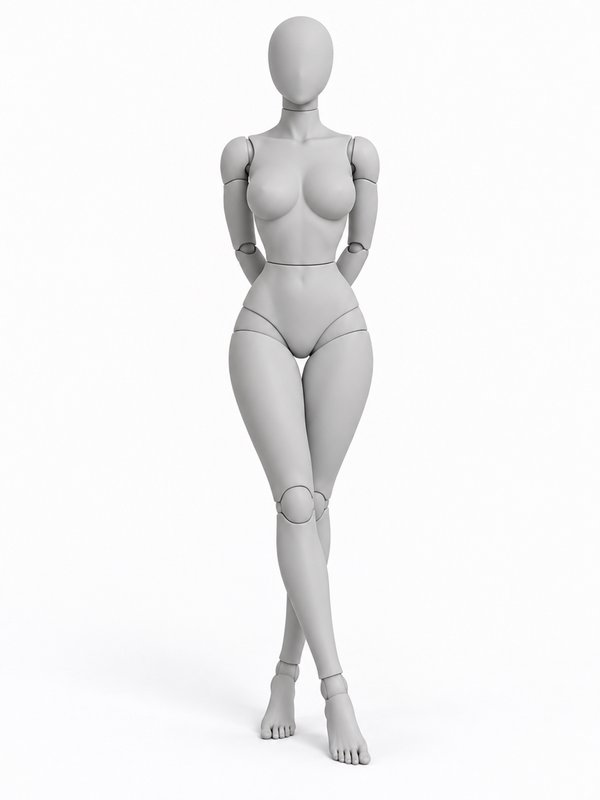 Hands Behind Back@hands_behind_back_pose
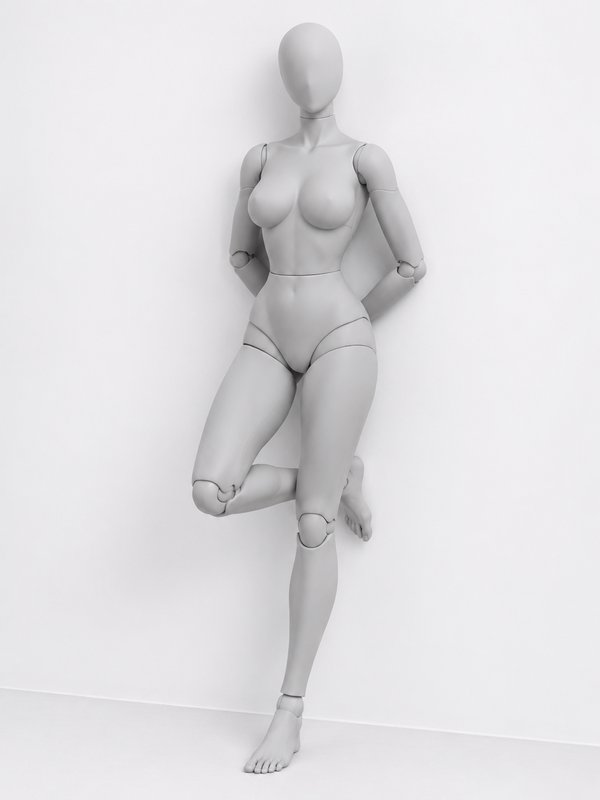 Wall Lean, Foot Up@wall_lean_foot_up_pose
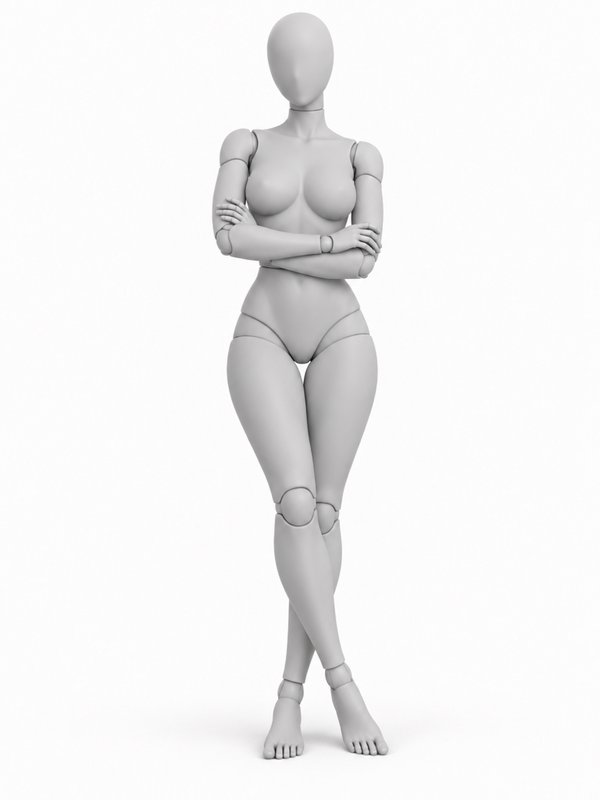 Shoulder Against the Wall@shoulder_lean_pose
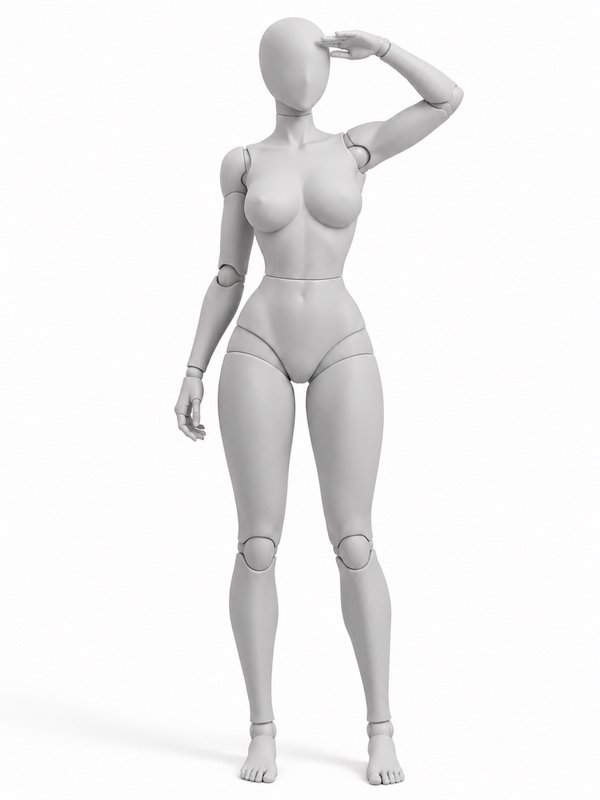 Shading the Eyes@shading_eyes_pose
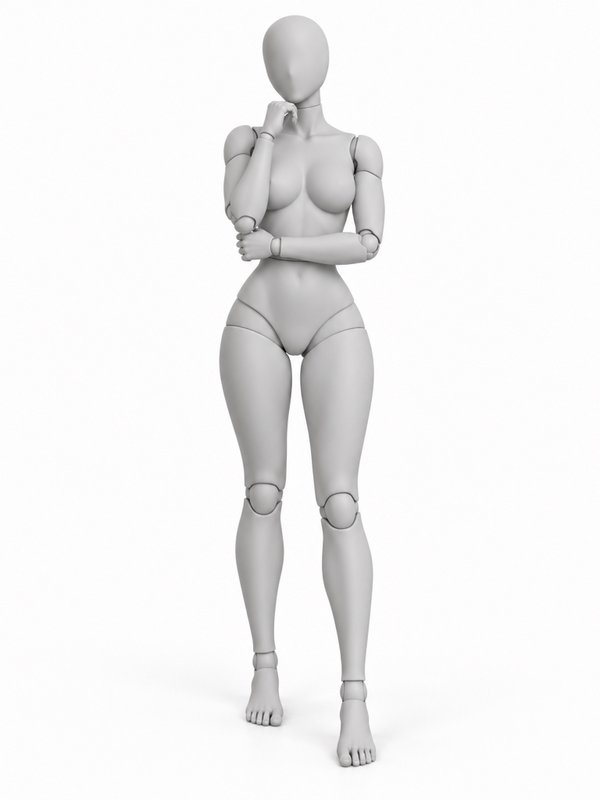 Thinking, Hand on Chin@thinking_chin_pose
Sitting14
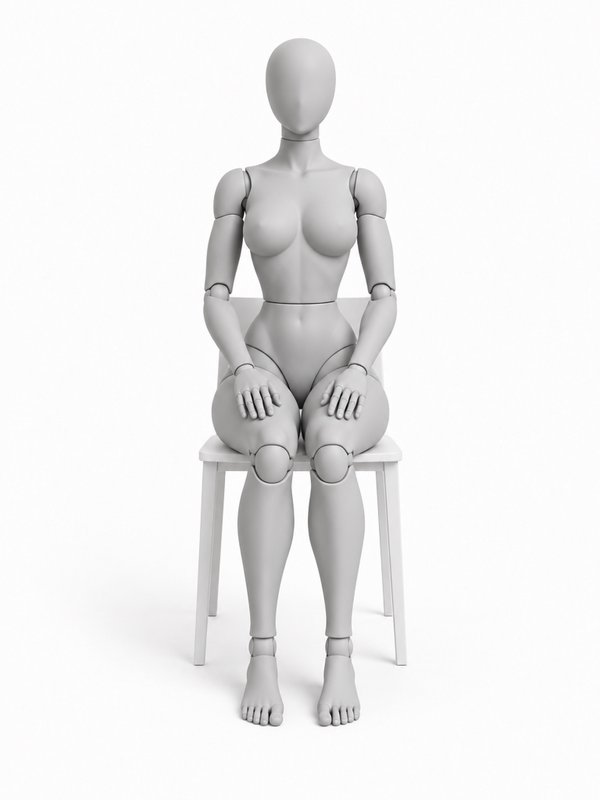 Sitting Upright on a Chair@chair_upright_pose
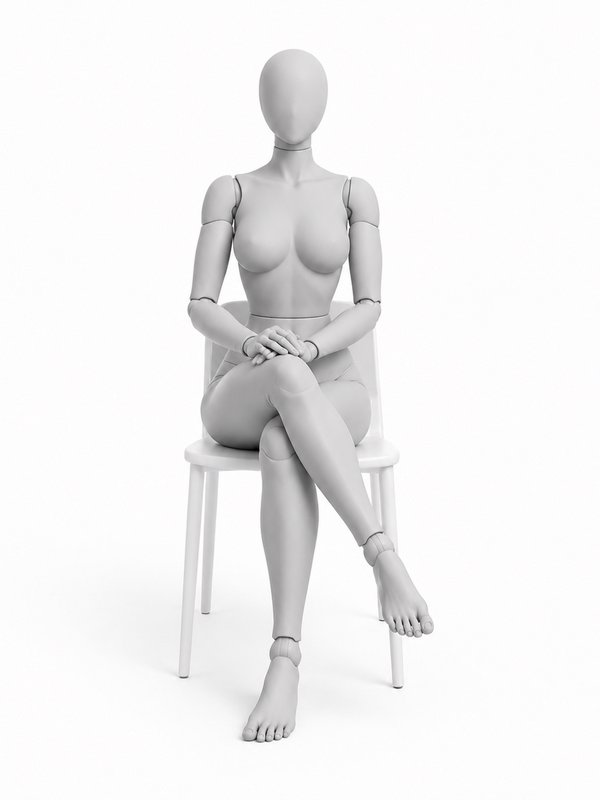 Chair, Legs Crossed@chair_legs_crossed_pose
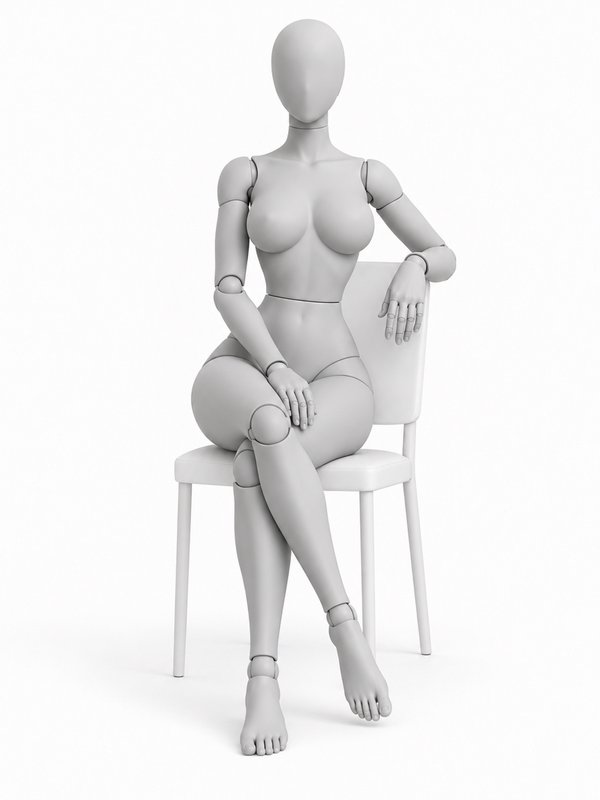 Sitting Sideways on a Chair@chair_sideways_pose
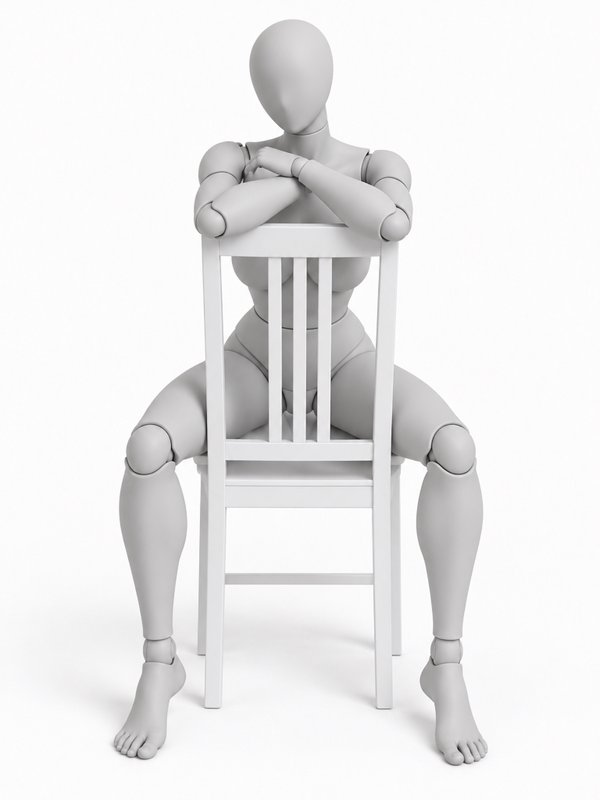 Straddling a Chair Backwards@chair_backwards_pose
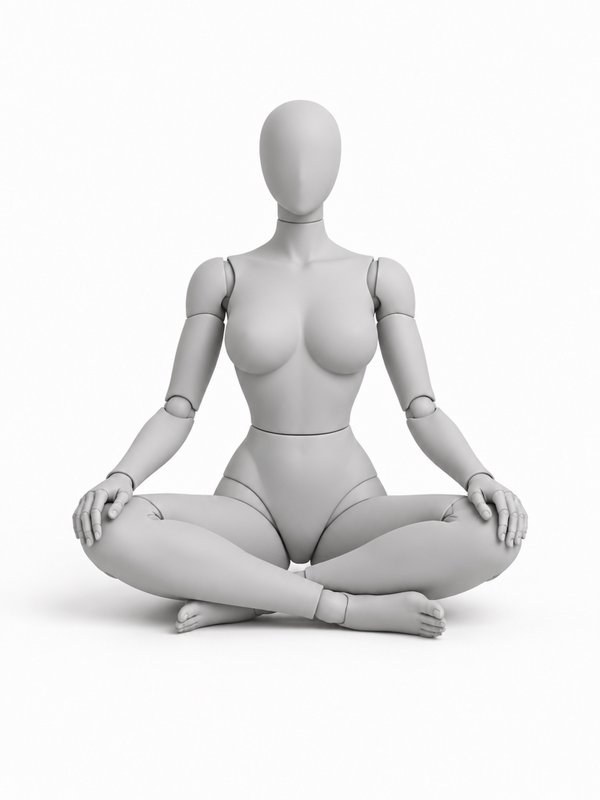 Cross-Legged on the Floor@cross_legged_pose
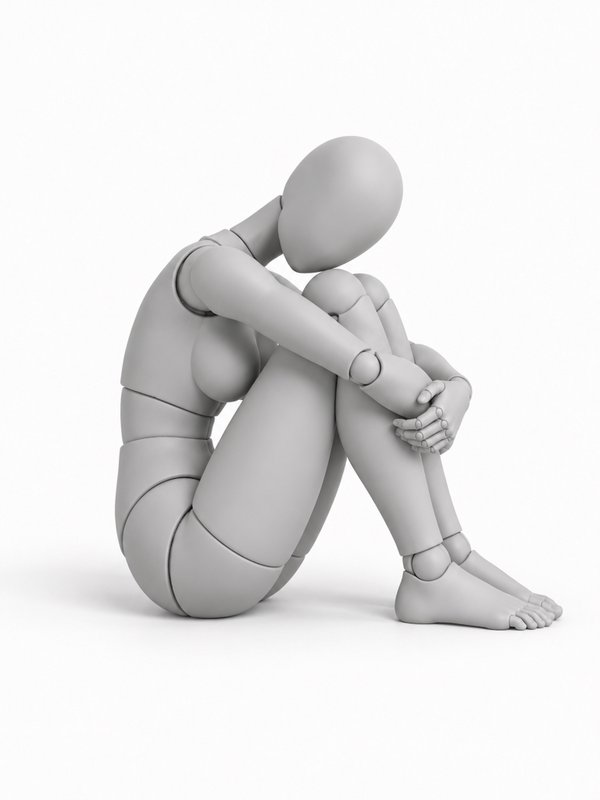 Hugging the Knees@hugging_knees_pose
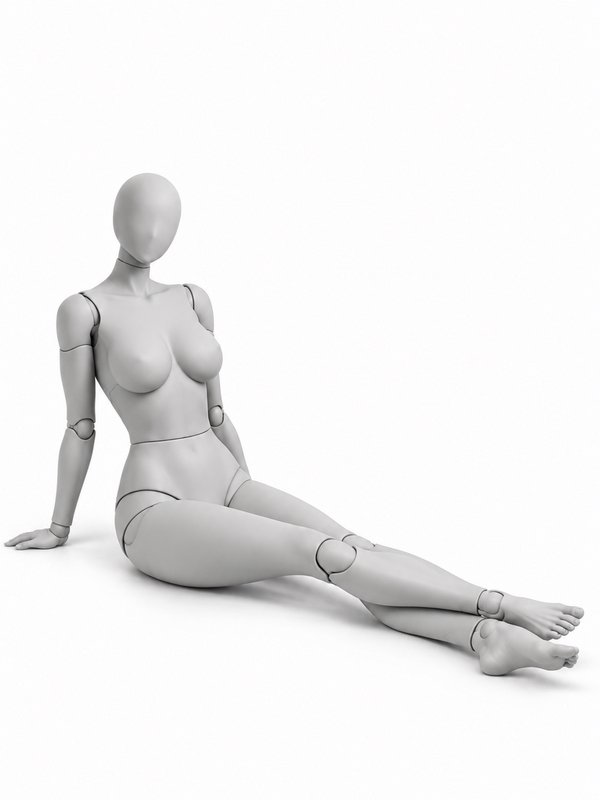 Floor Sit, Leaning Back@floor_lean_back_pose
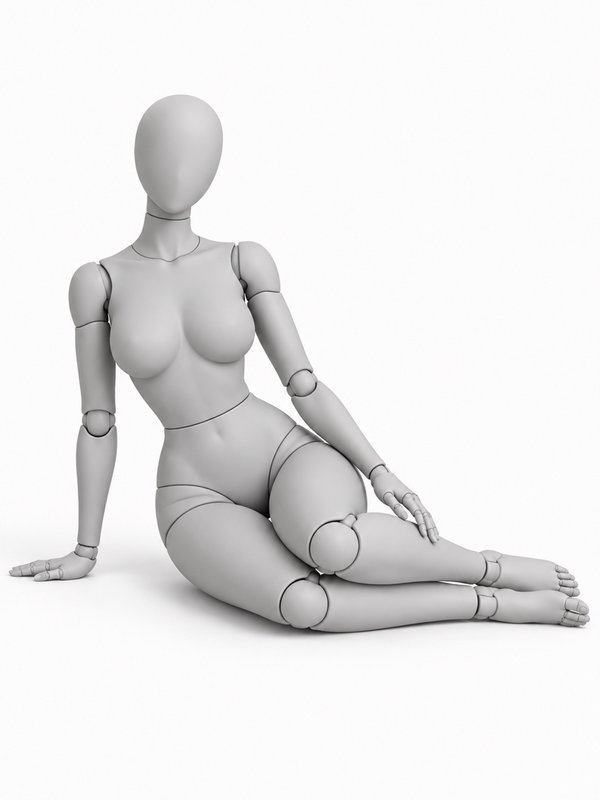 Side Sit on the Floor@side_sit_pose
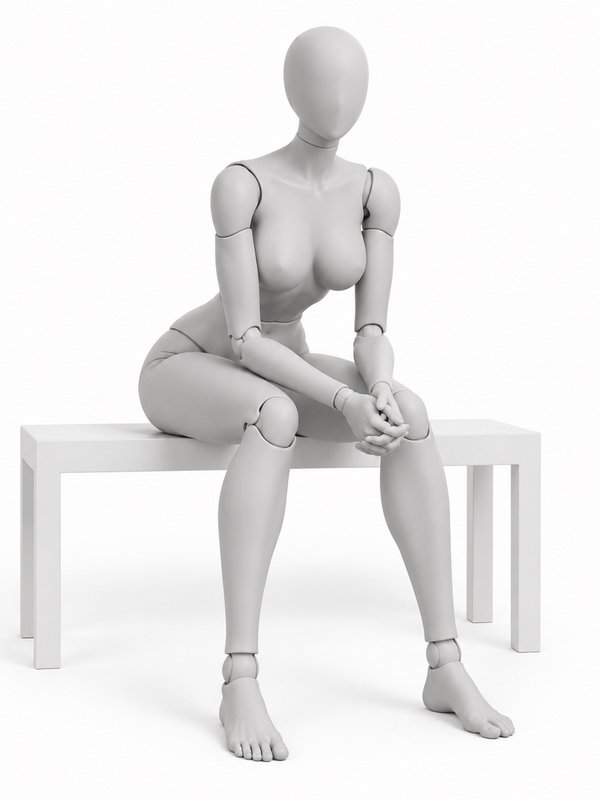 Bench, Elbows on Knees@bench_elbows_knees_pose
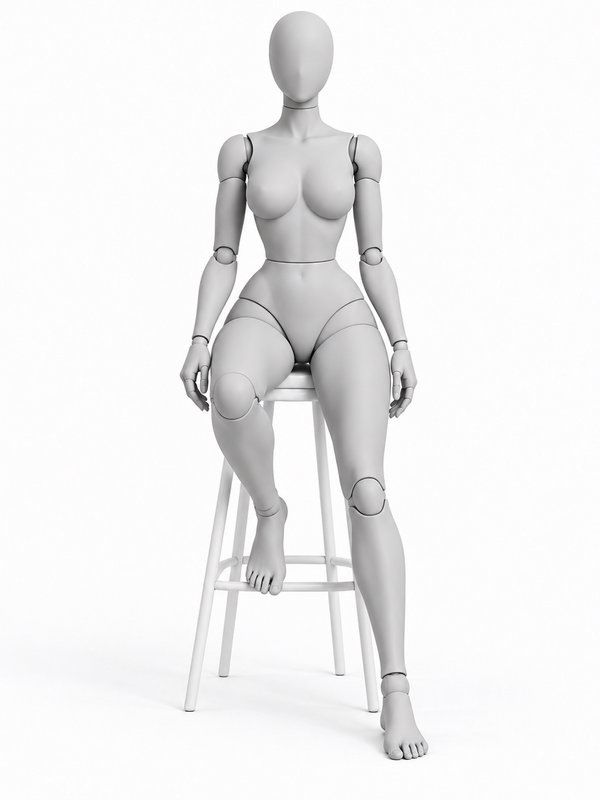 Tall Stool, One Foot Down@stool_one_foot_pose
Lying9
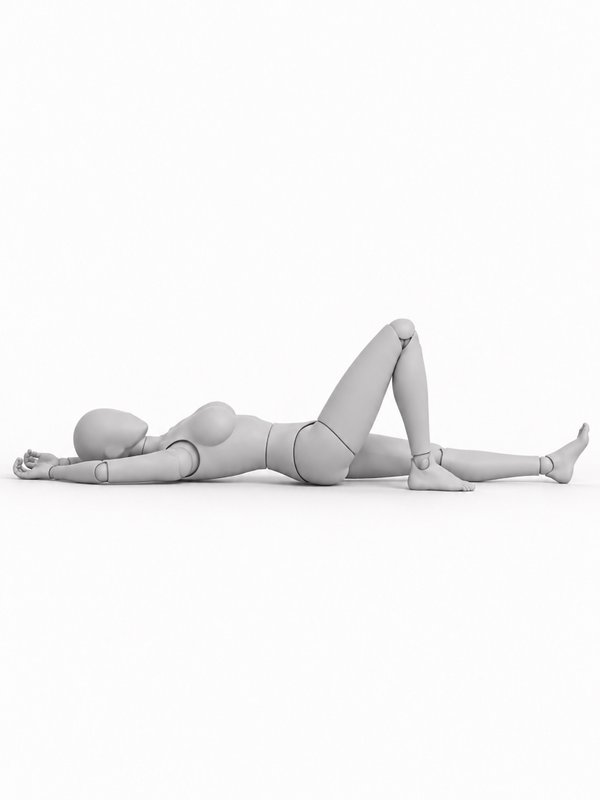 Lying on the Back, Knee Bent@back_knee_bent_pose
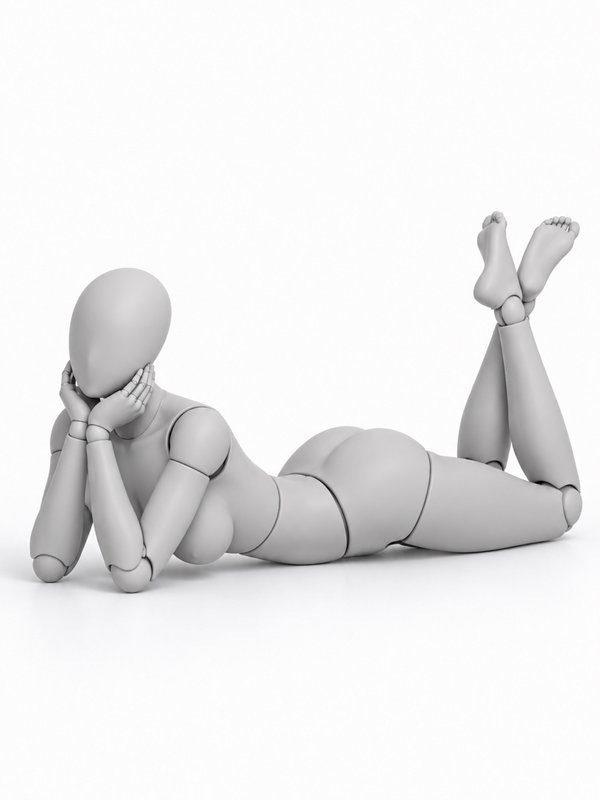 On the Stomach, Chin in Hands@stomach_chin_hands_pose
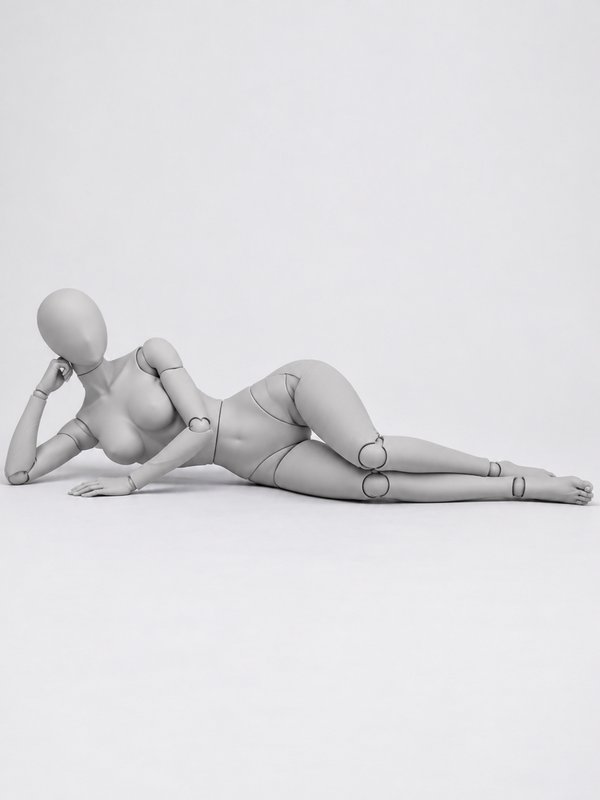 Lying on the Side, Propped on an Elbow@side_elbow_pose
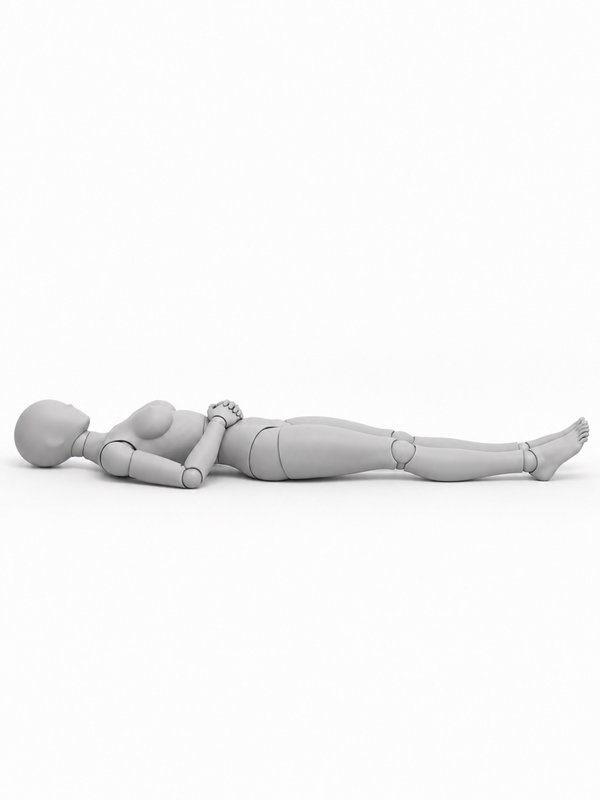 Resting on the Back@resting_back_pose
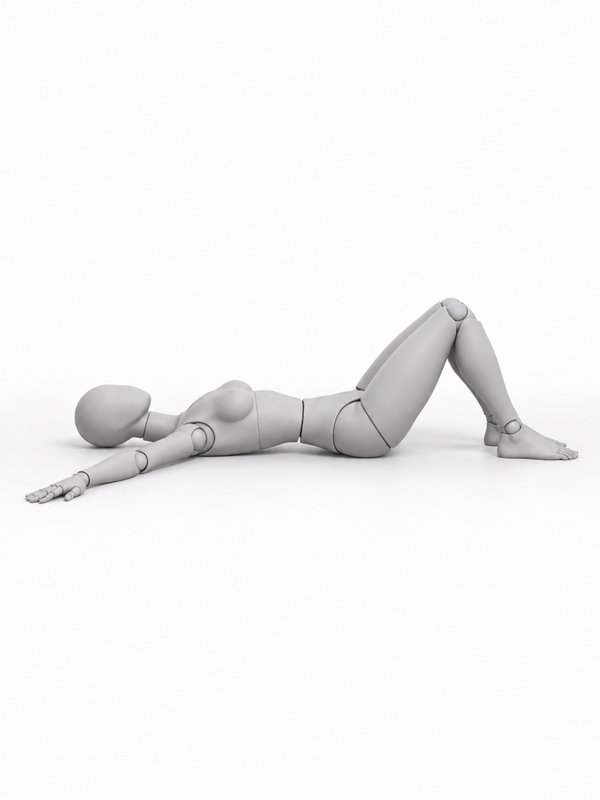 On the Back, Arms Out@back_arms_out_pose
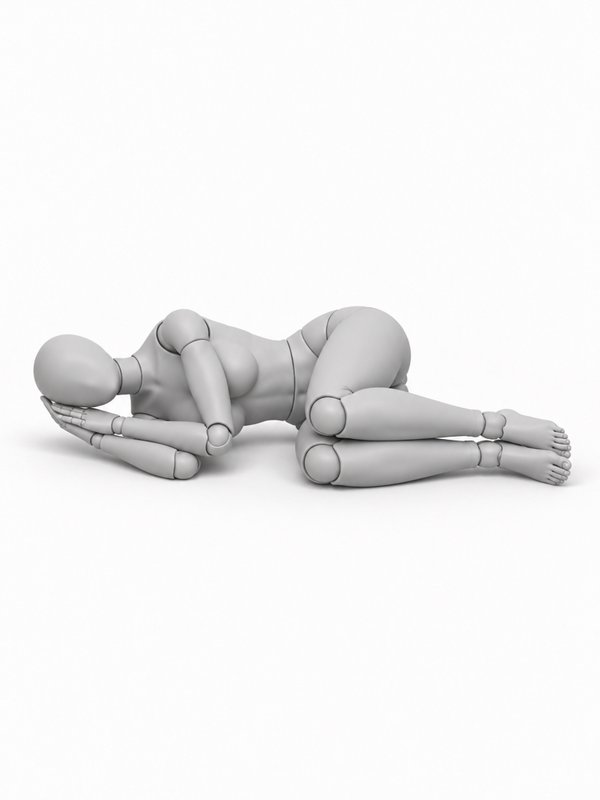 Curled Up Sleeping@curled_sleeping_pose
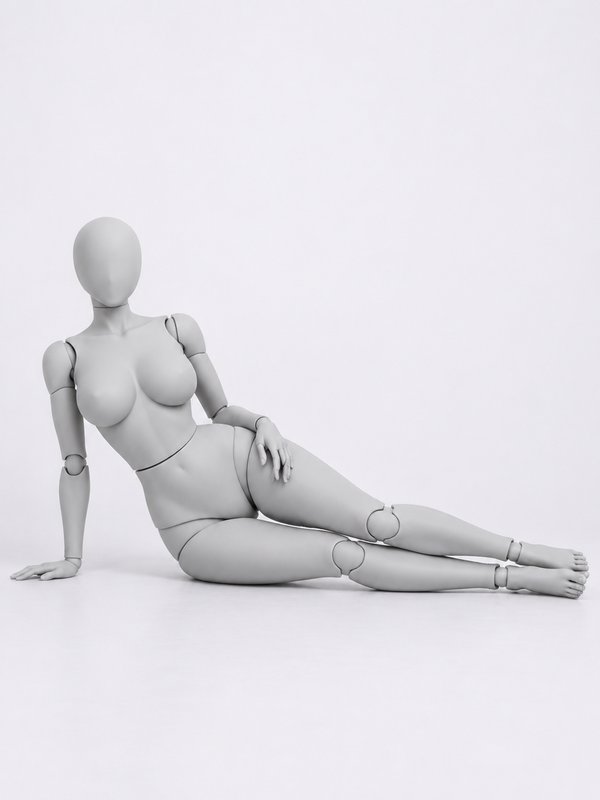 Reclining on One Arm@recline_straight_arm_pose
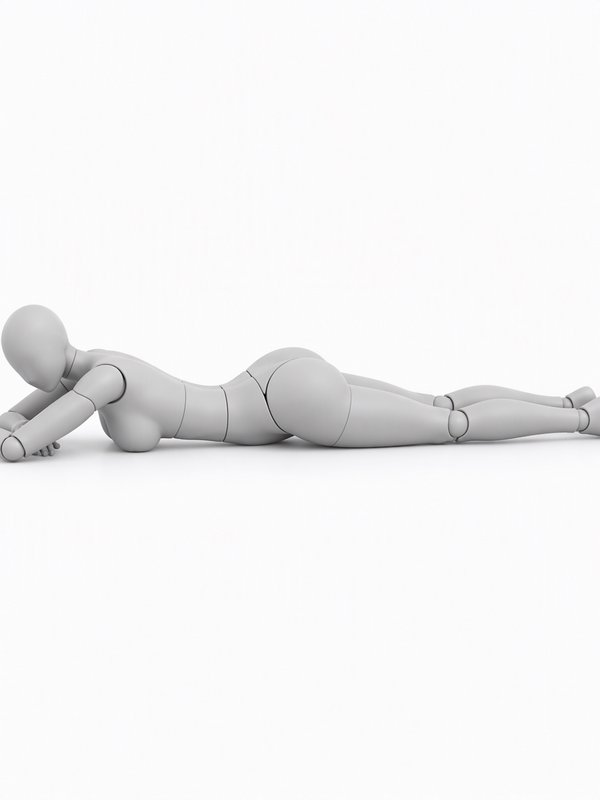 Head Resting on Folded Arms@stomach_head_on_arms_pose
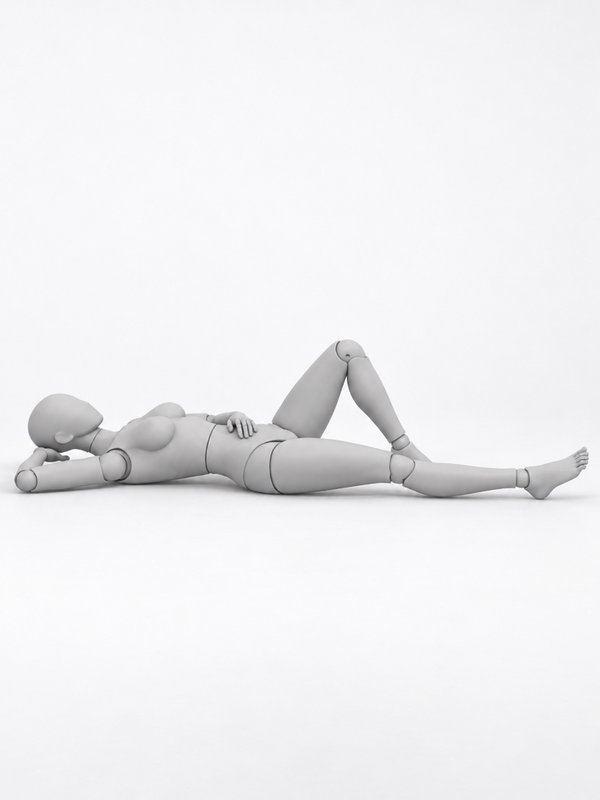 Arm as a Pillow@arm_pillow_pose
Kneeling & crouching9
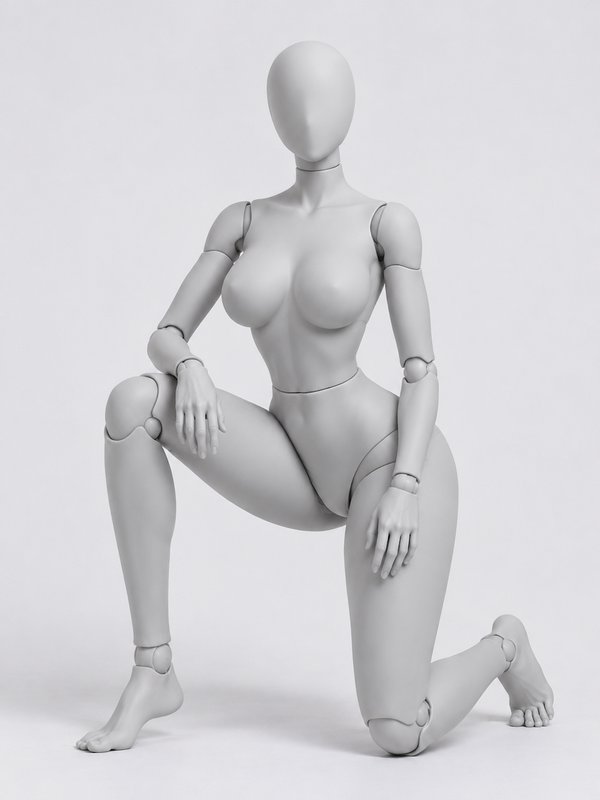 One Knee Down, Resting@one_knee_rest_pose
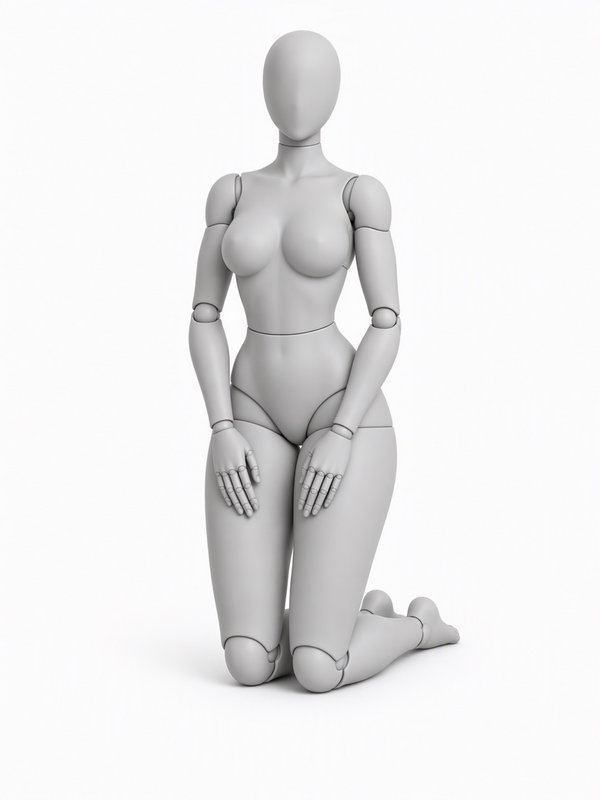 Kneeling Upright@kneel_upright_pose
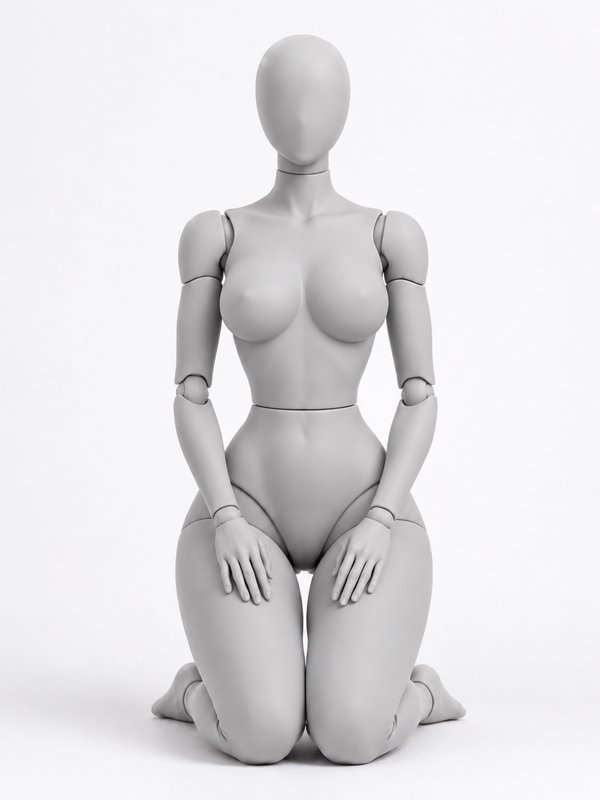 Seiza (Sitting on the Heels)@seiza_pose
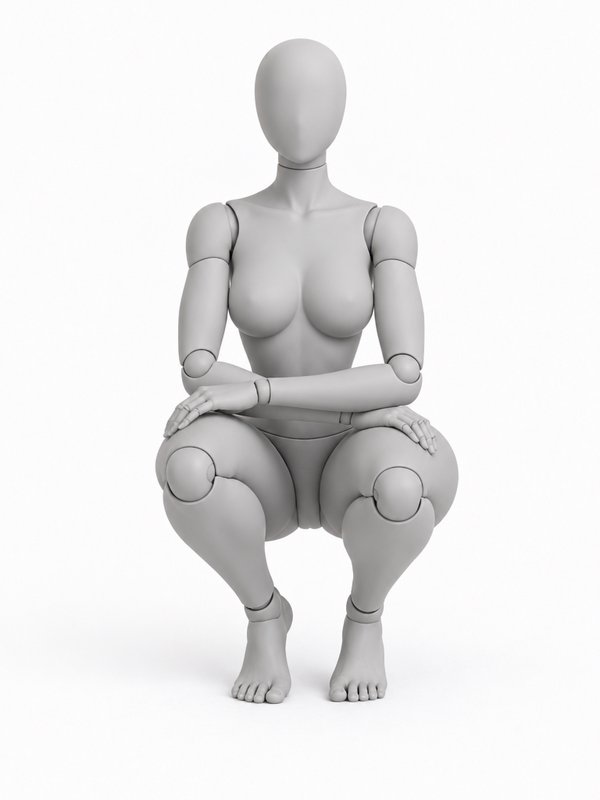 Deep Crouch@deep_crouch_pose
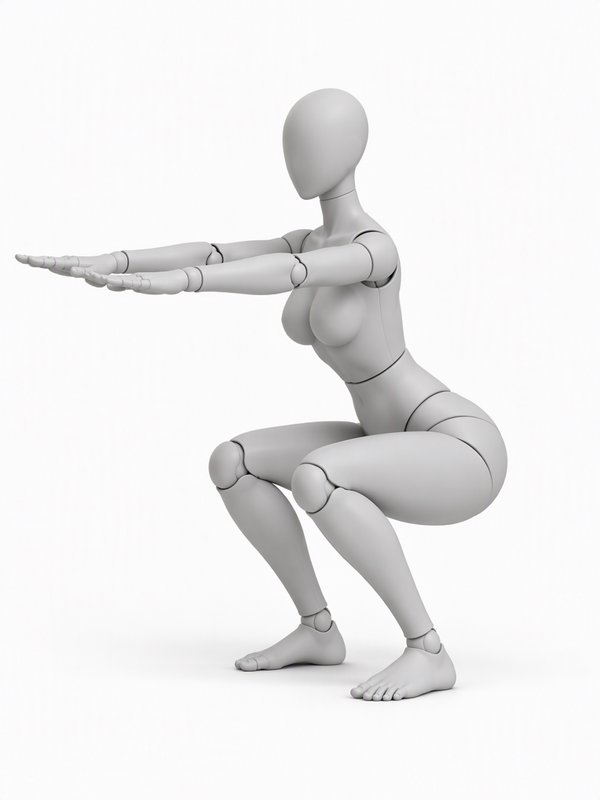 Flat-Foot Squat@flat_squat_pose
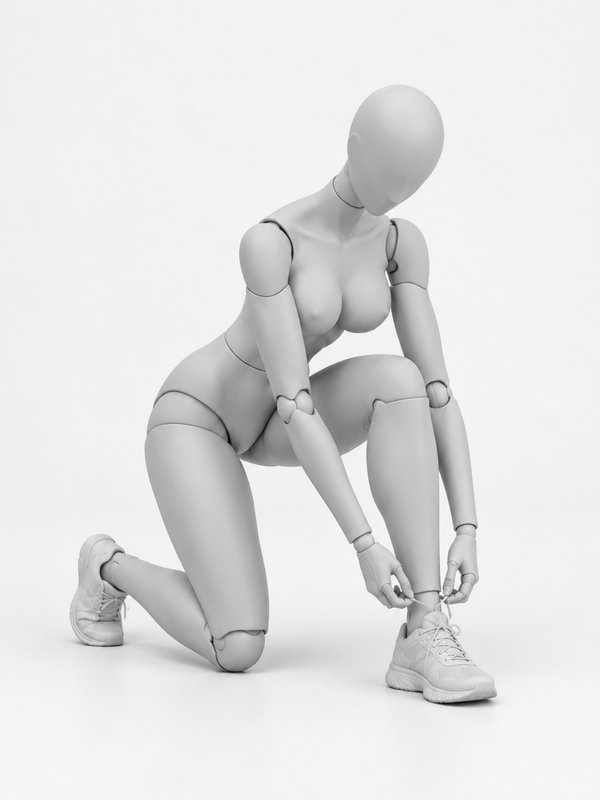 Tying a Shoe@tying_shoe_pose
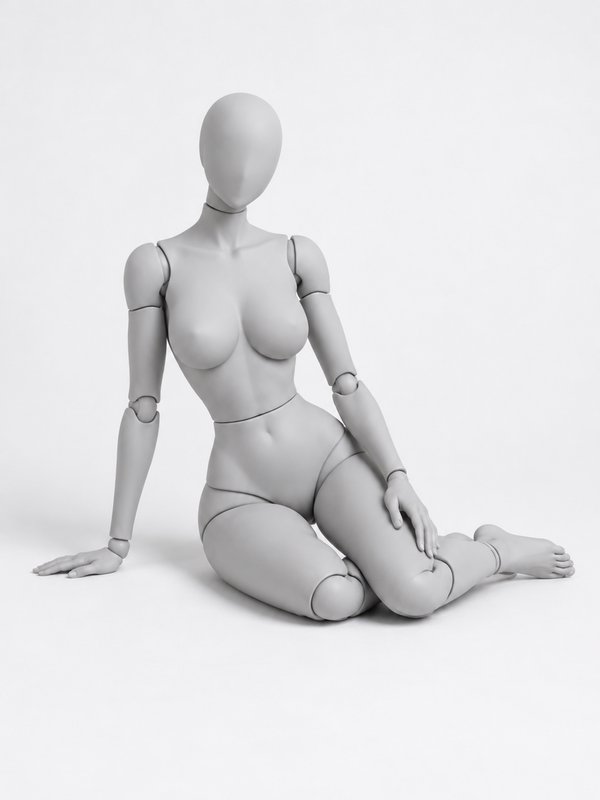 Kneeling to One Side@kneel_side_hand_pose
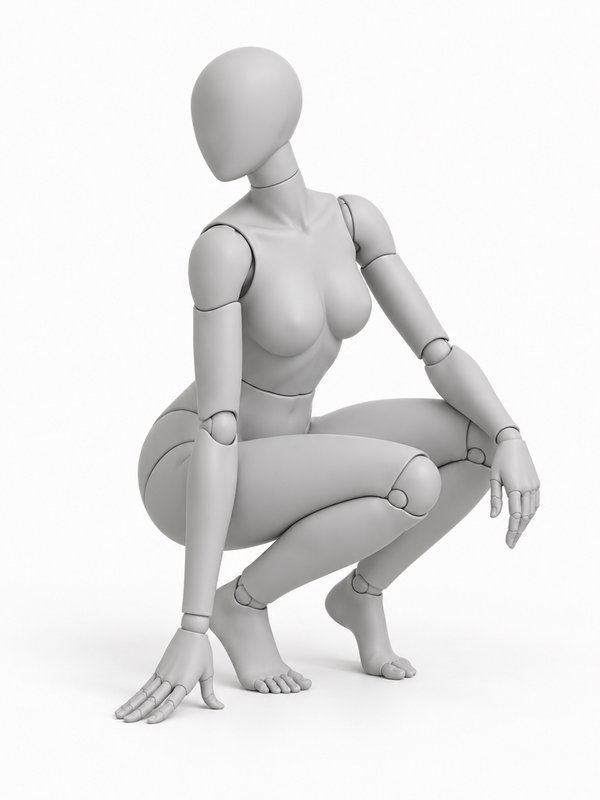 Crouch, Looking Back@crouch_look_back_pose
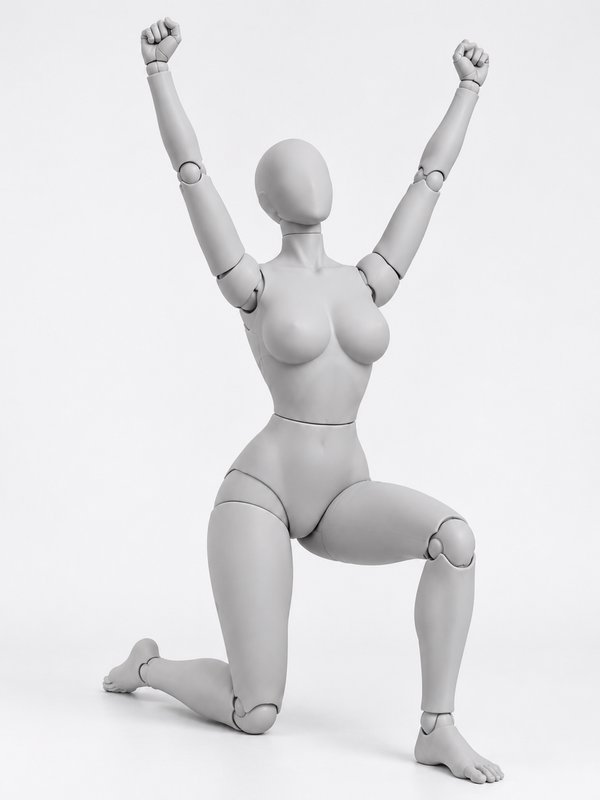 Kneeling Celebration@kneel_celebrate_pose
Walking & running8
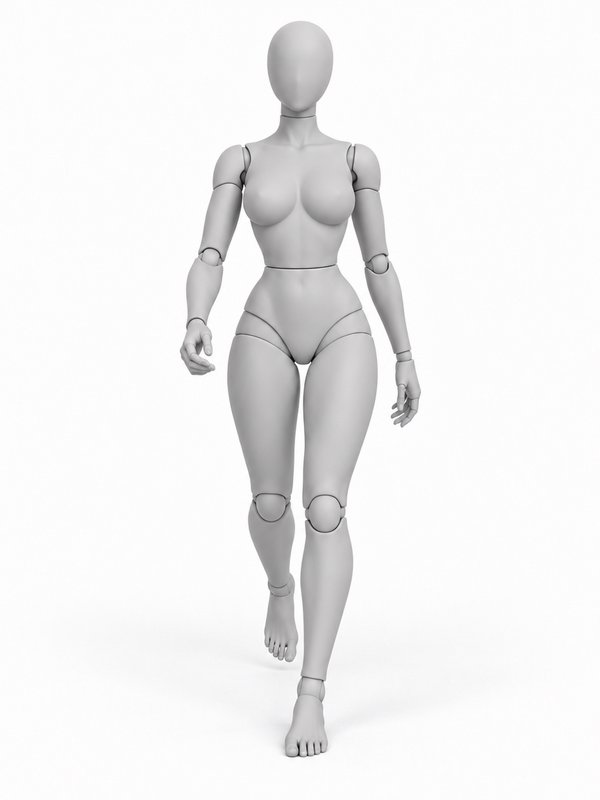
Jumping & action12
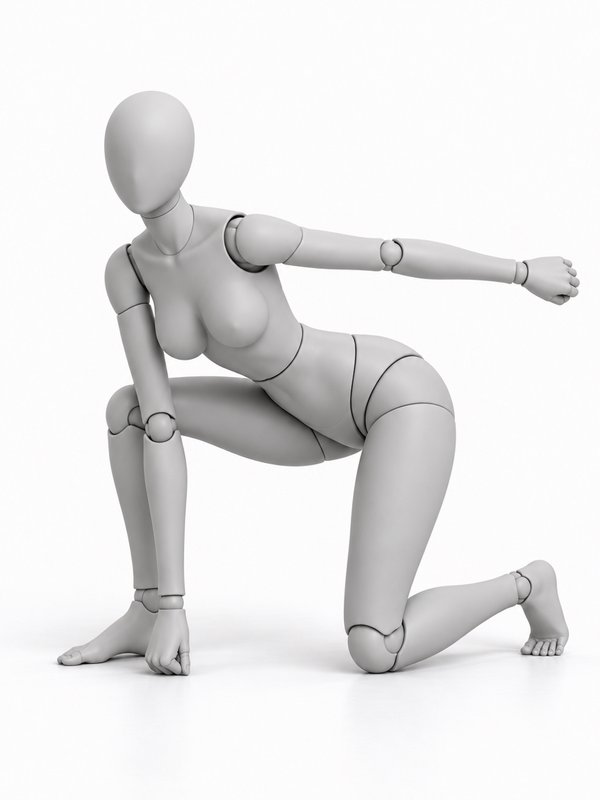 Superhero Landing@hero_landing_pose
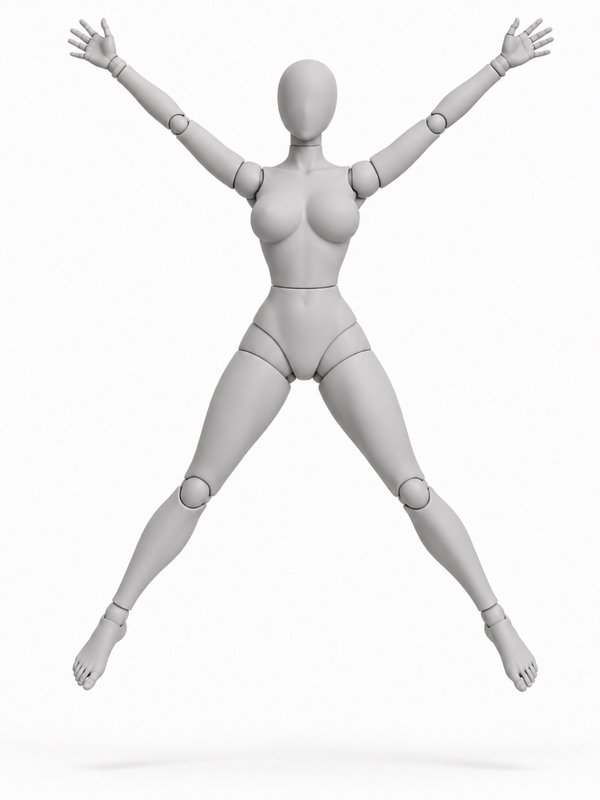 Star Jump@star_jump_pose
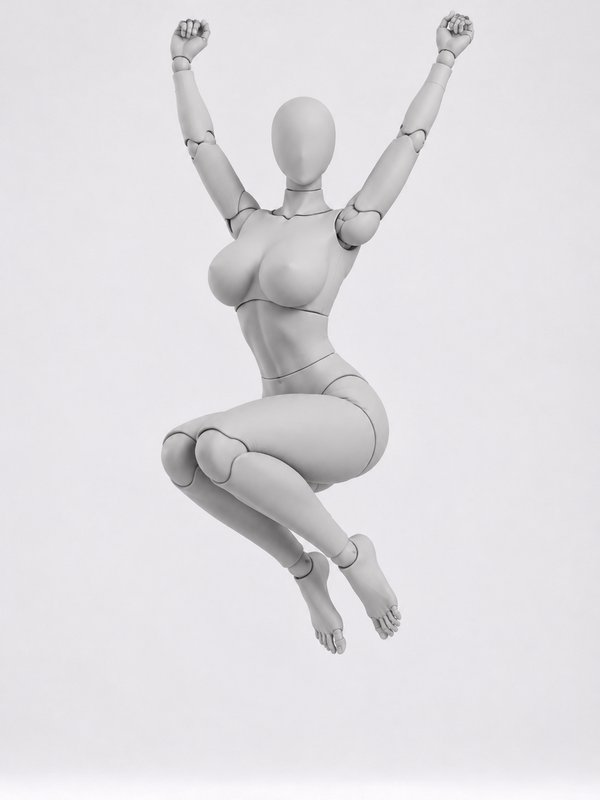 Tuck Jump@tuck_jump_pose
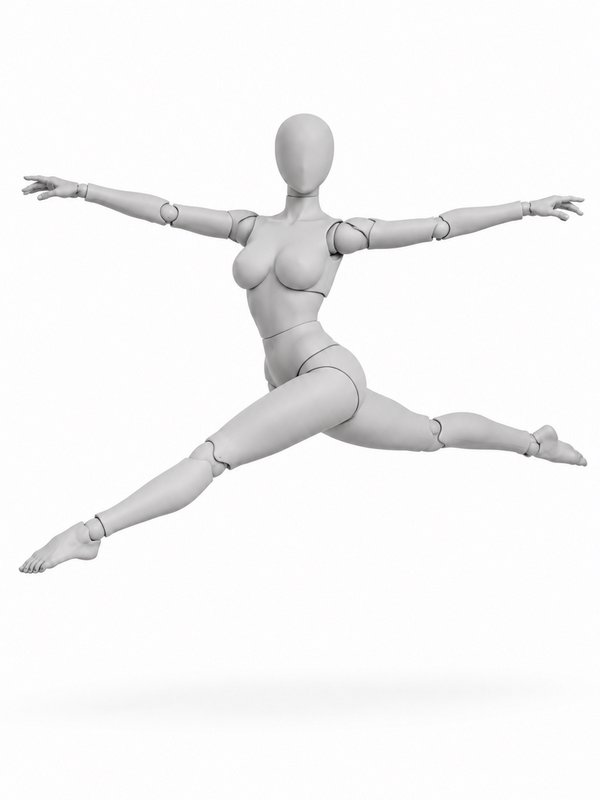 Split Leap@split_leap_pose
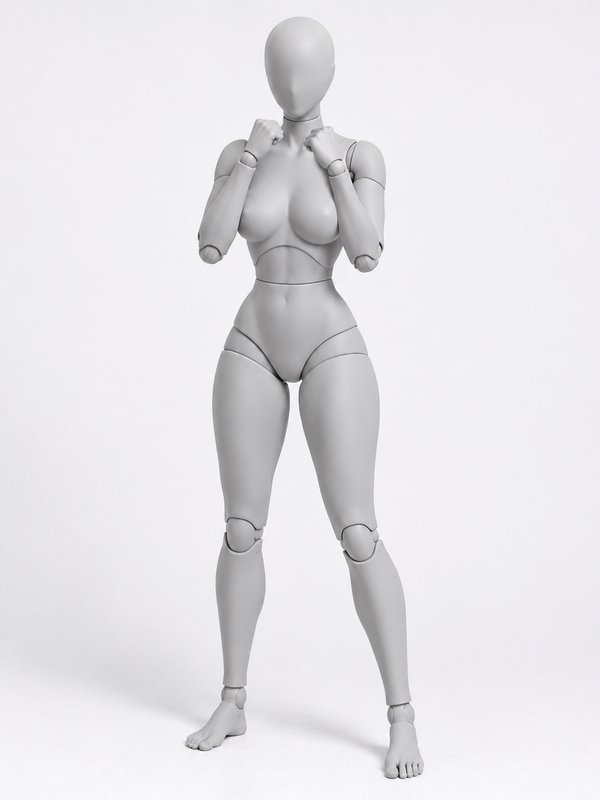 Boxing Guard@boxing_guard_pose
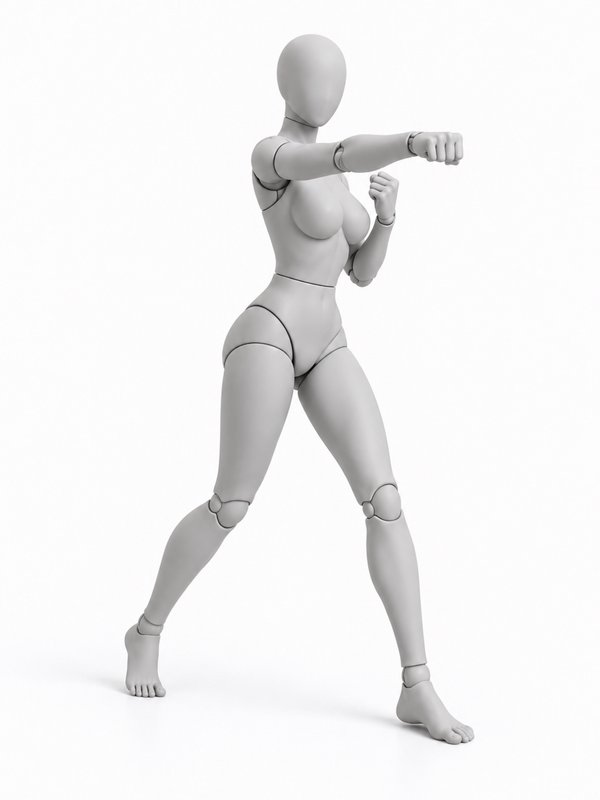 Throwing a Punch@throwing_punch_pose
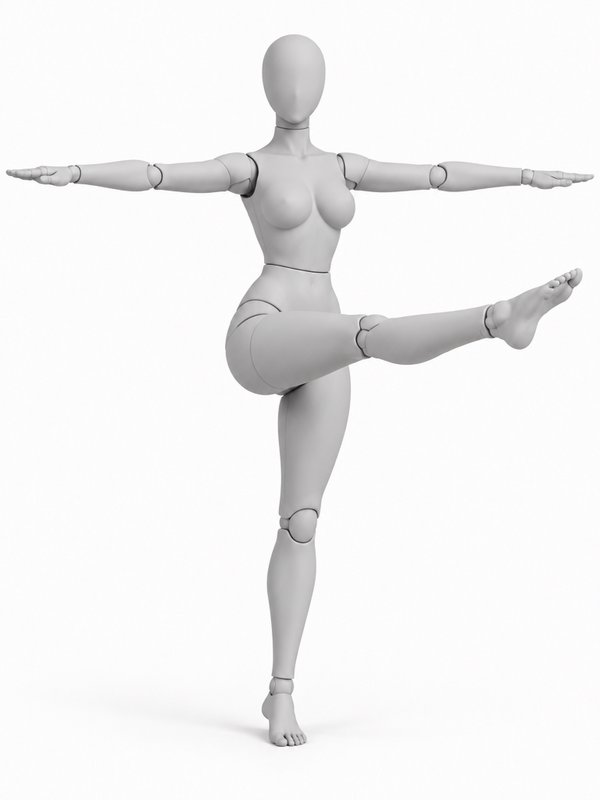 High Front Kick@front_kick_pose
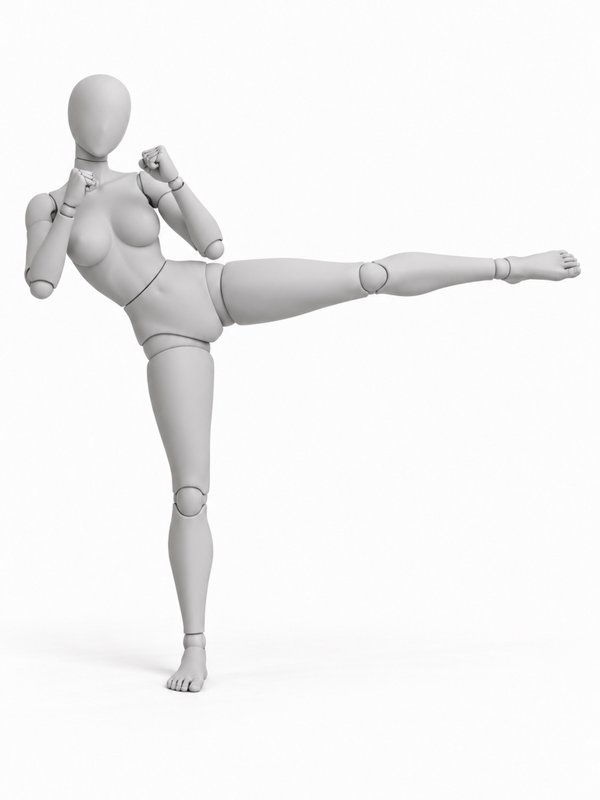 Side Kick@side_kick_pose
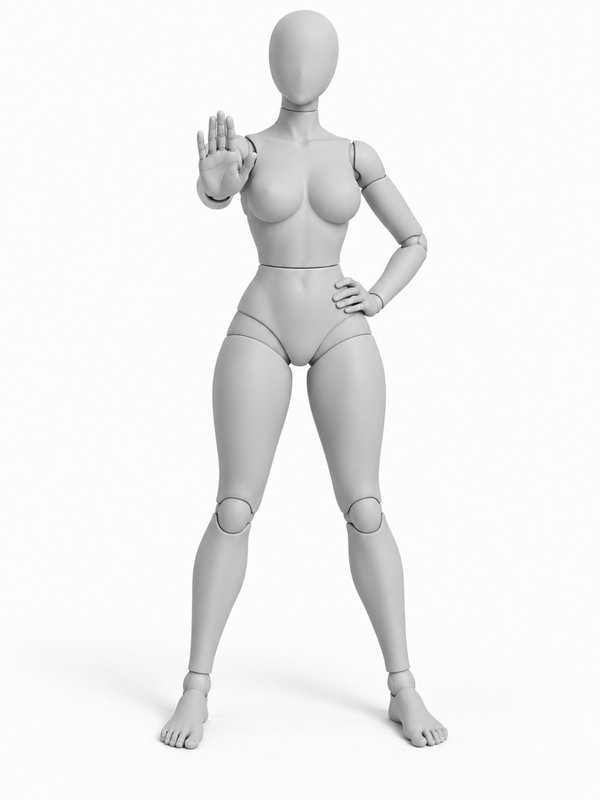 Martial Arts Ready Stance@martial_ready_pose
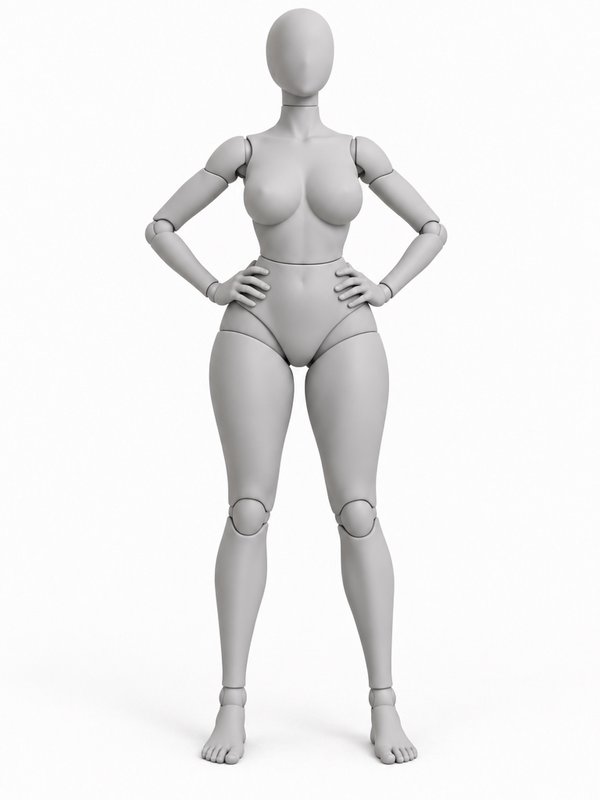 Hero Stance, Fists on Hips@hero_stand_pose
Dance9
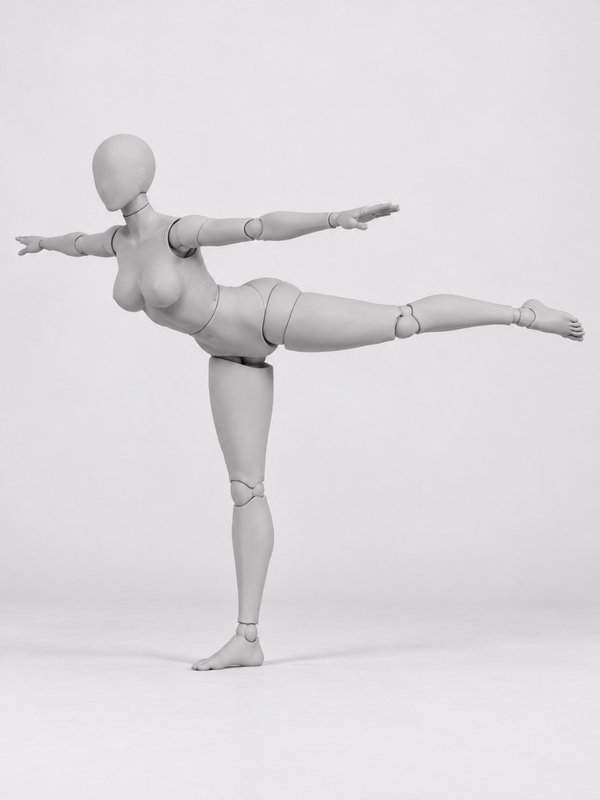
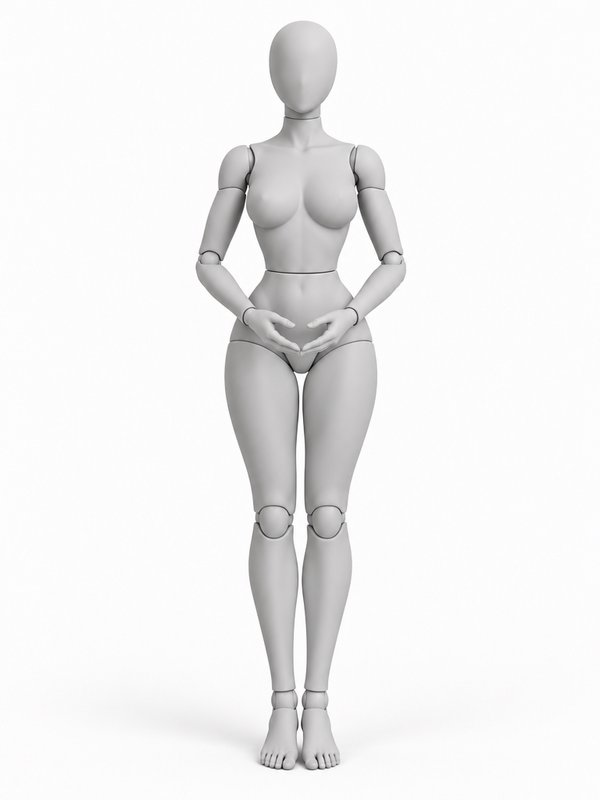
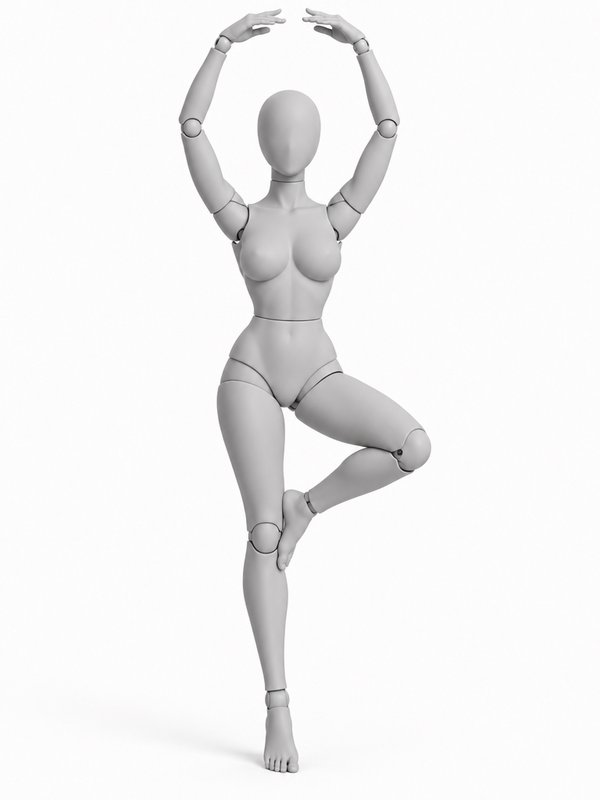
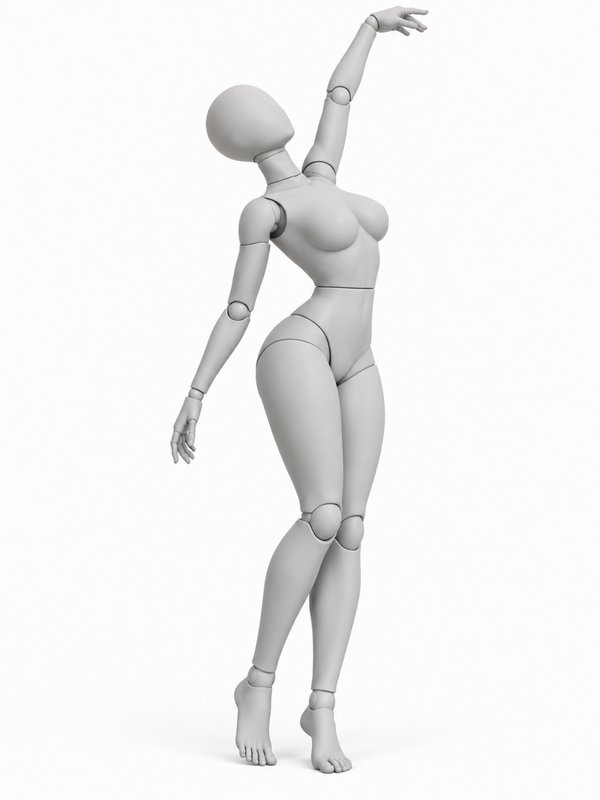
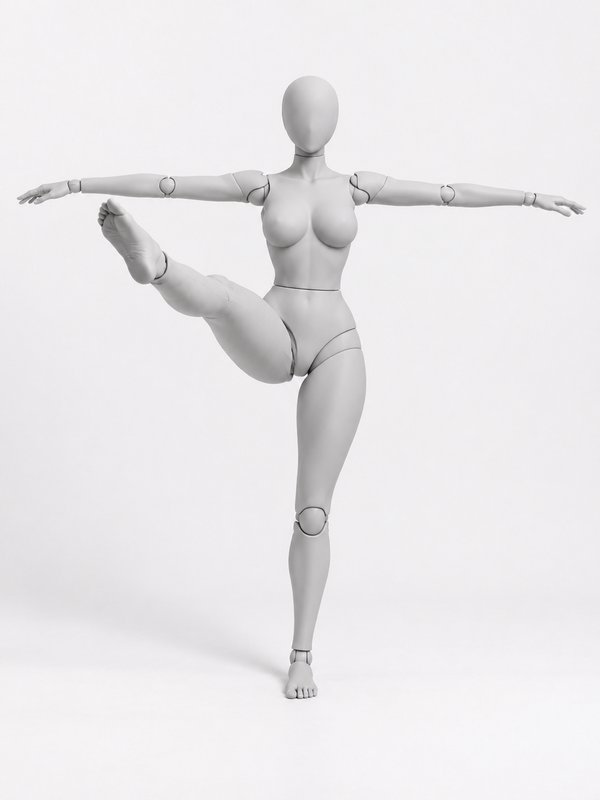
Sports & fitness16
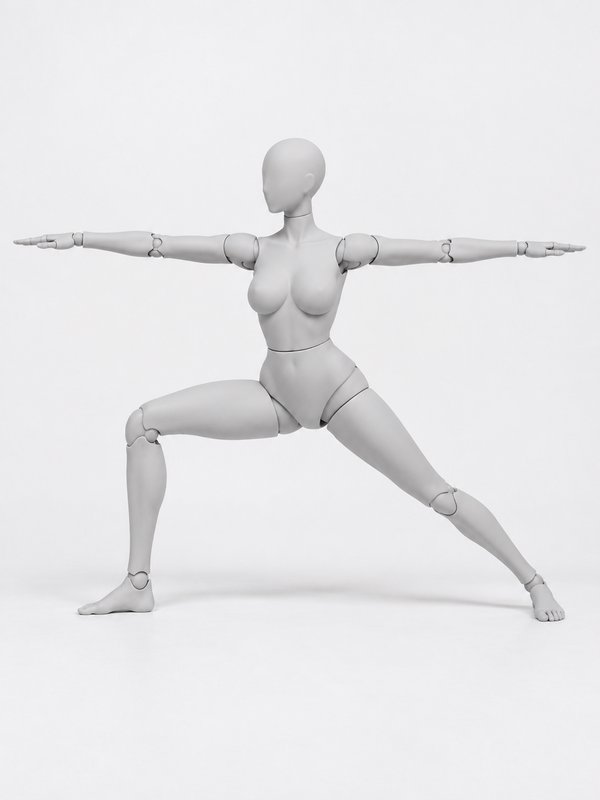 Warrior II (Yoga)@warrior_two_pose
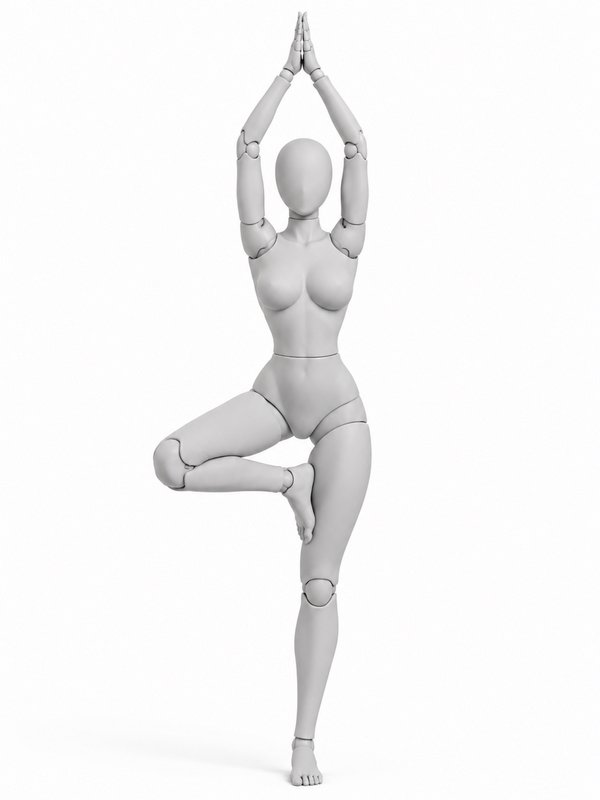 Tree Pose (Yoga)@tree_pose_pose
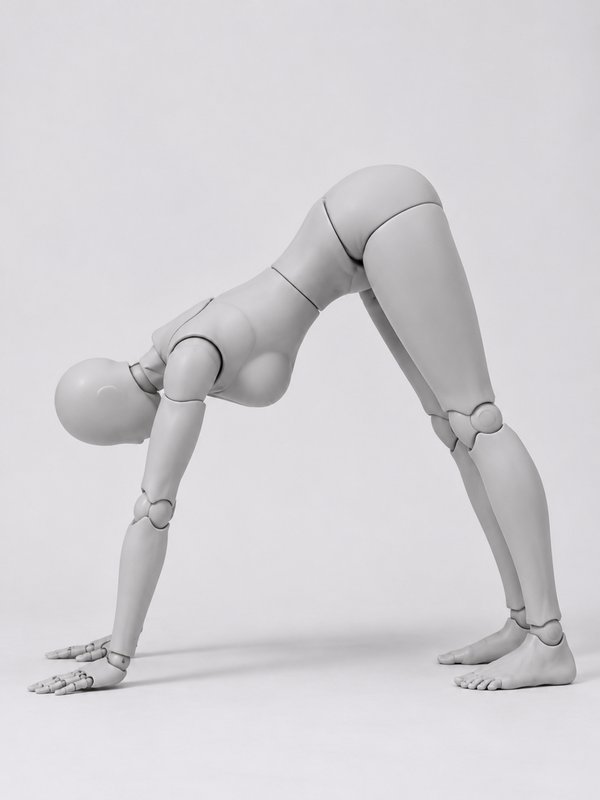 Downward Dog (Yoga)@downward_dog_pose
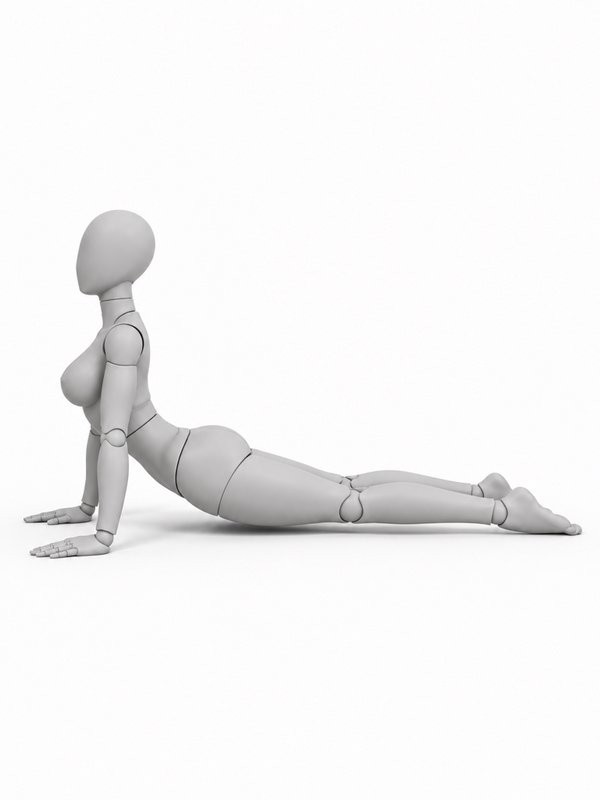 Cobra (Yoga)@cobra_pose
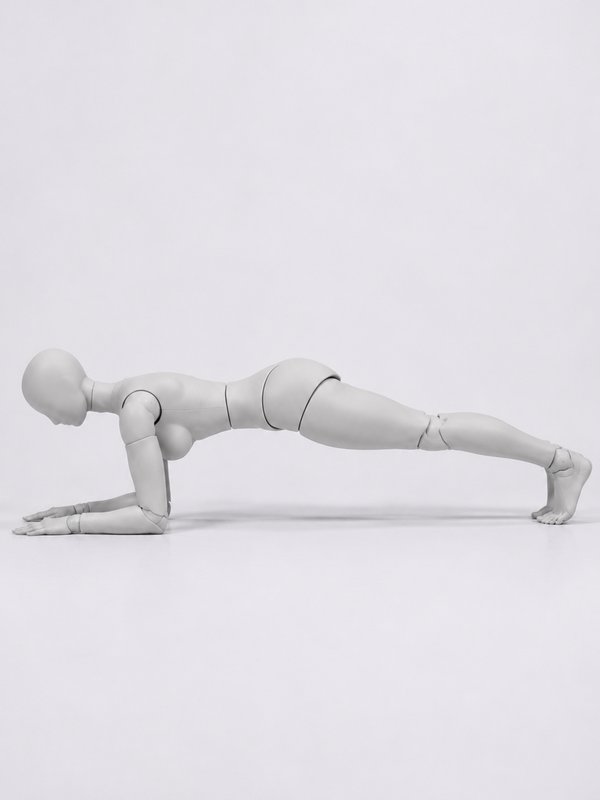 Forearm Plank@forearm_plank_pose
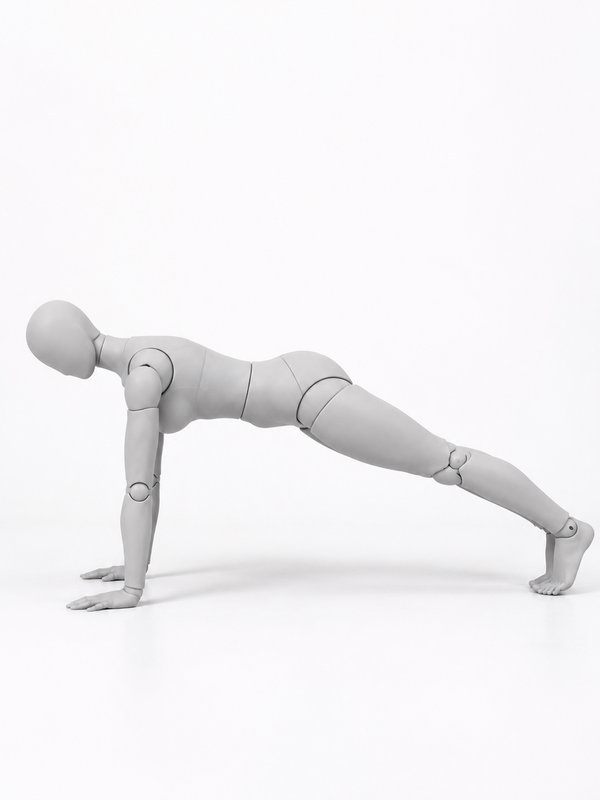 Push-Up@push_up_top_pose
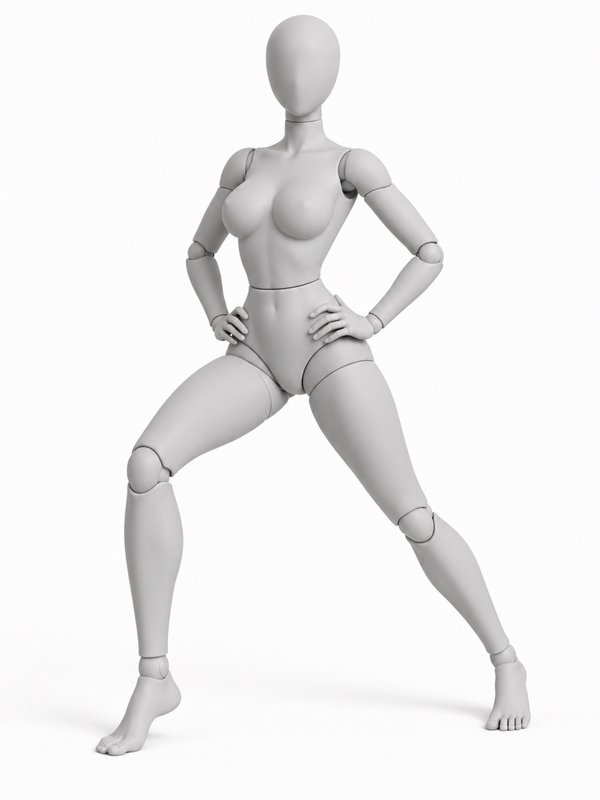 Forward Lunge@forward_lunge_pose
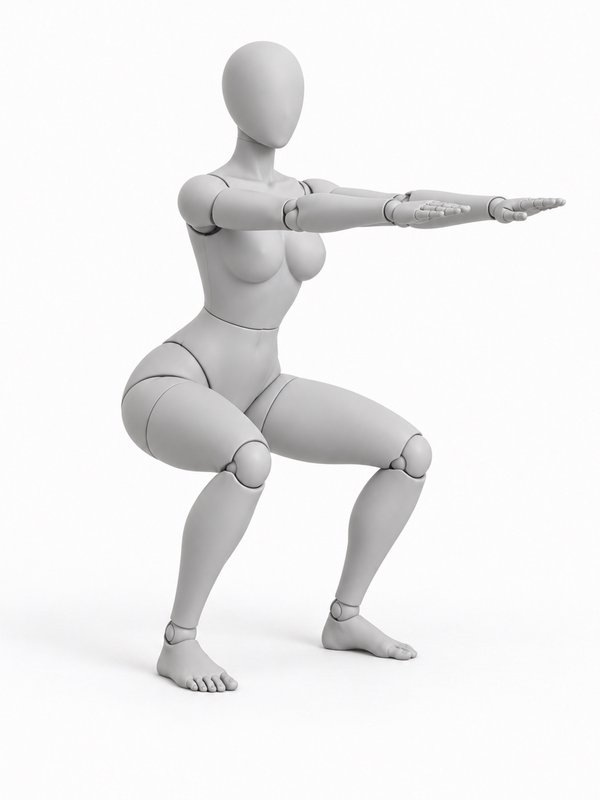 Bodyweight Squat@bodyweight_squat_pose
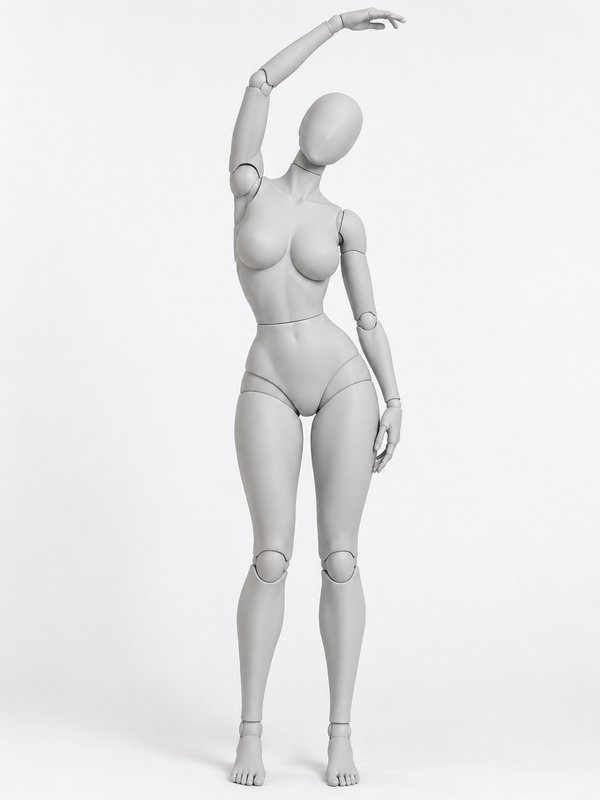 Standing Side Stretch@side_stretch_pose
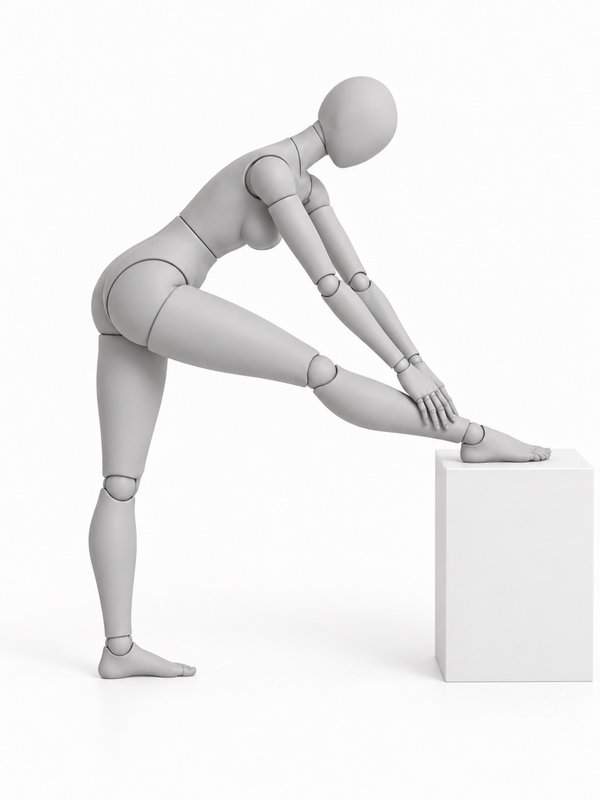 Hamstring Stretch@hamstring_stretch_pose
Glamour12
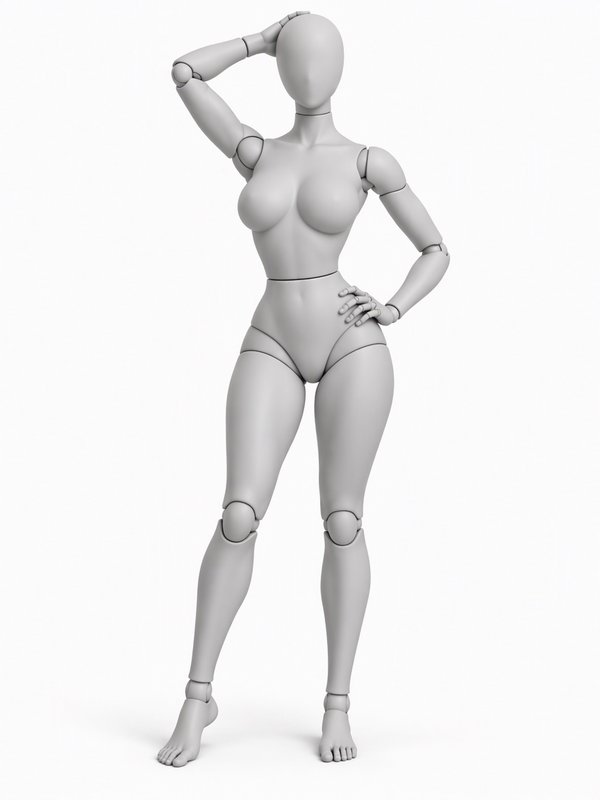 Hand in Hair, Hip Out@hand_in_hair_pose
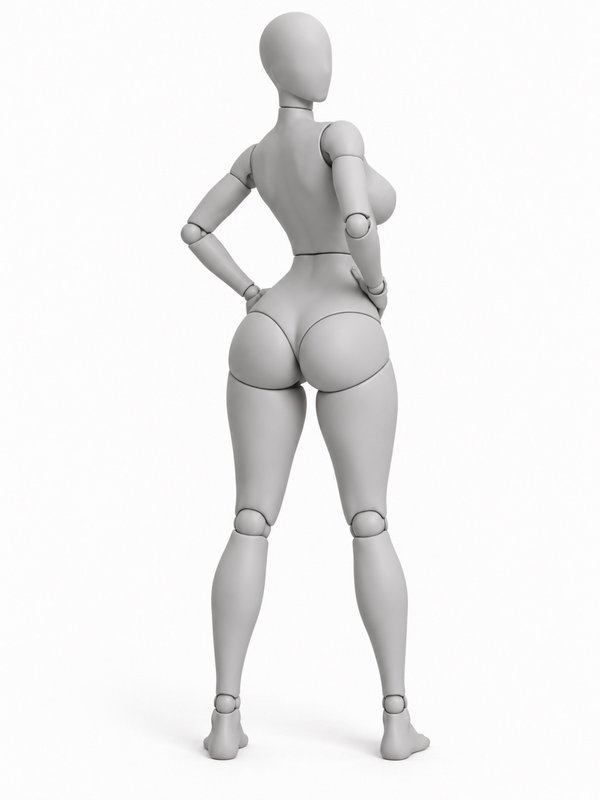 Over-the-Shoulder Look@over_shoulder_pose
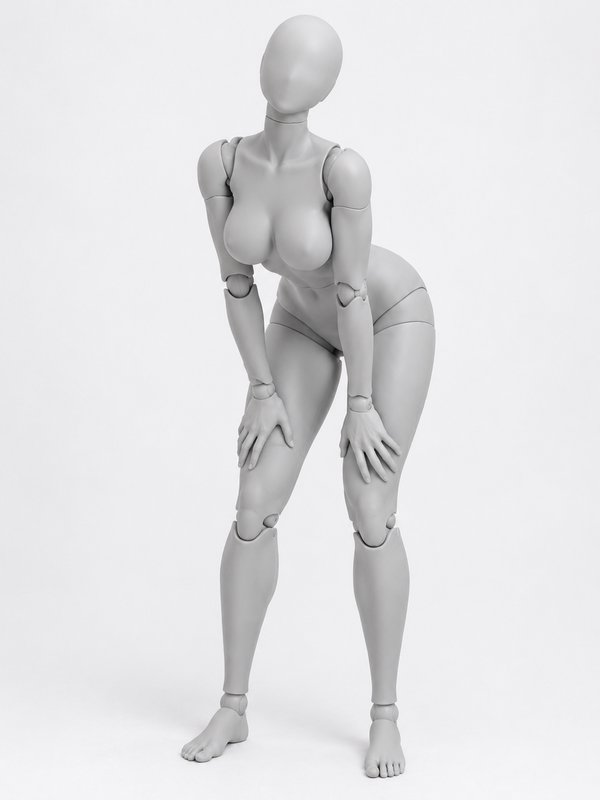 Leaning on the Knees@lean_hands_knees_pose
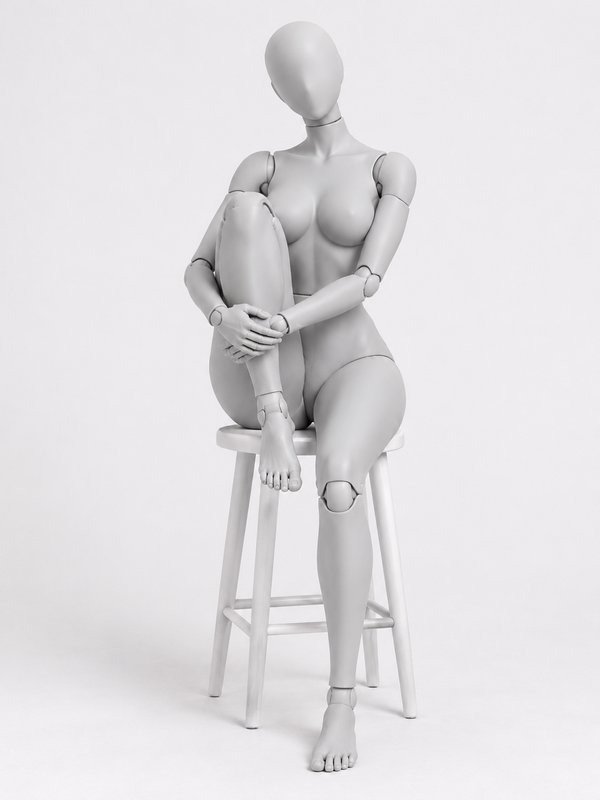 Stool, Hugging One Knee@stool_knee_hug_pose
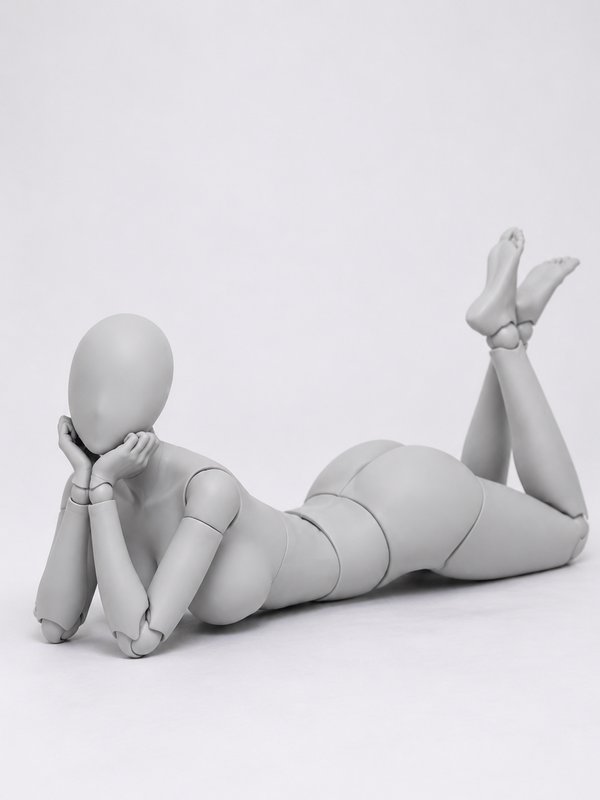 Pin-Up, Feet Kicked Up@pin_up_lying_pose
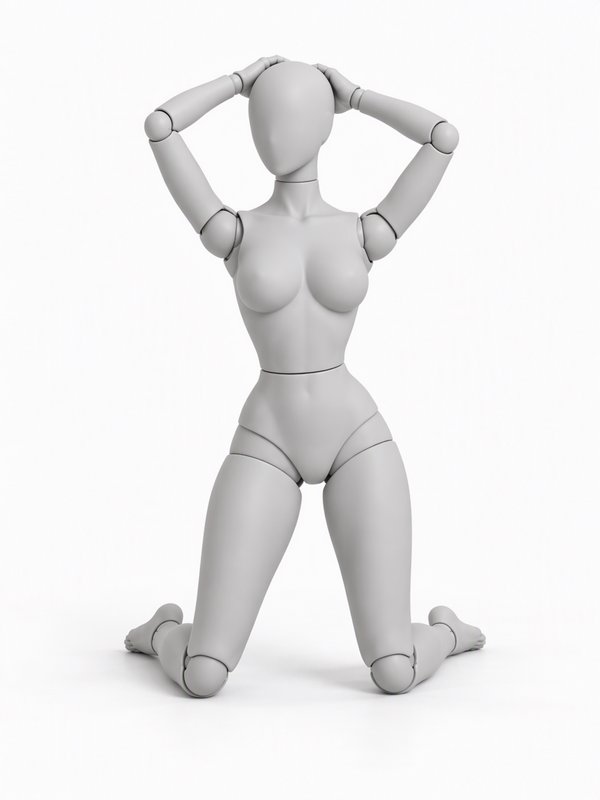 Kneeling, Hands in Hair@kneel_hair_pose
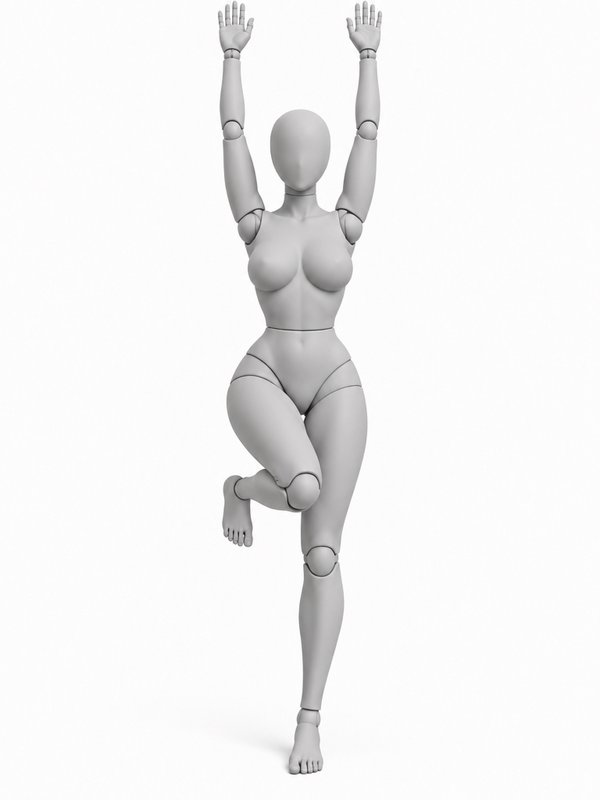 Against the Wall, Arms Up@wall_arms_up_pose
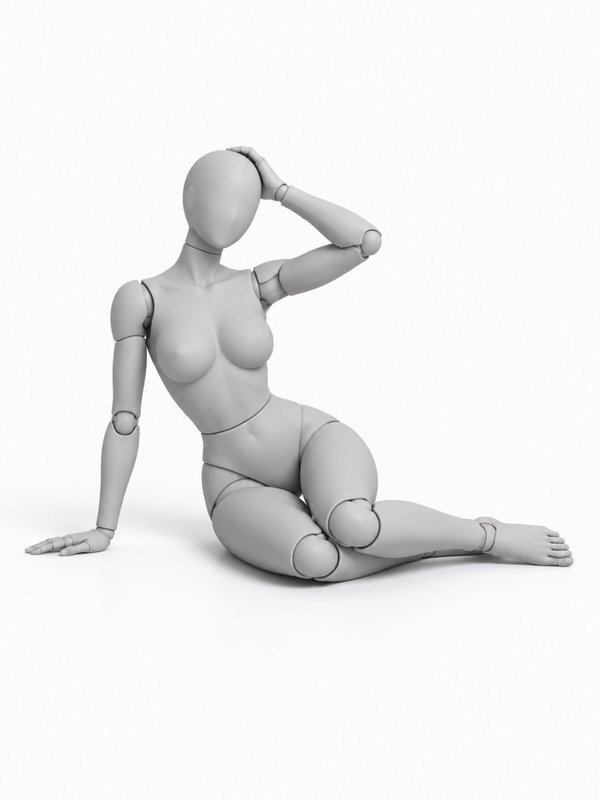 Side Sit, Hand in Hair@side_sit_hair_pose
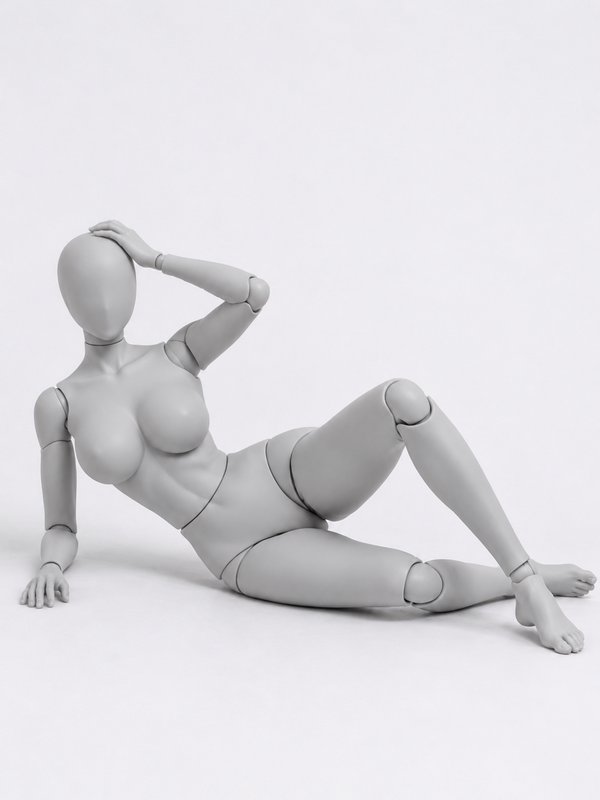 Reclining, Hand in Hair@recline_hair_pose
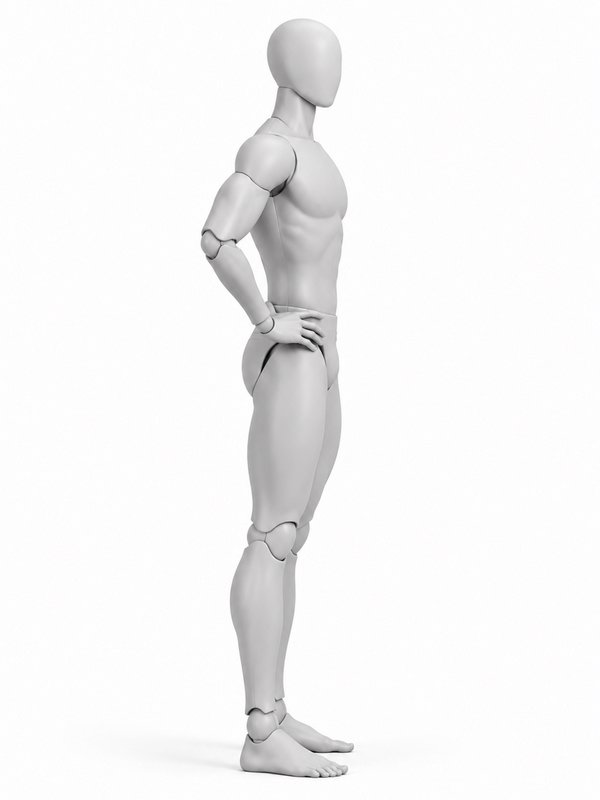 Profile with Arched Back@profile_arch_pose
Gestures12
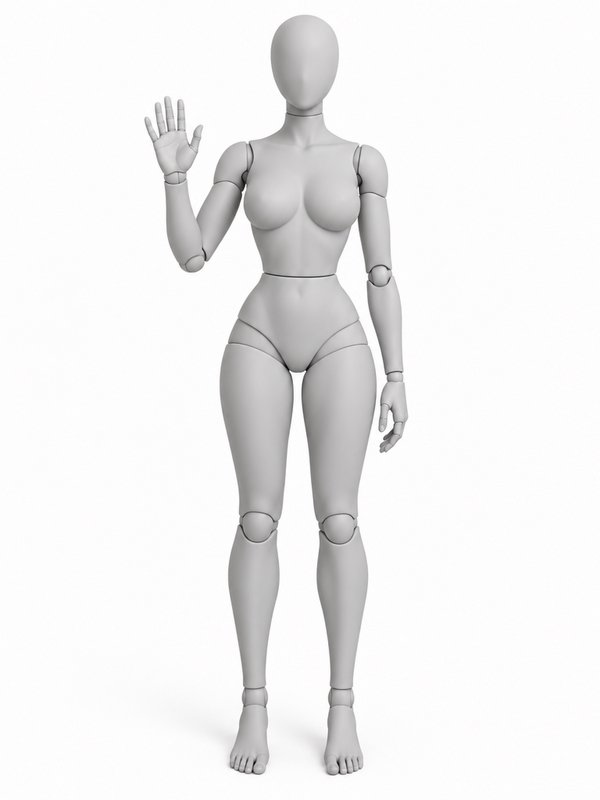 Waving Hello@waving_pose
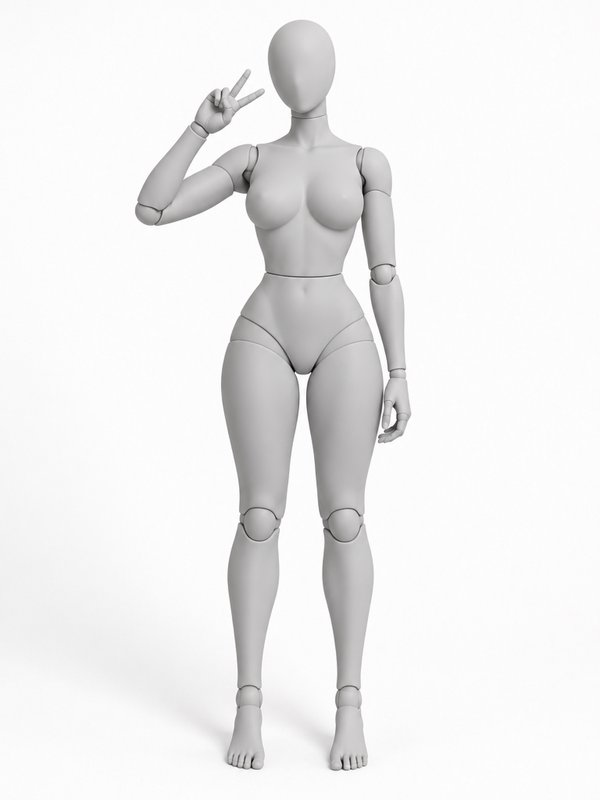 Peace Sign@peace_sign_pose
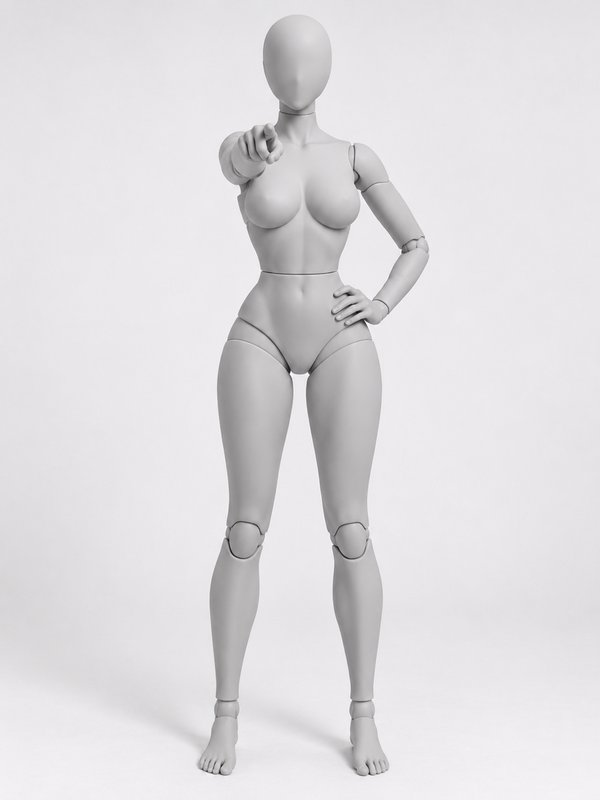 Pointing at the Camera@pointing_at_camera_pose
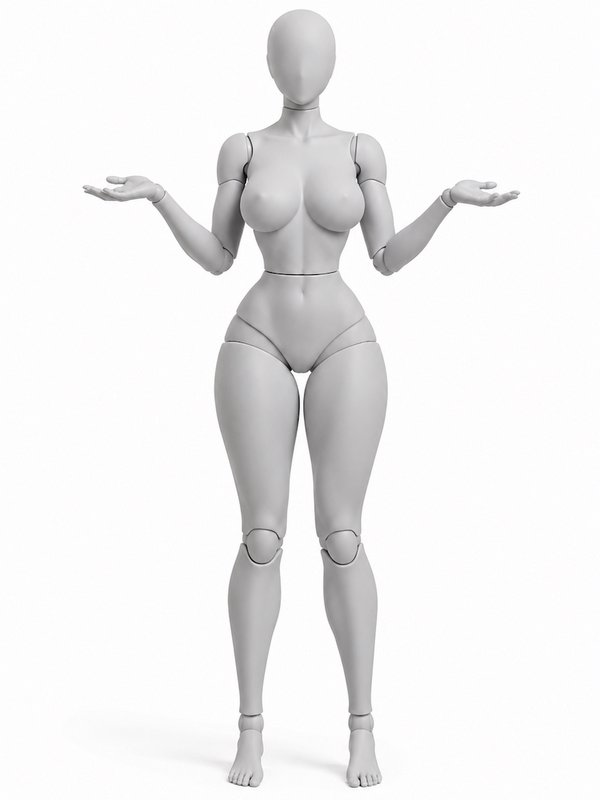 Shrug@shrug_pose
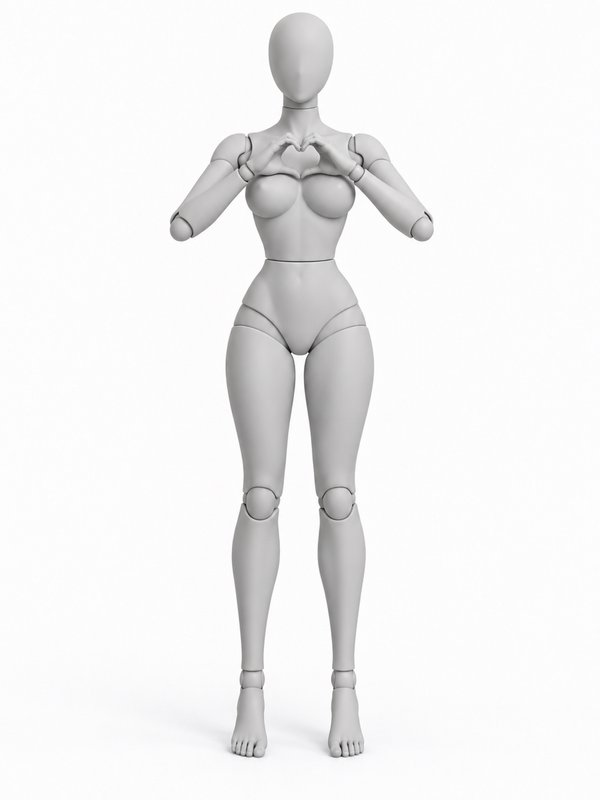 Heart Hands@heart_hands_pose
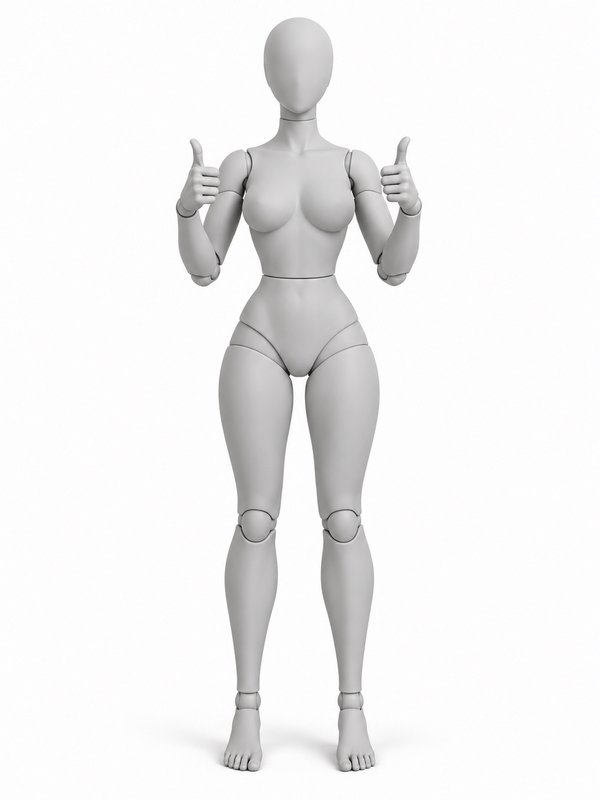 Two Thumbs Up@thumbs_up_pose
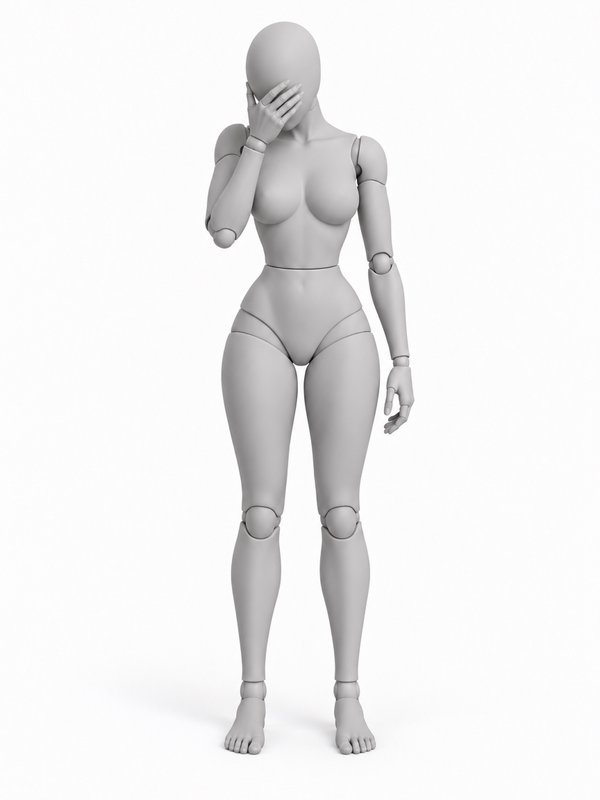 Facepalm@facepalm_pose
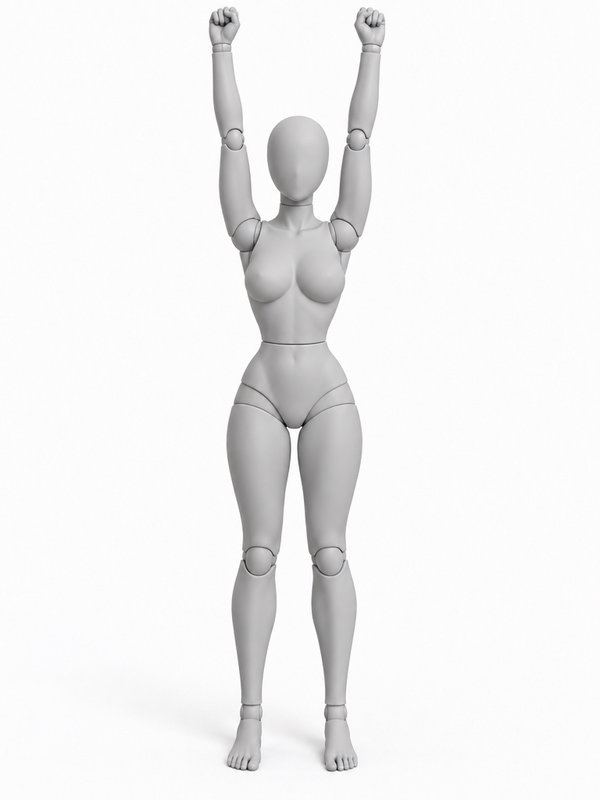 Victory Arms@victory_arms_pose
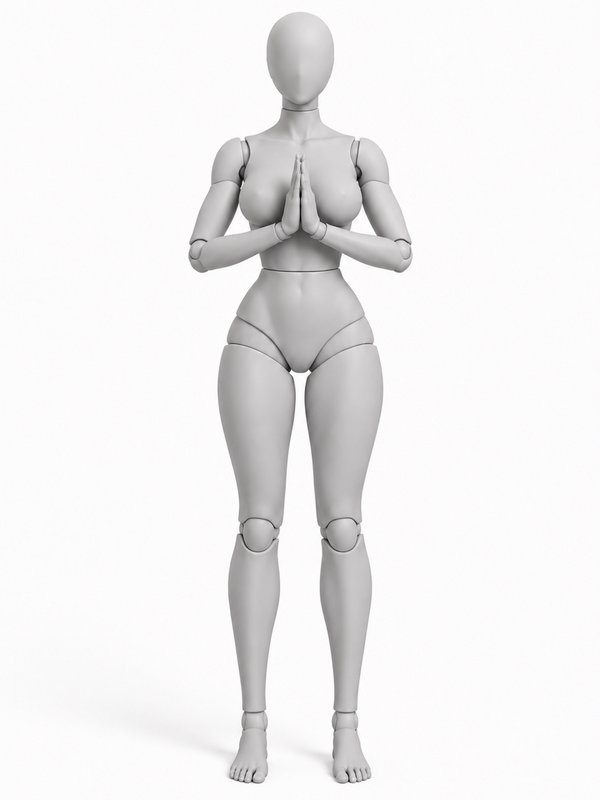 Palms Together@prayer_hands_pose
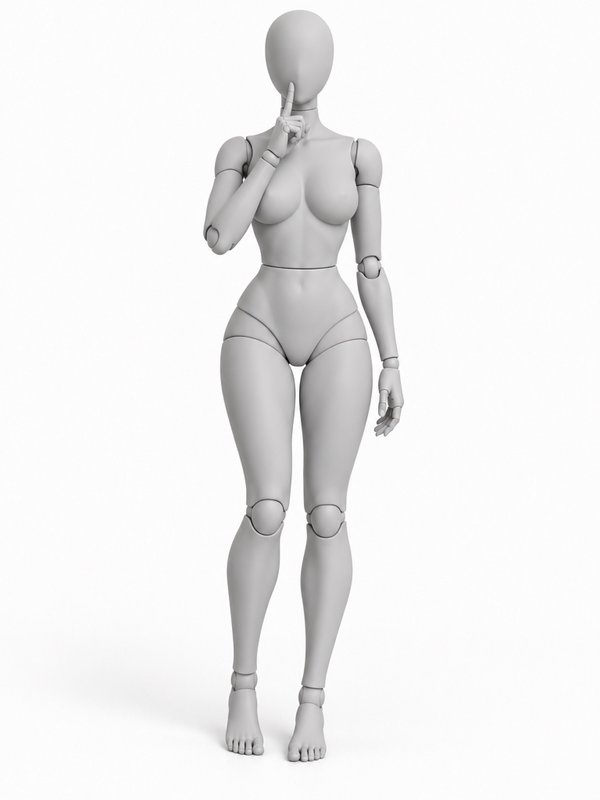 Shush, Finger to Lips@shush_pose
How to pose a character
- Step 1
Pick a pose
Browse the shelves or search: sitting, kneeling, dance, a hand on the hip. Each pose shows on a woman and a man mannequin, from more than one angle.
- Step 2
Pick your character
One of your own characters, or any character’s @handle in a prompt, the free AI influencers included. The mannequin that matches the character goes to the model with the character’s pictures.
- Step 3
Get the picture
Your character takes the pose and keeps their own face, body and clothes. The picture is kept on the character’s page, tagged with the pose, so you can use it again in any prompt.
@your_character in @relaxed_stand_pose at the beach
Add an angle after a dot to send that view, for example .three_quarter. Several characters can each take a pose in one prompt: each pose goes with the character written before it.
No character yet? Cast a free AI influencer or create your own from a few photos. Dress them from the free wardrobe in the same prompt.
Questions
- Is the pose library free?
- Yes. Every pose and its pictures are free for everyone, and you can look through them without signing up. Putting your character in a pose makes one image at the image model’s usual price; the pose itself costs nothing extra.
- Can I use the pose pictures commercially?
- Yes. The pose pictures are free for any use, including commercial work: as a reference for drawing, photos or AI images, in client projects and in your own products. The one thing you may not do is redistribute the pictures as a collection, such as a pose pack or another pose library.
- Which figures are the poses drawn on?
- Two faceless grey mannequins with adult proportions: a woman with an hourglass figure and a man with an athletic build. When you pose a character, the mannequin that matches the character goes with the prompt, and the character keeps their own face, body and clothes.
- Can a real body do these poses?
- Yes. Every pose is checked to be one a real body can do before it joins the library: joints that bend the way real joints bend, arms and legs of the same length, and balance where the pose stands. Poses that take strength or flexibility, such as splits and handstands, are marked athletic.
- How do I use a pose in a prompt?
- Write the pose’s @handle after your character in any image prompt: “@your_character in @relaxed_stand_pose on a park bench”. To send another view of the pose, add the angle after a dot: @relaxed_stand_pose.three_quarter. Or open the pose in the library and press Pose a character.
Put your characters in any pose
Free pose references on a woman and a man mannequin, and one line to put your character in any of them.
Library updated