Canva Watermark Remover for Cleaner Image Edits
Remove visible watermark overlays from images you have permission to edit.
BudgetPixel helps you clean watermark overlays from draft images, previews, and mockups while preserving the underlying photo. Upload a marked image, describe what should be restored, and generate a cleaner version in seconds.


Watch the Transformation
See canva watermark remover in motion — generated end-to-end by our AI.
See It In Action
Real outputs from canva watermark remover.
BEFOREAFTER BEFORE
 AFTER
AFTER BEFORE
 AFTER
AFTER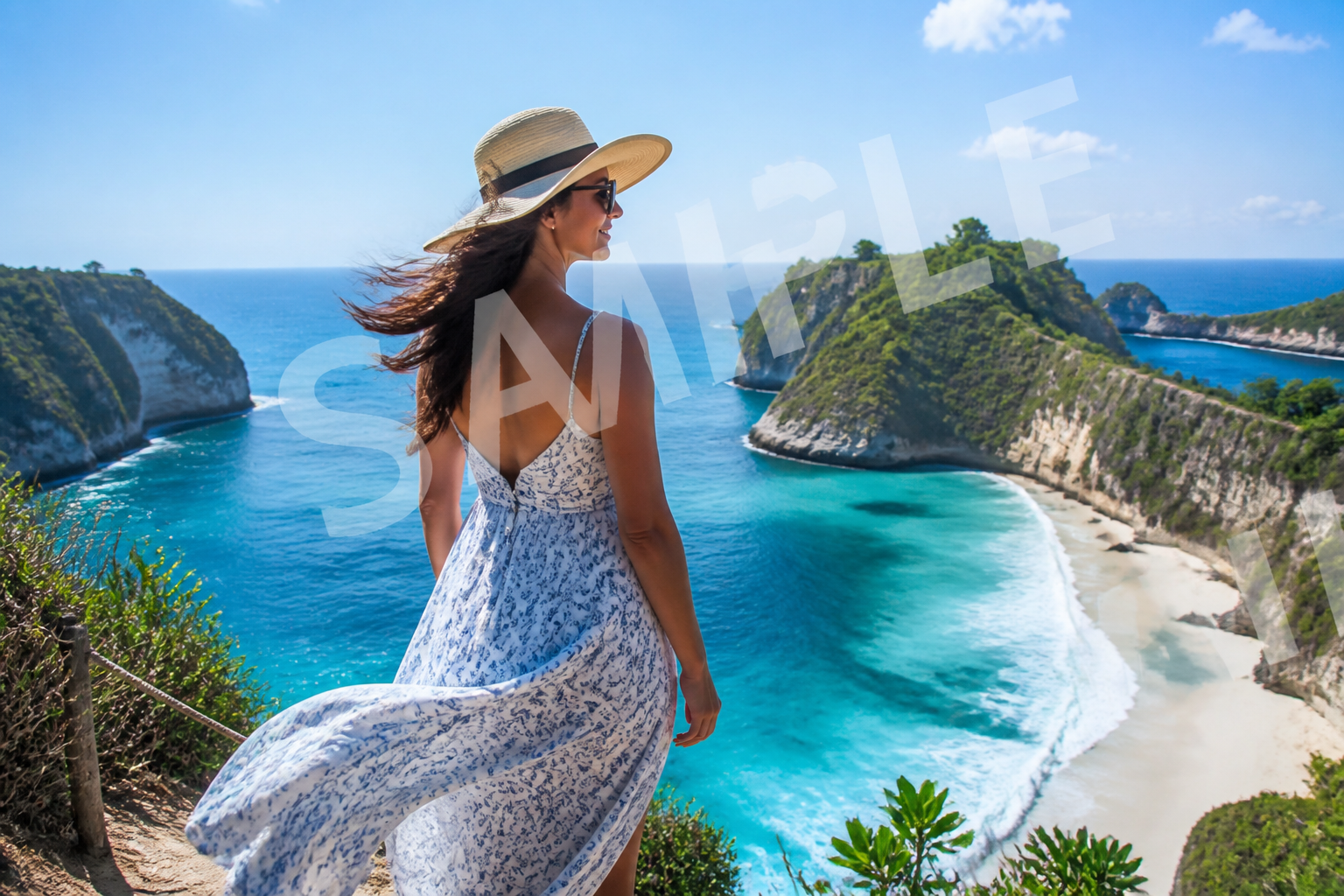 BEFORE
 AFTER
AFTER BEFORE
 AFTERBEFOREAFTERBEFOREAFTERBEFOREAFTERBEFOREAFTERBEFOREAFTER
 BEFORE
 AFTER
AFTER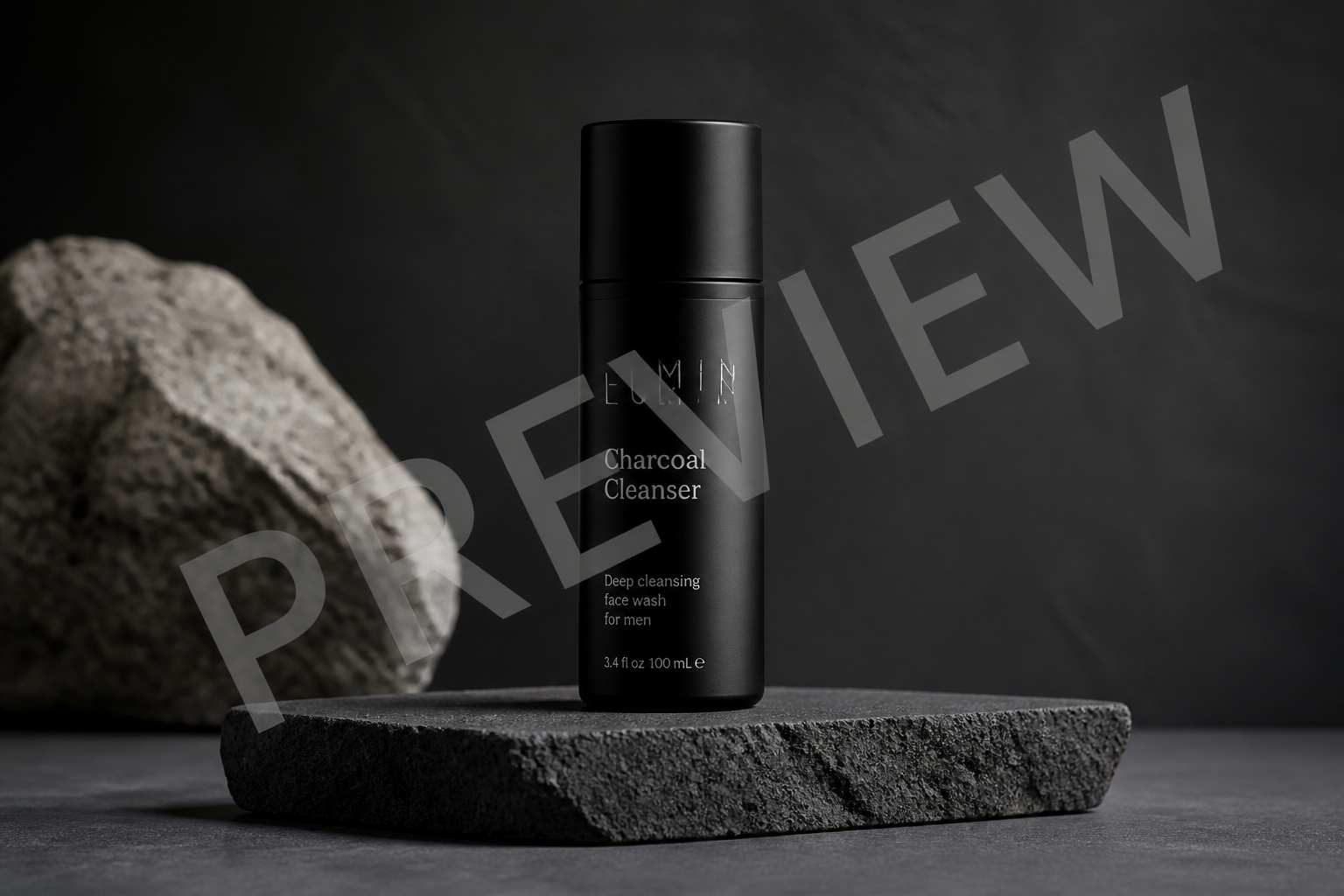 BEFORE
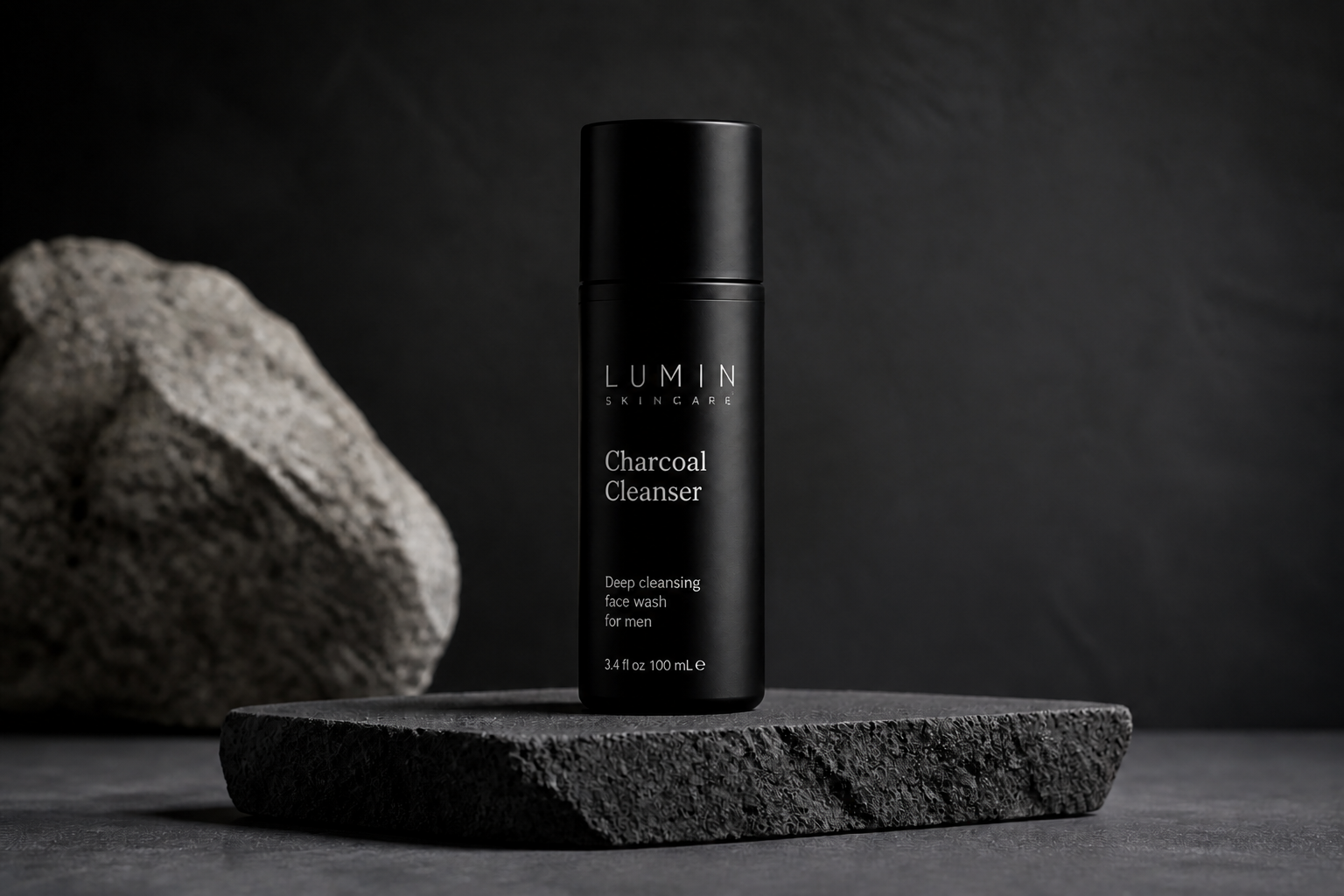 AFTER
AFTER BEFORE
 AFTER
AFTER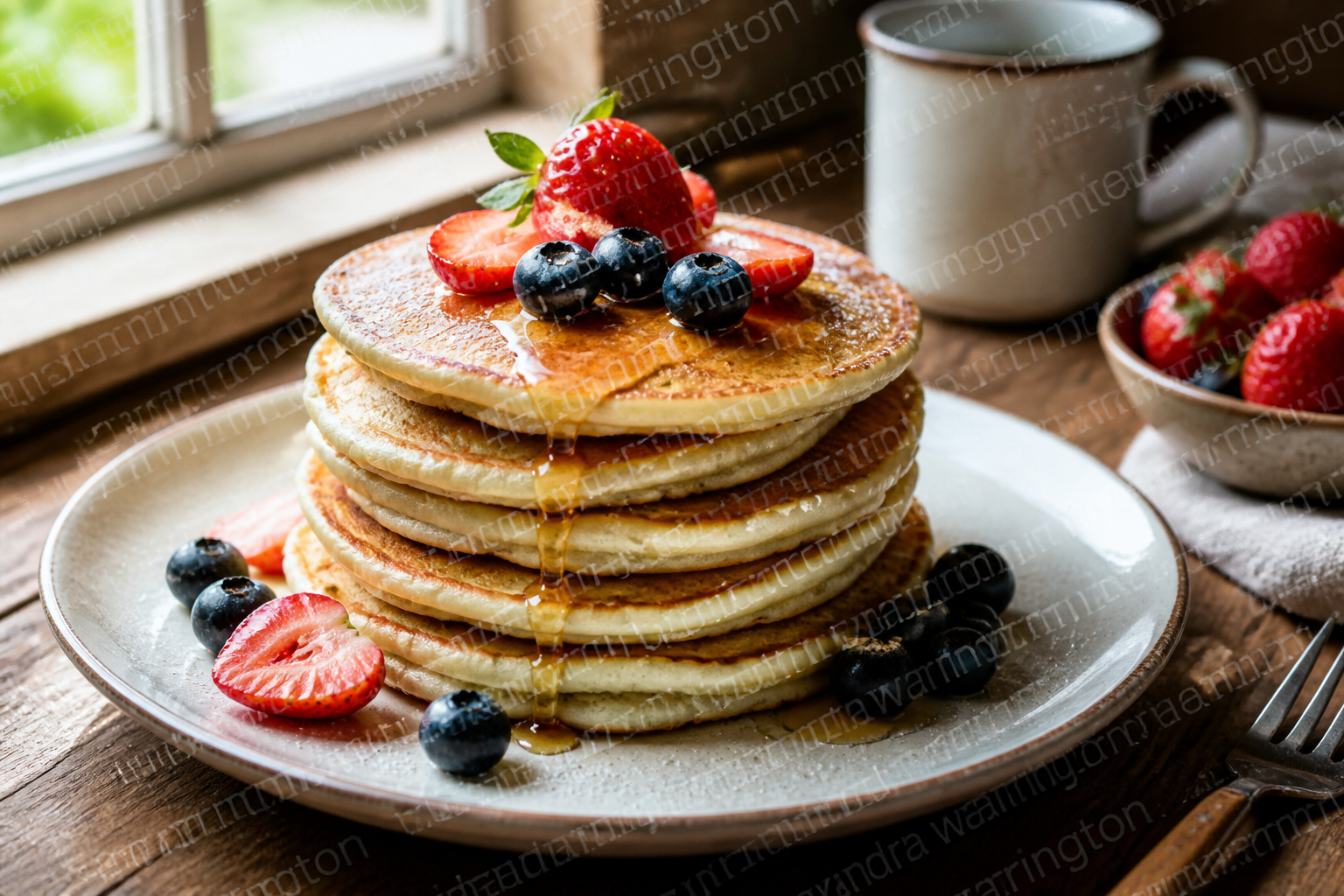 BEFORE
 AFTER
AFTER BEFORE
 AFTERBEFOREAFTERBEFOREAFTERBEFOREAFTERBEFOREAFTERBEFOREAFTER
Key Features


Restore covered image details
The tool does more than blur out a mark. It rebuilds the pixels hidden underneath so the final image looks coherent across skin, fabric, objects, and backgrounds. That matters when the watermark crosses important details and simple clone stamping would leave obvious smudges. You get a cleaner result without manually patching each area.


Keep the original scene
When you remove a watermark, you usually want the rest of the image untouched. Our AI focuses on the marked regions while preserving the framing, subject, colors, and overall mood of the photo. That makes it useful for drafts, listings, and mockups where consistency matters. You spend less time correcting accidental changes afterward.


Handle text and logos
Watermarks are often a mix of repeated text, icons, and semi-transparent overlays. The editor can clean up both the mark itself and the image texture beneath it, even when it crosses edges and patterned surfaces. That is much faster than trying to erase every letter manually. It also helps keep straight lines and product contours looking believable.


Works across visual styles
Some marked images are photos, while others are stylized graphics, mockups, or editorial artwork. The same workflow can clean overlays from realistic scenes and stylized outputs alike. That range is useful when you are preparing social posts, concept boards, or sample visuals from different sources. You do not need a separate process for each look.
How It Works

Upload the marked image
Start with the image that contains the visible watermark overlay. Choose a clear source file so the AI has enough detail to rebuild the covered areas cleanly.
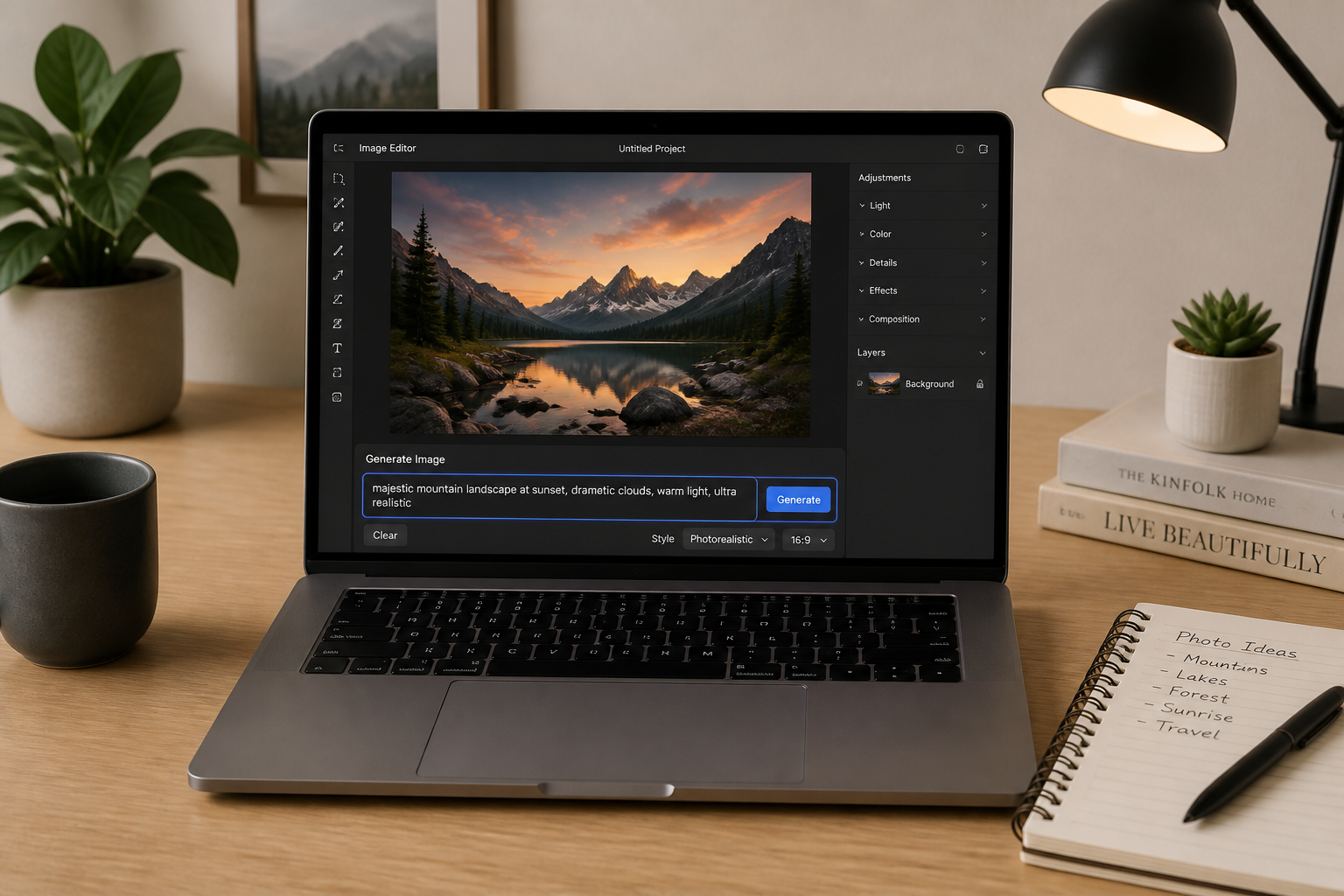
Describe what to restore
Tell the editor to remove the watermark and keep everything else the same. If the mark crosses important details like skin, fabric, or product edges, mention that so the reconstruction stays precise.
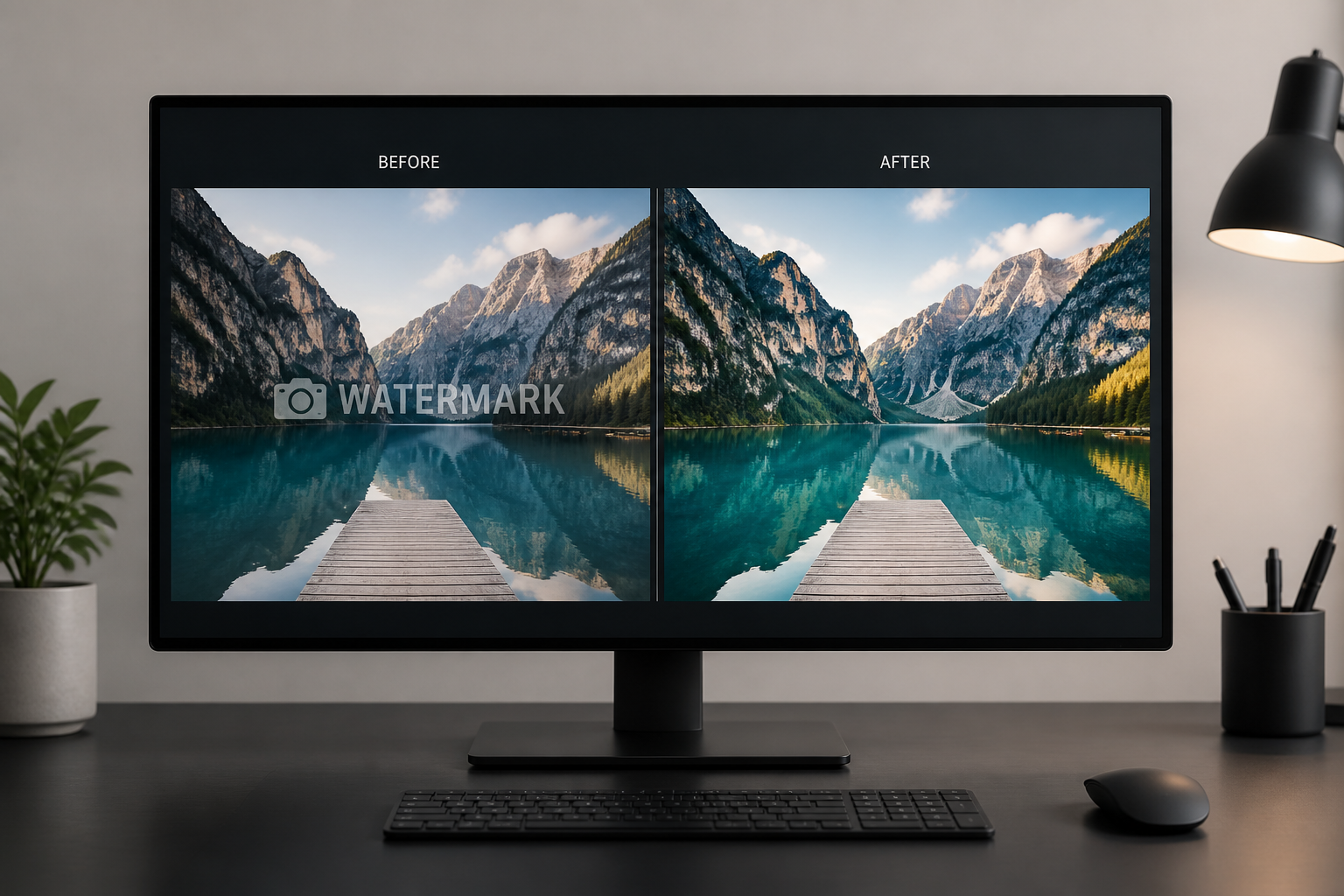
Generate and compare
Create the cleaned result and compare it with the original. If needed, run another pass with a more specific instruction for the covered area.
Perfect For
Discover how creators and professionals use canva watermark remover
Clean draft marketing visuals
Remove visible watermark overlays from draft images before presenting internal concepts, layouts, or mood boards.
Fix mockups and previews
Restore product mockups, lifestyle previews, and sample graphics where a watermark blocks important visual details.
Prepare listing photos
Clean marked property, product, or portfolio images you are authorized to edit so they look presentable in documents and drafts.
Refresh social media assets
Repair watermarked visuals for posts, thumbnails, and concept pieces while keeping the original composition intact.
Built For
Designers and marketers
Useful for cleaning up sample visuals, mockups, and presentation materials without manual retouching.
Ecommerce sellers
Good for restoring product and lifestyle images where watermark overlays obscure packaging, labels, or textures.
Content creators
Helps tidy draft assets and preview images for thumbnails, posts, pitch decks, and planning boards.
Compare watermark cleanup options
A quick look at how we compare on the things that matter for this niche.
| Feature | BudgetPixel | Generic AI editors | Manual editing apps |
|---|---|---|---|
| Rebuilds covered details | ✓ | ✓ | — |
| Keeps overall composition | ✓ | — | ✓ |
| Fast one-step cleanup | ✓ | ✓ | — |
| Works on photos and stylized images | ✓ | ✓ | — |
| Manual retouching required | Low | Medium | High |
Frequently Asked Questions
What does this Canva watermark remover do?
Will the rest of my photo change?
Does it work on text and repeated watermark patterns?
Can I use it on portraits, interiors, and products?
Are there limits on what I should upload?
Create together.
Share your creations, discover trending AI art, and grow with fellow creators.