AI Text Remover from Image
Erase unwanted text from photos, signs, labels, and graphics in a few clicks.
Upload an image, mark the text you want gone, and let our AI rebuild the missing area to match the surrounding scene. It works well for product shots, travel photos, screenshots, posters, and social content where text gets in the way.


Watch the Transformation
See ai text remover from image in motion — generated end-to-end by our AI.
See It In Action
Real outputs from ai text remover from image.
BEFOREAFTER BEFORE
 AFTER
AFTER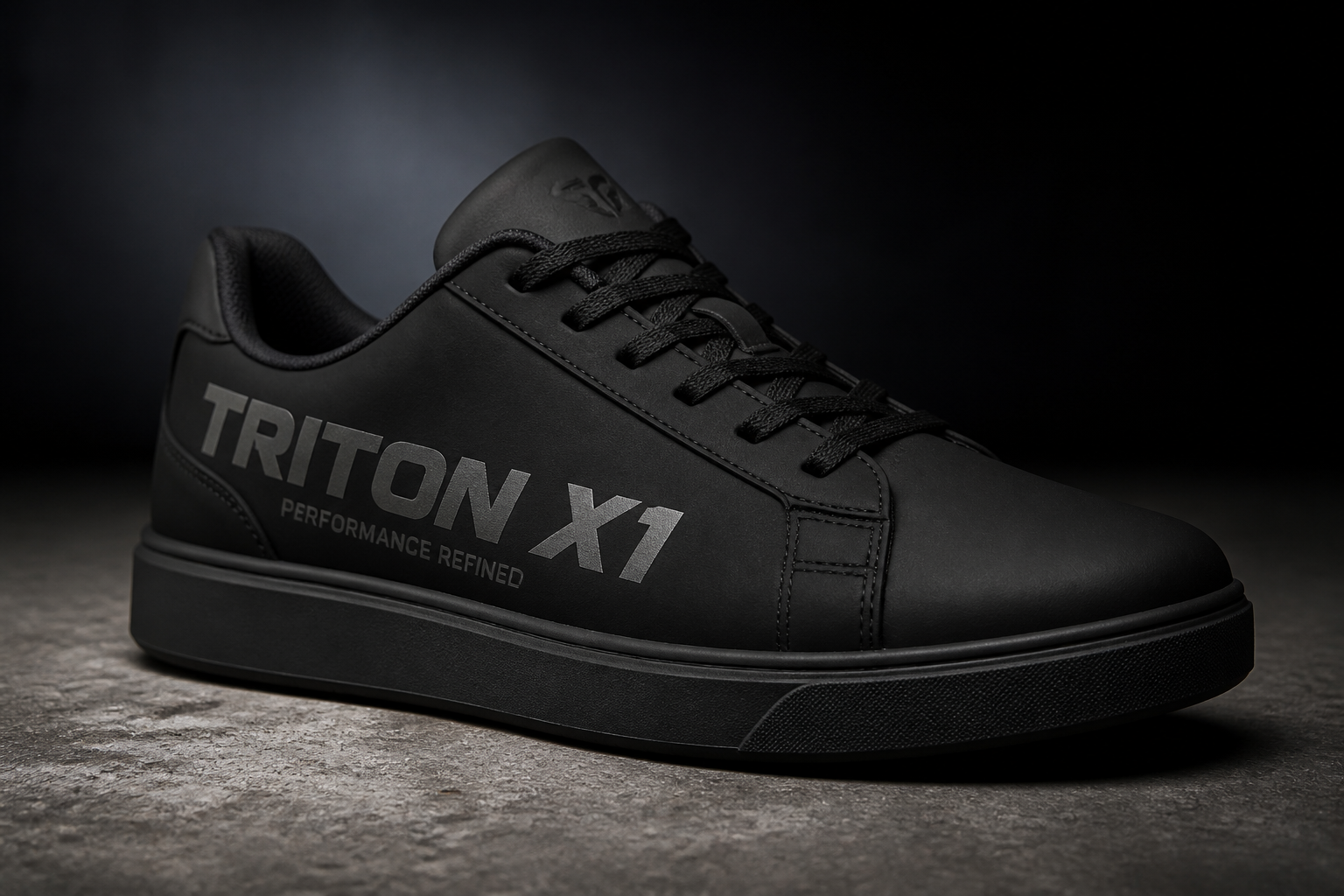 BEFORE
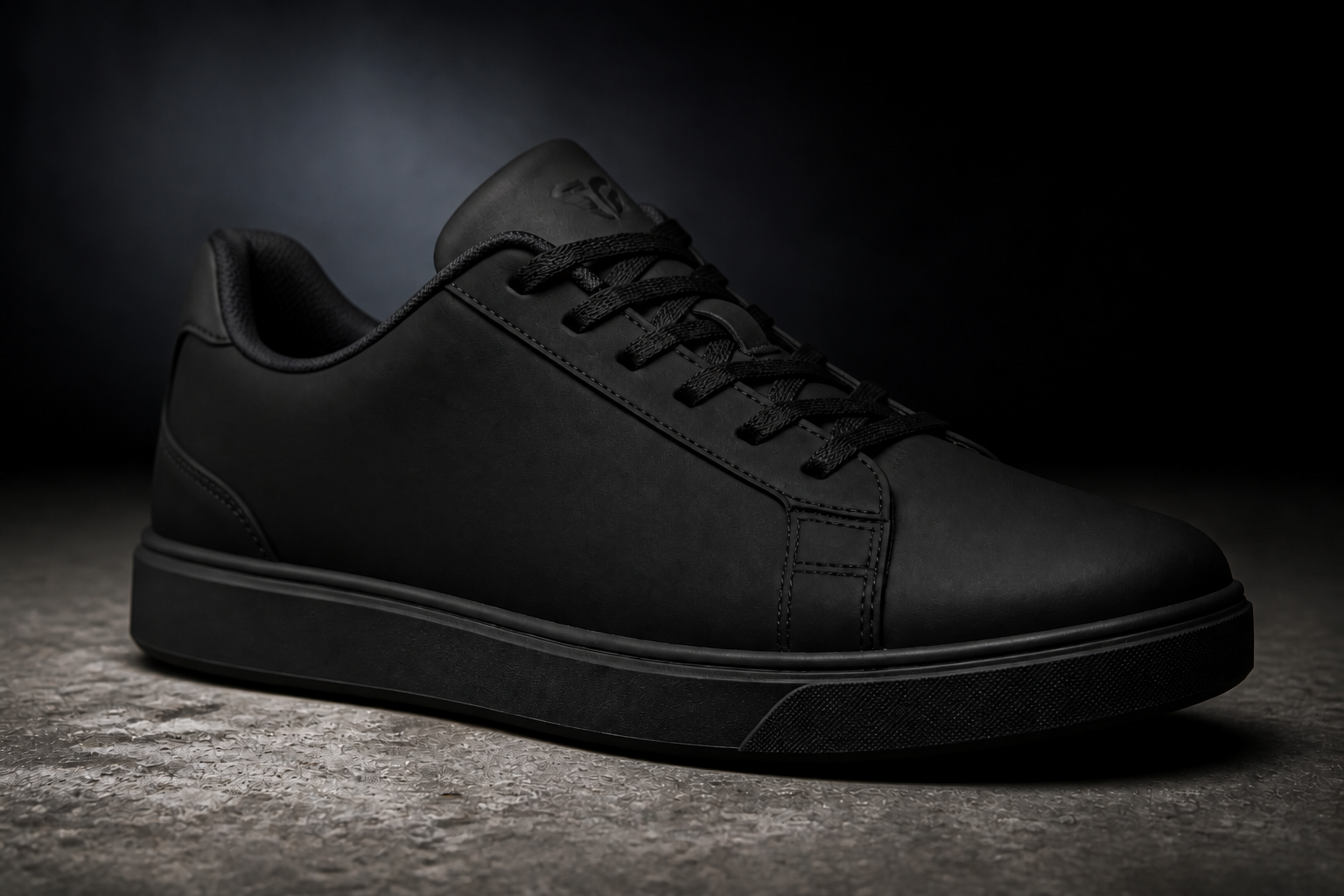 AFTER
AFTER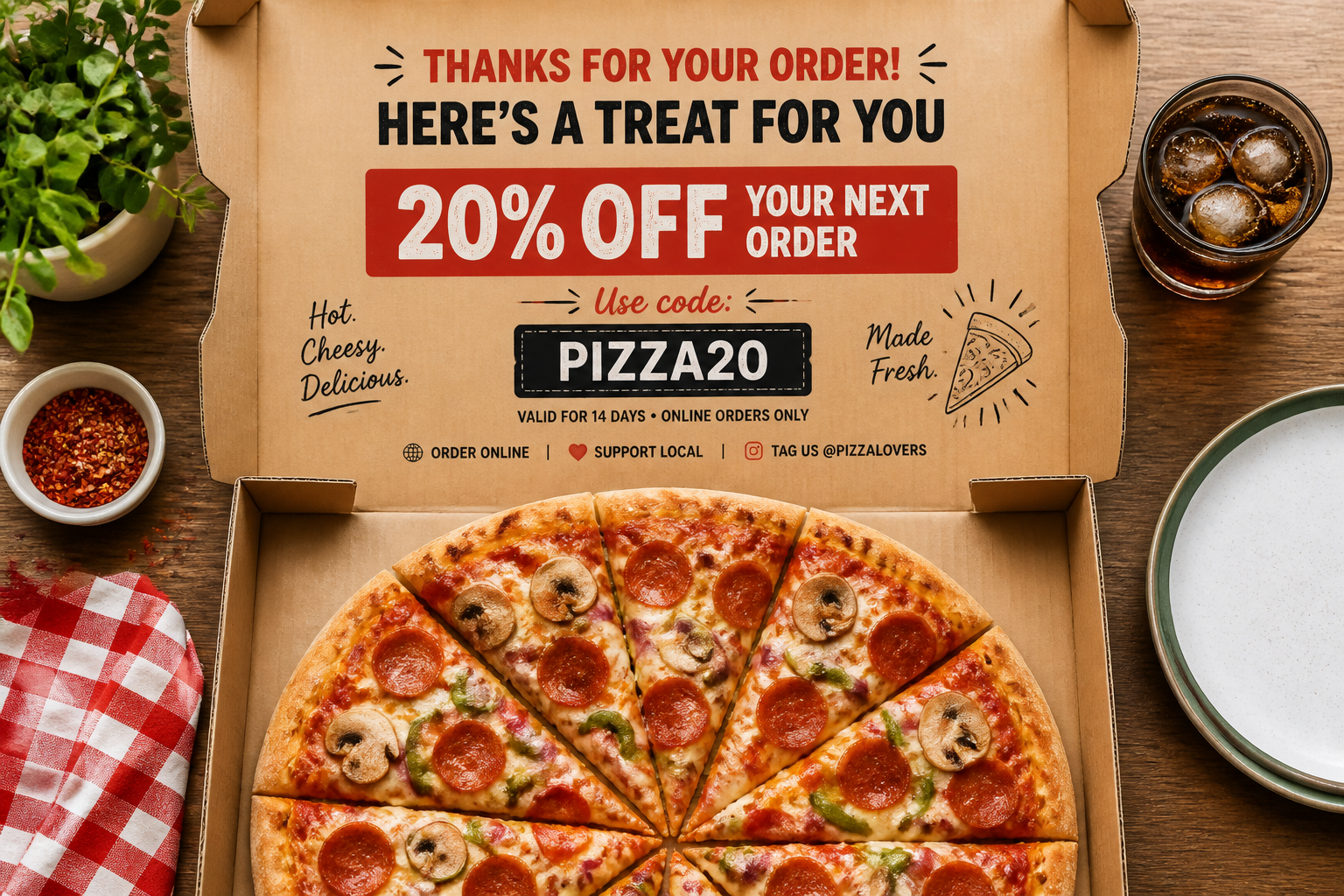 BEFORE
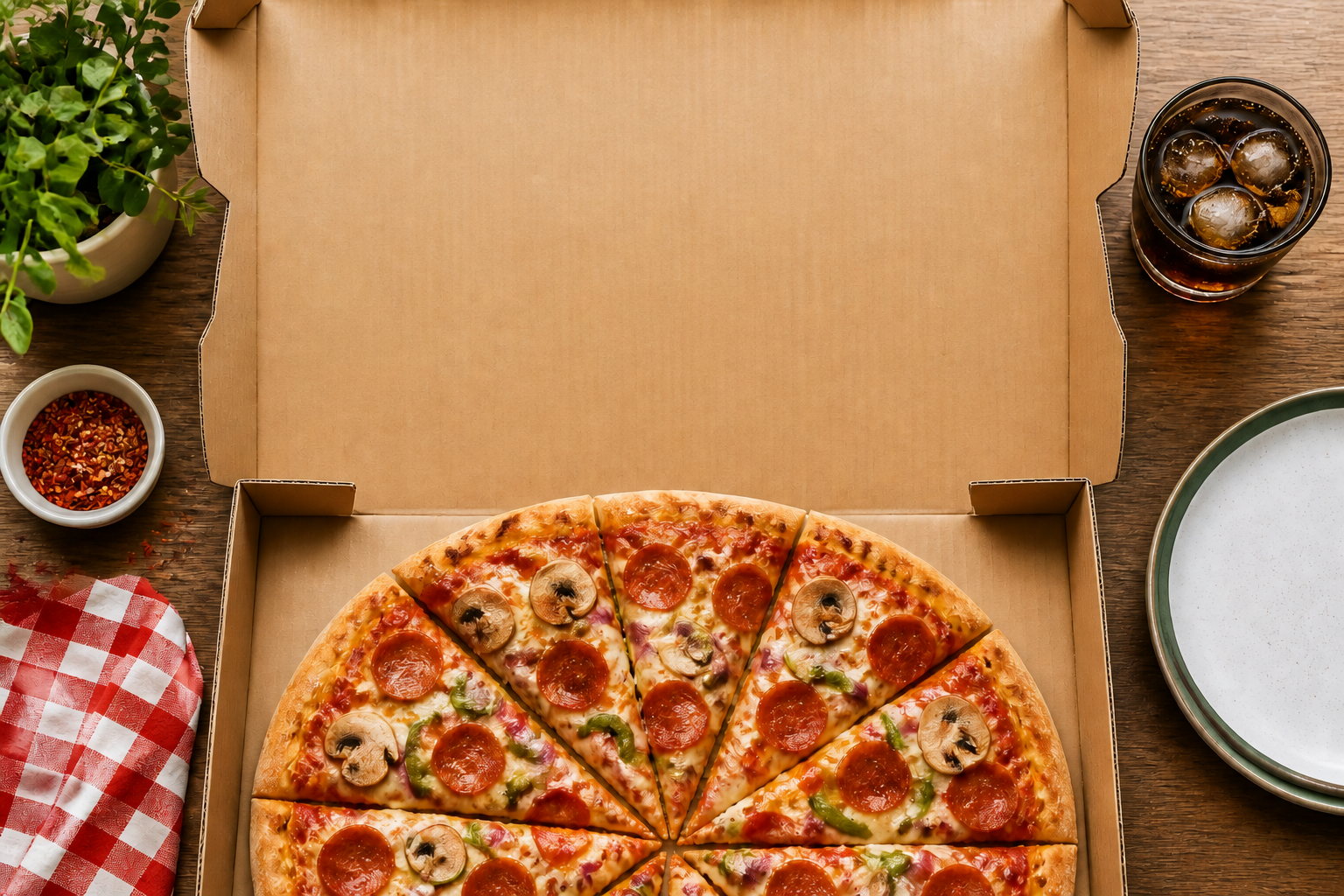 AFTER
AFTER BEFORE
 AFTERBEFOREAFTERBEFOREAFTERBEFOREAFTERBEFOREAFTERBEFOREAFTER
 BEFORE
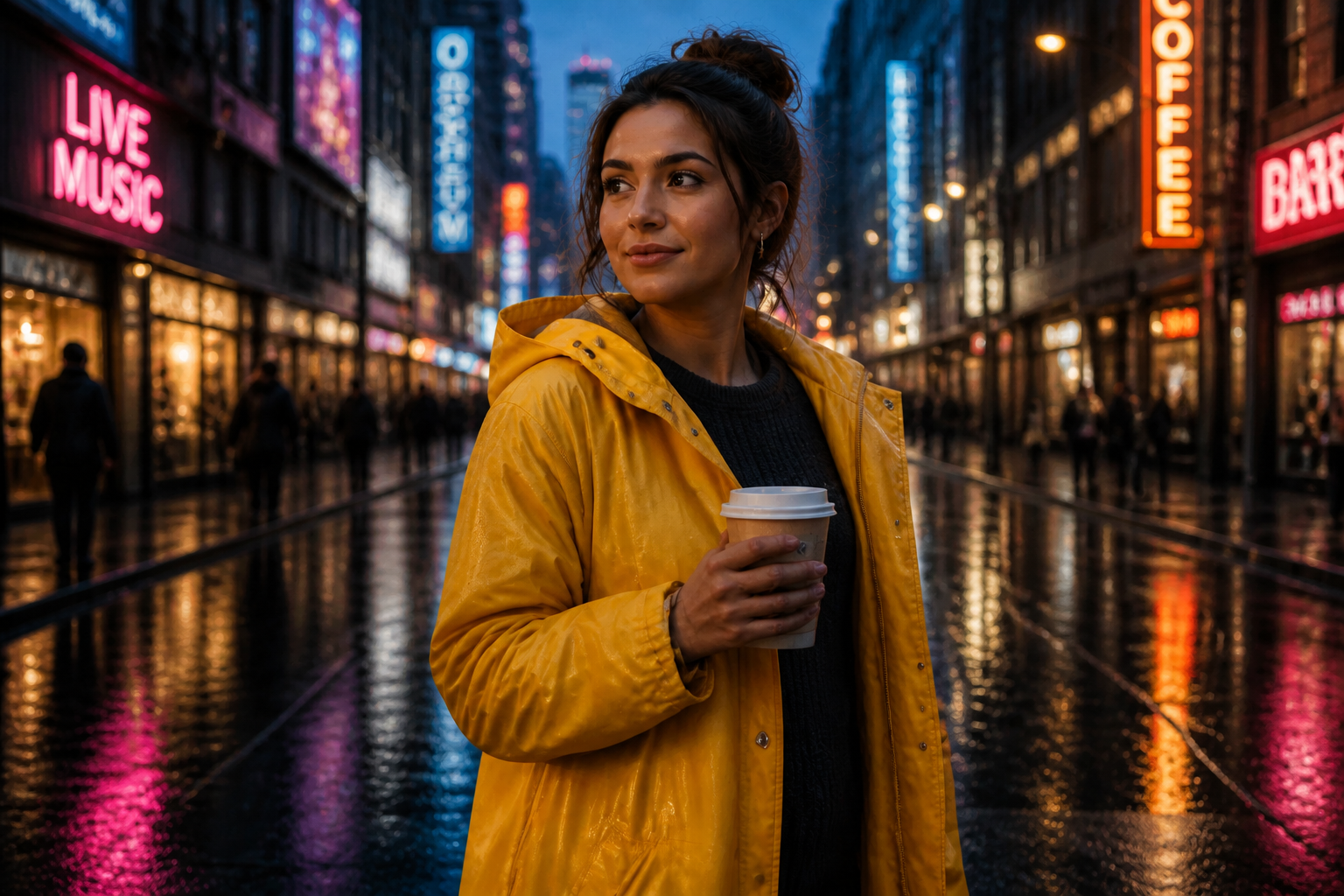 AFTER
AFTER BEFORE
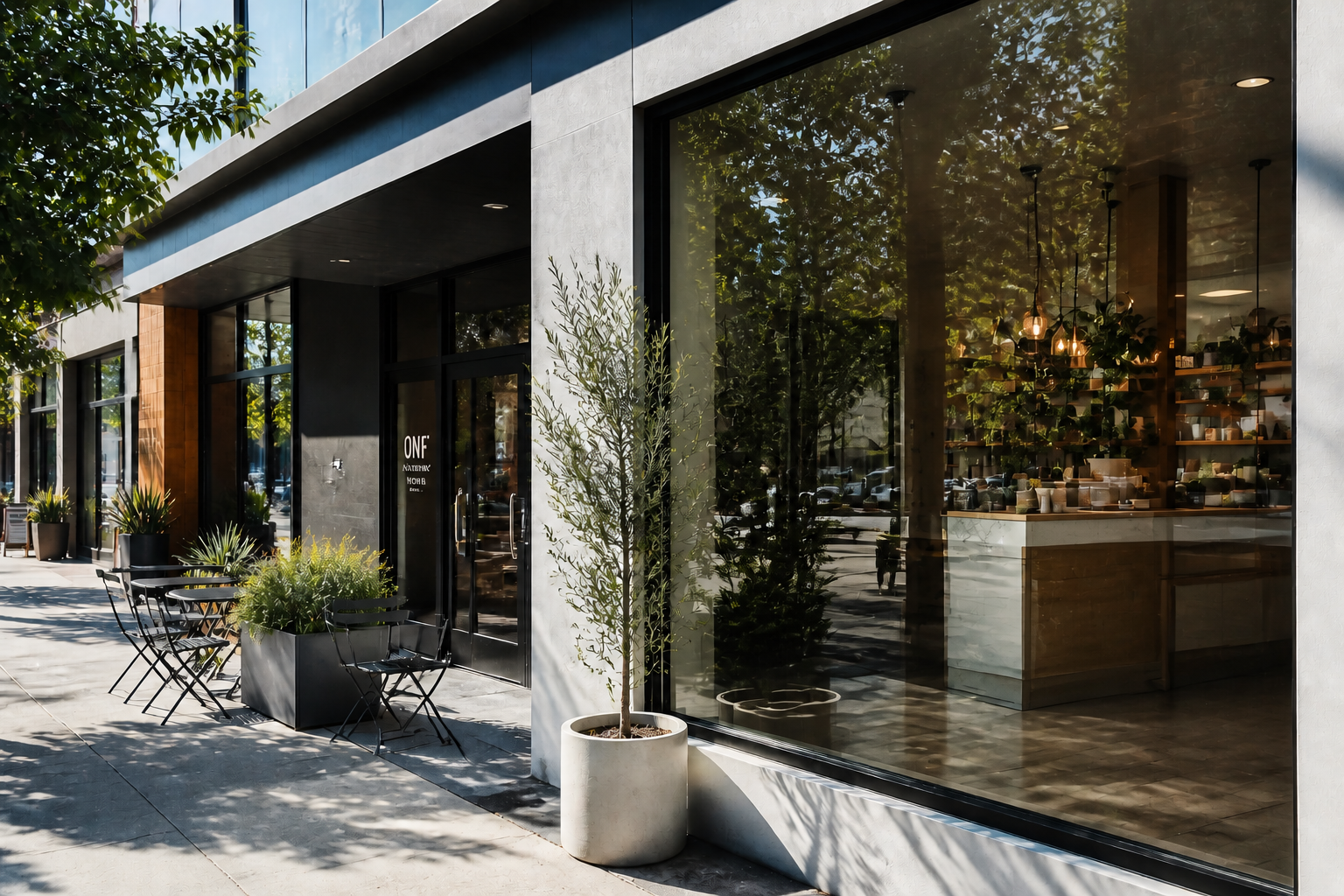 AFTER
AFTER BEFORE
 AFTER
AFTER BEFORE
 AFTER
AFTER BEFORE
 AFTERBEFOREAFTERBEFOREAFTERBEFOREAFTERBEFOREAFTERBEFOREAFTER
Key Features
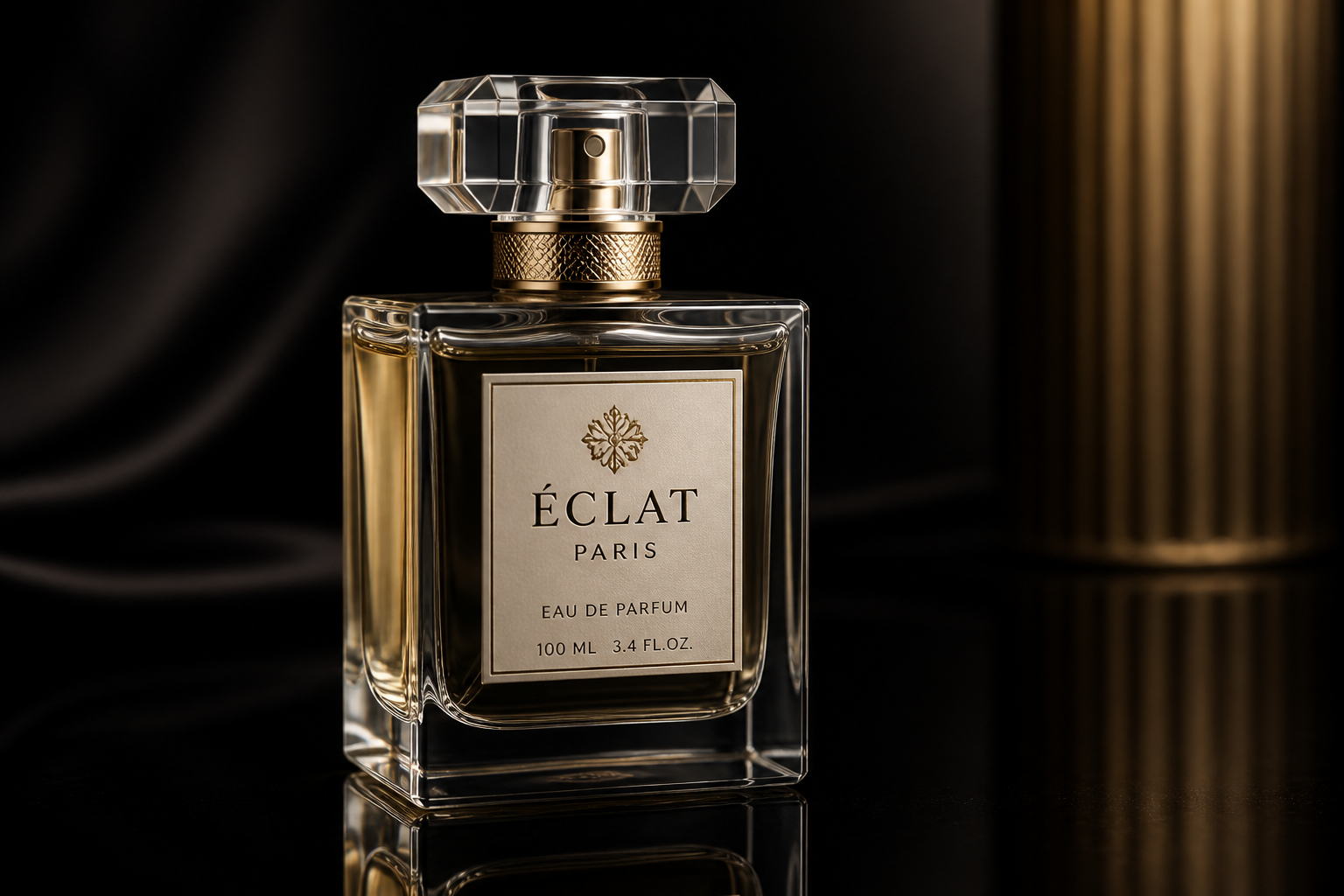
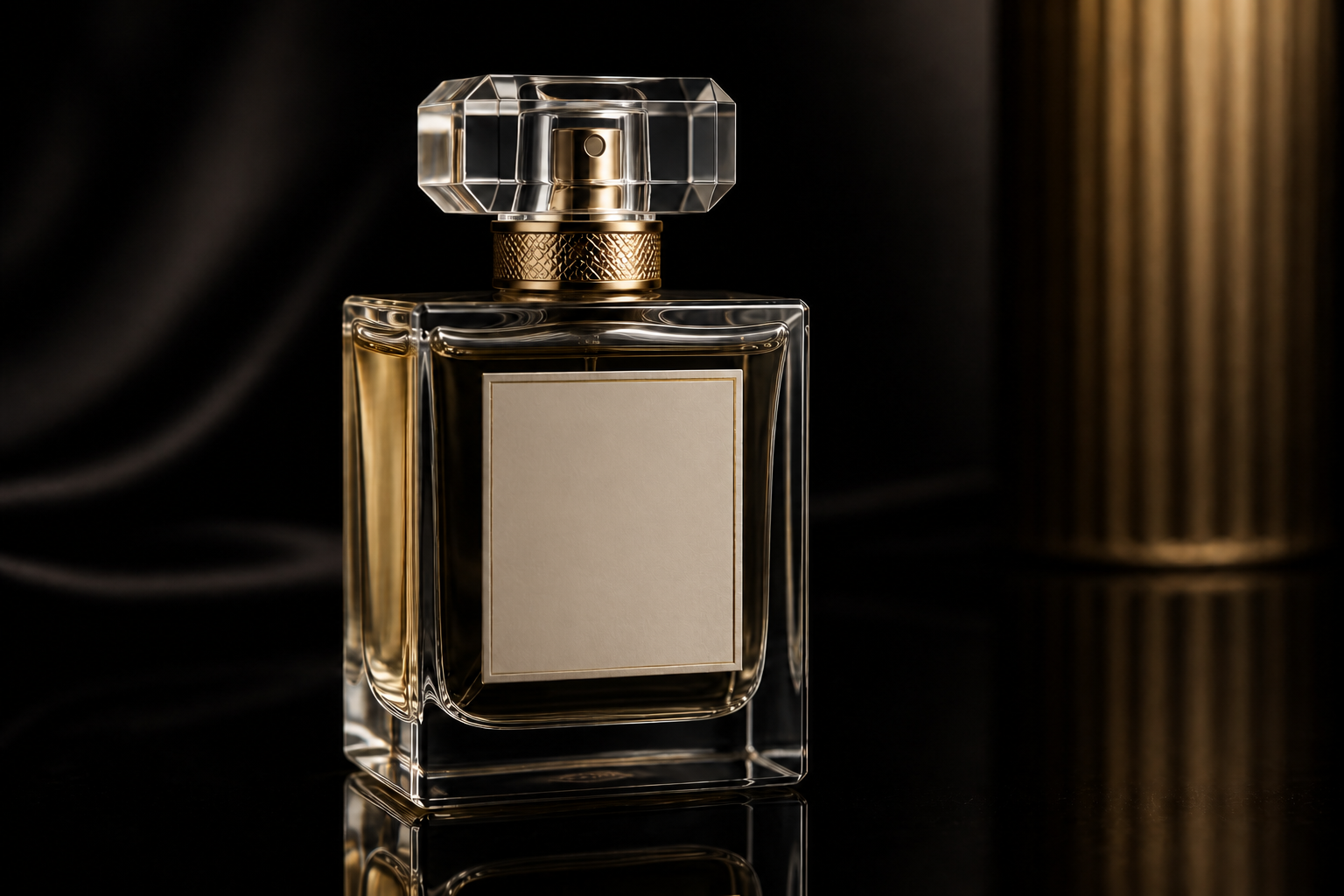
Rebuilds the background cleanly
Removing text is only useful if the empty area looks believable afterward. Our AI fills in textures, reflections, shadows, and surfaces so the image still feels intact. That matters on product labels, signs, and posters where flat patching looks obvious. It saves time compared with manual cloning and brush-by-brush cleanup.


Handles overlays and watermarks
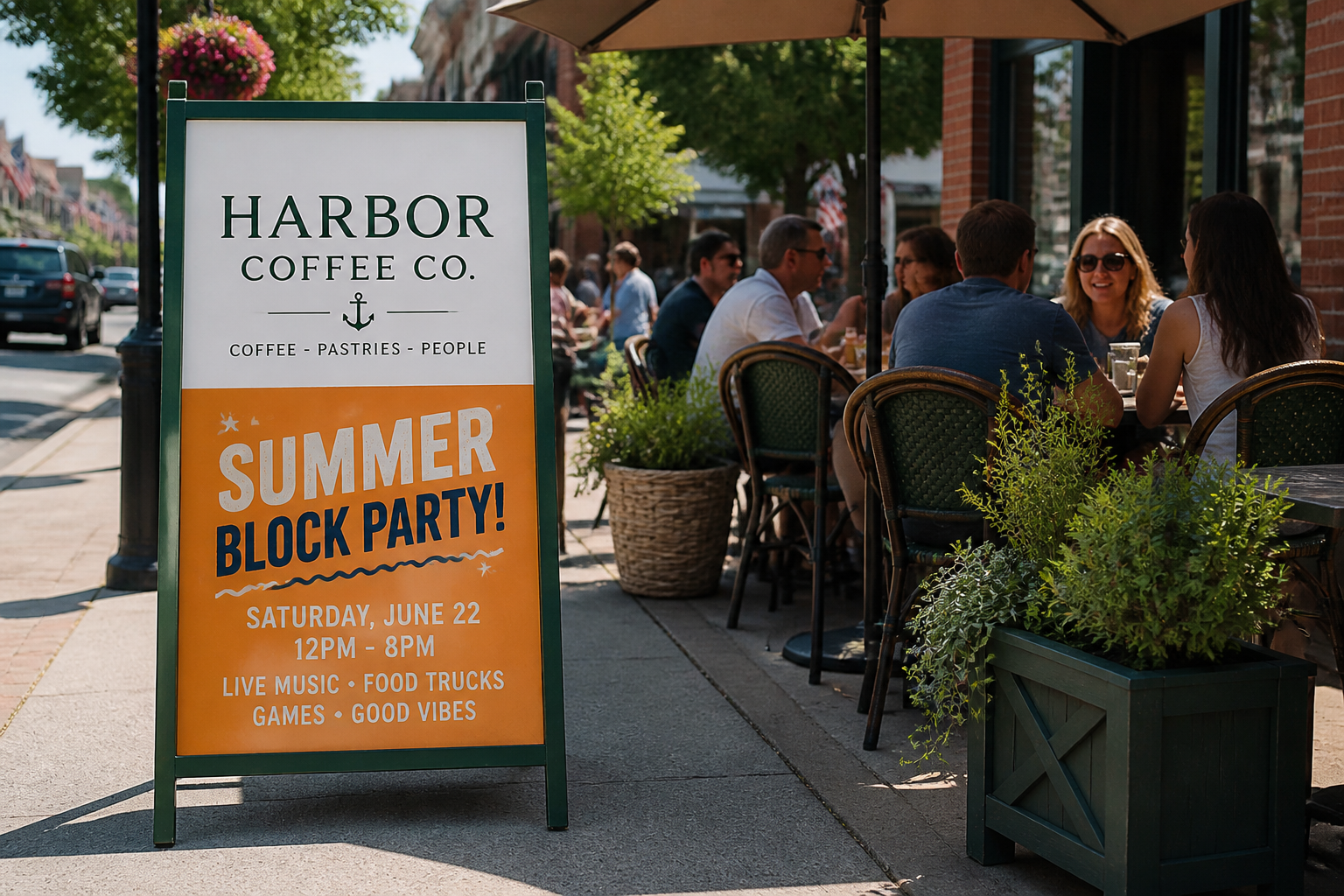
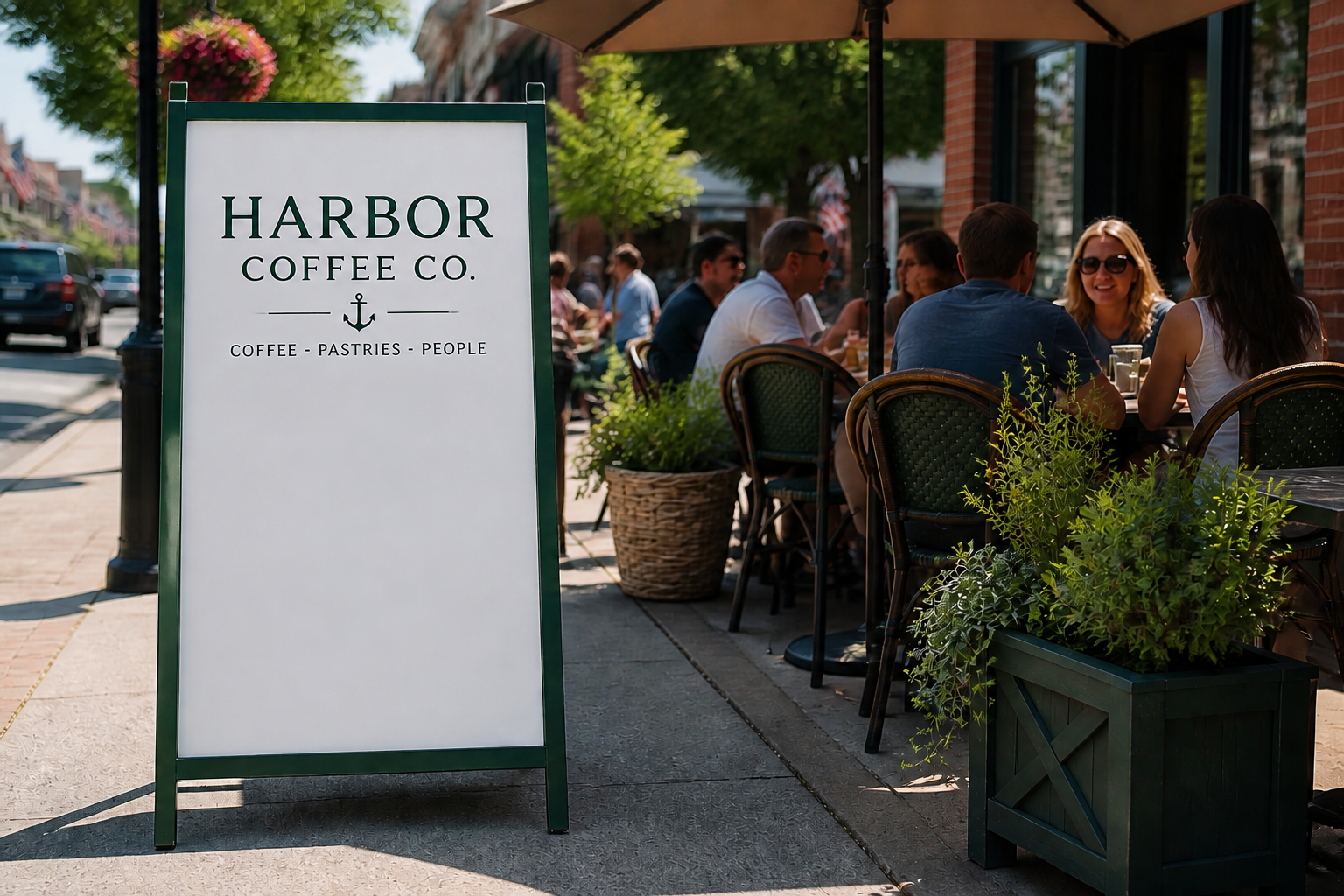
Text is often added on top of a photo rather than printed inside the scene. The tool can remove visible captions, promotional copy, and watermark-like overlays while preserving the subject underneath. That makes it useful for social posts, listing photos, and reused creative assets. You avoid the blur and smudge marks common in quick editing apps.
Keeps the original composition
You usually want the same shot, just without the text. Our AI keeps the framing, perspective, and main subject in place so the result still matches the original photo. This is helpful for ecommerce, marketing, and documentation where consistency matters. You get a cleaner image without needing to reshoot or crop away useful detail.
Works across many image types
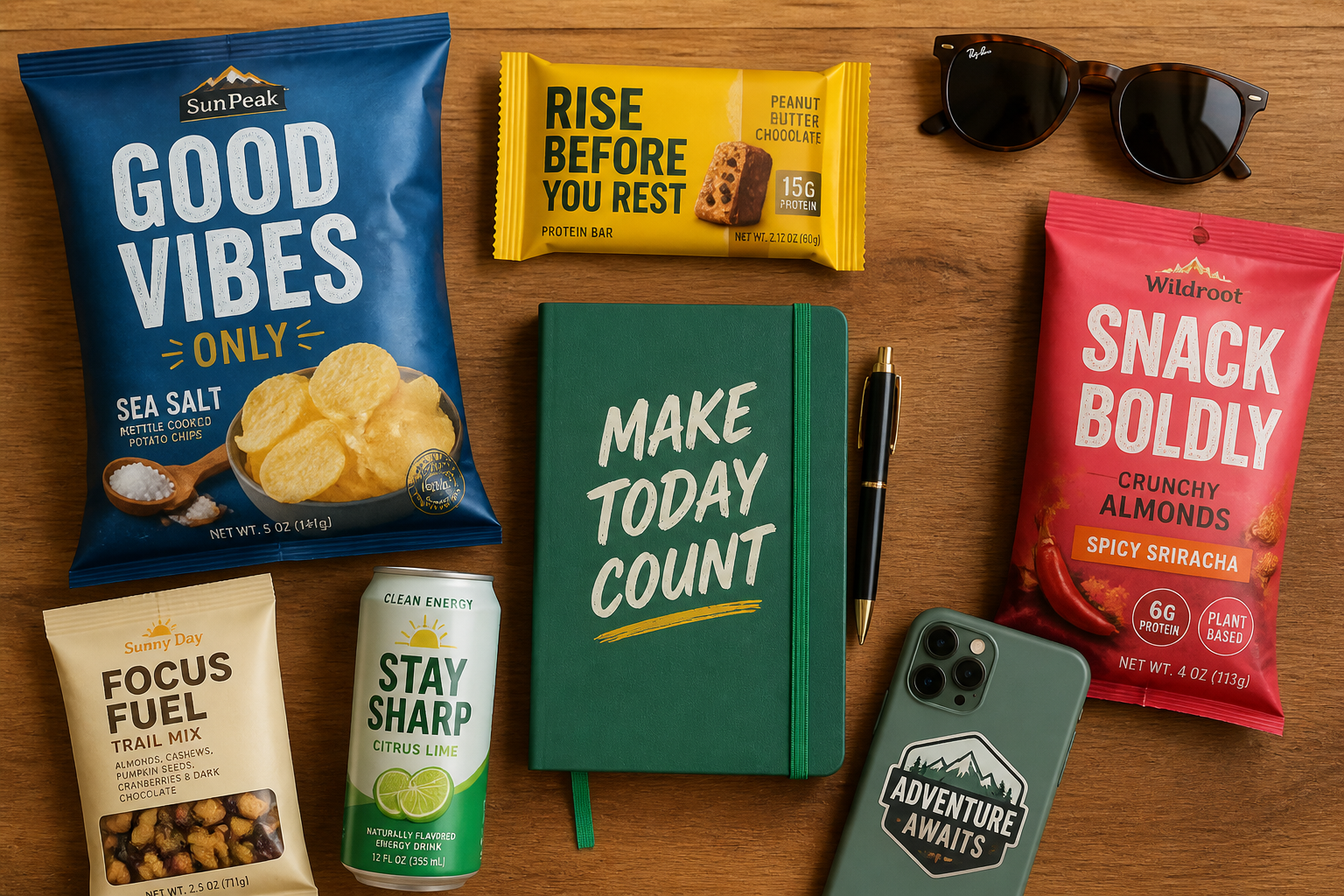
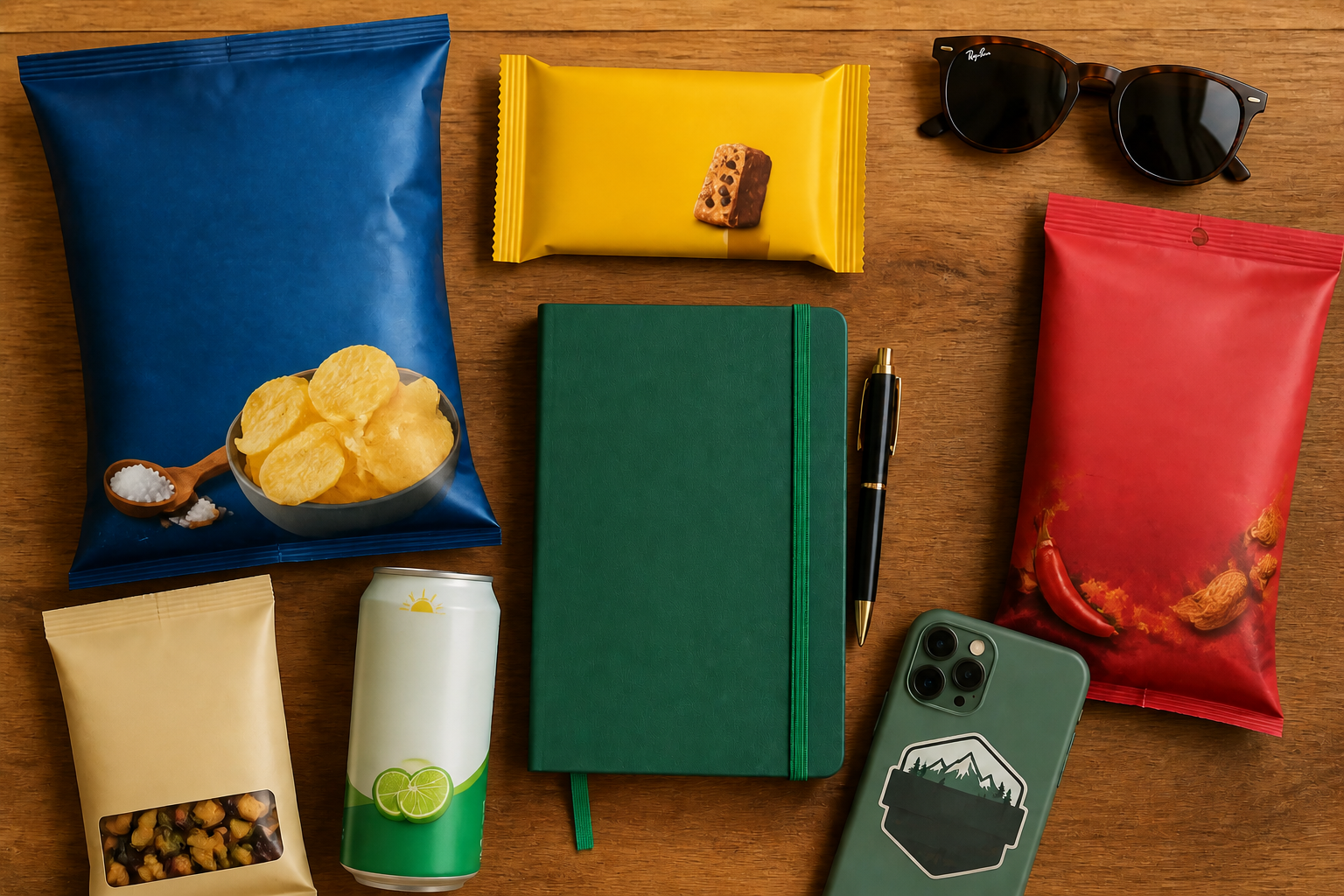
Text can appear on products, windows, packaging, screenshots, menus, and travel photos. The tool is flexible enough to clean up different materials and surfaces without requiring a separate workflow for each one. That makes it practical for creators, sellers, and teams handling mixed image libraries. One quick edit can replace several manual retouching steps.
How It Works
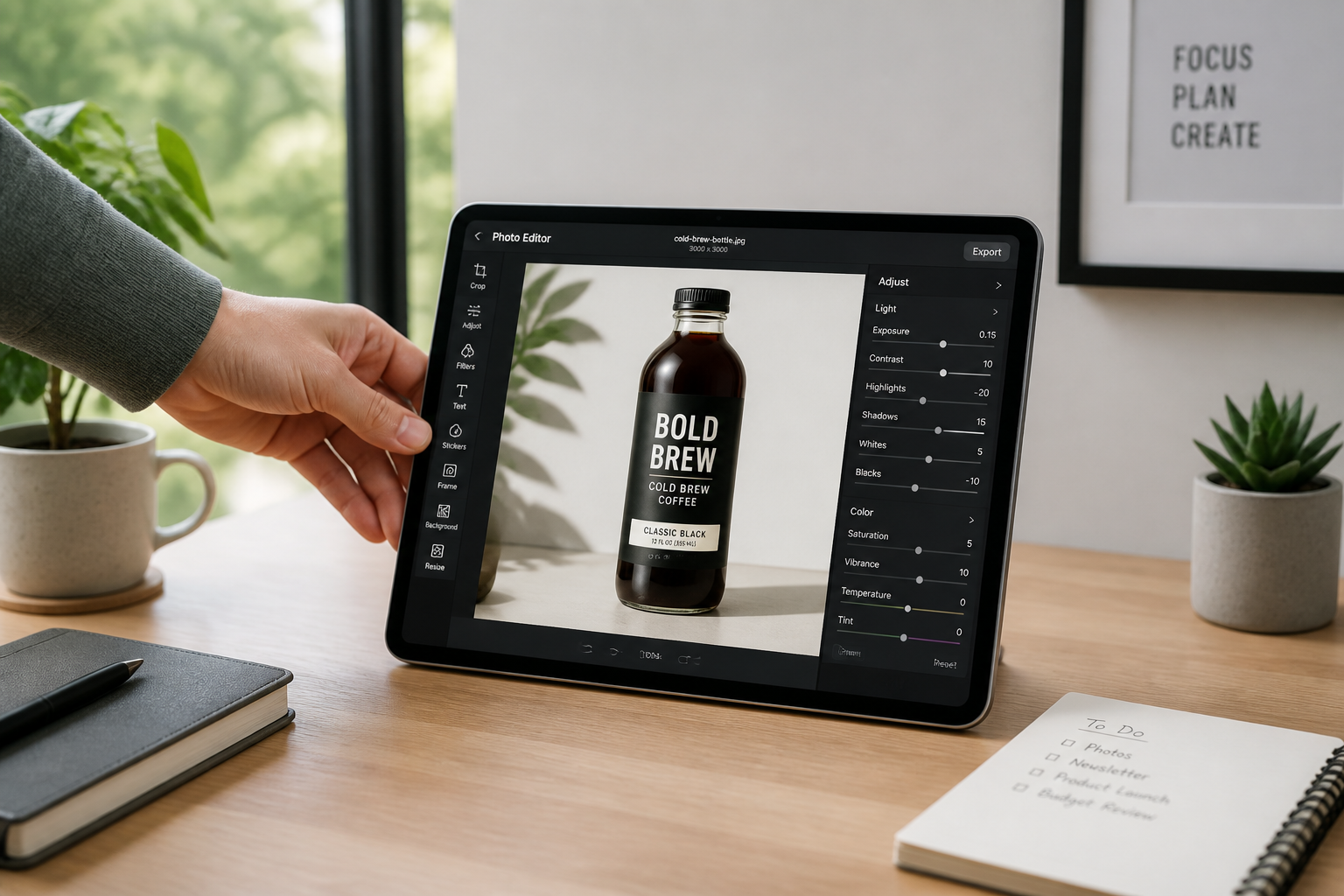
Upload your image
Start with a photo that has text, labels, or an unwanted overlay. Clear, well-lit images usually give the best cleanup because surrounding details are easier to reconstruct.
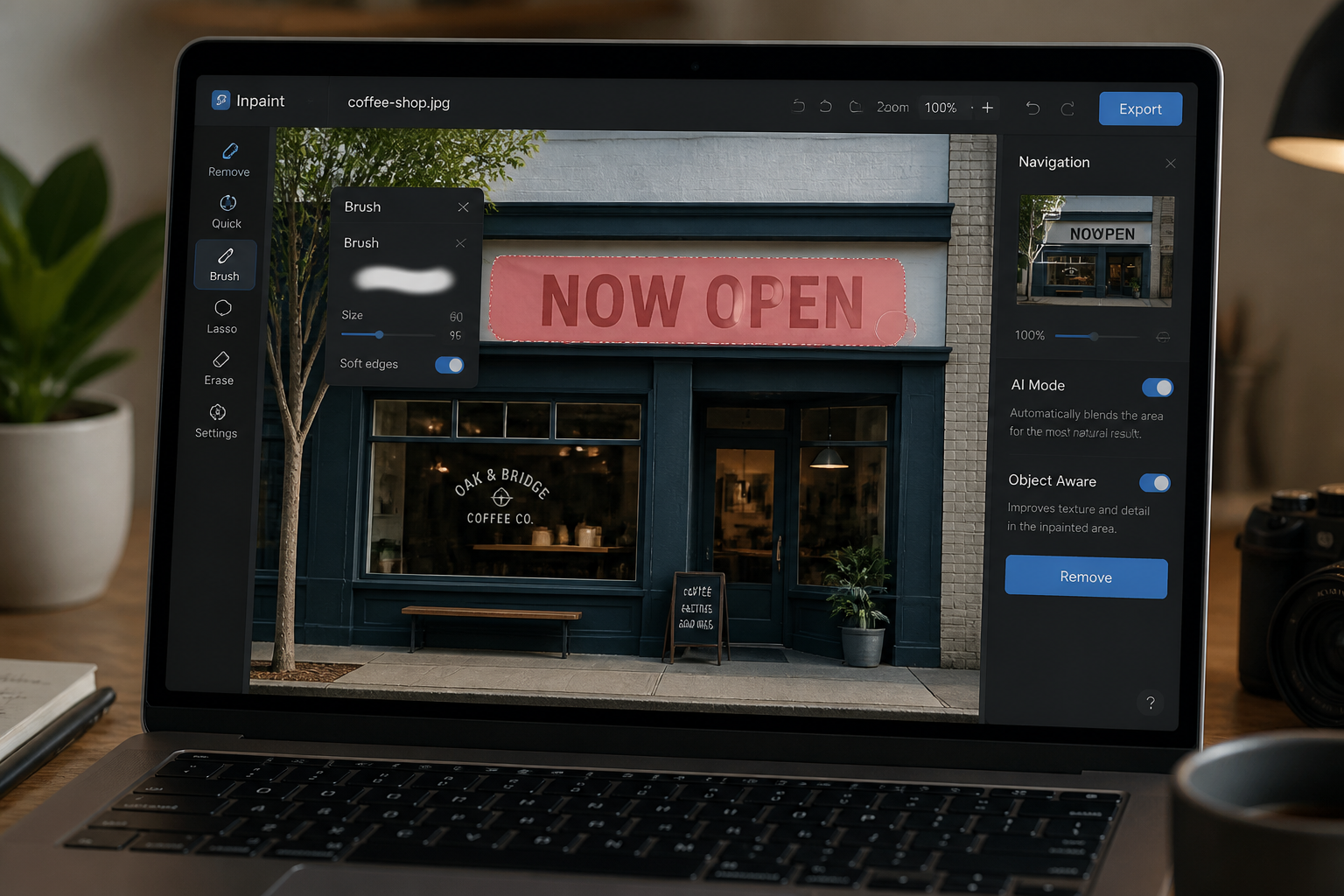
Mark what to remove
Highlight the words, watermark, or caption you want gone. Be generous enough to cover the full text area so the AI can replace it cleanly in one pass.
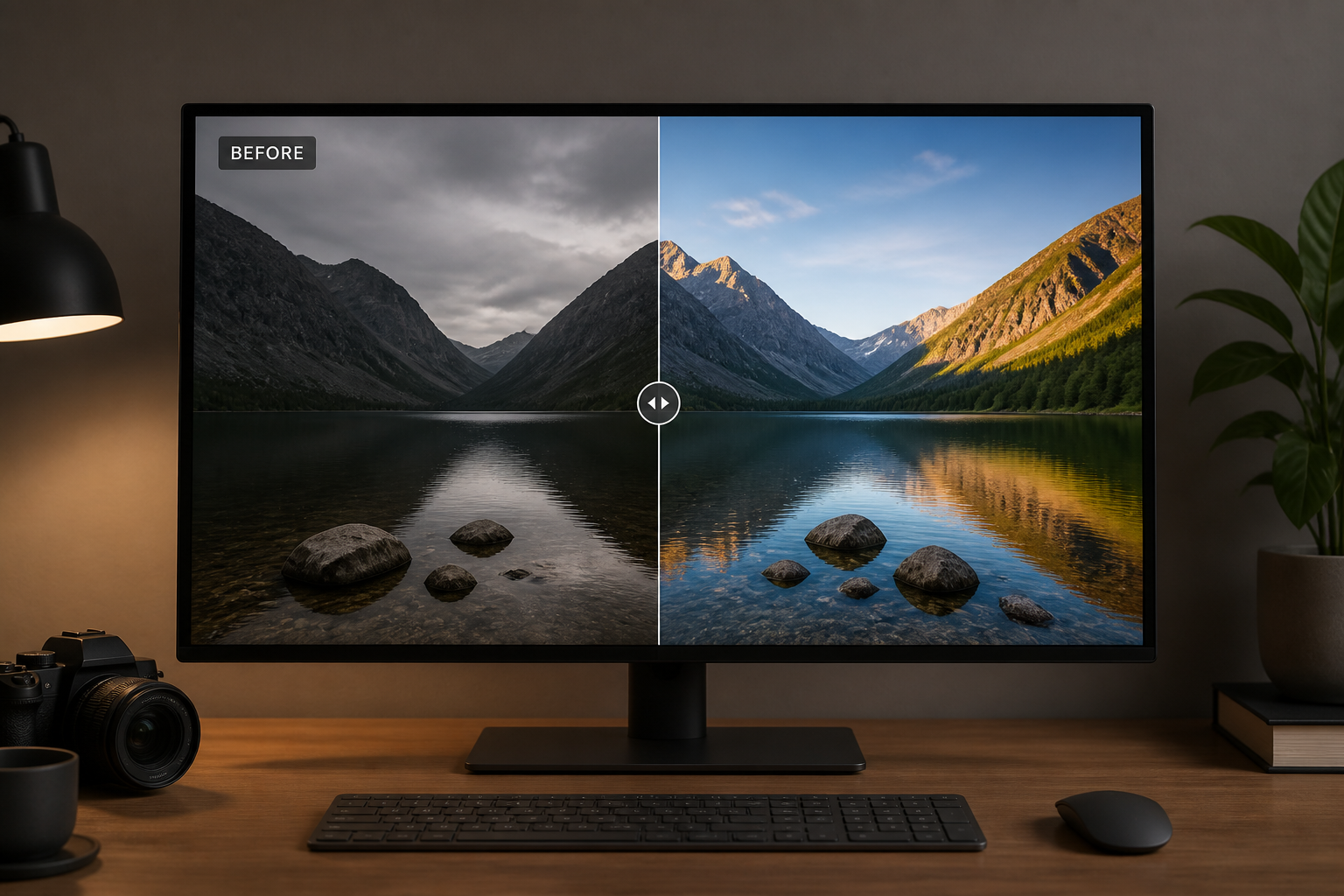
Generate and compare
Run the edit and compare the cleaned result with the original. If needed, refine the selection and generate another version for a smoother fill.
Perfect For
Discover how creators and professionals use ai text remover from image
Product photo cleanup
Remove labels, temporary stickers, and packaging text to create cleaner catalog images or mockups.
Social content reuse
Erase old captions, promo copy, or overlaid quotes so one image can be repurposed for new posts.
Real estate and listings
Clean watermarks and text overlays from room photos while preserving furniture, walls, and textures.
Travel and personal photos
Delete date stamps, location captions, or sign text that distracts from the photo itself.
Built For
Online sellers
Create cleaner product images without reshooting every item or manually retouching labels.
Designers and marketers
Reuse visuals faster by removing outdated copy, overlays, and campaign-specific text.
Everyday creators
Tidy up travel shots, screenshots, posters, and social images with a simple edit workflow.
Why people use it for text cleanup
A quick look at how we compare on the things that matter for this niche.
| Feature | BudgetPixel | Generic AI editors | Manual editing apps |
|---|---|---|---|
| Removes text from photos | ✓ | ✓ | ✓ |
| Rebuilds surrounding texture | ✓ | ✓ | — |
| Fast for non-designers | ✓ | ✓ | — |
| Good for overlays and labels | ✓ | ✓ | — |
| Manual brushwork required | Low | Varies | High |
Frequently Asked Questions
What kinds of text can this remove?
Will the rest of my image change?
Can I remove text from product labels?
Does it work on watermarks?
Do I need editing experience?
Create together.
Share your creations, discover trending AI art, and grow with fellow creators.