AI Object Remover
Remove distractions from your photos in seconds
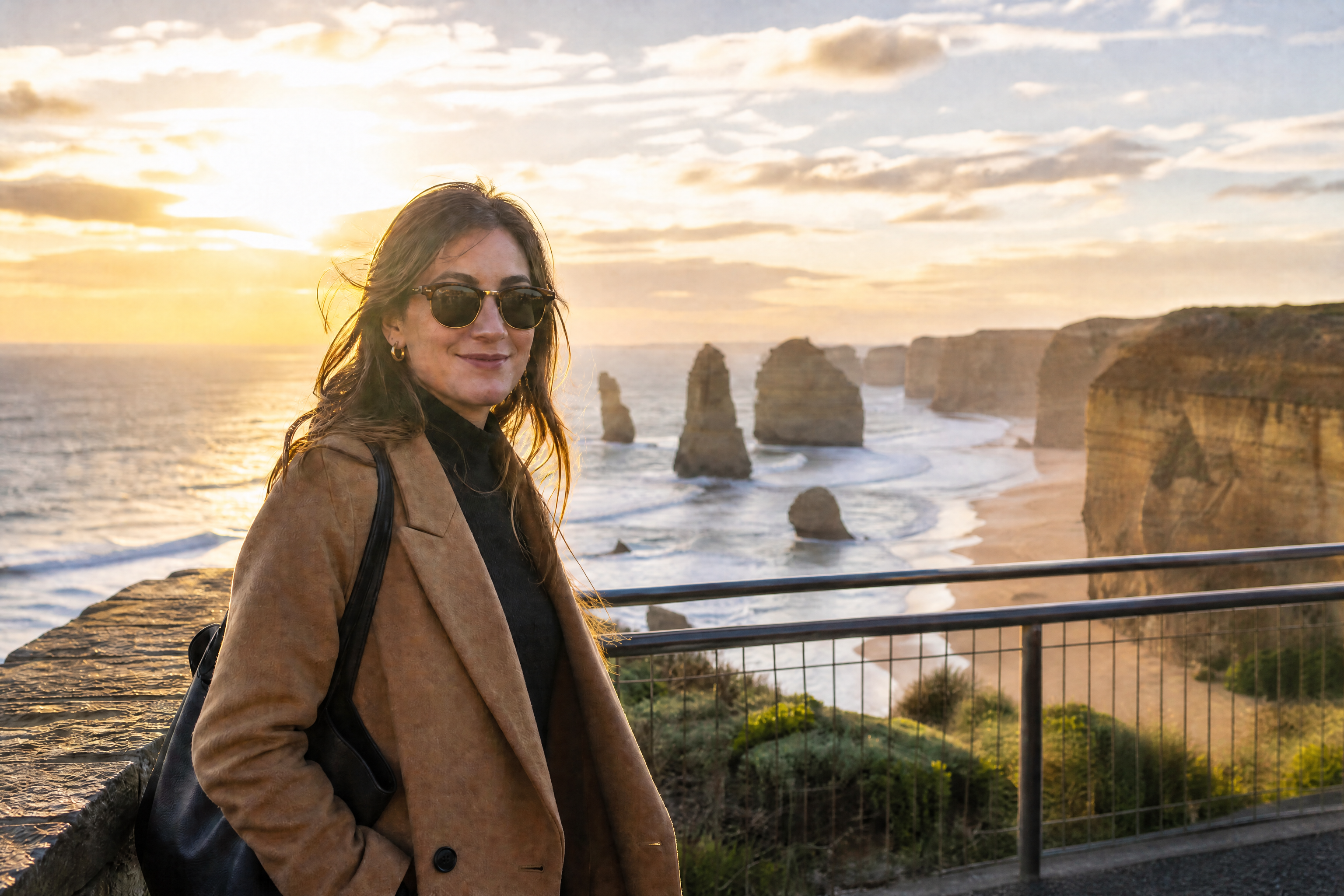
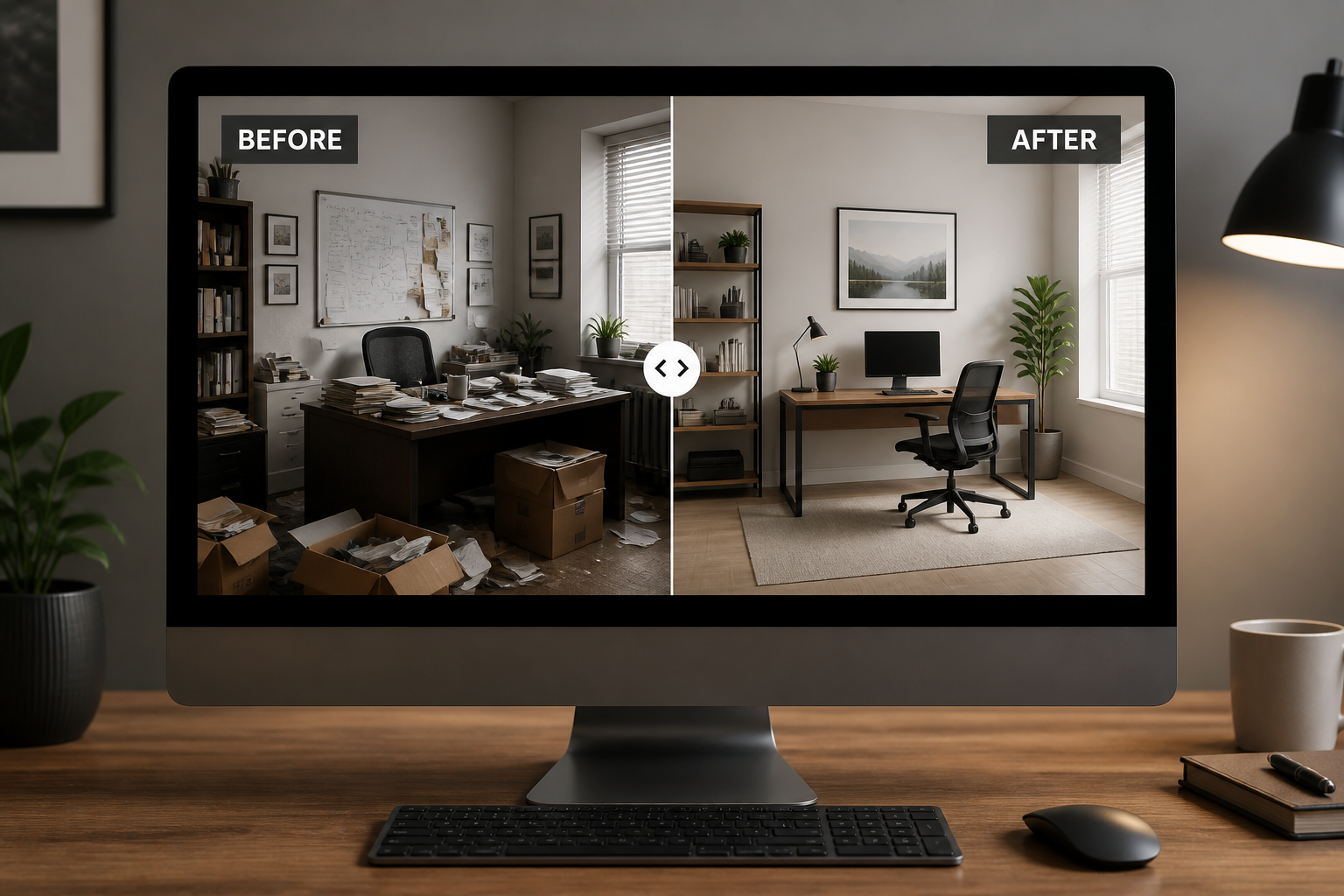
AI Object Remover lets you erase unwanted objects, people, signs, and clutter from a photo without rebuilding the whole image by hand. Upload your image, mark what should go, and our AI fills the area to match the surrounding scene. It works well for travel shots, product photos, real estate images, and social posts.


Watch the Transformation
See ai object remover in motion — generated end-to-end by our AI.
See It In Action
Real outputs from ai object remover.
BEFOREAFTER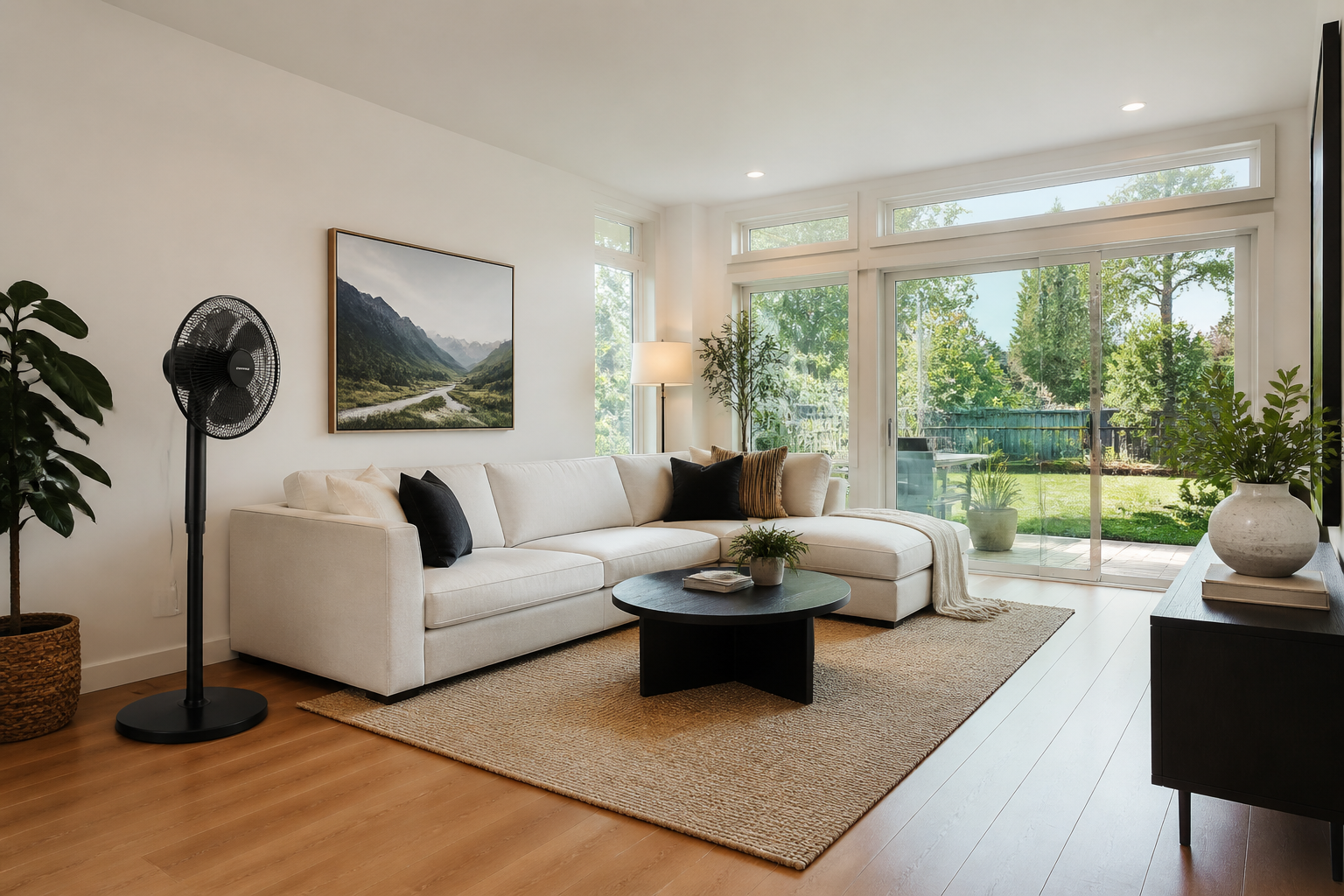 BEFORE
 AFTER
AFTER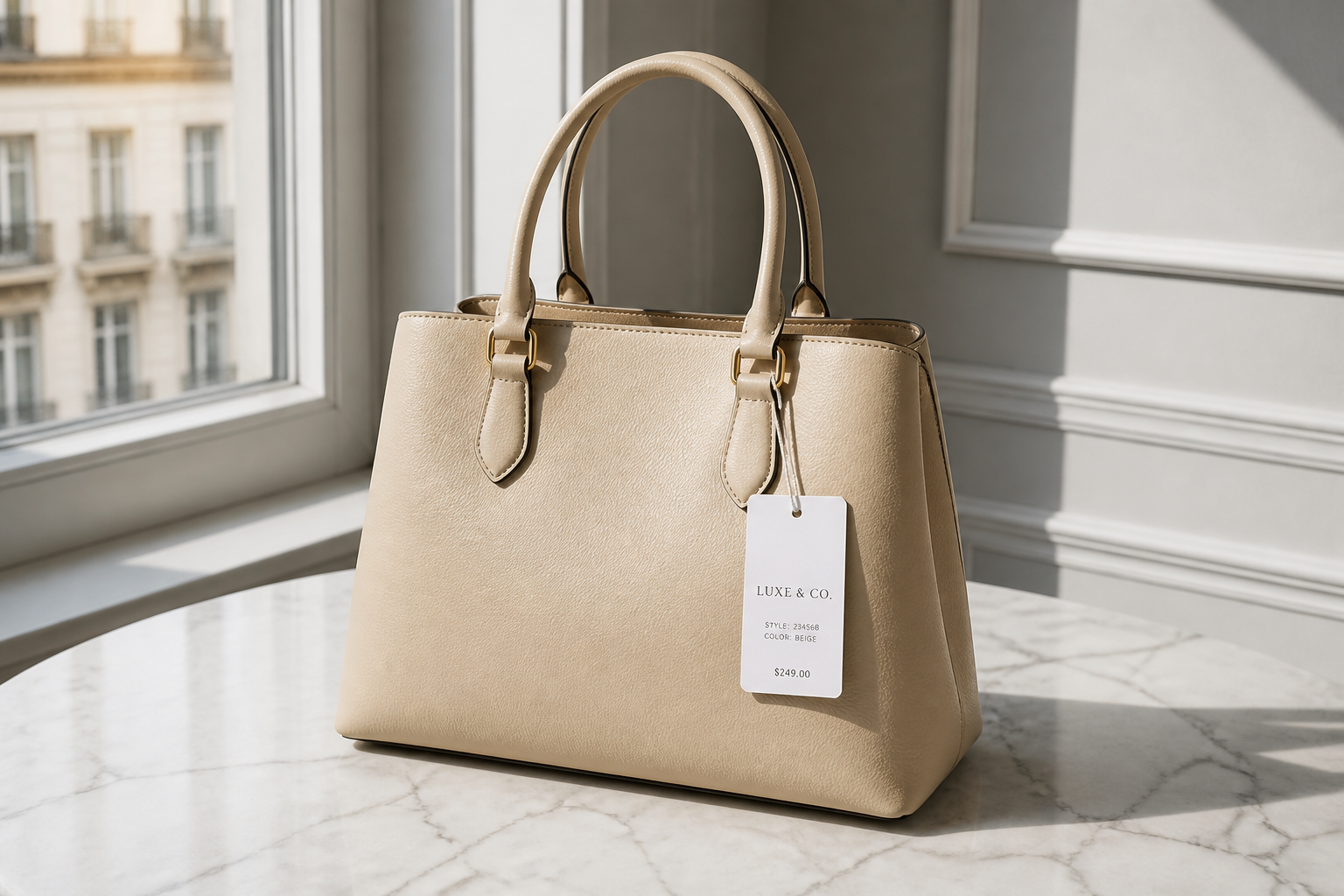 BEFORE
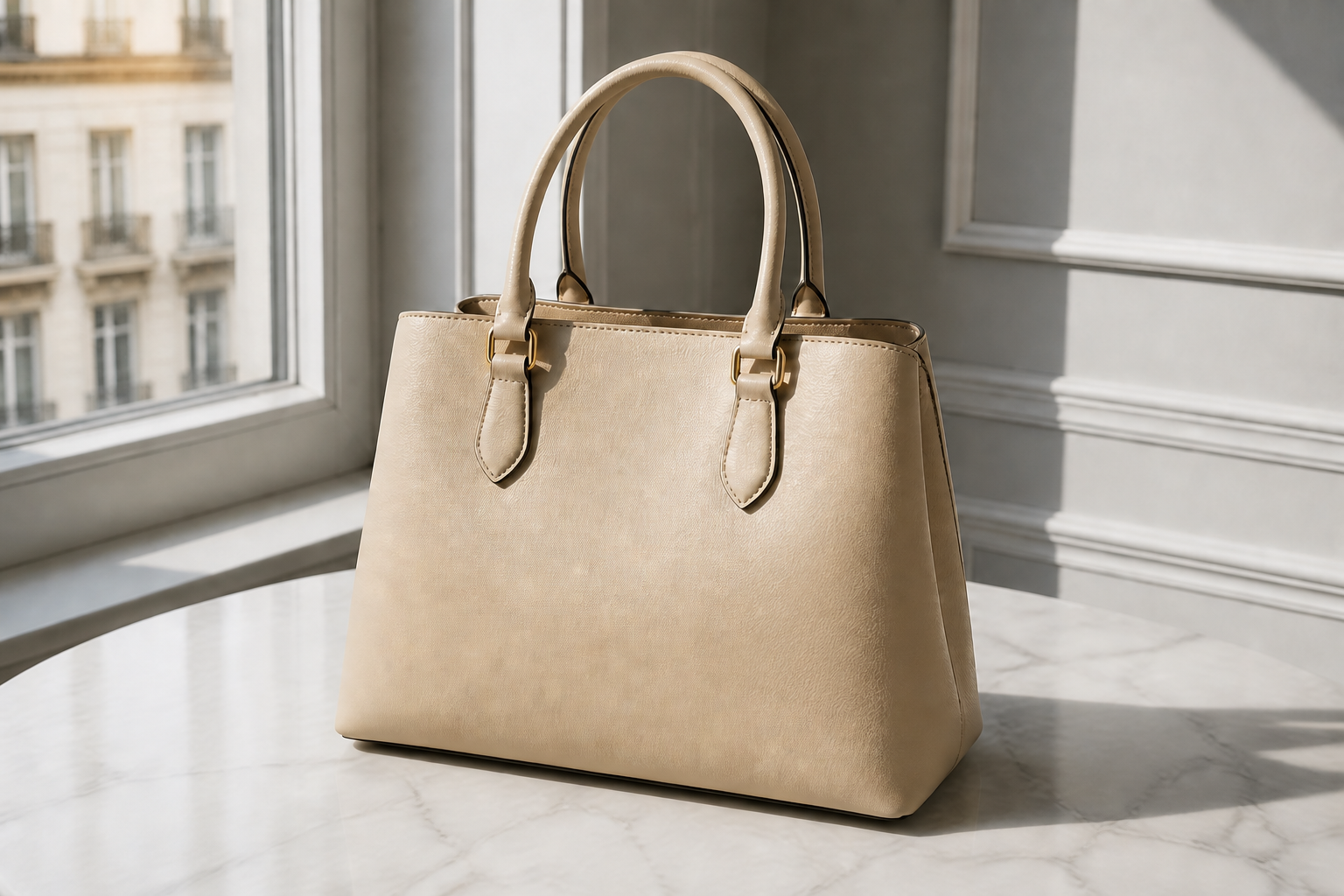 AFTER
AFTER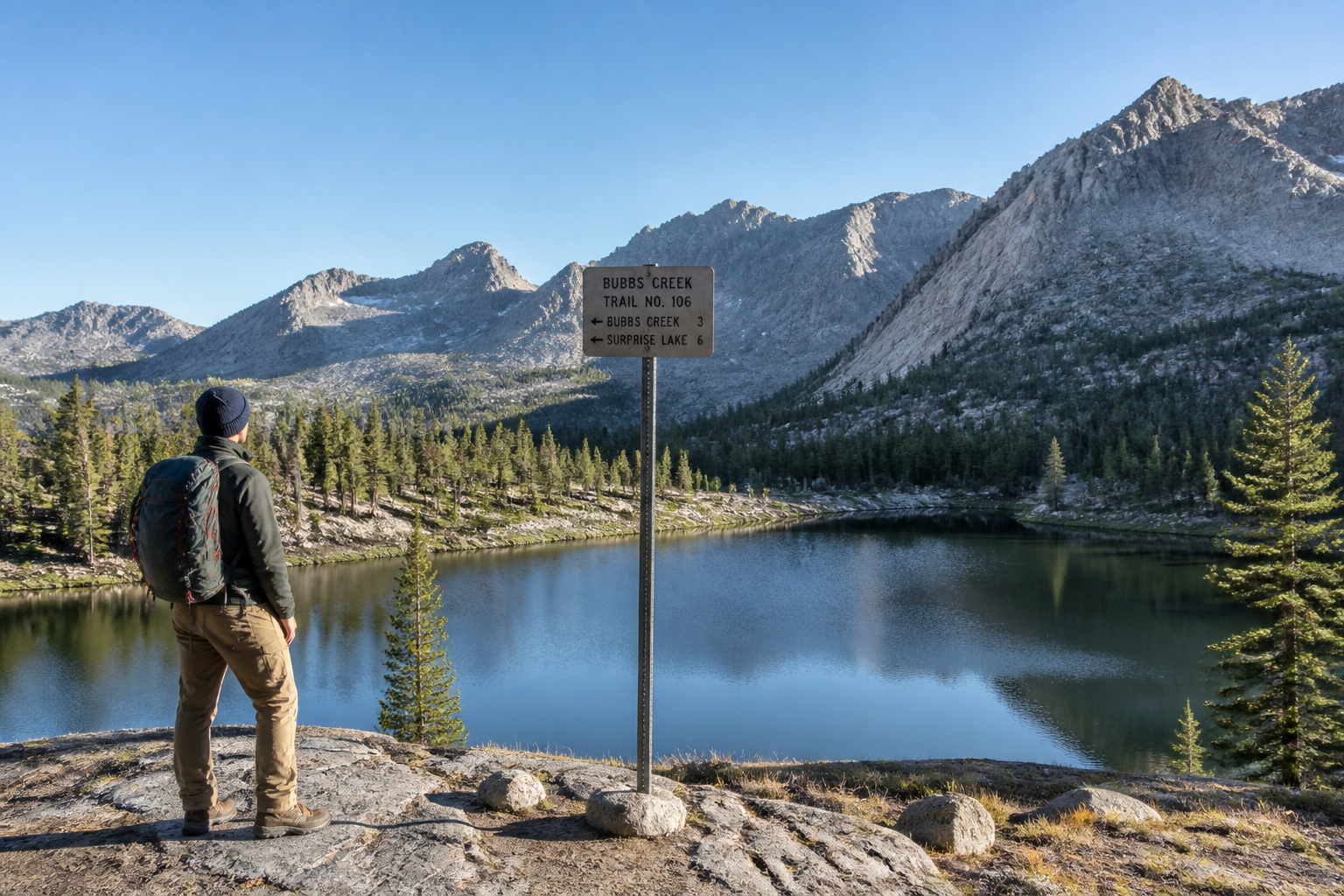 BEFORE
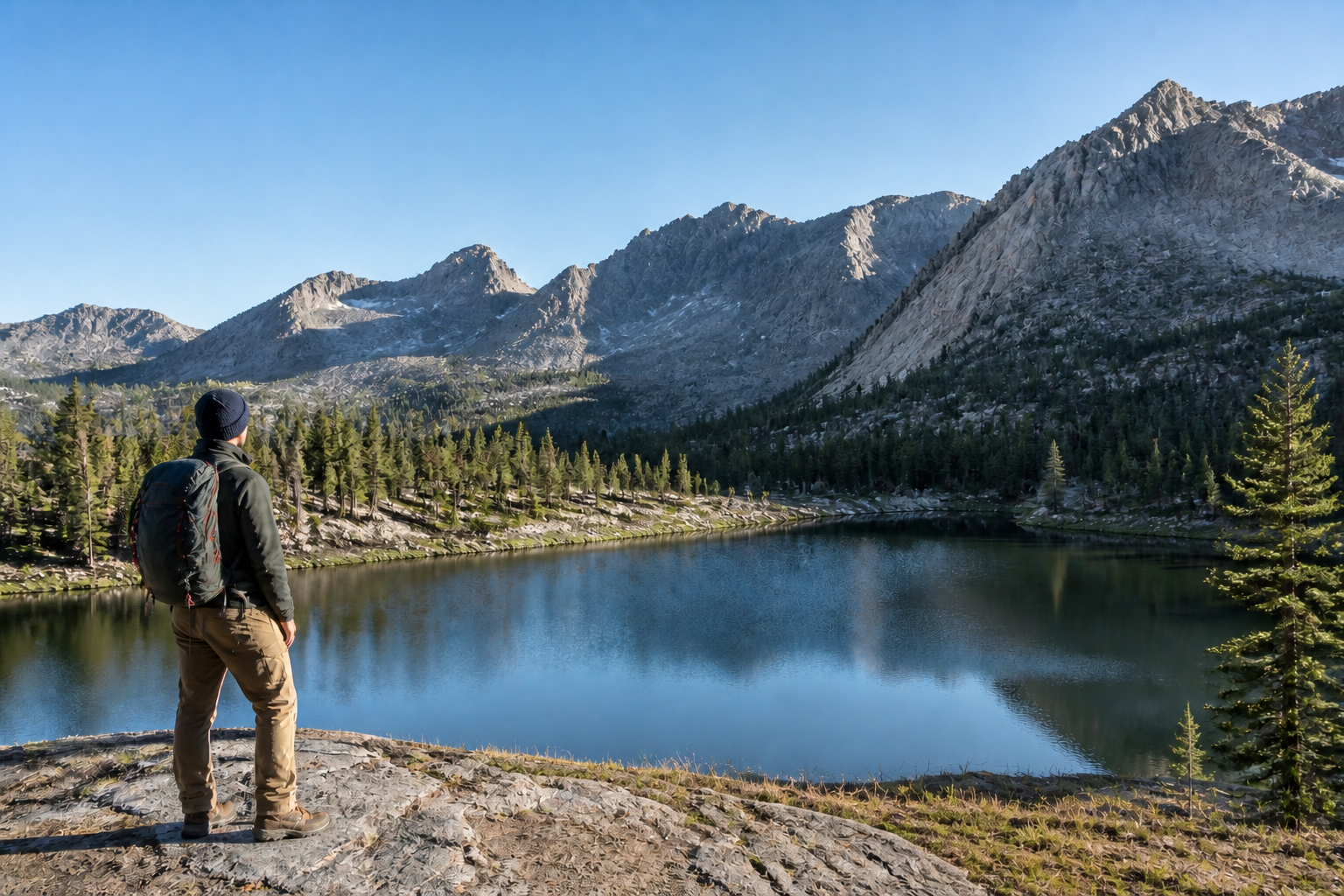 AFTER
AFTER BEFORE
 AFTERBEFOREAFTERBEFOREAFTERBEFOREAFTERBEFOREAFTERBEFOREAFTER
 BEFORE
 AFTER
AFTER BEFORE
 AFTER
AFTER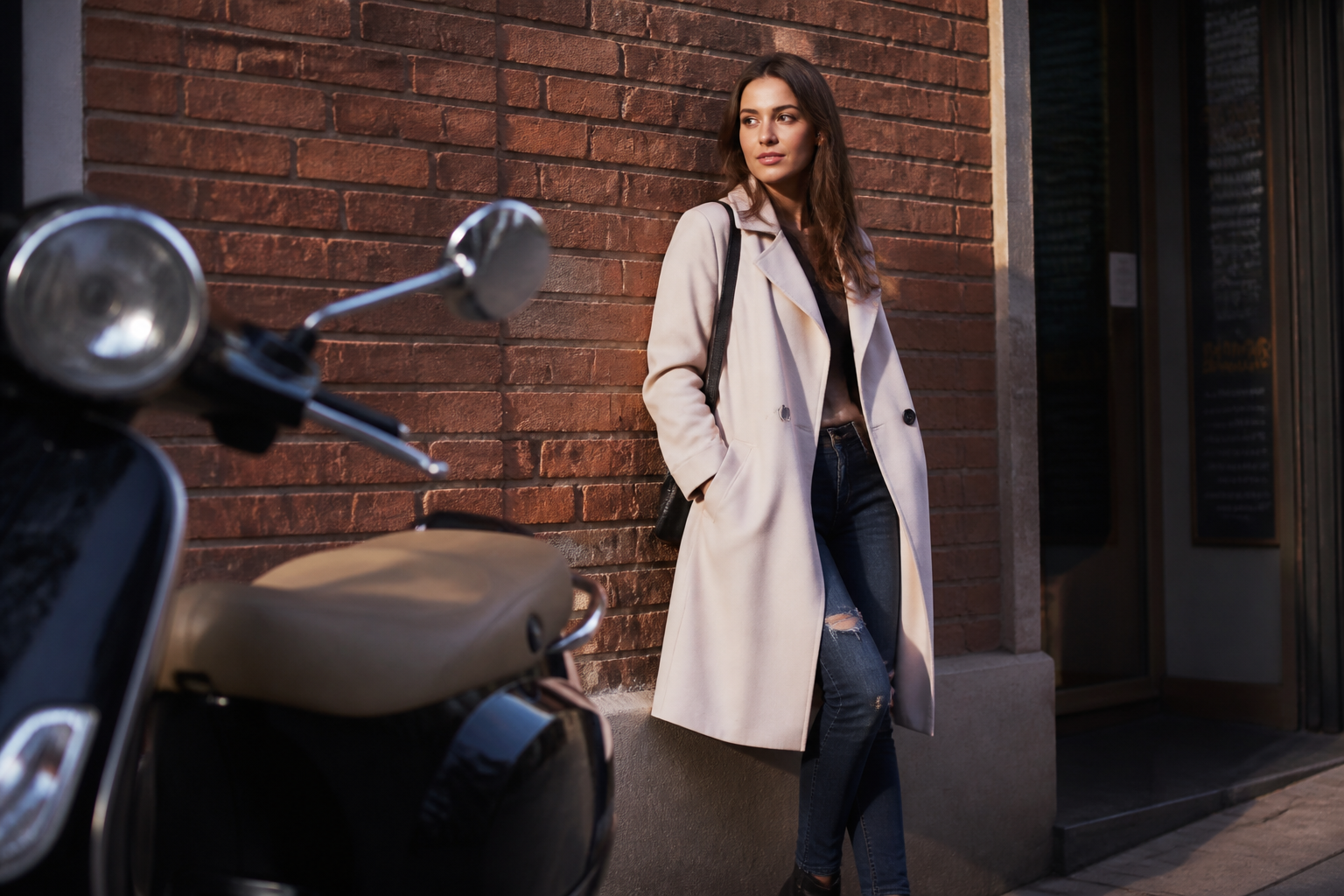 BEFORE
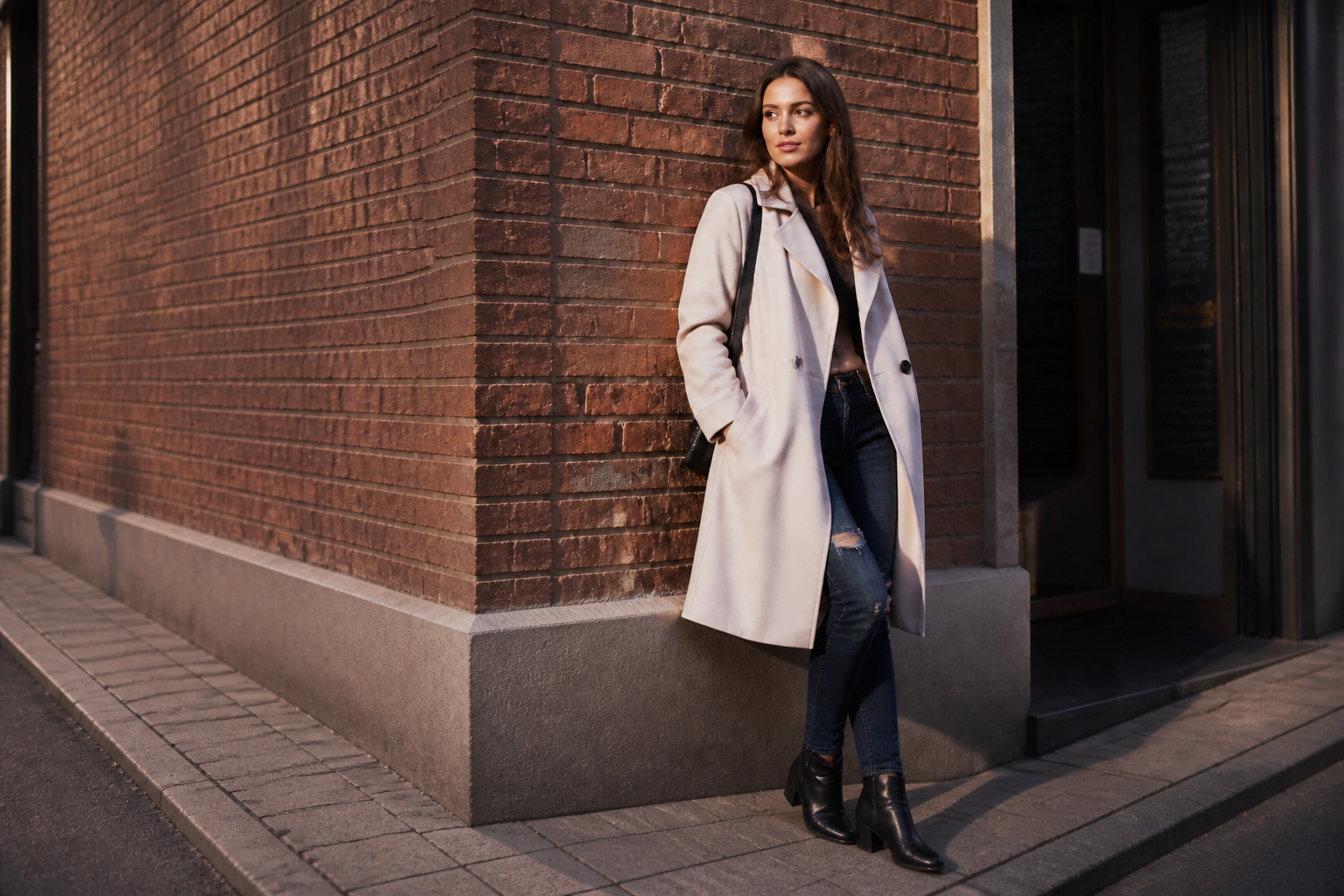 AFTER
AFTER BEFORE
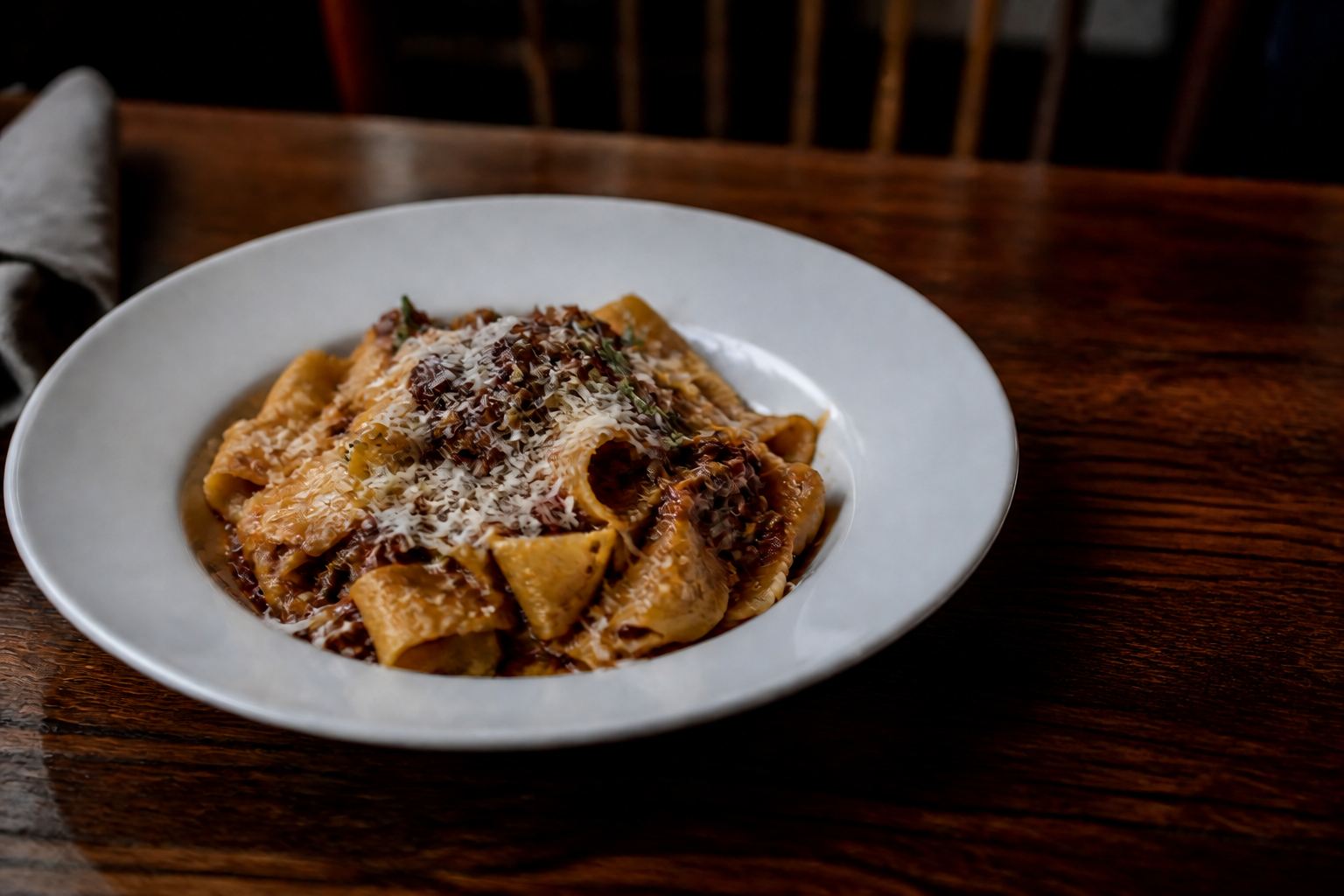 AFTER
AFTER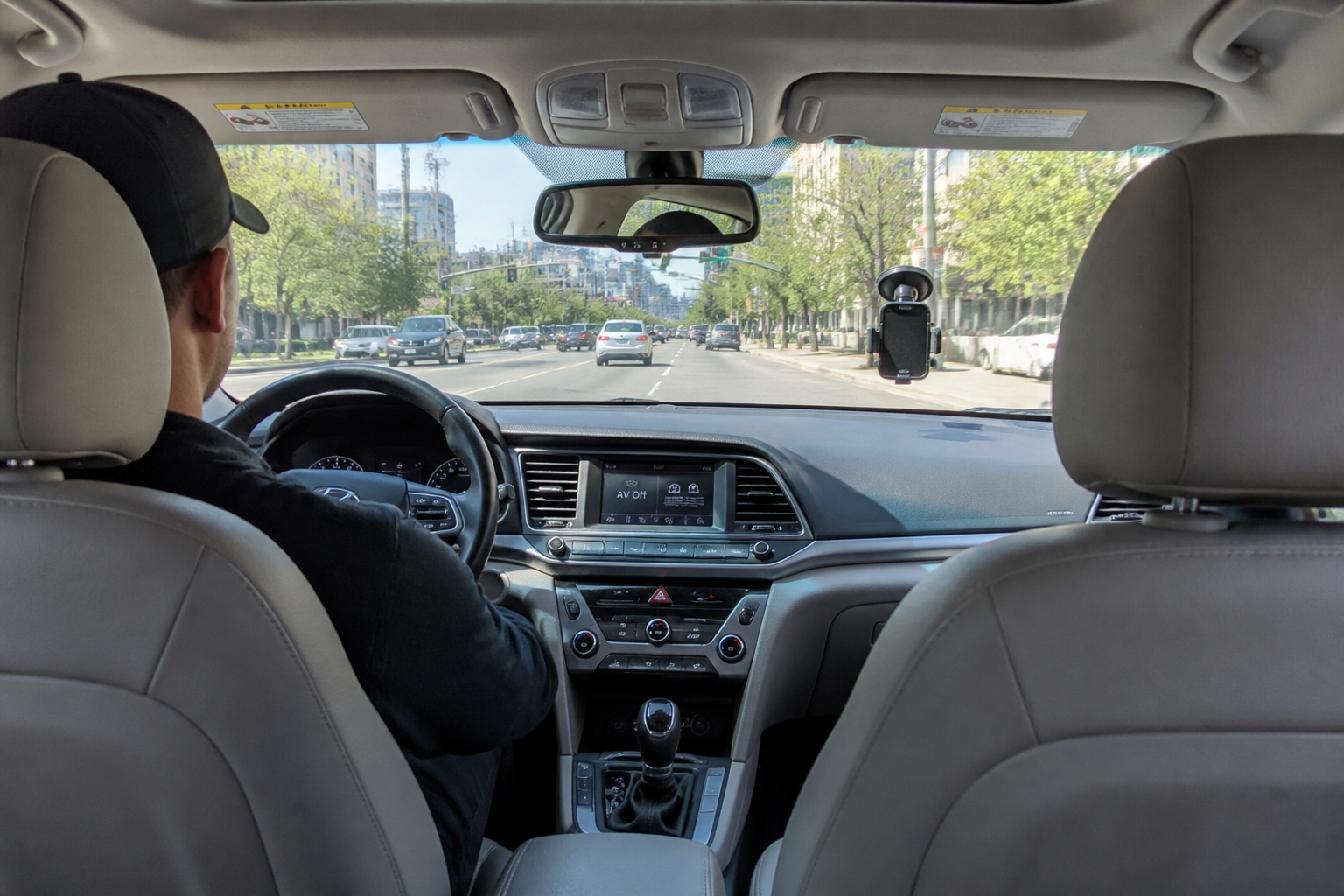 BEFORE
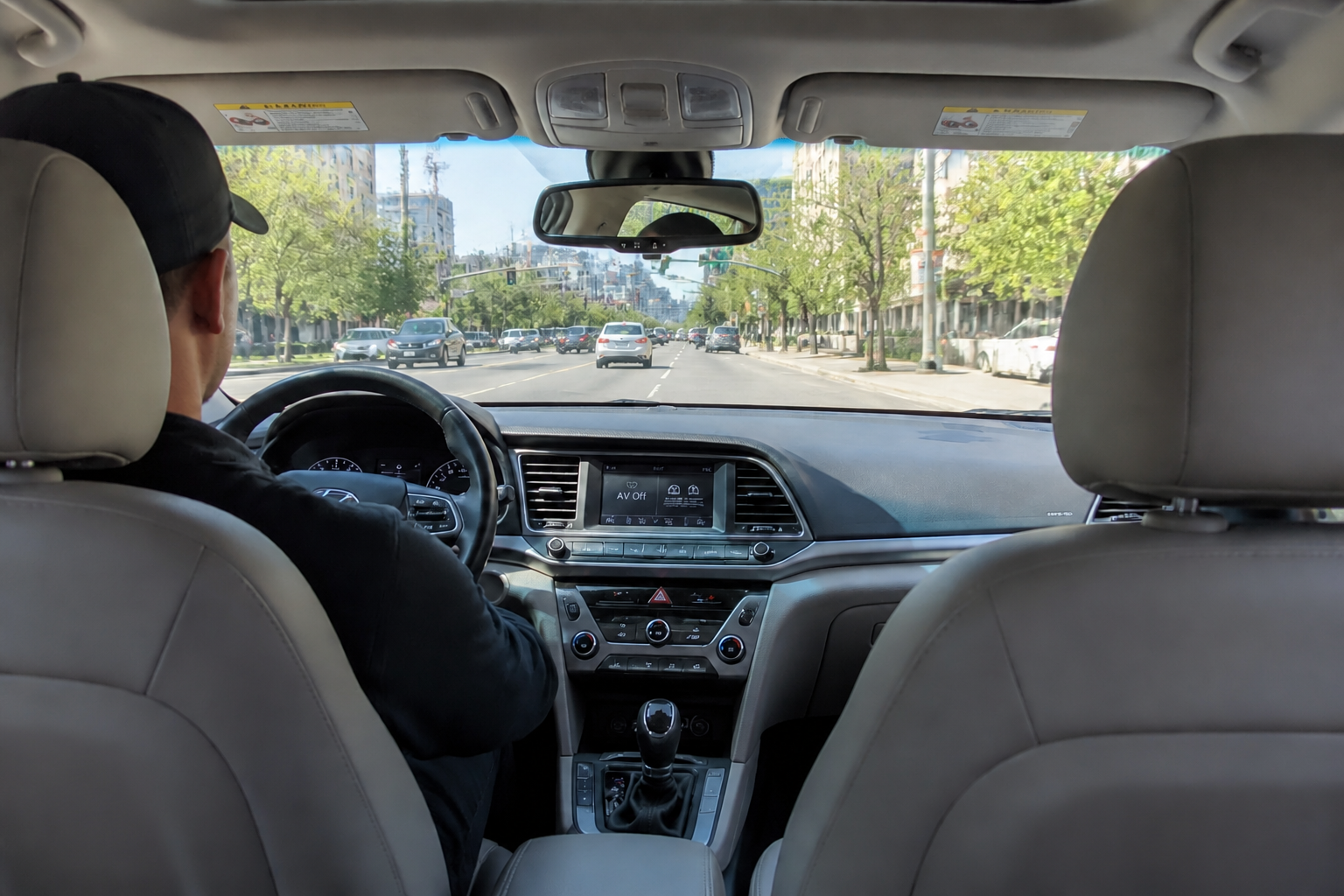 AFTERBEFOREAFTERBEFOREAFTERBEFOREAFTERBEFOREAFTERBEFOREAFTER
Key Features
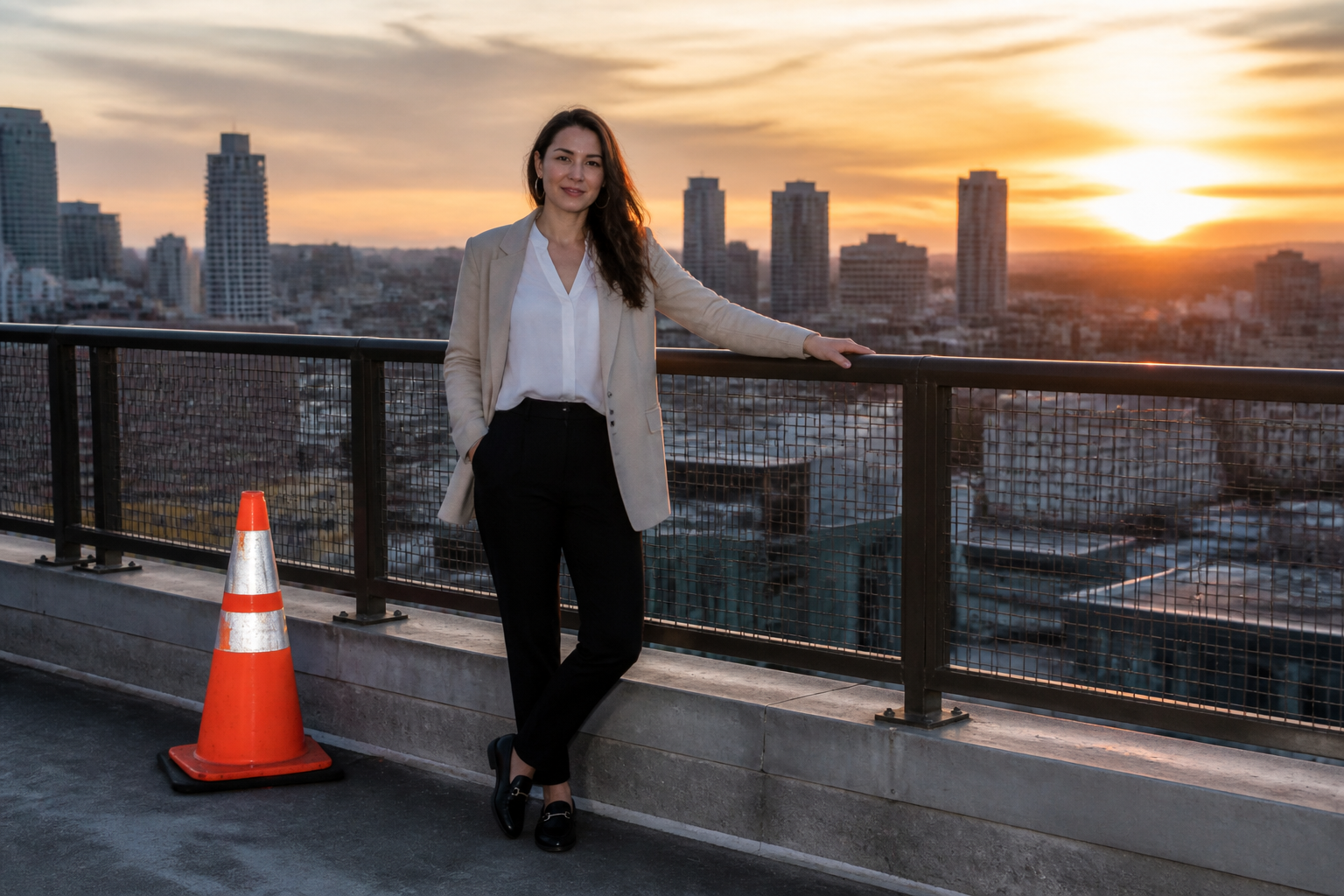

Erase distractions fast
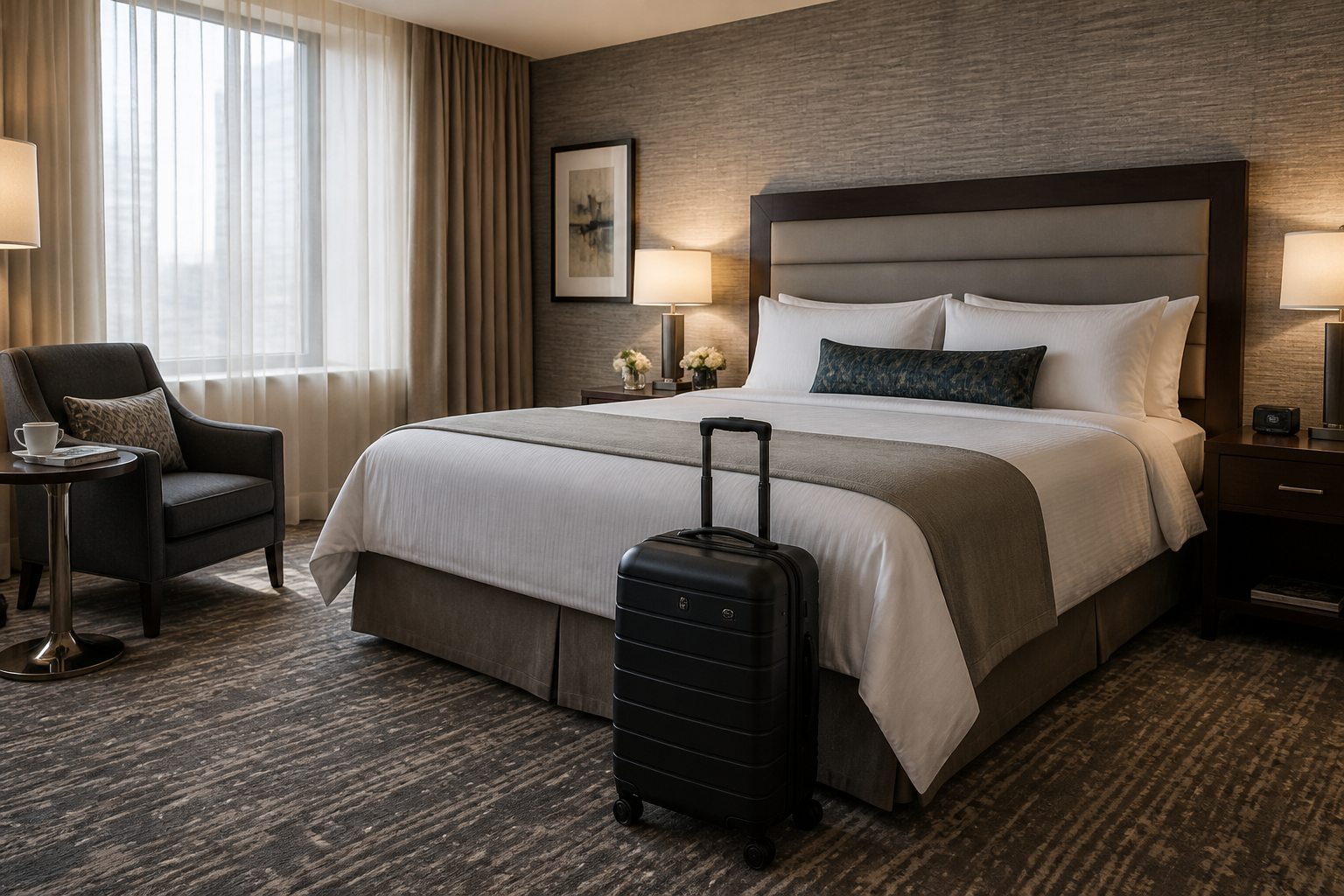
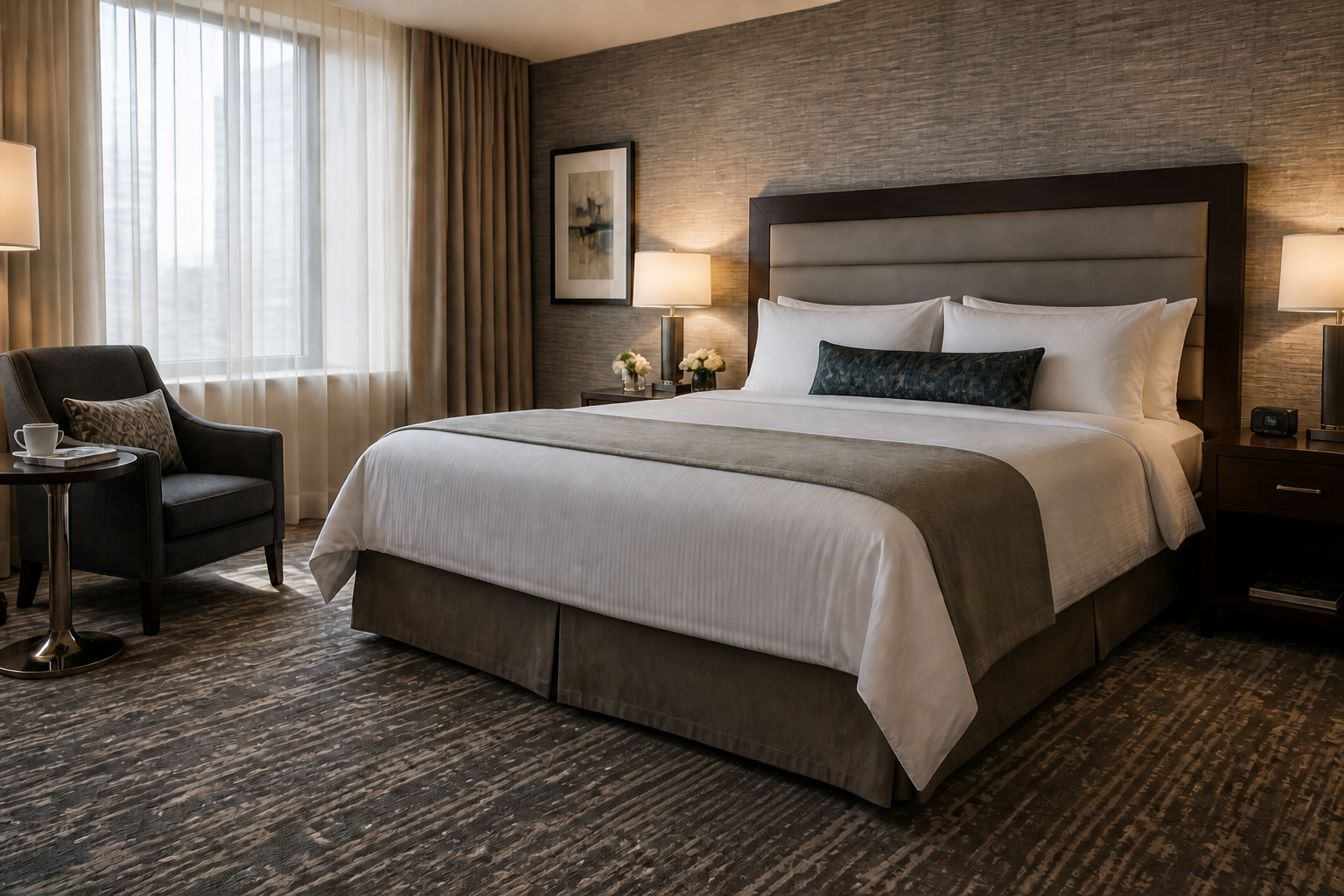
Remove the one thing that pulls attention away from the shot, whether it is a bag, sign, cable, or random passerby. Our AI fills the missing area to match the surrounding scene instead of leaving an obvious patch. That makes it much faster than manual clone and healing work for everyday cleanup. It is especially useful when the photo is already good and just needs one clean fix.
Keep the scene natural
A good object remover should preserve the textures, perspective, and lighting around the removed area. Our AI aims to extend what is already there, so walls stay believable, floors keep their pattern, and backgrounds do not look pasted over. This matters when you want a clean image without making the edit obvious. It helps photos stay usable for listings, social posts, and client work.


Works across photo types
You can use the same workflow for portraits, interiors, product shots, travel photos, and casual phone pictures. The goal is simple: remove what should not be there and keep what should. That makes the tool practical for both polished content and quick fixes. You do not need a separate editing process for every kind of image.


Cleaner results than manual patching
Manual spot fixes often leave repeating textures, blurred edges, or warped lines, especially on larger removals. Our AI is better suited for rebuilding areas like floors, skies, tabletops, and walls in a way that fits the rest of the image. That saves time when the removed object crosses texture or perspective lines. You spend less effort correcting the correction.
How It Works
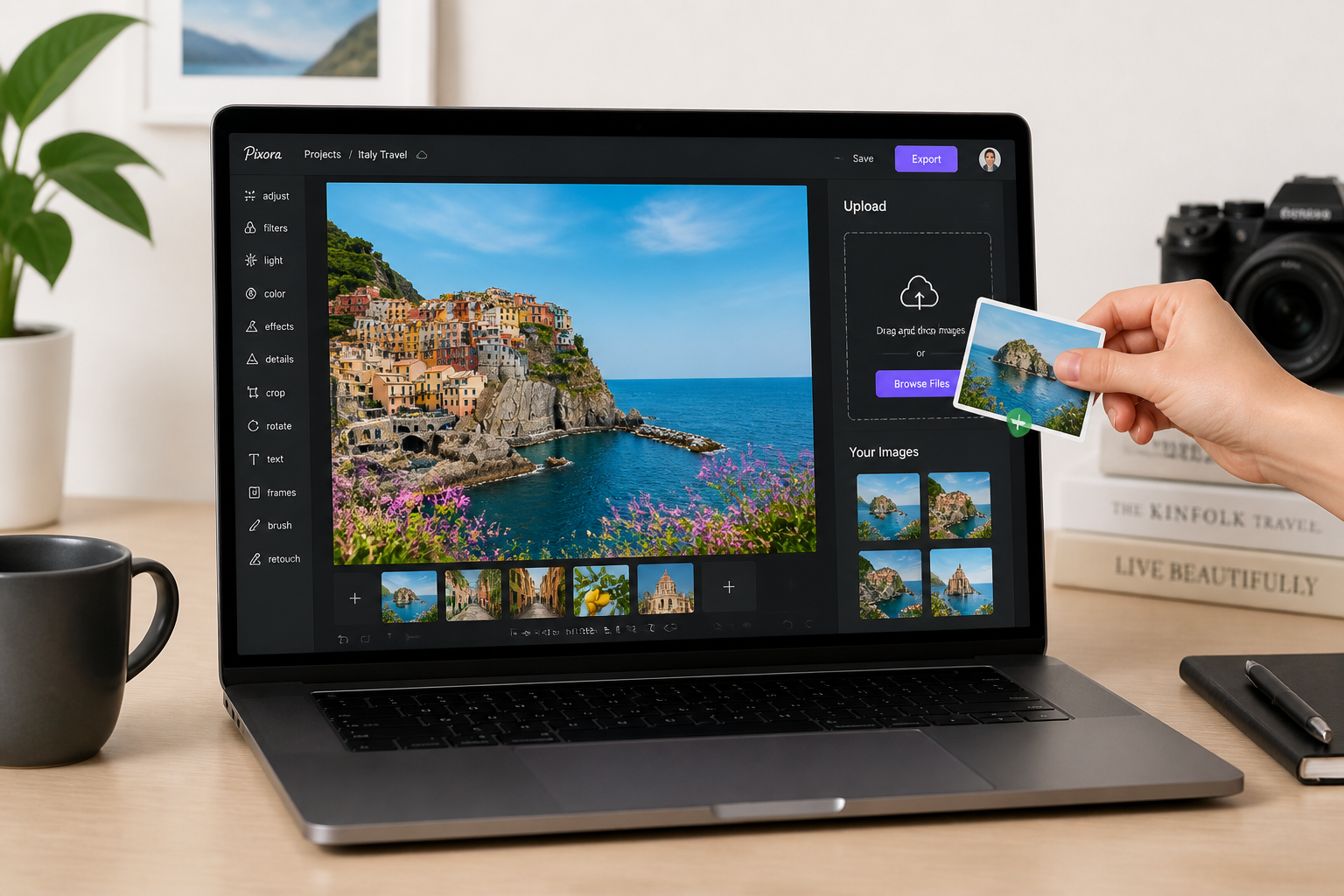
Upload your photo
Start with the image you want to clean up. Choose a clear photo where the unwanted object is easy to identify against the scene.
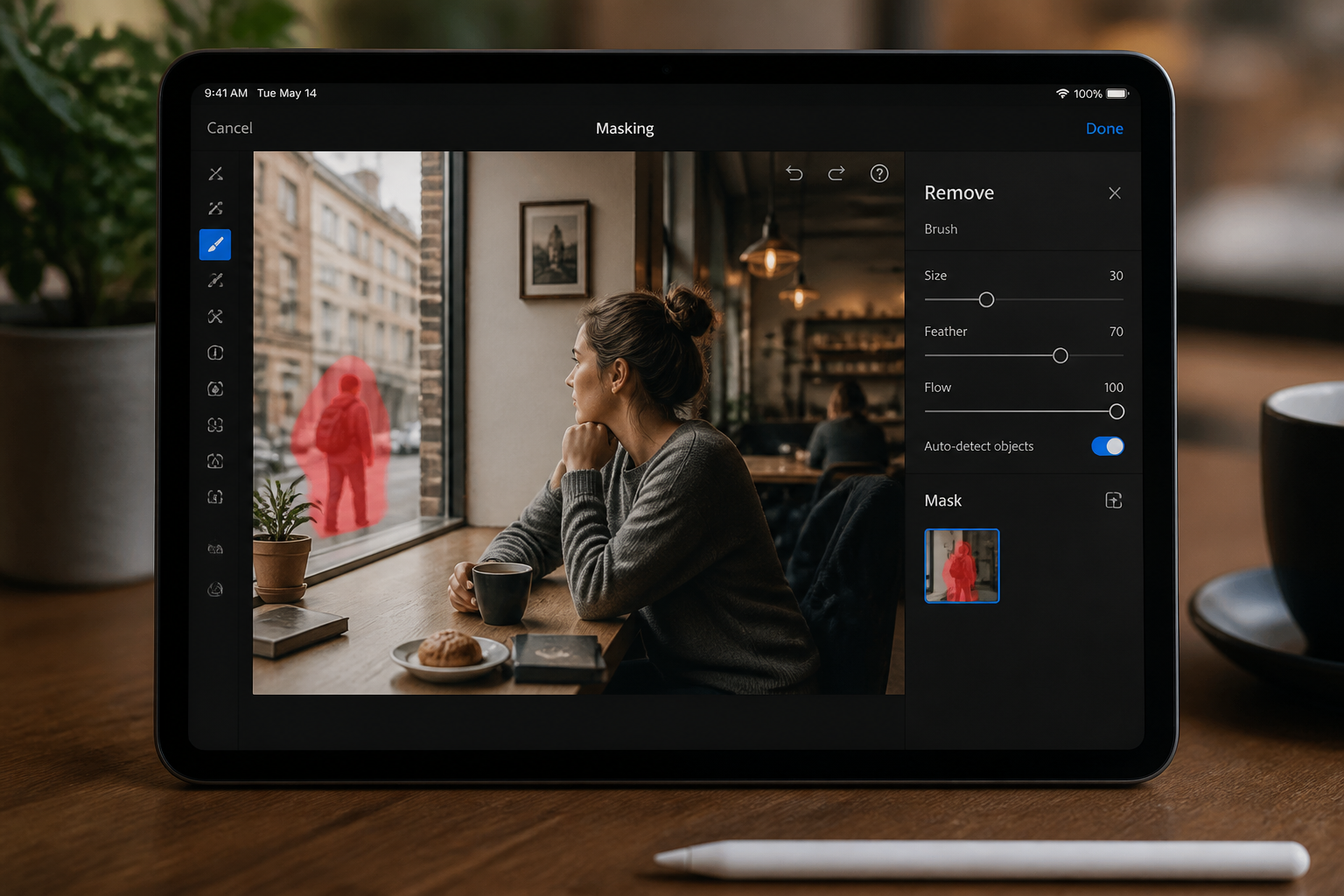
Mark what to remove
Select the object, item, or clutter you want gone and describe it if needed. Be specific so the edit stays focused on the right area.
Generate and compare
Our AI removes the selected object and fills the area to match the rest of the image. Compare before and after, then download the cleaner version if it looks right.
Perfect For
Discover how creators and professionals use ai object remover
Travel photo cleanup
Remove bins, signs, bags, or random objects from scenic shots so the location stays the focus.
Product image cleanup
Erase tags, reflections, stray props, or background clutter from ecommerce and catalog photos.
Real estate touch-ups
Clear small distractions like fans, cords, boxes, or personal items from room photos before listing.
Social content polish
Fix everyday pictures by removing clutter from tables, floors, walls, or backgrounds before posting.
Built For
Creators and photographers
Clean up strong shots without spending extra time on manual retouching for every image.
Online sellers and brands
Prepare cleaner product photos by removing tags, props, and distractions that hurt presentation.
Agents and marketers
Make property and business images look tidier by erasing visual clutter before publishing.
Why use AI Object Remover
A quick look at how we compare on the things that matter for this niche.
| Feature | BudgetPixel | Generic AI editors | Manual editing apps |
|---|---|---|---|
| Remove specific objects | ✓ | ✓ | ✓ |
| Natural scene fill | ✓ | — | Depends on skill |
| Fast cleanup workflow | ✓ | ✓ | — |
| Good for non-designers | ✓ | ✓ | — |
Frequently Asked Questions
What kinds of objects can I remove?
Will the rest of my photo stay the same?
Does it work for large removals?
Can I use it for product and real estate photos?
Do I need editing experience?
Create together.
Share your creations, discover trending AI art, and grow with fellow creators.