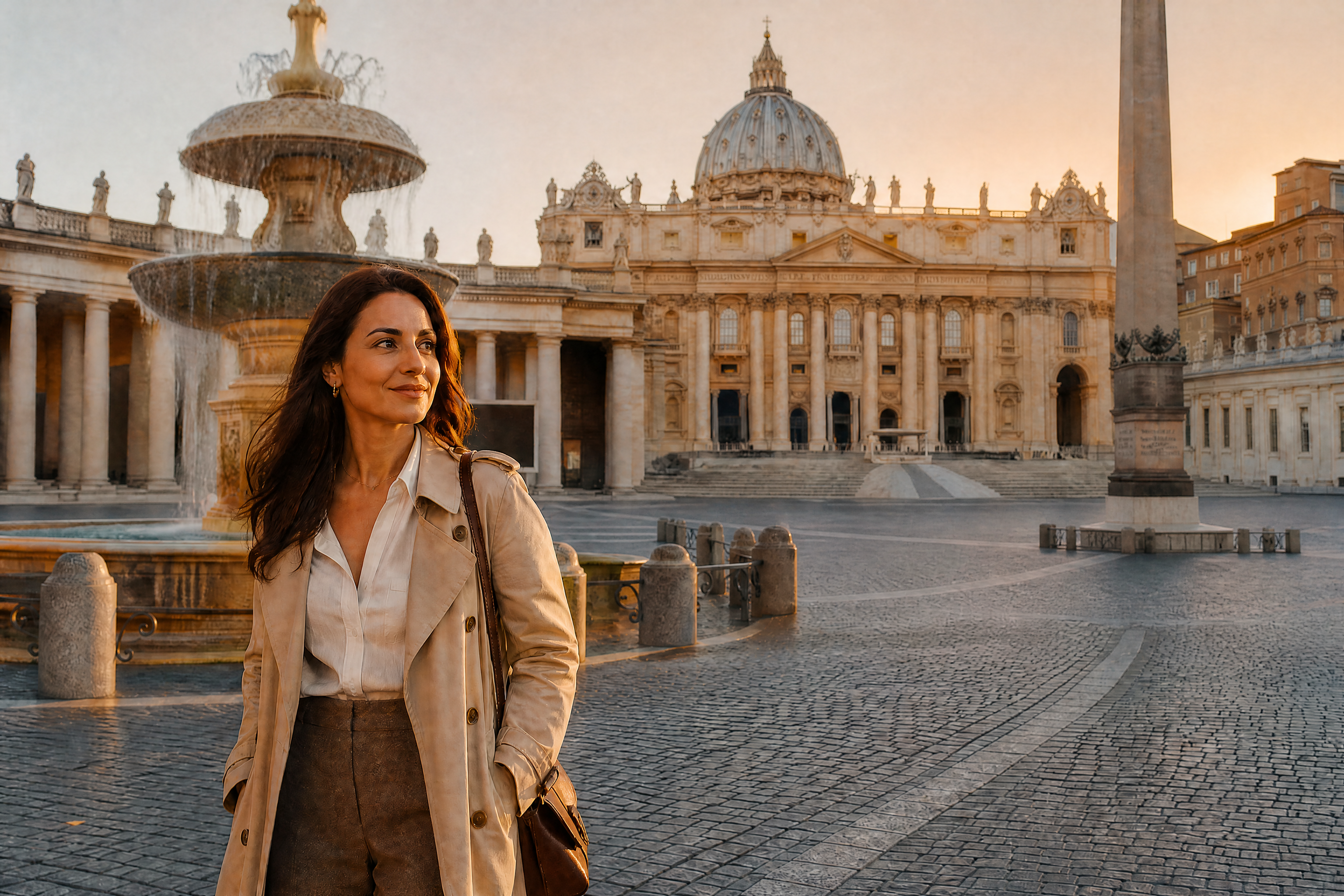
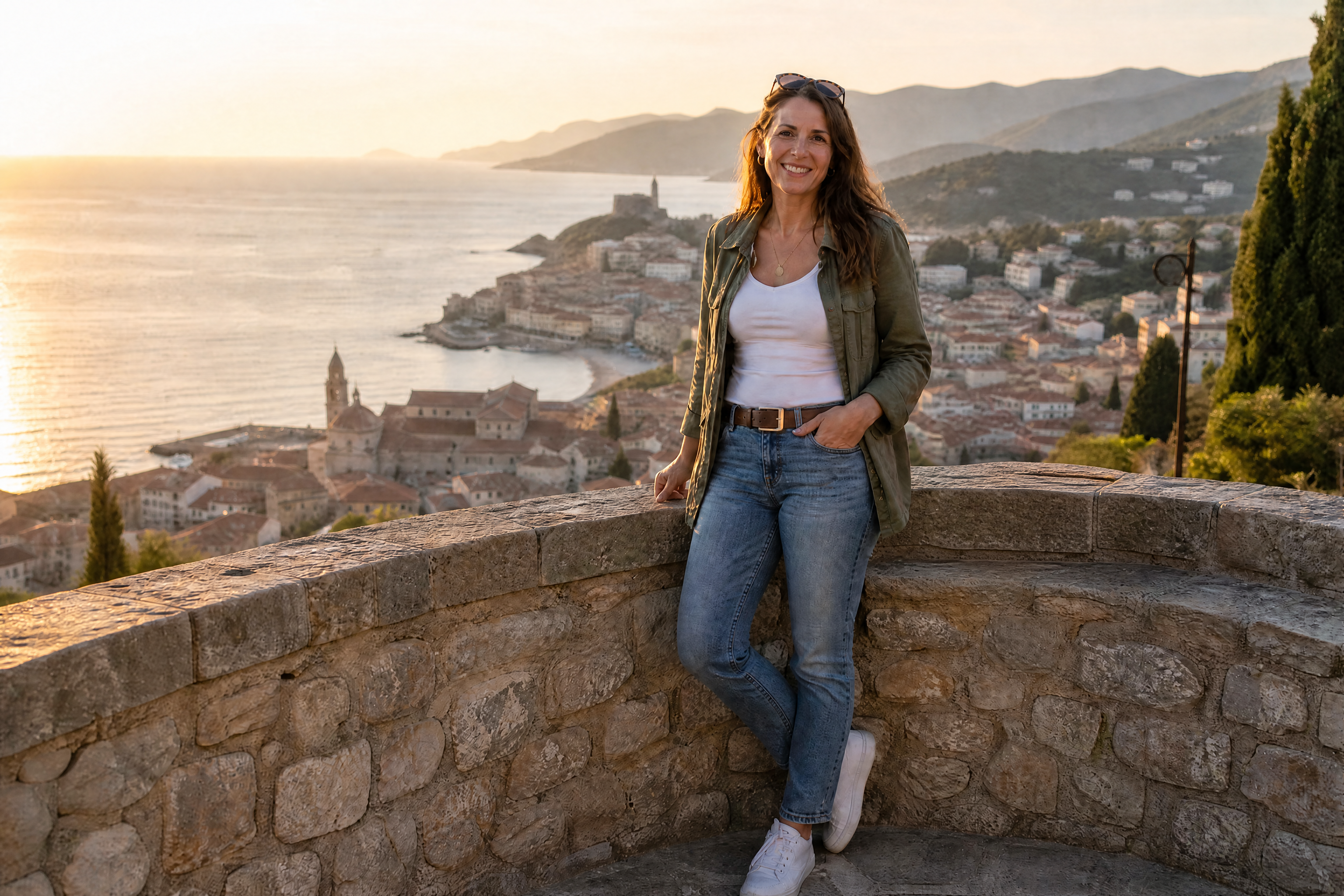
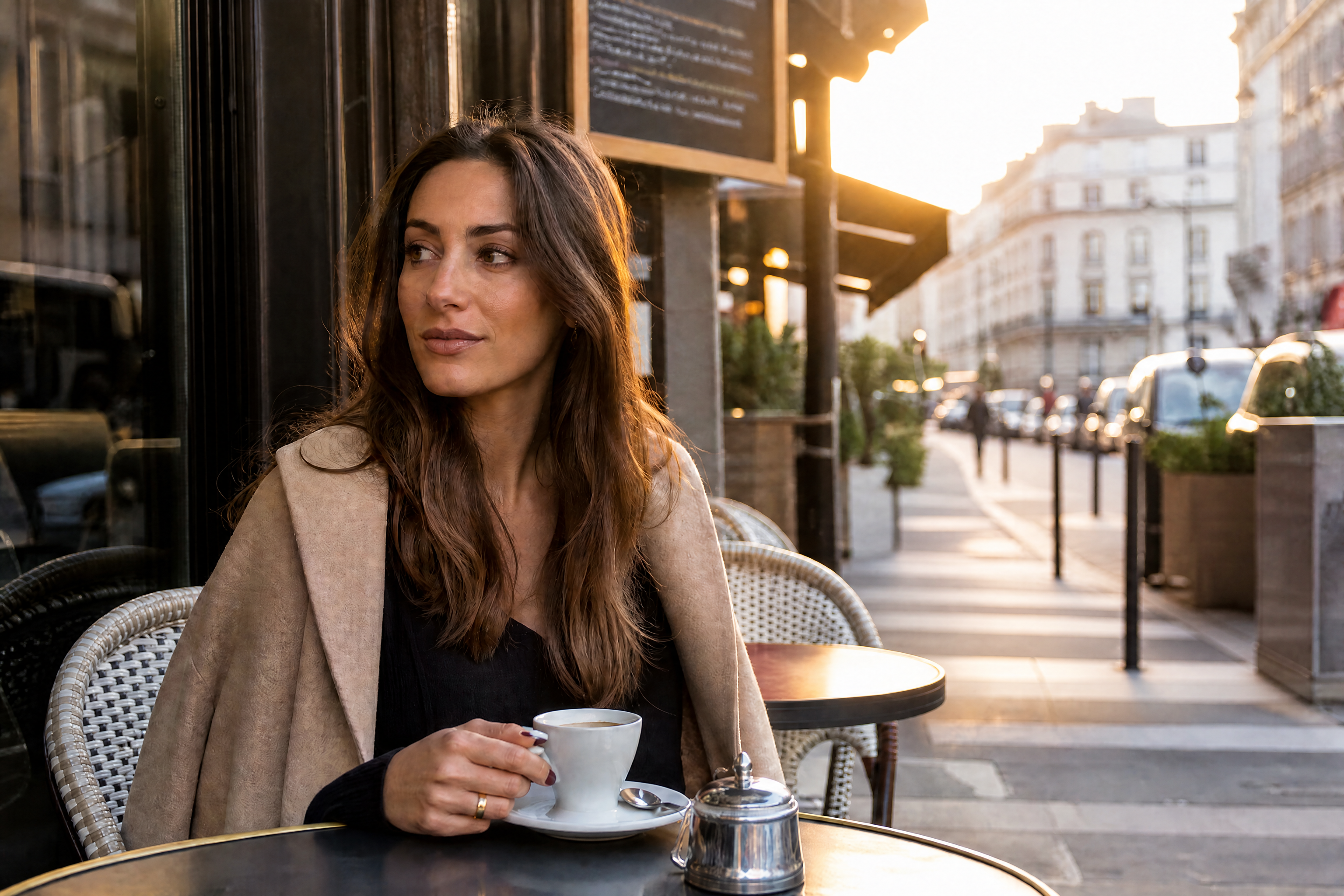
AI Person Remover for Cleaner Photos
Erase unwanted people and keep the rest of the scene looking natural.
AI Person Remover helps you remove strangers, passersby, and background distractions from your photos. Upload an image, mark what you want gone, and let our AI rebuild the scene so the edit looks clean and believable.
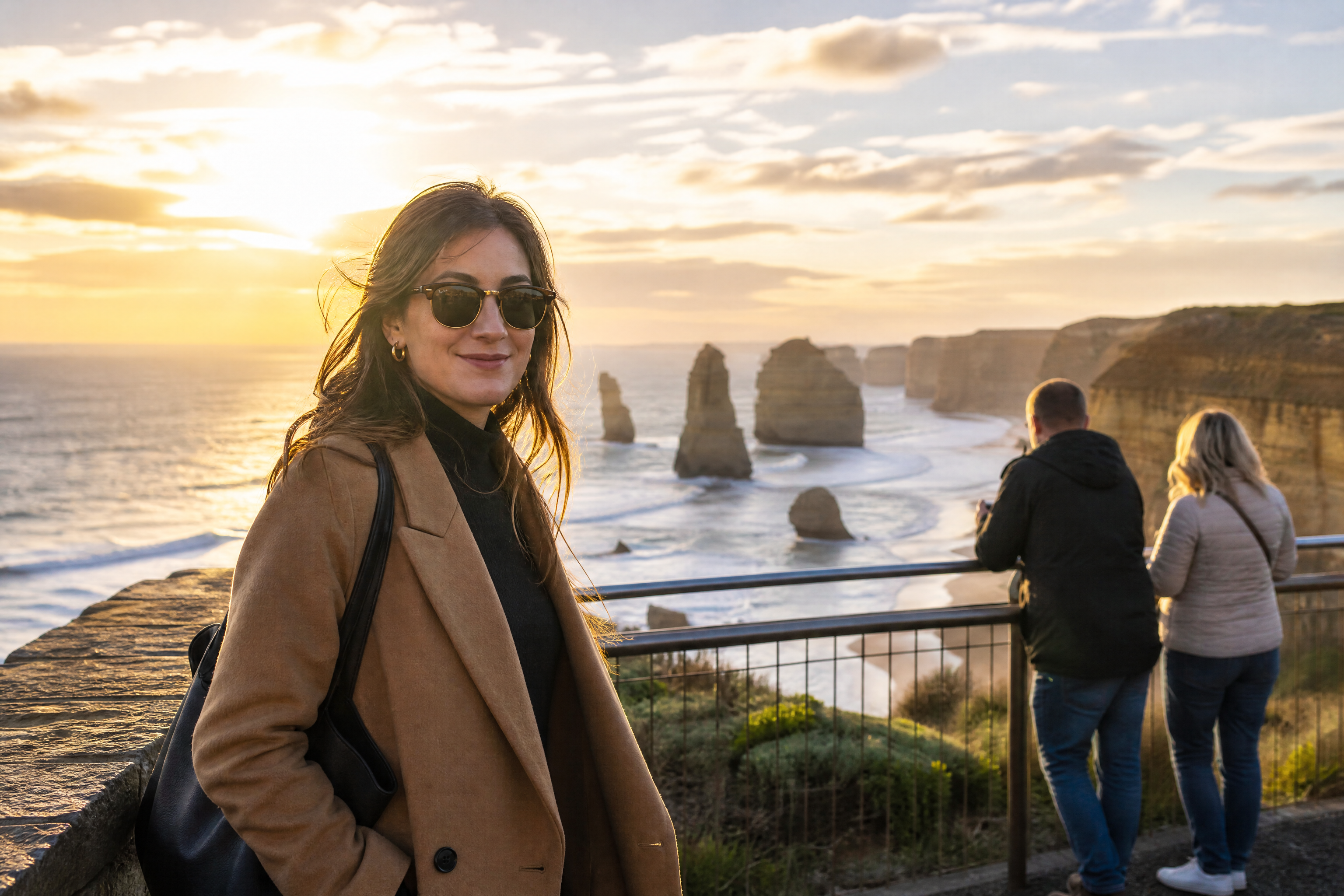
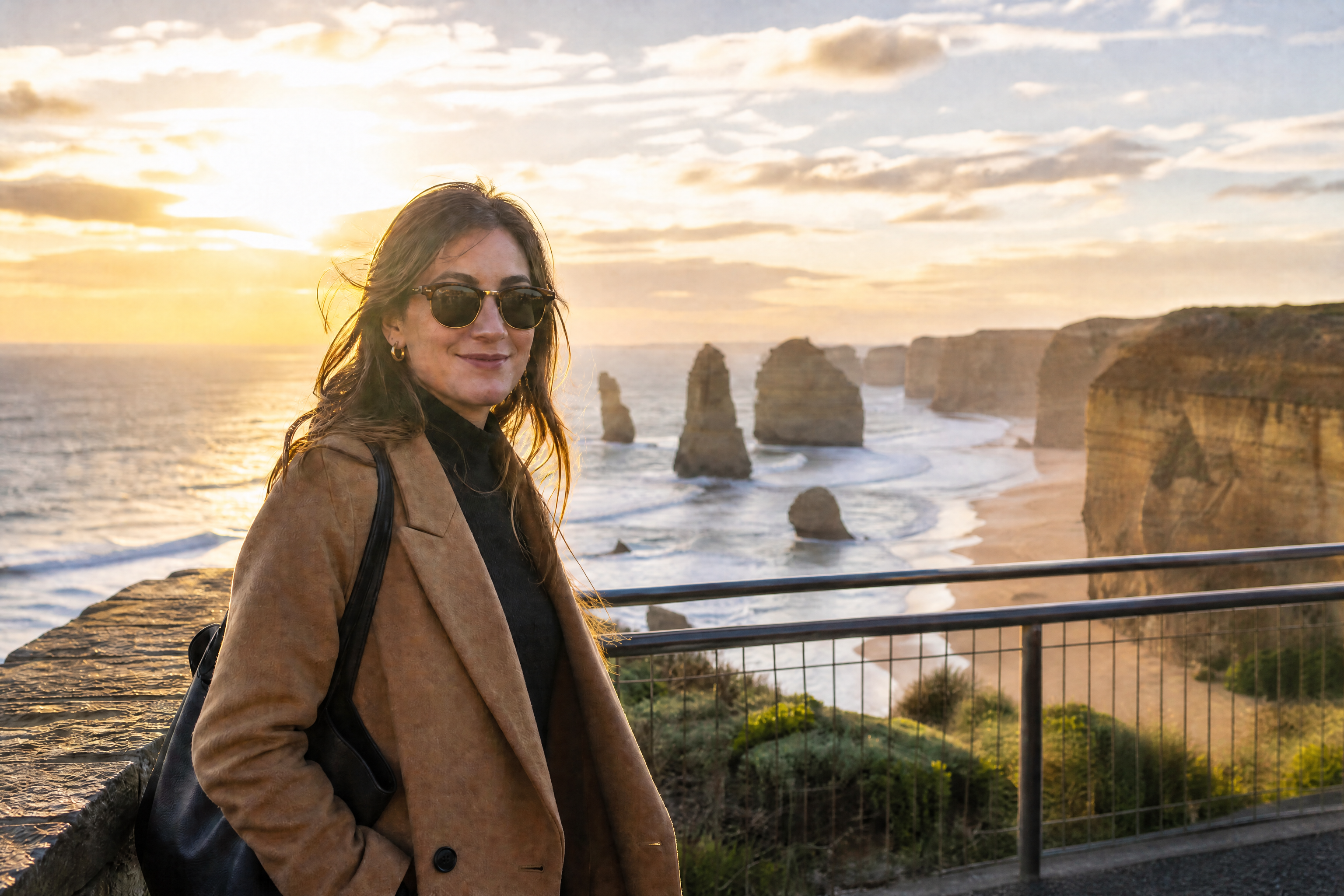
Watch the Transformation
See ai person remover in motion — generated end-to-end by our AI.
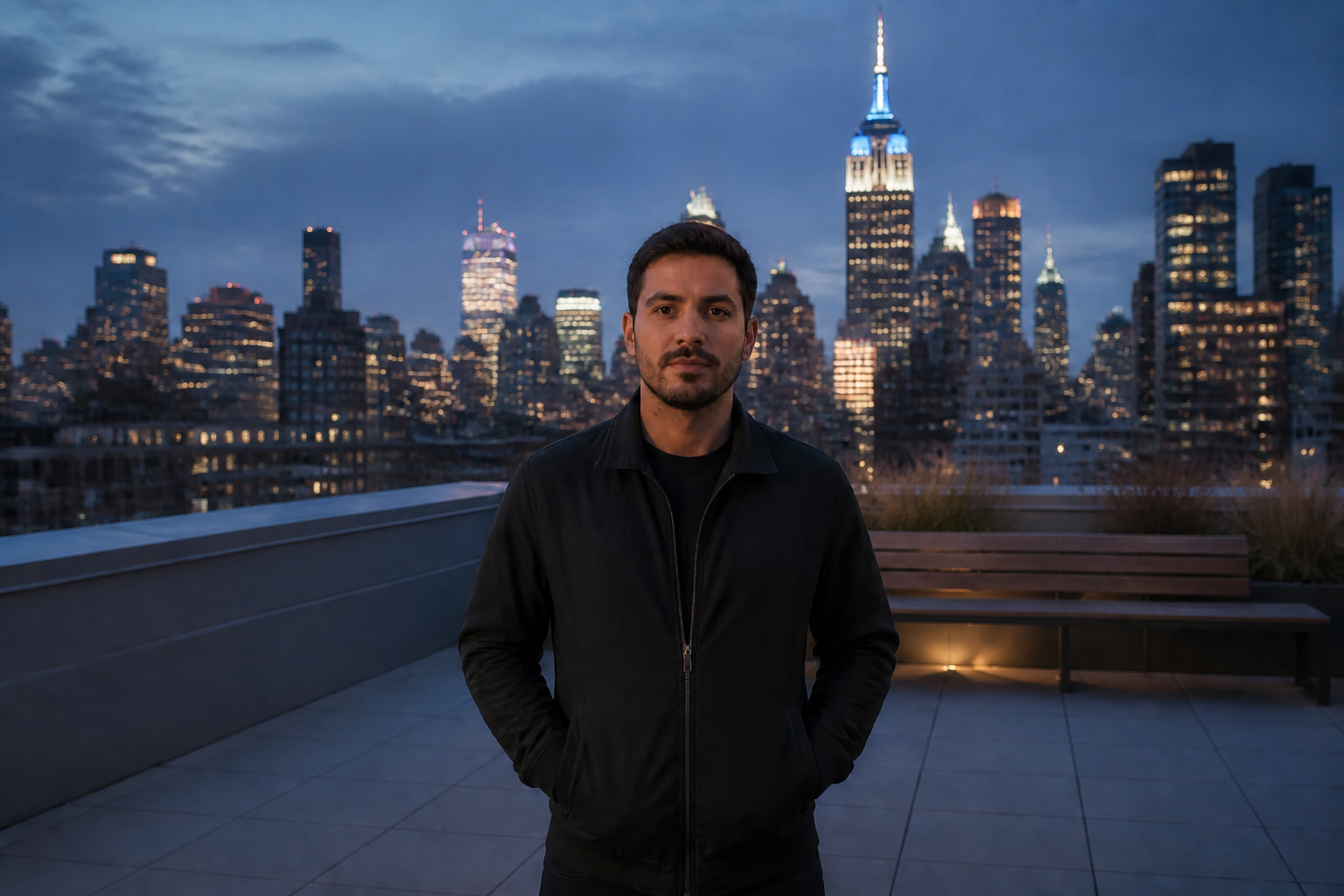
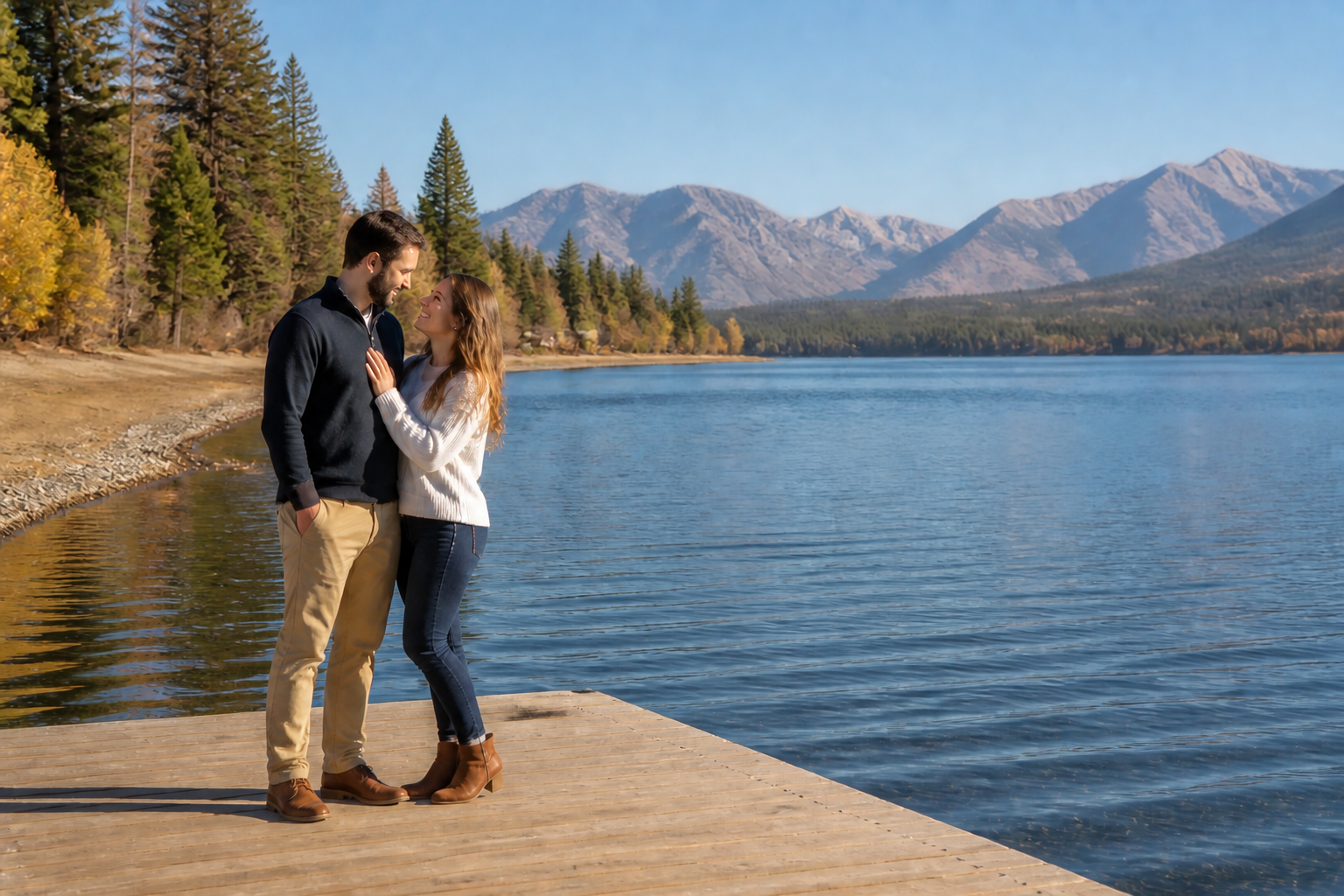
See It In Action
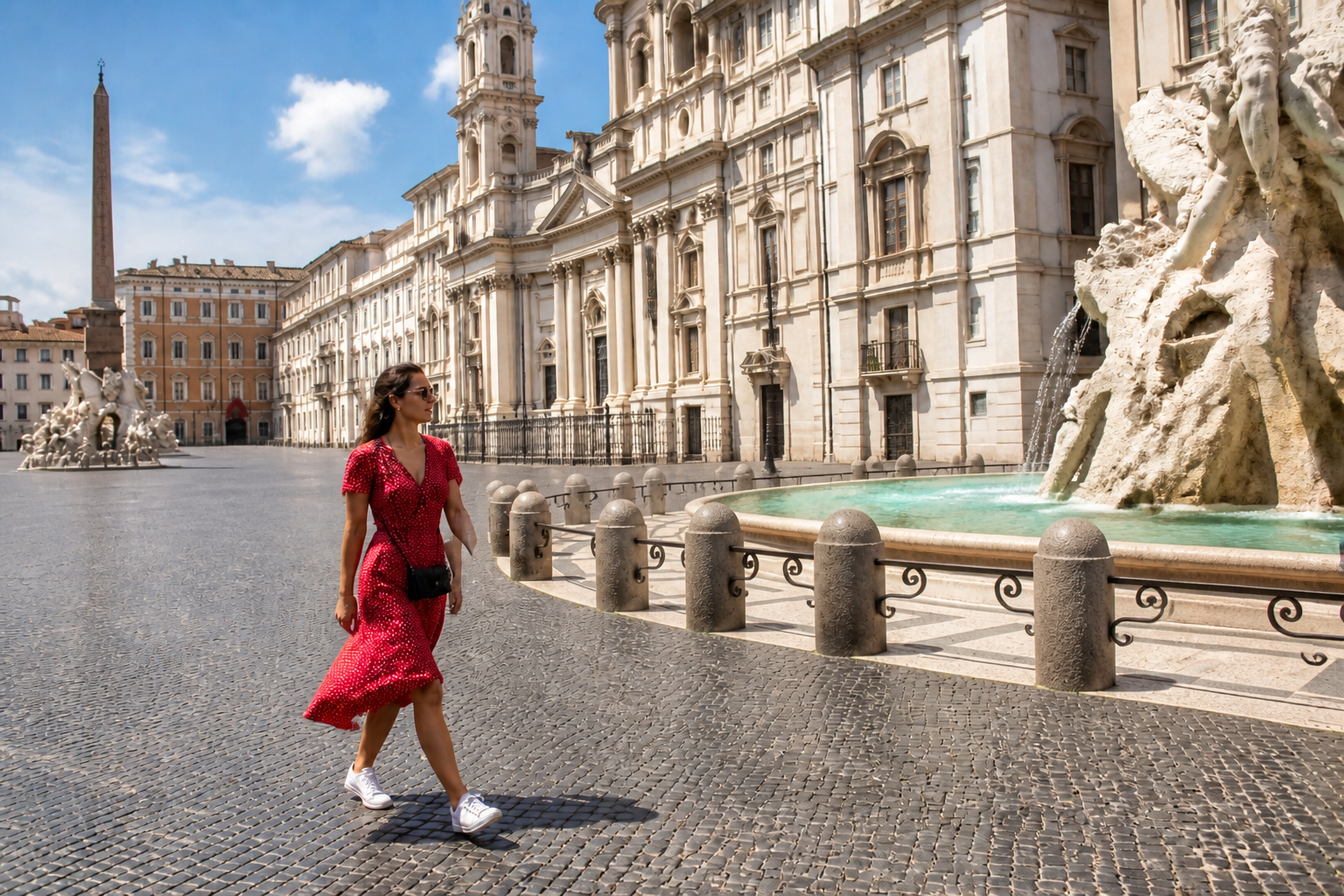
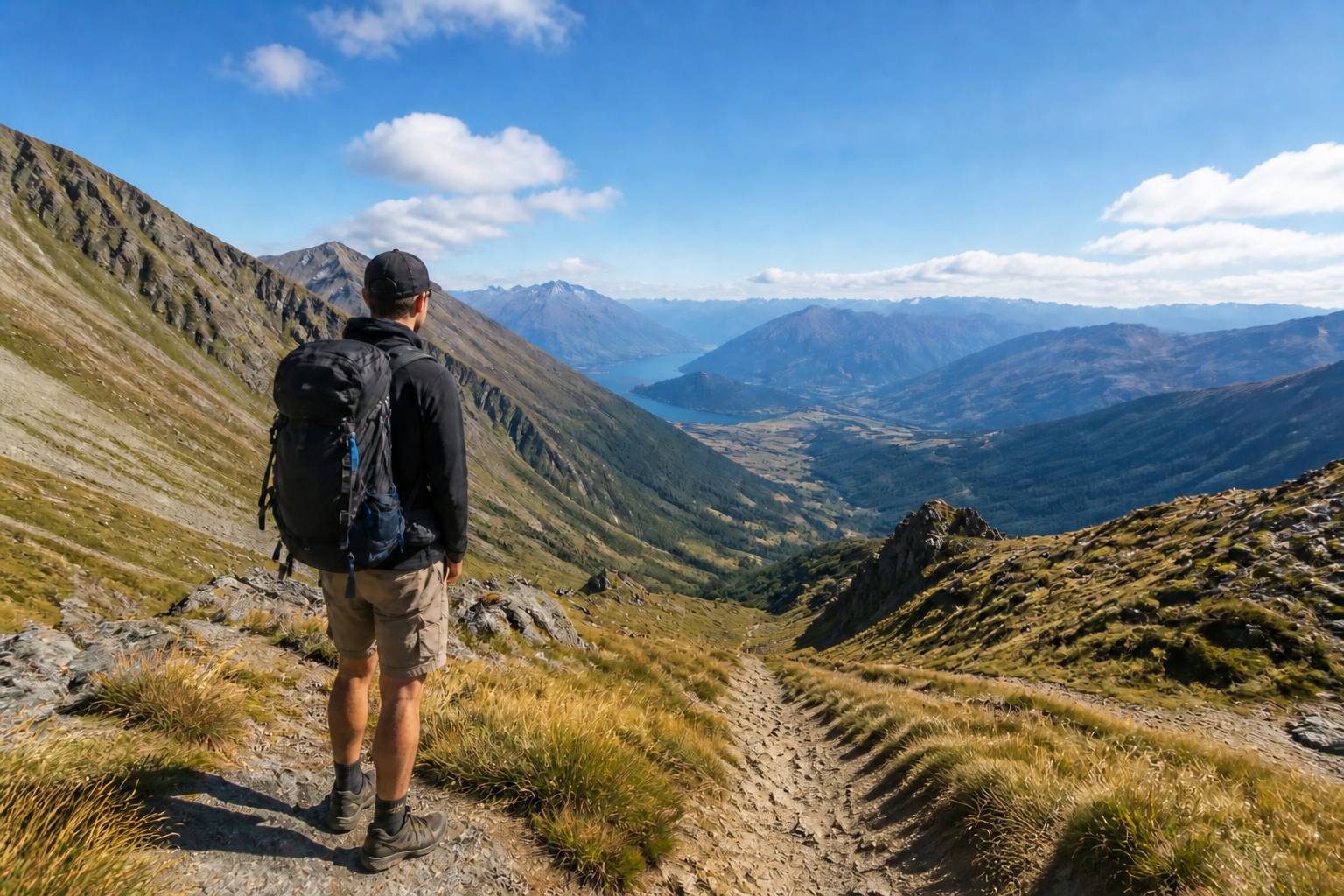
Real outputs from ai person remover.
BEFOREAFTER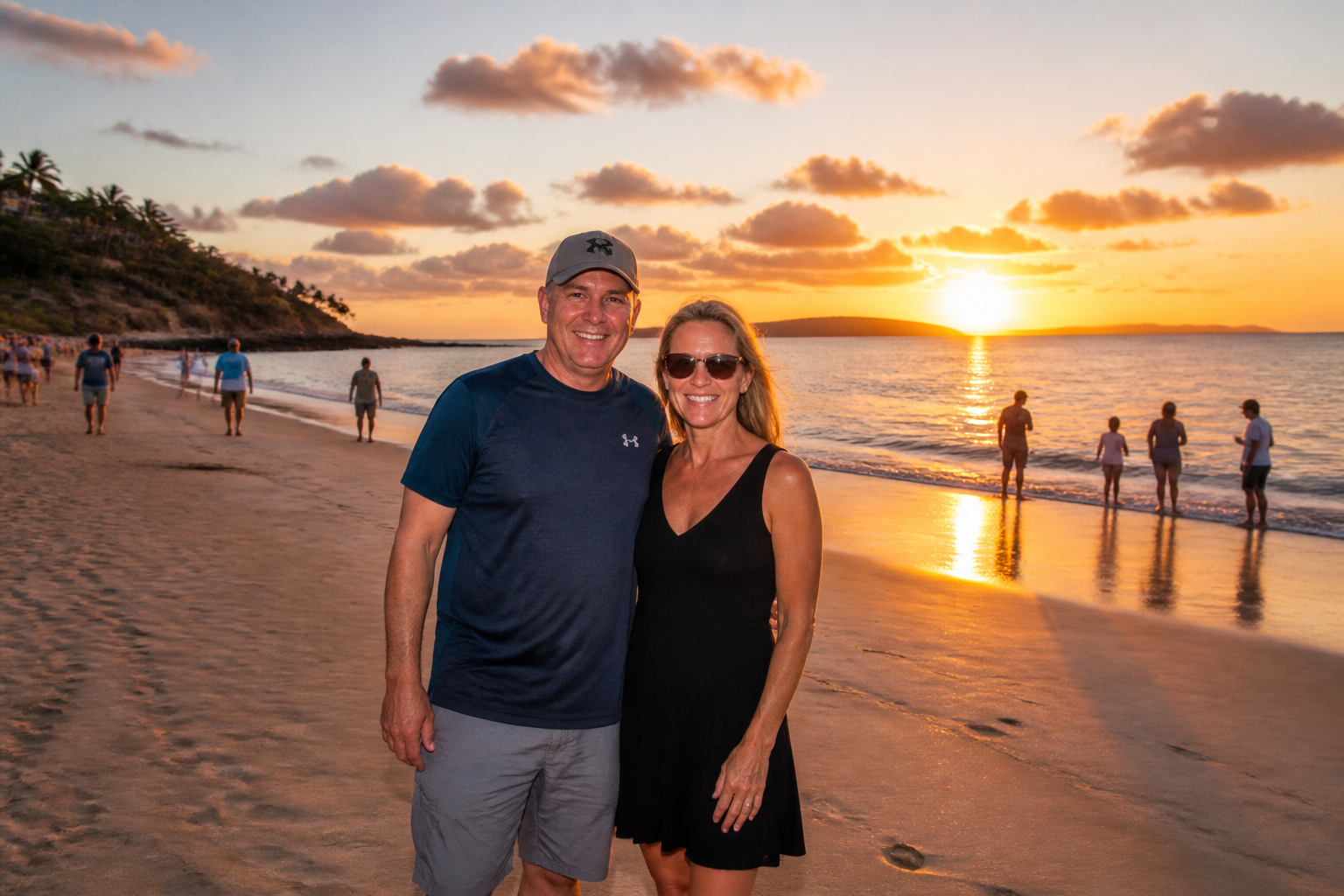 BEFORE
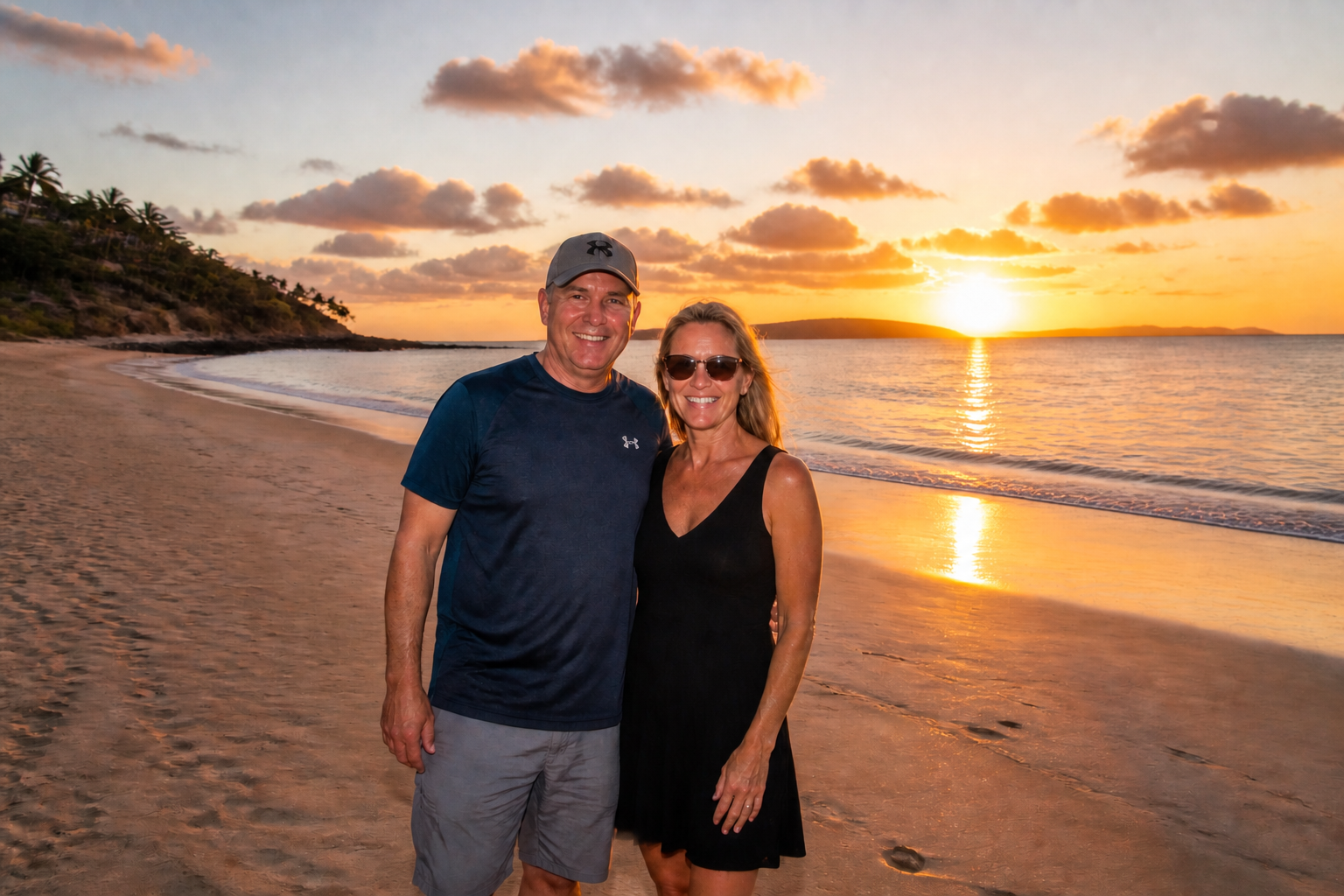 AFTER
AFTER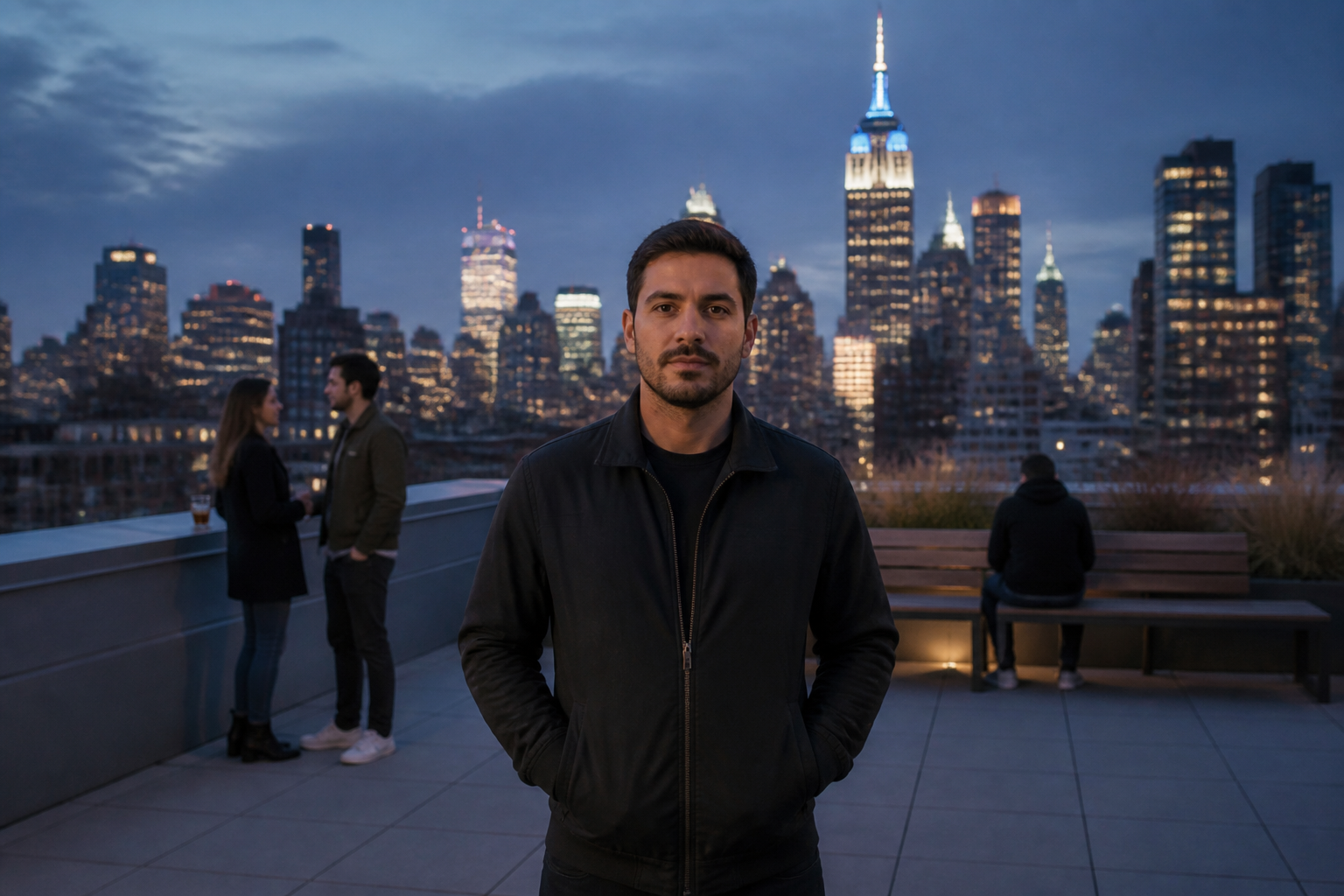 BEFORE
 AFTER
AFTER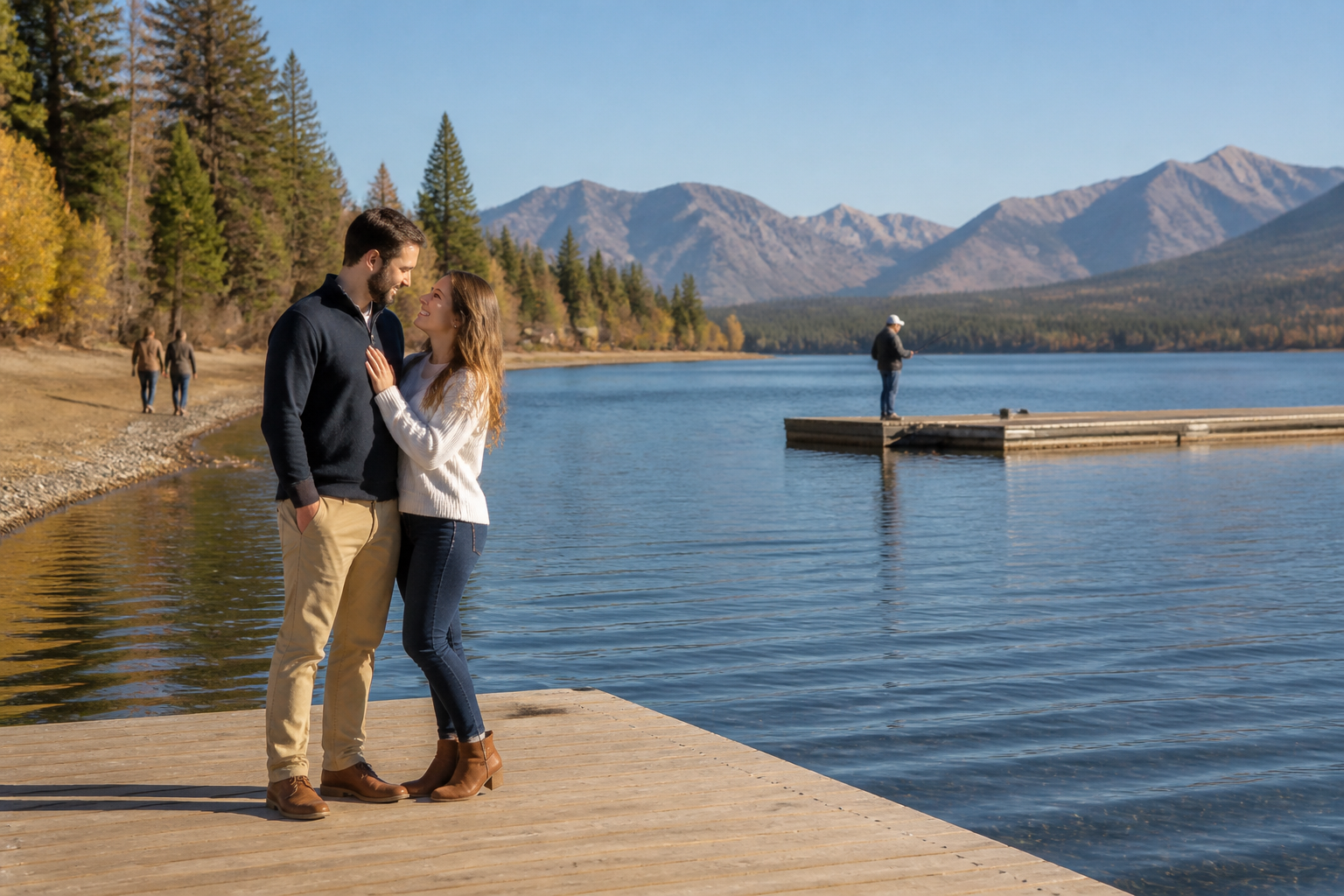 BEFORE
 AFTER
AFTER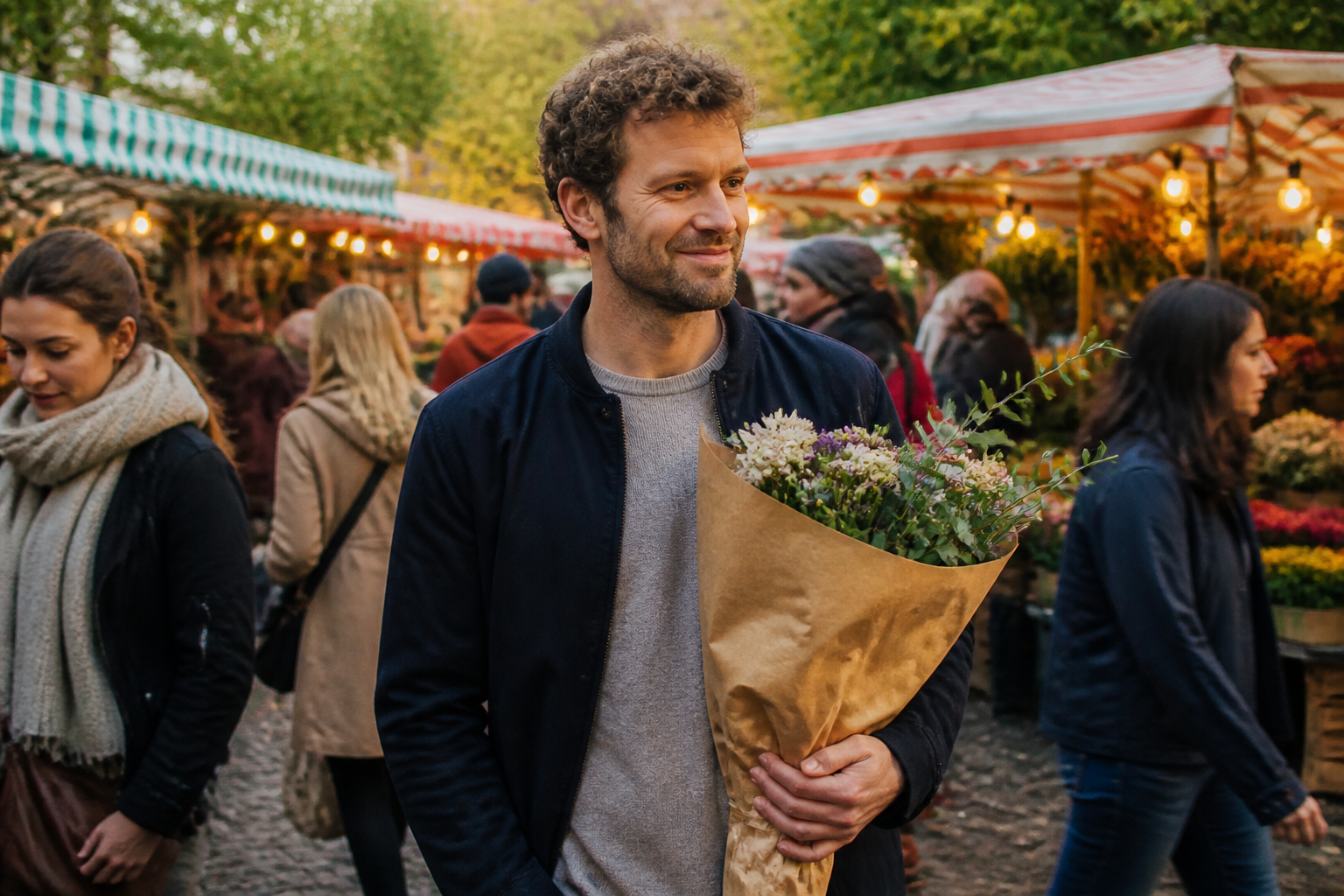 BEFORE
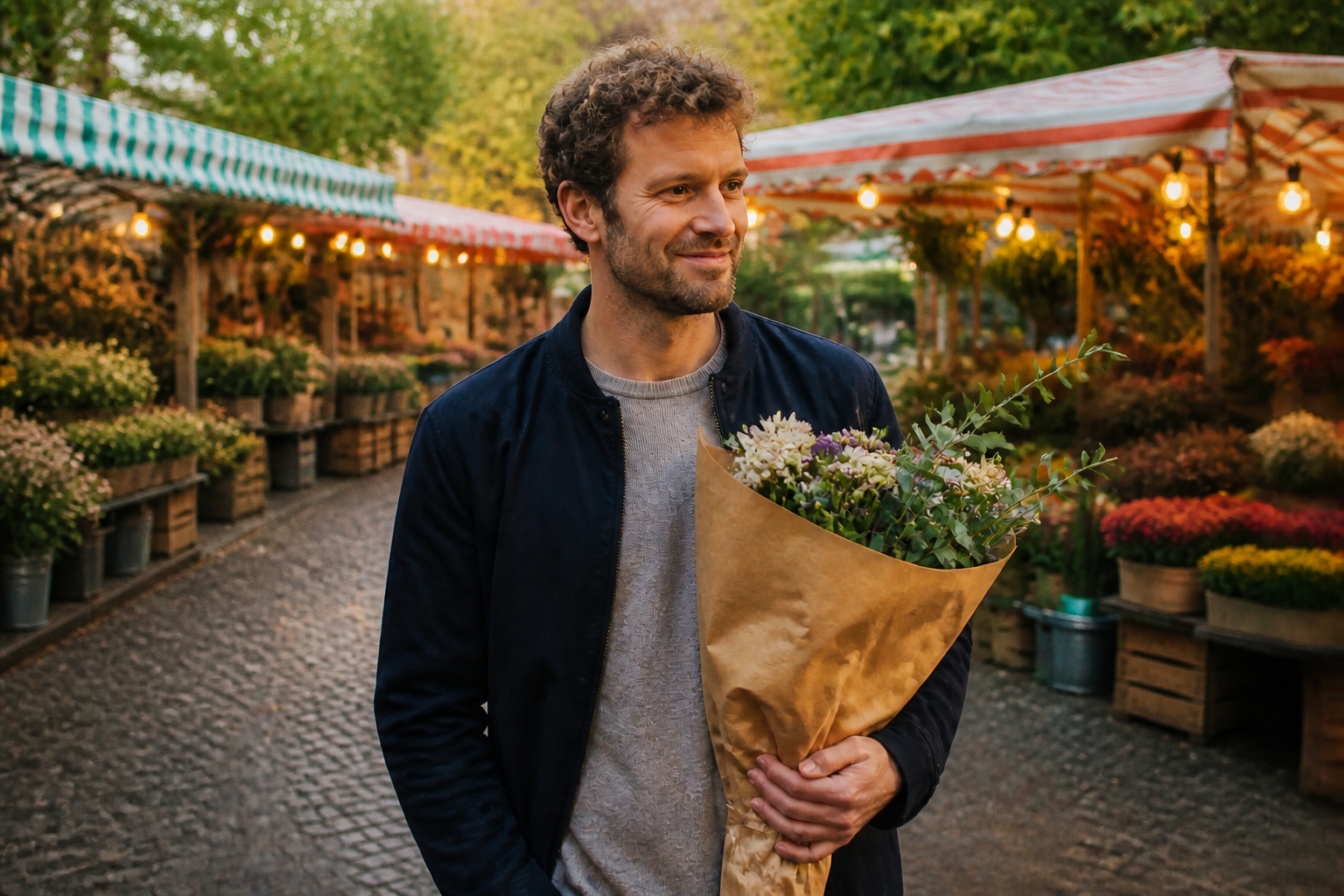 AFTERBEFOREAFTERBEFOREAFTERBEFOREAFTERBEFOREAFTERBEFOREAFTER
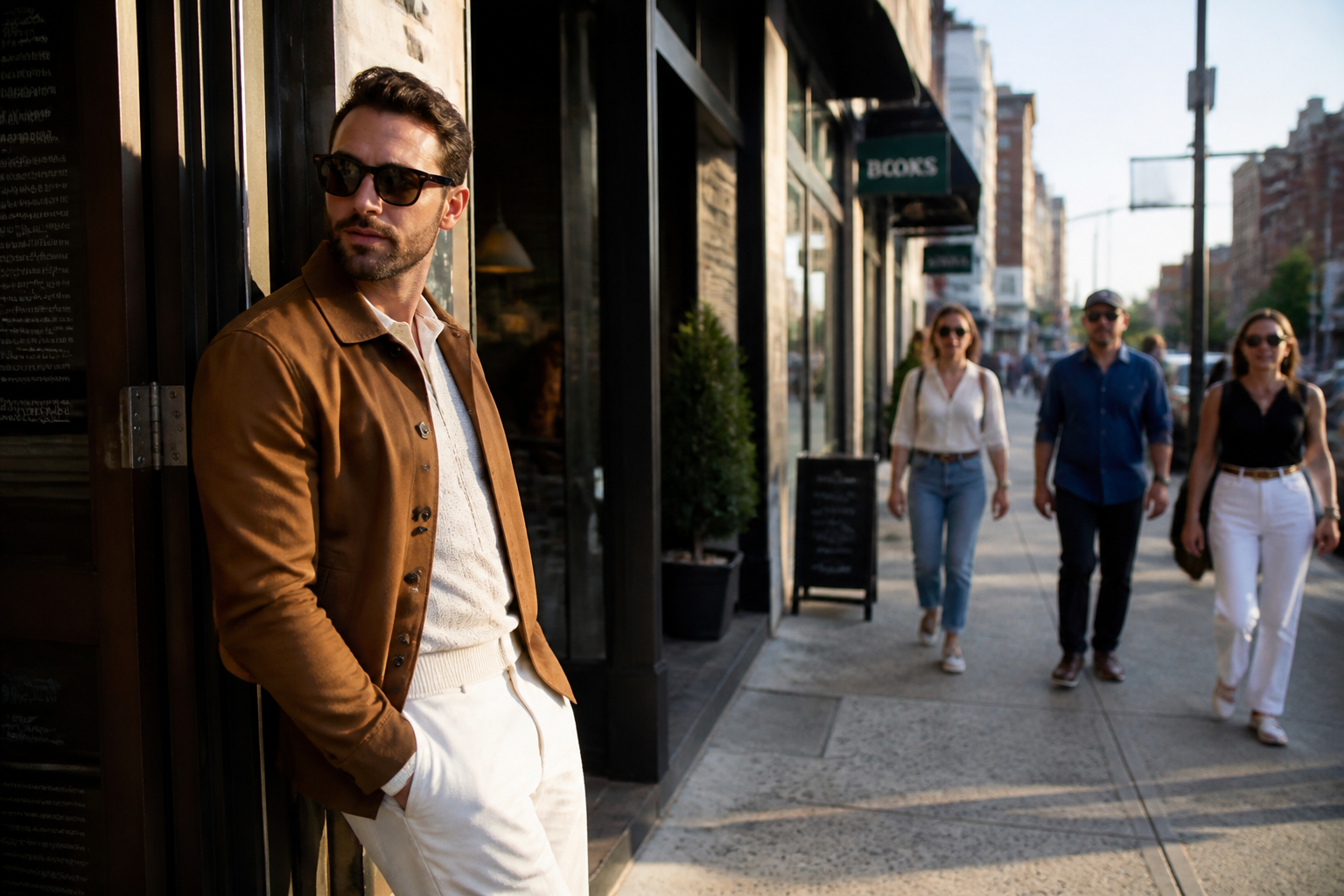 BEFORE
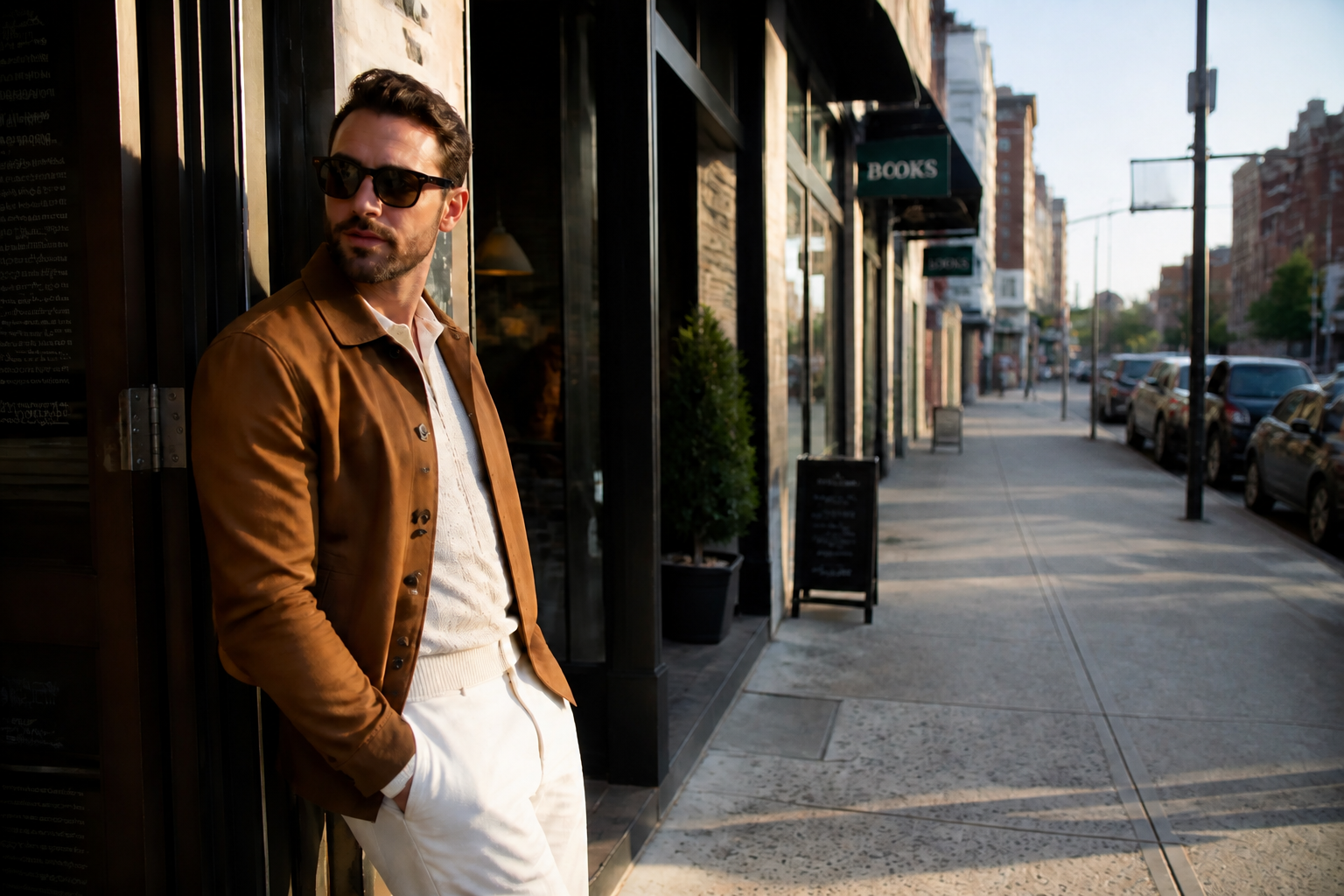 AFTER
AFTER BEFORE
 AFTER
AFTER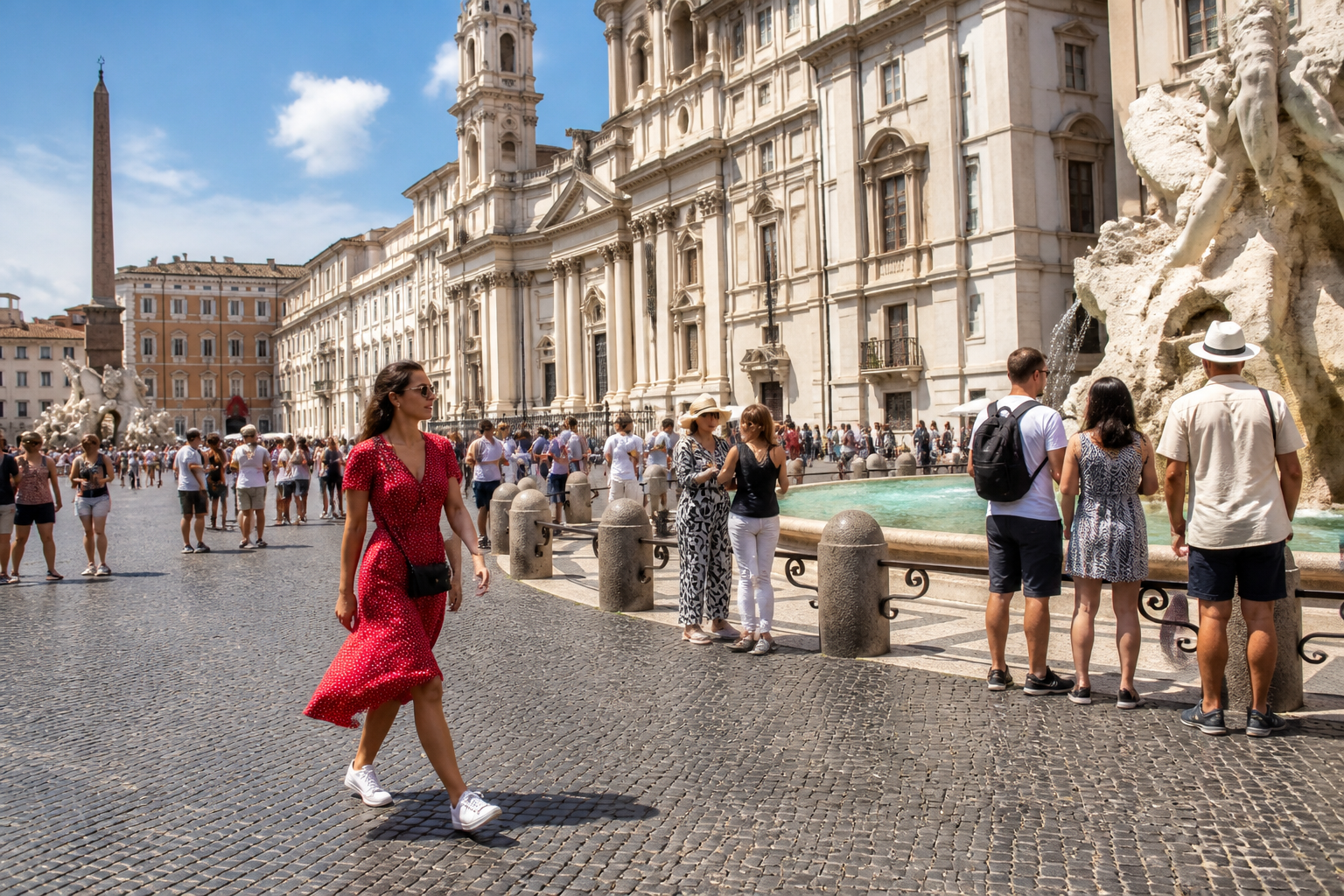 BEFORE
 AFTER
AFTER BEFORE
 AFTER
AFTER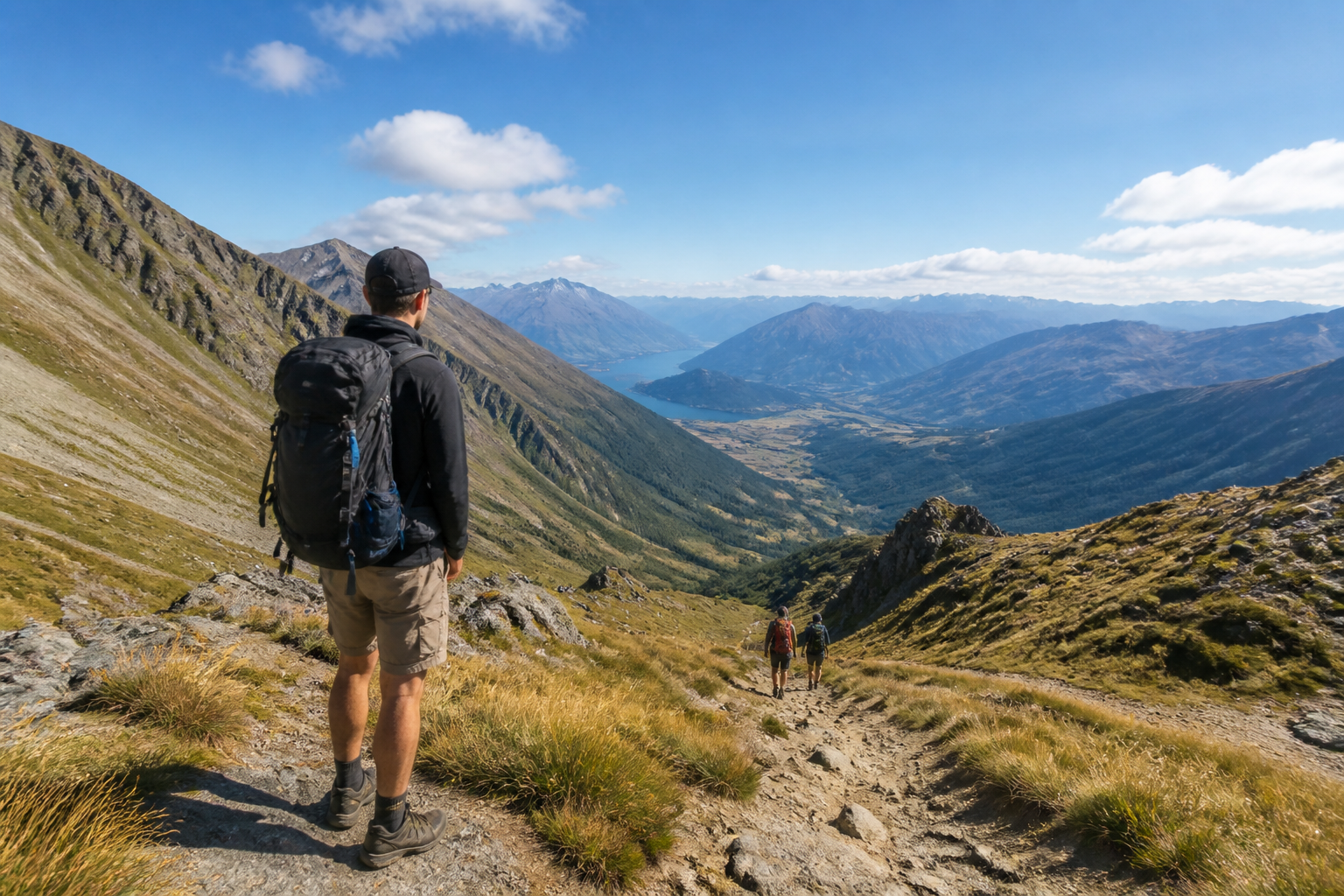 BEFORE
 AFTERBEFOREAFTERBEFOREAFTERBEFOREAFTERBEFOREAFTERBEFOREAFTER
Key Features
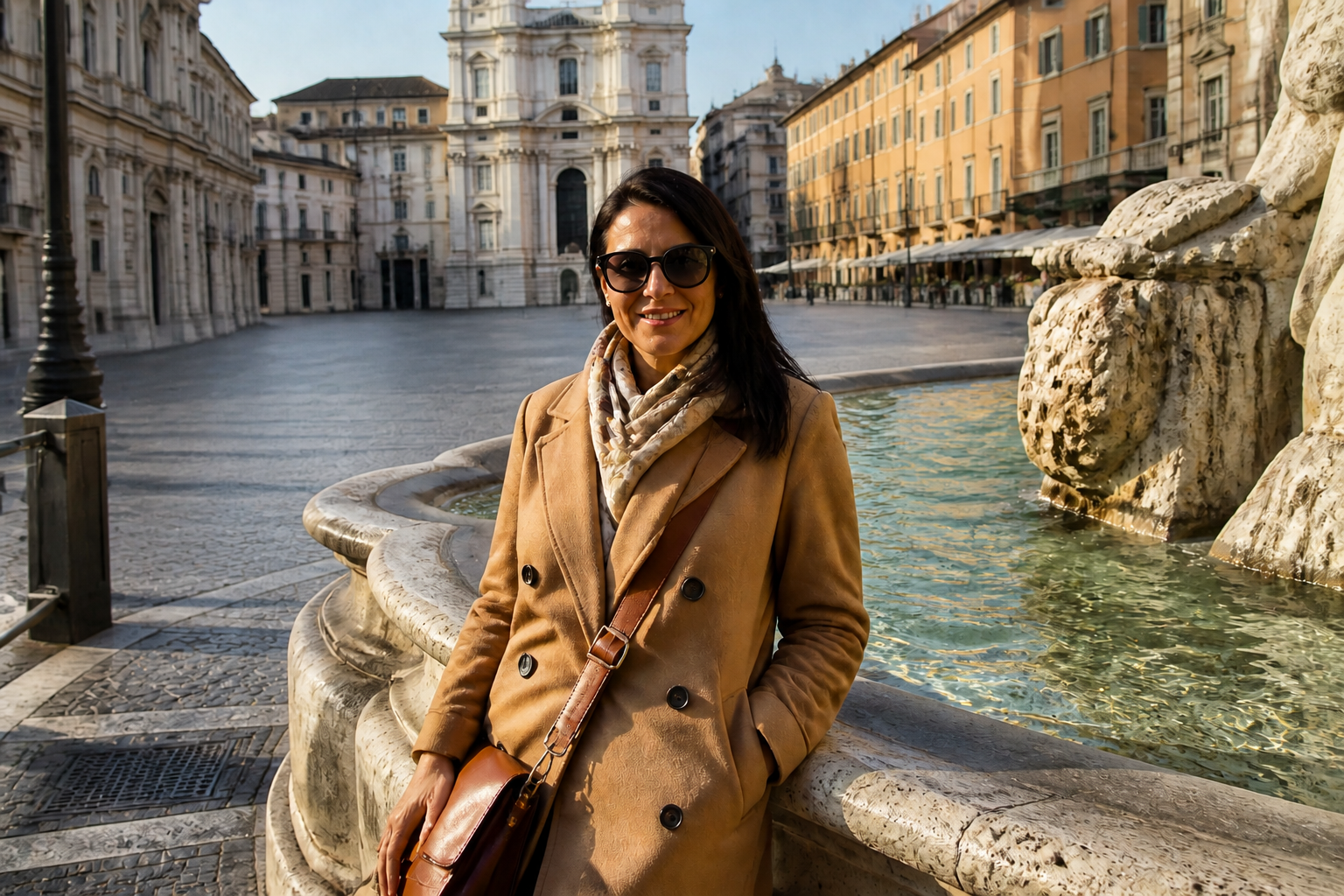
Remove background strangers fast
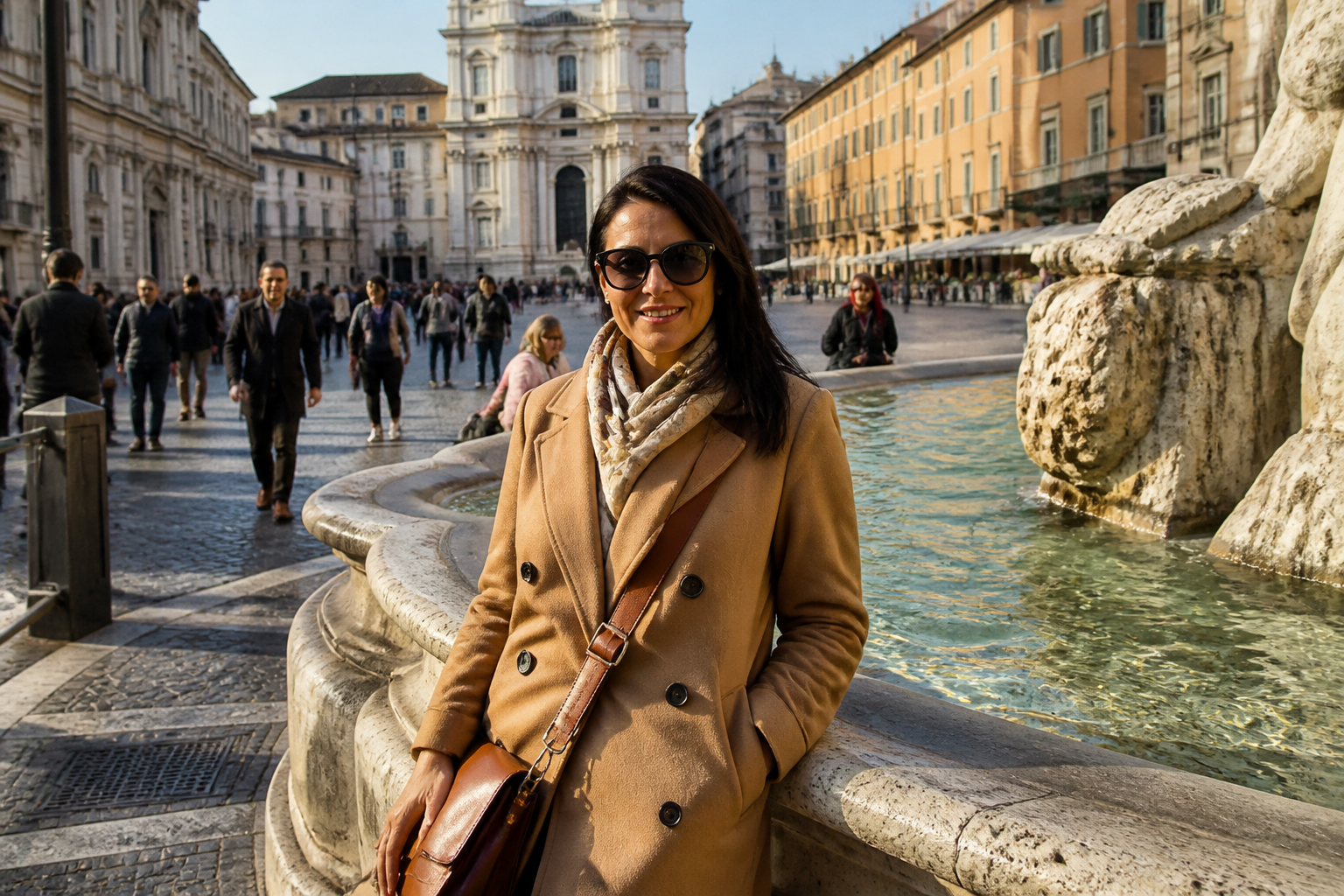
Clean up busy photos without manually brushing over every passerby. The tool identifies unwanted people and fills the space so the scene still makes sense. That saves time compared with clone-stamping or patching by hand. It is especially useful for travel photos, street portraits, and landmarks where timing the perfect empty shot is hard.
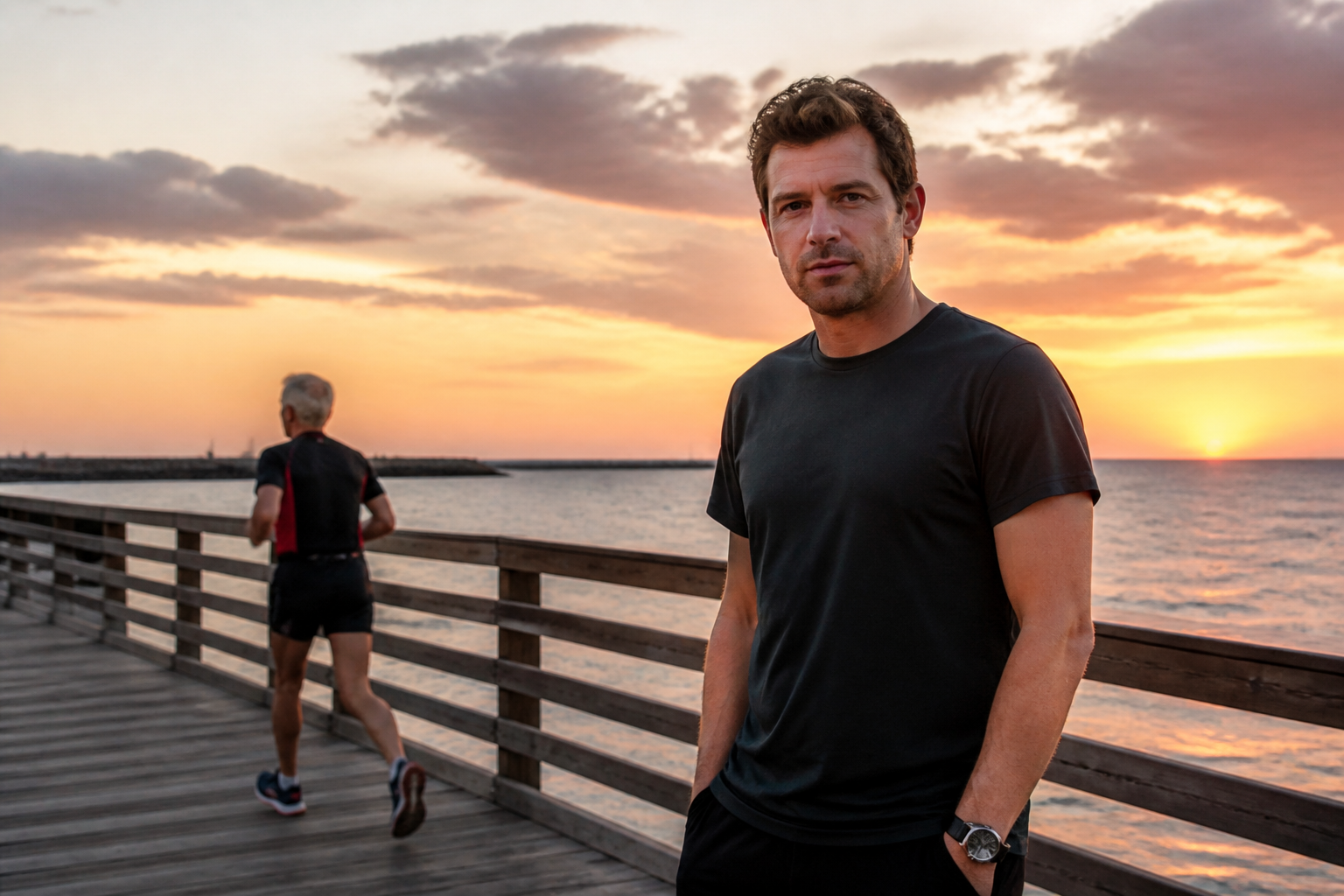
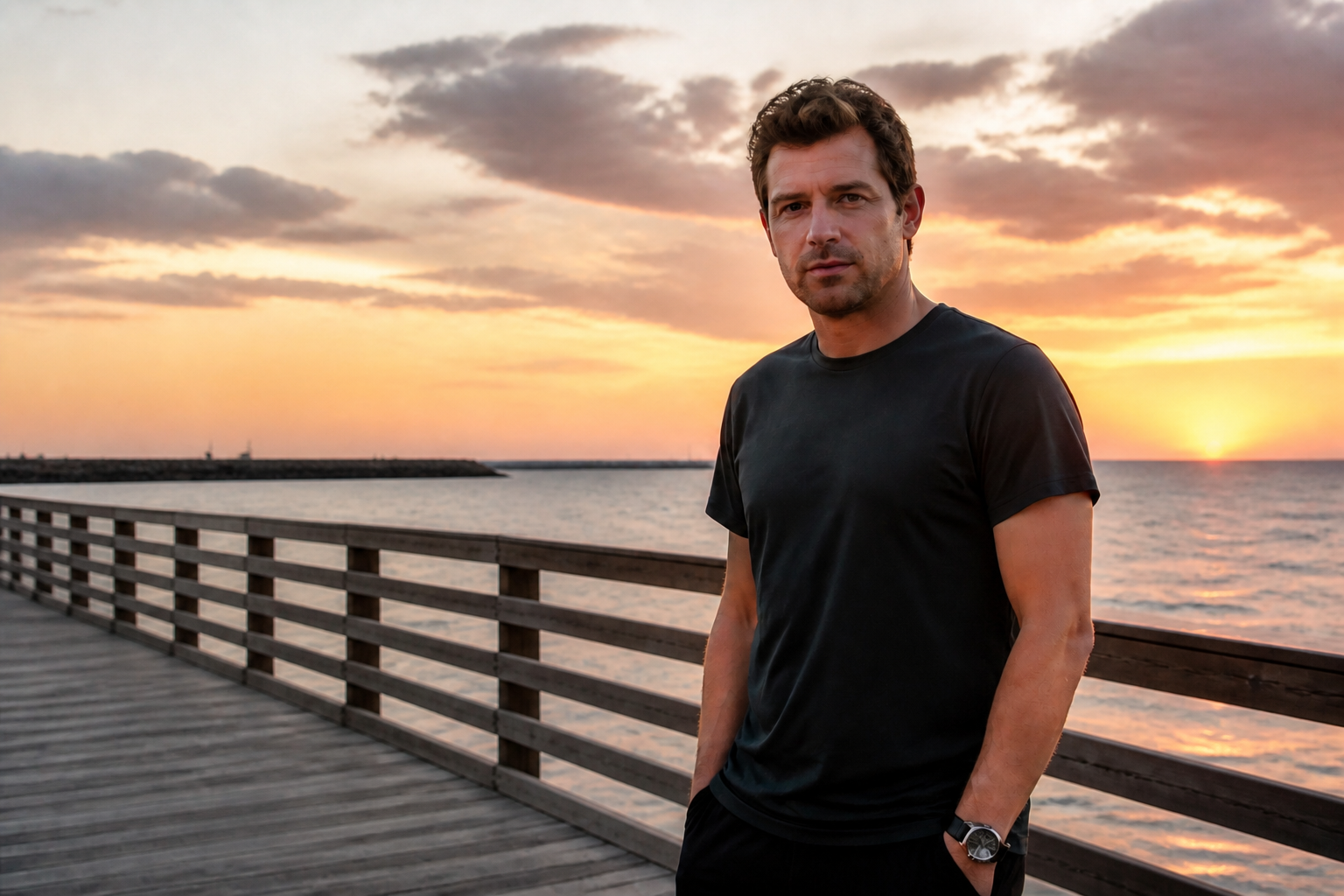
Keep the scene believable
A good removal edit is not just about deleting a person. The background needs to be rebuilt with matching light, texture, and perspective so the result does not look patched. Our AI aims to preserve walls, shadows, railings, water, and other details around the removed subject. That makes the final image look closer to a clean original capture than a visible retouch.
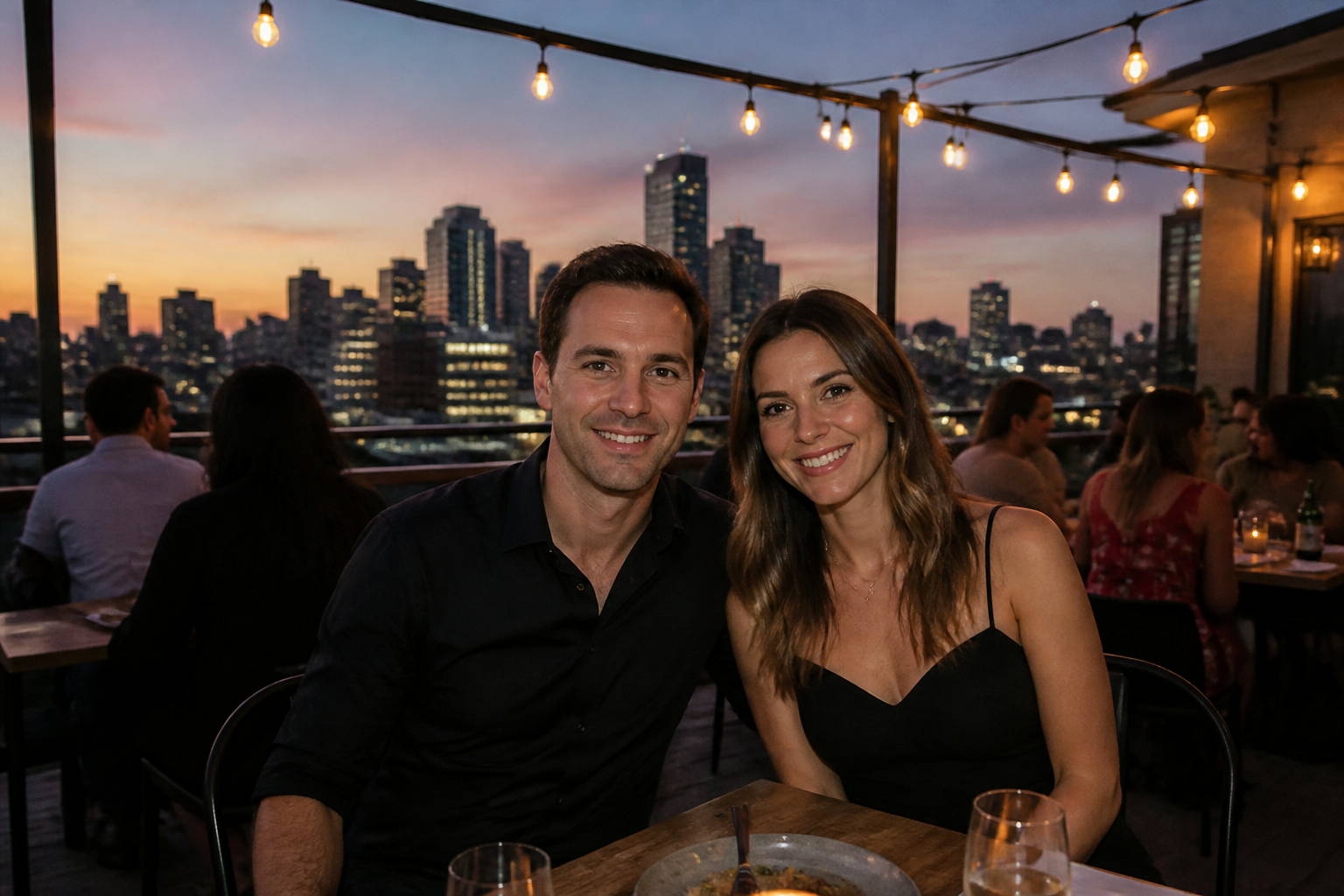
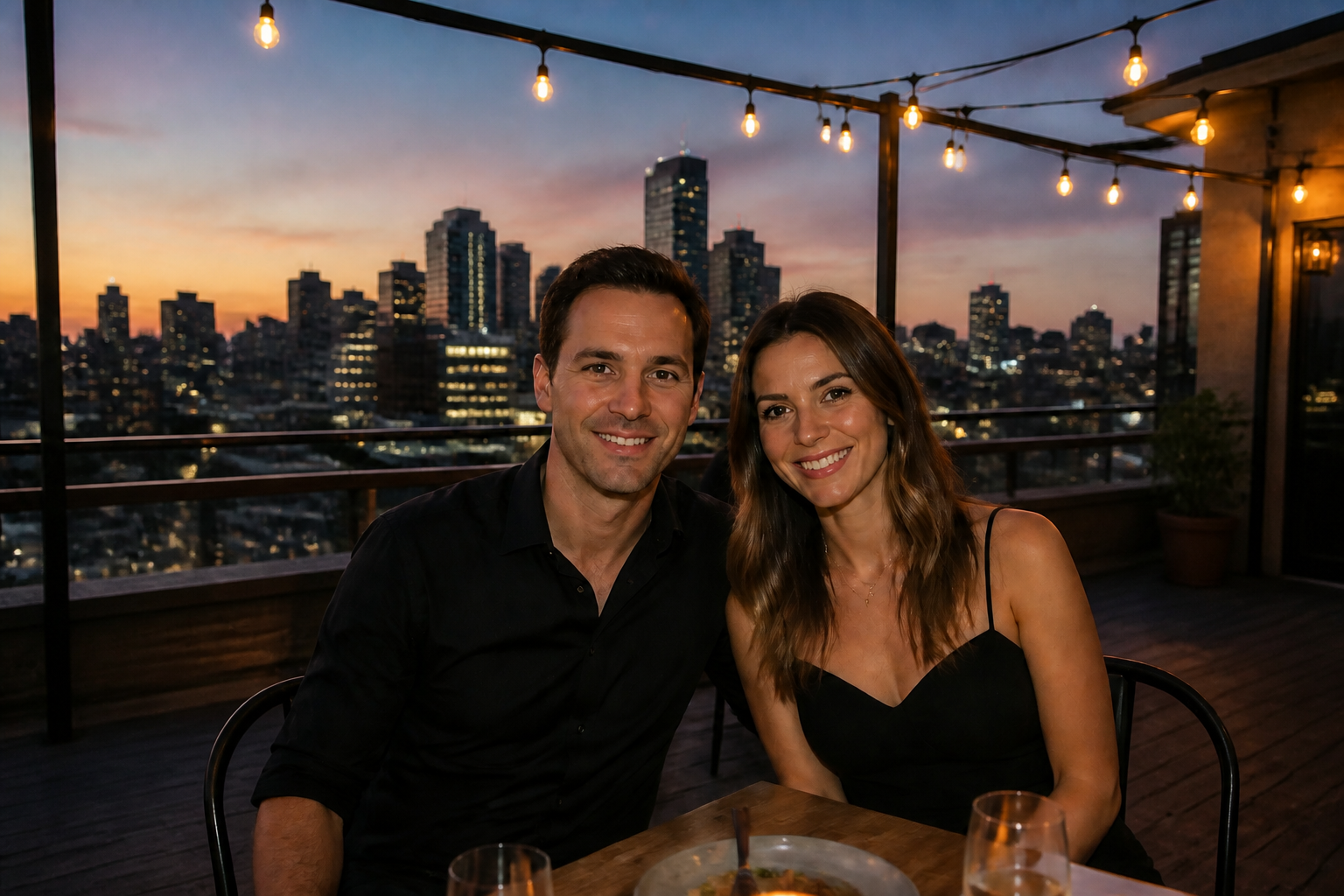
Works on crowded locations
Photos taken at beaches, cafes, viewpoints, and city streets often include random people you did not want in frame. Instead of discarding those shots, you can clean them up and keep the composition you liked. This is useful when the subject expression, pose, or lighting was perfect but the background was not. It turns near-misses into usable images.
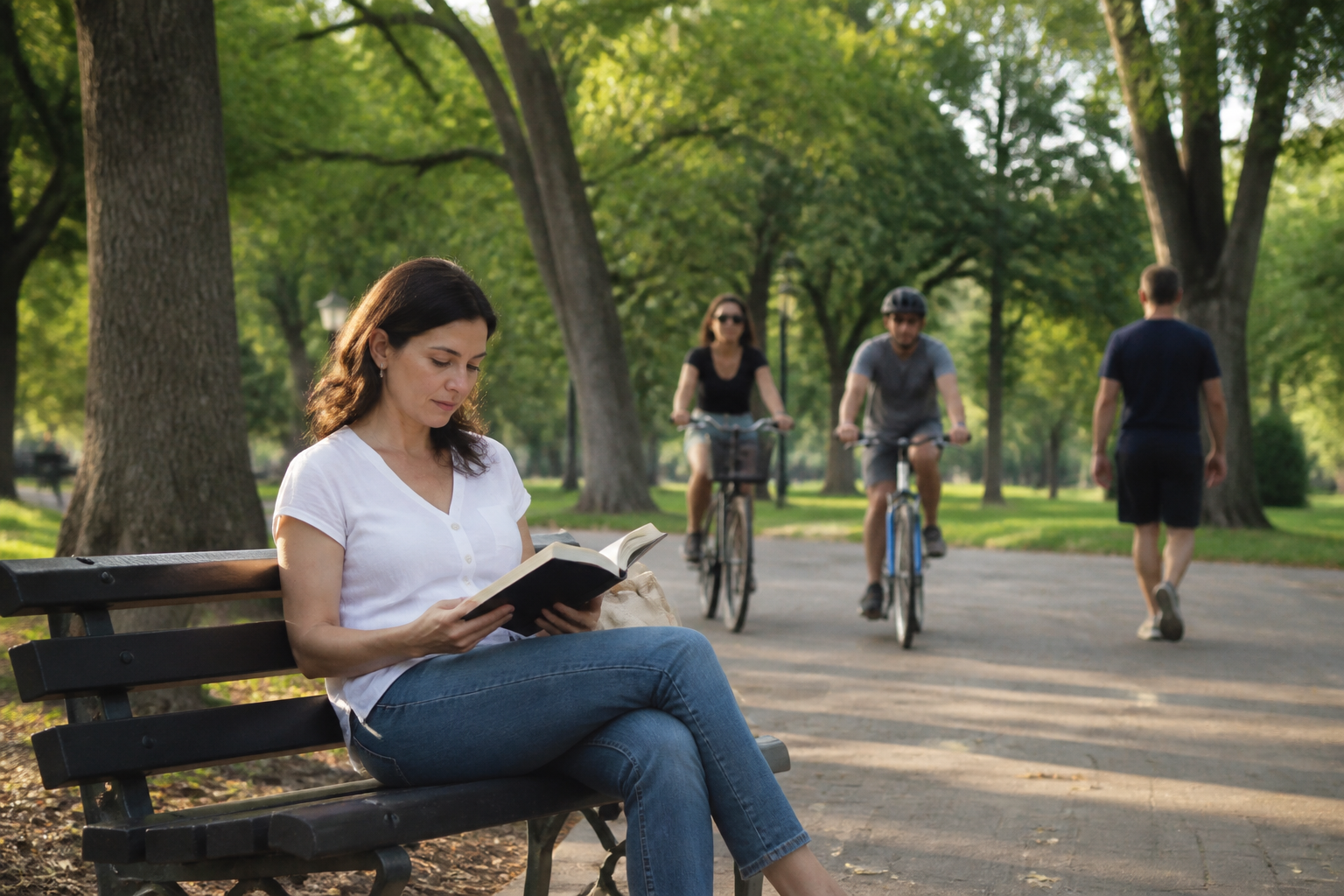
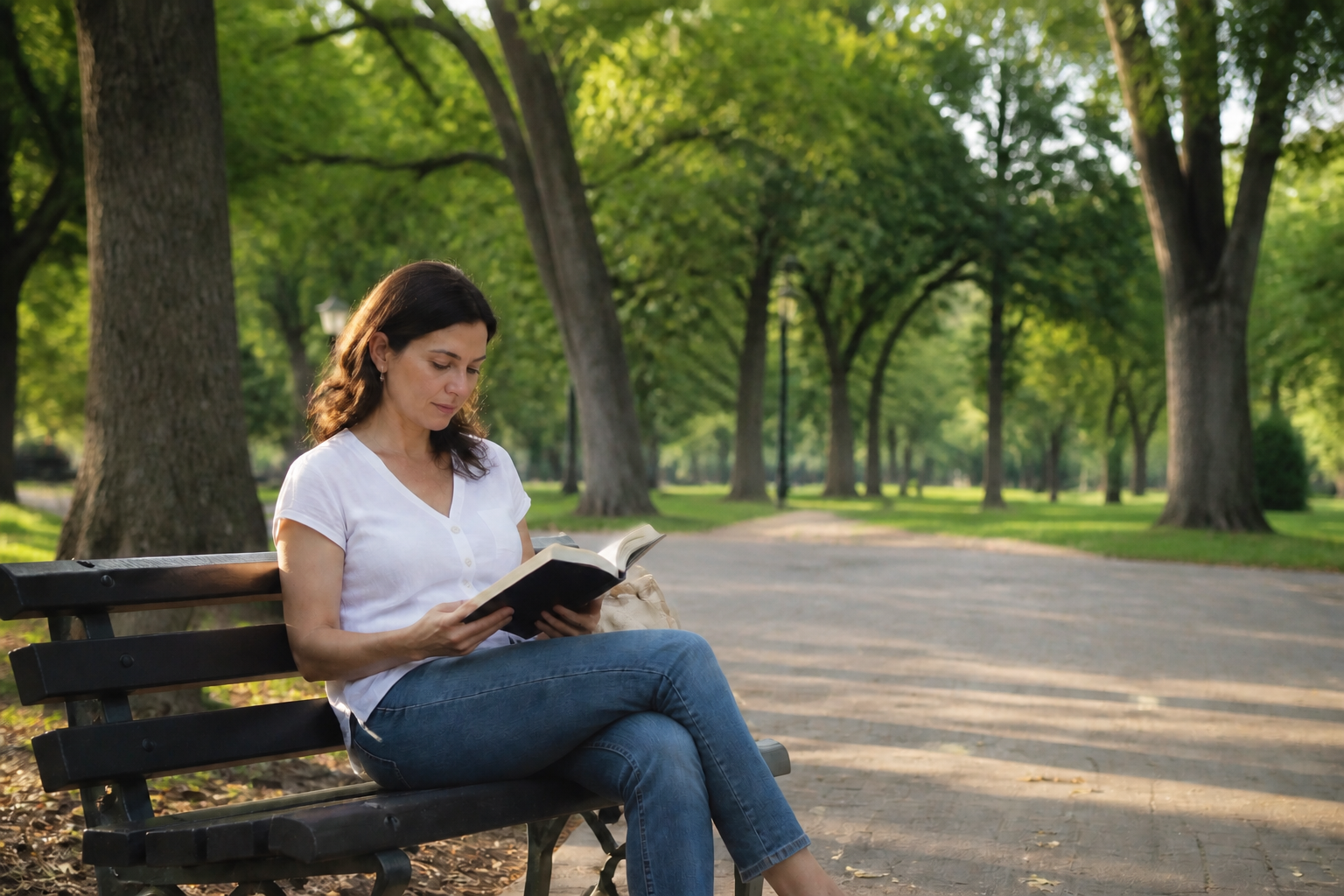
No manual retouching skills
Traditional photo cleanup often means layers, healing tools, and careful masking. Here, you can describe what should disappear and let the edit do the heavy lifting. That lowers the barrier for creators who want a polished image without learning a full editing workflow. It is a practical shortcut for quick social posts, client selects, and personal albums.
How It Works
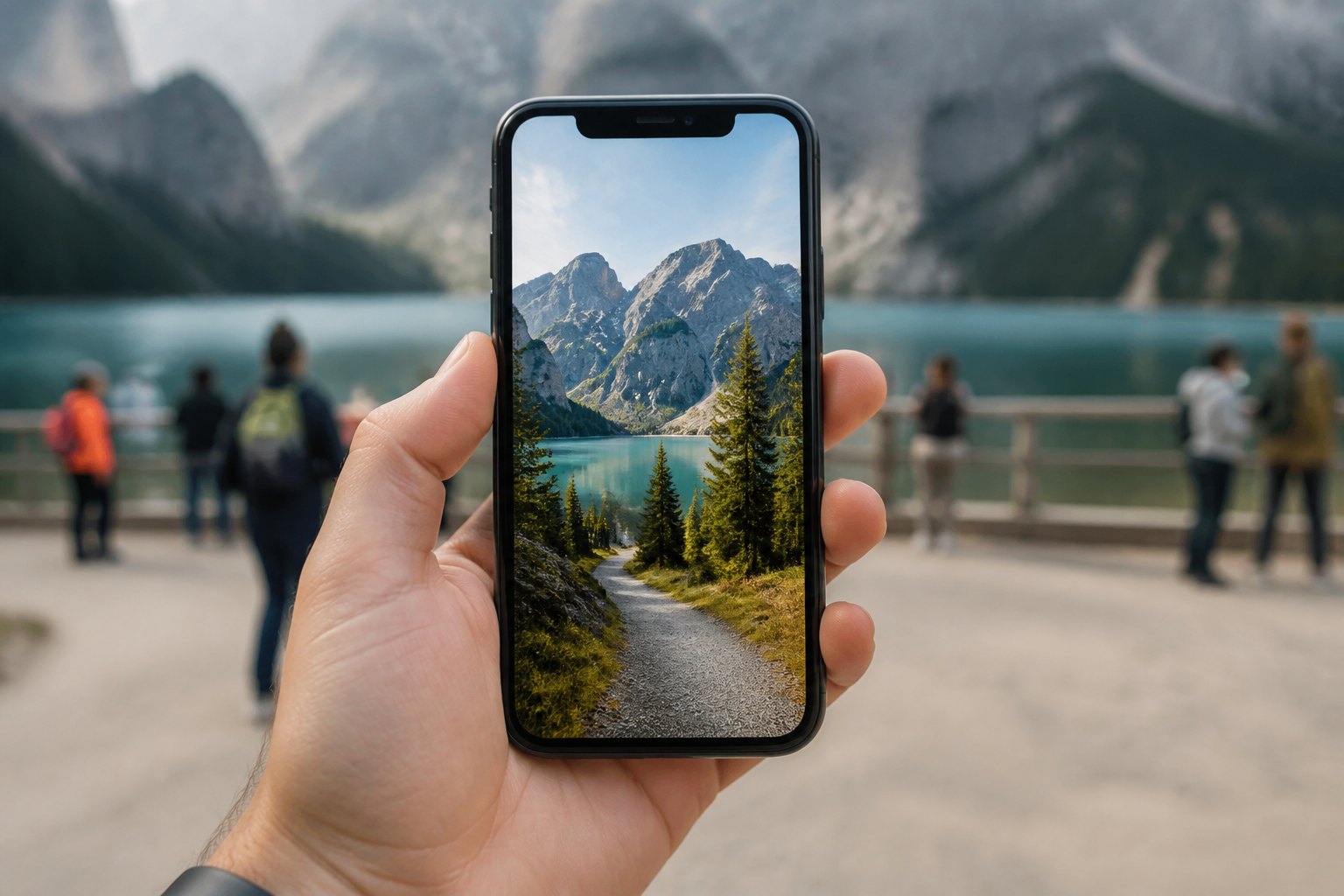
Upload your photo
Start with any image that has an unwanted person in the frame. Travel shots, portraits, street photos, and scenic pictures all work well.
Describe what to remove
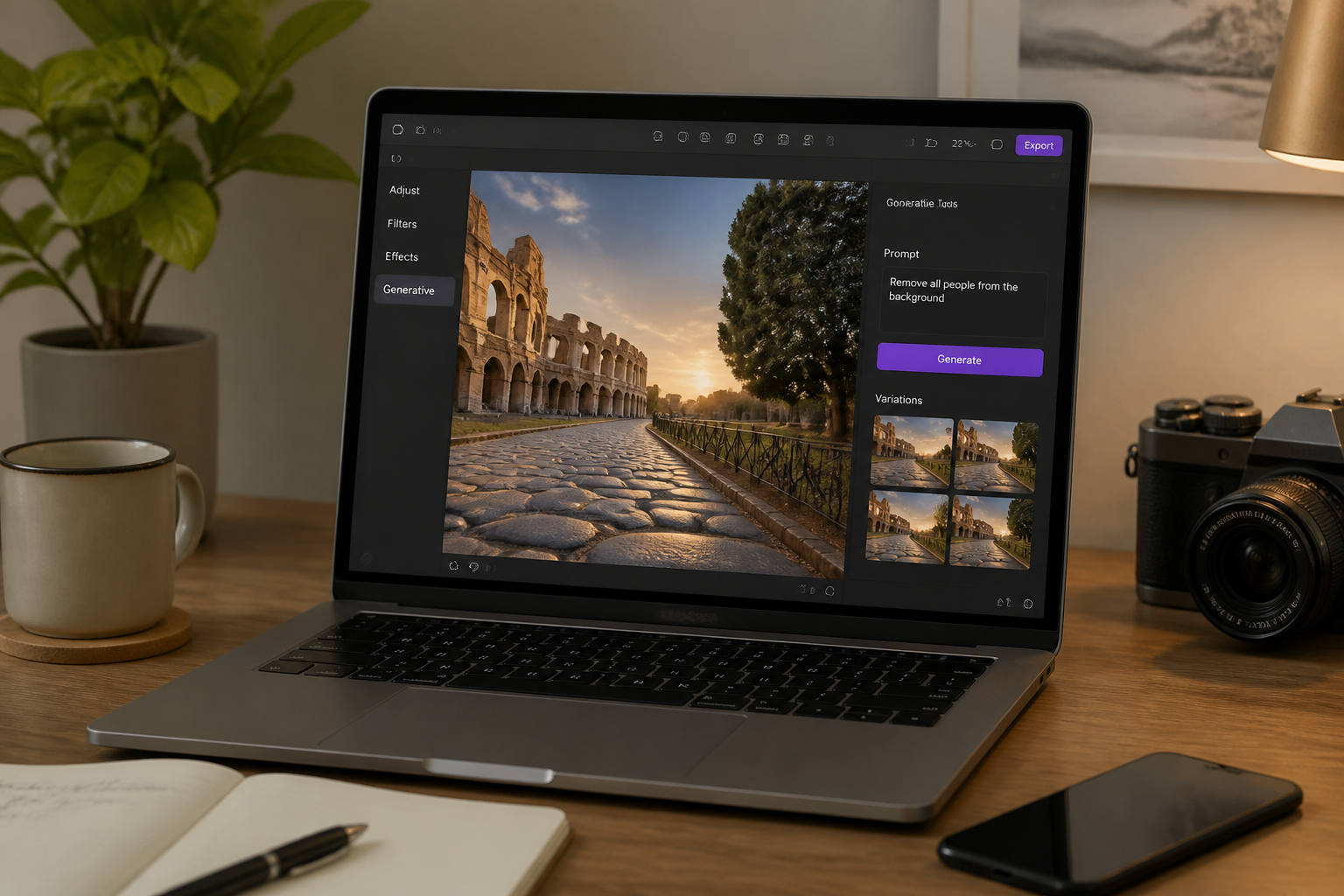
Tell the editor which person or group should disappear. Keep the instruction simple and specific so the result matches what you want.
Download the cleaned image
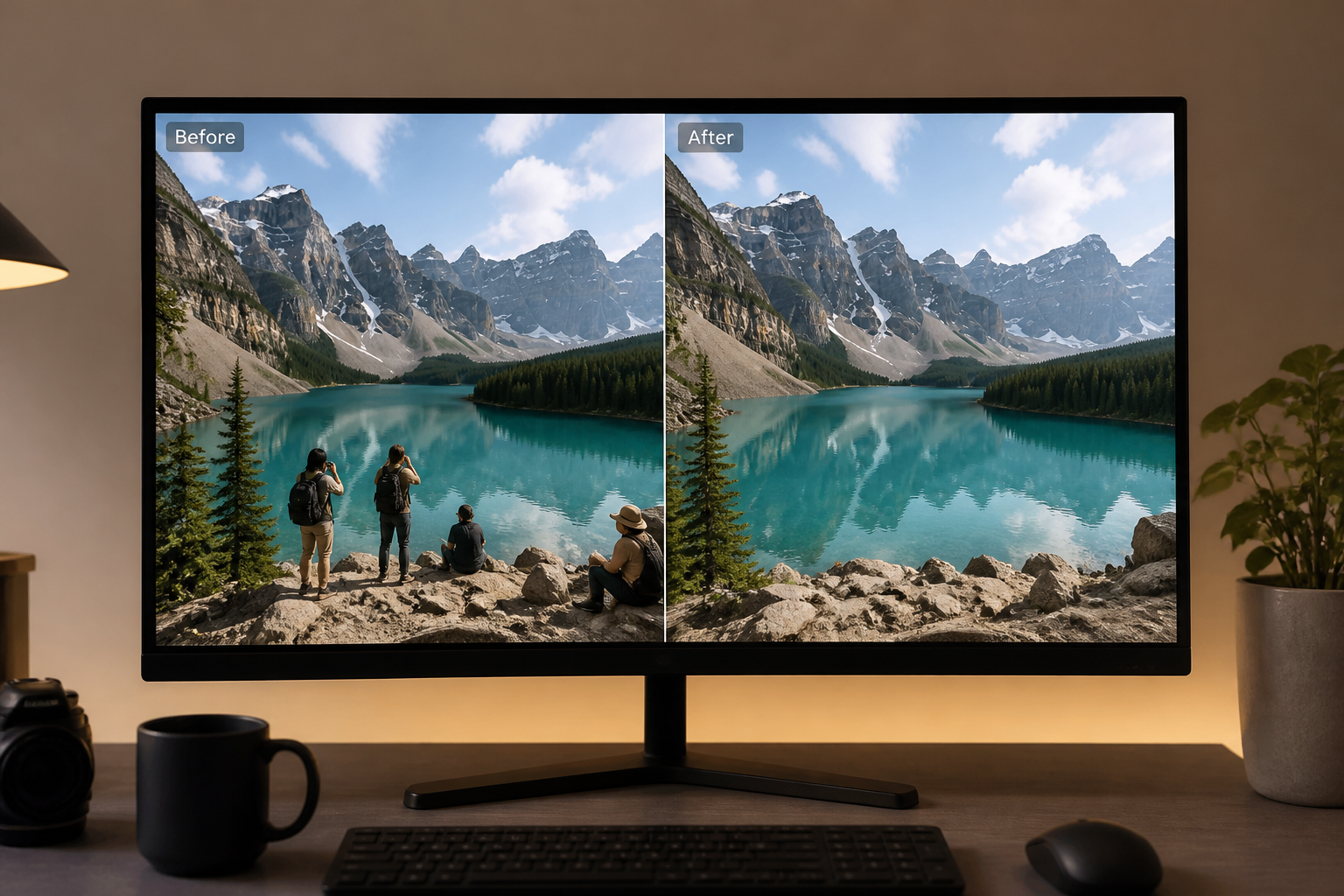
Review the result and compare it with the original. If needed, refine the prompt and generate another version until the scene looks right.
Perfect For
Discover how creators and professionals use ai person remover
Travel photo cleanup
Remove tourists from landmarks, overlooks, beaches, and city scenes while keeping your favorite pose and lighting.
Portrait background cleanup
Erase passersby behind a subject so attention stays on the person you actually meant to photograph.
Social content polishing
Turn crowded casual photos into cleaner posts for Instagram, dating profiles, portfolios, or personal updates.
Property and venue photos
Remove visitors or staff from hotel, cafe, event, and real estate images to make the space look more presentable.
Built For
Travelers
Keep the trip photo you love even if strangers walked into the frame.
Creators and influencers
Make lifestyle and brand images look cleaner without spending time on manual retouching.
Small business owners
Polish venue, storefront, and promotional photos before sharing them online.
Why use BudgetPixel for person removal
A quick look at how we compare on the things that matter for this niche.
| Feature | BudgetPixel | Generic AI editors | Manual editing apps |
|---|---|---|---|
| Remove unwanted people | ✓ | ✓ | ✓ |
| Natural scene reconstruction | ✓ | — | Depends on skill |
| Fast for casual users | ✓ | ✓ | — |
| Prompt-based cleanup | ✓ | ✓ | — |
| No manual masking required | ✓ | — | — |
Frequently Asked Questions
What kinds of people can this tool remove?
Will the background still look natural after removal?
Can I remove multiple people at once?
Does it work for travel and street photos?
Do I need editing experience to use it?
Create together.
Share your creations, discover trending AI art, and grow with fellow creators.