AI Crowd Remover for Clean, People-Free Photos
Erase crowds and distractions while keeping your main scene intact.
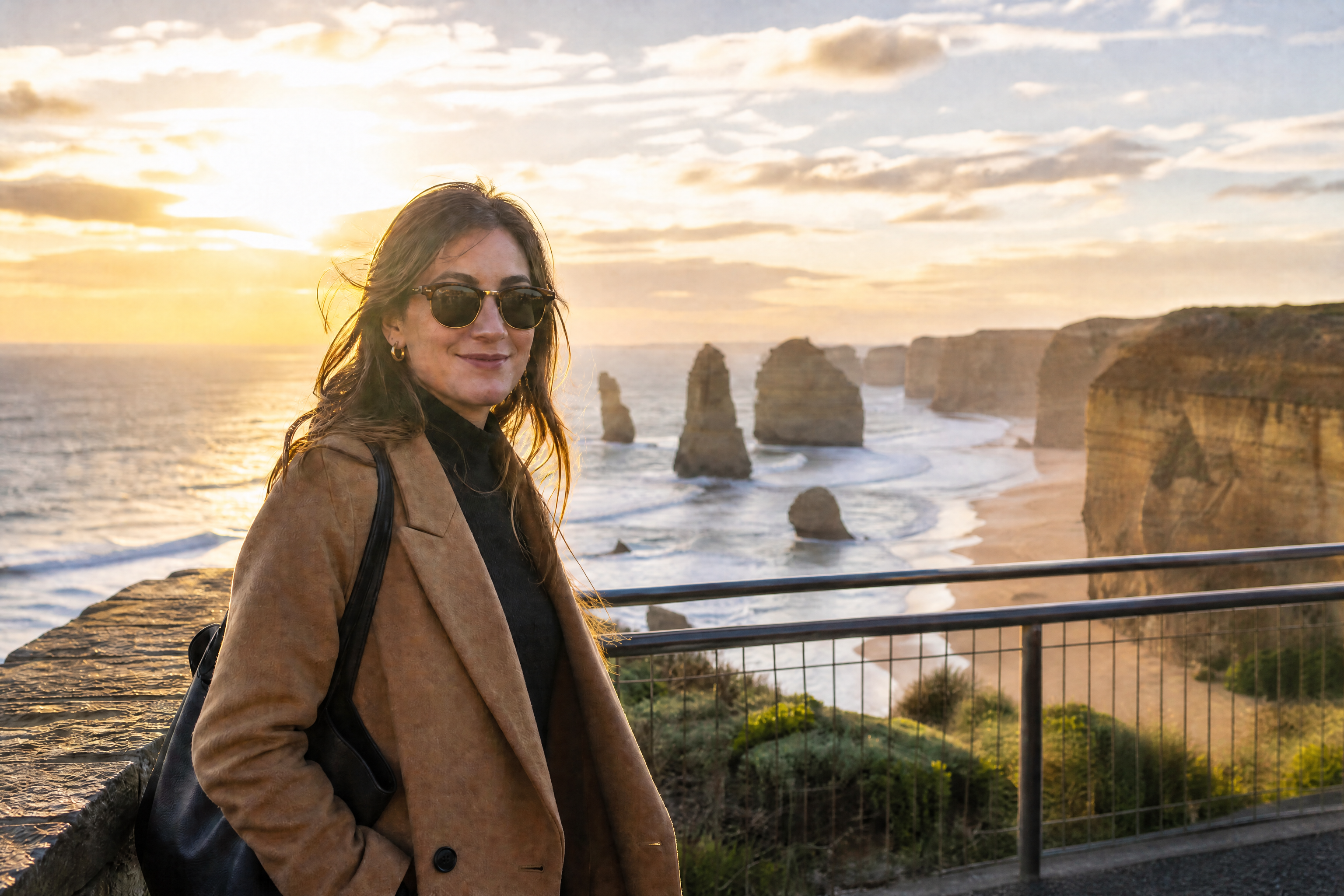
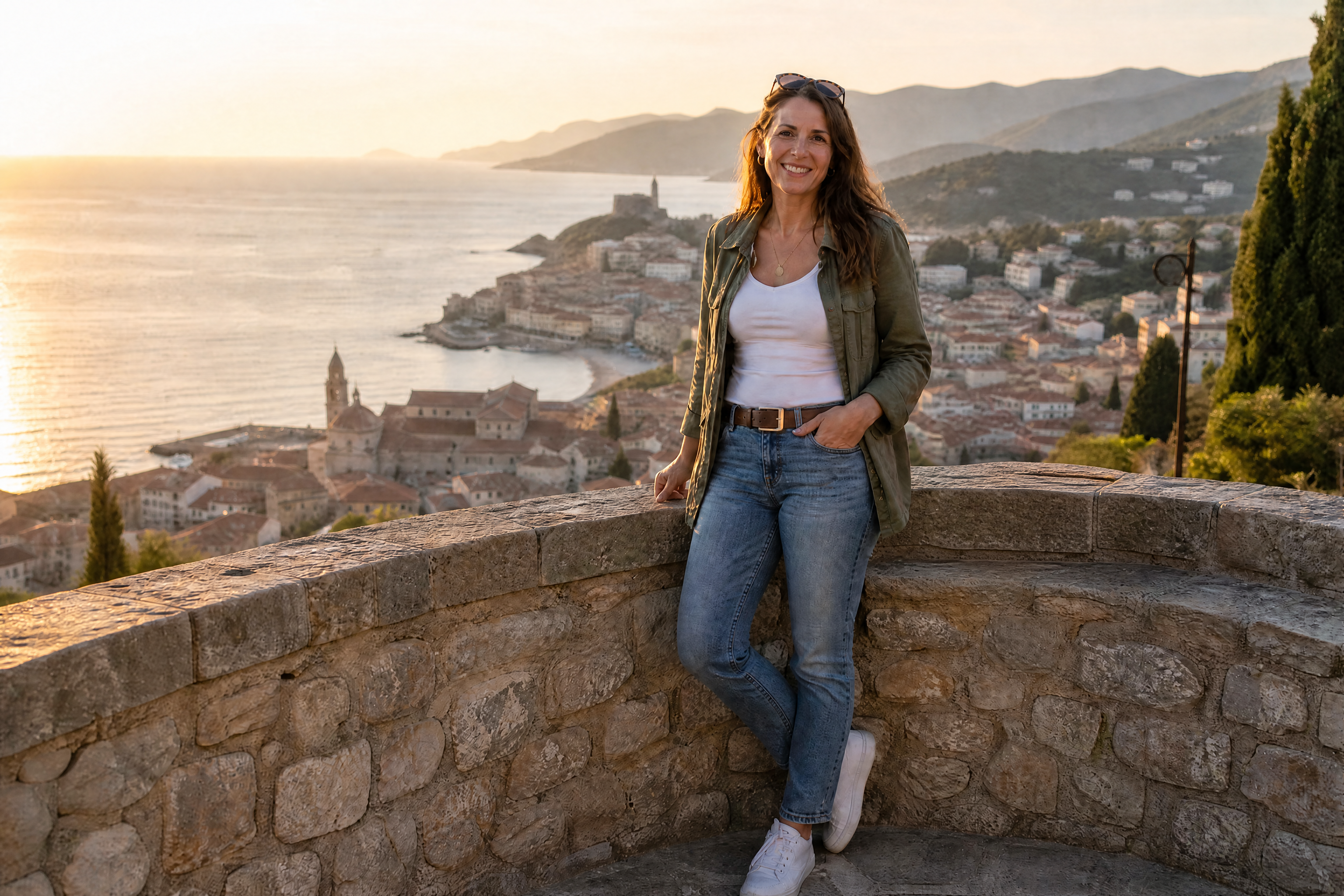
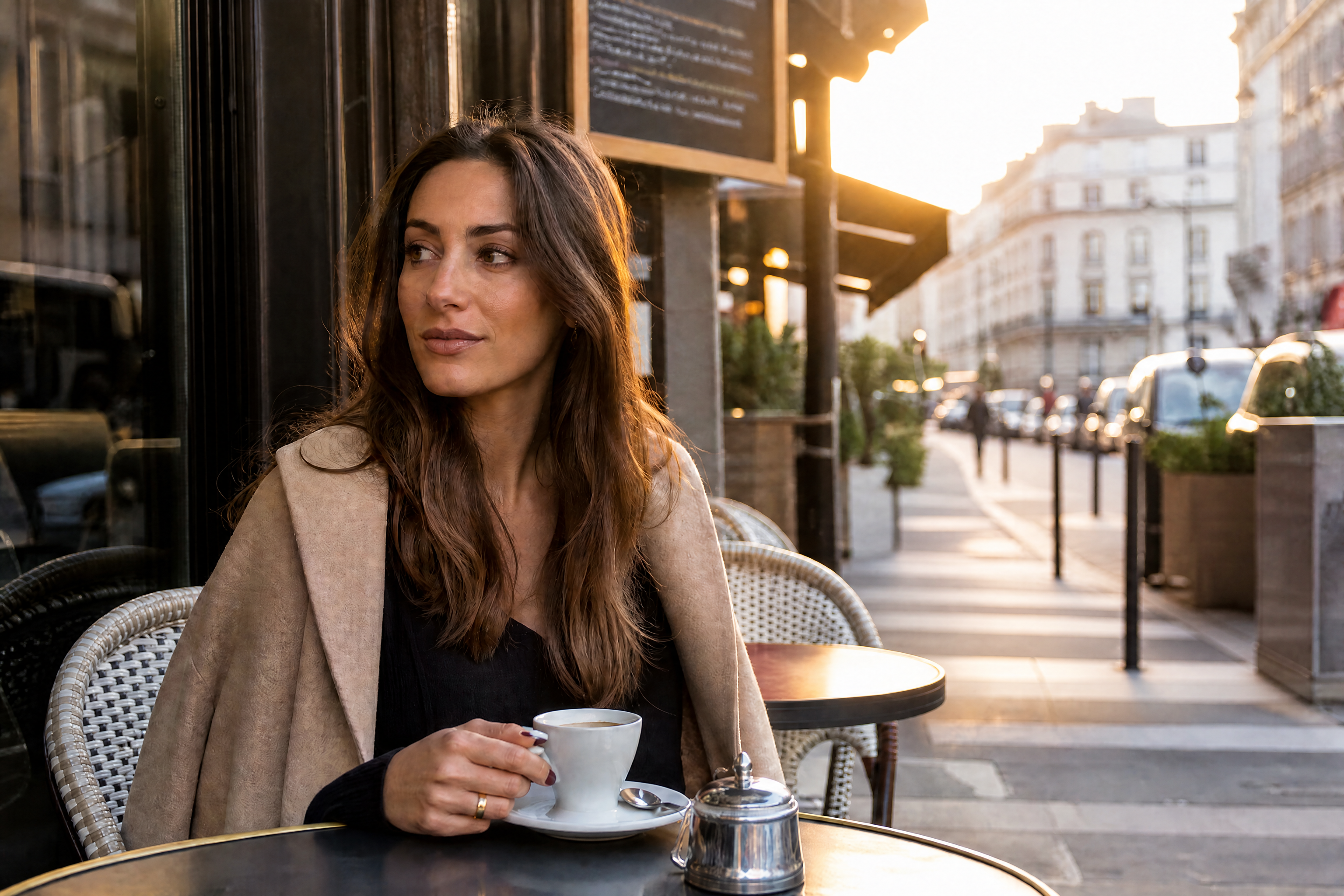
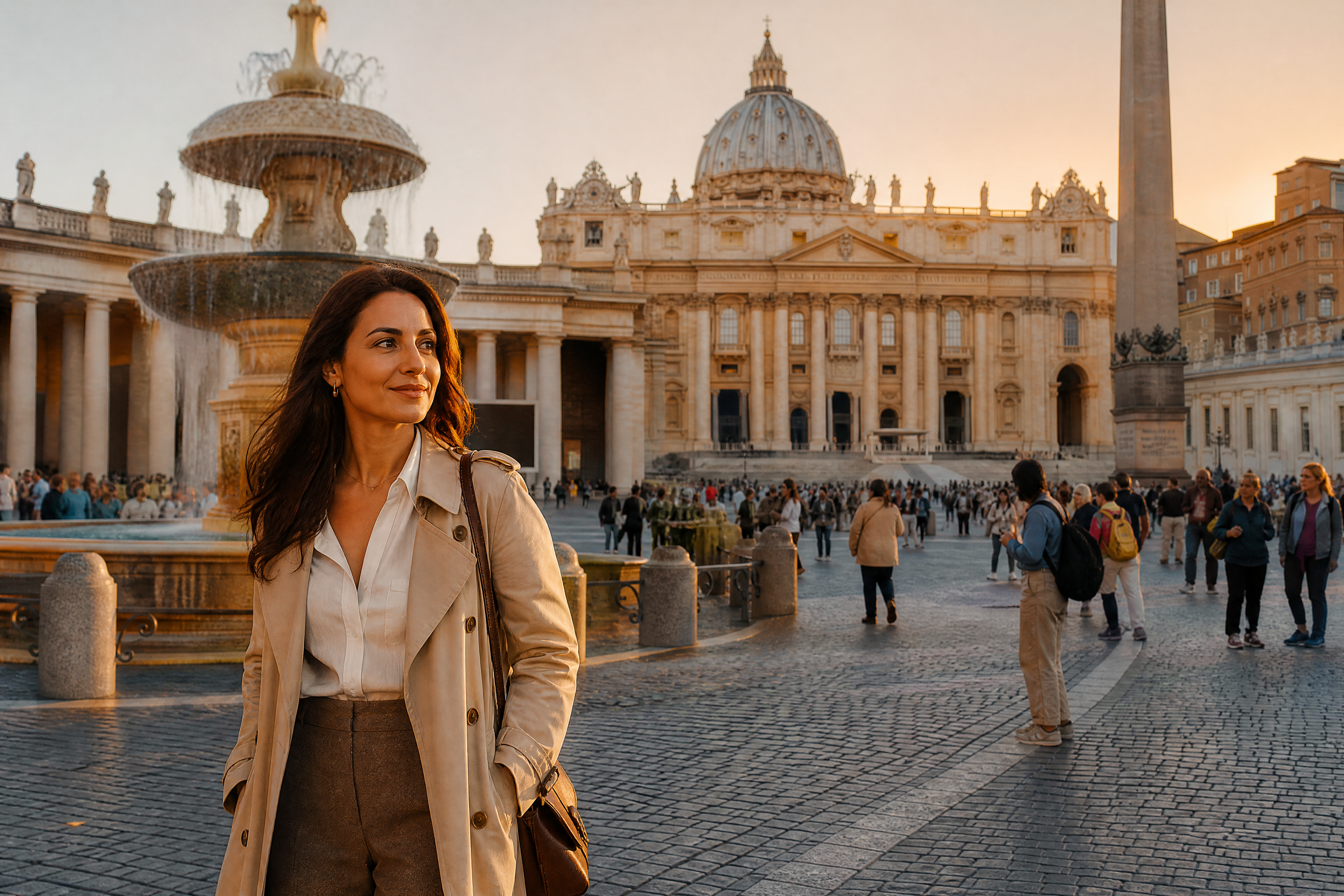
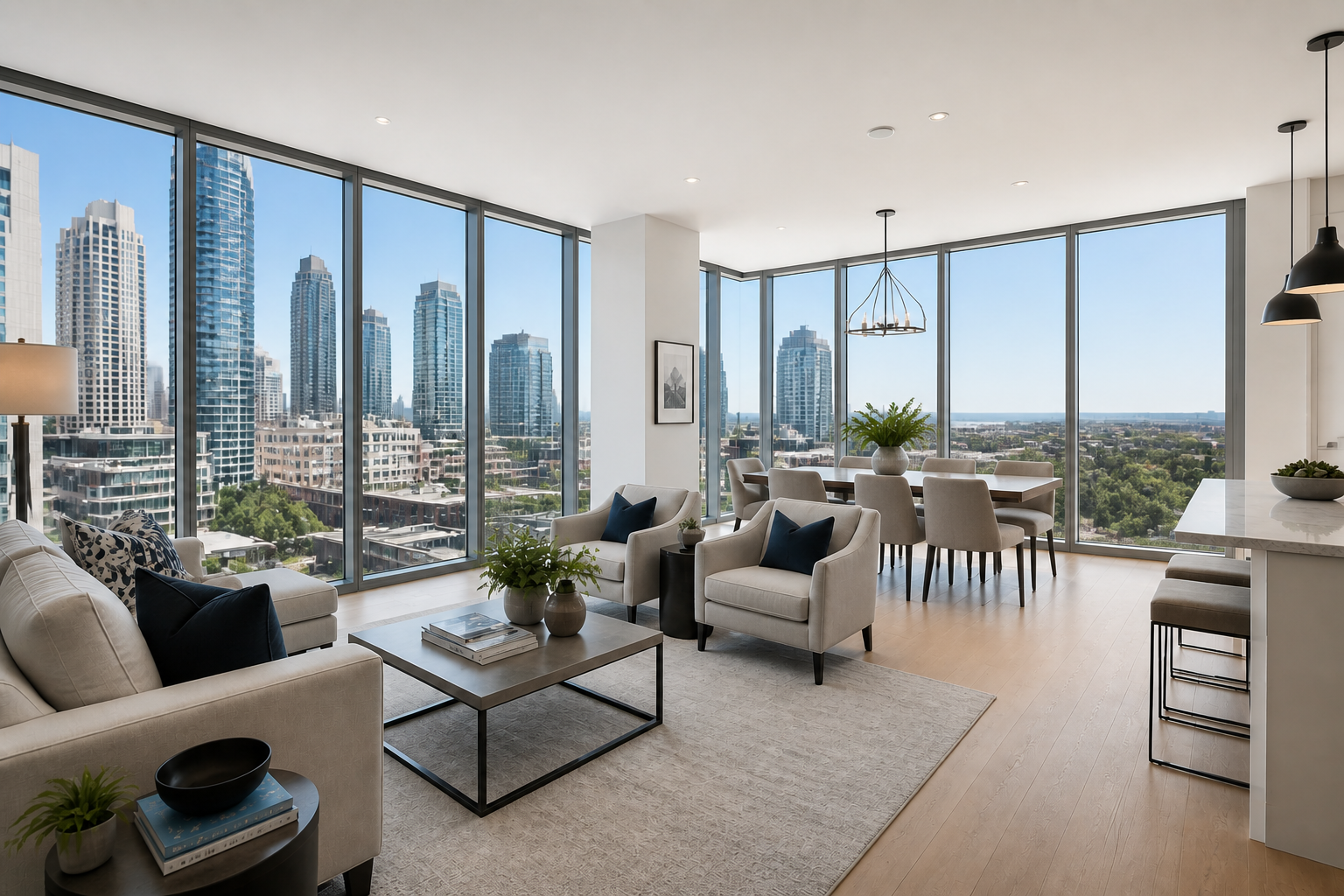
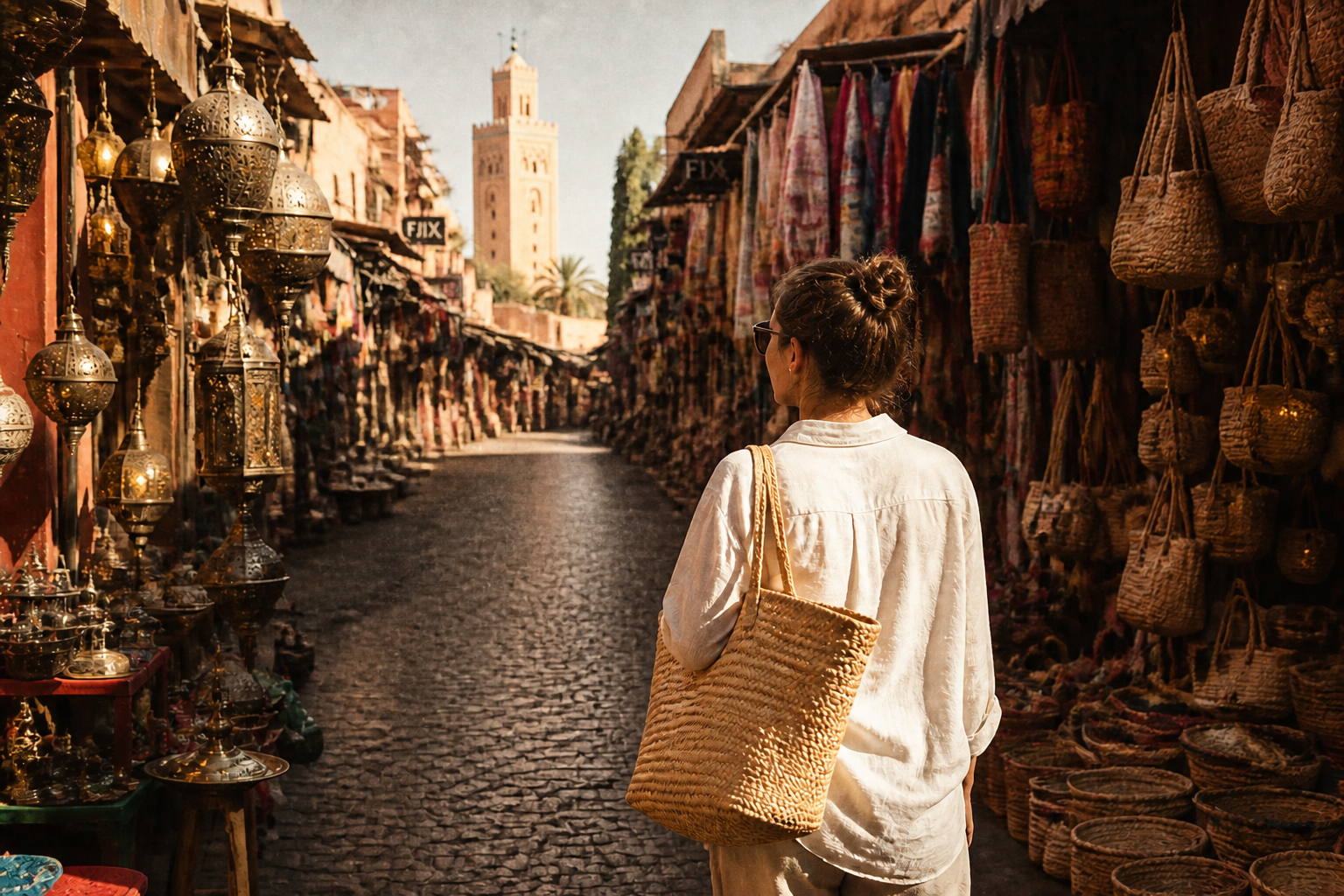
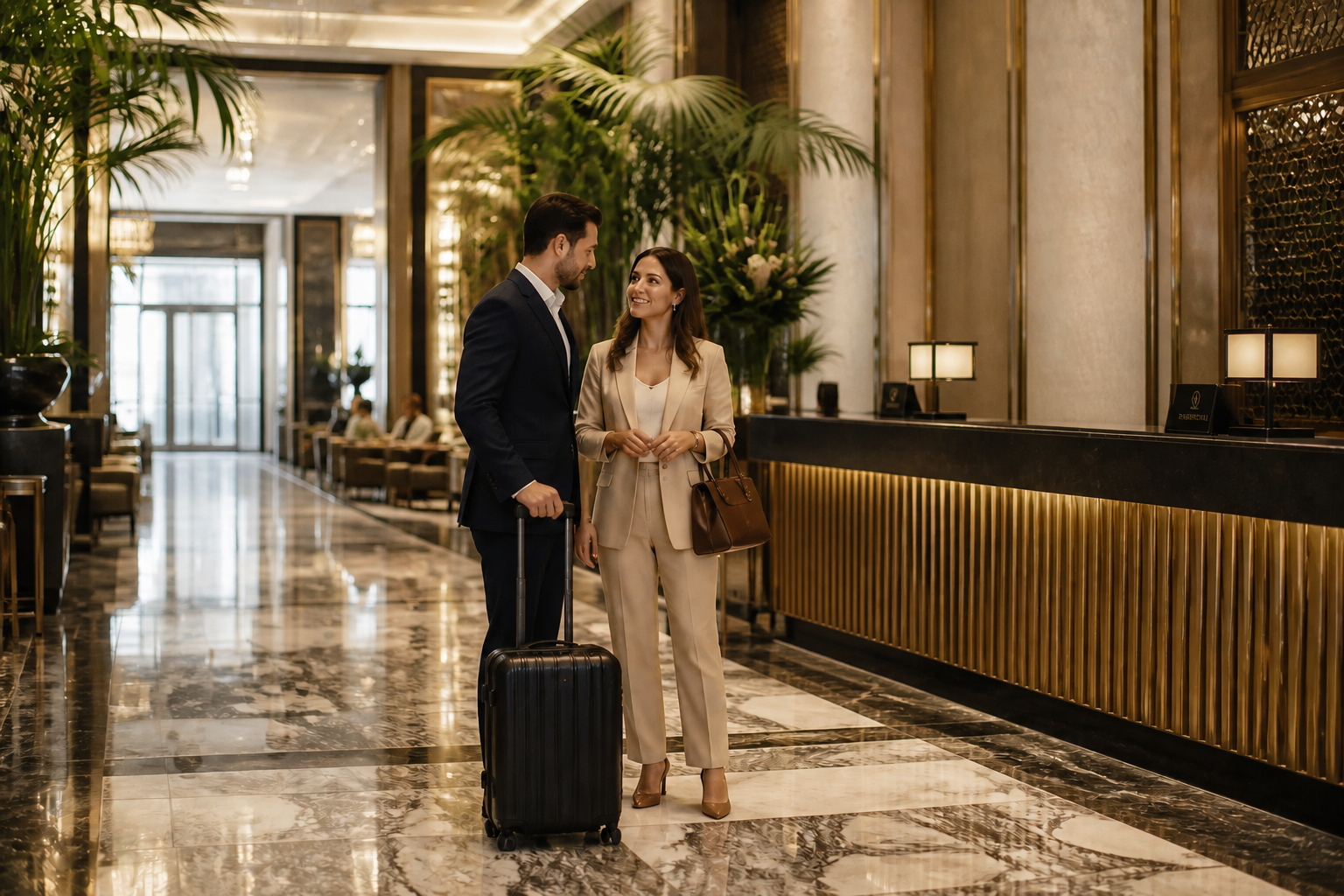
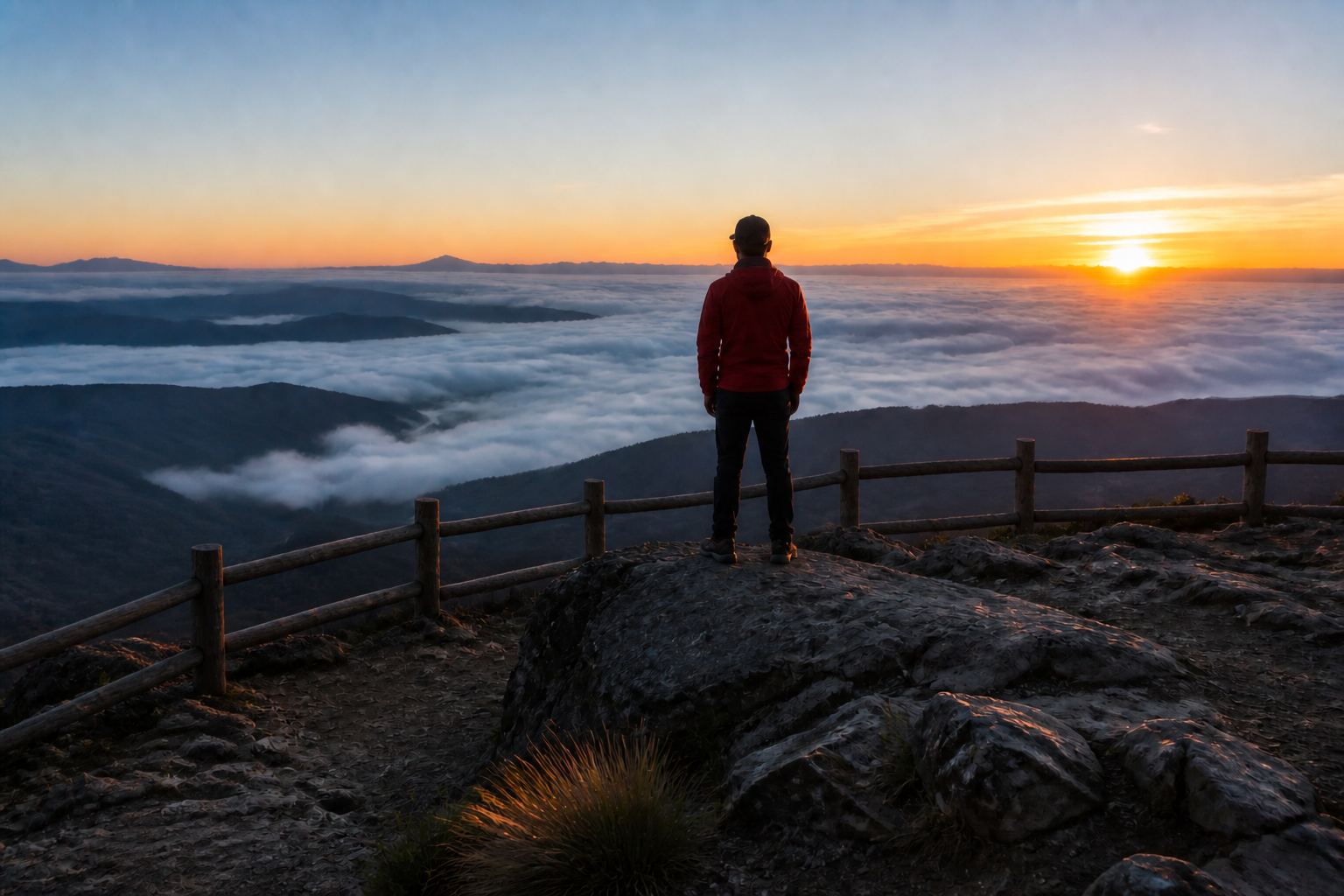
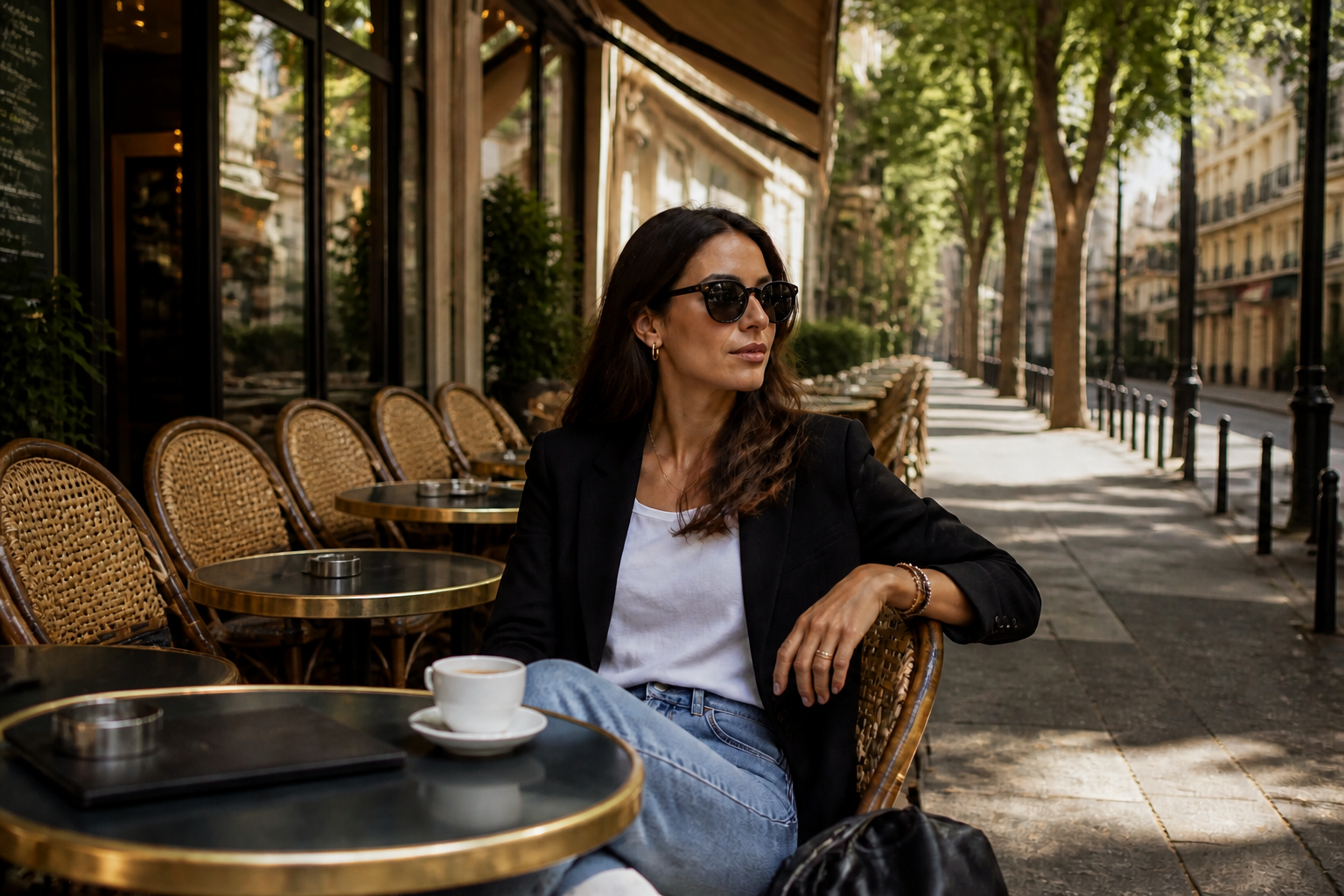
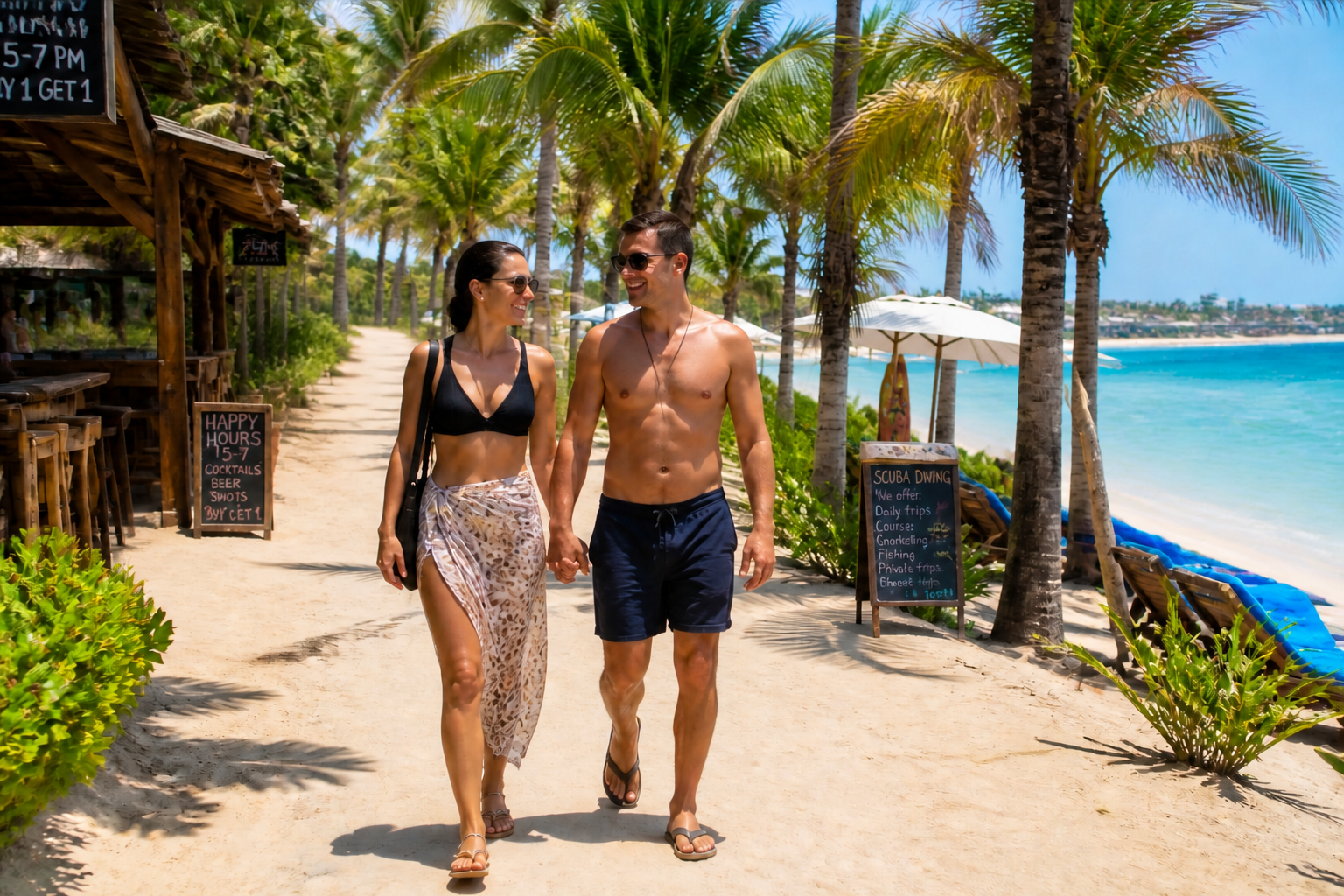
AI Crowd Remover helps you clean up busy photos by removing unwanted people from the background. Use it on travel shots, landmarks, street scenes, and real estate images to create a clearer final photo without manual retouching.
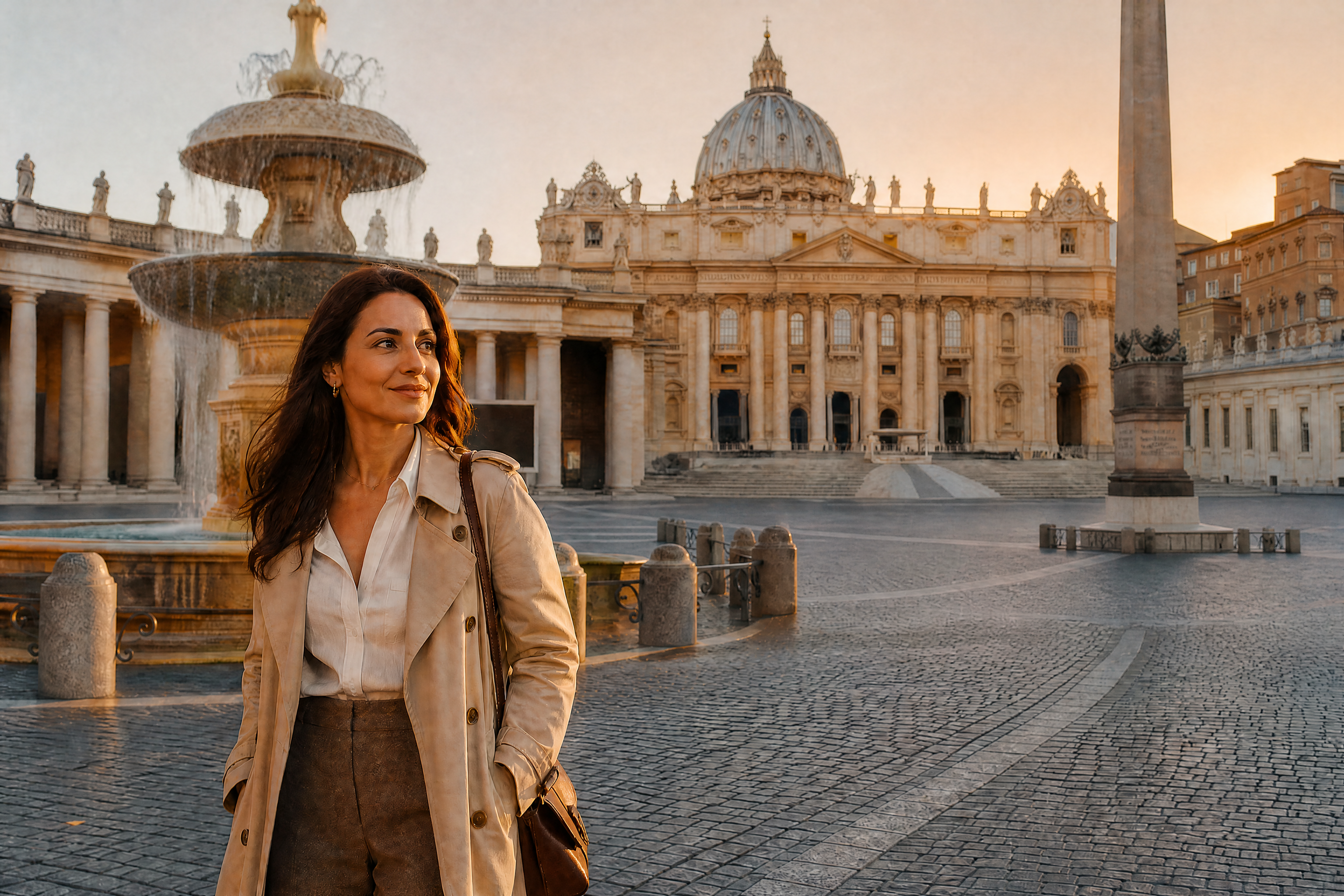
Watch the Transformation
See ai crowd remover in motion — generated end-to-end by our AI.
See It In Action
Real outputs from ai crowd remover.
BEFOREAFTER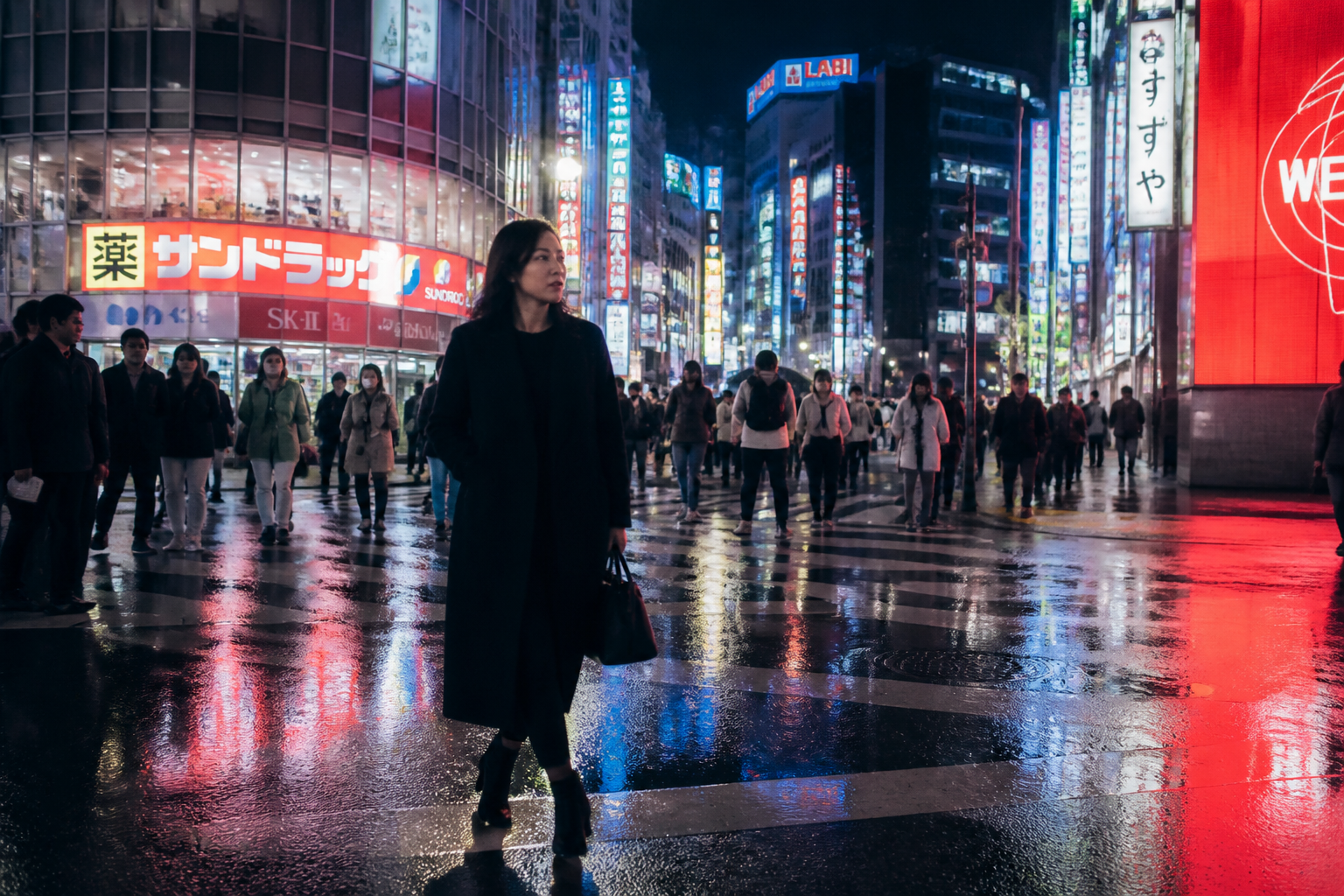 BEFORE
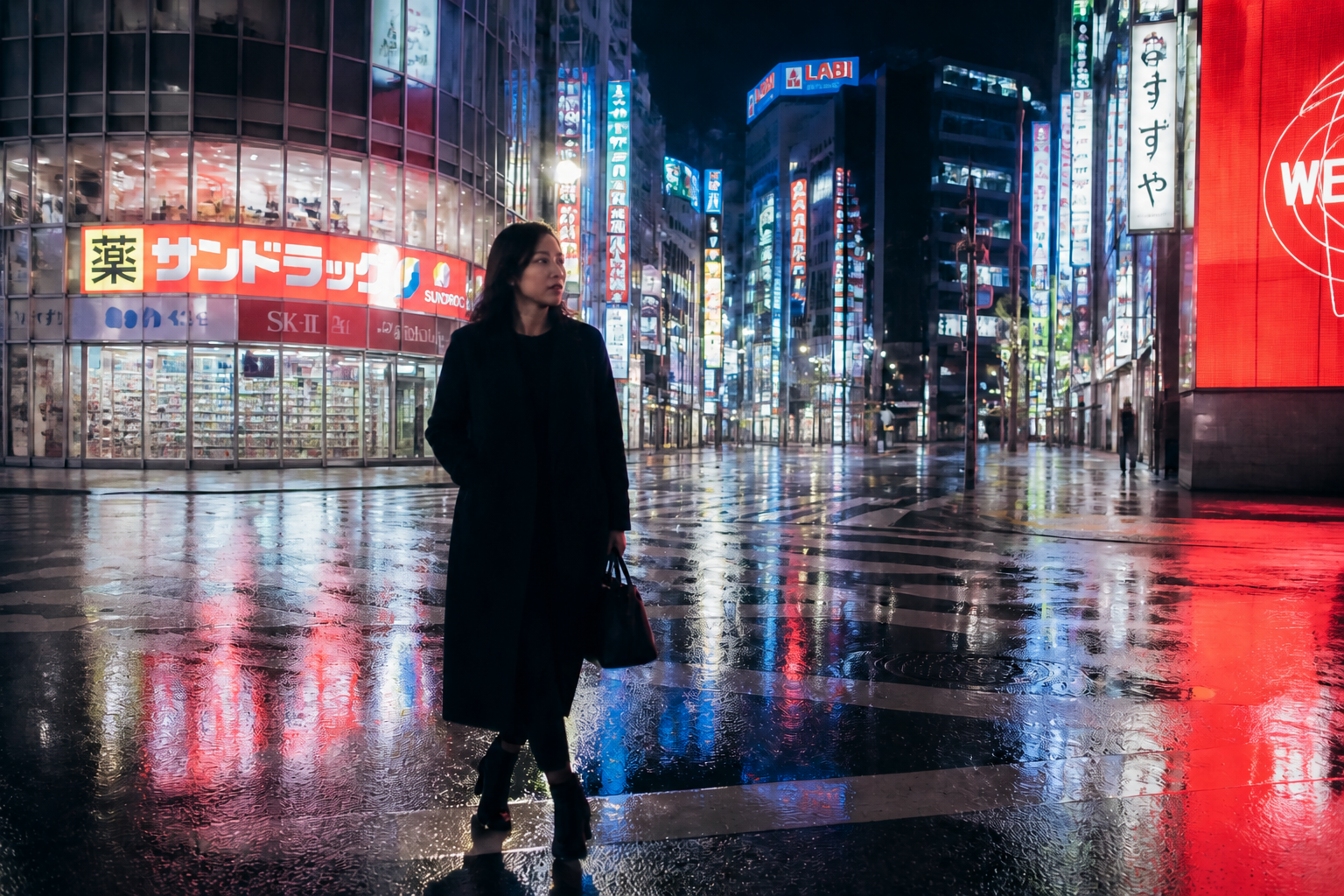 AFTER
AFTER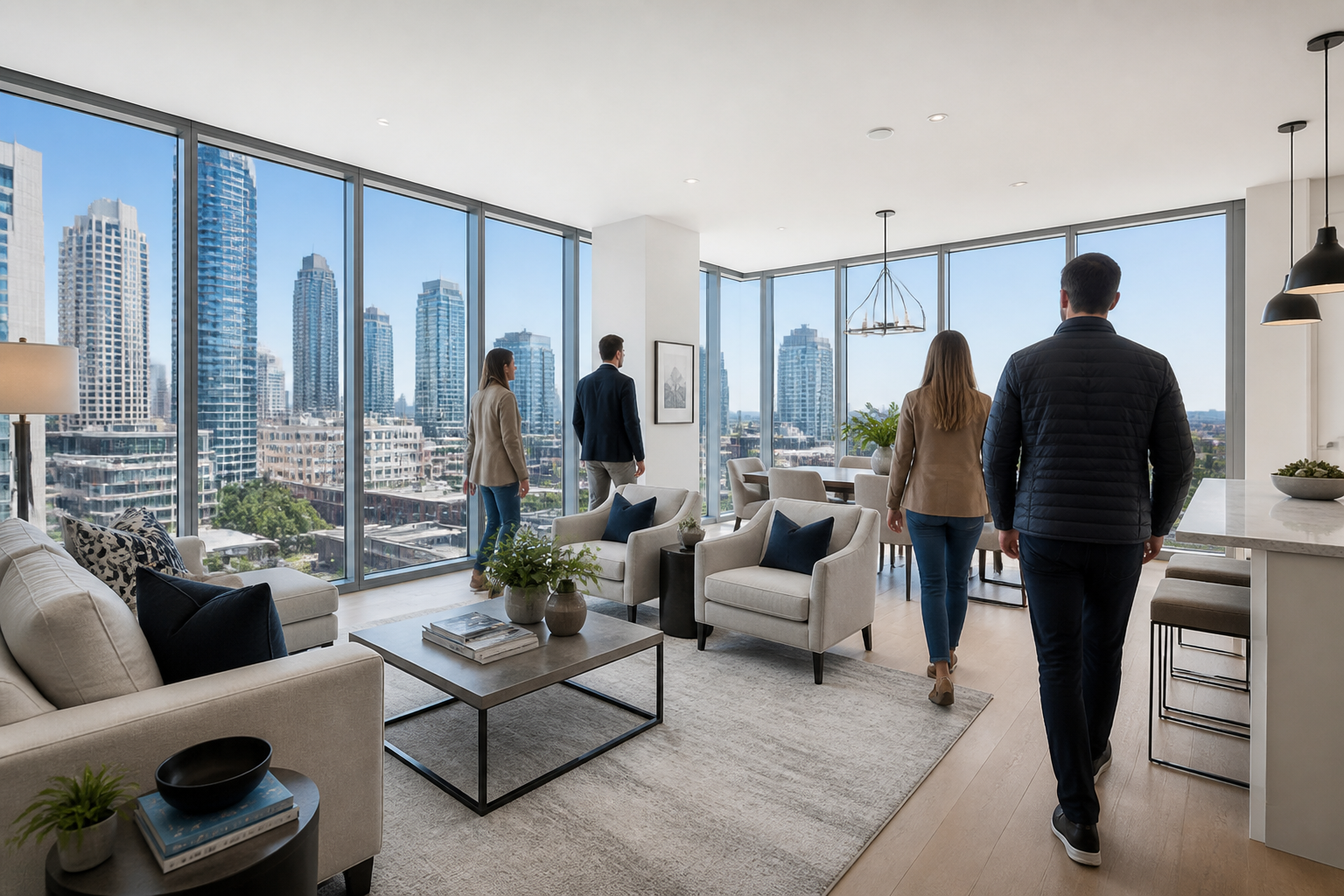 BEFORE
 AFTER
AFTER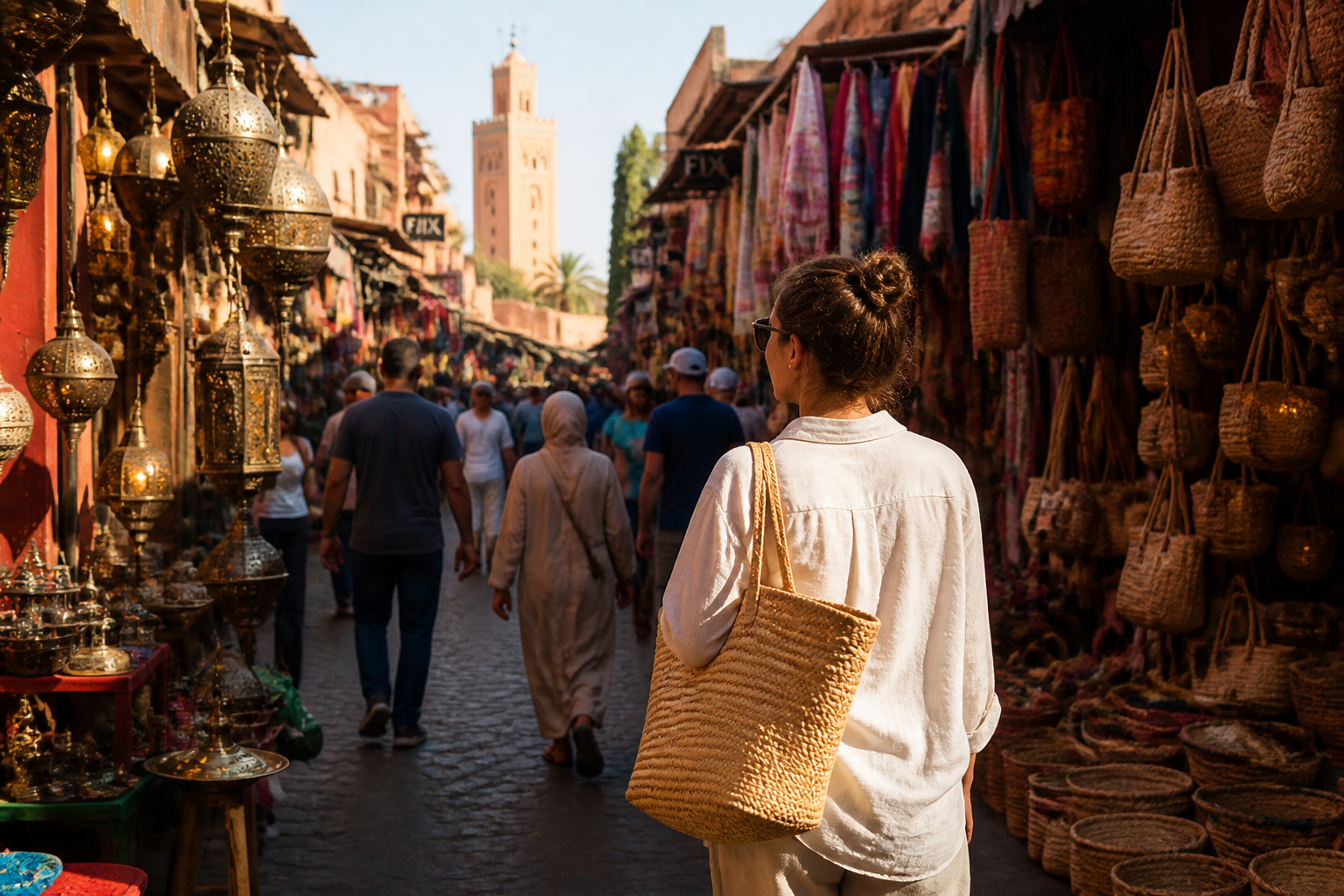 BEFORE
 AFTER
AFTER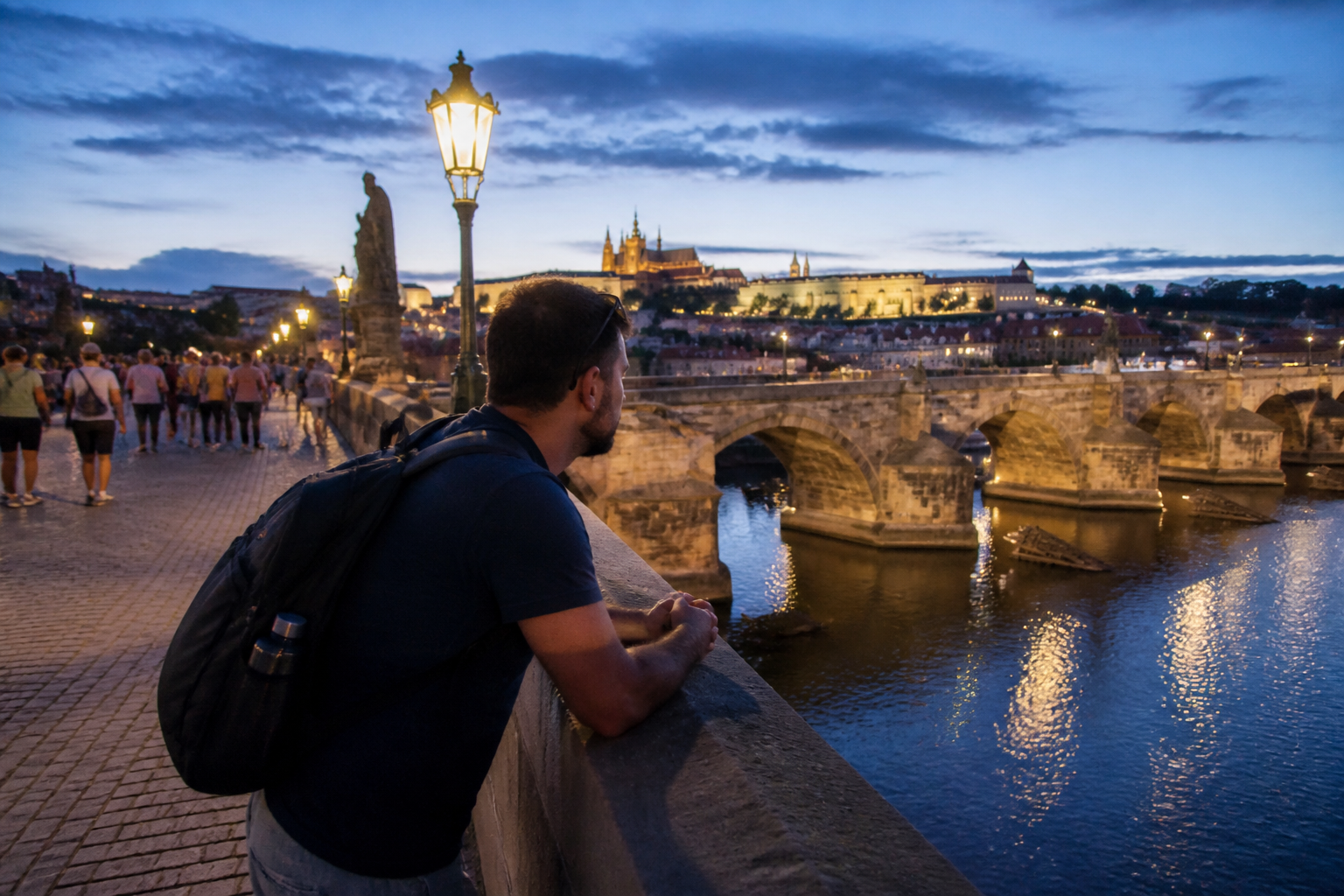 BEFORE
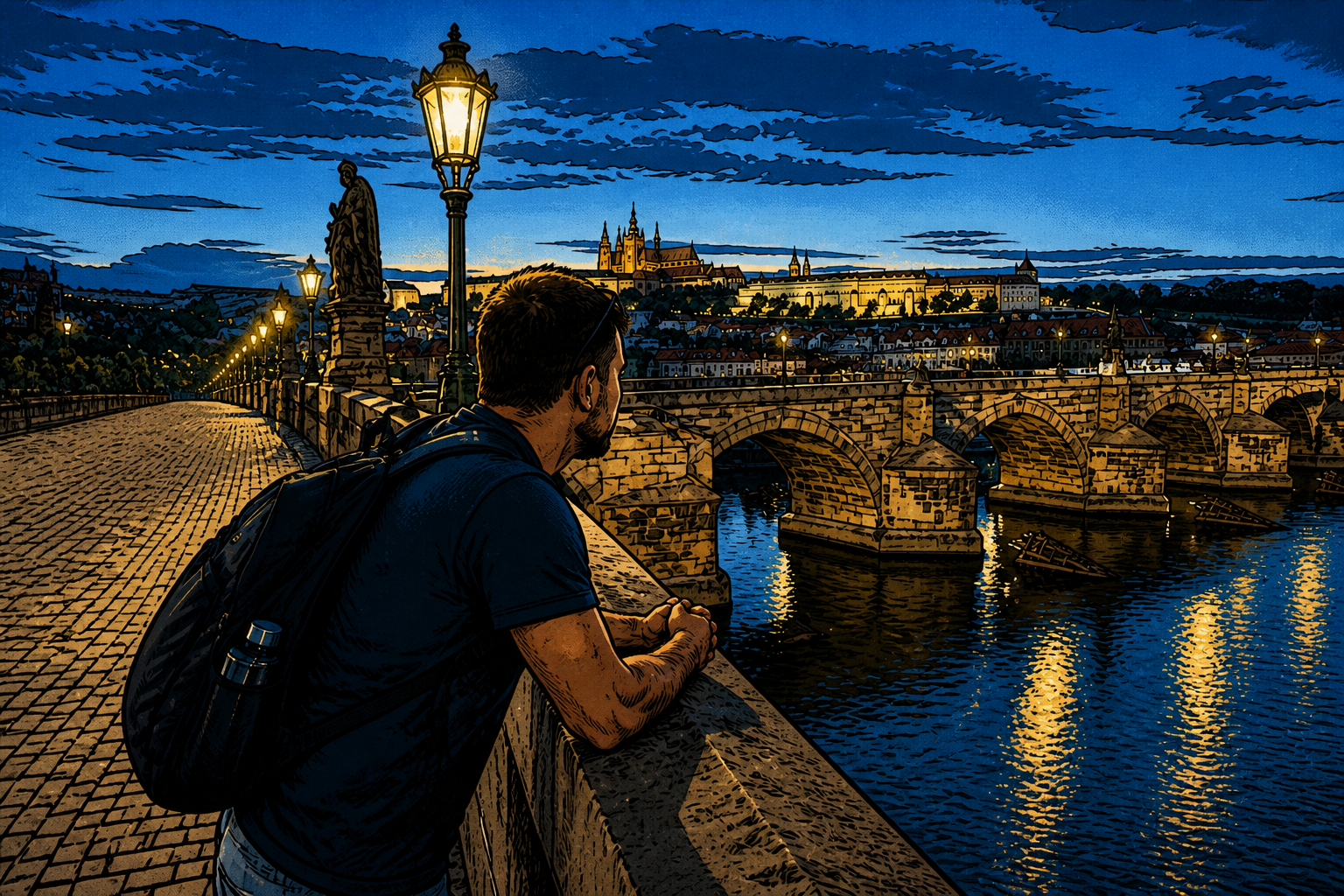 AFTERBEFOREAFTERBEFOREAFTERBEFOREAFTERBEFOREAFTERBEFOREAFTER
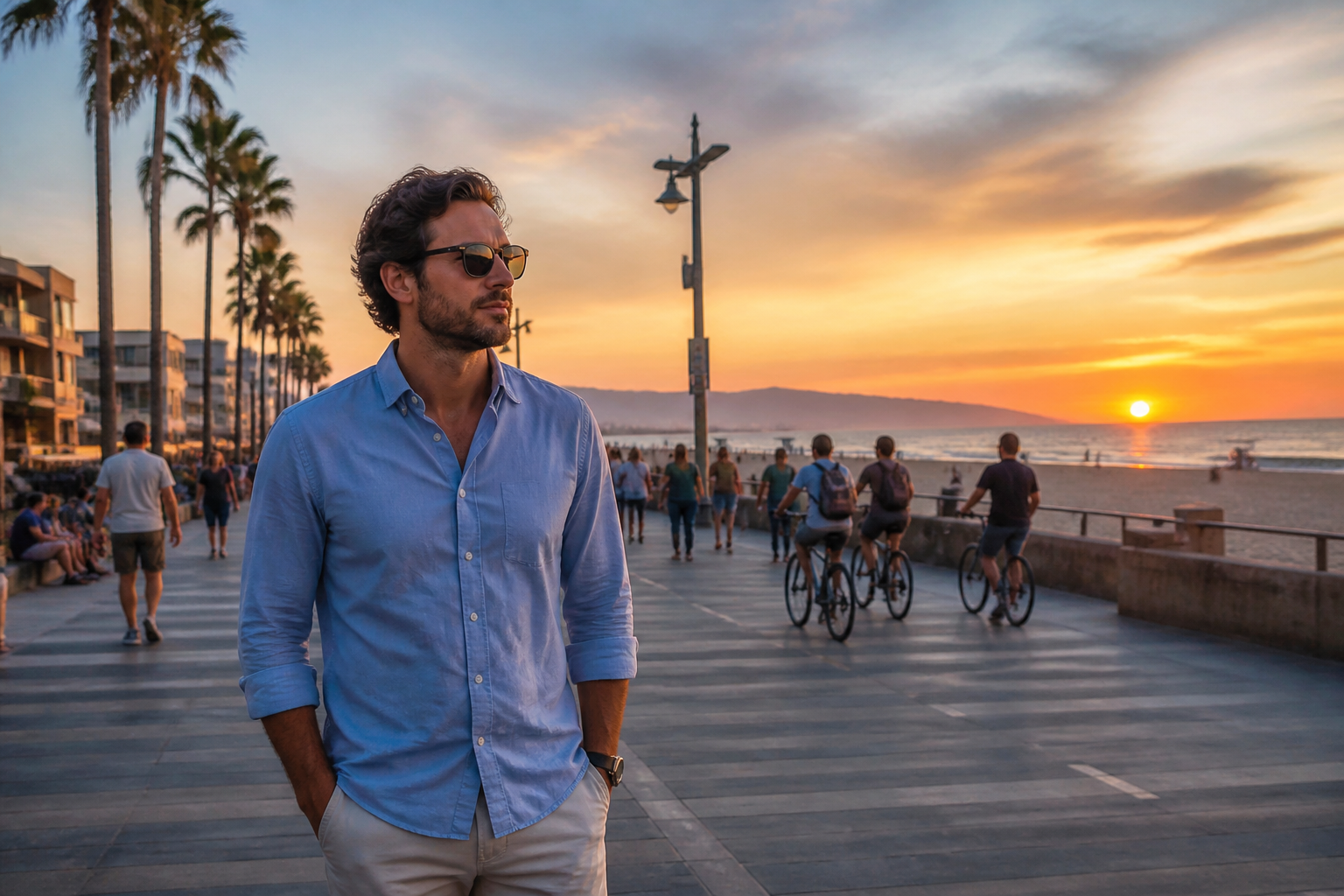 BEFORE
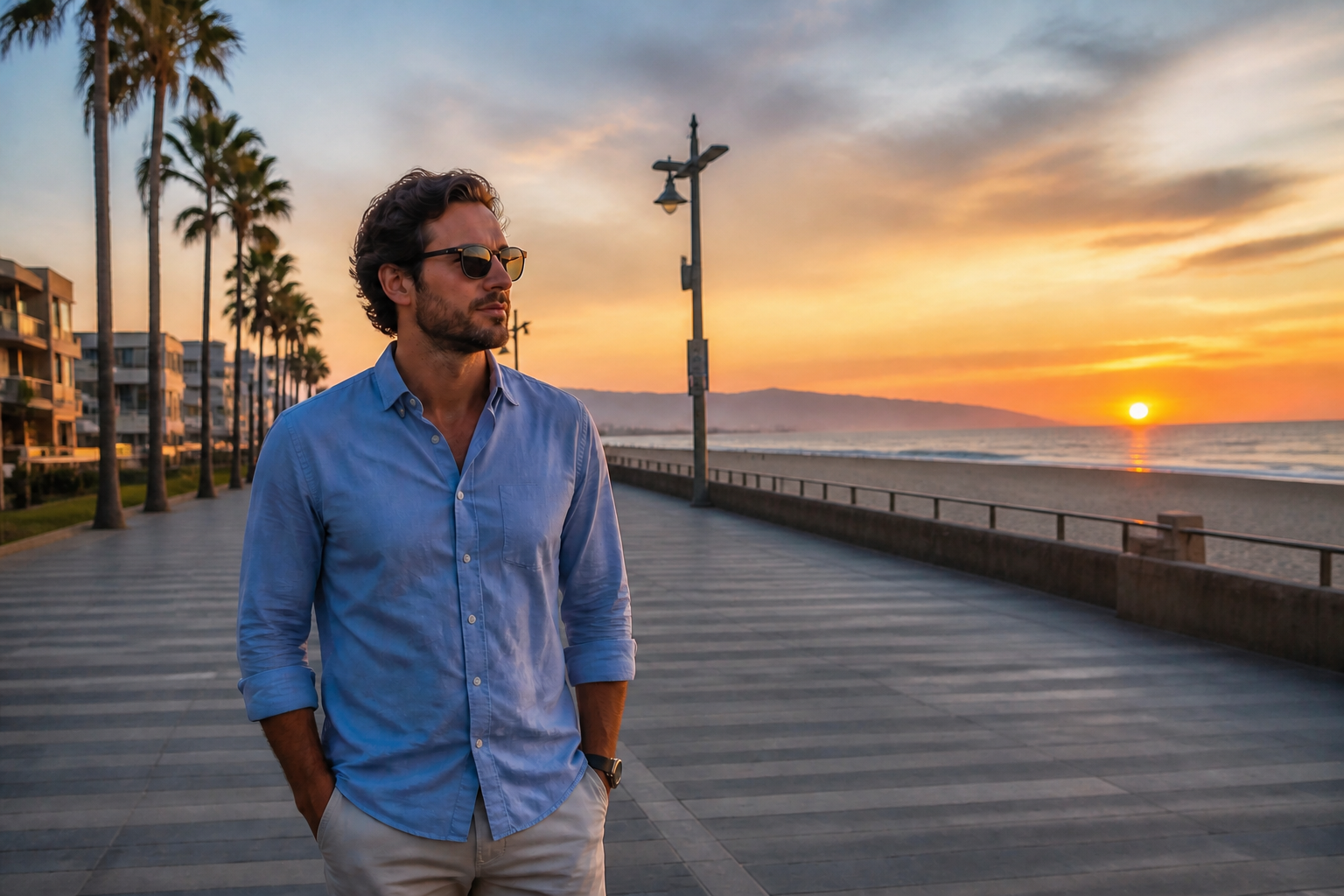 AFTER
AFTER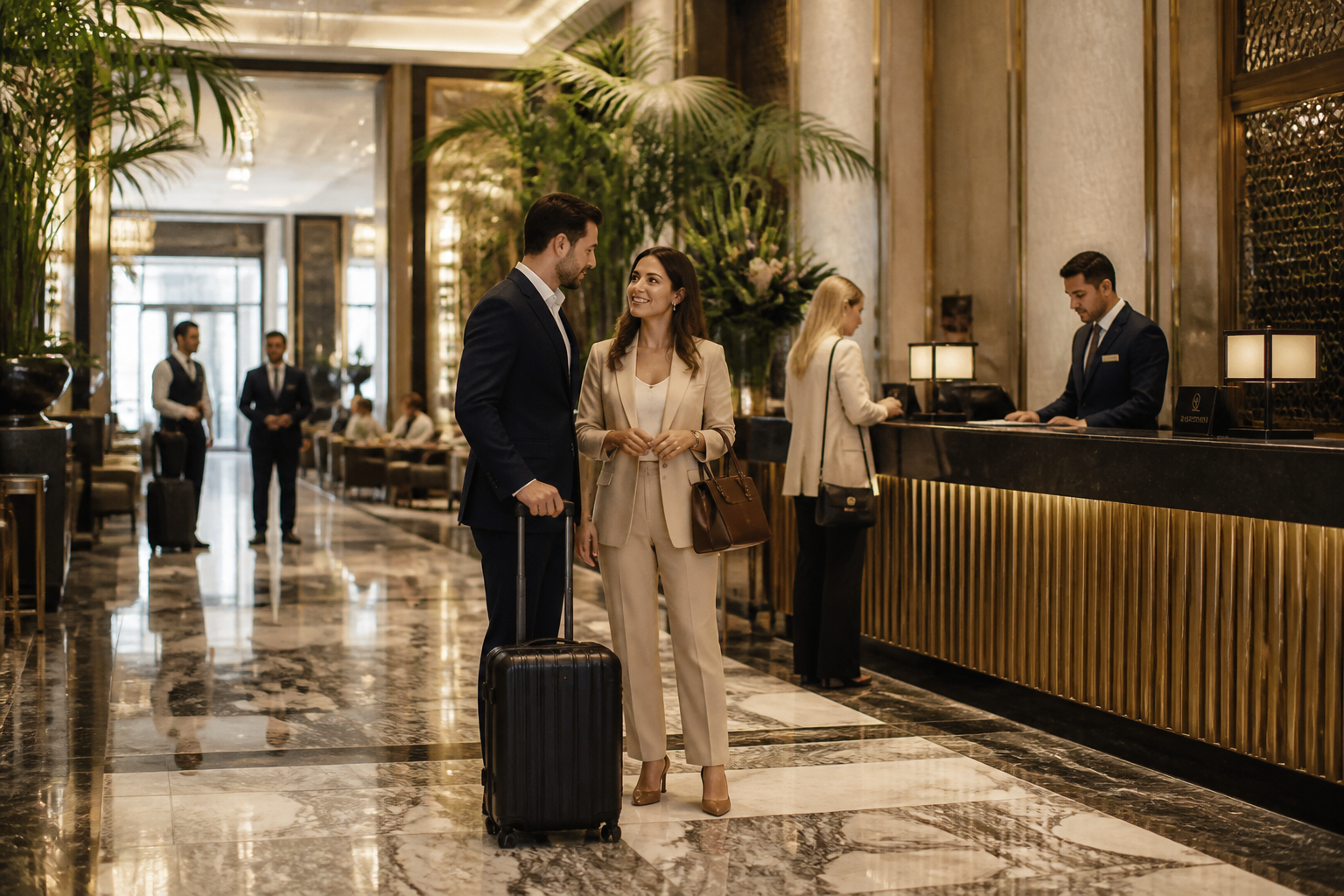 BEFORE
 AFTER
AFTER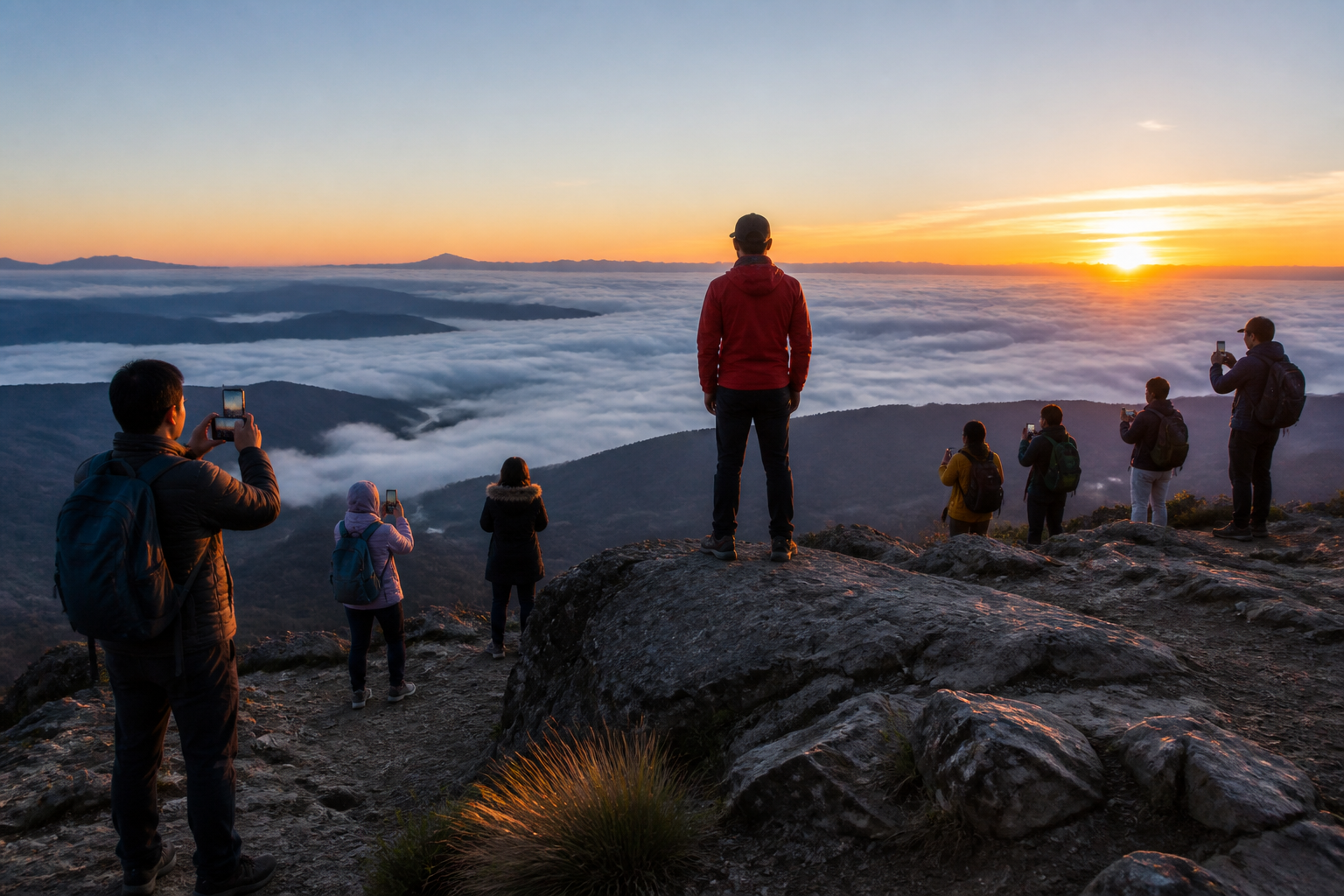 BEFORE
 AFTER
AFTER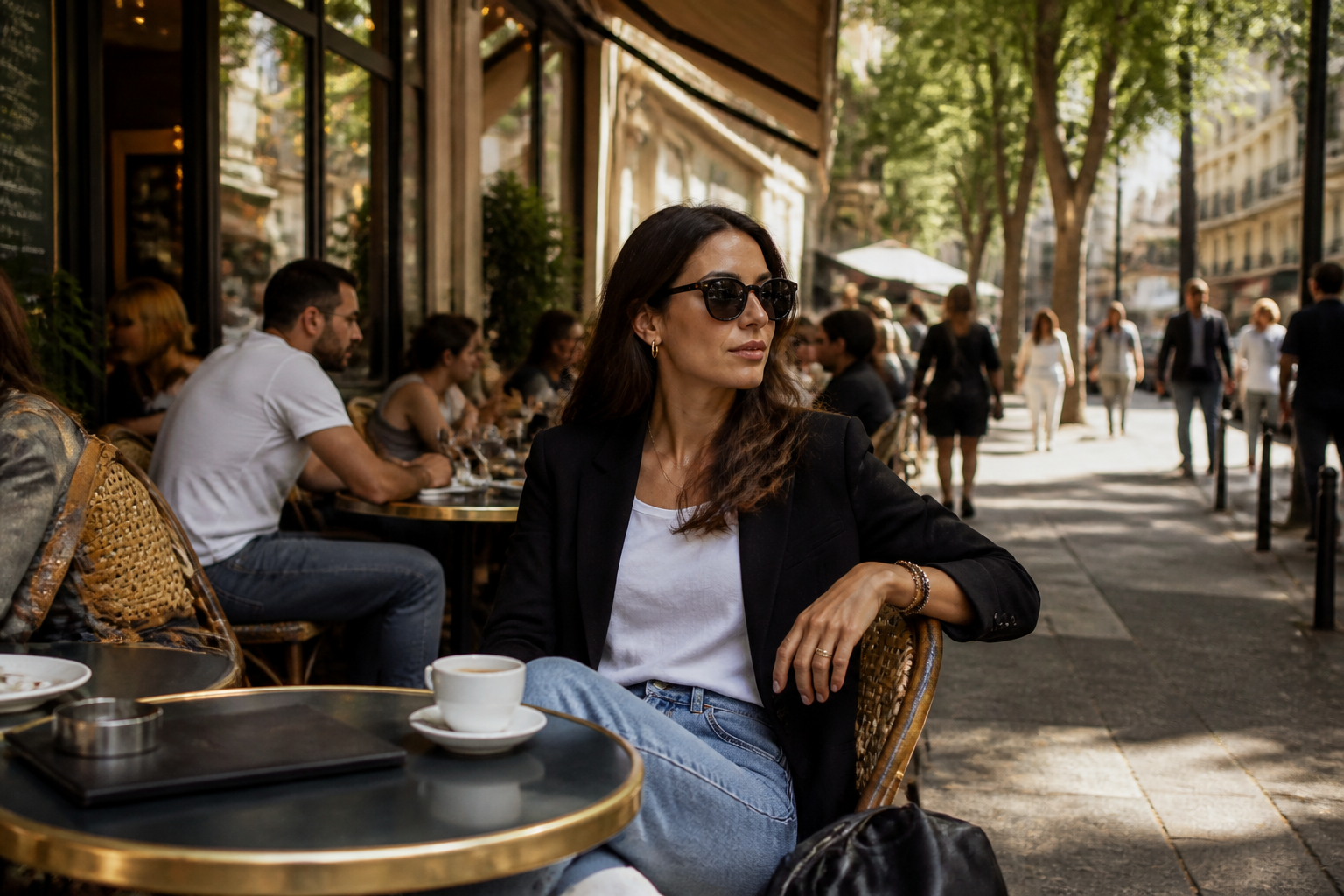 BEFORE
 AFTER
AFTER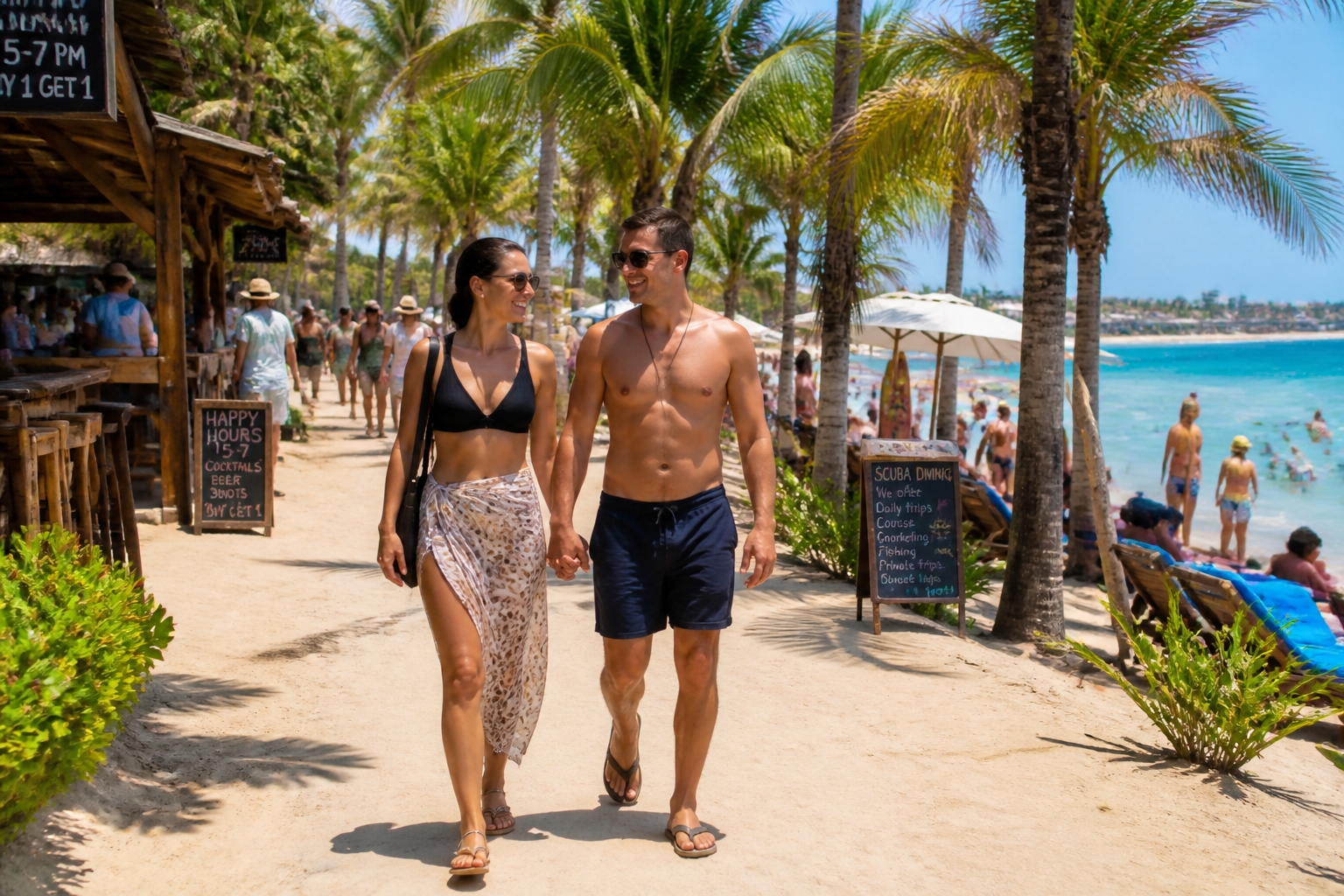 BEFORE
 AFTERBEFOREAFTERBEFOREAFTERBEFOREAFTERBEFOREAFTERBEFOREAFTER
Key Features
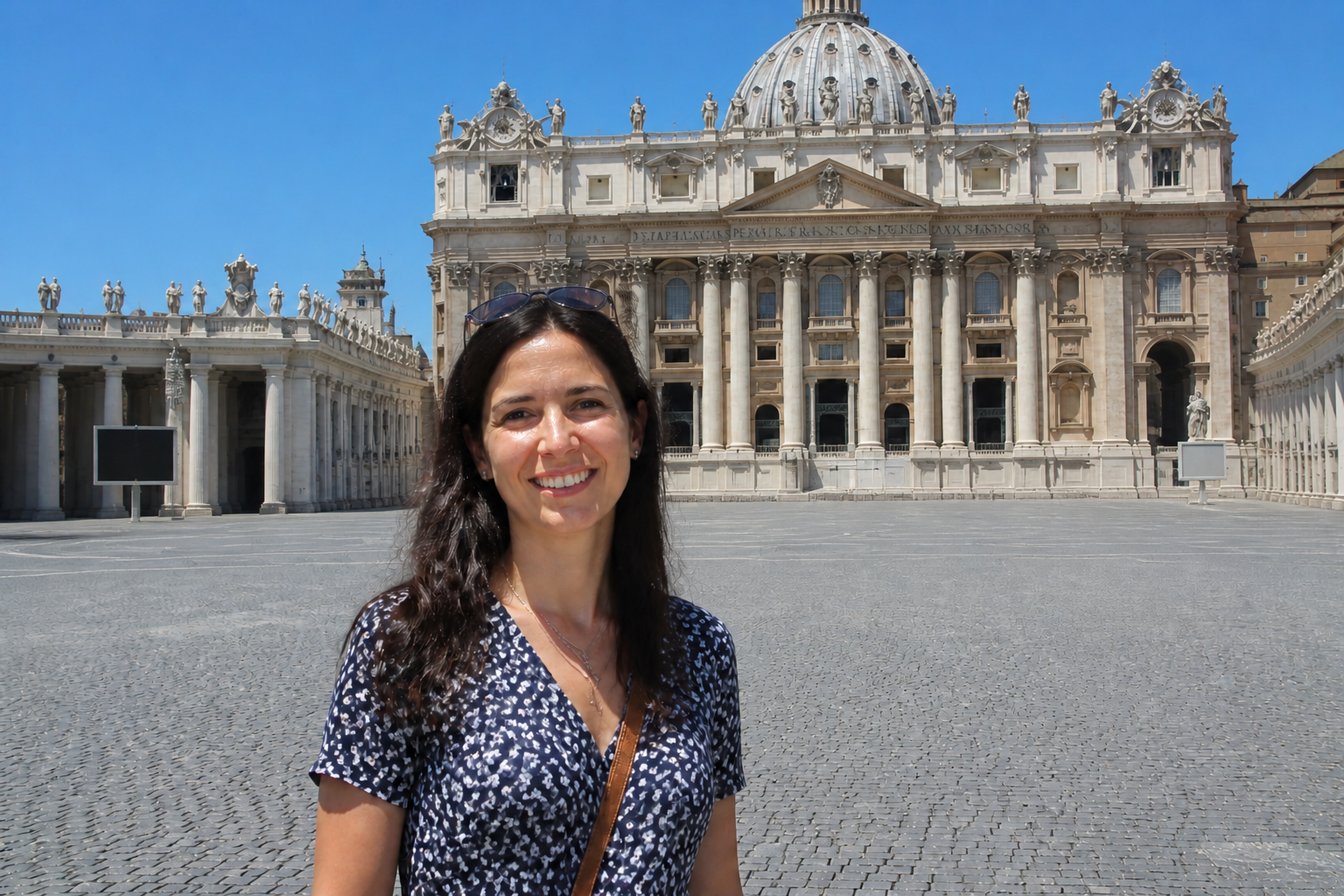
Remove crowds cleanly
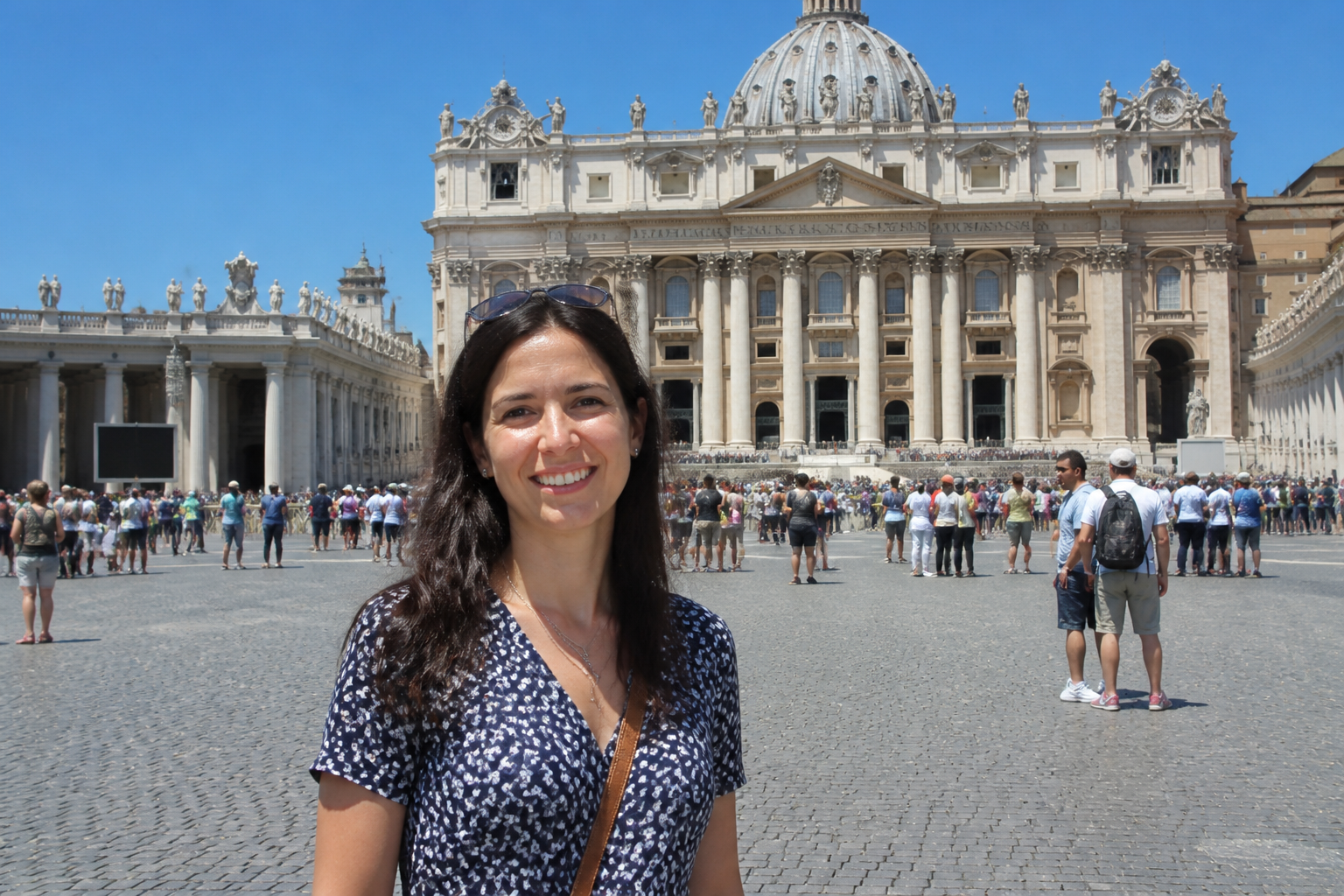
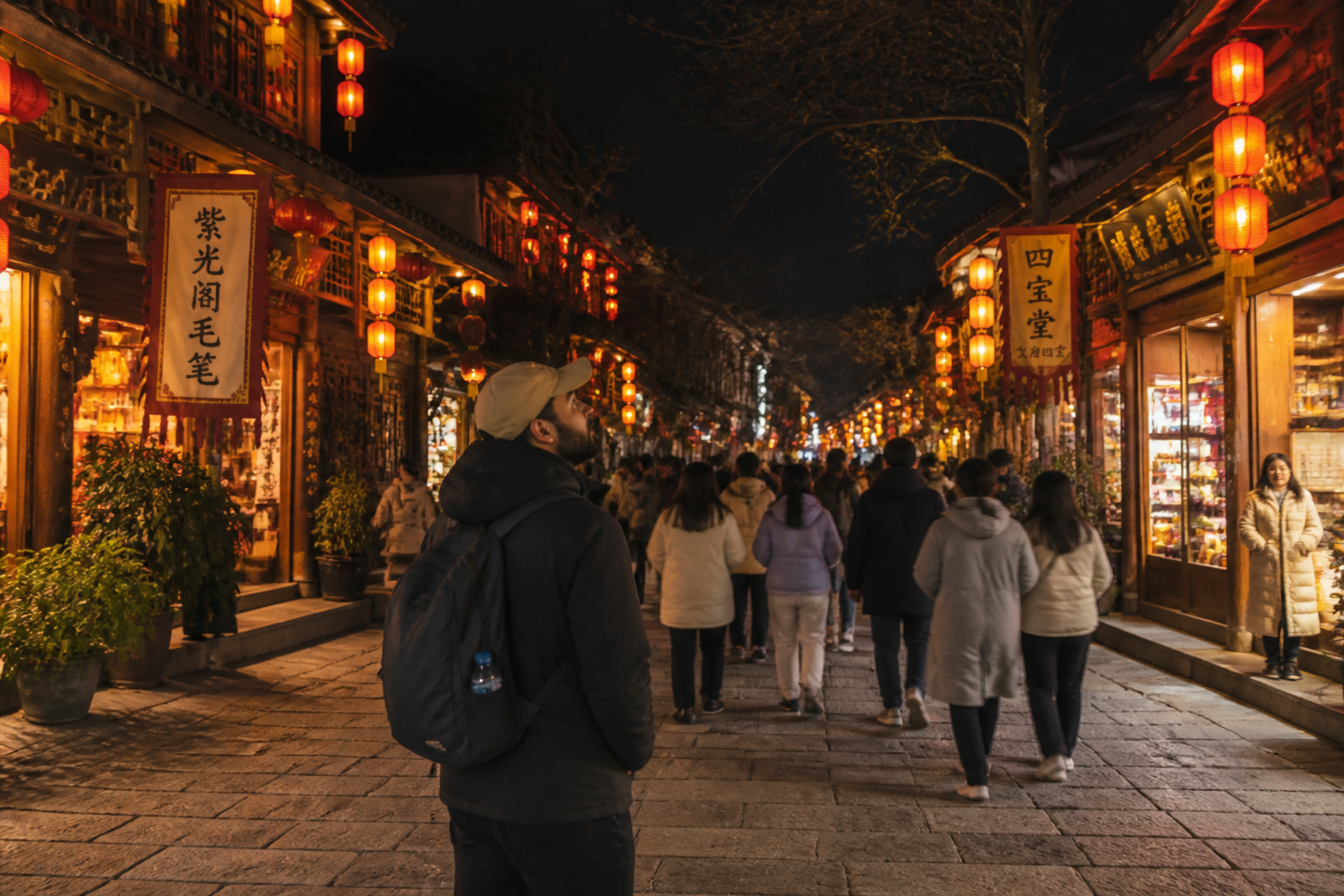
Take a busy scene and clear out unwanted people without spending time on manual healing tools. Our AI fills the missing background so the image still looks believable. This is useful for travel shots, city scenes, and landmark photos where random foot traffic ruins the frame. You get a cleaner result faster than editing every passerby by hand.
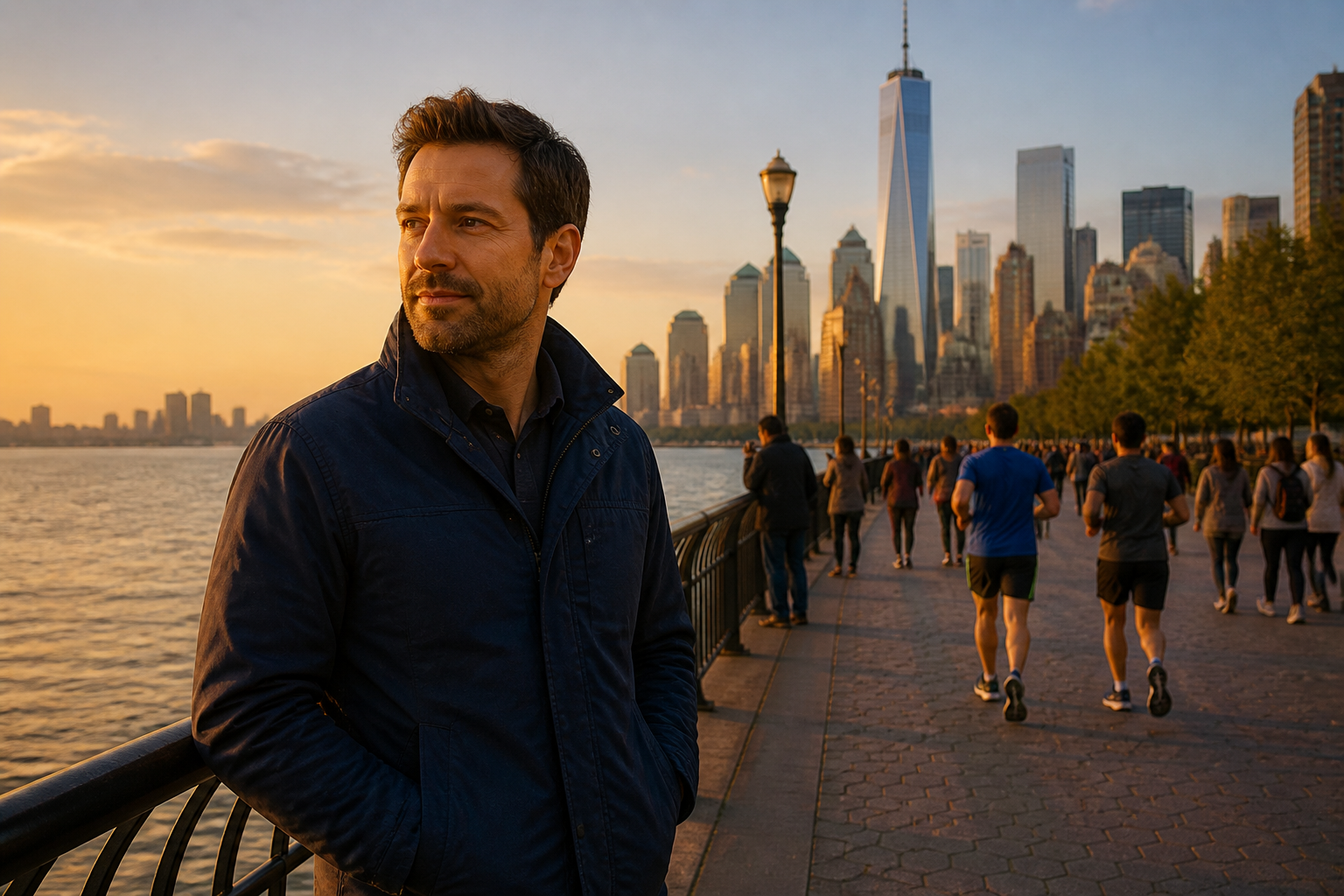
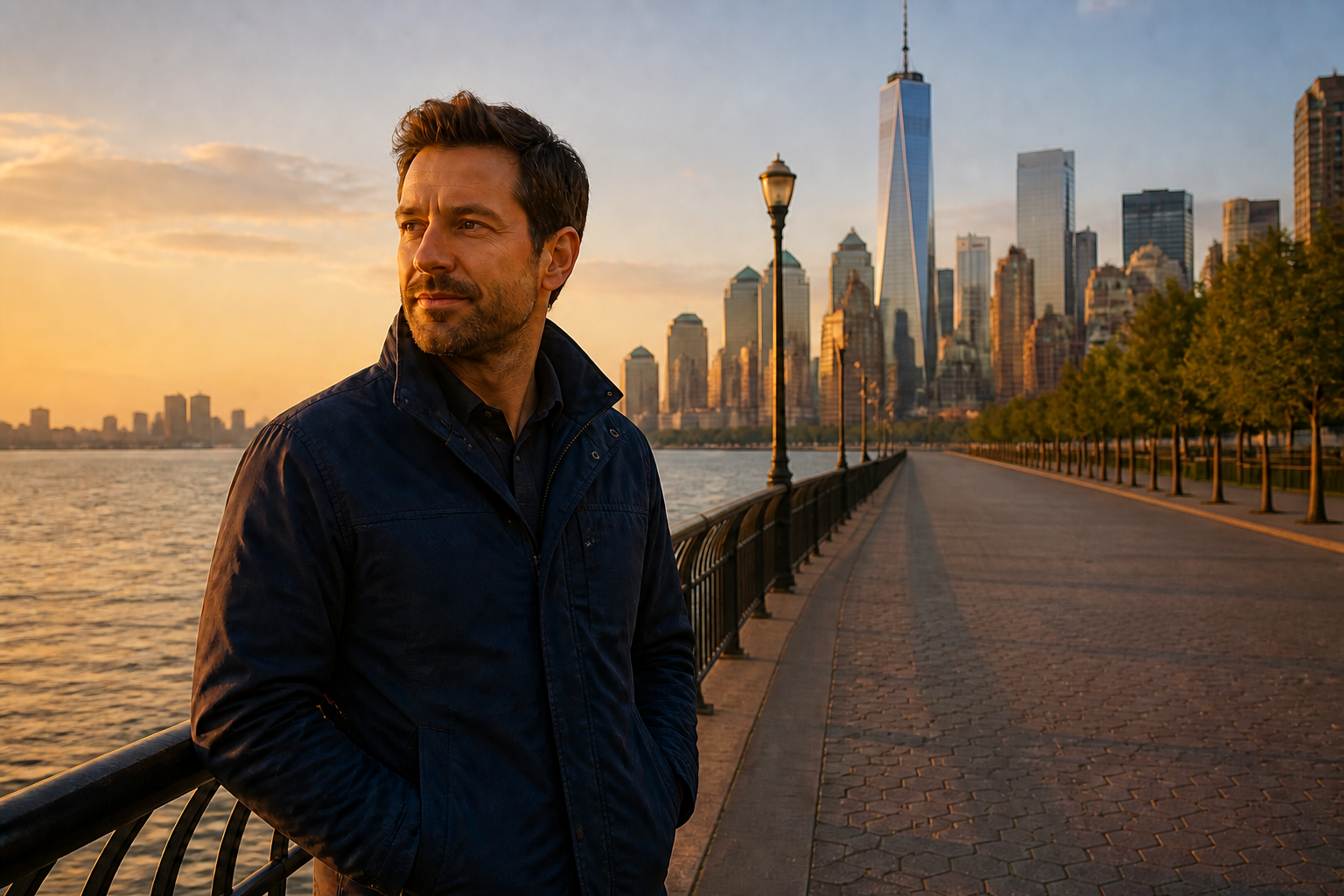
Keep the main subject
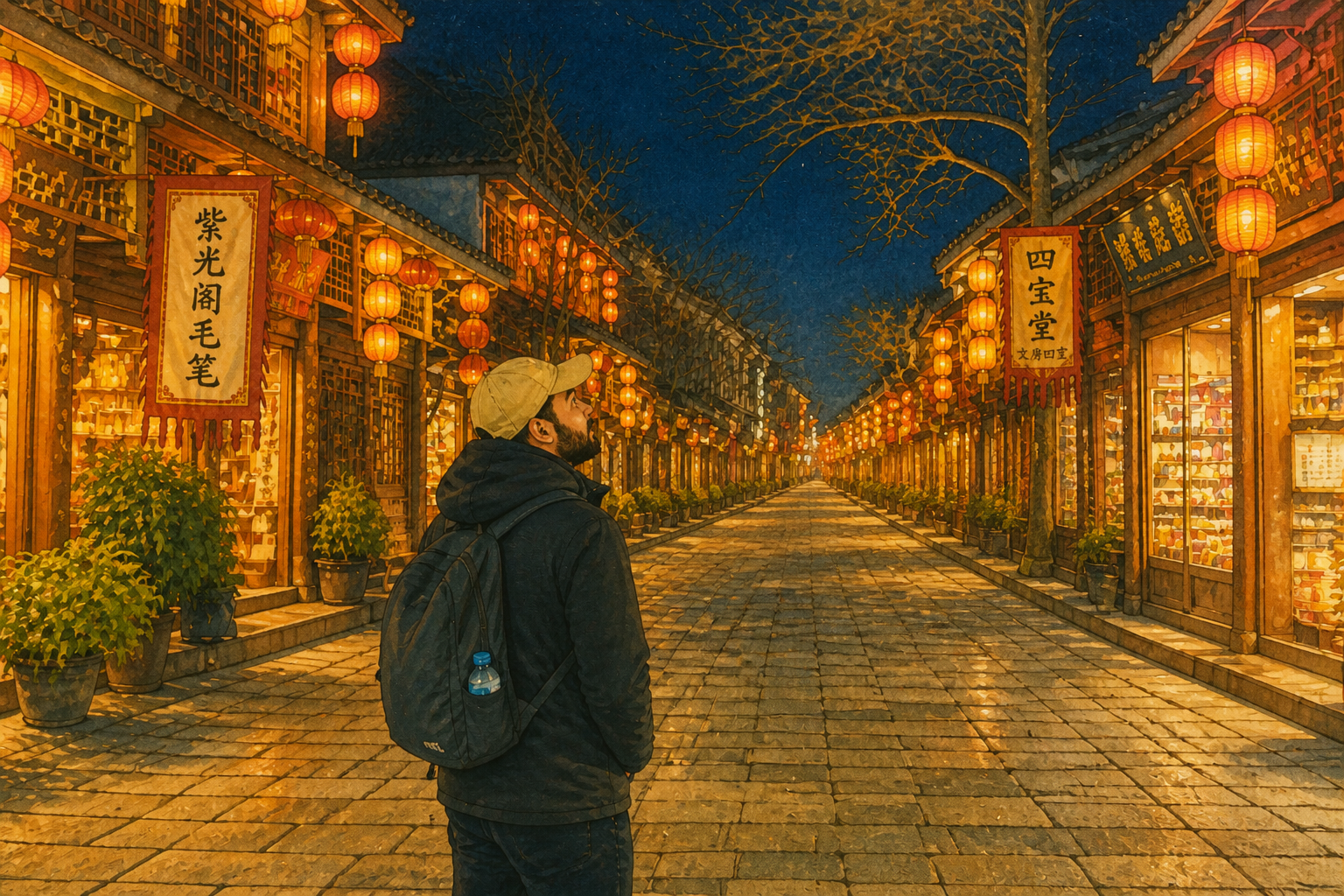
The goal is to remove distractions, not alter the person or property you actually care about. Our AI can preserve the central subject, pose, clothing, and camera angle while cleaning the rest of the frame. That matters when you want a polished photo that still feels like the original moment. It helps avoid the over-edited look common in quick retouch apps.
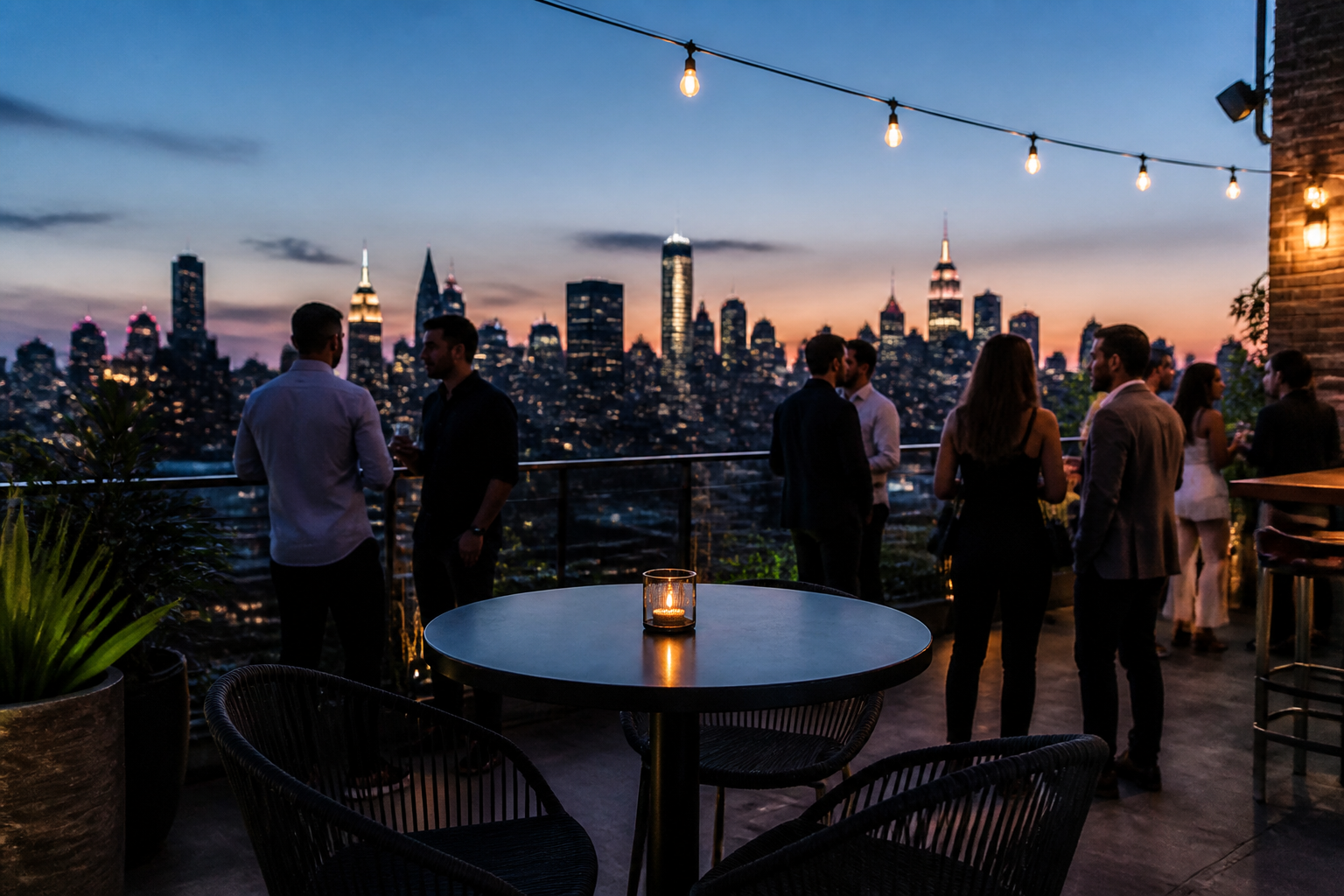
Restore the background
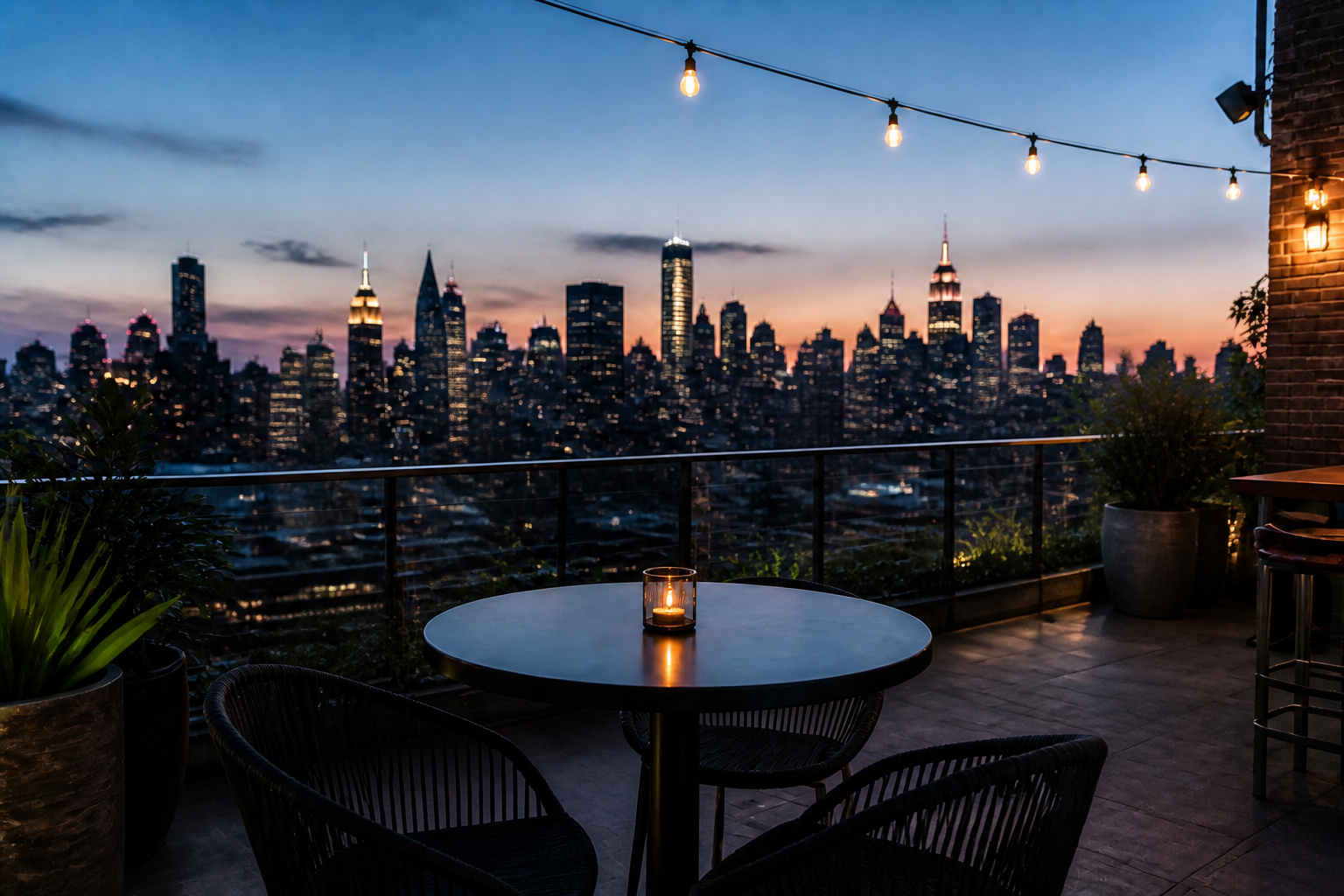
Removing people only works if the empty space looks natural afterward. Our AI rebuilds pavement, walls, furniture, scenery, and repeating textures so the final image feels complete. That saves you from patchy backgrounds and obvious cloning marks. It is especially helpful in patterned environments like plazas, interiors, and boardwalks.
Works across photo styles
Crowd removal is useful in more than one look or genre. You can clean realistic travel photos, property images, or stylized visuals while keeping the composition readable. This makes the tool practical for creators, marketers, and casual users who want one simple workflow. You do not need separate editing habits for every type of image.
How It Works
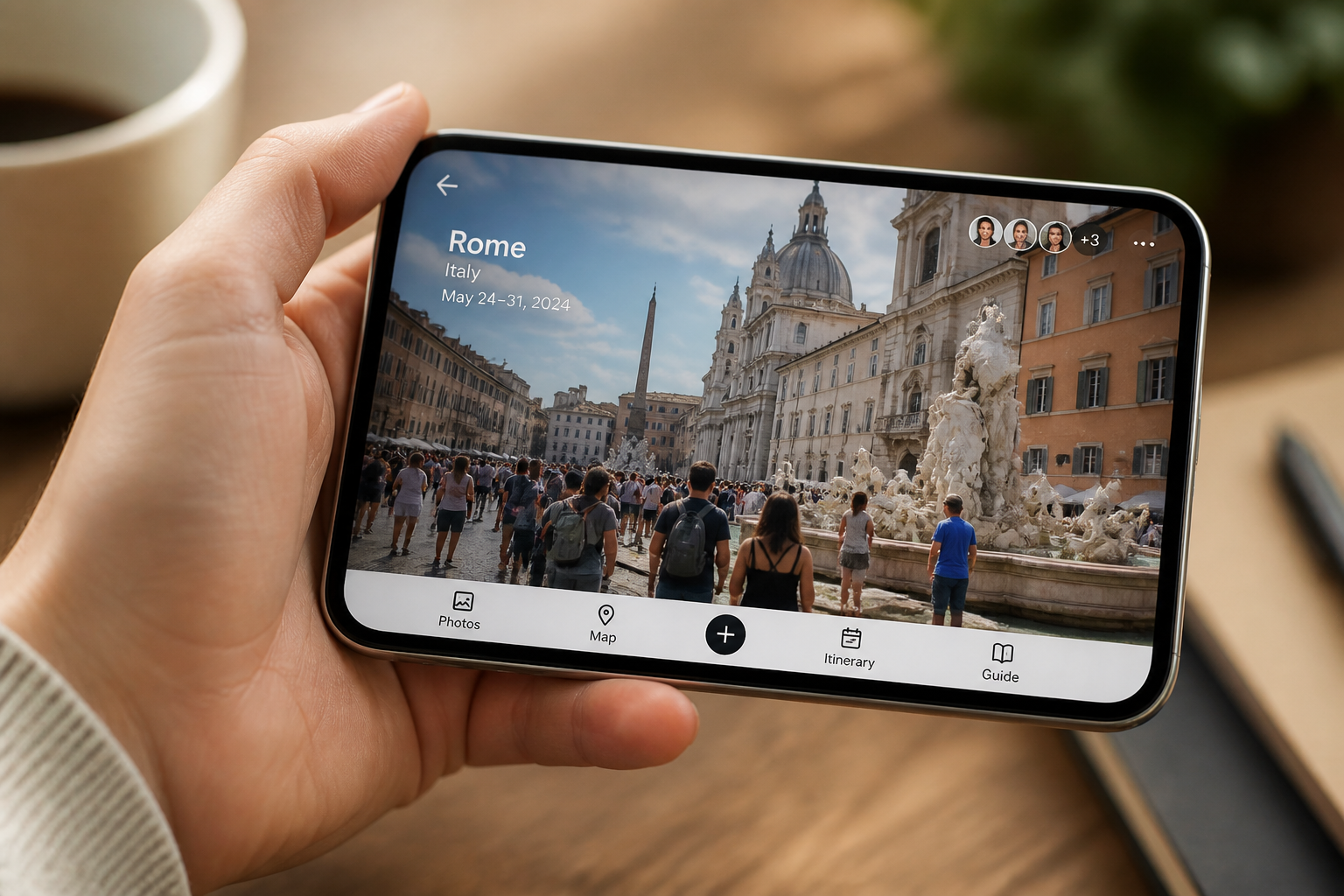
Upload your photo
Start with a photo that has unwanted people in the background. Wide travel shots, street scenes, interiors, and landmark photos work especially well.
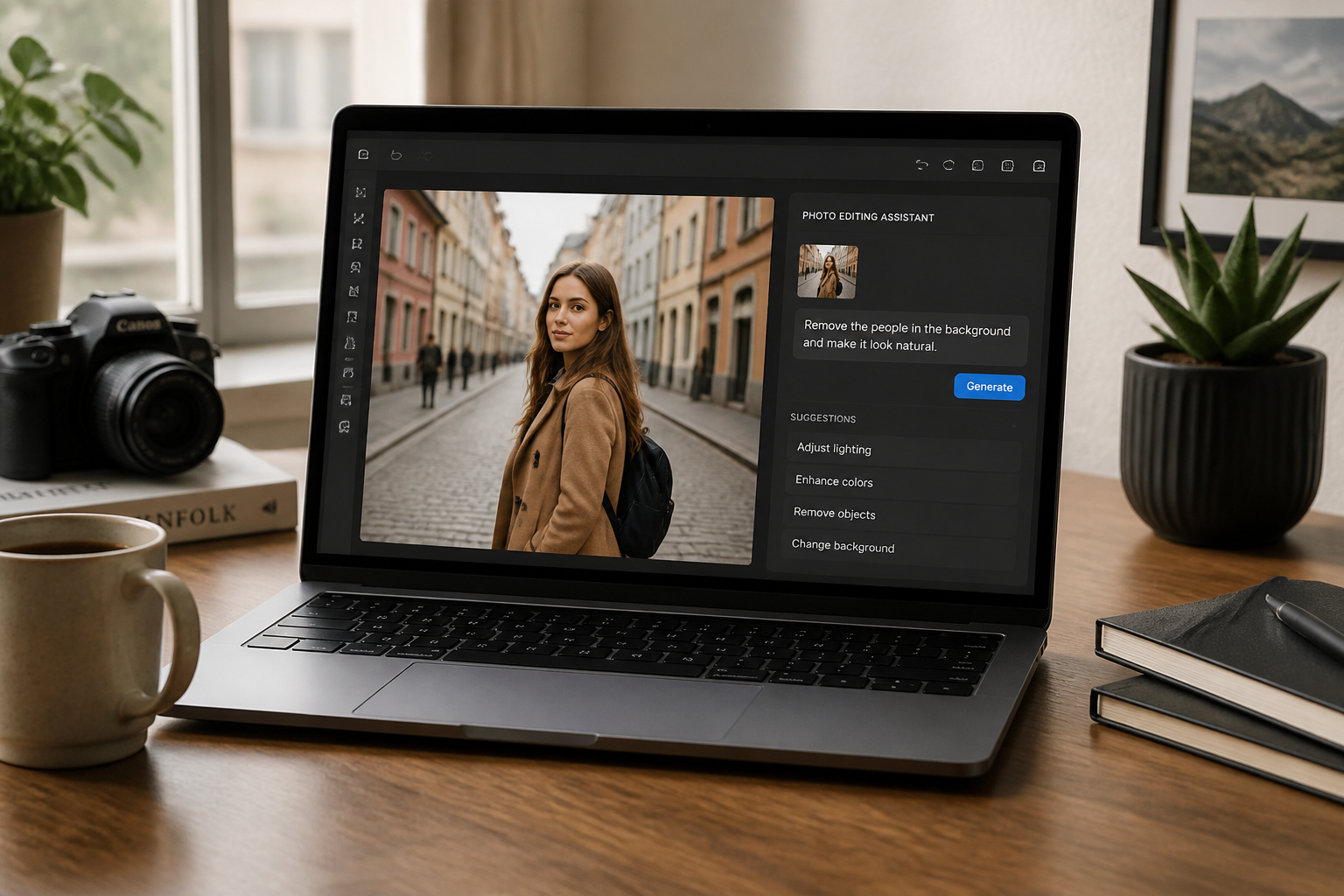
Describe what to remove
Tell the AI which people or crowd areas you want cleared from the image. Keep the instruction simple, like removing tourists, passersby, or everyone except the main subject.
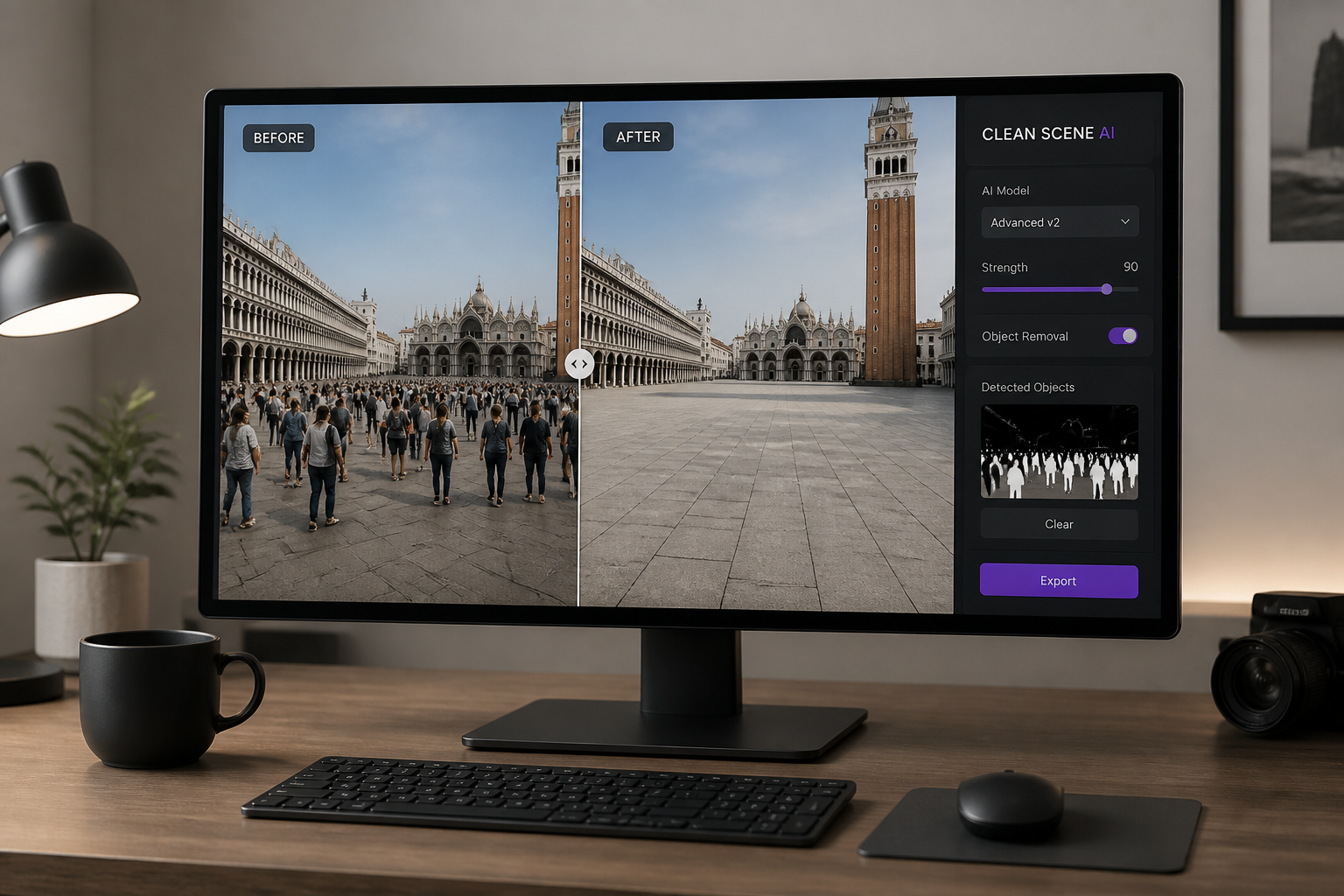
Review the clean result
Compare the original and edited versions to make sure the scene still looks natural. If needed, rerun with a tighter instruction for specific sections of the image.
Perfect For
Discover how creators and professionals use ai crowd remover
Travel photos
Remove tourists and passersby from landmark shots so the place stands out instead of the crowd.
Real estate listings
Clear people from interior and exterior property photos to keep the focus on the space.
Lifestyle content
Clean café, street, or beach photos for social posts that feel calmer and more intentional.
Event venue images
Show the venue itself without stray guests or staff in the background of setup photos.
Built For
Travelers and creators
Make destination photos look cleaner without waiting for the perfect empty moment.
Real estate teams
Prepare listing photos that show rooms, amenities, and views without people in frame.
Social media marketers
Polish campaign images by removing background distractions that pull attention away from the subject.
Why use BudgetPixel for crowd removal
A quick look at how we compare on the things that matter for this niche.
| Feature | BudgetPixel | Generic AI editors | Manual editing apps |
|---|---|---|---|
| Remove multiple people at once | ✓ | ✓ | — |
| Preserves main subject | ✓ | — | — |
| Rebuilds background details | ✓ | — | Manual |
| Fast to try | ✓ | ✓ | — |
Frequently Asked Questions
Can it remove a whole crowd from a photo?
Will it keep the main subject unchanged?
Does it work on travel and street photos?
Can I use it for real estate photos?
Do I need editing skills to use it?
Create together.
Share your creations, discover trending AI art, and grow with fellow creators.