Cinematic AI Video Generator
Direct the camera, not just the subject.
Most AI video looks flat because the prompt describes a subject and forgets the camera. Name the shot, the lens, the move and the light, and the model gives you something that reads as filmed rather than rendered.
Try it FreeSee It In Action
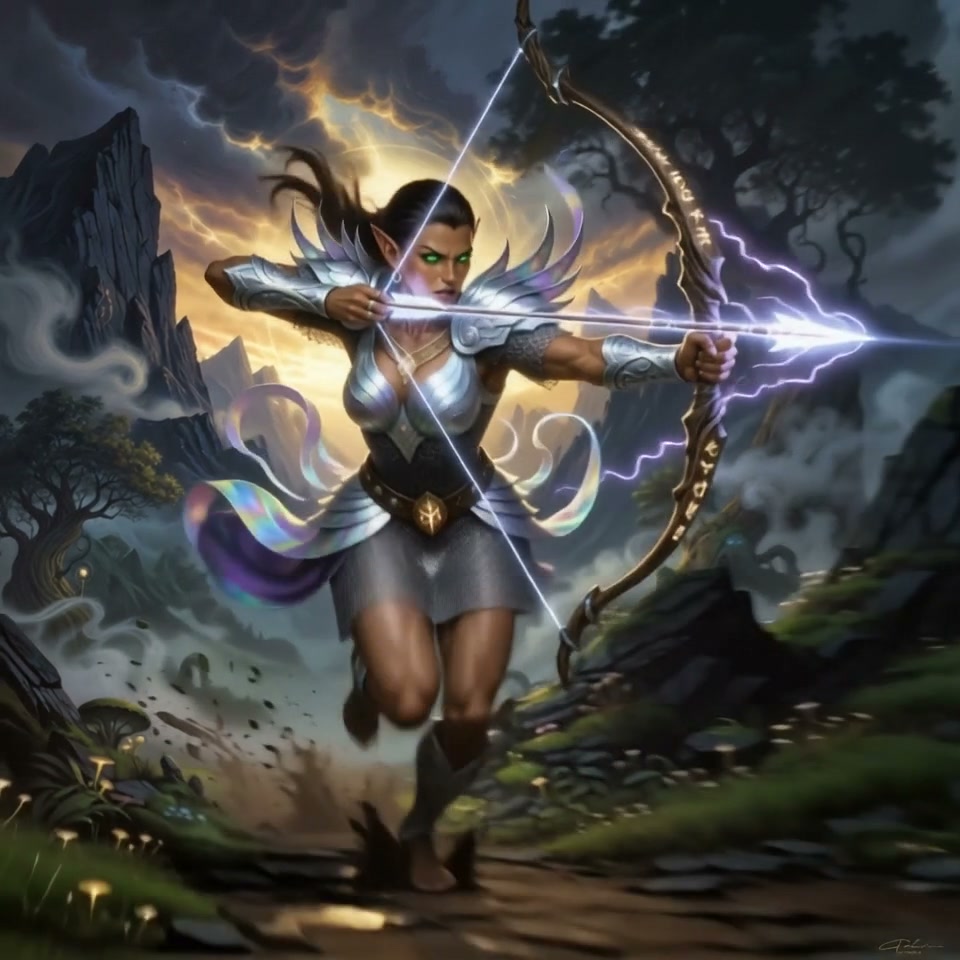
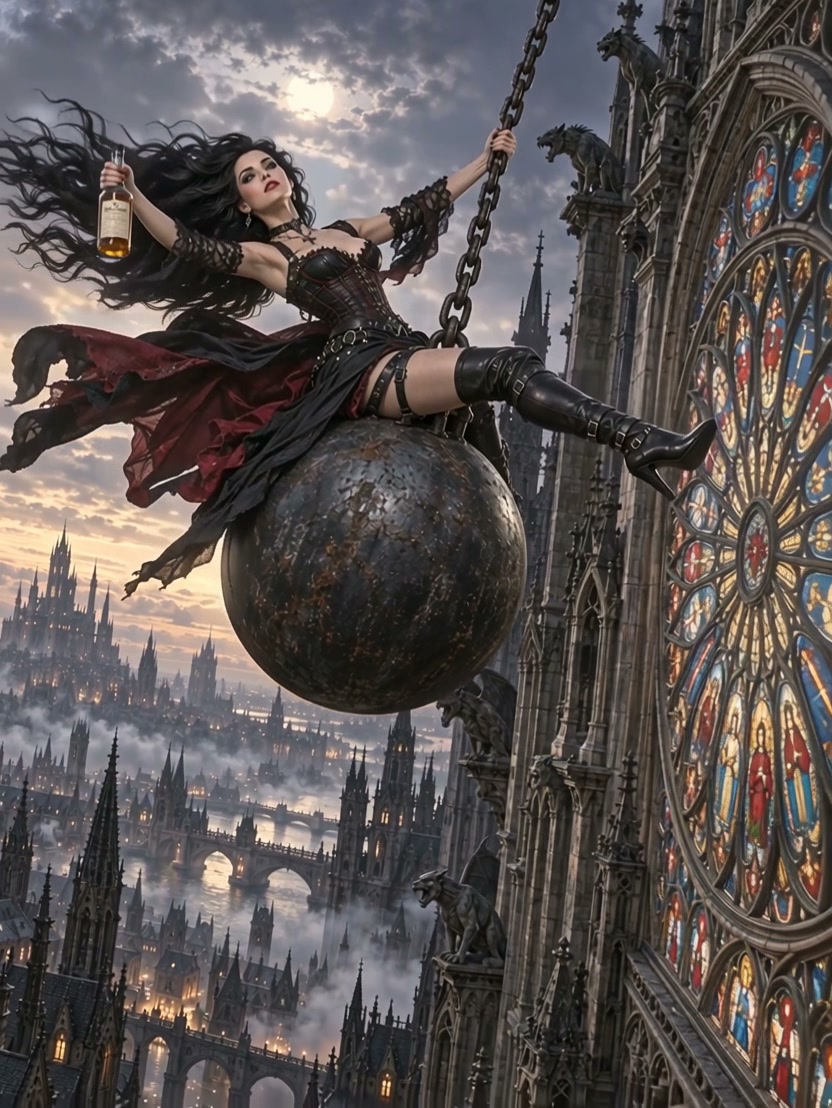
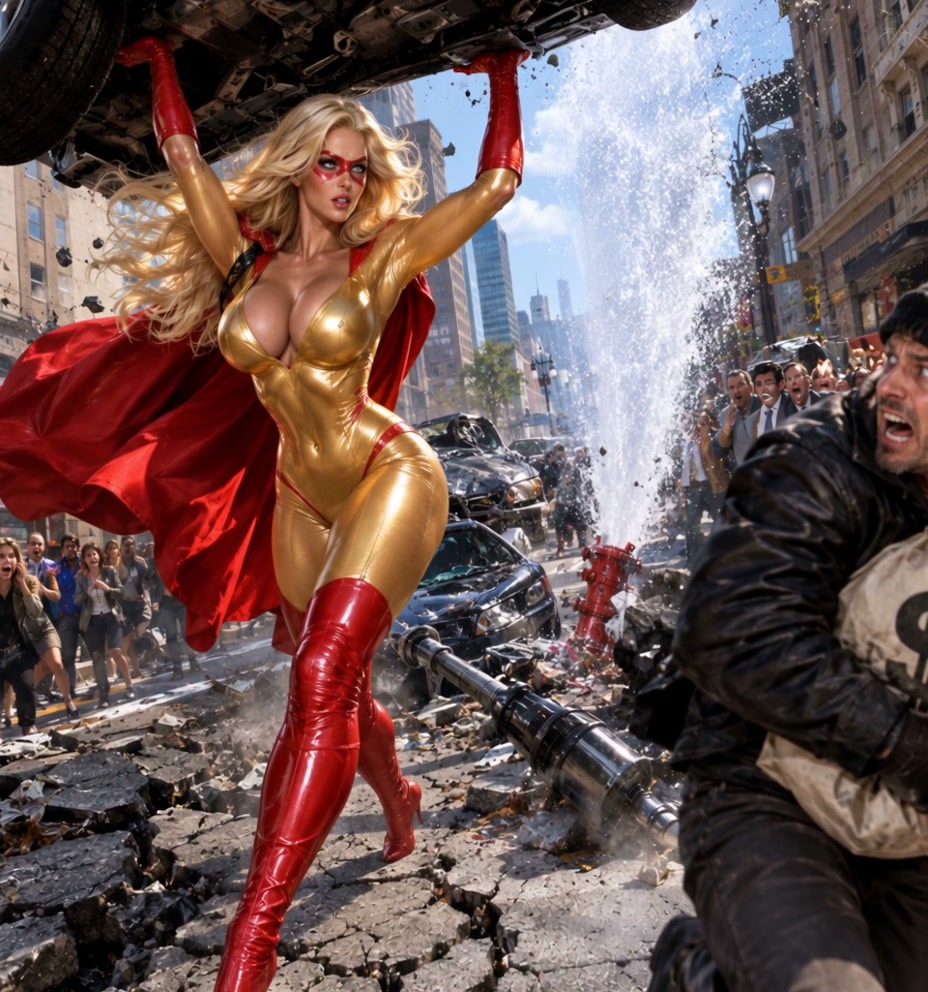
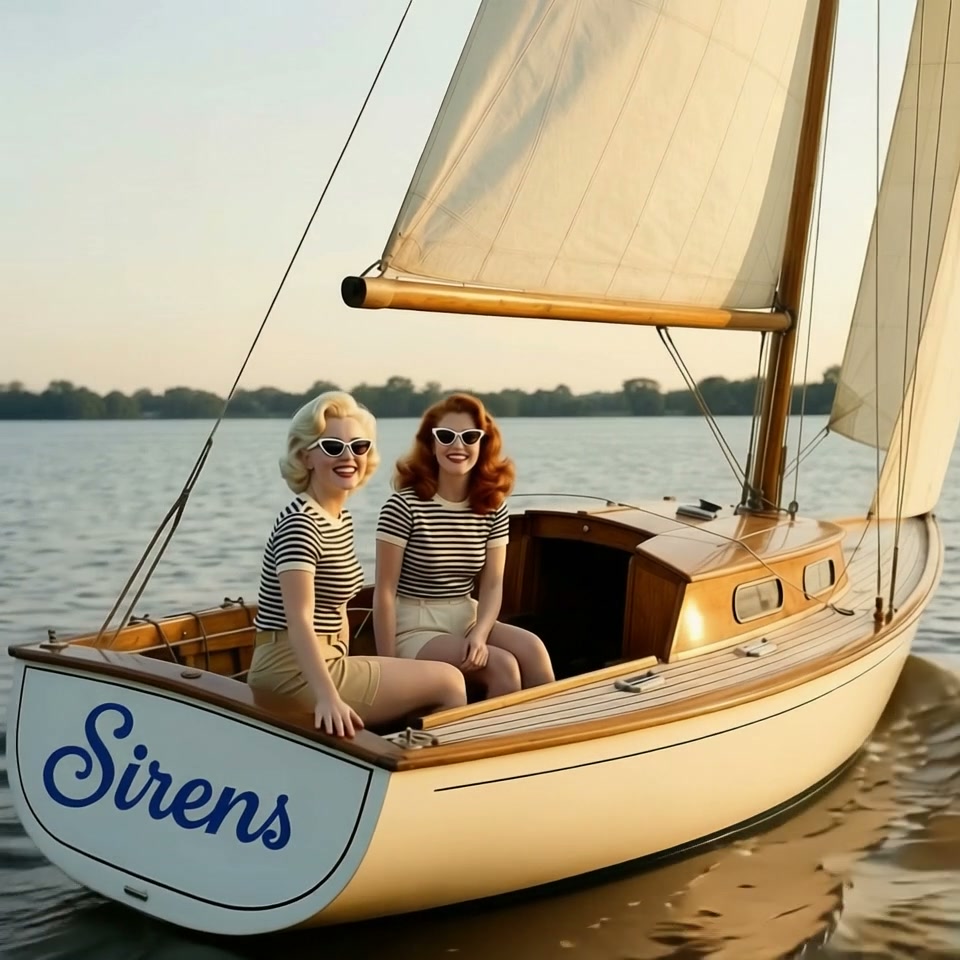
Real outputs from cinematic ai video generator.
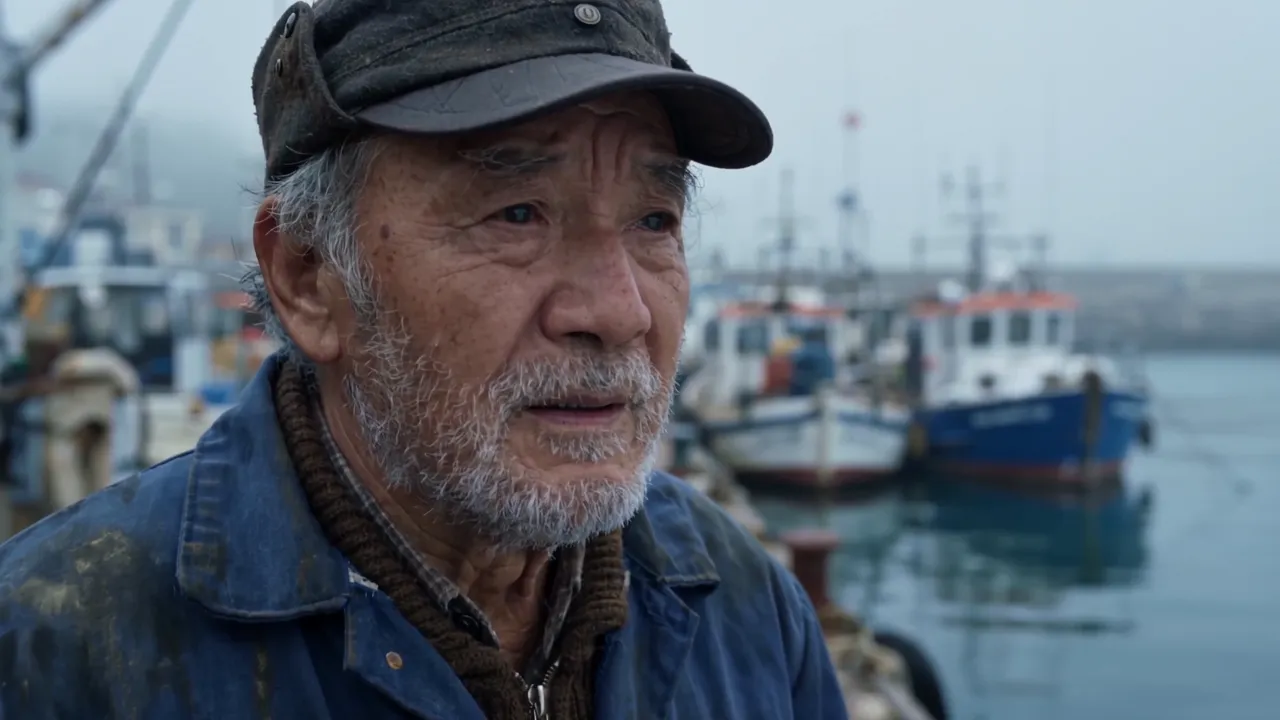
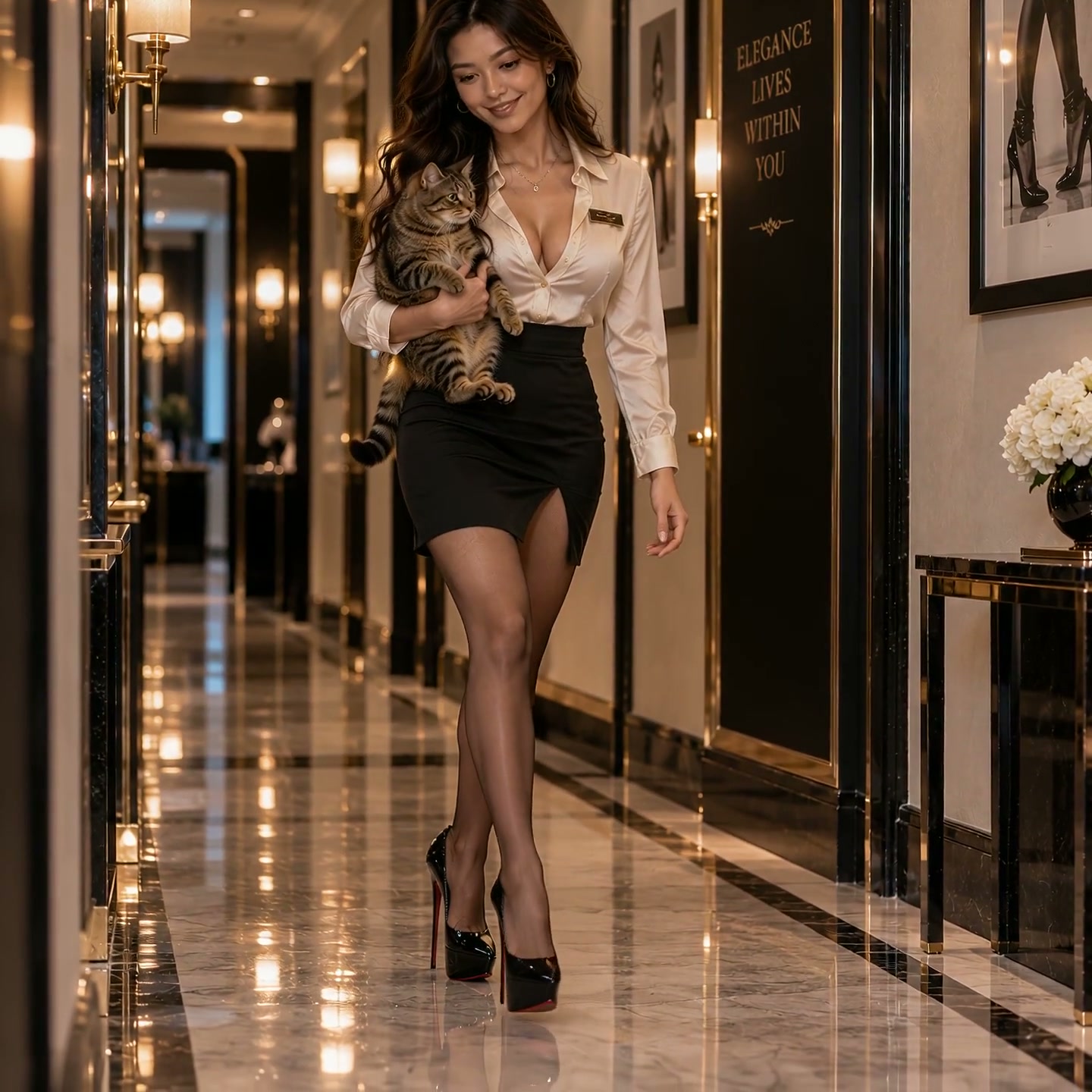
85mm portrait, shallow depth of field.
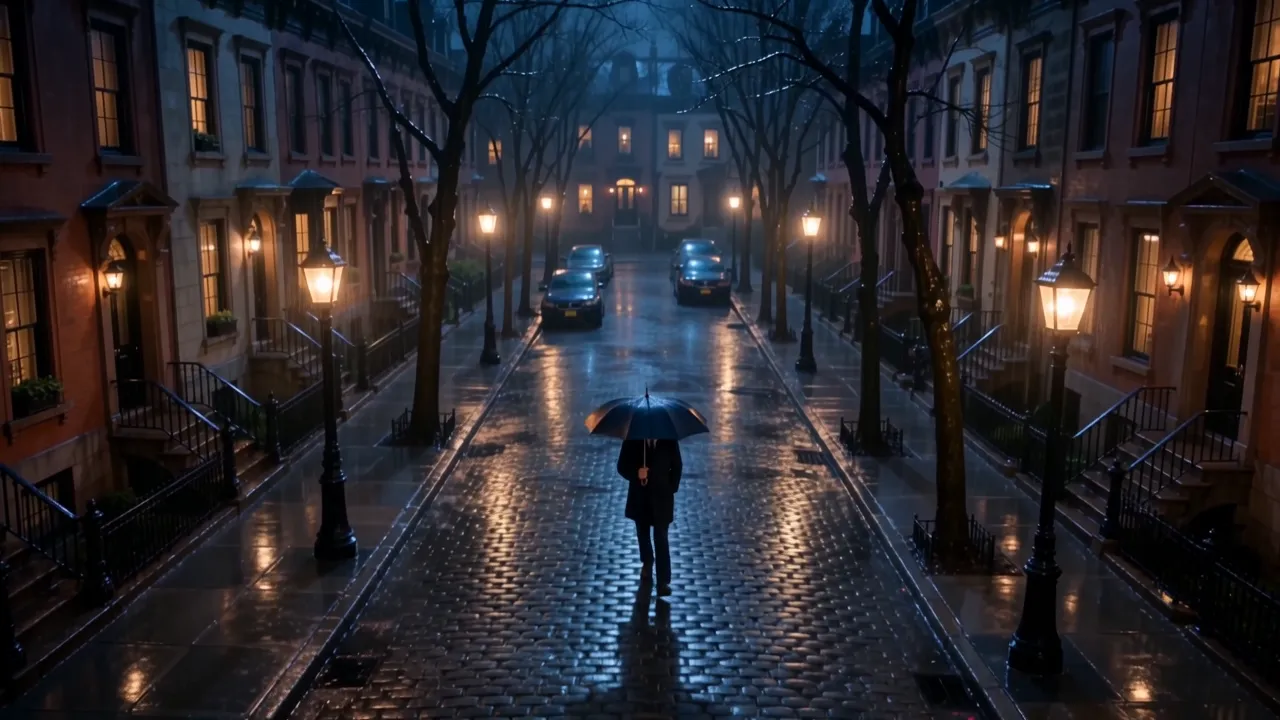
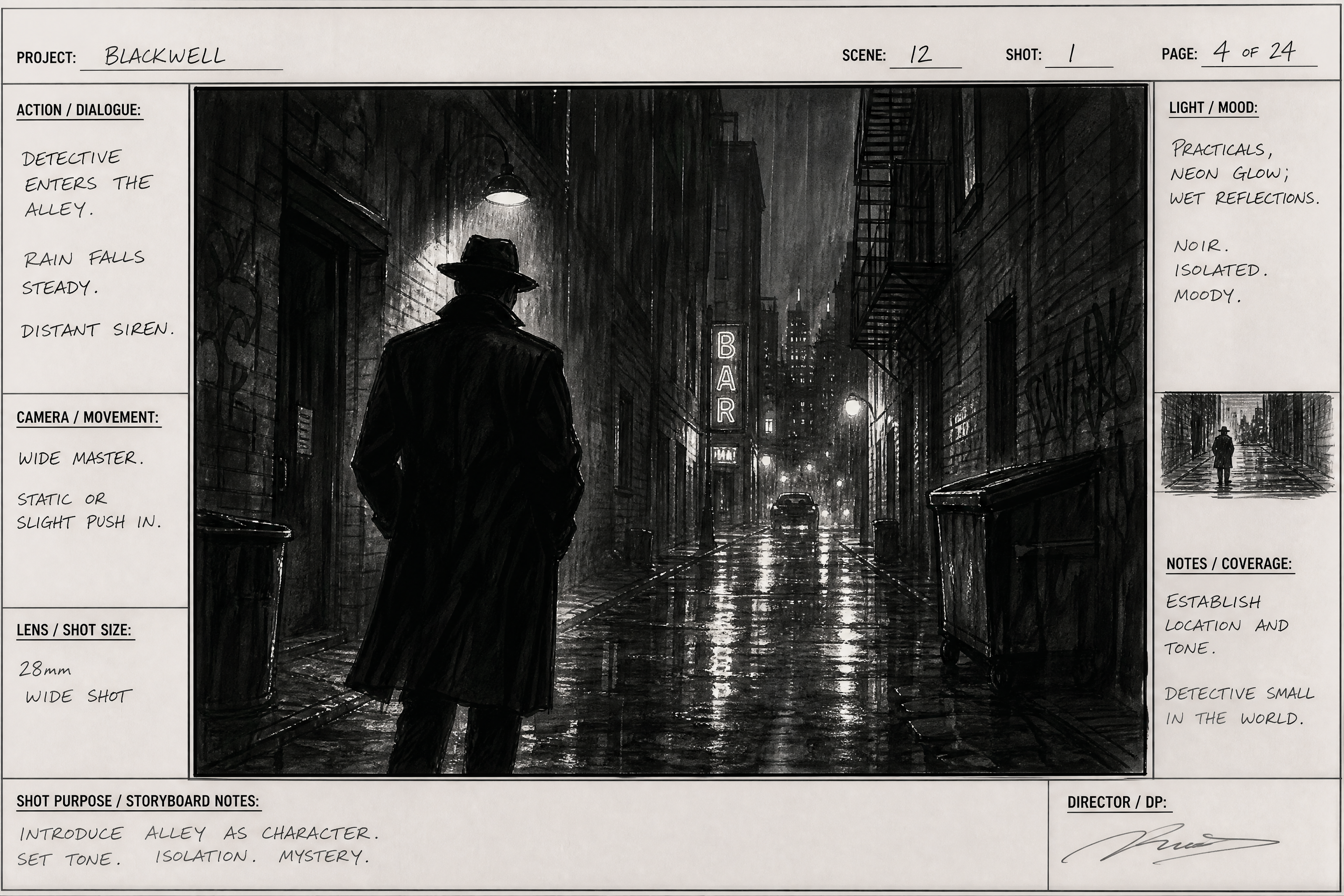
Crane down onto a rain-soaked street.
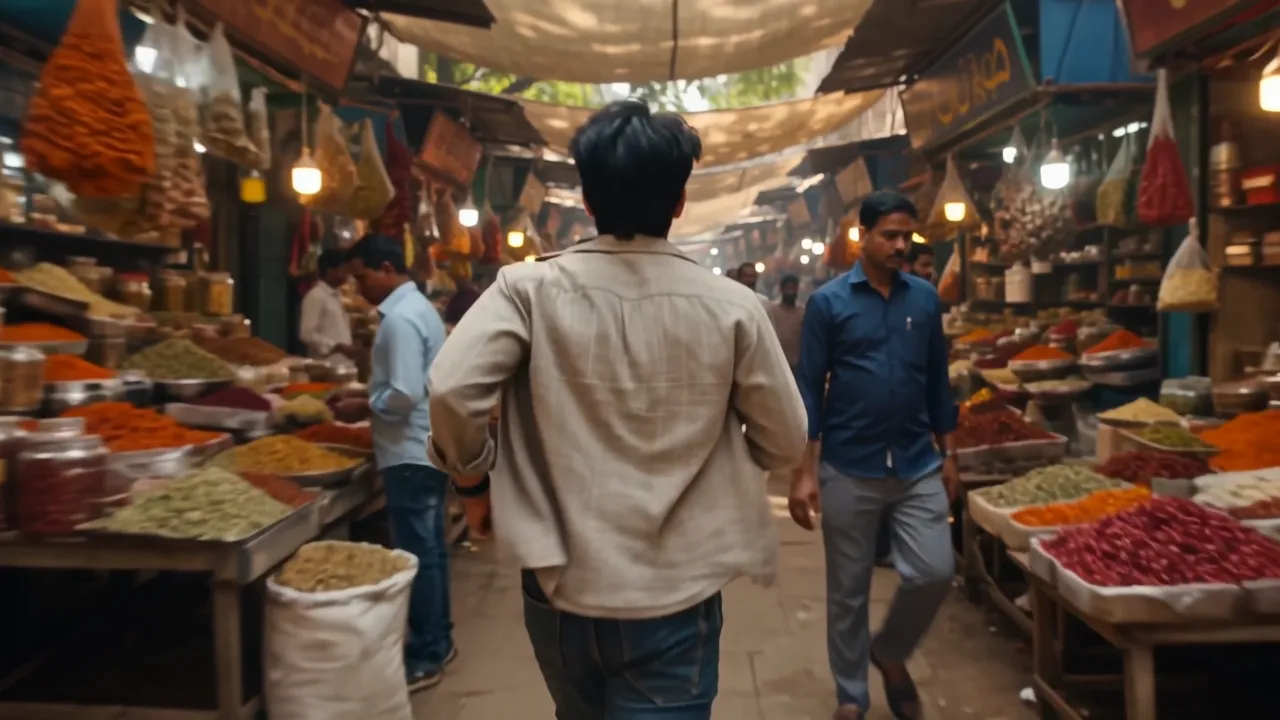
Handheld chase through a market.
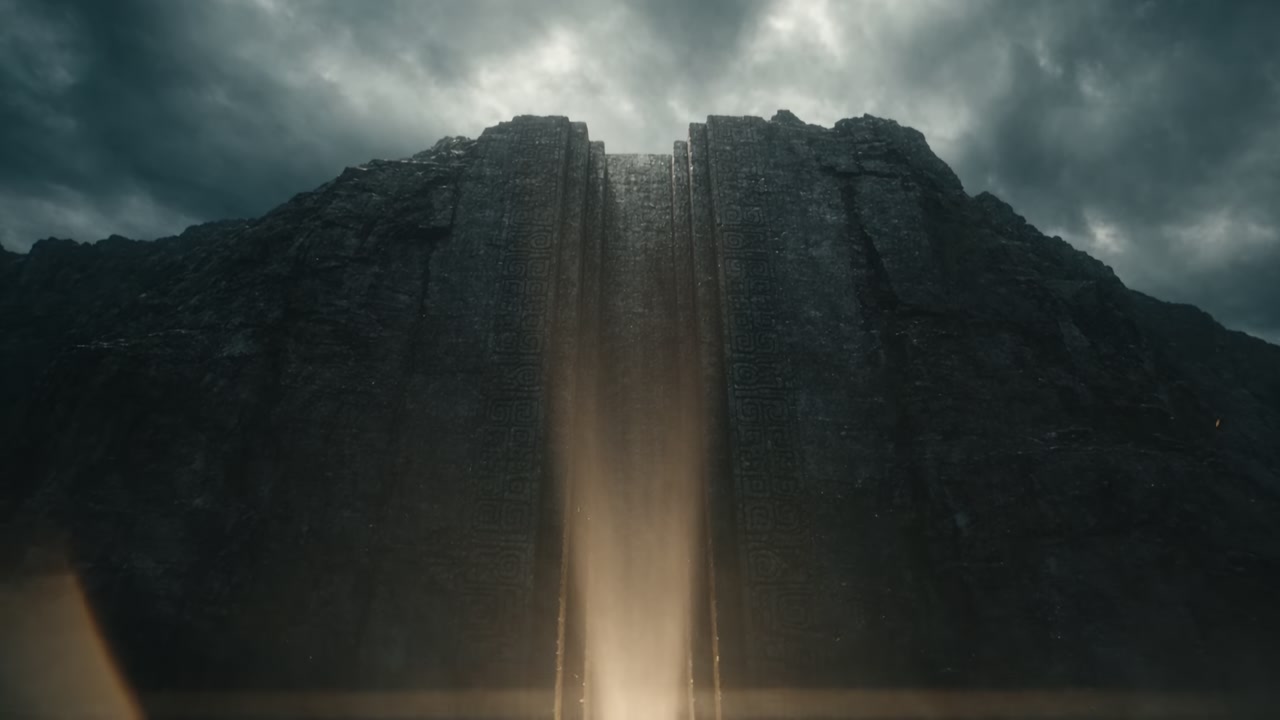
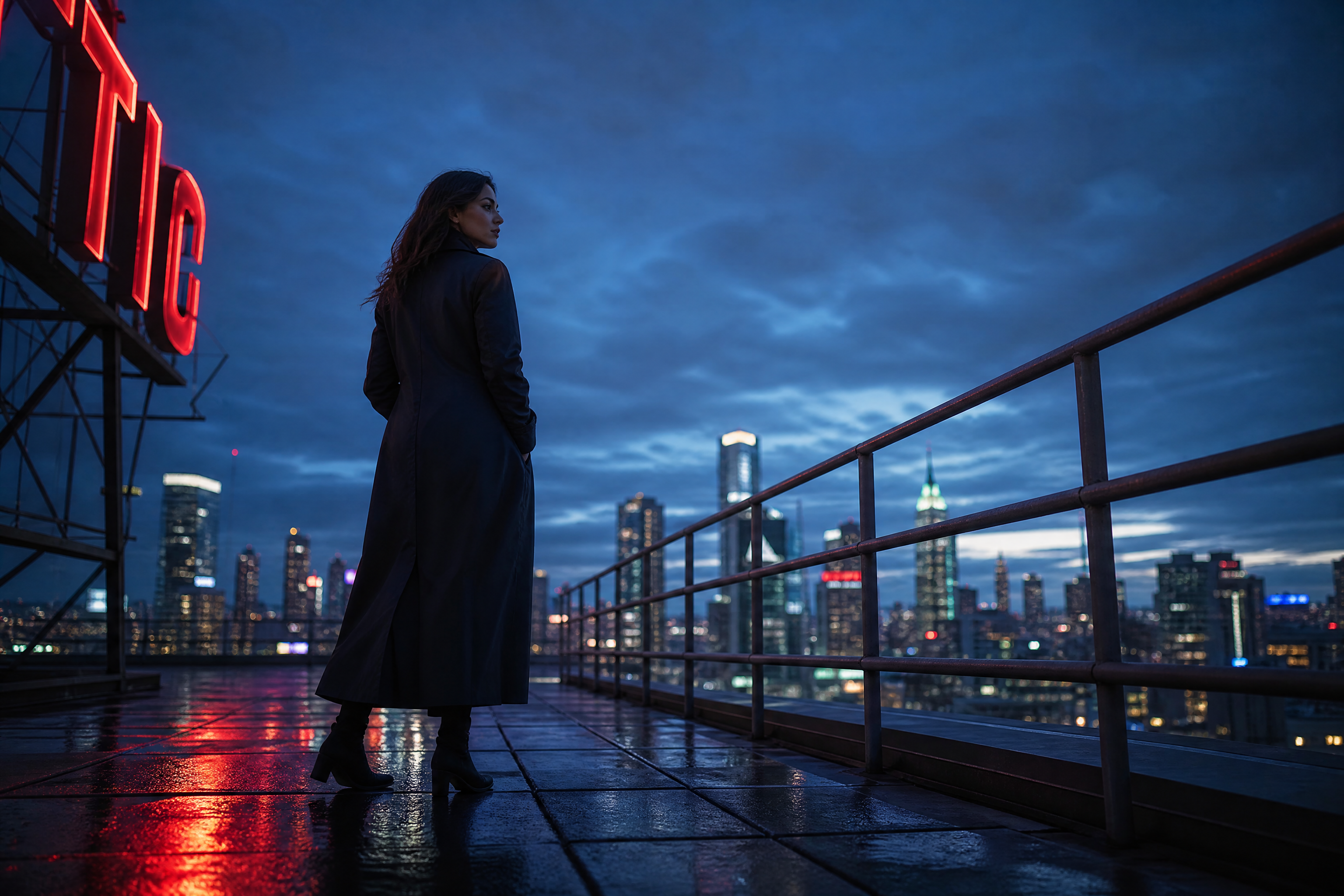
Wide establishing shot at blue hour.
Key Features
Camera moves you can name
Dolly in, crane down, whip pan, slow push. The move is part of the prompt, so a shot has intent instead of drifting.
Lens and depth language
Ask for an 85mm portrait compression or a 24mm wide and the framing changes accordingly, including how the background falls away.
Light you can direct
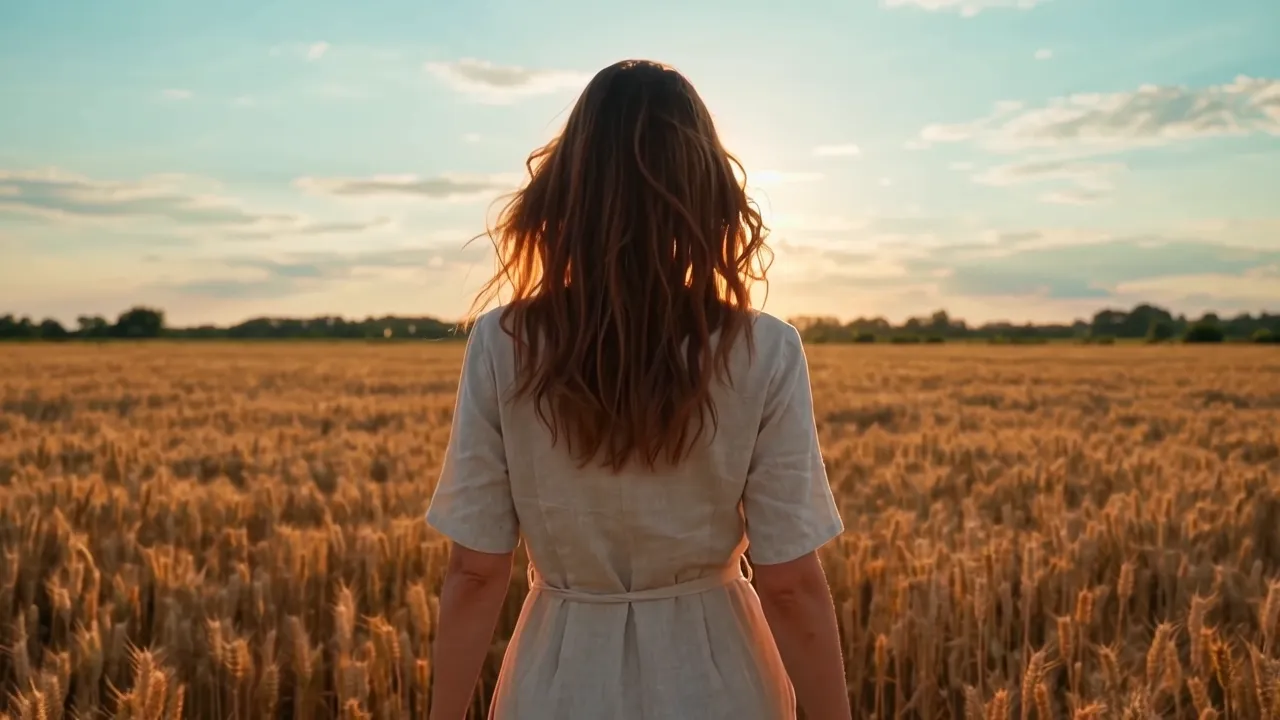
Golden hour backlight, hard noon shadow, practical lamps in frame, overcast softbox. Lighting is the single biggest lever on whether a shot reads as cinematic.
Continuity across a sequence
Hold the same character, location and grade across multiple shots so a sequence cuts together instead of looking like unrelated clips.
How It Works
1
Name the shot
Start with the frame: wide establishing, medium two-shot, extreme close-up. This decides more than any adjective.
2
Add the camera move
One move per shot. 'Slow dolly in' beats a list of three moves the model has to reconcile.
3
Describe the light
Time of day, direction, hardness. 'Low golden-hour sun from camera left' is directable; 'beautiful lighting' is not.
4
Generate, then extend
Get the look right on a short clip before paying for length, then extend the shot that works.
Perfect For
Discover how creators and professionals use cinematic ai video generator
Short films and proof of concept
Show a scene before financing it.
Music videos
Build a visual language across a whole track.
Brand films
The considered, unhurried end of brand video.
Previsualisation
Block a sequence before a real shoot day.
Built For
Previs and proof of concept without a crew.
A visual language you can iterate on.
Film-grade look without a film-grade budget.
Frequently Asked Questions
What actually makes AI video look cinematic?
Three things, in order: the framing, the camera move and the light. Colour grade is last and matters least. A medium shot with a slow dolly-in under hard side light reads as cinematic; the same subject centred, static and evenly lit does not, no matter what style words follow.
How do I control the camera?
Name the move in the prompt — dolly, crane, pan, tilt, handheld — and keep it to one per shot. Combining moves gives the model a contradiction to resolve and it usually resolves it badly.
Can I keep the same character across shots?
Yes. Supply reference images and the model holds face, wardrobe and setting across clips, which is what lets a set of shots cut together as a sequence.
What resolution and length can I generate?
Up to 1080p, and up to 30 seconds in a single continuous generation on the newer models. Longer sequences are assembled from multiple shots, which is how real edits work anyway.
Is the output free to use commercially?
Yes. What you generate is yours to use commercially, including client work.
Can I generate these from my own code or an AI agent?
Yes. The same models are available through the BudgetPixel developer API for programmatic generation, and through the MCP server so an AI agent such as Claude or Cursor can generate clips directly. Pricing is per second of output and matches the web app.
Community
Create together.
Share your creations, discover trending AI art, and grow with fellow creators.















Three ways to generate this
Start in the browser, or drive the same models from your own code or your AI agent.
In the browser
Video Workshop
Open this preset with the prompt already filled in. No setup, no credit card.
From your code
Developer API
One REST call per clip, the same models and the same per-second pricing as the web app.
From your AI agent
MCP server
Connect Claude, Cursor or any MCP client and ask it to make the video for you.