Kling 4.0
Video generation and editing in one model.
From $0.21 a second on paid plans.
Professional video for every use case
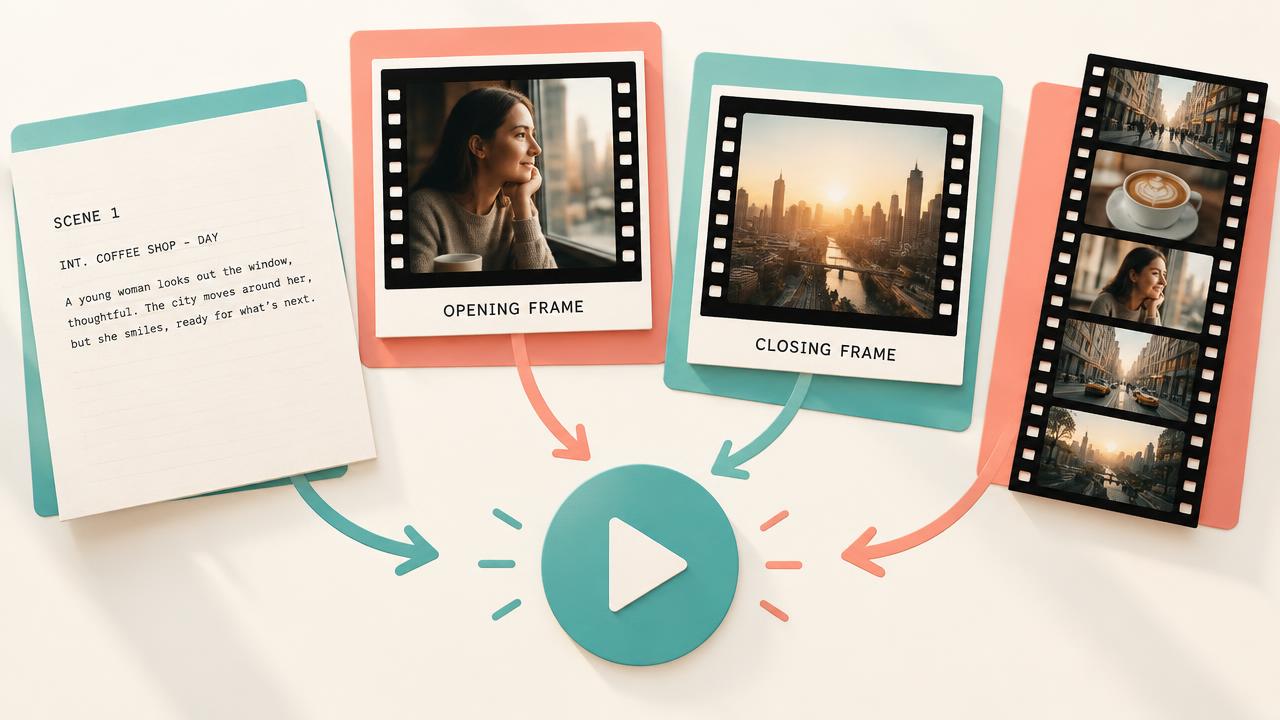
First-to-last-frame animation.
Supply the opening and closing images, then describe how the video moves between them.Consistent characters and products.
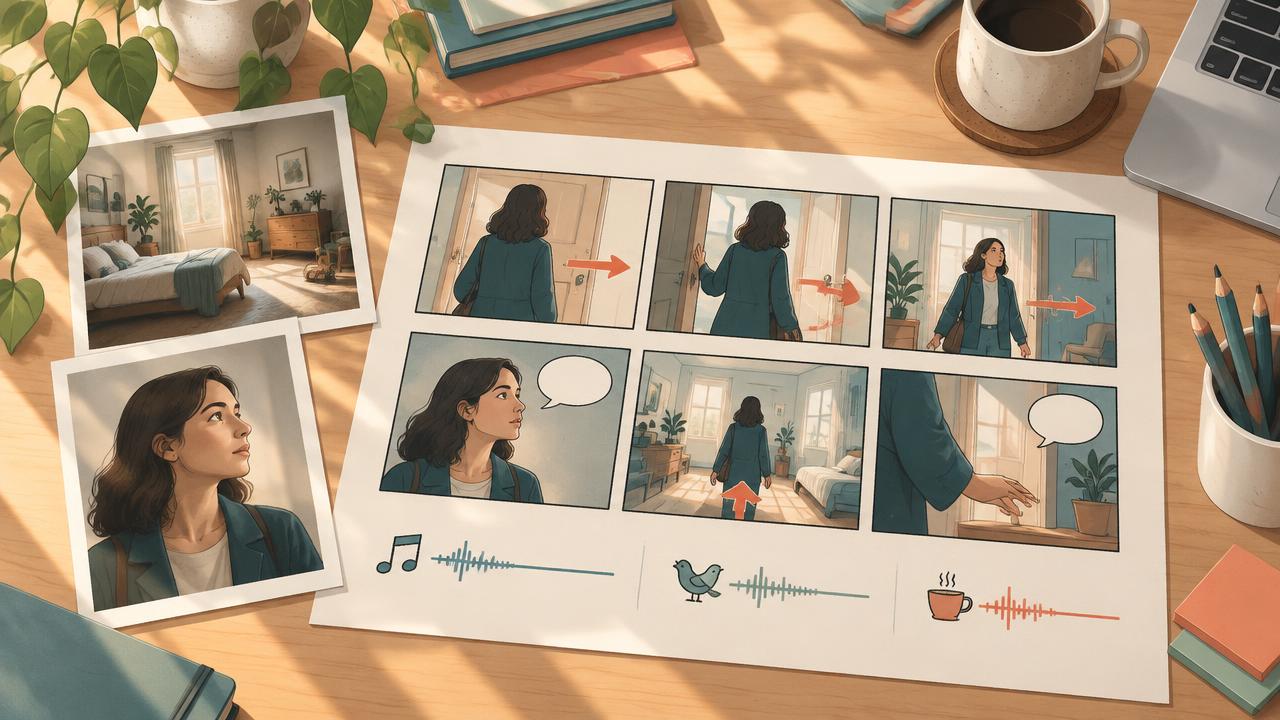
Use reference images to keep the same character or product consistent throughout your clip.Camera moves from reference video.
Attach a reference clip to guide the camera movement or subject motion in your new scene.Targeted edits to existing video.
Change the weather, setting or a detail while keeping the rest of the clip.Generate from text or frames, or edit a video
Start with a written scene, animate between two images, or describe changes to existing footage. Kling 4.0 brings text-to-video, image-to-video and video editing into one model.
- •Text alone can define the scene
- •A first frame sets the opening image
- •An optional last frame sets the destination
- •Image references guide characters, products, places or styles
- •Video references guide motion, camera work or style
- •Edited output keeps the source clip's length and shape
Combine up to 10 images and 5 videos
Give different references different jobs: an image can define a product while a video guides the camera move. Up to 10 images and 5 videos can contribute to one generation.
- •First and last frames share the 10-image allowance
- •Each input video must be 3–30 seconds
- •Input videos must total no more than 30 seconds
- •The clip being edited counts toward the 5-video limit
- •Reference images cost no extra credits
- •@mention a BudgetPixel character to add their pictures as references
Describe the sound alongside the scene
Write the dialogue, music, ambience and sound effects into your scene description. Kling 4.0 generates the sound alongside the video.
- •Dialogue comes from the prompt
- •Describe the music you want
- •Specify surrounding ambience and sound effects
- •Sound is generated with every clip
- •There is no silent option or audio input
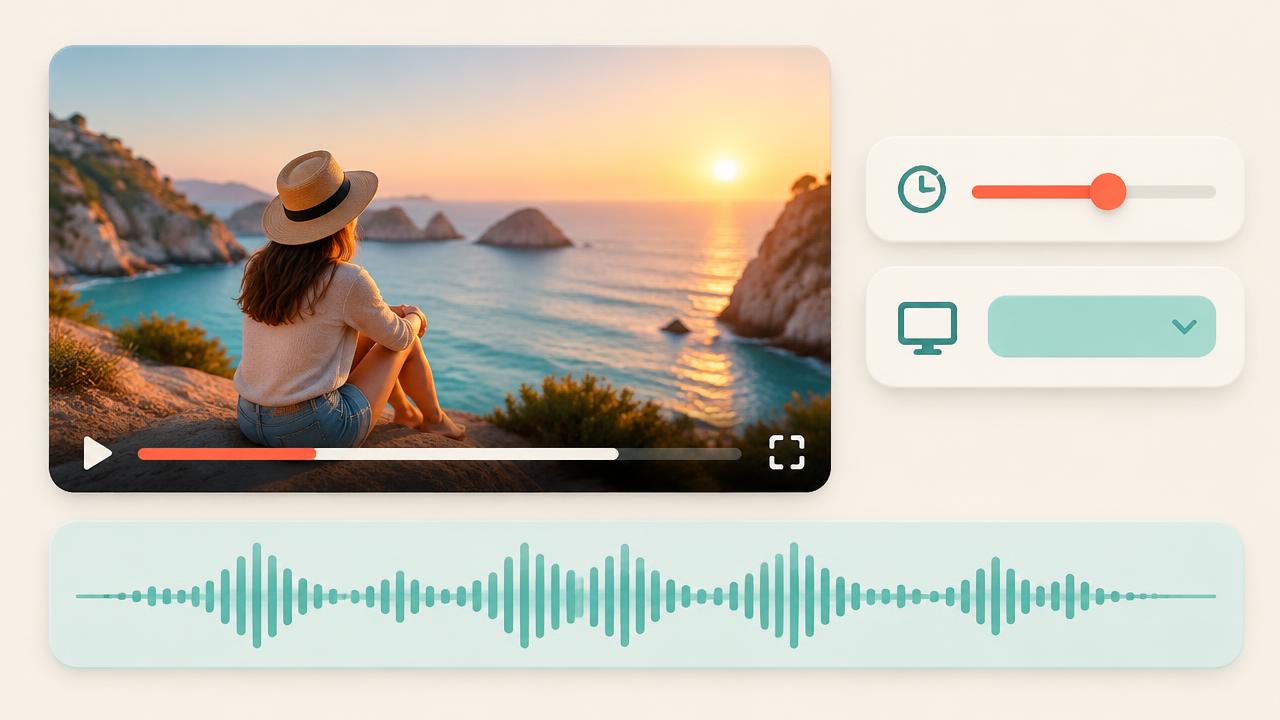
Choose 3–30 seconds at 720p or 1080p
Set the duration in whole seconds from 3 to 30 and choose 720p or 1080p. Text-to-video supports landscape, portrait, square and ultrawide shapes.
- •24 frames per second
- •16:9 for landscape text-to-video
- •9:16 for portrait text-to-video
- •1:1 for square text-to-video
- •21:9 for ultrawide text-to-video
- •A first frame or edited clip sets the output shape
How it works
1
Choose your starting point
Open BudgetPixel's Video Workshop and select Kling 4.0. Choose Text to Video for a prompt alone, Image to Video for frames or reference media, or Edit Video to upload an existing clip. Image to Video needs a first frame unless reference media is attached.
2
Describe the action and references
Write what happens, how the camera moves and what should be heard. Name attached inputs by position, such as "the woman from @image_1 walks into the room from @image_2". You can also @mention a BudgetPixel character, such as @barry, to use their pictures as reference images.
3
Set the output and generate
Choose 720p or 1080p and a whole-number duration from 3 to 30 seconds; an edited clip keeps its original length. For text-to-video, choose 16:9, 9:16, 1:1 or 21:9; a first frame or edited clip sets the shape instead. Generate the clip, then review the picture and sound together.
Pricing for Kling 4.0
Runs on credits — no per-model surcharges, no surprise billing.
207credits
per second of video
≈ 1035 credits for a 5-second clip
Show pricing details▾
ResolutionCredits
- 720pdefault207/ sec
- 1080p310/ sec
Credits work across every plan. See /pricing for credit packages.
Use Kling 4.0 via the API
Kling 4.0 is available through the BudgetPixel developer API — the same model the studio runs, supporting text-to-video, image-to-video, reference-to-video, and video-to-video. Pricing is metered in credits (207 credits/second at 720p, 310 credits/second at 1080p), charged only on success, with an API key available on Premium plans and above.
curl -X POST https://api.budgetpixel.com/v1/videos/kling-4.0 \
  -H "Authorization: Bearer $BUDGETPIXEL_API_KEY" \
  -H "Content-Type: application/json" \
-d '{"prompt": "your prompt here"}'No code? Use Kling 4.0 from Claude or Cursor
Kling 4.0 is also available through the BudgetPixel MCP server. Connect your account to Claude, Cursor, or any MCP-enabled agent and generate with Kling 4.0 by asking in plain language — same credits, same pricing, no code required.
Kling 4.0 at a glance
- Text-to-video
- First and last frame
- Reference images
- Reference videos
- Edit a video
- Generated audio
- 720p/1080p
- 3-30 seconds
How Kling 4.0 compares
The differences that actually change which one you pick.
- Kling 4.0 vs Kling 3.0 Omni
- Kling 4.0 runs up to 30 seconds against 3.0 Omni's 15, takes up to 10 images and up to 5 reference videos, and always makes sound. Kling 3.0 Omni costs less per second and adds a 4K tier.
- Kling 4.0 vs SeeDance 2.5
- Both mix reference images and videos and run up to 30 seconds. At 1080p Kling 4.0 costs 310 credits a second against SeeDance 2.5's 750; SeeDance 2.5 also takes reference audio and up to 30 images.
- Kling 4.0 vs Wan 3.0
- Both take reference images and videos and run up to 30 seconds. Wan 3.0 costs less per second and adds 480p and reference audio; Kling 4.0 edits a video directly while keeping its length and shape.
Frequently asked questions
What is Kling 4.0?▾
Kling 4.0 is Kuaishou's newest video model, combining video generation, reference-guided creation and editing. It is live on BudgetPixel in the Video Workshop, the developer API and the MCP server.
How should I compare Kling 4.0 with other AI video generators?▾
Compare the inputs and controls your project needs: text alone, first and last frames, consistent image references, motion references or edits to existing footage. Kling 4.0 supports these workflows in one model, with sound generated for every clip. When comparing costs, distinguish jobs with no input video from jobs that include video, because their billing formulas differ.
What inputs does Kling 4.0 accept on BudgetPixel?▾
You can use text, a first frame with an optional last frame, reference images, reference videos or a video to edit. Frames and reference images share a limit of 10 images in total. You can attach up to 5 videos, including the clip being edited; each must be 3–30 seconds, and their combined duration cannot exceed 30 seconds. Audio input is not supported.
How do I refer to images, videos and characters in a prompt?▾
Use @image_1, @image_2 and subsequent numbers in input order: first frame, last frame, then reference images, skipping frames that are not supplied. Videos use @video_1, @video_2 and subsequent numbers, with the clip being edited first and reference videos afterward. For example, write "the woman from @image_1 walks into the room from @image_2". To cast a BudgetPixel character, @mention their name, such as @barry; their pictures become reference images.
Does Kling 4.0 generate audio, and can I turn it off?▾
Sound is generated with every clip, including dialogue, music, ambience and sound effects described in the prompt. There is no silent option on BudgetPixel. You cannot upload an audio input.
What resolutions, durations and aspect ratios are available?▾
BudgetPixel offers Kling 4.0 at 720p or 1080p, both at 24 fps. Generated clips can be any whole number of seconds from 3 to 30. Text-to-video supports 16:9, 9:16, 1:1 and 21:9, while a first frame sets the output shape when supplied. An edited clip keeps its original length and shape.
How do I edit an existing video with Kling 4.0?▾
Choose Edit Video in the Video Workshop and upload the clip. Describe the change, such as different weather, a new setting or a changed detail, and specify what should stay the same. You can add reference images or more videos within the shared input limits; the output keeps the uploaded clip's length and shape.
How much does Kling 4.0 cost on BudgetPixel?▾
Without input video, the price is 207 credits per output second at 720p or 310 at 1080p; reference images cost nothing extra. With any input video, each billed second costs 124 credits at 720p or 186 at 1080p, and billed seconds equal the output duration plus the greater of the total input-video duration and the output duration. For example, editing a 5-second clip bills 10 seconds, costing 1,240 credits at 720p. Failed jobs are not charged.
How long does Kling 4.0 take to generate a video?▾
In our tests, a 3-second clip took about 1 to 5 minutes. Longer clips and higher-resolution clips take longer.
Can developers use Kling 4.0 through an API or MCP?▾
Yes, BudgetPixel's developer API exposes Kling 4.0 through POST /v1/videos/kling-4.0. The BudgetPixel MCP server also supports it through generate_video. Creators can use the same model directly in the Video Workshop.
Does Kling 4.0 have an API?▾
Yes — Kling 4.0 is available through the BudgetPixel developer API via the `POST /v1/videos/kling-4.0` endpoint, supporting text-to-video, image-to-video, reference-to-video, and video-to-video. Generate an API key from the developer console (available on Premium plans and above) and see the full reference at docs.budgetpixel.com.
How much does the Kling 4.0 API cost?▾
API usage is billed in credits from the same balance your plan includes, at the standard metered rate: 207 credits/second at 720p, 310 credits/second at 1080p. Failed generations are never charged. You can estimate any request's exact cost with POST /v1/cost before running it.
Can I use Kling 4.0 with Claude or other AI agents (MCP)?▾
Yes — Kling 4.0 is exposed through the BudgetPixel MCP server, so Claude, Cursor, and any MCP-compatible agent can generate with it from a plain-language request. Connect your account at budgetpixel.com/mcp; generations use the same credit balance and pricing as the web studio and the API.