Kling 3.0 Omni
Locks character look and voice across multi-shot scenes.
From $0.085 a second on paid plans.
Professional video for every use case
Recurring character shorts.
Reference images and bound voices keep the same lead believable across episodes, camera angles, and locations.Talking-head explainers.
Lip-synced speech and ambient audio make short scripted lessons feel finished without separate voiceover assembly.Multilingual social ads.
Localized dialogue and synced mouth movement help you adapt one concept for different audiences faster.Previs and storyboards.
Shot-by-shot prompts turn scripts into paced 15-second scenes you can review before filming.Reference images, elements, and video together
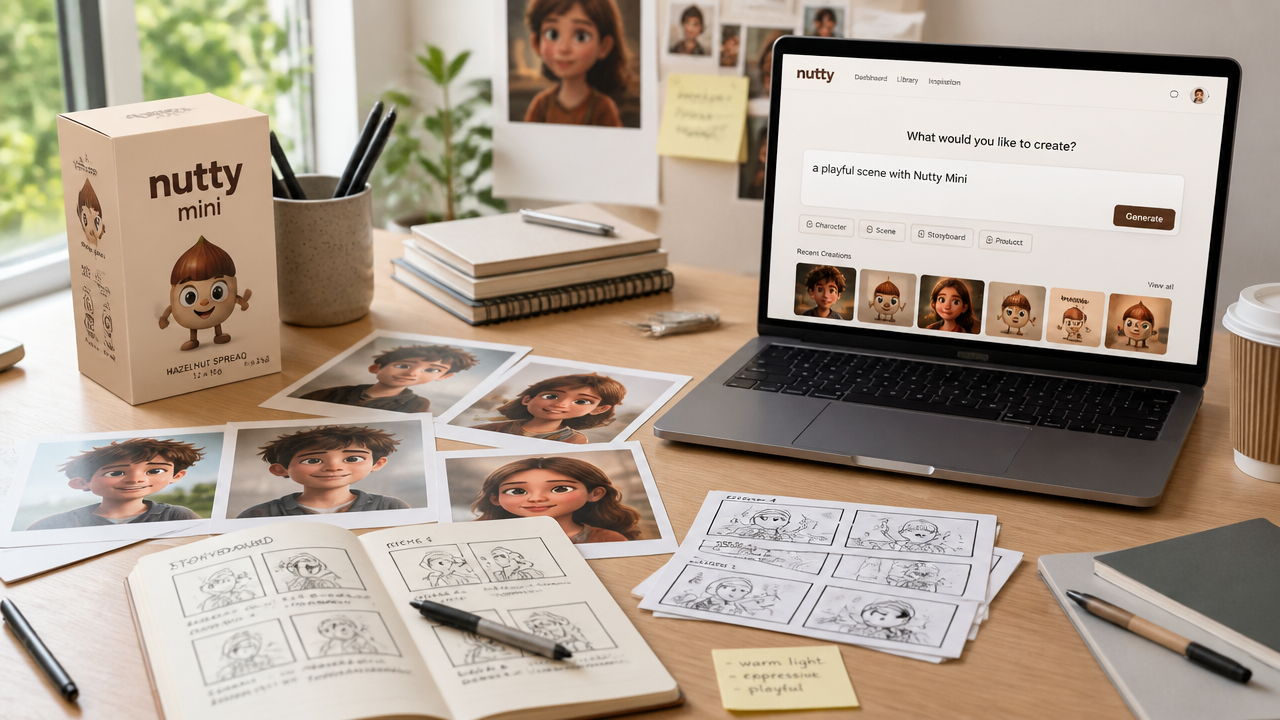
Kling 3.0 Omni is built for reference-driven generation. You can combine text with images, reusable elements, and a short video input so the model stays anchored to a real subject instead of reinventing it each time.
- •Text-to-video, image-to-video, and start/end frame workflows
- •Upload up to 7 images or elements when no video is attached, or use one 3-10 second video plus up to 4 images or elements
- •Mix product, character, and scene references in one prompt
- •Reference-driven input reduces drift
Voice-bound characters with native audio
You can create a reusable character from multi-angle images or a short character video, then bind a voice to that subject. The model generates dialogue, ambient sound, and lip-sync together, which makes recurring characters far easier to reuse.
- •Bind voice from a 5-30 second speech clip, or extract look and voice from a 3-8 second character video
- •Generate dialogue, ambience, and sound effects together
- •Supports English, Chinese, Japanese, Korean, and Spanish
- •Built for recurring characters and talking scenes
Shot-by-shot control up to 15 seconds
Instead of stitching separate clips, you can describe multiple beats inside one generation. Kling 3.0 Omni lets you set shot length, framing, angle, narrative action, and camera movement while keeping continuity across the sequence.
- •Flexible duration from 3 to 15 seconds
- •Plan up to 6 cuts in one generation
- •Set framing, angle, and camera movement per beat
- •Smooth transitions between shots
- •Useful for dialogue, reveals, and micro-stories
Start/end frames and video editing tools
Kling says Omni carries over the frame guidance, editing, and prompt transformation tools from its earlier multimodal workflow. That gives you a practical way to extend, restyle, or selectively change shots instead of starting every revision from scratch.
- •Use start and end frames to guide motion
- •Generate previous or next shots from a reference video
- •Change subjects, backgrounds, or selected details
- •Restyle footage with prompt-based edits
- •Useful for revisions and continuity fixes
How it works
1
Add a prompt or references
Start with a text prompt, a product image, multi-angle character photos, or a short reference video. If consistency matters, upload the subject you want preserved instead of relying on text alone.
2
Bind voice and choose settings
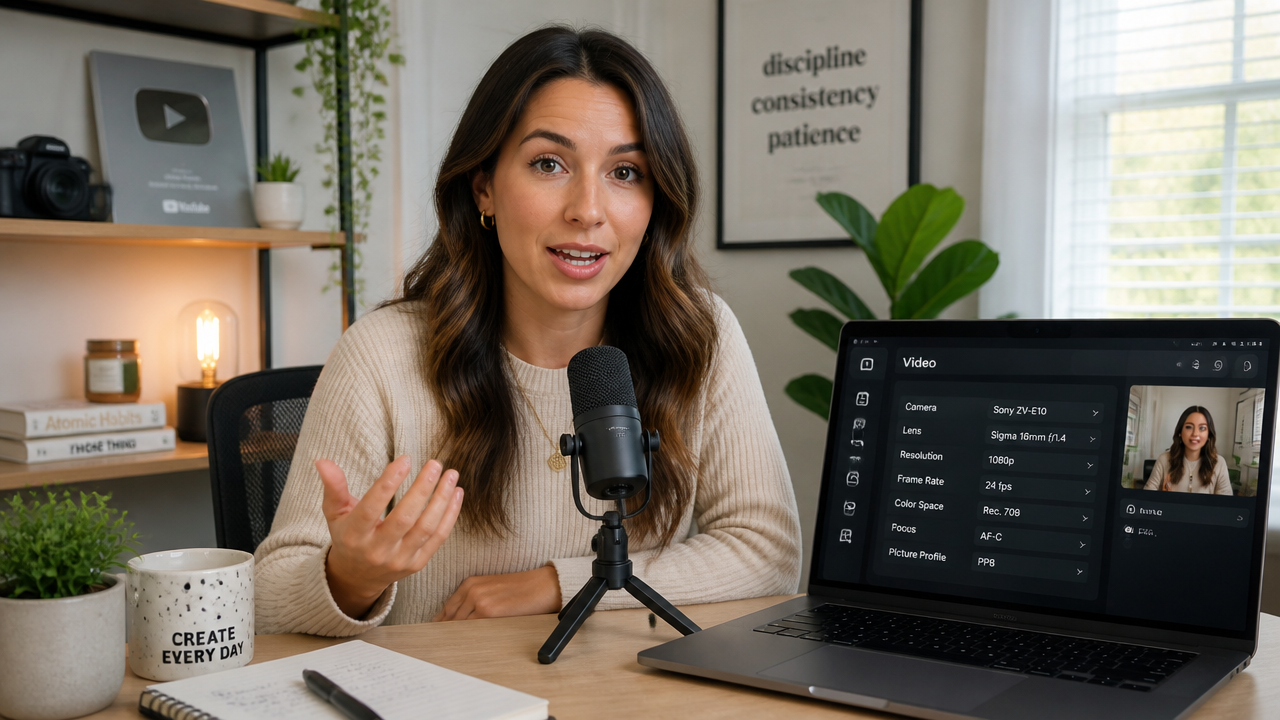
For speaking scenes, add a clean voice clip or a short character video so the model can lock both look and voice. Then choose duration, resolution, audio mode, and whether the scene should play as one shot or several beats.

3
Generate and refine
Review the first pass for identity, lip-sync, and shot timing. If something drifts, tighten the shot directions, strengthen your references, or guide motion with start and end frames.
Pricing for Kling 3.0 Omni
Runs on credits — no per-model surcharges, no surprise billing.
115credits
per second of video
≈ 575 credits for a 5-second clip
Use Kling V3 Omni via the API
Kling V3 Omni is available through the BudgetPixel developer API — the same model the studio runs, supporting text-to-video, image-to-video, reference-to-video, and video-to-video. Pricing is metered in credits (85 credits/second at 720p, 115 credits/second at 1080p, 450 credits/second at 4k), charged only on success, with an API key available on Premium plans and above.
curl -X POST https://api.budgetpixel.com/v1/videos/kling-v3-omni-video \
  -H "Authorization: Bearer $BUDGETPIXEL_API_KEY" \
  -H "Content-Type: application/json" \
-d '{"prompt": "your prompt here"}'No code? Use Kling V3 Omni from Claude or Cursor
Kling V3 Omni is also available through the BudgetPixel MCP server. Connect your account to Claude, Cursor, or any MCP-enabled agent and generate with Kling V3 Omni by asking in plain language — same credits, same pricing, no code required.
kling-v3-omni-video at a glance
- Video generation
Frequently asked questions
What is Kling 3.0 Omni?▾
Kling 3.0 Omni is Kling AI's reference-driven video model for short, controlled scenes. It combines video generation, synced audio, and reusable character or product references so the subject stays consistent across shots.
How does Kling 3.0 Omni work?▾
You can guide it with text, images, reusable elements, start and end frames, or a short video reference. The model uses those inputs to generate a single shot or a multi-shot clip with coordinated motion, dialogue, and sound.
What inputs can I use with Kling 3.0 Omni?▾
Kling 3.0 Omni supports text prompts, images, multi-image elements, start and end frames, and one short video reference. For characters, you can also add a speech clip or a short character video to preserve both appearance and voice.
Does Kling 3.0 Omni support native audio and which languages?▾
Yes. Kling 3.0 Omni can generate dialogue, ambience, and sound effects as part of the video instead of adding them later. Official materials describe support for English, Chinese, Japanese, Korean, and Spanish, though some direct video-input workflows may have different audio limits.
How long and how large can Kling 3.0 Omni outputs be?▾
Current official guidance lists flexible durations from 3 to 15 seconds per generation. The model currently supports 720p and 1080p modes, so it is best suited to short, polished clips rather than long-form final delivery.
Can Kling 3.0 Omni keep a character or product consistent across scenes?▾
That is one of its main strengths. Reference images, multi-angle elements, and short character videos help it keep faces, outfits, props, packaging, and voices more stable through camera moves and shot changes.
Does Kling 3.0 Omni support start and end frames or video editing?▾
Yes. Kling states that Omni includes start and end frame guidance, and that its video editing and prompt transformation features carry over into this workflow. That makes it useful for extending shots, restyling footage, or changing specific visual elements.
How does Kling 3.0 Omni compare with other AI video generators?▾
Its main strength is reference-driven consistency. If you need a locked character, product, or voice across several beats, it fits that job well. If you mostly want open-ended text-only exploration with no source assets, other model styles can feel looser.
How much does Kling 3.0 Omni cost?▾
Pricing usually scales with duration, resolution, audio settings, and input mode. Higher-resolution clips, native audio, and reference-heavy workflows usually cost more than quick silent drafts, so it makes sense to prototype short first.
Can I use Kling 3.0 Omni commercially?▾
Commercial rights are governed by the provider's current terms and any platform terms that apply to your workflow. Check those terms before publishing client work, ads, or branded campaigns.
Does Kling V3 Omni have an API?▾
Yes — Kling V3 Omni is available through the BudgetPixel developer API via the `POST /v1/videos/kling-v3-omni-video` endpoint, supporting text-to-video, image-to-video, reference-to-video, and video-to-video. Generate an API key from the developer console (available on Premium plans and above) and see the full reference at docs.budgetpixel.com.
How much does the Kling V3 Omni API cost?▾
API usage is billed in credits from the same balance your plan includes, at the standard metered rate: 85 credits/second at 720p, 115 credits/second at 1080p, 450 credits/second at 4k. Failed generations are never charged. You can estimate any request's exact cost with POST /v1/cost before running it.
Can I use Kling V3 Omni with Claude or other AI agents (MCP)?▾
Yes — Kling V3 Omni is exposed through the BudgetPixel MCP server, so Claude, Cursor, and any MCP-compatible agent can generate with it from a plain-language request. Connect your account at budgetpixel.com/mcp; generations use the same credit balance and pricing as the web studio and the API.