Image to 3D model
Tripo H3.1
Turn one picture into a detailed, textured 3D model that looks like your reference.
Upload one picture of one subject; you get a textured 3D model to turn, view and download.


One PNG, JPG or WebP pictureInput
Full-quality GLBDownload
Optional textures and PBRMaterials
Often over 1 million trianglesMesh detail
Around 40 MBTypical file size
About 3 to 4 minutesTypical time
From one picture to a 3D model

Mascots from flat artwork.
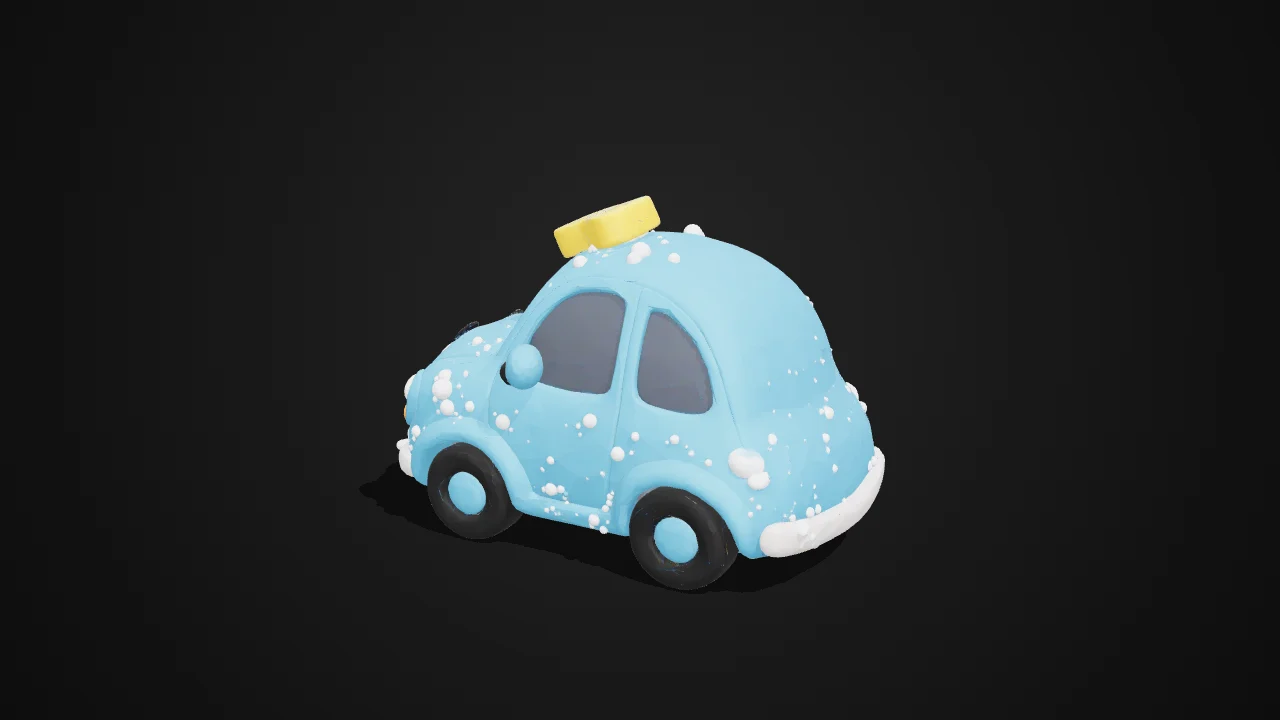
Give a flat brand character shape and depth while keeping its distinctive silhouette and colours.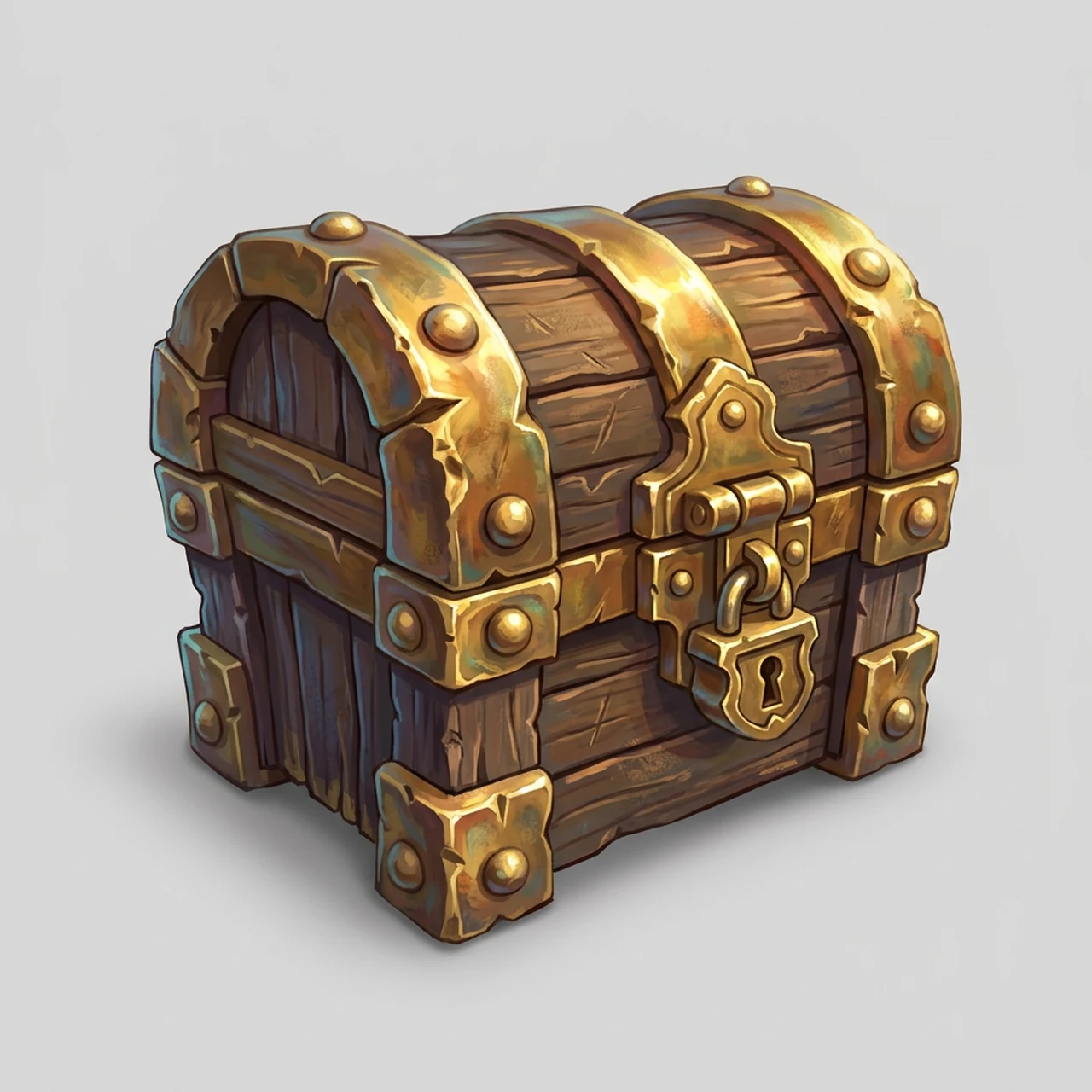
Game props from concept art.
Make a detailed prop from a reference image, then refine its mesh and materials for your game.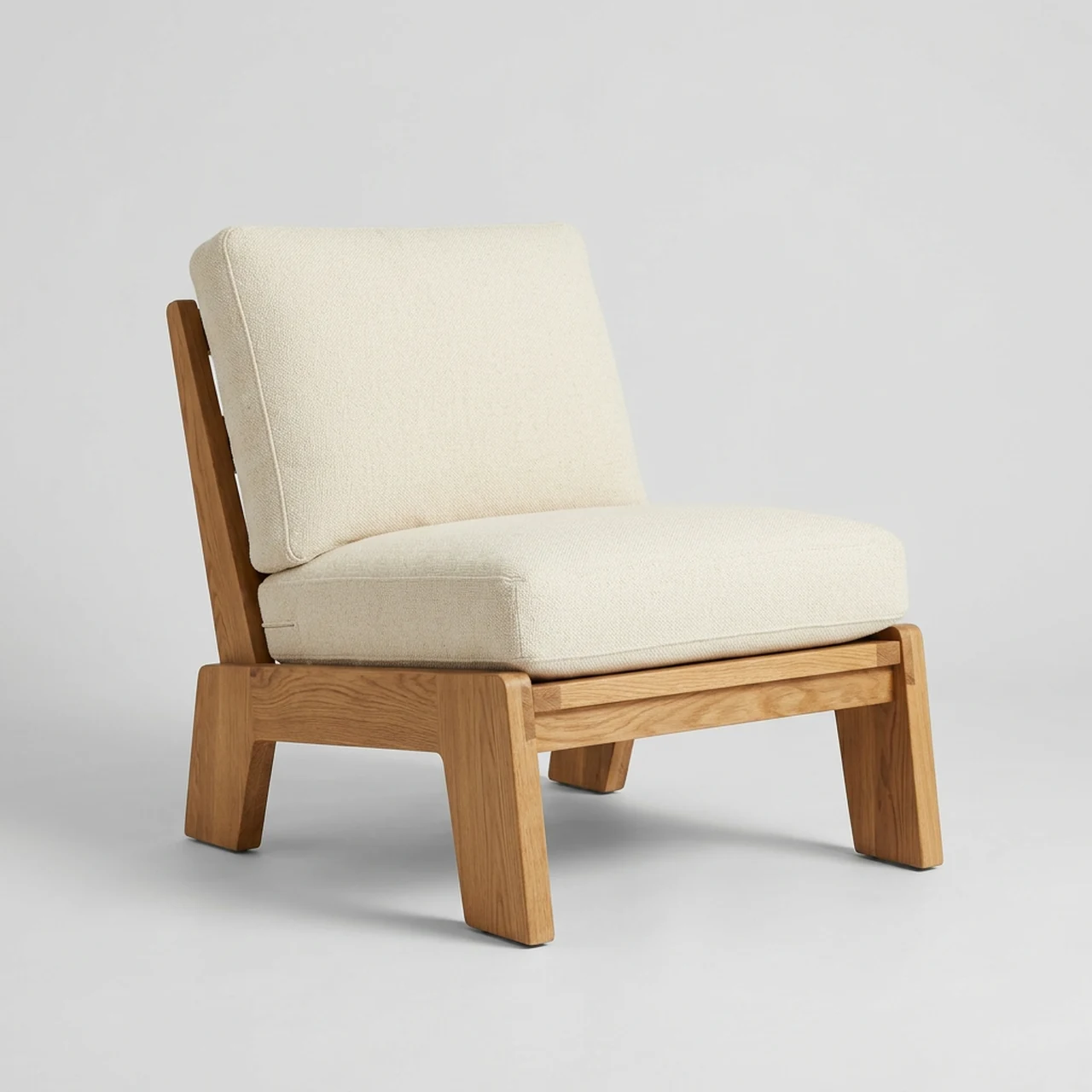
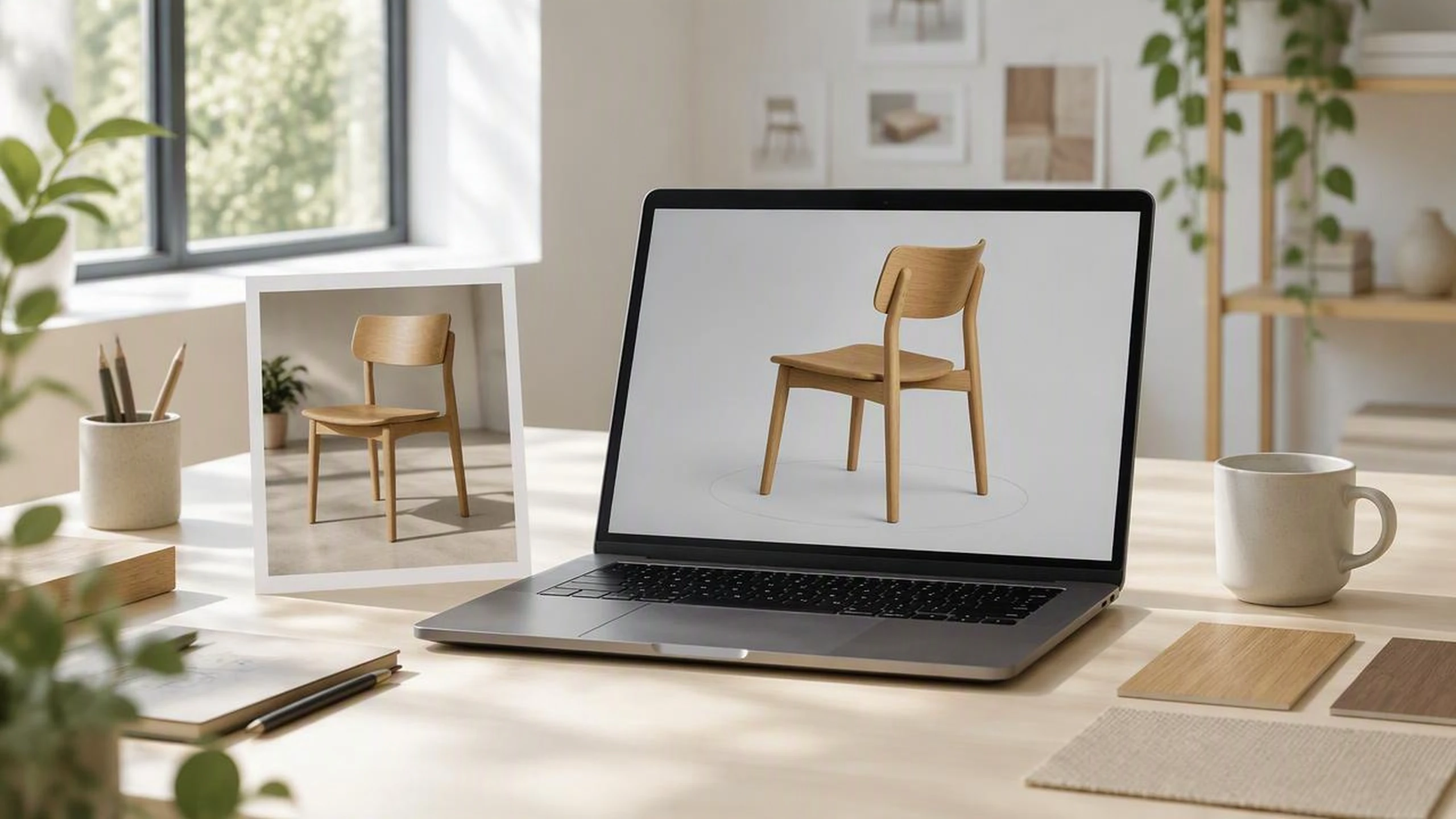
Furniture previews in 3D and AR.
Turn a furniture photo into a GLB you can inspect from every angle or test in Android AR.
Concept art for a 3D artist.
Give an artist a textured starting model whose shape and palette follow the concept image.Shape and colour that follow your picture
Tripo H3.1 is a strong choice when the model needs to resemble a particular product or character, including a flat cartoon mascot. It infers what the picture cannot show, so check the back and any partly hidden features.
- •Uses one picture of one subject
- •Follows the visible silhouette and proportions
- •Keeps distinctive colours in view
- •Works with flat cartoon character art
- •Infers the unseen back and underside

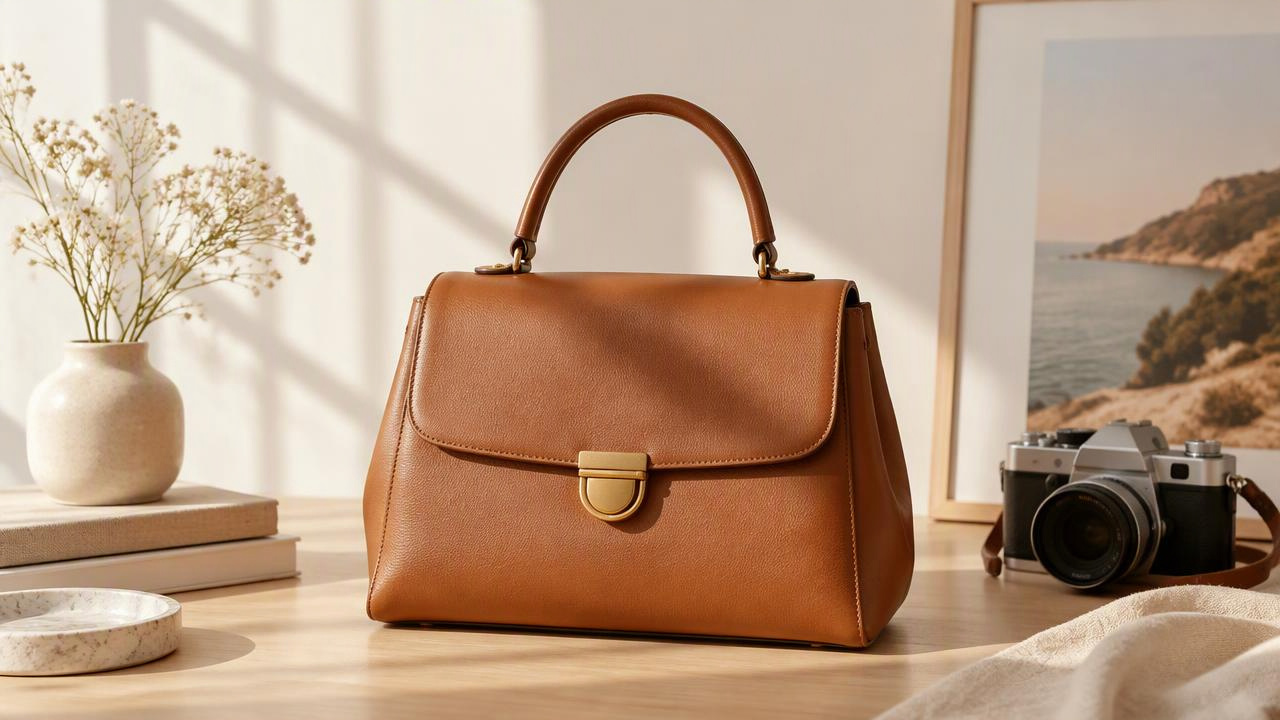
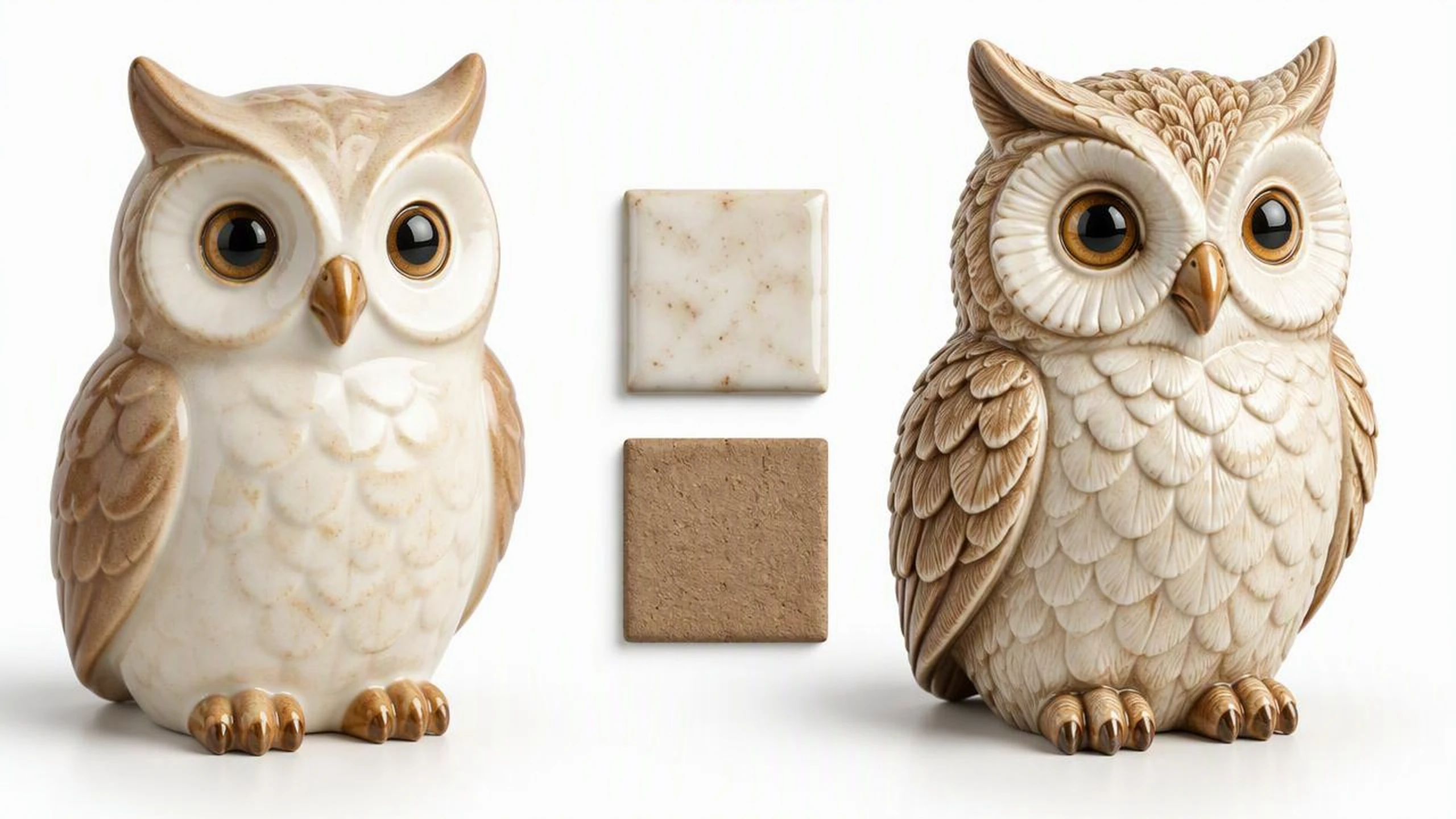
Textured GLB with PBR materials
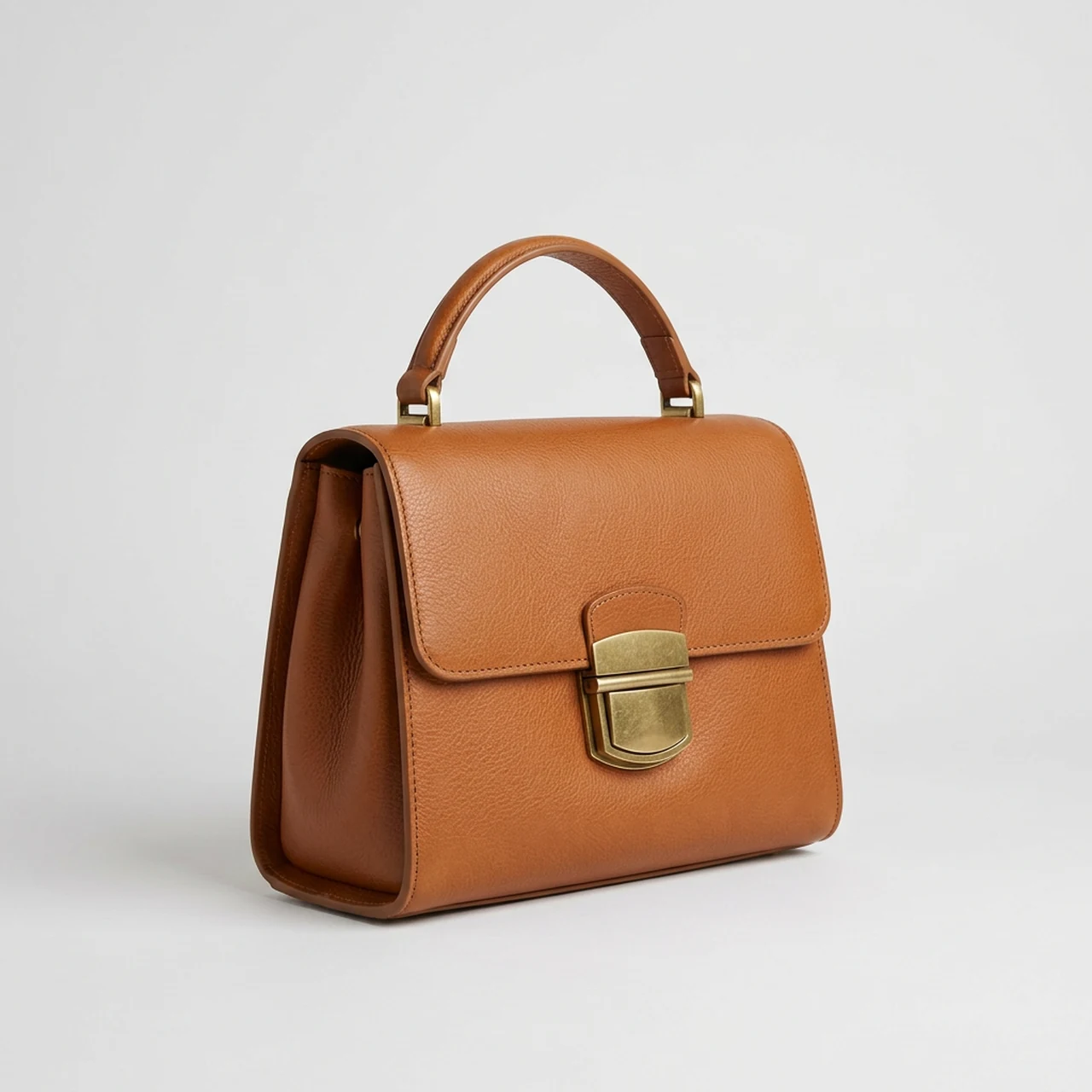
With textures on, the GLB includes PBR materials that distinguish surfaces such as leather, glossy metal and fabric. Small lettering and logos are not reliable, so plan to check or replace them before a close-up render.
- •Textures can be switched on or off
- •Standard or detailed texture quality
- •Realistic metal and gloss
- •Leather and fabric surfaces
- •Check small markings by hand

High-detail geometry to inspect and refine
The detailed geometry option gives the shape a finer result; full downloads are often over a million triangles and around 40 MB. Very thin parts and fine outlines can show seams, and a game asset may need simplification before use.
- •Optional detailed geometry
- •Often over one million triangles
- •Full GLB around 40 MB
- •Lighter preview in the viewer
- •Inspect thin parts for seams
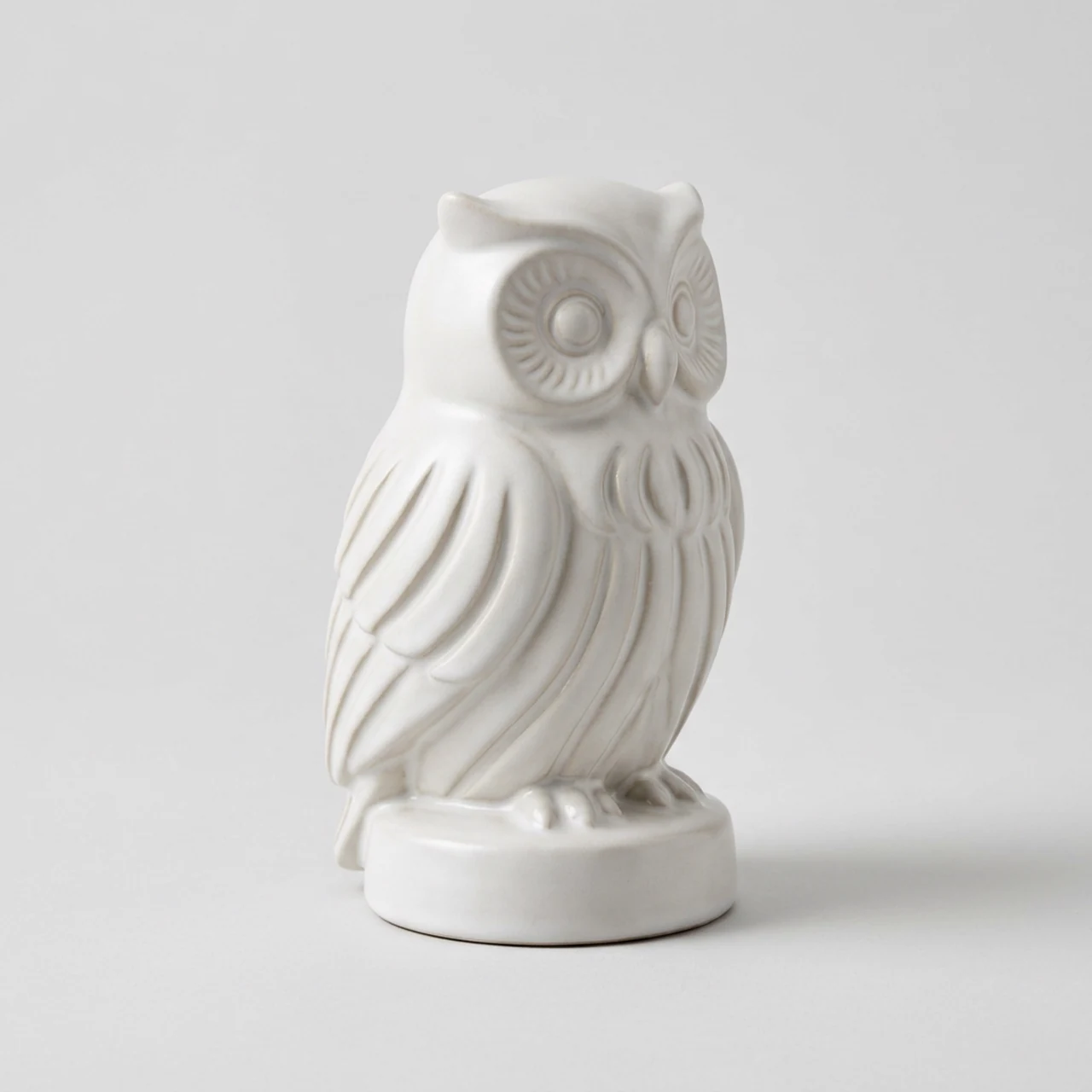
How it works
1
Upload one picture
Open the 3D tab of the BudgetPixel Image Workshop and upload one PNG, JPG or WebP picture of one subject. Keep the whole subject in frame against a plain background, ideally from a three-quarter view.
2
Pick your options
Switch textures on or off, and choose standard or detailed texture quality when using them. Turn on detailed geometry if a finer shape matters more to your job.
3
Turn it and download
After about 3 to 4 minutes, rotate the lighter preview and check the inferred back as well as the front. Download the full-quality GLB for your 3D software, engine or viewer.
Pricing for Tripo H3.1
Runs on credits — no per-model surcharges, no surprise billing.
400credits
per 3D model
400 credits per 3D model (textured)
Use Tripo H3.1 via the API
Tripo H3.1 is available through the BudgetPixel developer API — the same model the studio runs, supporting image-to-3d. Pricing is metered in credits (400 credits per 3D model (270 without textures, 540 with detailed textures); optional: detailed geometry +270), charged only on success, with an API key available on Premium plans and above.
curl -X POST https://api.budgetpixel.com/v1/3d/tripo-h3.1 \
  -H "Authorization: Bearer $BUDGETPIXEL_API_KEY" \
  -H "Content-Type: application/json" \
-d '{"image": "https://example.com/your-picture.png"}'No code? Use Tripo H3.1 from Claude or Cursor
Tripo H3.1 is also available through the BudgetPixel MCP server. Connect your account to Claude, Cursor, or any MCP-enabled agent and generate with Tripo H3.1 by asking in plain language — same credits, same pricing, no code required.
Frequently asked questions
What is Tripo H3.1 on BudgetPixel?▾
It turns one uploaded picture of one subject into a 3D model. On BudgetPixel, it is an image-to-3D tool with no text prompt; the downloadable result is a GLB.
What happens to the back of the object?▾
The model infers the back, underside and anything hidden by the subject; it cannot see those parts in a single picture. A three-quarter view with the whole subject visible gives it more shape information. Rotate the result and check whether the inferred areas work for your project.
What kind of picture works best?▾
Use one clear subject, fully in frame, with even light and a plain or removed background. Products, props and character artwork are good starting points. Thin straps, fine outlines, small text and logos may need cleanup.
What file format do I get?▾
BudgetPixel provides a GLB file. With textures enabled, it contains a textured model with PBR materials. The on-page viewer uses a lighter preview; the download is the full-quality file.
Can I open the GLB in Blender or a game engine?▾
Yes. GLB opens in Blender, Unity, Unreal and Godot, as well as three.js and glTF viewers. Android AR Scene Viewer also reads GLB. The high-detail mesh may need refinement or simplification for a particular game.
Can Tripo H3.1 rig or animate a character here?▾
No. This image-to-3D model on BudgetPixel does not provide rigging or animation. A character artist can use its GLB as a starting point and prepare it separately for movement.
Can I 3D print the model?▾
The download is a GLB, not a print-ready file. You would need to prepare and convert the mesh for your slicer in separate 3D software. Check the geometry, especially thin parts, before printing.
How long does a model take, and how large is the file?▾
A model typically takes about 3 to 4 minutes. The full high-detail GLB is often over a million triangles and around 40 MB. The viewer shows a lighter preview rather than that full file.
How much does Tripo H3.1 cost on BudgetPixel?▾
It uses credits per model, and the options you select change the cost. Check the credit amount shown before generating.
Where can I run Tripo H3.1 on BudgetPixel?▾
Use the 3D tab of the BudgetPixel Image Workshop to upload a picture and inspect the result. Tripo H3.1 is also available through the BudgetPixel developer API and MCP connector.
Does Tripo H3.1 have an API?▾
Yes — Tripo H3.1 is available through the BudgetPixel developer API via the `POST /v1/3d/tripo-h3.1` endpoint, supporting image-to-3d. Generate an API key from the developer console (available on Premium plans and above) and see the full reference at docs.budgetpixel.com.
How much does the Tripo H3.1 API cost?▾
API usage is billed in credits from the same balance your plan includes, at the standard metered rate: 400 credits per 3D model (270 without textures, 540 with detailed textures); optional: detailed geometry +270. Failed generations are never charged. You can estimate any request's exact cost with POST /v1/cost before running it.
Can I use Tripo H3.1 with Claude or other AI agents (MCP)?▾
Yes — Tripo H3.1 is exposed through the BudgetPixel MCP server, so Claude, Cursor, and any MCP-compatible agent can generate with it from a plain-language request. Connect your account at budgetpixel.com/mcp; generations use the same credit balance and pricing as the web studio and the API.