P-Video 2 Pro
Text or image to video, with sound on every clip.
From $0.03 a second: a 5-second 480p clip is $0.15.
5–15 secondsDuration
480p / 768pResolution
Generated with every clipAudio
First frame, or first and lastImage input
Cost, Speed, QualityModes
Seven aspect ratiosText-to-video
Professional video for every use case
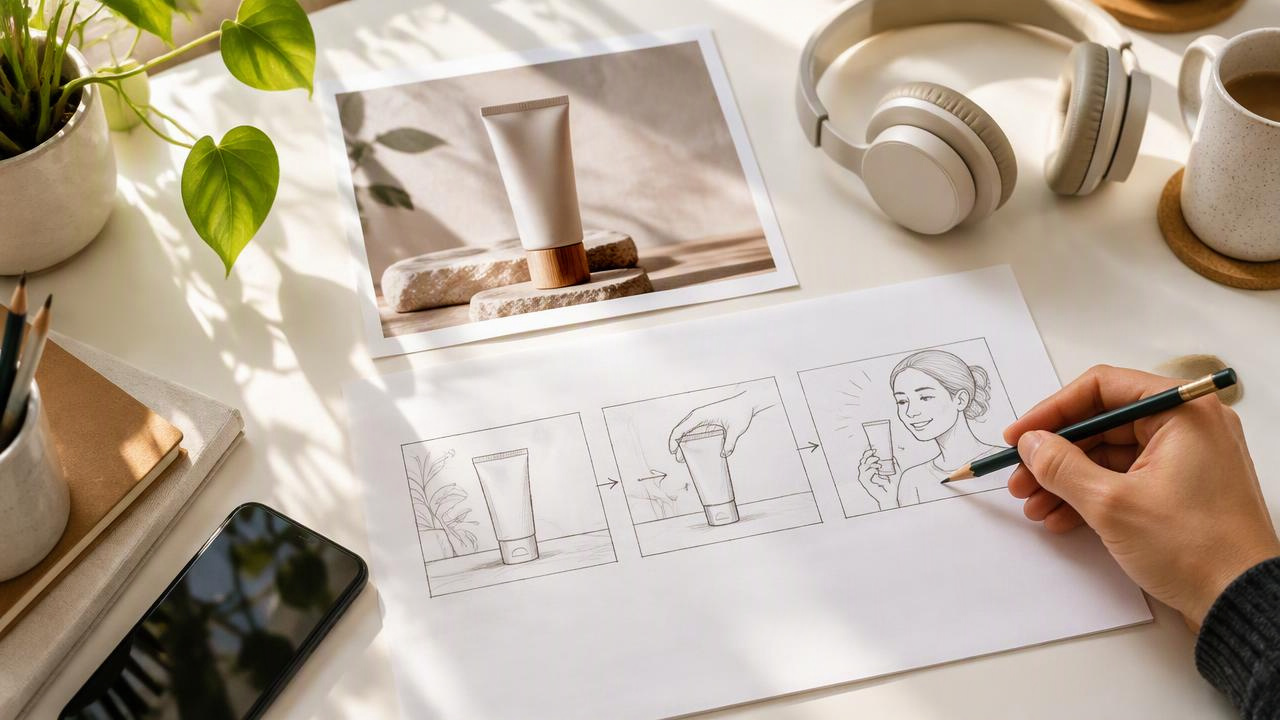
Bring a still image to life.
Start from a picture as the first frame and give it motion and sound, keeping its framing.First-to-last-frame transitions.
Set two images to guide the move from your opening frame to your closing frame.Two-person dialogue.
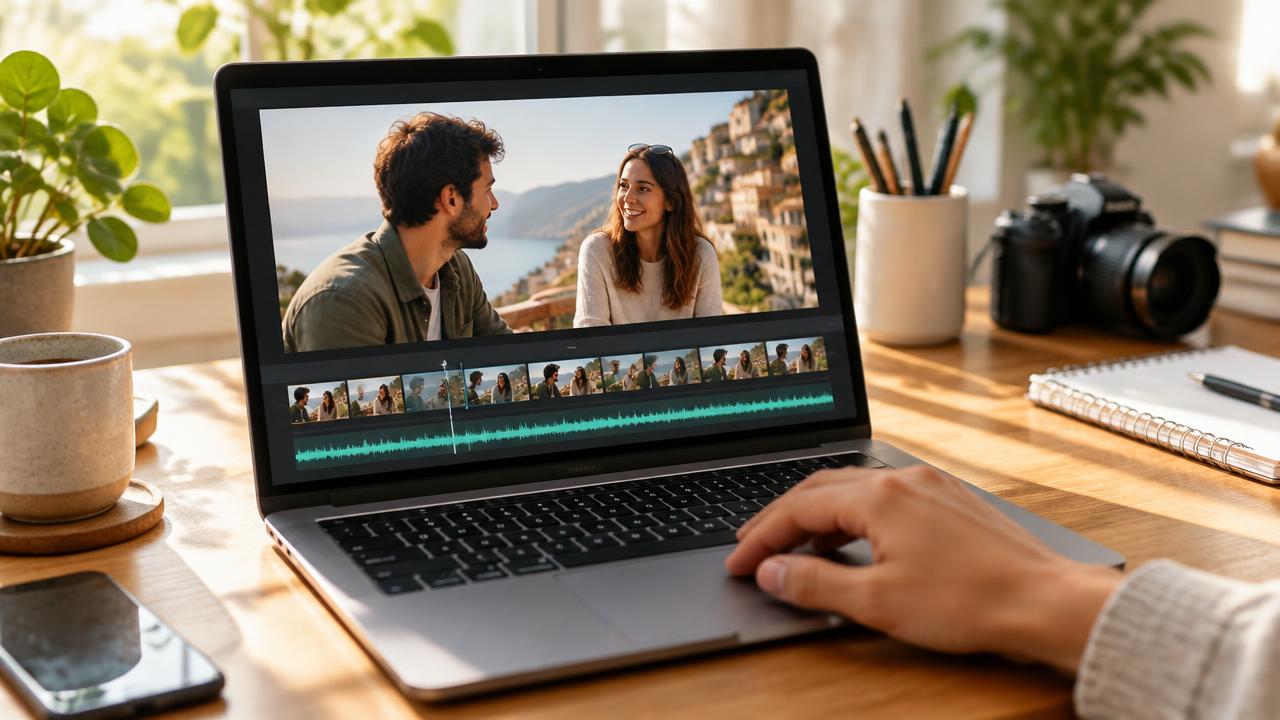
Write both speakers' lines in the prompt to generate a short conversation with speech.Quick Cost-mode drafts.
Test a five-second idea in the lowest-priced mode before refining the scene.Generated audio with every clip
Describe the sounds you want in the same prompt as the scene. P-Video 2 Pro generates audio with the footage, so a short clip can include ambience, effects, music or spoken lines without an audio upload.
- •Ambience and sound effects
- •Music
- •Spoken lines written in the prompt
- •No audio upload needed
A first frame, or first and last
Start from a still image and give it motion and sound, or add a closing image as well and the clip moves from one to the other. When you add a frame image, its shape determines the clip's canvas.
- •Animate a still from its first frame
- •Add a last frame to choose the ending
- •Describe the motion and sound in the prompt
- •The frame image sets the shape
Three modes, three pricing tiers
Choose Cost for the lowest-priced runs, Speed for the default mode, or Quality for more detail and camera movement. In our tests, Cost returned a five-second clip in about 20 seconds, though generation times vary.
- •Cost: the lowest price, and typically the quickest
- •Speed: the default
- •Quality: more detail and camera movement
- •The same prompt in all three modes, shown here
5 to 15 seconds at 480p or 768p
Set the duration in whole seconds and choose between two resolutions; clips render at 24 fps. For text-to-video, seven aspect ratios cover horizontal, vertical and square shots.
- •Any whole number of seconds from 5 to 15
- •480p or 768p, at 24 fps
- •Seven aspect ratios for text-to-video
- •A seed for repeatable runs through the API
How it works
1
Describe your scene
Open the Video Workshop and select P-Video 2 Pro. Write the subject, the action and the camera movement, then the music, effects or spoken lines you want to hear.

2
Set frames and output
For image-to-video, add a first frame, and a last frame too if the clip should end on a set image. Choose 5 to 15 seconds, 480p or 768p, and Cost, Speed or Quality; text-only clips also take an aspect ratio.
3
Generate and download
Generate the clip and check its motion and sound before you download it. If it needs another pass, adjust the prompt or switch modes and run it again.
Short prompts to try
A humpback whale breaches out of a calm ocean at sunset, slow motion, water streaming off its fins, spray glowing gold, the deep crash of the water.
A clip with sound, from text alone.
The giant koi swims slowly through the golden clouds above the tea terraces and turns toward the camera.
Give it a first and a last frame and it moves between them.
A plain glass perfume bottle on wet black stone, slow orbit around it, water droplets sliding down the glass, soft studio light, a gentle chime.
Try a product idea in Cost mode first.
Pricing for P-Video 2 Pro
Runs on credits — no per-model surcharges, no surprise billing.
52credits
per second of video
≈ 260 credits for a 5-second clip
Show pricing details▾
ResolutionCredits
- 768pdefault52/ sec
- 480p30/ sec
Credits work across every plan. See /pricing for credit packages.
Use P-Video 2 Pro via the API
P-Video 2 Pro is available through the BudgetPixel developer API — the same model the studio runs, supporting text-to-video, and image-to-video. Pricing is metered in credits (30 credits/second at 480p, 52 credits/second at 768p in the default Speed mode; Cost mode 15 and 37, Quality mode 60 and 112), charged only on success, with an API key available on Premium plans and above.
curl -X POST https://api.budgetpixel.com/v1/videos/p-video-2-pro \
  -H "Authorization: Bearer $BUDGETPIXEL_API_KEY" \
  -H "Content-Type: application/json" \
-d '{"prompt": "your prompt here"}'No code? Use P-Video 2 Pro from Claude or Cursor
P-Video 2 Pro is also available through the BudgetPixel MCP server. Connect your account to Claude, Cursor, or any MCP-enabled agent and generate with P-Video 2 Pro by asking in plain language — same credits, same pricing, no code required.
P-Video 2 Pro at a glance
- Text-to-video
- First and last frame
- Generated audio
- 480p/768p
- 5-15 seconds
- Cost, Speed and Quality modes
- Seven aspect ratios
How P-Video 2 Pro compares
The differences that actually change which one you pick.
- P-Video 2 Pro vs P Video
- P-Video 2 Pro adds a last-frame option, lengths from 5 to 15 seconds and three price modes. P Video keeps 1080p and the option to drive the video from your own audio track.
- P-Video 2 Pro vs MiniMax H3 Max Turbo
- Both come from the MiniMax H3 family with sound and first/last frames. P-Video 2 Pro's Cost mode is the cheapest way to that family at 480p and 768p; H3 Max Turbo adds 1080p.
- P-Video 2 Pro vs Seedance 2.0 Mini
- Both are budget picks for everyday clips. Seedance 2.0 Mini adds reference images and video-to-video editing; P-Video 2 Pro adds a low-priced Cost mode, which returned 5-second clips in about 20 seconds in our tests.
Frequently asked questions
What is P-Video 2 Pro?▾
P-Video 2 Pro is Pruna AI's video generation model, built on MiniMax H3. It makes short clips from a text prompt, optionally starting from a first frame, or moving from a first frame to a last frame, and it generates audio with the video.
How do I use P-Video 2 Pro on BudgetPixel?▾
Select it in the Video Workshop, describe your scene and choose your output settings. It is also available through the BudgetPixel developer API and MCP connector.
What inputs does P-Video 2 Pro accept?▾
A text prompt is required. You can also add a first-frame image, or a first and a last frame for a transition. You cannot upload audio for this model.
Does P-Video 2 Pro generate sound and dialogue?▾
Yes. Every clip includes generated audio; describe ambience, sound effects, music or spoken lines in your prompt. It does not accept an audio file or sync to a track you provide.
How long are clips, and what resolutions are available?▾
Choose any whole-number duration from 5 to 15 seconds. Output is 480p or 768p at 24 fps. Text-to-video supports seven aspect ratios; when you supply a frame image, that image sets the shape.
How much does P-Video 2 Pro cost?▾
It is billed per second of video, at a rate set by the resolution and the mode. At 480p it costs 15 credits a second in Cost mode, 30 in Speed (the default) and 60 in Quality; at 768p, 37, 52 and 112. A 5-second 480p clip in Cost mode is 75 credits. Failed generations are not charged.
Can P-Video 2 Pro make a scene with two people talking?▾
Yes. Describe the two people and write their lines in the prompt to generate a short dialogue scene with speech. Keep the exchange within the clip's 15-second maximum.
Can I repeat a result with a seed?▾
Through the BudgetPixel API you can set an optional seed to make runs more repeatable; keep the prompt and the other settings the same. A seed helps with reproducibility but does not promise an identical clip. The Video Workshop has no seed setting for this model.
Can I use P-Video 2 Pro clips commercially?▾
BudgetPixel plans include commercial usage terms that vary by plan. Check the Terms of Service and the terms of your plan before using a clip commercially, and make sure you have the rights to any images you upload.
How does P-Video 2 Pro compare to other AI video generators?▾
Its focus is short, newly generated clips with audio and optional first- and last-frame control. Check whether its 15-second maximum, 768p ceiling and lack of audio input fit your project.
Does P-Video 2 Pro have an API?▾
Yes — P-Video 2 Pro is available through the BudgetPixel developer API via the `POST /v1/videos/p-video-2-pro` endpoint, supporting text-to-video, and image-to-video. Generate an API key from the developer console (available on Premium plans and above) and see the full reference at docs.budgetpixel.com.
How much does the P-Video 2 Pro API cost?▾
API usage is billed in credits from the same balance your plan includes, at the standard metered rate: 30 credits/second at 480p, 52 credits/second at 768p in the default Speed mode; Cost mode 15 and 37, Quality mode 60 and 112. Failed generations are never charged. You can estimate any request's exact cost with POST /v1/cost before running it.
Can I use P-Video 2 Pro with Claude or other AI agents (MCP)?▾
Yes — P-Video 2 Pro is exposed through the BudgetPixel MCP server, so Claude, Cursor, and any MCP-compatible agent can generate with it from a plain-language request. Connect your account at budgetpixel.com/mcp; generations use the same credit balance and pricing as the web studio and the API.