
Free Business Card Maker
A designed card to start from. Your name and details in a minute.
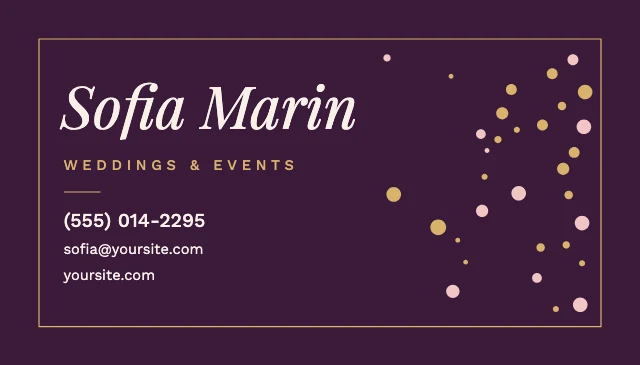
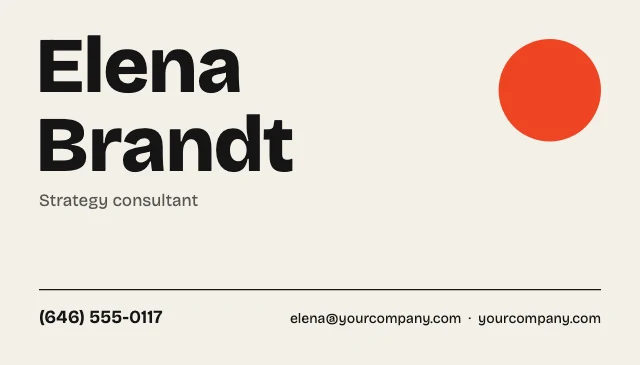
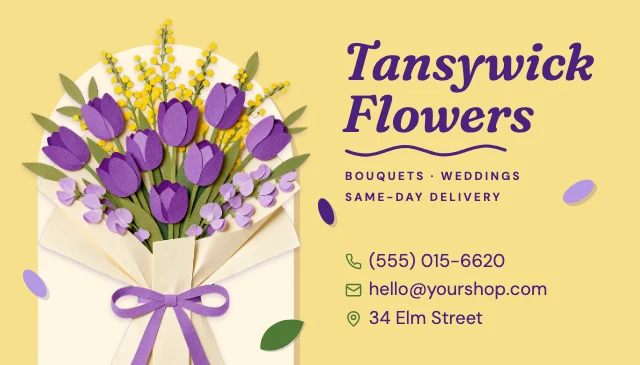
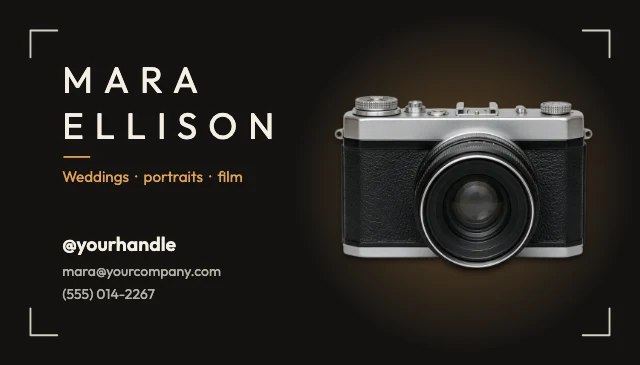
Pick a card that suits your work: a consultant, a realtor, a salon, a contractor, a photographer. It opens in Design Studio with every line as live text, so your name, title, phone and email go in by typing, and your logo or photo goes where the sample is.
Templates are free, and so is chatting with the AI designer, up to a daily limit. An AI picture is 46 credits with the default Seedream 5.5, or from 12 with FLUX 3 Klein, about $0.04 and $0.01 on the Basic plan.
Free. Sign in or create a free account to open it in Design Studio, on a computer. Star it to find it again later.
Shown: Real estate agent business card · Business card 3.5×2 in · 1050×600. Pick another below.
Pick a business card to start from
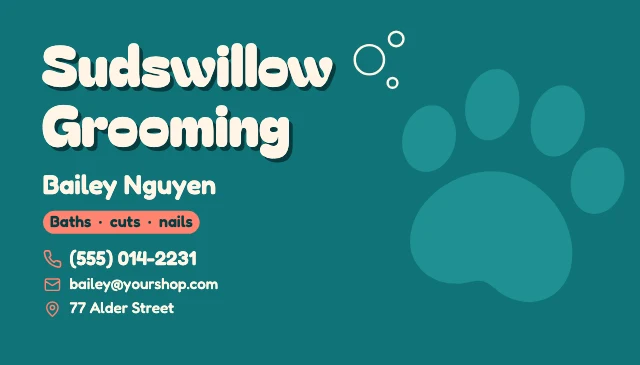
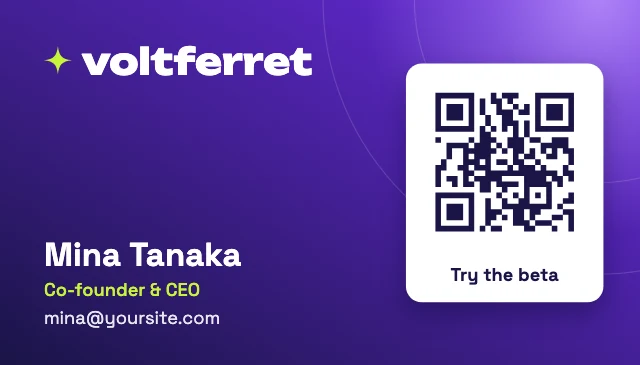
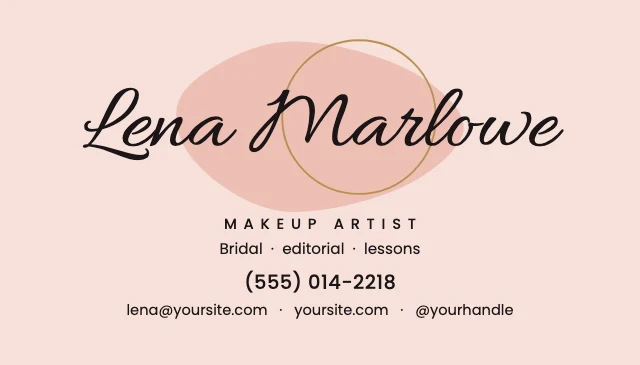
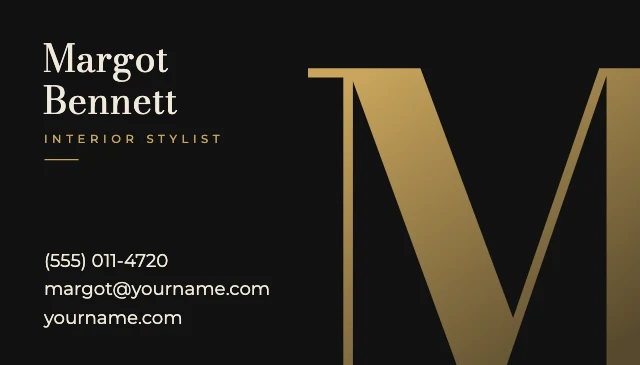
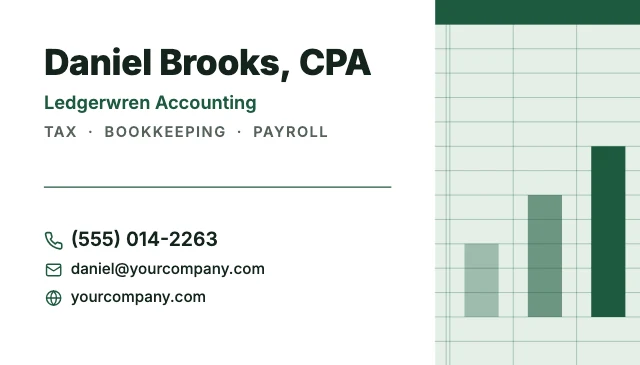
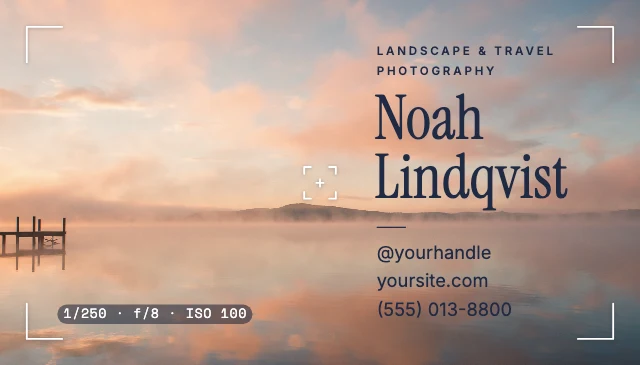
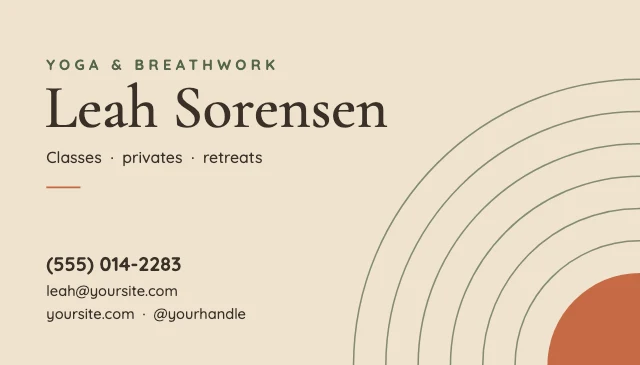
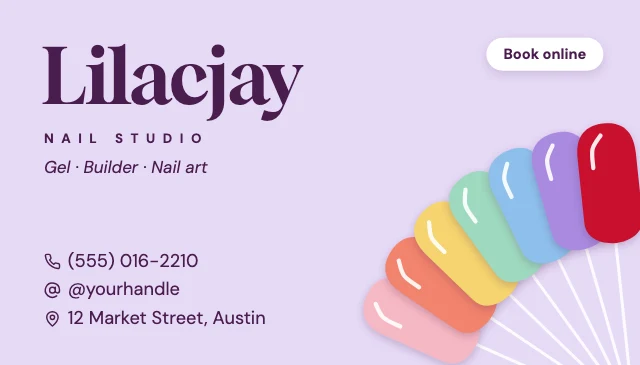
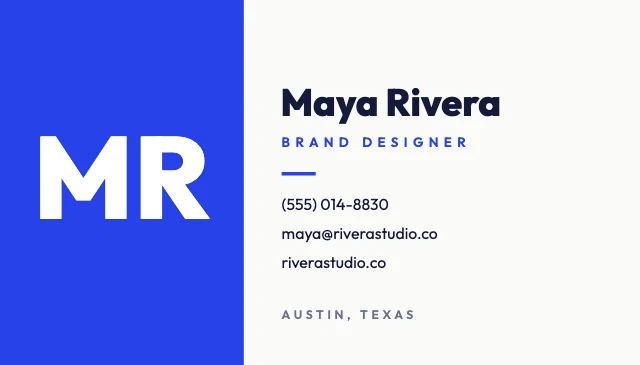
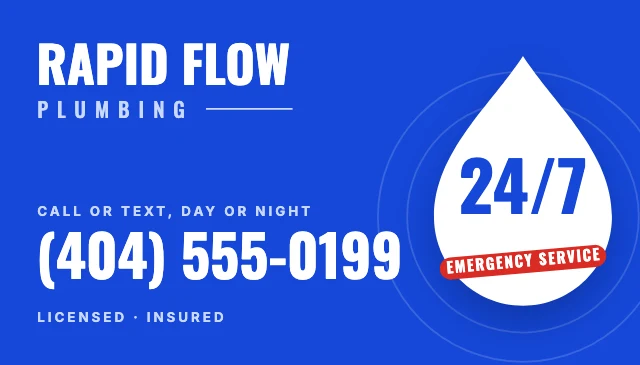
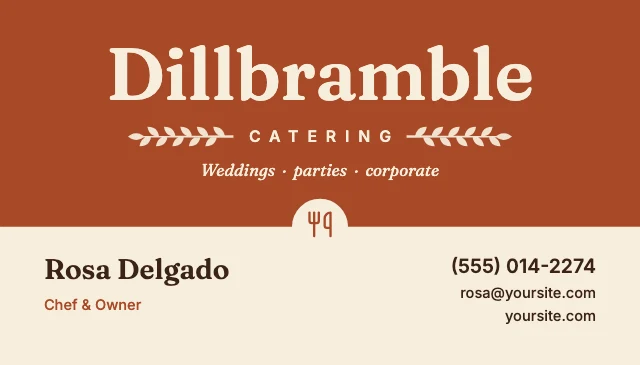
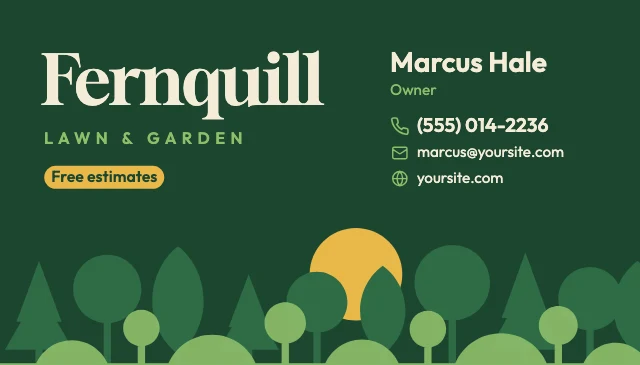
Every one is free and opens as your own copy with all its layers live. Sizes here: Business card 3.5×2 in.

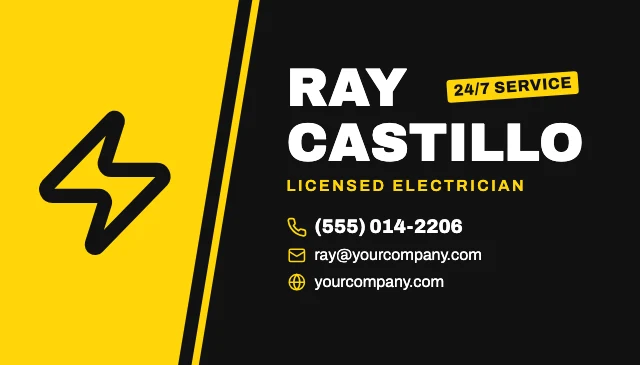
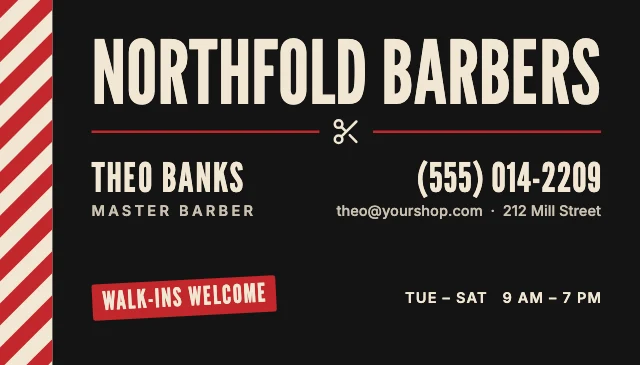
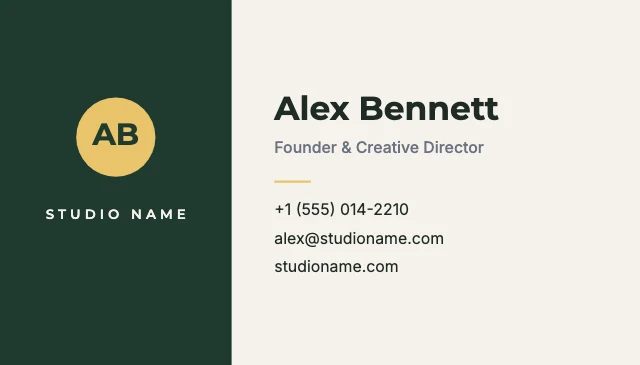
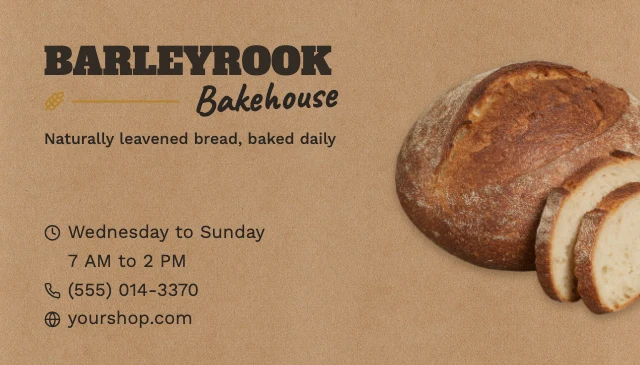



What you can change
Your details are live text
Click your name, title, phone or email and type. The type keeps its font, size and alignment, so the card still looks designed with your own details in it.
Your logo or photo in its place
Click the logo or the portrait and choose Replace. Yours takes the sample's place and size, so the layout holds.
An AI designer that edits the design
Say what you want in plain words: "make it for a jazz night on March 14", "use my brand colours", "swap the photo for a saxophone player". It changes the layers of the design you have open, and you can undo any of it. Chatting with it is free; pictures it generates use credits.
Print-ready at 3.5×2 inches
Cards are the standard US size, 3.5×2 inches at 300 dpi (1050×600 pixels). Download a PNG or JPG at full size for a print shop or for card stock at home. Nothing is watermarked.
How It Works
- 1
Pick a card
Choose a design that suits your work: minimal, bold, elegant, with a photo or with a logo. It opens as your own copy.
- 2
Put in your details
Type your name, job title, phone, email and website over the sample, and replace the logo or the photo with yours. Or give your details to the AI designer and it fills them in.
- 3
Check the edges
A printer trims cards to size, so keep every word a little inside the edges of the card.
- 4
Download and print
Download at full size and send the file to a print shop, or print it on business card stock at home.
Perfect For
Freelancers and consultants
Your name, what you do and how to reach you, in a clean layout that says you are organised.
Shops, salons and studios
Your logo, your address, your opening hours or a line about booking online.
Trades and services
Electricians, plumbers, cleaners and contractors: the phone number first and big, readable at a glance.
Creators and photographers
A handle, a website and a picture of your work on the card.
Frequently Asked Questions
How much does Business Card Maker cost?
What size are the business cards?
Can I put my logo on the card?
Can AI fill in my details?
Can I print the cards at home?
Do I need design software or design skills?
Can I use the business cards I make for my business?
Does it work on a phone?
Free on every plan. You can use, edit and publish what you make from a template, for personal or commercial work. The templates themselves may not be resold or shared as templates.
More to design
Related Tools
Make your business card now
Free to start. No design software, no watermark.
Free. Sign in or create a free account to open it in Design Studio, on a computer. Star it to find it again later.