AI Design Generator
Describe it, get a design in layers, change anything after.
Most AI tools hand back one flat picture. The AI designer in Design Studio works on a canvas: it lays out text, pictures and shapes as separate layers, from your description or from a template, so the result is a design you can keep editing.
Templates are free, and so is chatting with the AI designer, up to a daily limit. An AI picture is 46 credits with the default Seedream 5.5, or from 12 with FLUX 3 Klein, about $0.04 and $0.01 on the Basic plan.
Free. Sign in or create a free account to open it in Design Studio, on a computer. Star it to find it again later.
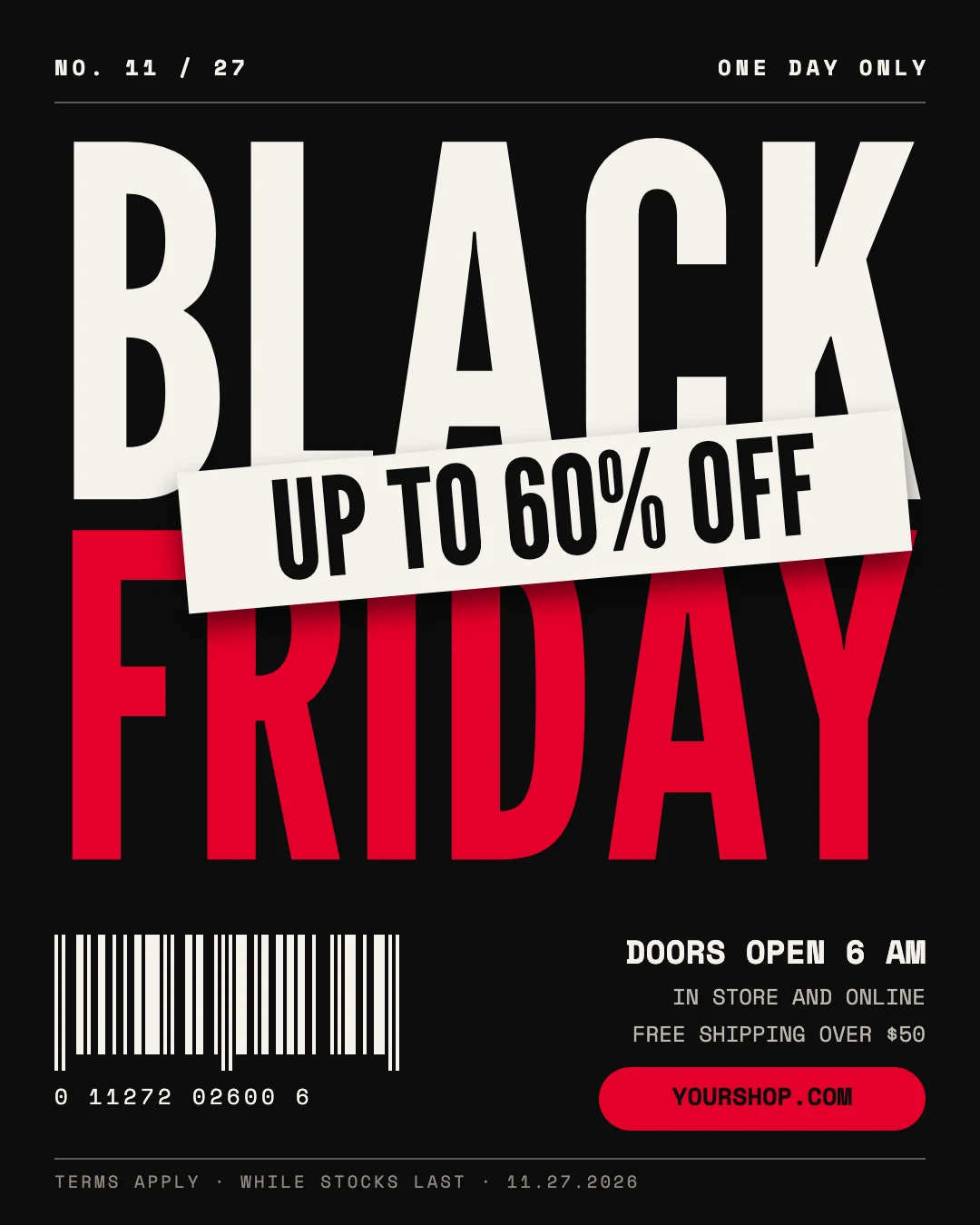
Shown: Black Friday sale post · Instagram post (4:5) · 1080×1350. Pick another below.
Pick a design to start from
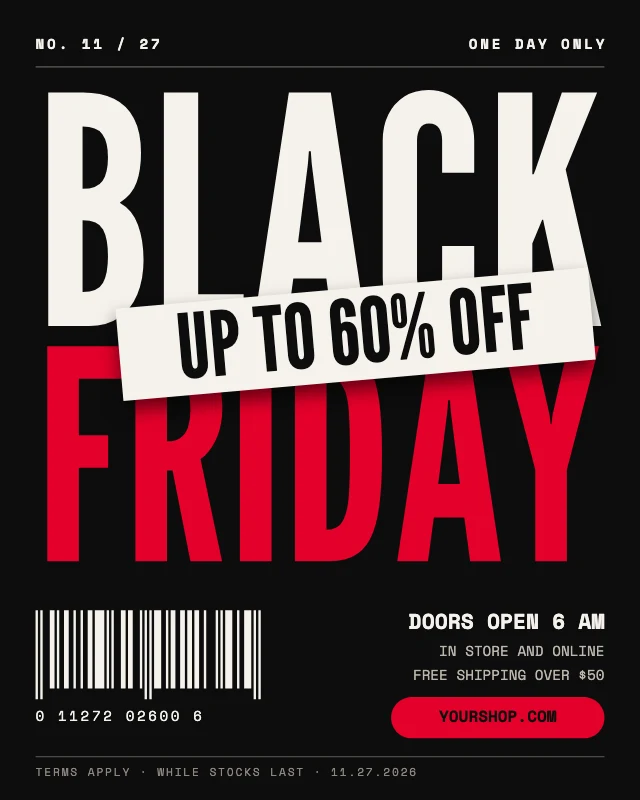
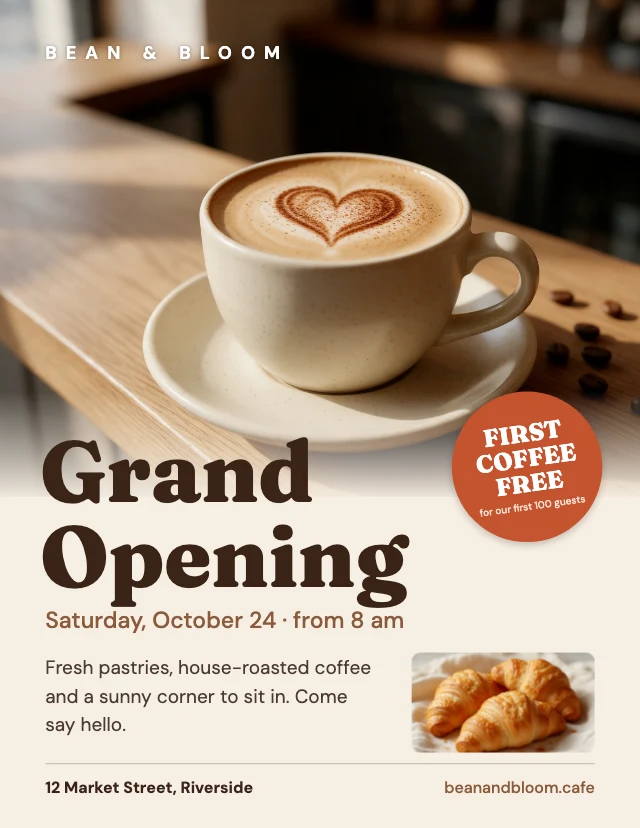
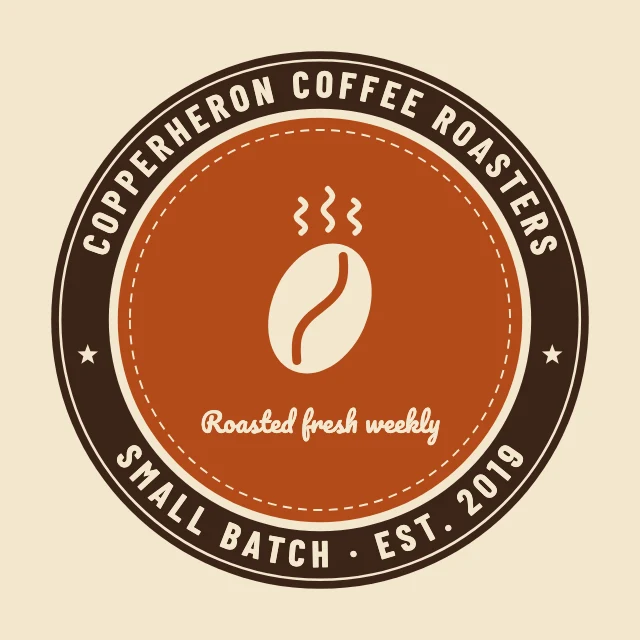
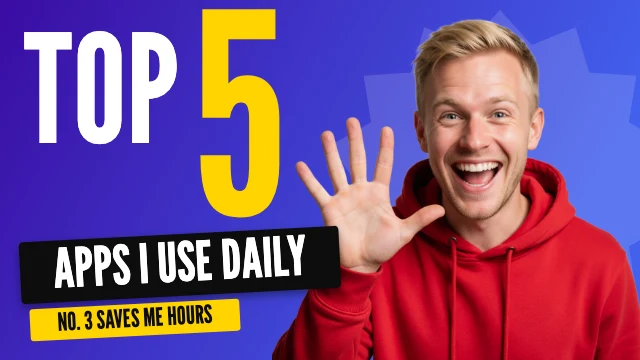
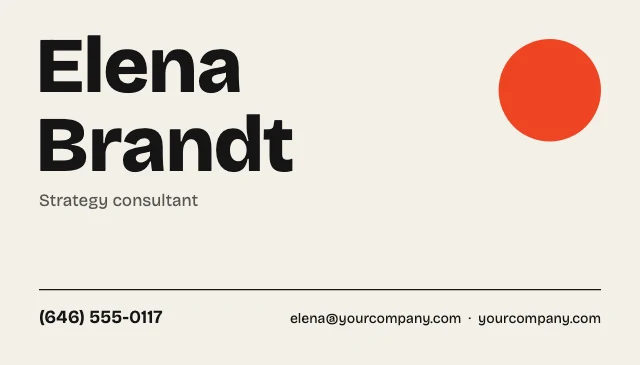
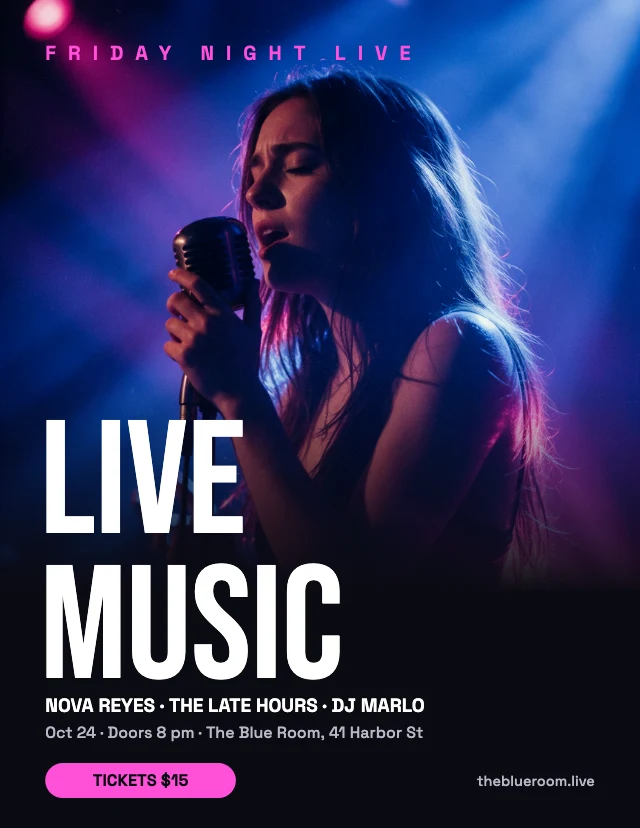
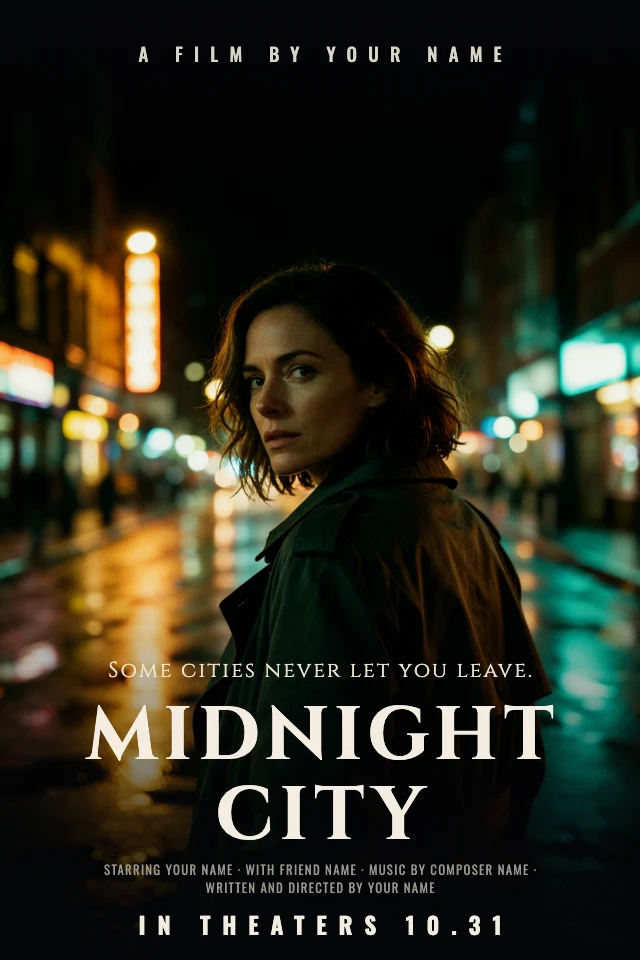
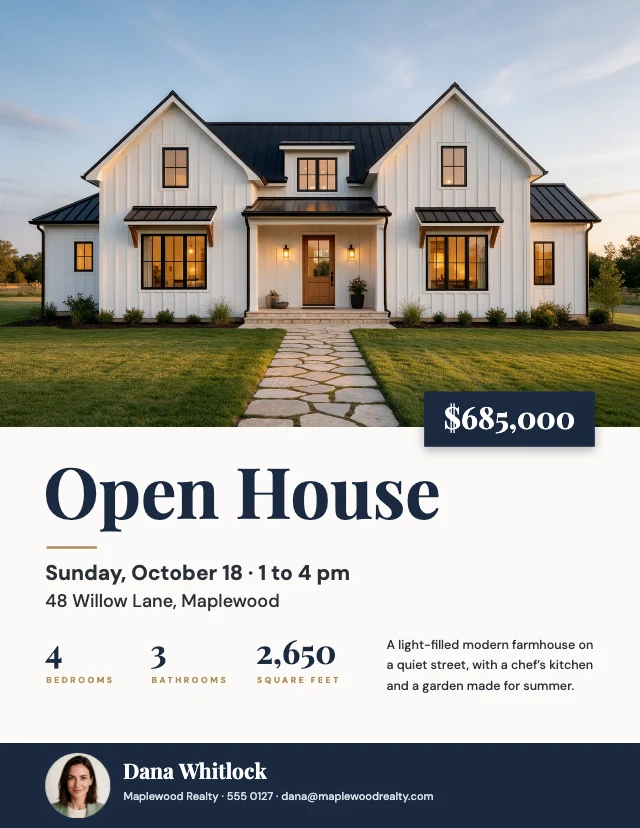
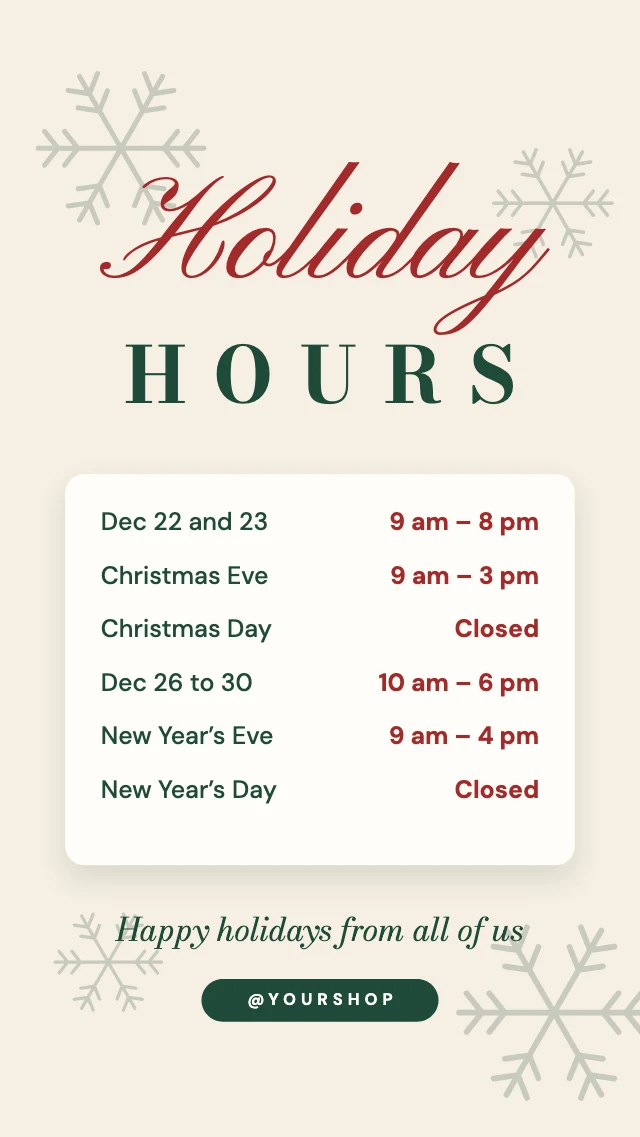
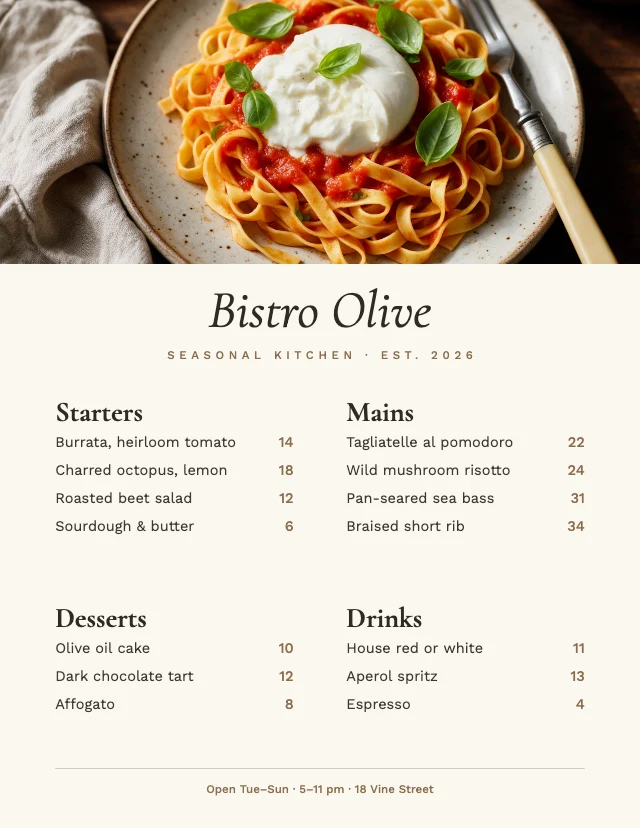
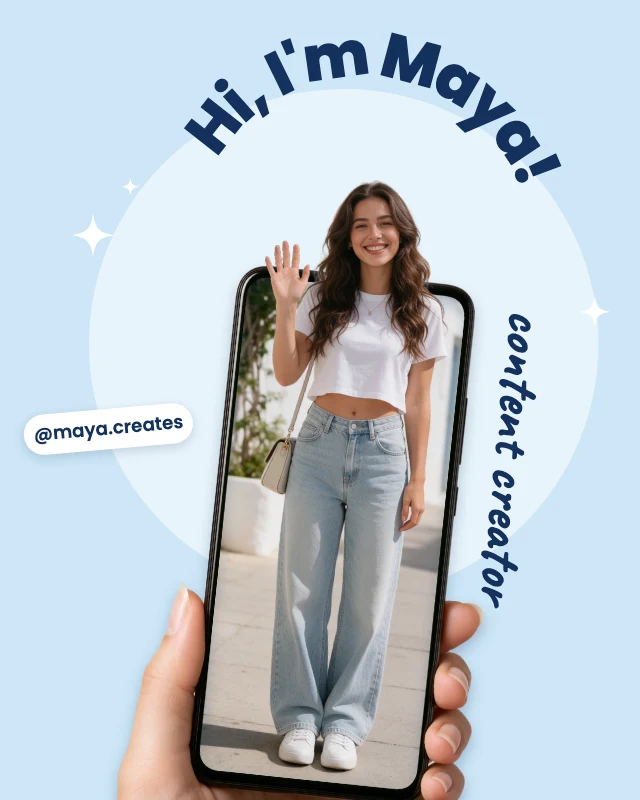
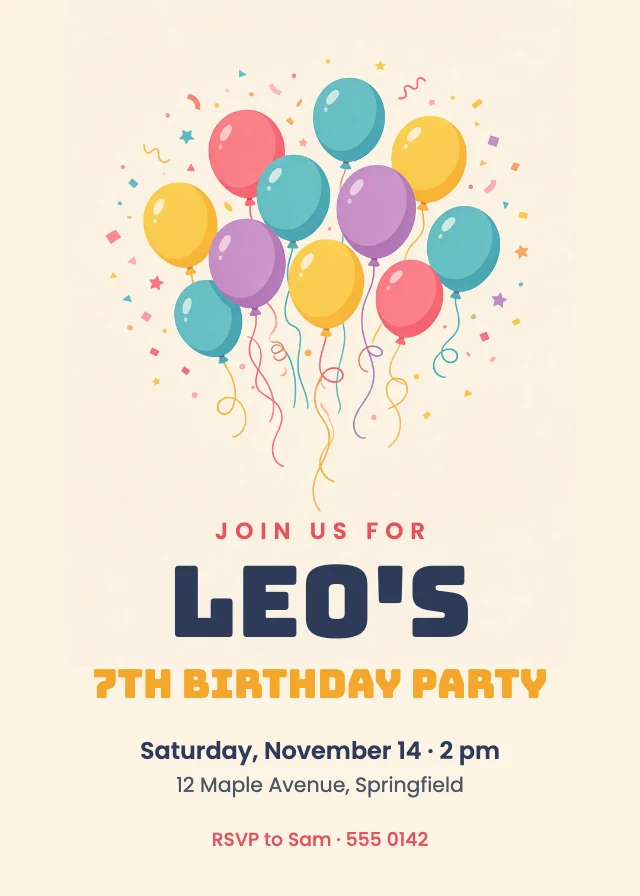
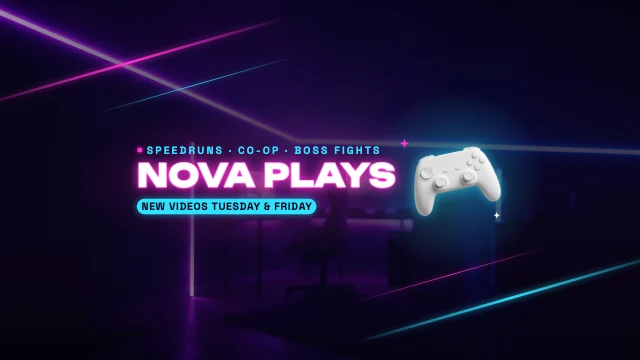
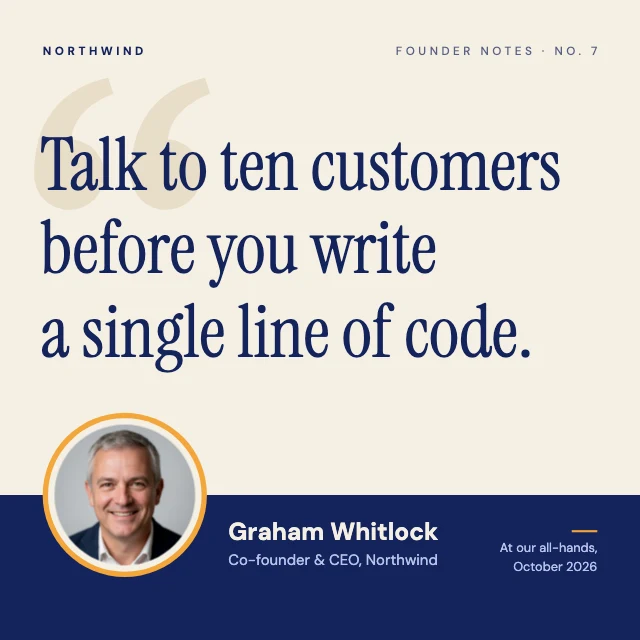
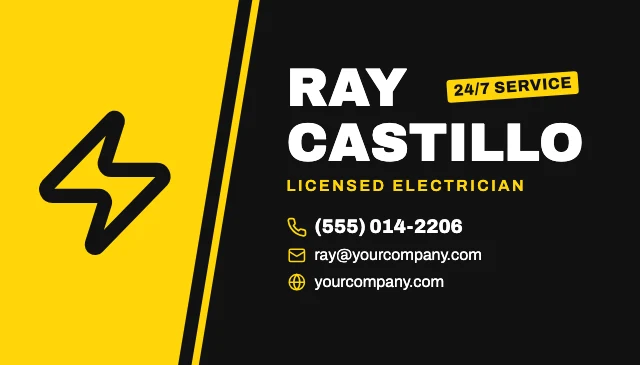
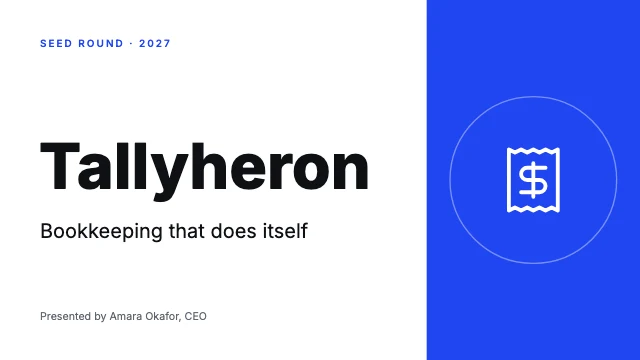
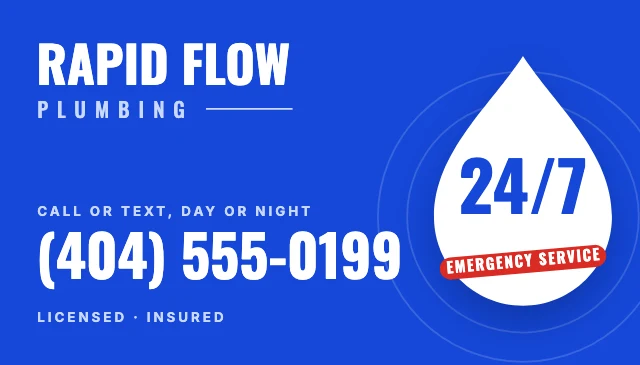
Every one is free and opens as your own copy with all its layers live. Sizes here: Business card 3.5×2 in, US Letter, Instagram post (4:5), Invitation 5×7 in, Logo (square), Poster 2:3.


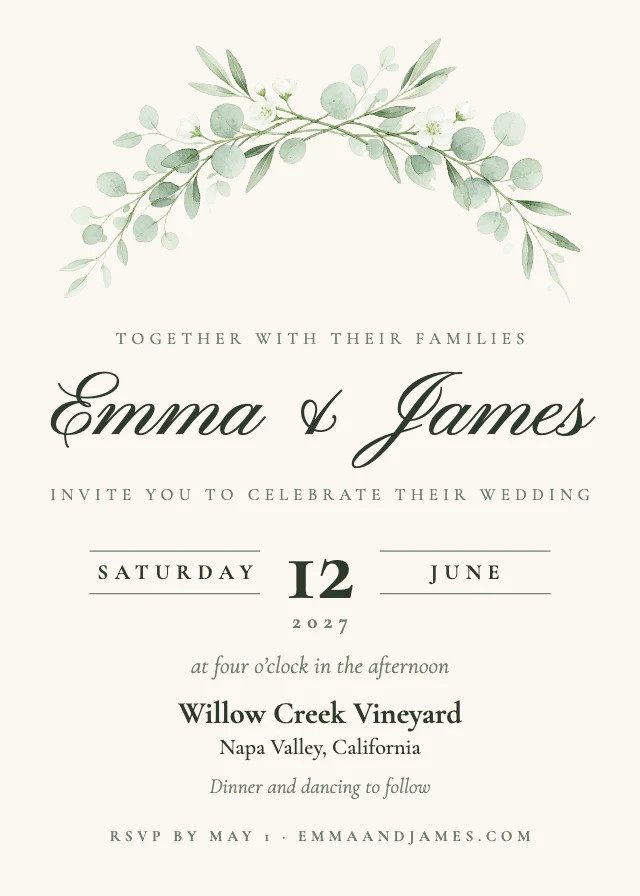
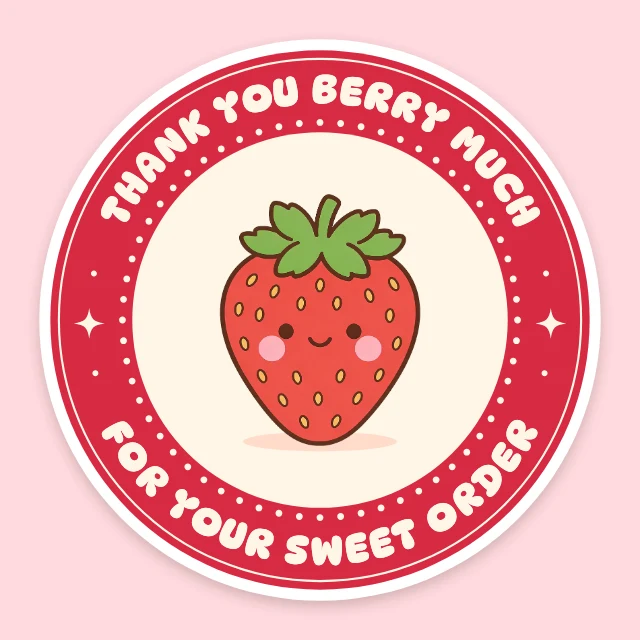
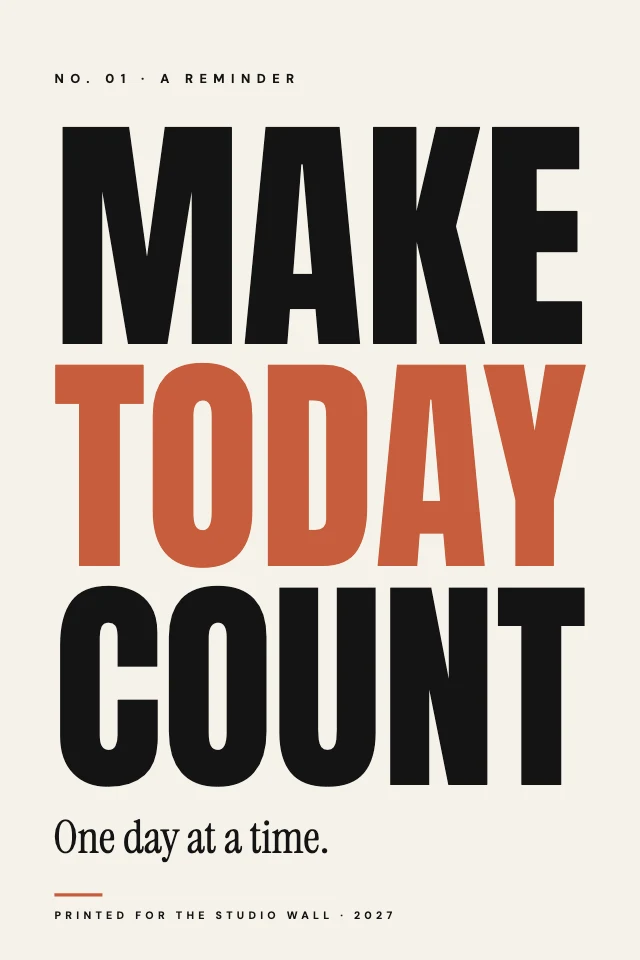
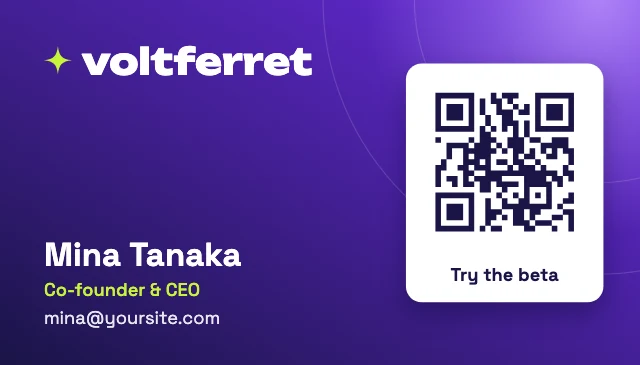

What you can change
A design, not a picture
Text is text, a photo is a photo, a shape is a shape. Ask for a change and only that layer changes; nothing else is redrawn.
From a sentence or from a template
Describe what you need and the AI designer builds it on a blank canvas, or open any template with "Edit with AI" and tell it what to change.
It generates the pictures too
When the design needs a photo or an illustration, the AI designer generates one and places it. You see the cost in credits before it runs, and a failed generation is not charged.
Your brand
Give it your colours, fonts and logo as a brand kit, or point it at your website, and it uses them in what it makes.
How It Works
- 1
Say what you need
Open Design Studio and describe the design: what it is for, the words on it, the size. Or pick a template below and choose "Edit with AI".
- 2
Review and adjust
The design appears on the canvas in layers. Ask for changes in words, or click any layer and change it yourself.
- 3
Download
Download a PNG or JPG at full size, with no watermark.
Perfect For
Social posts
Posts and stories for Instagram, LinkedIn, X, Facebook and Pinterest at their real sizes.
Flyers, posters, menus and invitations at 300 dpi.
Small brands
A logo, stickers, a price list and business cards that look like one family.
Creators
YouTube thumbnails, channel banners and podcast covers.
Frequently Asked Questions
What is an AI design generator?
How much does AI Design Generator cost?
How is it different from an AI image generator?
What can it design?
Do I need design software or design skills?
Can I use the designs I make for my business?
Does it work on a phone?
Free on every plan. You can use, edit and publish what you make from a template, for personal or commercial work. The templates themselves may not be resold or shared as templates.
More to design
Related Tools
Make your design now
Free to start. No design software, no watermark.
Free. Sign in or create a free account to open it in Design Studio, on a computer. Star it to find it again later.