
Free library
Free outfits for your AI characters
Pick an outfit, write its @handle next to a character, and the character wears exactly those clothes in any image or video. 125 outfits, free for everyone, from everyday clothes to costumes.
AI influencer outfits
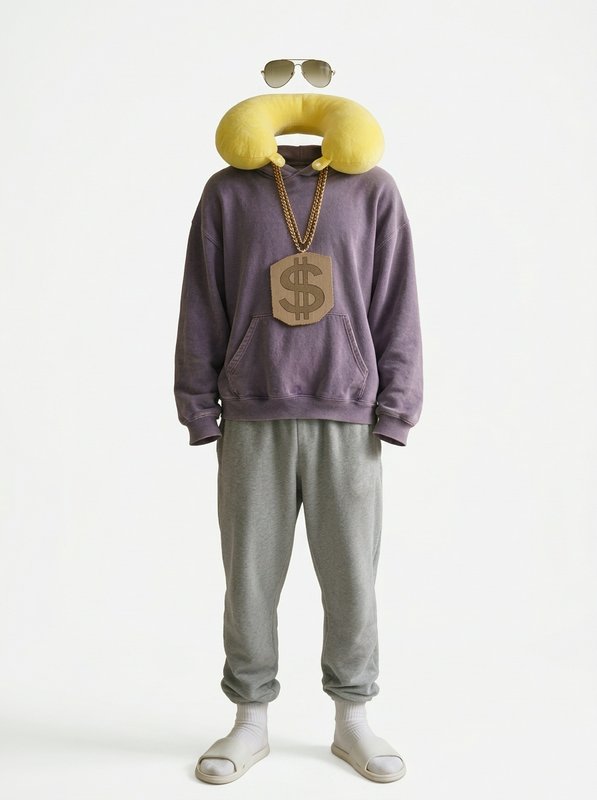 Barry's Signature Outfit@barry_outfit
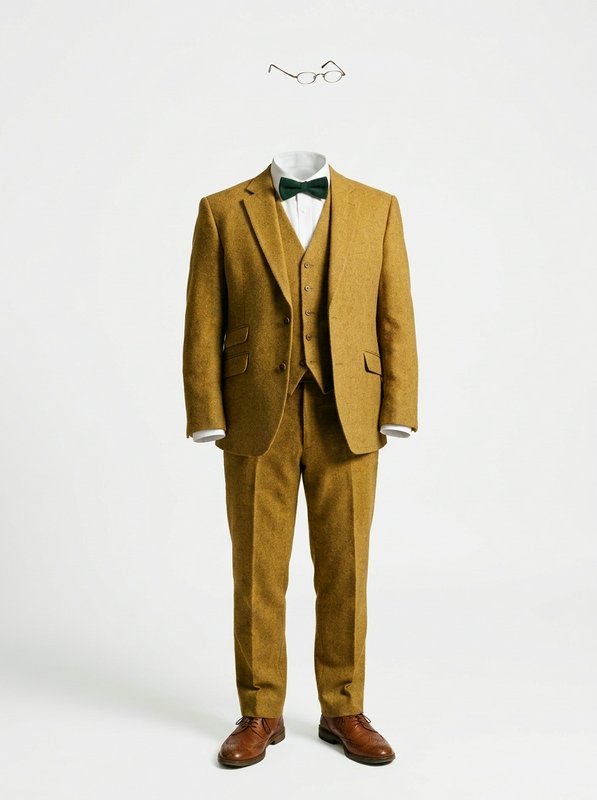 Neville's Signature Outfit@neville_outfit
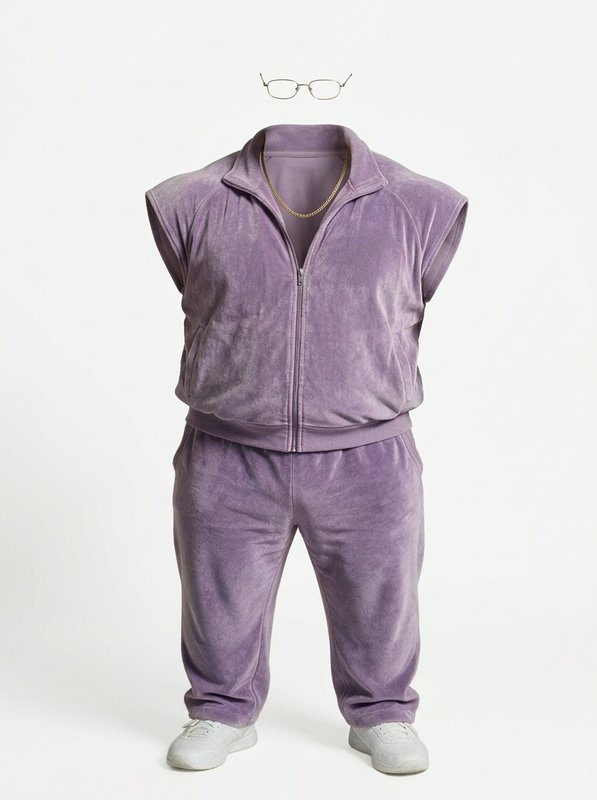 Rocco's Signature Outfit@rocco_outfit
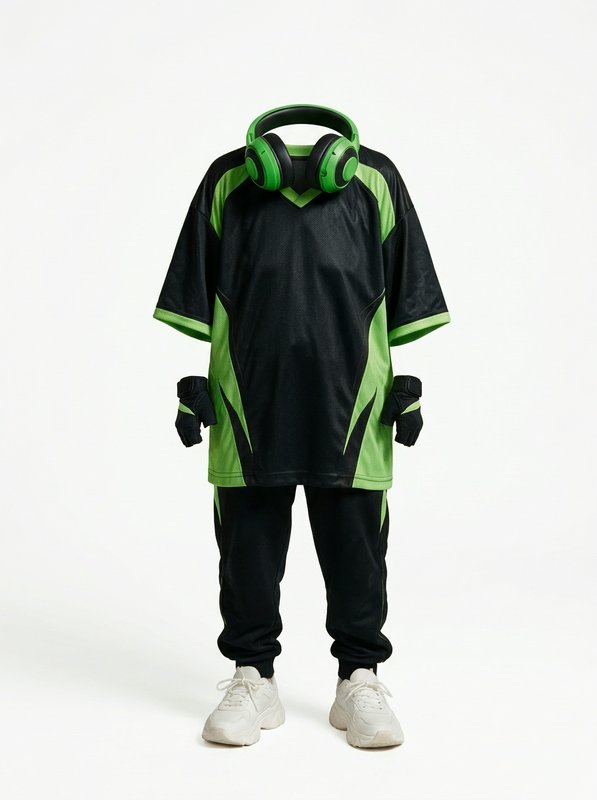 Nana Gloria's Signature Outfit@nanagloria_outfit
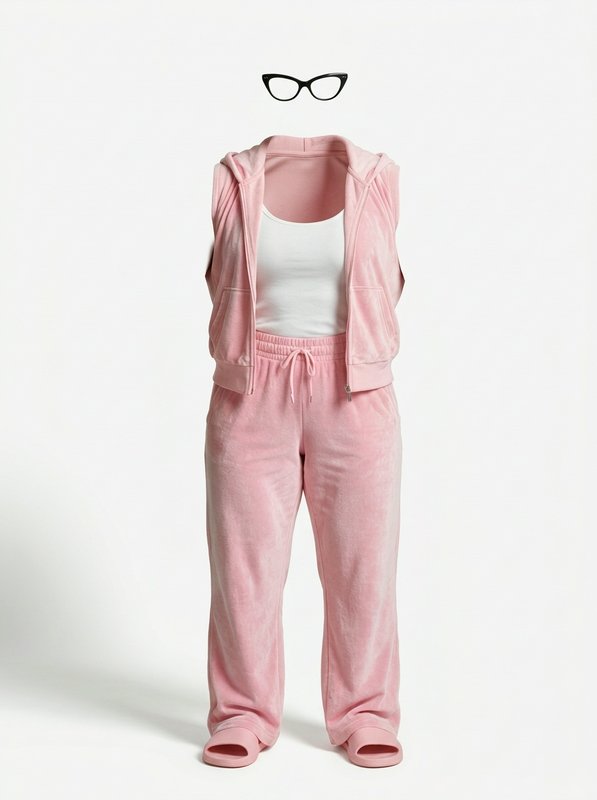 Rosa's Signature Outfit@rosa_outfit
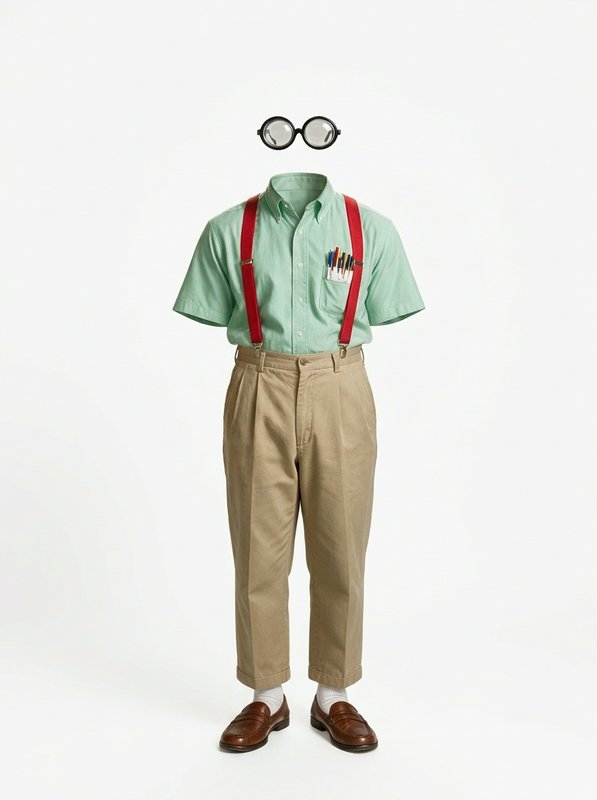 Theo's Signature Outfit@theo_outfit
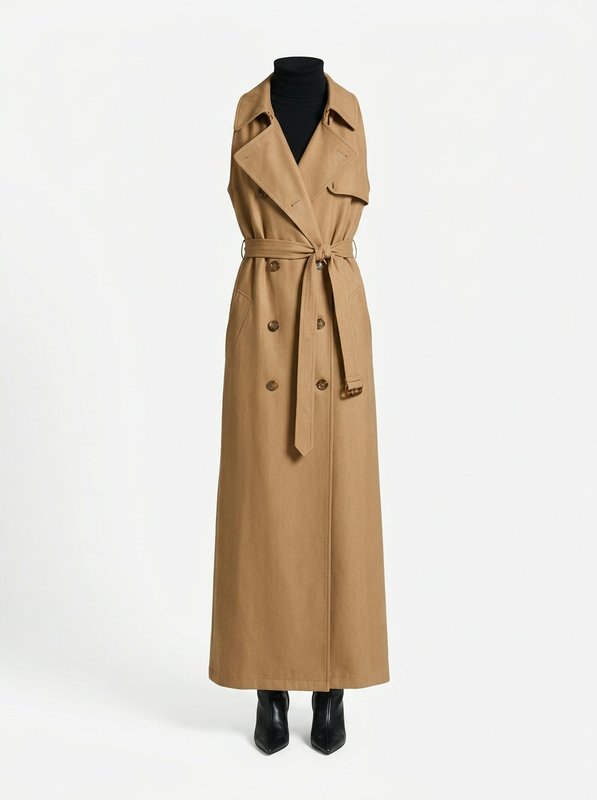 Ophelia's Signature Outfit@ophelia_outfit
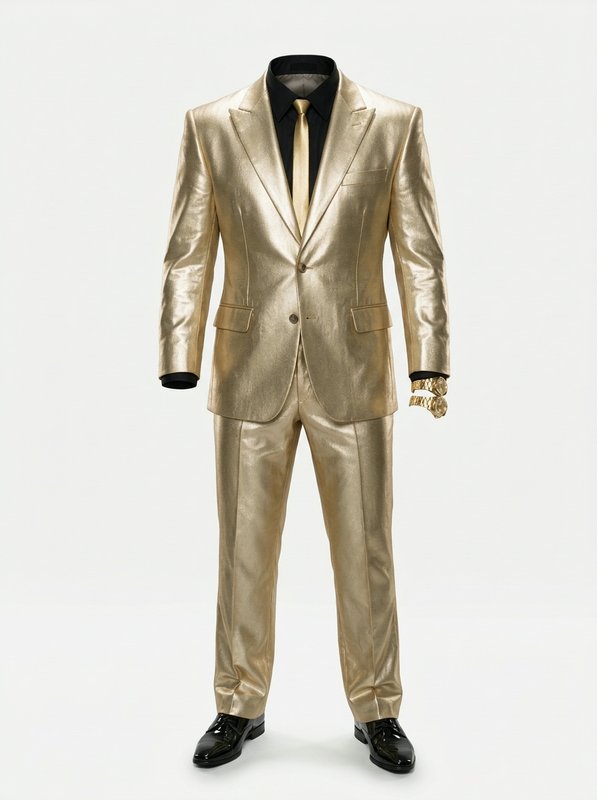 Chad Pemberton III's Signature Outfit@chad_outfit
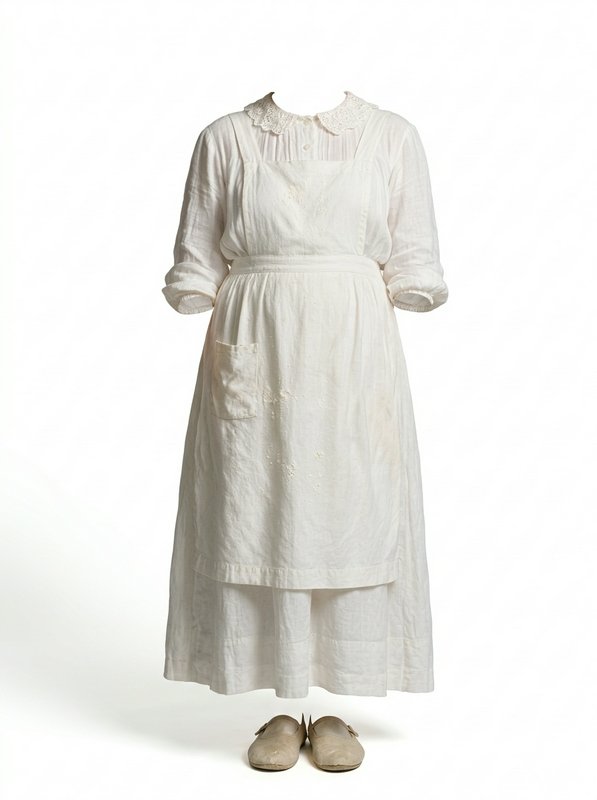 Mabel's Signature Outfit@mabel_outfit
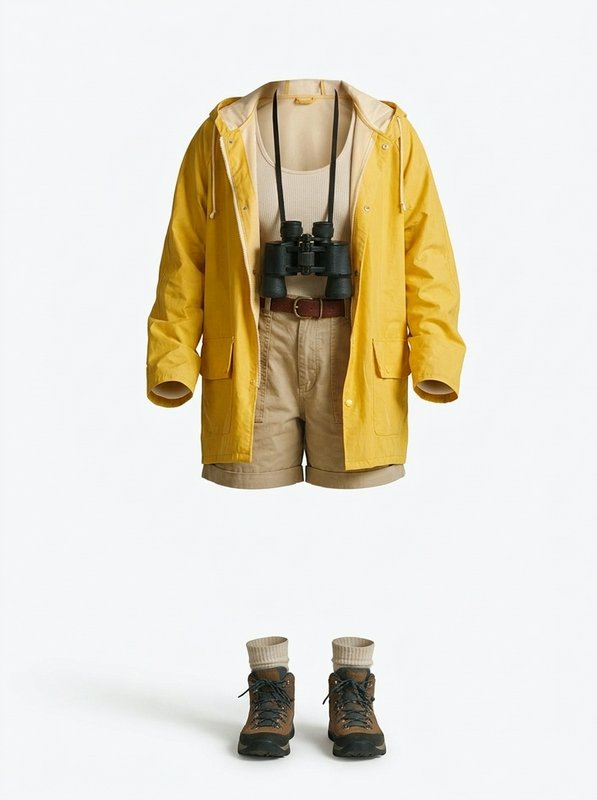 Juno's Signature Outfit@juno_outfit
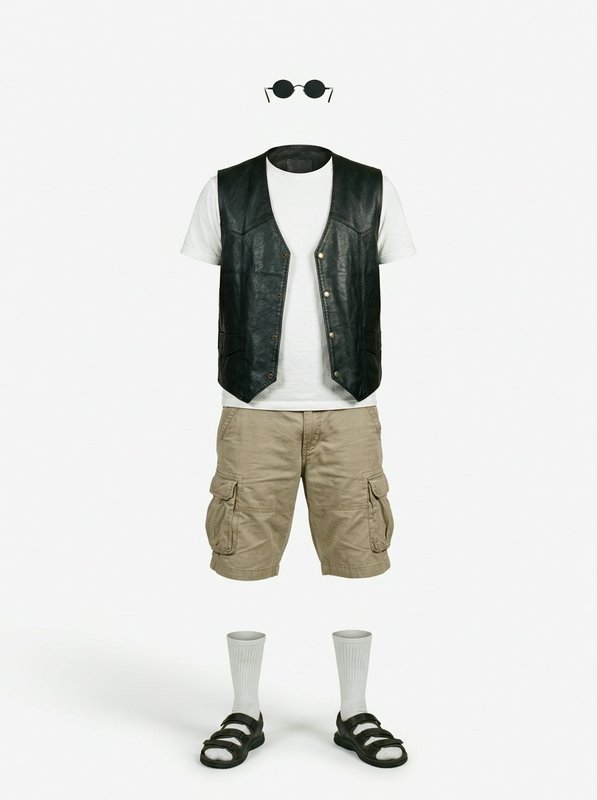 Dex's Signature Outfit@dex_outfit
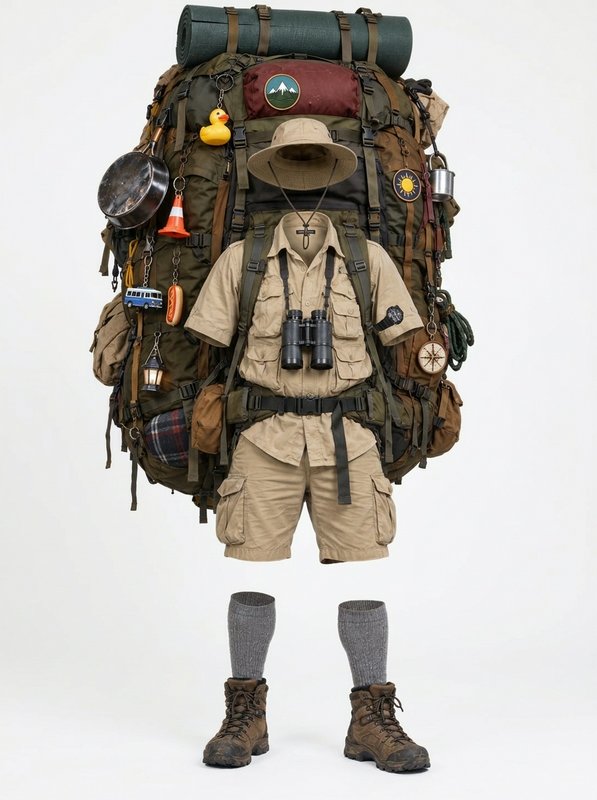 Marco's Signature Outfit@marco_outfit
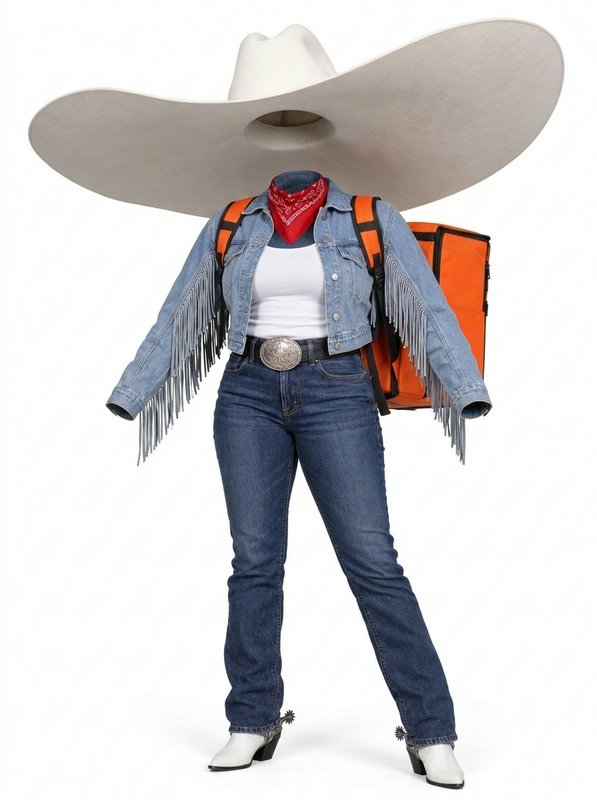 Tex's Signature Outfit@tex_outfit
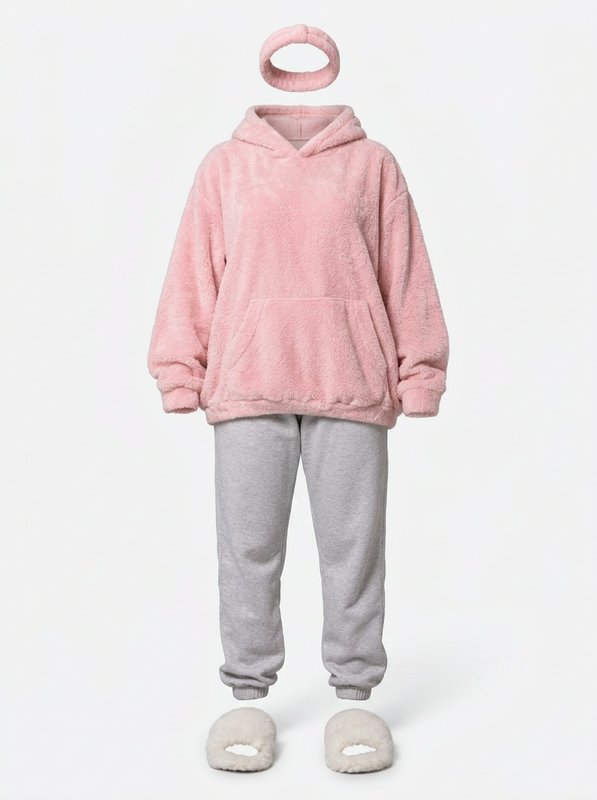 Fifi's Signature Outfit@fifi_outfit
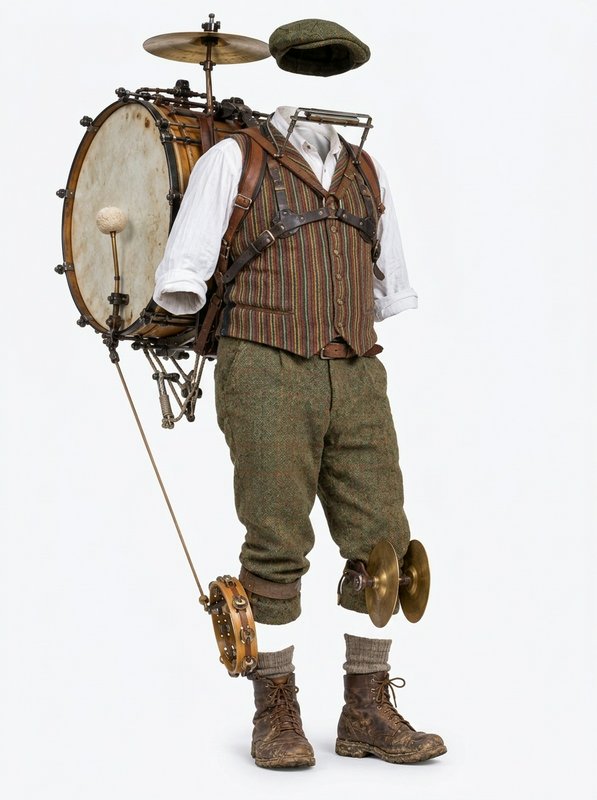 Barnaby's Signature Outfit@barnaby_outfit
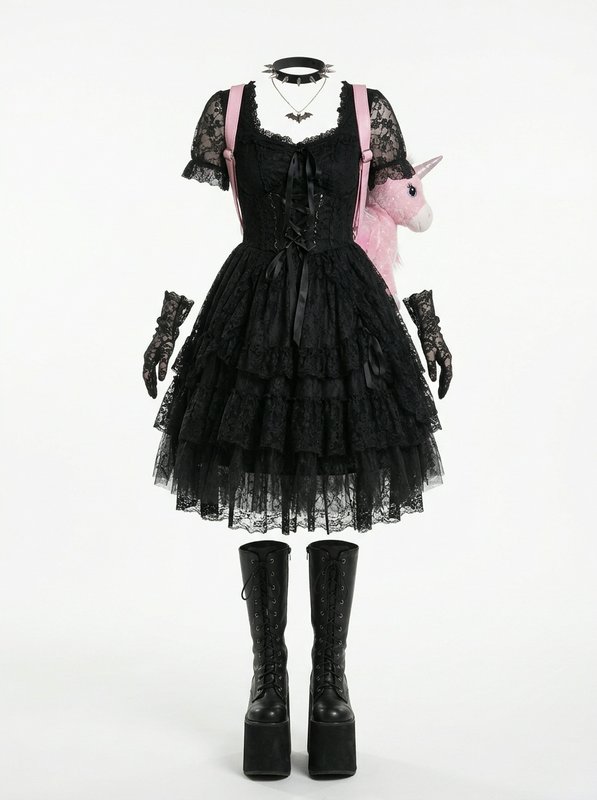 Sunny's Signature Outfit@sunny_outfit
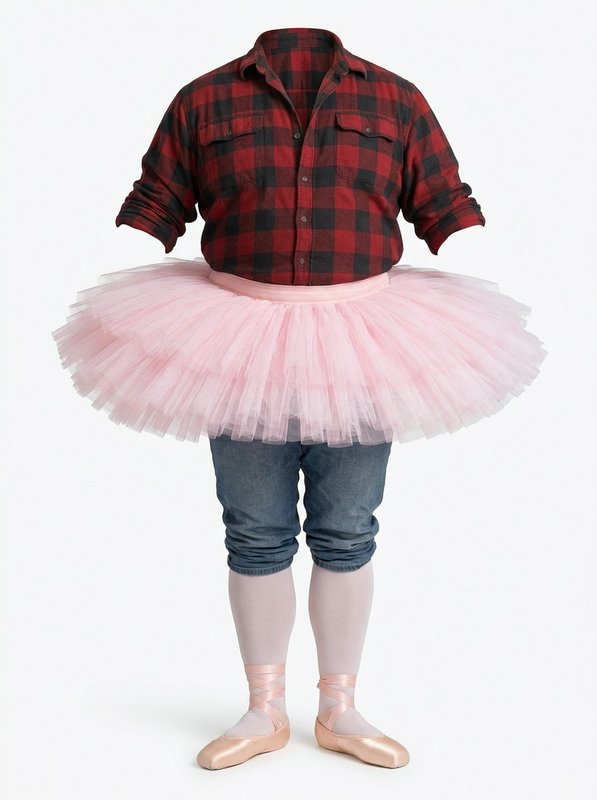 Hank's Signature Outfit@hank_outfit
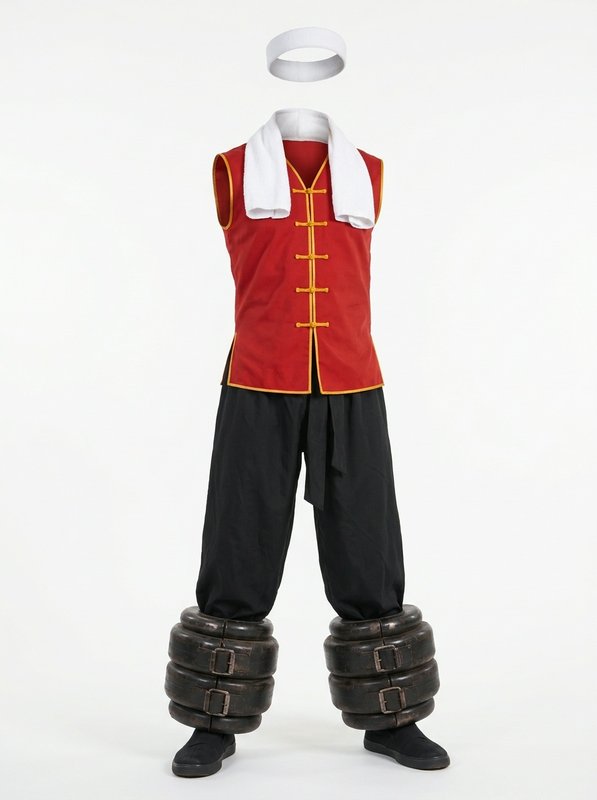 Jai's Signature Outfit@jai_outfit
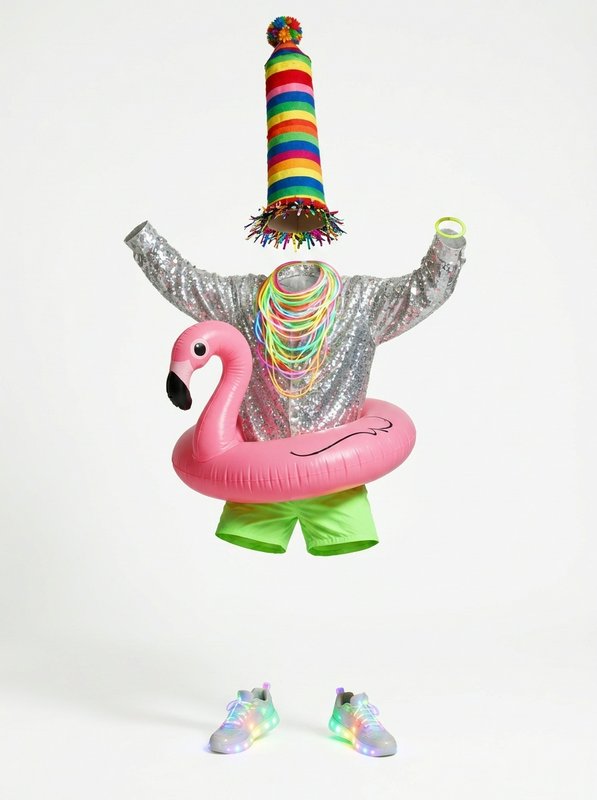 Kev's Signature Outfit@kev_outfit
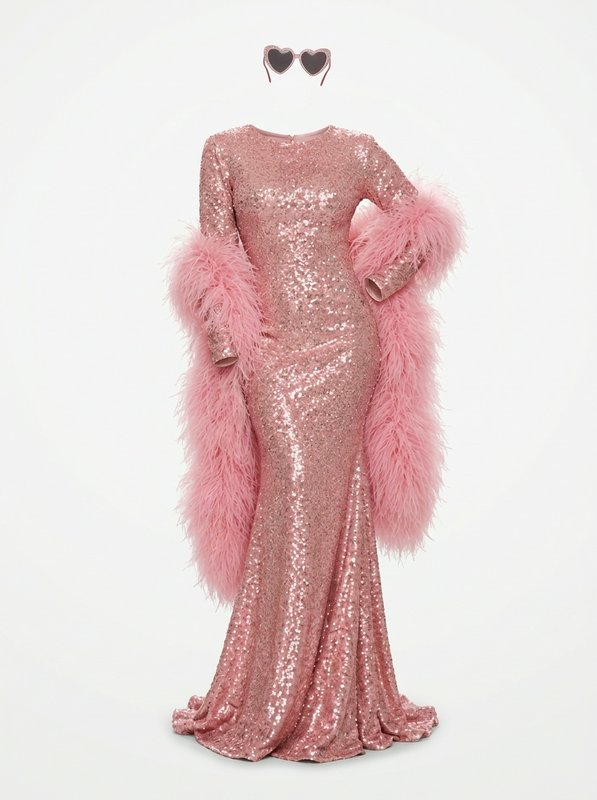 Linda's Signature Outfit@linda_outfit
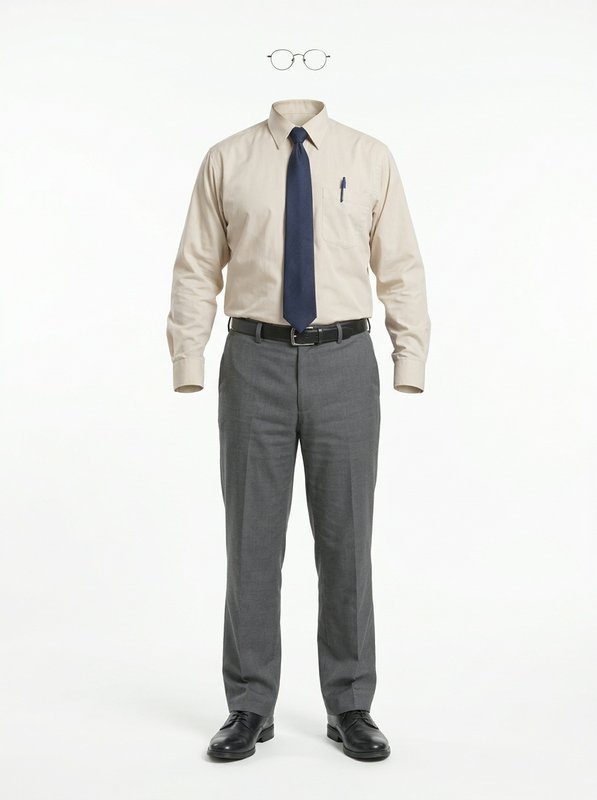 Darren's Signature Outfit@darren_outfit
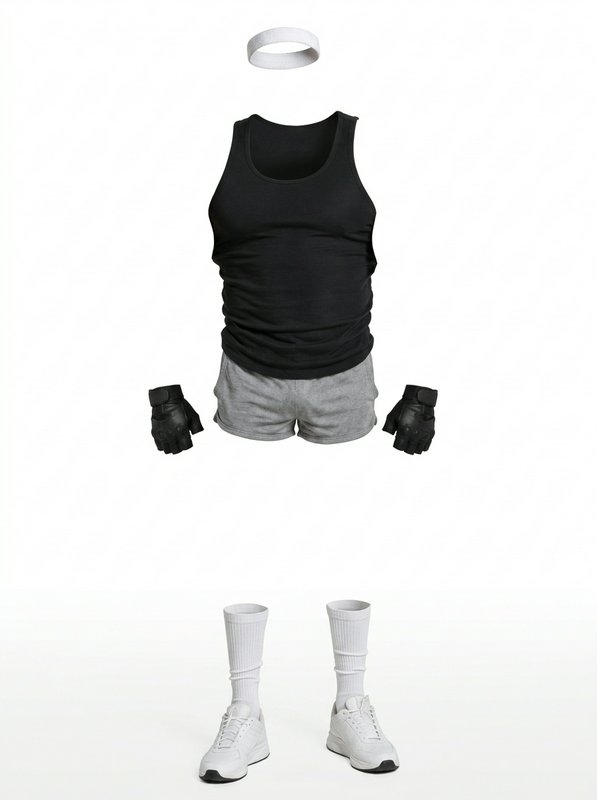 Brick's Signature Outfit@brick_outfit
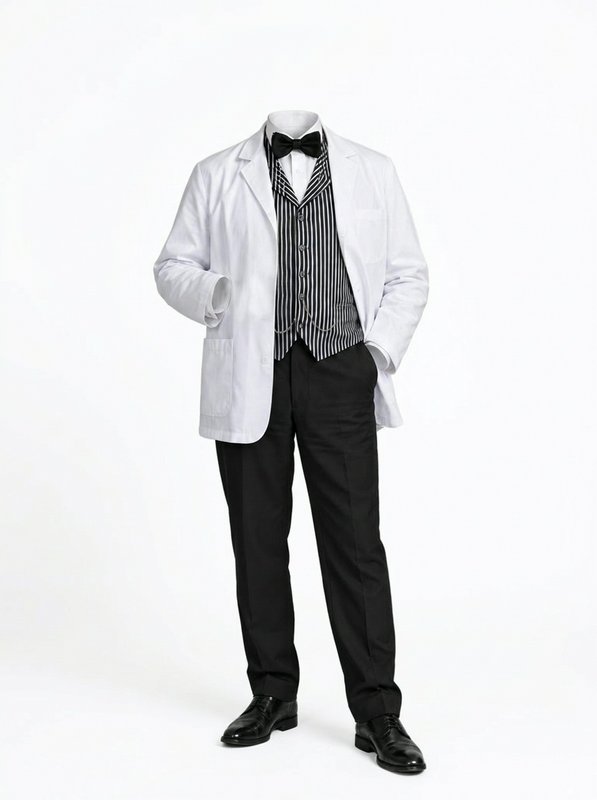 Gustav's Signature Outfit@gustav_outfit
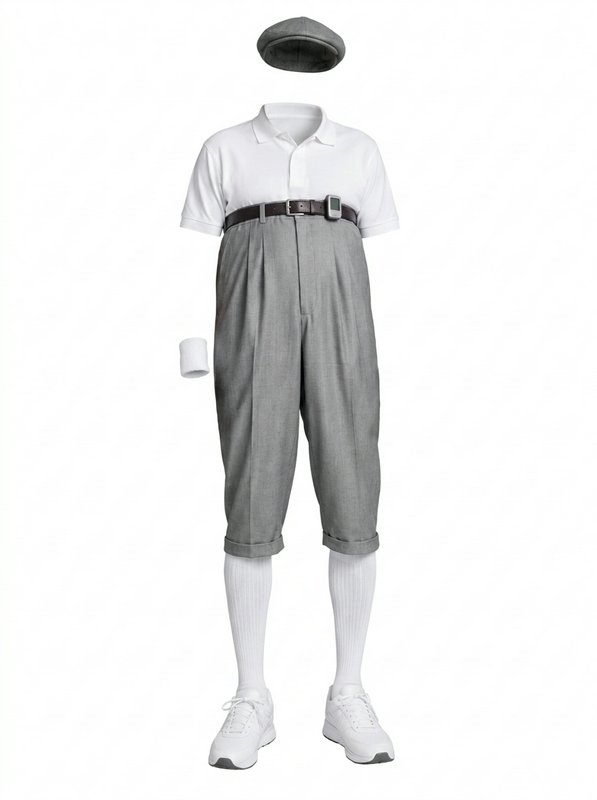 Walter's Signature Outfit@walter_outfit
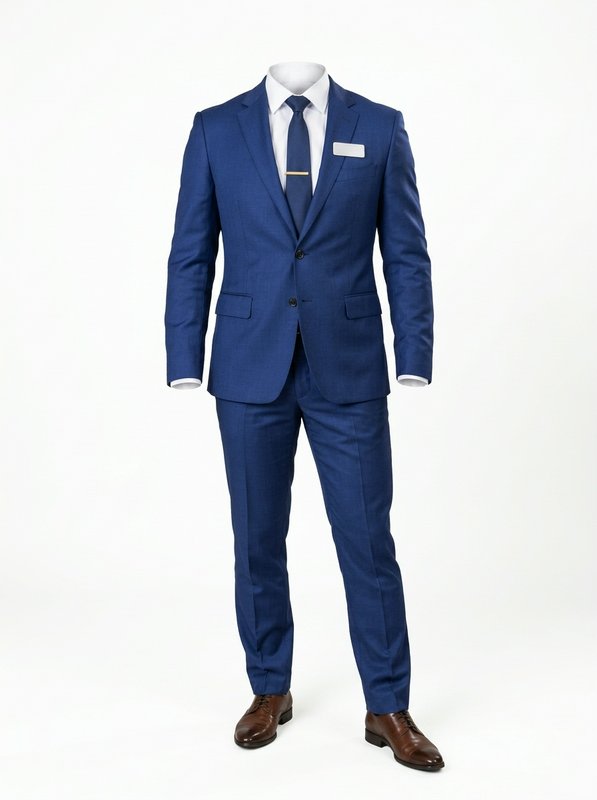 Rafa's Signature Outfit@rafa_outfit
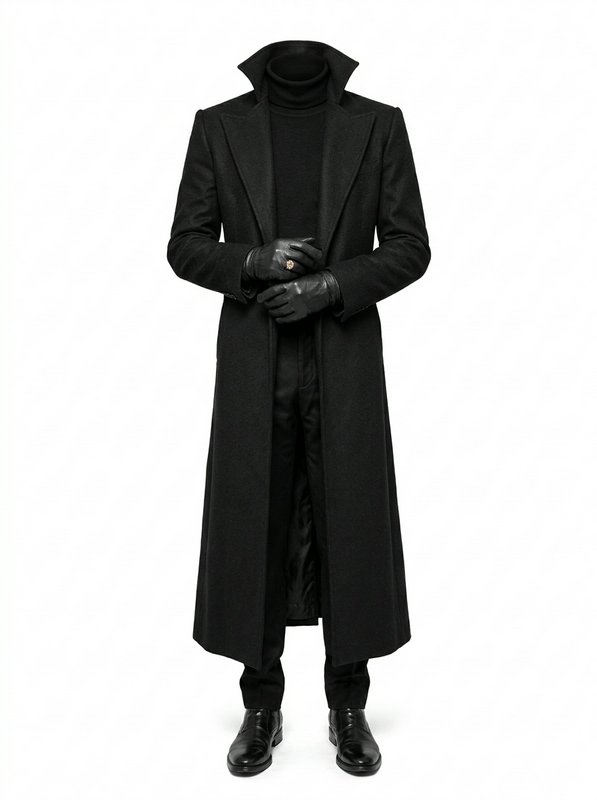 Victor's Signature Outfit@victor_outfit
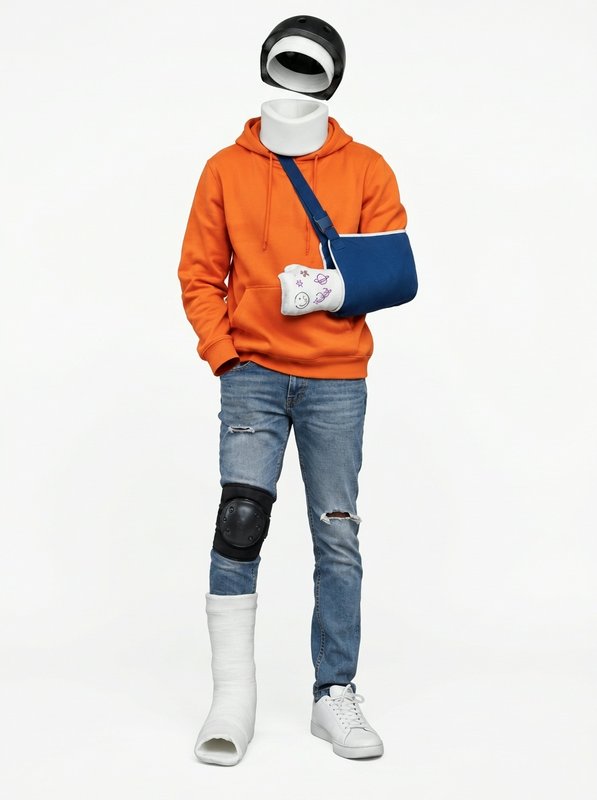 Dave's Signature Outfit@dave_outfit
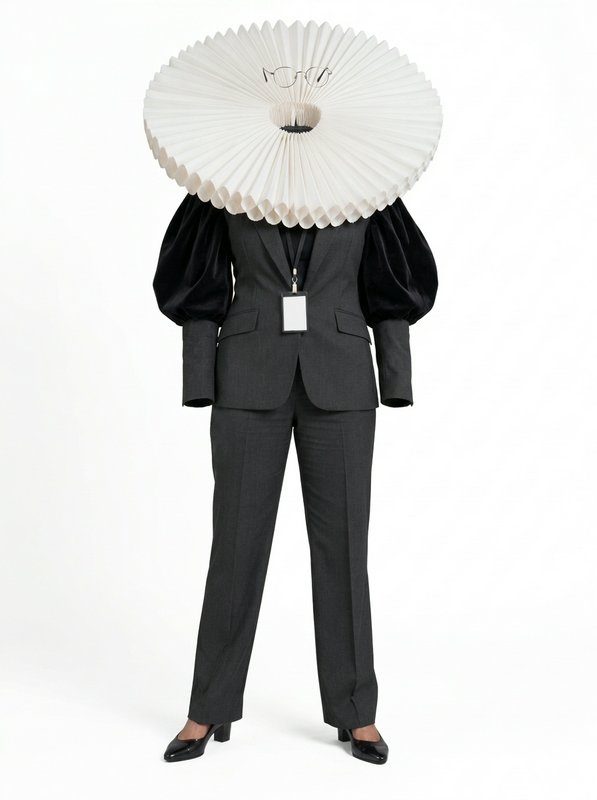 Margot's Signature Outfit@margot_outfit
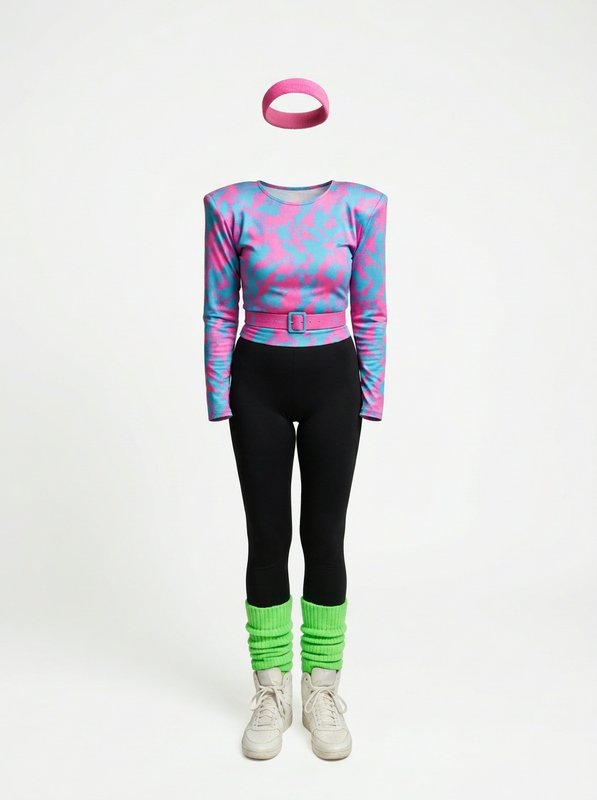 Tammy's Signature Outfit@tammy_outfit
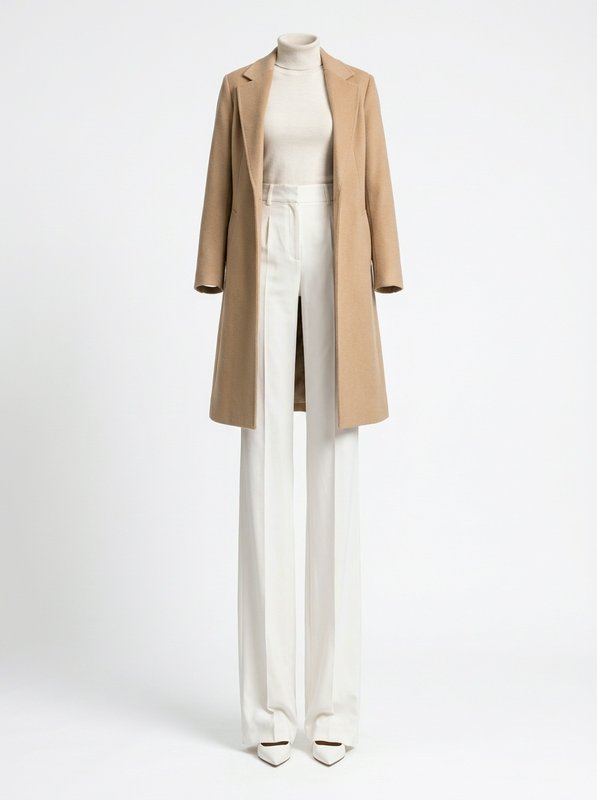 Stella's Signature Outfit@stella_outfit
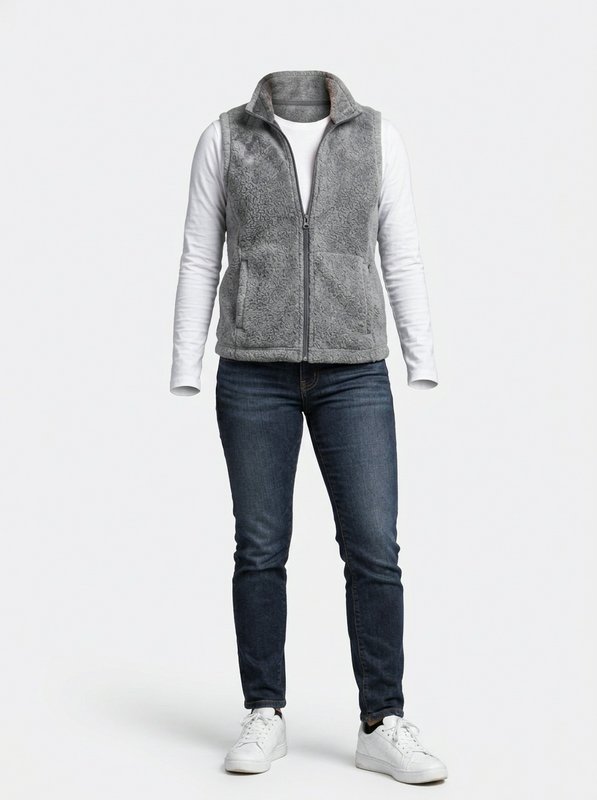 Una's Signature Outfit@una_outfit
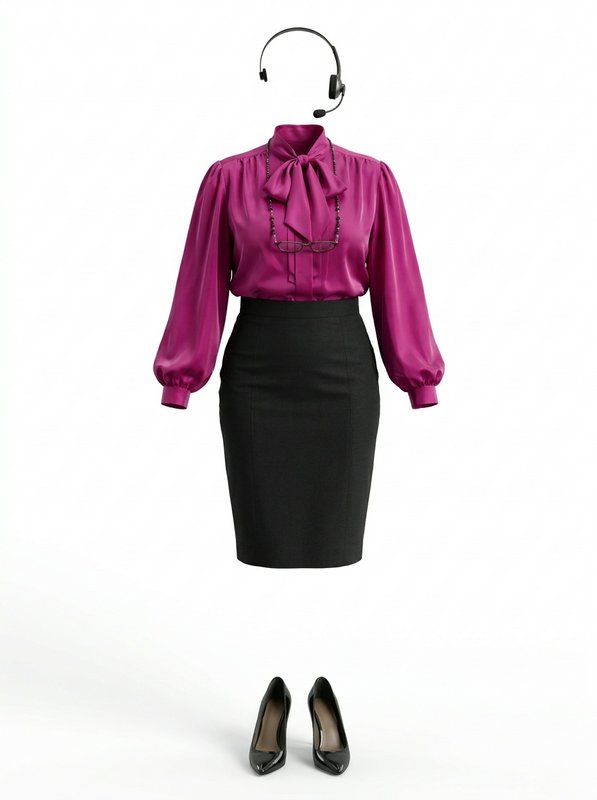 Brenda's Signature Outfit@brenda_outfit
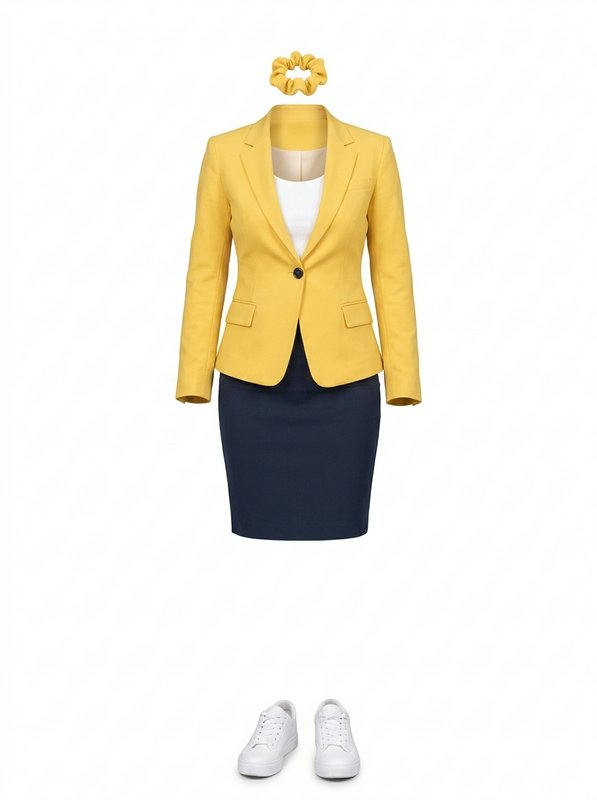 Lulu's Signature Outfit@lulu_outfit
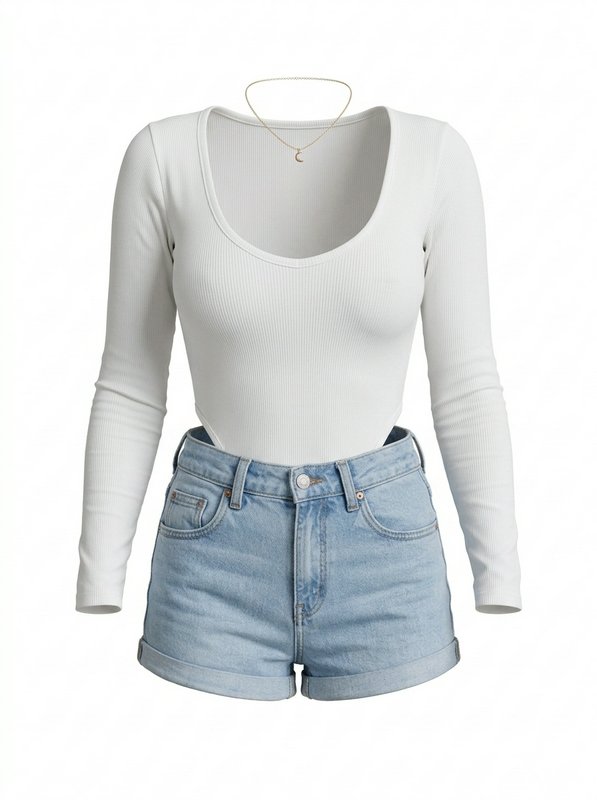 Skye's Signature Outfit@skye_outfit
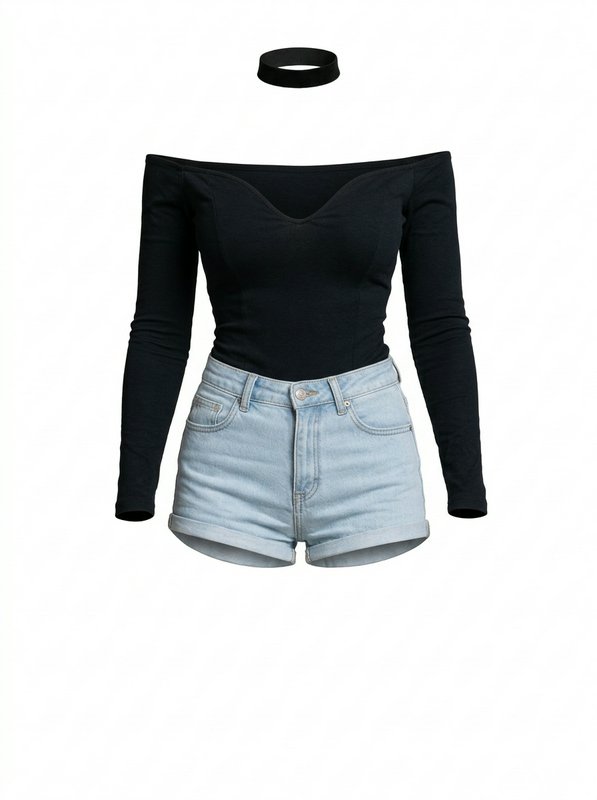 Mina's Signature Outfit@mina_outfit
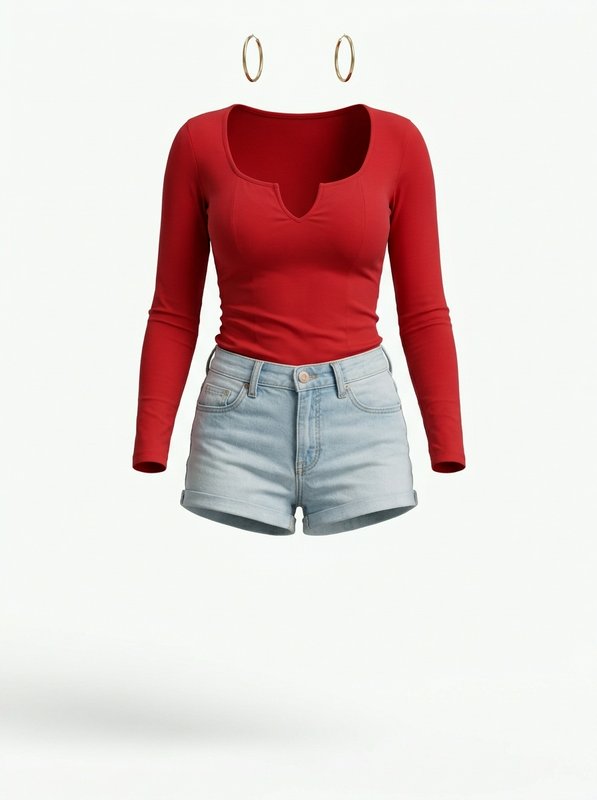 Valeria's Signature Outfit@valeria_outfit
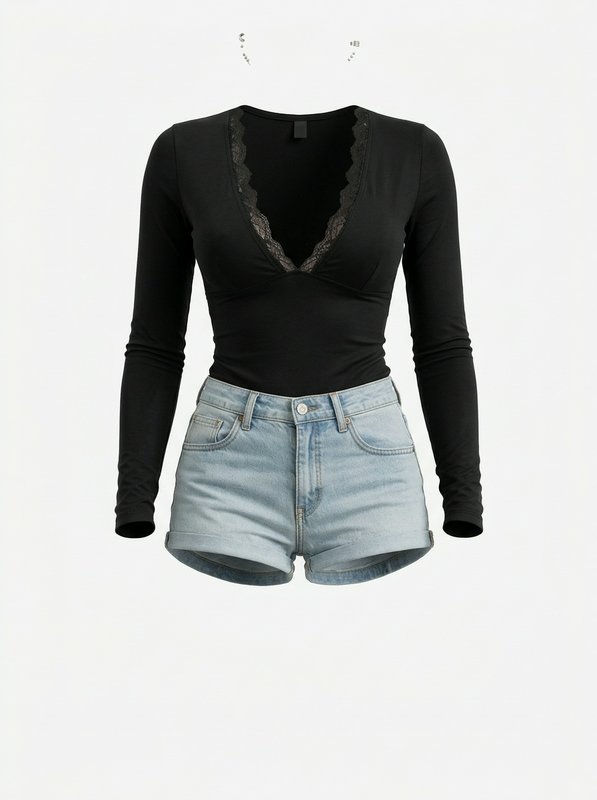 Nova's Signature Outfit@nova_outfit
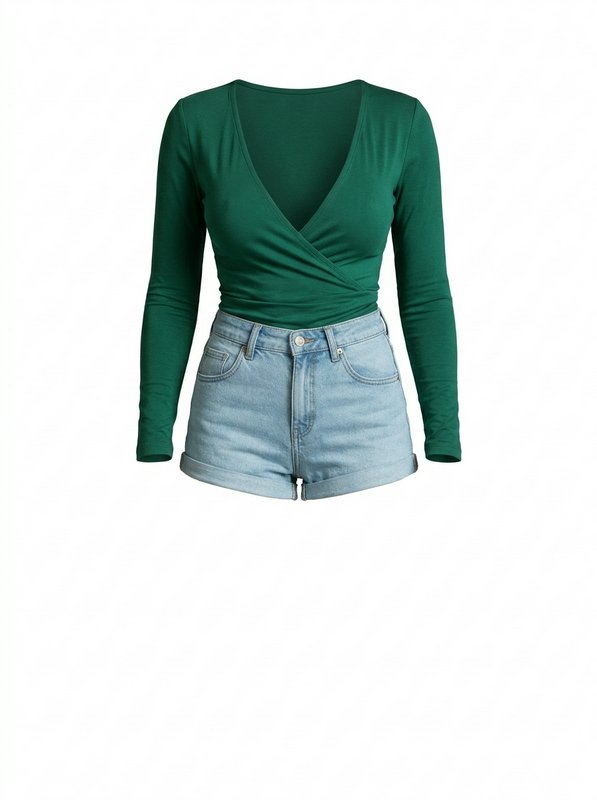 Ruby's Signature Outfit@ruby_outfit
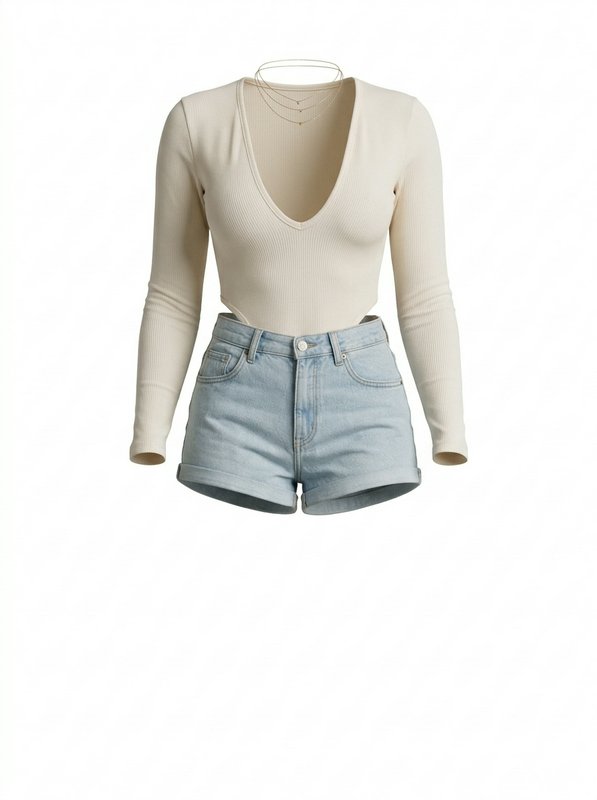 Zuri's Signature Outfit@zuri_outfit
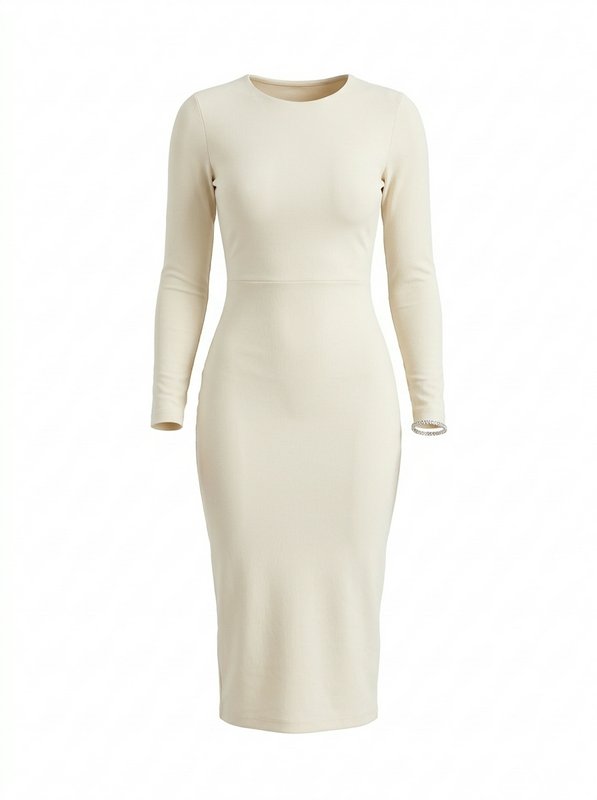 Brielle's Signature Outfit@brielle_outfit
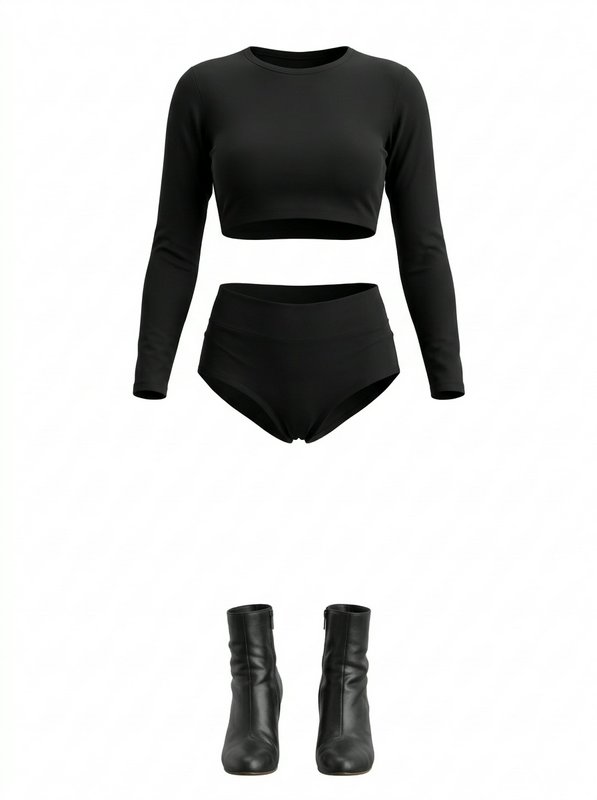 Priya's Signature Outfit@priya_outfit
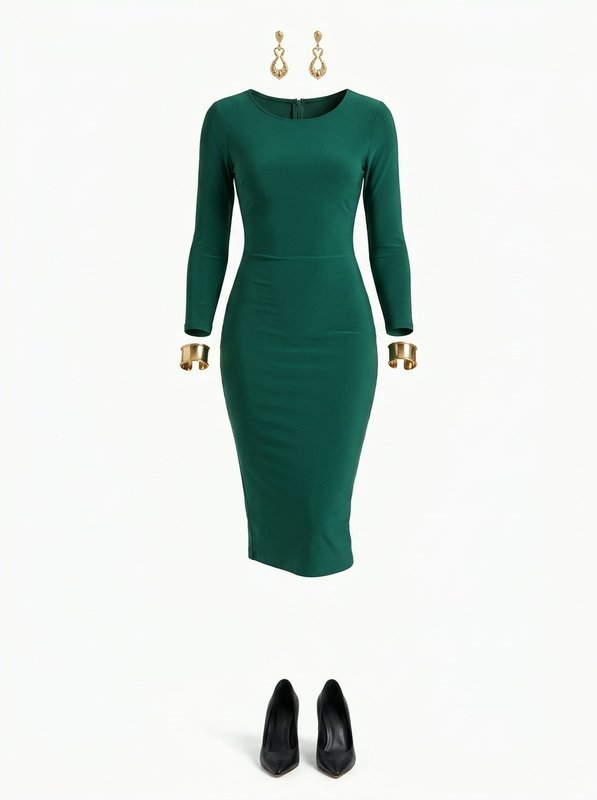 Simone's Signature Outfit@simone_outfit
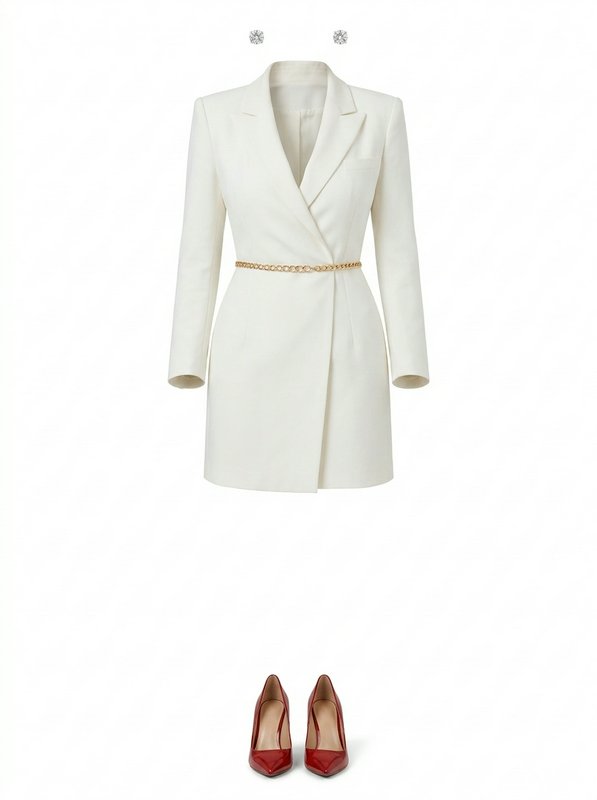 Lucía's Signature Outfit@lucia_outfit
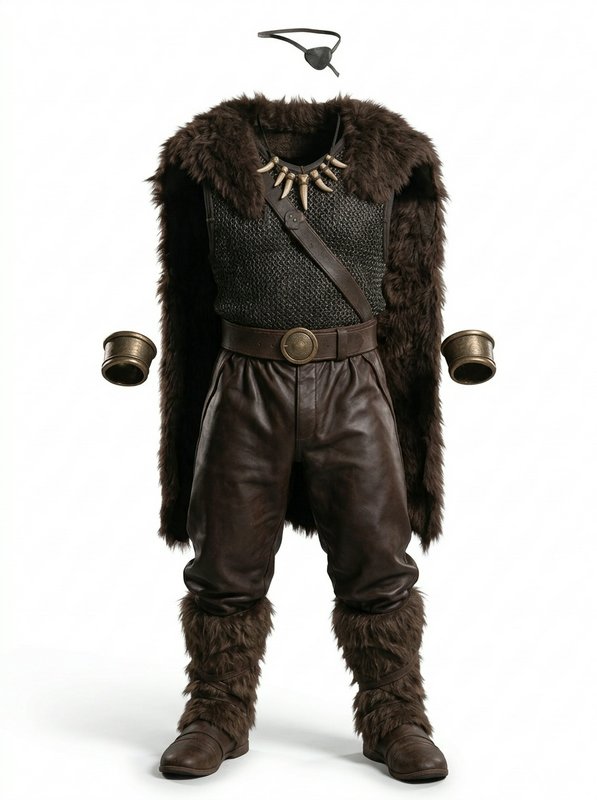 Ozzog's Signature Outfit@ozzog_outfit
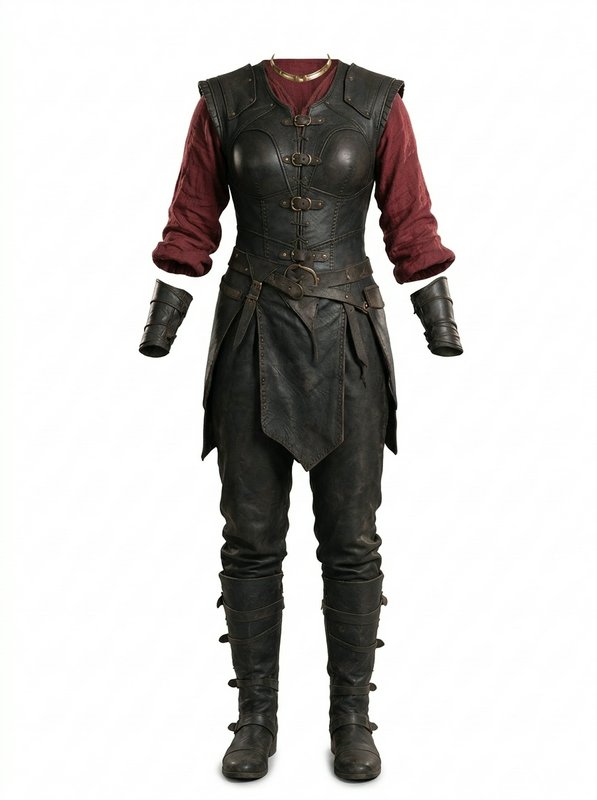 Morra's Signature Outfit@morra_outfit
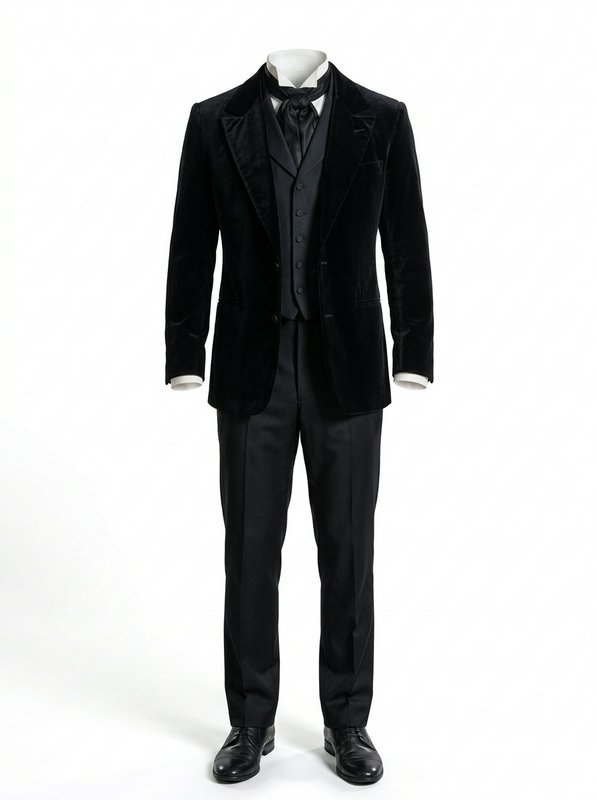 Ambrose's Signature Outfit@ambrose_outfit
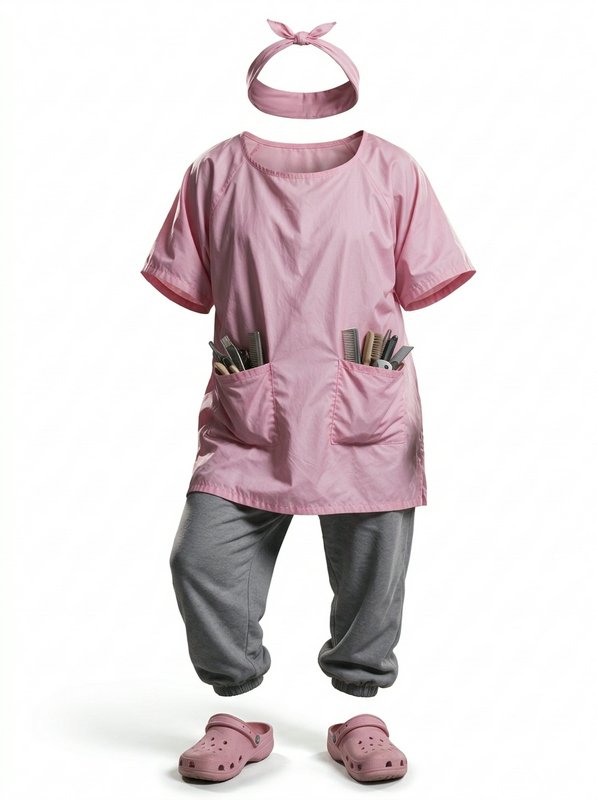 Ulla's Signature Outfit@ulla_outfit
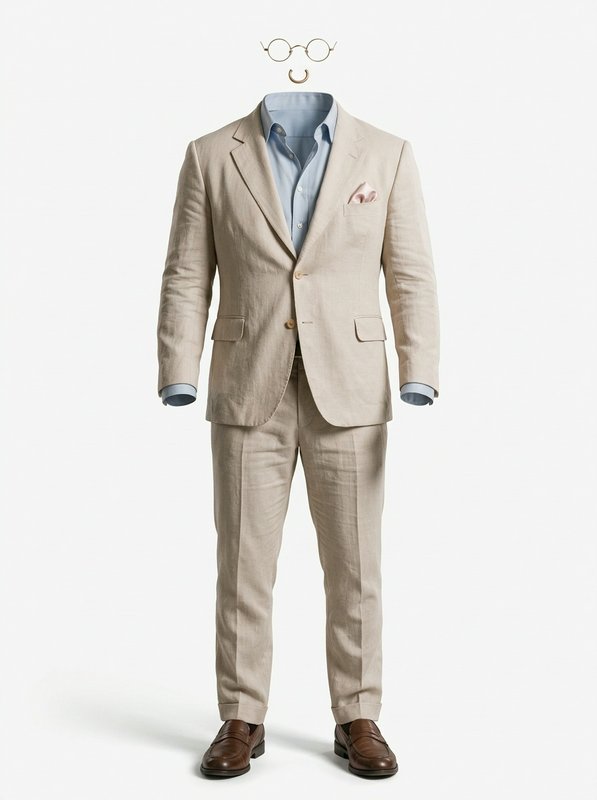 Bruno's Signature Outfit@bruno_outfit
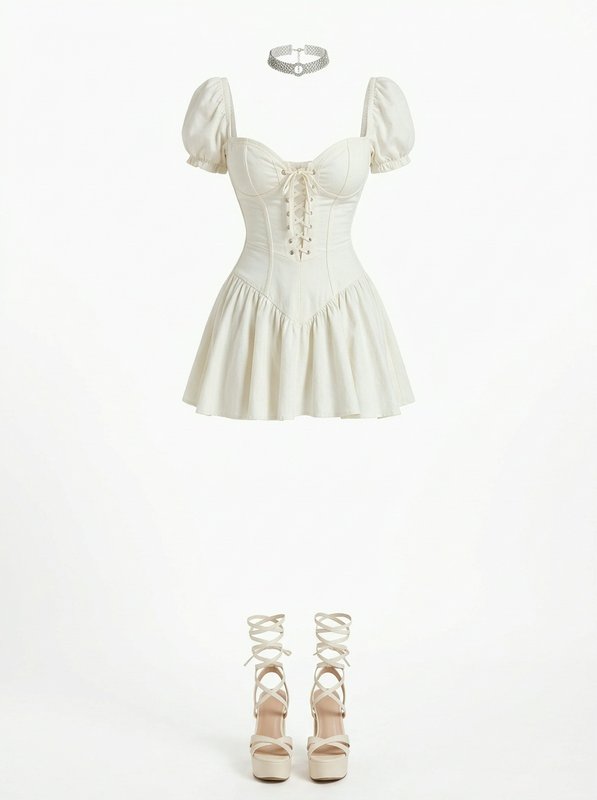 Jiwoo's Signature Outfit@jiwoo_outfit
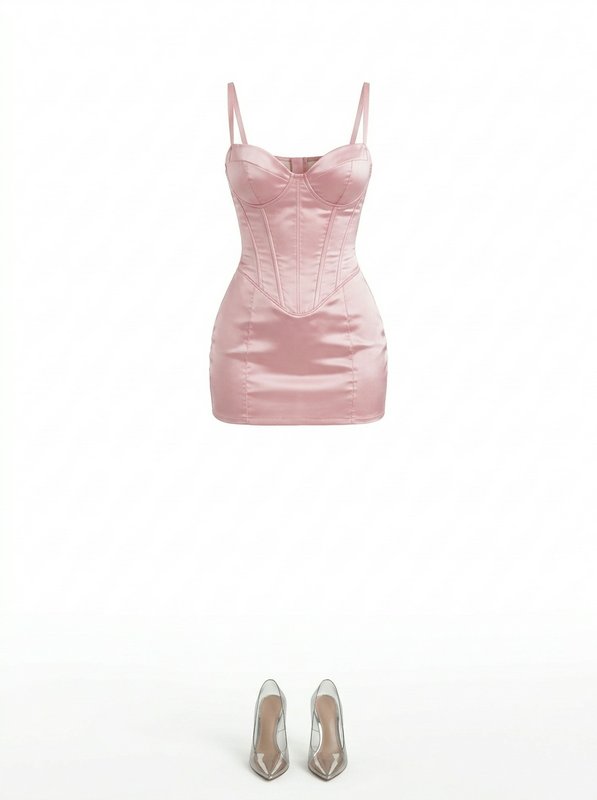 Mei's Signature Outfit@mei_outfit
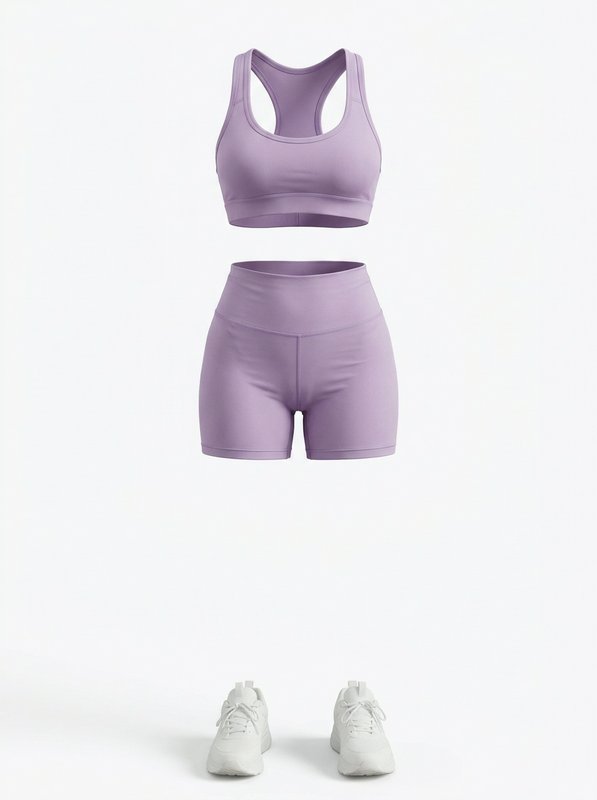 Ploy's Signature Outfit@ploy_outfit
Everyday outfits
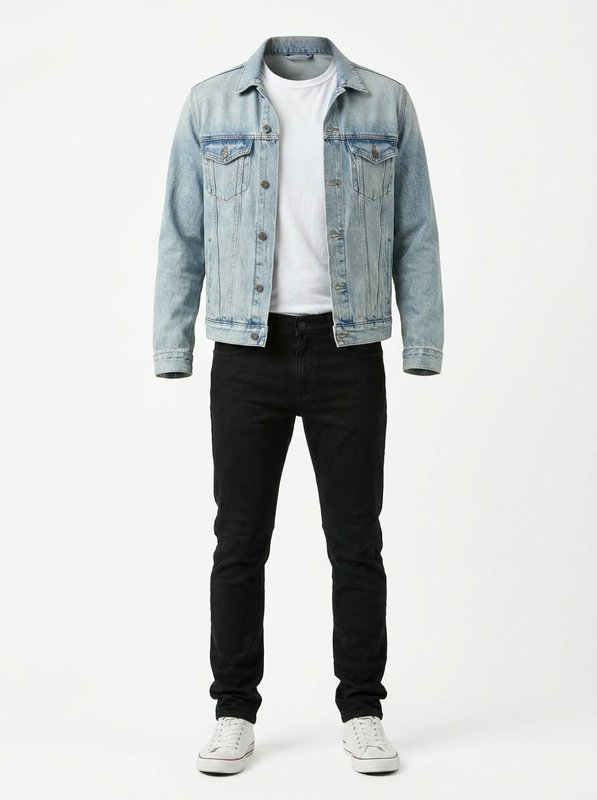 Light Denim Jacket Casual Outfit@light_denim_jacket_casual
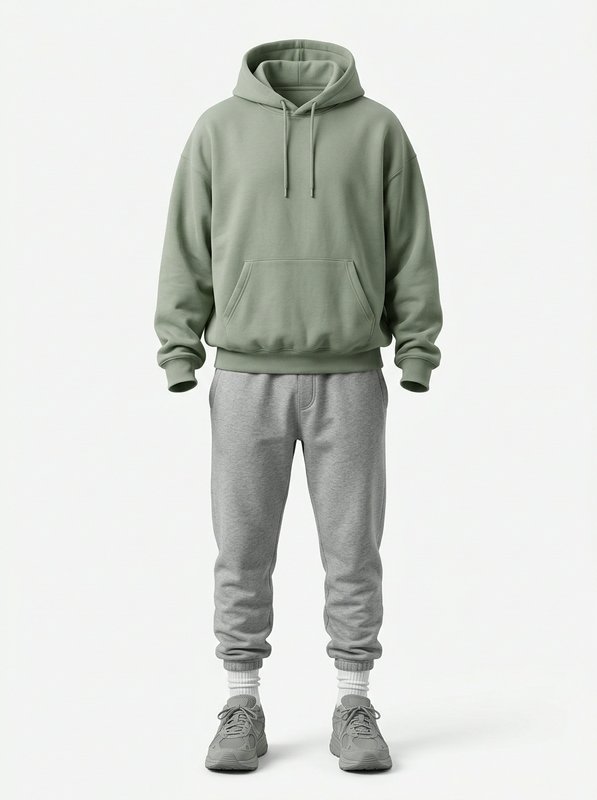 Sage Hoodie Casual Loungewear@sage_hoodie_casual_loungewear
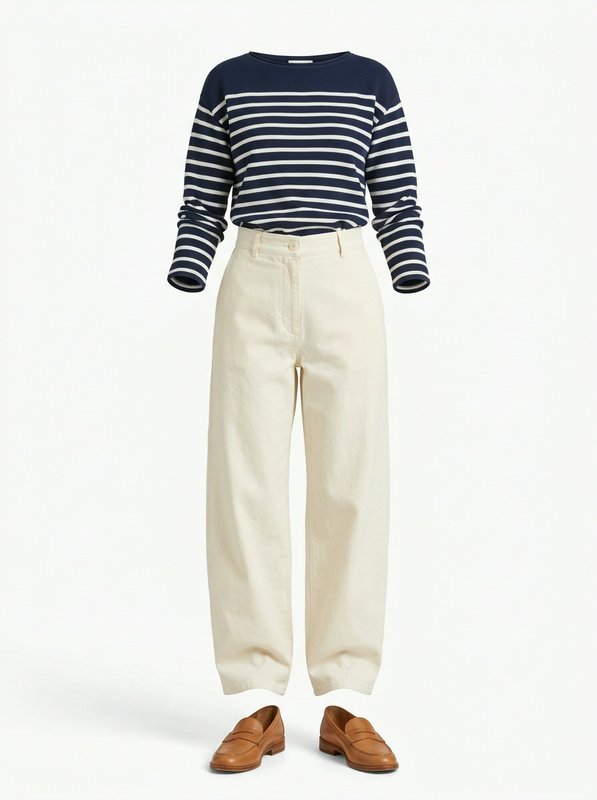 Navy Stripe Casual Outfit@navy_stripe_casual_outfit
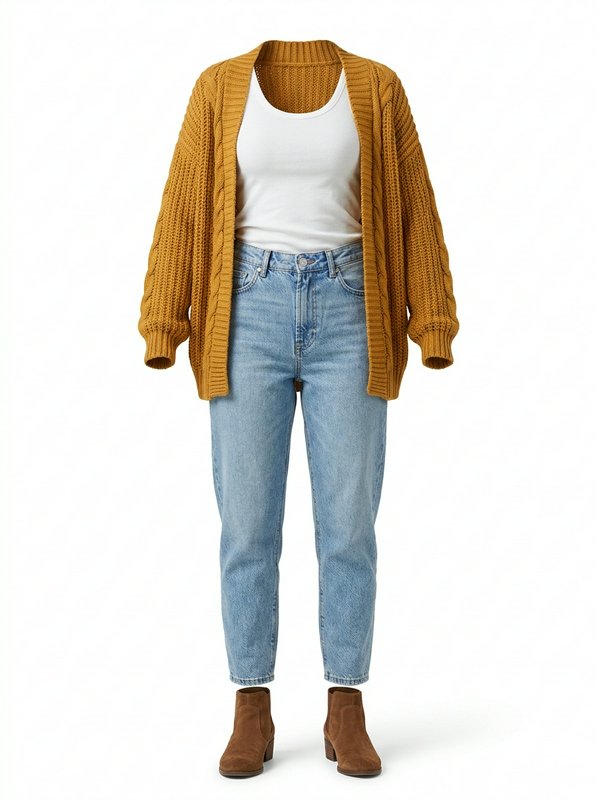 Mustard Cardigan Casual Outfit@mustard_cardigan_casual_outfit
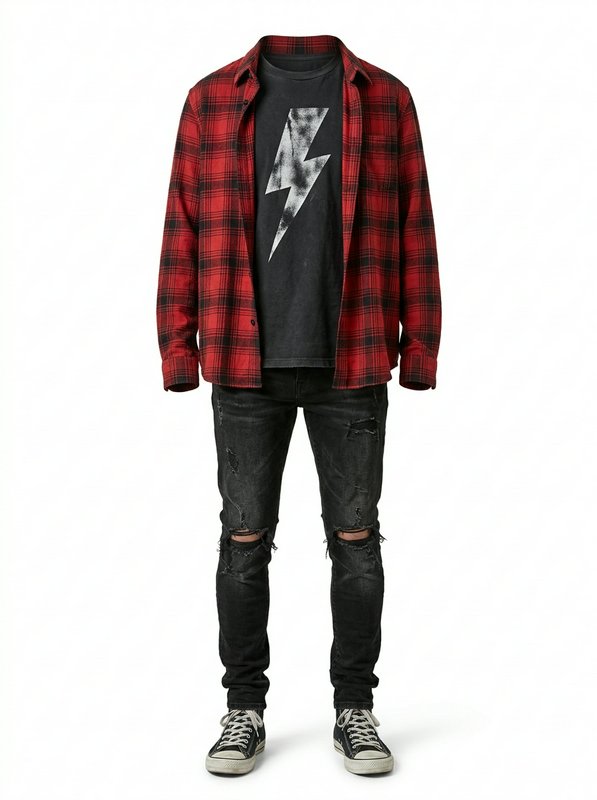 Red Plaid Grunge Casual Outfit@red_plaid_grunge_casual_outfit
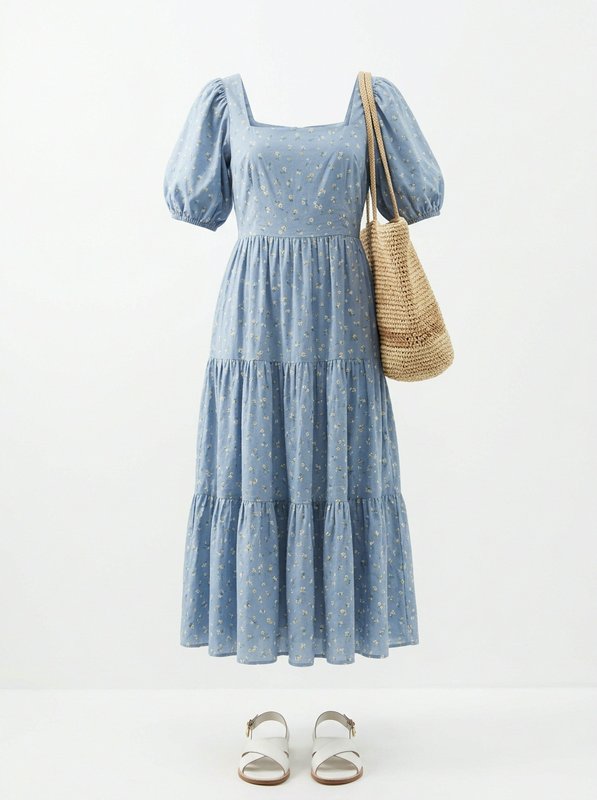 Blue Ditsy Floral Midi Outfit@blue_ditsy_floral_midi_outfit
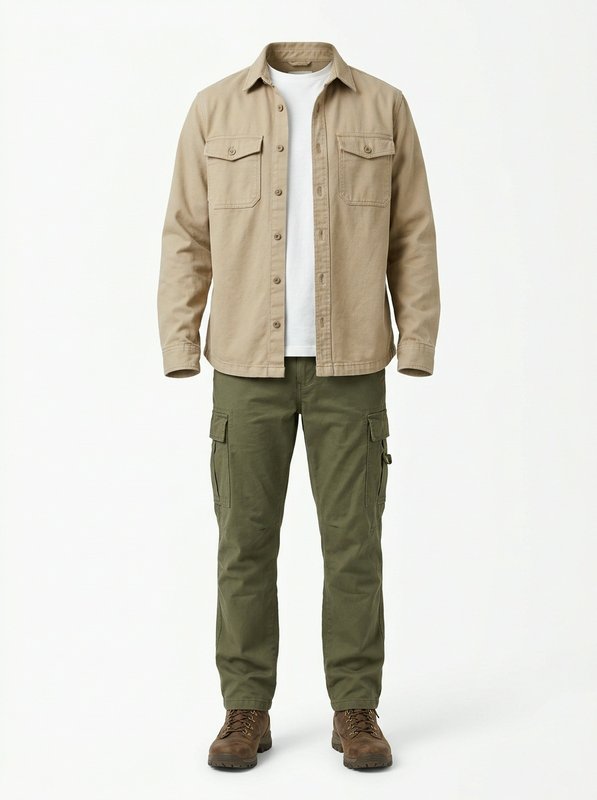 Khaki Utility Casual Outfit@khaki_utility_casual_outfit
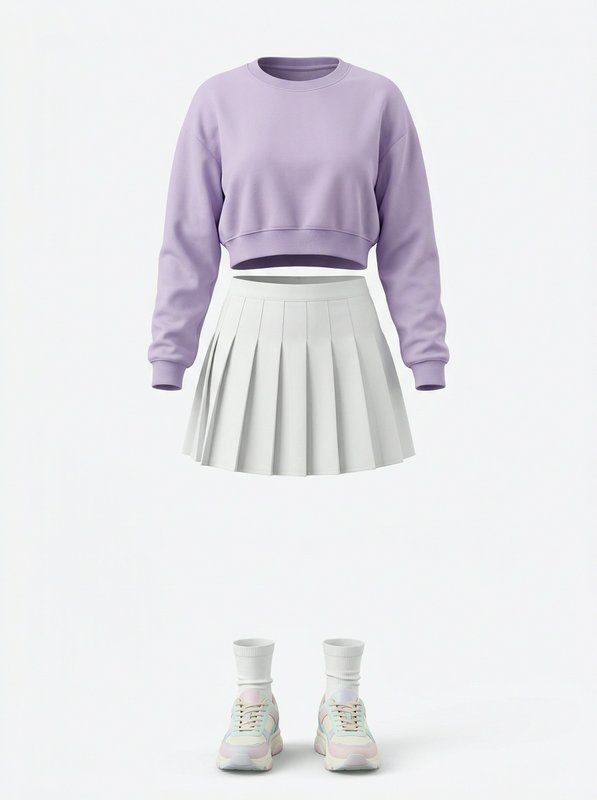 Lilac Cropped Sweater Skirt Set@lilac_cropped_sweater_skirt
Work outfits
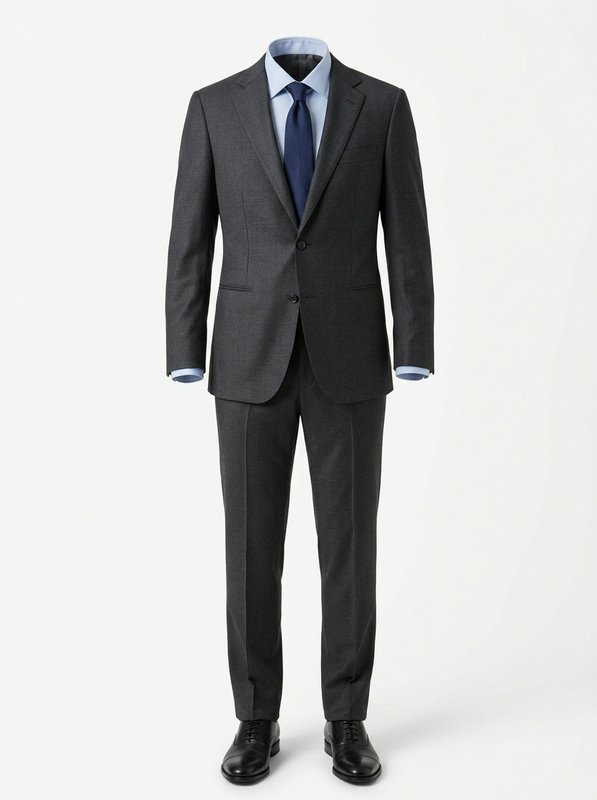 Charcoal Formal Business Suit@charcoal_formal_business_suit
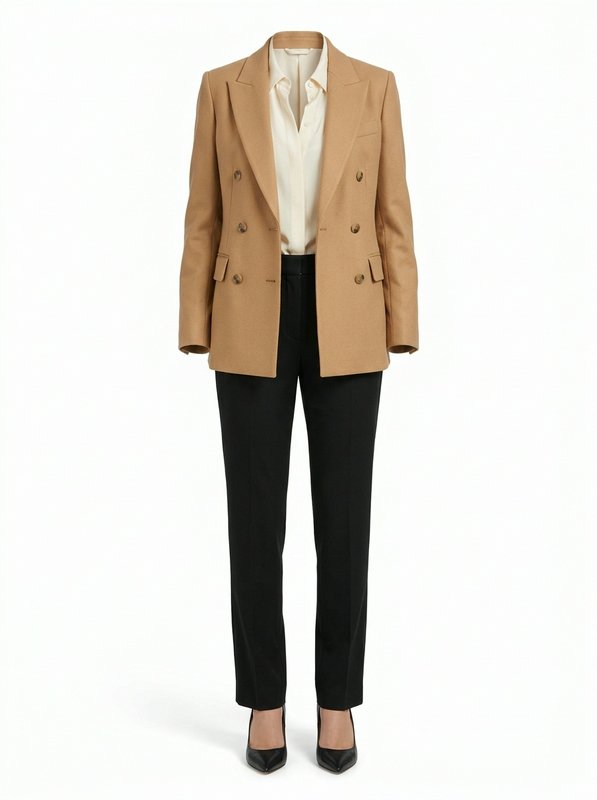 Camel Blazer Work Outfit@camel_blazer_work_outfit
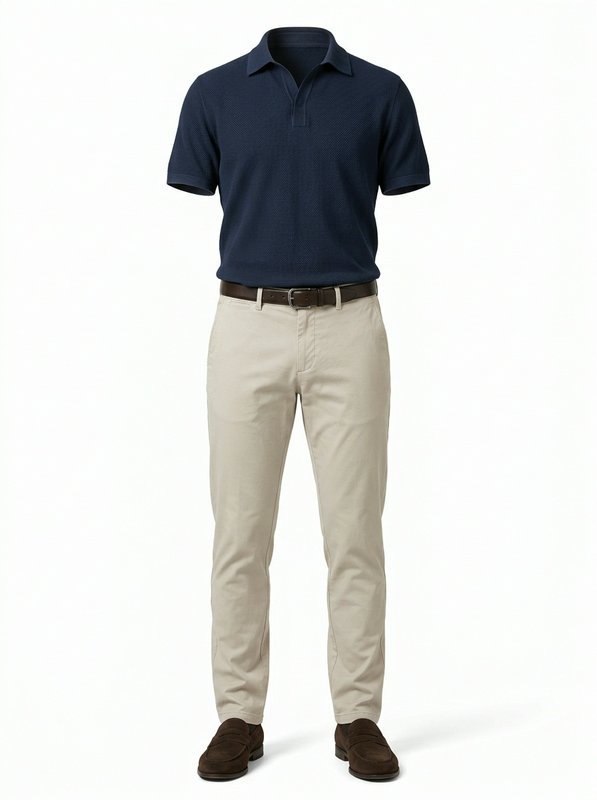 Navy Polo Smart Casual Set@navy_polo_chino_set
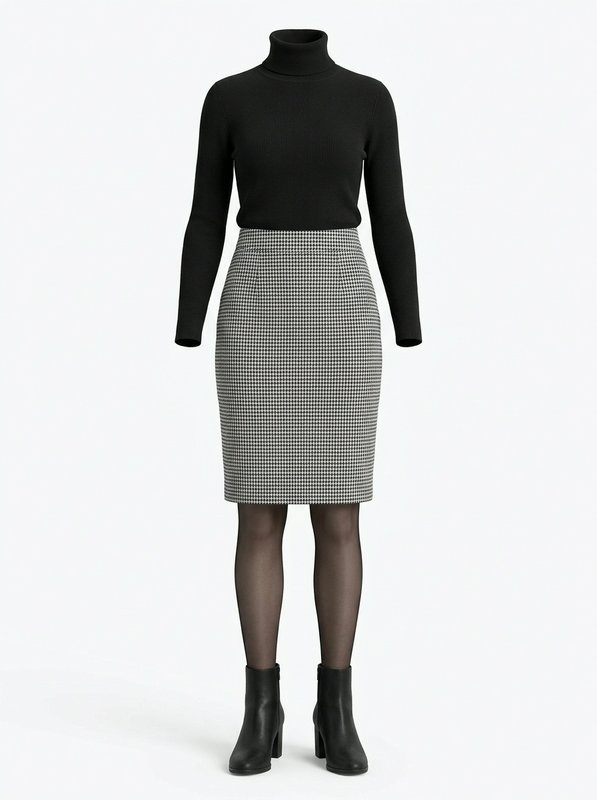 Turtleneck Houndstooth Skirt Outfit@turtleneck_houndstooth_skirt
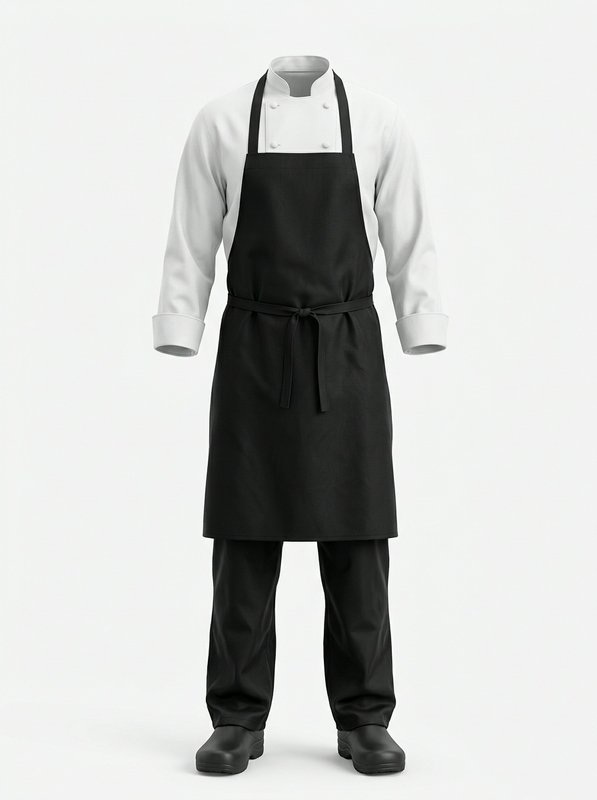 Classic Chef Uniform Set@classic_chef_uniform_set
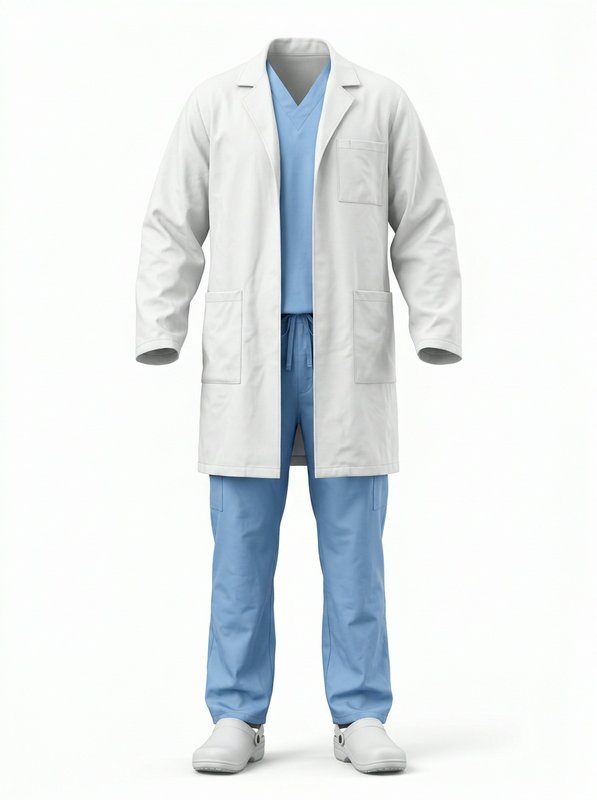 Doctor Lab Coat Scrubs Set@doctor_lab_coat_scrubs_set
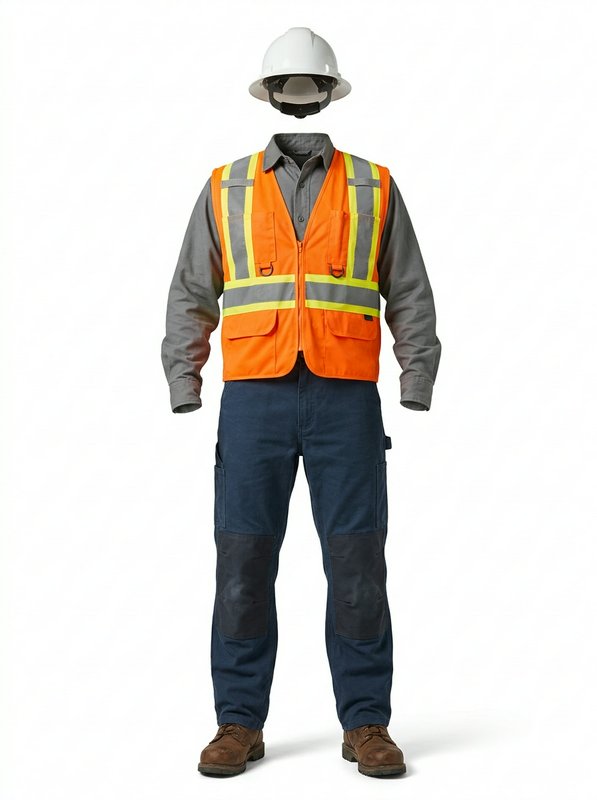 High Vis Construction Work Outfit@high_vis_construction_work
Formal outfits
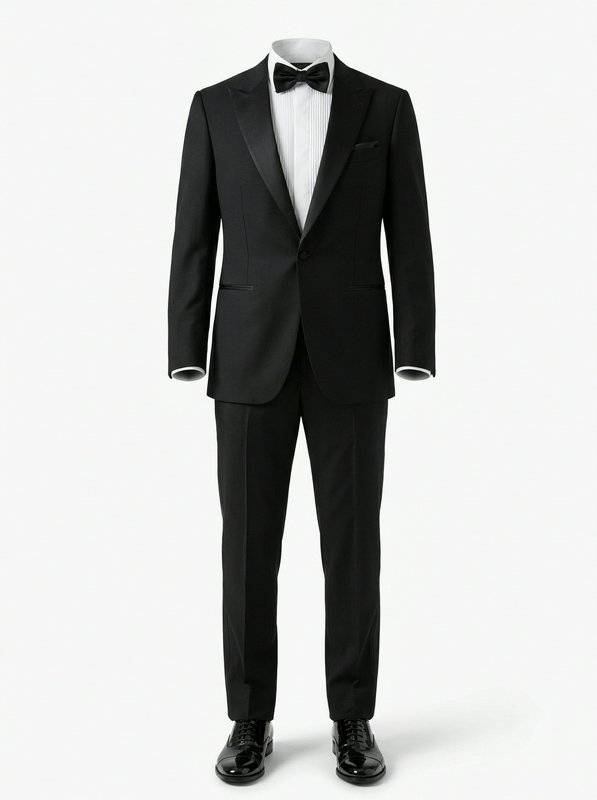 Classic Black Peak Tuxedo Set@classic_black_peak_tuxedo_set
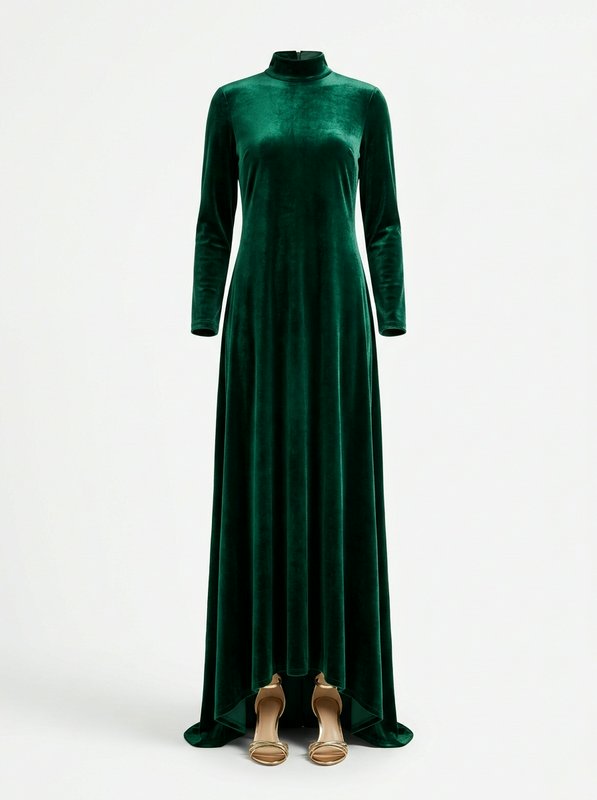 Emerald Velvet Maxi Dress@emerald_velvet_maxi_dress
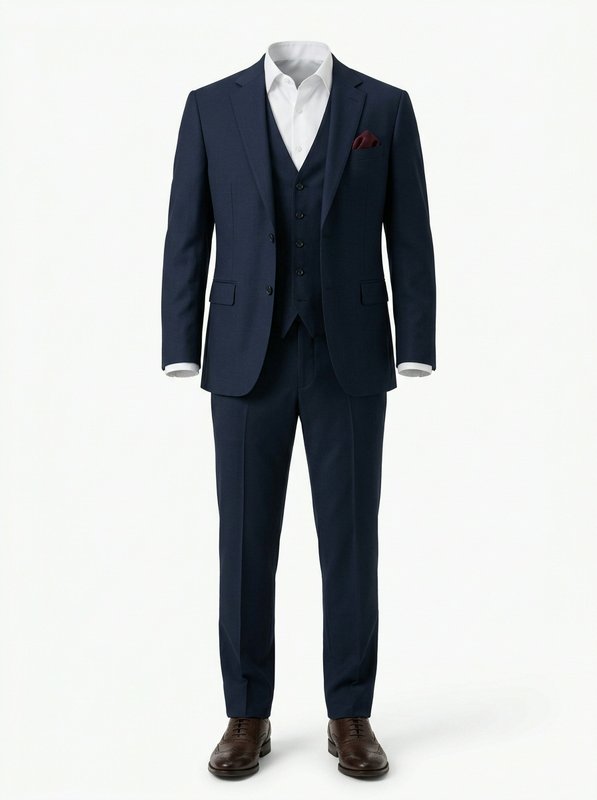 Navy Three Piece Suit@navy_three_piece_suit
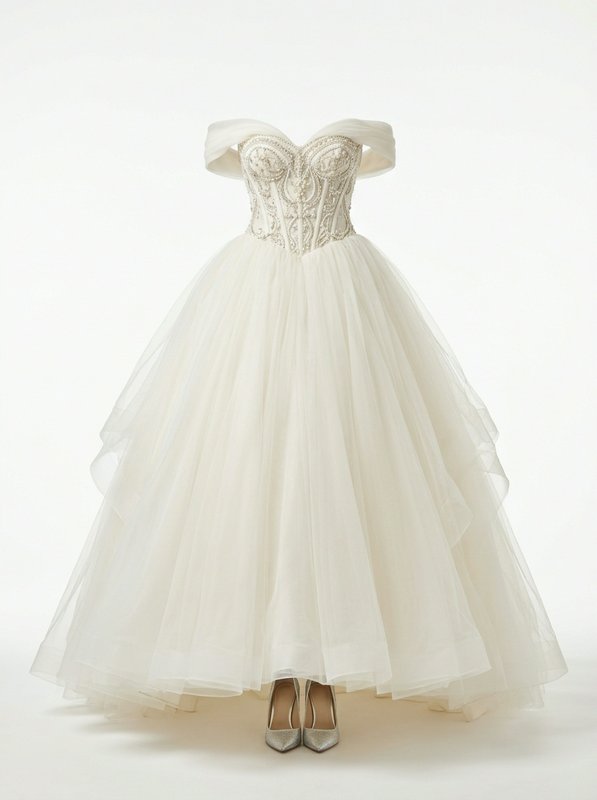 Ivory Beaded Ball Gown Wedding Set@ivory_beaded_ball_gown
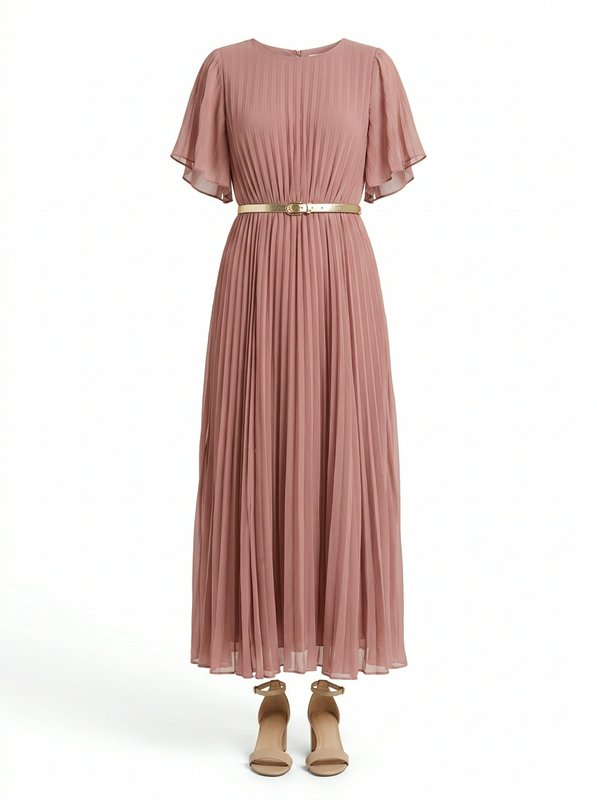 Dusty Rose Pleated Midi Dress@dusty_rose_pleated_midi_dress
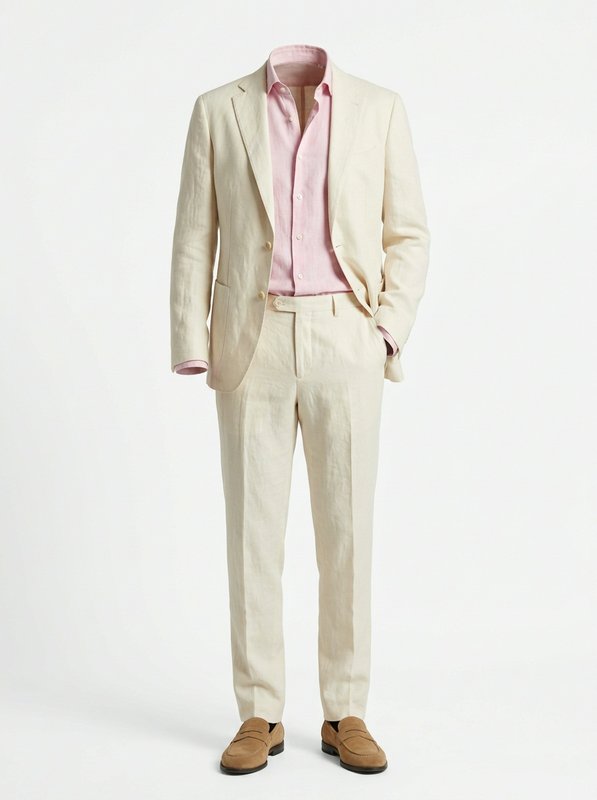 Cream Linen Suit Outfit@cream_linen_suit_outfit
Party outfits
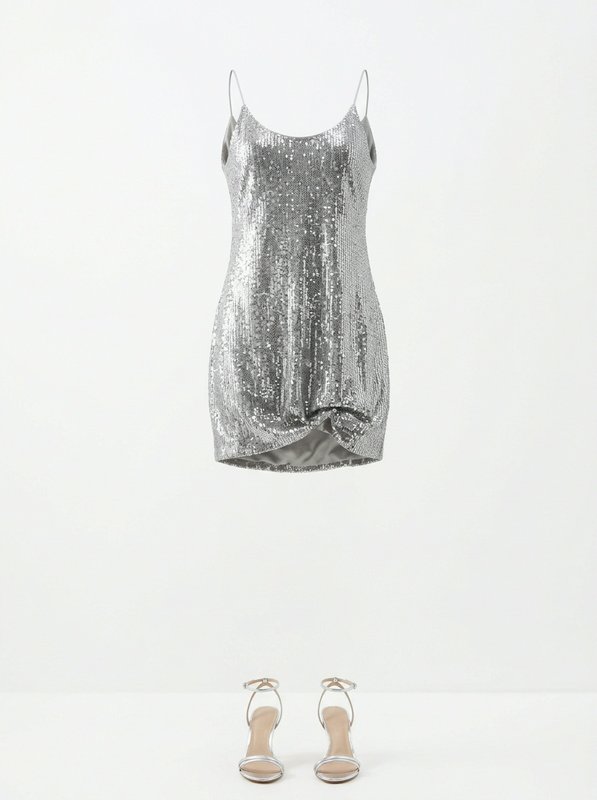 Silver Sequin Mini Dress Set@silver_sequin_mini_dress_set
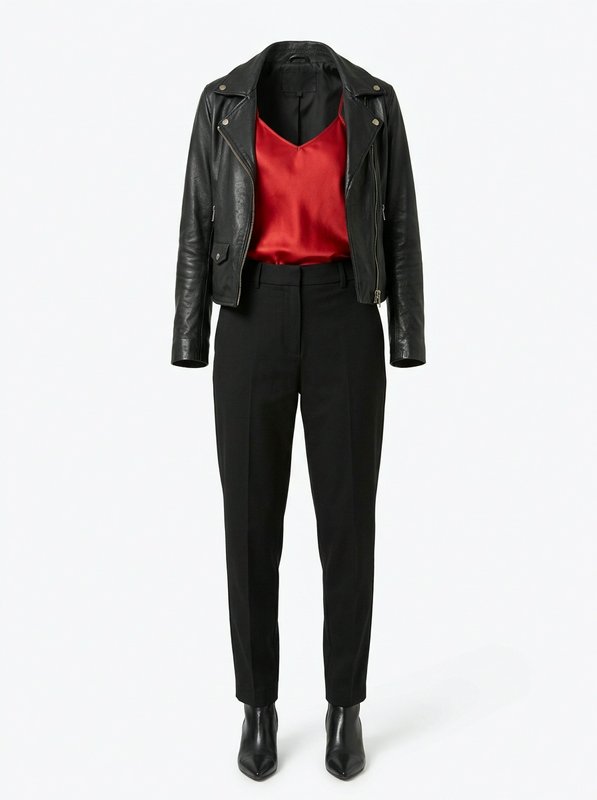 Black Leather Biker Outfit@black_leather_biker_outfit
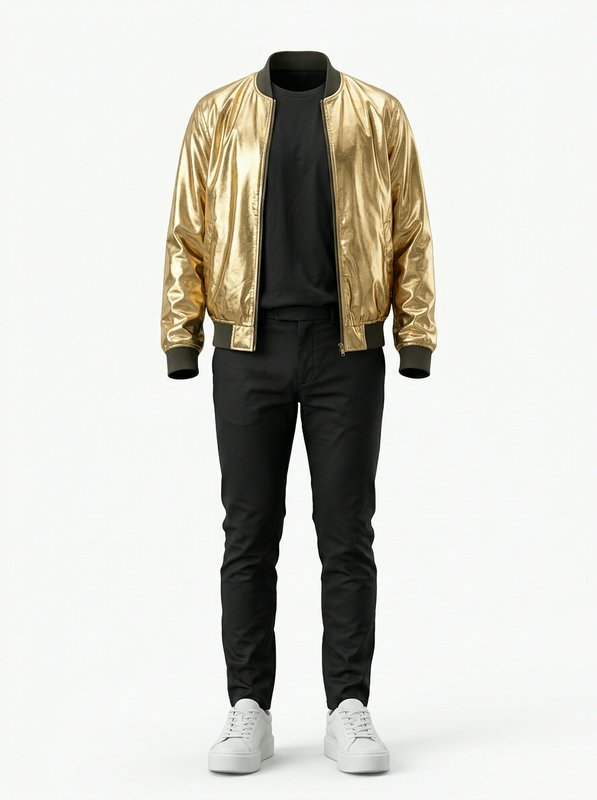 Gold Bomber Casual Outfit@gold_bomber_casual_outfit
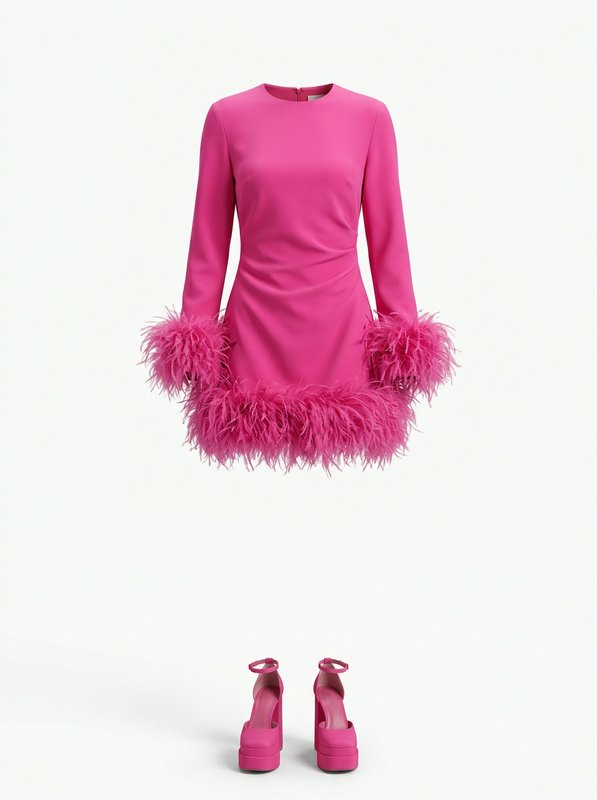 Pink Feather Trim Party Outfit@pink_feather_trim_party_outfit
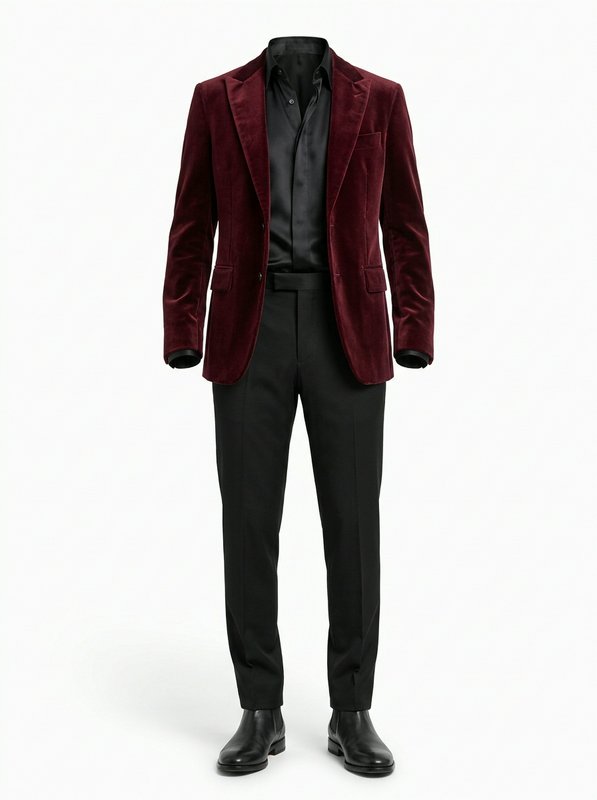 Burgundy Velvet Blazer Outfit@burgundy_velvet_blazer_outfit
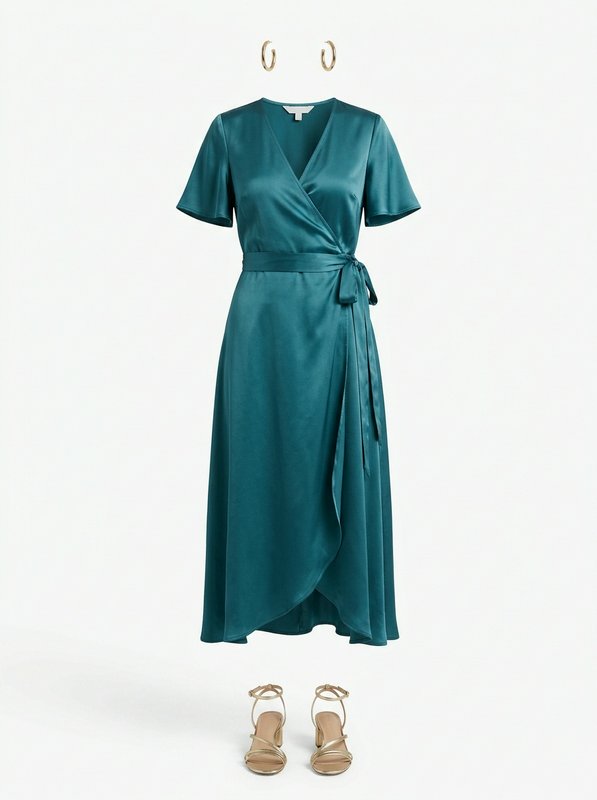 Teal Satin Wrap Midi Outfit@teal_satin_wrap_midi_outfit
Sport outfits
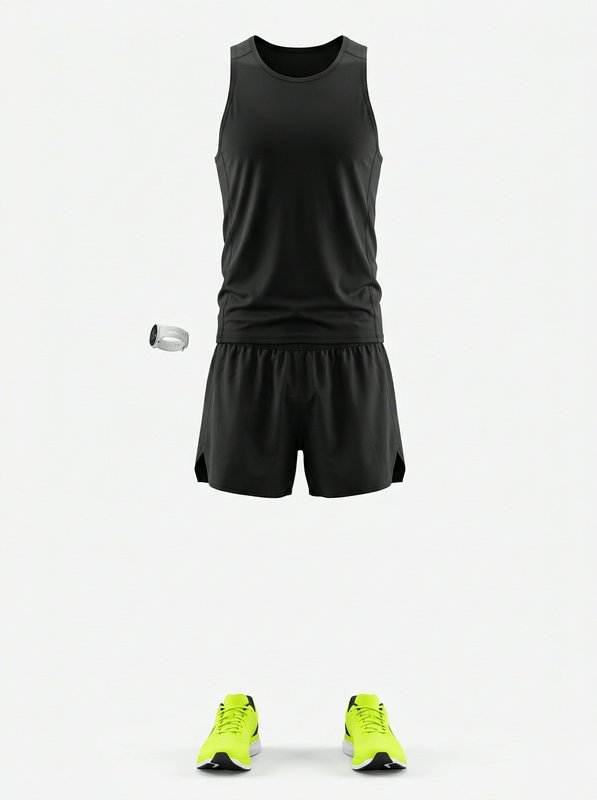 Black Running Outfit Set@black_running_outfit_set
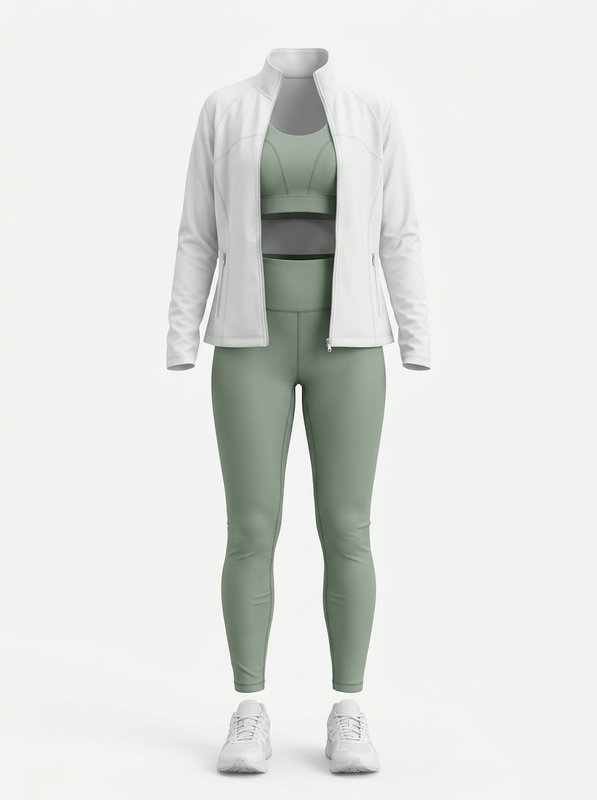 Sage Activewear Workout Set@sage_activewear_workout_set
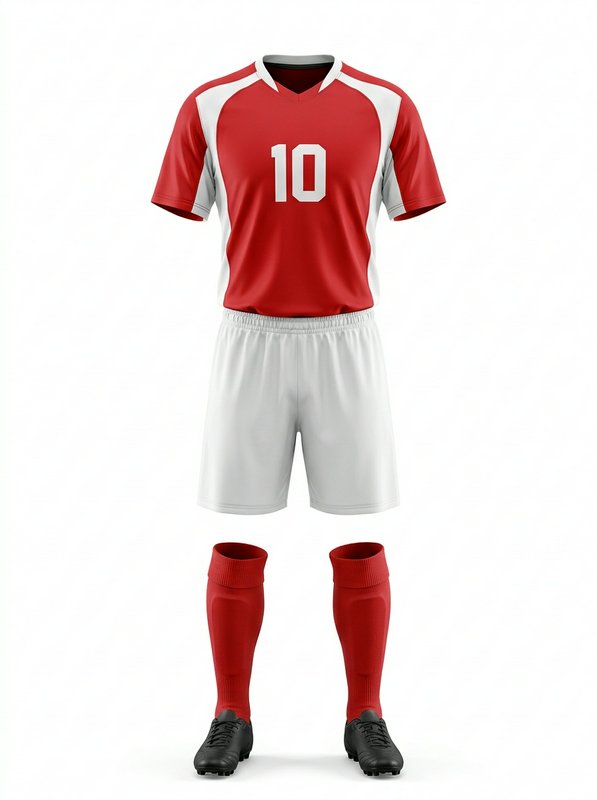 Red Number 10 Soccer Uniform@red_number_10_soccer_uniform
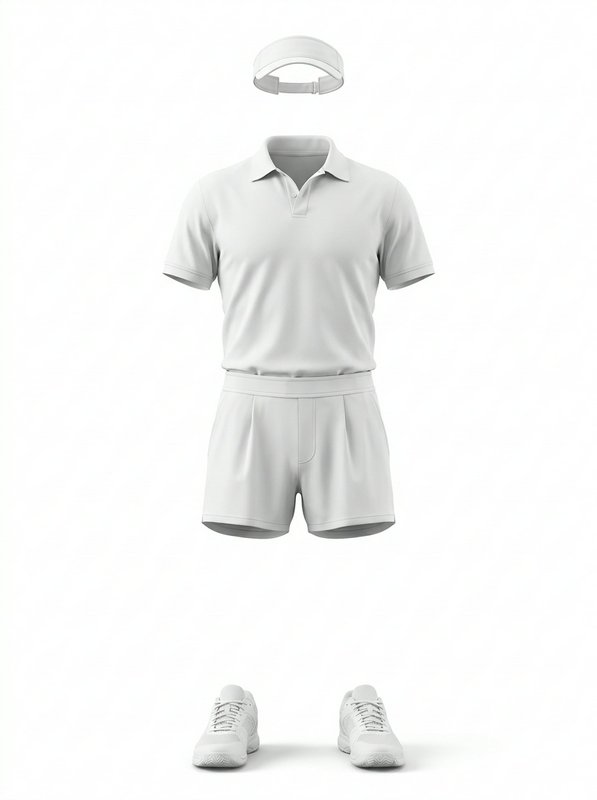 White Tennis Sport Outfit@white_tennis_sport_outfit
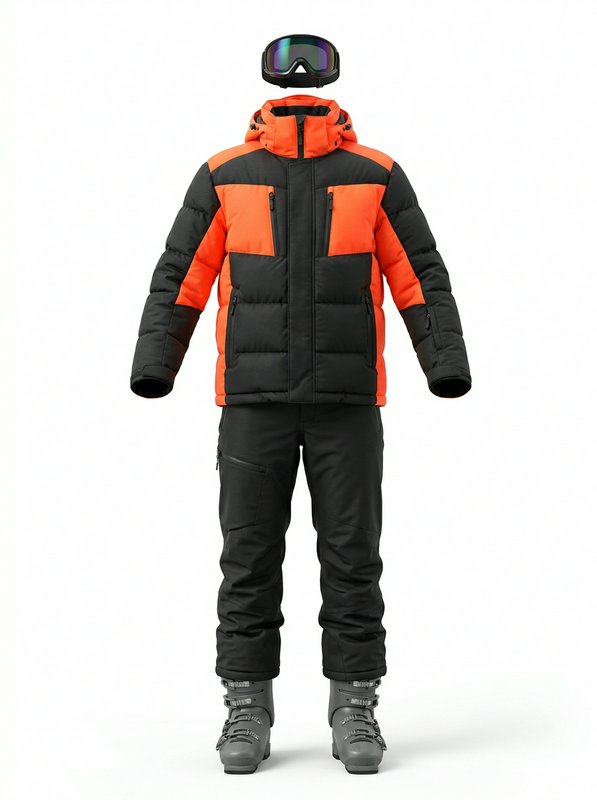 Orange Black Ski Outfit@orange_black_ski_outfit
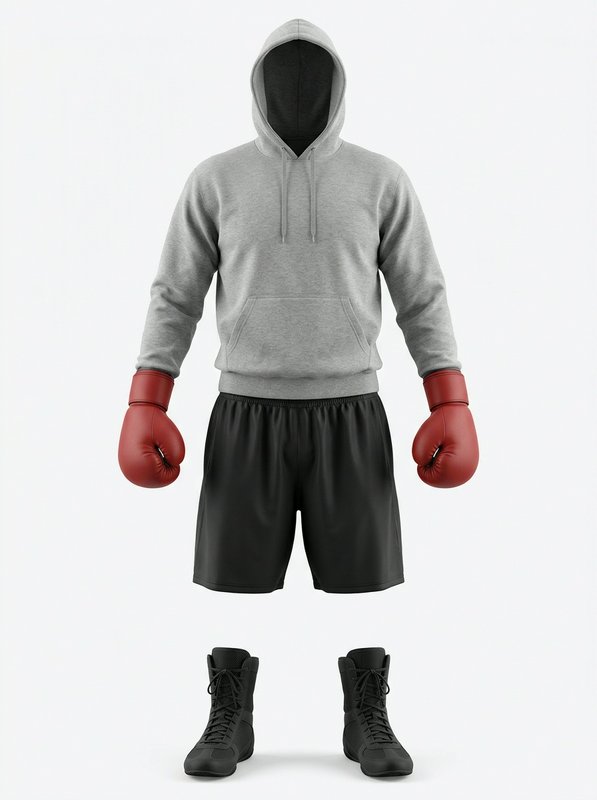 Hooded Casual Boxing Outfit@hooded_casual_boxing_outfit
Swim outfits
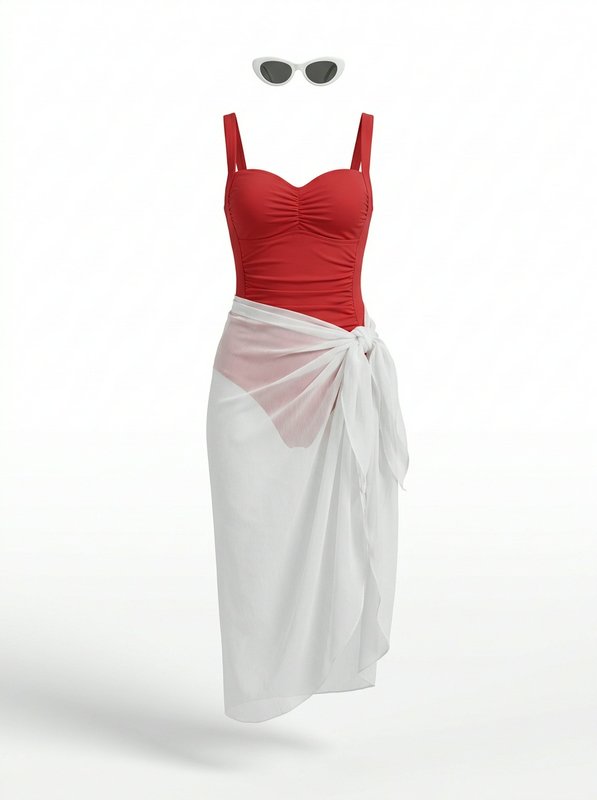
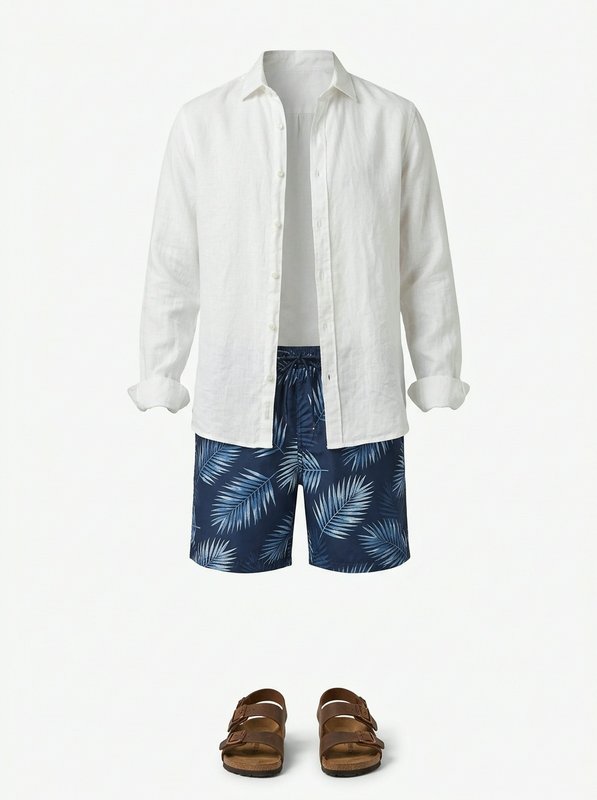
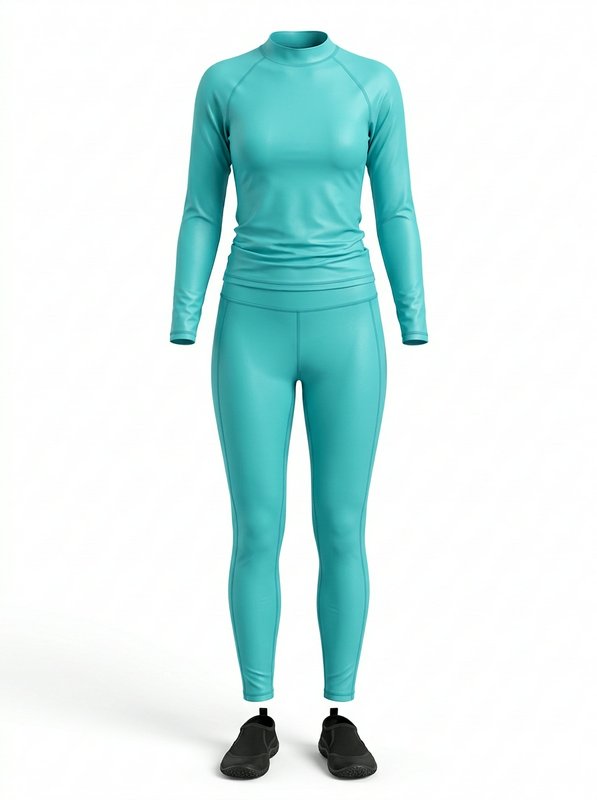
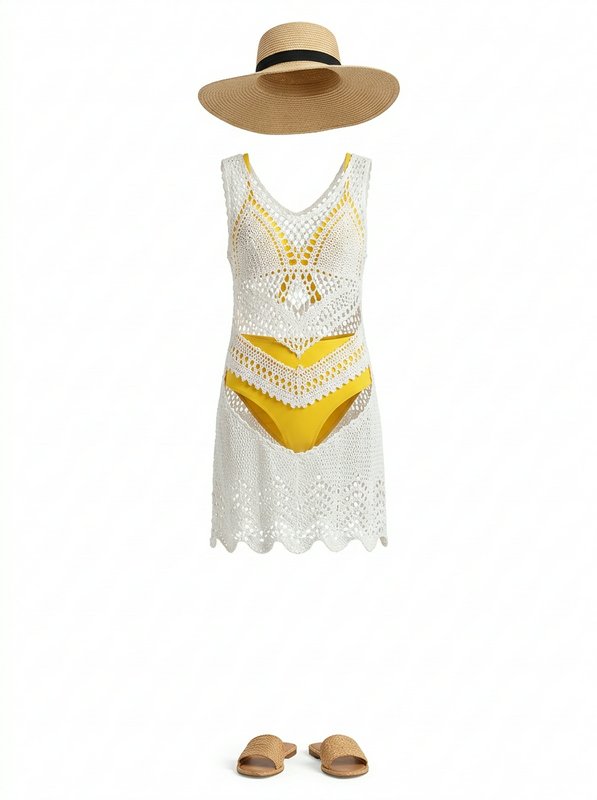
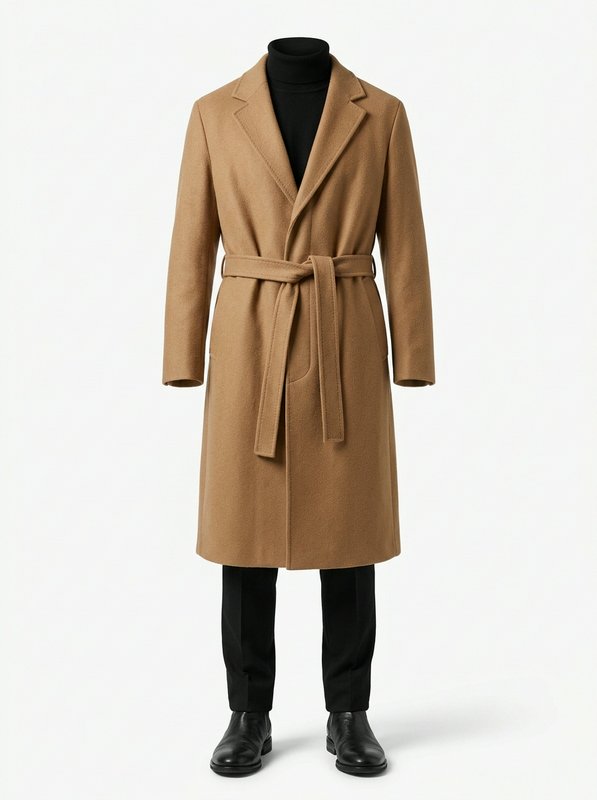
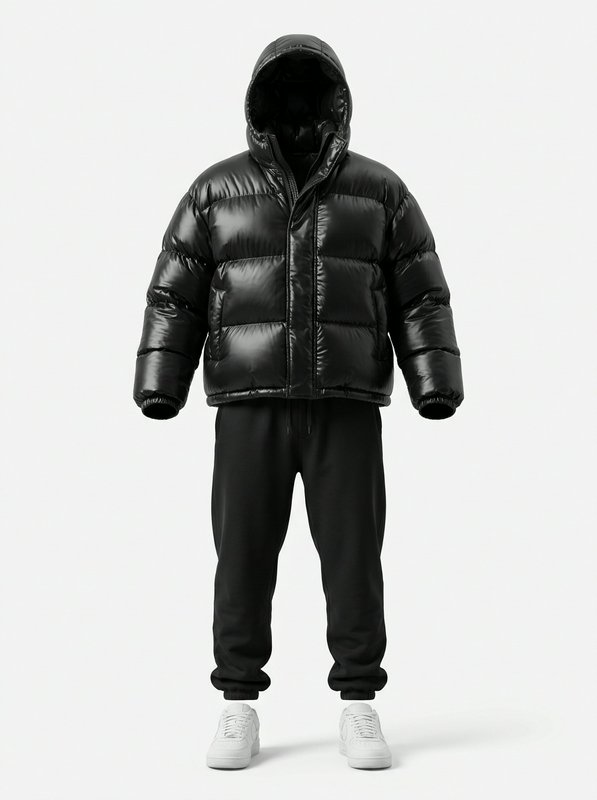
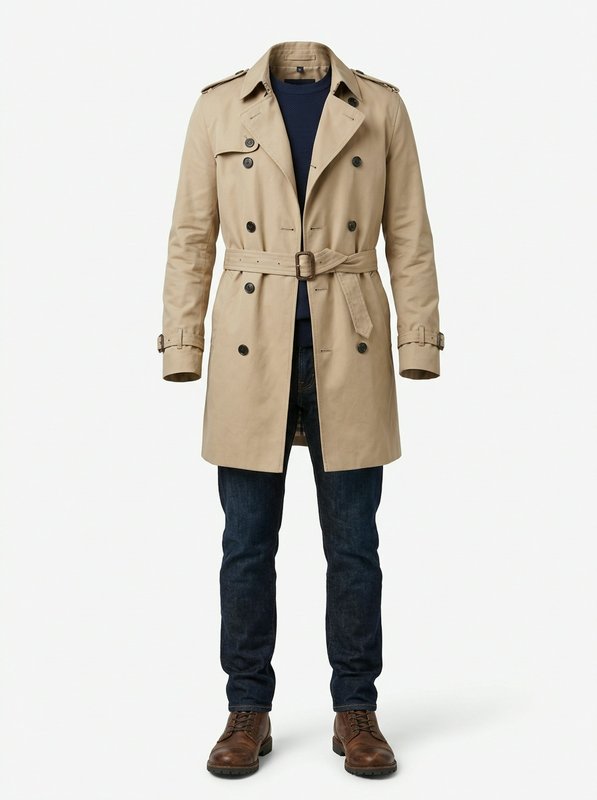
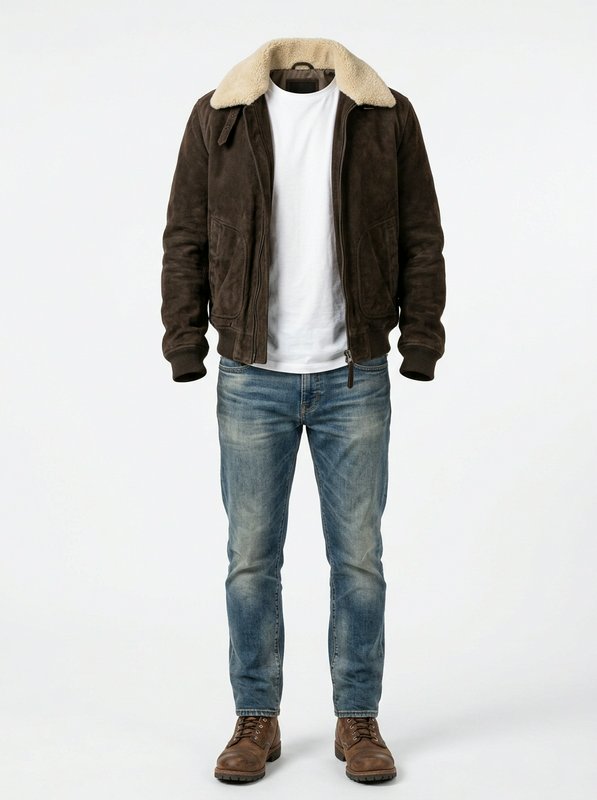
Outerwear outfits
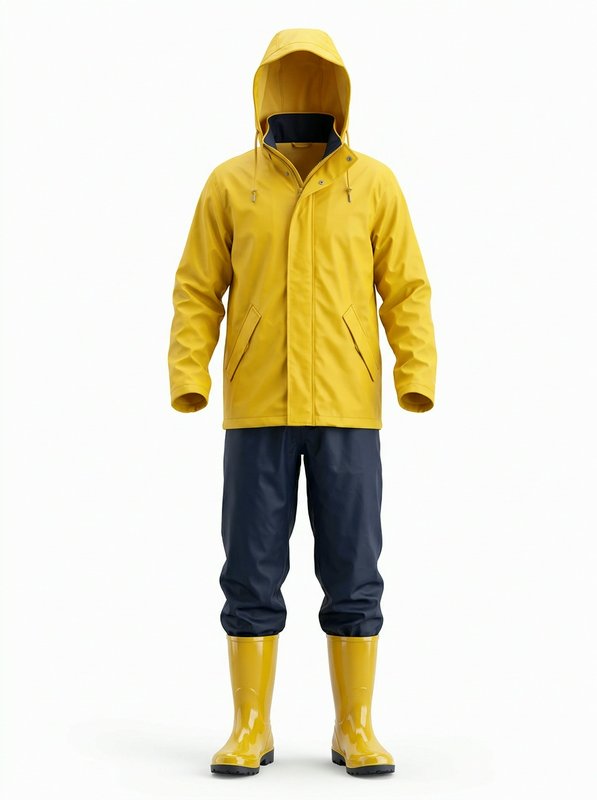
Sleepwear outfits
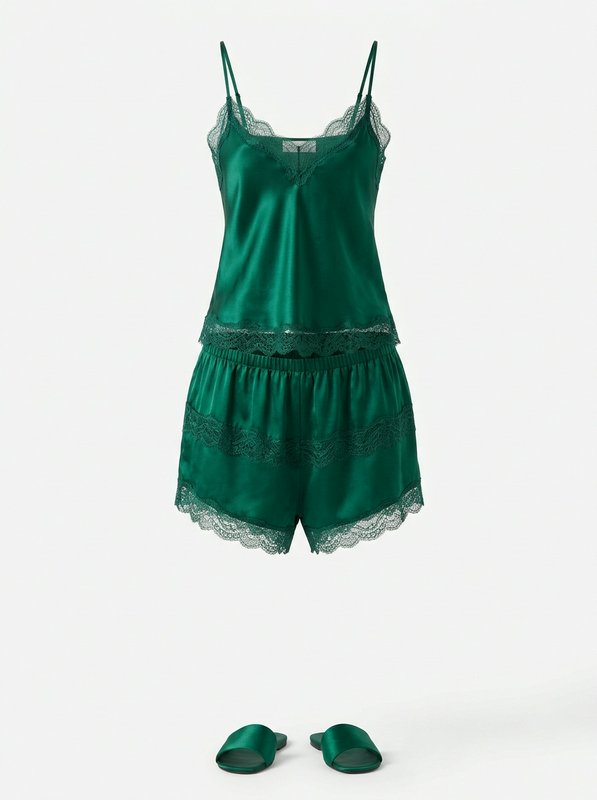
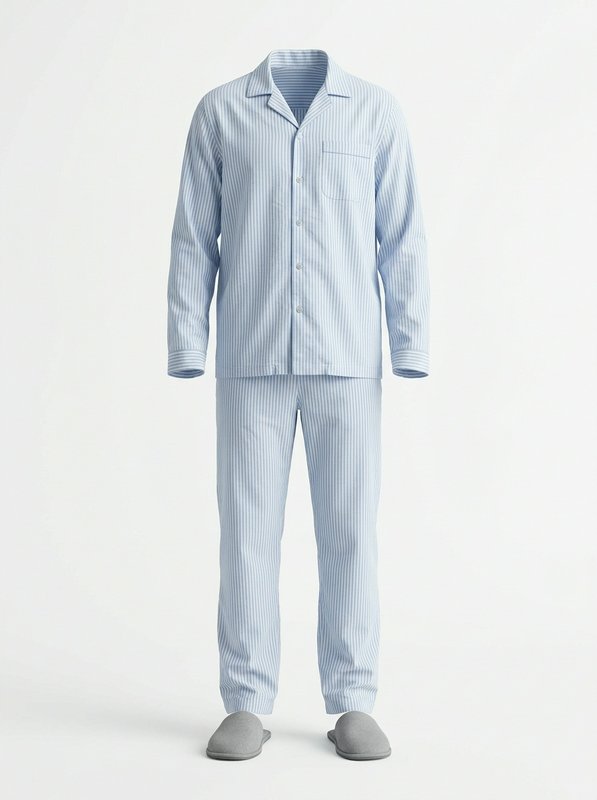
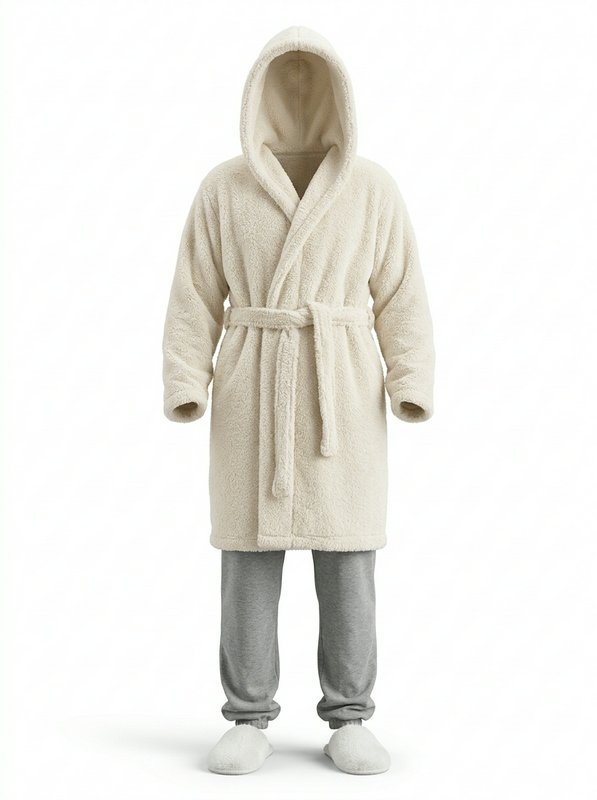
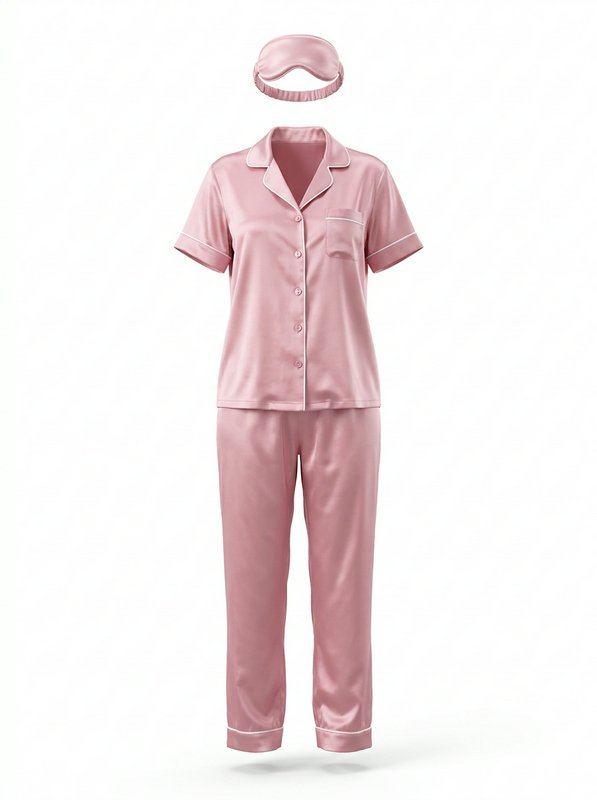
Underwear & lingerie
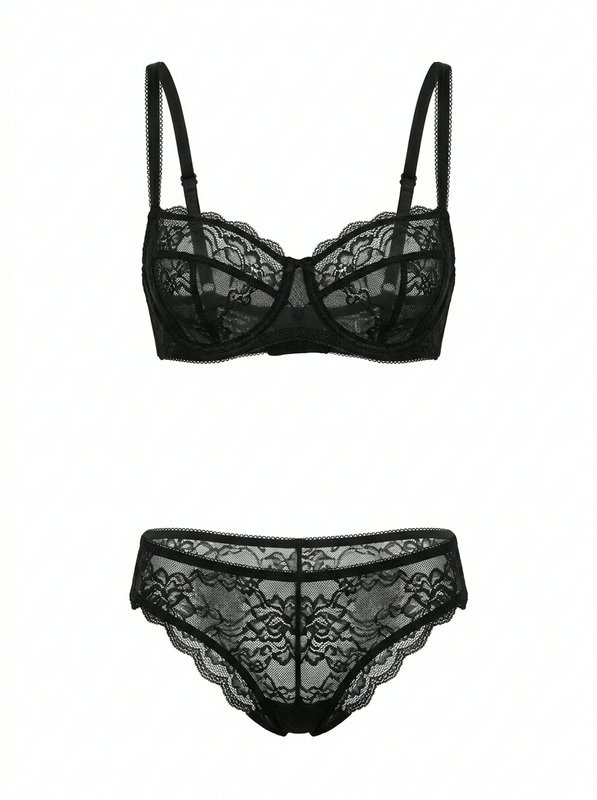 Black Lace Lingerie Set@black_lace_lingerie_set
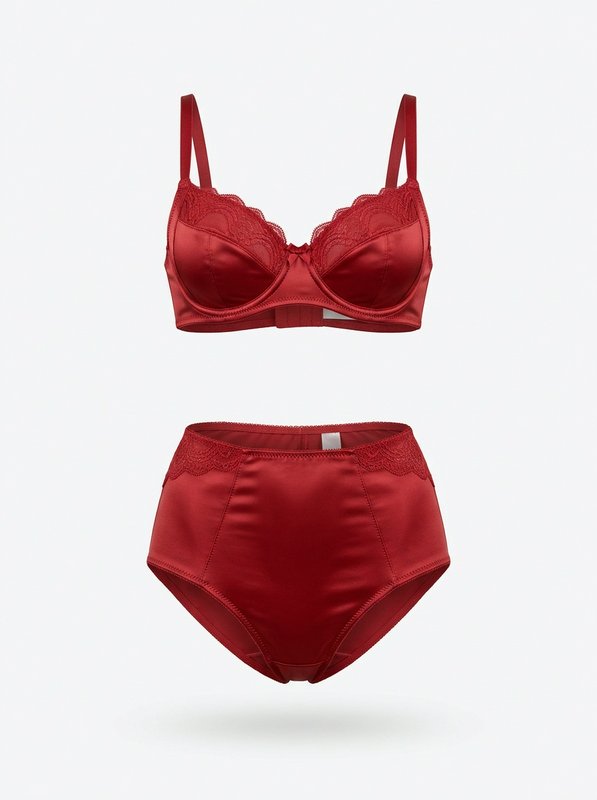 Red Satin Lace Lingerie Set@red_satin_lace_lingerie_set
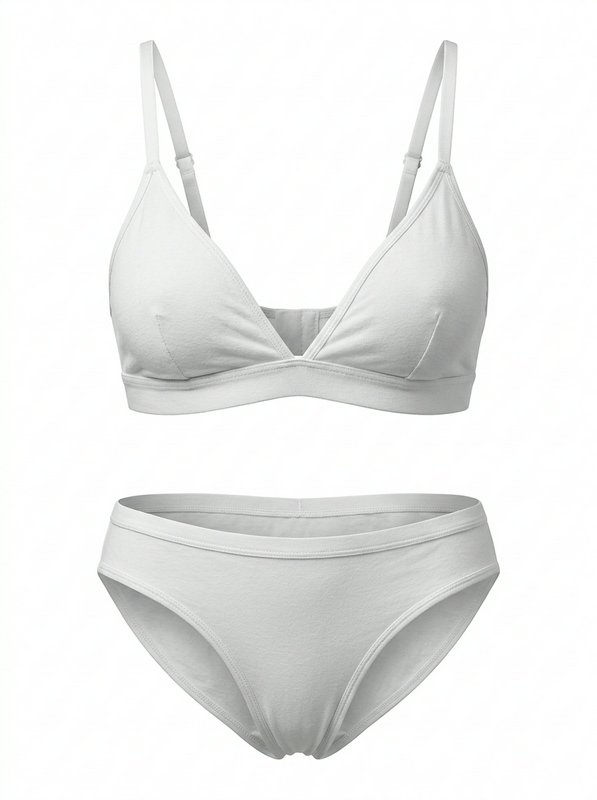 White Cotton Bralette Set@white_cotton_bralette_set
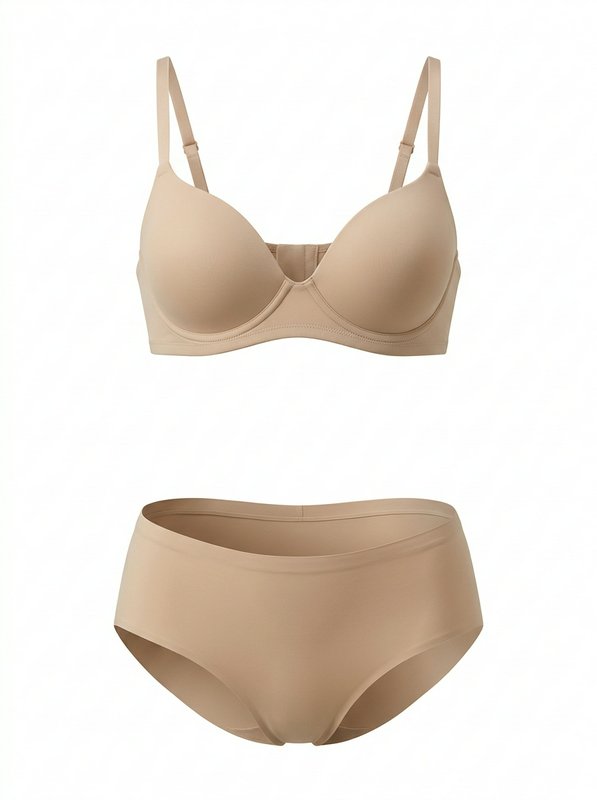 Beige Smooth Underwear Set@beige_smooth_underwear_set
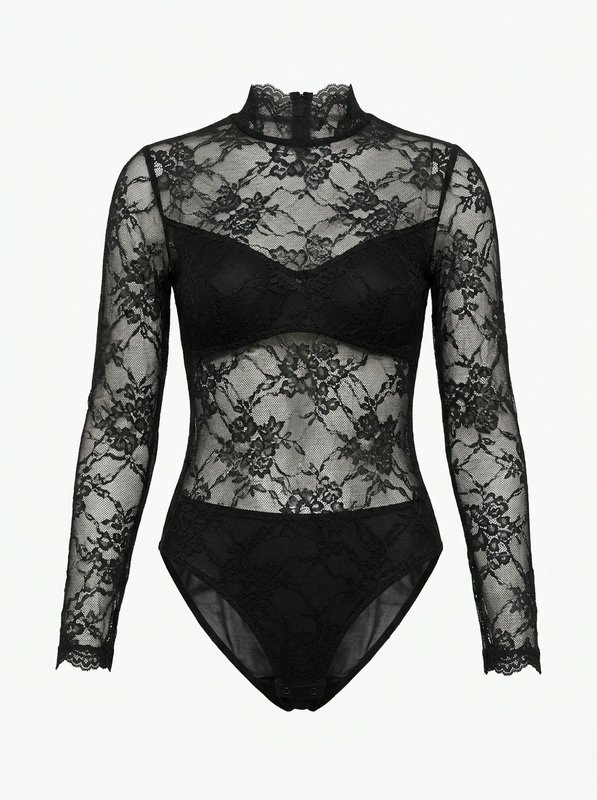 Black Sheer Lace Bodysuit@black_lace_bodysuit
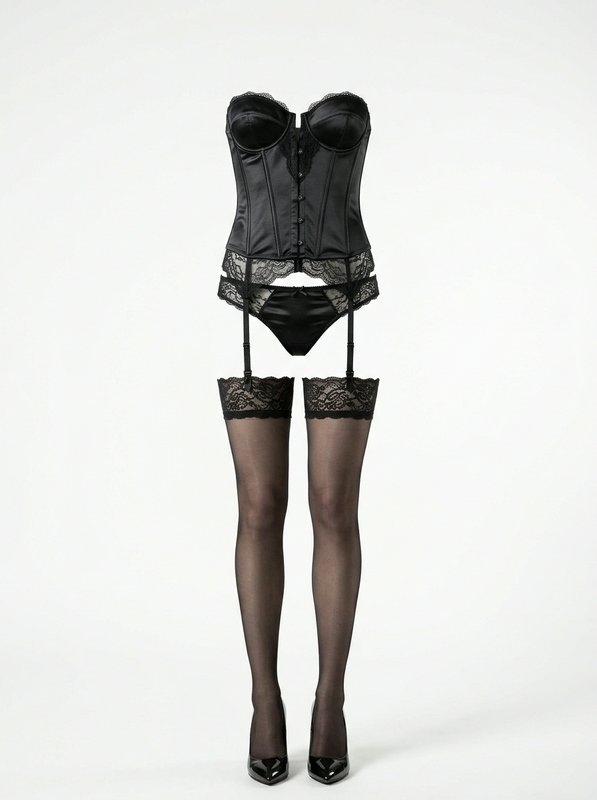 Black Satin Corset Lingerie Set@black_satin_corset_lingerie
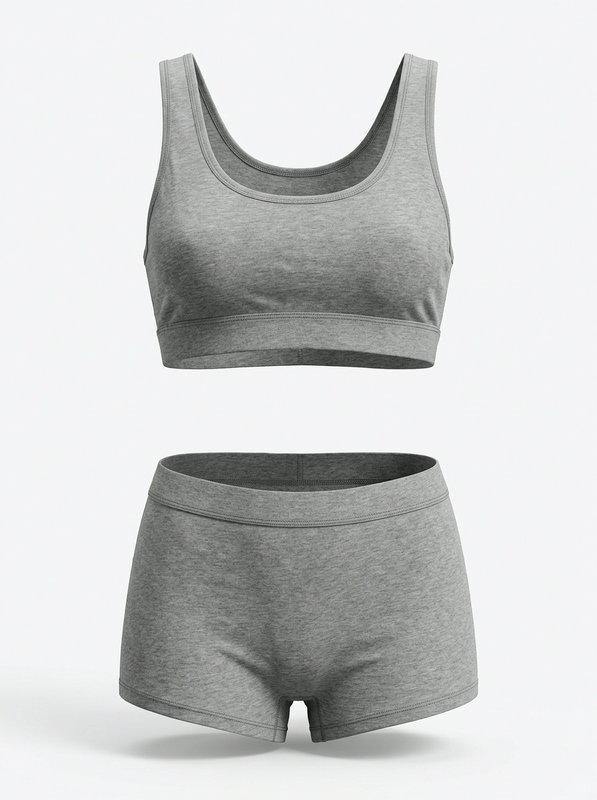 Heather Grey Loungewear Set@heather_grey_loungewear_set
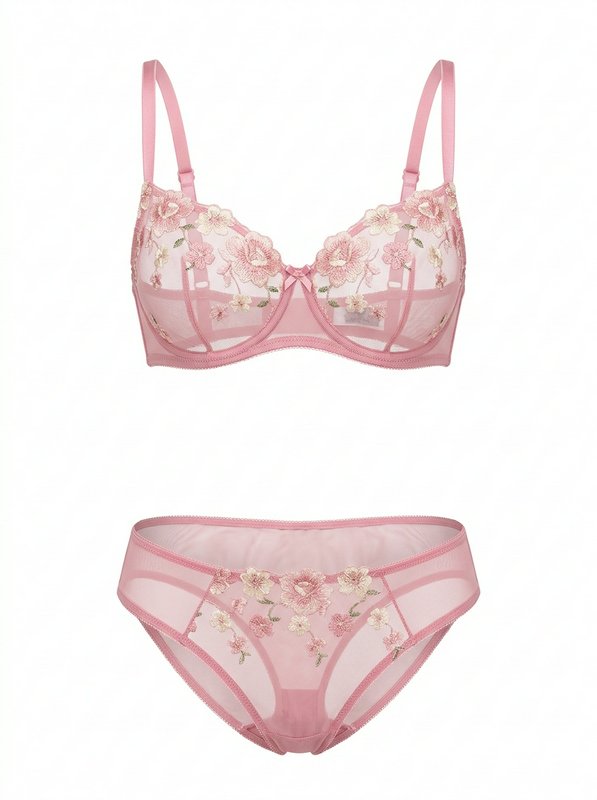 Pink Floral Embroidered Lingerie Set@pink_embroidered_lingerie
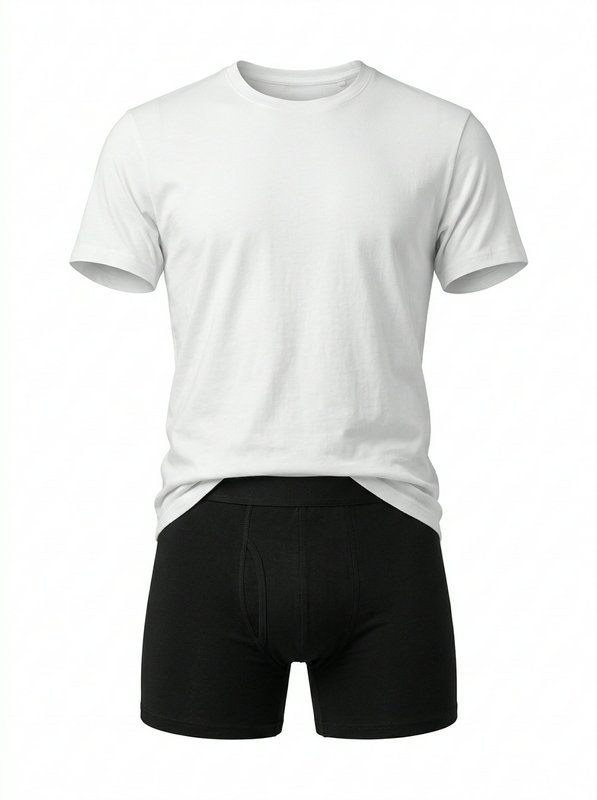 White Tee And Black Boxers@white_tee_and_black_boxers
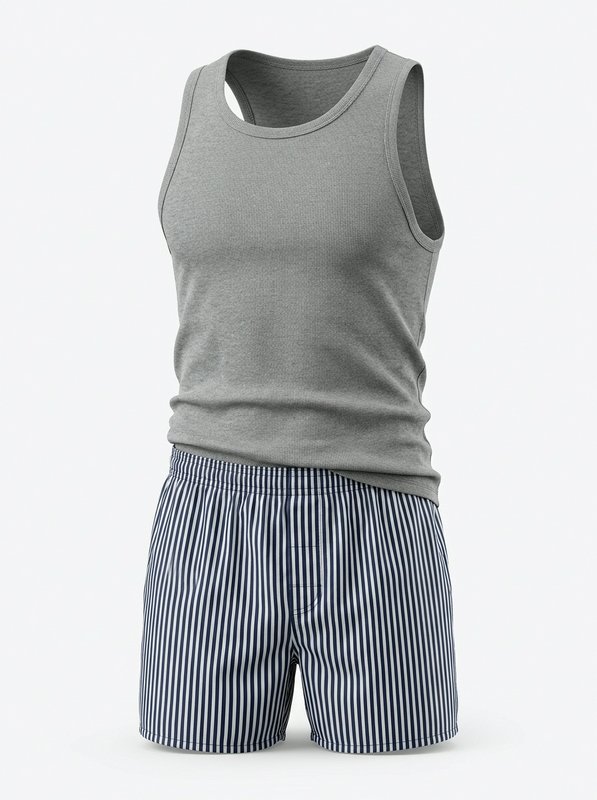 Grey Tank Loungewear Set@grey_tank_loungewear_set
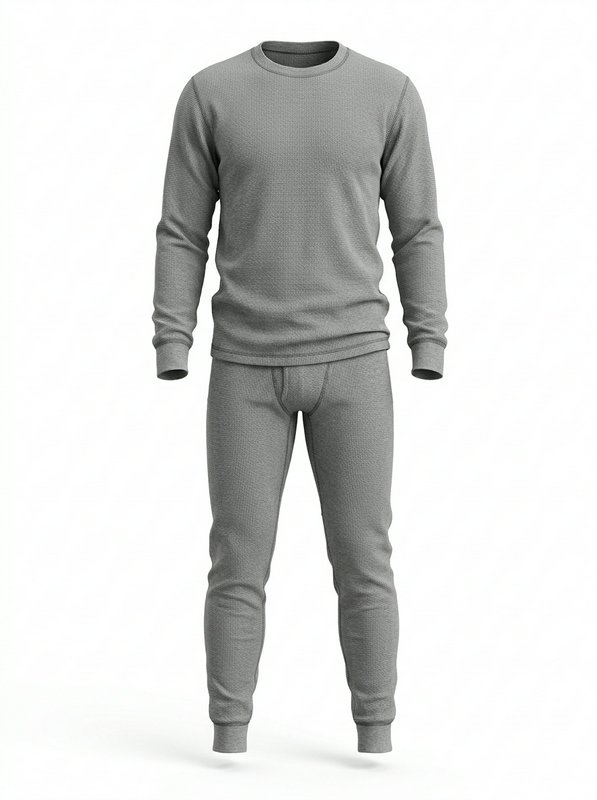 Grey Thermal Underwear Set@grey_thermal_underwear_set
Costume outfits
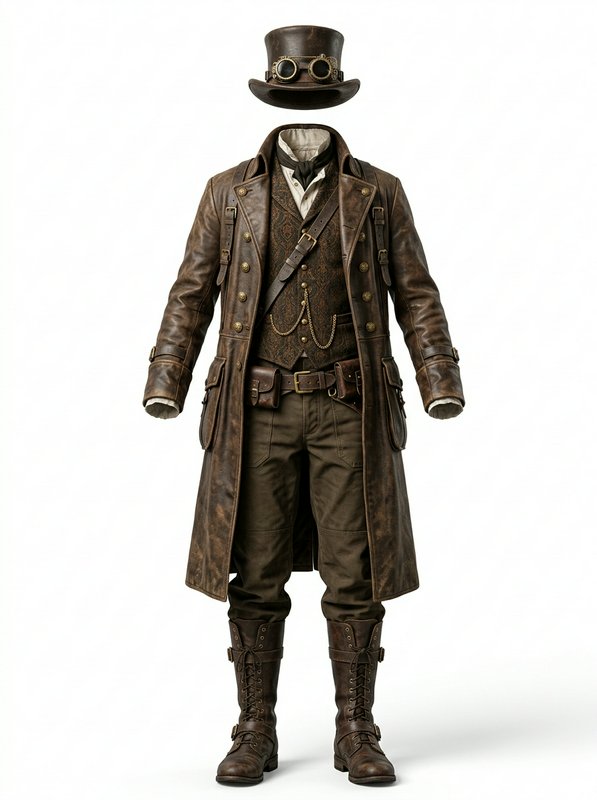 Steampunk Leather Explorer Outfit@steampunk_leather_explorer
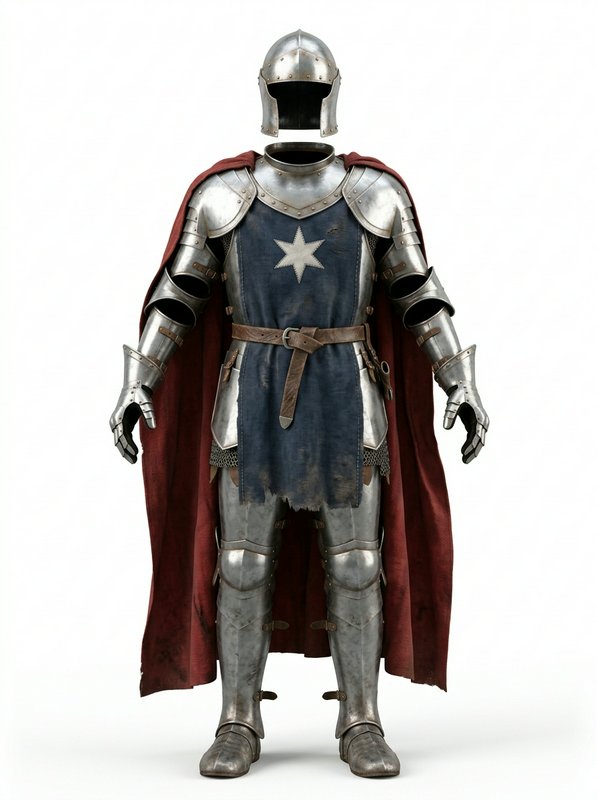 Star Knight Plate Armour Set@star_knight_plate_armour_set
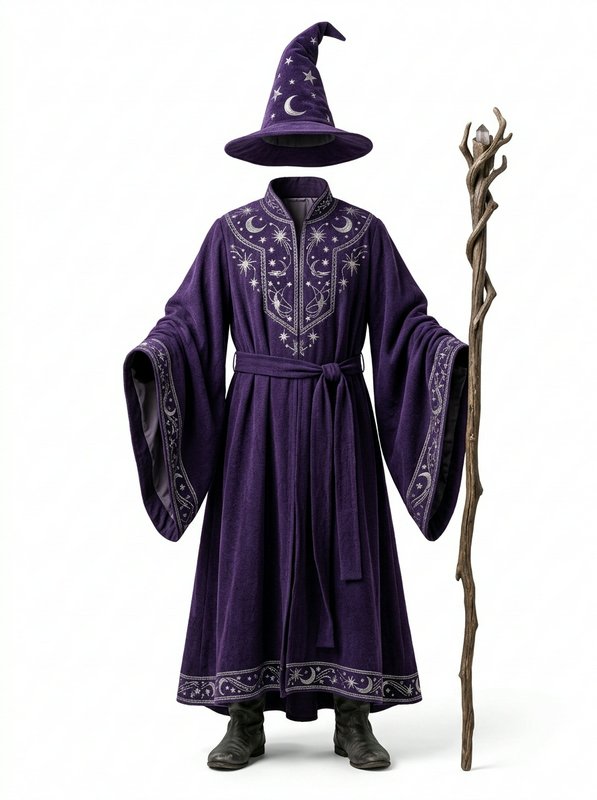 Purple Celestial Wizard Costume@purple_celestial_wizard
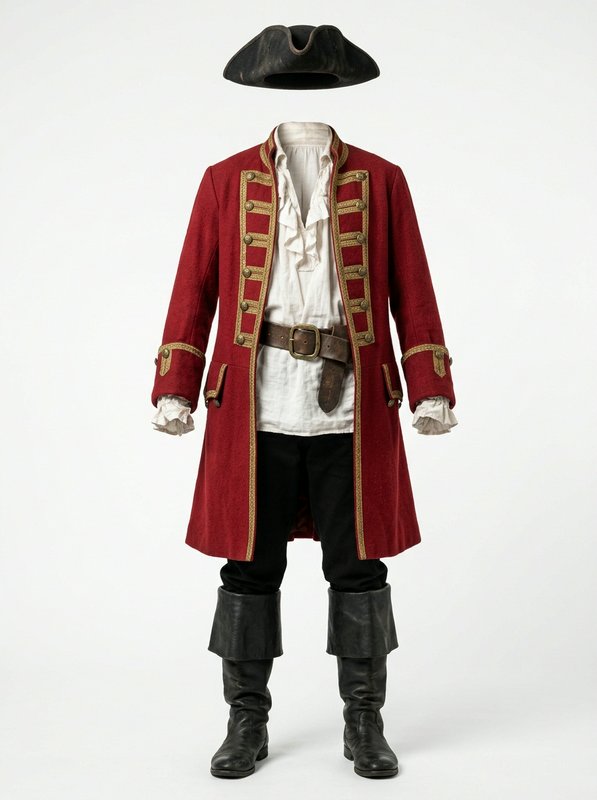 Classic Pirate Captain Outfit@classic_pirate_captain_outfit
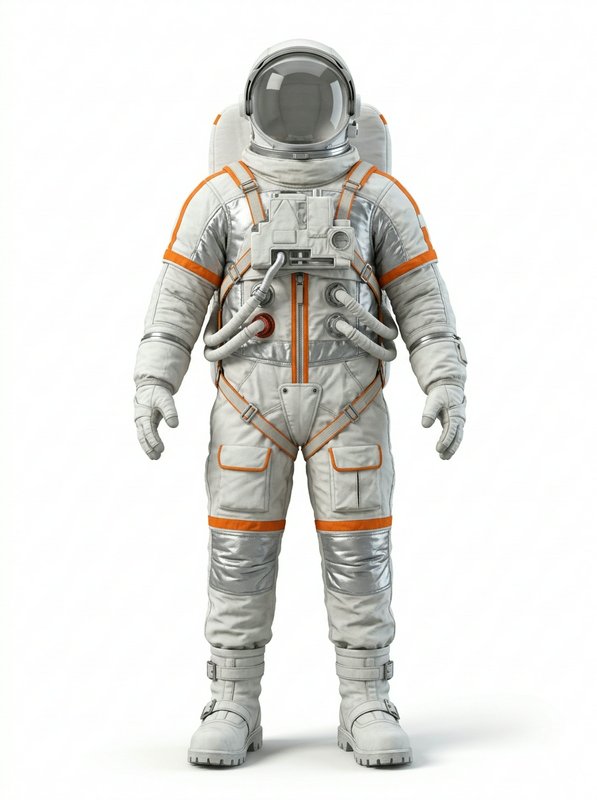 White Orange Trim Spacesuit@white_orange_trim_spacesuit
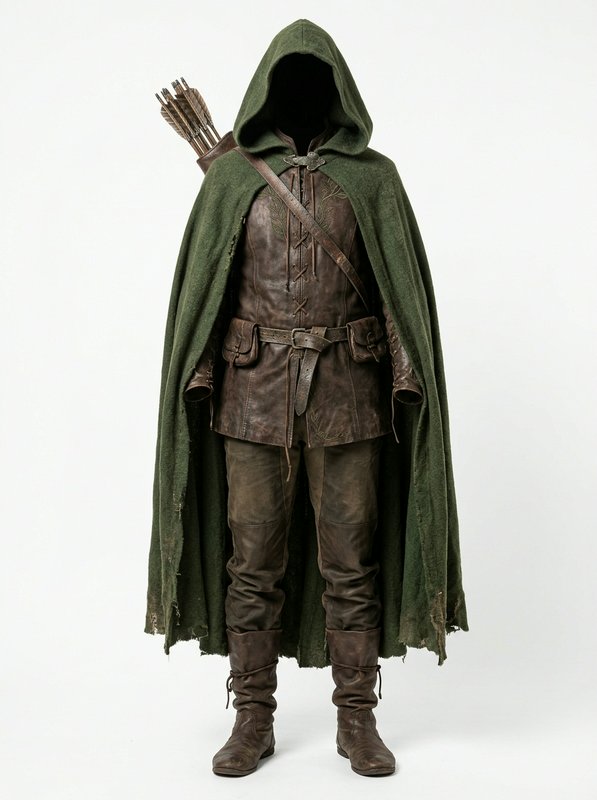 Ranger Hooded Cloak Outfit@ranger_hooded_cloak_outfit
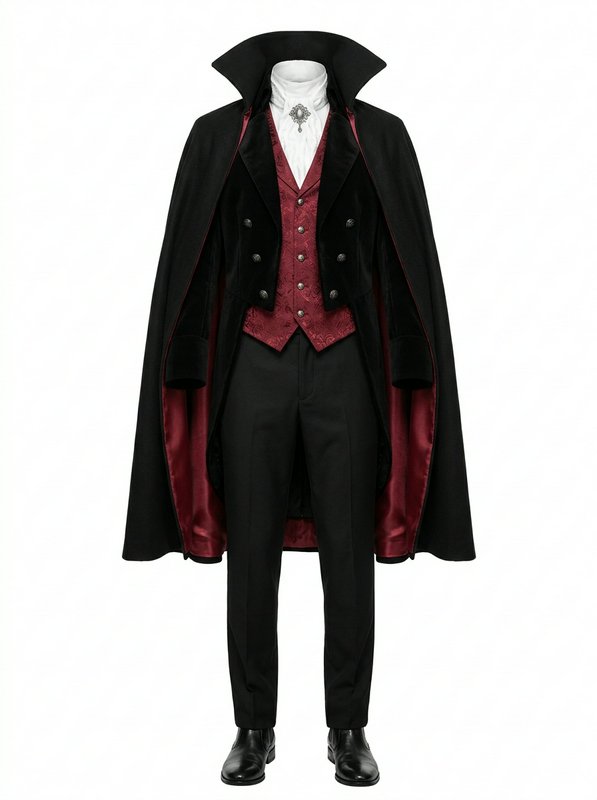 Classic Vampire Formal Costume@classic_vampire_formal_costume
Traditional outfits
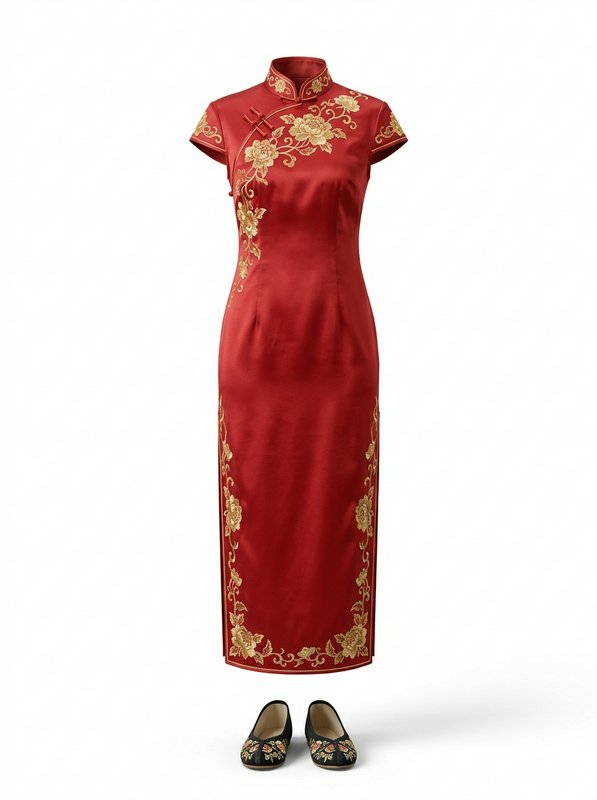 Red Embroidered Qipao Set@red_embroidered_qipao_set
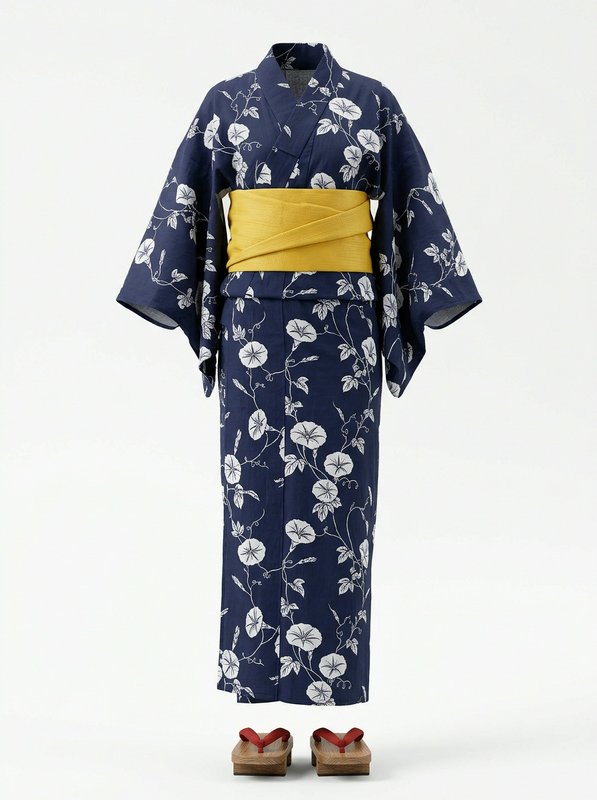 Navy Floral Summer Yukata Set@navy_floral_summer_yukata_set
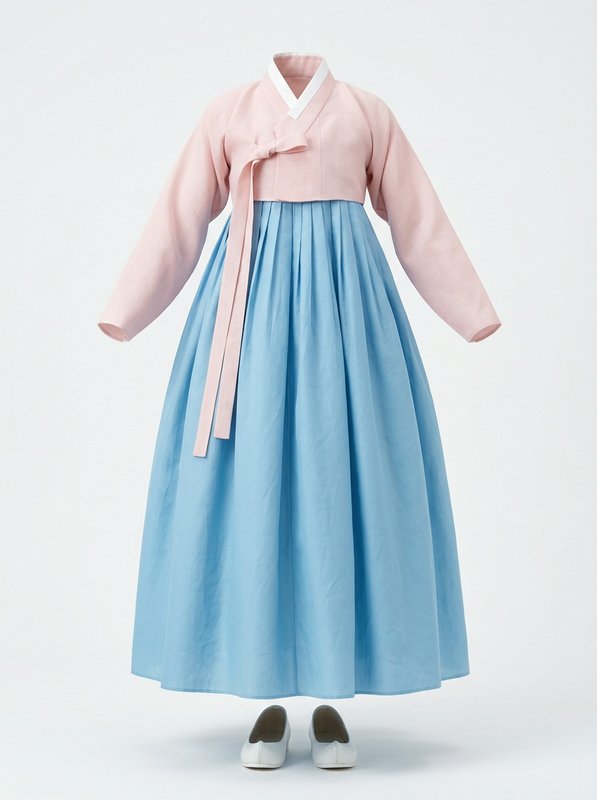 Pastel Traditional Korean Hanbok@pastel_traditional_korean
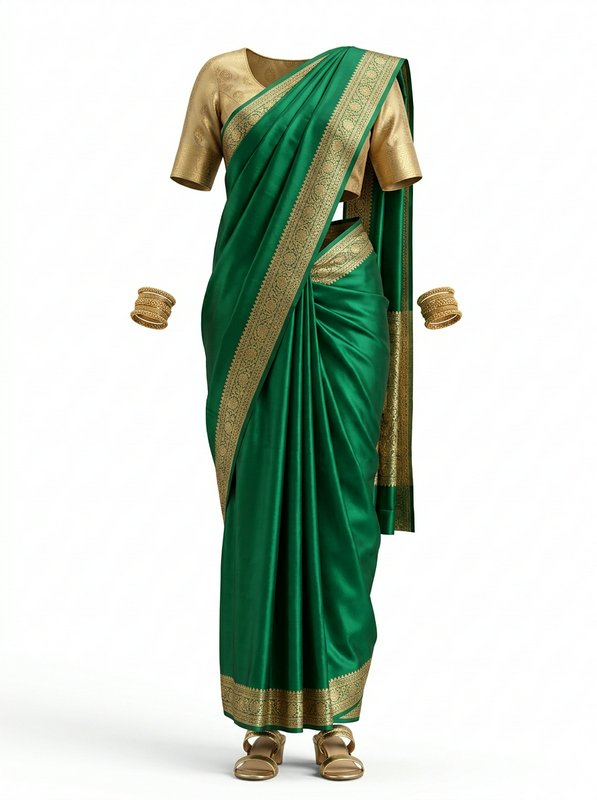 Emerald Gold Silk Saree Set@emerald_gold_silk_saree_set
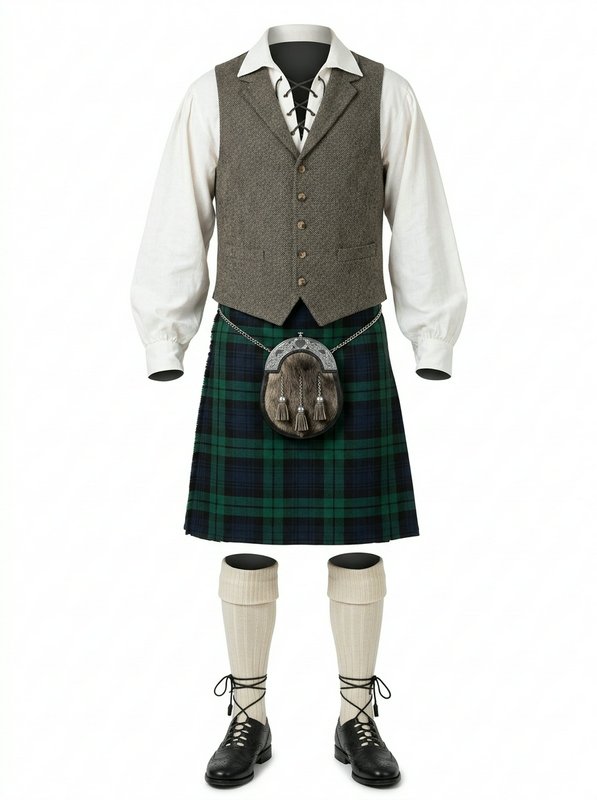 Traditional Scottish Kilt Outfit@traditional_scottish_kilt
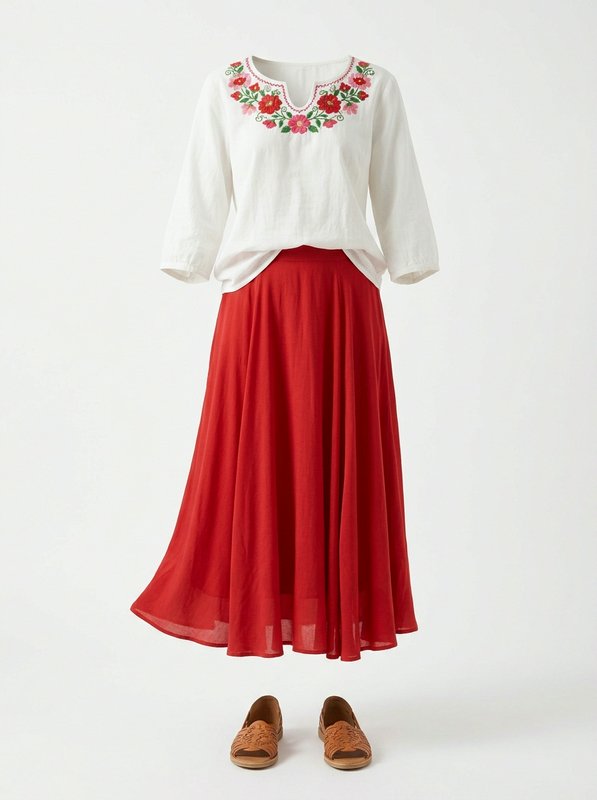 Embroidered Blouse Red Skirt Set@embroidered_blouse_red_skirt
Seasonal outfits
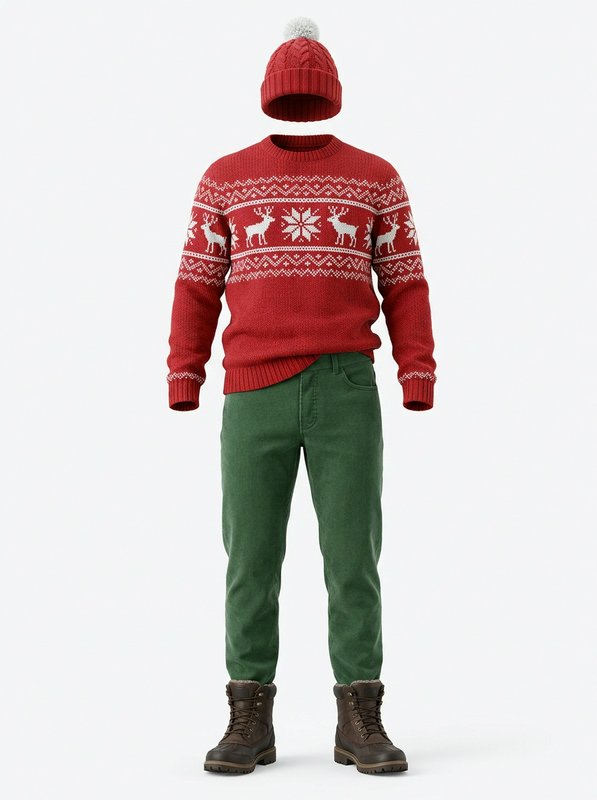
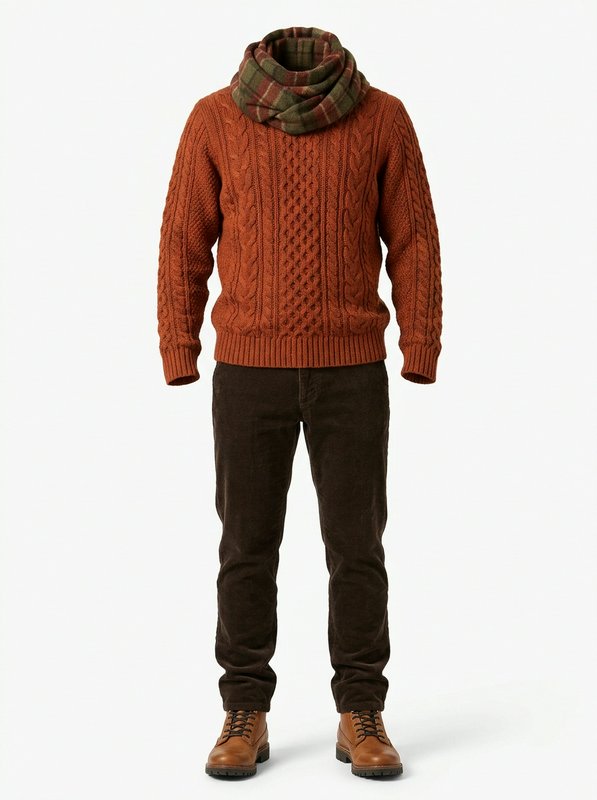
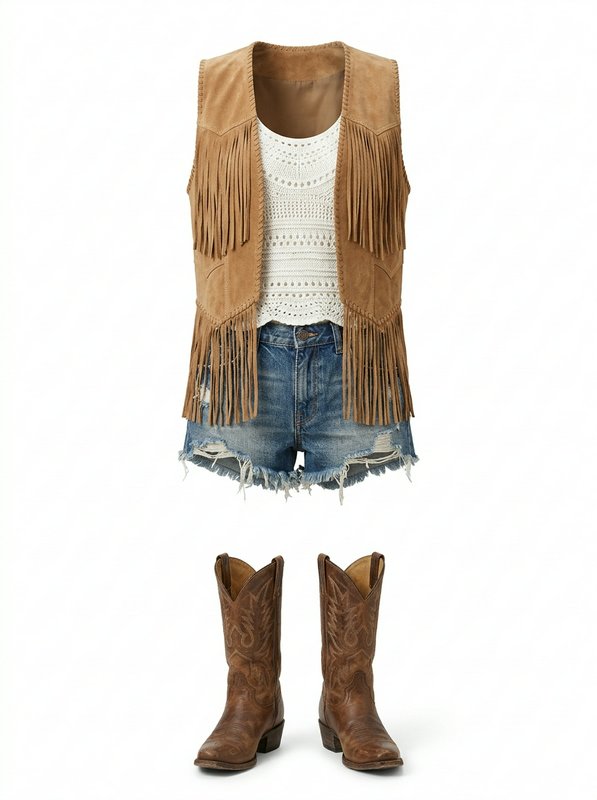
How to dress a character
- Step 1
Pick an outfit
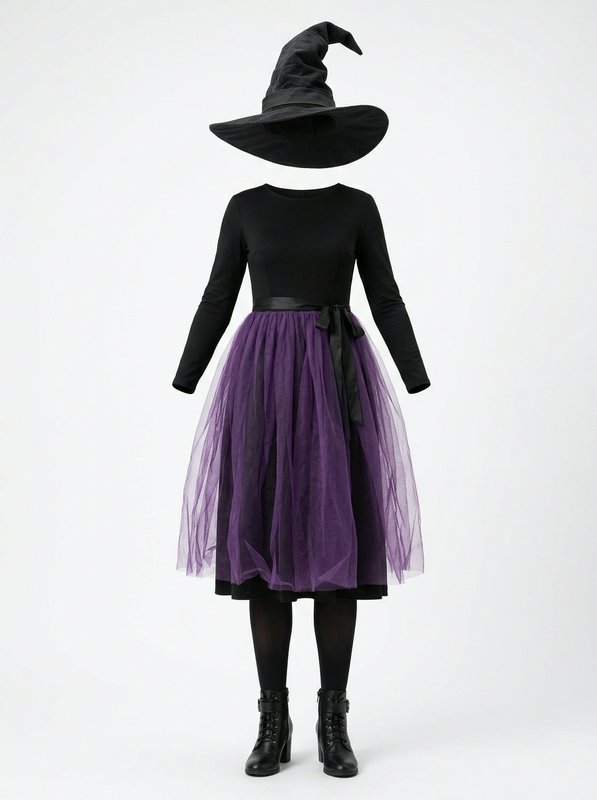
Each one is a clean picture of the clothes, with nobody in them, and a handle such as @camel_belted_overcoat_outfit.
- Step 2
Write it next to a character
“@your_character wearing @camel_belted_overcoat_outfit on a rainy street.” Your own characters, the ones you collected and the free AI influencers all work.
- Step 3
Generate
The character keeps their face and wears these clothes, copied from the picture. Try an outfit on once to keep it as a look.
No character yet? Create one or collect one from the community.
Make your own clothes
From a photo
Someone wearing it: the clothes are taken out onto an invisible mannequin.
From a description
Describe it, and the outfit is designed for you.
From a clean picture
A product shot that shows only the clothes, used as is, for free.
Making a picture costs the image model’s usual price; a clean picture costs nothing. Your clothes stay private unless you share them.
Use it anywhere
Questions
- How do I keep the same outfit on my AI character?
- Write the outfit’s @handle next to the character in every prompt, for example “@your_character wearing @camel_belted_overcoat_outfit”. The outfit’s picture goes to the model with the character’s, so the clothes stay the same from one image to the next and in video. To keep a character in one outfit for good, try it on once: the look becomes one of the character’s pictures (@your_character.camel_belted_overcoat_outfit).
- Are the outfits free?
- Yes. Every outfit in the free library is free for everyone, and so are the ones members share. You pay only for the image or video you make, at the model’s usual price.
- Can I take an outfit from a photo?
- Yes. Add a photo of someone wearing it and the clothes are taken out onto an invisible mannequin, so any character can wear them. When the photo shows more than you want, name the piece: “only the leather jacket”.
- Does it work in video?
- Yes. Write the outfit’s @handle in a Video Workshop prompt on a model that takes reference pictures, or pick clothes for the cast in Recast.
- Can I use the wardrobe from the API or MCP?
- Yes. Write the @handle in the prompt of an image or video request to the BudgetPixel API; GET /v1/wardrobe lists the outfits you can use. An assistant connected to the BudgetPixel MCP server finds them with the search_wardrobe tool.
- Can I share my own clothes?
- Members on a paid plan can share their items with the community. A shared item is checked before it appears, shows only the clothes, and anyone can save it for free.