Remove Beard from Photo with AI
Turn a bearded portrait into a clean-shaven look in seconds.
Upload a photo and our AI removes the beard while keeping the person's identity, pose, and overall scene consistent. It is a fast way to preview a clean-shaven look for profile photos, style tests, or creative edits.
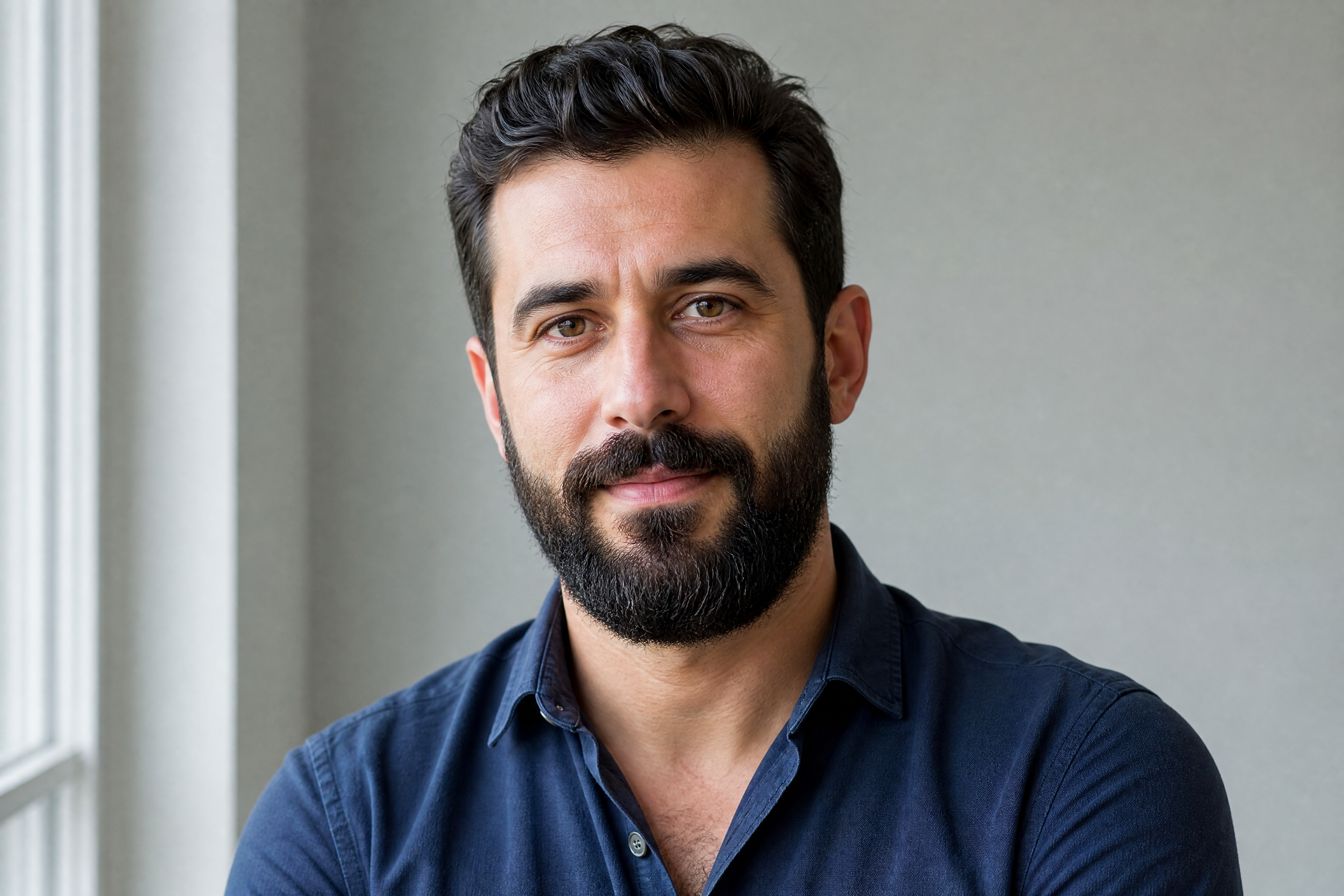
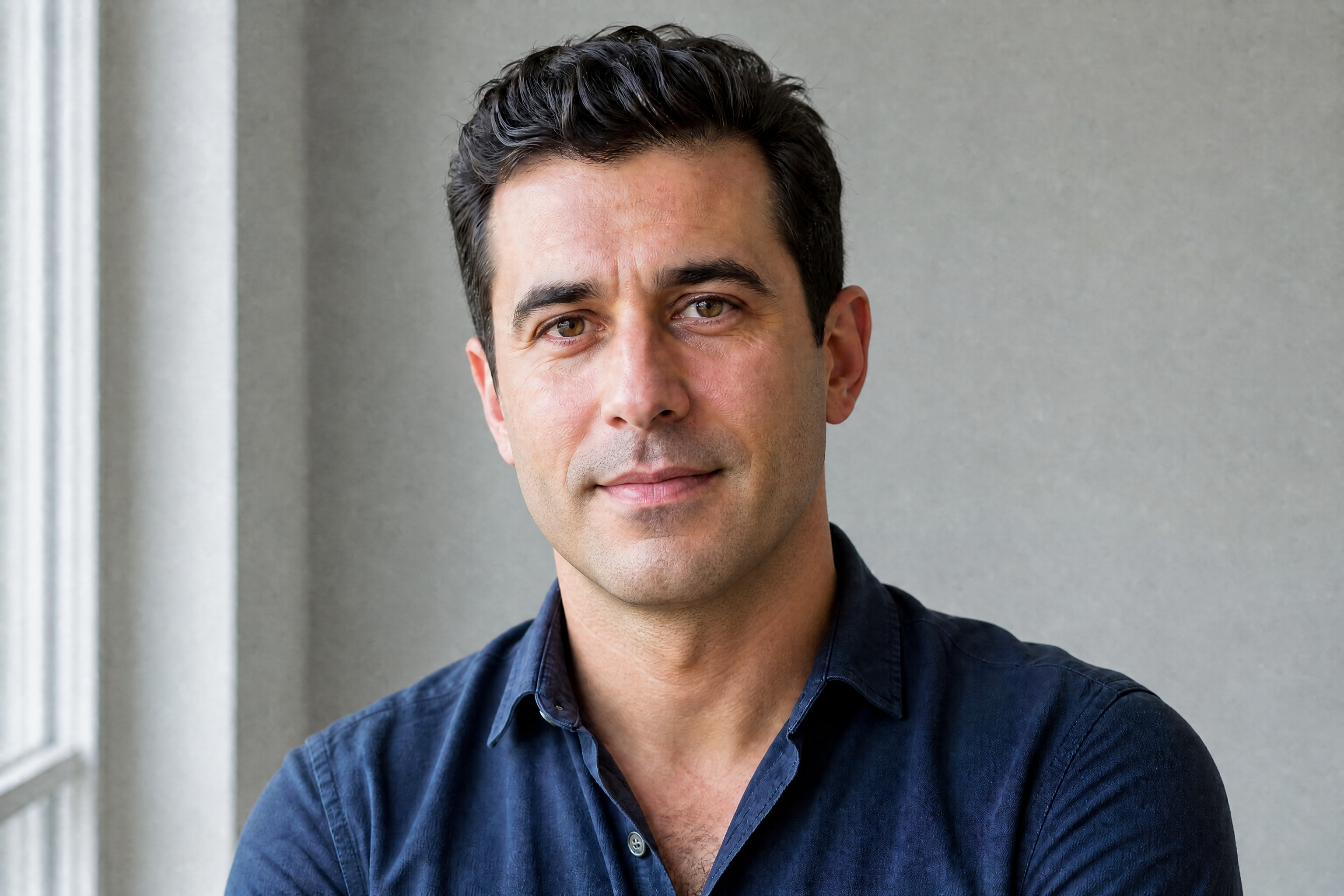
Watch the Transformation
See remove beard from photo in motion — generated end-to-end by our AI.
See It In Action
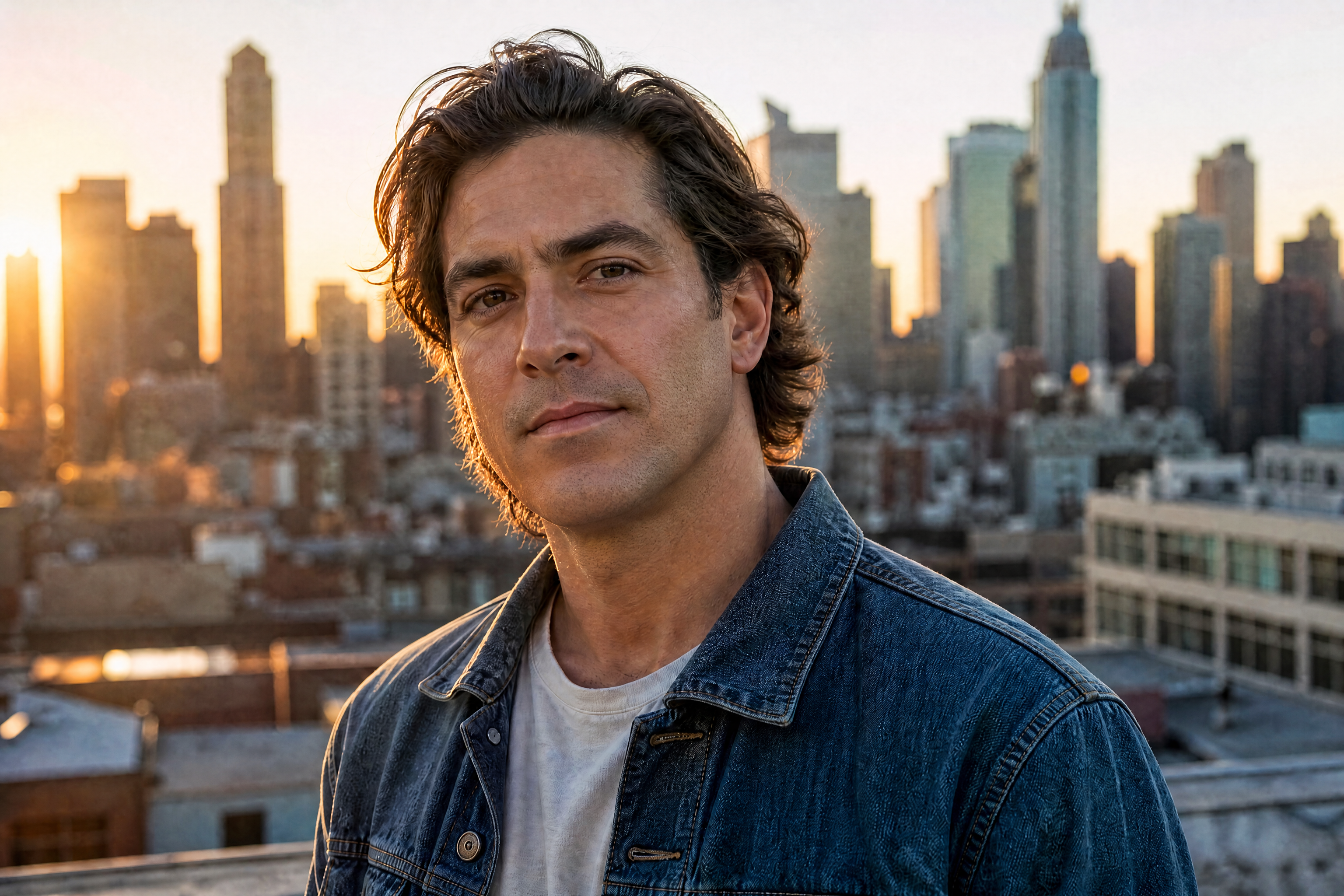
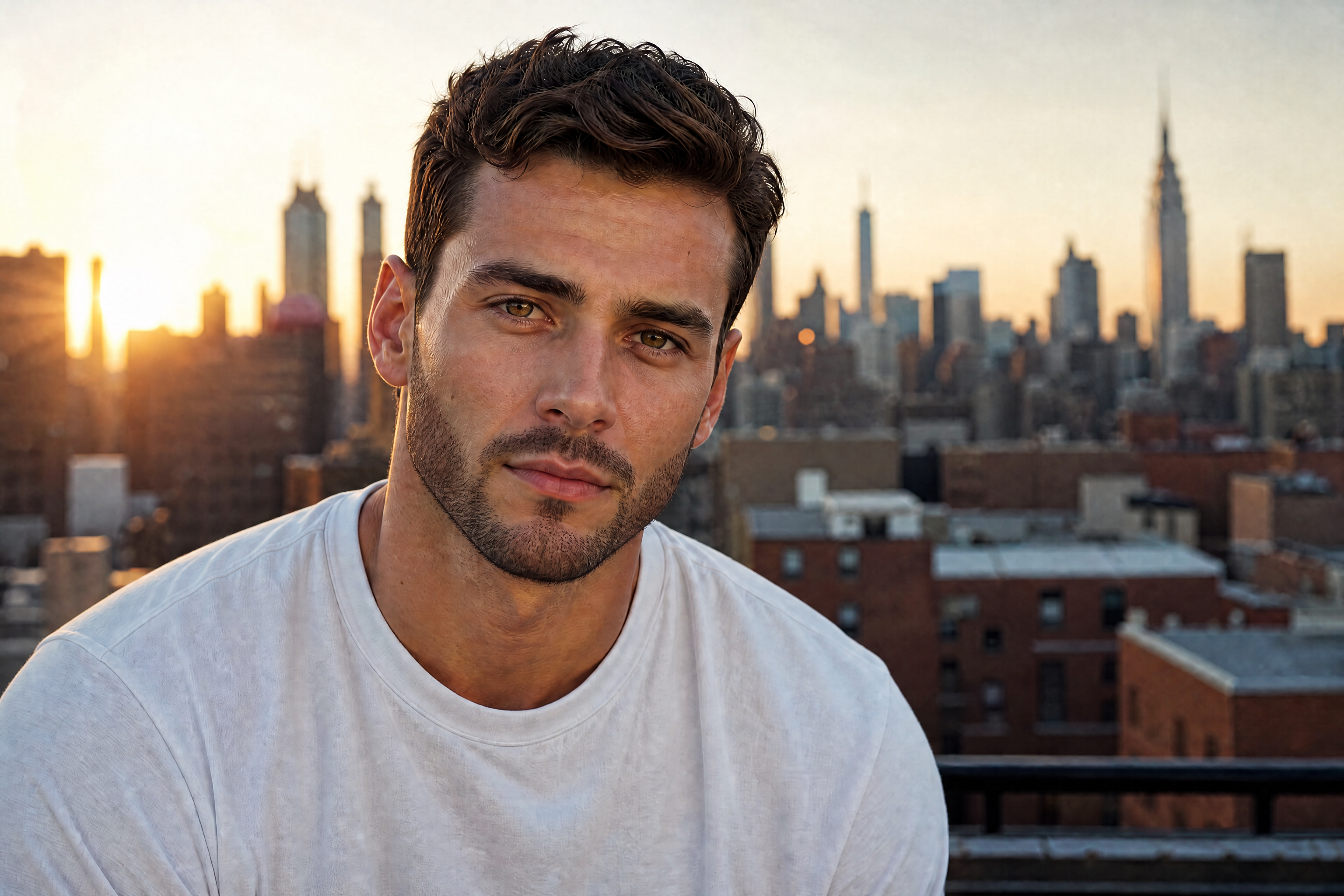
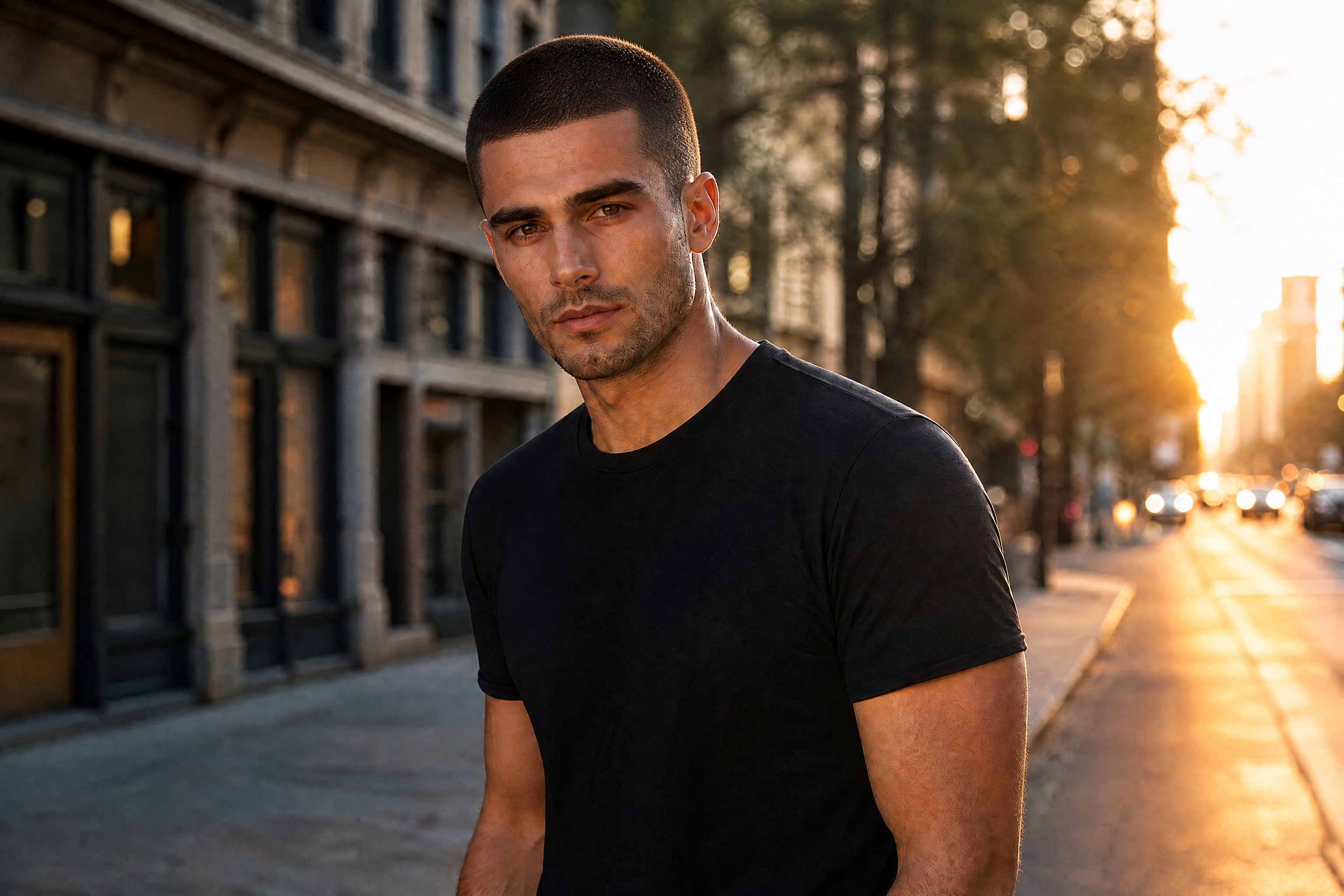
Real outputs from remove beard from photo.
BEFOREAFTER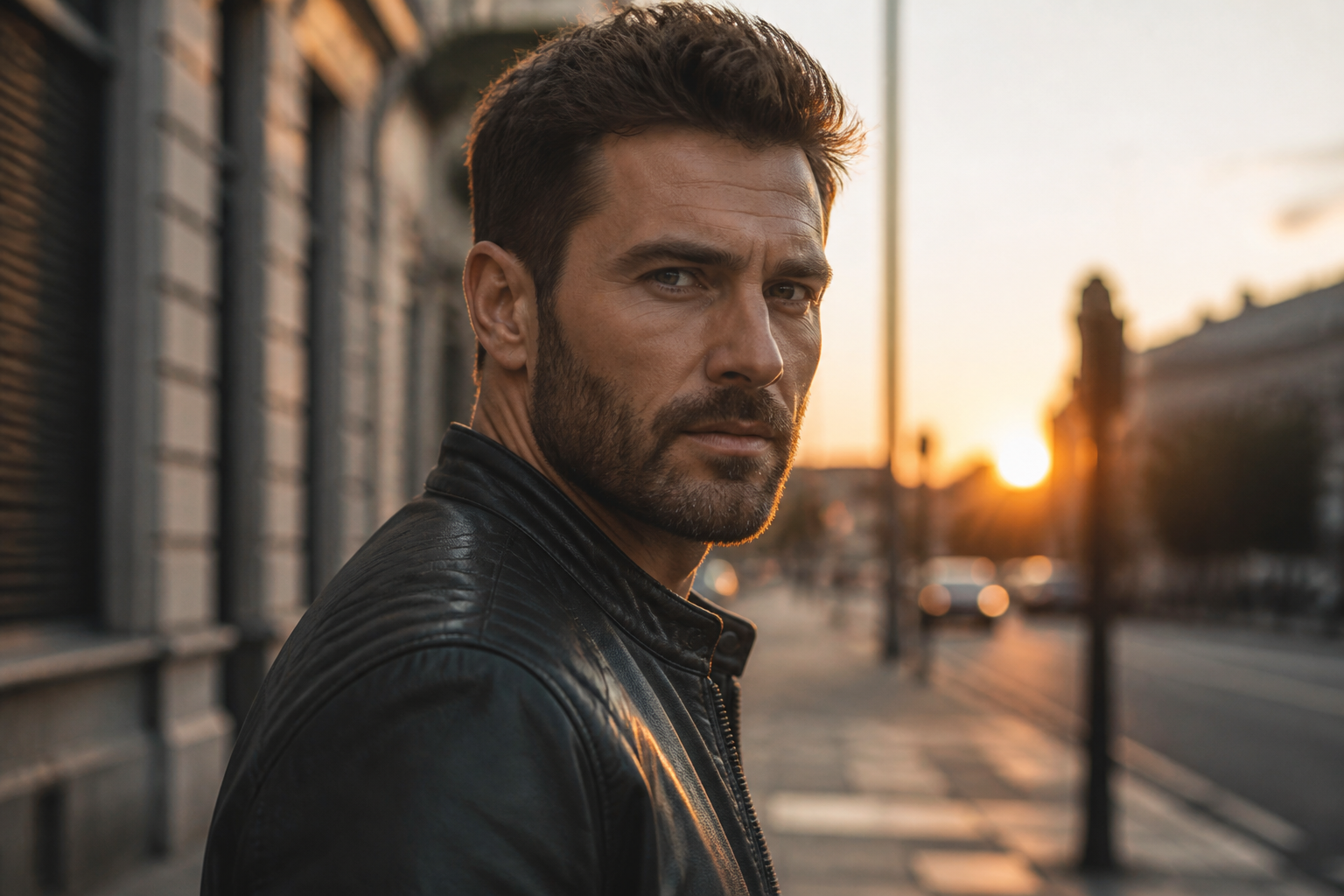 BEFORE
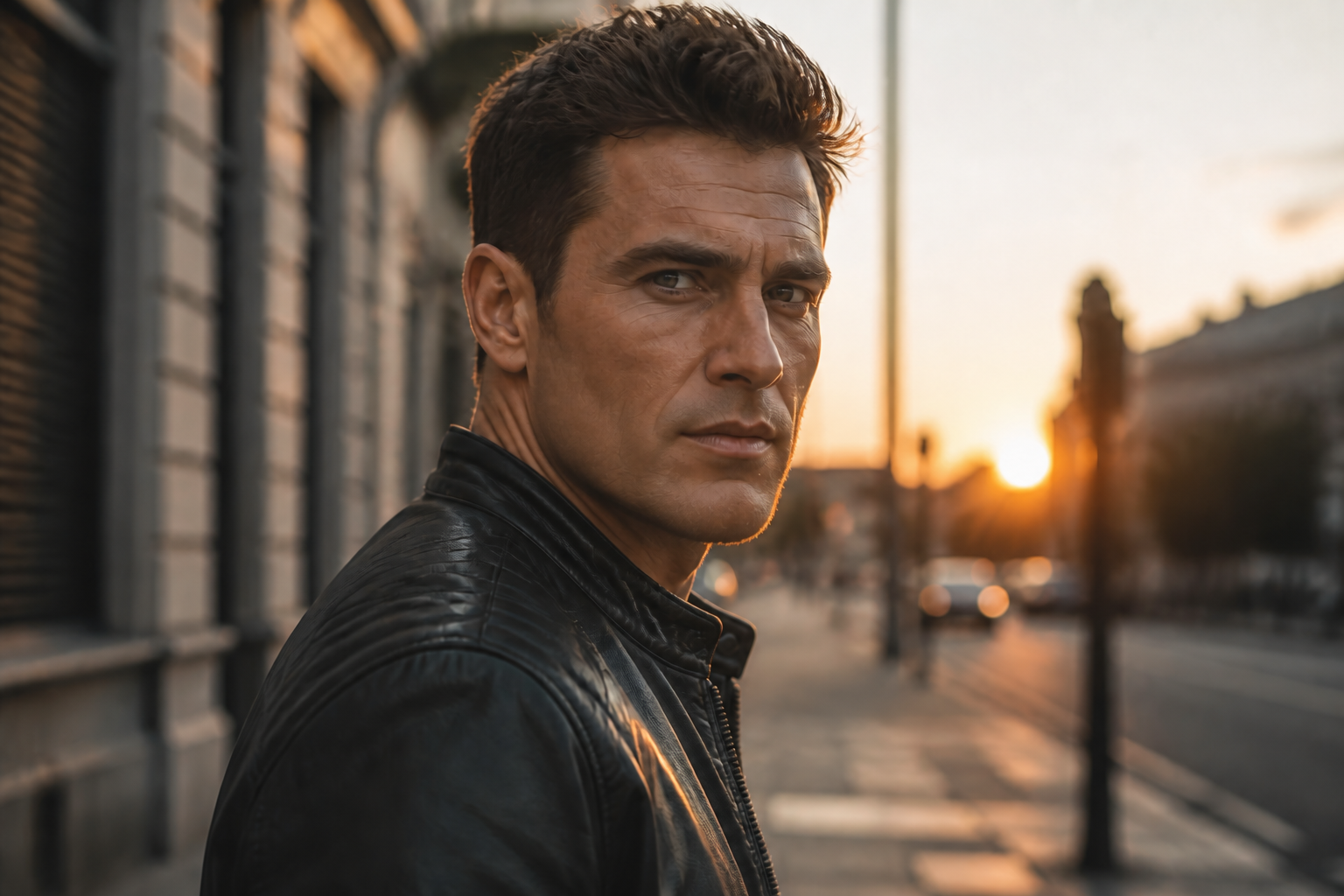 AFTER
AFTER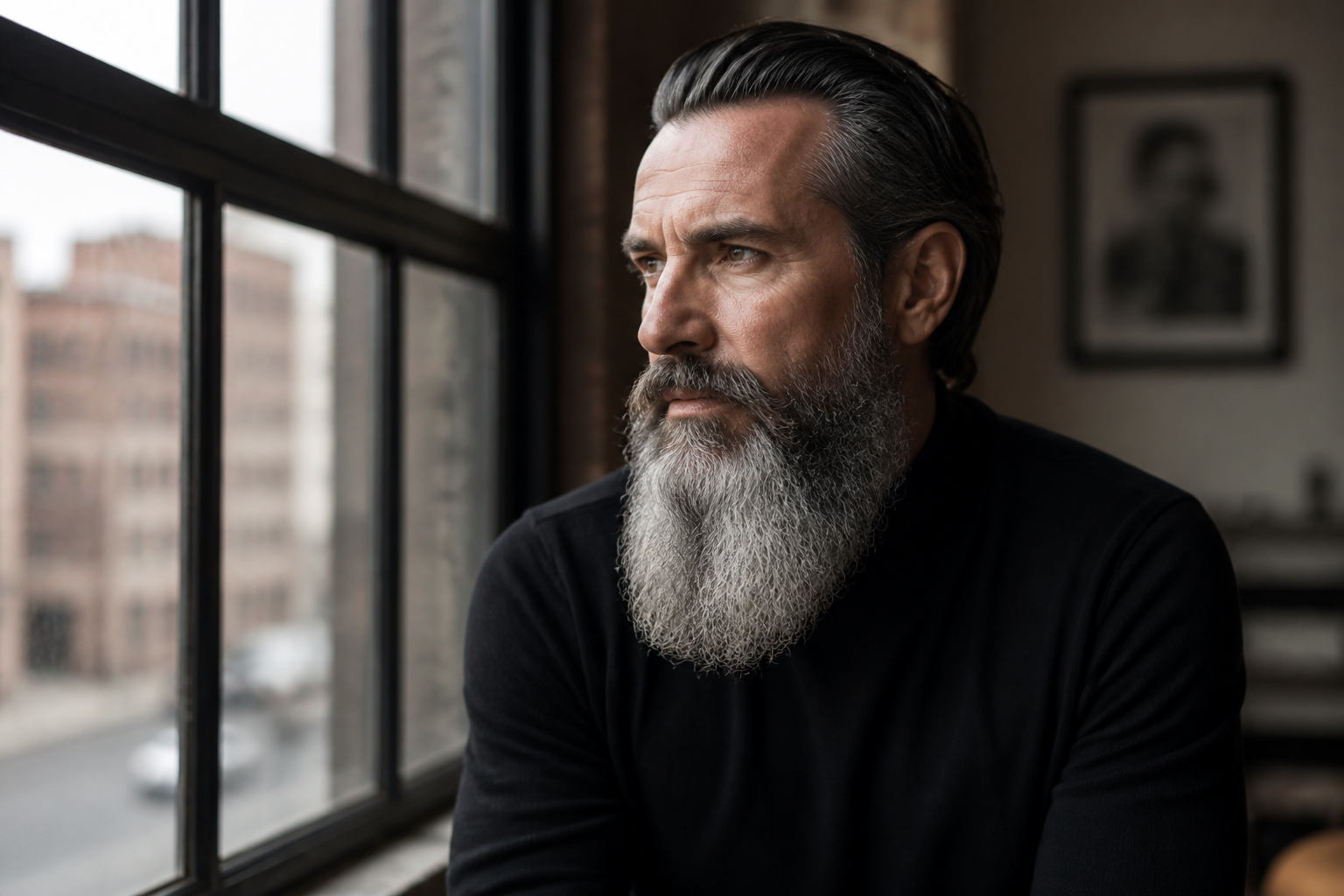 BEFORE
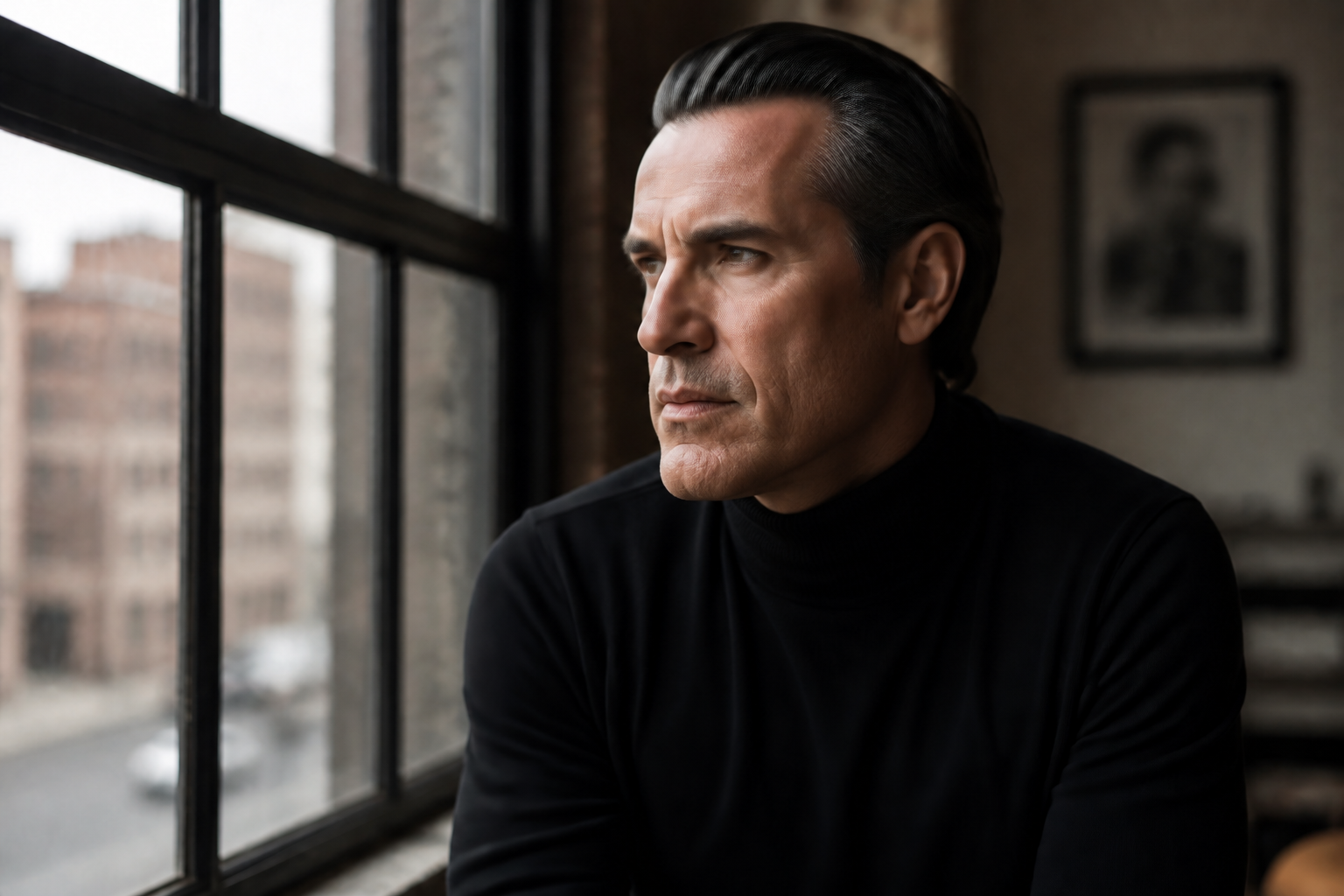 AFTER
AFTER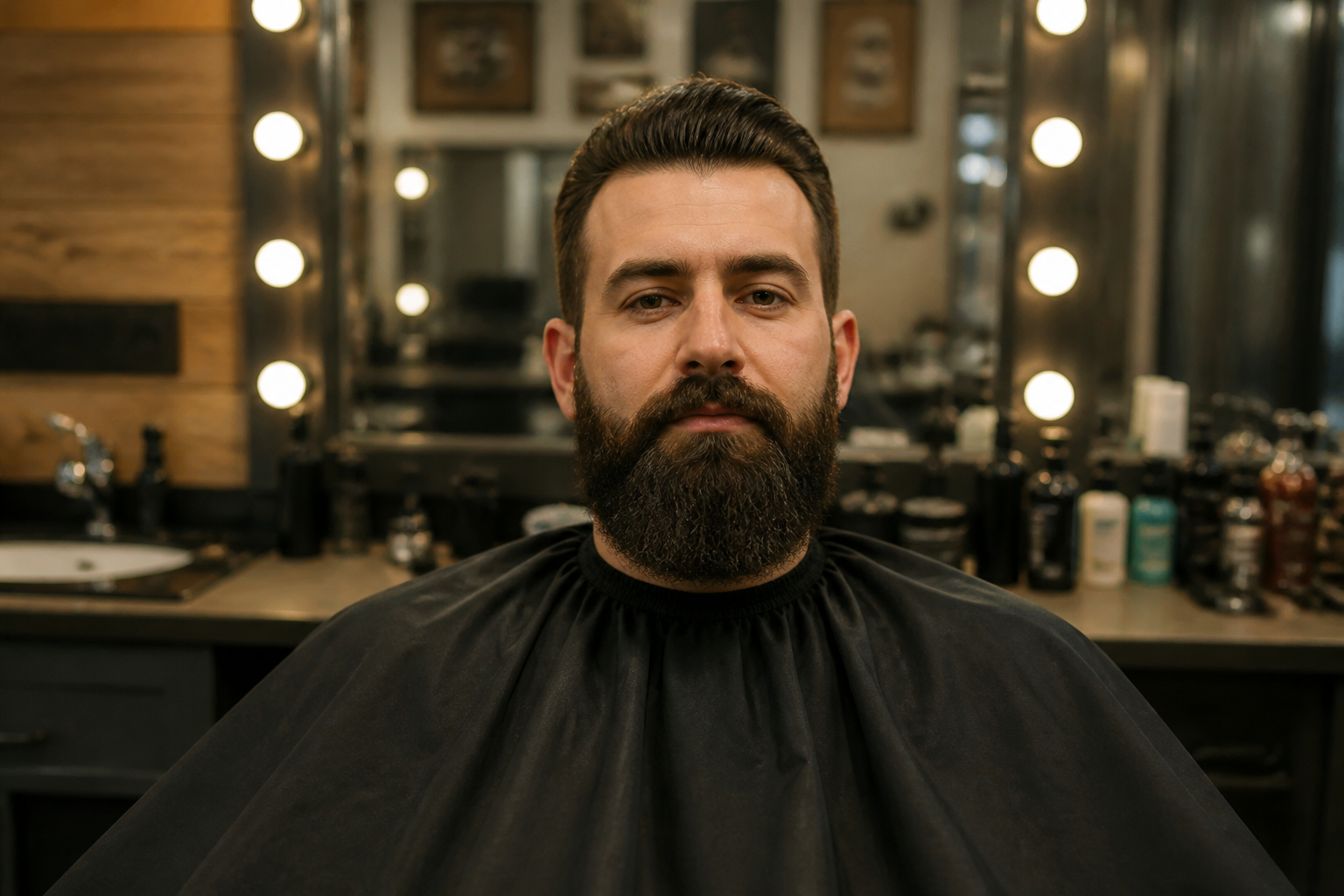 BEFORE
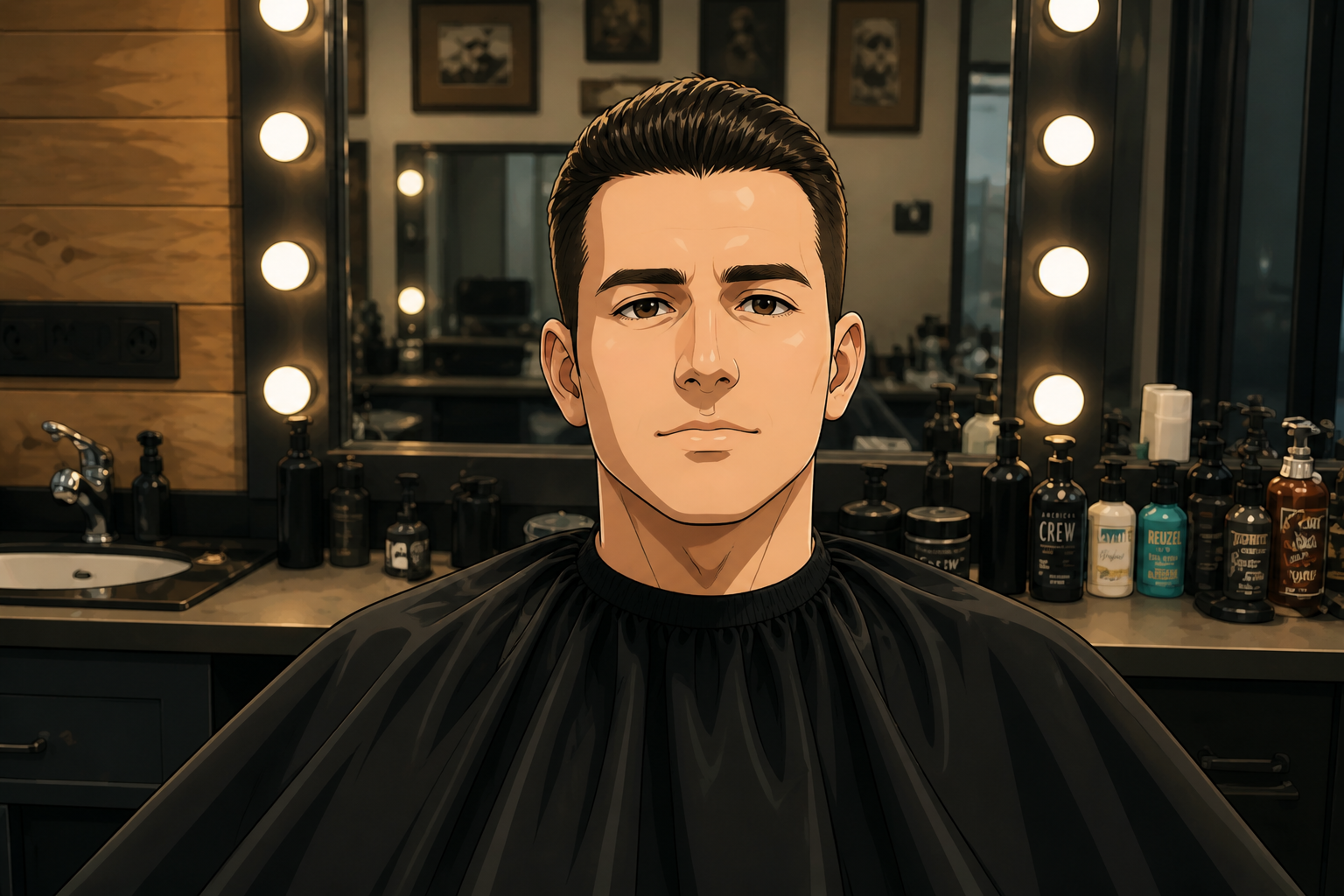 AFTER
AFTER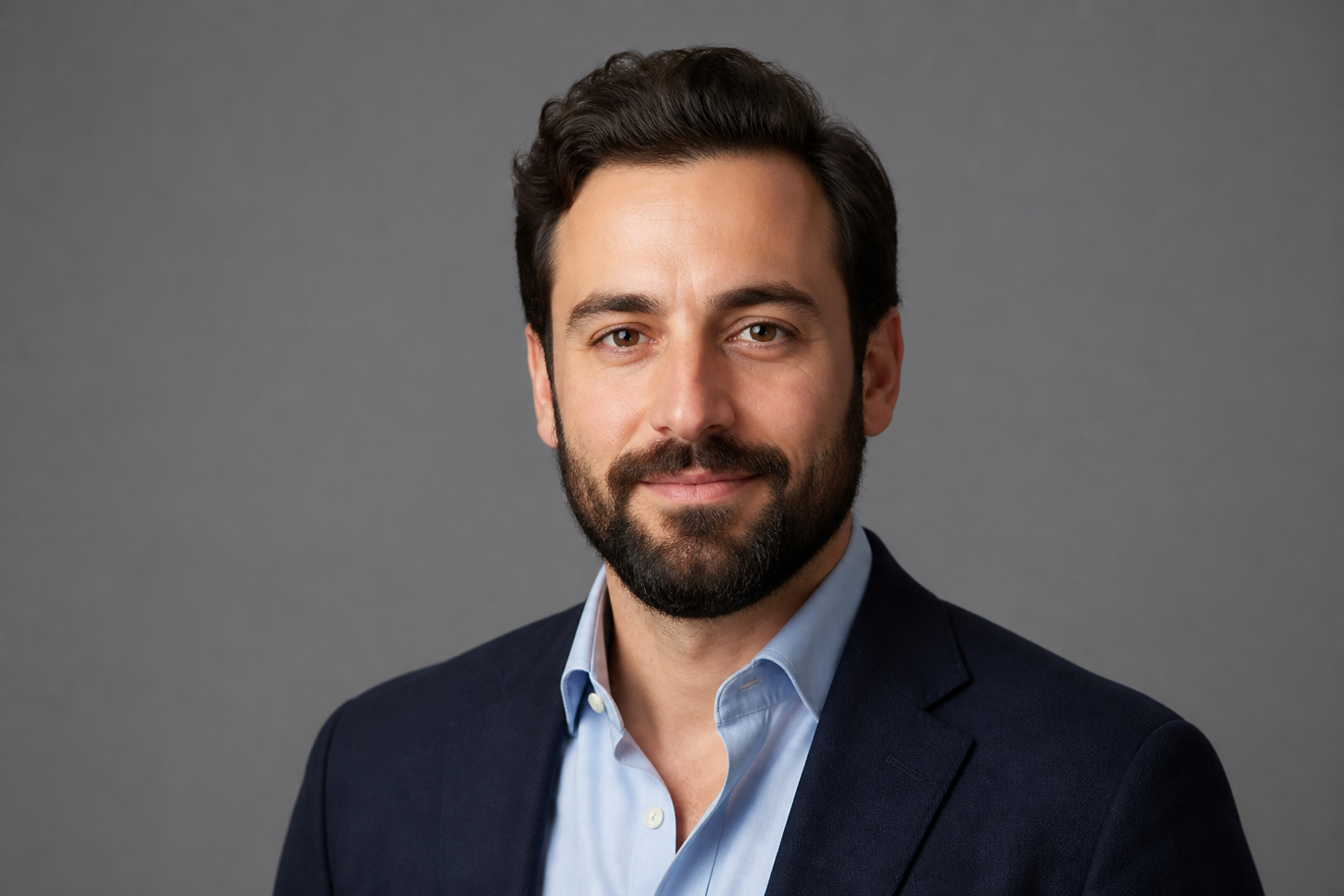 BEFORE
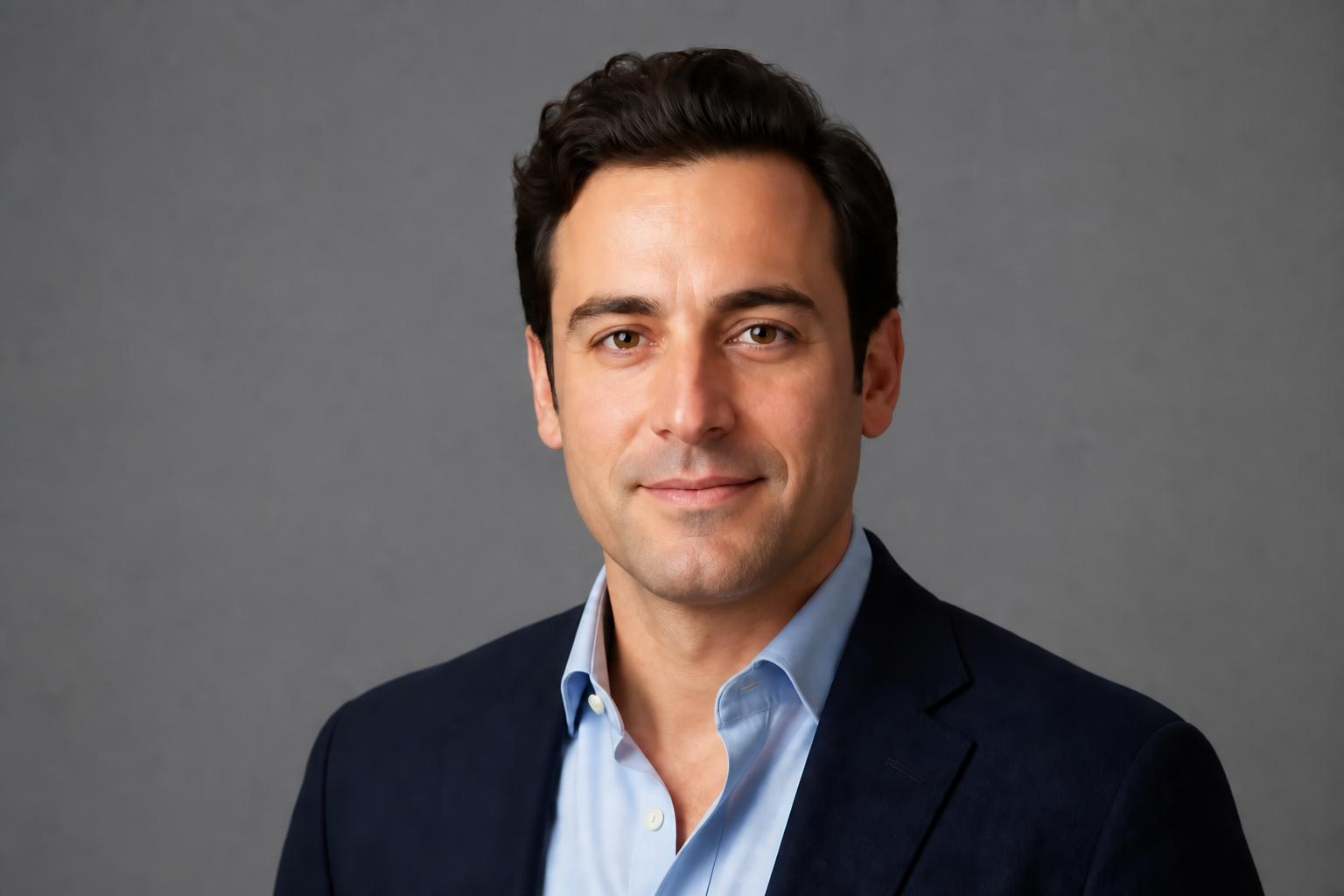 AFTERBEFOREAFTERBEFOREAFTERBEFOREAFTERBEFOREAFTERBEFOREAFTER
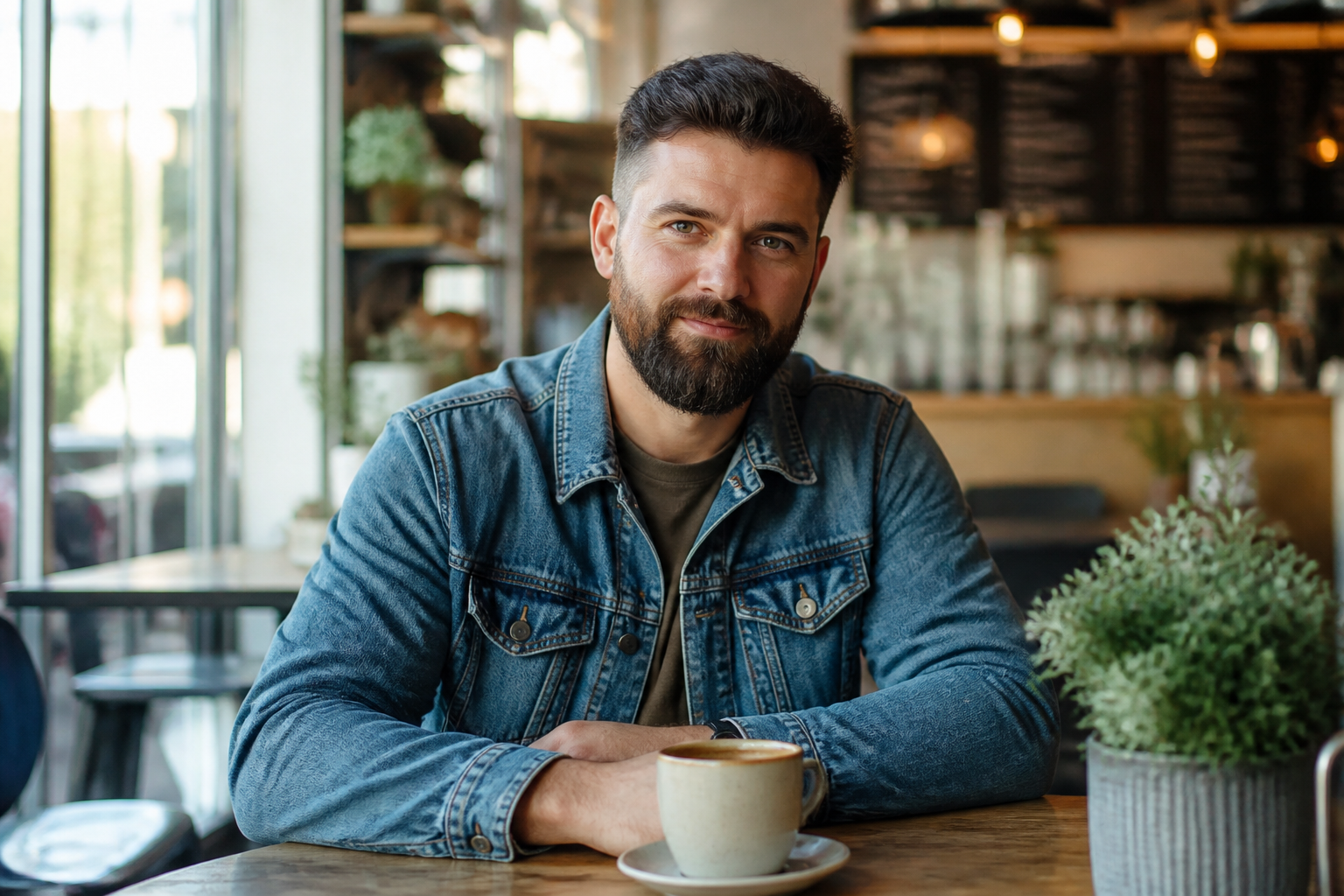 BEFORE
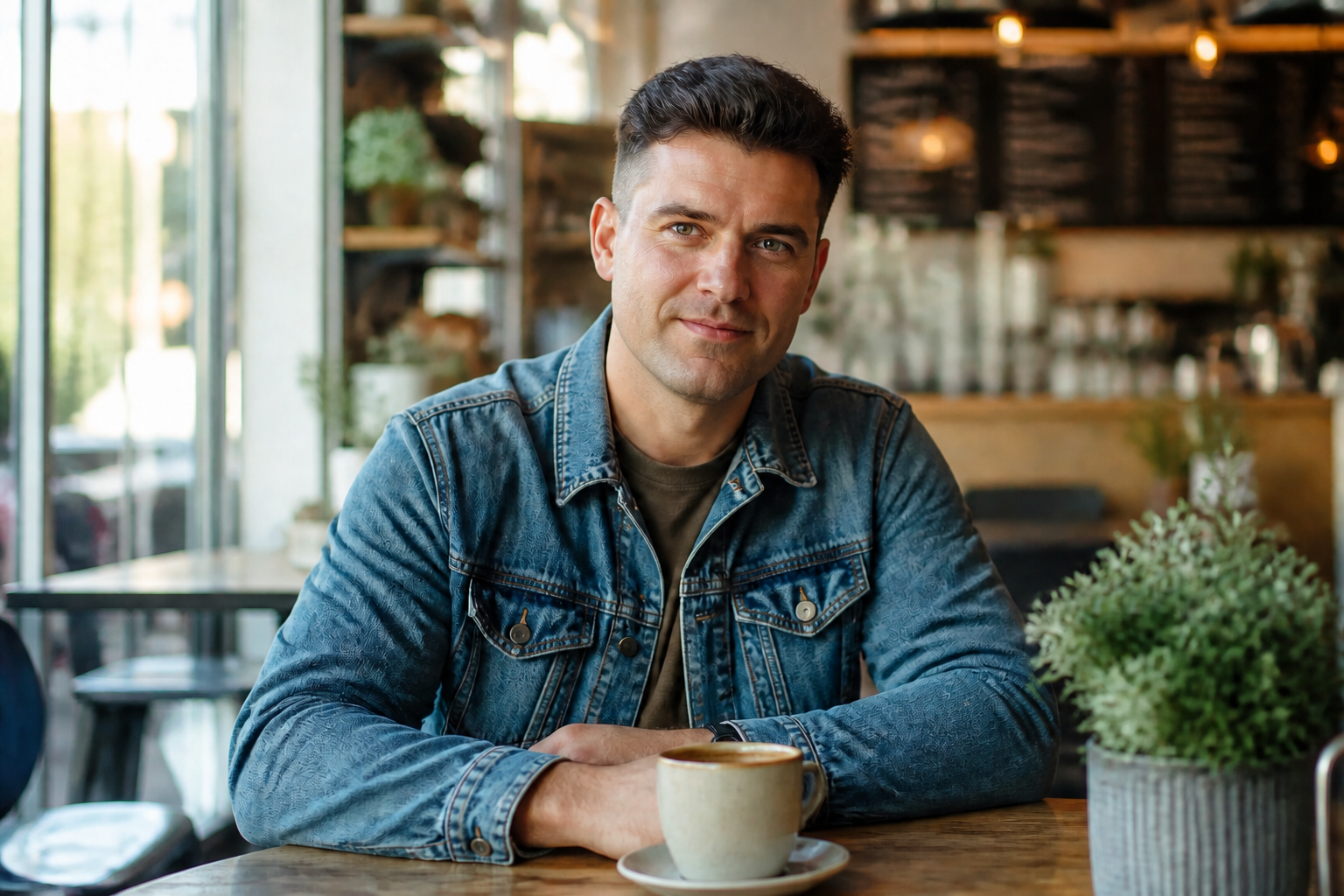 AFTER
AFTER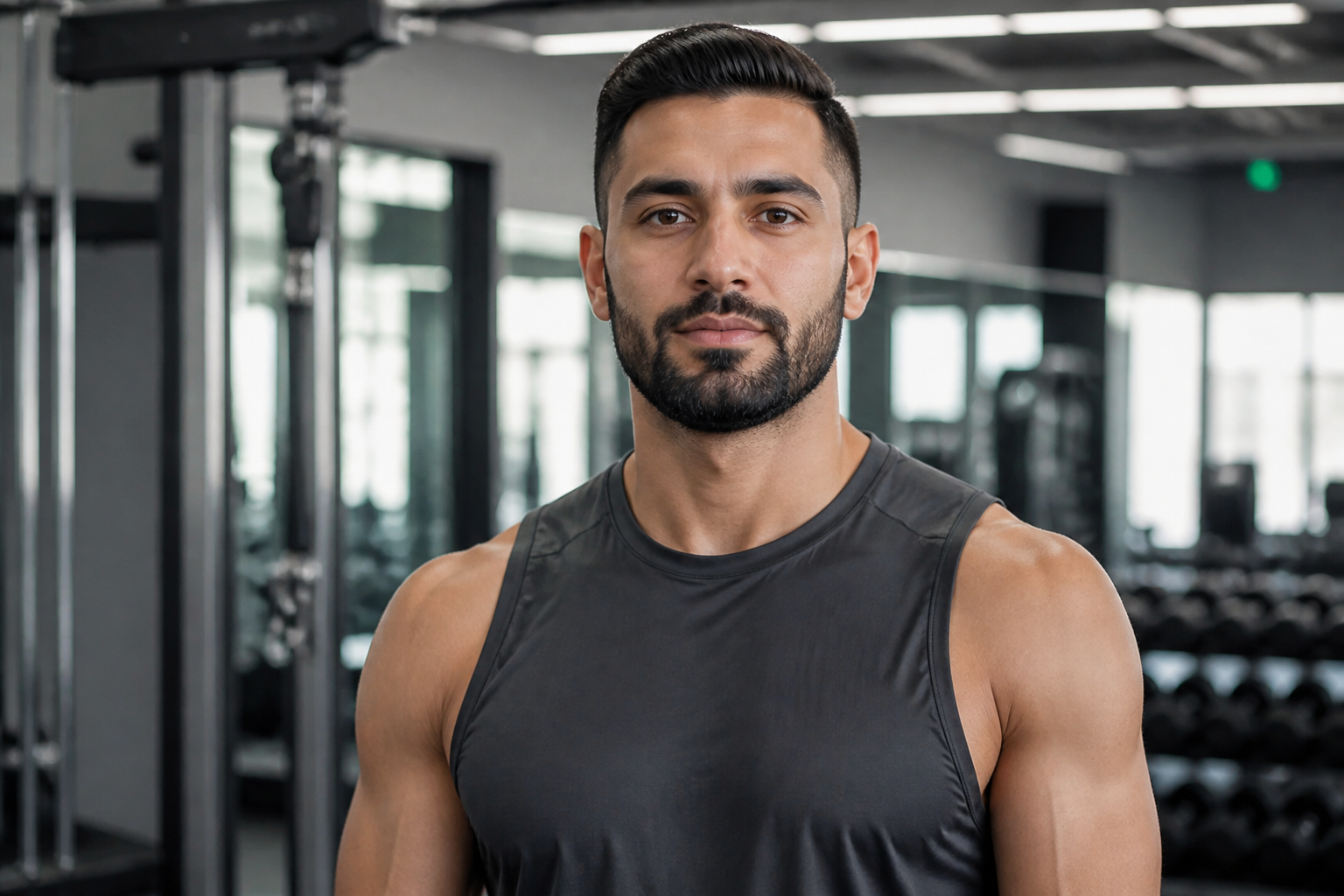 BEFORE
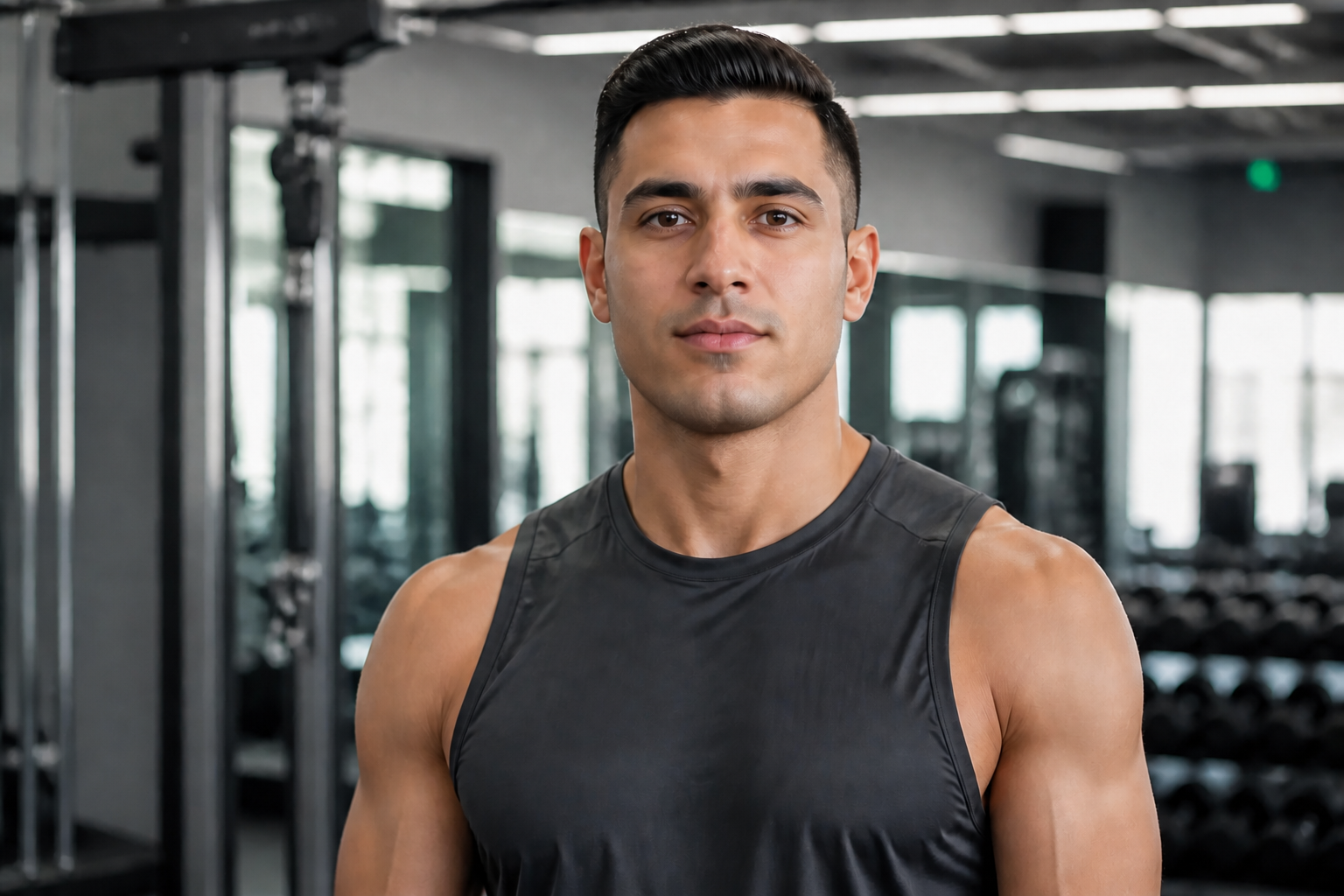 AFTER
AFTER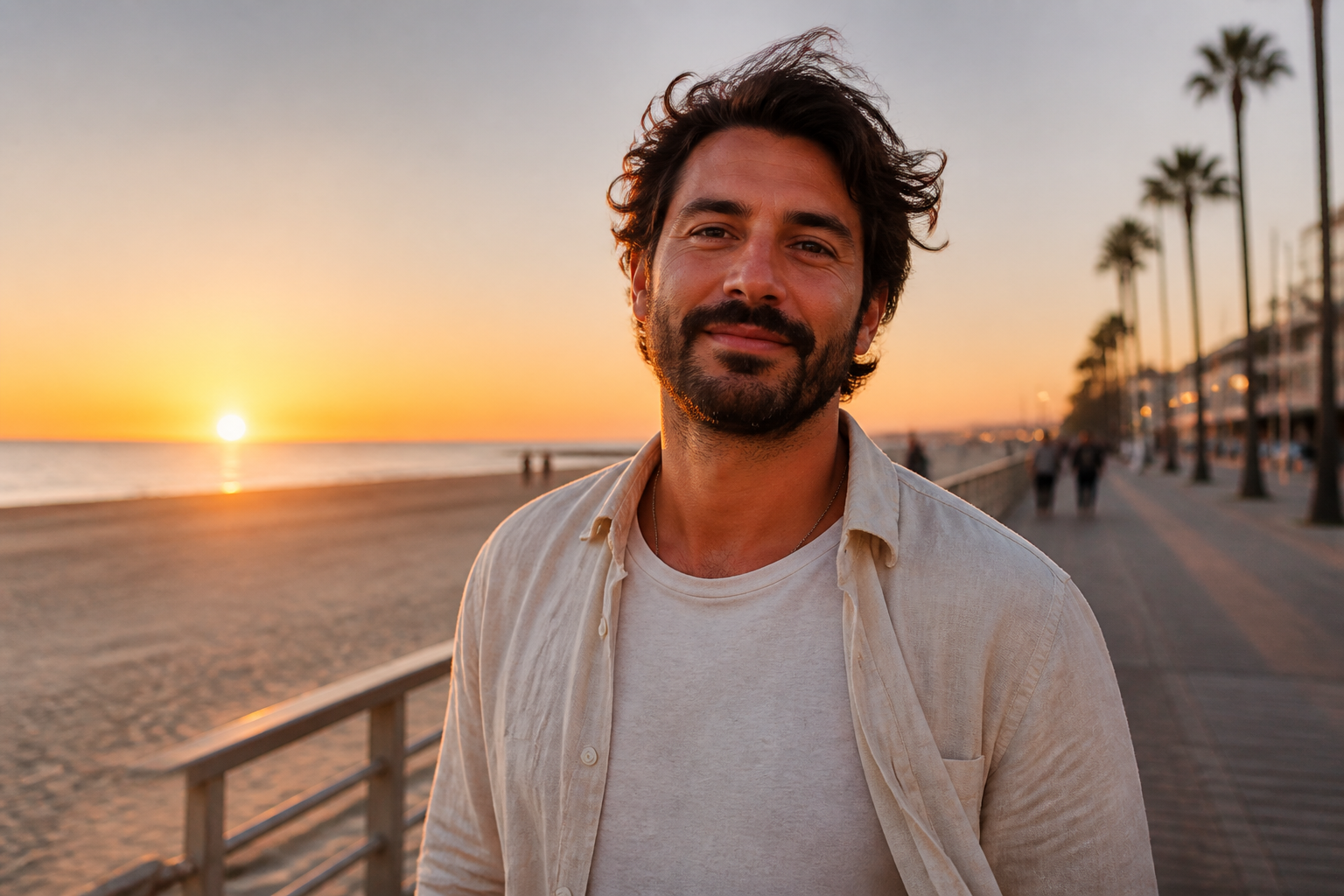 BEFORE
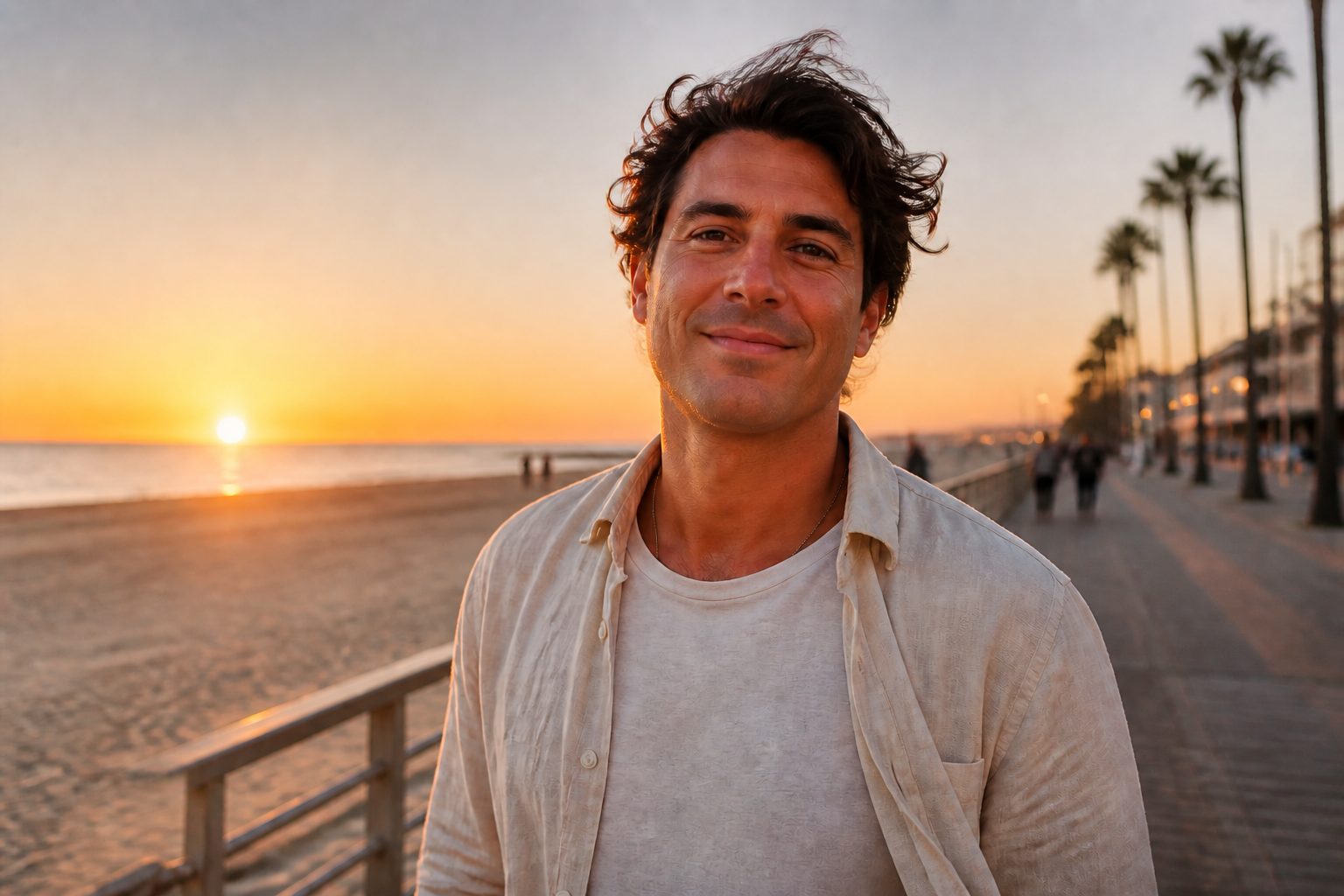 AFTER
AFTER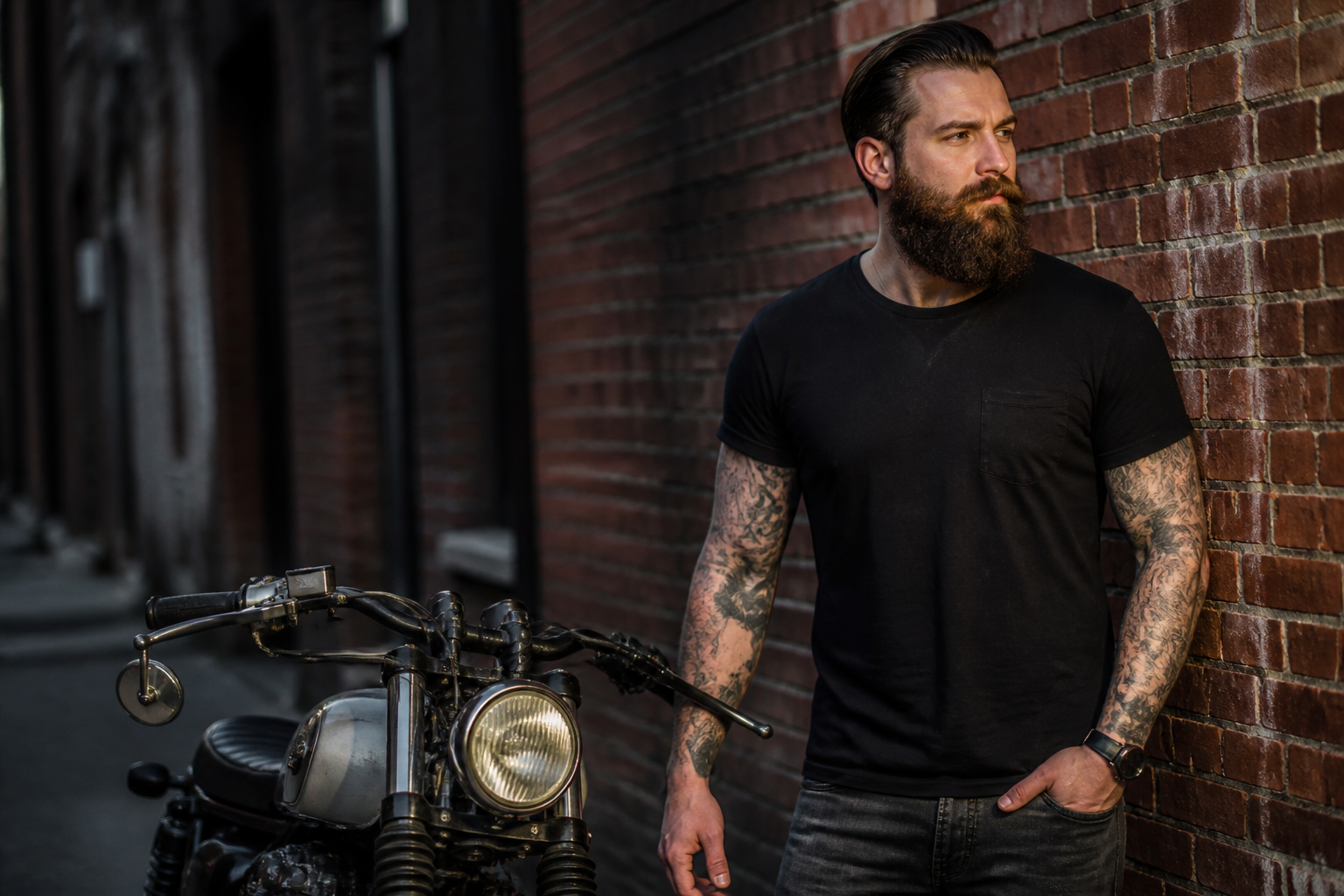 BEFORE
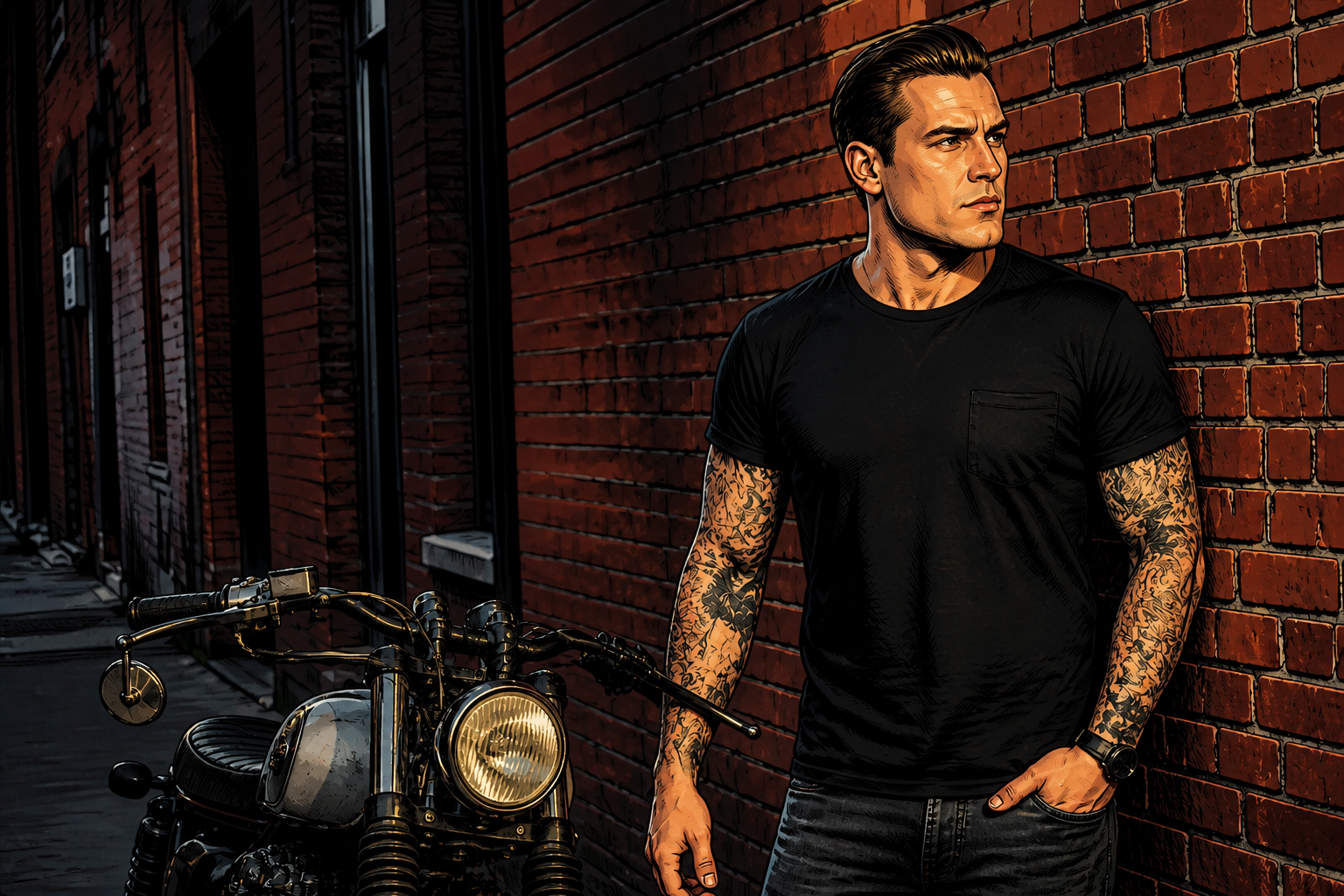 AFTER
AFTER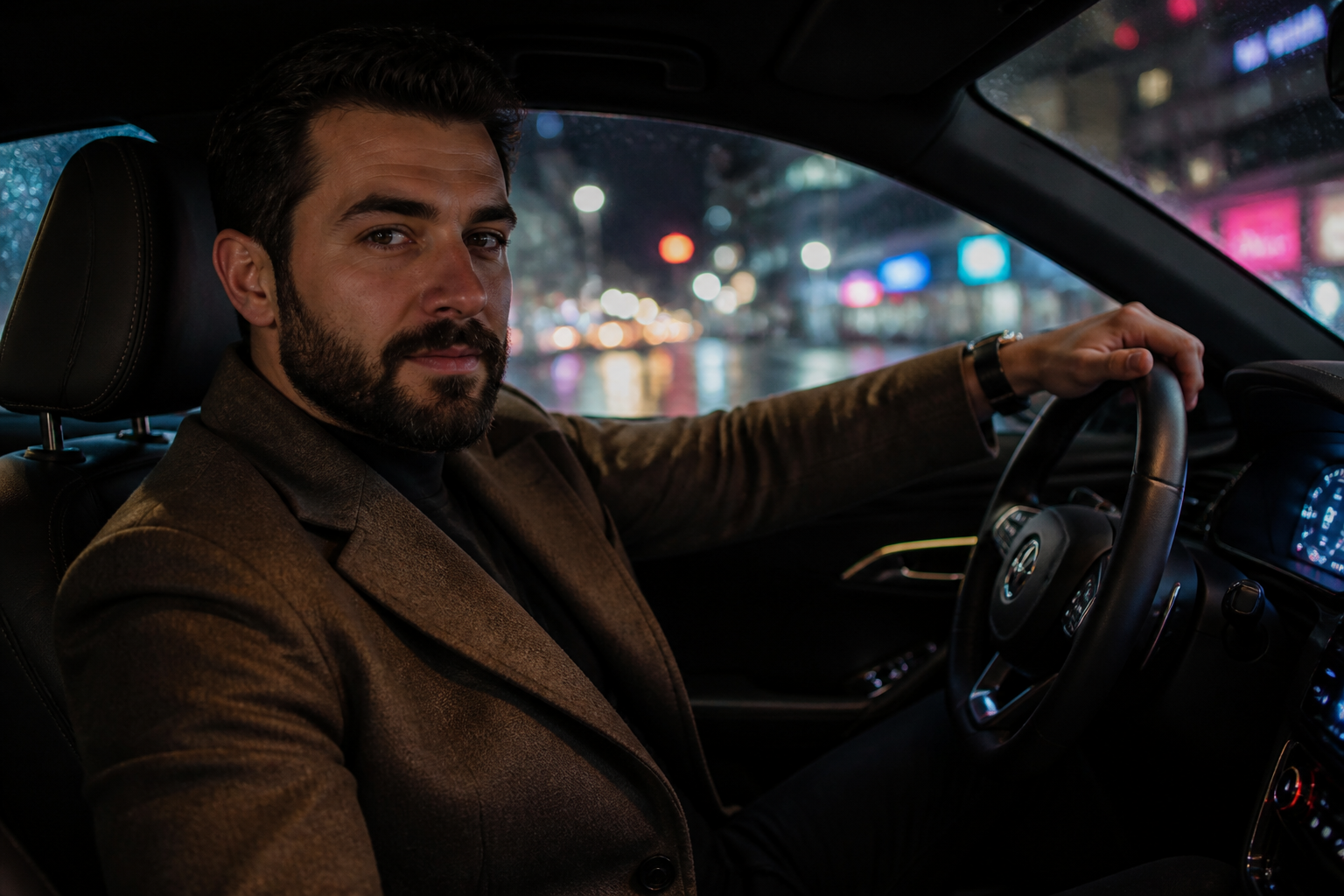 BEFORE
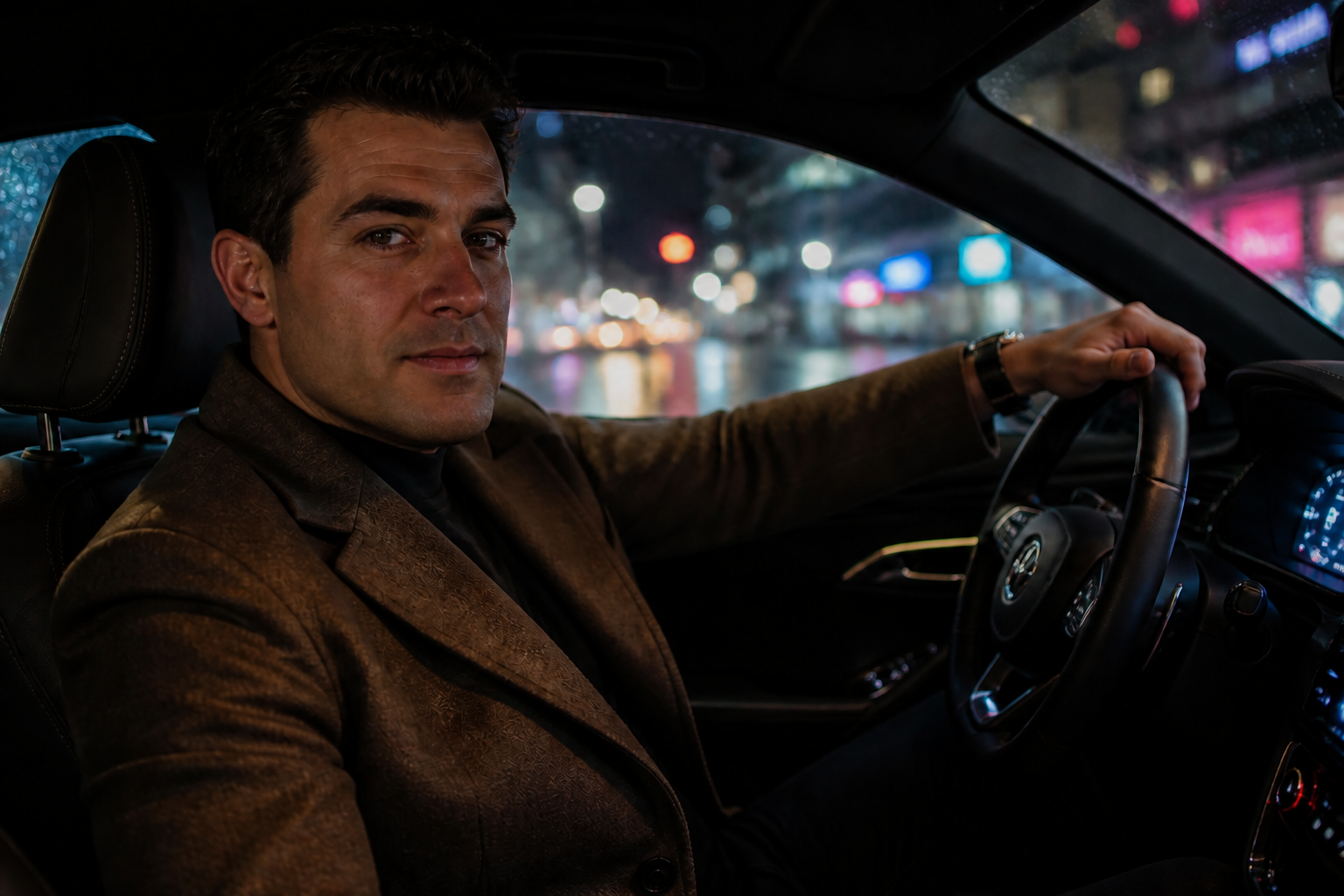 AFTERBEFOREAFTERBEFOREAFTERBEFOREAFTERBEFOREAFTERBEFOREAFTER
Key Features
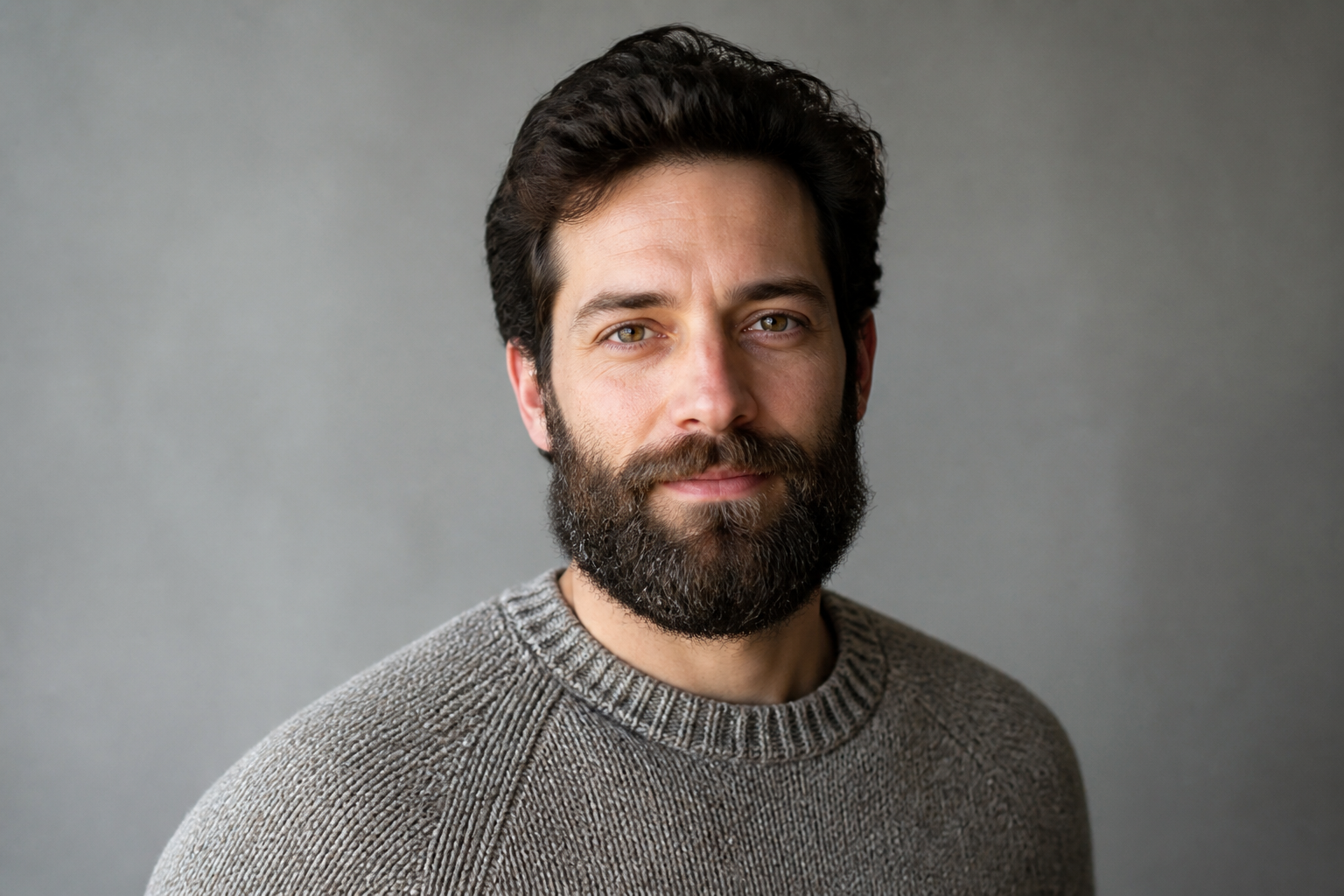
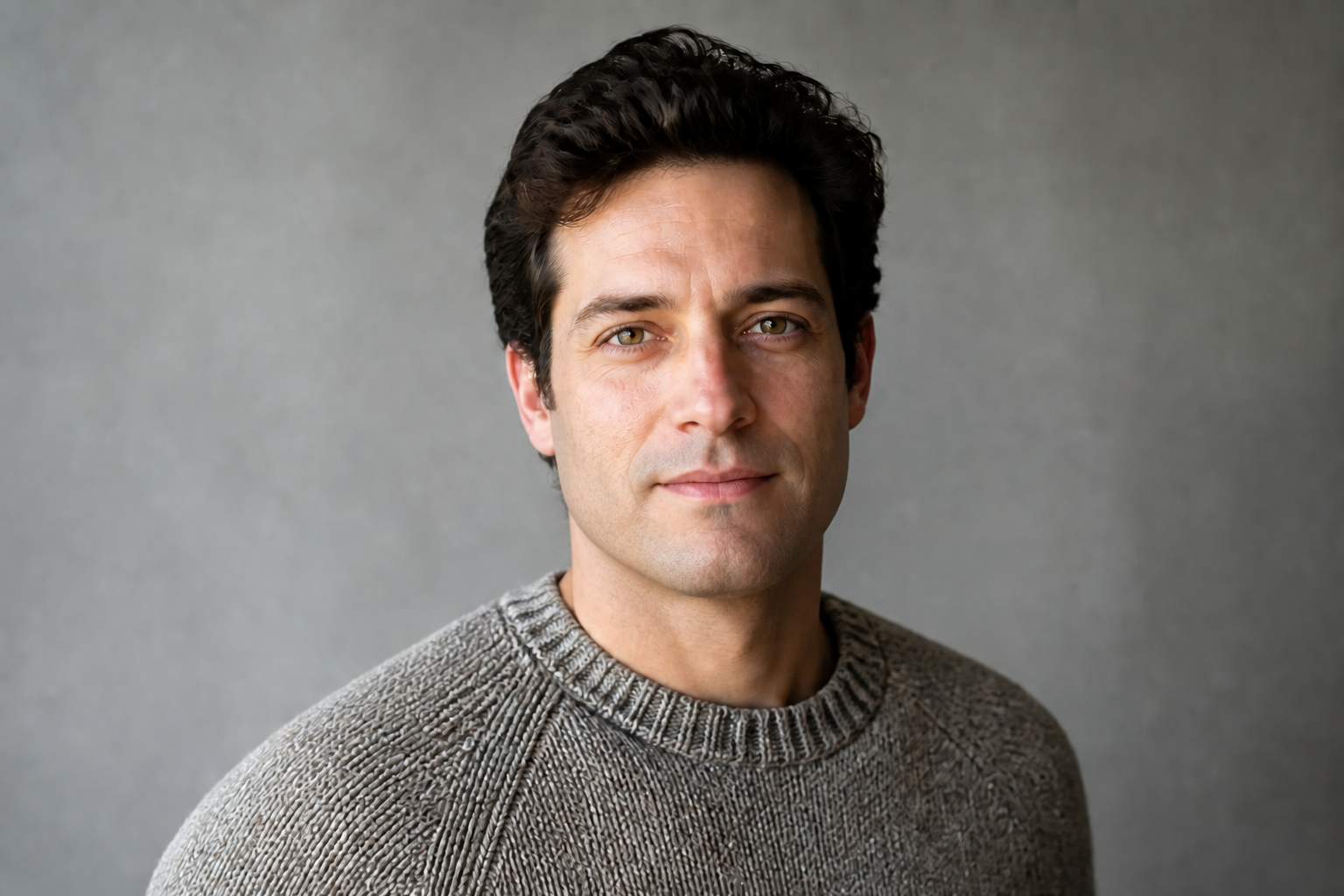
Keeps the same face
The goal is to remove facial hair without changing who the person looks like. Our AI keeps core facial structure, eye shape, hairstyle, and expression aligned with the original image. That matters when you are testing a new look and need a believable preview. Doing this manually often means masking, retouching skin, and rebuilding the jaw area by hand.
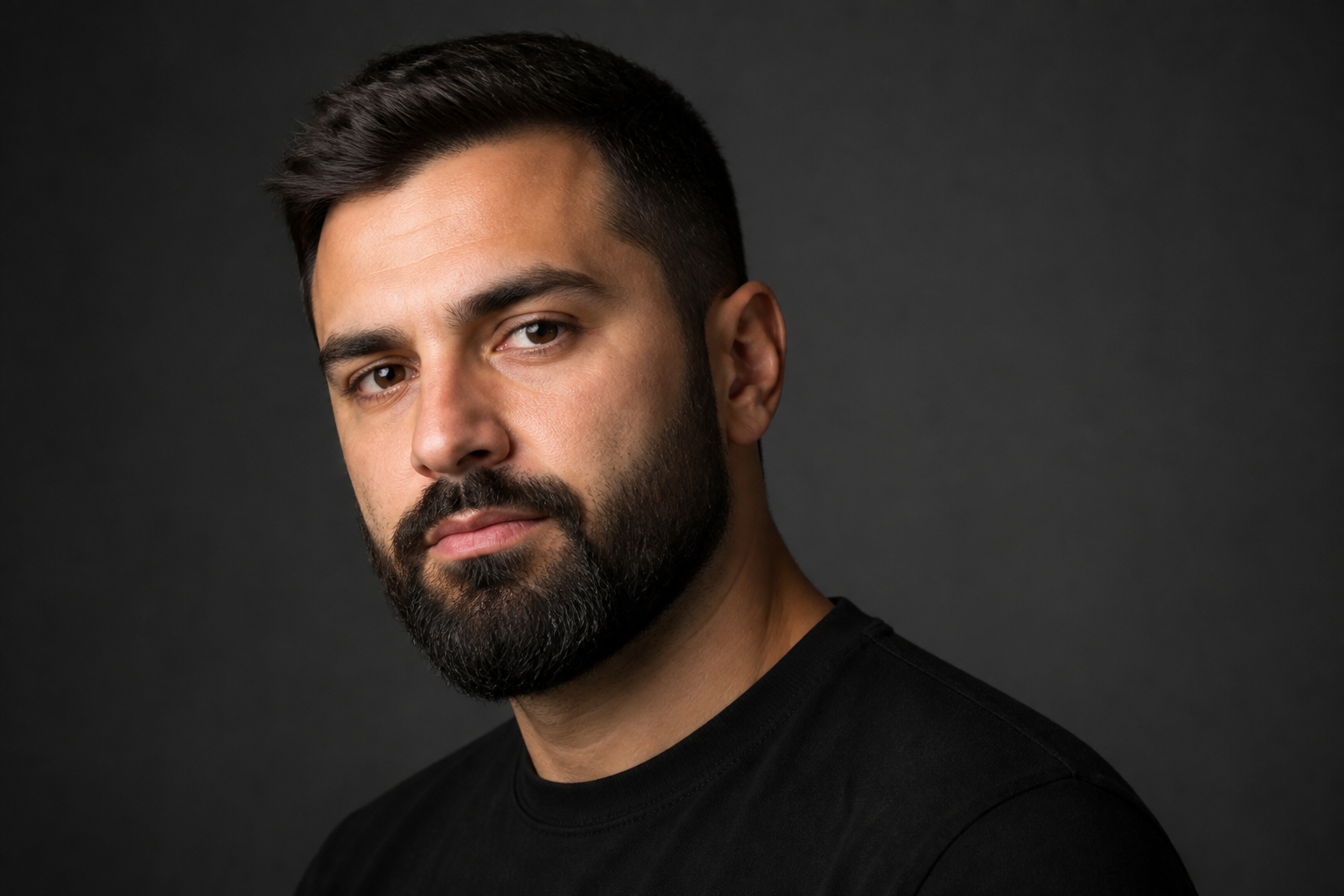
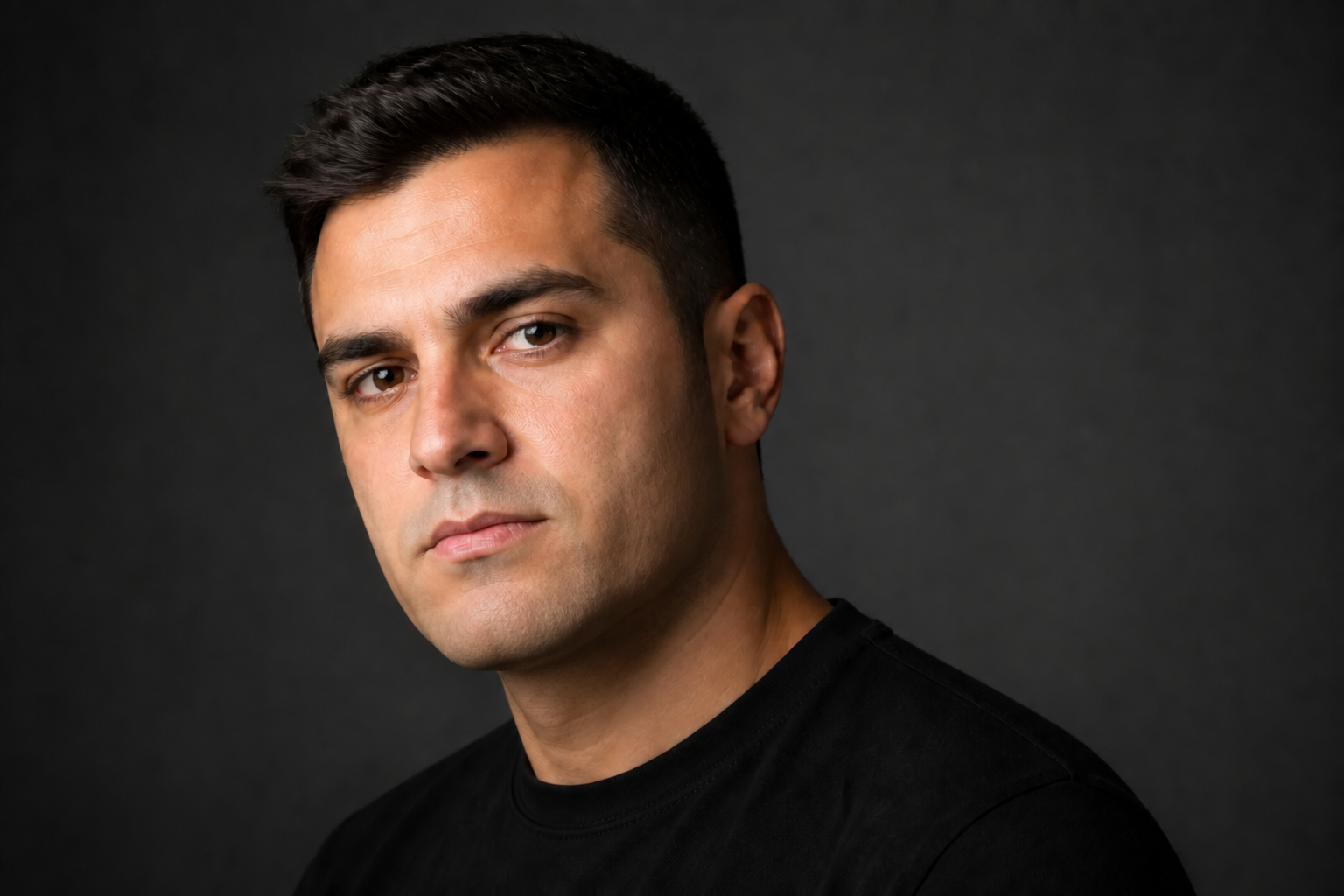
Natural skin and jawline
A good beard removal edit cannot leave a blurry patch where the beard used to be. This tool fills in skin tone, lip edges, chin contours, and cheek texture so the result looks coherent. The change is visible, but the finish still fits the original lighting and camera angle. That saves time compared with brushing, cloning, and smoothing each area manually.
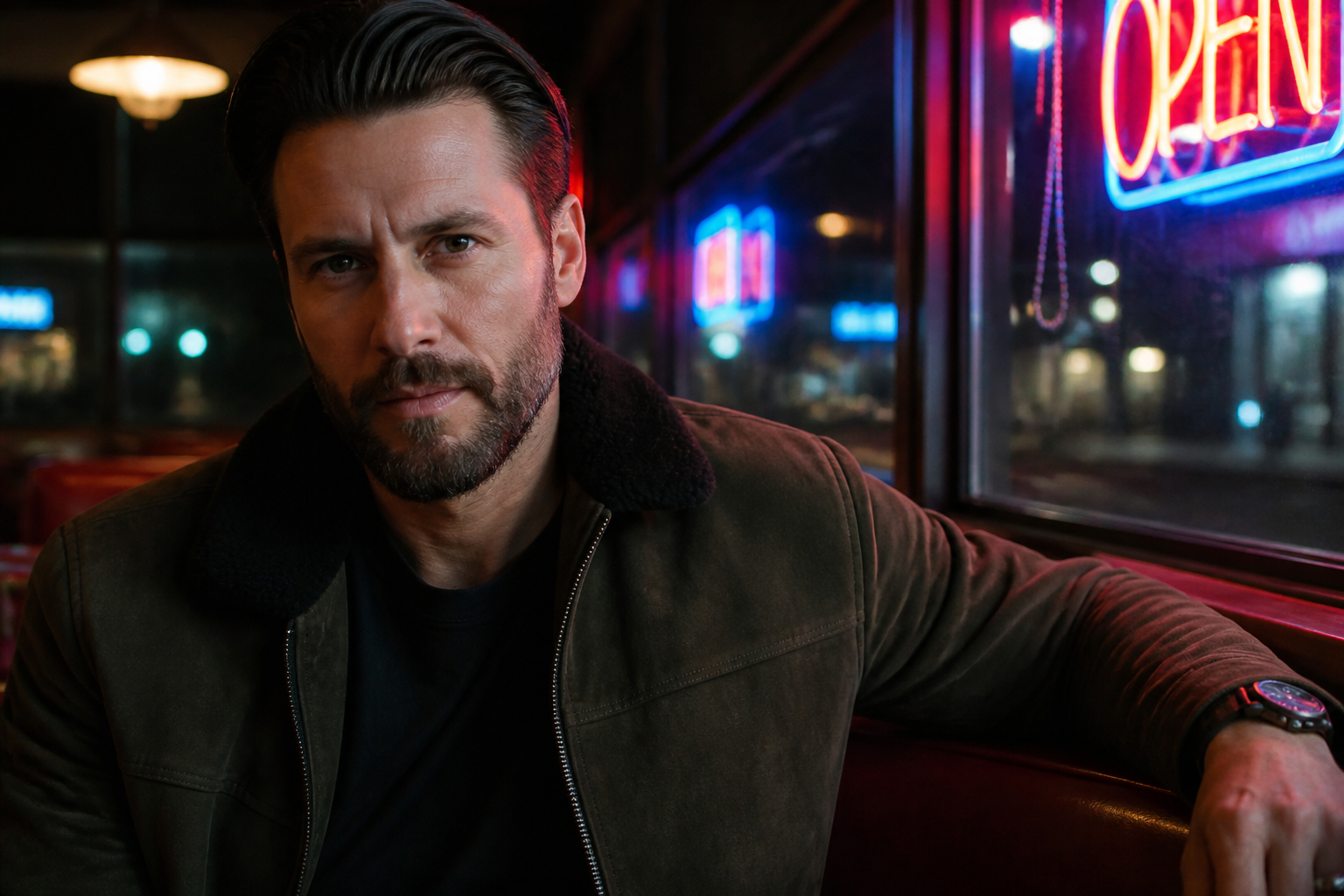
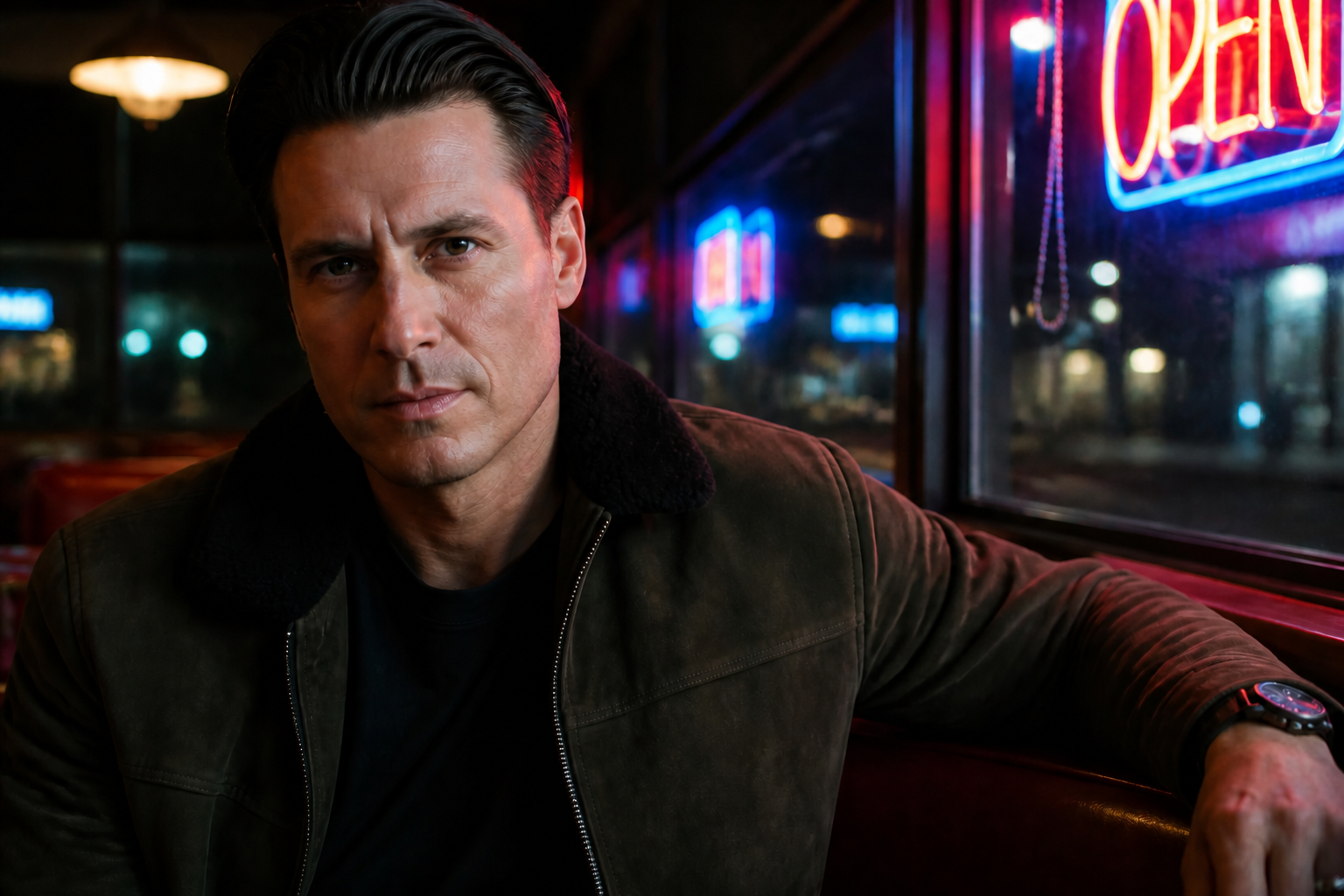
Works across different styles
You can use the same beard removal idea on portraits, casual lifestyle shots, or stylized images. The edit stays focused on the face while preserving the scene, pose, and visual mood around it. This makes it useful for both practical previews and creative content. You do not need separate workflows for studio shots and more stylized results.
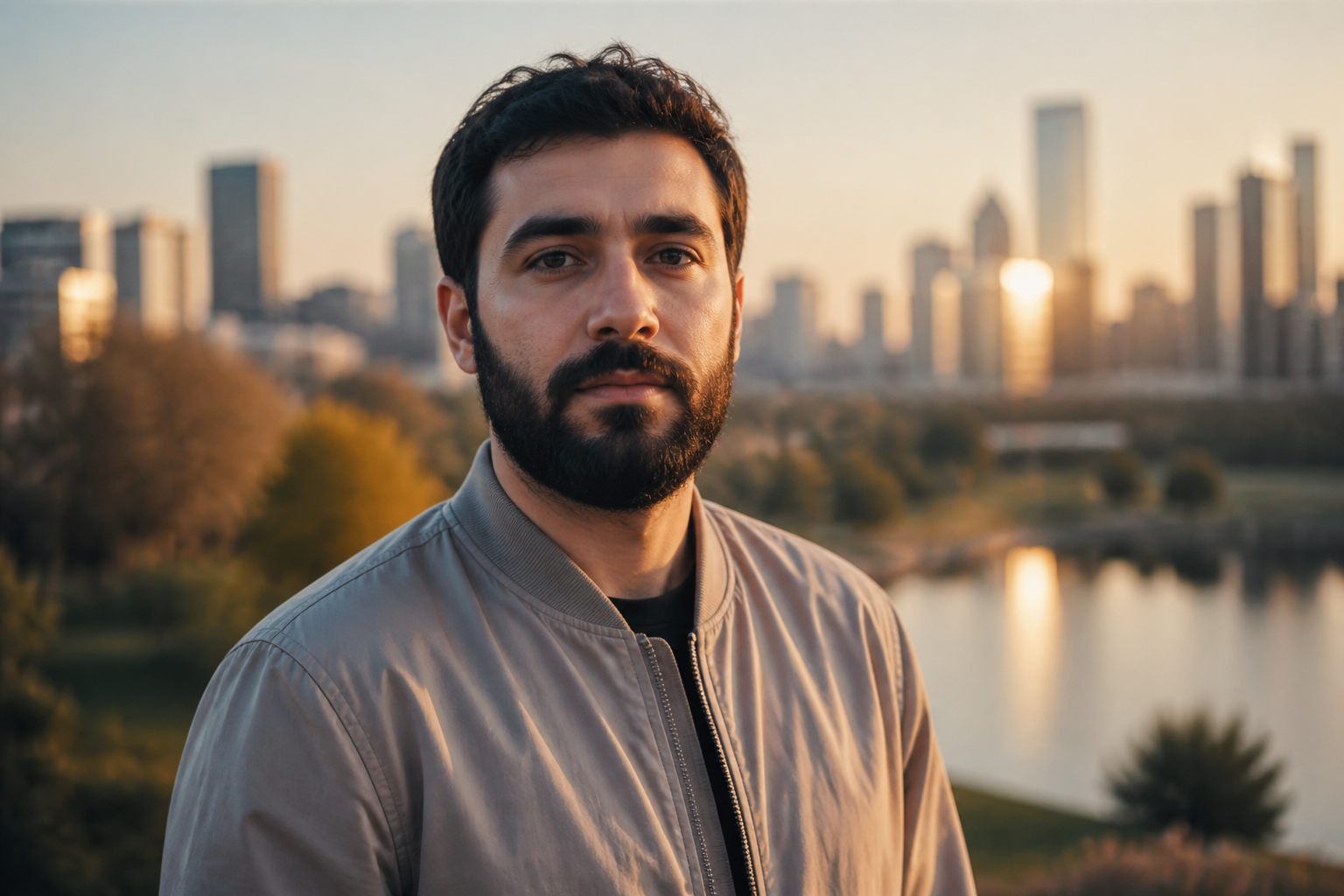
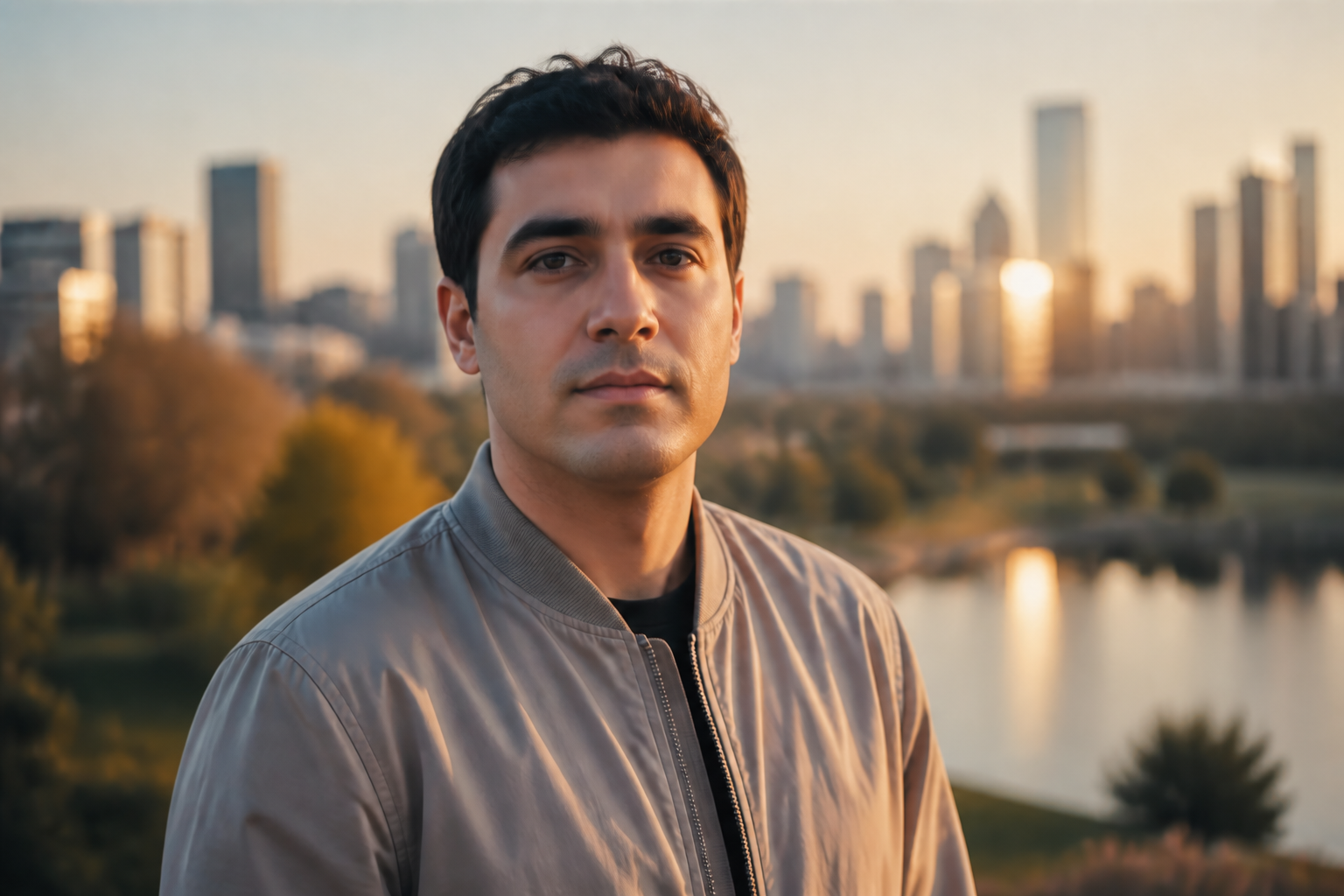
Fast before and after
Sometimes you only need to answer a simple question: what would this face look like without a beard. This tool gives you a clear before and after view without a long retouching process. That makes it useful for trying profile photos, social content, or personal style experiments. You can iterate quickly instead of rebuilding the same image from scratch.
How It Works
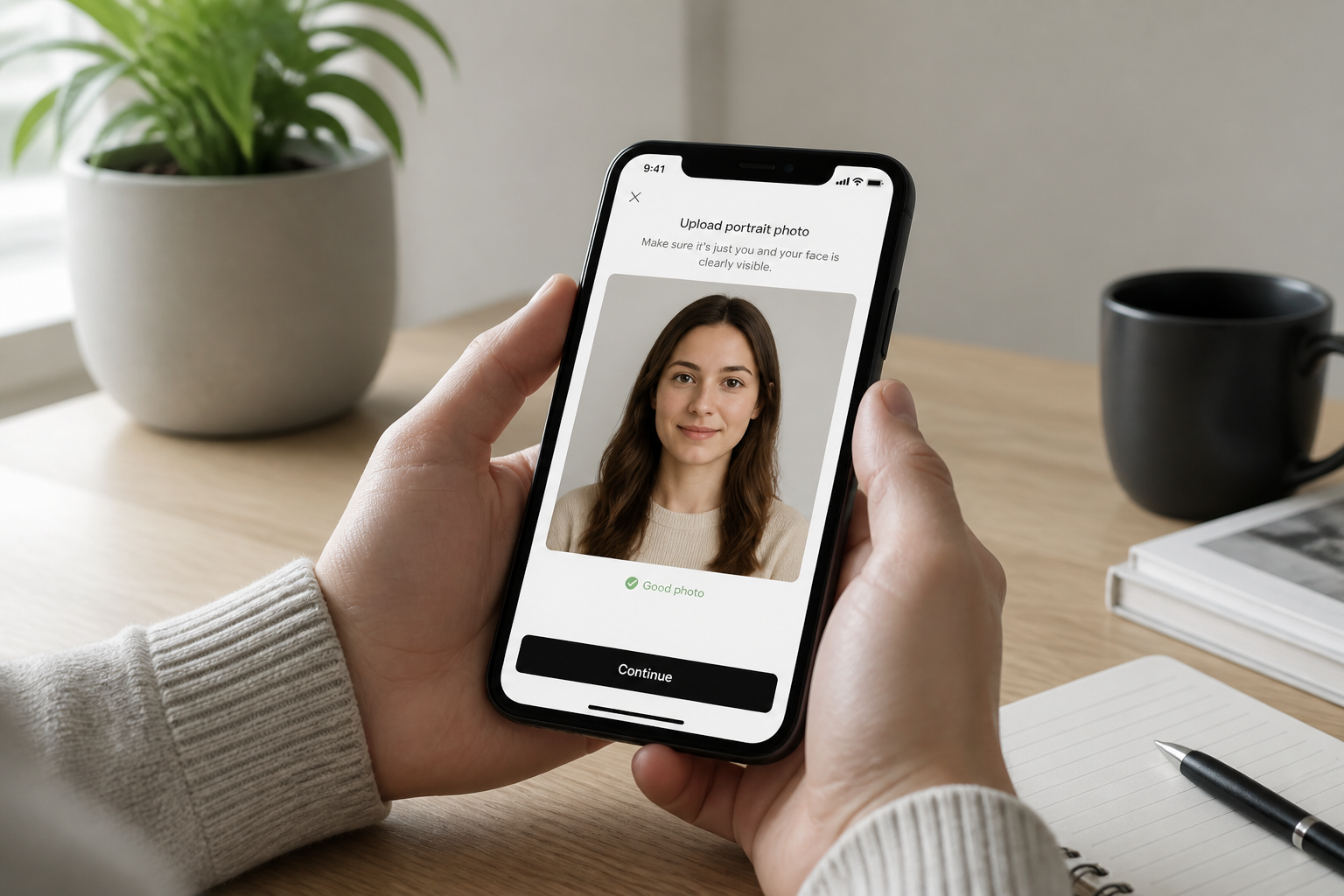
Upload your photo
Start with a clear image where the face is visible and well lit. Front-facing and three-quarter portraits usually give the strongest results.
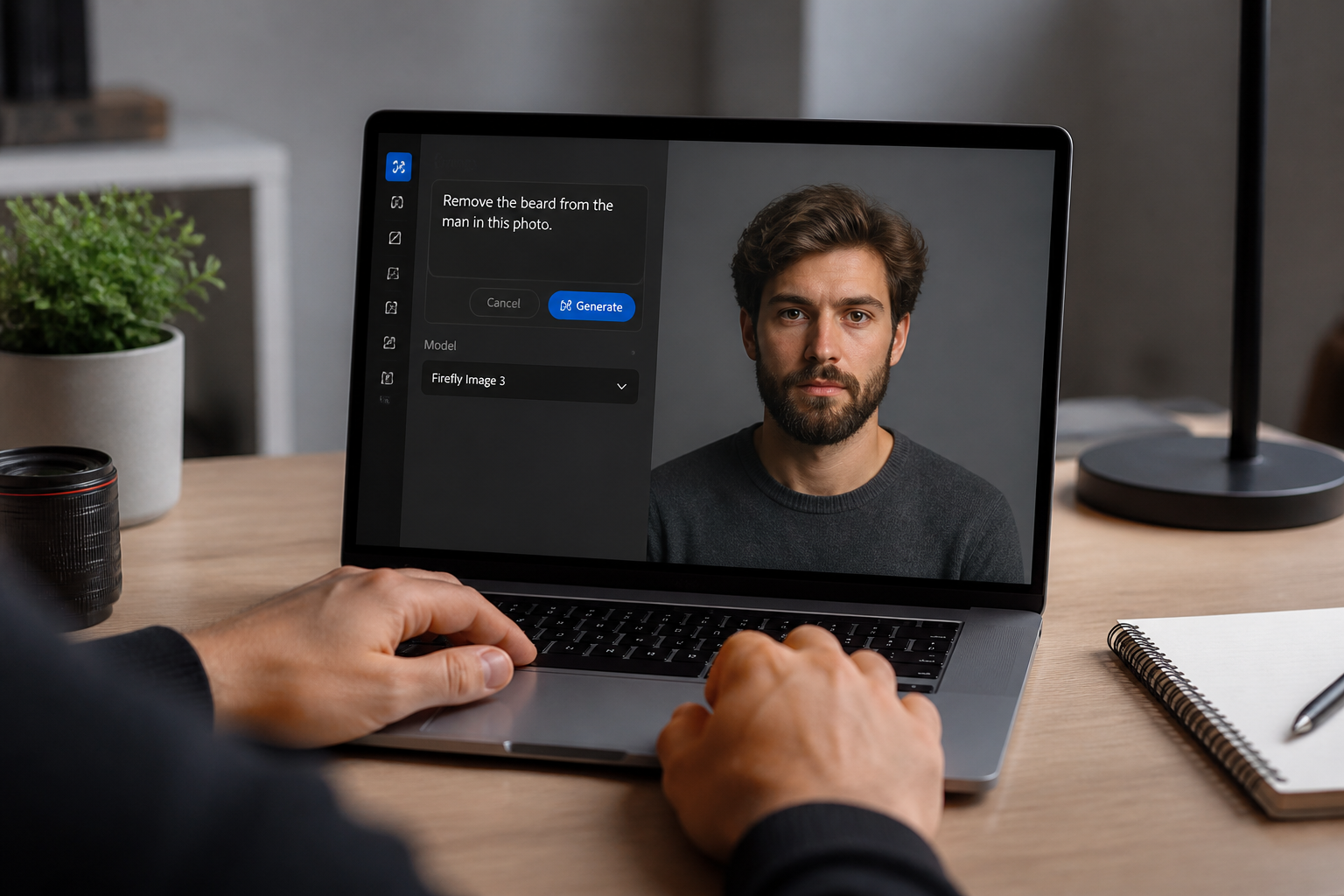
Describe the clean-shaven look
Tell the editor to remove the beard and moustache while keeping the same identity and scene. You can also note details like preserving hairstyle, expression, and lighting.
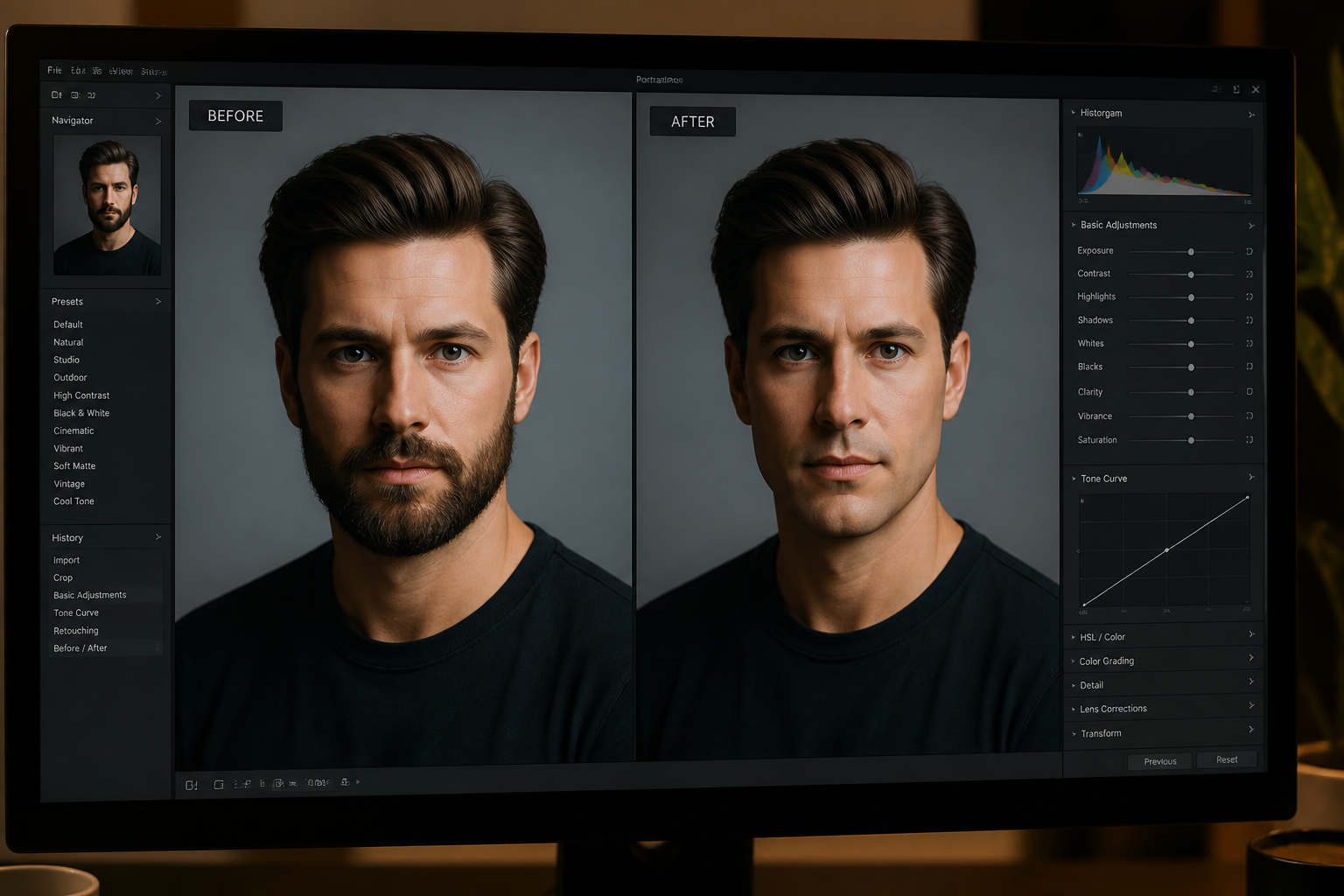
Compare and refine
Review the before and after result and decide if you want another variation. Small prompt changes can help if you want a sharper jawline or a more neutral skin finish.
Perfect For
Discover how creators and professionals use remove beard from photo
Preview a clean-shaven look
See how a face would look without a beard before actually shaving.
Update profile photos
Create a polished clean-shaven version for professional profiles, resumes, or social accounts.
Test grooming ideas
Compare facial hair and no-facial-hair looks when deciding on a new grooming style.
Make creative edits
Use beard removal as part of a broader portrait edit for content, mood boards, or stylized projects.
Built For
Everyday users
People who want a quick answer to how they might look without a beard.
Creators and influencers
Anyone making profile content, thumbnails, or social posts that need alternate portrait versions.
Photographers and designers
Editors who need a fast concept preview before committing to manual retouching.
Why use this beard remover
A quick look at how we compare on the things that matter for this niche.
| Feature | BudgetPixel | Generic AI editors | Manual editing apps |
|---|---|---|---|
| Fast beard removal preview | ✓ | ✓ | — |
| Keeps face recognizable | ✓ | — | — |
| Natural clean-shaven skin fill | ✓ | — | — |
| Works from one photo | ✓ | ✓ | ✓ |
| Manual masking required | — | — | ✓ |
Frequently Asked Questions
Will the face still look like the same person?
Does it only work on studio portraits?
Can it remove both the beard and moustache?
What kind of photo gives the best result?
Can I use it for stylized images too?
Create together.
Share your creations, discover trending AI art, and grow with fellow creators.