AI Buzz Cut Hair Filter
See how a buzz cut would look before you commit to the clippers.
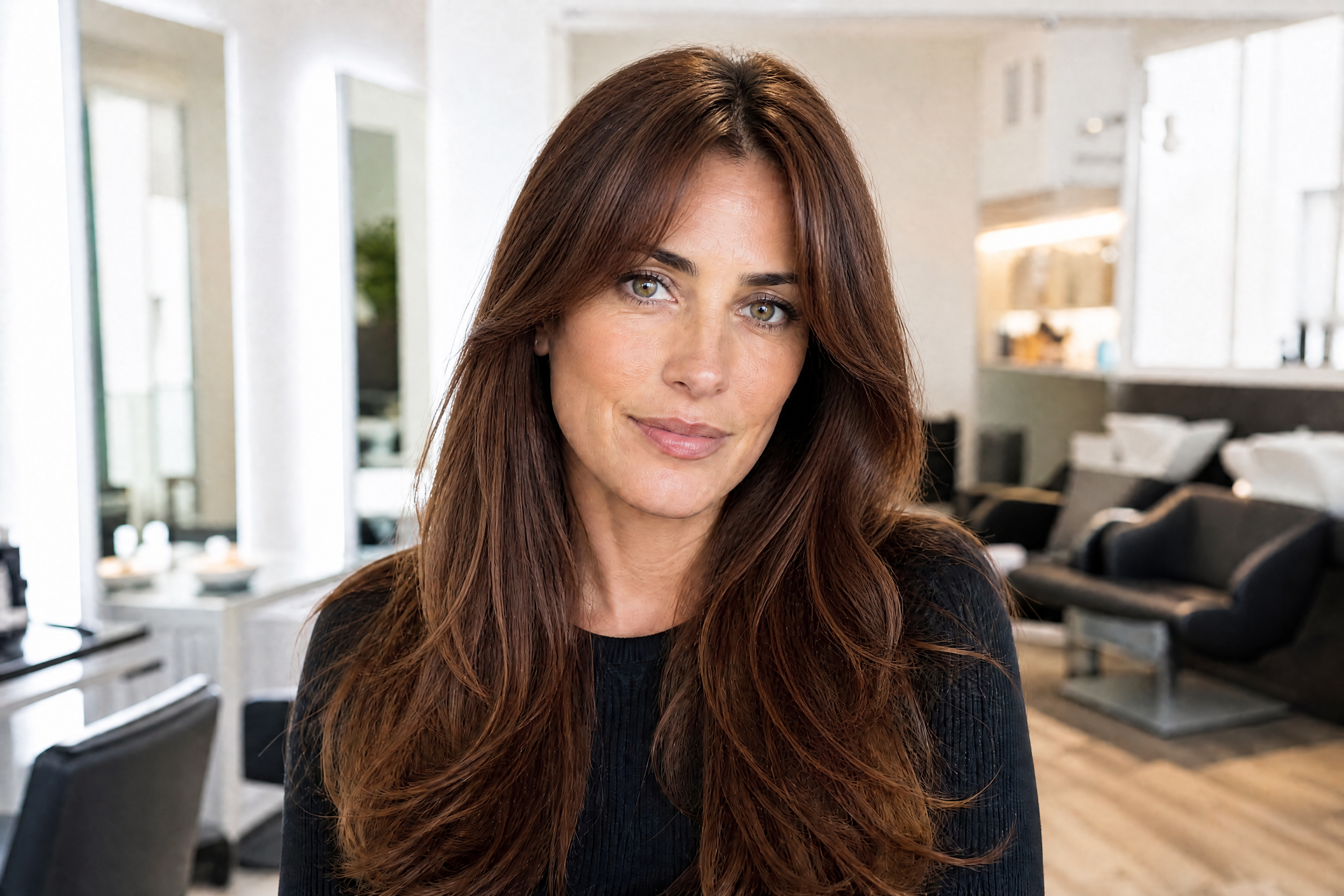
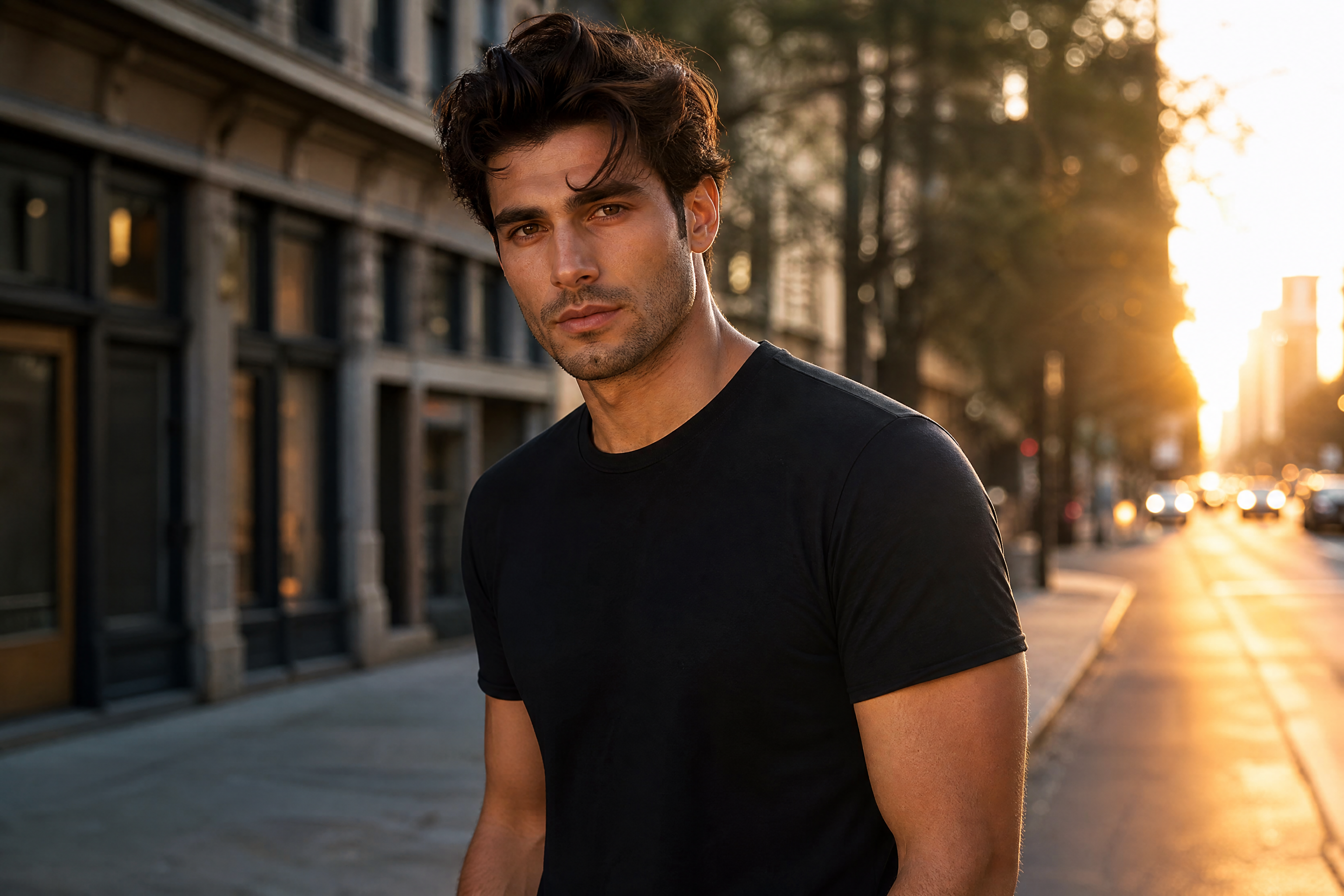
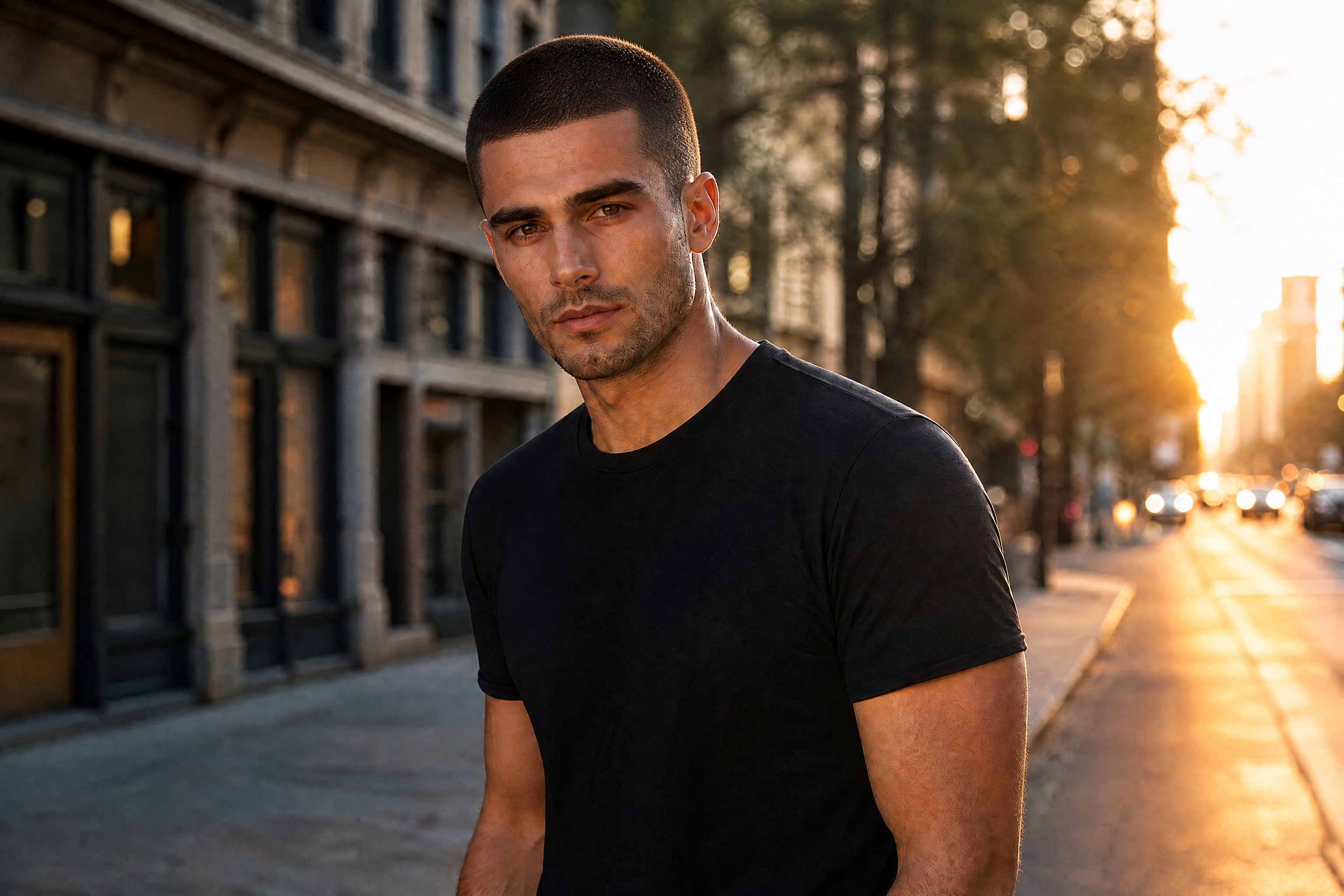
Upload a photo and turn your current hairstyle into a clean buzz cut preview in seconds. Our AI keeps your face, pose, and overall scene consistent so the haircut change is easy to judge. It works for realistic try-ons and stylized edits alike.
Watch the Transformation
See ai buzz cut hair filter in motion — generated end-to-end by our AI.
See It In Action
Real outputs from ai buzz cut hair filter.
BEFOREAFTER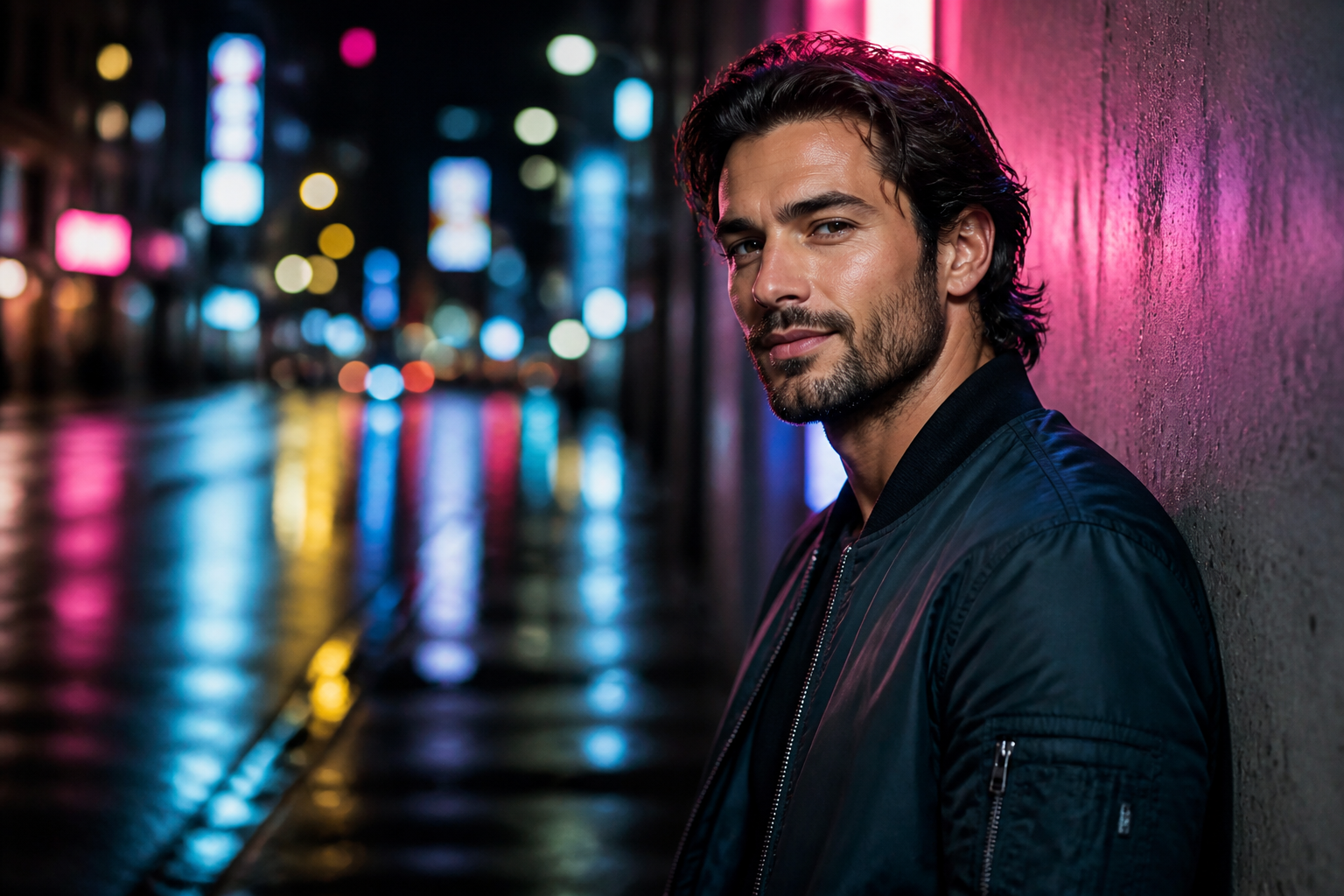 BEFORE
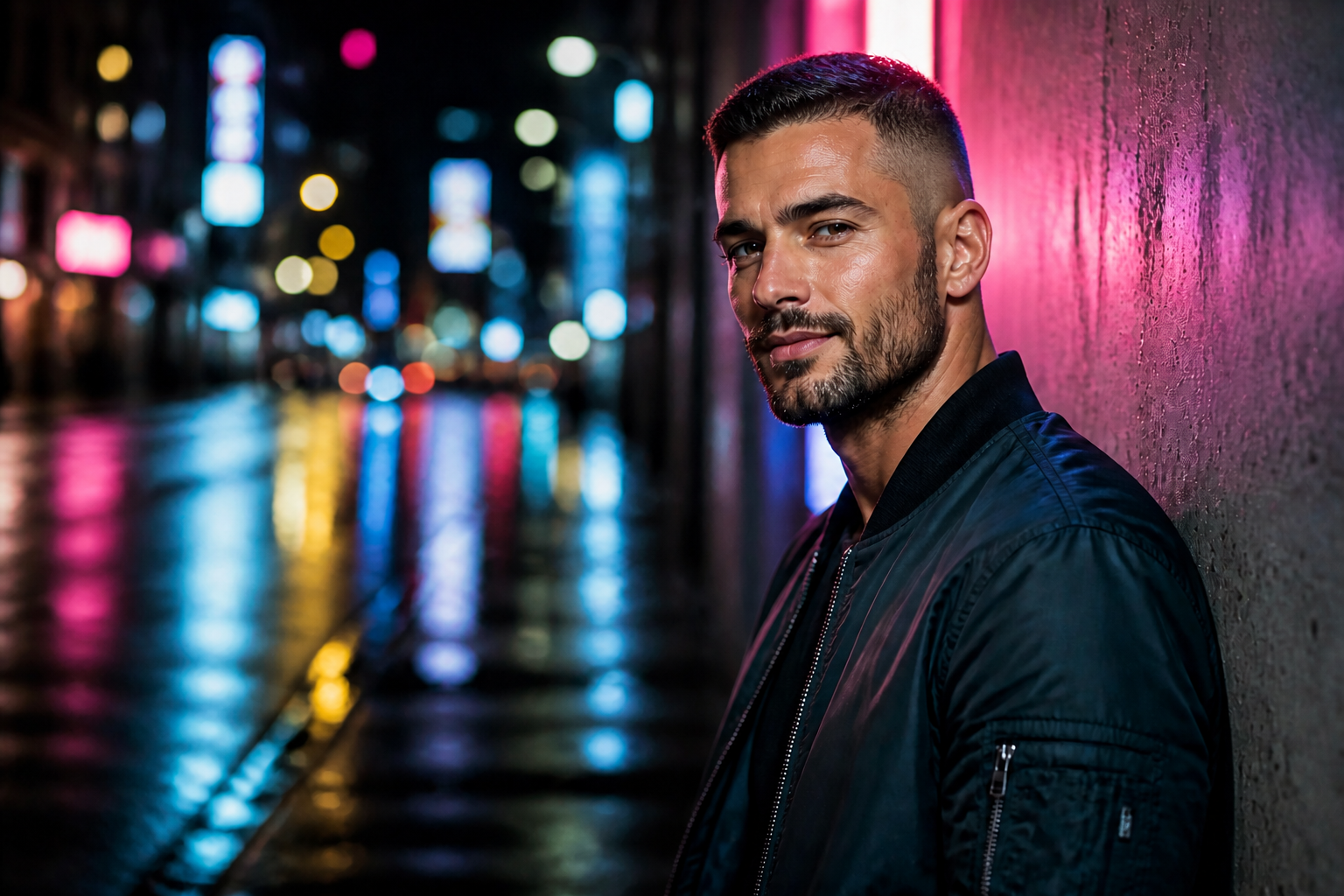 AFTER
AFTER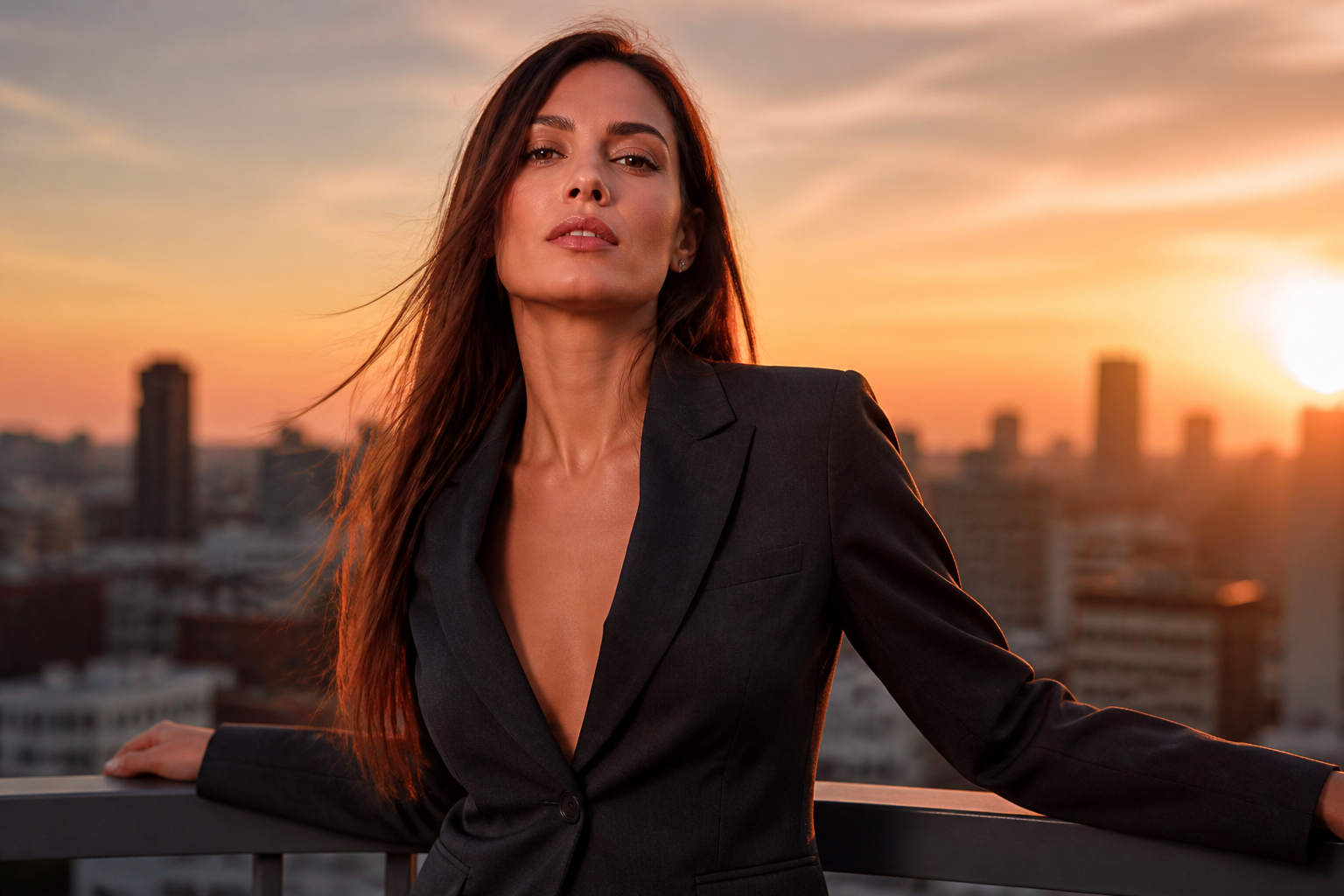 BEFORE
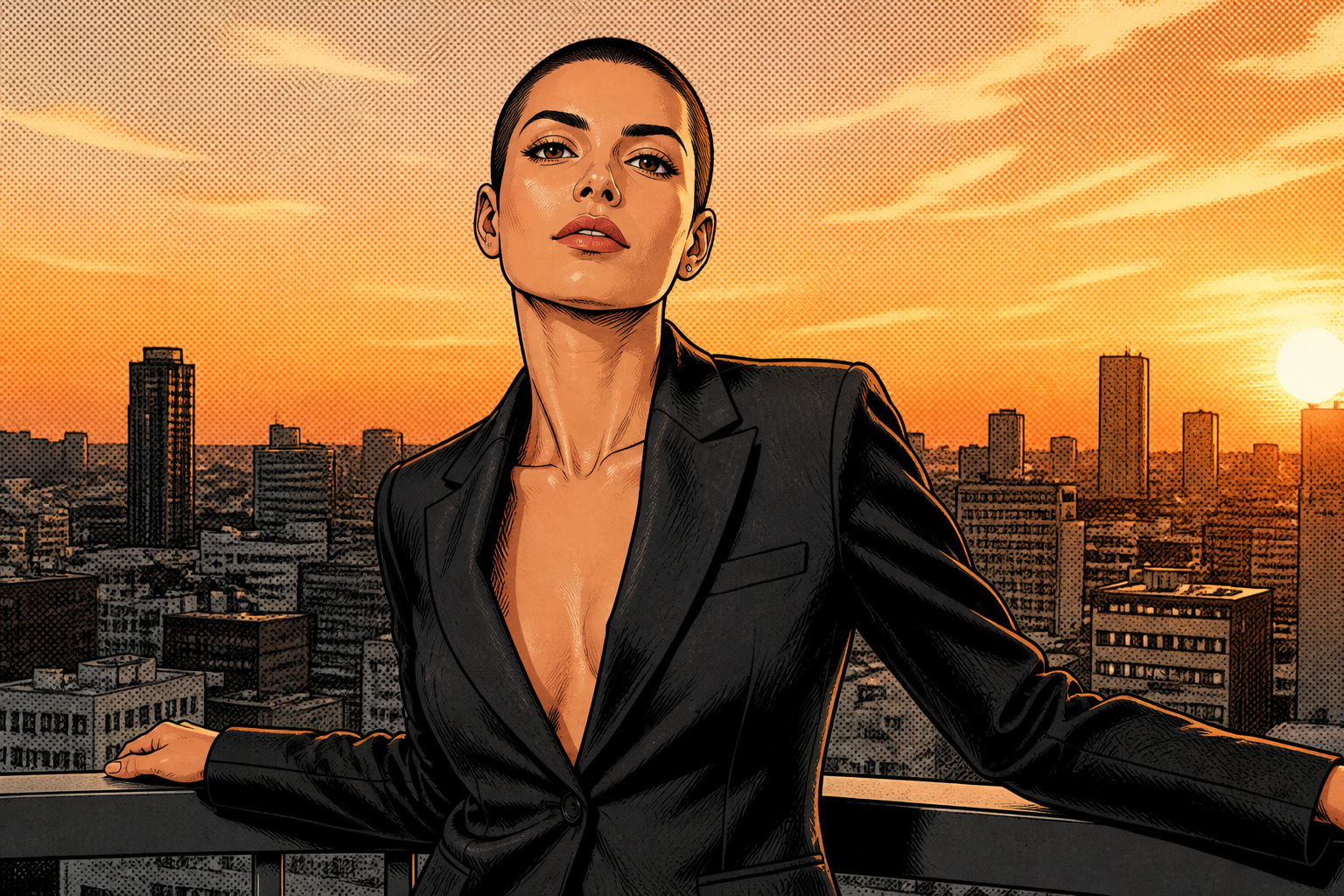 AFTER
AFTER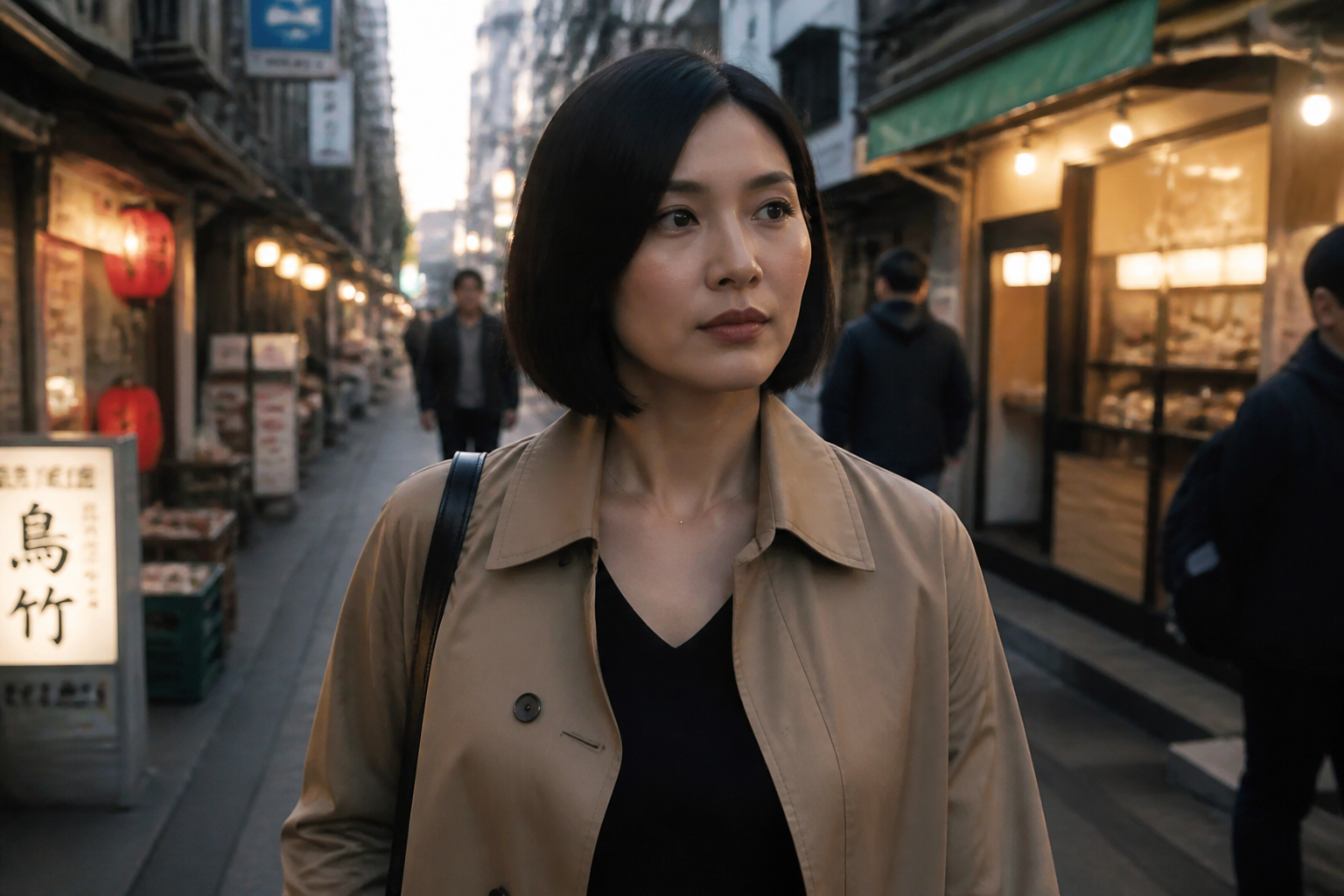 BEFORE
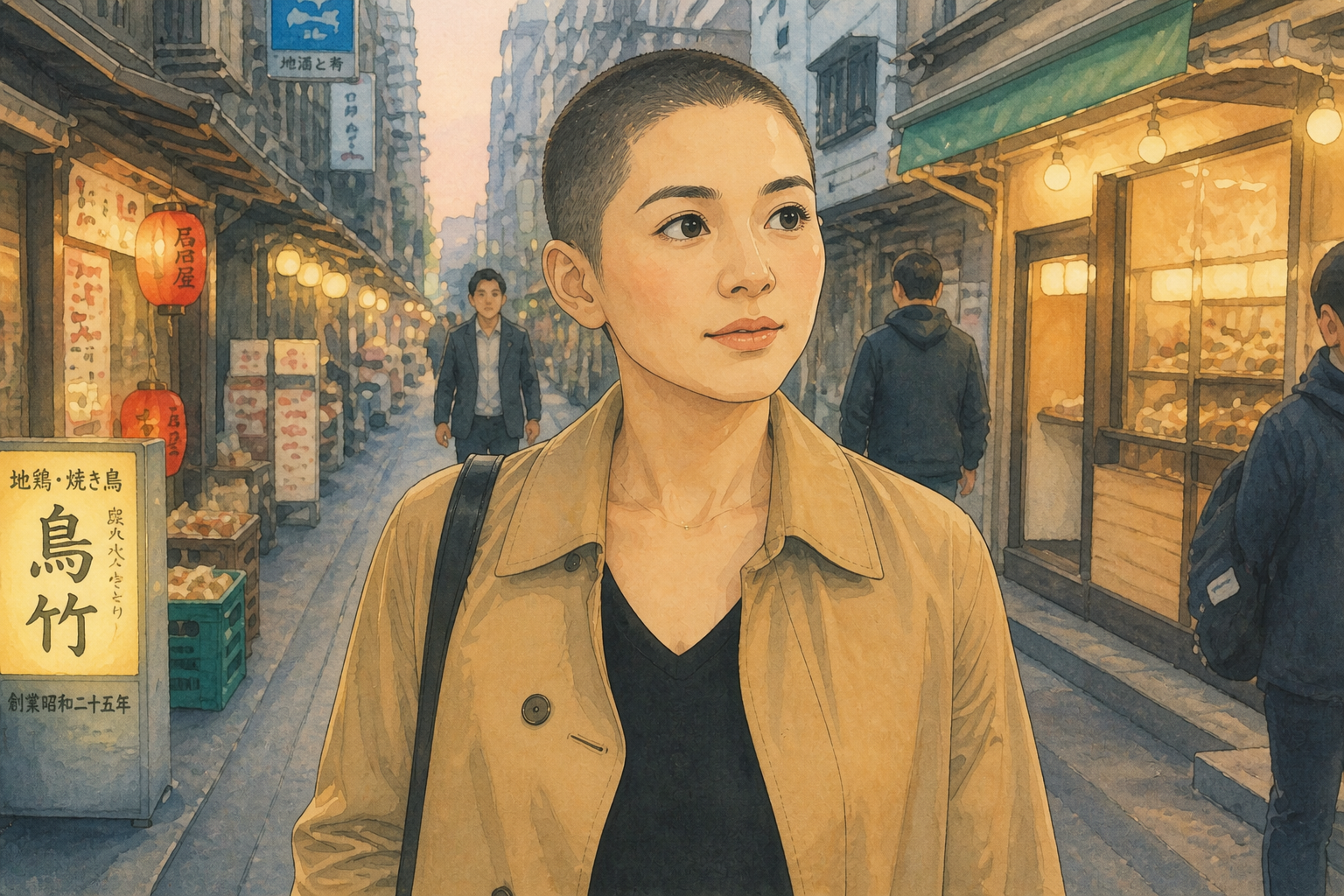 AFTER
AFTER BEFORE
 AFTERBEFOREAFTERBEFOREAFTERBEFOREAFTERBEFOREAFTERBEFOREAFTER
 BEFORE
 AFTER
AFTER BEFORE
 AFTER
AFTER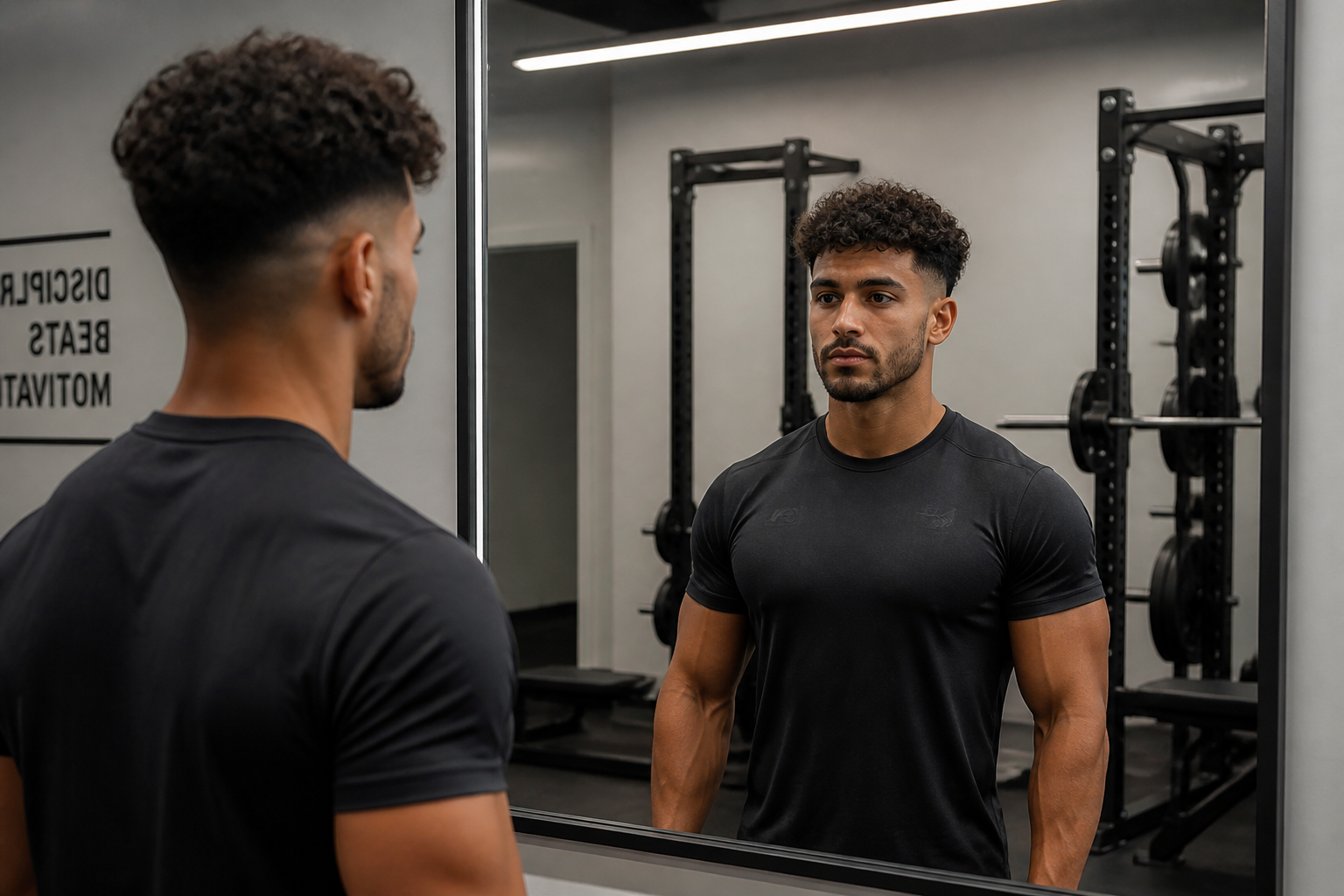 BEFORE
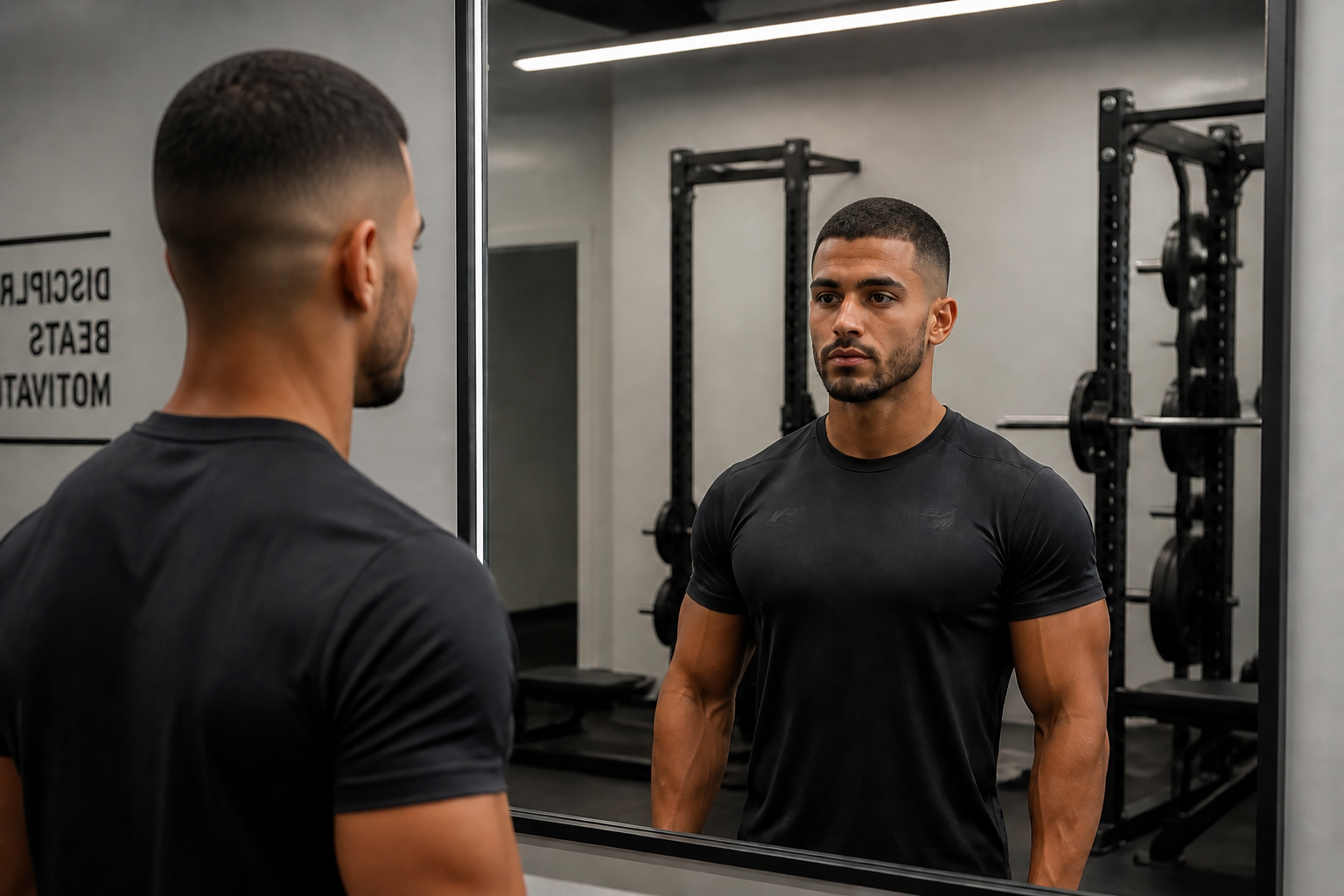 AFTER
AFTER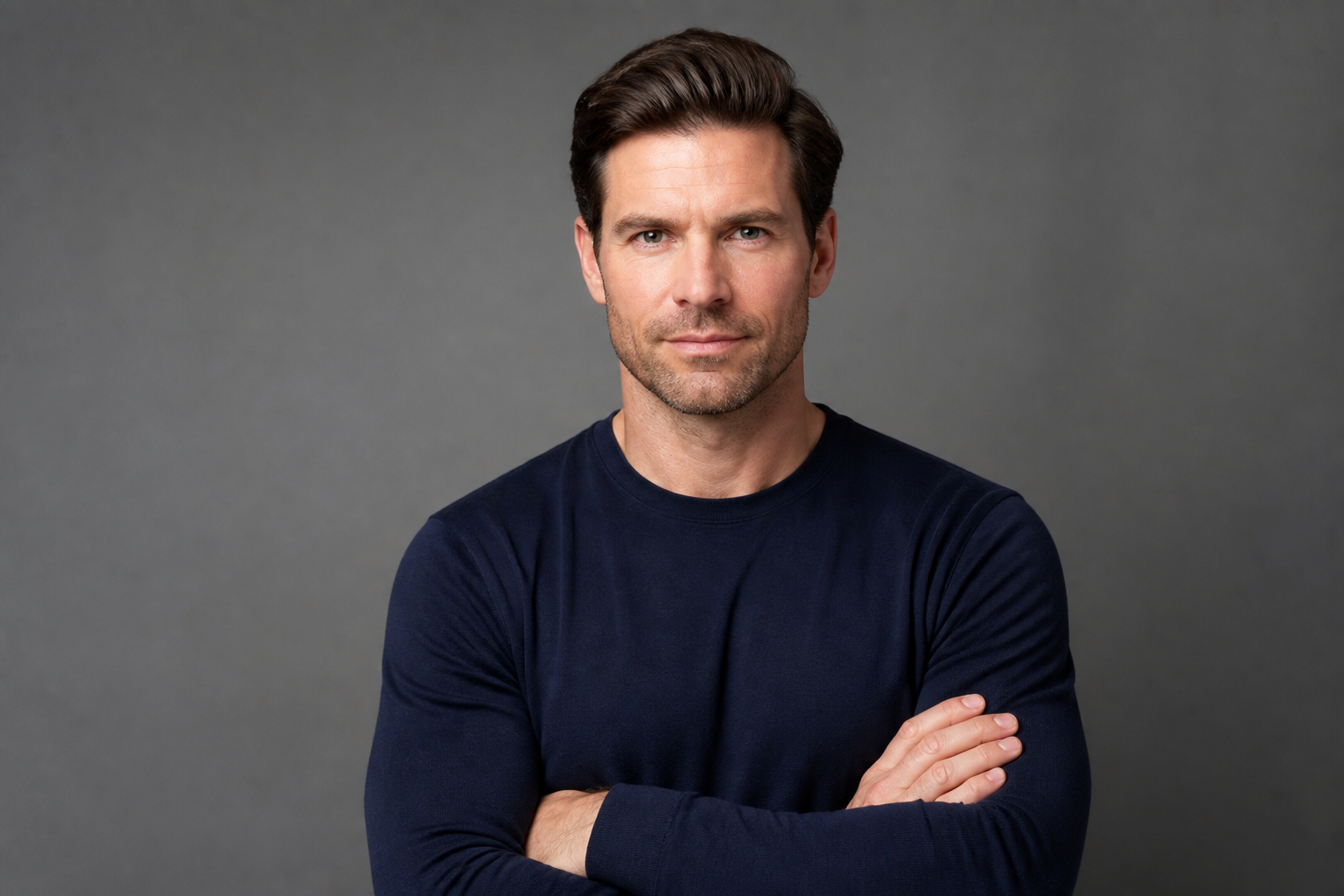 BEFORE
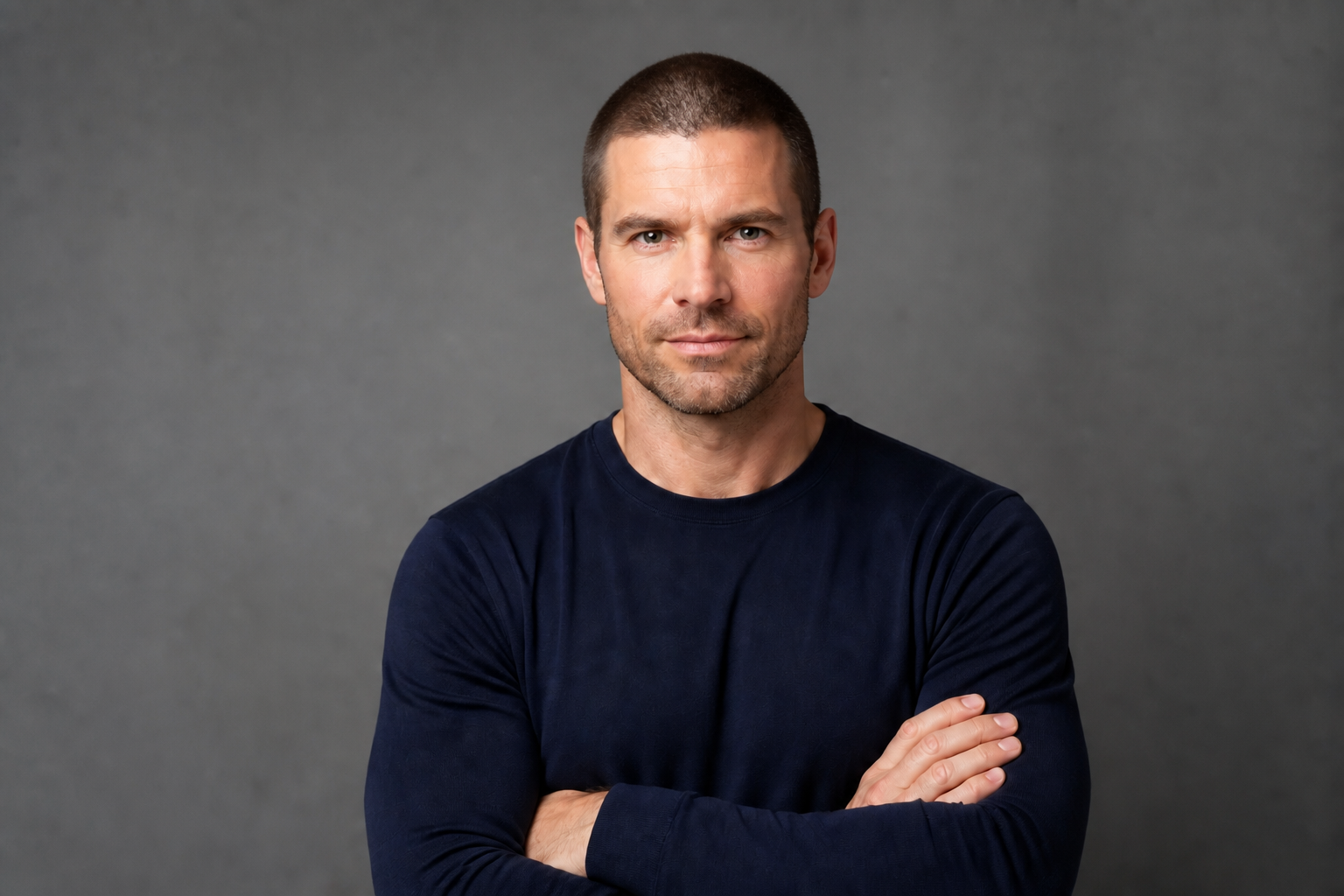 AFTER
AFTER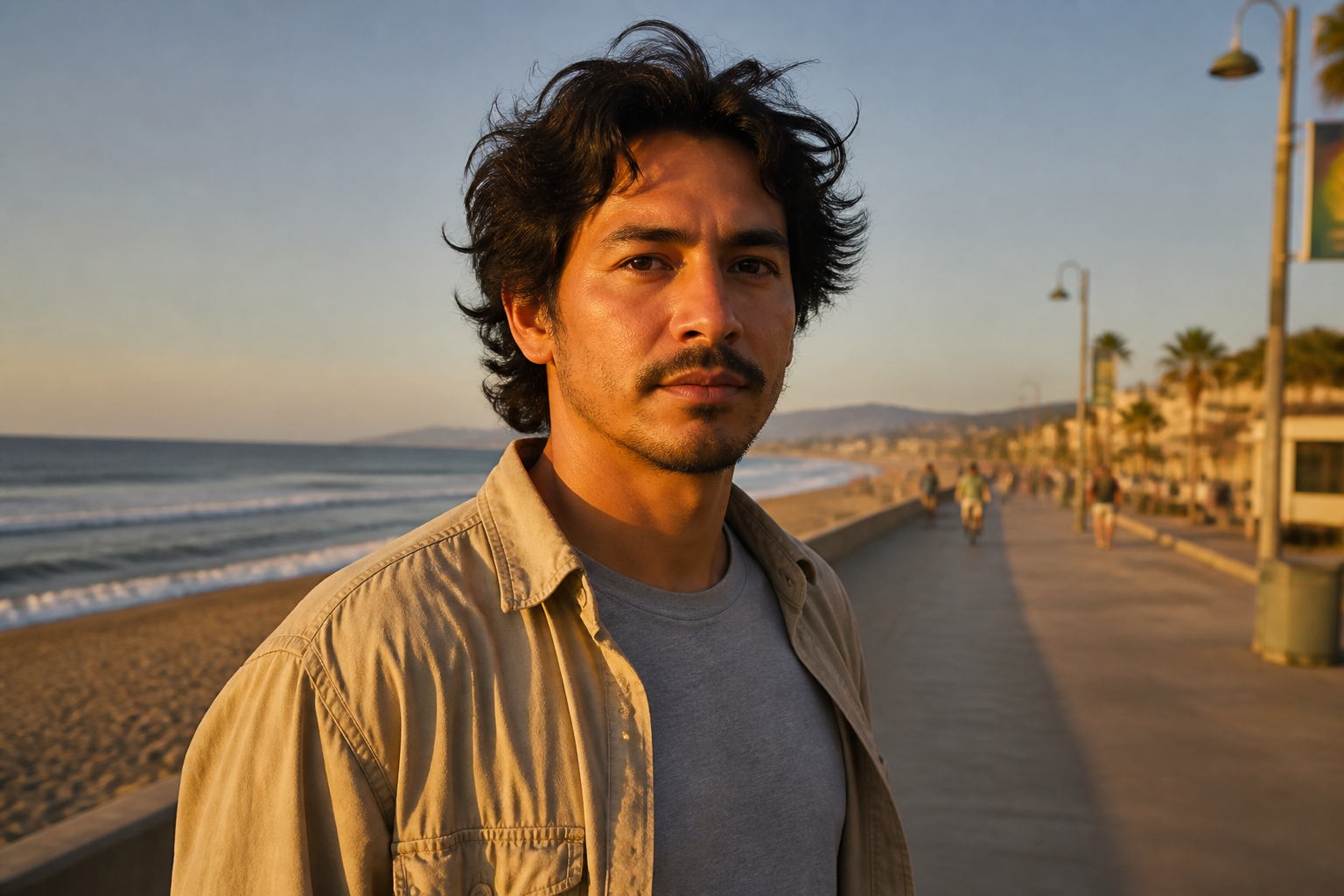 BEFORE
 AFTERBEFOREAFTERBEFOREAFTERBEFOREAFTERBEFOREAFTERBEFOREAFTER
Key Features
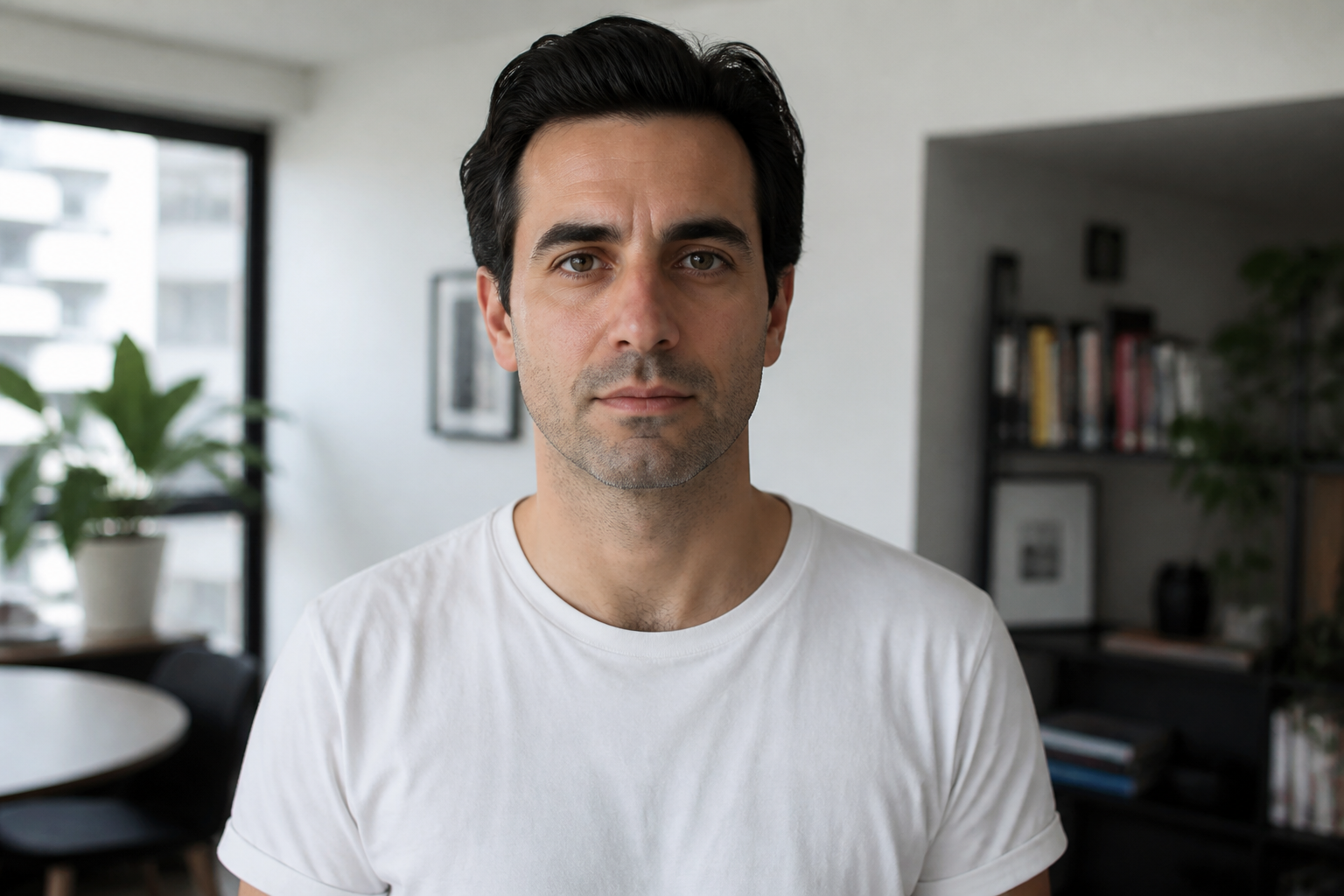
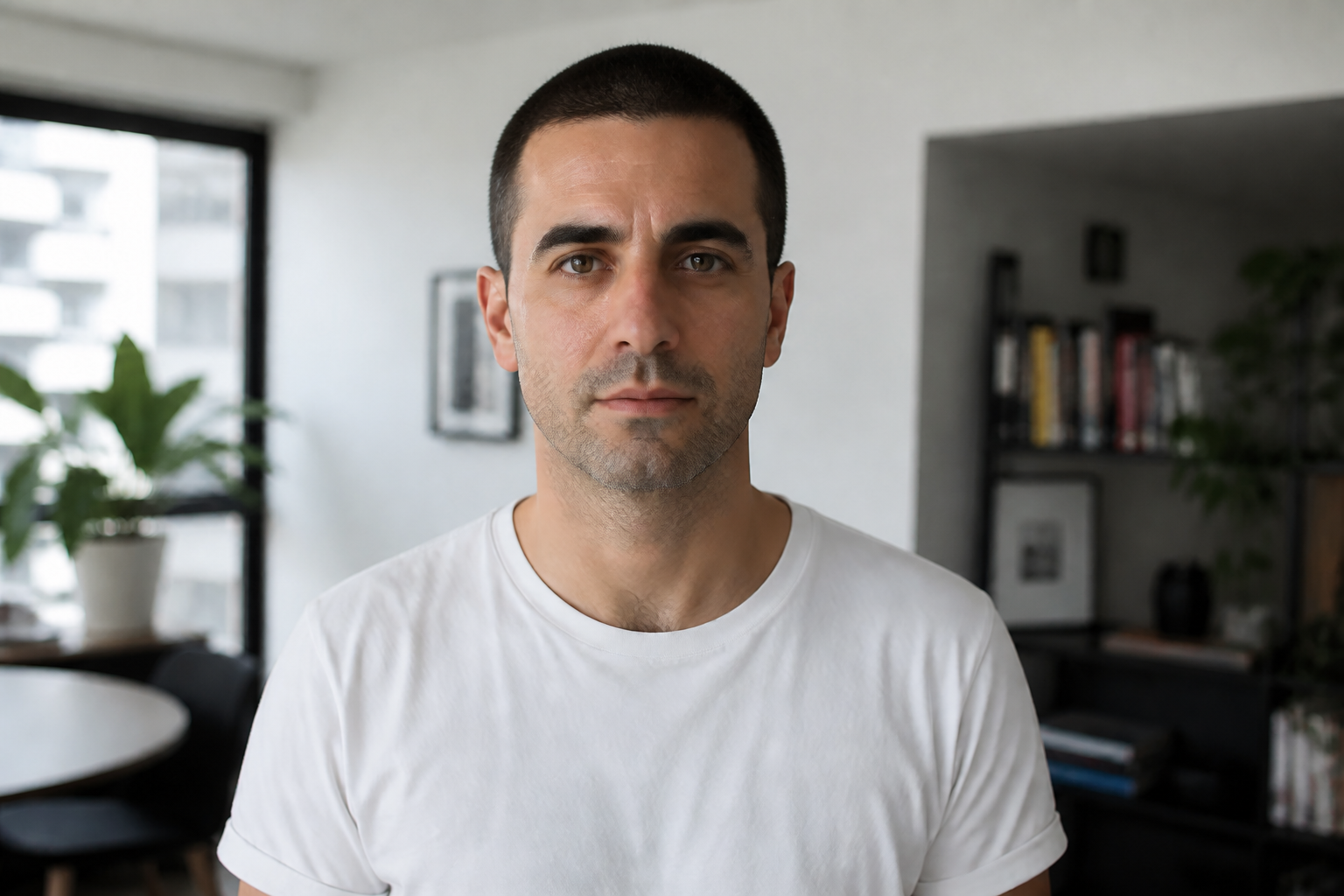
Keep your face recognizable
The haircut changes, but the person still looks like the same person. That matters when you are deciding whether a buzz cut actually suits your face shape, forehead, and features. Manual mockups often distort eyes, skin, or head shape and make the preview less useful. This tool focuses the change on the hair so the result stays believable.
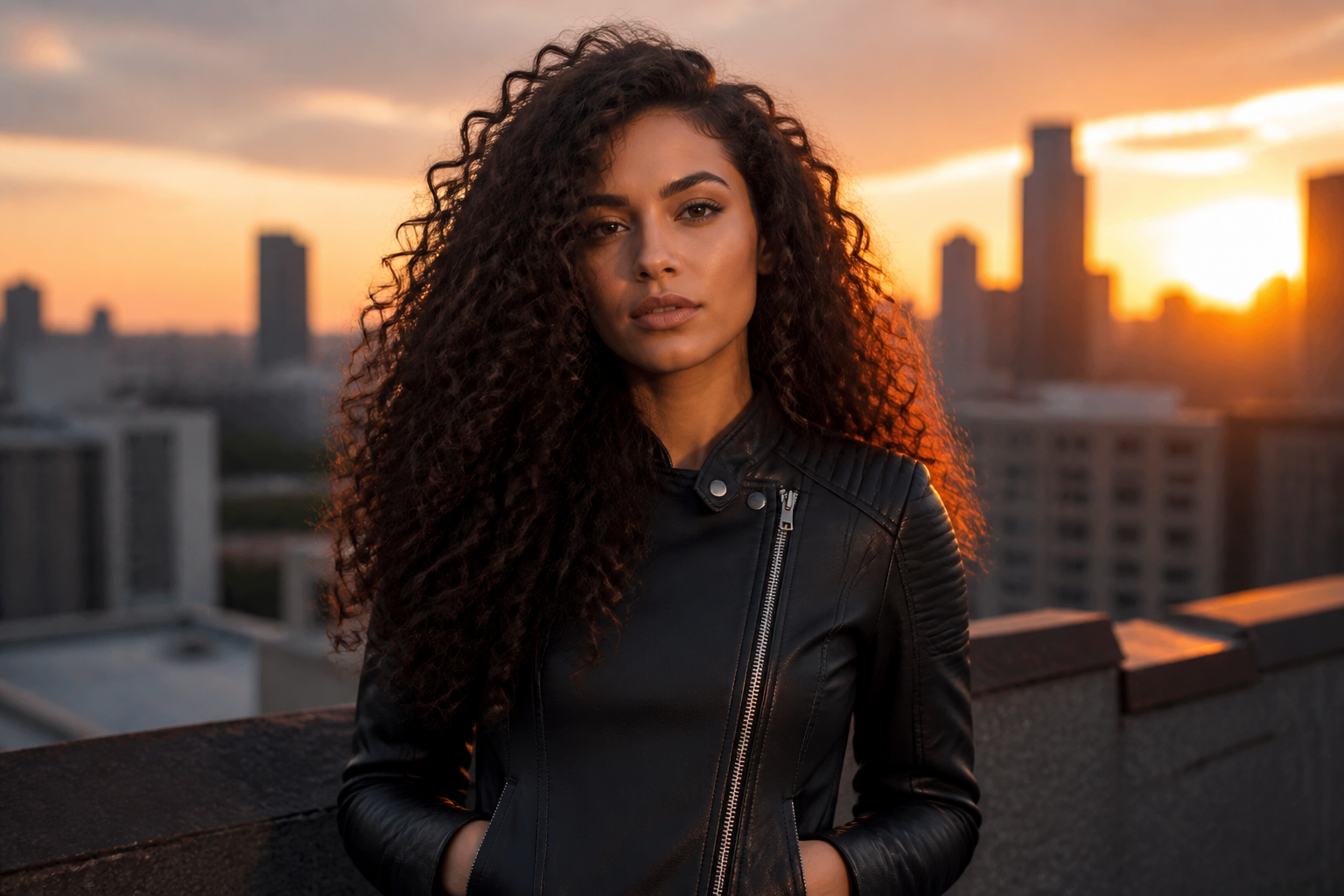
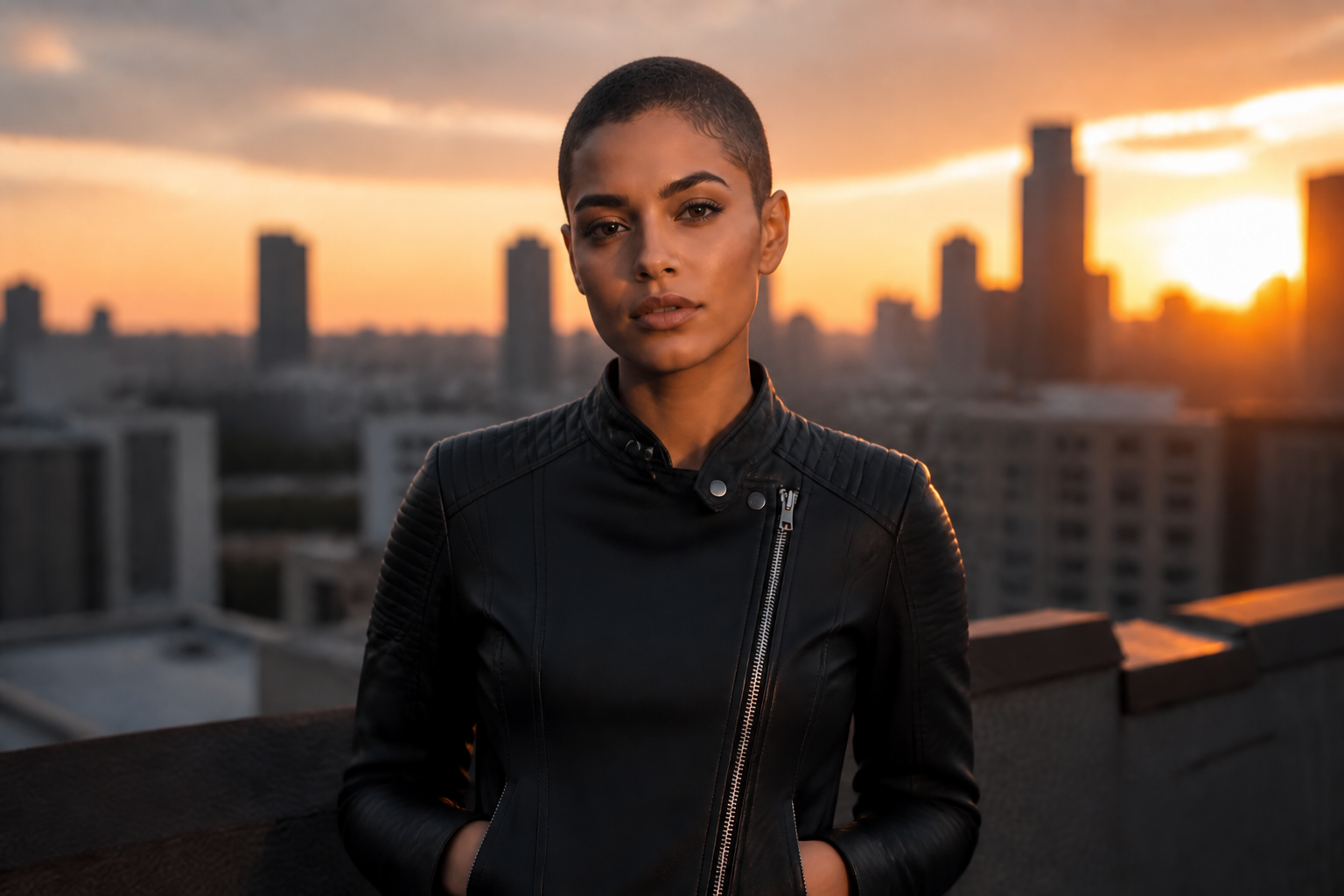
Make the haircut obvious
A buzz cut preview should read instantly, even from a small thumbnail. The edit removes the old style clearly instead of making tiny adjustments that are hard to notice. That gives you a fast yes-or-no answer before a real haircut. It is more practical than hand-editing hair with brushes or masks.

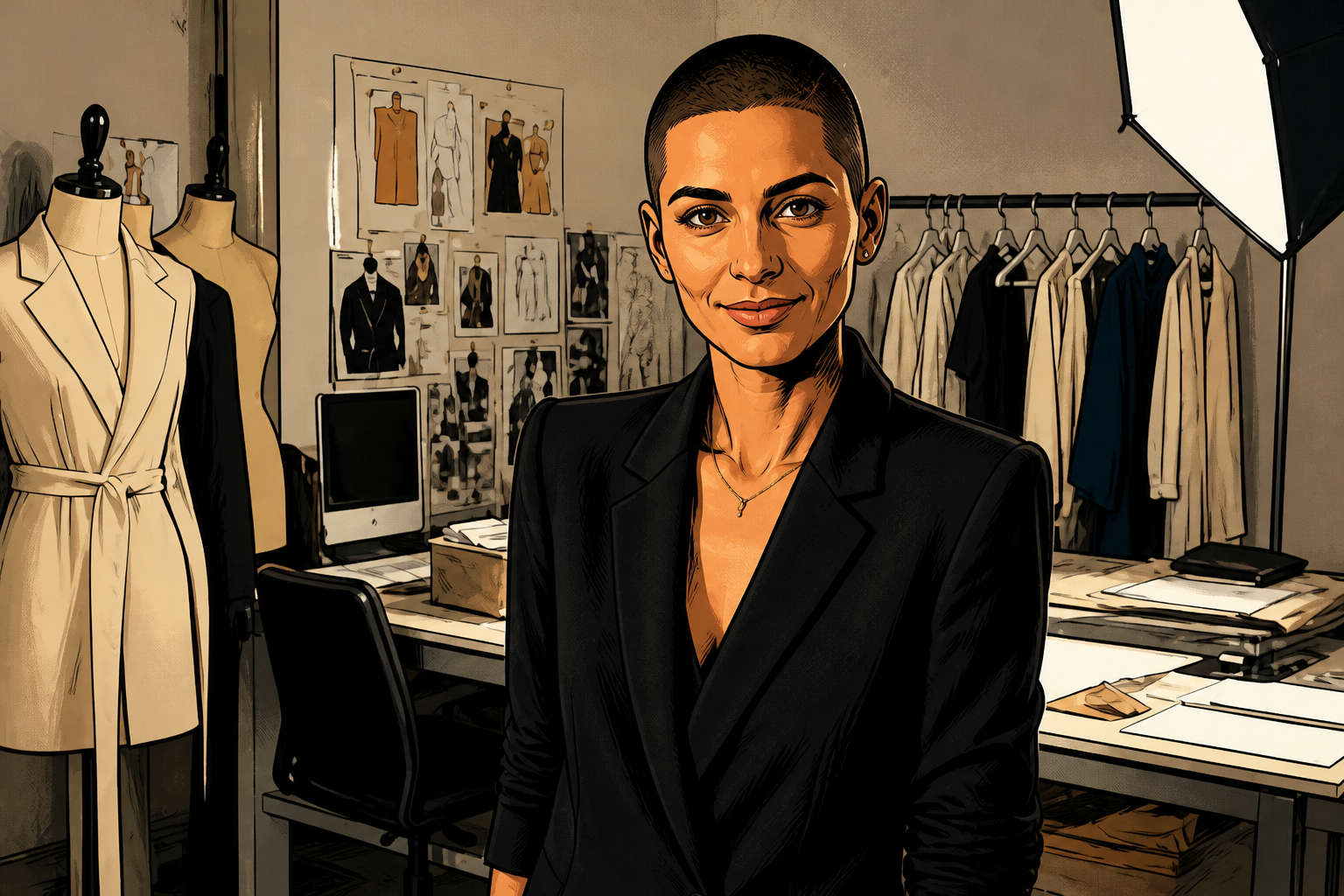
Try styles beyond realism
You can preview a buzz cut in more than one visual style. That helps if you want a social-ready concept image, a profile picture idea, or a mood-board version of the same look. Doing this manually would mean recreating the whole image in each style. Here, you can keep the same subject and switch the finish.
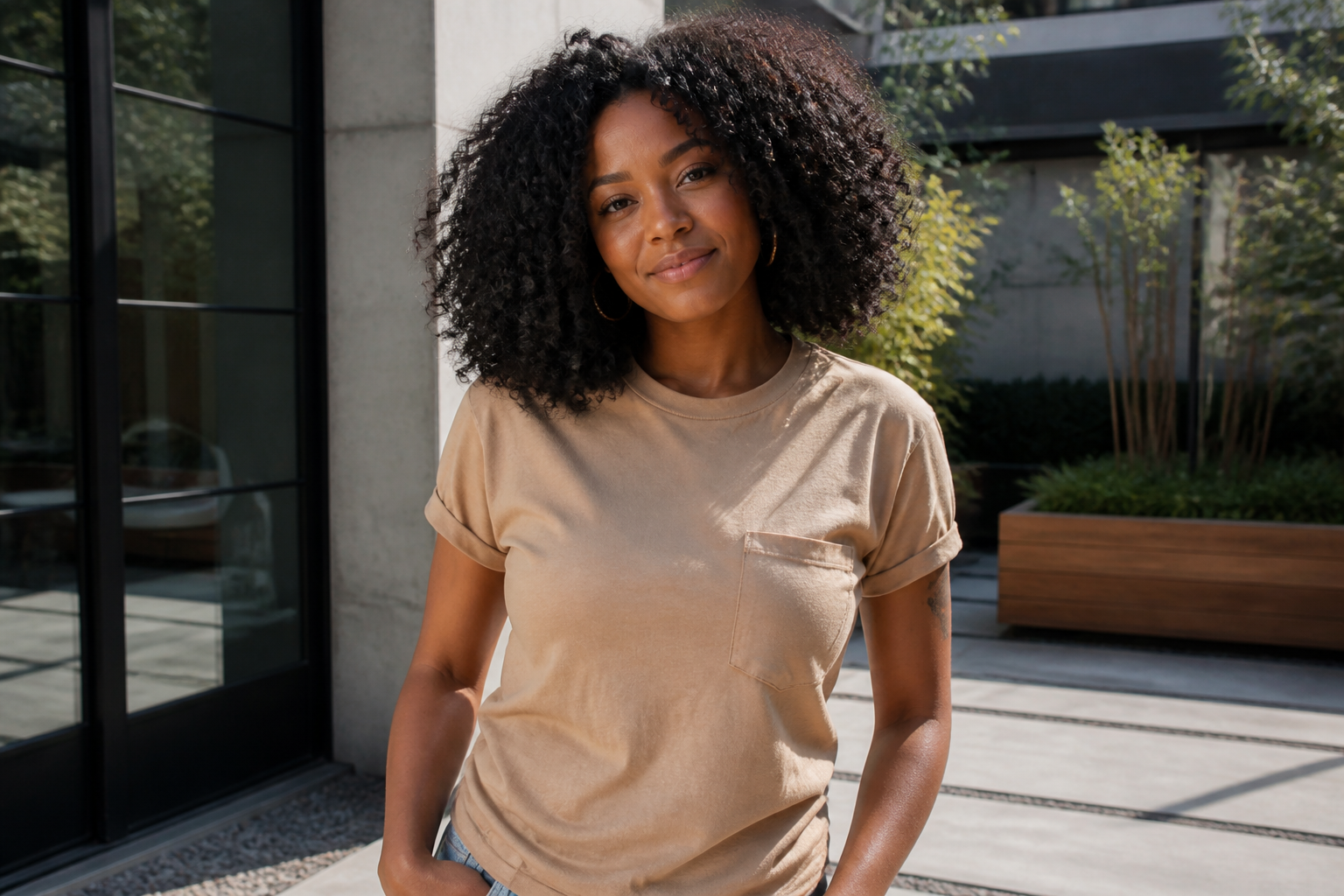
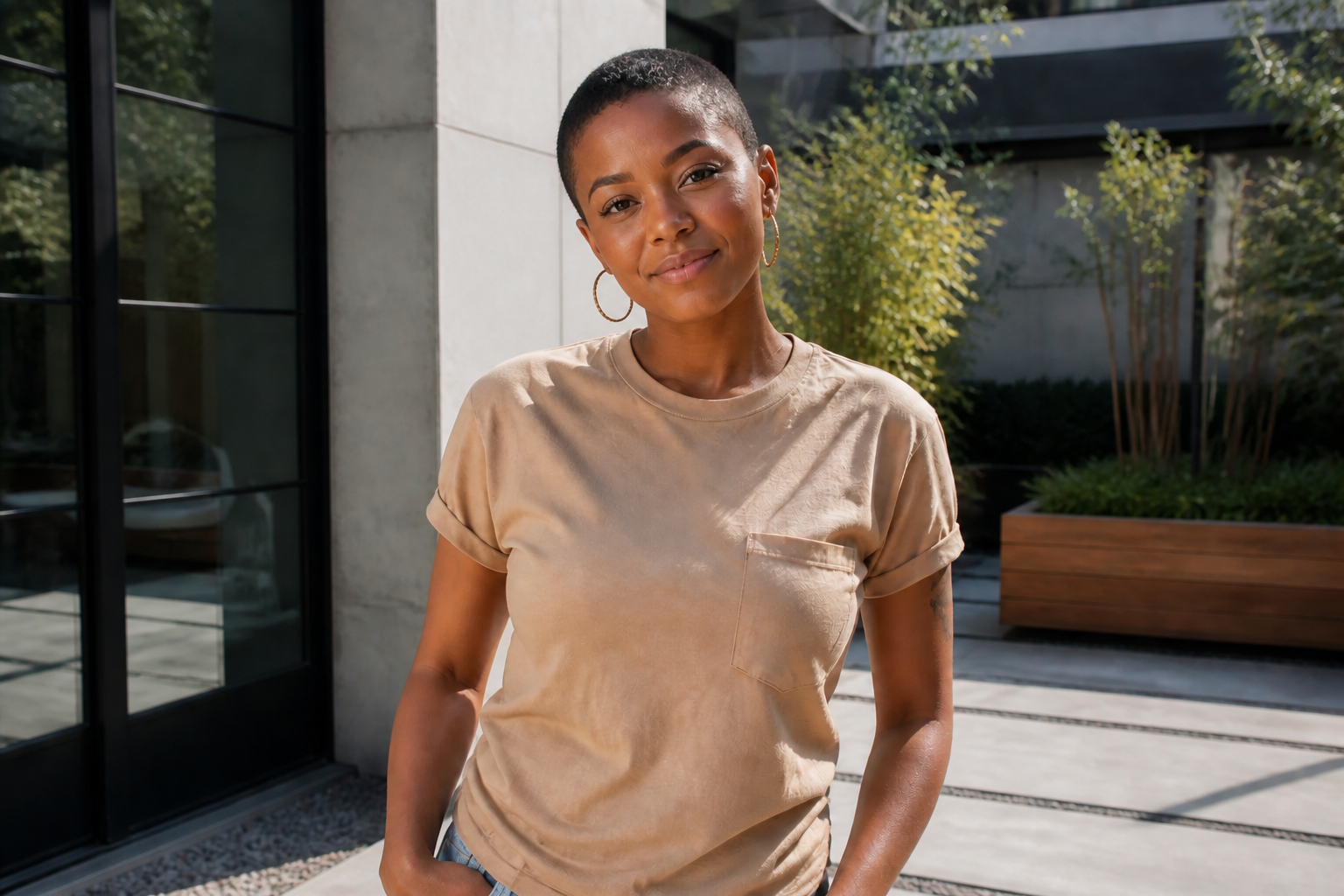
Works across different hair types
Buzz cut previews are useful on straight, curly, coily, and textured hair because the decision is often about overall shape, not just strands. This tool gives a clear transformation on varied hair density and volume. That makes it easier to compare how a close cut changes balance around the face. You get a faster answer than trying to imagine it mentally.
How It Works
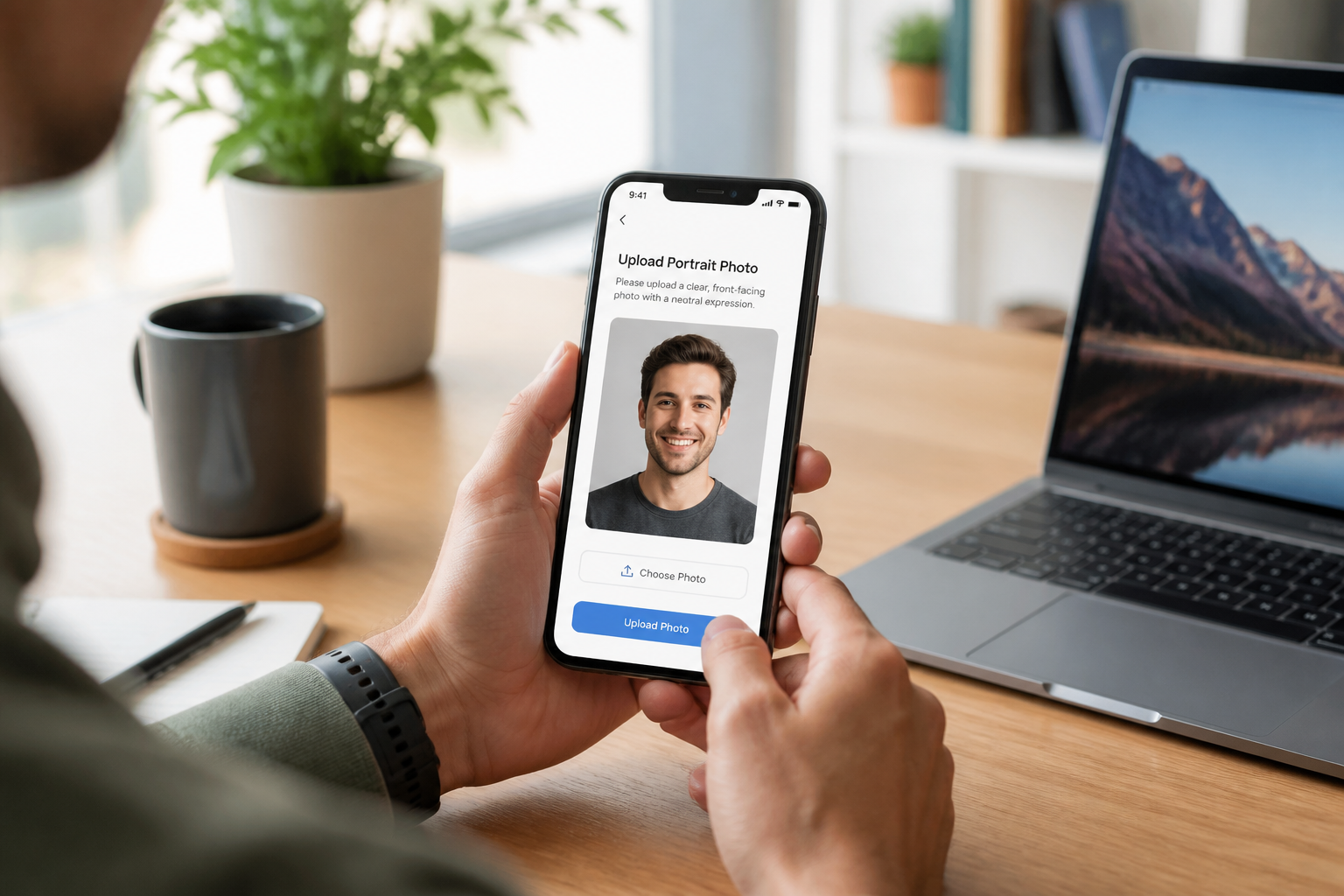
Upload your photo
Start with a clear image where the face and hair are easy to see. A well-lit waist-up or head-and-shoulders photo usually gives the cleanest buzz cut preview.
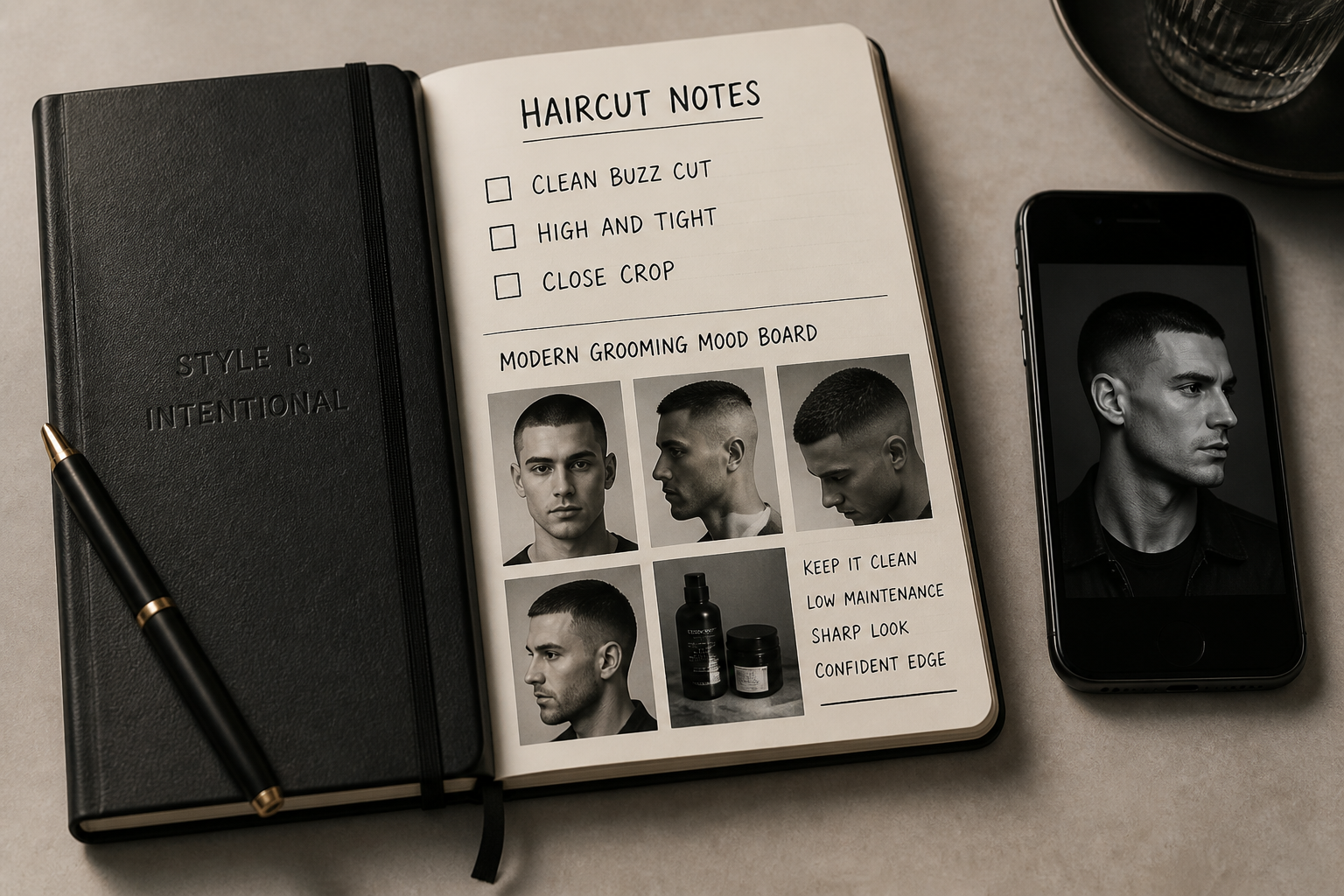
Describe the cut
Type the kind of buzz cut you want to test, such as clean buzz, induction cut, or high-and-tight. You can also mention whether you want a realistic result or a stylized version.
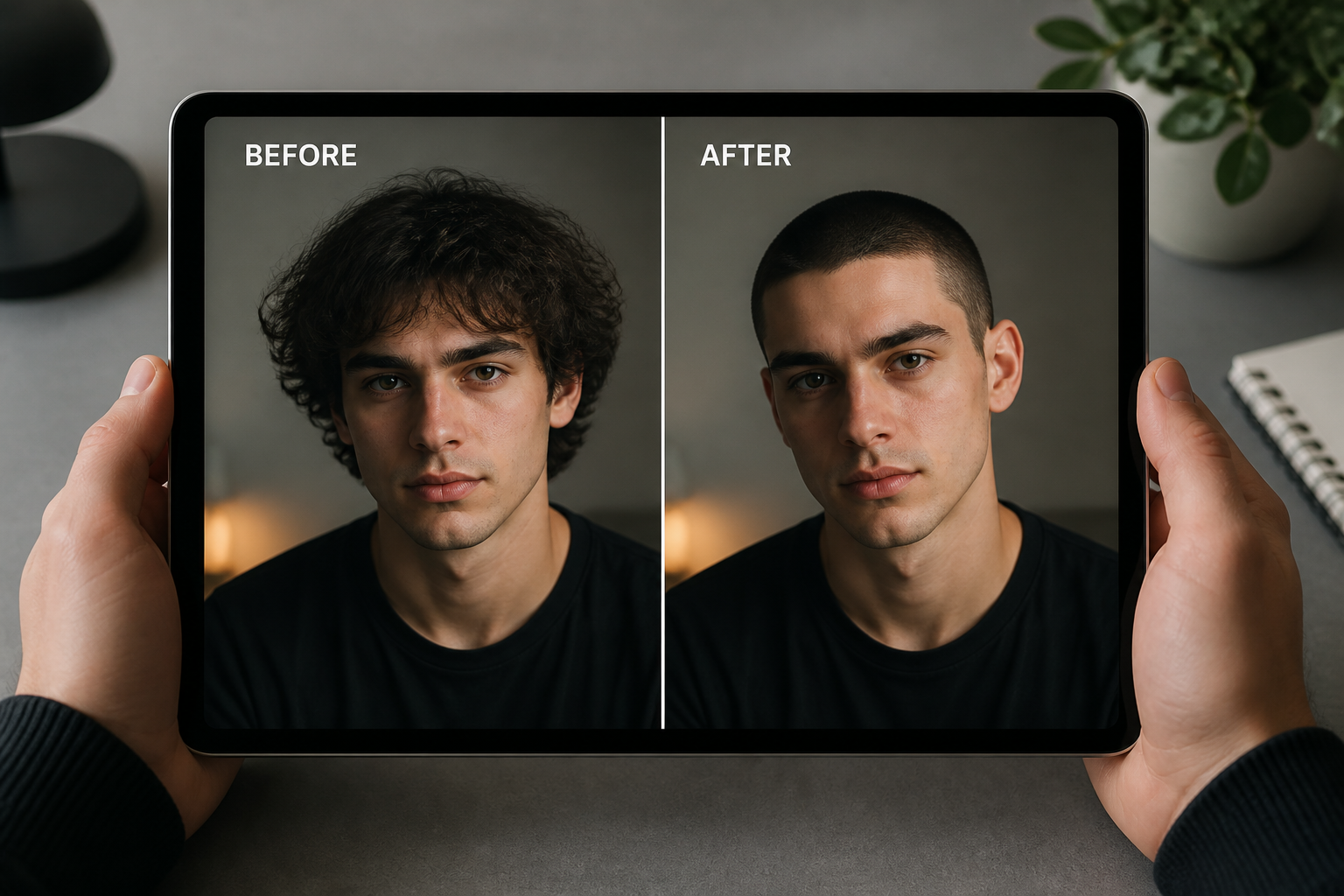
Compare the result
Review the before and after side by side and check how the cut changes your overall look. If needed, run another version with a shorter length or a different finish.
Perfect For
Discover how creators and professionals use ai buzz cut hair filter
Test a big haircut before committing
Preview a buzz cut on your own photo so you can judge the change before visiting a barber or stylist.
Create grooming content
Make before-and-after images for hairstyle posts, barber portfolios, or short-form social content.
Try profile photo concepts
See whether a sharper shaved look fits your personal brand for dating apps, social accounts, or headshots.
Explore creative versions
Turn the same buzz cut idea into manga, watercolor, or comic-style images for posters, avatars, and mood boards.
Built For
Anyone considering a buzz cut
Get a fast visual answer without guessing how the haircut might change your overall look.
Barbers and stylists
Show clients a simple haircut concept before the appointment and set expectations more clearly.
Creators and designers
Produce clean haircut transformations for thumbnails, mockups, and social posts with minimal manual editing.
Why use this for buzz cut previews
A quick look at how we compare on the things that matter for this niche.
| Feature | BudgetPixel | Generic AI editors | Manual editing apps |
|---|---|---|---|
| Clear buzz cut transformation | ✓ | — | — |
| Keeps face and scene consistent | ✓ | — | — |
| Fast haircut try-ons | ✓ | ✓ | — |
| Stylized buzz cut variations | ✓ | ✓ | — |
| Manual masking required | — | — | ✓ |
Frequently Asked Questions
Will the result still look like me?
What kind of photo works best?
Can I try different buzz cut variations?
Does it only work on men?
Can I make stylized buzz cut images too?
Create together.
Share your creations, discover trending AI art, and grow with fellow creators.