Kling 4.0 Flash
Fast, affordable video with sound in every clip.
From $0.12 a second on paid plans.
Kling 4.0 Flash: what it is and what it costs
Kling 4.0 Flash is Kuaishou's AI video model. On BudgetPixel it costs 123 credits a second ($0.12) at its default settings. It needs a paid plan, from $10 a month. You can run it in the Video Workshop in your browser, through the BudgetPixel API, or from Claude, ChatGPT and Cursor over MCP, all on the same credits.
Prices as of . Every resolution and option
720pResolution
3–20 secondsLength
Always onSound
16:9 / 9:16 / 1:1 / 21:9Aspect ratios
Up to 10Reference images
1–2 minutesTypical short-clip time
Professional video for every use case
Dialogue scenes.
Generate people talking using dialogue lines written in your prompt.Product videos.
Bring a product shot into motion with sound effects described in your prompt.Music and performance clips.
Create a performer playing and singing from a description of the scene and sound.Travel and nature b-roll.
Generate short travel and nature scenes with the sounds you describe.Sound generated with every clip
Dialogue, music and sound effects are generated from your prompt. Describe what viewers should hear alongside what they should see.
- •Write the dialogue lines
- •Describe the music
- •Specify sound effects
- •Sound is always included
Image to video from a first frame
Start with an image in the Image to Video tab. Describe how the scene should move from that opening frame.
- •Begin with a character image
- •Animate a product shot
- •Start from a place image
- •Guide motion with your prompt
Up to 10 reference images
Use reference images to help keep a character, product or place consistent. Add images in the Image to Video tab and describe their role in the scene.
- •Character references
- •Product references
- •Place references
- •Style references
Edit a video by describing the change
Upload a clip in the Edit Video tab. Describe the change you want to make to that video.
- •Use an existing clip as input
- •Describe the change in plain words
- •Change the setting, weather or look
- •Generate a 720p clip with sound
How it works

1
Choose your tab and starting point
Open Video Workshop and select Kling 4.0 Flash. Choose Text to Video for a prompt, Image to Video for a first frame and reference images, or Edit Video to upload a clip.

2
Describe the scene, motion and sound
Describe the scene and motion you want, or the change to your uploaded clip. Write any dialogue lines and describe the music and sound effects.
3
Set length and aspect ratio, then generate
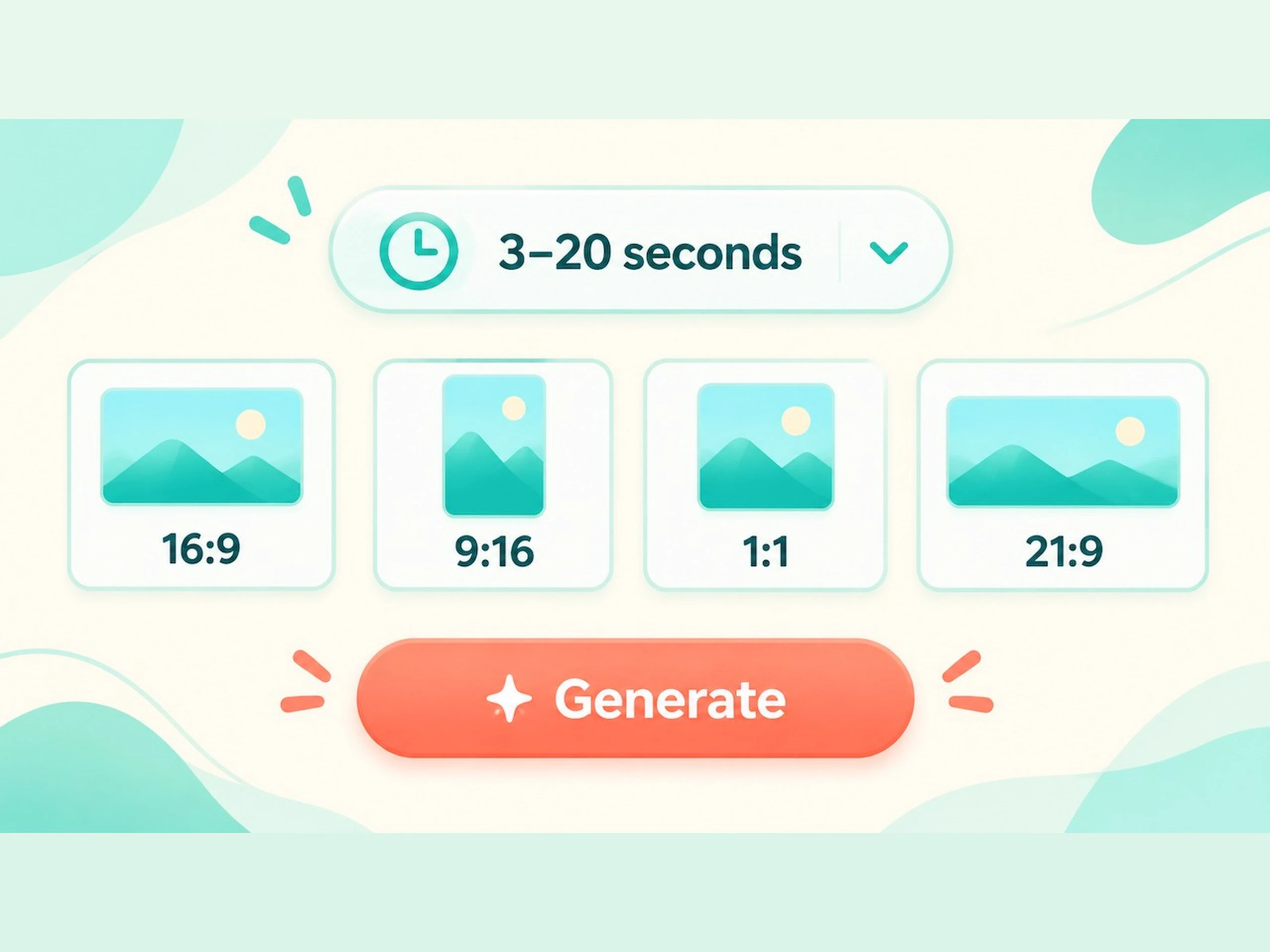
Choose any whole number of seconds from 3 to 20 and, for text to video, an aspect ratio: 16:9, 9:16, 1:1 or 21:9. Generate your clip; a short video typically takes one to two minutes.
The prompts behind the clips on this page
The surfer carves down the face of the turquoise wave and cuts back up through a burst of glowing spray while the drone glides alongside at golden hour. Sound: the deep roar of the breaking wave, rushing wind and spray. No text or logos.
The clip at the top of this page, image to video from a first frame
The cook flips the noodles high out of the flaming wok and catches them as the flames flare and steam rises; the camera pushes in slowly. Sound: loud sizzling, the scrape and clang of the wok, the busy chatter of the night market. No text or logos.
Quick social clip from a first frame, with sizzle and crowd sound
The woman leans in, smiles and says, "Okay, tell me everything." The man laughs and shakes his head. Gentle handheld camera. Sound: her clear voice, his warm laugh, cups clinking and soft street ambience. No text or logos.
Dialogue scene: the spoken line is written in the prompt
Slow motion: an ice cube drops beside the bottle and lemon slices splash up in a sparkling burst of water while the camera orbits slowly around the bottle. Sound: fizzing bubbles, ice clinking and a bright splash. No text, labels or logos.
Product video: a slow-motion splash with sound effects
She strums the guitar and sings a soft, warm melody as the camera slowly circles her at golden hour and the string lights glow. Sound: acoustic guitar and her gentle singing voice, with a faint city hum. No text or logos.
Performance clip: guitar and singing described in the prompt
The kayaker paddles steadily across the misty lake while the drone glides low behind, ripples spreading over the mirror-calm water in the sunrise light. Sound: rhythmic paddle splashes, a light breeze and distant birdsong. No text or logos.
Nature b-roll: a drone glide with ambient sound
The barista finishes steaming the milk, turns to the counter and calls out with a smile, "Flat white for Sam!" Sound: the hiss of the steam wand, cups clinking, her cheerful voice and soft jazz playing in the cafe. No text or logos.
Generated sound: a spoken line, effects and music in one clip
The painting comes alive: lanterns flicker, the boats rock gently, gulls glide across the violet sky and the reflections ripple, all in the same oil-paint brushstroke style. Sound: lapping water, distant gulls and a faraway bell. No text or logos.
Image to video: a painting brought to life from its first frame
@barry, with his yellow travel neck pillow and purple hoodie, rides an old bicycle along a sunny seaside promenade, rings the bell twice, lowers his aviator sunglasses and says, "Obviously." Tracking shot from the front. Sound: the bicycle bell, squeaky pedals, waves and gulls. No text or logos.
Reference images: Barry, our own character, cast from his pictures
Change the scene to a snowy winter morning: fresh snow covers the shores and the pine trees, light snow falls and thin ice edges the lake. Keep the kayaker, the paddling and the camera move. Sound: soft wind, paddle splashes and the hush of falling snow. No text or logos.
Video editing: the lake clip above, changed to a winter morning
Pricing for Kling 4.0 Flash
Runs on credits — no per-model surcharges, no surprise billing.
123credits
per second of video
≈ 615 credits for a 5-second clip
Kling 4.0 Flash vs Kling 4.0
Both run on the same credits in the same workshop — here is what each costs and what it is for.
Kling 4.0 Flash
123credits per second of video
Kuaishou's Kling 4.0 Flash, the faster, lower-cost Kling 4.0, with generated sound: text-to-video, a first frame, reference images, reference videos and video editing in one model. 720p, 3 to 20 seconds, 24 fps.
Try Kling 4.0 Flash →Kling 4.0
207credits per second of video
- Resolution:
- 720p 207 credits · 1080p 310 credits
Kuaishou's Kling 4.0 with generated sound: text-to-video, keyframes (a first frame, or a first and a last frame), reference images, reference videos and video editing in one model. 720p or 1080p, 3 to 30 seconds, 24 fps.
Try Kling 4.0 →Use Kling 4.0 Flash via the API
Kling 4.0 Flash is available through the BudgetPixel developer API — the same model the studio runs, supporting text-to-video, image-to-video, reference-to-video, and video-to-video. Pricing is metered in credits (123 credits per second), charged only on success, with an API key available on Premium plans and above.
curl -X POST https://api.budgetpixel.com/v1/videos/kling-v4-flash \
  -H "Authorization: Bearer $BUDGETPIXEL_API_KEY" \
  -H "Content-Type: application/json" \
-d '{"prompt": "your prompt here"}'No code? Use Kling 4.0 Flash from Claude or Cursor
Kling 4.0 Flash is also available through the BudgetPixel MCP server. Connect your account to Claude, Cursor, or any MCP-enabled agent and generate with Kling 4.0 Flash by asking in plain language — same credits, same pricing, no code required.
Kling 4.0 Flash at a glance
- Text-to-video
- First frame
- Reference images
- Reference videos
- Edit a video
- Generated audio
- 720p
- 3-20 seconds
How Kling 4.0 Flash compares
The differences that actually change which one you pick.
- Kling 4.0 Flash vs Kling 4.0
- Kling 4.0 adds 1080p, a last frame and clips up to 30 seconds. Kling 4.0 Flash takes the same other inputs at 720p for 123 credits a second against Kling 4.0's 207.
- Kling 4.0 Flash vs Seedance 2.0 Mini
- Both are lower-cost picks with reference images and video editing. Kling 4.0 Flash always makes sound and runs up to 20 seconds; Seedance 2.0 Mini adds 480p and reference audio.
- Kling 4.0 Flash vs Wan 3.0
- Both take reference images and videos. Wan 3.0 runs up to 30 seconds and adds 480p and 1080p; Kling 4.0 Flash edits a video directly while keeping its length and shape.
Frequently asked questions
What is Kling 4.0 Flash?▾
Kling 4.0 Flash is Kuaishou's faster, lower-cost version of Kling 4.0. It generates 720p video with sound from text, a first frame or reference images, and can edit an uploaded video.
How much does Kling 4.0 Flash cost?▾
Without an input video, Kling 4.0 Flash costs 123 credits per second of output, so a 5-second clip costs 615 credits. With an input video, each billed second costs 82 credits. Billed seconds are twice the output duration when the input is shorter than the output; otherwise, they are the input duration plus the output duration. Editing a 5-second input into a 5-second output bills 10 seconds and costs 820 credits.
How fast is Kling 4.0 Flash?▾
A short clip typically takes one to two minutes to generate. Flash is the faster version of Kling 4.0.
What resolution does Kling 4.0 Flash support?▾
Kling 4.0 Flash produces 720p video only. For 1080p, use Kling 4.0.
What is the difference between Kling 4.0 Flash and Kling 4.0?▾
Kling 4.0 Flash is faster and lower cost, with 720p output only. Kling 4.0 adds 1080p and a mode with both a first and a last frame. Choose Kling 4.0 when you need either capability.
Does Kling 4.0 Flash generate sound?▾
Yes, sound is generated with every clip. Dialogue, music and sound effects come from what your prompt describes, so write the lines and explain what should be heard.
What inputs does Kling 4.0 Flash accept?▾
It accepts text prompts, a first-frame image, up to 10 reference images, and an input video for editing. Reference images can show characters, products, places or styles. Flash supports a first frame, not a first-and-last-frame pair.
What video lengths and aspect ratios can I choose?▾
Choose any whole number of seconds from 3 to 20. Supported aspect ratios are 16:9, 9:16, 1:1 and 21:9.
How do I edit a video with Kling 4.0 Flash?▾
In the Video Workshop, select Kling 4.0 Flash, open the Edit Video tab and upload the clip you want to change. Describe the change in your prompt and generate. With an input video every billed second costs 82 credits, so editing a 5-second clip costs 820 credits.
Where can I use Kling 4.0 Flash?▾
Kling 4.0 Flash is live in BudgetPixel's Video Workshop. Developers can use the Developer API with POST /v1/videos/kling-v4-flash or the MCP server.
Does Kling 4.0 Flash have an API?▾
Yes — Kling 4.0 Flash is available through the BudgetPixel developer API via the `POST /v1/videos/kling-v4-flash` endpoint, supporting text-to-video, image-to-video, reference-to-video, and video-to-video. Generate an API key from the developer console (available on Premium plans and above) and see the full reference at docs.budgetpixel.com.
How much does the Kling 4.0 Flash API cost?▾
API usage is billed in credits from the same balance your plan includes, at the standard metered rate: 123 credits per second. Failed generations are never charged. You can estimate any request's exact cost with POST /v1/cost before running it.
Can I use Kling 4.0 Flash with Claude or other AI agents (MCP)?▾
Yes — Kling 4.0 Flash is exposed through the BudgetPixel MCP server, so Claude, Cursor, and any MCP-compatible agent can generate with it from a plain-language request. Connect your account at budgetpixel.com/mcp; generations use the same credit balance and pricing as the web studio and the API.