MiniMax H3 Max Turbo
Fast, lower-cost video drafts with native audio.
5–15 secondsDuration
480p / 768p / 1080pResolution
Generated with videoAudio
First frame, last frame, or bothImage input
Six aspect ratiosText-to-video
Well under a minuteTypical render
Professional video for every use case
Animate a still photo.
Turn a travel photo into a moving shot that keeps the image’s original framing.End-frame transitions.
Generate movement toward a supplied closing shot, even without an opening frame.Vertical social clips.
Create portrait-format product teasers with motion and music for short-form posts.Storyboard iterations.
Try alternate camera moves for a short scene before settling on a shot.Video and native audio together
Generate sound alongside the picture, so a short concept can include music, sound effects, or ambience. Describe the sound you want in the same prompt as the scene.
- •Prompt for background music
- •Add action-linked sound effects
- •Set the scene with ambience
- •Generate sound with the video
First-frame, last-frame, or both
Upload an opening image to animate it, a closing image to generate toward it, or both to guide the transition. The output follows the supplied frame image’s framing, so compose the image for the shot you want.
- •Animate an opening still
- •Guide a shot with an end frame alone
- •Bridge two supplied frames
- •Keep the image’s framing
Text-to-video in six aspect ratios
Create a shot from a written scene description without uploading an image. Choose a wide, square, or portrait frame to suit where the clip will appear.
- •21:9 and 16:9 widescreen
- •4:3 and 1:1 standard and square
- •3:4 and 9:16 portrait
- •Describe subject, action, and camera in text
Fast 5–15-second renders
Set any duration from 5 to 15 seconds and choose 480p, 768p, or 1080p. Renders typically finish well under a minute, making it practical to review another take while the idea is fresh.
- •Any duration from 5 to 15 seconds
- •480p output
- •768p default
- •1080p output
- •Typically well under a minute
How it works

1
Describe your shot
Open MiniMax H3 Max Turbo in BudgetPixel Video Workshop. Write a prompt covering the subject, action, camera movement, and sounds; if you’re using a still, describe how it should move.

2
Choose frames and settings
For image-to-video, upload a first frame, a last frame, or both; the clip follows the image’s framing. For text-to-video, choose an aspect ratio, then set a duration from 5 to 15 seconds and select 480p, 768p, or 1080p.
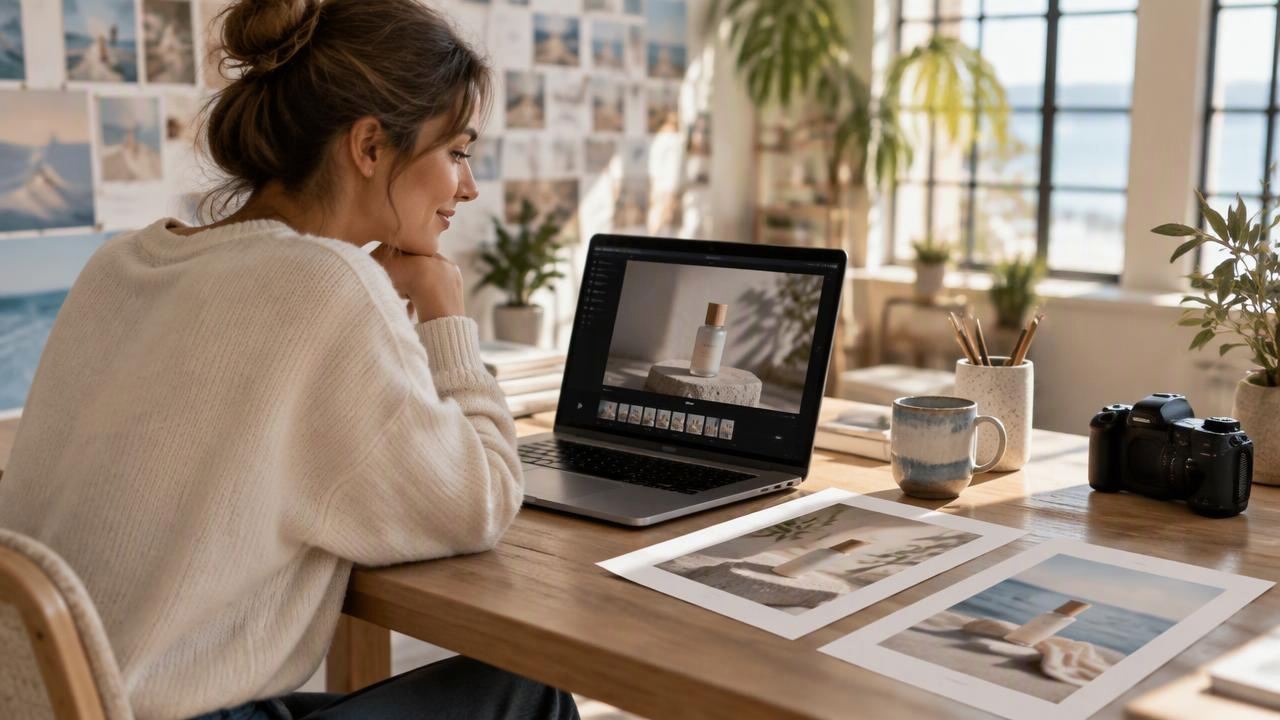
3
Generate and iterate
Generate the clip and review it with its native audio. Adjust the prompt or supplied frames to test another direction; renders typically finish well under a minute.
Short prompts to try
A clear glass bottle on a white table, droplets catching morning light. Slow camera push-in as condensation rolls down the glass; quiet fizz and a soft rhythmic beat.
Test a product-ad direction with native sound.
Keep the uploaded café photo’s composition. Animate the curtain and curling coffee steam; locked-off camera; soft street ambience.
Animate a supplied first frame.
Move through a sunlit greenhouse toward the uploaded closing frame of a yellow flower. Gentle dolly-in; leaves rustling in the background.
Guide a clip with an end frame alone.
Pricing for MiniMax H3 Max Turbo
Runs on credits — no per-model surcharges, no surprise billing.
52credits
per second of video
≈ 260 credits for a 5-second clip
Show pricing details▾
ResolutionCredits
- 768pdefault52/ sec
- 1080p104/ sec
- 480p33/ sec
Credits work across every plan. See /pricing for credit packages.
minimax-h3-max-turbo at a glance
- Video generation
Frequently asked questions
What is MiniMax H3 Max Turbo?▾
MiniMax H3 Max Turbo is a fast, lower-cost option for making short videos from text or frame images. In BudgetPixel Video Workshop, it generates 5–15-second clips with audio made alongside the picture. ([minimax.io](https://www.minimax.io/news/minimax-h3-open-source))
How do I use MiniMax H3 Max Turbo?▾
Select the model in BudgetPixel Video Workshop and describe your scene, movement, and sound. You can also upload a first frame, a last frame, or both, then choose your duration and resolution before generating.
What inputs does MiniMax H3 Max Turbo accept?▾
Use a text prompt alone, or pair it with an opening frame, a closing frame, or both. A closing frame works on its own when you want the video to generate toward a target shot. ([minimax.io](https://www.minimax.io/news/minimax-h3-open-source))
How do first and last frames affect the video?▾
A first frame sets the opening image; a last frame guides the ending. Supplying both gives the model two visual anchors for the movement between them, while the output follows the frame image’s framing. ([minimax.io](https://www.minimax.io/news/minimax-h3-open-source))
Does MiniMax H3 Max Turbo generate audio?▾
Yes. It generates audio with the video, including prompted music, sound effects, and ambience. Describe the sounds you want alongside the visual action. ([minimax.io](https://www.minimax.io/blog/minimax-h3))
What lengths, resolutions, and aspect ratios are available?▾
Choose any duration from 5 to 15 seconds at 480p, 768p, or 1080p; 768p is the default. Text-to-video supports 21:9, 16:9, 4:3, 1:1, 3:4, and 9:16, while image-to-video follows the supplied frame’s framing. ([minimax.io](https://www.minimax.io/news/minimax-h3-open-source))
How much does MiniMax H3 Max Turbo cost?▾
Output costs 33 credits per second at 480p, 52 at 768p, or 104 at 1080p, with no input charges. These rates are half those of MiniMax H3 Max; your total depends on the resolution and clip length you choose.
When should I choose MiniMax H3 Max instead?▾
Choose MiniMax H3 Max when you need reference images, clips, or audio, or when the job calls for video editing or extension. Choose Turbo for quick, lower-cost drafts and repeated short-clip iterations.
Can I use MiniMax H3 Max Turbo videos commercially?▾
Check MiniMax’s and BudgetPixel’s current terms before publishing a video commercially. Make sure you also have the rights to any images you upload.
How fast are MiniMax H3 Max Turbo renders?▾
Renders in BudgetPixel Video Workshop typically finish well under a minute, though timing can vary. You can review a take, revise the prompt or frames, and generate another short clip.