Nano Banana 2.1
Create and edit images quickly, with short text that stays readable.
1K, 2K or 4K, 14 aspect ratiosOutput
Up to 9, freeReferences
45 to 150 by sizeCredits
Image Workshop · Design Studio · API · MCPRuns in
Professional images for every use case
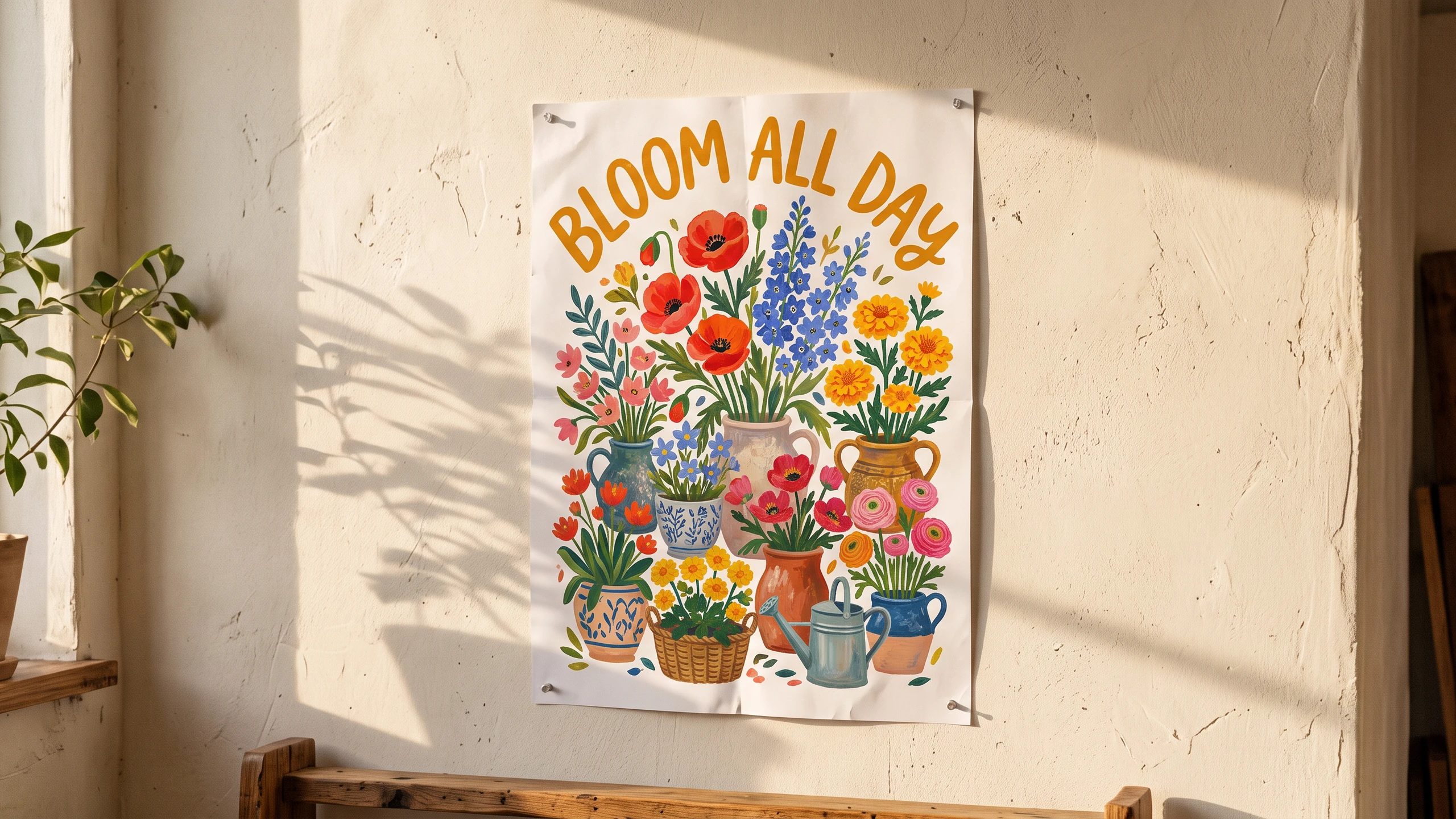
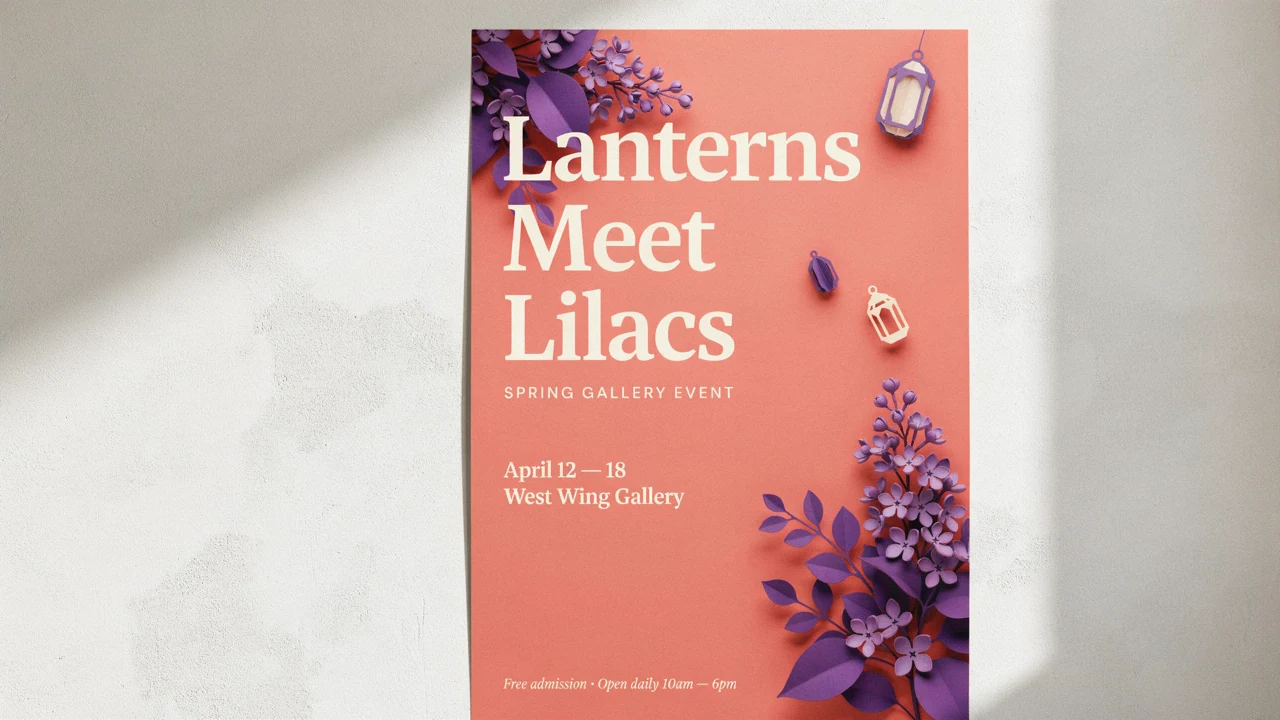
Posters and signage.
Make promotional visuals with short, readable phrases built into the image.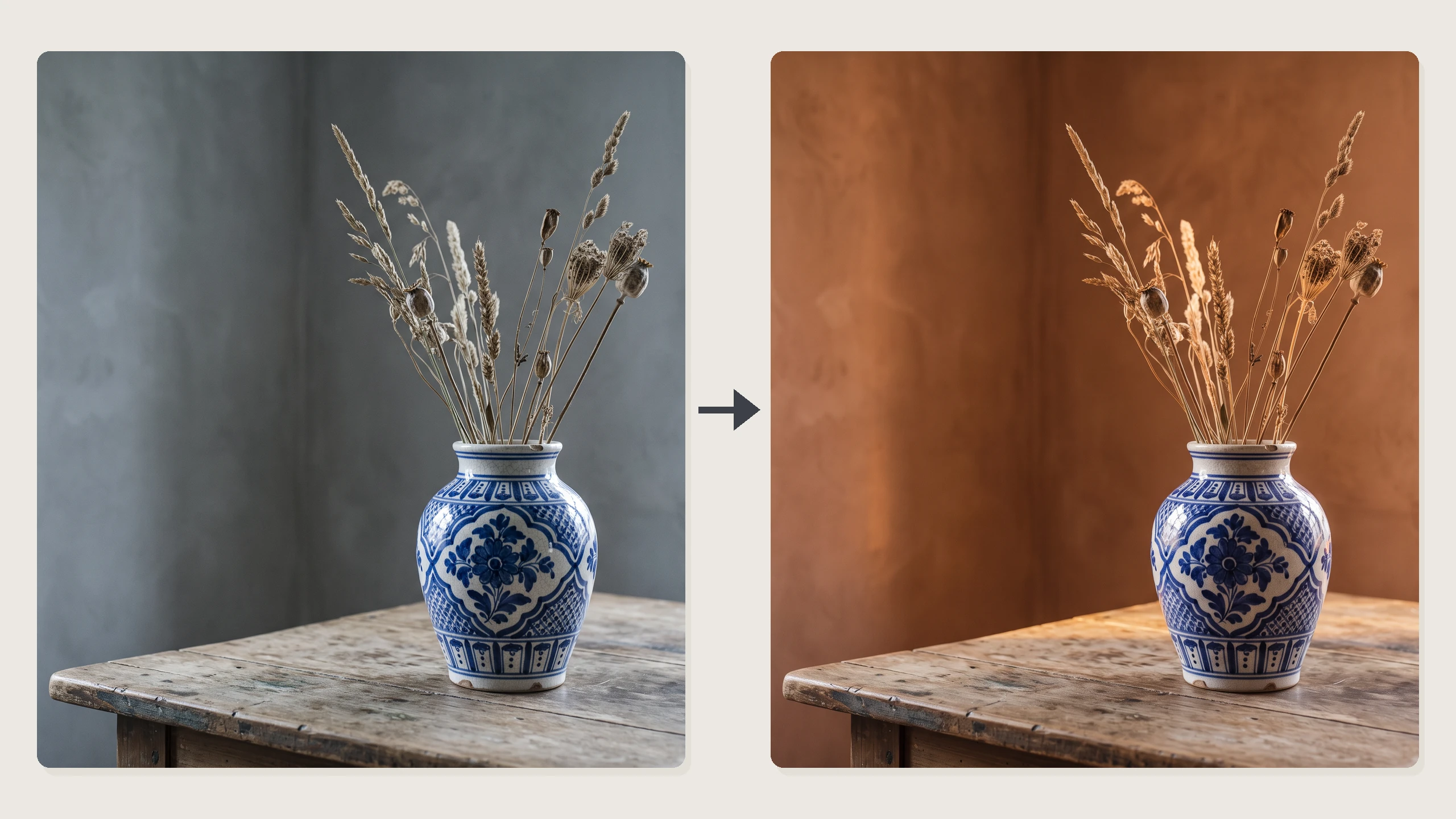
Plain-language photo edits.
Change a background, color or style by describing the result you want.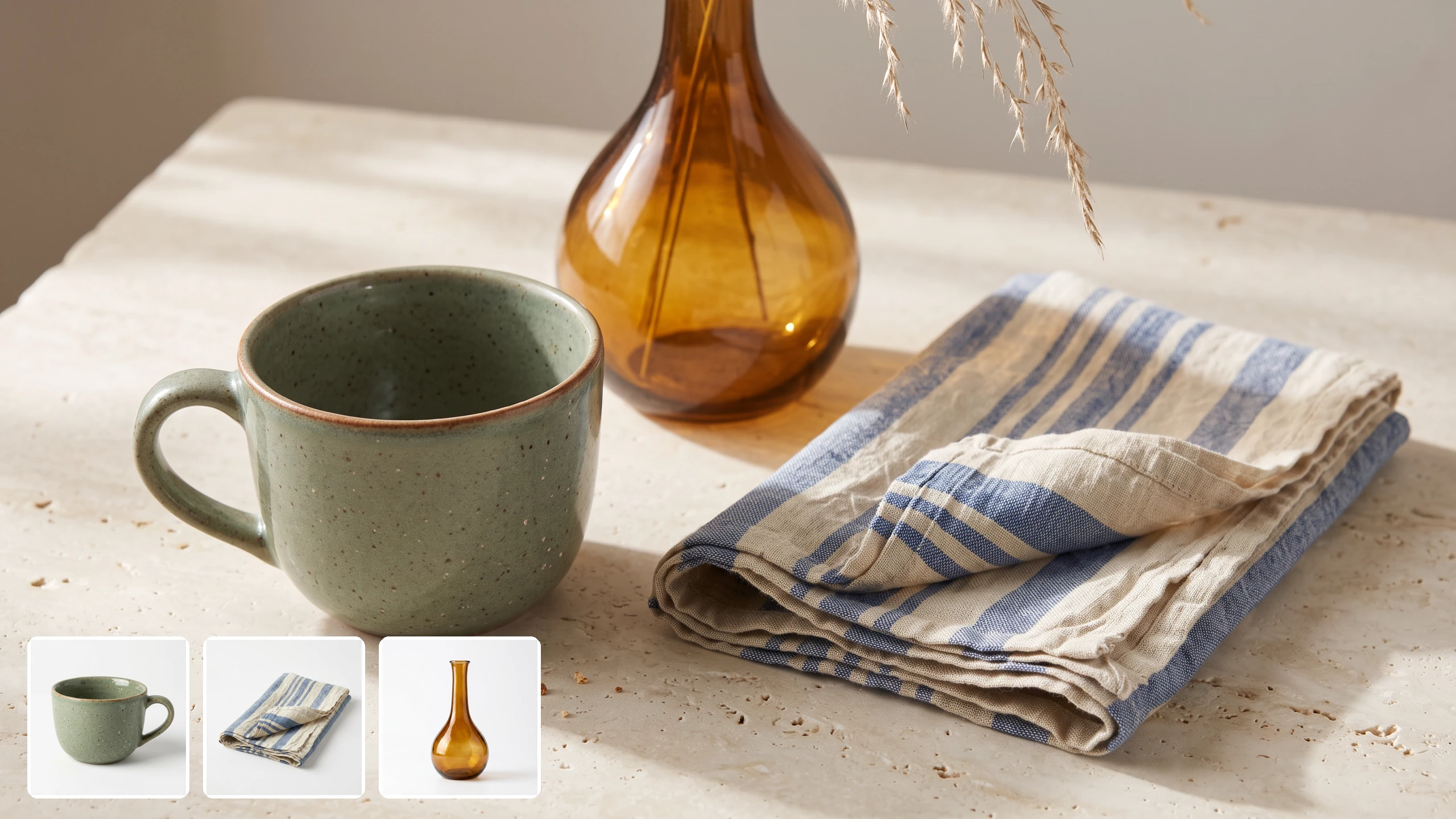
Multi-image compositions.
Bring separate visual references into one coherent scene for a campaign or mood board.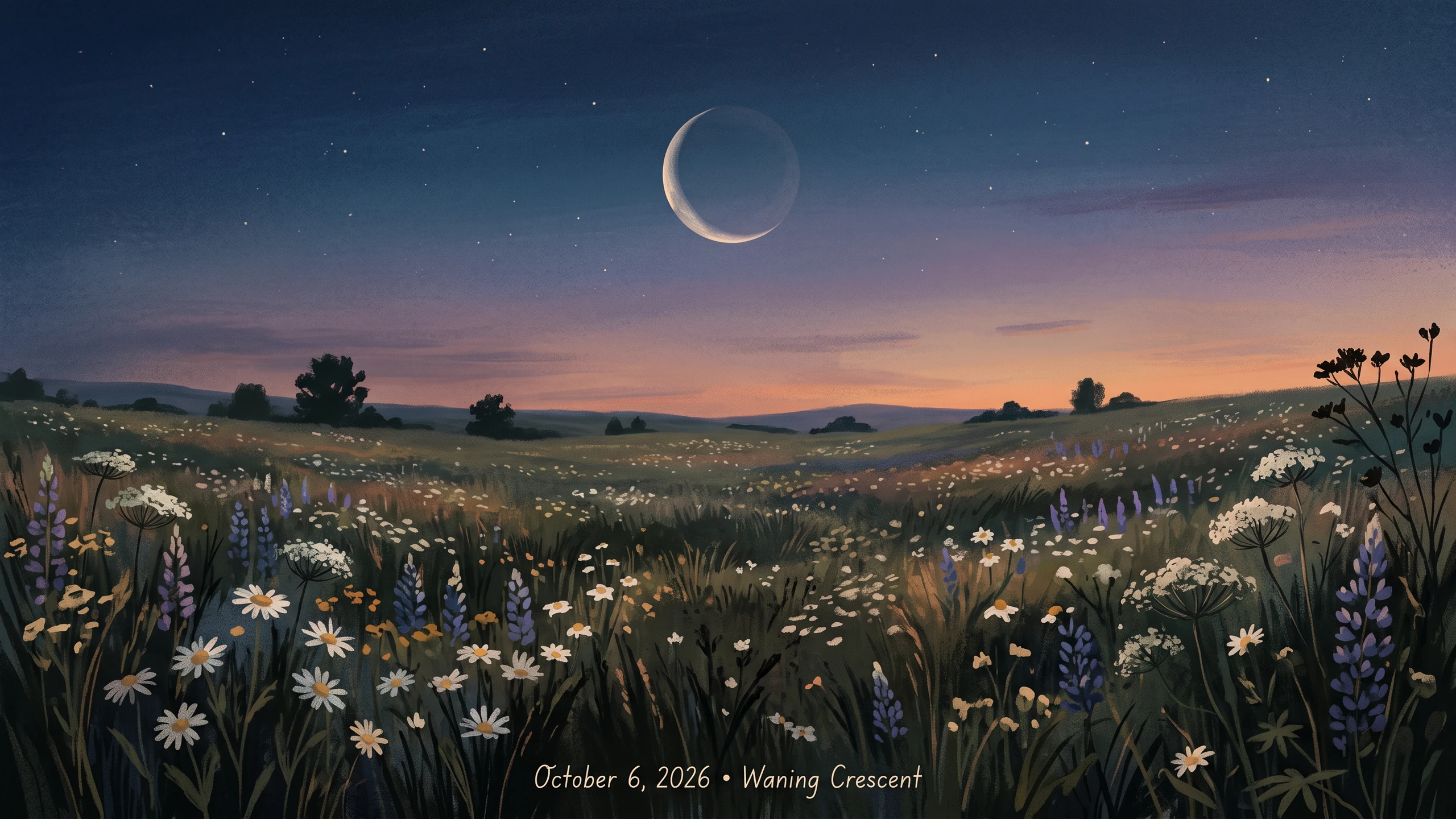
Search-grounded explainers.
Use current information to guide a visual when the subject depends on real-world facts.Readable text inside images
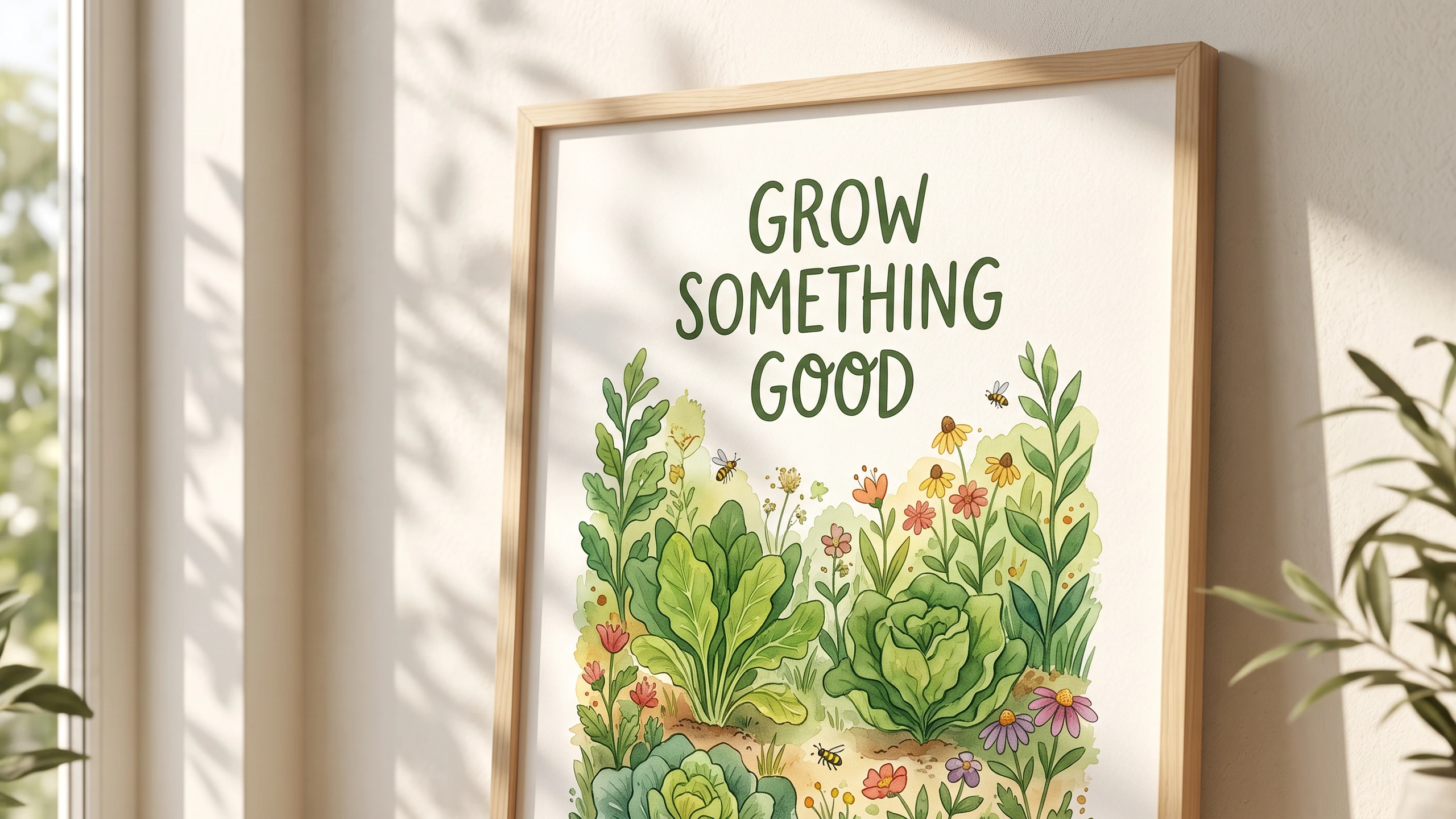
Put short phrases directly on signs, posters, labels and infographics. This makes the model useful for visuals where the words are part of the design, though you should still check spelling before publishing.
- •Short phrases are the most reliable
- •Useful for signs and posters
- •Supports labels and infographic layouts
- •Review text in every finished image
Edit and combine reference images
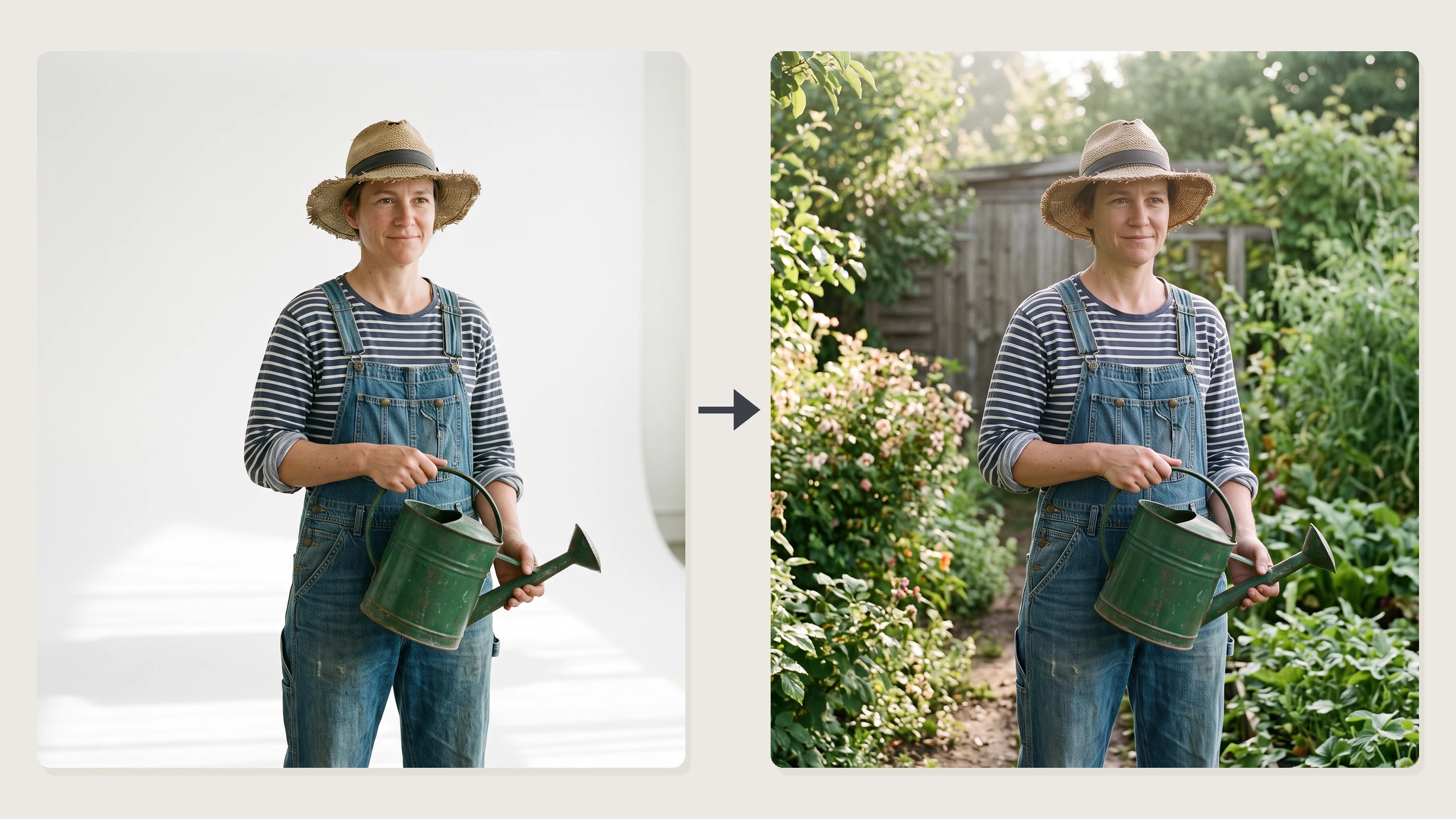
Upload an image and describe what to change in everyday language, or bring several images together in a new composition. References help communicate the visual details you care about without requiring specialized editing controls.
- •Add up to 9 reference images
- •Change backgrounds, colors or style
- •Combine subjects into one scene
- •Describe the desired result in plain language
- •The first reference guides the default shape
Optional grounding in current information
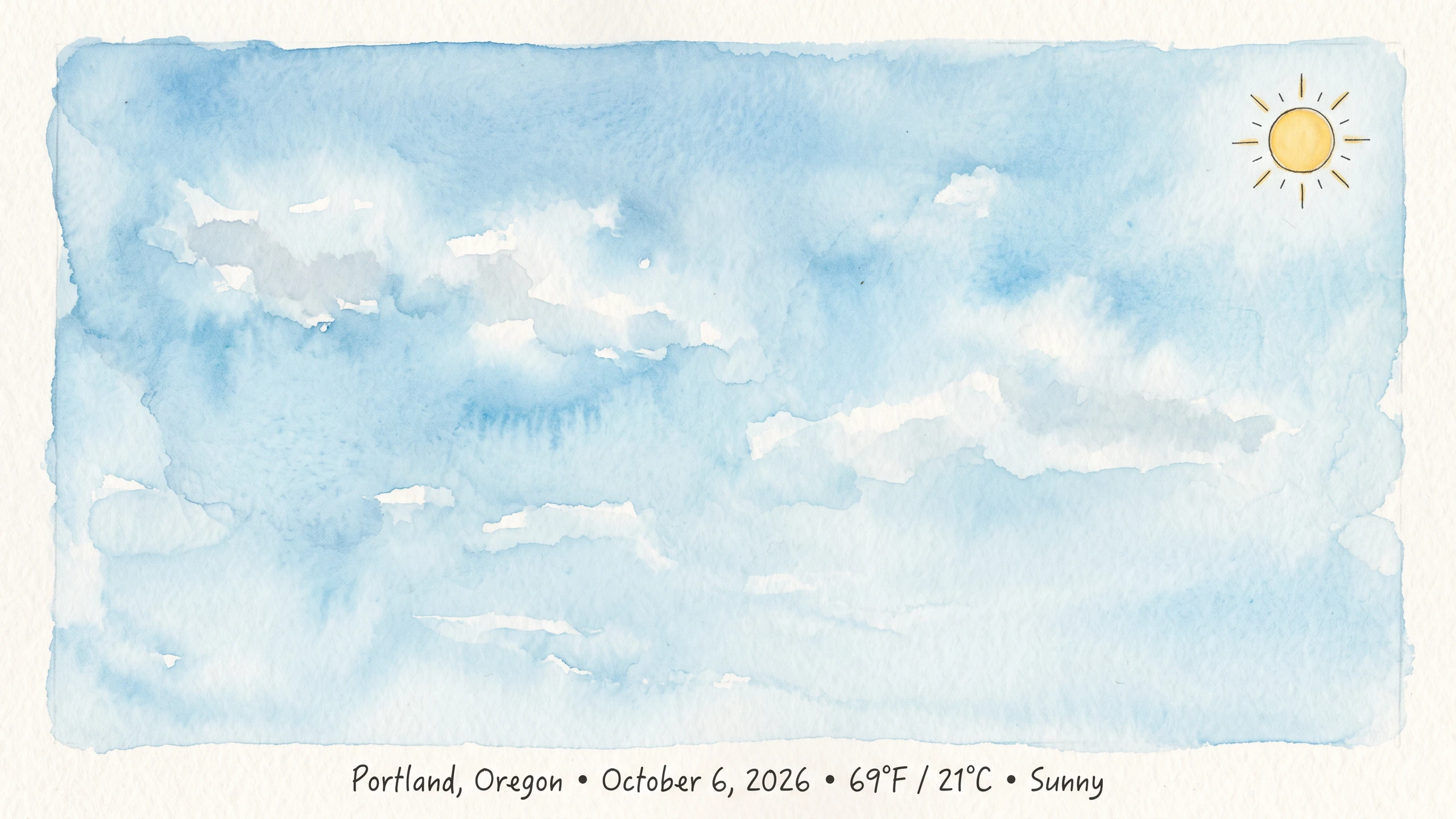
Turn on search grounding when an image depends on facts that may have changed, such as weather or recent events. Image Search can also supply visual reference from the web; leave grounding off for purely imaginative work.
- •Google Search checks current information
- •Image Search supplies visual reference
- •Image Search also includes Google Search
- •Grounding is off by default
Flexible formats up to 4K
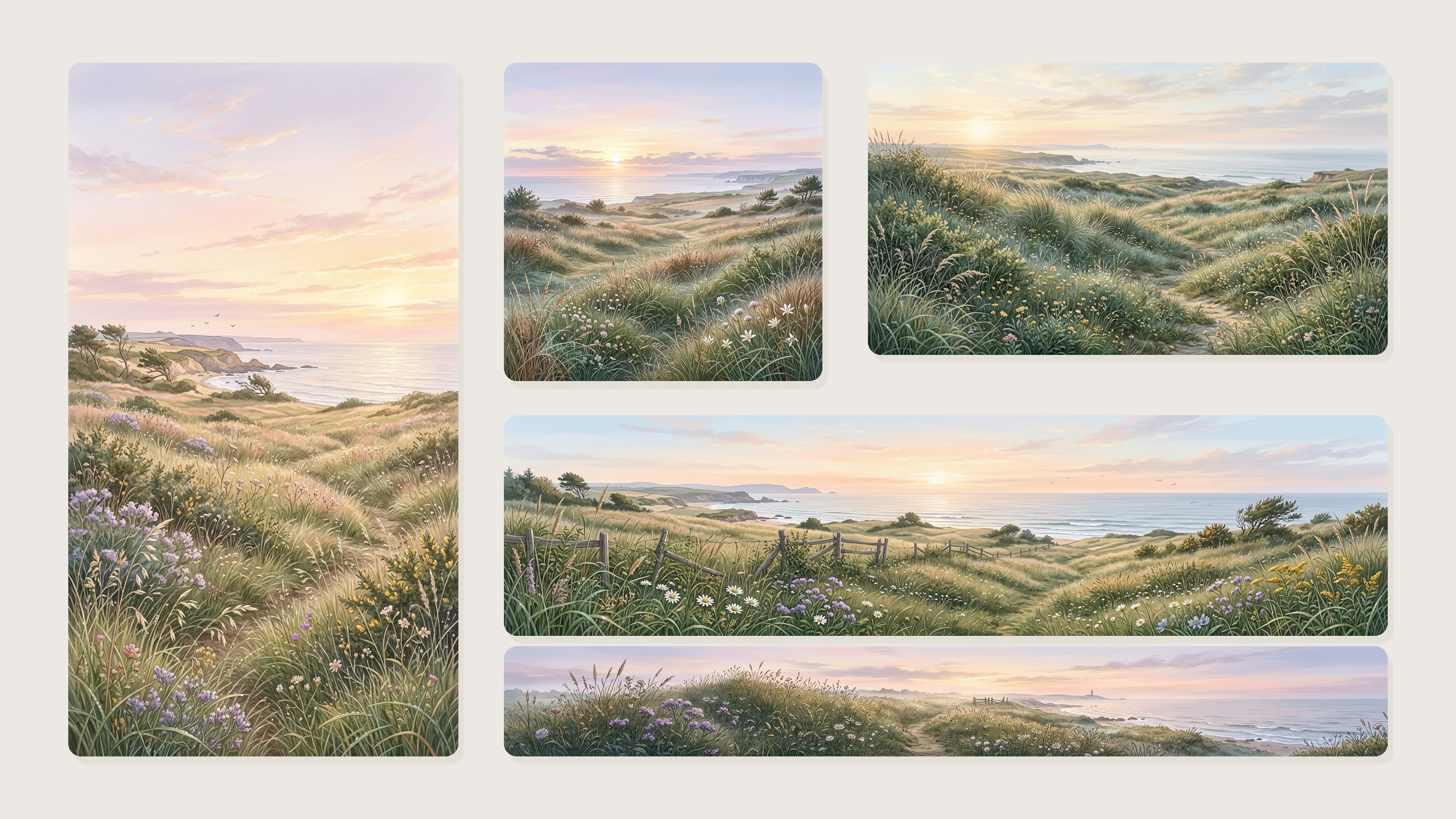
Start with a square image or choose a shape that fits your project. Output sizes reach 4K, while wide, tall and panoramic aspect ratios give you room to compose for different placements.
- •Choose 1K, 2K or 4K output
- •Square, landscape and portrait formats
- •Extra-wide and extra-tall options
- •Set an aspect ratio to reframe an edit
How it works

1
Describe your image
Open Nano Banana 2.1 in BudgetPixel's Image Workshop or Design Studio and write what you want to see. For an edit, use the Image to Image tab, upload your references and describe the changes.

2
Choose size and shape
Select an output size and aspect ratio for where the image will go. If the subject needs current facts or web imagery, enable the appropriate search-grounding option.

3
Generate and refine
Generate your image, then inspect details and any text before using it. Adjust your description or references and try again if the composition needs work.
Prompts to steal
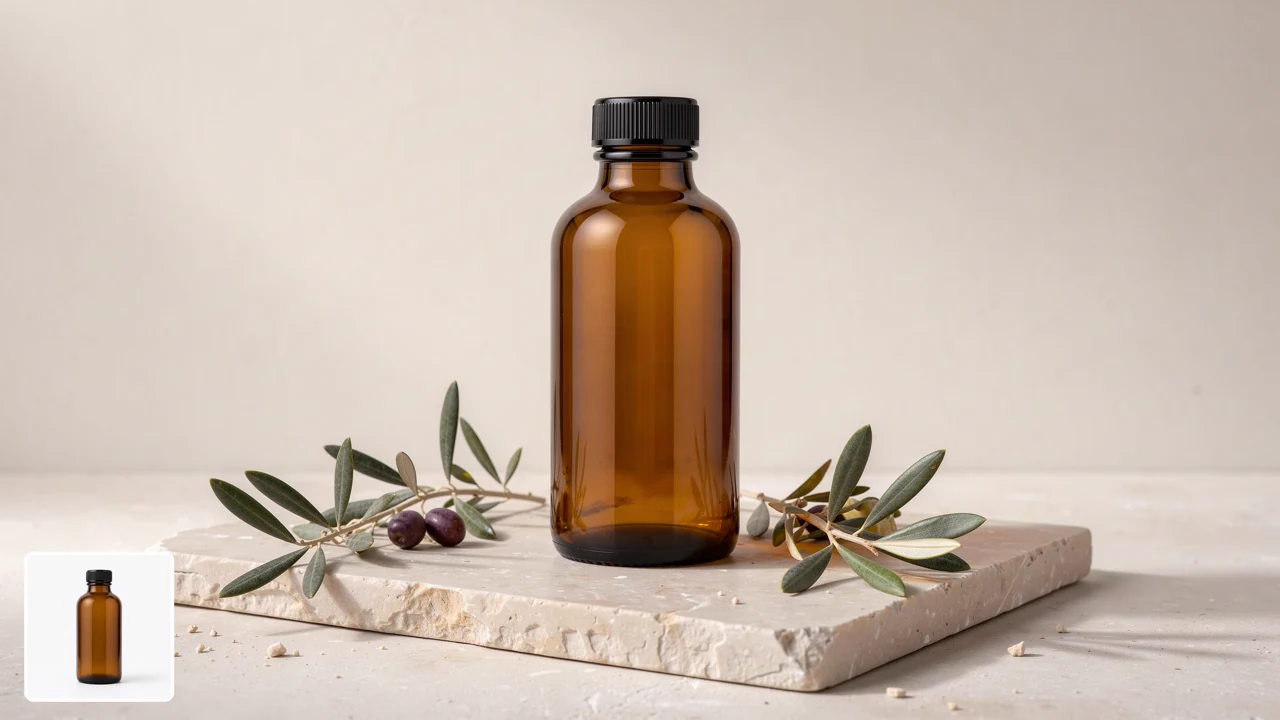
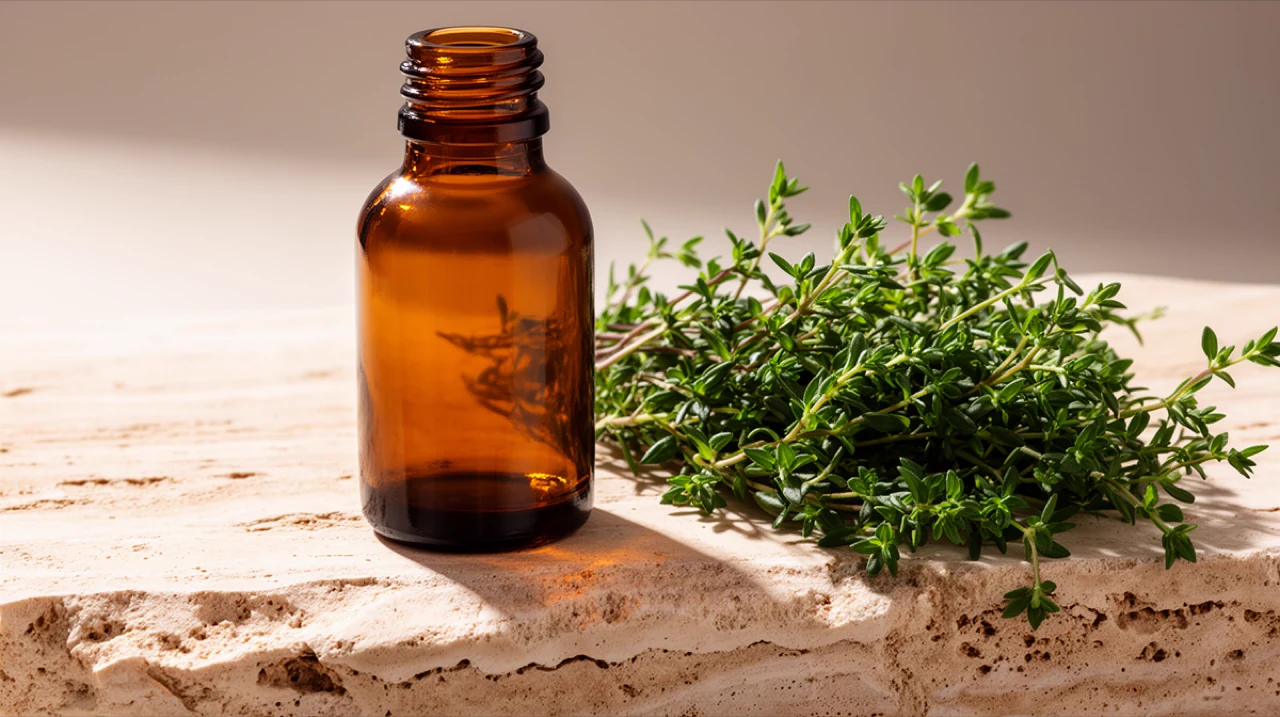
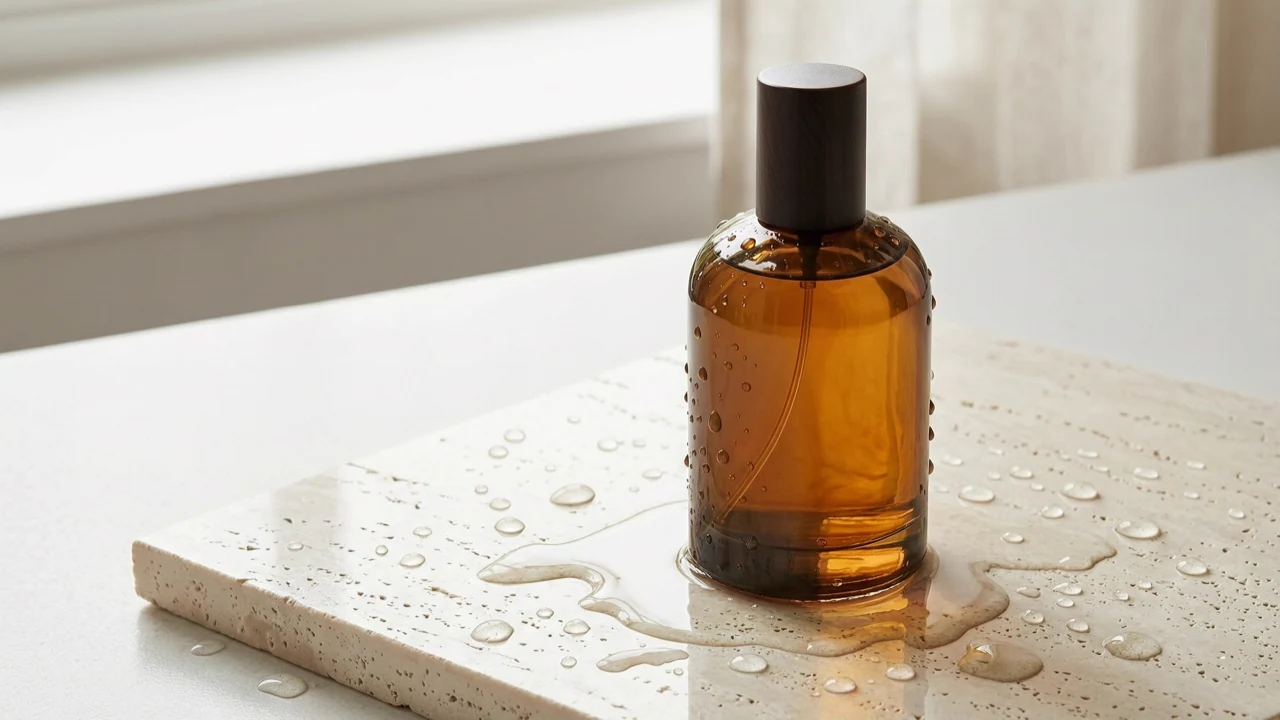
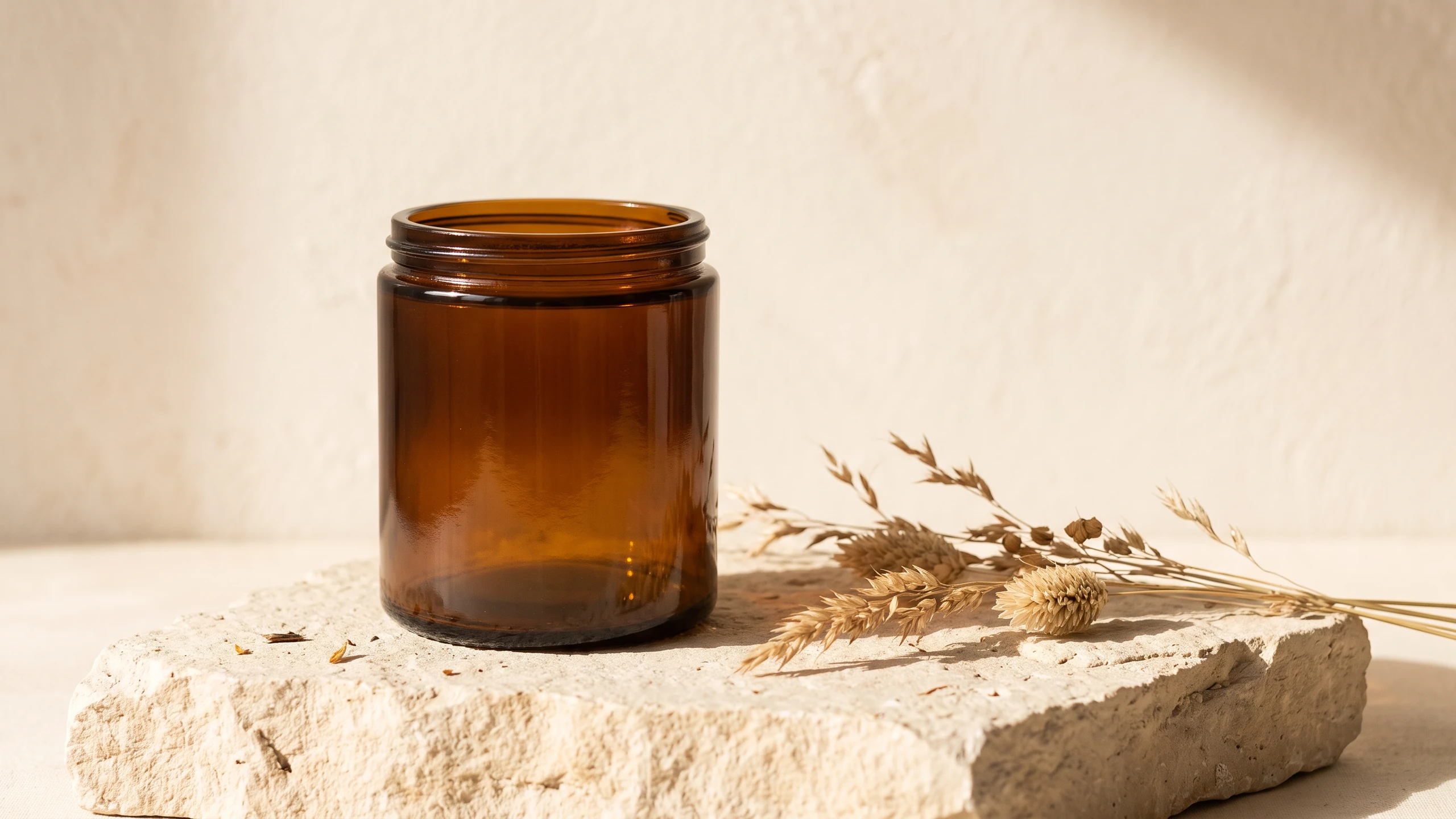
Studio photograph of an unmarked amber glass candle jar on pale limestone, warm window light, soft shadows, dried grasses and a cream backdrop.
Product photography
Scene of a vibrant illustrated flower-market poster pinned to a cream wall, bold lettering reading "Bloom All Day", painted blossoms and warm afternoon light.
Posters and signage
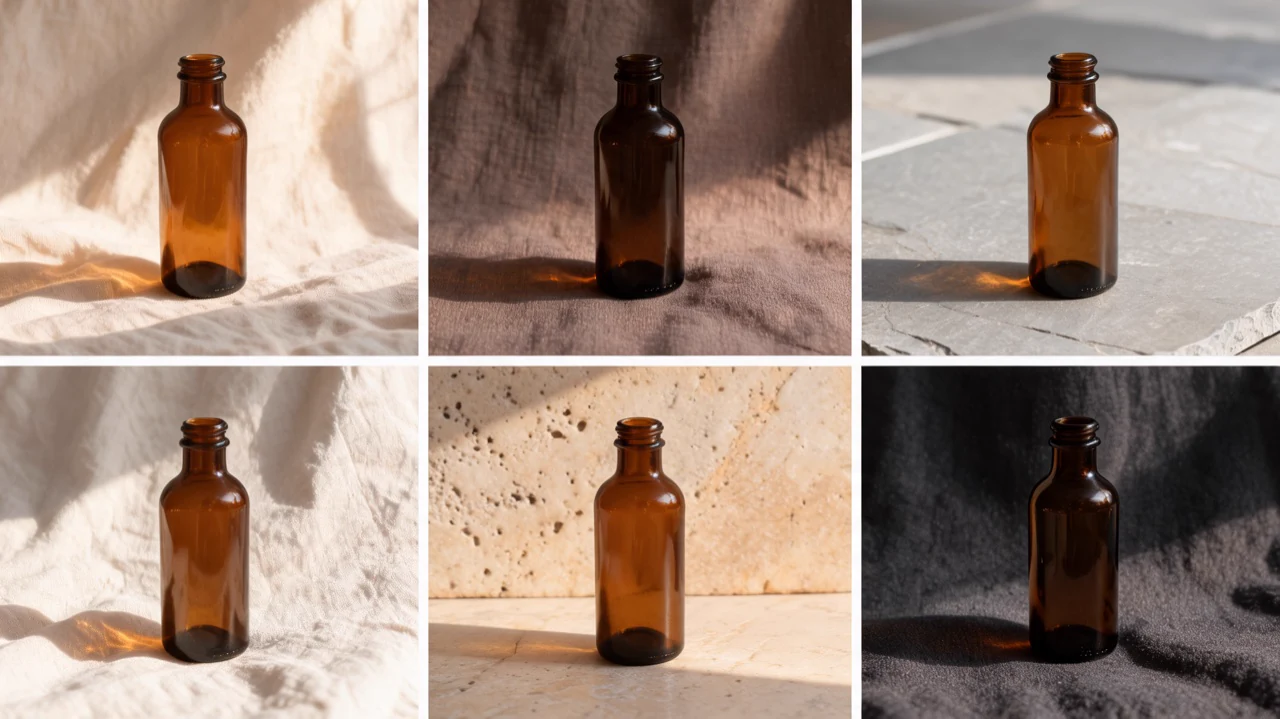
Change the setting to a warm terracotta wall and a wooden table in late afternoon sun. Keep the vase, its pattern, the dried stems and the camera angle exactly the same. (Image to Image, 1 image)
Plain-language photo edits
A tabletop still life on pale stone that combines all three references: the sage green speckled cup from image 1, the folded blue and cream striped linen from image 2 beside it, and the amber glass vase from image 3 behind them holding a few dried grasses. Keep each object's colour, pattern and shape exactly as in its reference. Soft afternoon shadows, editorial photograph. (Image to Image, 3 refe
Multi-image compositions
An editorial illustration of tonight's moon over a wildflower meadow at twilight. Draw the moon in its current phase, and write today's date and the name of the phase in a small neat caption at the bottom. (Google Search on)
Search-grounded explainers
Pricing for Nano Banana 2.1
Runs on credits — no per-model surcharges, no surprise billing.
45credits
per generation
45 credits per image
Show pricing details▾
ResolutionCredits
- 1Kdefault45/ generation
- 2K70/ generation
- 4K150/ generation
Credits work across every plan. See /pricing for credit packages.
Compare all 4 versions
All 4 run on the same credits in the same workshop — here is what each costs and what it is for.
Nano Banana 2.1
45credits per generation
- Resolution:
- 1K 45 credits · 2K 70 credits · 4K 150 credits
Google's Nano Banana 2.1: fast text-to-image and image editing with sharper output and cleaner in-image text than Nano Banana 2. Edit or compose from up to 9 reference images at no extra cost, render at 1K, 2K or 4K, and optionally ground the image in live Google Search results or web images.
Try Nano Banana 2.1 →Nano Banana Pro
120credits per generation
- Resolution:
- 4K 180 credits
Professional asset production with Gemini 3 Pro. Features Google Search grounding, advanced reasoning, 1K/2K/4K resolution support, and multi-image fusion (up to 6 references).
Try Nano Banana Pro →Nano Banana 2
65credits per generation
- Resolution:
- 0.5K 50 credits · 1K 65 credits · 2K 100 credits · 4K 150 credits
High-efficiency image generation with Gemini 3.1 Flash. Features 0.5K/1K/2K/4K resolution, Google Image Search grounding, advanced text rendering, and multi-image fusion (up to 6 references).
Try Nano Banana 2 →Use Nano Banana 2.1 via the API
Nano Banana 2.1 is available through the BudgetPixel developer API — the same model the studio runs, supporting text-to-image, and image editing / references. Pricing is metered in credits (45 credits/image at 1K, 70 credits/image at 2K, 150 credits/image at 4K; optional per image: google_search +10, image_search +20), charged only on success, with an API key available on Premium plans and above.
curl -X POST https://api.budgetpixel.com/v1/images/nano-banana-2.1 \
  -H "Authorization: Bearer $BUDGETPIXEL_API_KEY" \
  -H "Content-Type: application/json" \
-d '{"prompt": "your prompt here"}'No code? Use Nano Banana 2.1 from Claude or Cursor
Nano Banana 2.1 is also available through the BudgetPixel MCP server. Connect your account to Claude, Cursor, or any MCP-enabled agent and generate with Nano Banana 2.1 by asking in plain language — same credits, same pricing, no code required.
Nano Banana 2.1 at a glance
- Text-to-image and editing in one model
- Up to 9 reference images, free
- 1K, 2K and 4K output
- Sharp, readable text in images
- Optional Google Search and Image Search grounding
- 14 aspect ratios, from 8:1 to 1:8
How Nano Banana 2.1 compares
The differences that actually change which one you pick.
- Nano Banana 2.1 vs Nano Banana 2
- Nano Banana 2.1 is the newer model, with sharper output and cleaner in-image text, and it costs less at 1K and 2K. Nano Banana 2 keeps a 0.5K size for quick drafts.
- Nano Banana 2.1 vs Nano Banana Pro
- Nano Banana Pro is the heavier model for complex professional assets. Nano Banana 2.1 is the fast, lower-cost choice for everyday generation and editing.
Frequently asked questions
What is Nano Banana 2.1, and who makes it?▾
Nano Banana 2.1 is Google's image model for text-to-image creation and conversational image editing. On BudgetPixel, you can use it in the Image Workshop and Design Studio with BudgetPixel credits, without a separate subscription or local GPU.
How much does Nano Banana 2.1 cost?▾
Generation and editing each cost 45 credits per image at 1K, 70 at 2K and 150 at 4K. Reference images cost nothing extra. Google Search grounding adds 10 credits per image; Image Search adds 20 credits per image instead and includes Google Search.
How is Nano Banana 2.1 different from Nano Banana 2 and Nano Banana Pro?▾
Nano Banana 2.1 builds on the previous fast model, Nano Banana 2, with improved visual quality and text rendering. Nano Banana Pro is the heavier choice for complex professional assets. If you only need a budget 1K option, Nano Banana 2 Lite has its own page.
How do I edit images with references, and what are the limits?▾
In the Image Workshop's Image to Image tab, add up to 9 reference images and describe the edit or combined scene in plain language. The result follows the shape of the first reference by default; selecting an aspect ratio reframes it. References cost nothing extra, but they do not guarantee that every detail or character will remain identical.
What is search grounding, and when should I use it?▾
Search grounding is optional and off by default. Use Google Search when an image depends on current facts; it adds 10 credits per image. Image Search provides web images as visual reference and includes Google Search for 20 credits per image total, not both fees added together.
Which sizes and aspect ratios can Nano Banana 2.1 render?▾
Choose 1K, 2K or 4K; the default is 1K, which is 1024x1024 at 1:1. Aspect ratios are 1:1, 16:9, 9:16, 4:3, 3:4, 3:2, 2:3, 5:4, 4:5, 21:9, 4:1, 1:4, 8:1 and 1:8. At 1:1, 2K is 2048x2048 and 4K is 4096x4096.
Does Nano Banana 2.1 render text well?▾
It can produce readable text in signs, posters, labels and infographics, and Google identifies text rendering as an improvement over Nano Banana 2. Short phrases are the most reliable; inspect the result rather than assuming longer copy is spelled correctly.
Can I use Nano Banana 2.1 through an API?▾
Yes. It is available through the BudgetPixel developer API and MCP server at the same per-image prices as the Image Workshop. You can also select it in BudgetPixel's Design Studio.
Can I use Nano Banana 2.1 images commercially?▾
BudgetPixel plans include commercial usage terms. Check the Terms for the conditions that apply to your plan and intended use, and make sure you have the rights to any images you upload.
How long does an image take, and can I make several at once?▾
Most images arrive in under a minute, but delivery time is not guaranteed. You can request up to 4 images at once; each is generated separately. There is no seed control or negative-prompt control.
Does Nano Banana 2.1 have an API?▾
Yes — Nano Banana 2.1 is available through the BudgetPixel developer API via the `POST /v1/images/nano-banana-2.1` endpoint, supporting text-to-image, and image editing / references. Generate an API key from the developer console (available on Premium plans and above) and see the full reference at docs.budgetpixel.com.
How much does the Nano Banana 2.1 API cost?▾
API usage is billed in credits from the same balance your plan includes, at the standard metered rate: 45 credits/image at 1K, 70 credits/image at 2K, 150 credits/image at 4K; optional per image: google_search +10, image_search +20. Failed generations are never charged. You can estimate any request's exact cost with POST /v1/cost before running it.
Can I use Nano Banana 2.1 with Claude or other AI agents (MCP)?▾
Yes — Nano Banana 2.1 is exposed through the BudgetPixel MCP server, so Claude, Cursor, and any MCP-compatible agent can generate with it from a plain-language request. Connect your account at budgetpixel.com/mcp; generations use the same credit balance and pricing as the web studio and the API.