Nano Banana Pro
Create production-ready visuals with clear in-image text and precise image editing.

1K, 2K or 4KOutput
Up to 9References
Google SearchGrounding
120 · 180 at 4KCredits
Professional images for every use case
Product mockups.
Build polished product scenes with controlled lighting, materials and composition for asset reviews or campaigns.Localized ad variants.
Adapt a visual concept for different settings while keeping the featured product recognizable.Architectural renders.
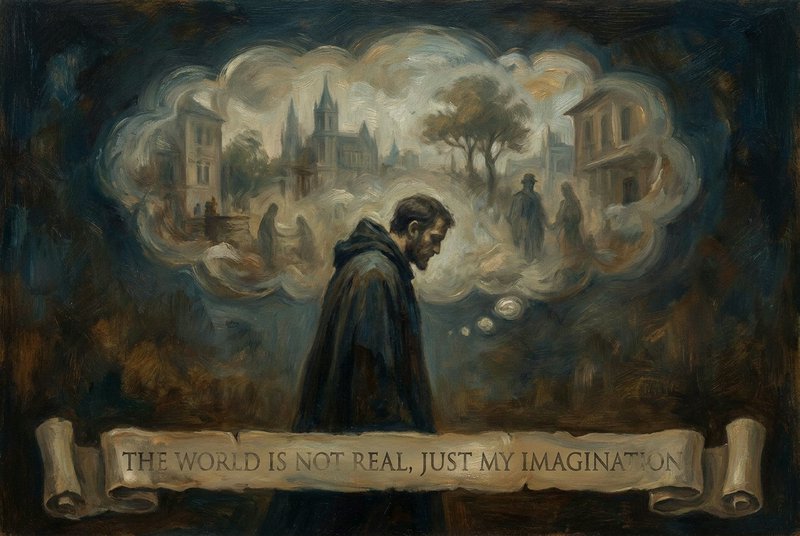
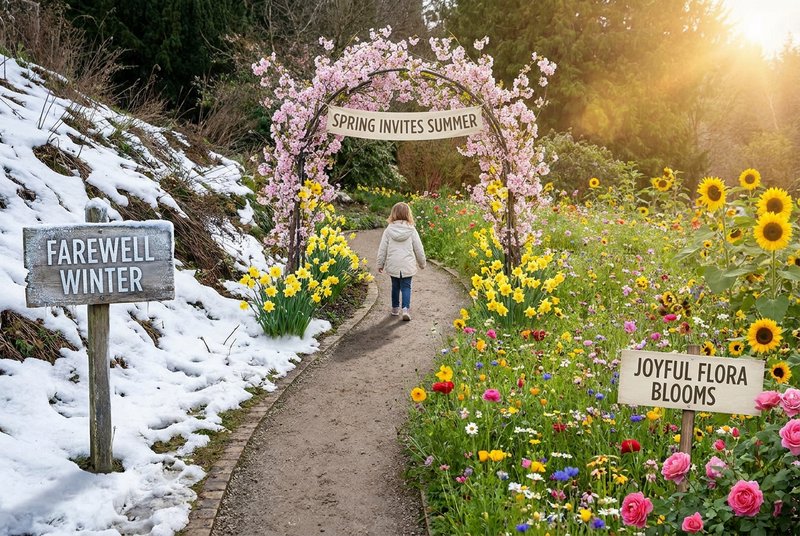
Combine design references into a coherent interior with consistent materials, perspective and light.Clear text inside complex visuals
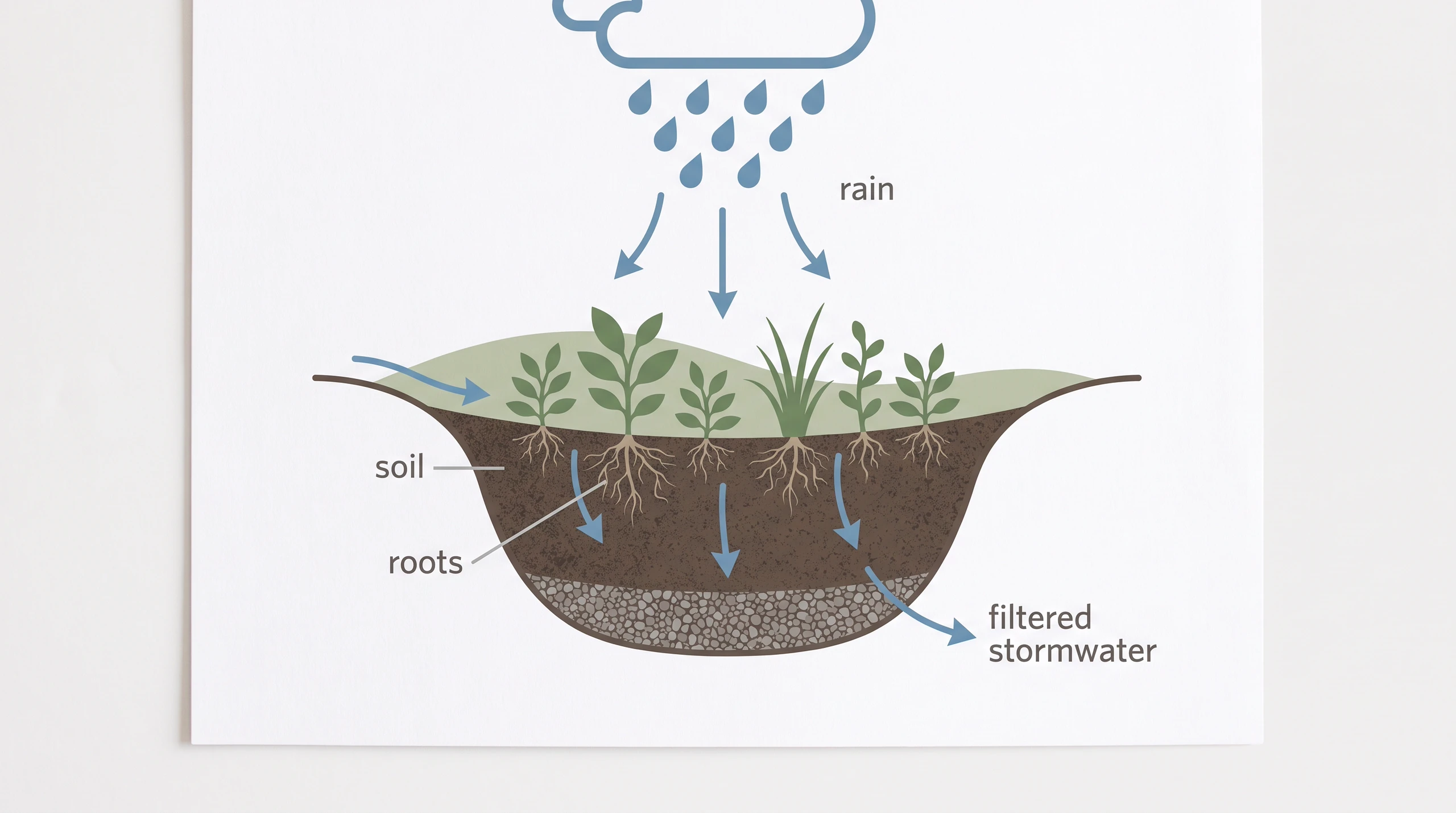
Nano Banana Pro can place legible text within diagrams, infographics and product visuals. Specify the exact wording and the visual hierarchy, then proofread the result before publishing.
- •Create labeled diagrams and infographics
- •Specify exact words in your prompt
- •Describe type style and placement
- •Edit wording without rebuilding the concept
Fuse images into one composition
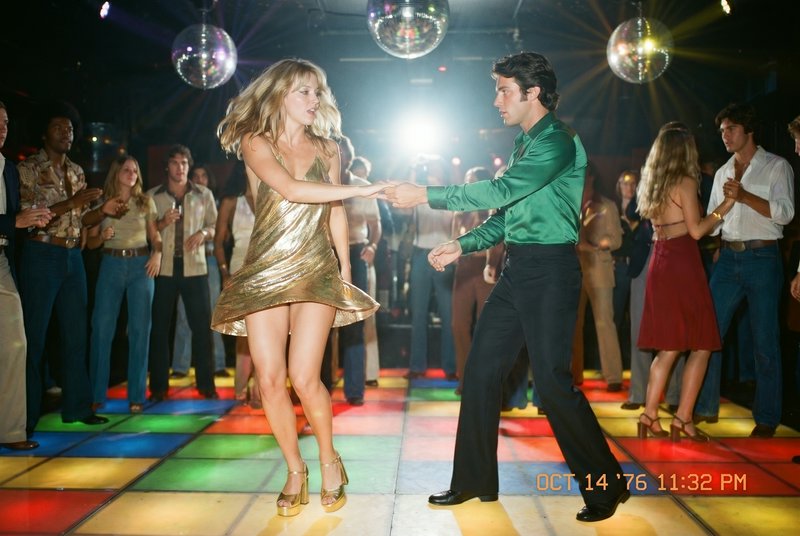
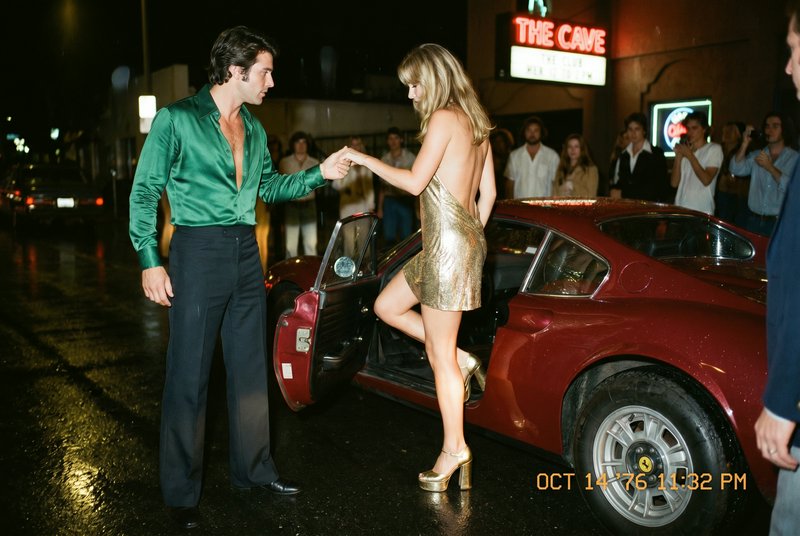
Supply reference images to guide the subjects, materials and style of a new visual. BudgetPixel supports up to 9 reference images, making it practical to assemble a scene from existing assets.
- •Combine up to 9 reference images
- •Carry recognizable objects into a new scene
- •Guide materials, color and visual style
- •Refine the composition with image editing

Ground fact-sensitive imagery
Google Search grounding can help inform visuals that depend on real-world information. It is useful for research-led infographics, but generated facts and labels still need a human check.
- •Support research-led visual concepts
- •Add context to real-world subjects
- •Create diagrams with plausible relationships
- •Review facts before publication
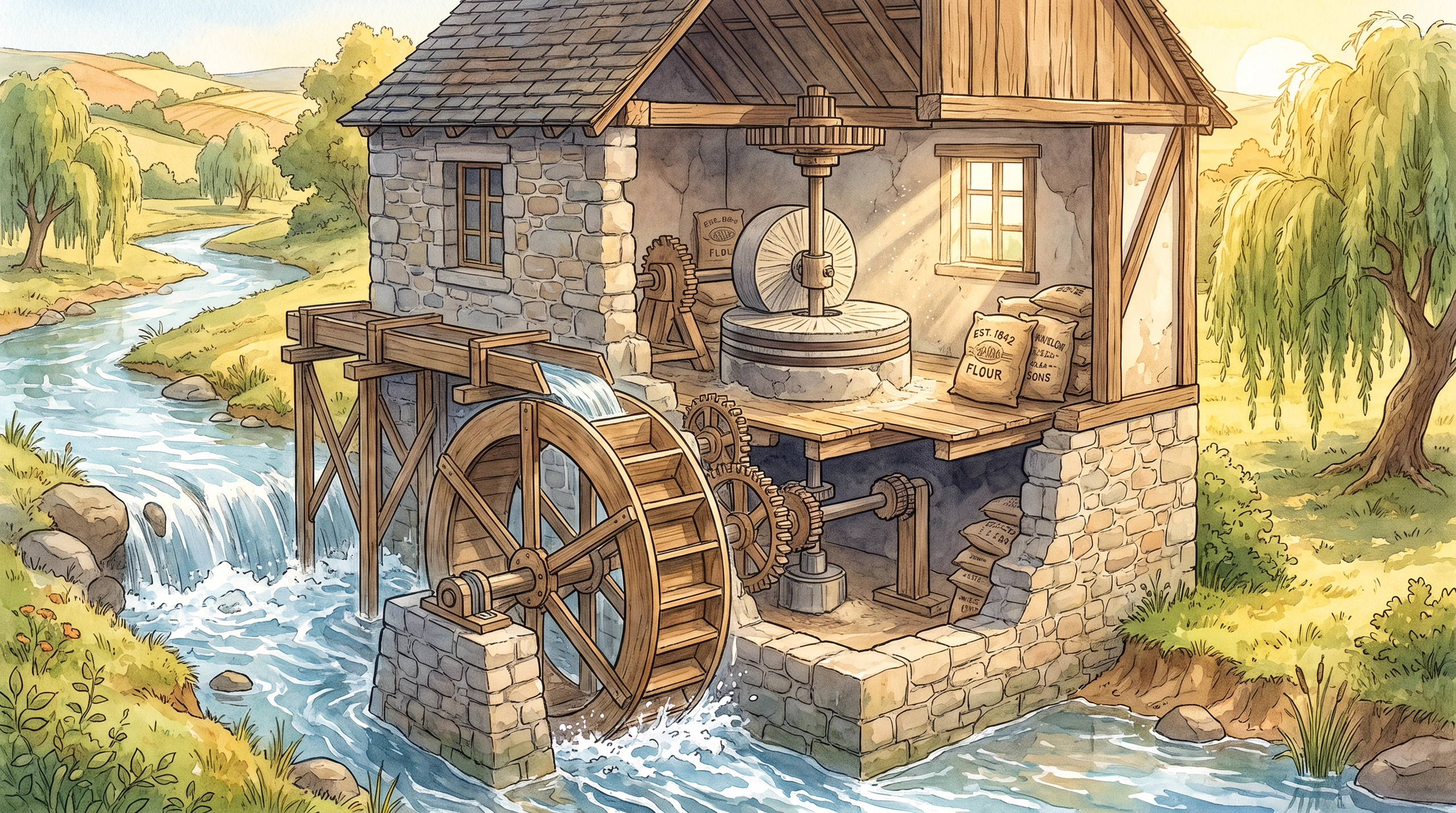
Generate and edit high-resolution assets
Create new images or revise existing ones for different placements and deliverables. Choose 1K, 2K or 4K output and an aspect ratio suited to the final design.
- •Generate from text or edit an image
- •Export at 1K, 2K or 4K
- •Choose square, portrait or landscape framing
- •Adapt a composition for a new placement
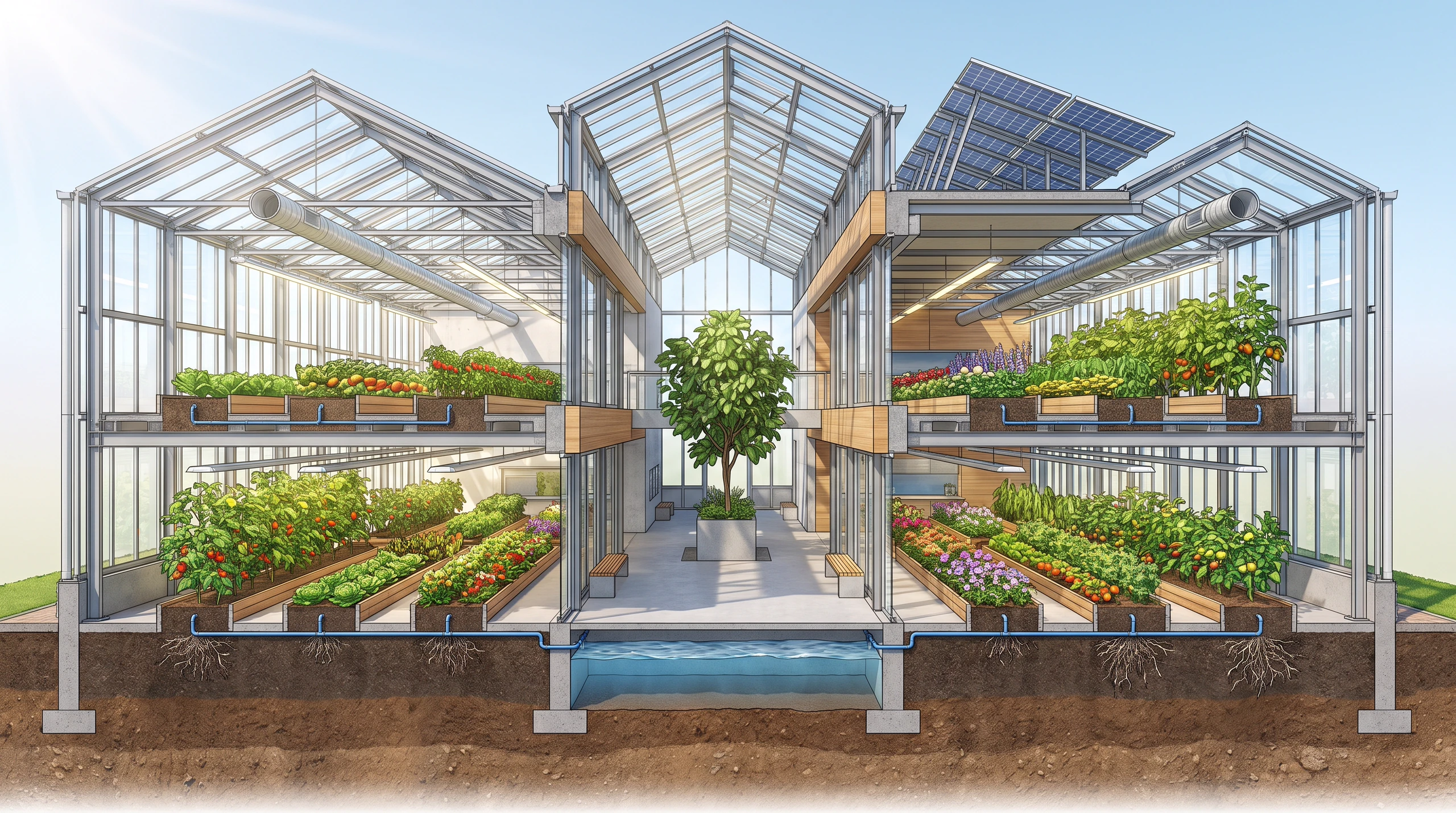
How it works

1
Describe your asset
Open Nano Banana Pro in BudgetPixel’s Image Workshop. Describe the subject, layout, visual style and any exact diagram labels in plain language.

2
Add references and choose output
Upload images if you want to combine existing subjects or guide the style. Select an aspect ratio and choose 1K, the default 2K, or 4K output for your intended use.

3
Generate, check and refine
Generate with BudgetPixel credits, then inspect text, factual details and product features. Edit the result to adjust the composition or create a localized variant.
Prompts to steal
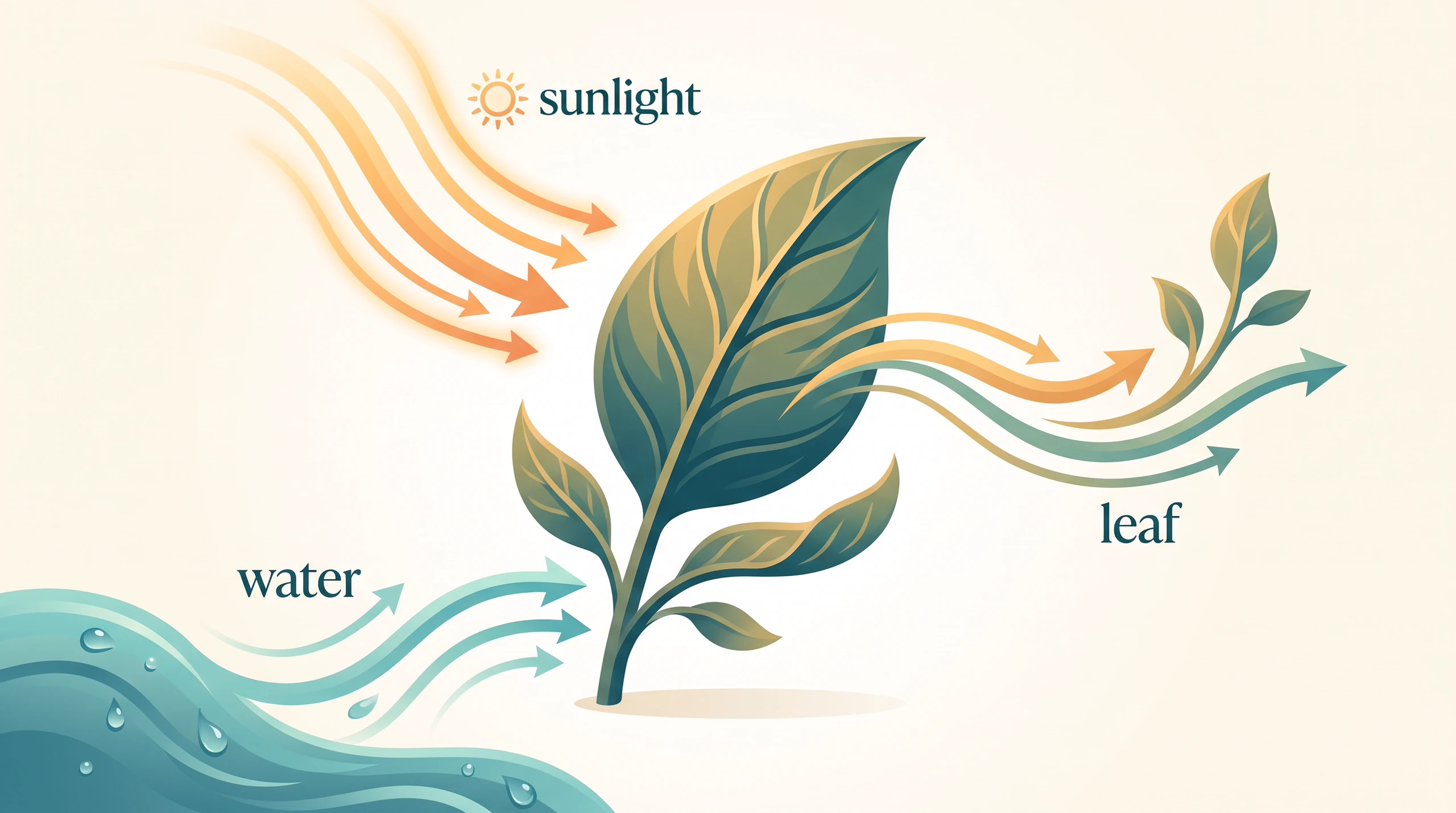
16:9 landscape, bright editorial diagram of a leaf using sunlight and water to grow, elegant arrows and clear labels 'sunlight', 'water' and 'leaf', teal and saffron palette, no signs or logos.
Infographics and diagrams
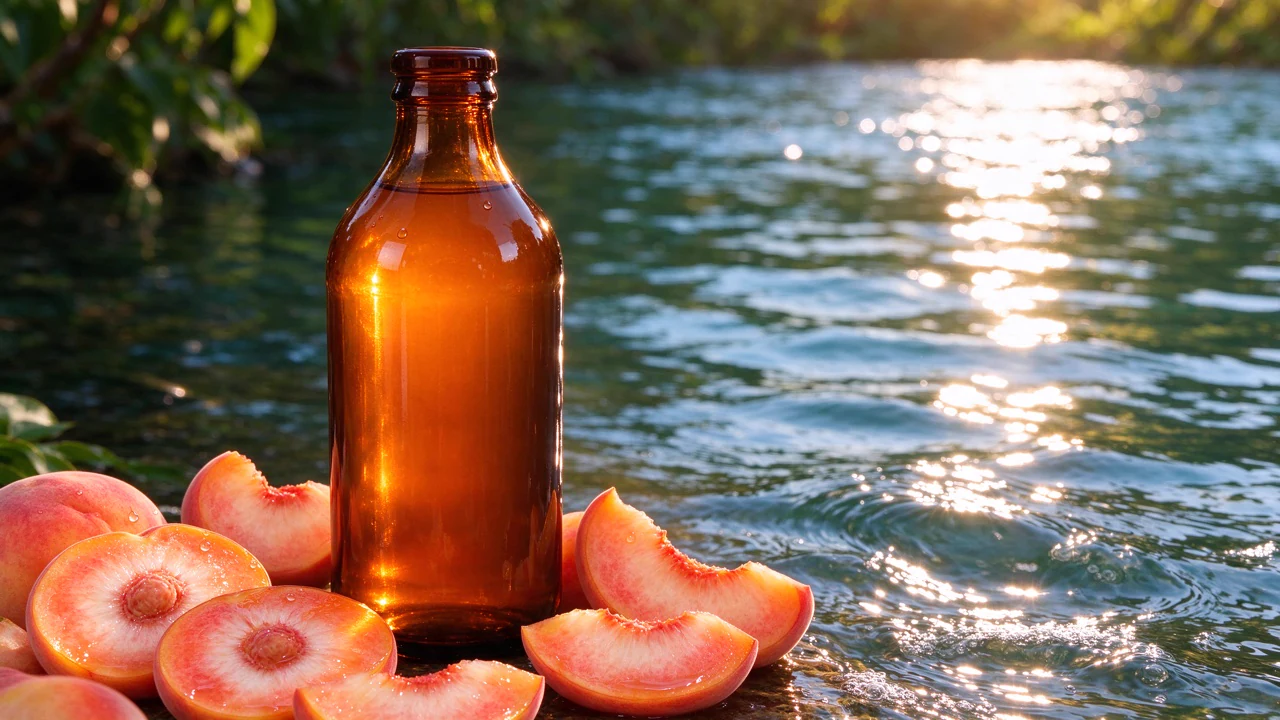
16:9 landscape, unbranded matte ceramic pour-over set on a pale travertine plinth, soft morning light, crisp glaze detail, warm neutral backdrop, generous copy space, no labels or logos.
Product mockups
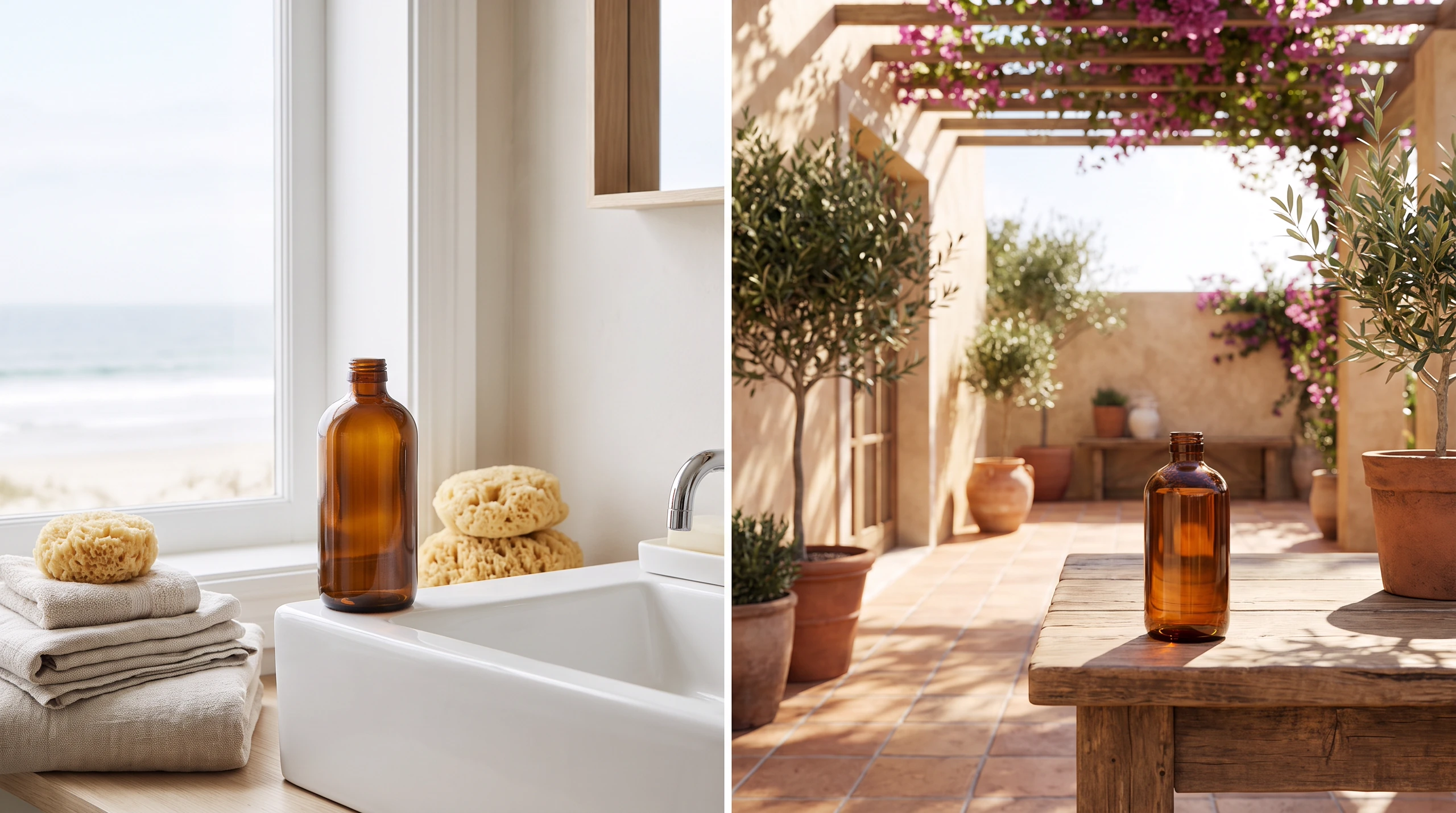
16:9 landscape, paired lifestyle campaign scenes featuring the same plain amber glass bottle: an airy coastal washroom and a warm tiled courtyard, consistent bottle silhouette, natural light, no labels or logos.
Localized ad variants
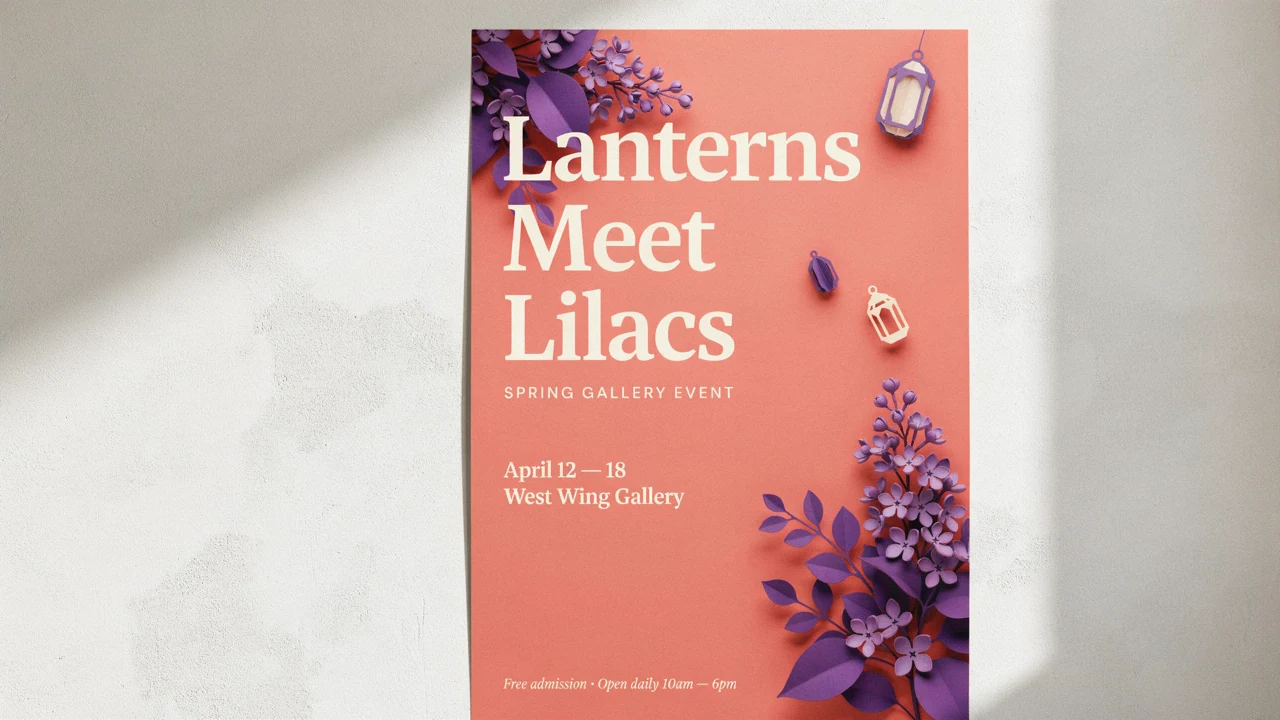
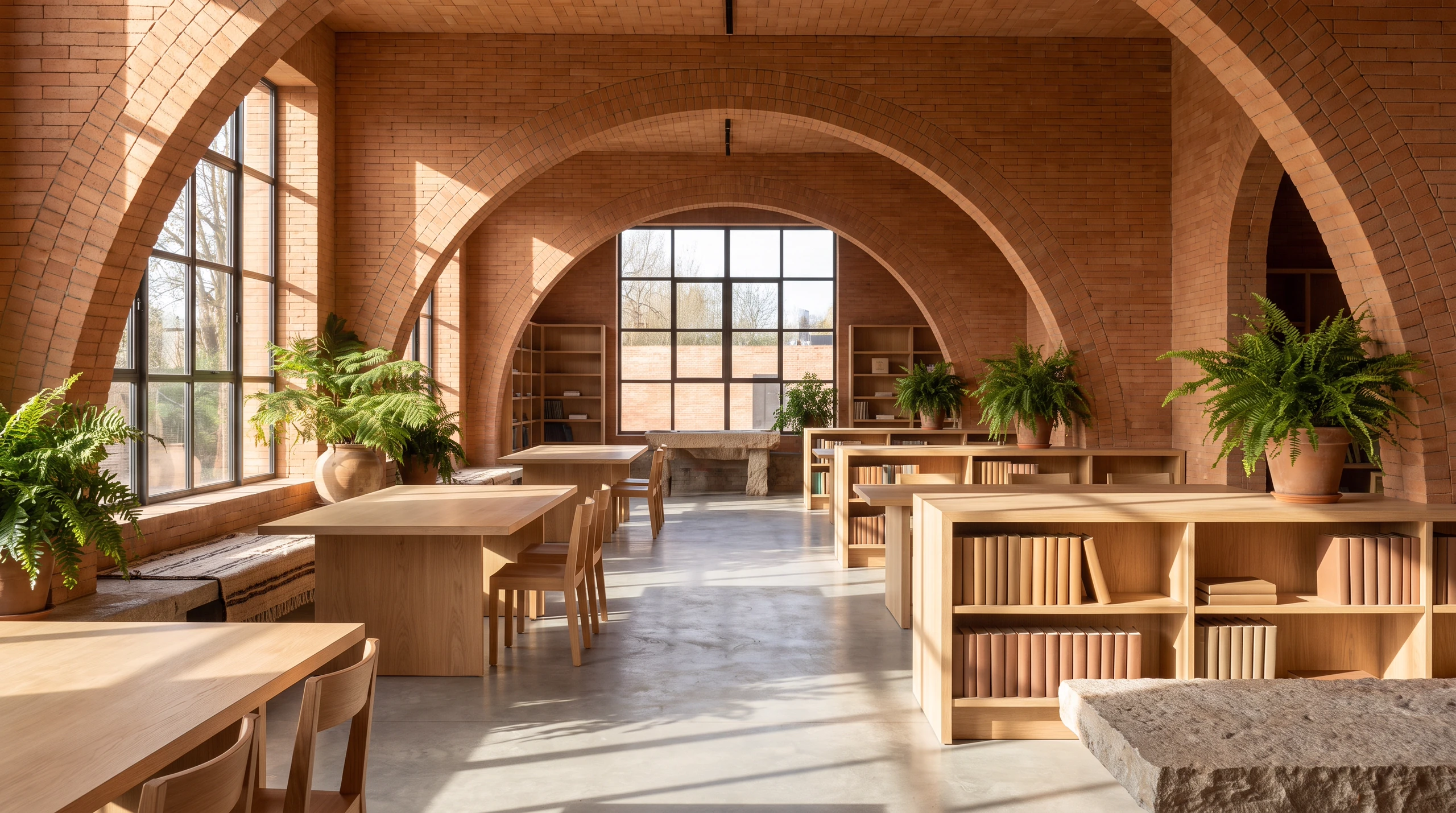
16:9 landscape, sunlit contemporary reading room with terracotta arches, pale oak furniture and lush indoor ferns, convincing perspective, tactile materials, architectural photography style, no signs or logos.
Architectural renders






Pricing for Nano Banana Pro
Runs on credits — no per-model surcharges, no surprise billing.
120credits
per generation
120 credits per image
Compare Nano Banana Pro prices across platforms →
Show pricing details▾
ResolutionCredits
- 4K180/ generation
Credits work across every plan. See /pricing for credit packages.
Compare all 4 versions
All 4 run on the same credits in the same workshop — here is what each costs and what it is for.
Nano Banana Pro
120credits per generation
- Resolution:
- 4K 180 credits
Professional asset production with Gemini 3 Pro. Features Google Search grounding, advanced reasoning, 1K/2K/4K resolution support, and multi-image fusion (up to 6 references).
Try Nano Banana Pro →Nano Banana 2.1
45credits per generation
- Resolution:
- 1K 45 credits · 2K 70 credits · 4K 150 credits
Google's Nano Banana 2.1: fast text-to-image and image editing with sharper output and cleaner in-image text than Nano Banana 2. Edit or compose from up to 9 reference images at no extra cost, render at 1K, 2K or 4K, and optionally ground the image in live Google Search results or web images.
Try Nano Banana 2.1 →Nano Banana 2
65credits per generation
- Resolution:
- 0.5K 50 credits · 1K 65 credits · 2K 100 credits · 4K 150 credits
High-efficiency image generation with Gemini 3.1 Flash. Features 0.5K/1K/2K/4K resolution, Google Image Search grounding, advanced text rendering, and multi-image fusion (up to 6 references).
Try Nano Banana 2 →Use Nano Banana Pro via the API
Nano Banana Pro is available through the BudgetPixel developer API — the same model the studio runs, supporting text-to-image, and image editing / references. Pricing is metered in credits (120 credits/image at 1K, 120 credits/image at 2K, 180 credits/image at 4K), charged only on success, with an API key available on Premium plans and above.
curl -X POST https://api.budgetpixel.com/v1/images/nano-banana-pro \
  -H "Authorization: Bearer $BUDGETPIXEL_API_KEY" \
  -H "Content-Type: application/json" \
-d '{"prompt": "your prompt here"}'No code? Use Nano Banana Pro from Claude or Cursor
Nano Banana Pro is also available through the BudgetPixel MCP server. Connect your account to Claude, Cursor, or any MCP-enabled agent and generate with Nano Banana Pro by asking in plain language — same credits, same pricing, no code required.
Nano Banana Pro at a glance
- Text-to-image
- Image editing
- Multi-image fusion
- Google Search grounding
- Advanced reasoning
- 1K/2K/4K resolution
- Professional asset production
How Nano Banana Pro compares
The differences that actually change which one you pick.
- Nano Banana Pro vs Nano Banana
- Pro offers 4K resolution and Google Search grounding. Standard is more cost-effective.
- Nano Banana Pro vs Imagen 4 Ultra
- Both are Google premium models. Nano Banana Pro has multi-image fusion, Imagen focuses on photorealism.
Frequently asked questions
What is Nano Banana Pro, and who makes it?▾
Nano Banana Pro is Google’s Gemini 3 Pro Image model for generating and editing images. On BudgetPixel, you can use it in the Image Workshop without a separate subscription or local GPU. It is also available through the BudgetPixel developer API and MCP server.
How much does Nano Banana Pro cost on BudgetPixel?▾
An image costs 120 BudgetPixel credits at 1K or 2K, or 180 credits at 4K. You use BudgetPixel credits in the Image Workshop; no separate subscription is required.
How is Nano Banana Pro different from Nano Banana 2?▾
Nano Banana Pro uses Gemini 3 Pro Image and is suited to detailed professional assets, including diagrams, product mockups and reference-based compositions. Nano Banana 2 uses Gemini 3.1 Flash Image and is the faster, cheaper choice when turnaround and cost matter more.
How is Nano Banana Pro different from Nano Banana 2 Lite?▾
Choose Nano Banana Pro for text-heavy visuals, multi-reference compositions and 4K deliverables. Nano Banana 2 Lite is BudgetPixel’s lowest-cost option when keeping credit use down is the priority.
What resolution and aspect ratios does Nano Banana Pro support?▾
BudgetPixel offers 1K, 2K by default, and 4K output. Aspect ratios are 1:1, 2:3, 3:2, 3:4, 4:3, 4:5, 5:4, 9:16, 16:9 and 21:9. Seed control is not available.
Can Nano Banana Pro use reference images?▾
Yes. In BudgetPixel, you can combine up to 9 reference images to guide subjects, objects and style in a new composition. Describe which details matter most, then check the output against your sources.
Can Nano Banana Pro edit an existing image?▾
Yes. You can provide an image and describe the change you want, such as adjusting a scene or localizing text while retaining the underlying concept. Check the edited image for details that need to remain consistent.
Does Nano Banana Pro render text inside images?▾
It is designed to produce legible text for assets such as diagrams, infographics and product mockups. Include the exact wording, desired type style and placement in your prompt. Always proofread generated text before publication.
Can Nano Banana Pro use Google Search grounding?▾
The model supports Google Search grounding to help inform images based on real-world information. Grounding is useful for fact-sensitive concepts, but you should verify figures, labels and time-sensitive claims yourself.
Can I use Nano Banana Pro images commercially?▾
BudgetPixel plans include commercial usage terms. Check the Terms before using an output commercially, and make sure you have permission to use any reference images or text you provide.
Does Nano Banana Pro have an API?▾
Yes — Nano Banana Pro is available through the BudgetPixel developer API via the `POST /v1/images/nano-banana-pro` endpoint, supporting text-to-image, and image editing / references. Generate an API key from the developer console (available on Premium plans and above) and see the full reference at docs.budgetpixel.com.
How much does the Nano Banana Pro API cost?▾
API usage is billed in credits from the same balance your plan includes, at the standard metered rate: 120 credits/image at 1K, 120 credits/image at 2K, 180 credits/image at 4K. Failed generations are never charged. You can estimate any request's exact cost with POST /v1/cost before running it.
Can I use Nano Banana Pro with Claude or other AI agents (MCP)?▾
Yes — Nano Banana Pro is exposed through the BudgetPixel MCP server, so Claude, Cursor, and any MCP-compatible agent can generate with it from a plain-language request. Connect your account at budgetpixel.com/mcp; generations use the same credit balance and pricing as the web studio and the API.