AI Bangs Filter
See how different bangs look on you before making the cut.
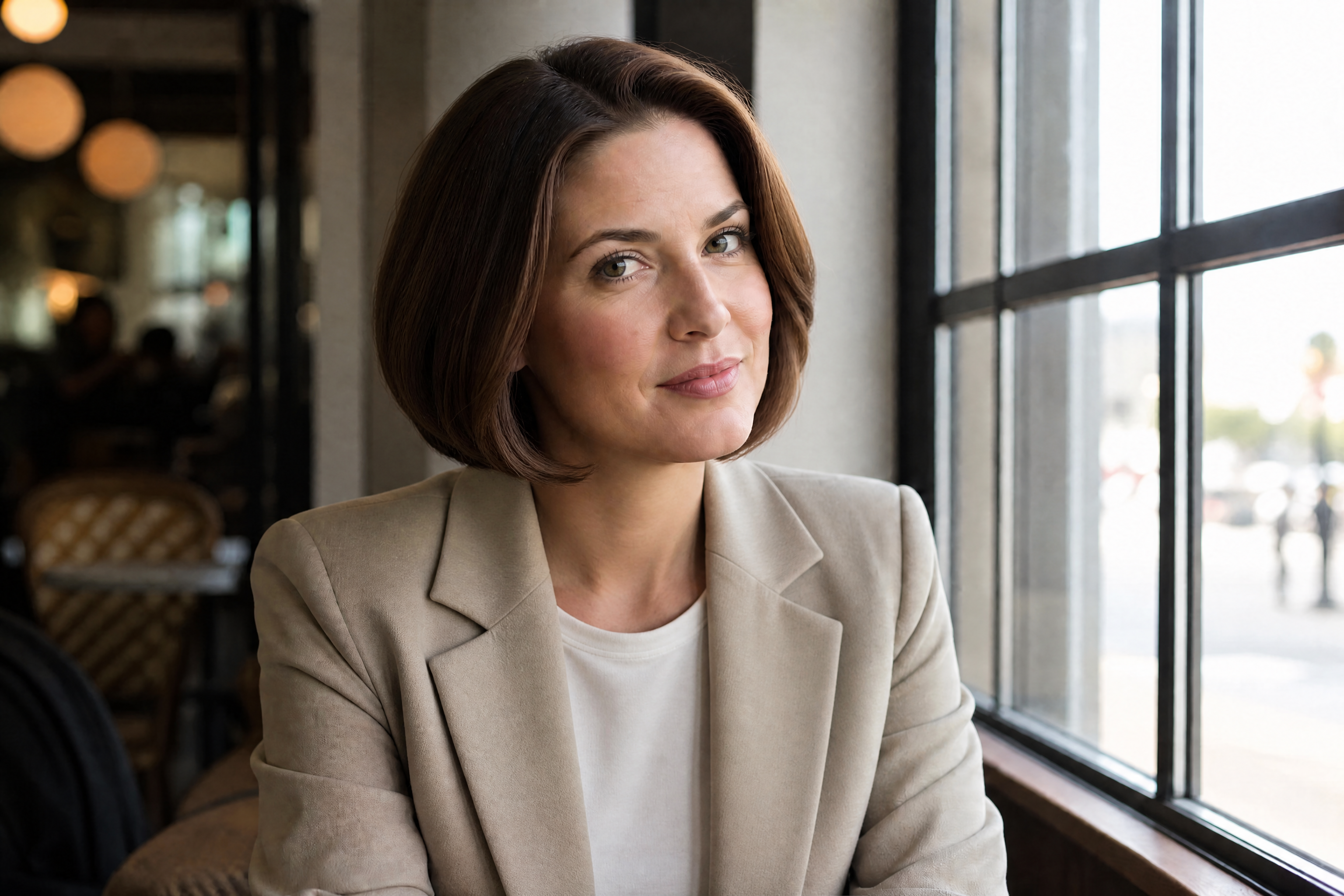
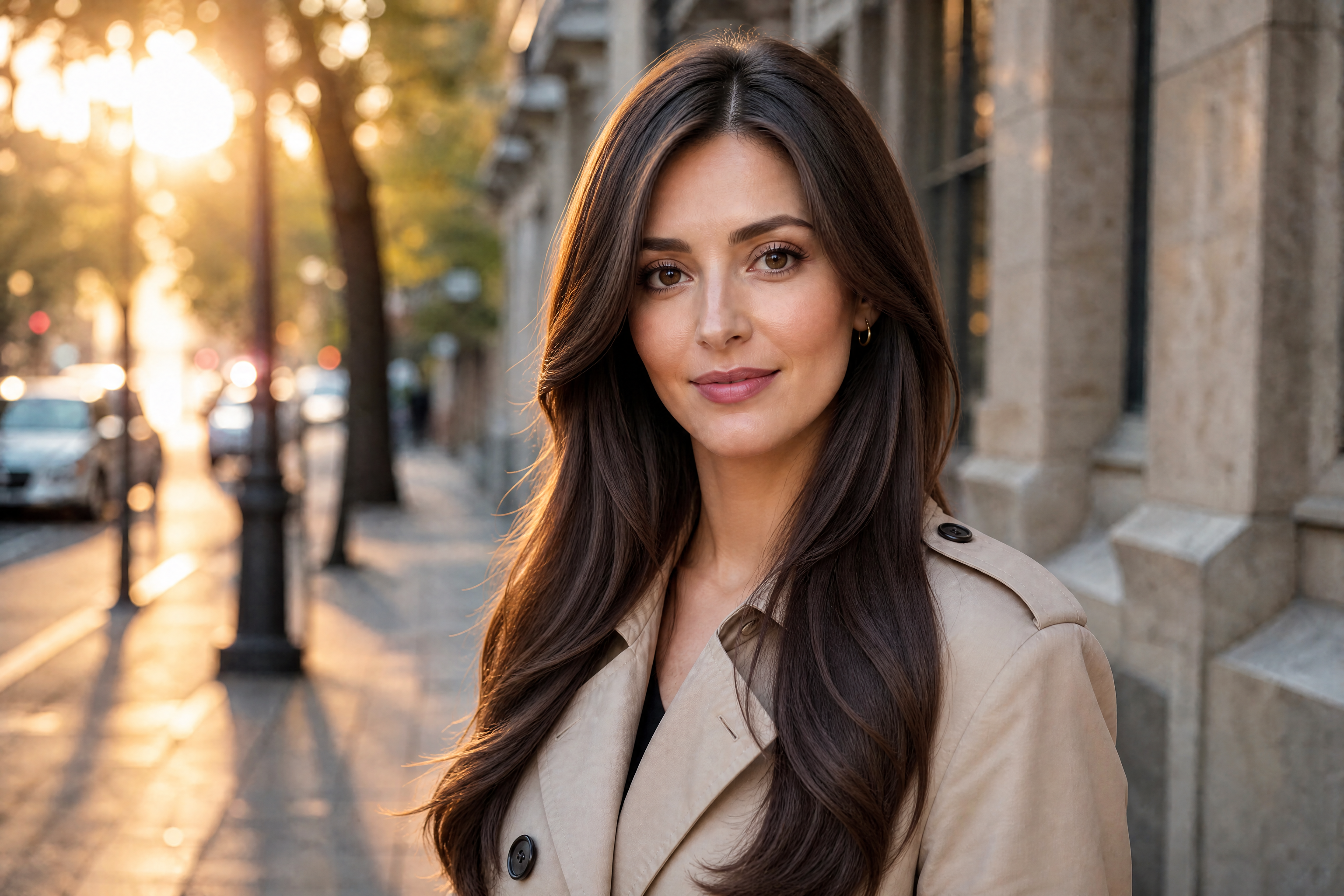
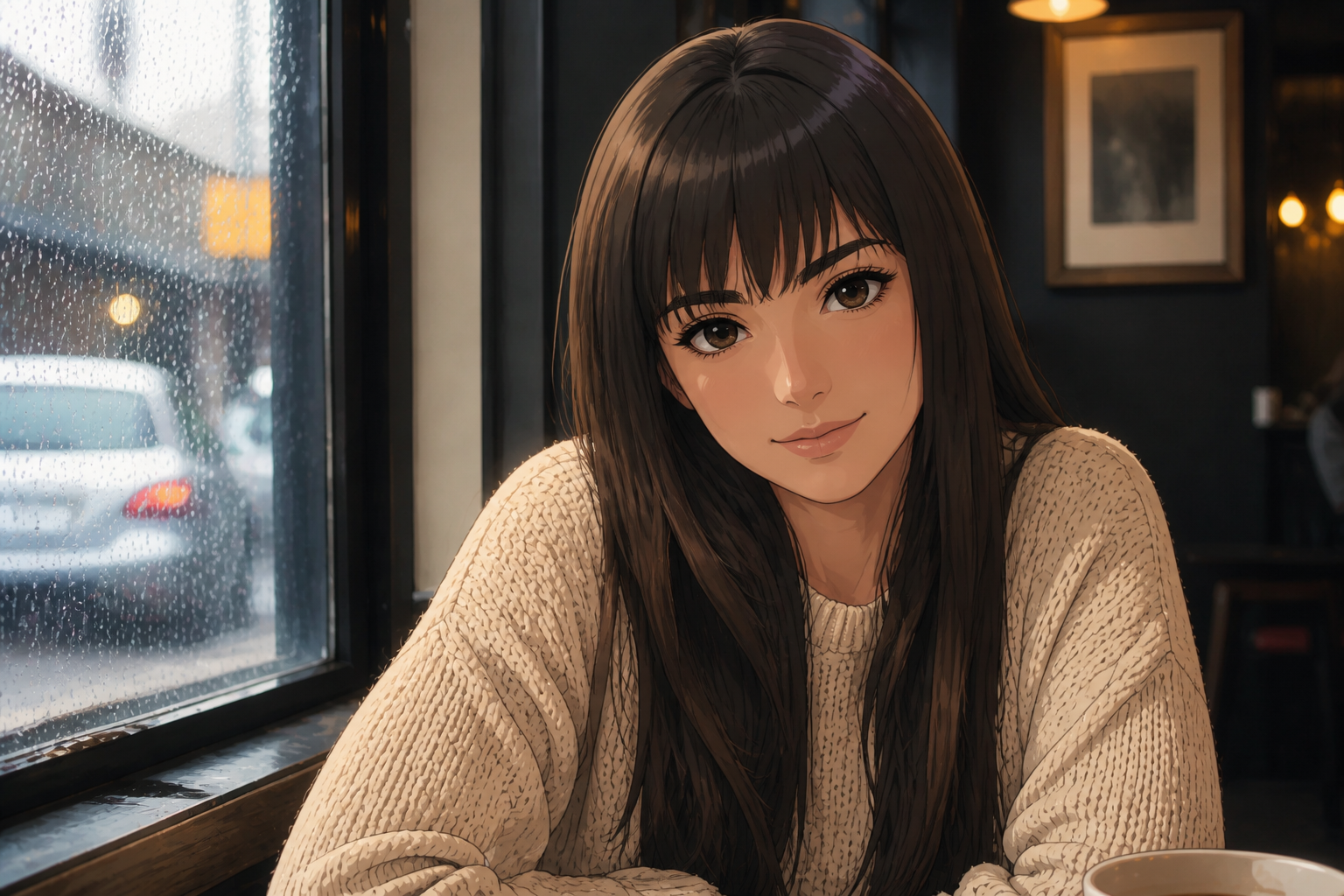
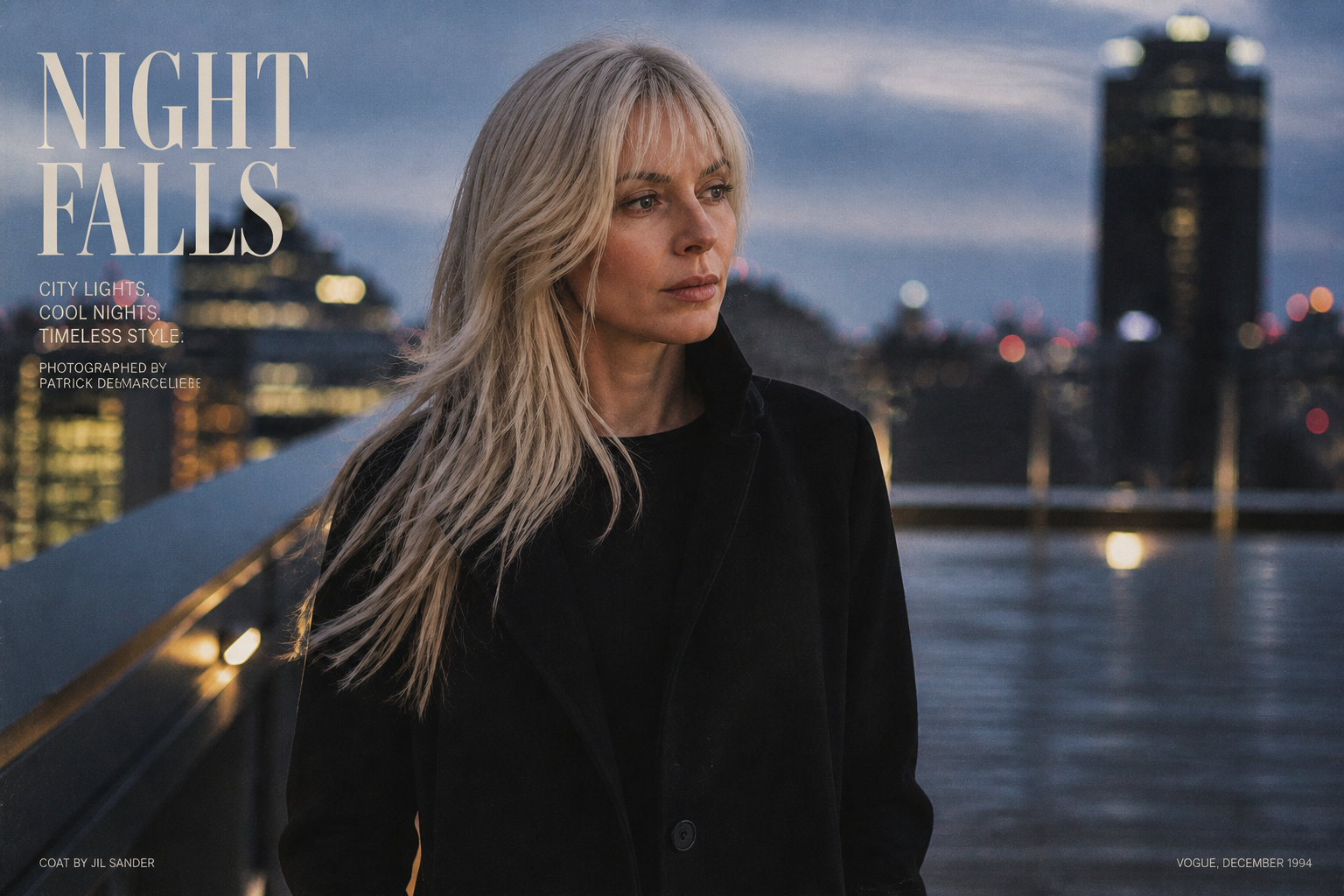
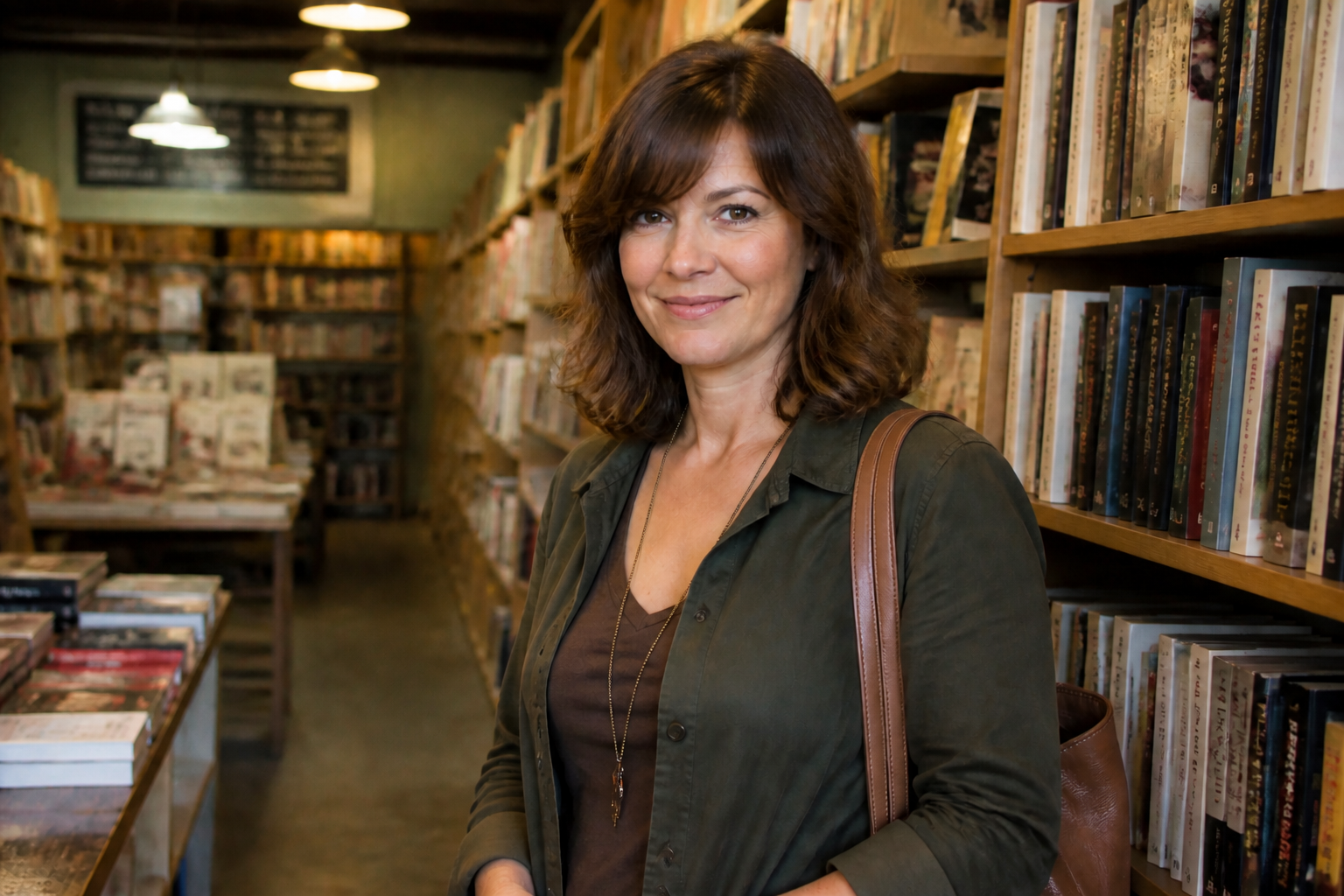
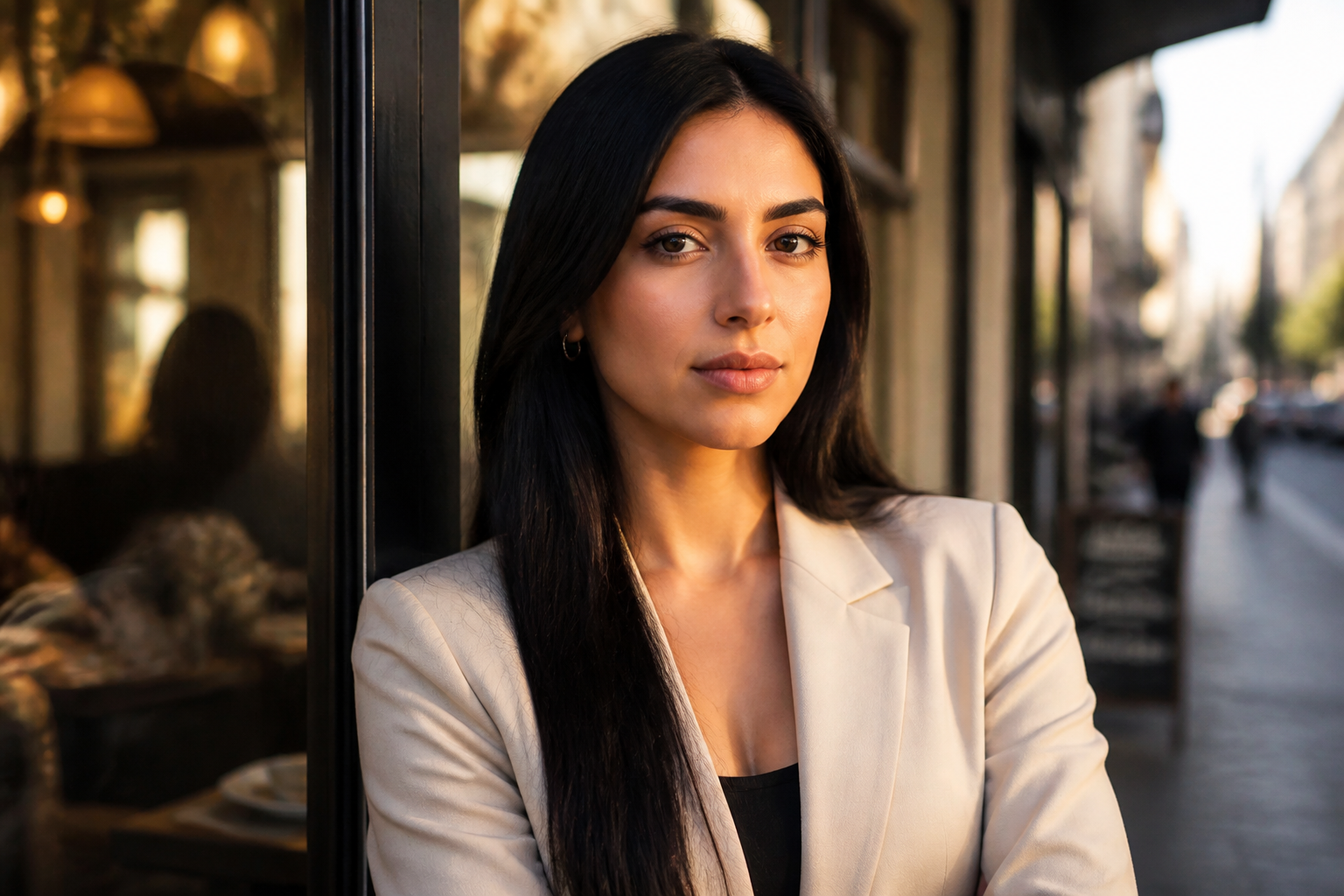
Upload a photo and preview bangs in seconds. Our AI adds fringe styles like curtain, wispy, or blunt bangs while keeping your face, pose, and overall look consistent. It is a quick way to test a haircut idea without committing to it.
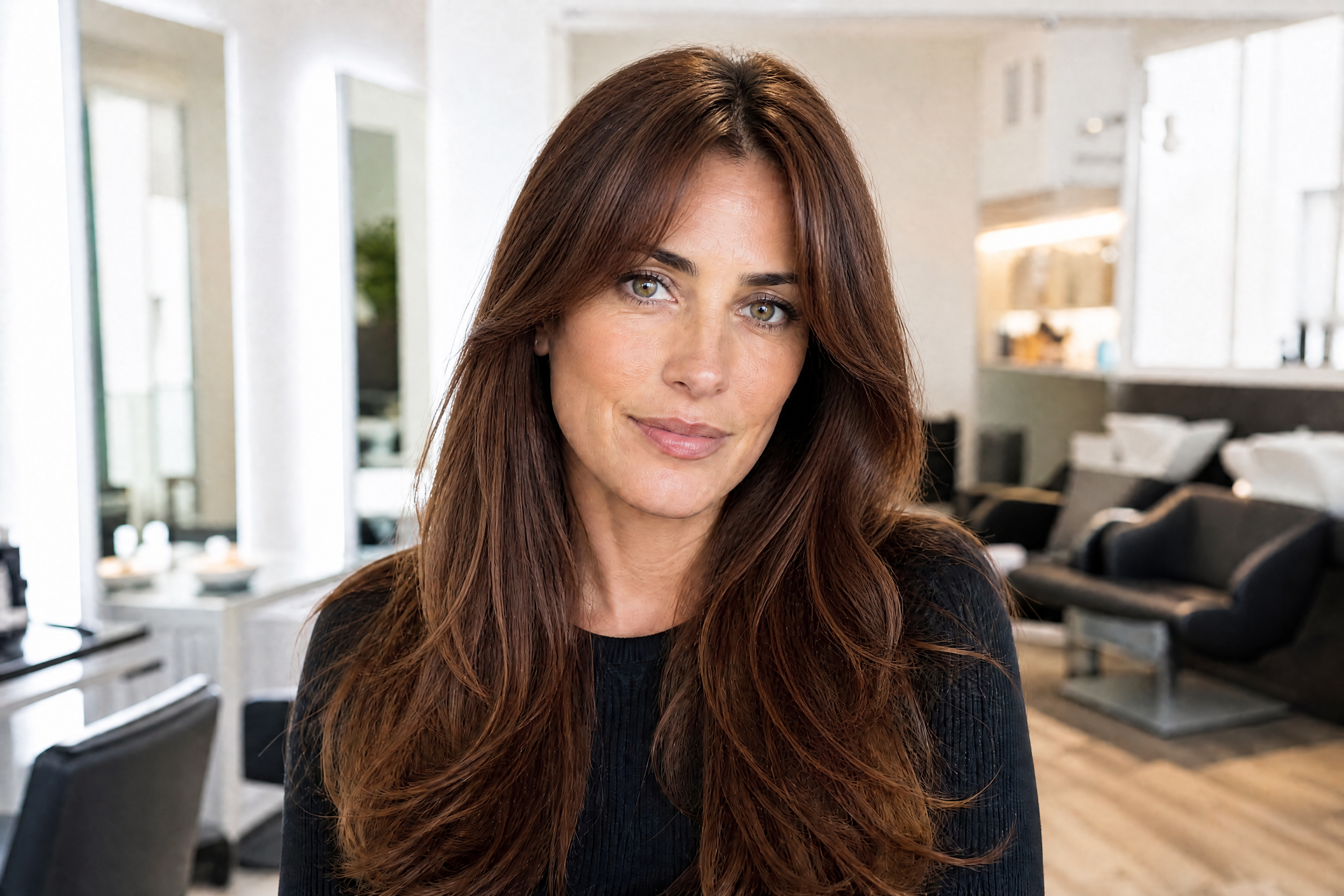
Watch the Transformation
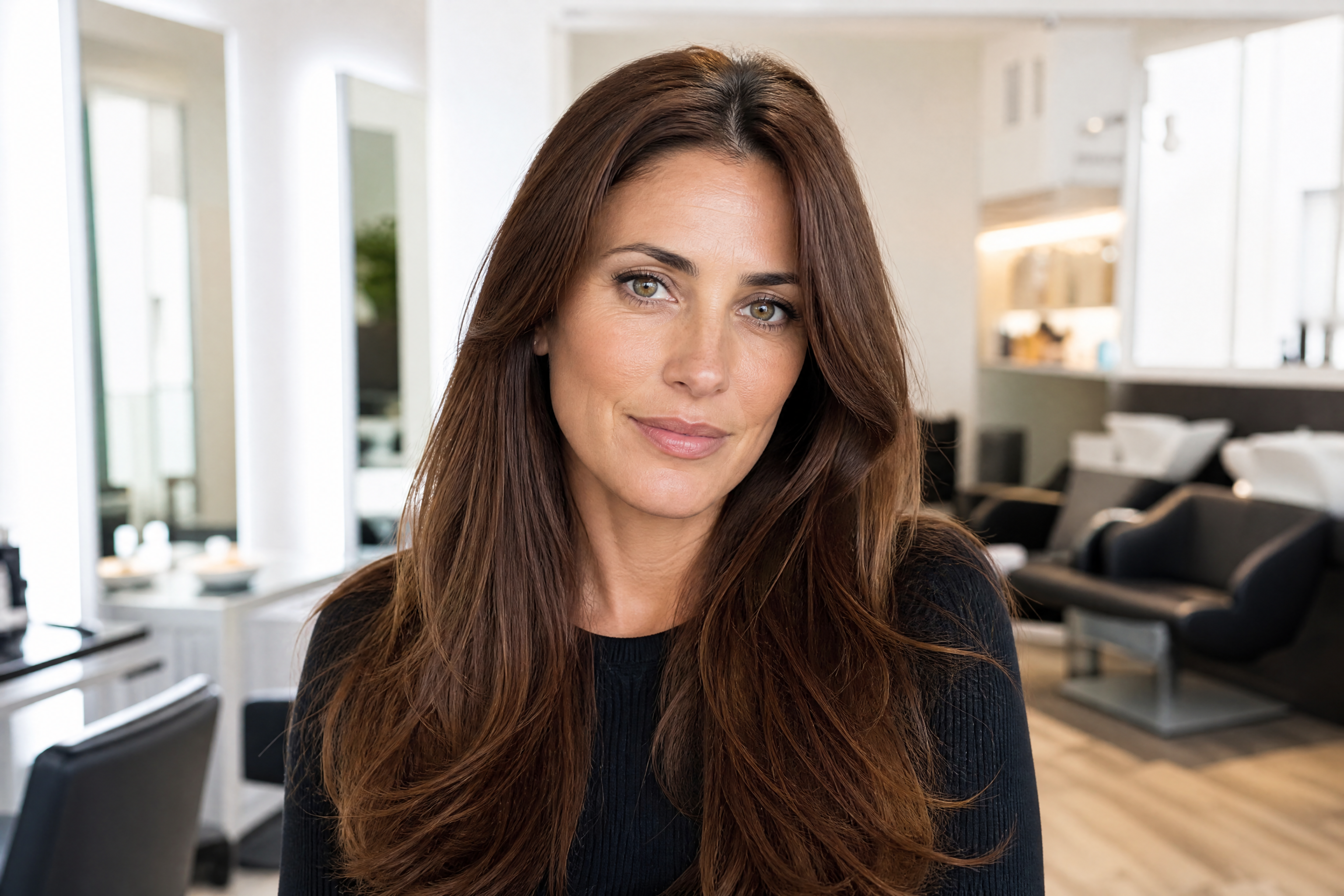
See ai bangs filter in motion — generated end-to-end by our AI.
See It In Action
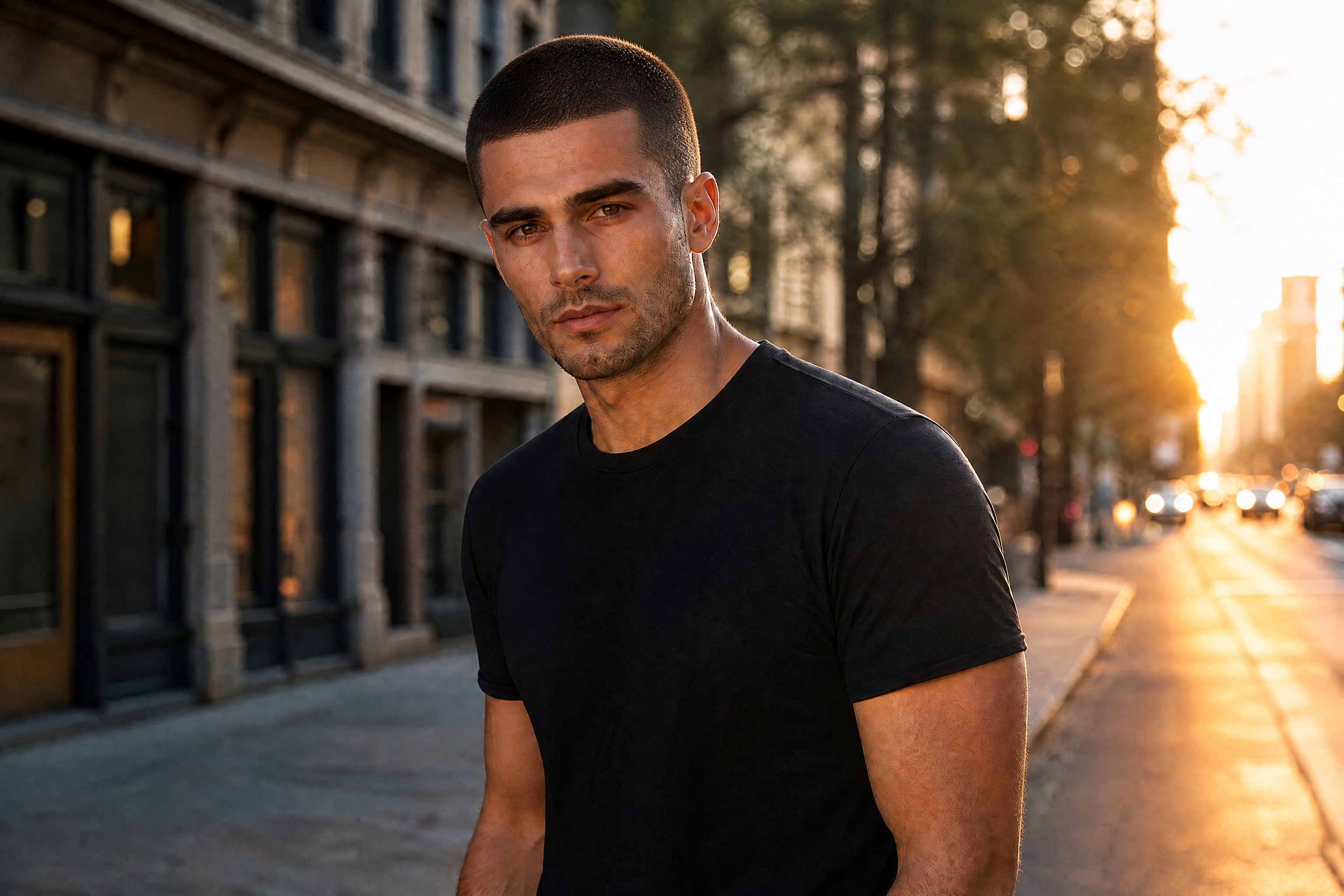
Real outputs from ai bangs filter.
BEFOREAFTER BEFORE
 AFTER
AFTER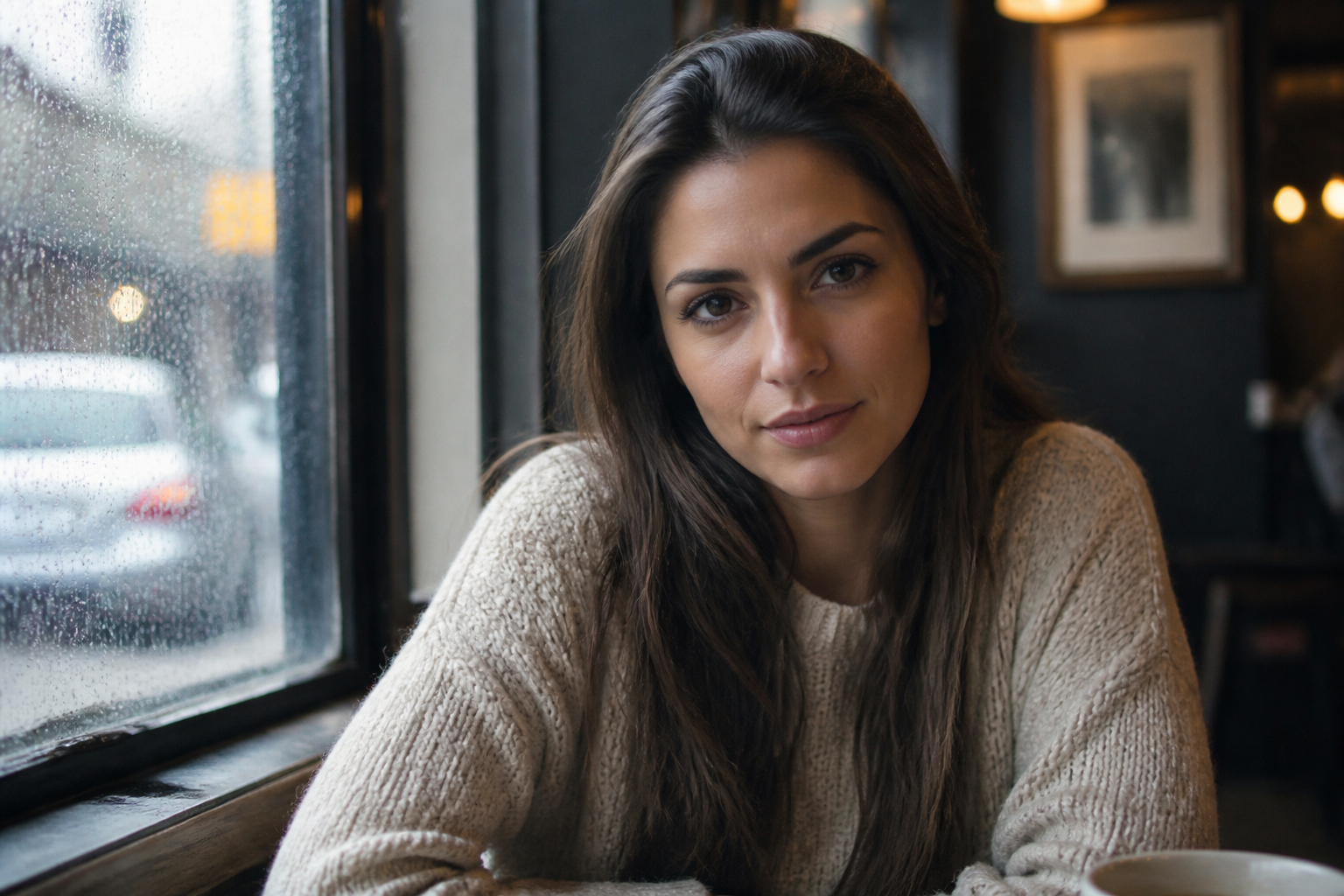 BEFORE
 AFTER
AFTER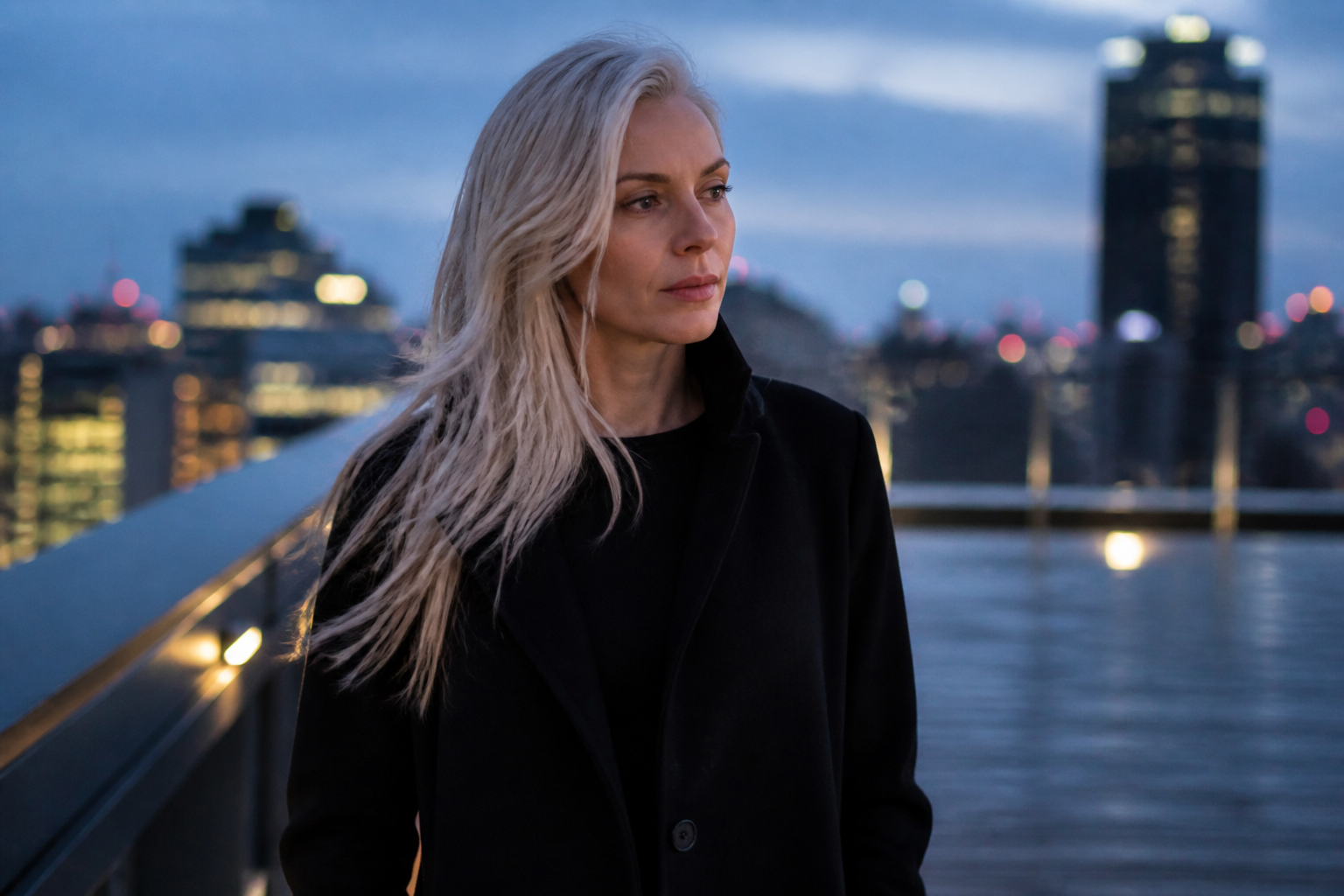 BEFORE
 AFTER
AFTER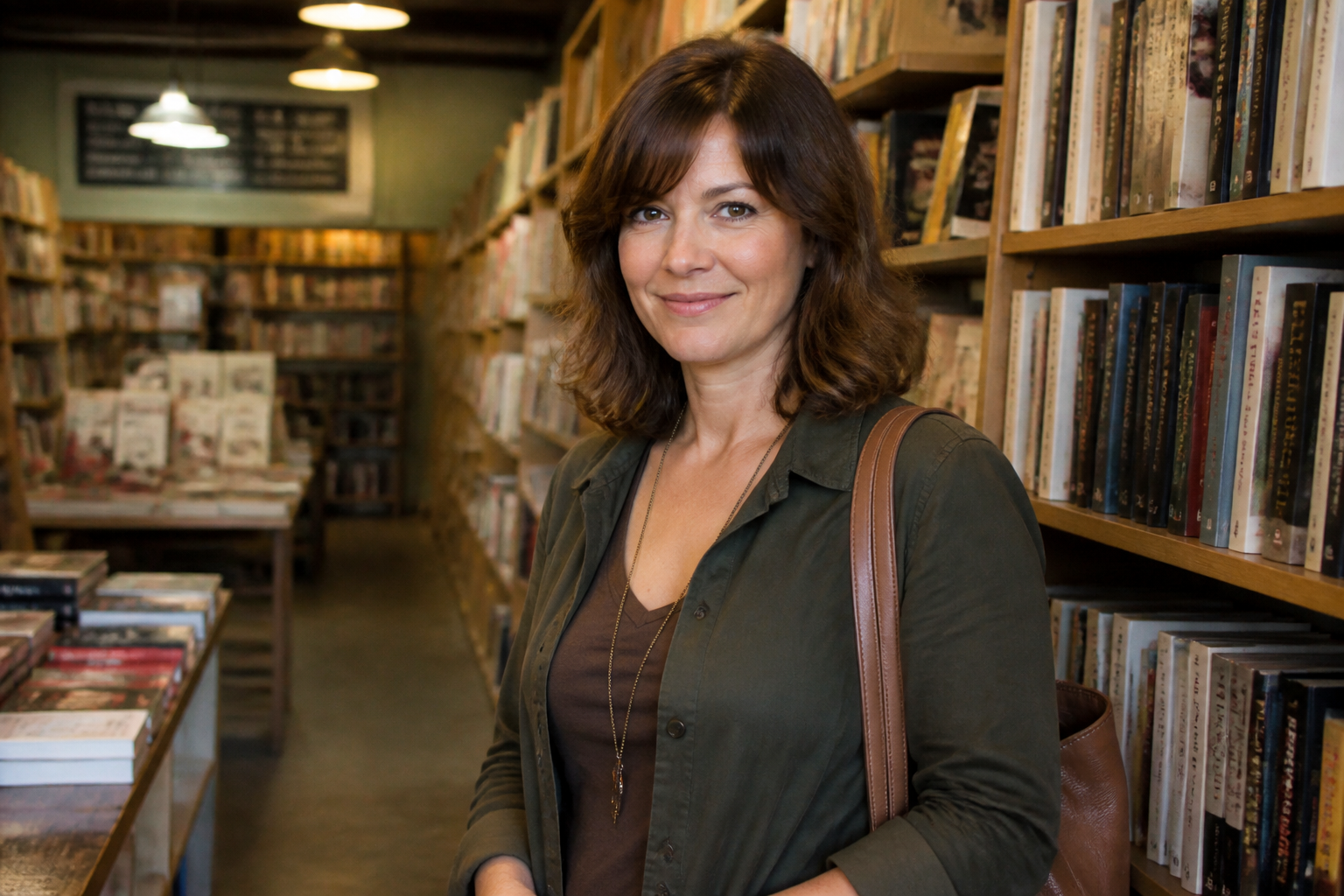 BEFORE
 AFTERBEFOREAFTERBEFOREAFTERBEFOREAFTERBEFOREAFTERBEFOREAFTER
 BEFORE
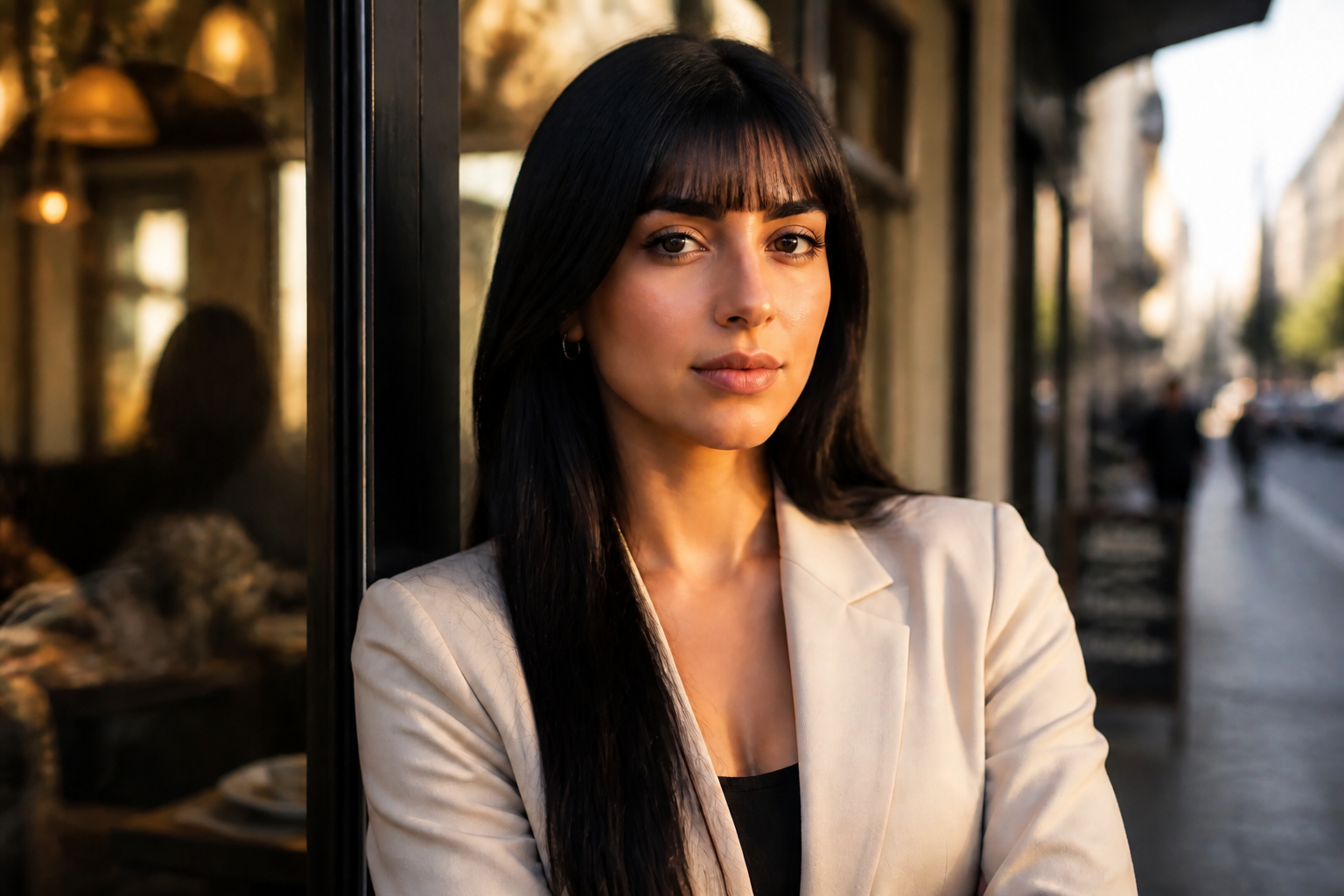 AFTER
AFTER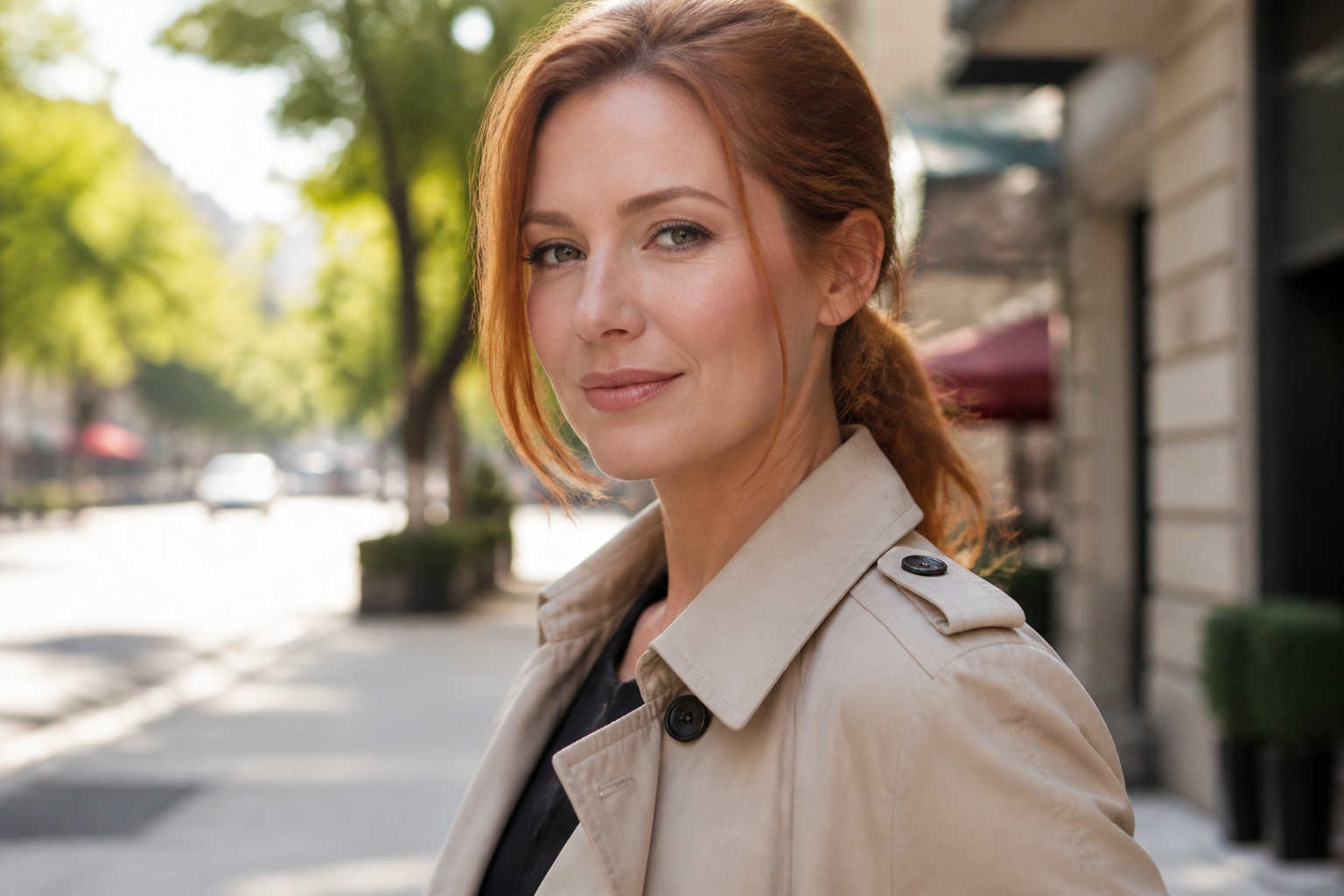 BEFORE
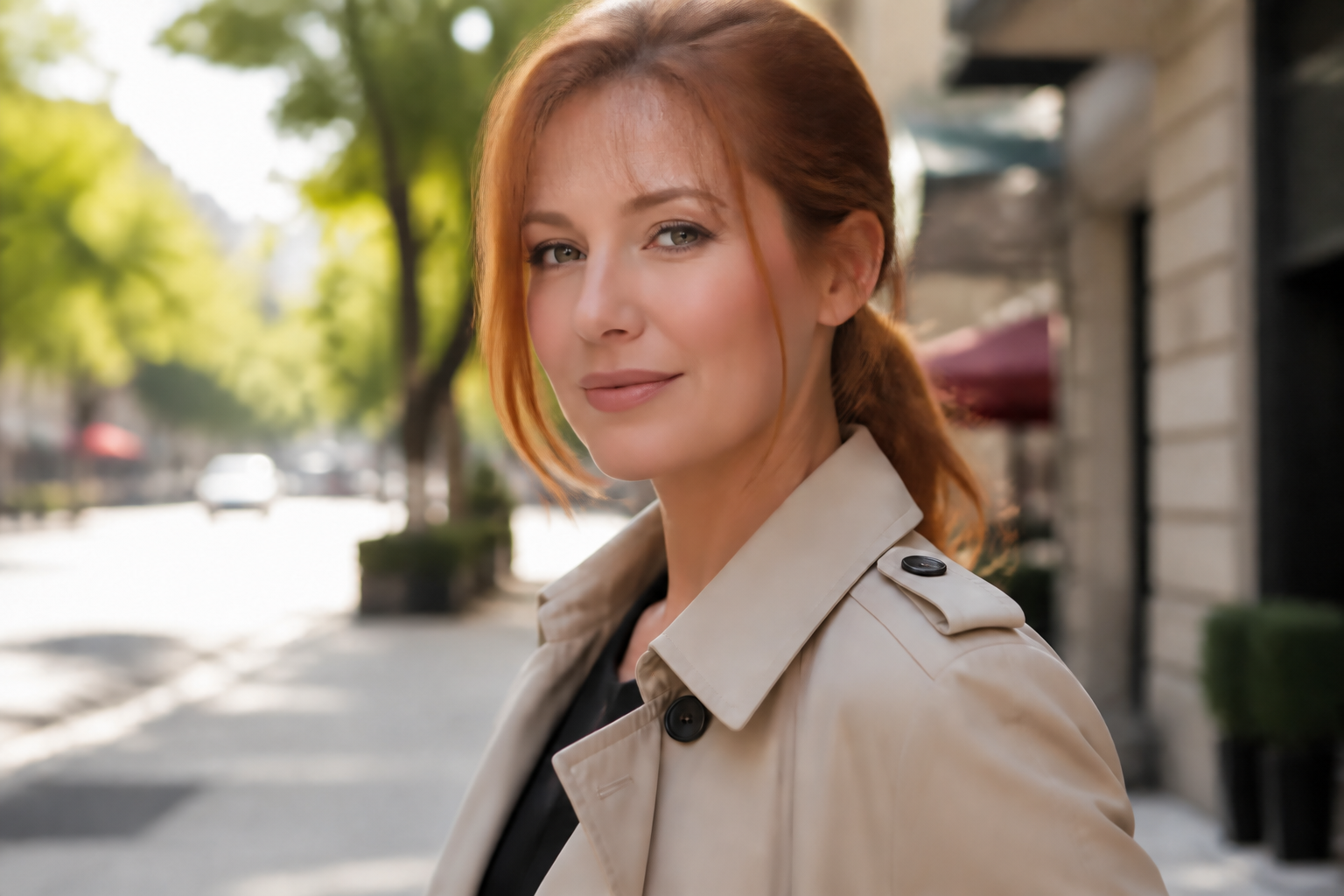 AFTER
AFTER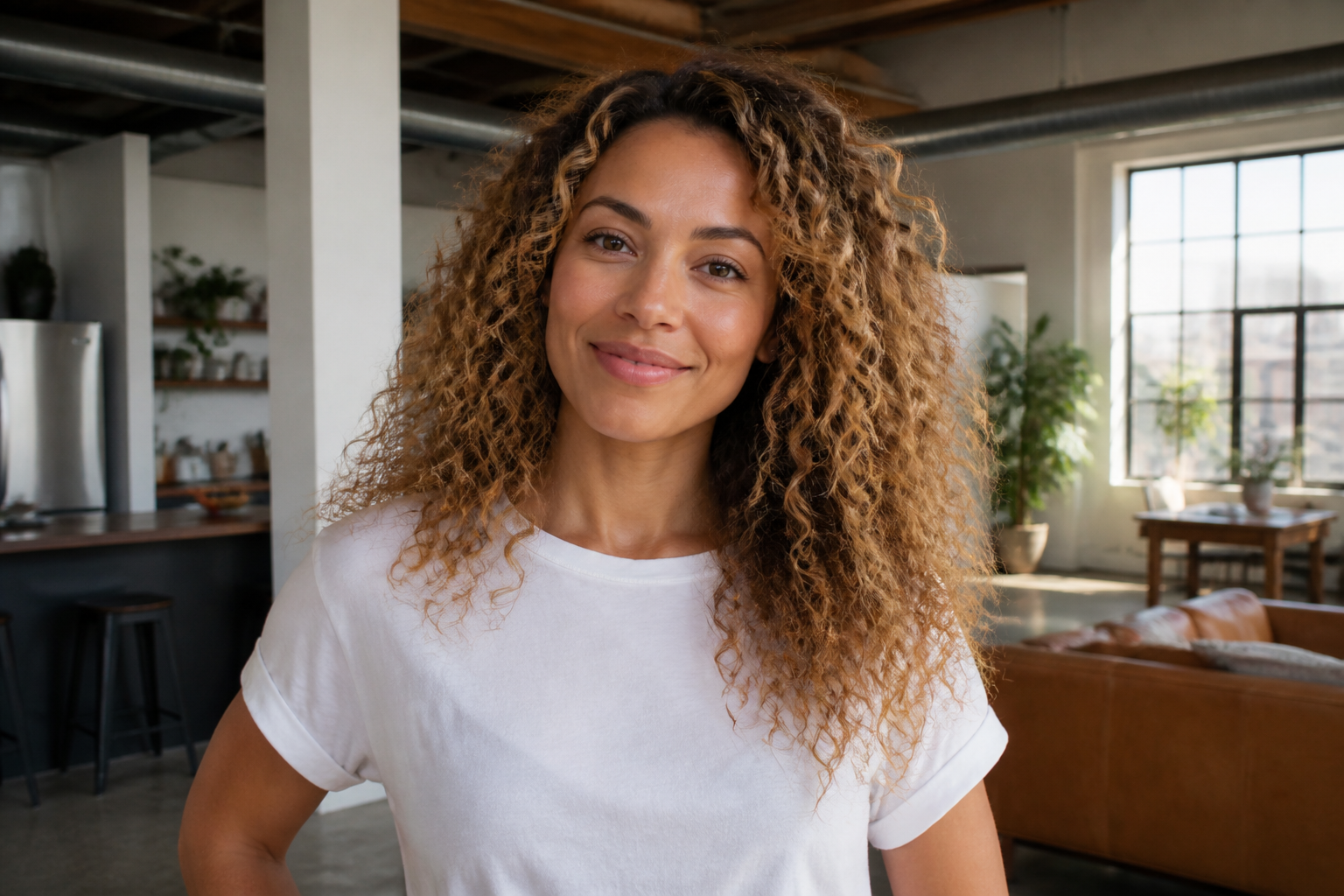 BEFORE
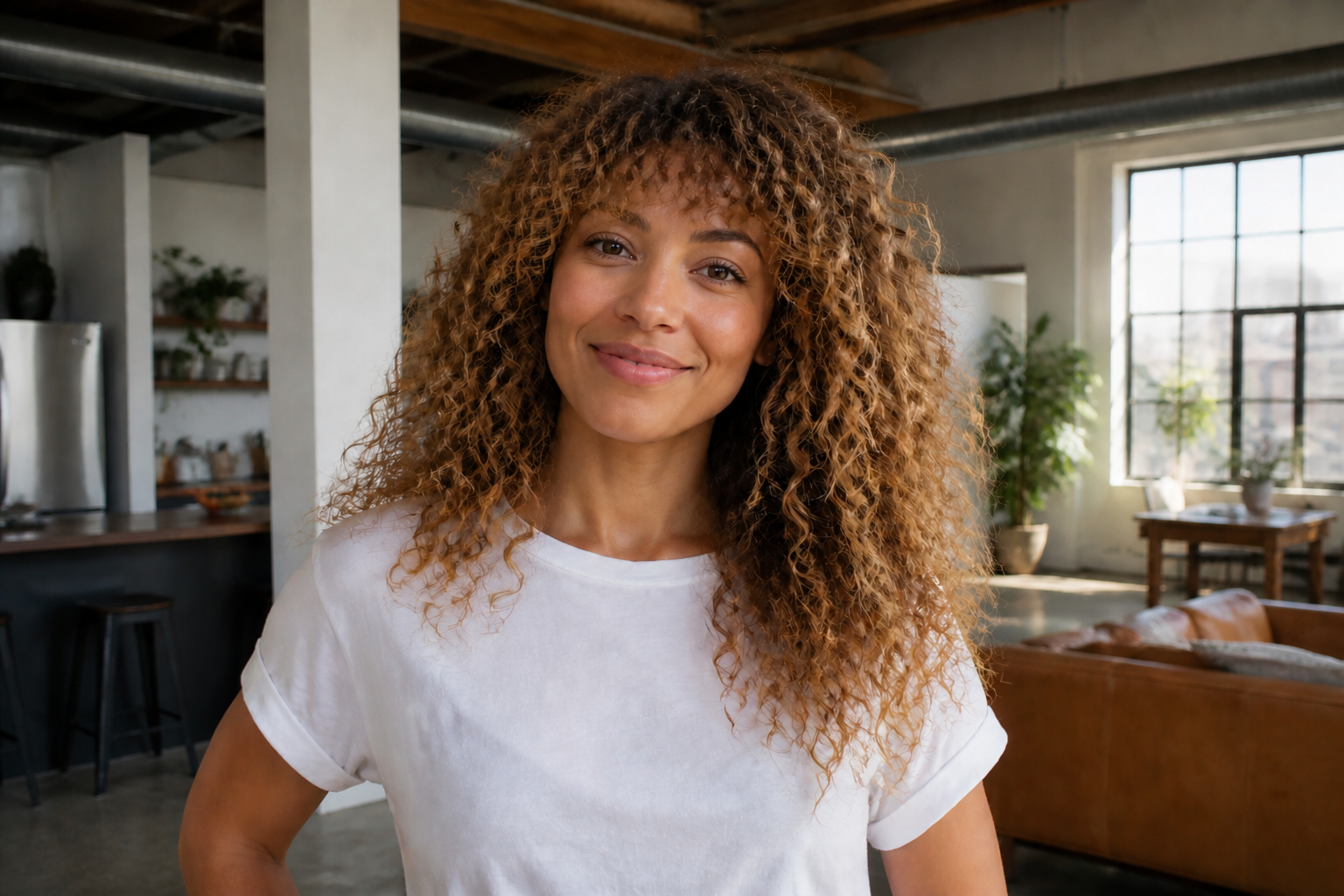 AFTER
AFTER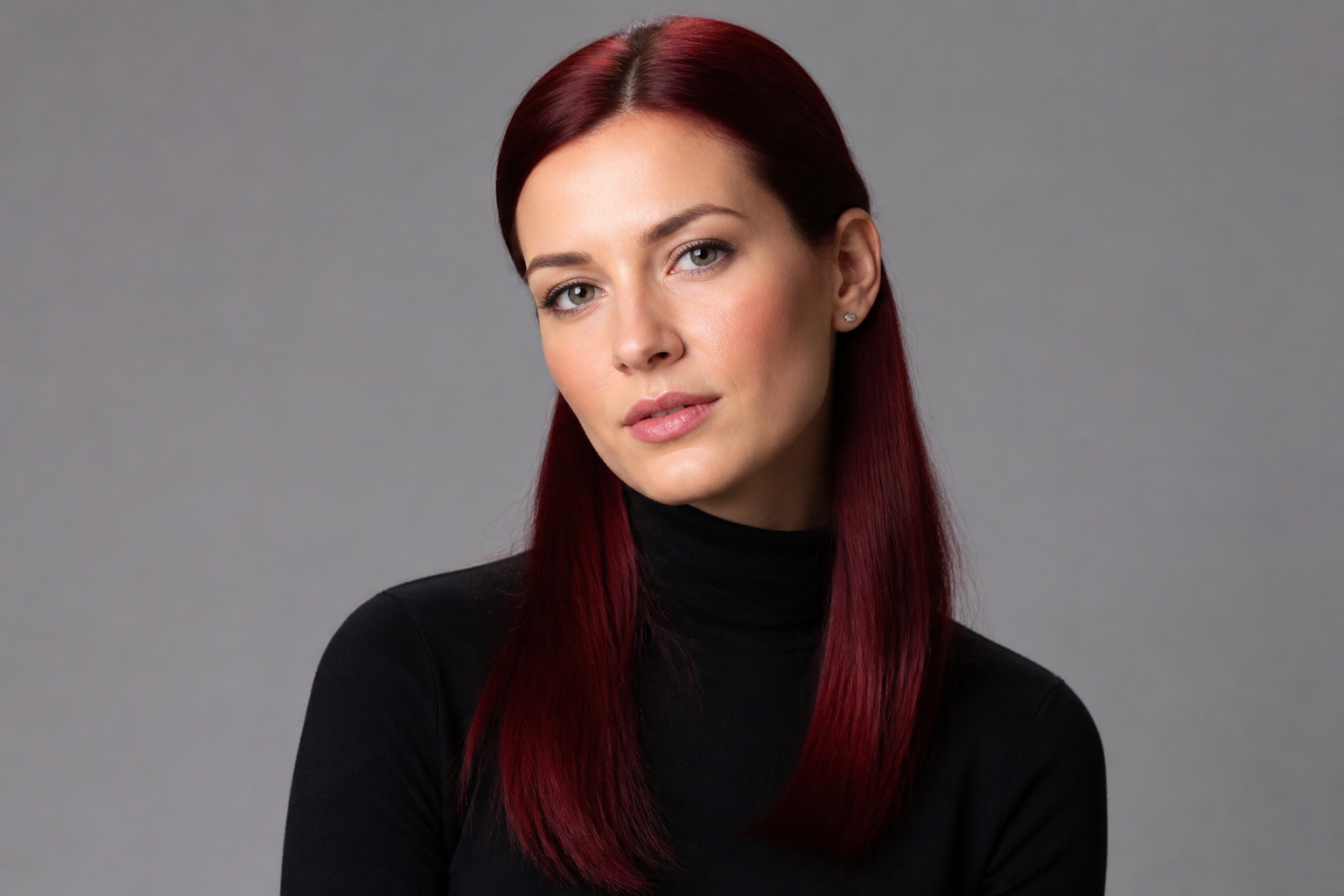 BEFORE
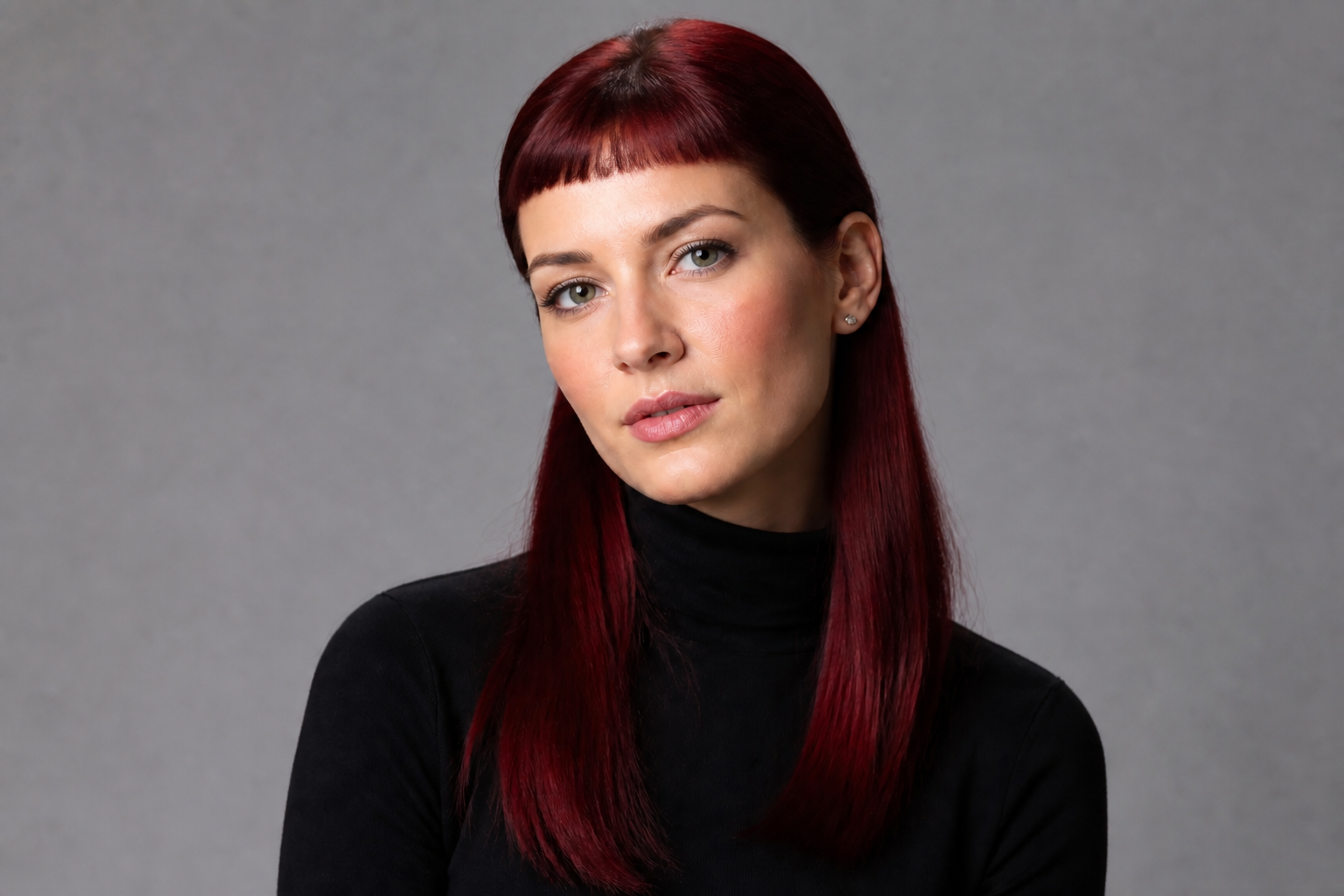 AFTER
AFTER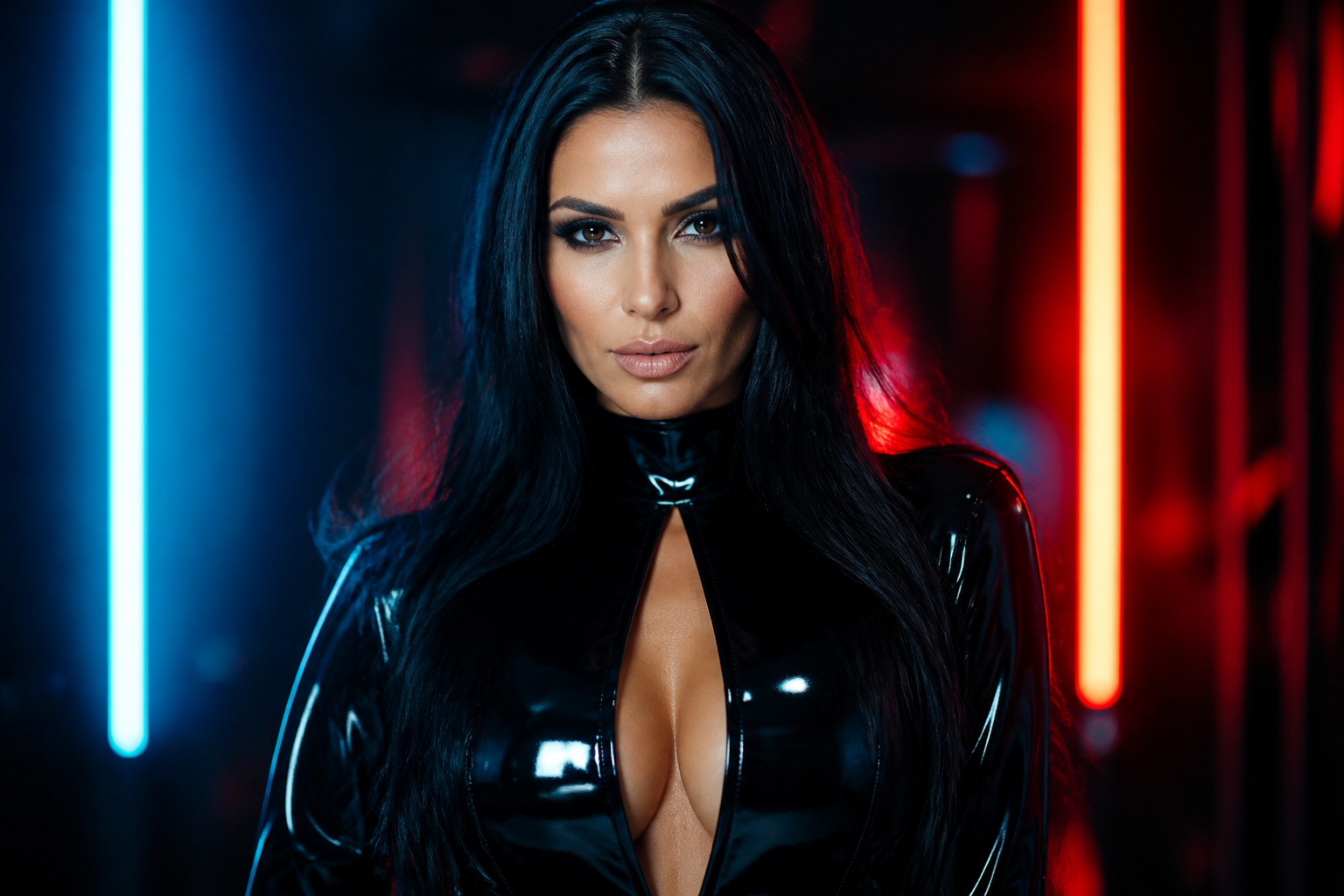 BEFORE
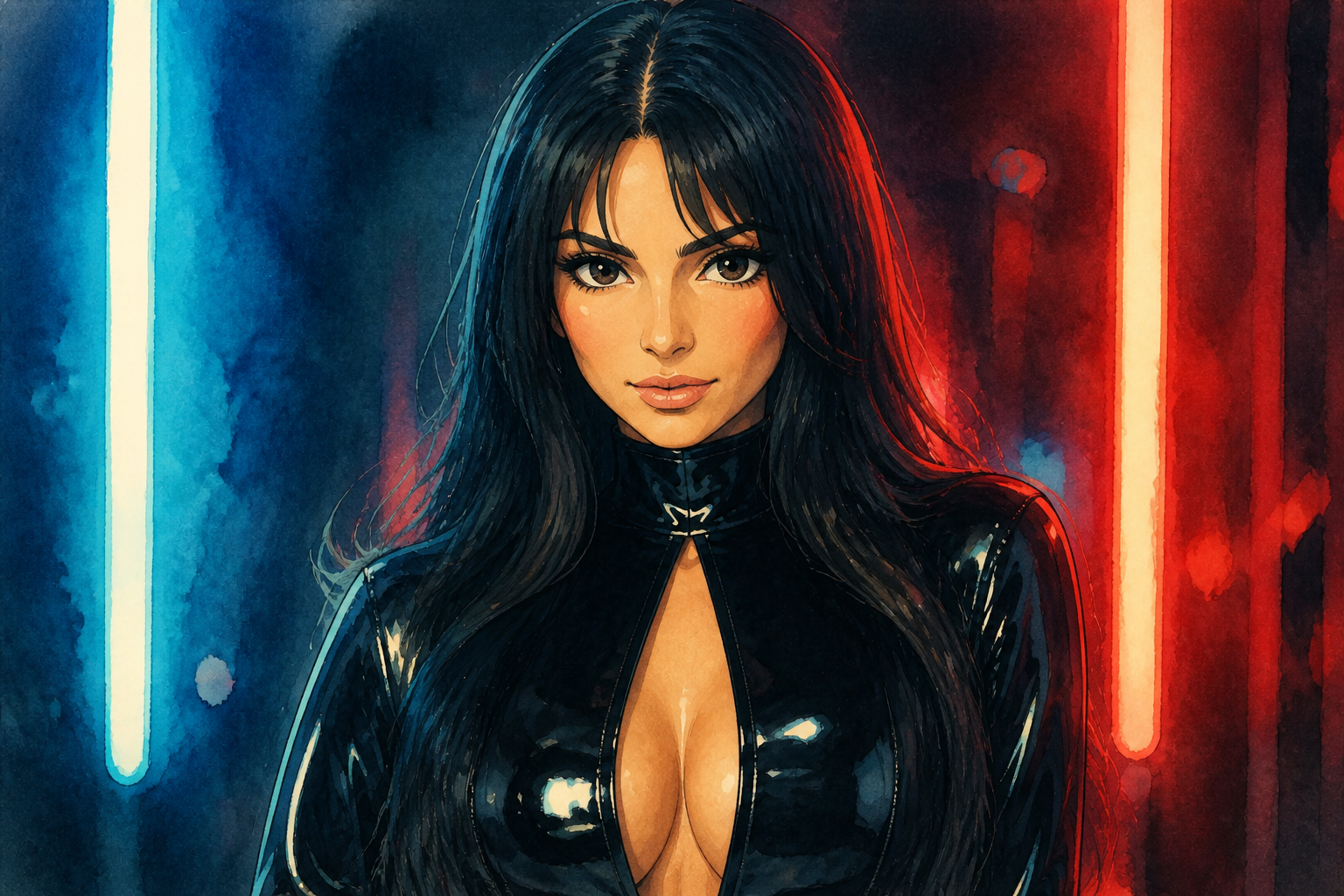 AFTERBEFOREAFTERBEFOREAFTERBEFOREAFTERBEFOREAFTERBEFOREAFTER
Key Features
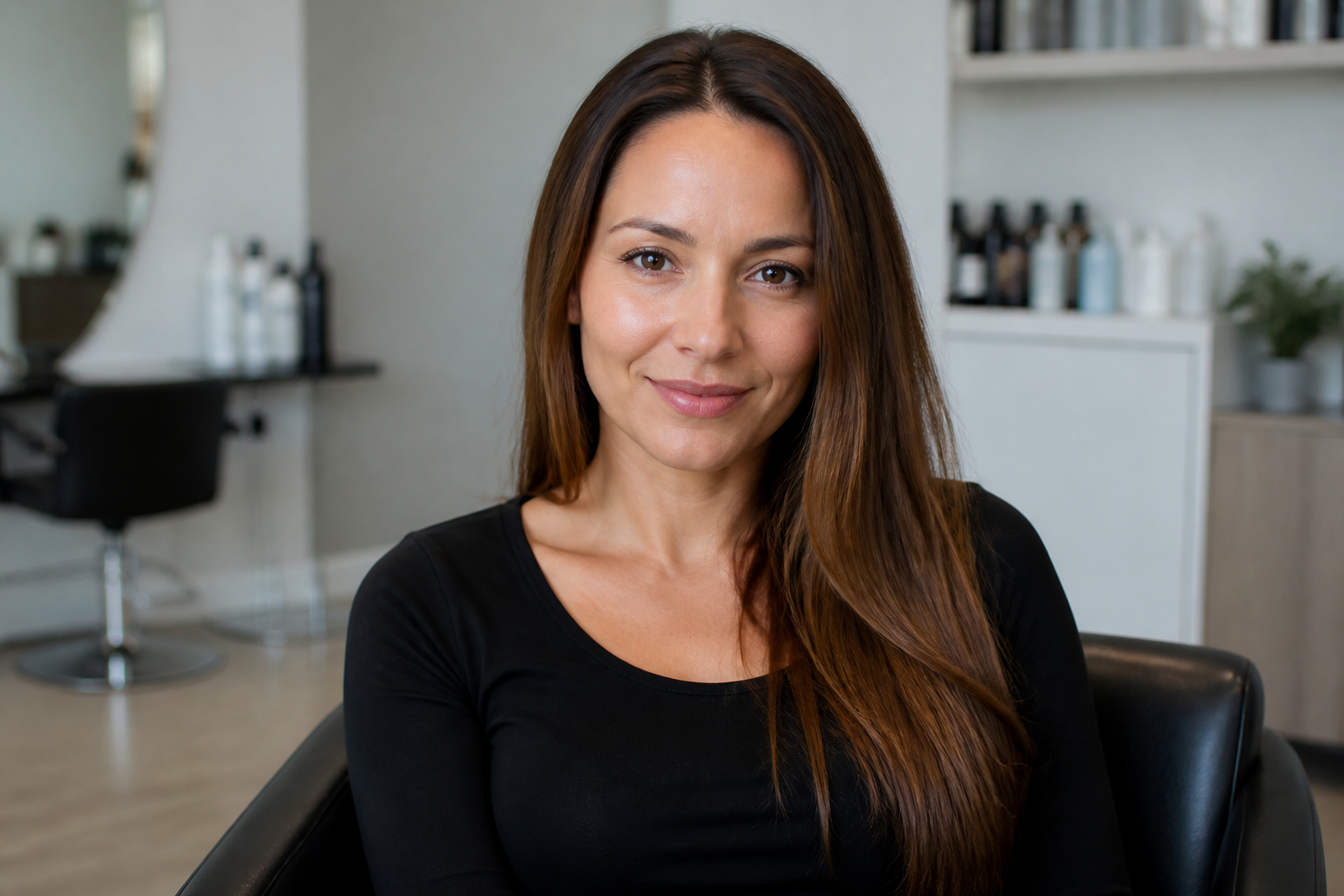
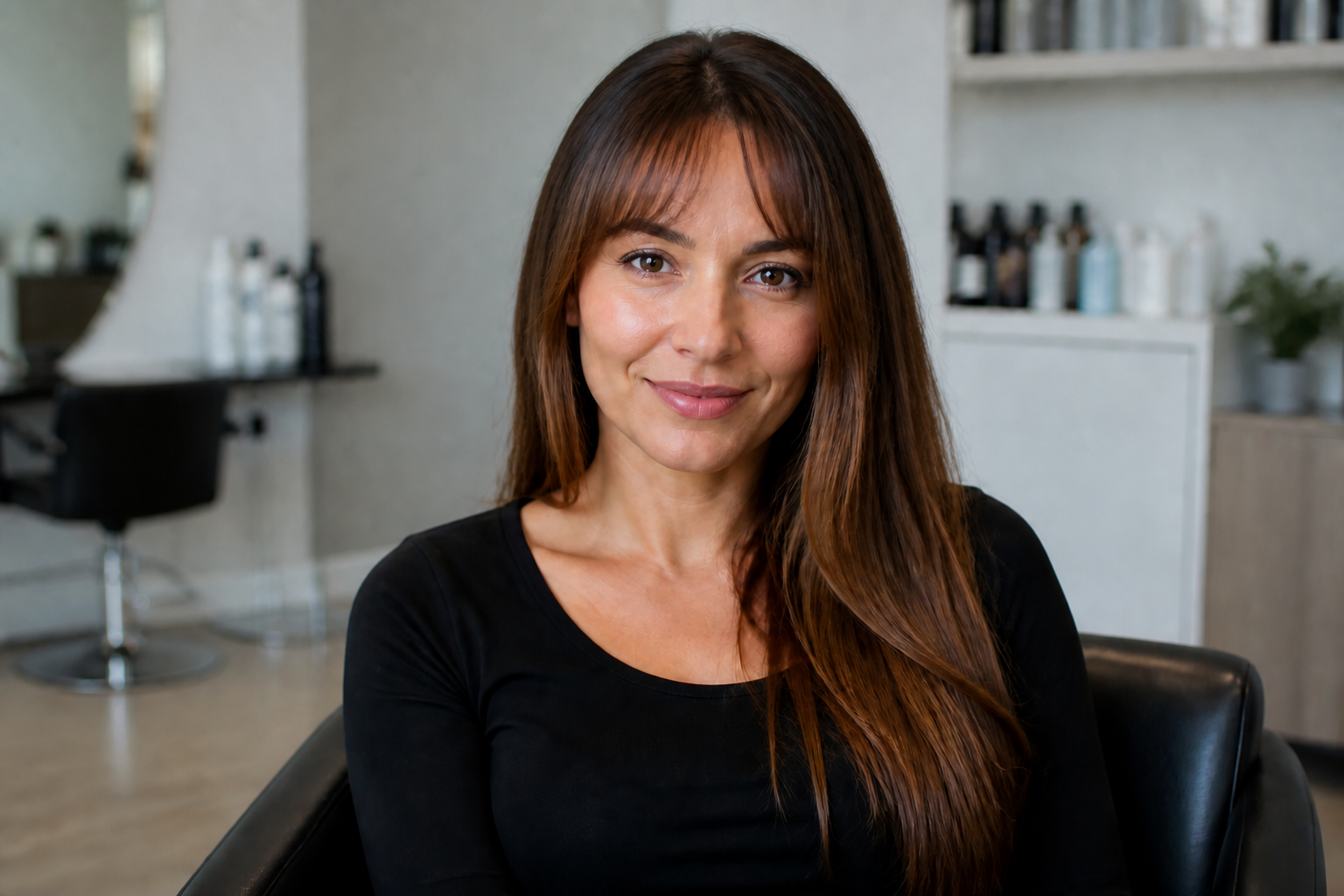
Preview bangs before cutting
Test a fringe style on your actual photo instead of guessing from inspiration pictures. This makes it easier to tell whether a style works with your face shape, hairline, and length. You get a fast visual answer without a salon visit or a risky trim. It is much simpler than masking and painting hair by hand.
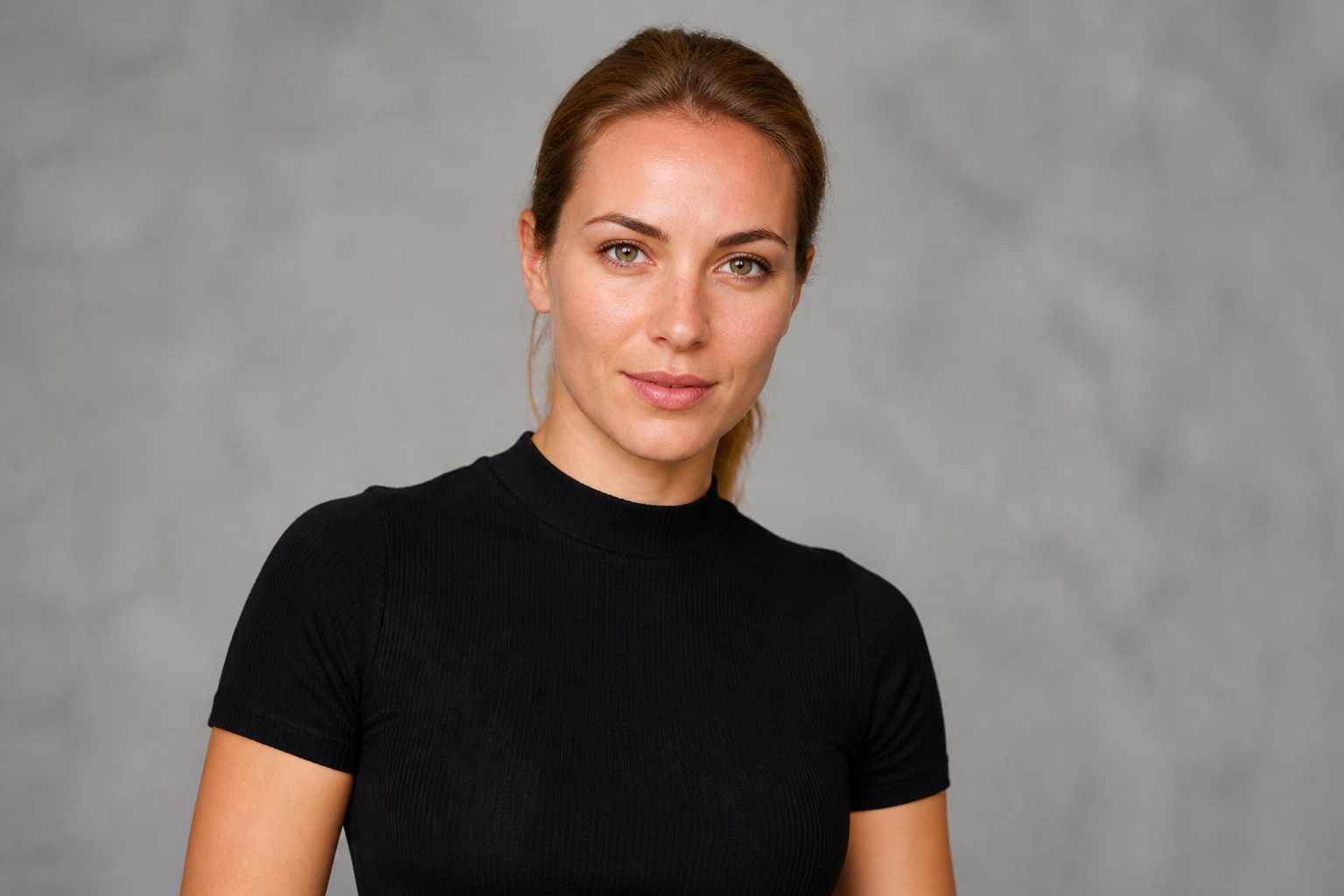
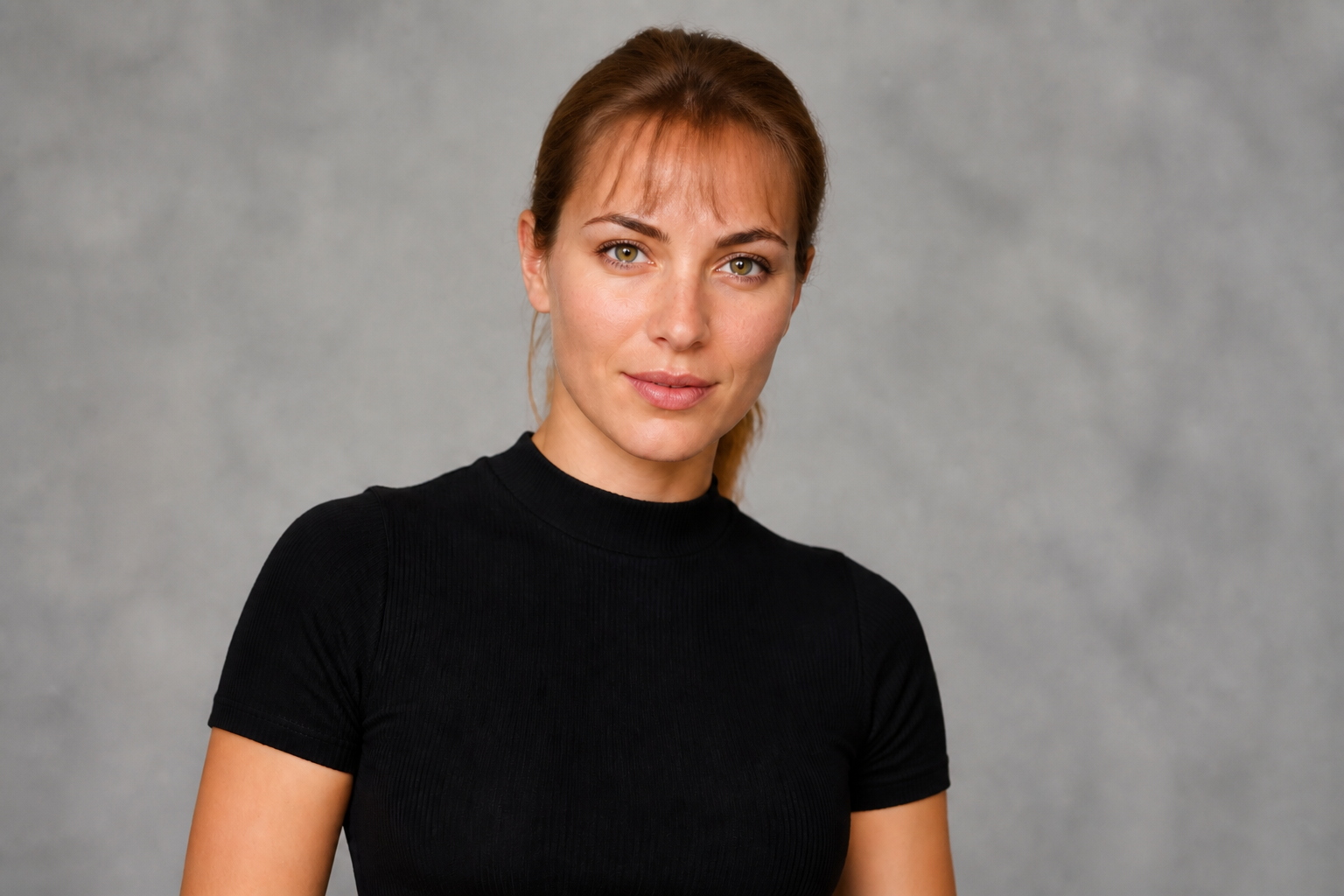
Keep your face recognizable
The goal is to change the hairline area, not turn you into a different person. Our AI keeps facial features, expression, and overall identity consistent while applying a new bangs style. That makes the result more useful for real haircut decisions. Manual filters often distort the eyes, forehead, or proportions.
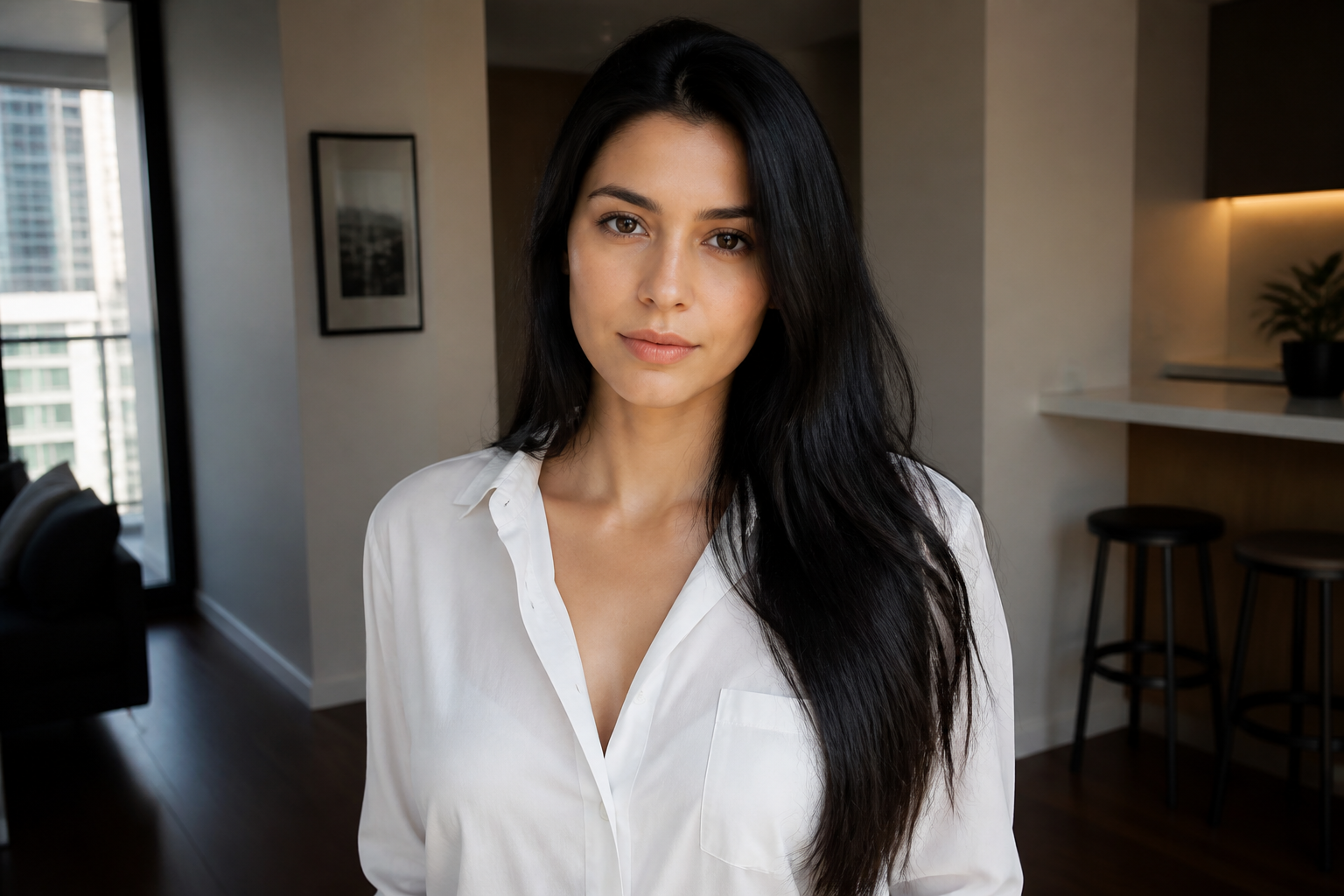
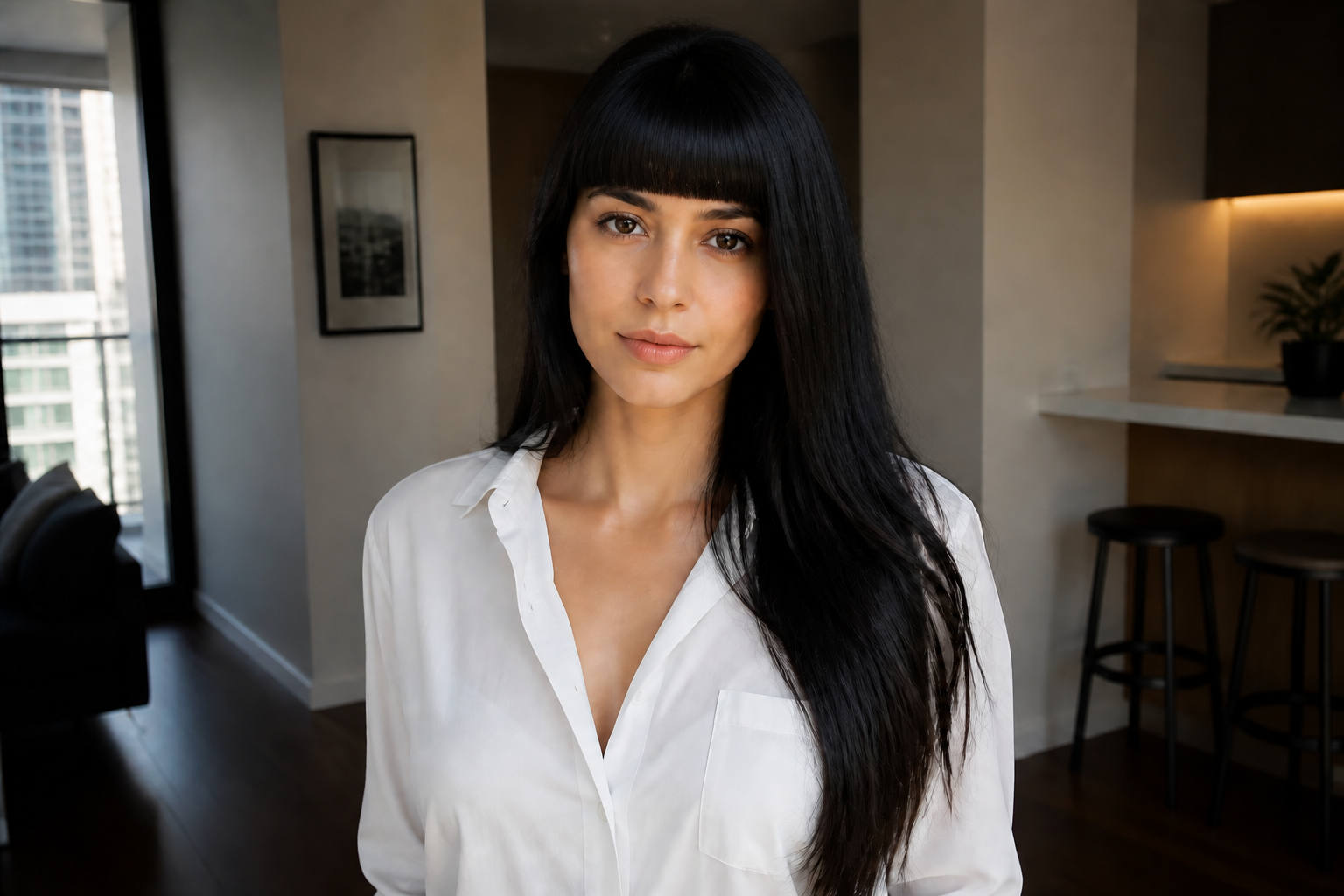
Try multiple fringe styles
Different bangs create very different impressions, from soft and casual to bold and editorial. You can test blunt, wispy, side-swept, or curtain versions on the same image and compare them quickly. This is helpful when you know you want bangs but are unsure which shape suits you. It saves time versus searching through dozens of reference photos.
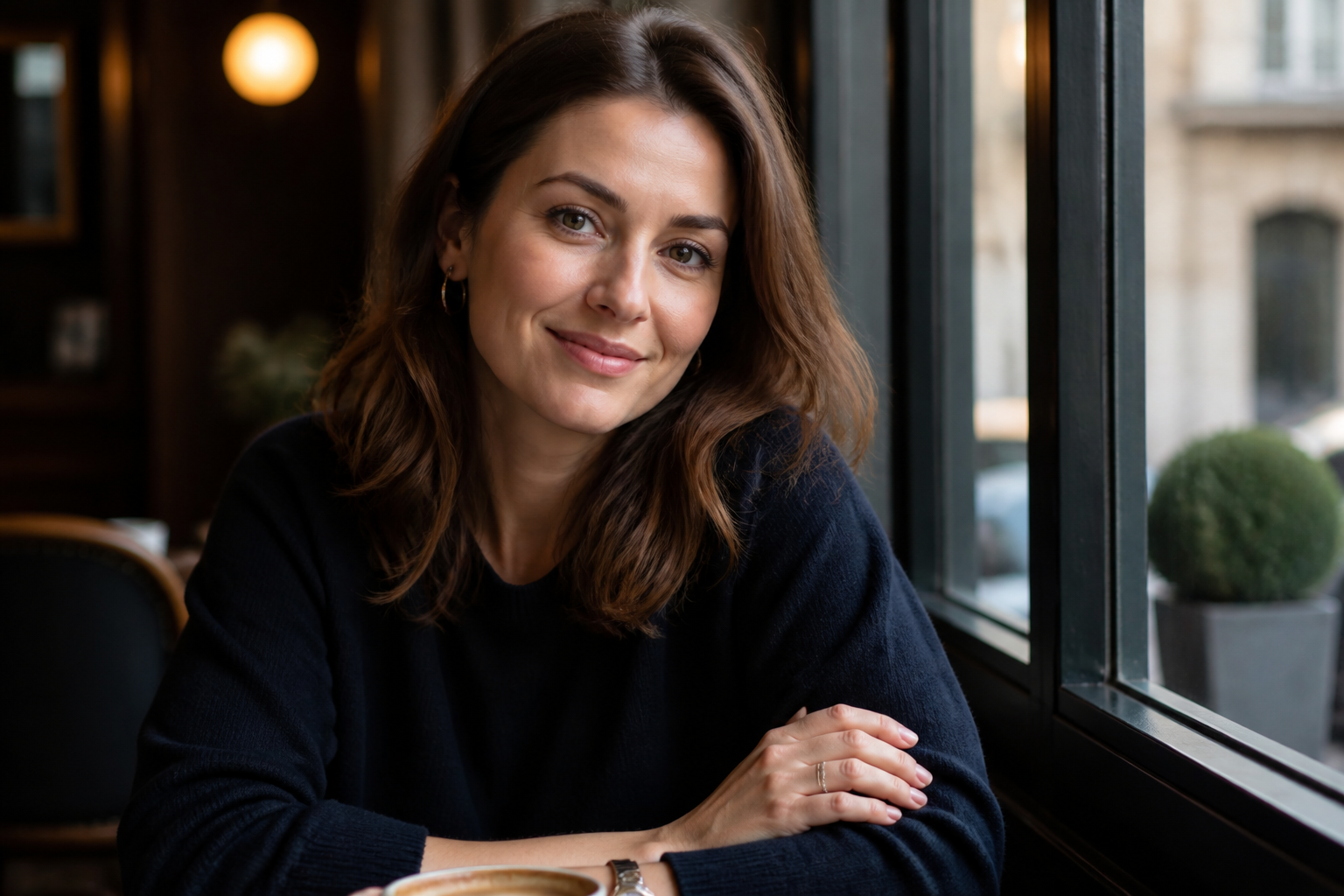
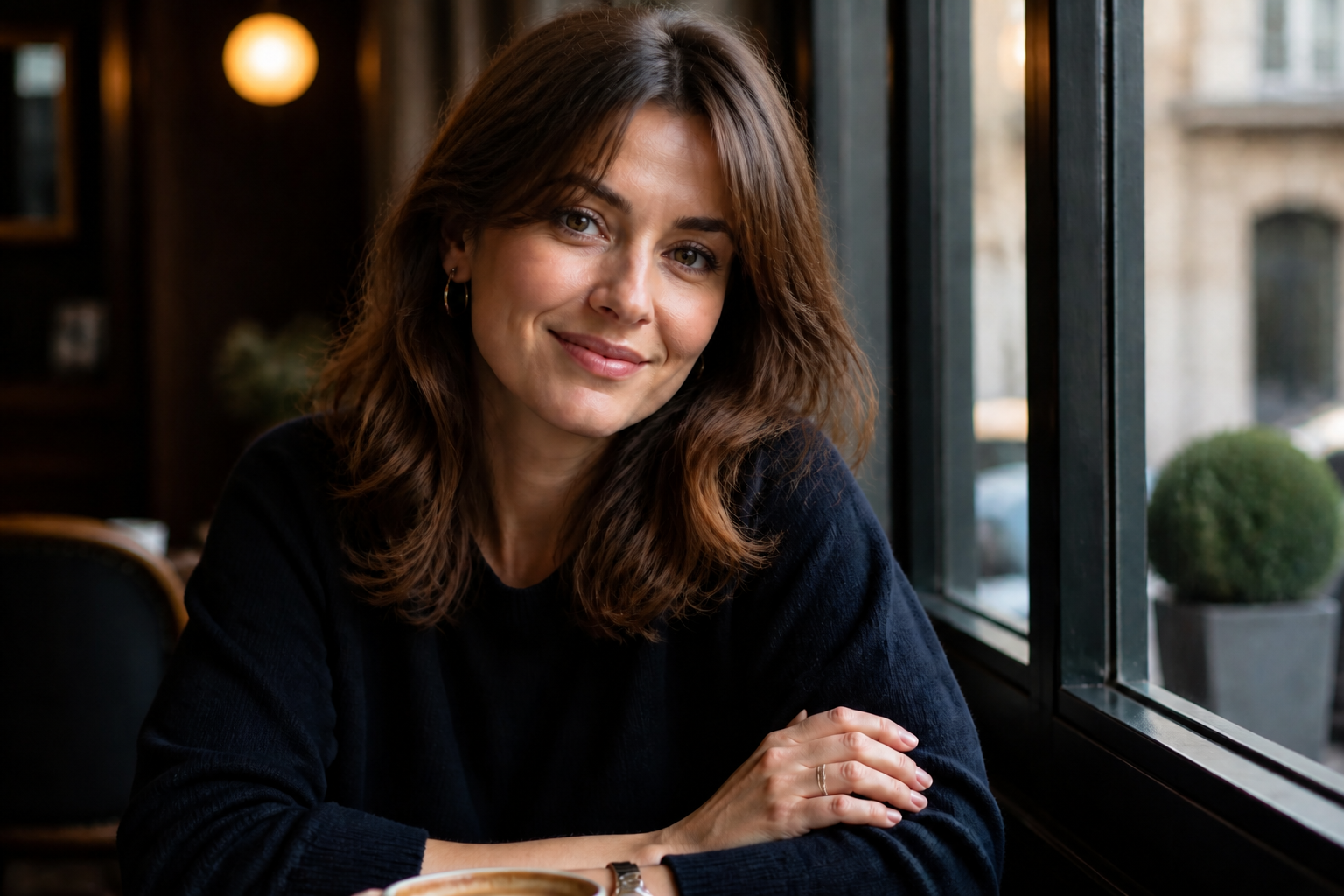
Works beyond photo realism
You can use the same source image for realistic try-ons or for stylized concept looks. That is useful if you want a practical preview for yourself and a more creative version to share or moodboard. The subject stays recognizable while the finish changes. It gives you more range than a basic single-style filter.
How It Works
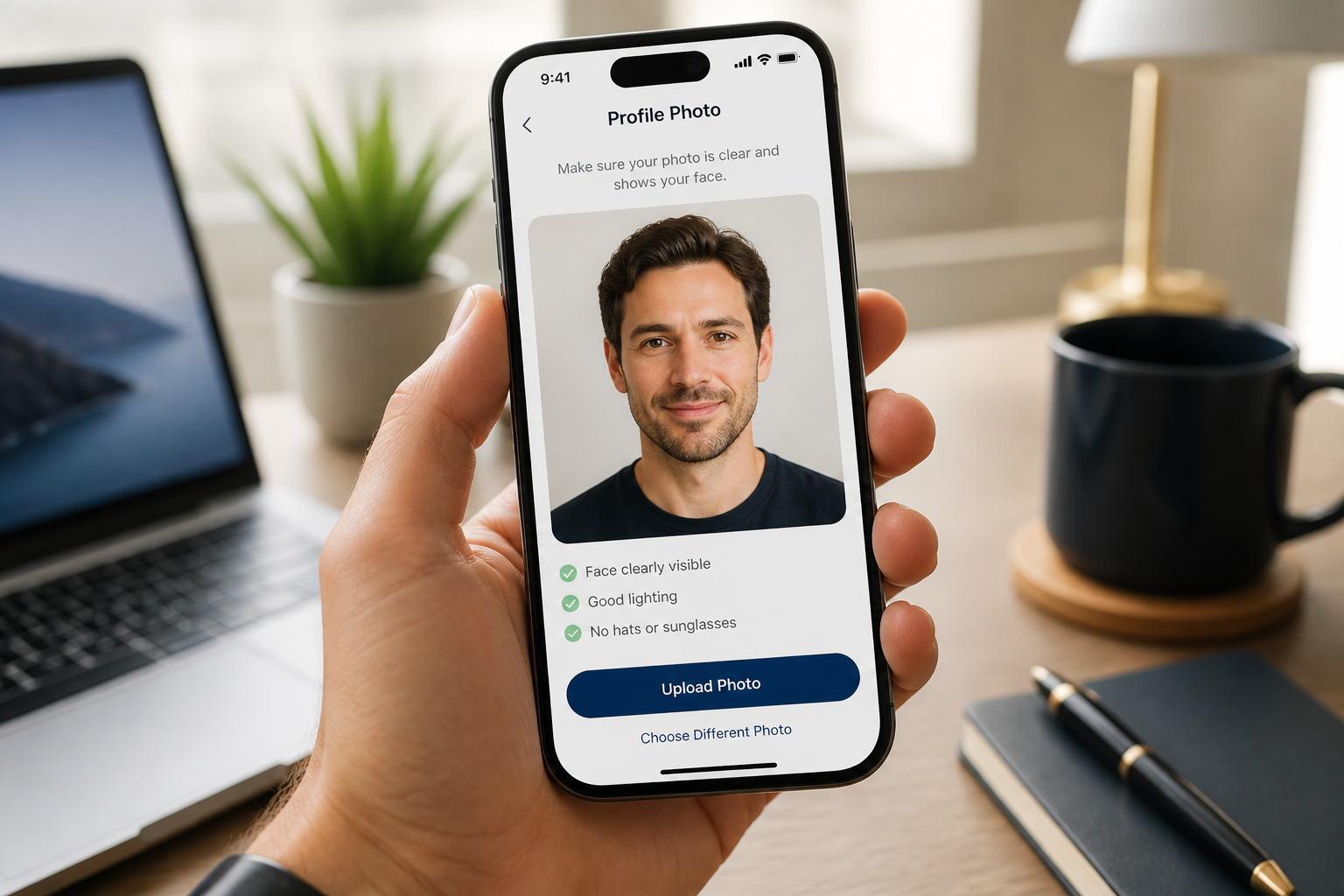
Upload your photo
Start with a clear photo where the face and hairline are visible. A well-lit front-facing image usually gives the cleanest bangs preview.
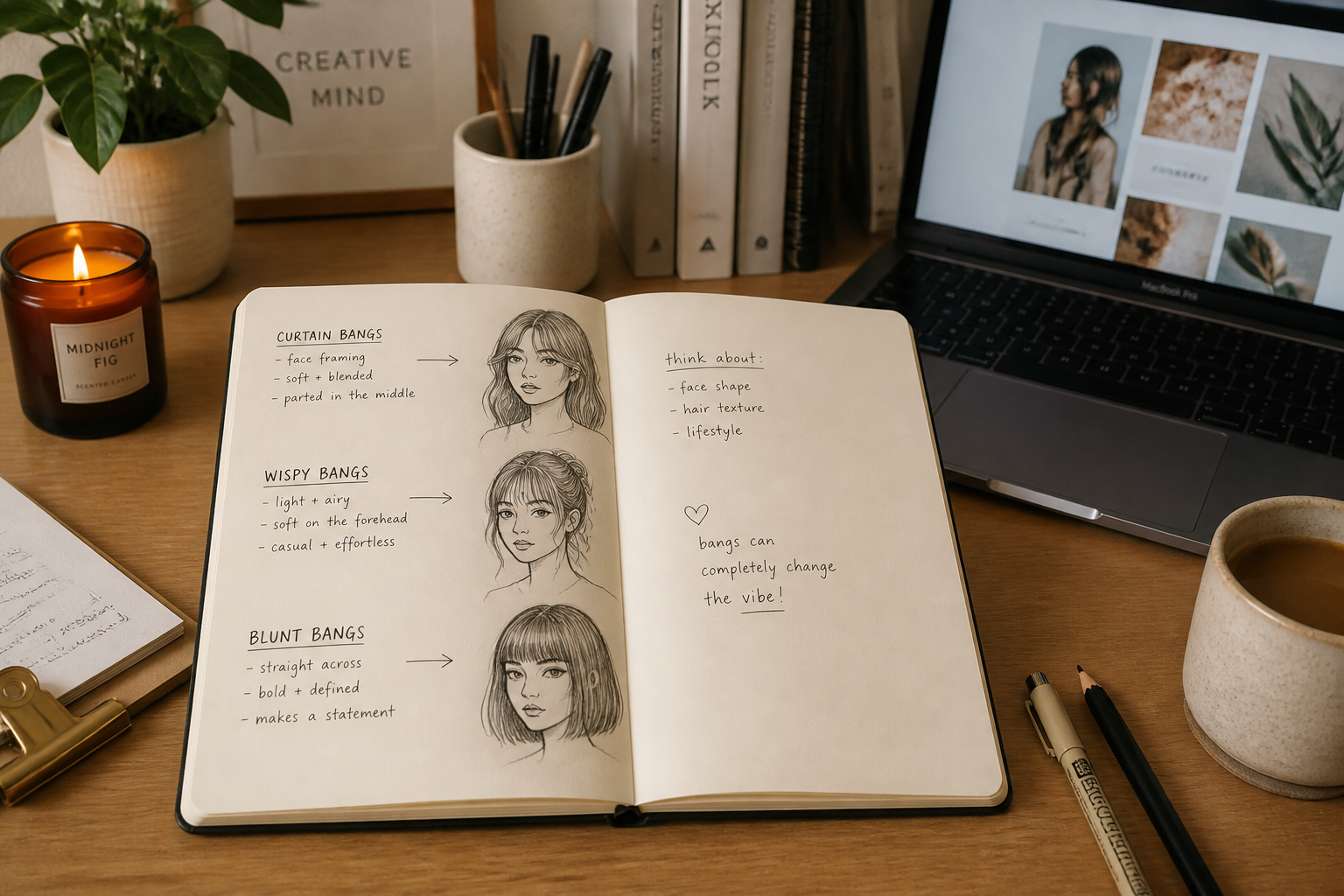
Describe the bangs
Pick a style such as curtain, blunt, wispy, or side-swept. You can also mention length, thickness, and whether you want the result realistic or stylized.
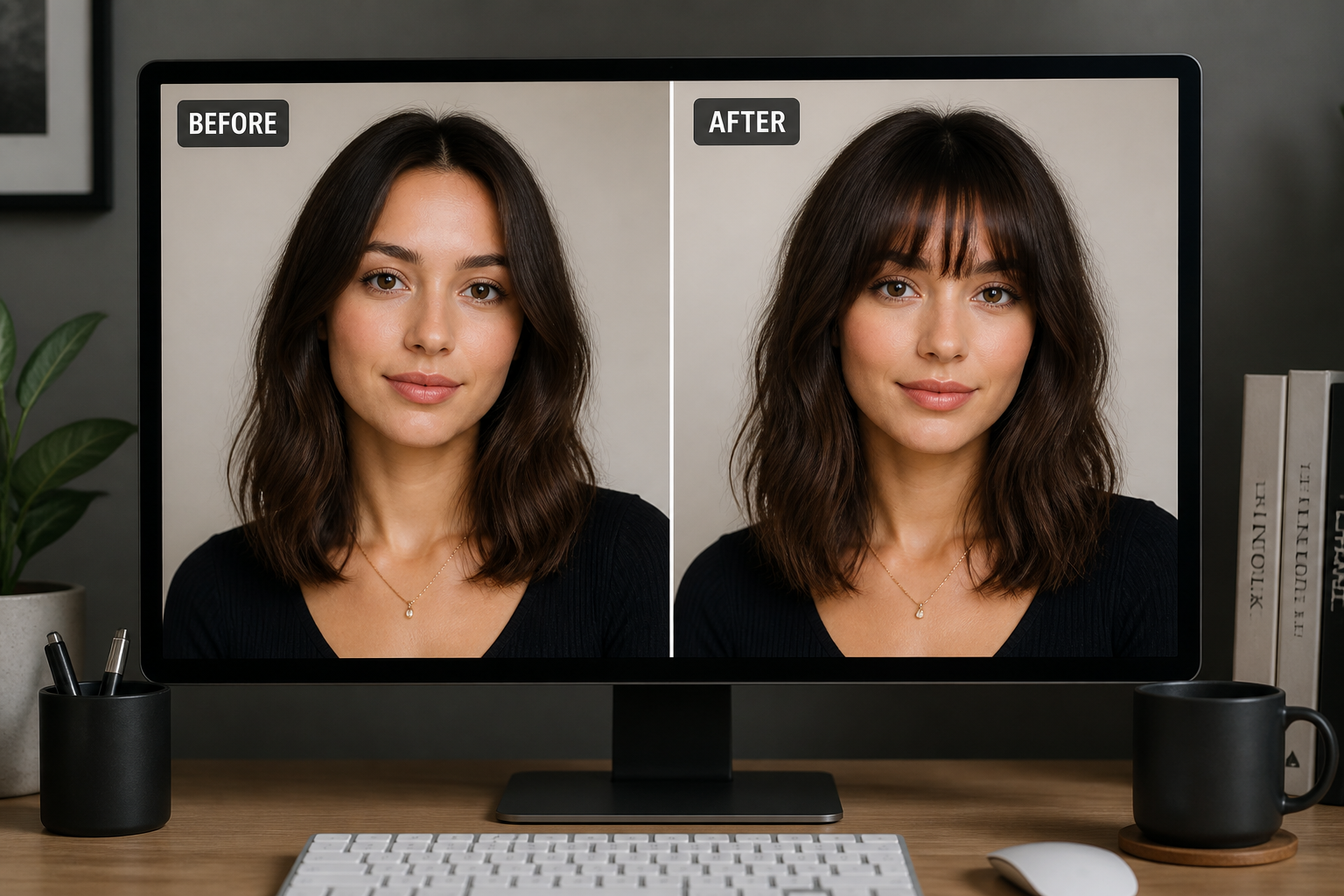
Compare the result
Review the before and after image side by side. If needed, adjust your prompt and generate another version until the bangs look right.
Perfect For
Discover how creators and professionals use ai bangs filter
Haircut decision making
See whether bangs suit your current hairstyle before booking a salon appointment.
Salon consultations
Show a stylist a visual starting point instead of trying to explain the look only with words.
Content and selfies
Create polished bangs edits for social posts, profile photos, or personal style experiments.
Moodboards and planning
Test different fringe directions and shapes while planning a full hairstyle change.
Built For
Anyone considering bangs
Useful for people who want a quick, low-risk preview before changing their haircut.
Hair stylists and salon teams
Helpful for consultations, reference building, and setting clearer expectations with clients.
Creators and beauty hobbyists
Good for making shareable hairstyle edits, lookbooks, and style comparison posts.
Why use this for bangs previews
A quick look at how we compare on the things that matter for this niche.
| Feature | BudgetPixel | Generic AI editors | Manual editing apps |
|---|---|---|---|
| Bangs-specific try-on | ✓ | — | — |
| Keeps face recognizable | ✓ | — | — |
| Fast style variations | ✓ | ✓ | — |
| No manual hair masking | ✓ | ✓ | — |
Frequently Asked Questions
What kinds of bangs can I try?
Will the edit still look like me?
What photo works best for an AI bangs filter?
Can I use it for realistic and stylized results?
Do I need editing skills?
Create together.
Share your creations, discover trending AI art, and grow with fellow creators.