AI Hairstyle Changer
Preview bold new cuts, colors, and styles in seconds.
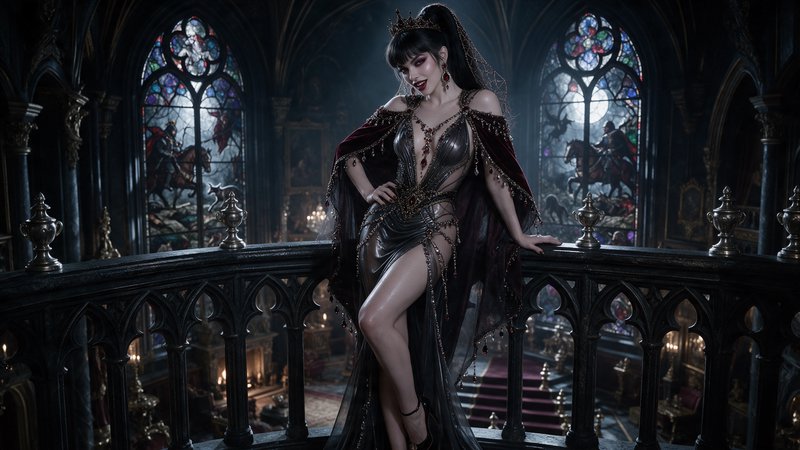
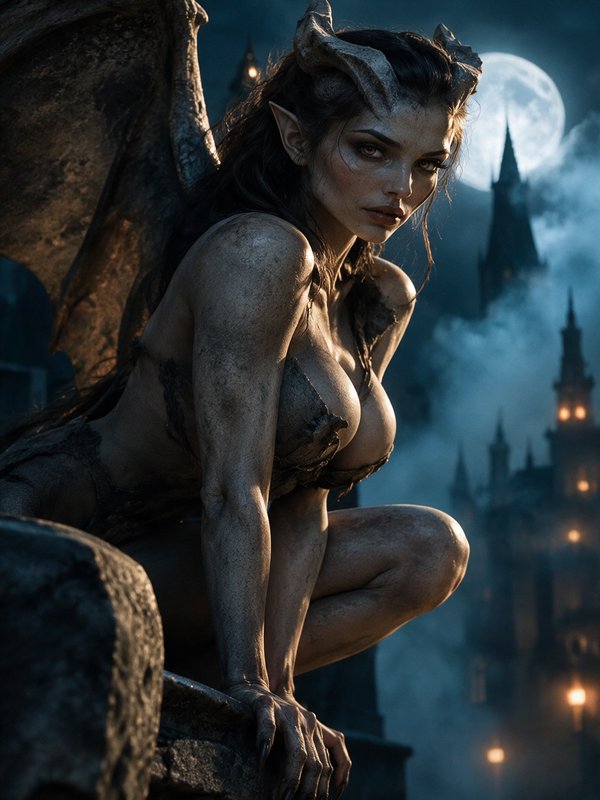
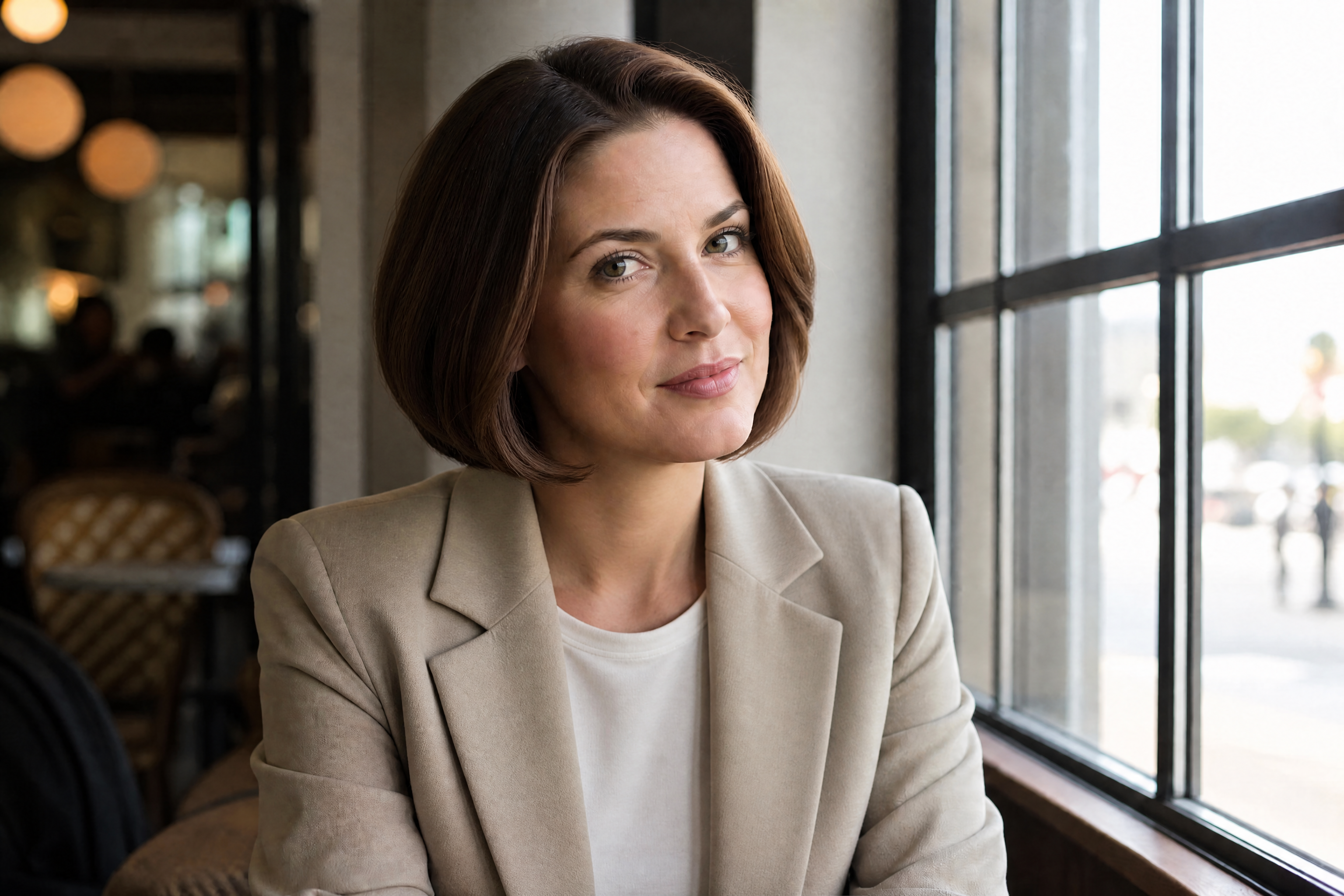
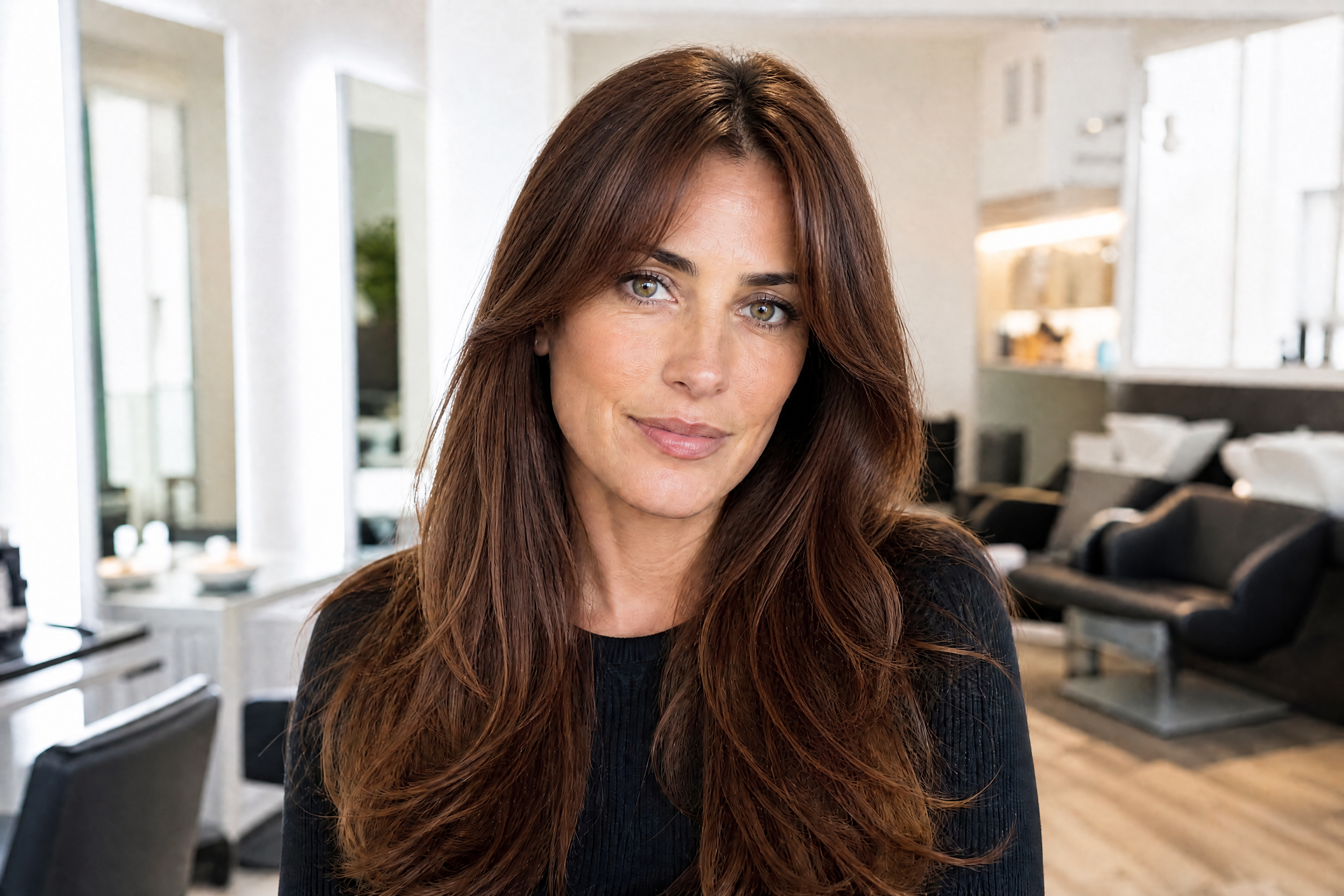
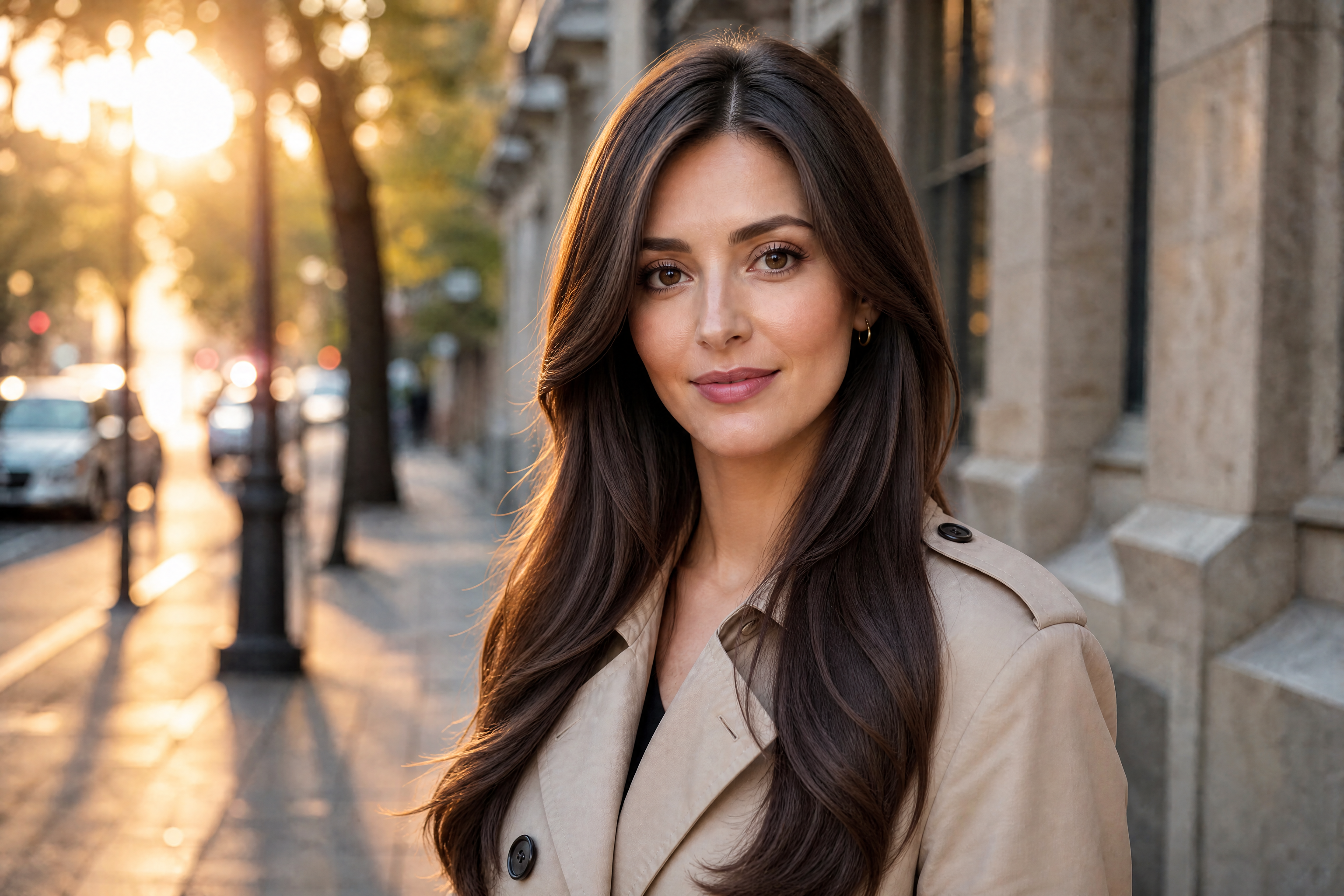
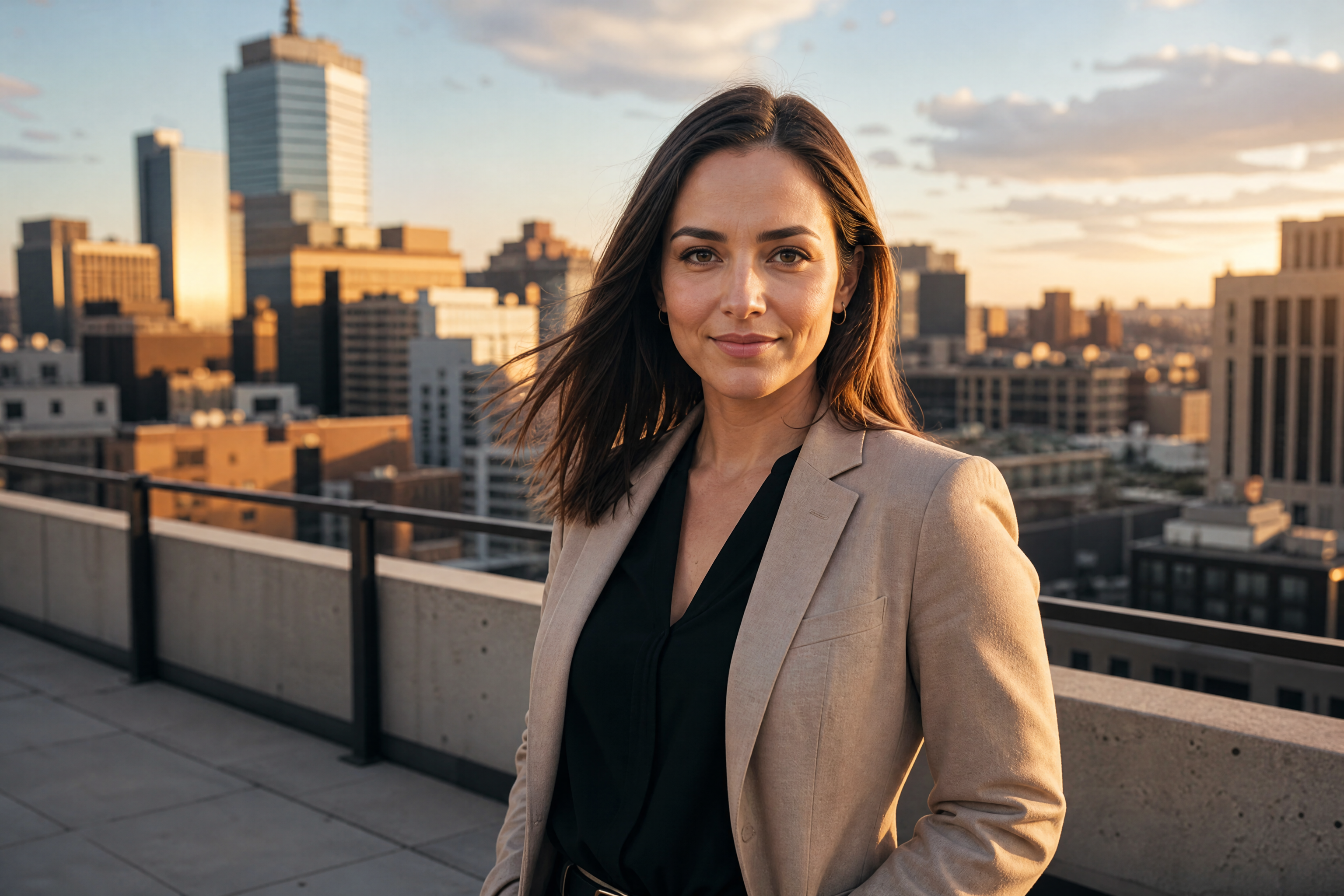
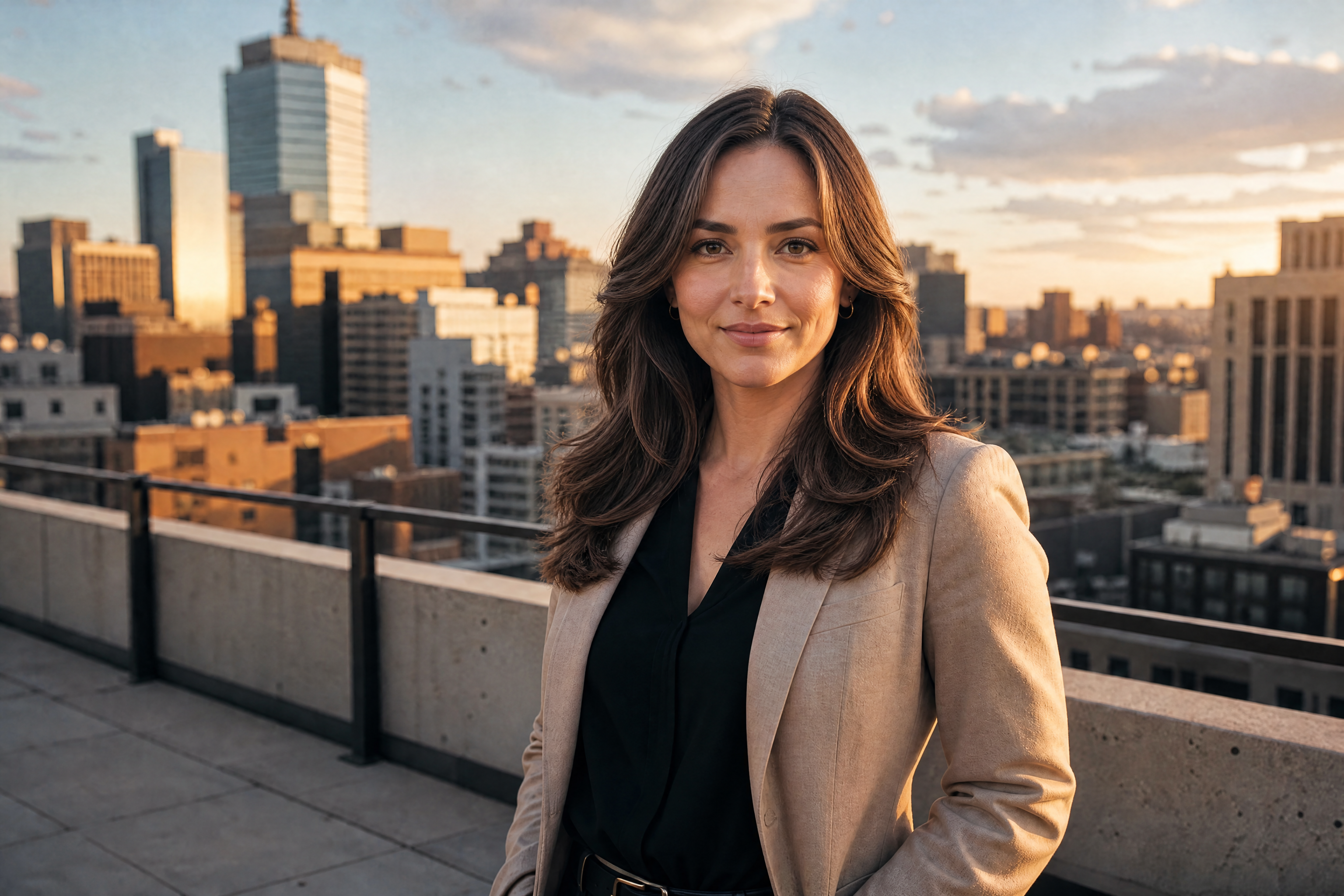
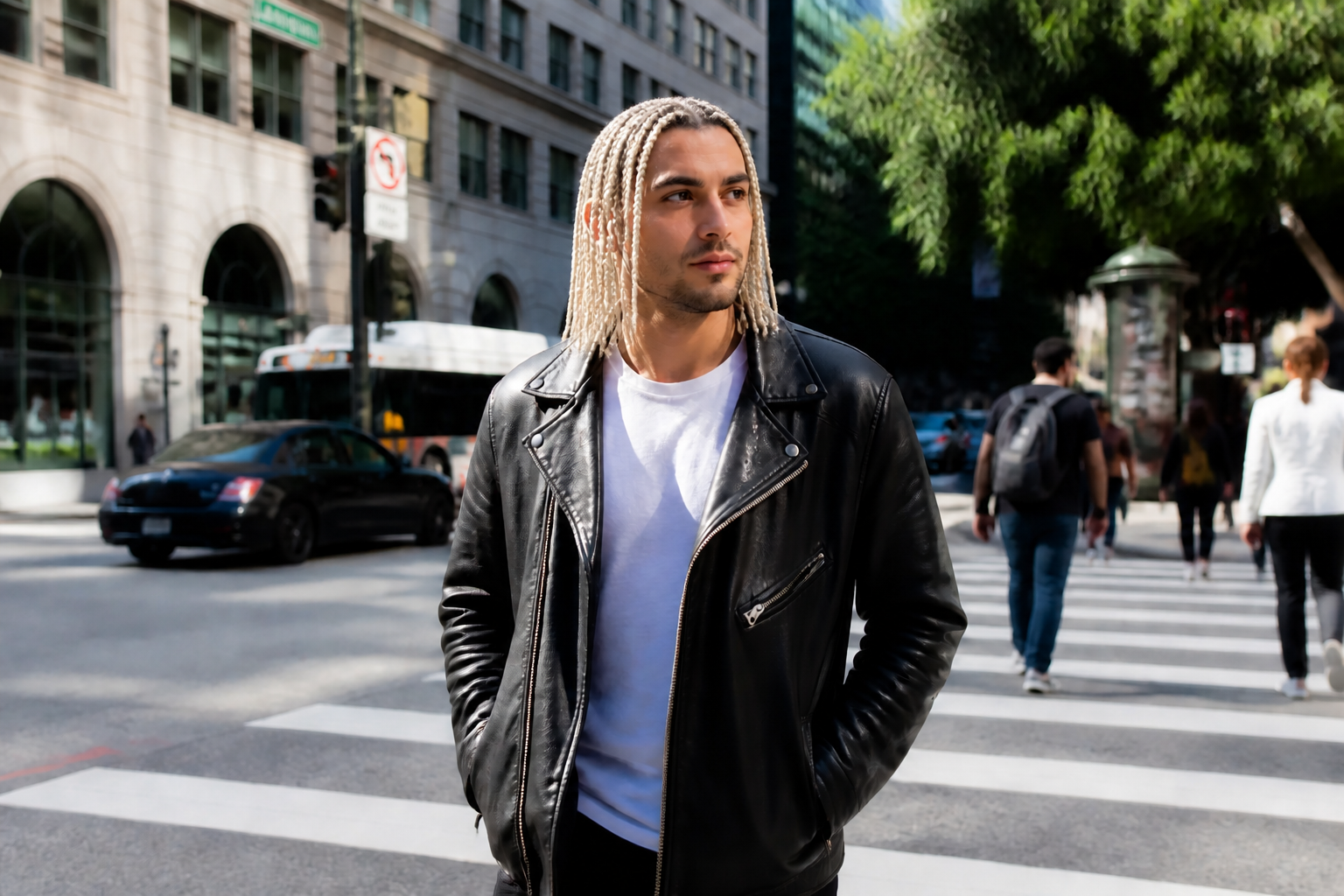
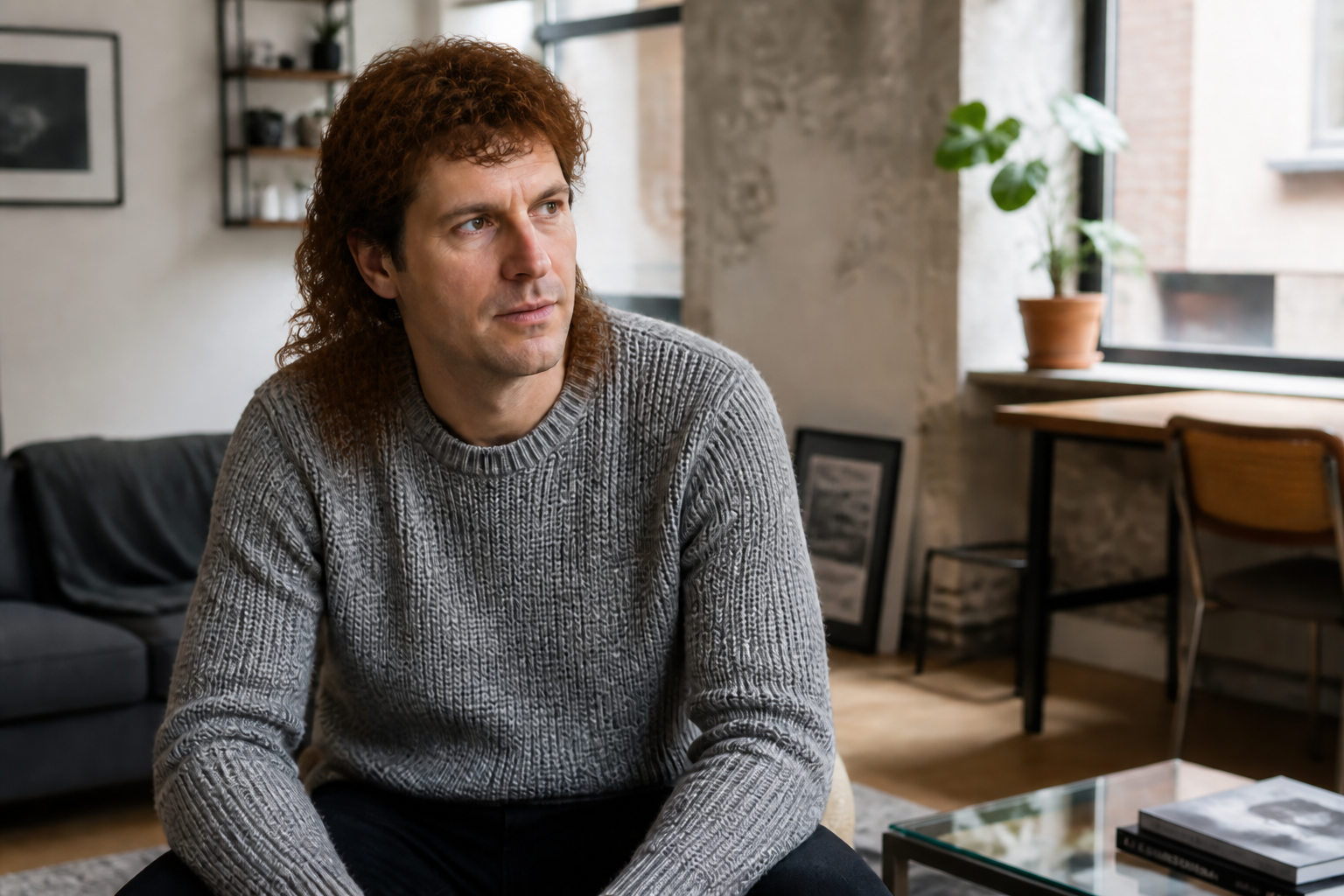
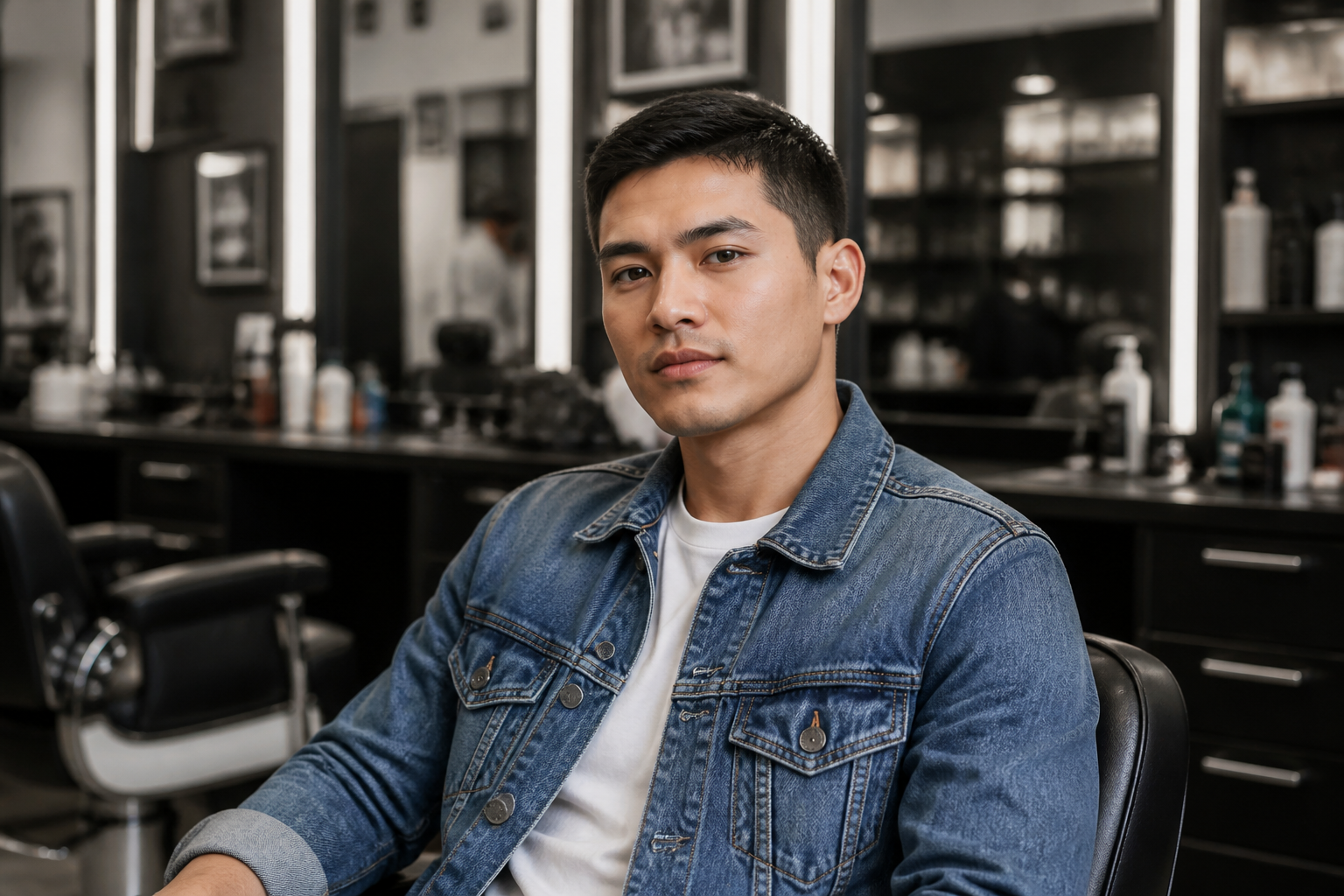
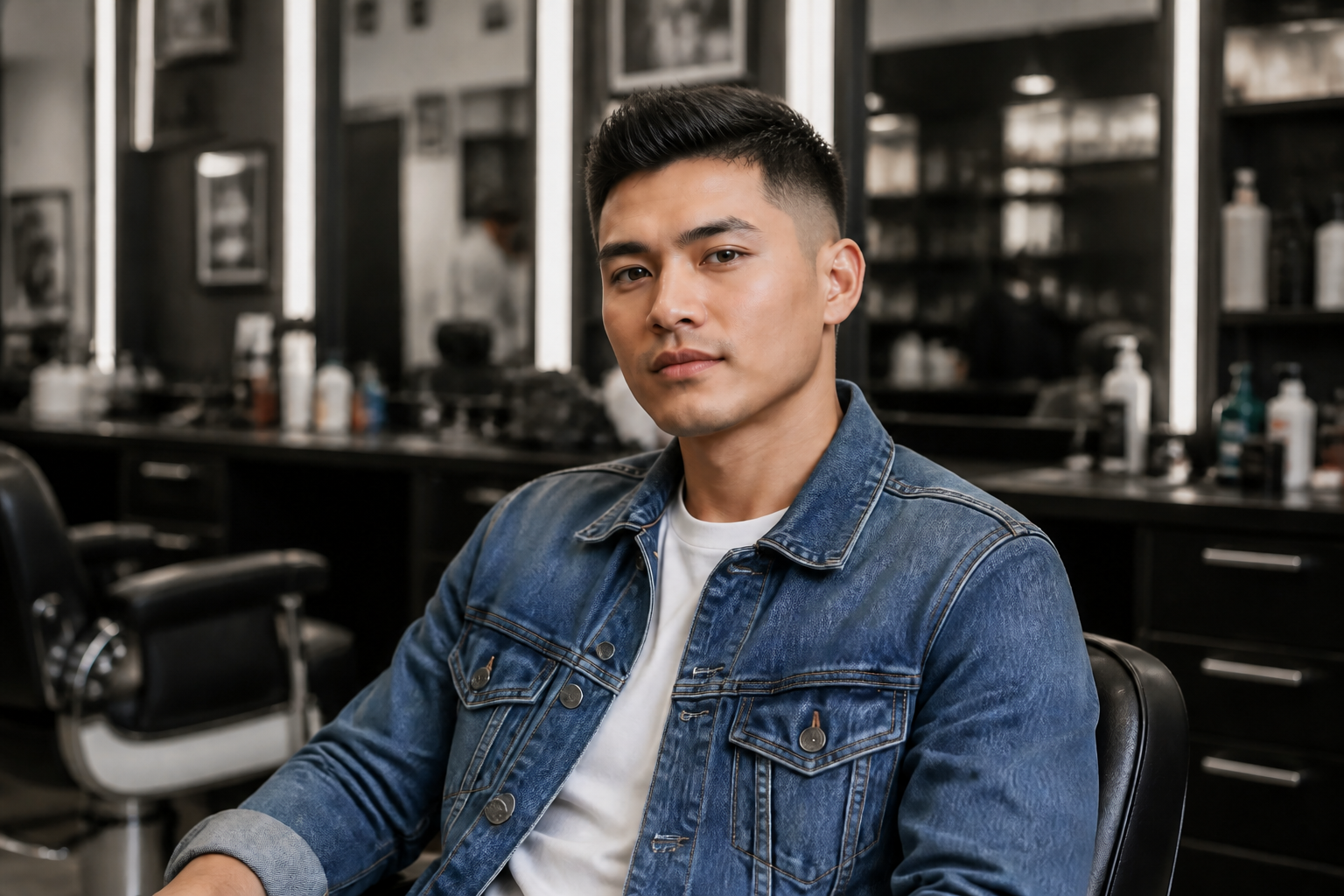
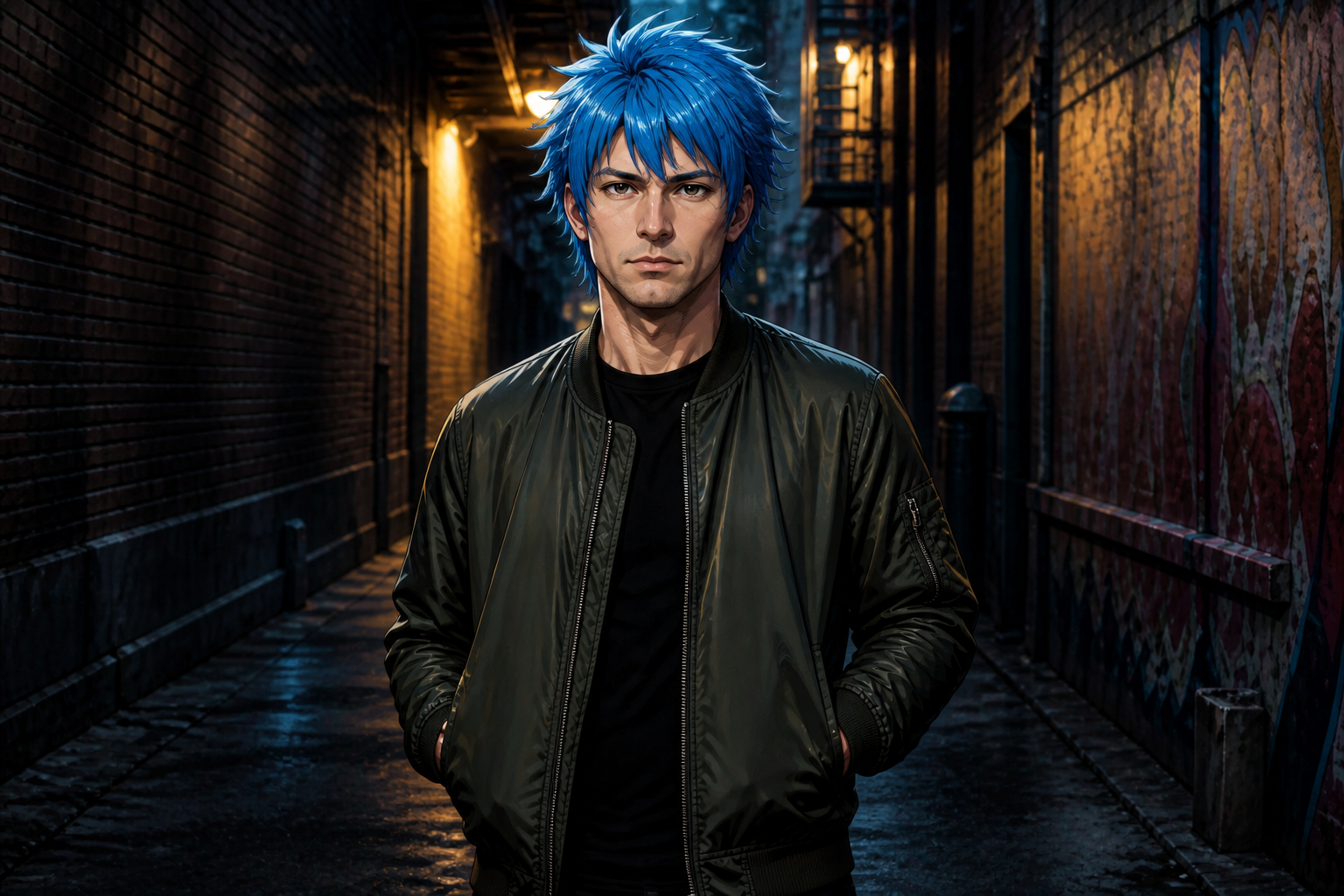
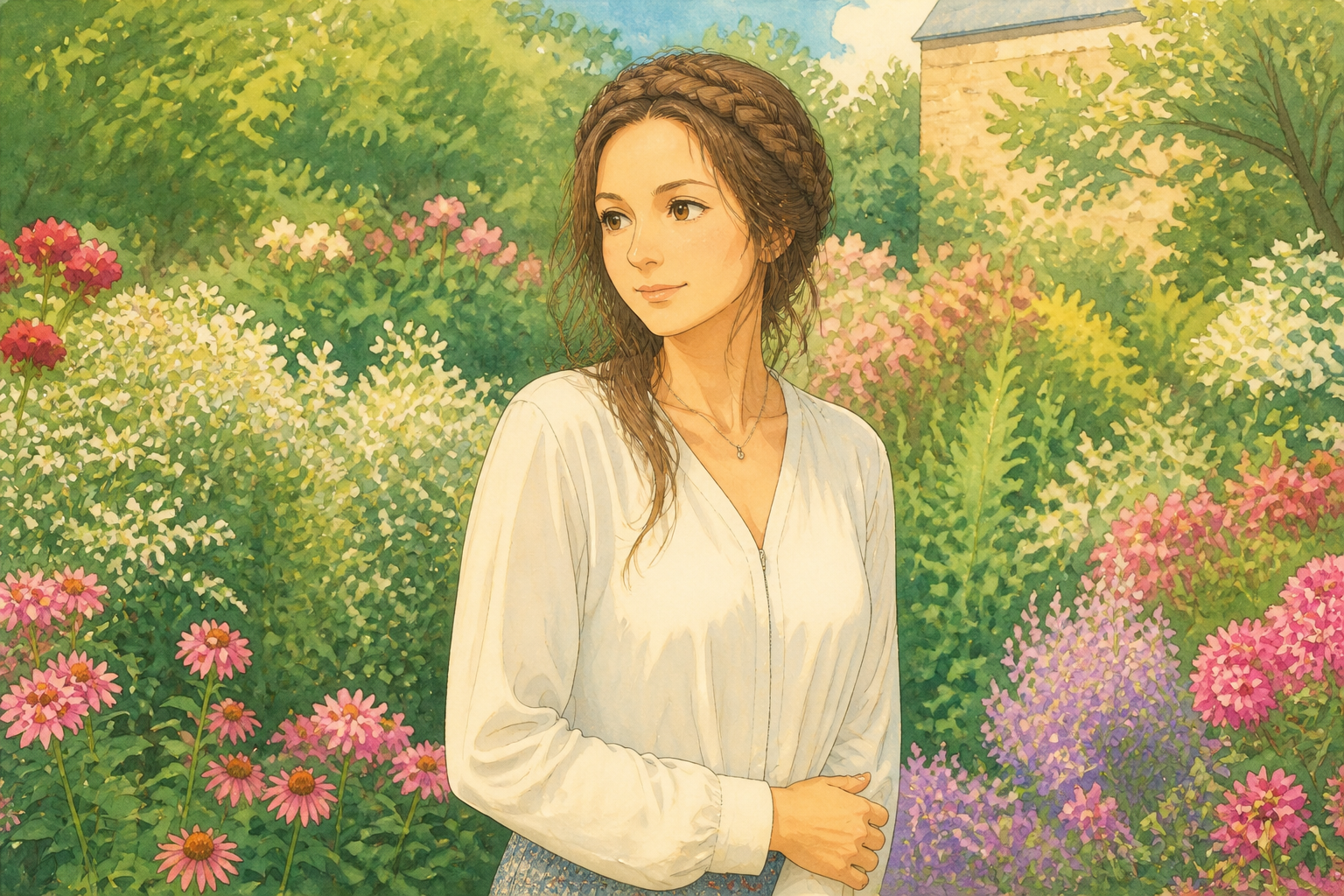
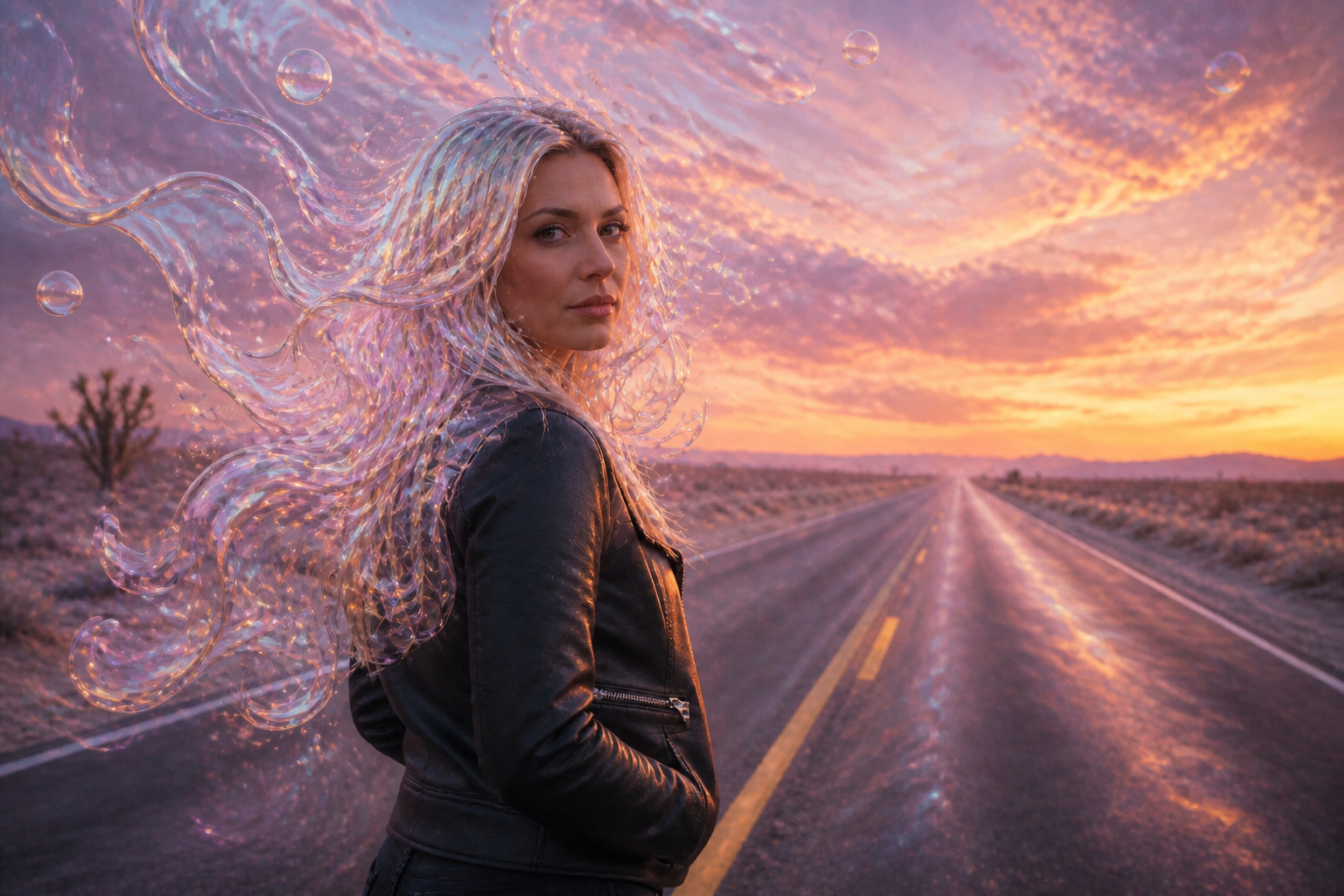
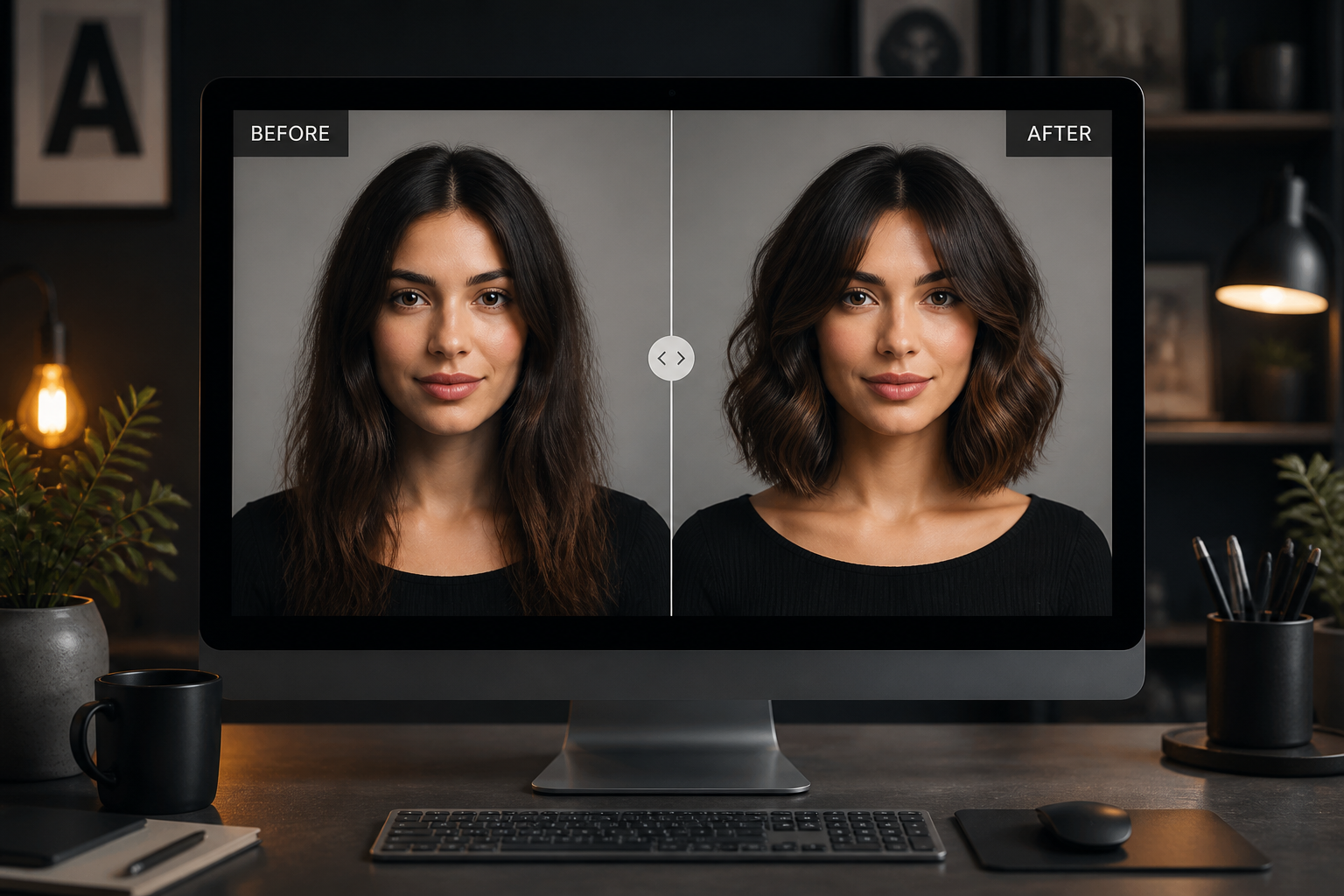
Upload a photo and change the hairstyle without reshooting or manually editing. Try realistic salon looks, trendy color swaps, or viral art-style transformations while keeping the same face, pose, and outfit.
Watch the Transformation
See ai hairstyle changer in motion — generated end-to-end by our AI.
See It In Action
Real outputs from ai hairstyle changer.
BEFOREAFTER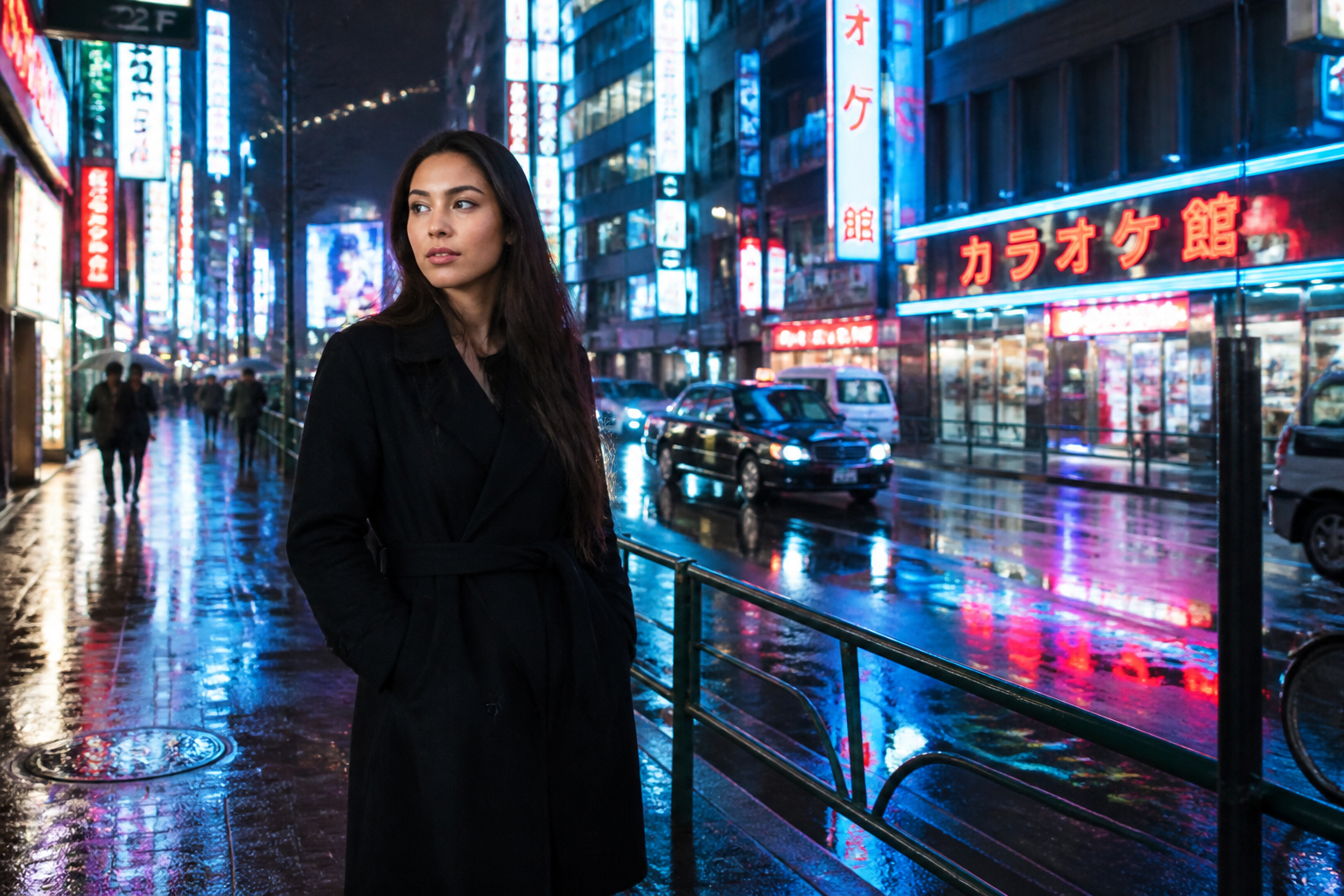 BEFORE
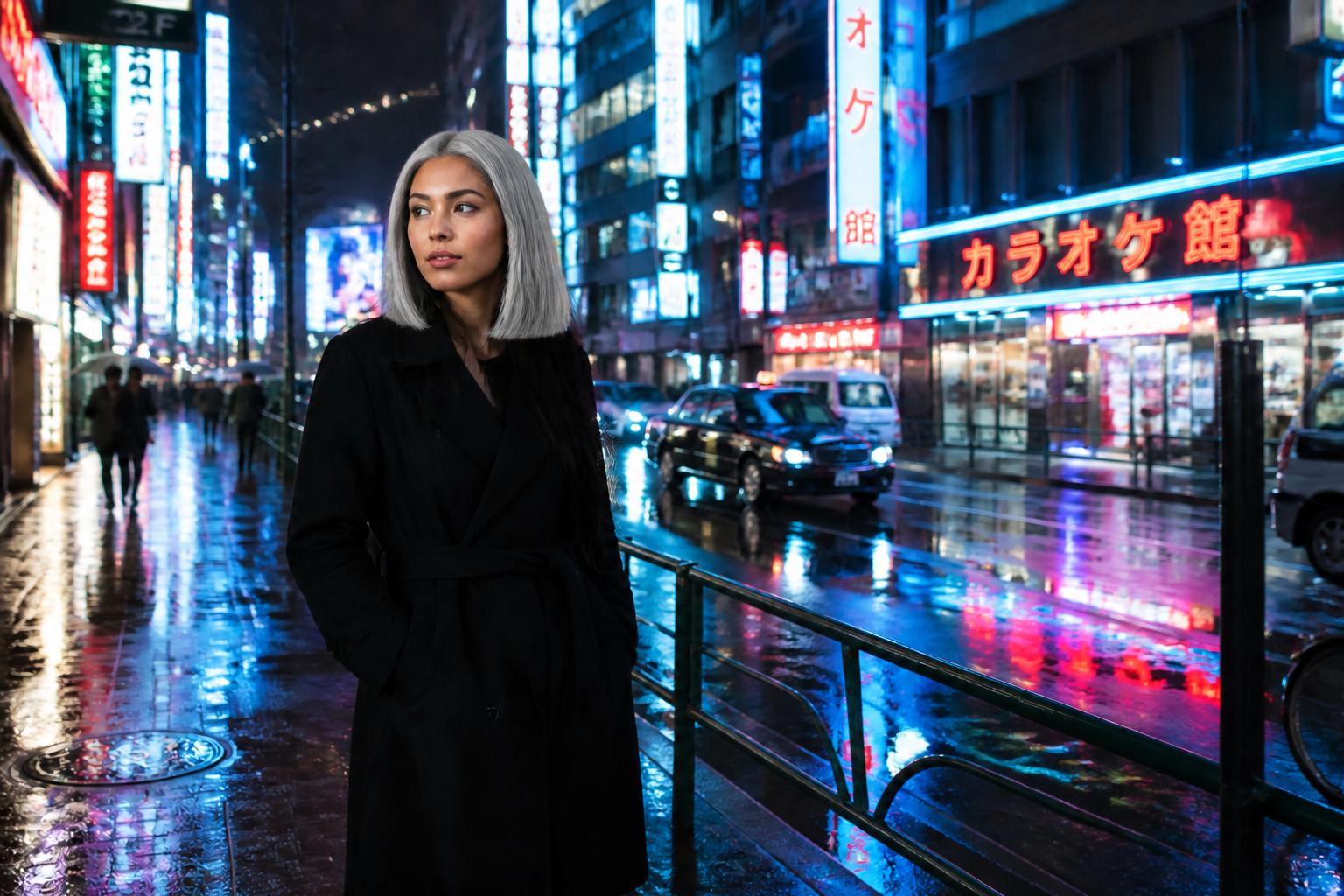 AFTER
AFTER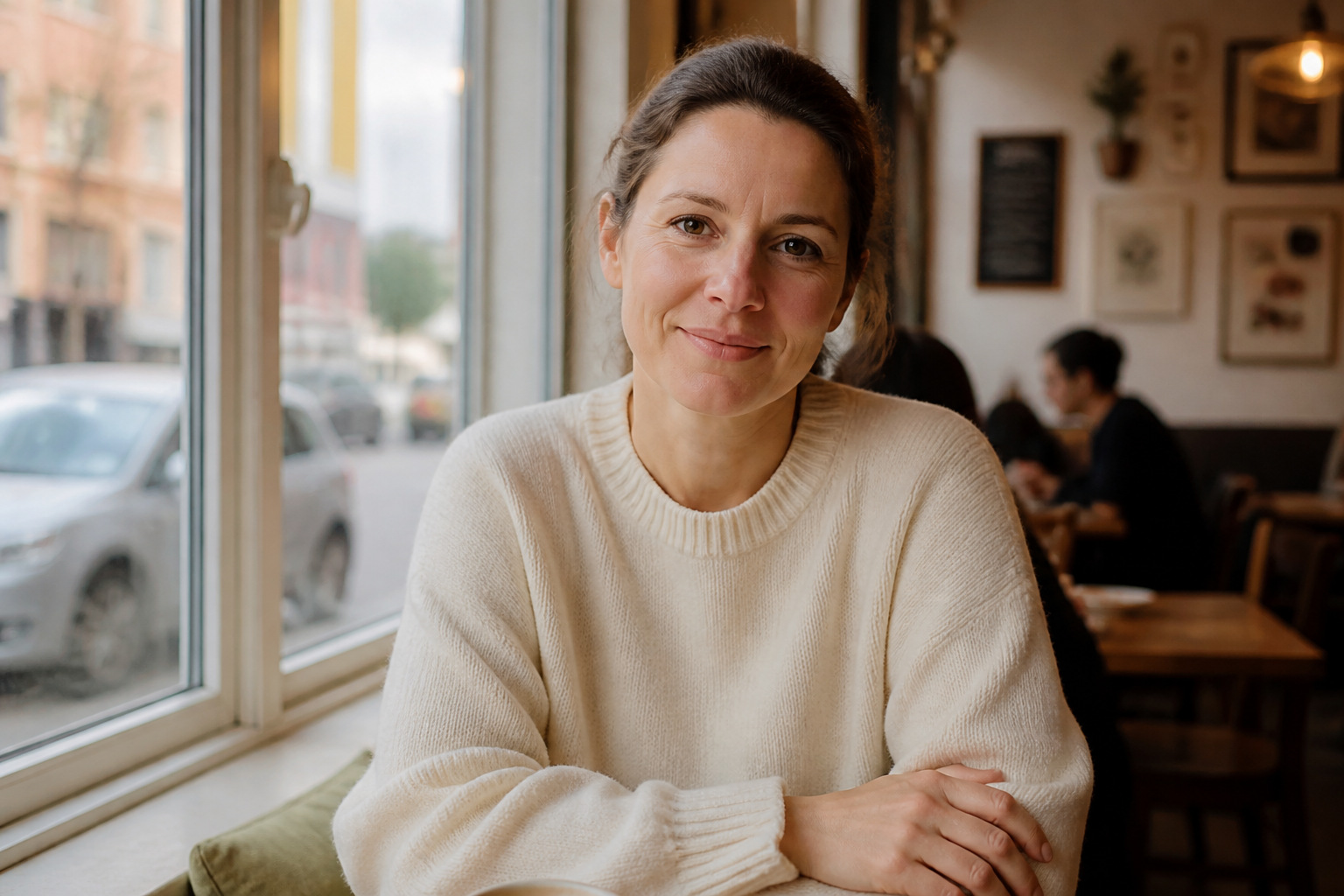 BEFORE
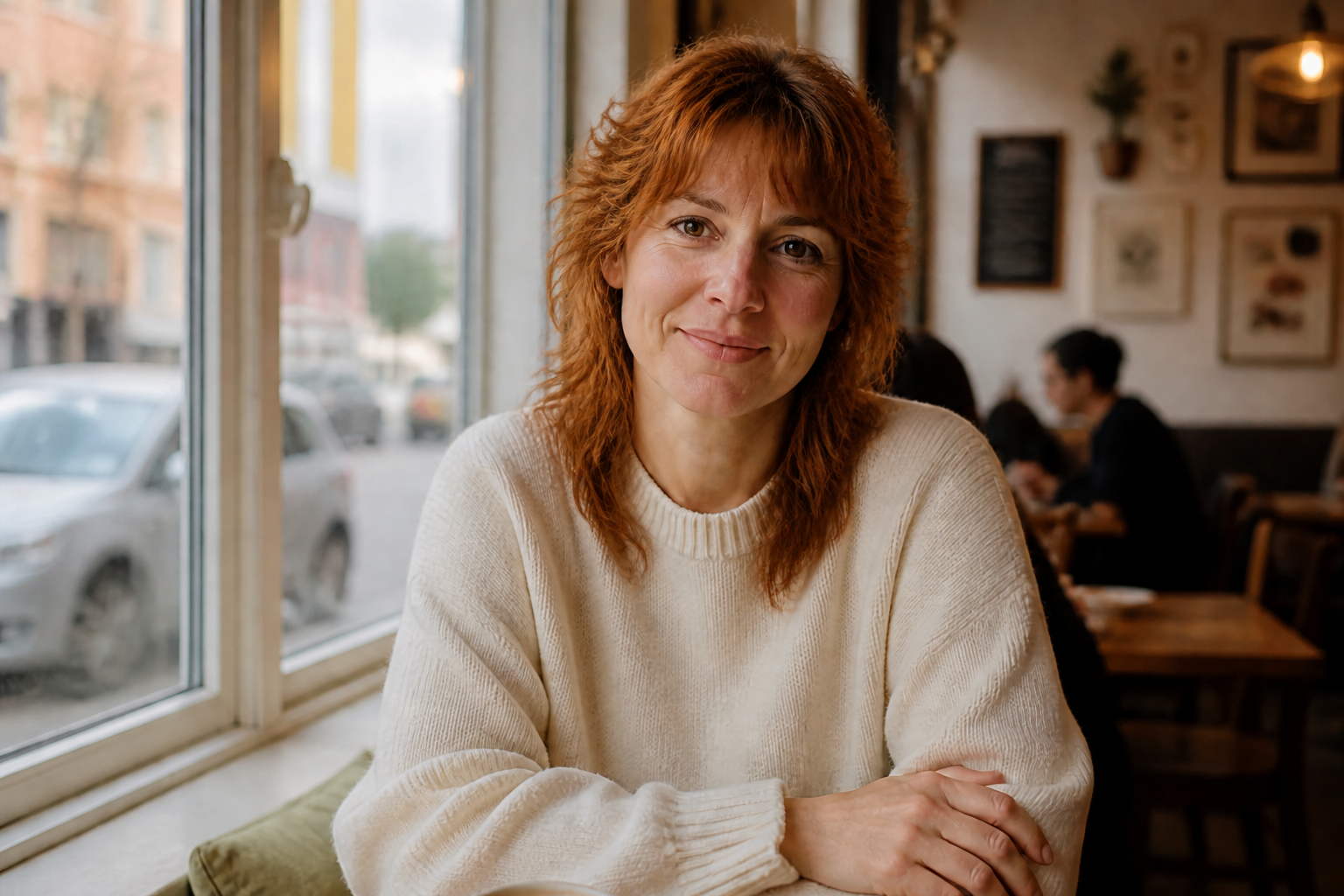 AFTER
AFTER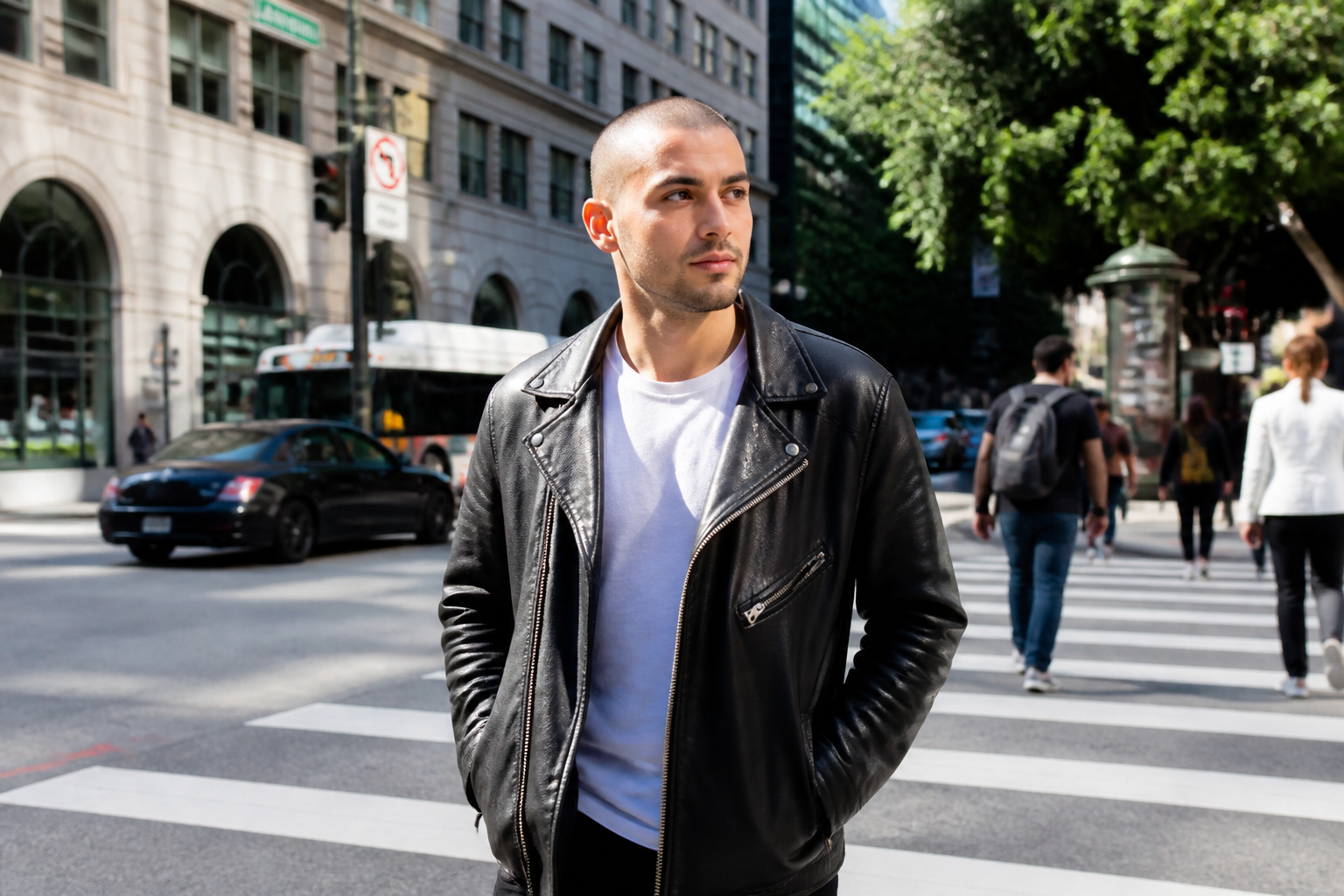 BEFORE
 AFTER
AFTER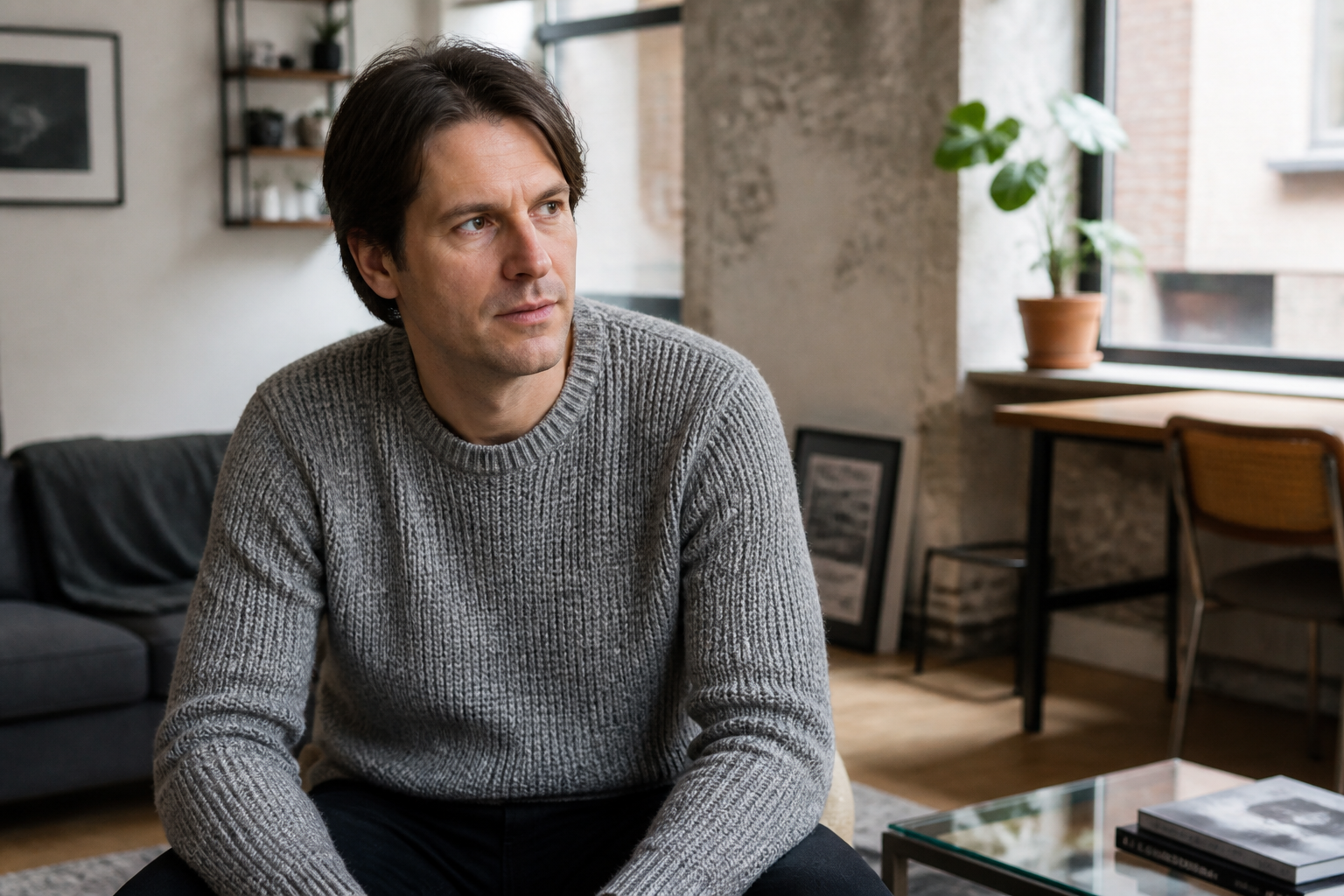 BEFORE
 AFTER
AFTER BEFORE
 AFTERBEFOREAFTERBEFOREAFTERBEFOREAFTERBEFOREAFTERBEFOREAFTERBEFOREAFTER
 BEFORE
 AFTER
AFTER BEFORE
 AFTER
AFTER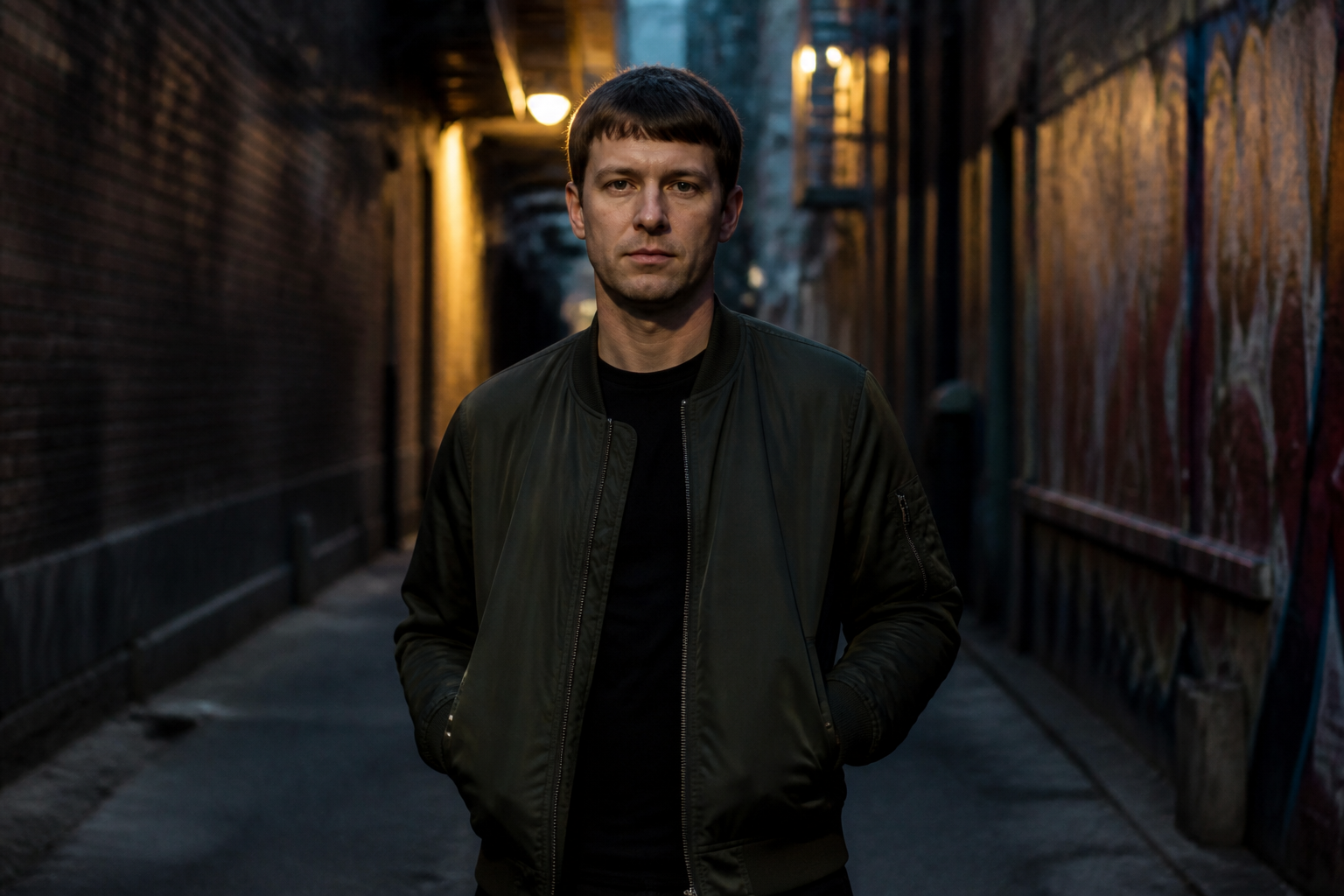 BEFORE
 AFTER
AFTER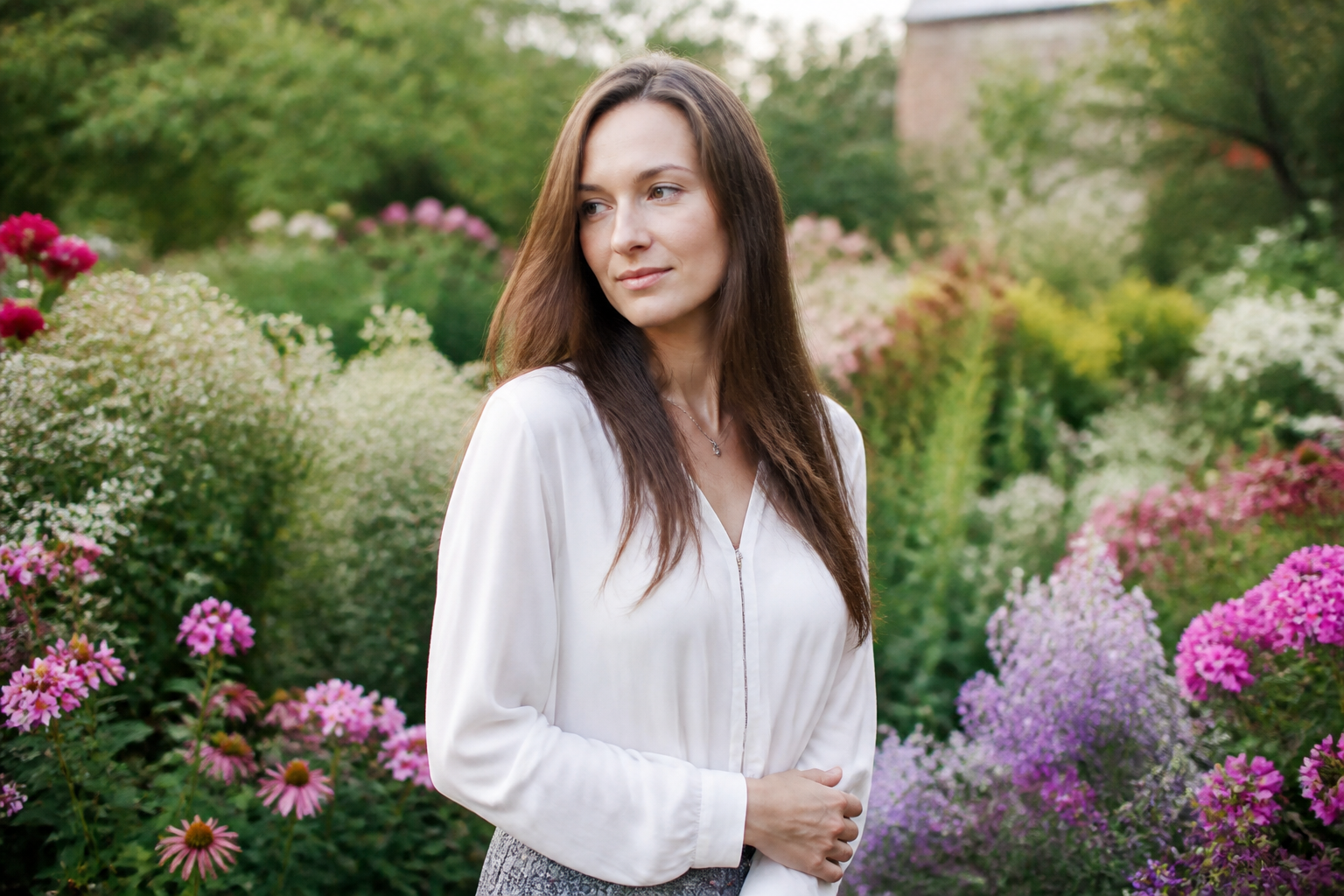 BEFORE
 AFTER
AFTER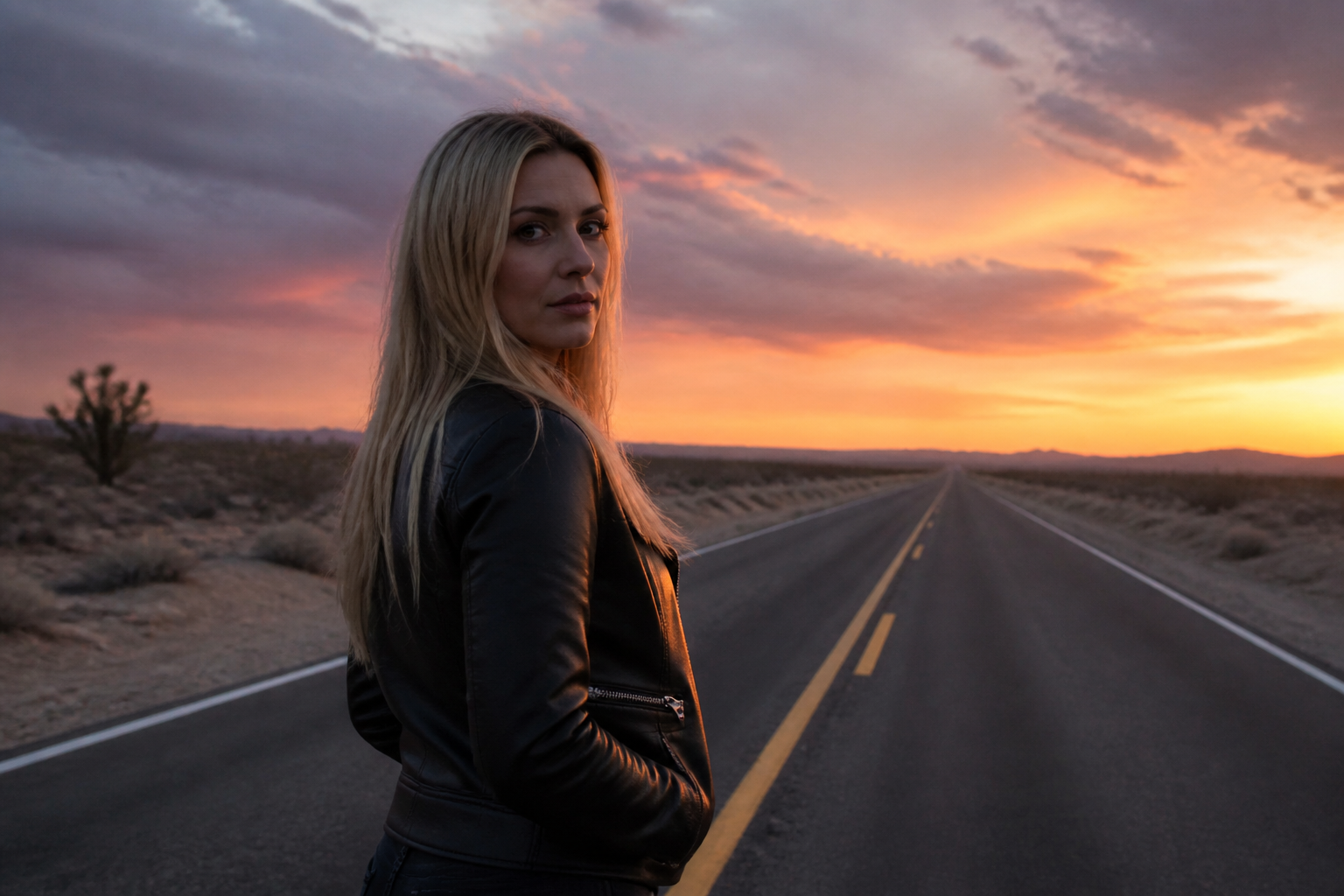 BEFORE
 AFTERBEFOREAFTERBEFOREAFTERBEFOREAFTERBEFOREAFTERBEFOREAFTER
Key Features
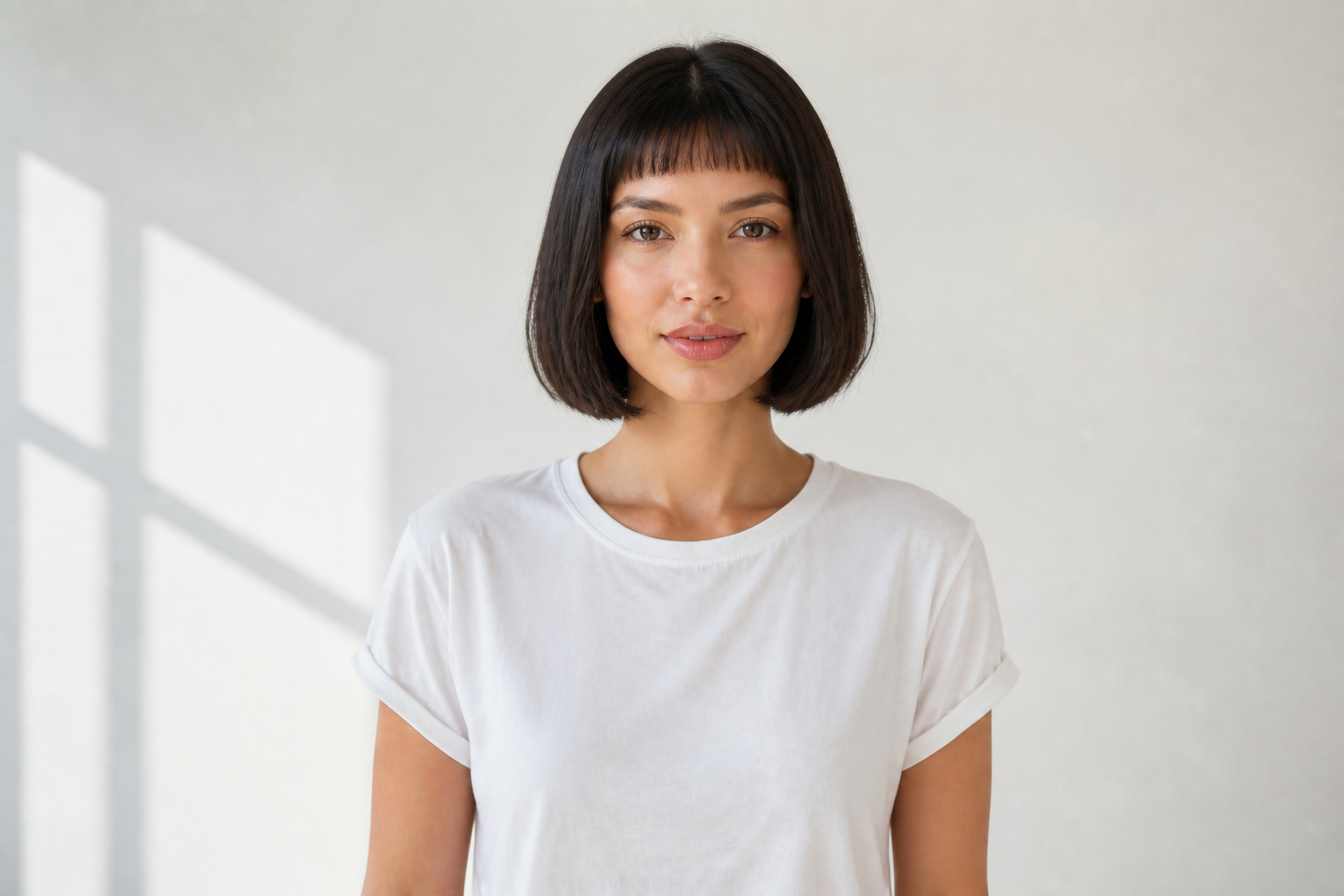
Try bold cuts fast
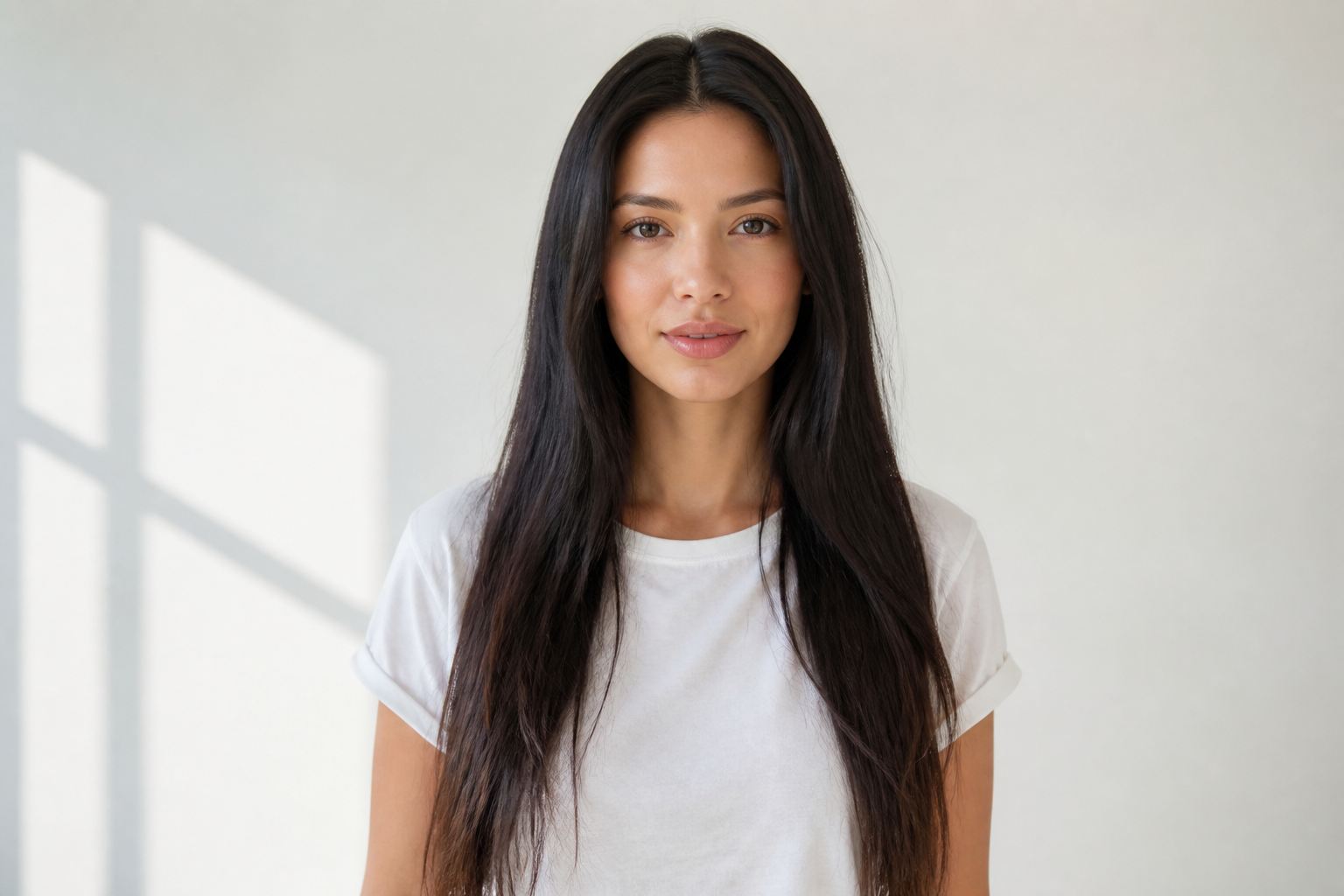
Test dramatic hairstyle changes without booking a salon visit first. You can jump from long waves to a pixie, bob, fade, or mullet in one edit and see the result on your own face. That makes the change easier to judge than browsing inspiration photos. It is a quick way to compare high-commitment looks before you act on them.
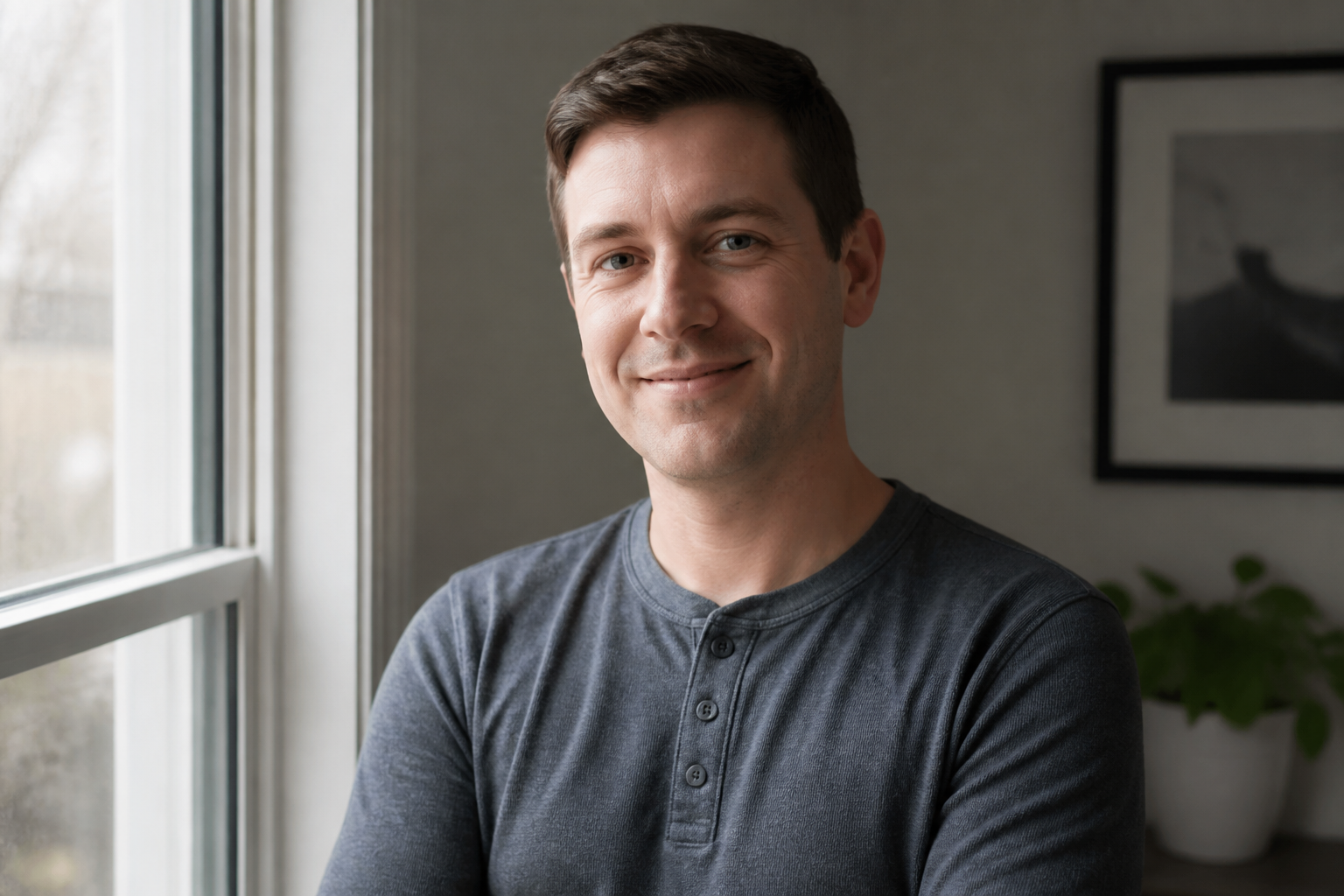

Keep your face recognizable
The hairstyle changes while your core features stay consistent. That matters when you want a true preview of how a new look fits your face shape, expression, and overall vibe. Manual edits often drift into a different person or need heavy retouching. This keeps the focus on the hair change instead of rewriting the whole image.
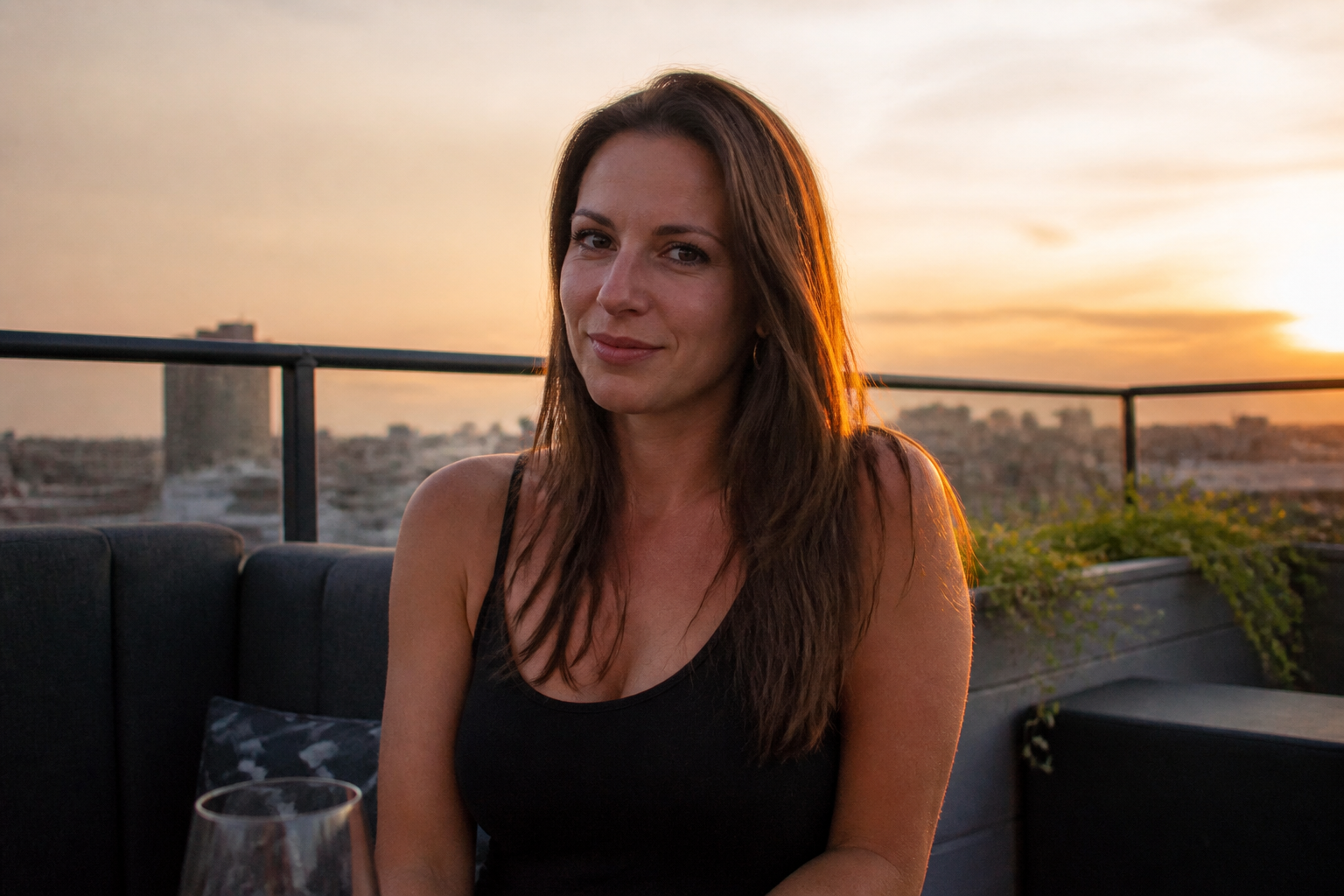
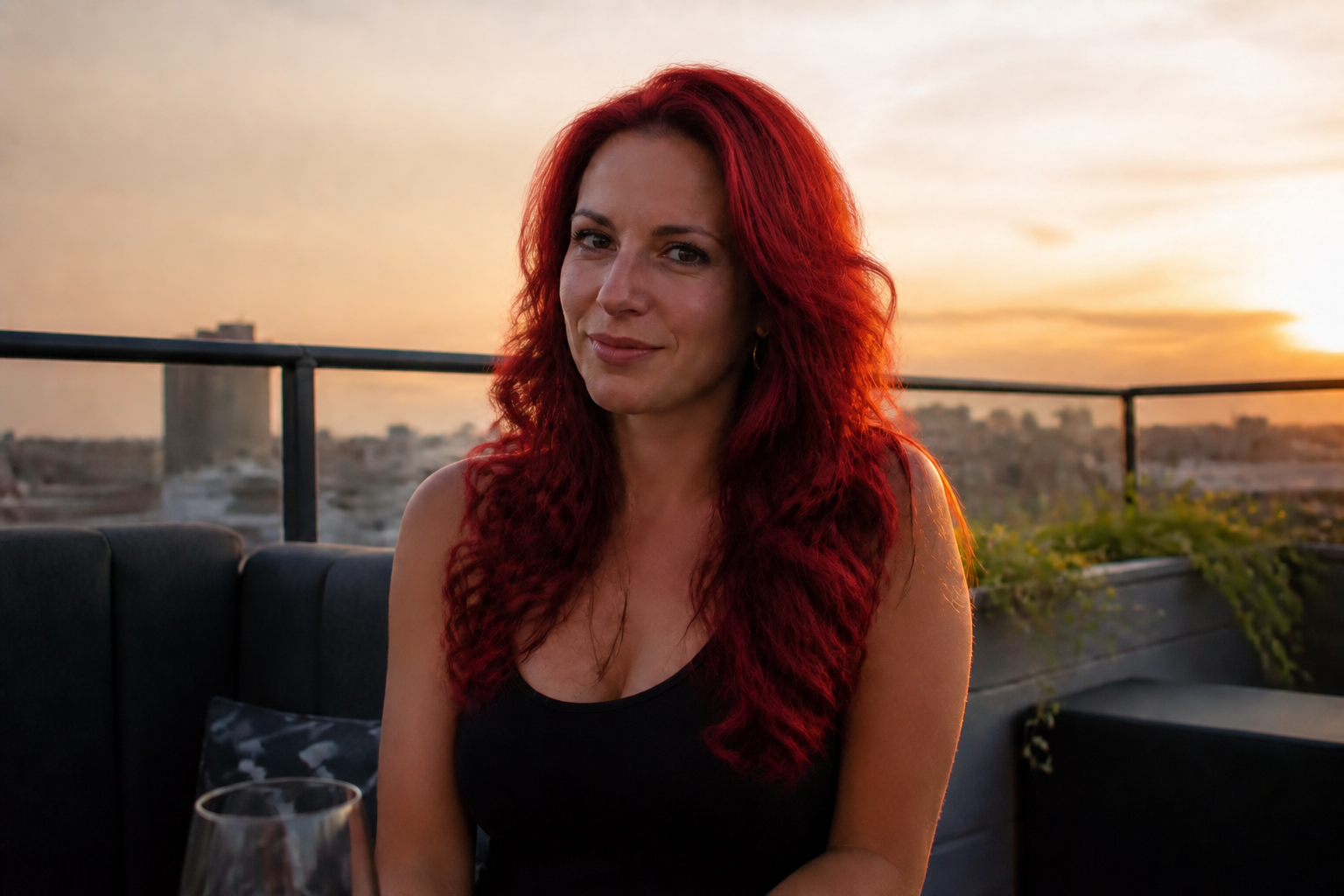
Preview color and texture
A hairstyle is not only about length. You can test vivid color, soft waves, tight curls, braids, or sleek straight finishes on the same photo to compare what reads best. That saves time versus hunting through separate references with different lighting and face shapes. The result is easier to evaluate because everything else stays fixed.
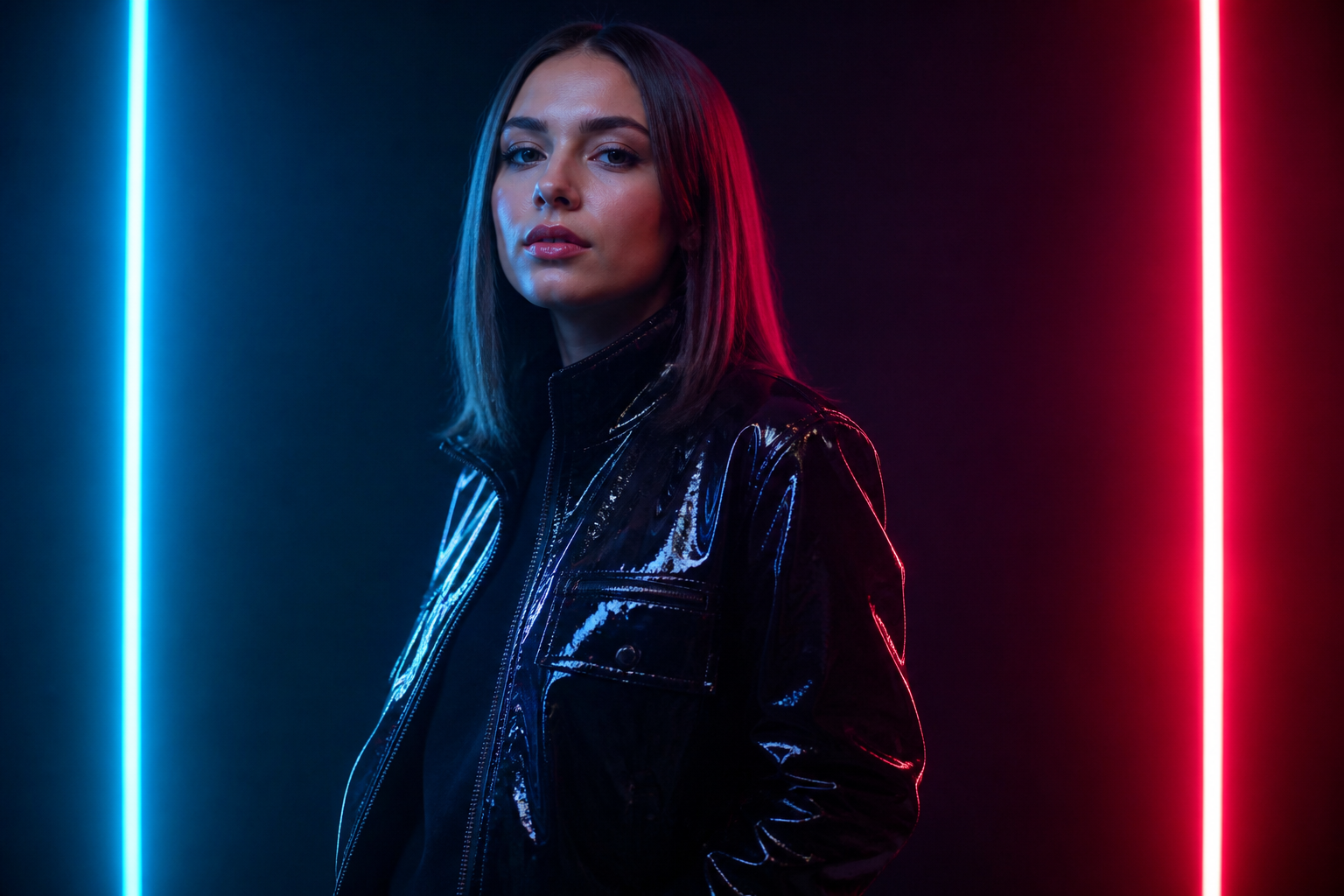
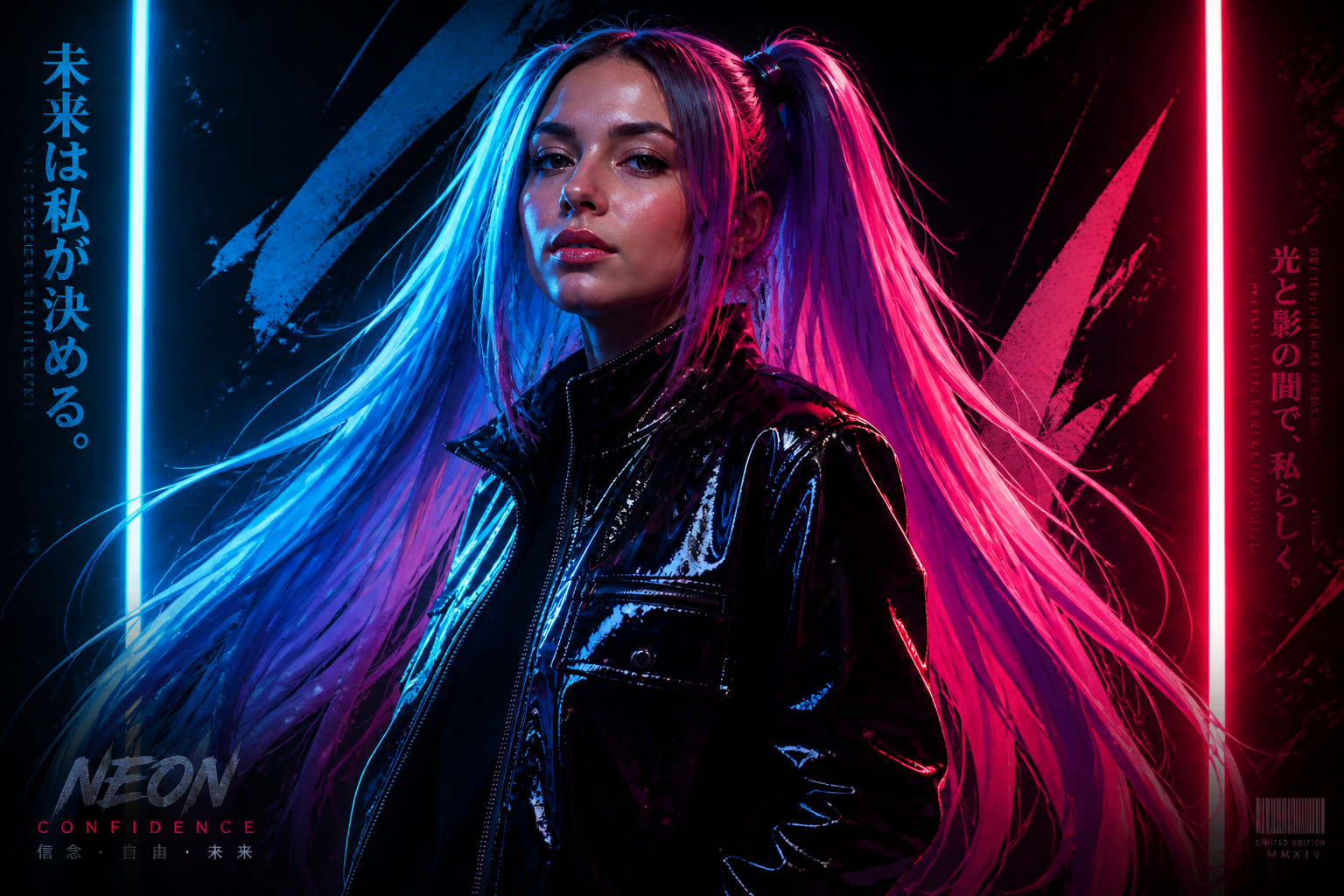
Go beyond realistic looks
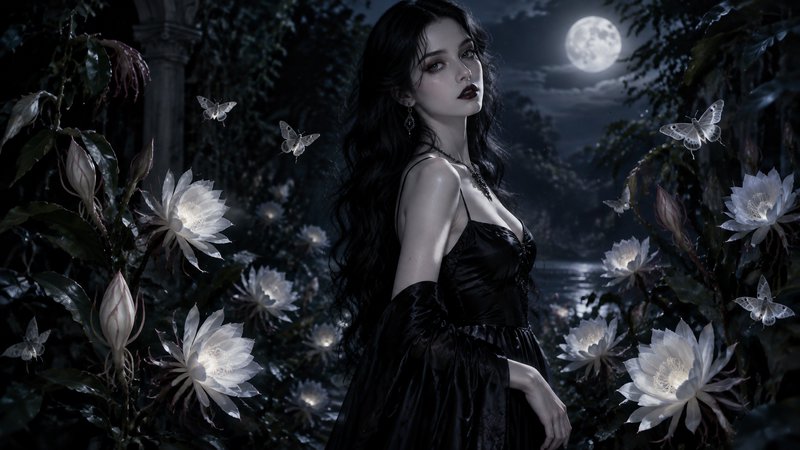
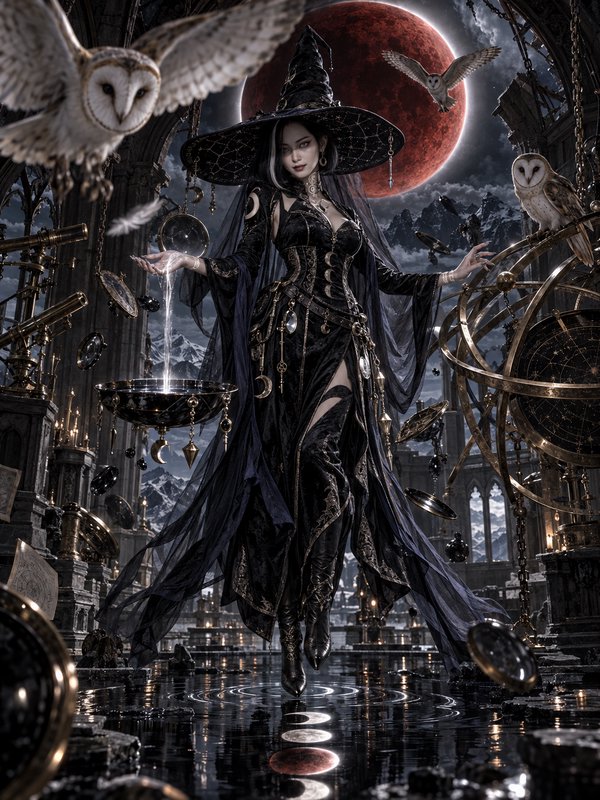
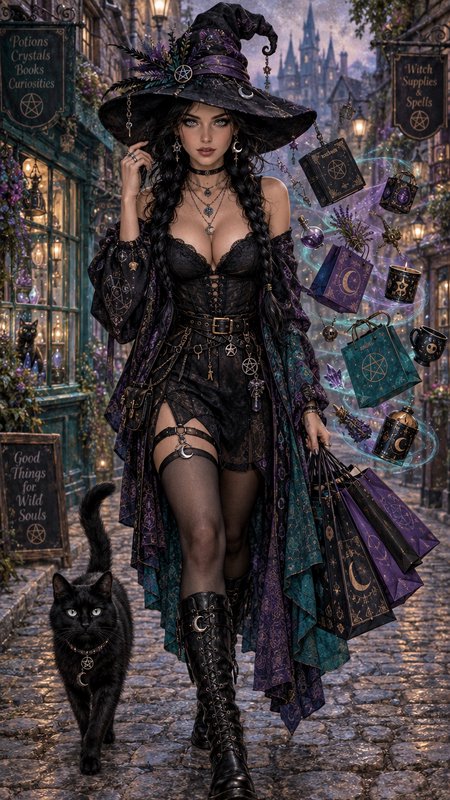
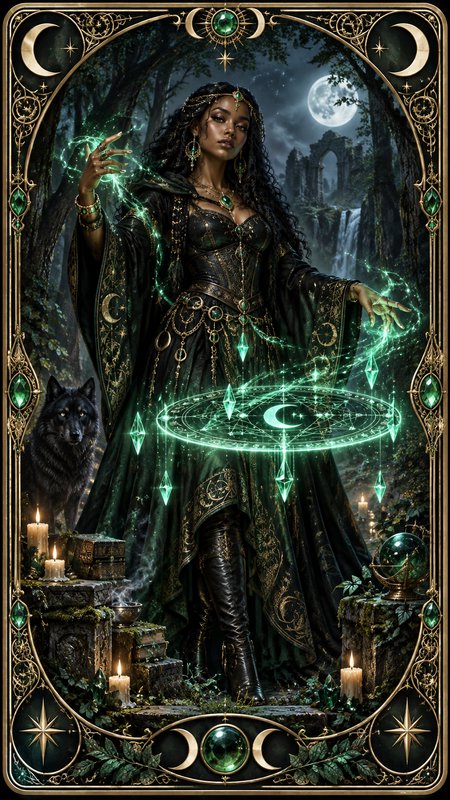
You can also turn one portrait into viral creative variants for social posts, moodboards, or concept work. Switch into anime, editorial, painterly, or surreal hair treatments while holding onto the same pose and identity. Doing that by hand takes multiple tools and a lot of cleanup. Here it becomes a fast style exploration workflow.
How It Works
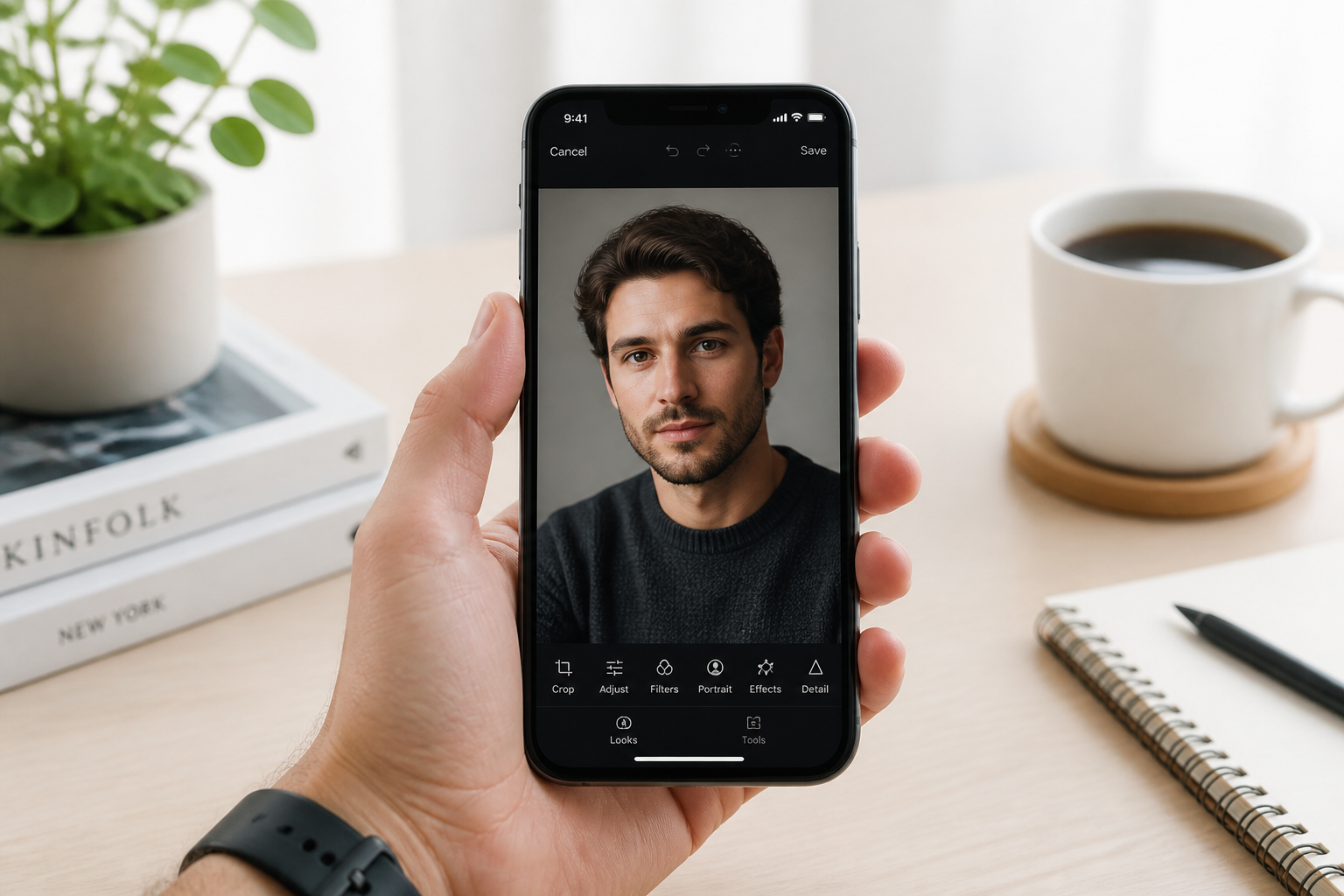
Upload your photo
Start with a clear photo where the hair and face are easy to see. Medium shots with good lighting usually give the strongest hairstyle previews.
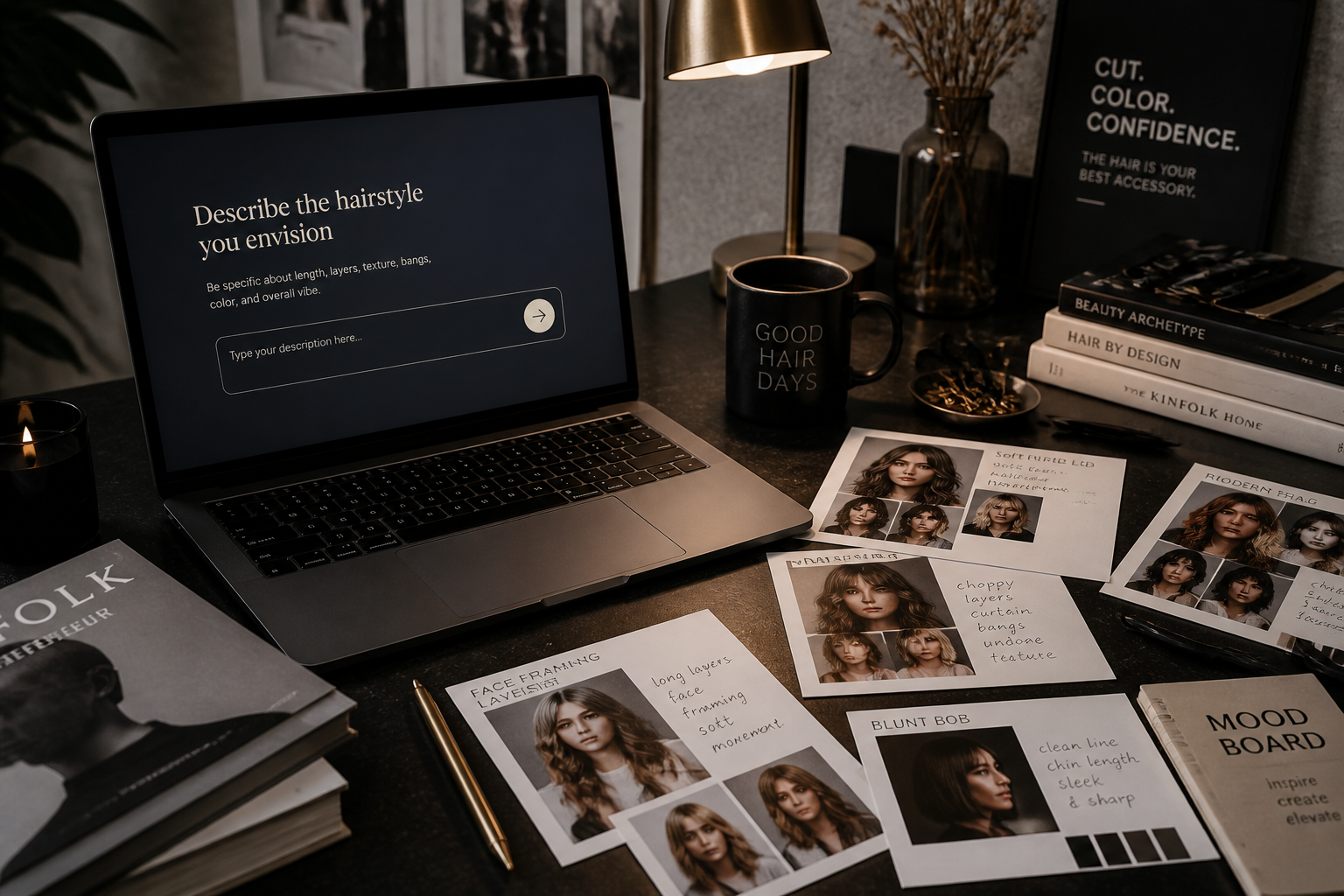
Describe the new hair
Type the cut, color, texture, or vibe you want to try. You can be practical with terms like bob or fade, or go creative with anime, editorial, or surreal looks.
Generate and compare
Our AI creates the edited version while keeping the rest of the photo stable. Compare the before and after, then repeat with new prompts until you find the look you want.
Perfect For
Discover how creators and professionals use ai hairstyle changer
Salon consultation previews
Show a haircut or color idea on your own face before the appointment.
Social content and profile photos
Create eye-catching hairstyle variations for posts, avatars, and creative updates.
Fashion and beauty moodboards
Test how different hair shapes support a styling concept or campaign direction.
Personal style exploration
Try looks you would not commit to in real life until you know they suit you.
Built For
Everyday users
Anyone curious about bangs, fades, color changes, or a full hair reset before making a real-world decision.
Stylists and beauty creators
Useful for fast mockups, idea boards, and showing clients multiple directions from one source photo.
Content creators
Great for viral visual concepts, thumbnails, and character-like hairstyle variations without a full reshoot.
Why use BudgetPixel for hairstyle previews
A quick look at how we compare on the things that matter for this niche.
| Feature | BudgetPixel | Generic AI editors | Manual editing apps |
|---|---|---|---|
| Hairstyle-specific edits | ✓ | — | — |
| Keeps face and pose consistent | ✓ | — | — |
| Realistic and stylized results | ✓ | ✓ | — |
| Fast prompt-based workflow | ✓ | ✓ | — |
| Manual masking required | — | — | ✓ |
Frequently Asked Questions
Does it keep my face the same?
Can I try both realistic and stylized hair looks?
What kind of photo works best?
Can I change hair color too?
Do I need editing skills?
Create together.
Share your creations, discover trending AI art, and grow with fellow creators.