AI Beard Remover
Remove beards and stubble from photos while keeping the same face, pose, and overall look.
AI Beard Remover lets you turn a bearded portrait into a clean-shaven version in seconds. It removes full beards, mustaches, and stubble while preserving facial structure, lighting, expression, and background.
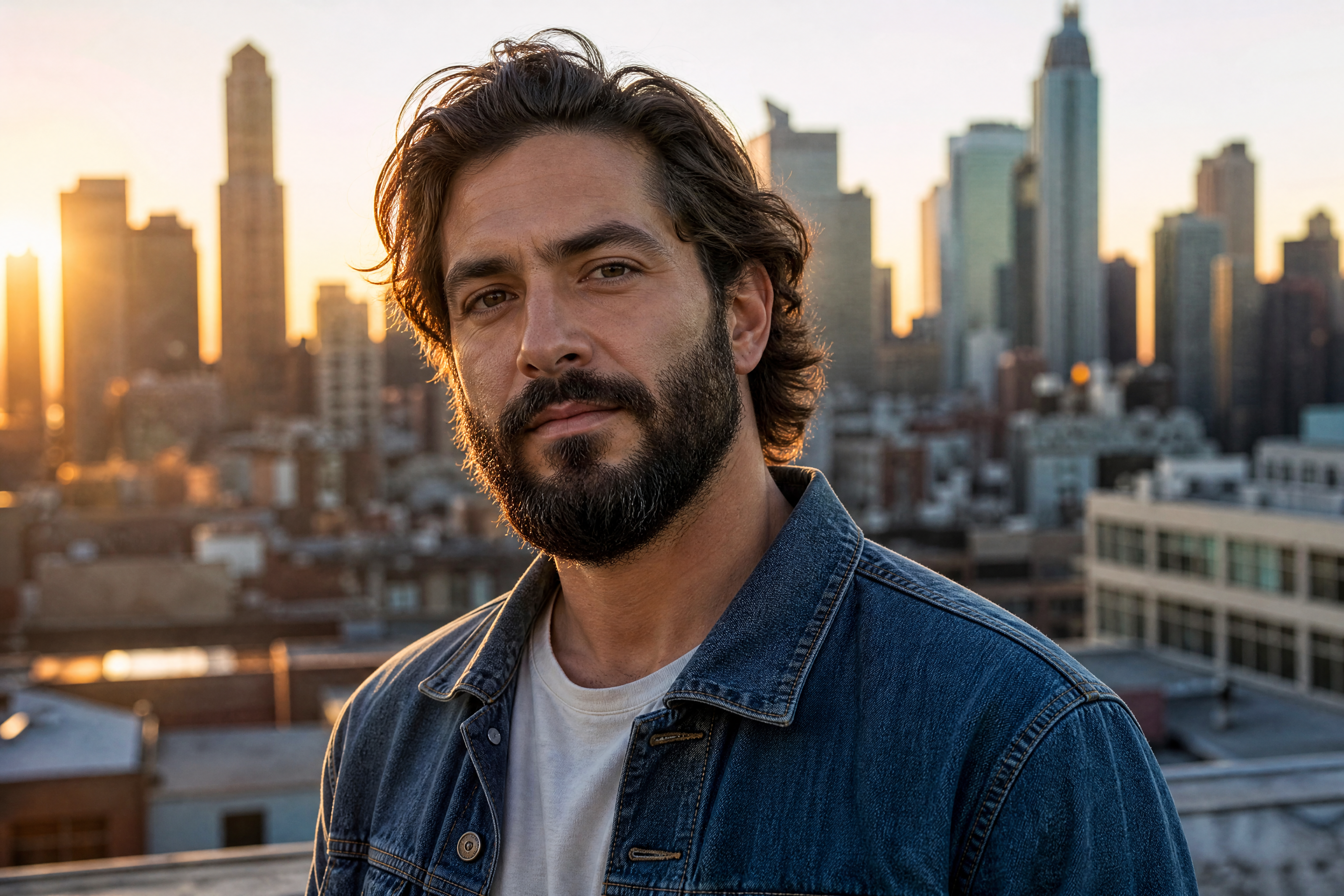
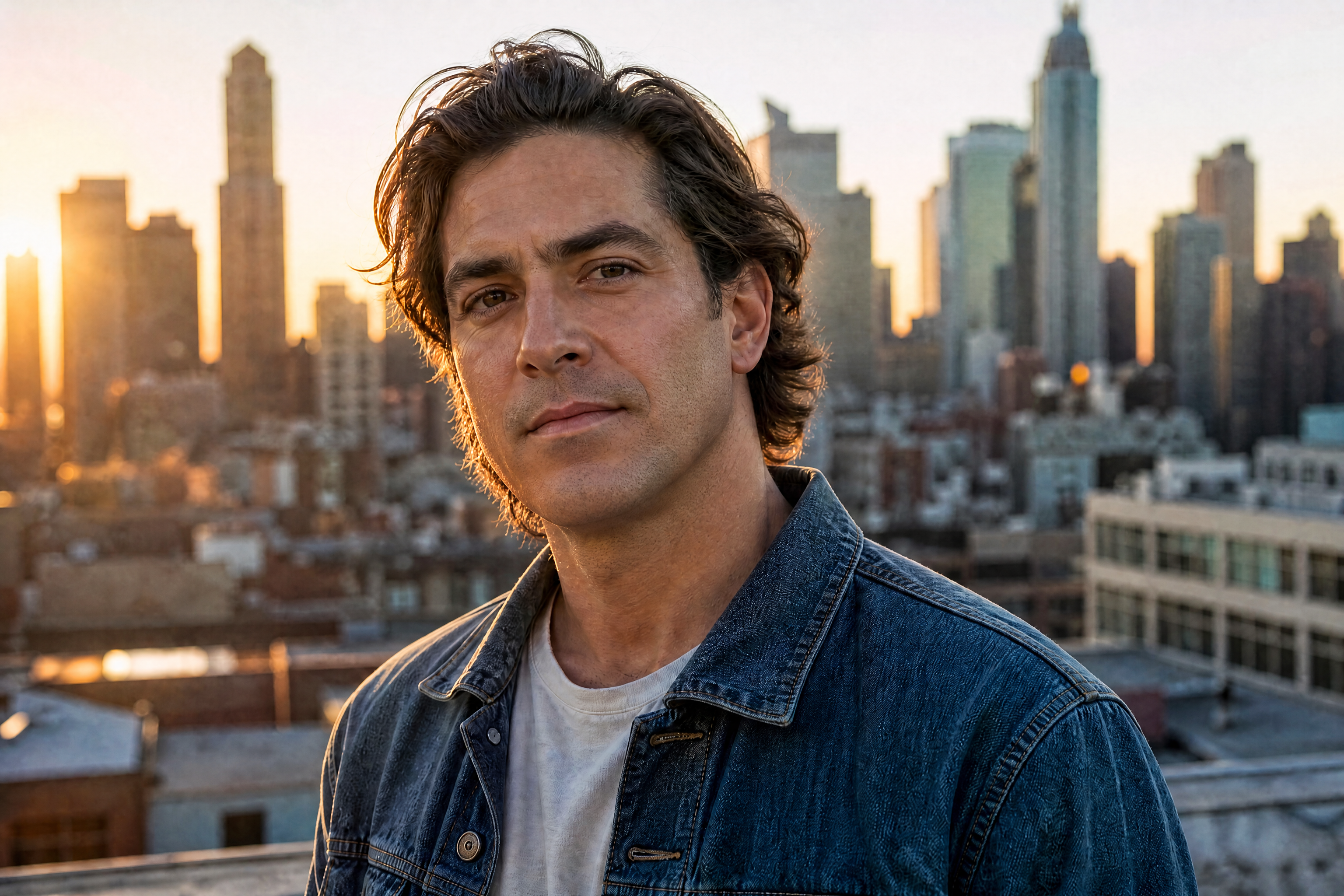
Watch the Transformation
See ai beard remover in motion — generated end-to-end by our AI.
See It In Action
Real outputs from ai beard remover.
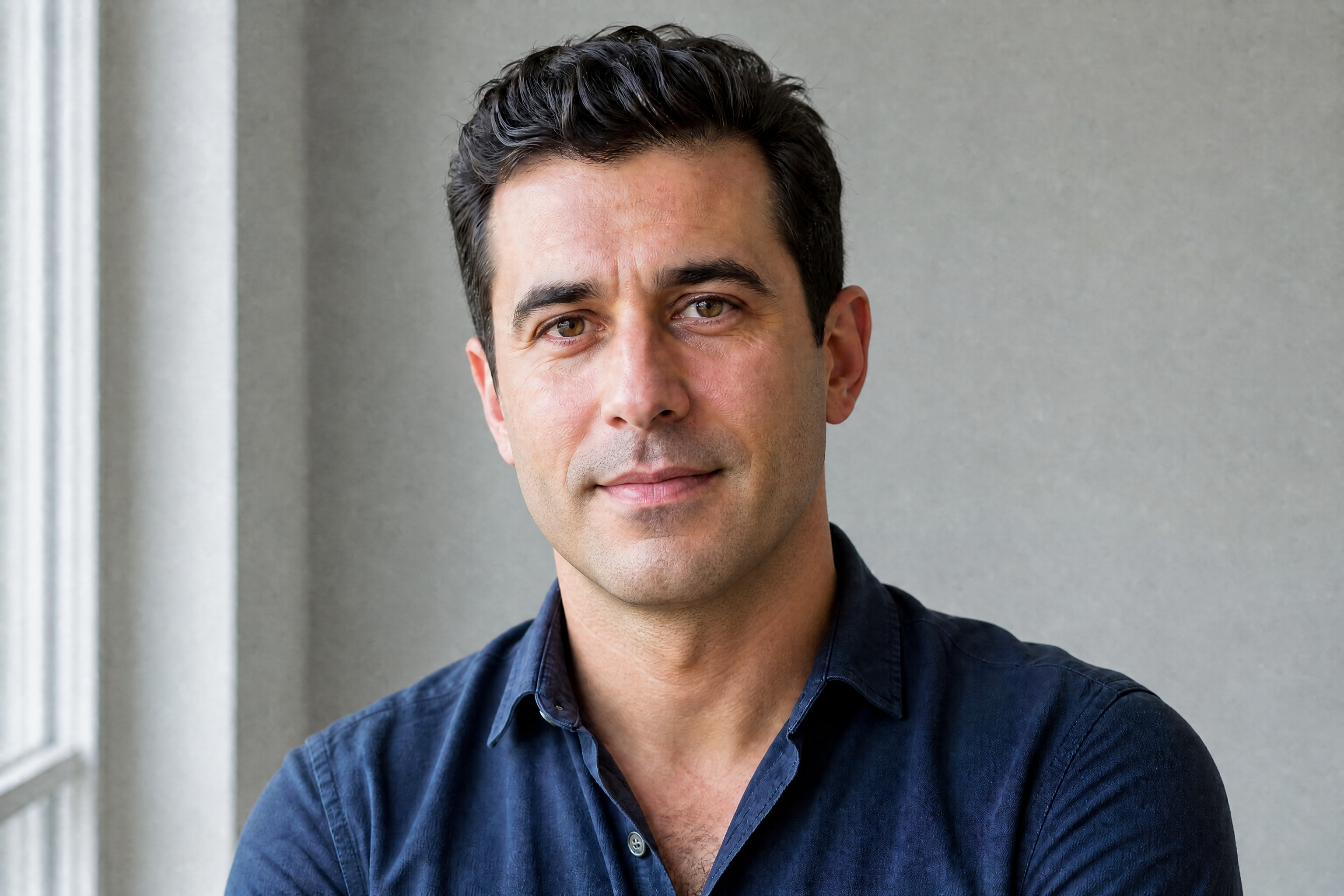
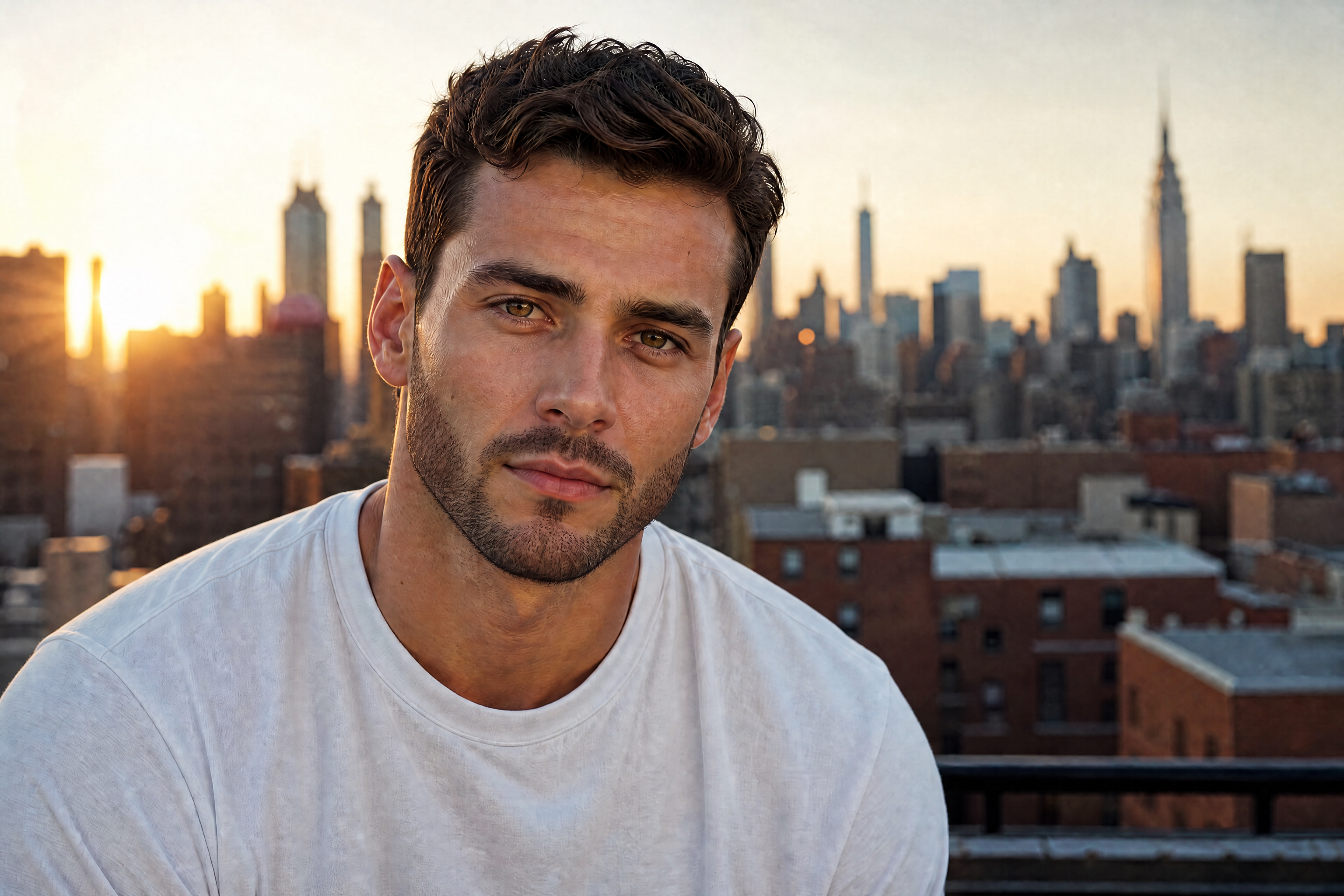
BEFOREAFTER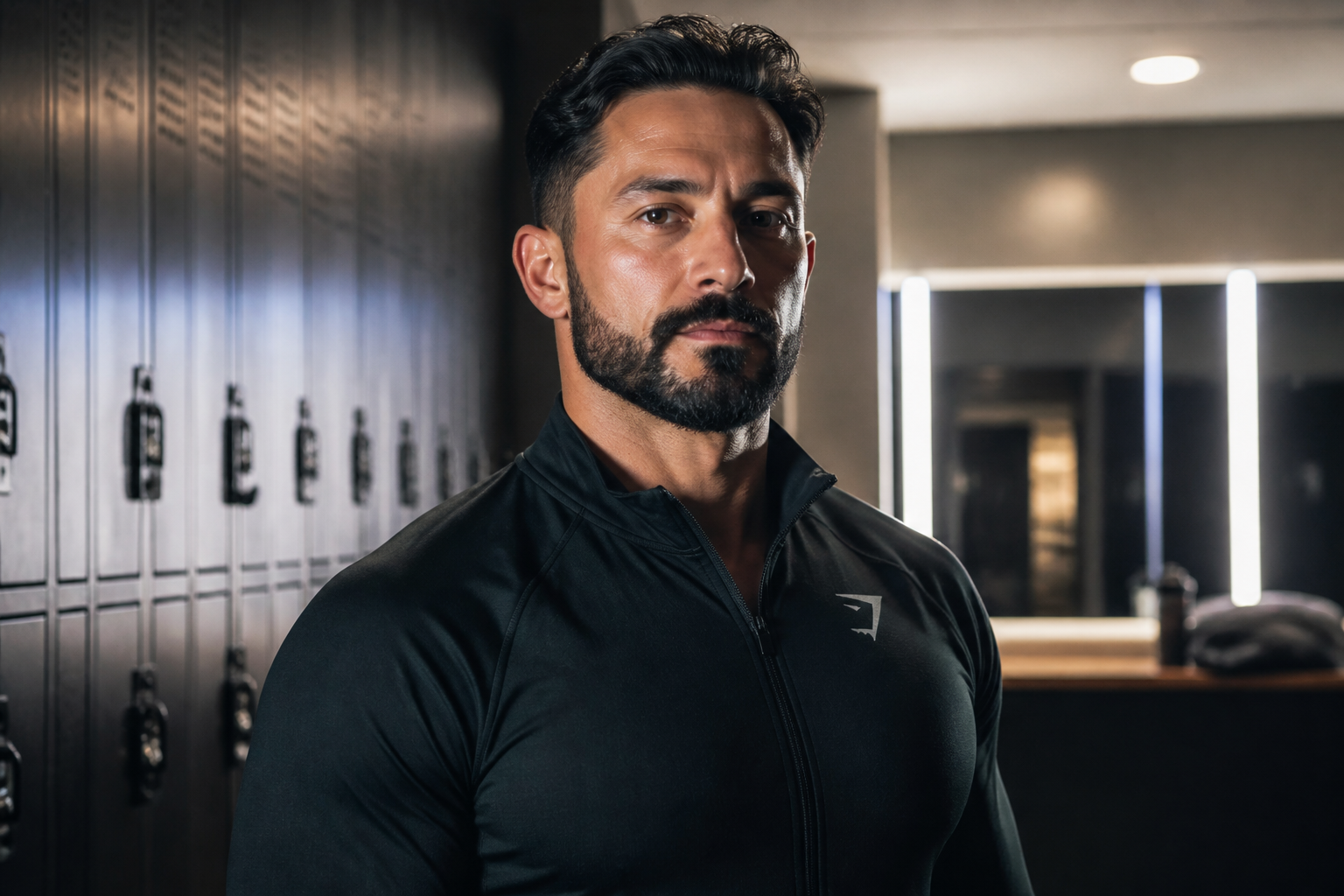 BEFORE
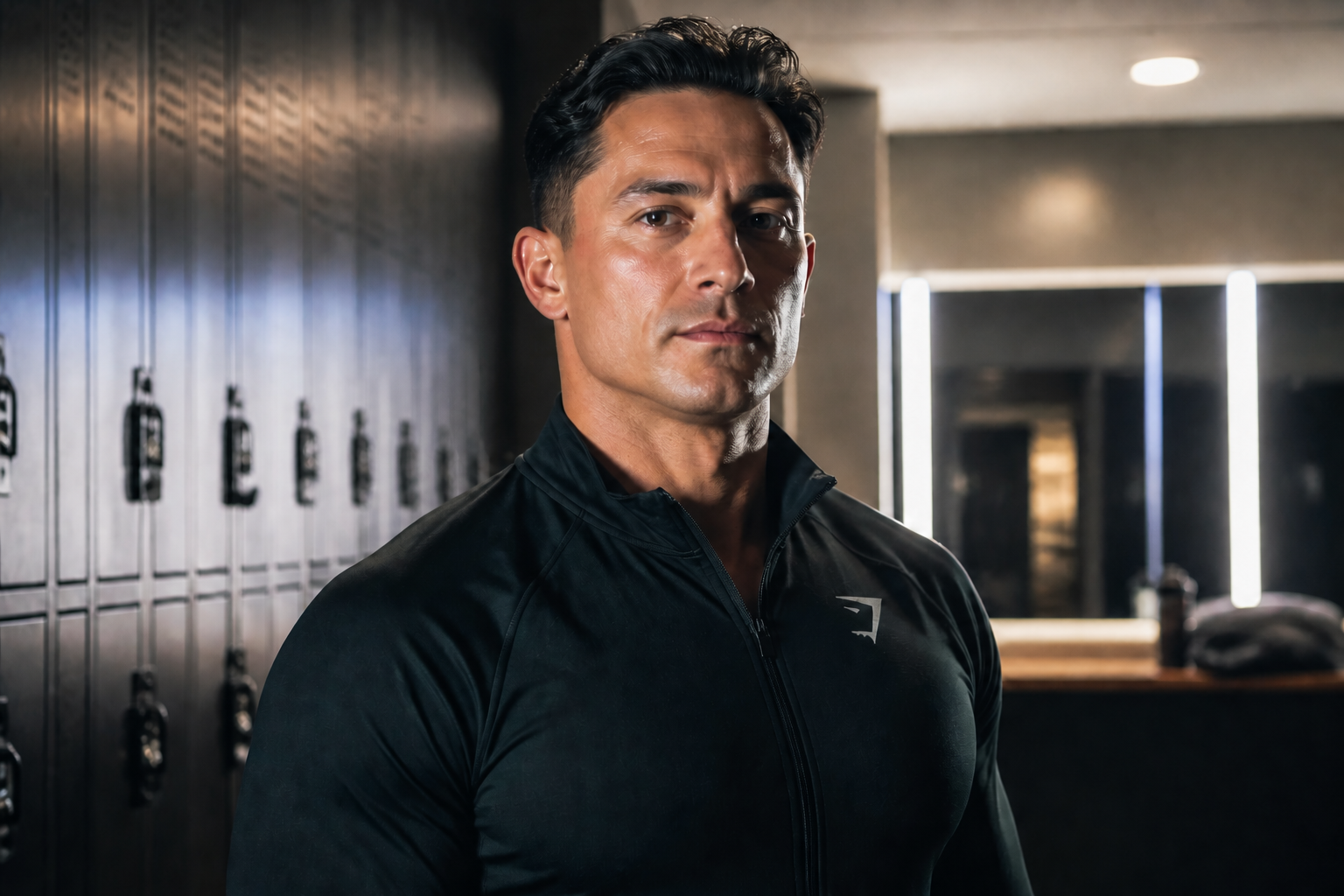 AFTER
AFTER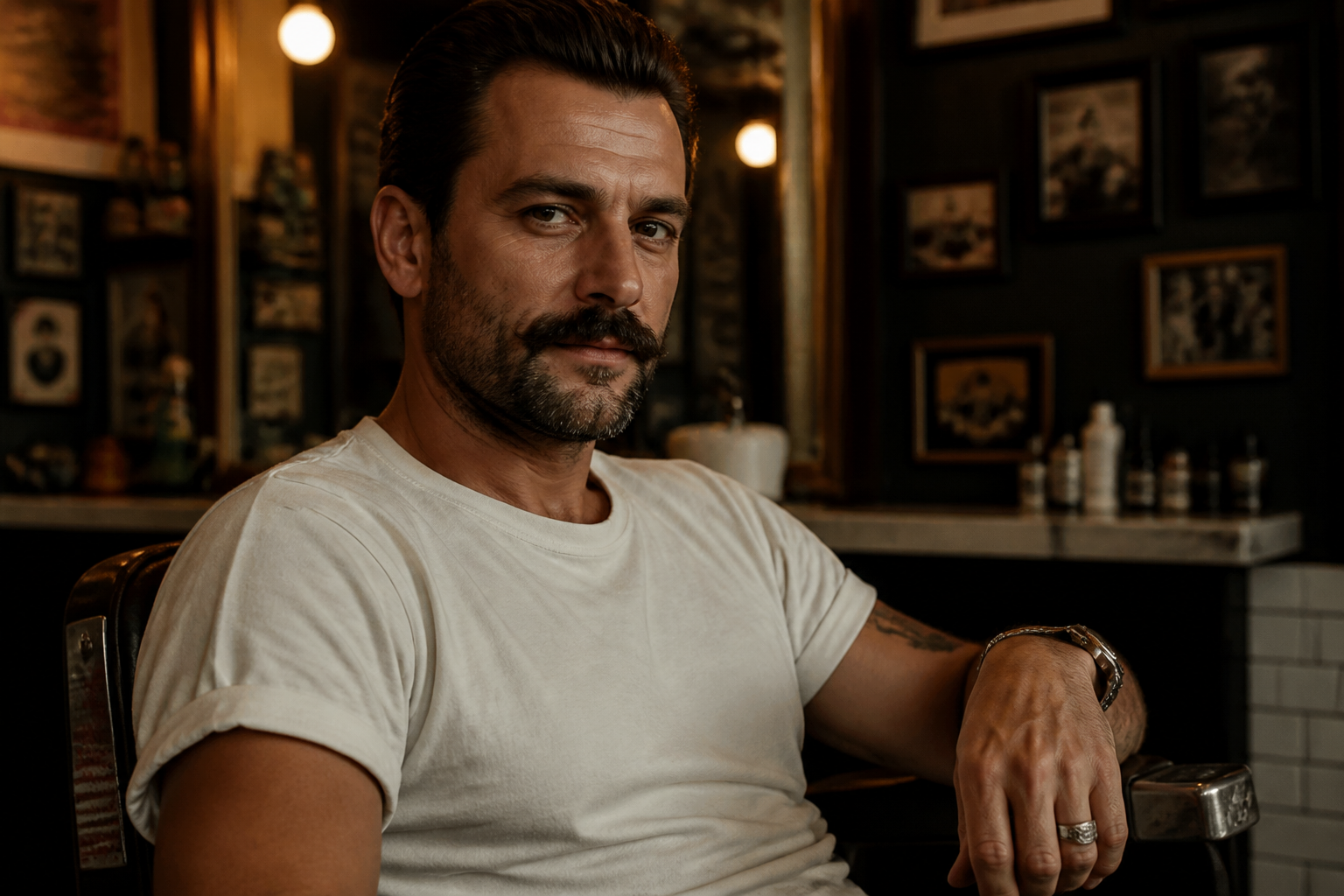 BEFORE
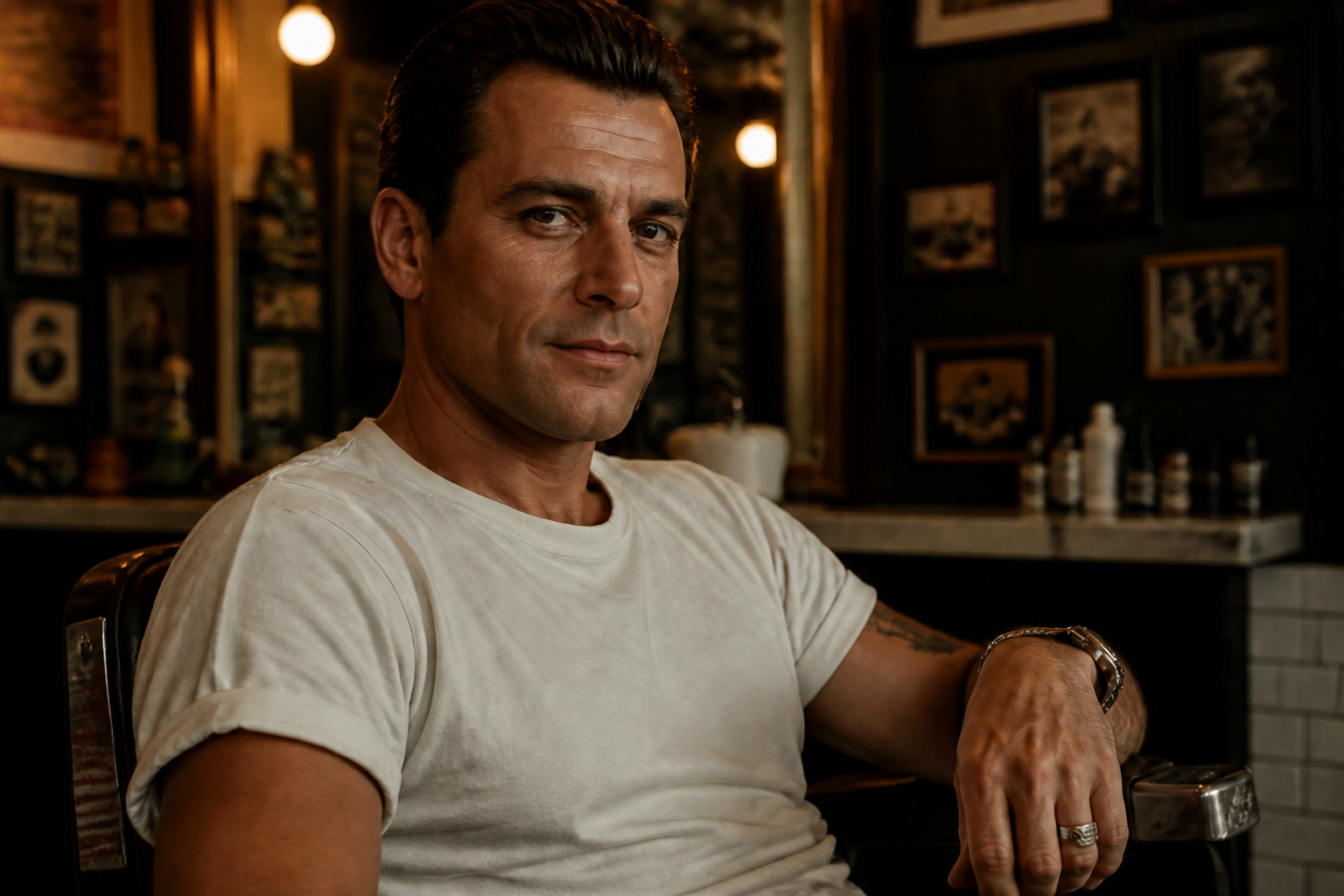 AFTER
AFTER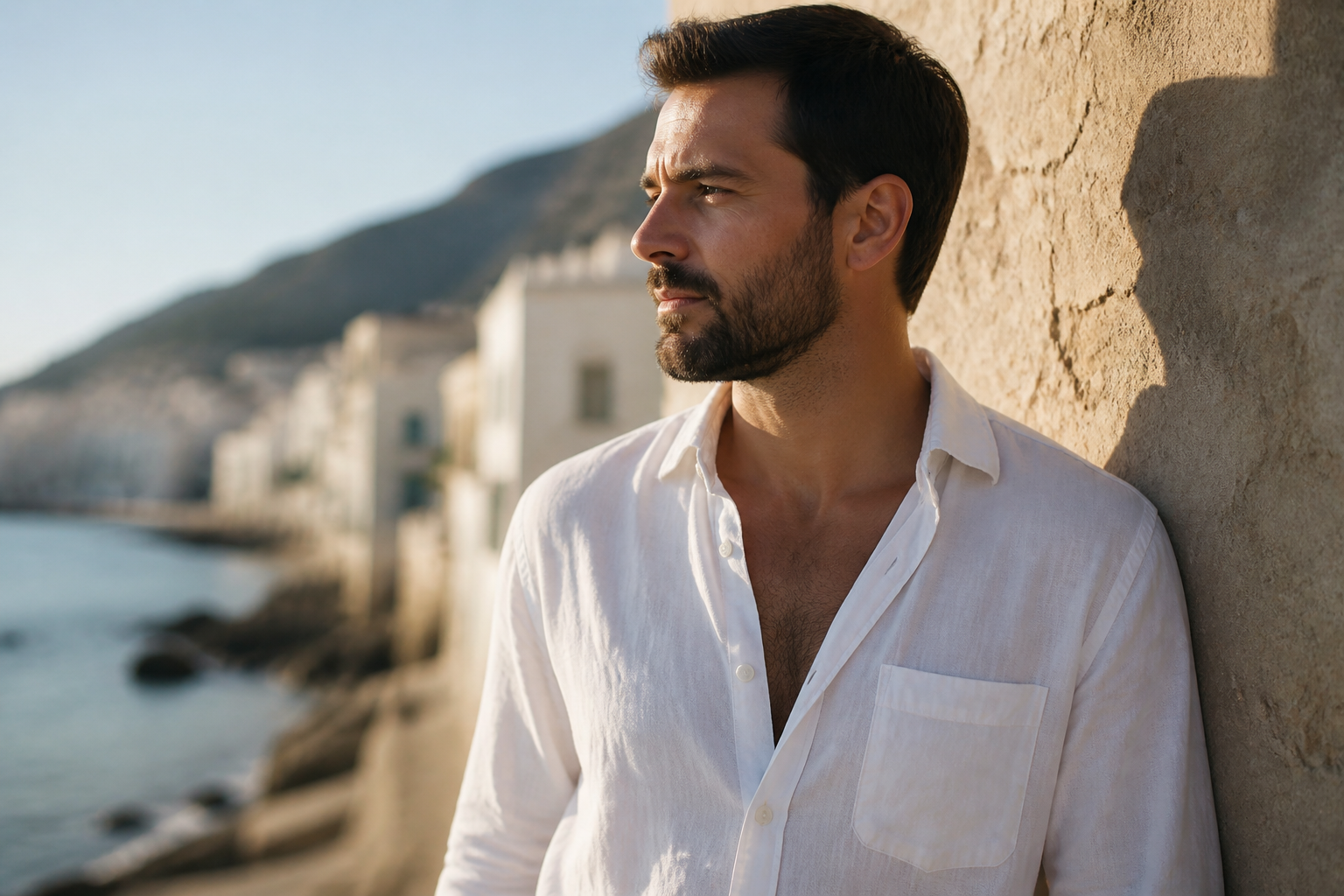 BEFORE
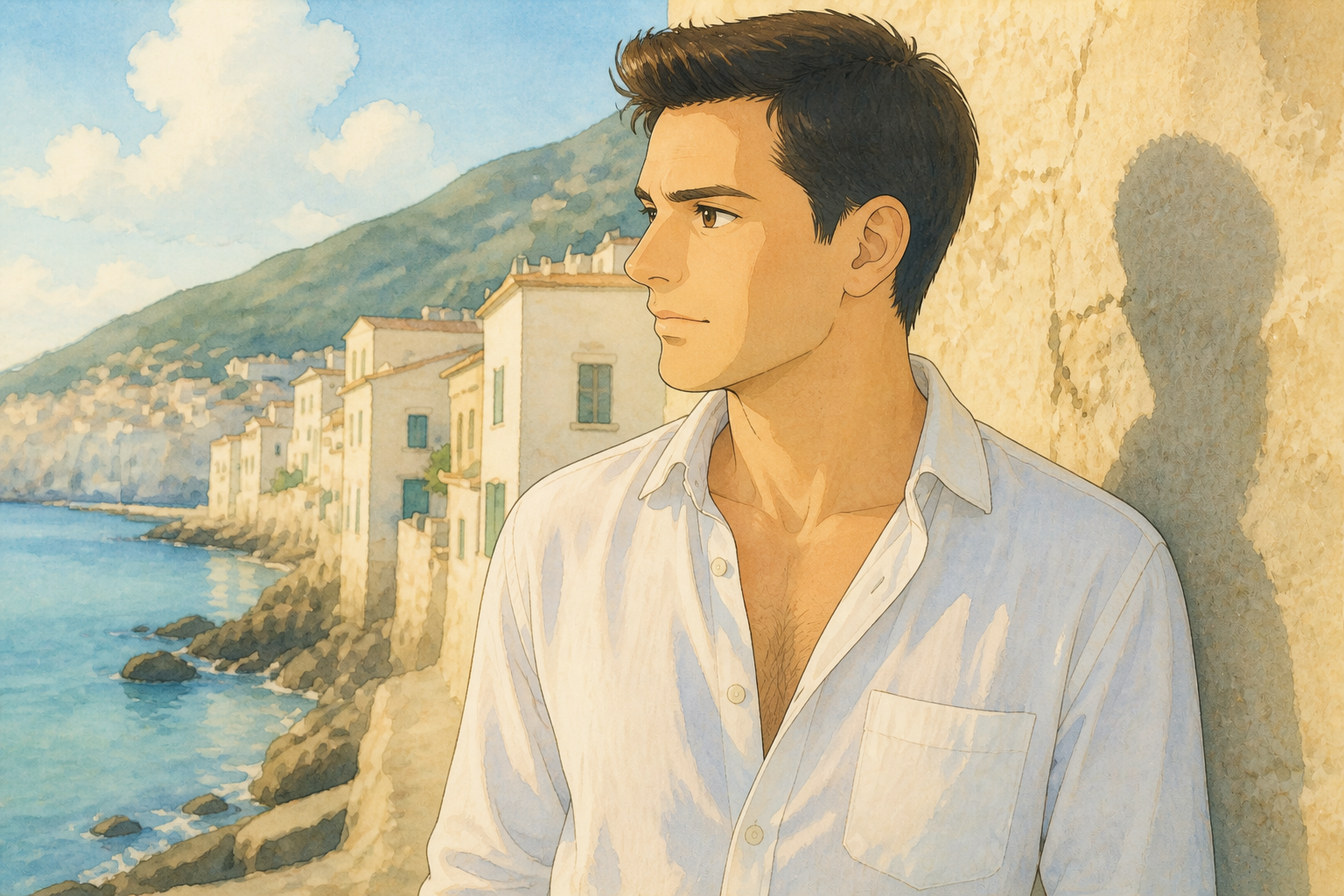 AFTER
AFTER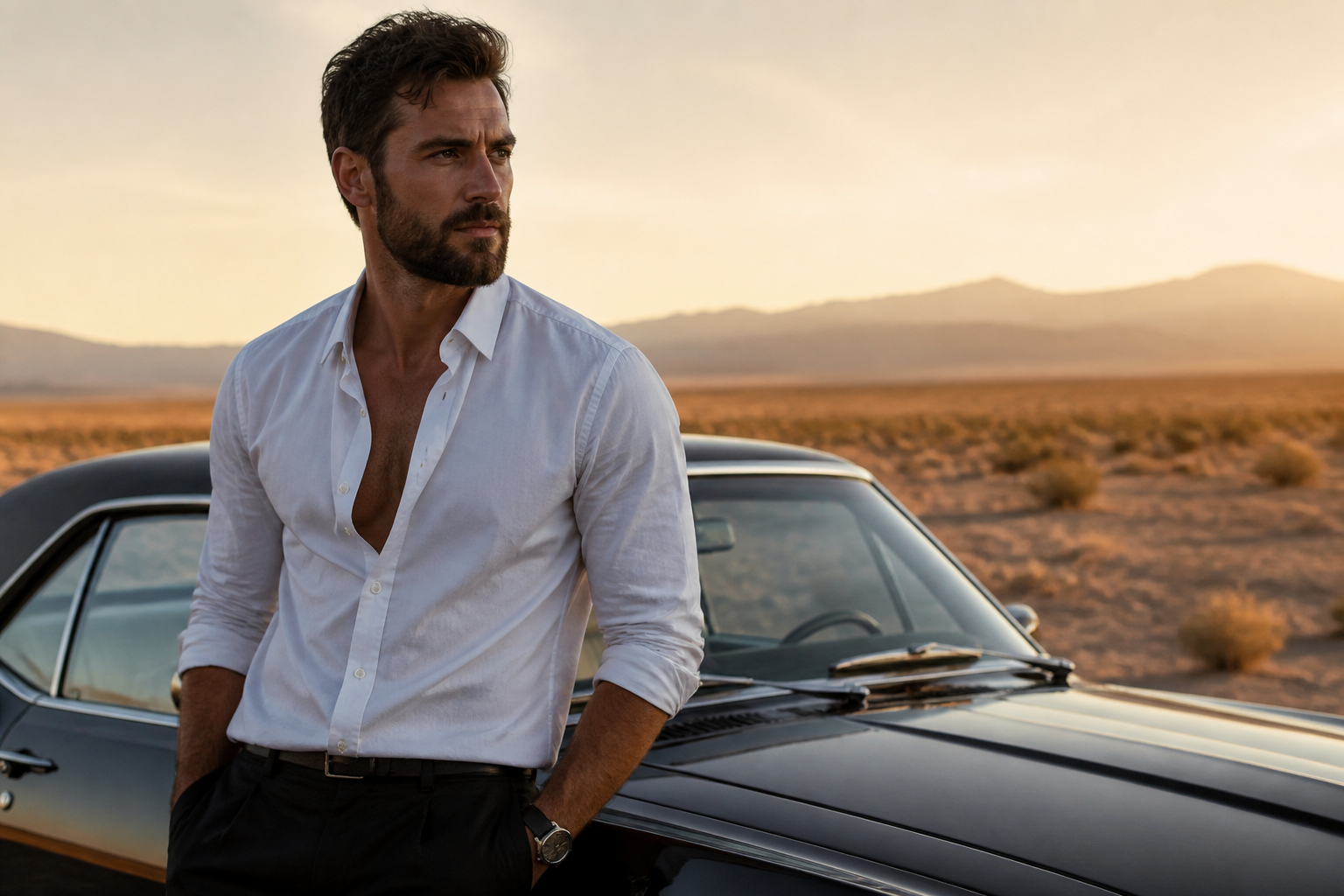 BEFORE
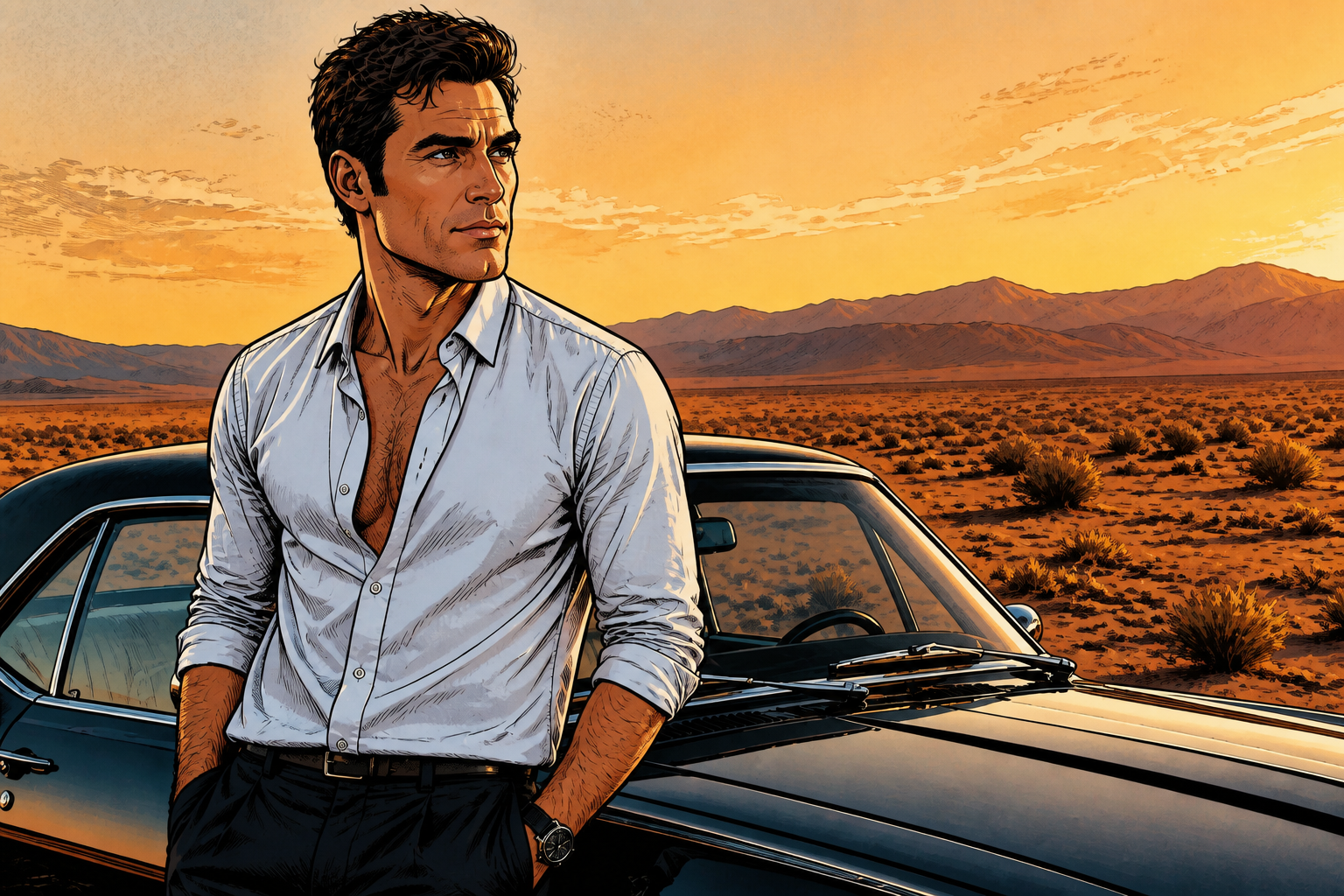 AFTERBEFOREAFTERBEFOREAFTERBEFOREAFTERBEFOREAFTERBEFOREAFTER
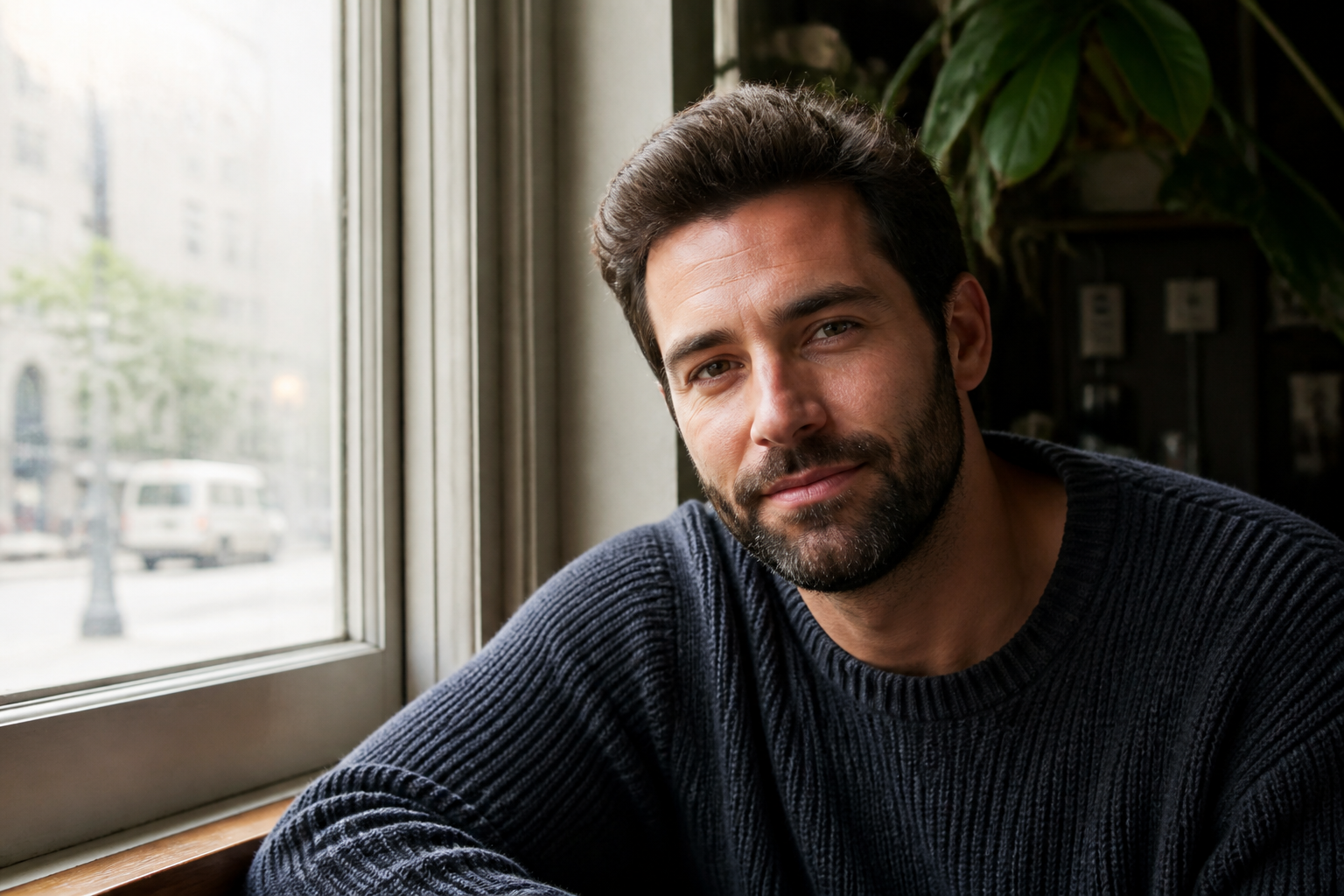 BEFORE
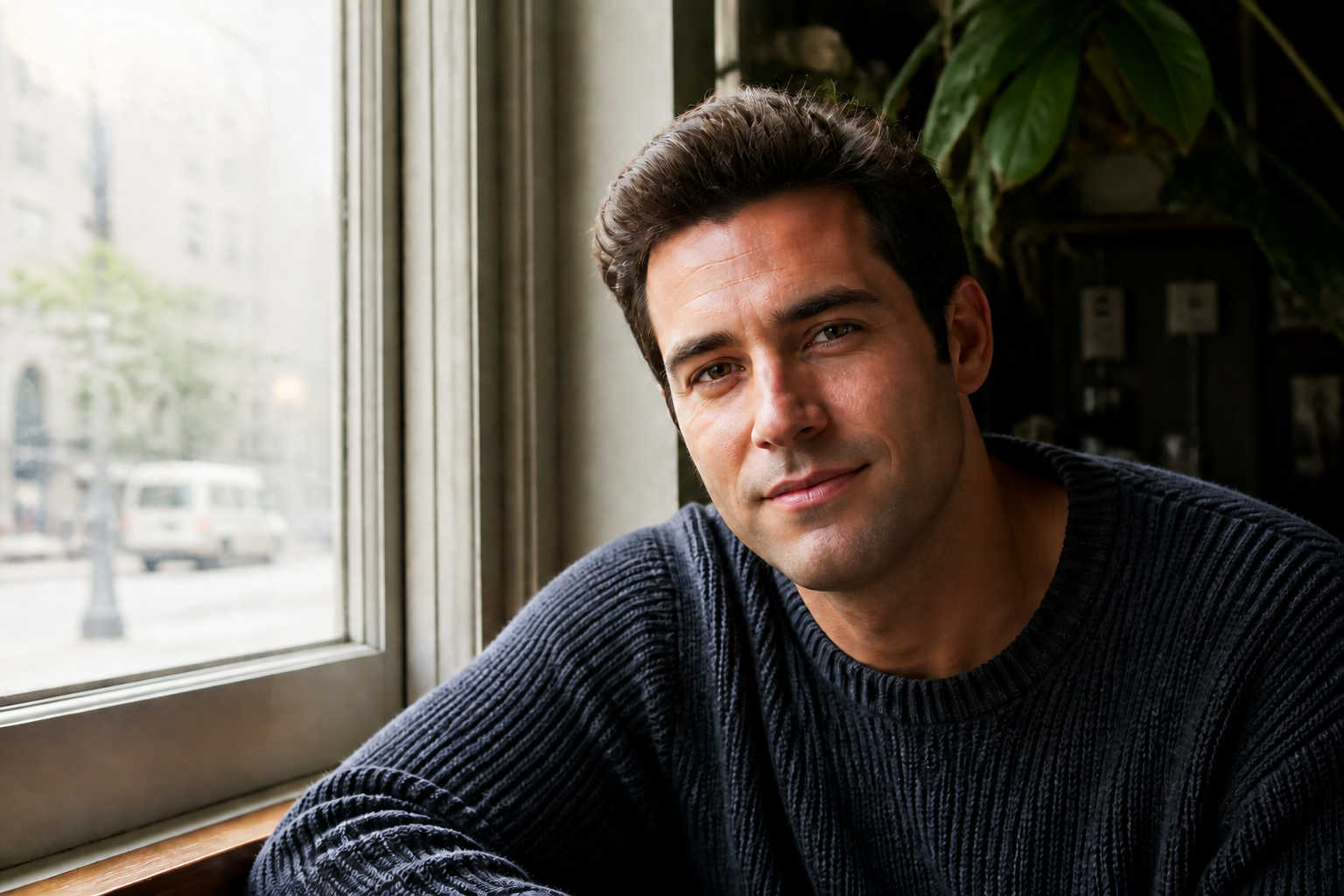 AFTER
AFTER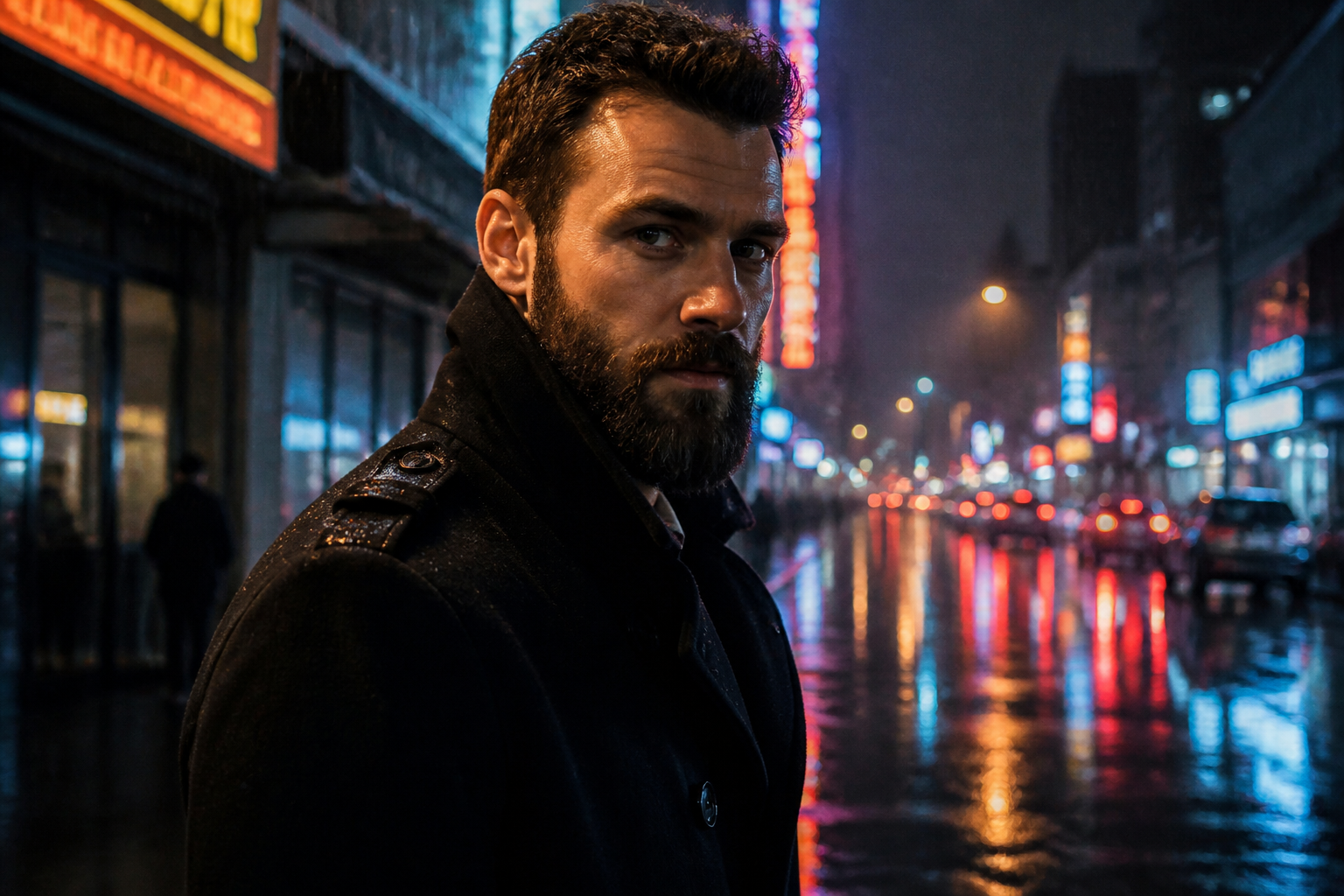 BEFORE
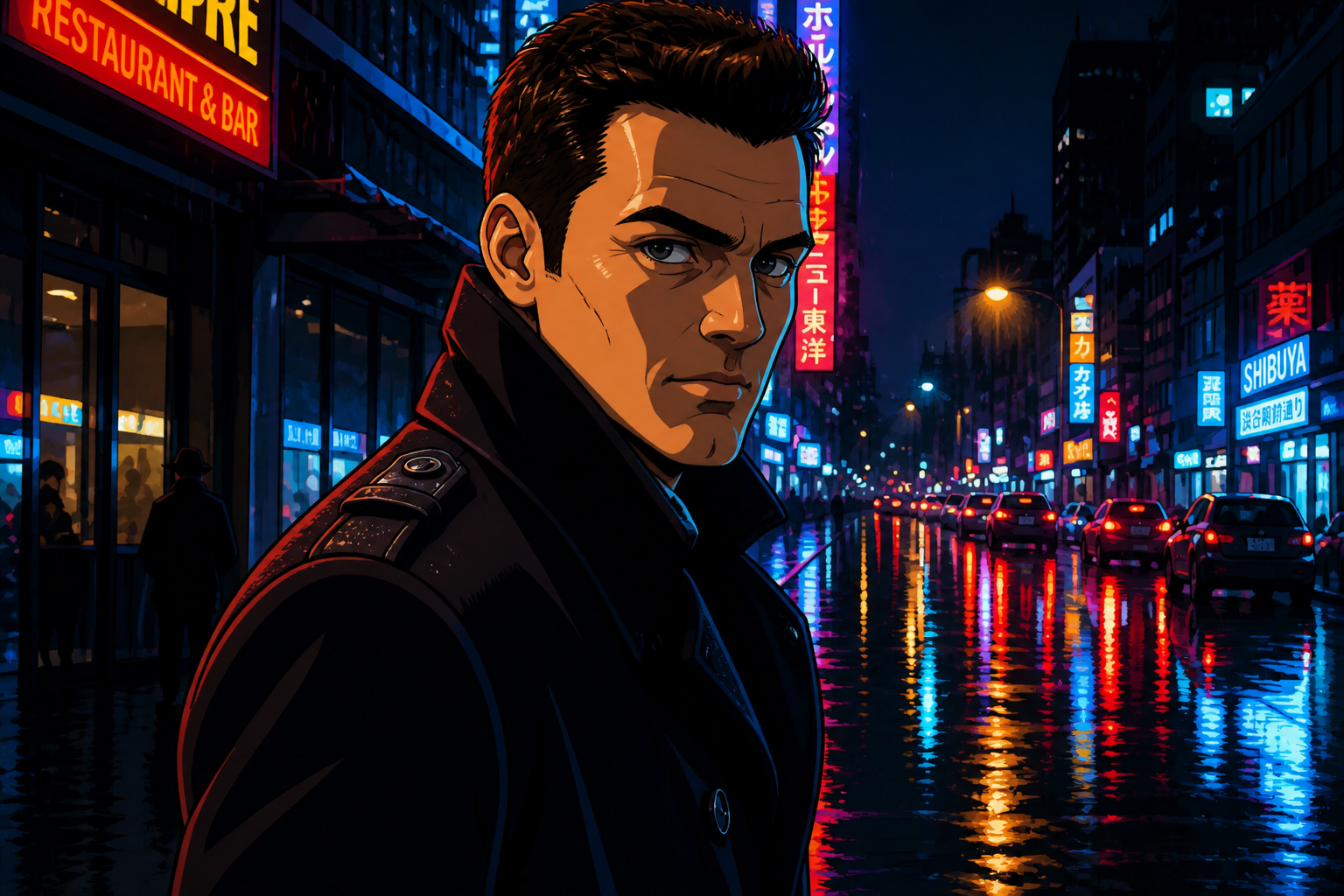 AFTER
AFTER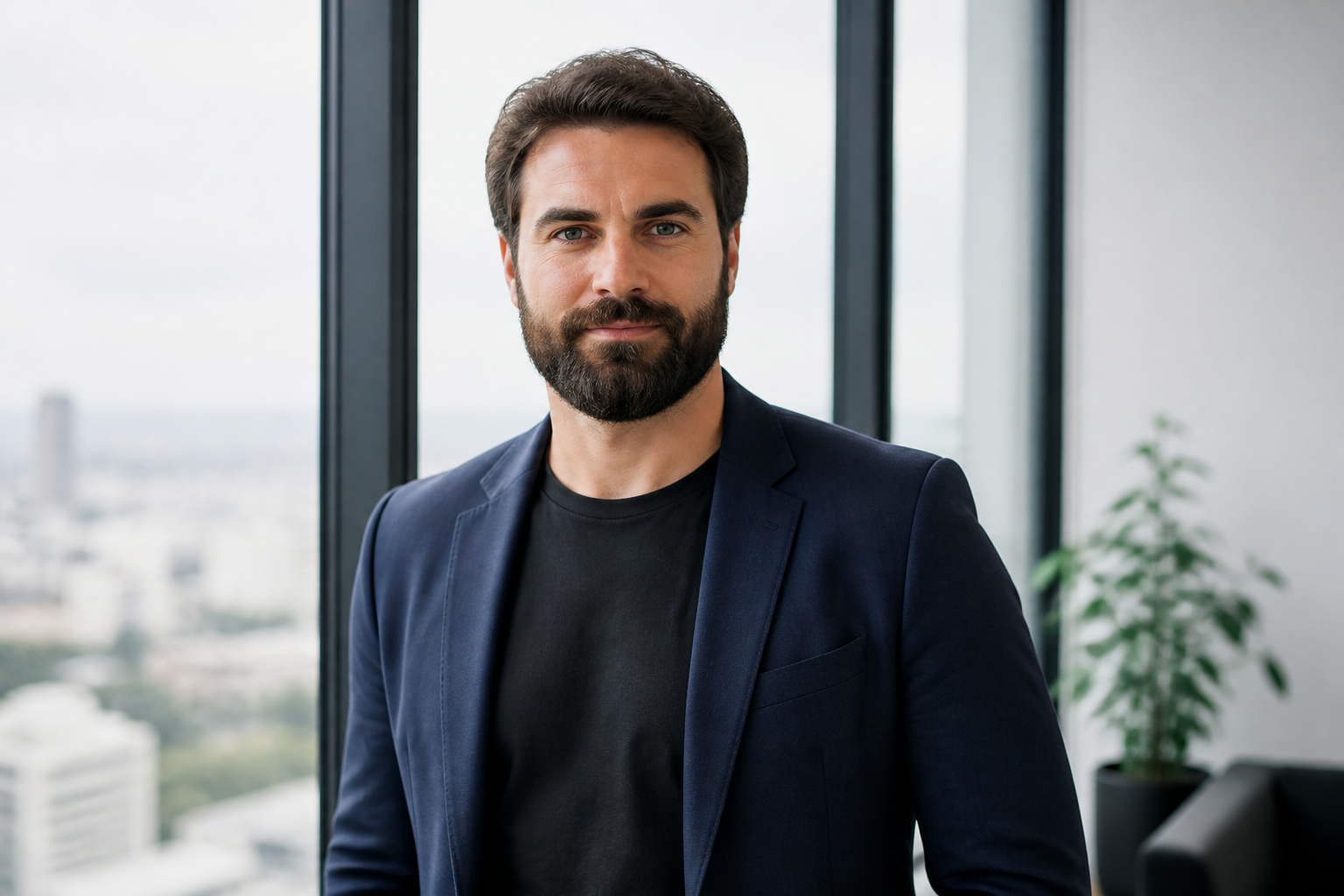 BEFORE
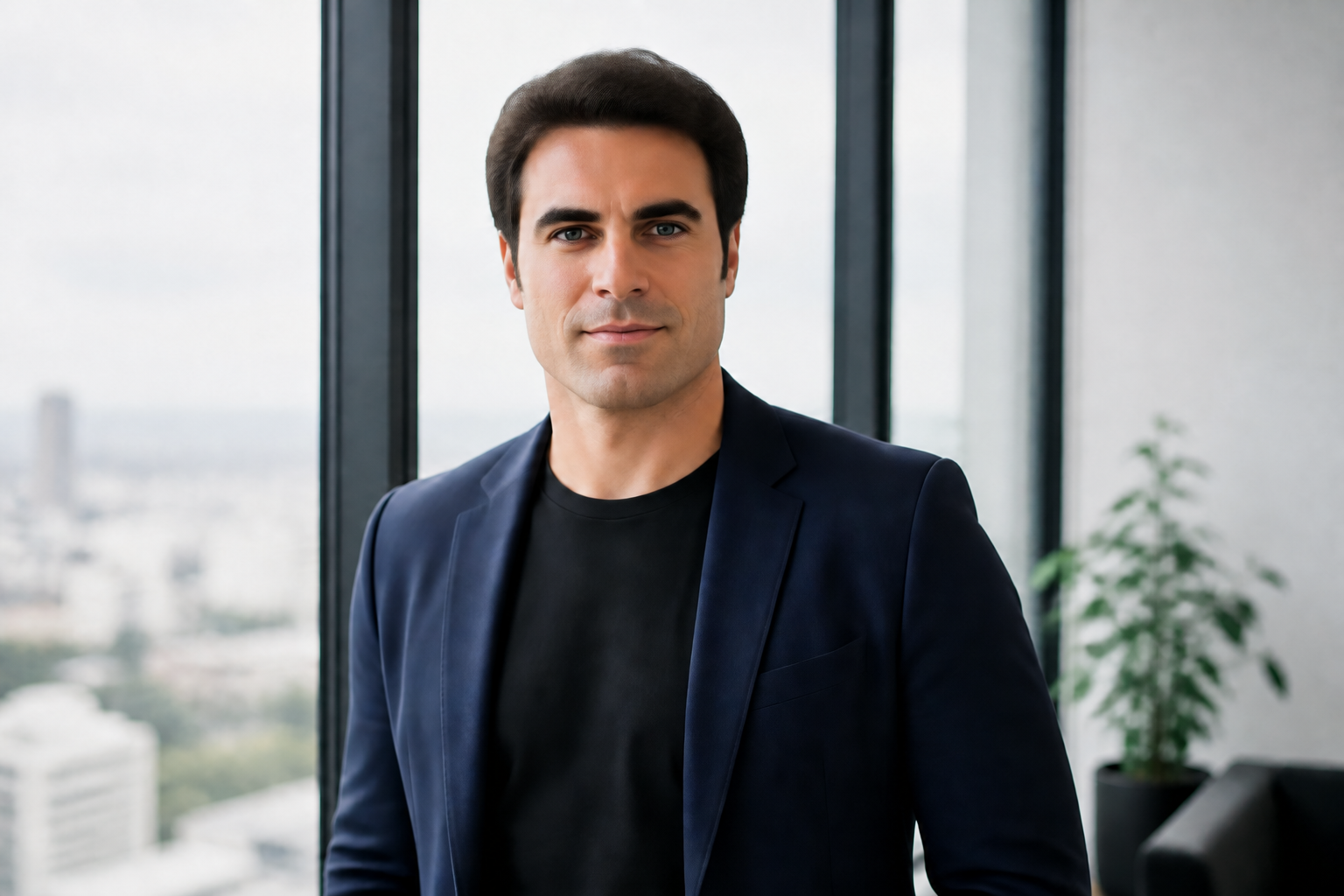 AFTER
AFTER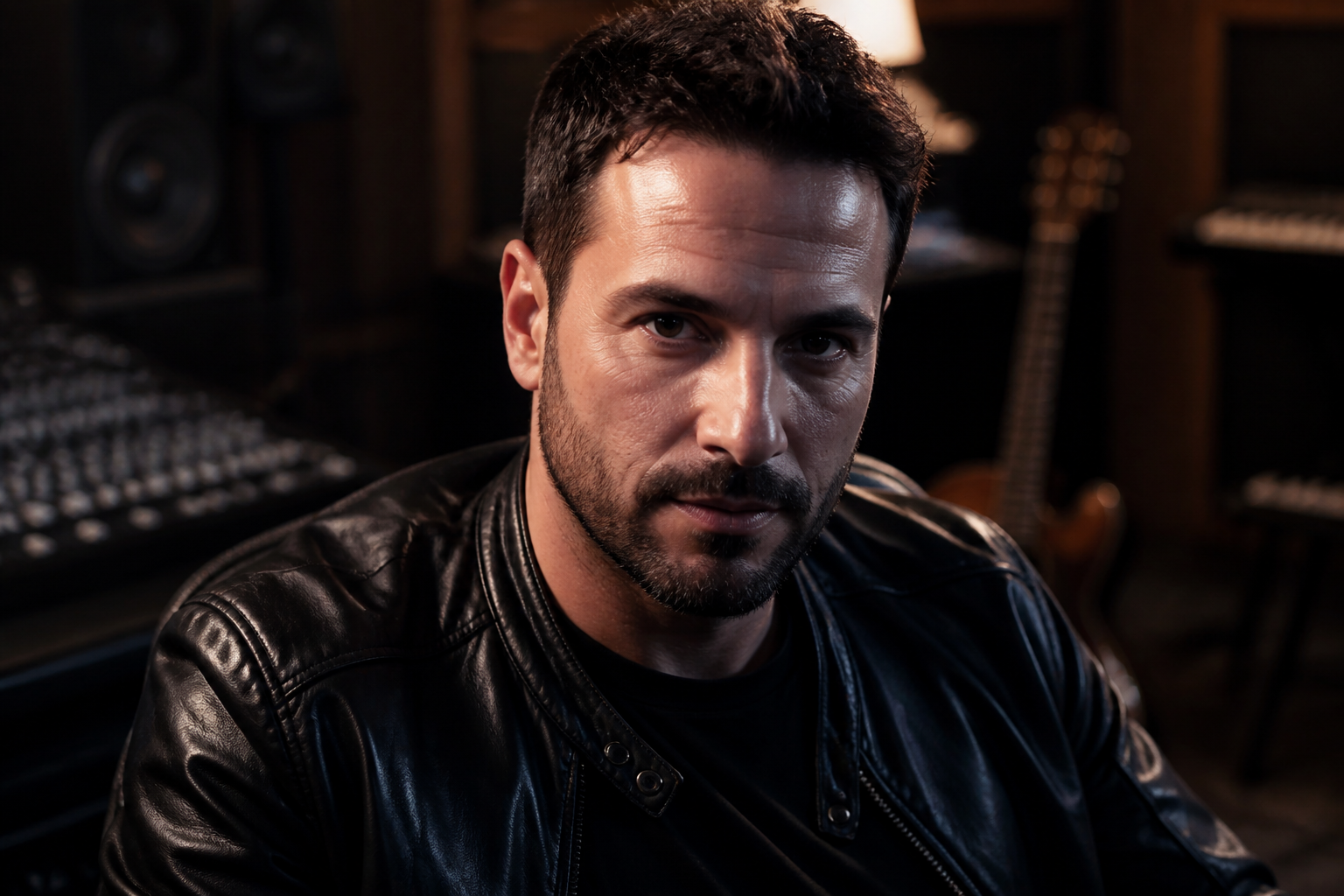 BEFORE
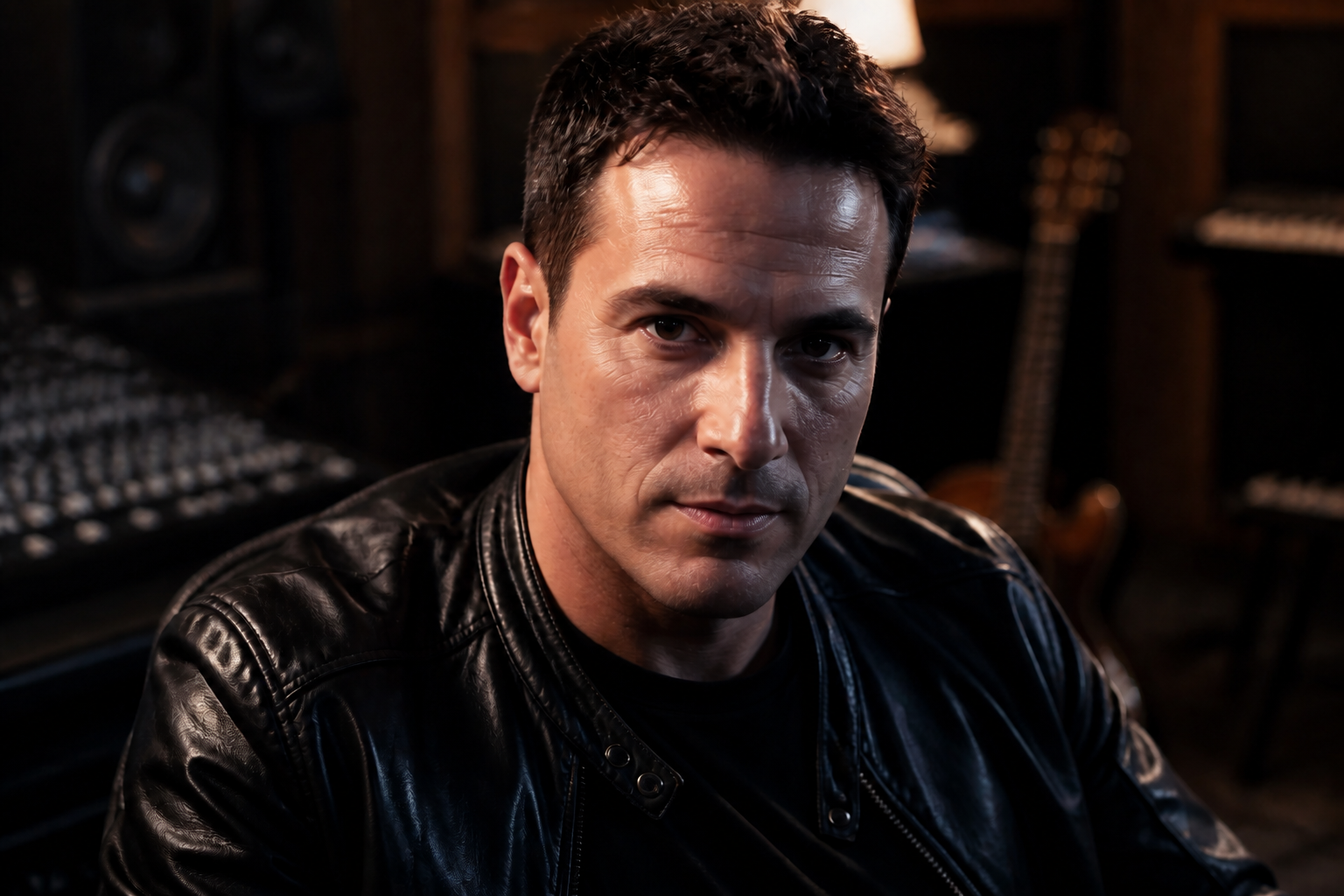 AFTER
AFTER BEFORE
 AFTERBEFOREAFTERBEFOREAFTERBEFOREAFTERBEFOREAFTERBEFOREAFTER
Key Features
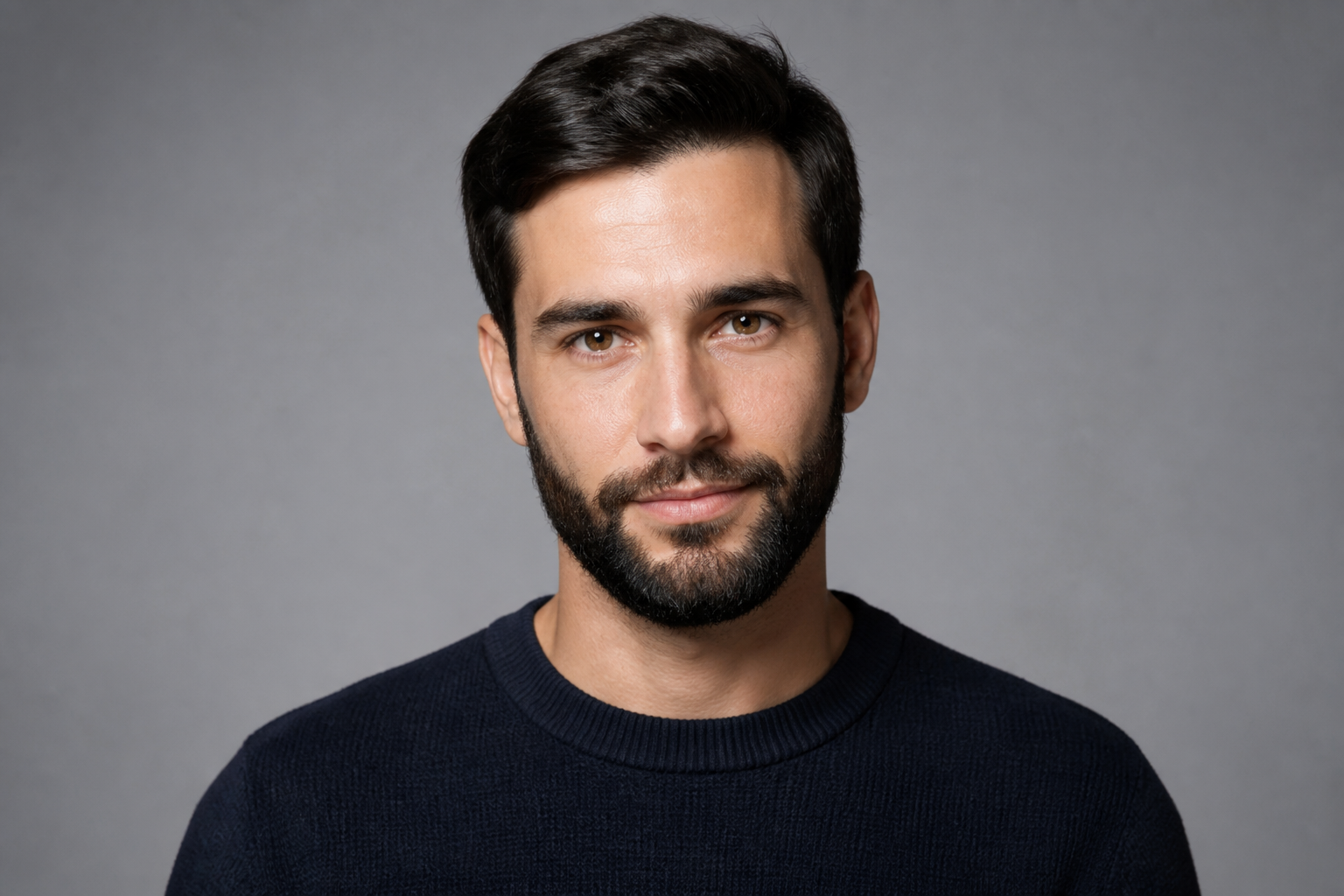
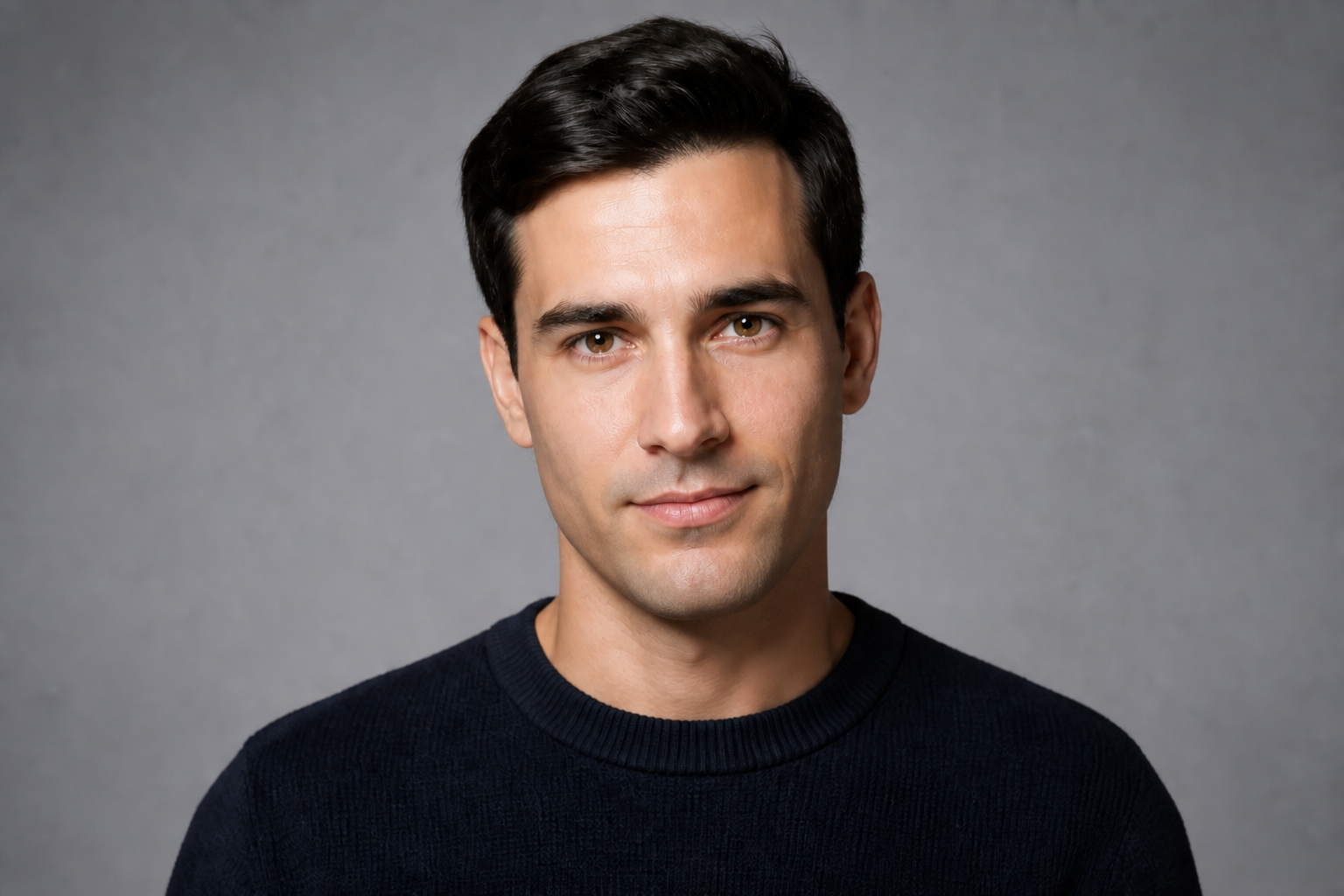
Keep the same identity
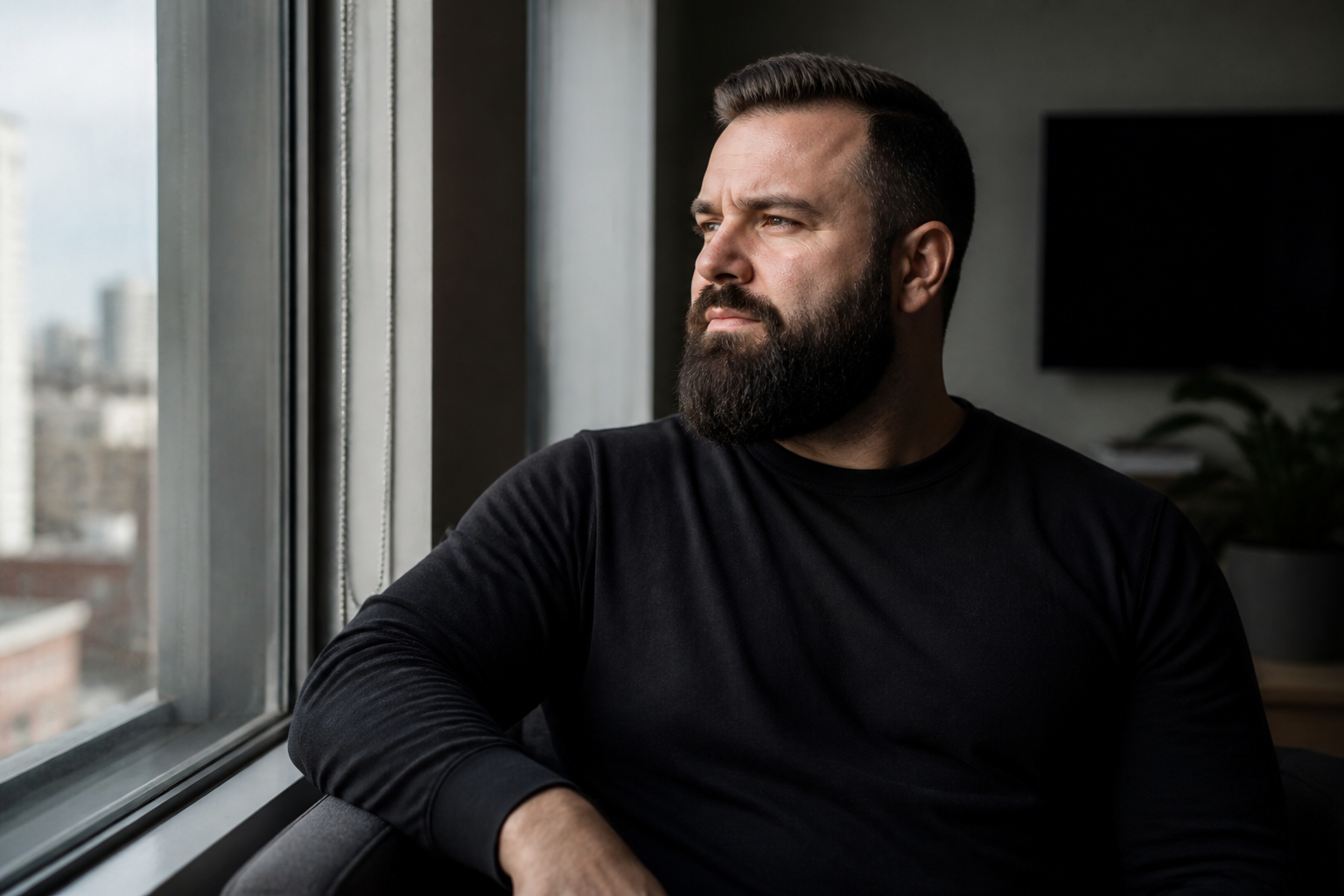
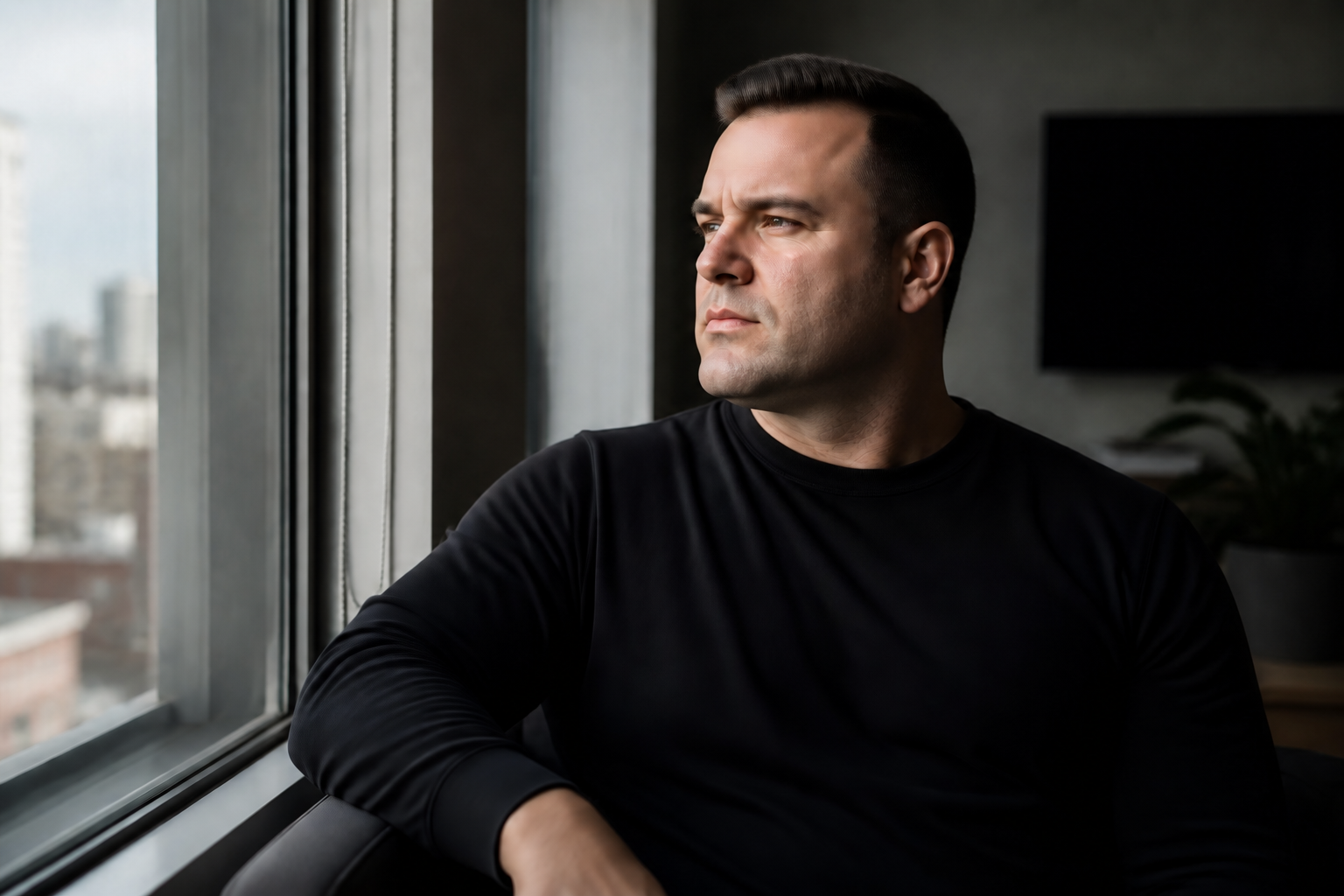
The edit focuses on facial hair, not on changing who the person looks like. Bone structure, eyes, expression, hairstyle, and skin tone stay consistent so the result still feels like the same photo. That matters for profile pictures, client work, and mockups where realism is the whole point. Doing this manually often leads to blurry skin or altered features, but our AI aims to preserve the face while removing the beard.


Works on any beard length
You can remove light stubble, a shaped beard, or a fuller beard with the same workflow. The result stays readable because the edit reveals the jaw, lips, and cheeks instead of smearing them together. This makes it useful for quick look tests before a shave or for visual planning in portrait sessions. Manual retouching at different beard densities usually means slow brushwork and inconsistent texture matching.
Natural skin and lighting
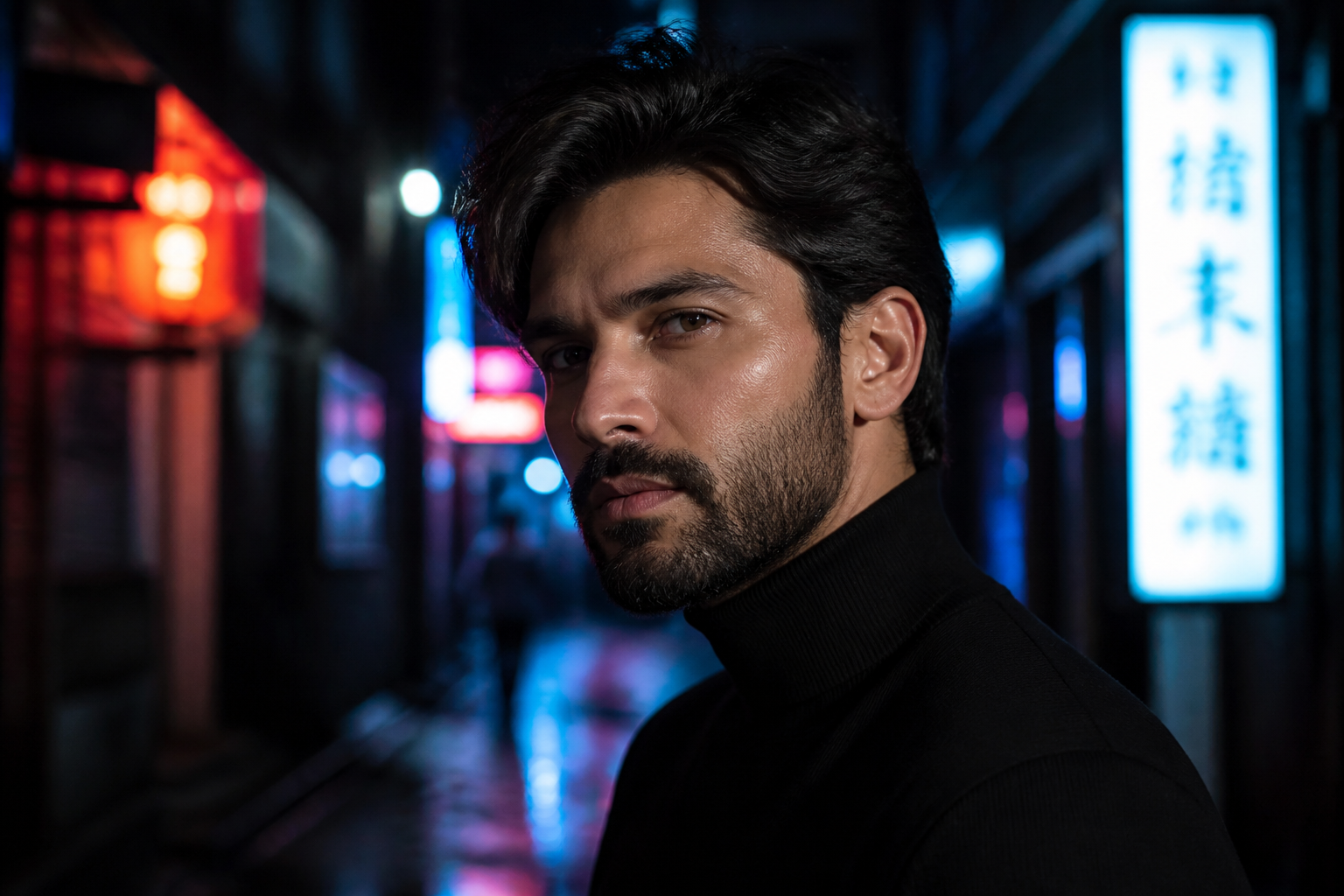
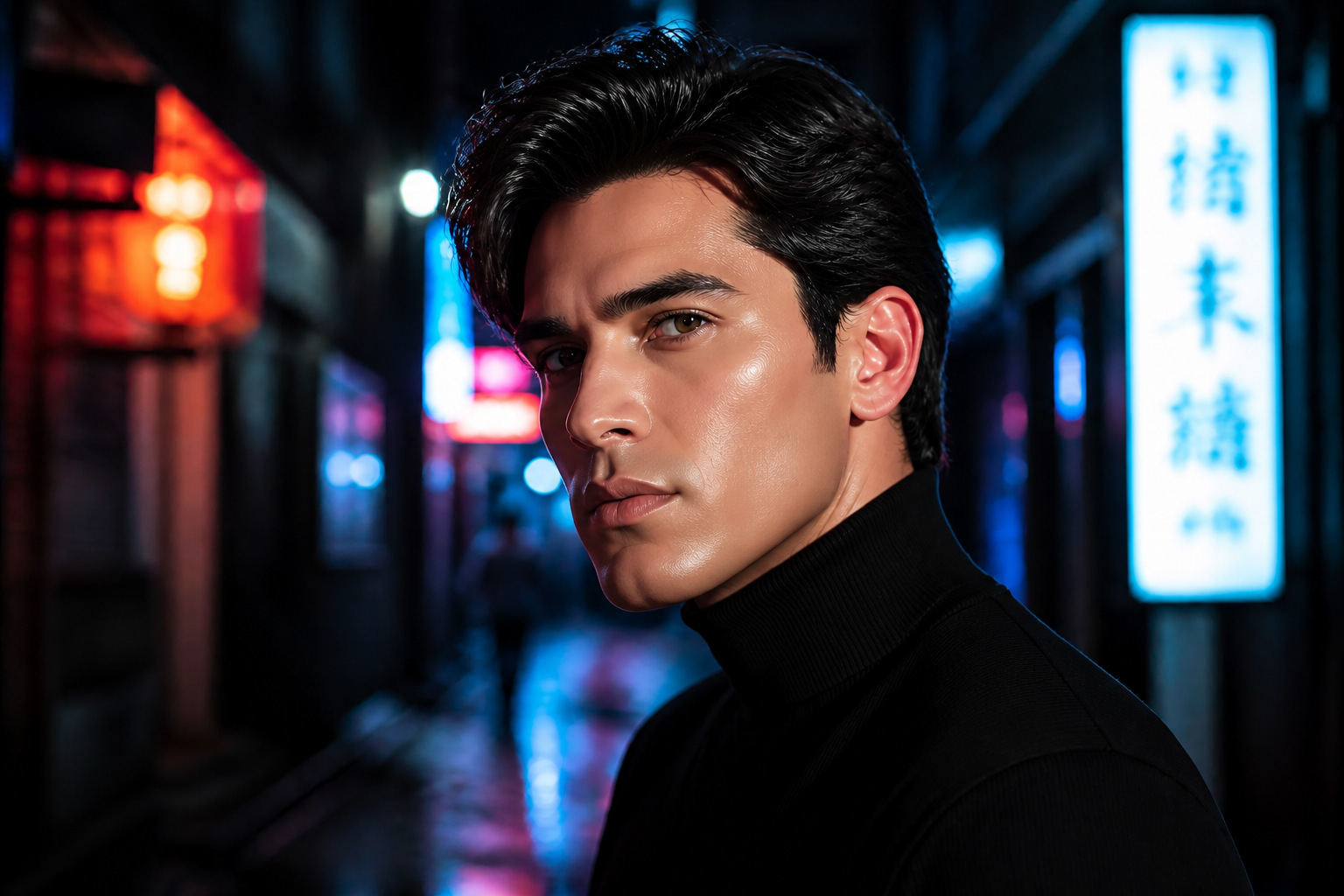
A strong beard removal edit still needs to look believable up close. Our AI keeps pores, shadows, and highlight direction coherent so the face matches the original lighting instead of looking airbrushed. That helps the after image blend into the original scene for social posts, profile photos, and mockups. It saves time compared with manually rebuilding skin texture from scratch.
Try realistic or stylized results
You are not limited to plain photo edits. You can remove facial hair for a realistic preview, then rework the same look into anime, watercolor, comic, or editorial styles for creative content. This is useful for mood boards, thumbnails, and social concepts where range matters. Instead of rebuilding the image from zero in each style, you can start from the same subject and apply a clear clean-shaven transformation.
How It Works
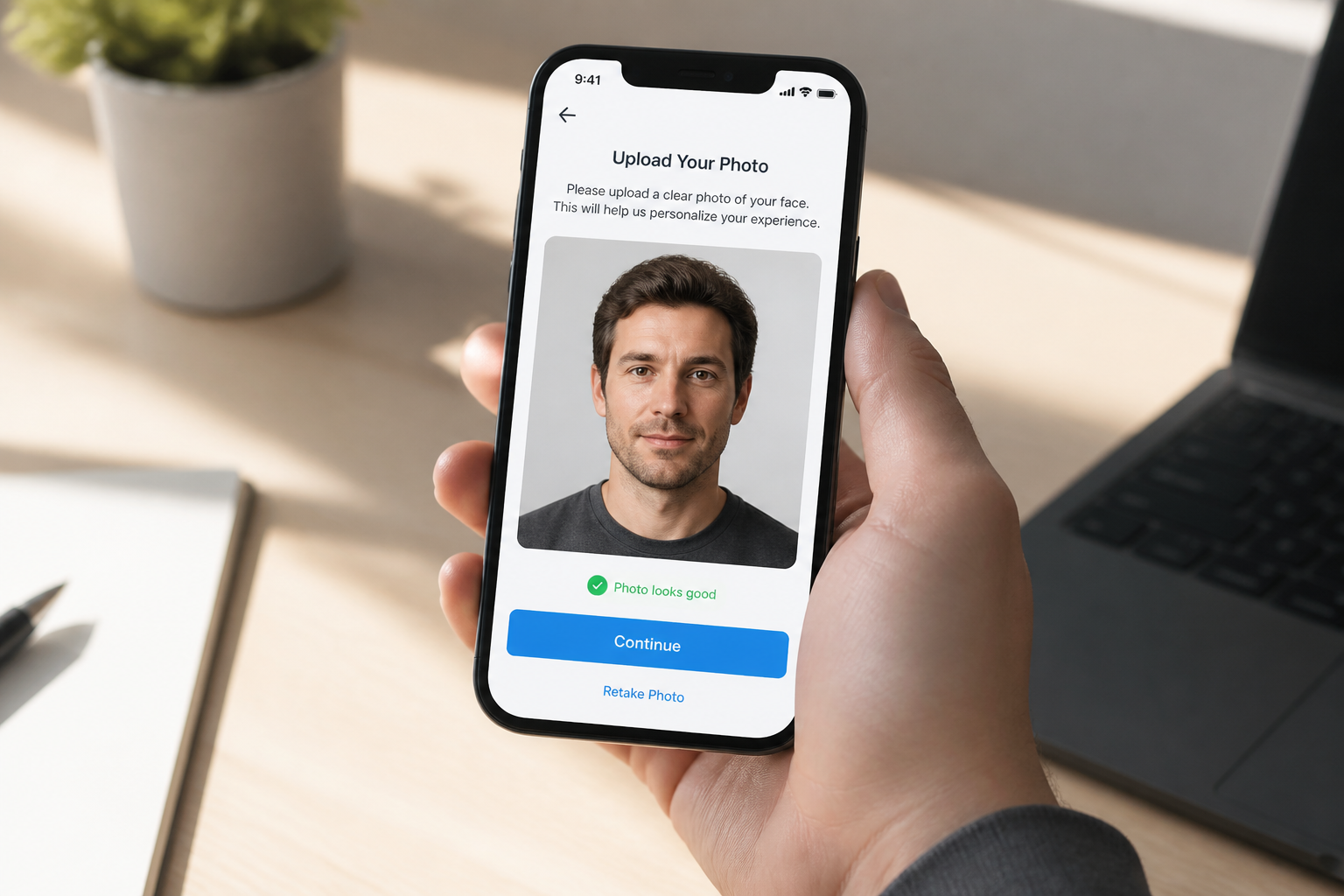
Upload your photo
Start with a clear portrait where the face is easy to see. Front-facing or slight-angle shots usually give the most convincing beard removal.
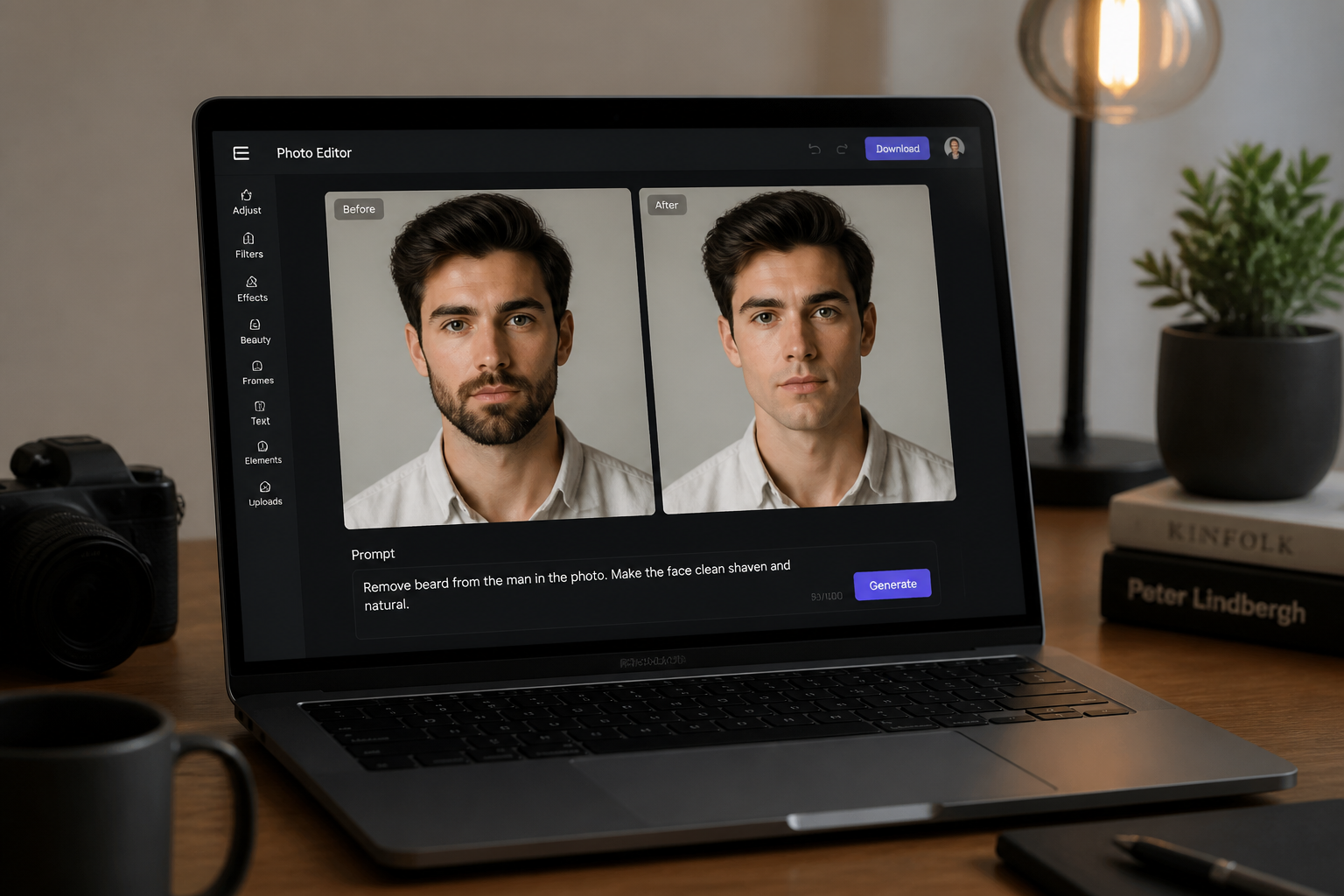
Describe the clean-shaven look
Tell the editor what to remove, such as full beard, mustache, or stubble. You can also ask it to keep the same hair, clothing, background, and lighting.
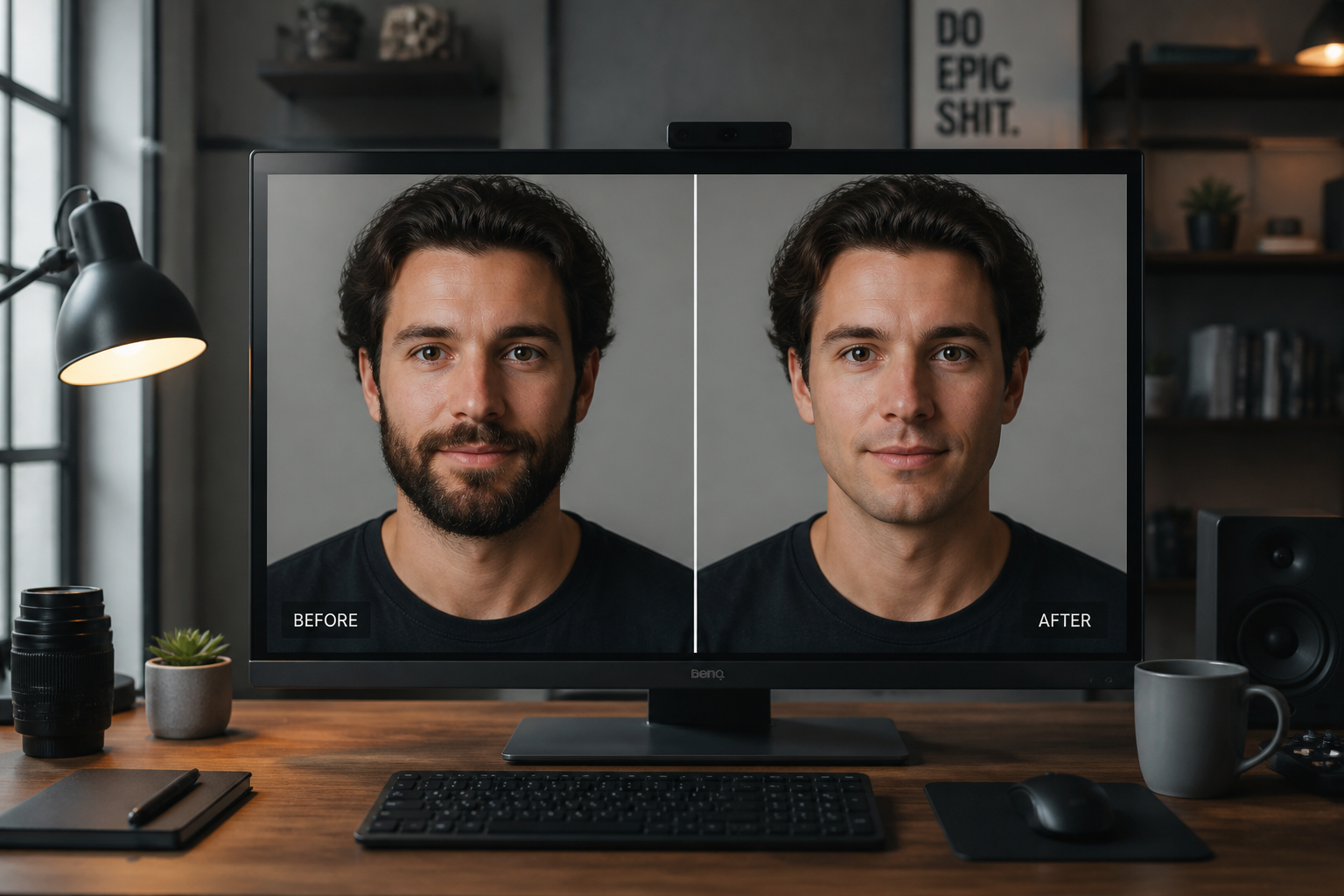
Review and compare
Generate the edit and compare the before and after side by side. If needed, adjust the wording and run another version for a cleaner or more natural result.
Perfect For
Discover how creators and professionals use ai beard remover
Preview a clean-shaven look
See how you might look without a beard before making a real grooming change.
Update profile photos
Create a clean-shaven version of an existing portrait for resumes, social profiles, or business pages.
Plan creative shoots
Test facial hair variations before a portrait session, campaign, or styling concept.
Make alternate content versions
Reuse one source photo to create both bearded and clean-shaven variants for ads, thumbnails, or posts.
Built For
Creators and influencers
Make fast alternate looks for thumbnails, short-form videos, and social posts without reshooting.
Photographers and retouchers
Prototype facial-hair changes quickly before spending time on detailed manual edits.
Everyday users
Try a shave simulation on selfies or portraits with simple prompts and quick comparisons.
Why use AI Beard Remover
A quick look at how we compare on the things that matter for this niche.
| Feature | BudgetPixel | Generic AI editors | Manual editing apps |
|---|---|---|---|
| Beard-specific edits | ✓ | — | — |
| Keeps original pose and scene | ✓ | ✓ | ✓ |
| Fast clean-shaven previews | ✓ | ✓ | — |
| Stylized variations | ✓ | — | — |
| Manual masking required | — | — | ✓ |
Frequently Asked Questions
Does it only remove full beards?
Will the face still look like the same person?
Can I use selfies and professional portraits?
Can it make stylized versions too?
What makes a good source photo?
Create together.
Share your creations, discover trending AI art, and grow with fellow creators.