AI Skin Retouch Tool for cleaner, natural-looking portraits
Smooth skin, reduce blemishes, and keep the person looking like themselves.
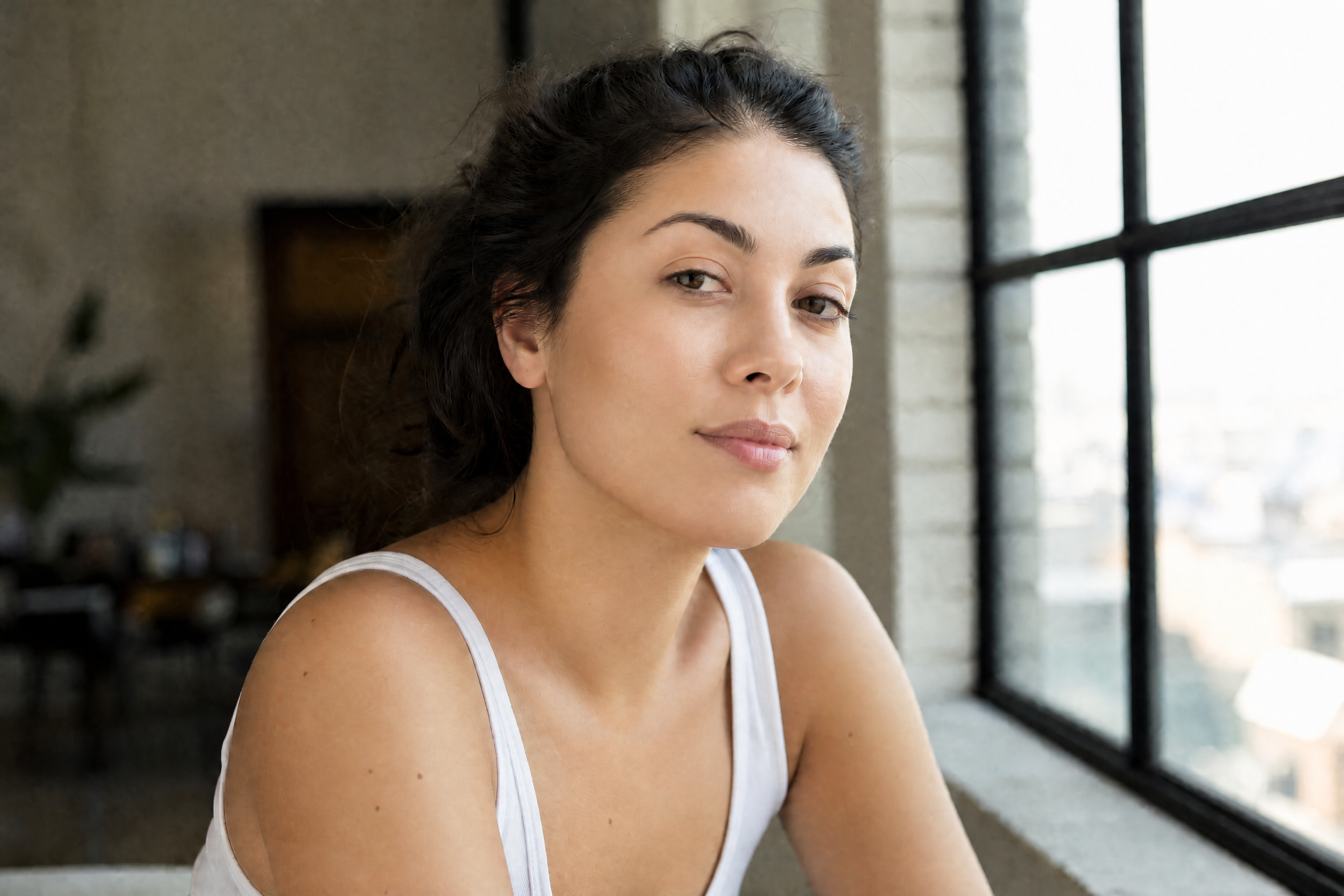
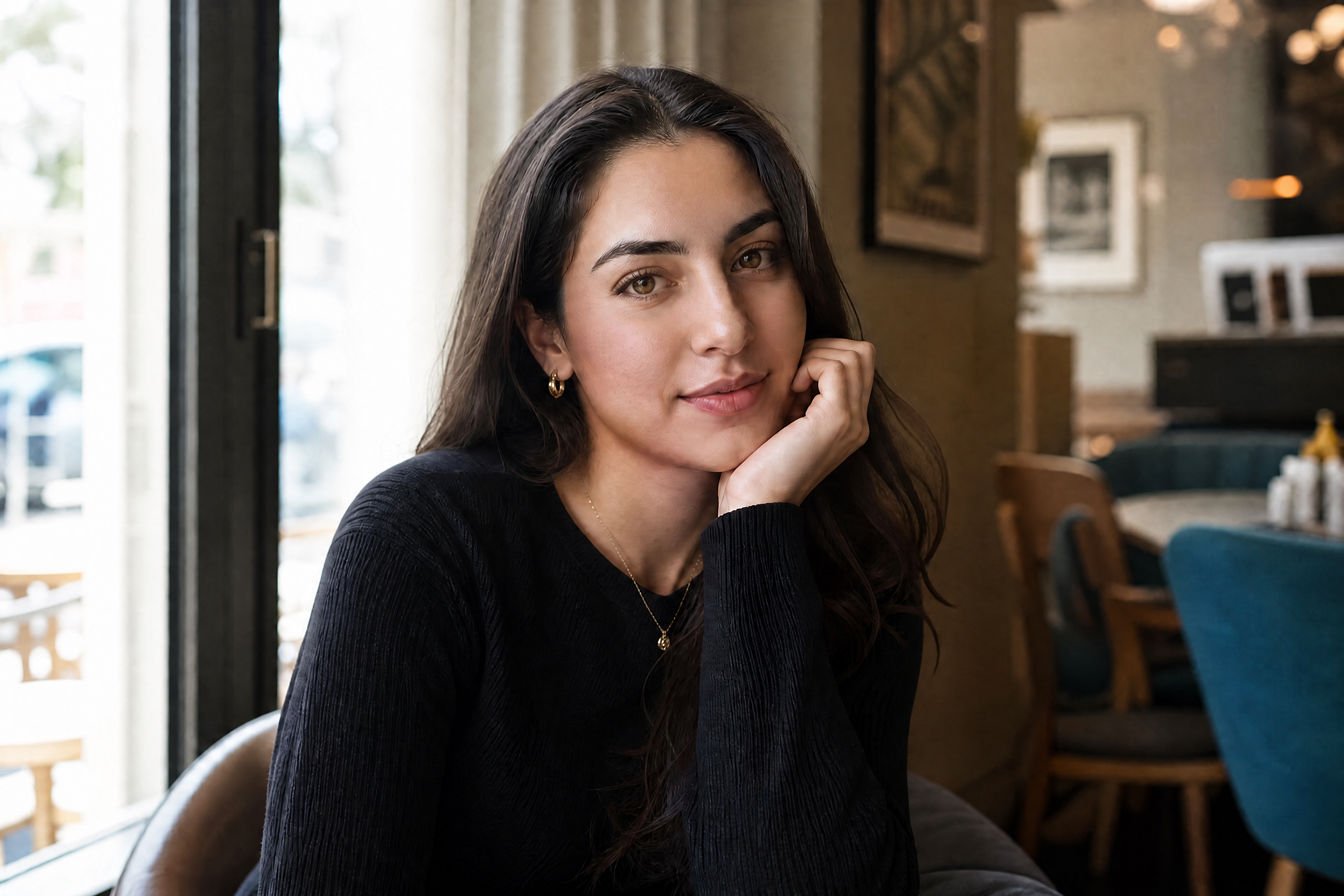
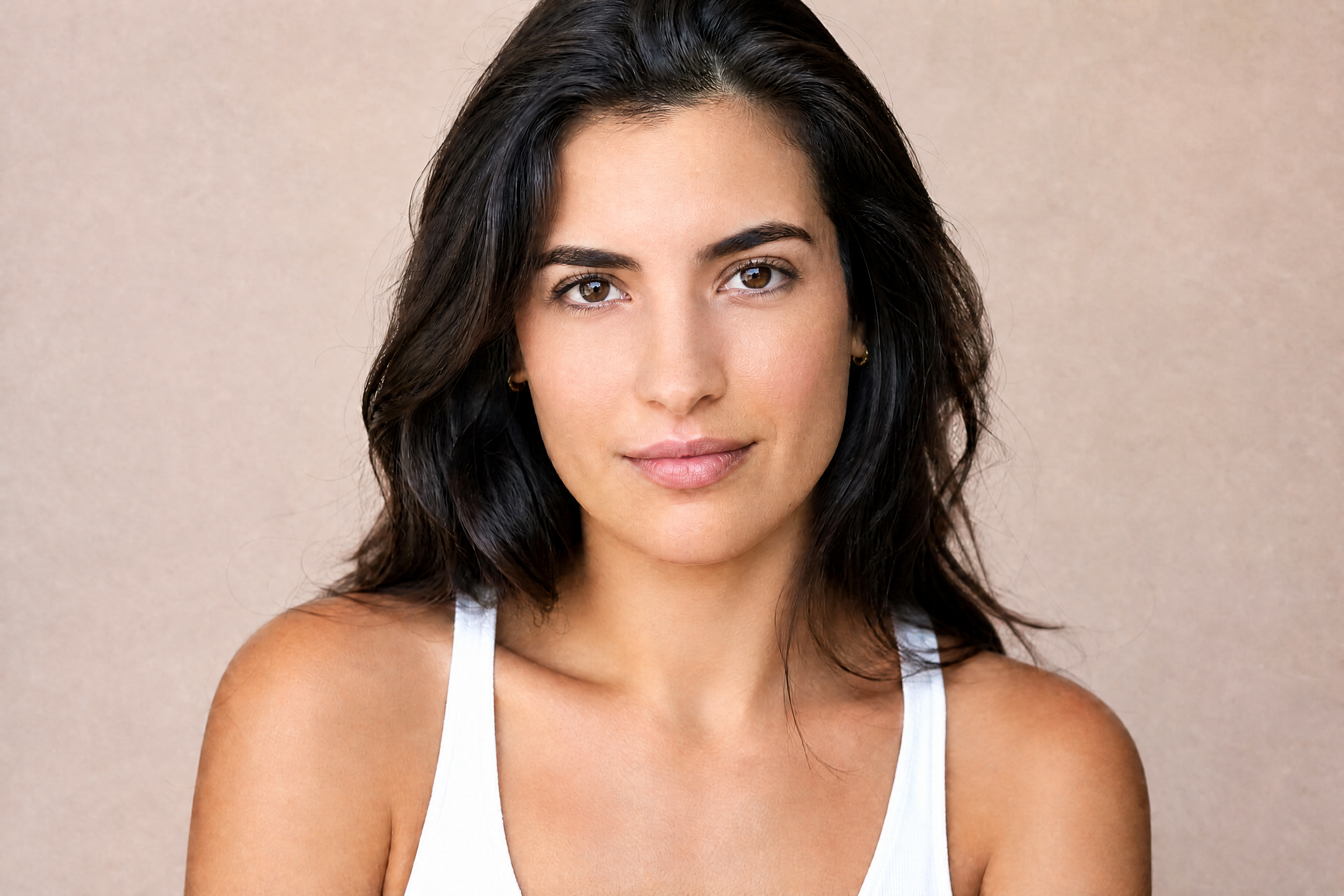
This tool edits skin in portraits without forcing a plastic, overprocessed look. Use it to reduce acne, uneven texture, shine, and under-eye distraction while keeping identity, expression, and lighting intact.
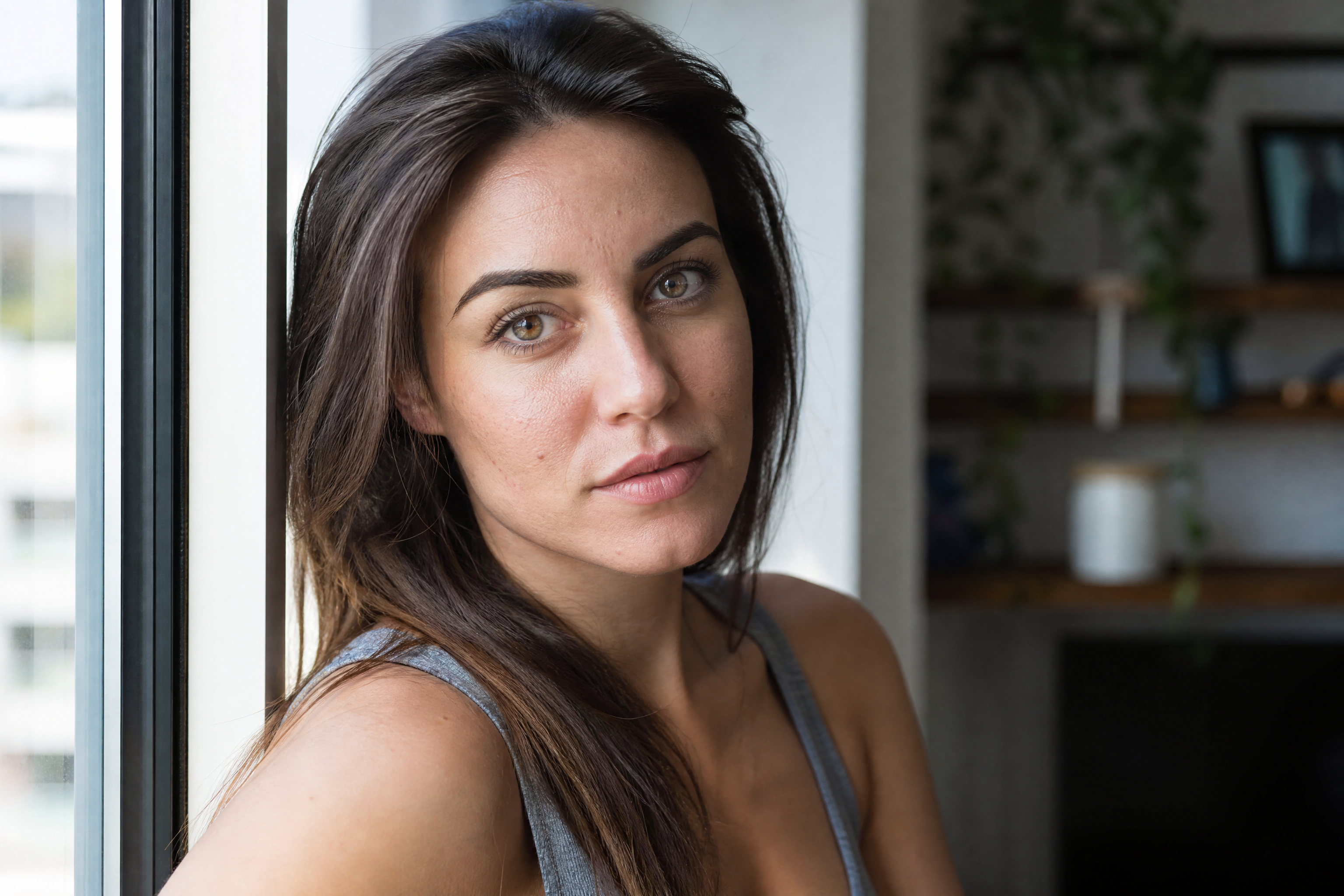
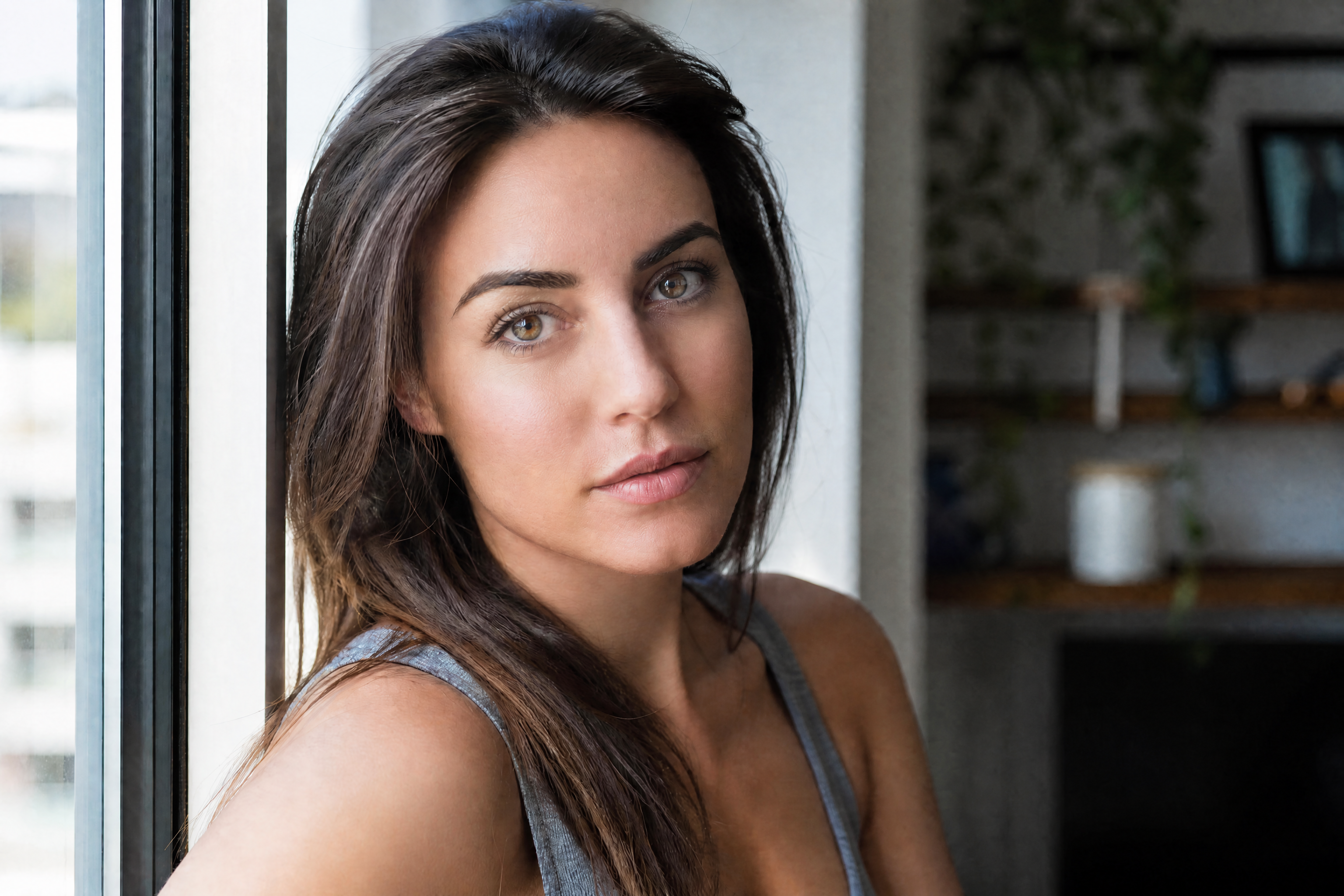
Watch the Transformation
See ai skin retouch tool in motion — generated end-to-end by our AI.
See It In Action
Real outputs from ai skin retouch tool.
BEFOREAFTER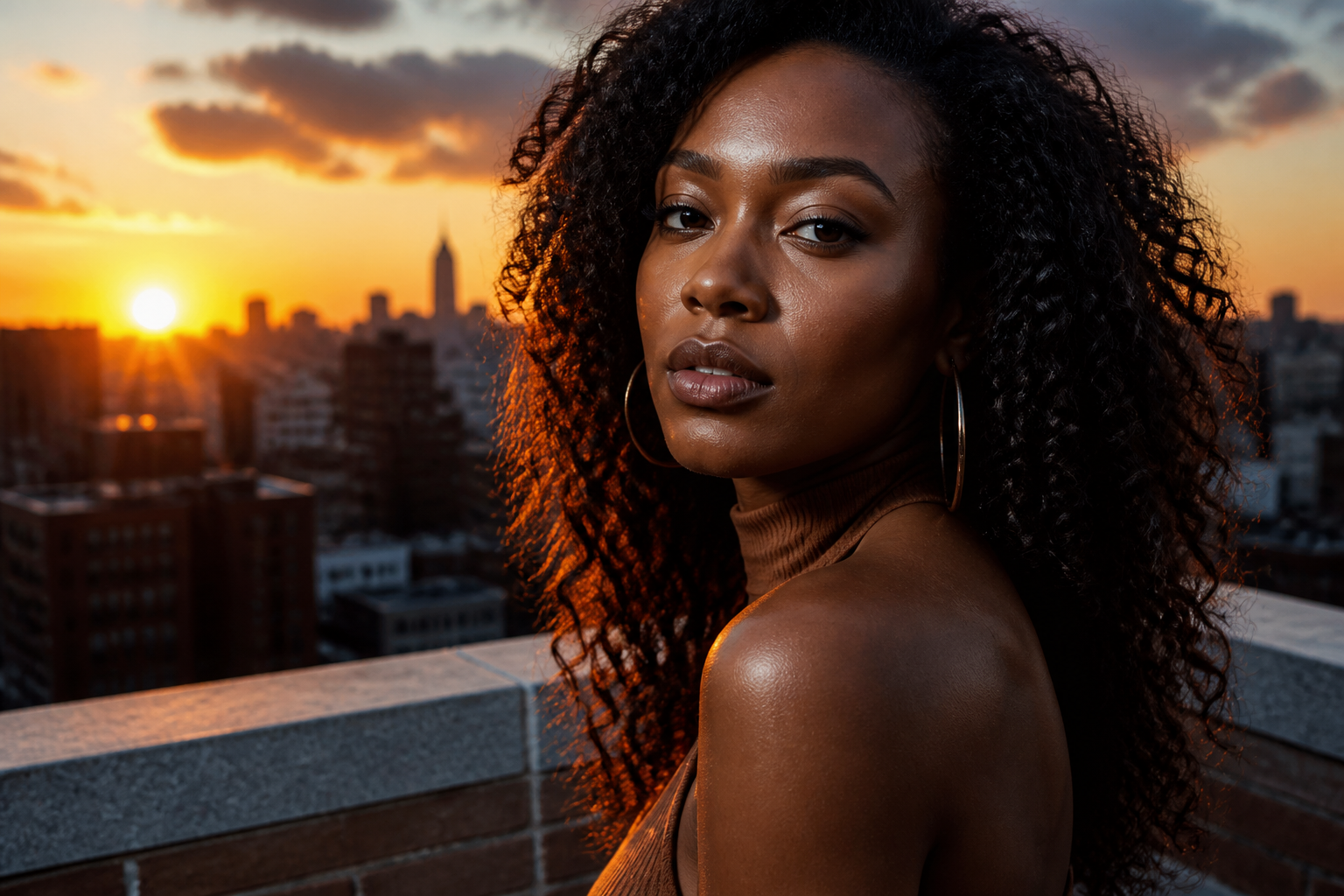 BEFORE
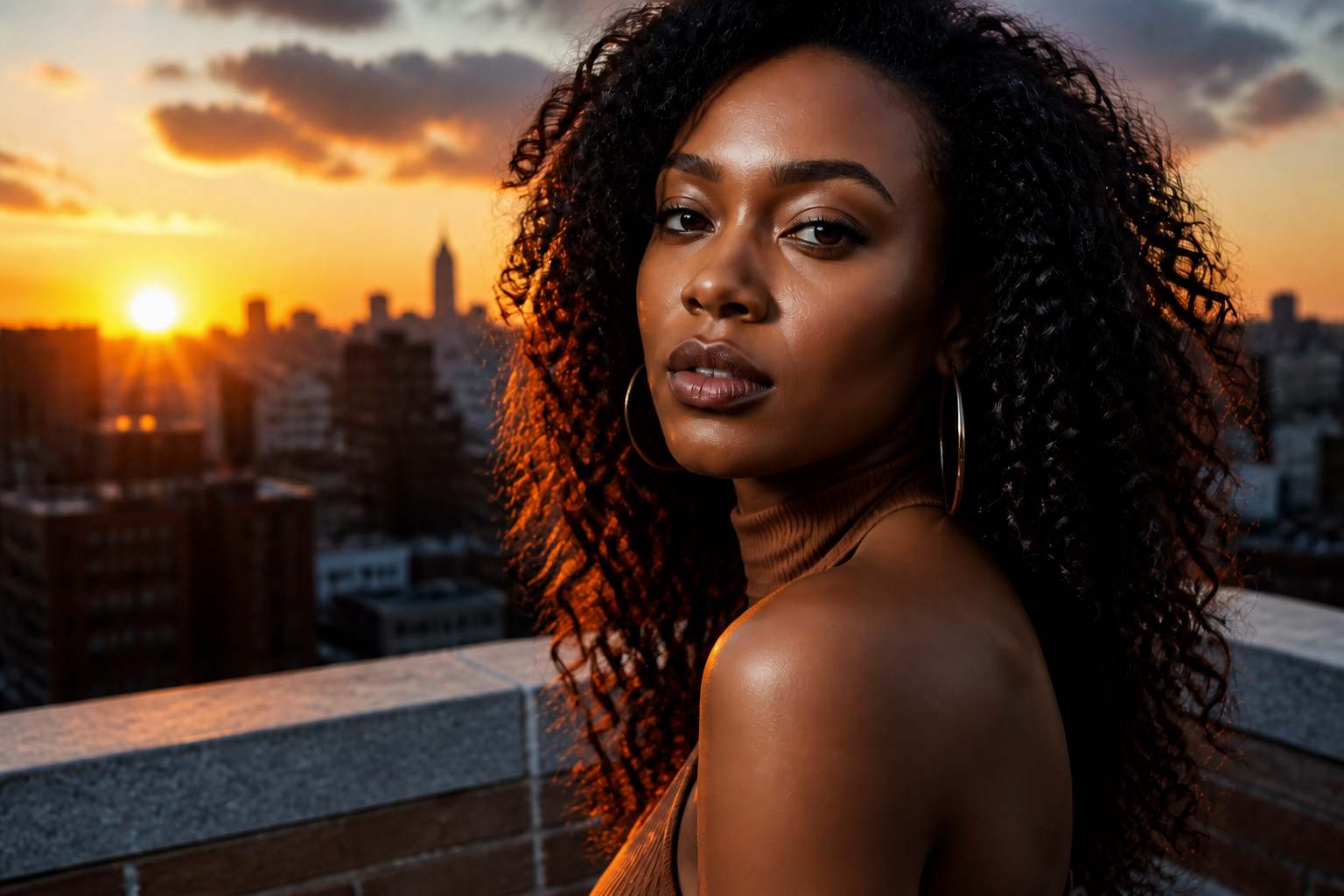 AFTER
AFTER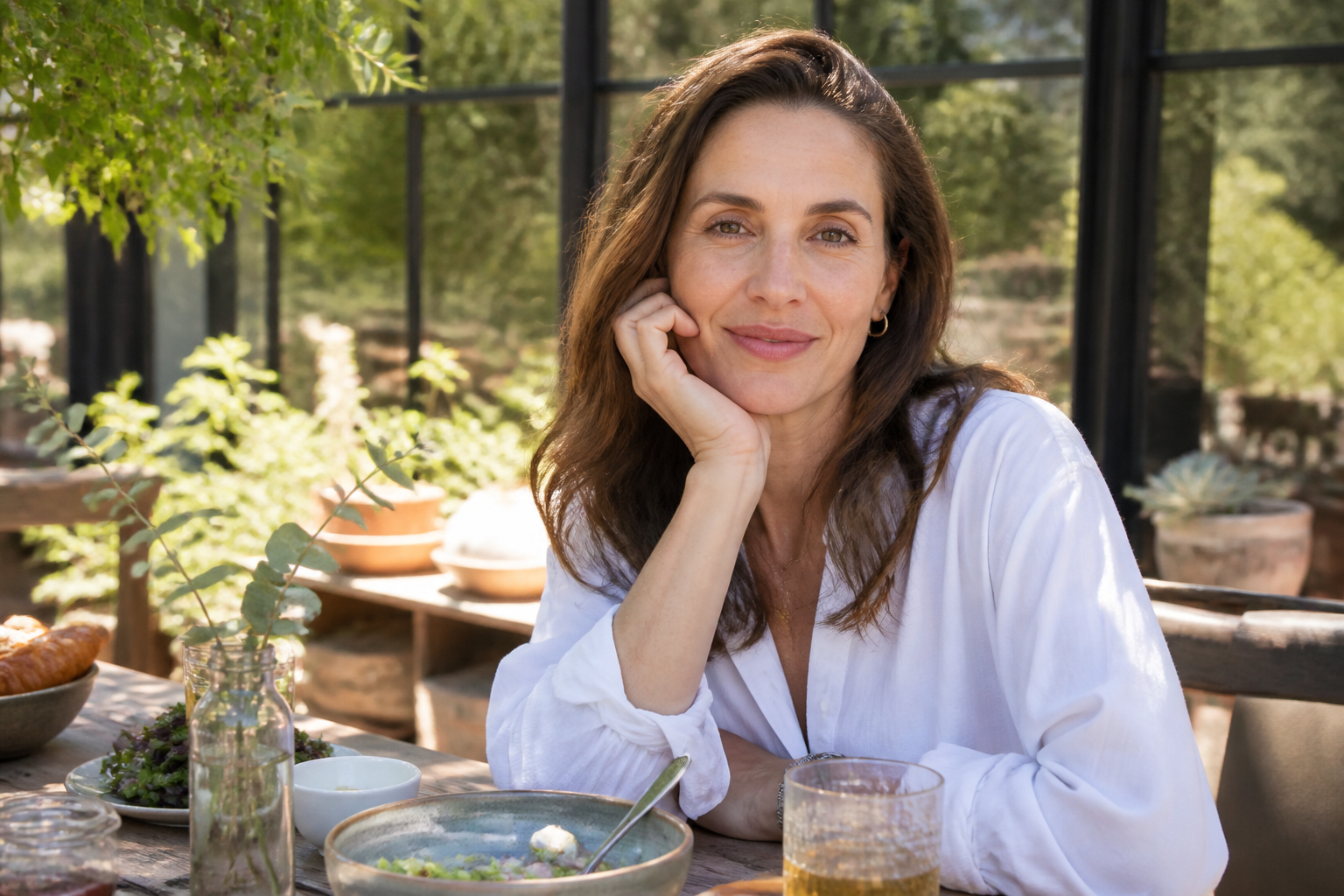 BEFORE
 AFTER
AFTER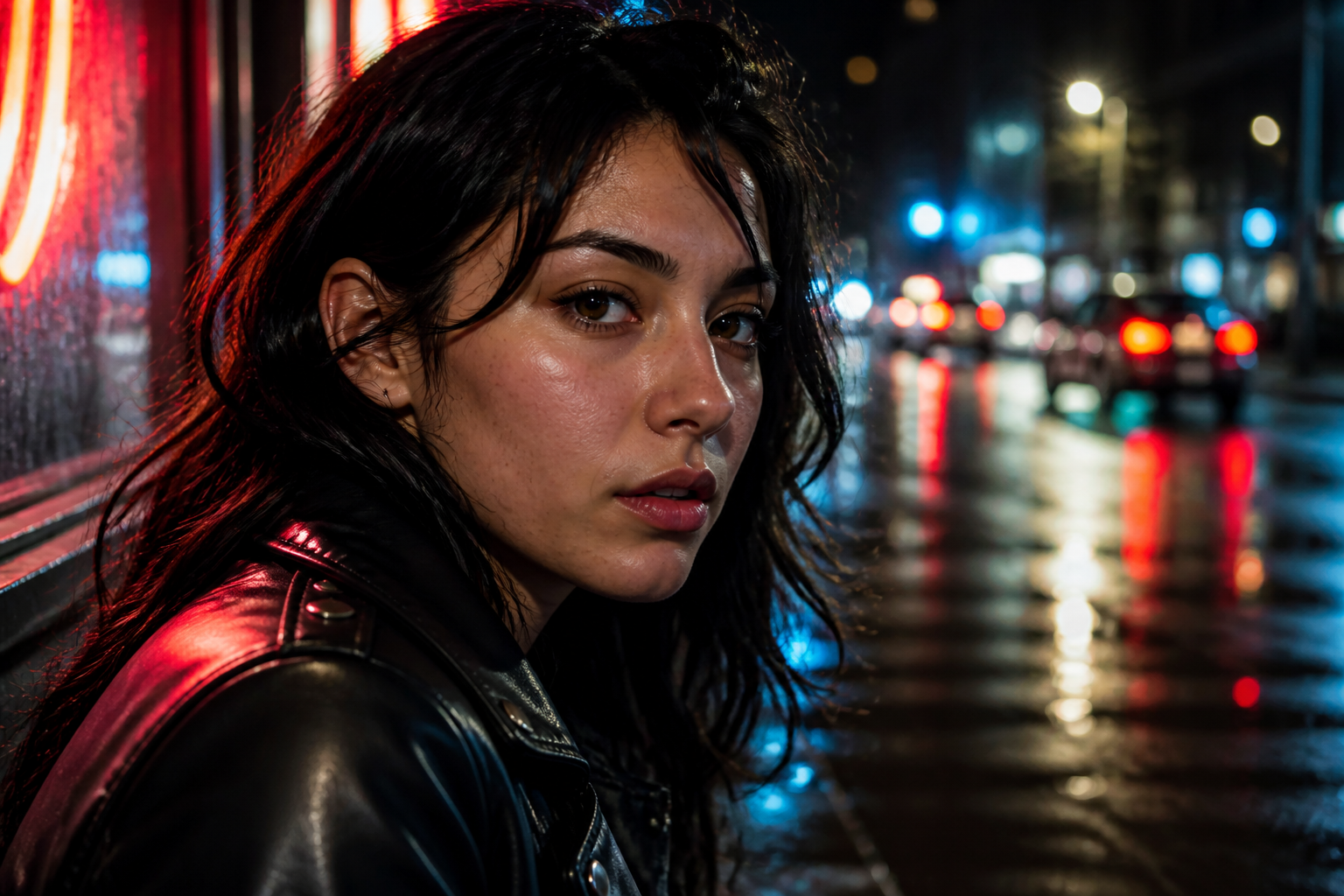 BEFORE
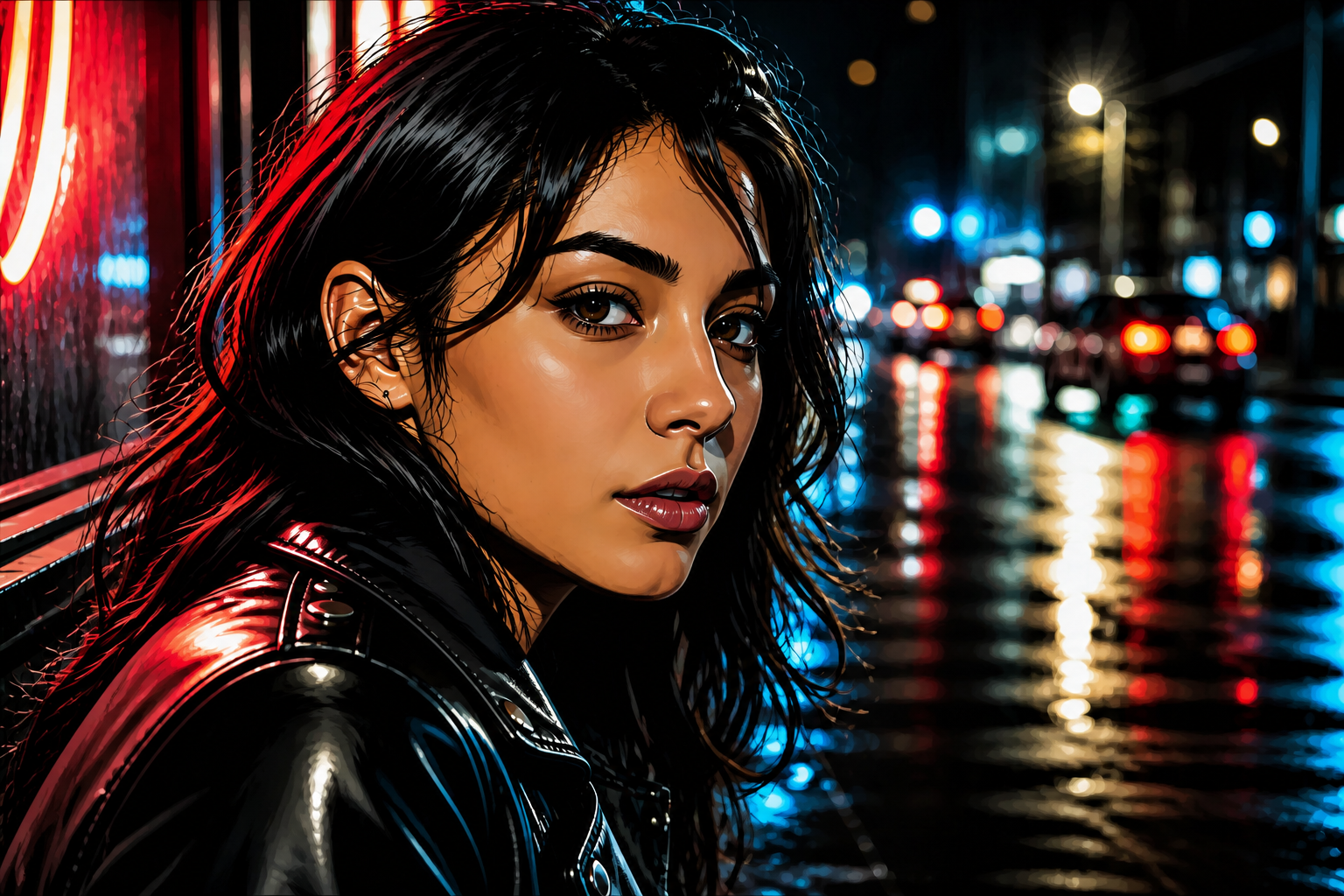 AFTER
AFTER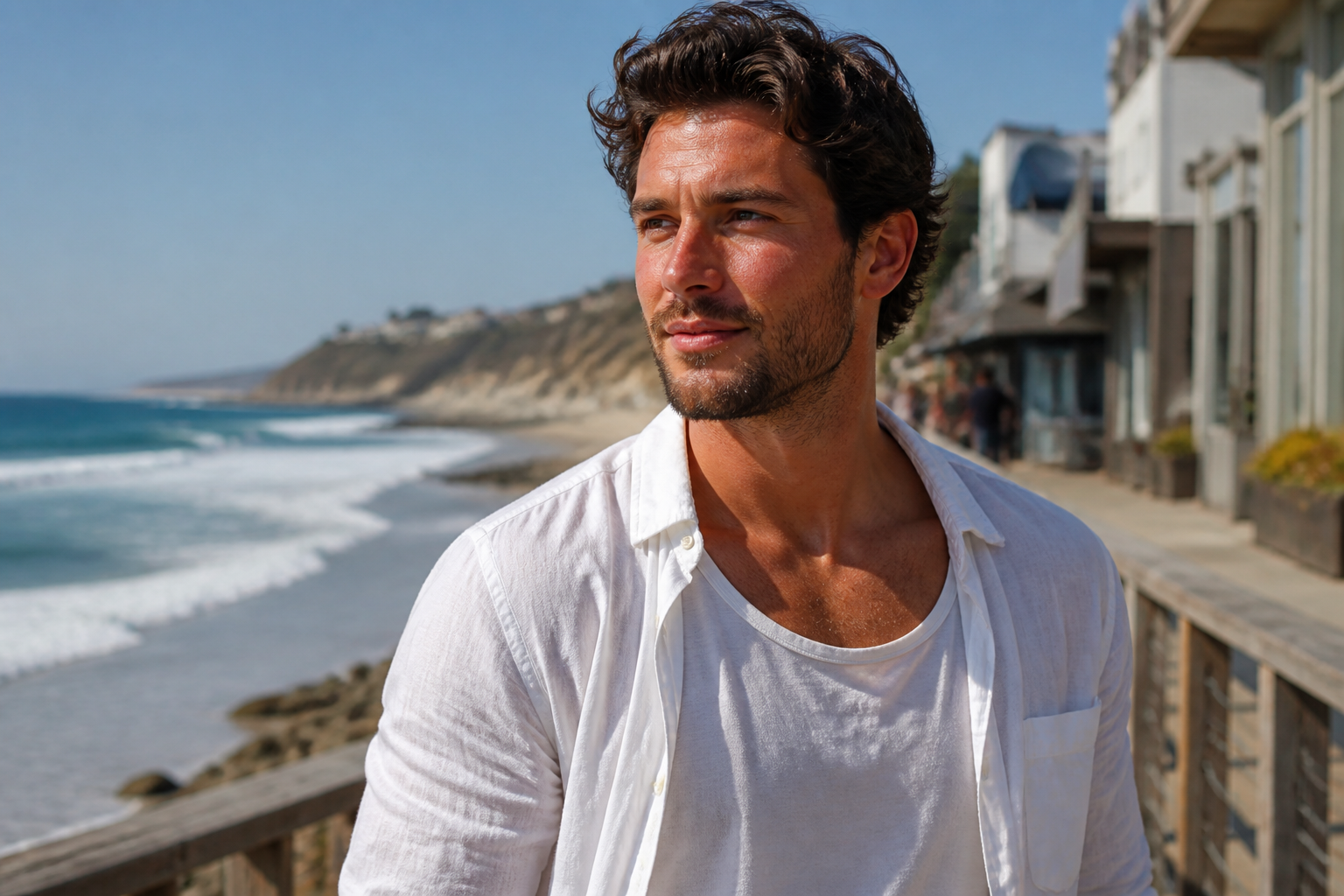 BEFORE
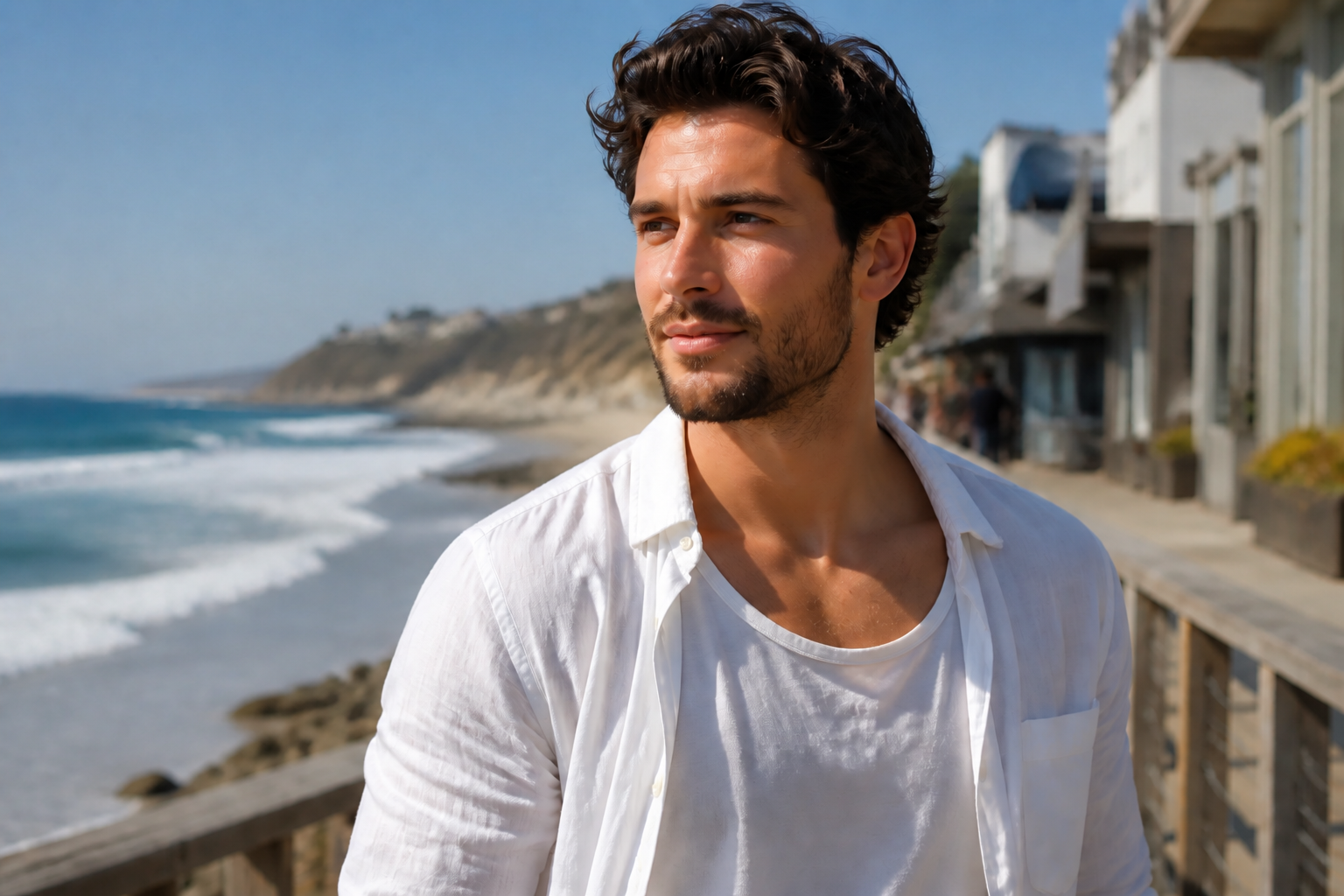 AFTERBEFOREAFTERBEFOREAFTERBEFOREAFTERBEFOREAFTERBEFOREAFTER
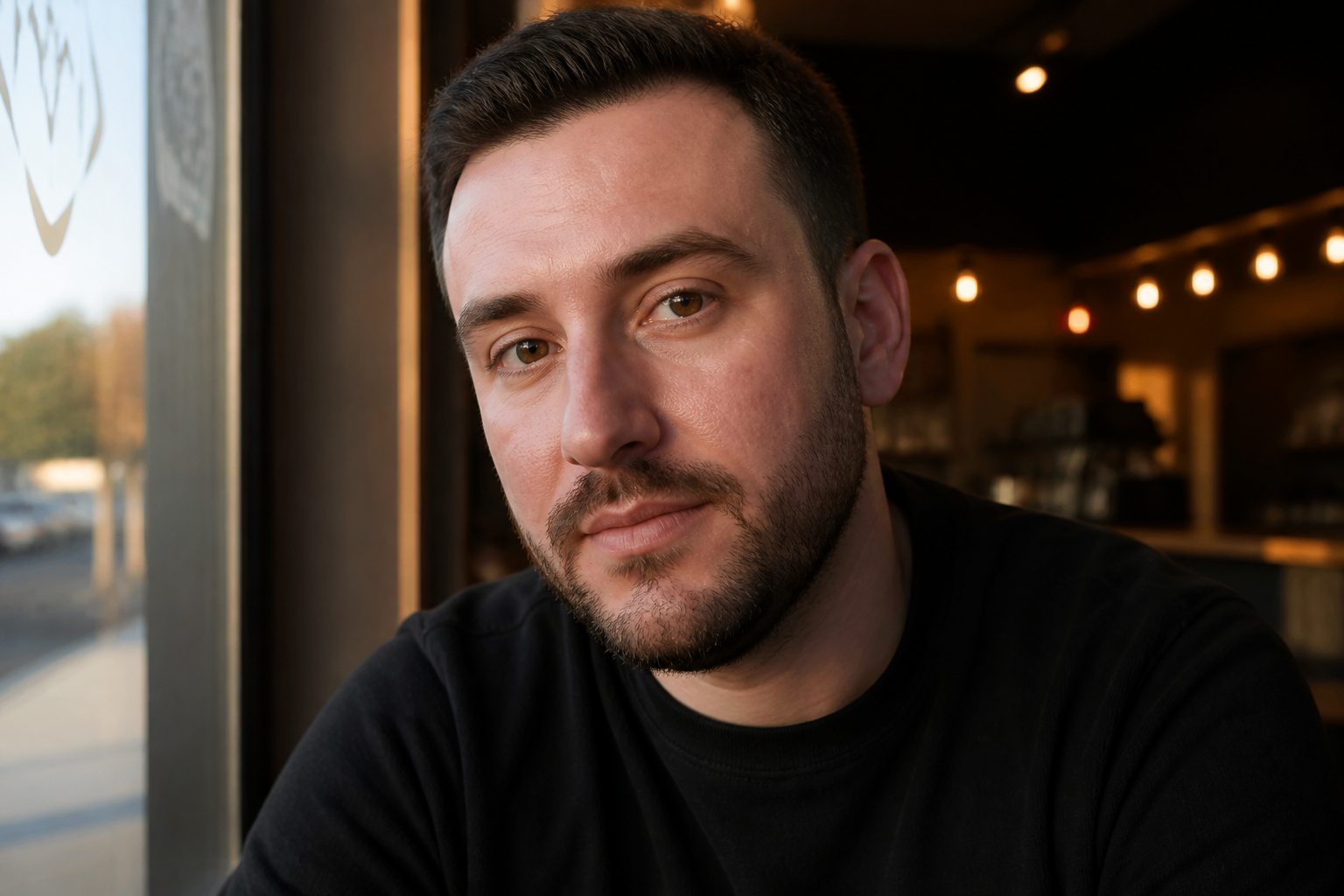 BEFORE
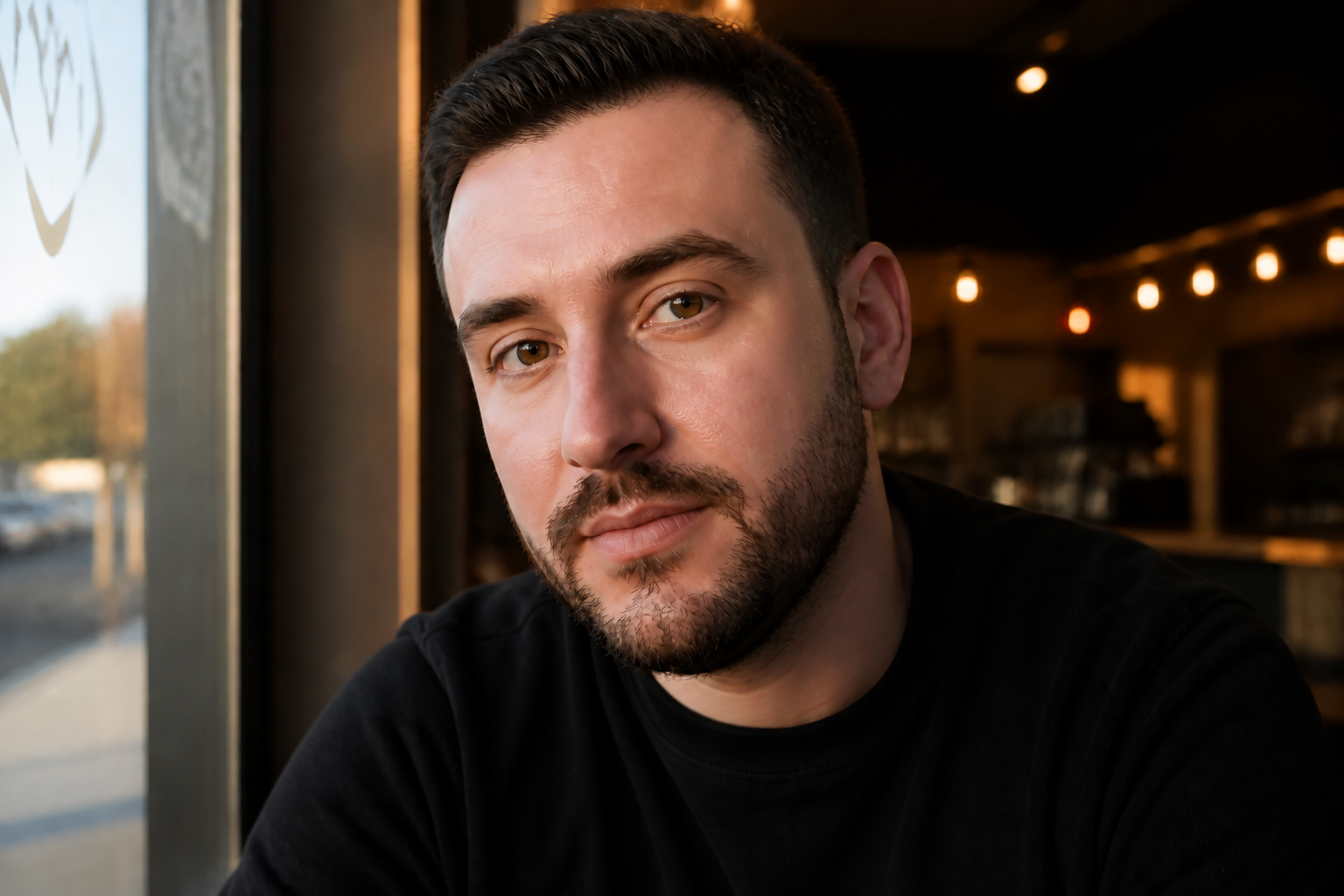 AFTER
AFTER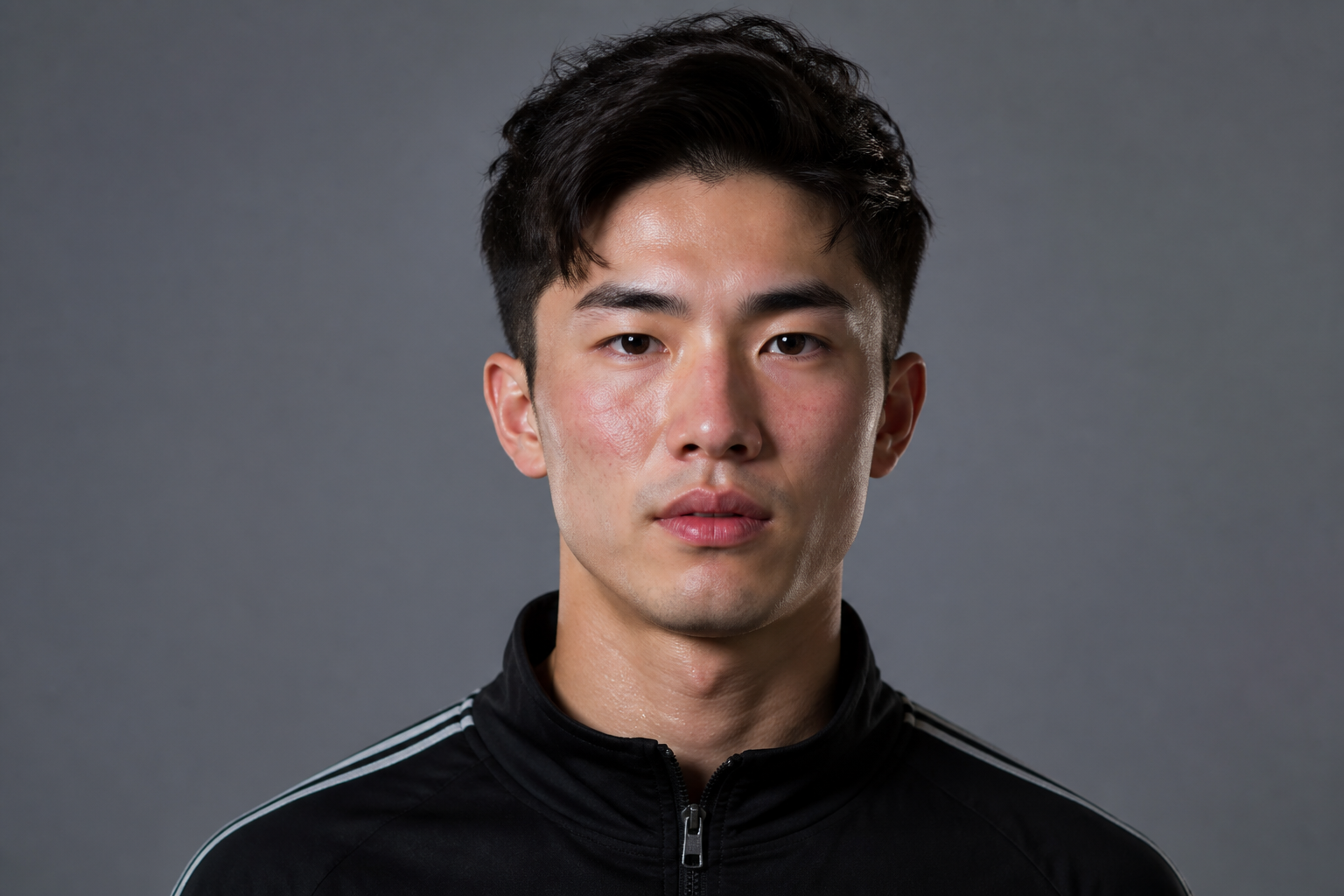 BEFORE
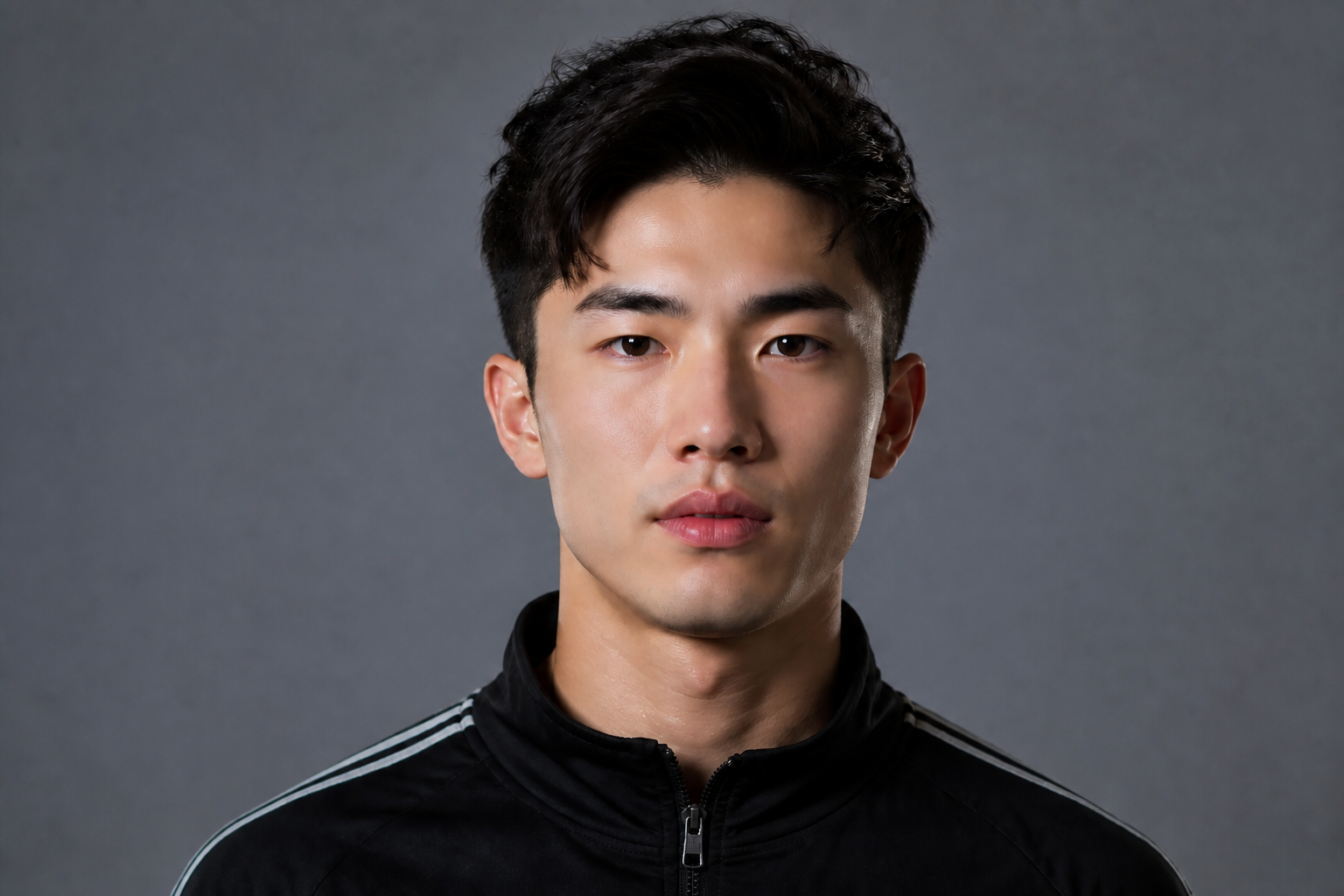 AFTER
AFTER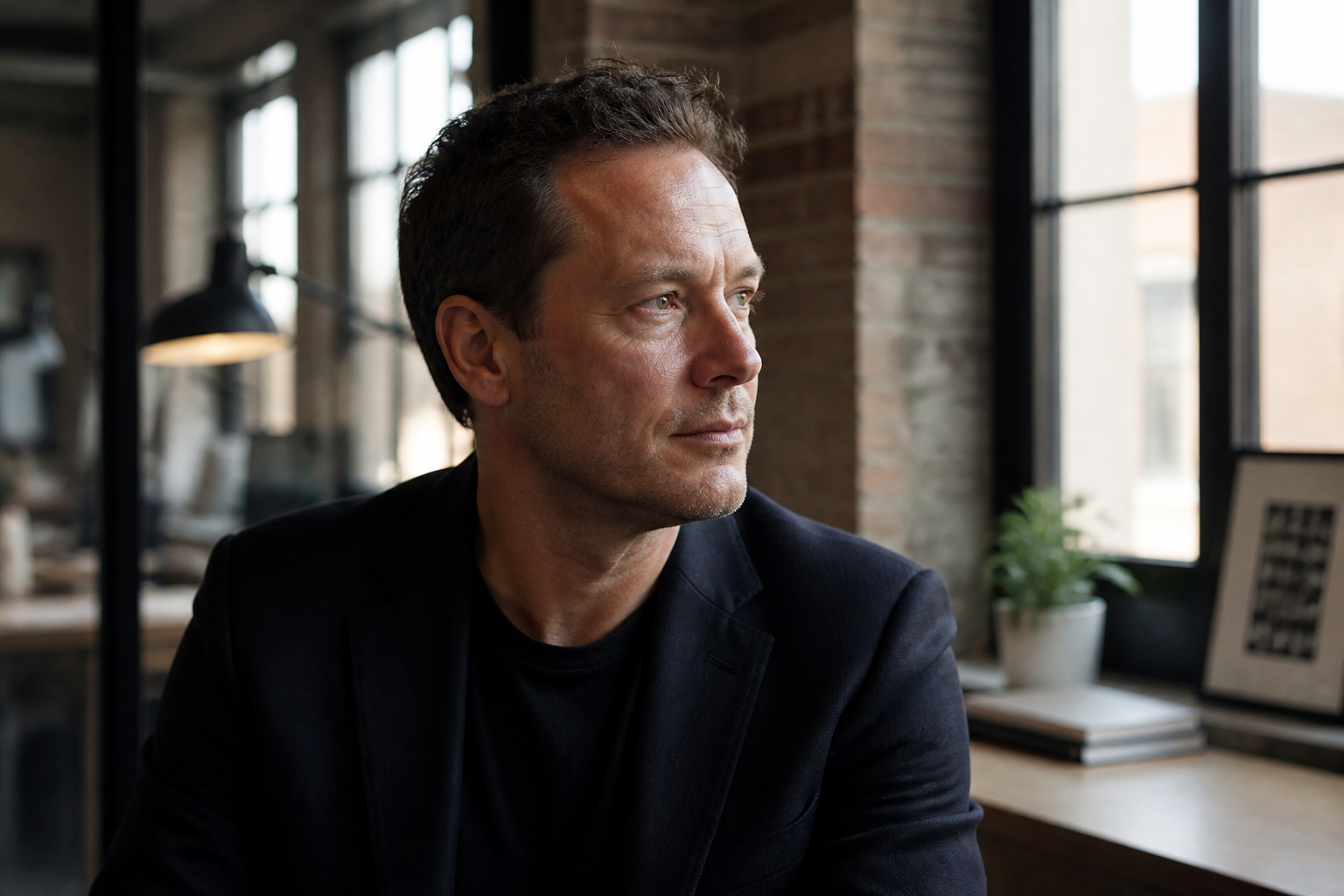 BEFORE
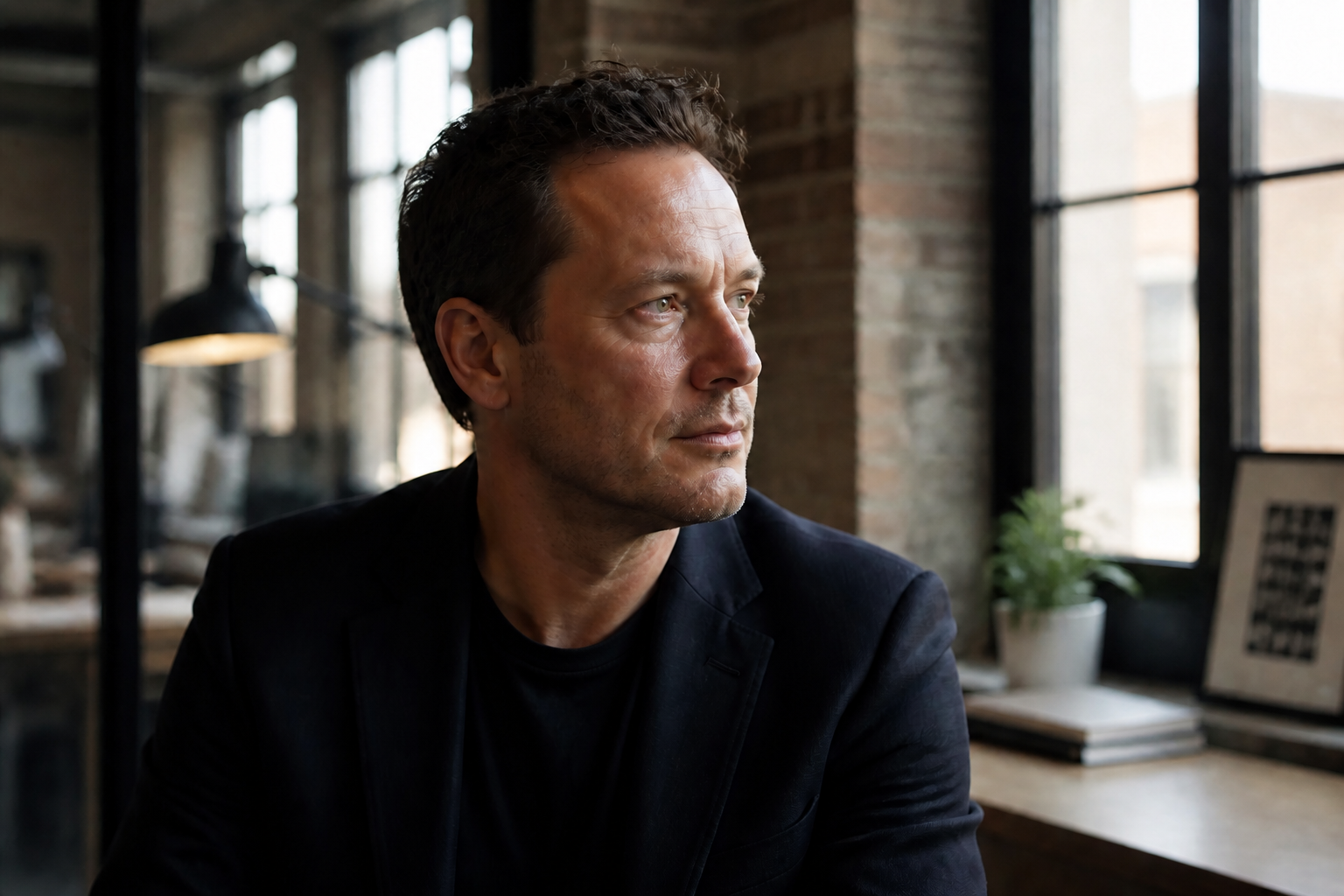 AFTER
AFTER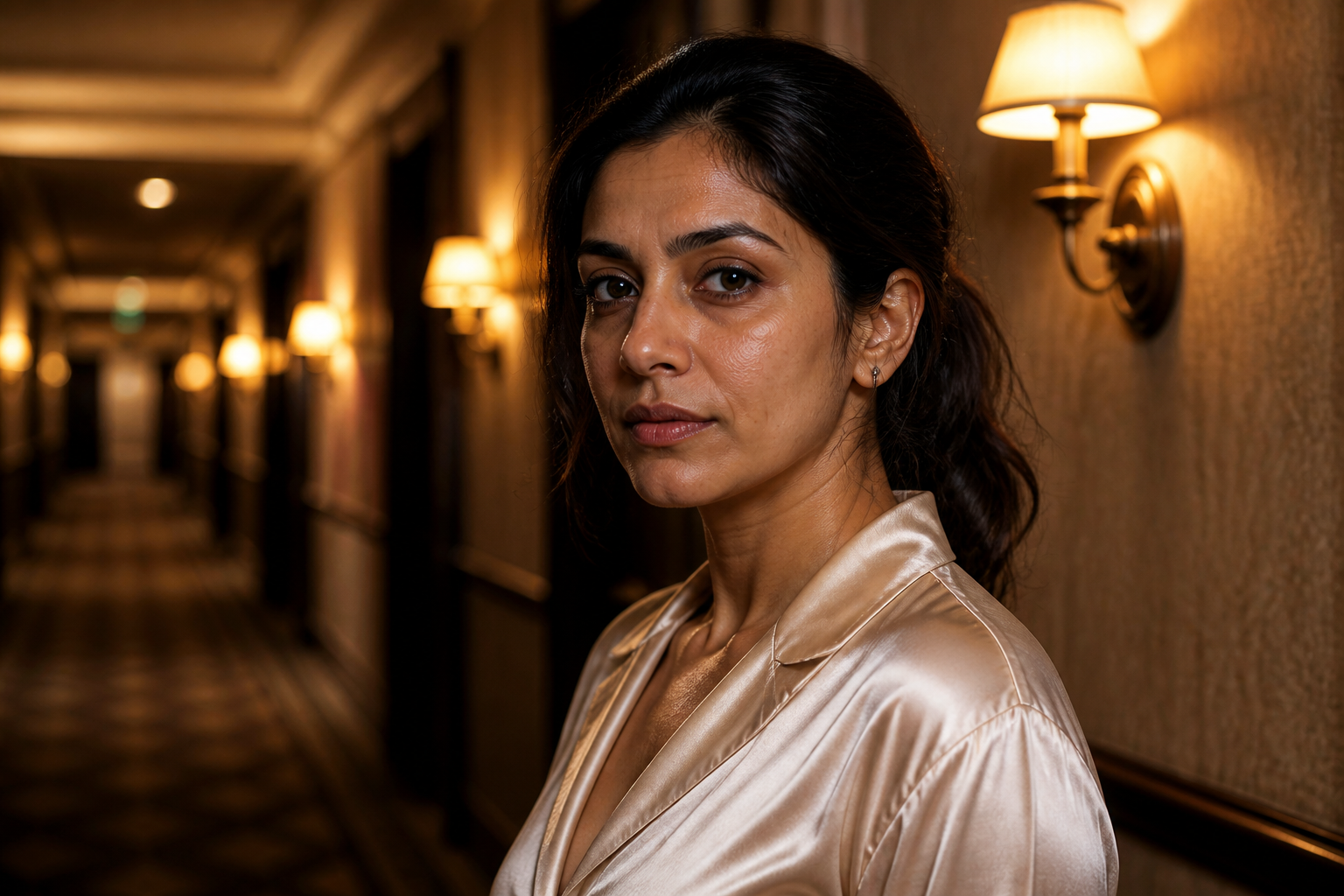 BEFORE
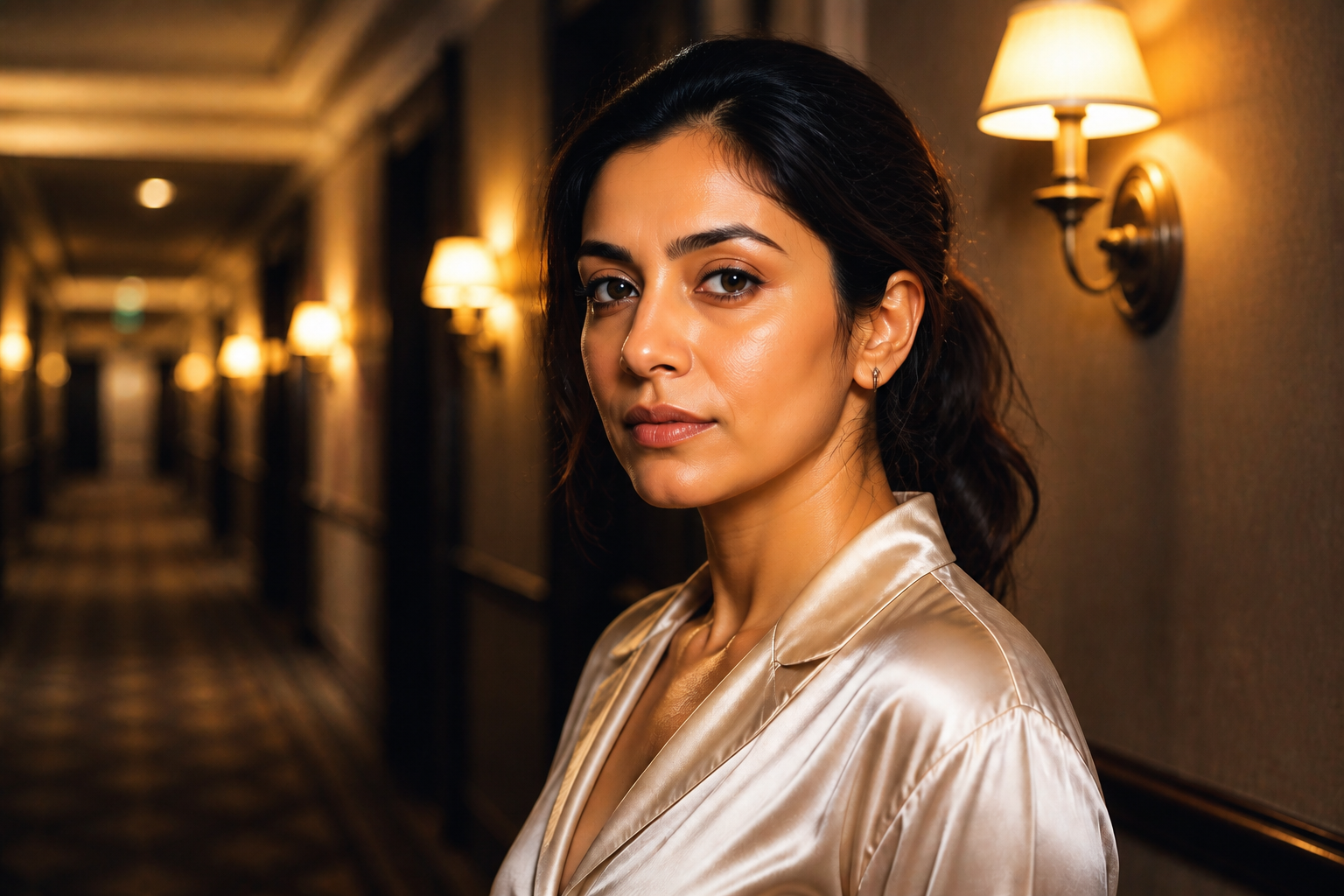 AFTER
AFTER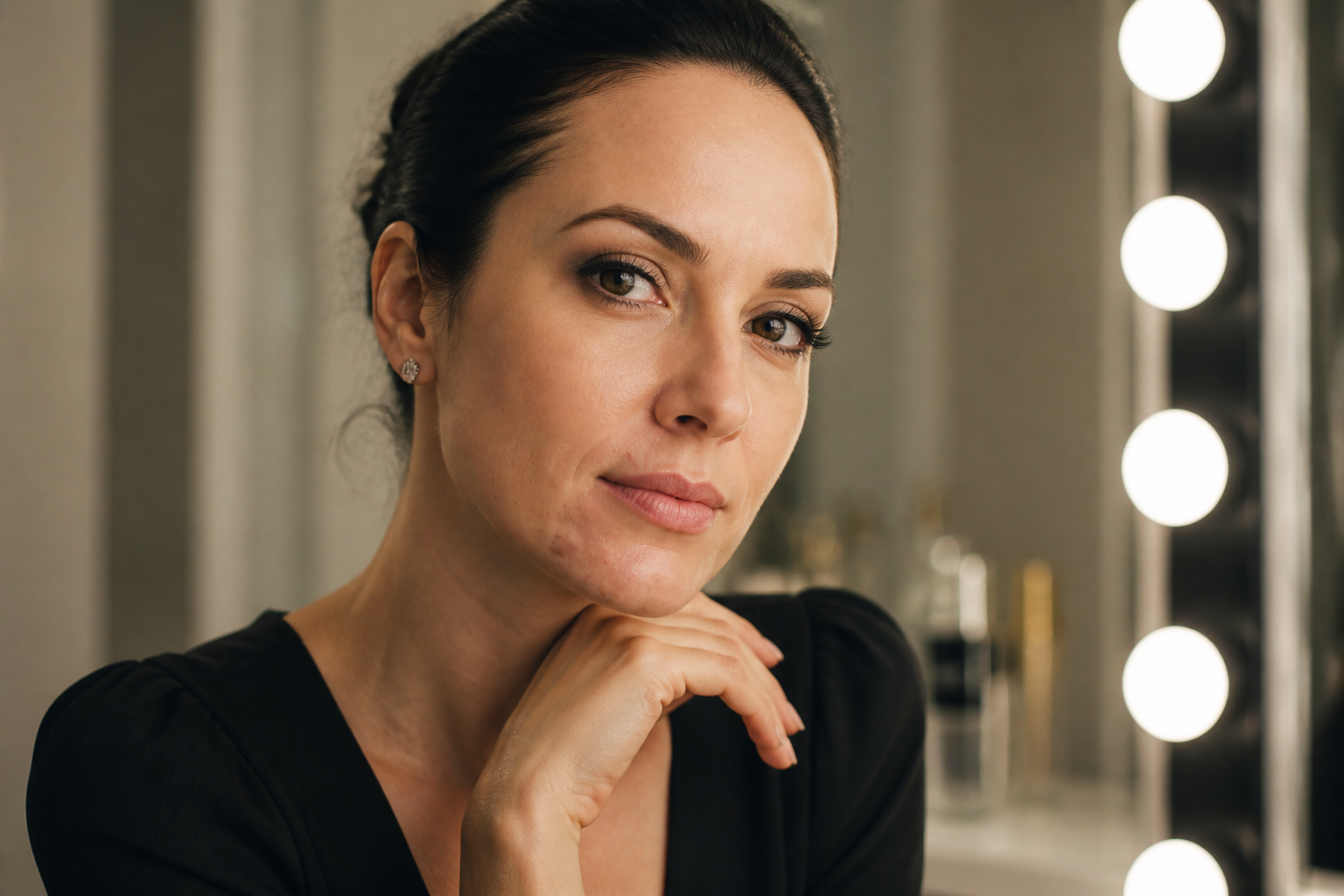 BEFORE
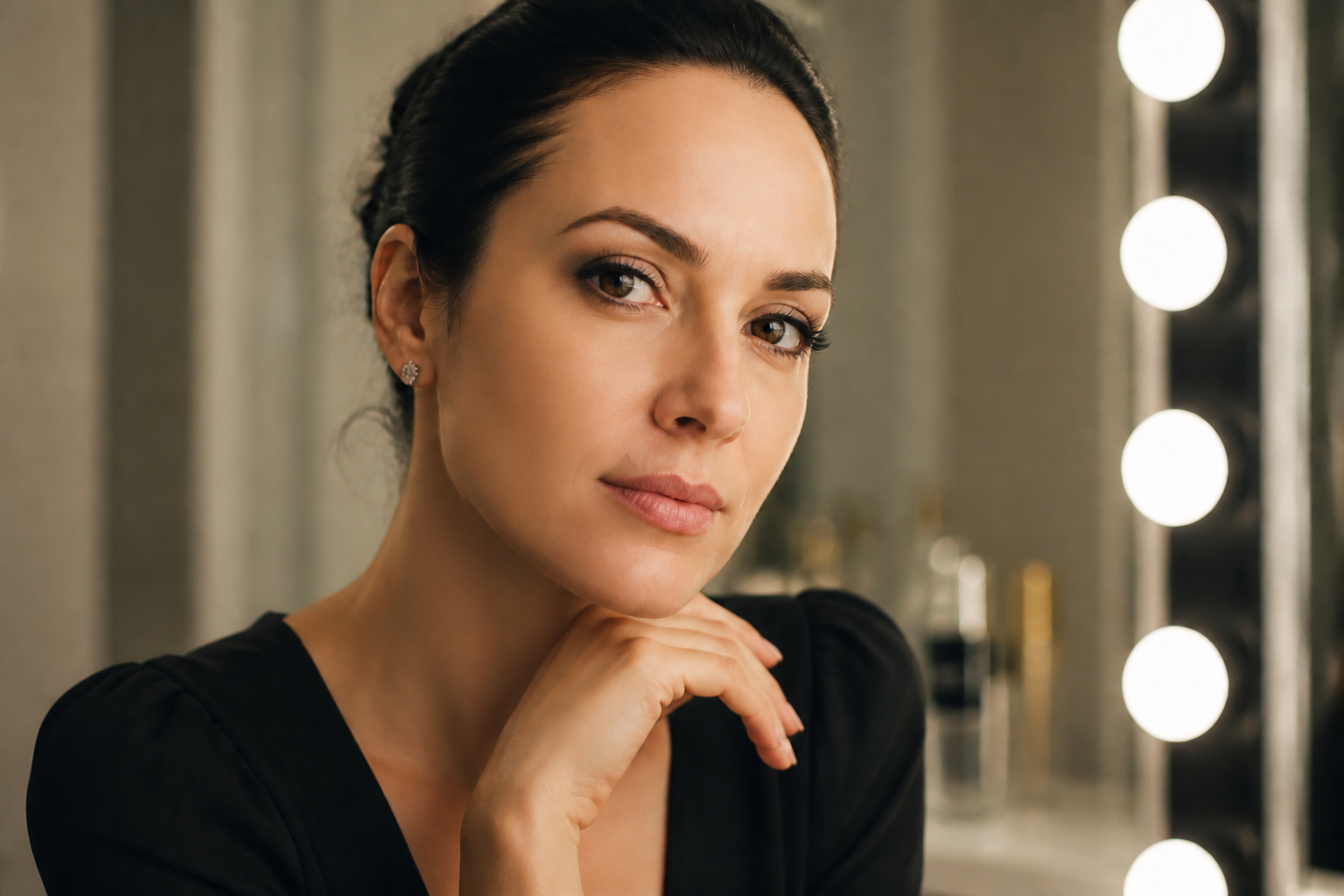 AFTERBEFOREAFTERBEFOREAFTERBEFOREAFTERBEFOREAFTERBEFOREAFTER
Key Features
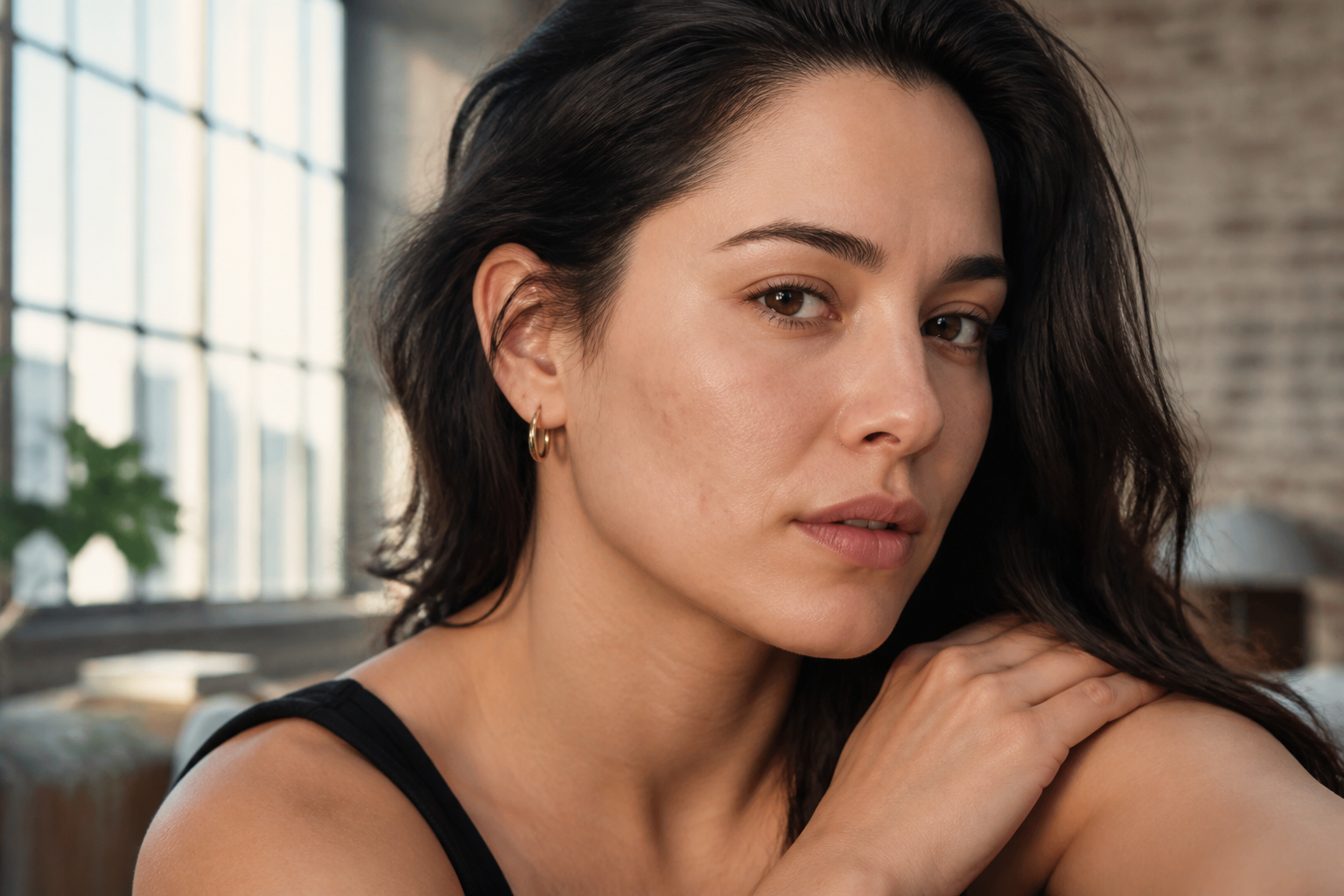
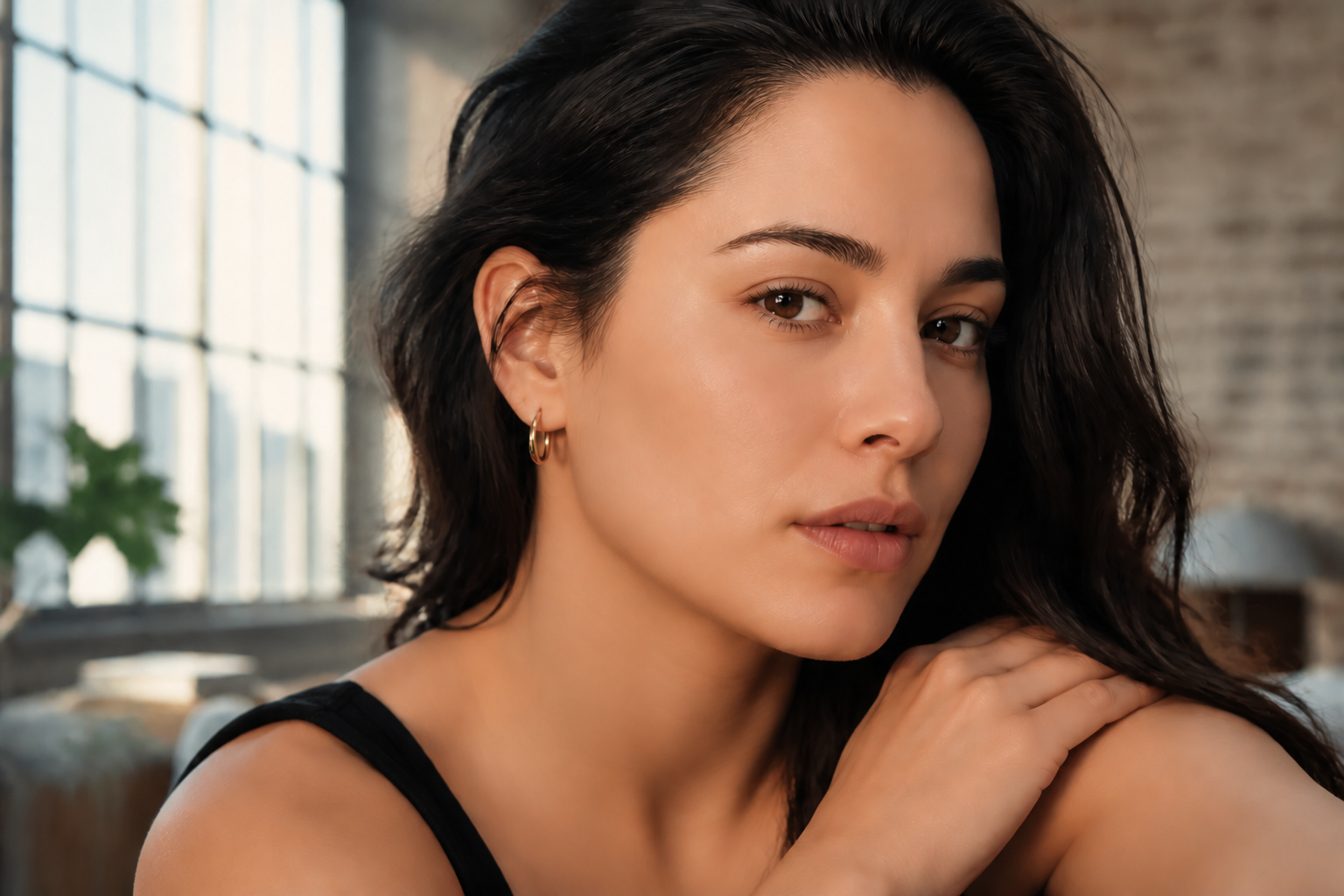
Natural skin, not plastic
The tool smooths visible texture, blemishes, and shine without flattening the whole face. That matters because over-retouched portraits look fake fast, especially in close-up shots. Our AI keeps pores, contours, and facial definition believable so the final image still reads as a real photo. You get a cleaner portrait without the waxy finish common in one-tap beauty filters.
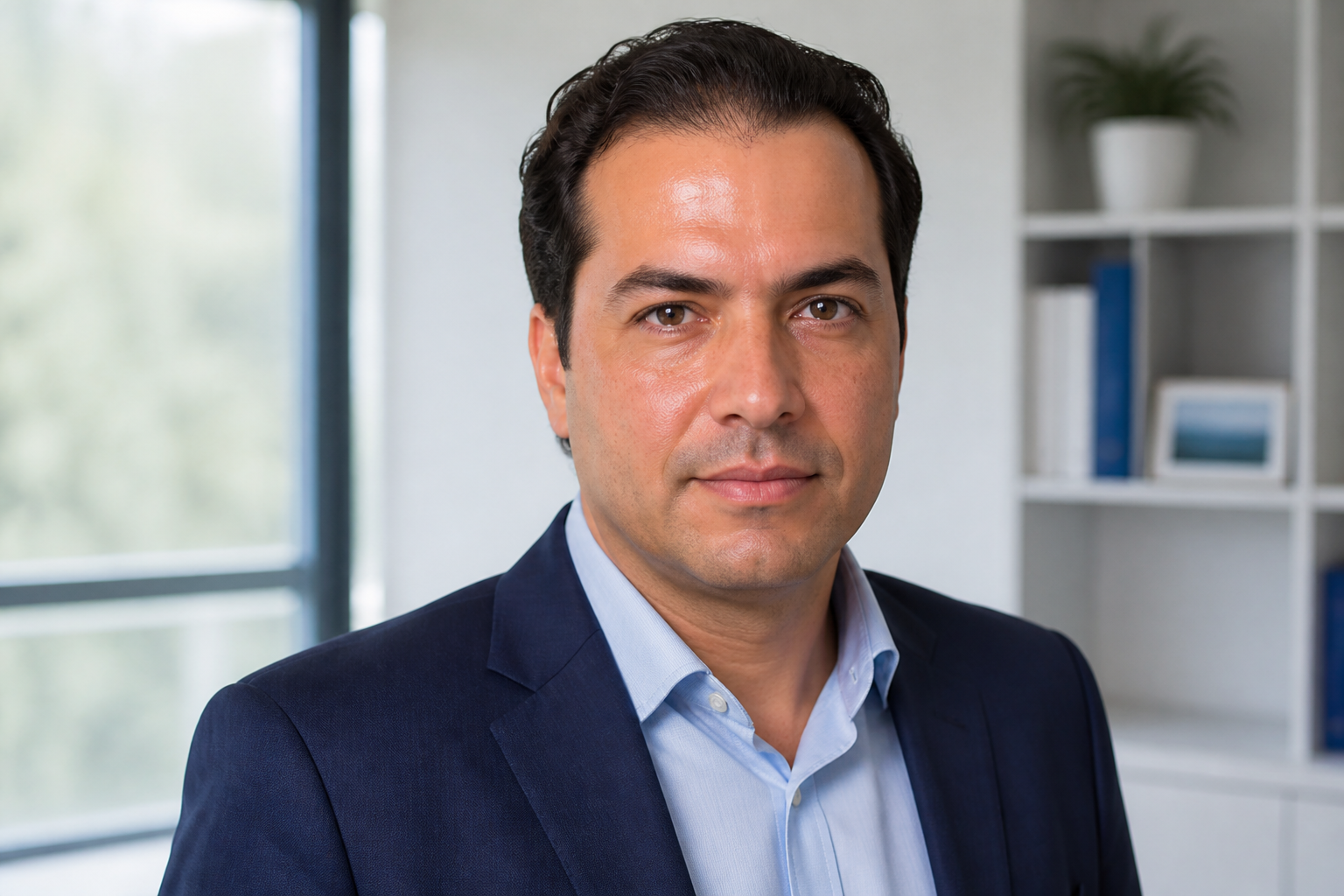

Keeps identity intact
Skin retouching should not change who the person is. This feature edits surface-level distractions while leaving face shape, eyes, smile lines, and expression in place. That makes it useful for headshots, dating photos, and client work where recognition matters. You save time compared with manual brushwork and avoid edits that accidentally reshape the subject.
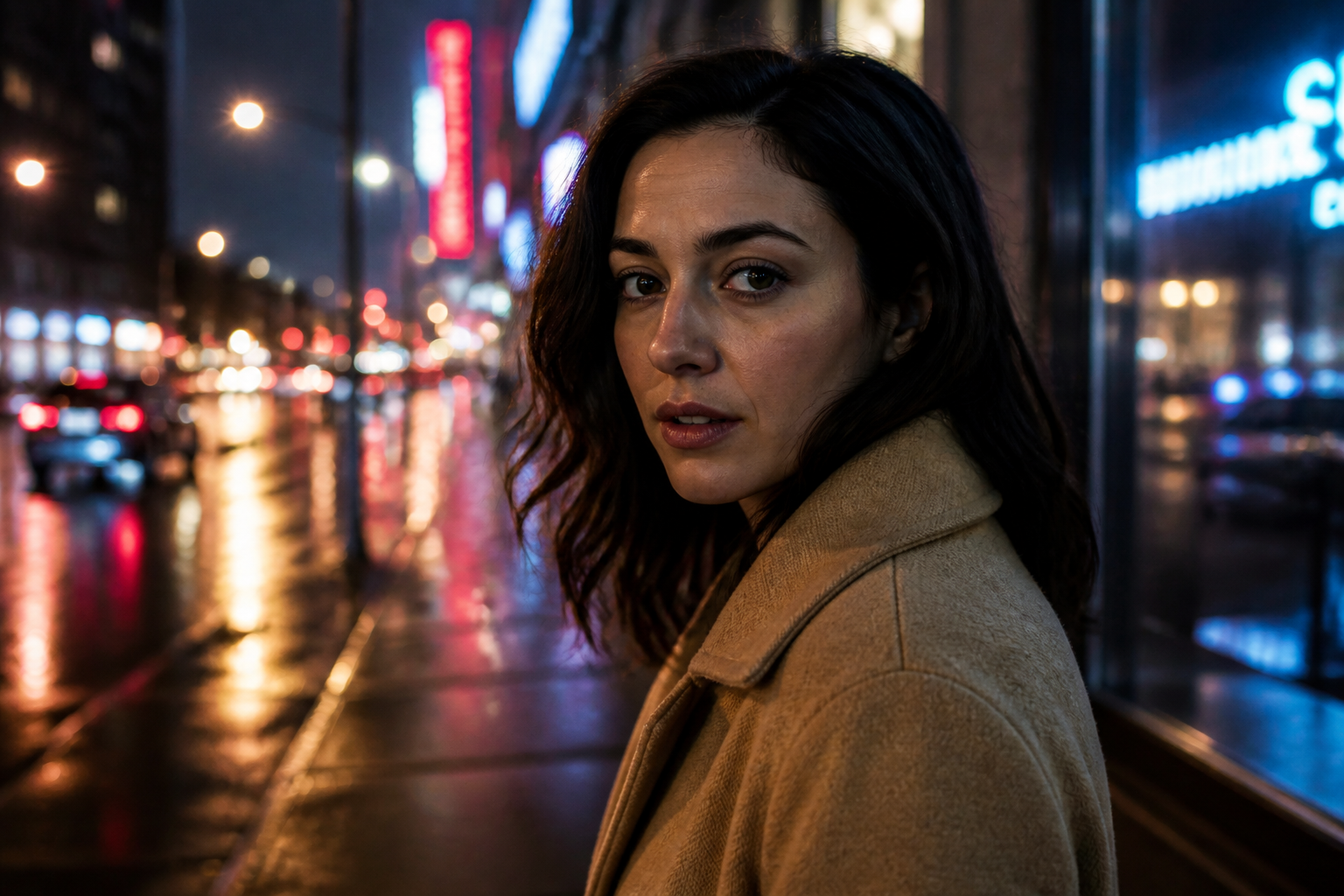
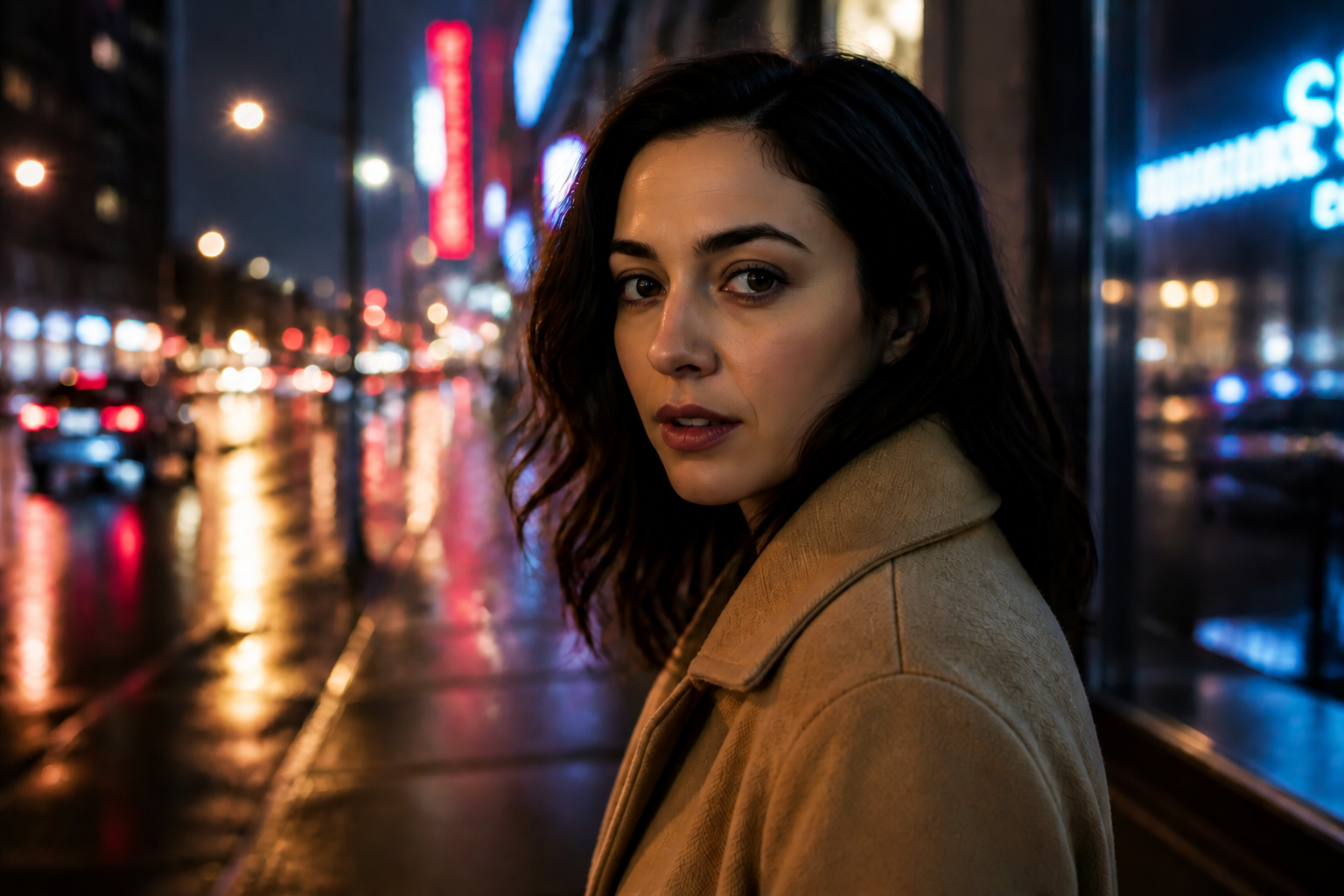
Works across lighting conditions
Portraits are rarely taken in perfect studio light. The tool handles window light, harsh sun, indoor bulbs, and moody evening scenes while keeping the skin edit consistent with the original image. That means you do not need separate workflows for every photo set. It is faster than manually masking highlights and shadows on each face.
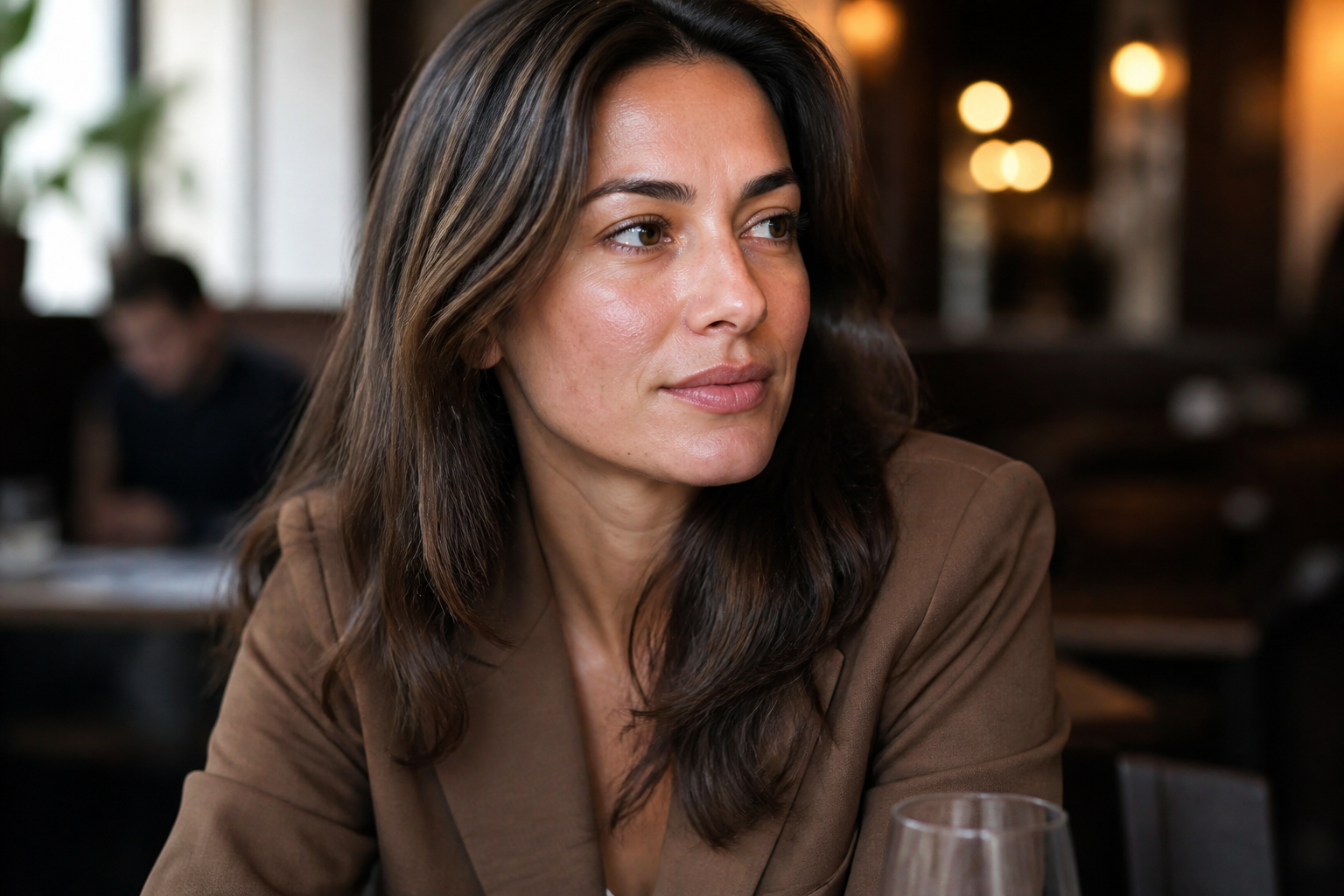
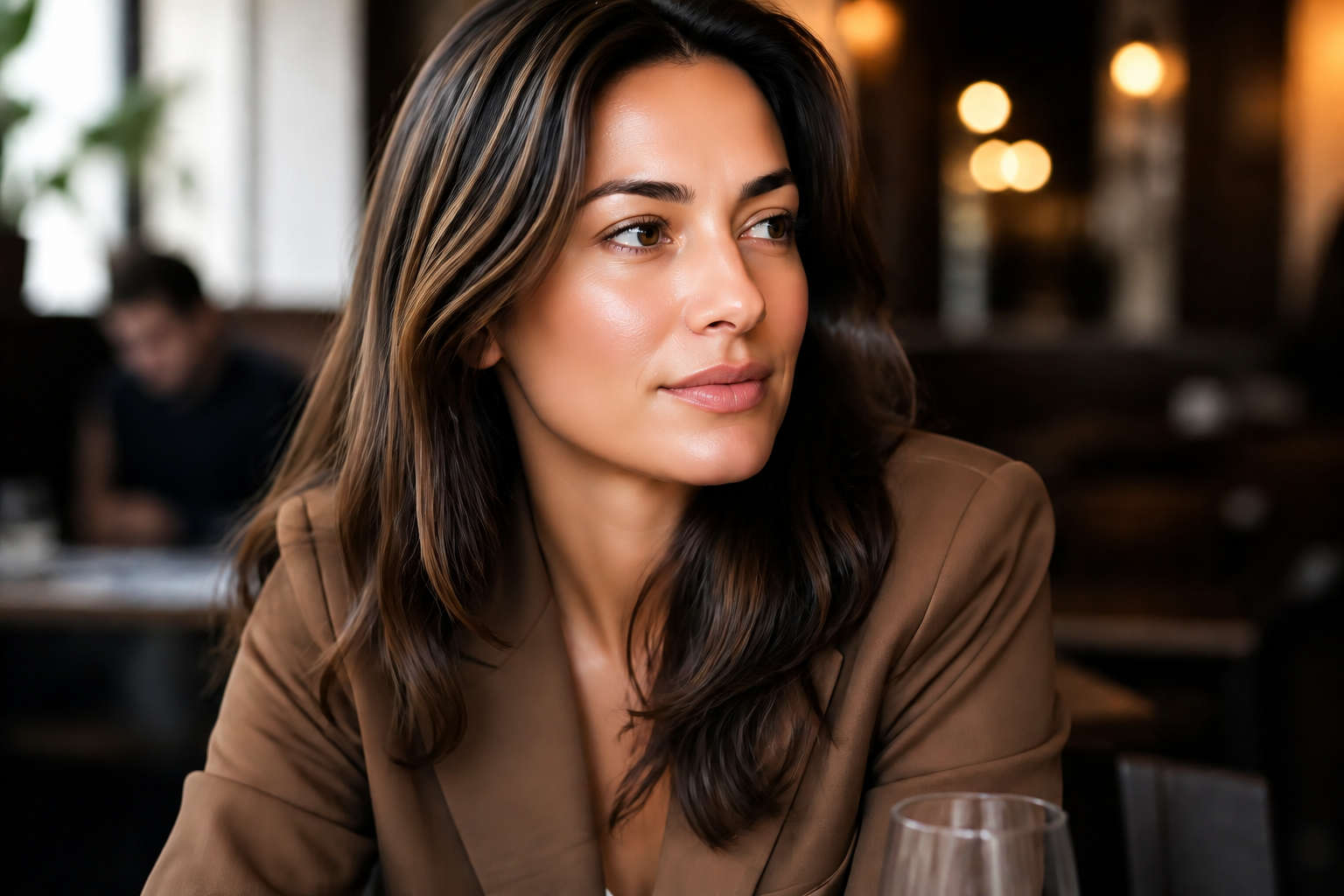
Stylized retouch when needed
Sometimes you want more than a realistic cleanup. This feature lets you combine skin retouch with a strong visual style for campaign mockups, moodboards, and social content. The subject stays recognizable while the final image takes on a clear artistic finish. It is a fast way to test looks without rebuilding the photo from scratch.
How It Works
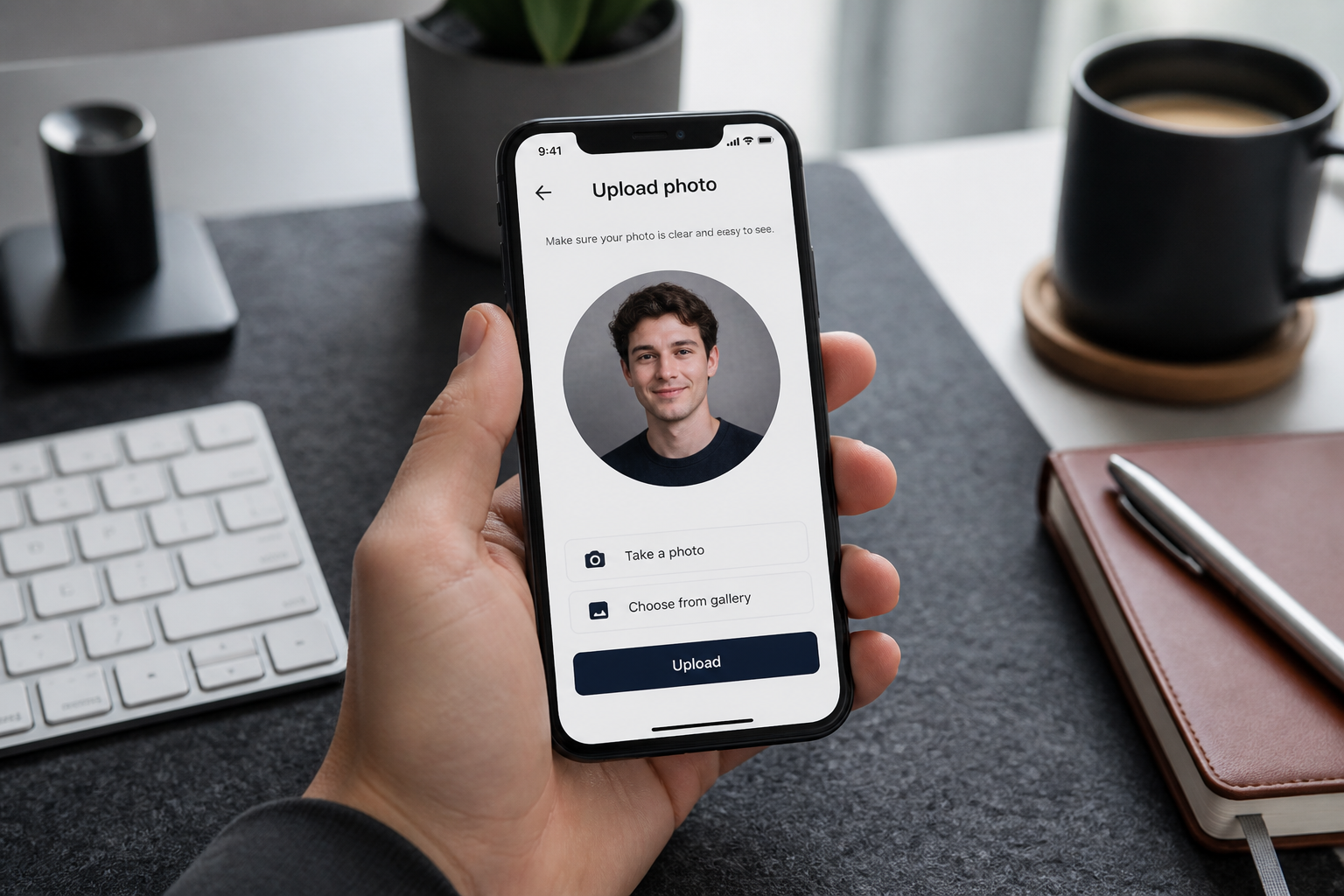
Upload your portrait
Start with a clear photo where the face is easy to see. Well-lit portraits give the AI more detail to work with and make the retouch look cleaner.
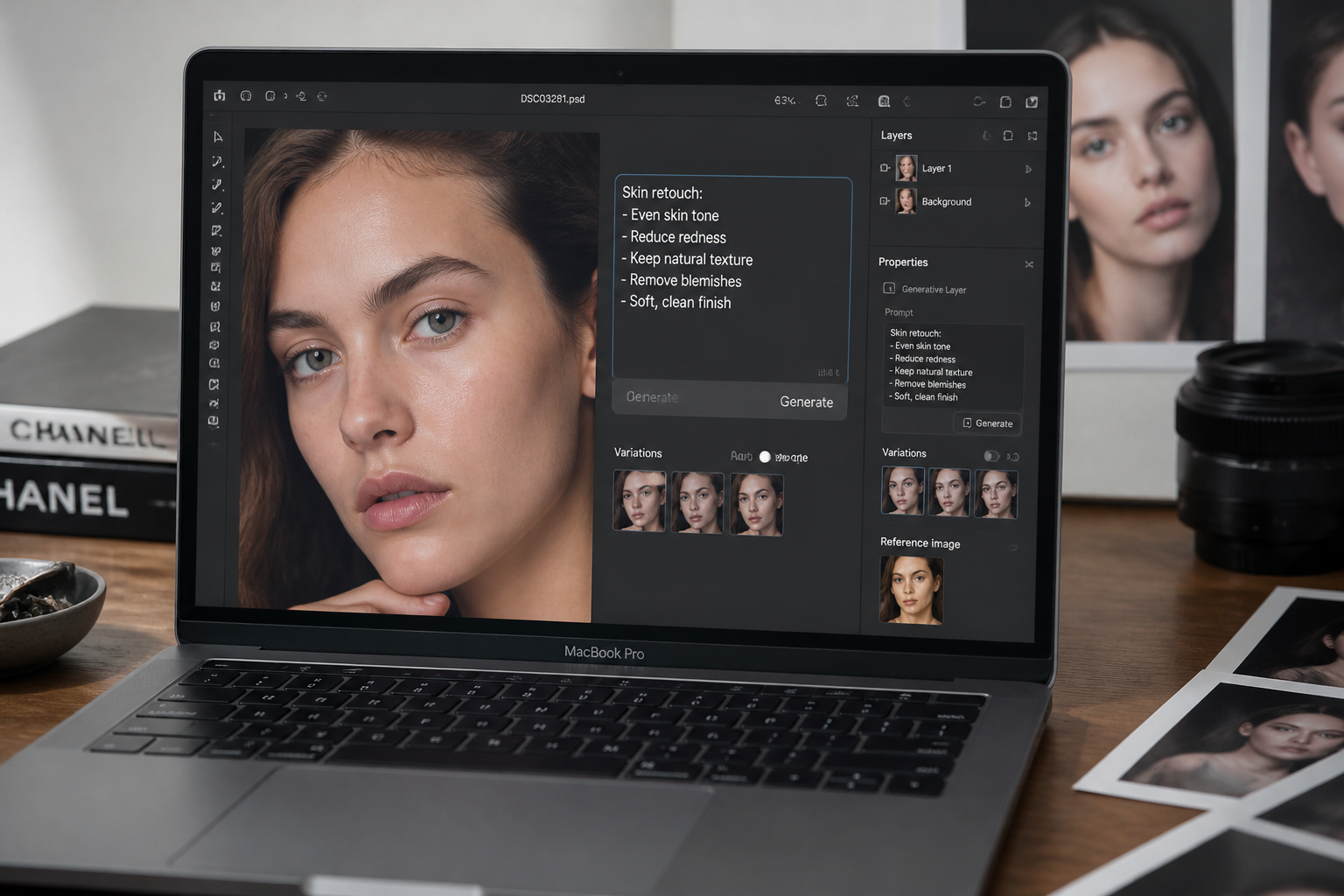
Describe the retouch
Tell the AI what to change, such as smoother skin, fewer blemishes, less shine, or softer under-eyes. Keep the request direct so the result matches what you want.
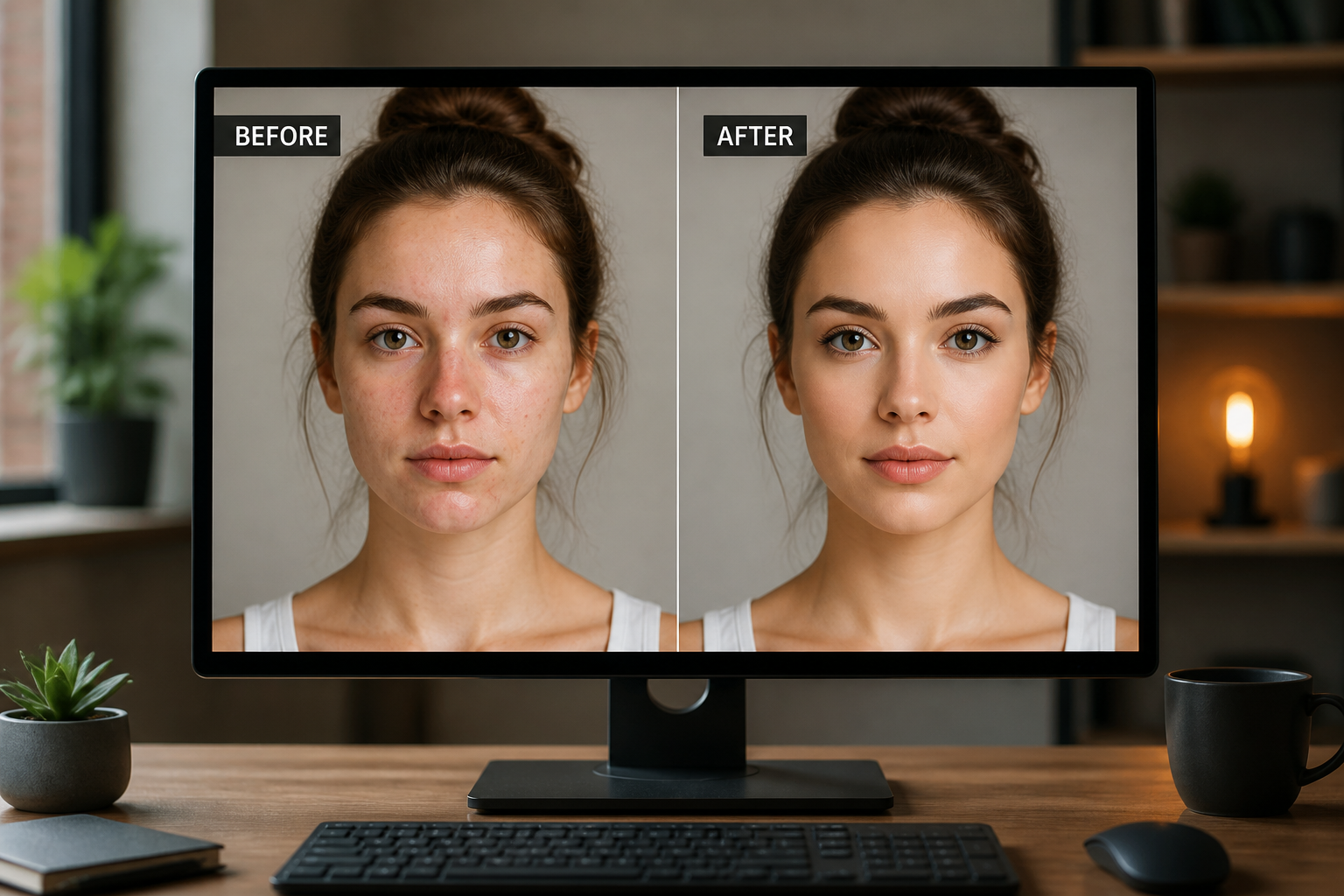
Compare and refine
Review the before and after side by side. If you want a stronger or lighter result, adjust the prompt and run another version.
Perfect For
Discover how creators and professionals use ai skin retouch tool
Headshots
Clean up skin distractions for professional profile photos without changing the person's identity.
Dating photos
Reduce blemishes and uneven tone while keeping the portrait believable and true to the original.
Beauty content
Polish creator portraits for thumbnails, campaign mockups, and social posts with faster turnaround.
Client portrait edits
Speed up routine retouching work for photographers, editors, and small studios.
Built For
Photographers
Handle routine portrait cleanup faster before moving into detailed client retouching.
Creators
Make profile photos, thumbnails, and promo images look cleaner without learning pro editing software.
Anyone editing portraits
Get a polished photo in minutes when you want better skin without spending time on manual tools.
Why people use BudgetPixel for skin retouching
A quick look at how we compare on the things that matter for this niche.
| Feature | BudgetPixel | Generic AI editors | Manual editing apps |
|---|---|---|---|
| Natural-looking skin cleanup | ✓ | ✓ | ✓ |
| Preserves facial identity | ✓ | — | ✓ |
| Fast prompt-based edits | ✓ | ✓ | — |
| Works for stylized looks too | ✓ | — | ✓ |
| Beginner-friendly workflow | ✓ | ✓ | — |
Frequently Asked Questions
Will the retouch make faces look fake?
Can I remove acne and small blemishes?
Does it work on men and women?
Can I use it for professional headshots?
What kind of photo works best?
Create together.
Share your creations, discover trending AI art, and grow with fellow creators.