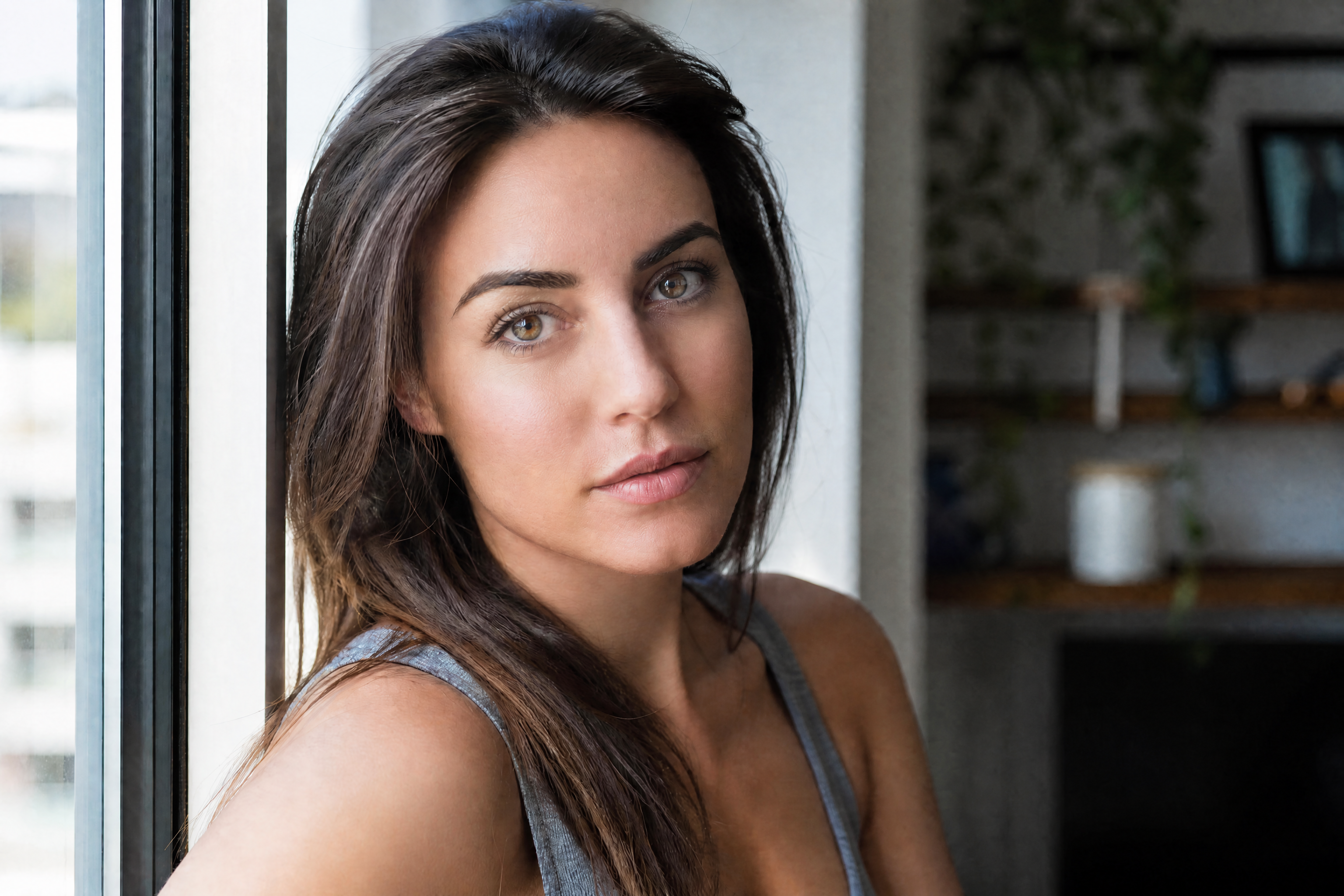
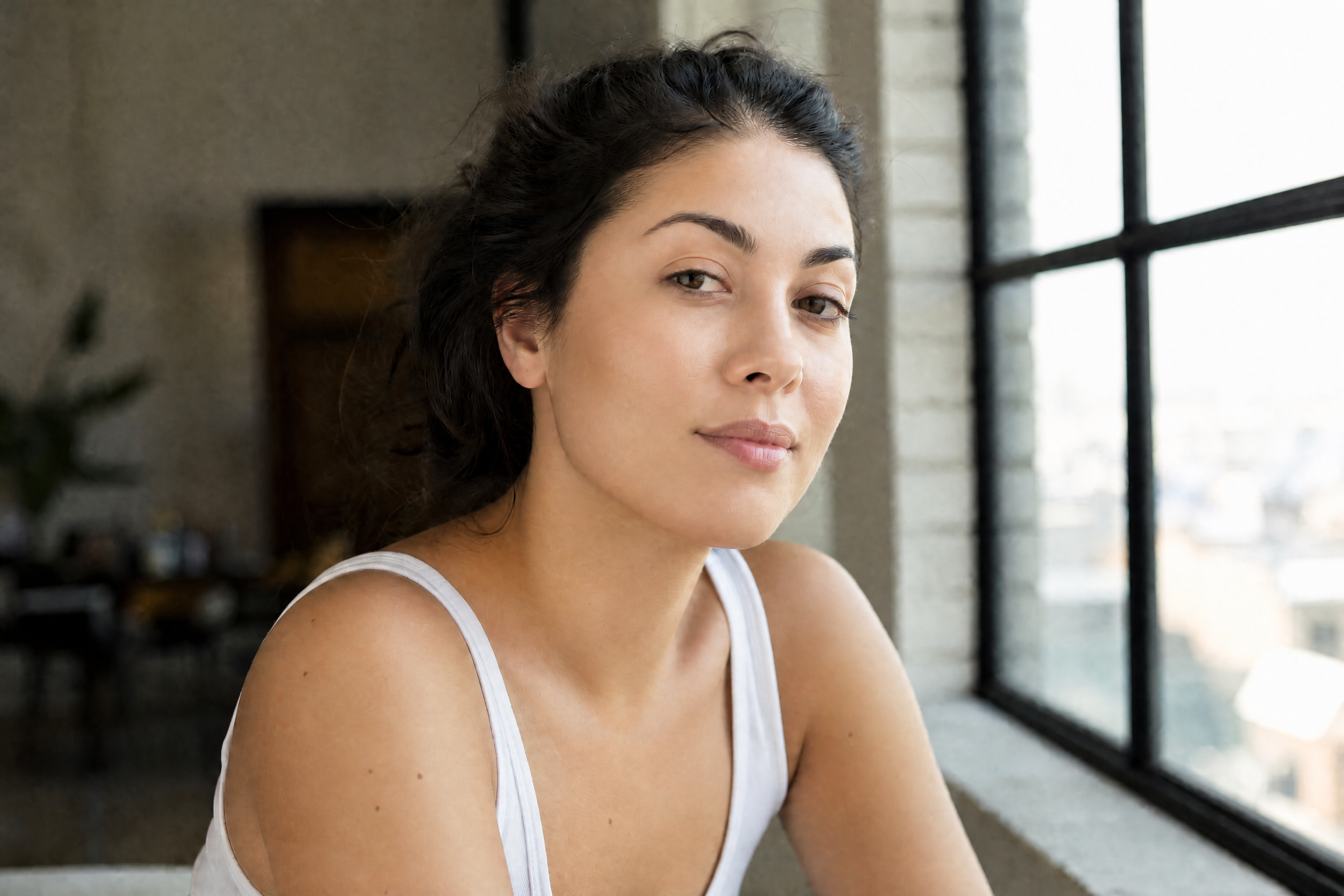
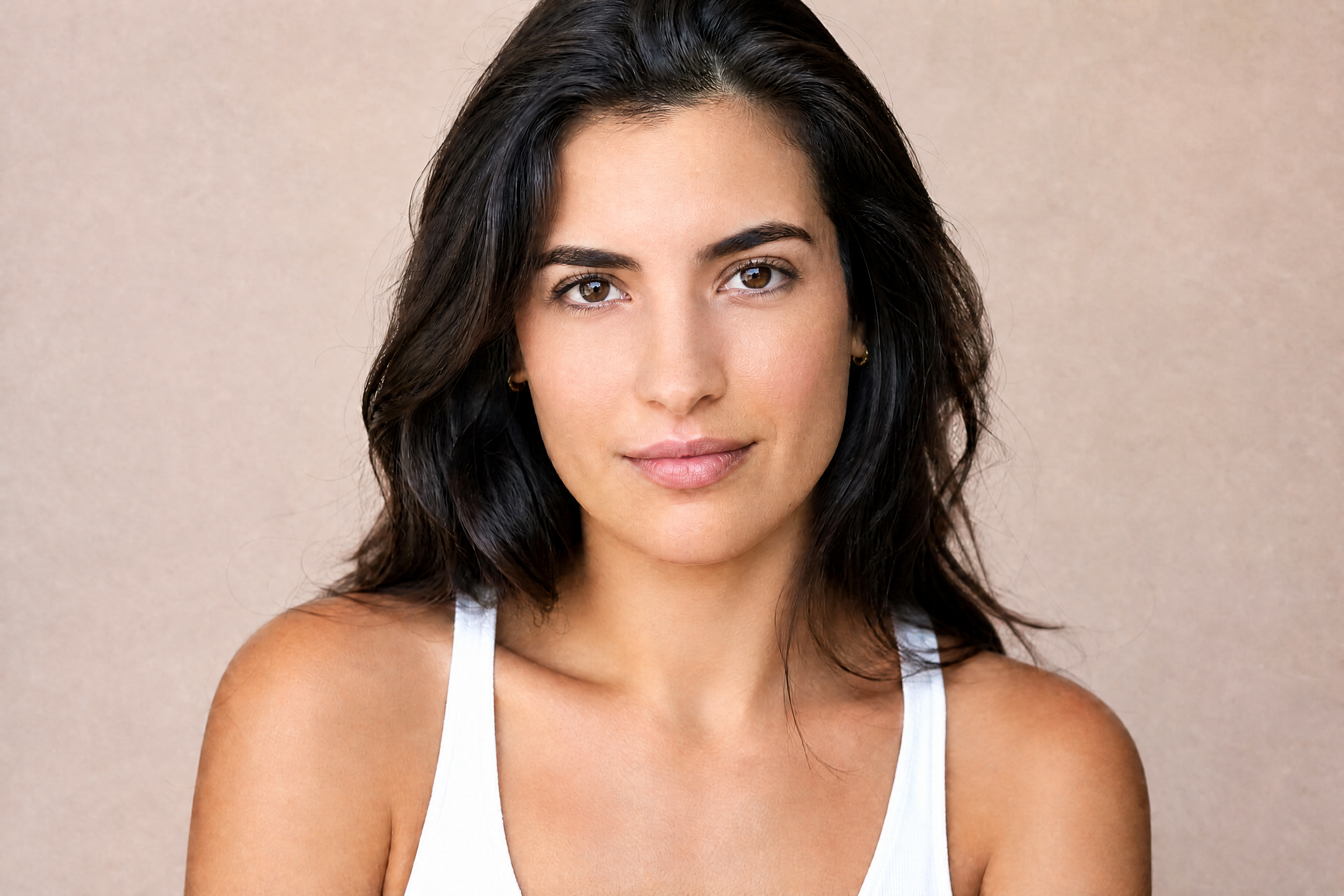
AI Skin Retouch for Cleaner, Natural-Looking Photos
Remove blemishes and refine skin fast without making portraits look fake.
AI Skin Retouch helps you clean up acne, uneven texture, shine, and under-eye distractions while keeping facial features recognizable. It is built for quick portrait edits that still look like the same person, not an over-smoothed filter.
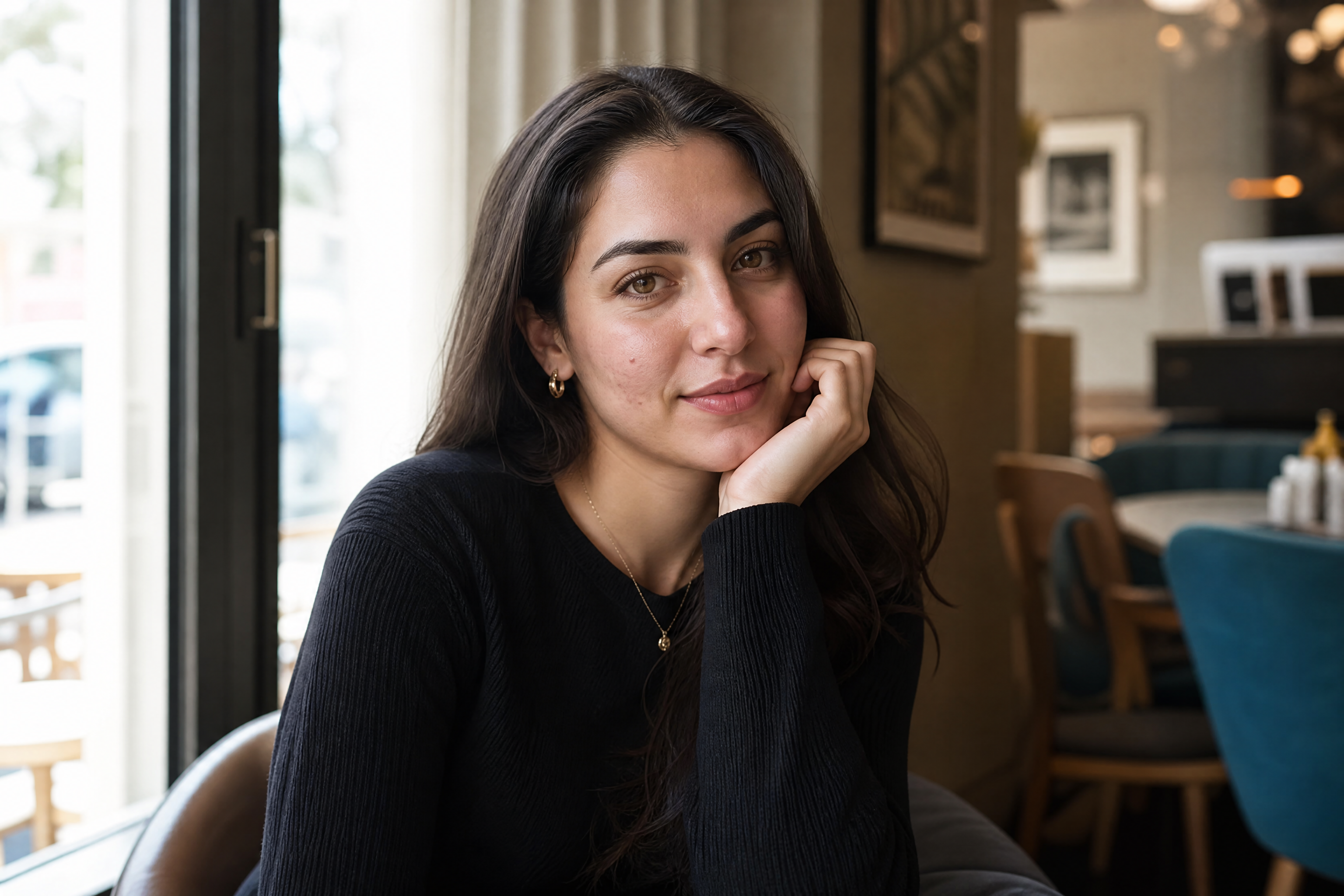
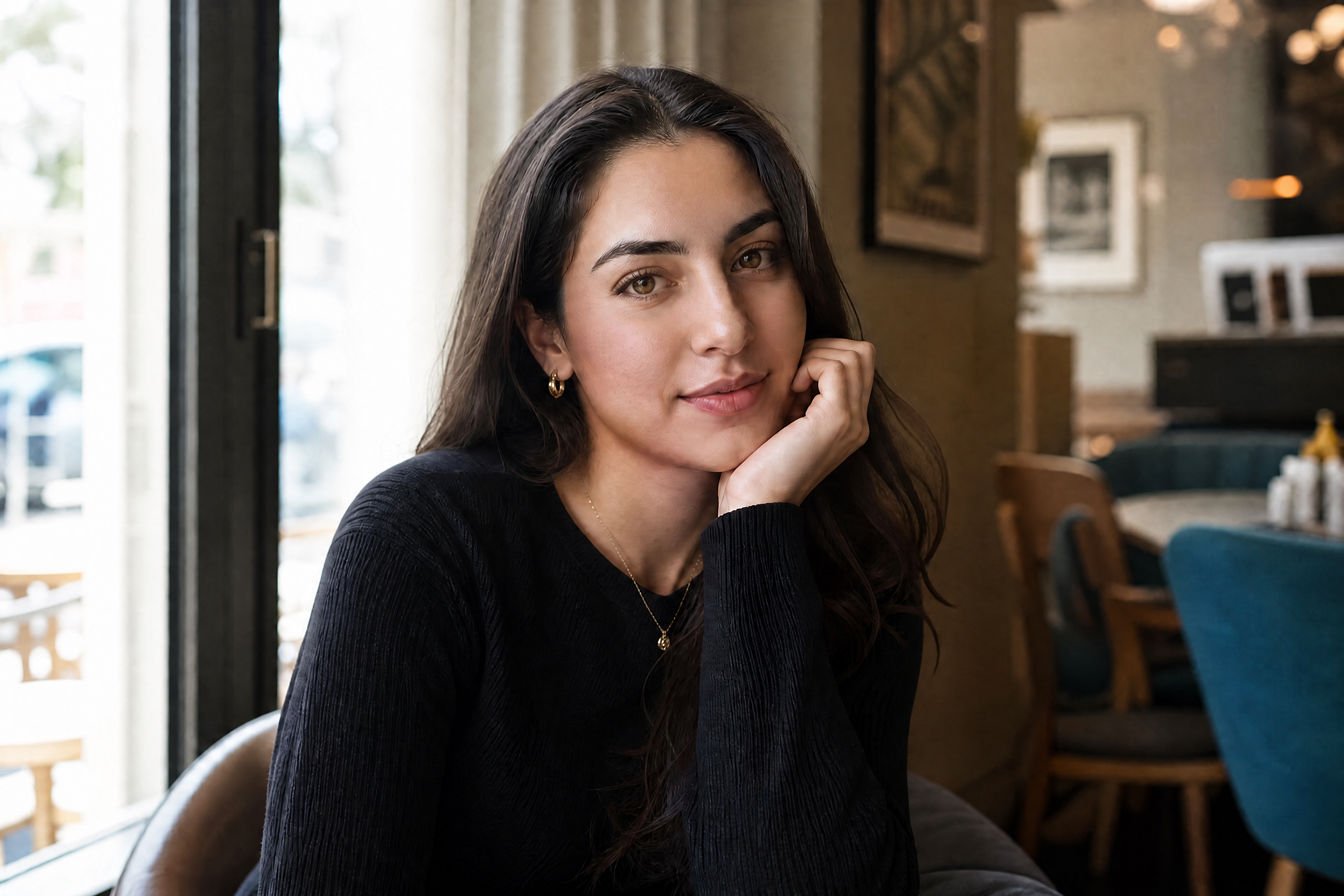
Watch the Transformation
See ai skin retouch in motion — generated end-to-end by our AI.
See It In Action
Real outputs from ai skin retouch.
BEFOREAFTER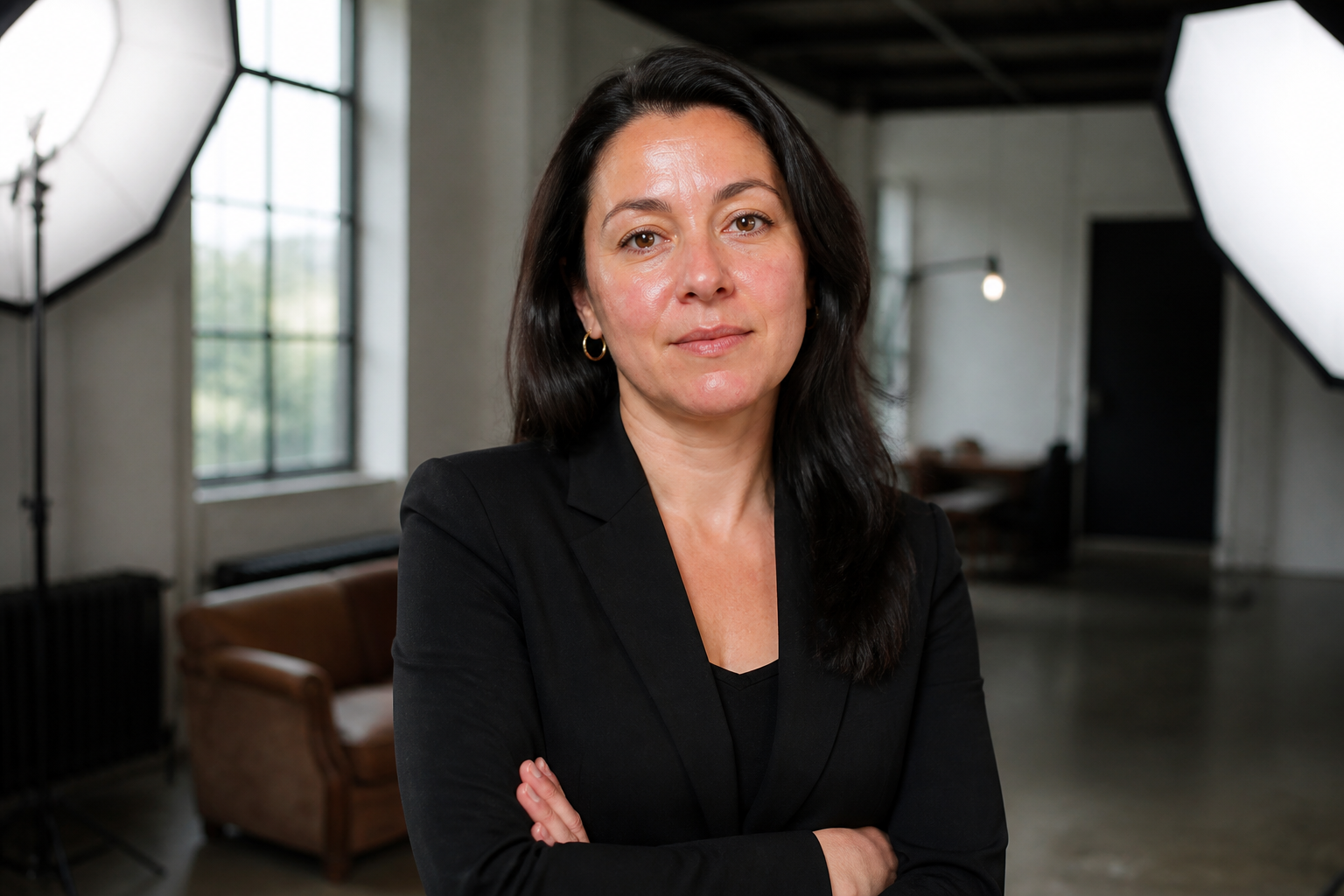 BEFORE
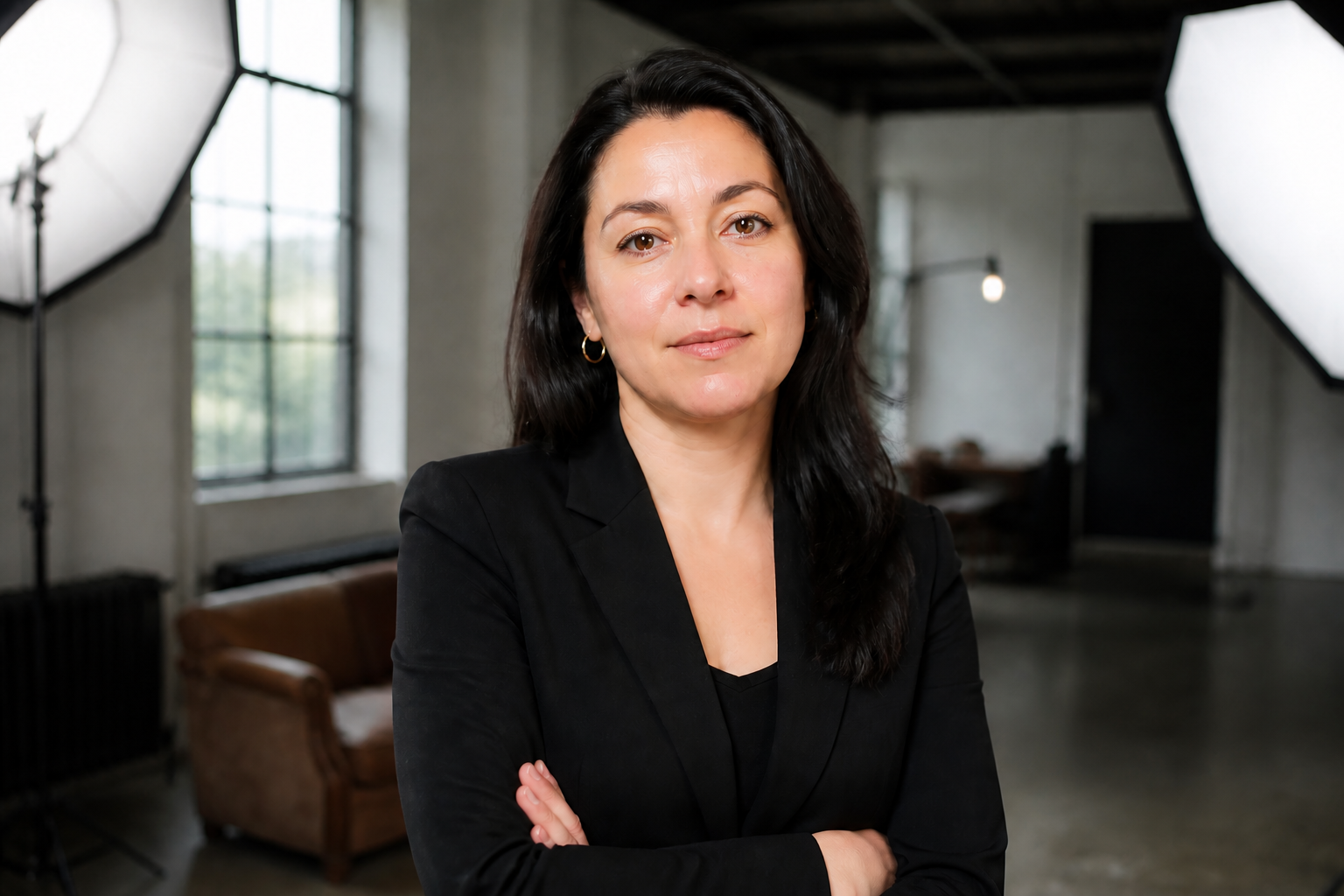 AFTER
AFTER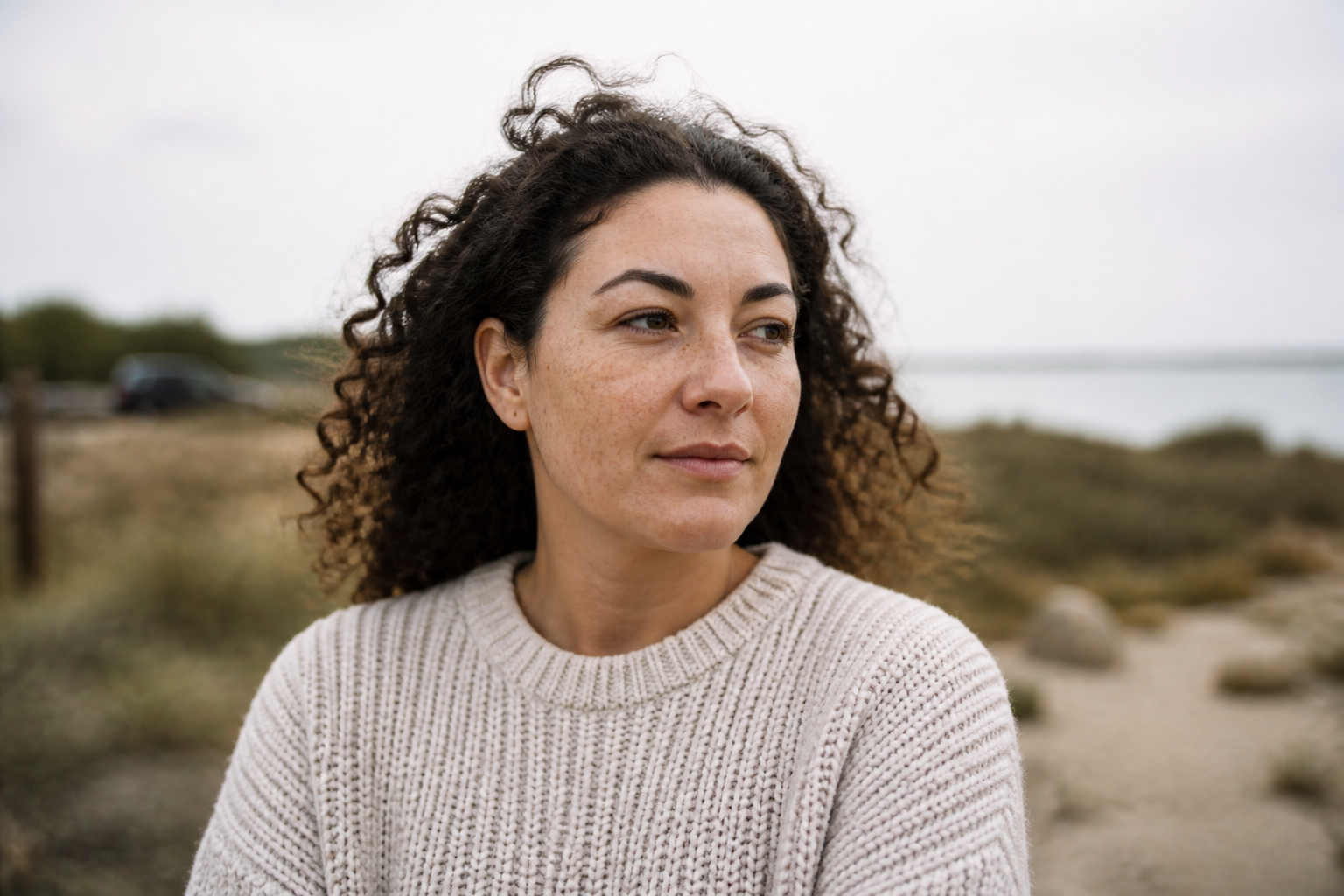 BEFORE
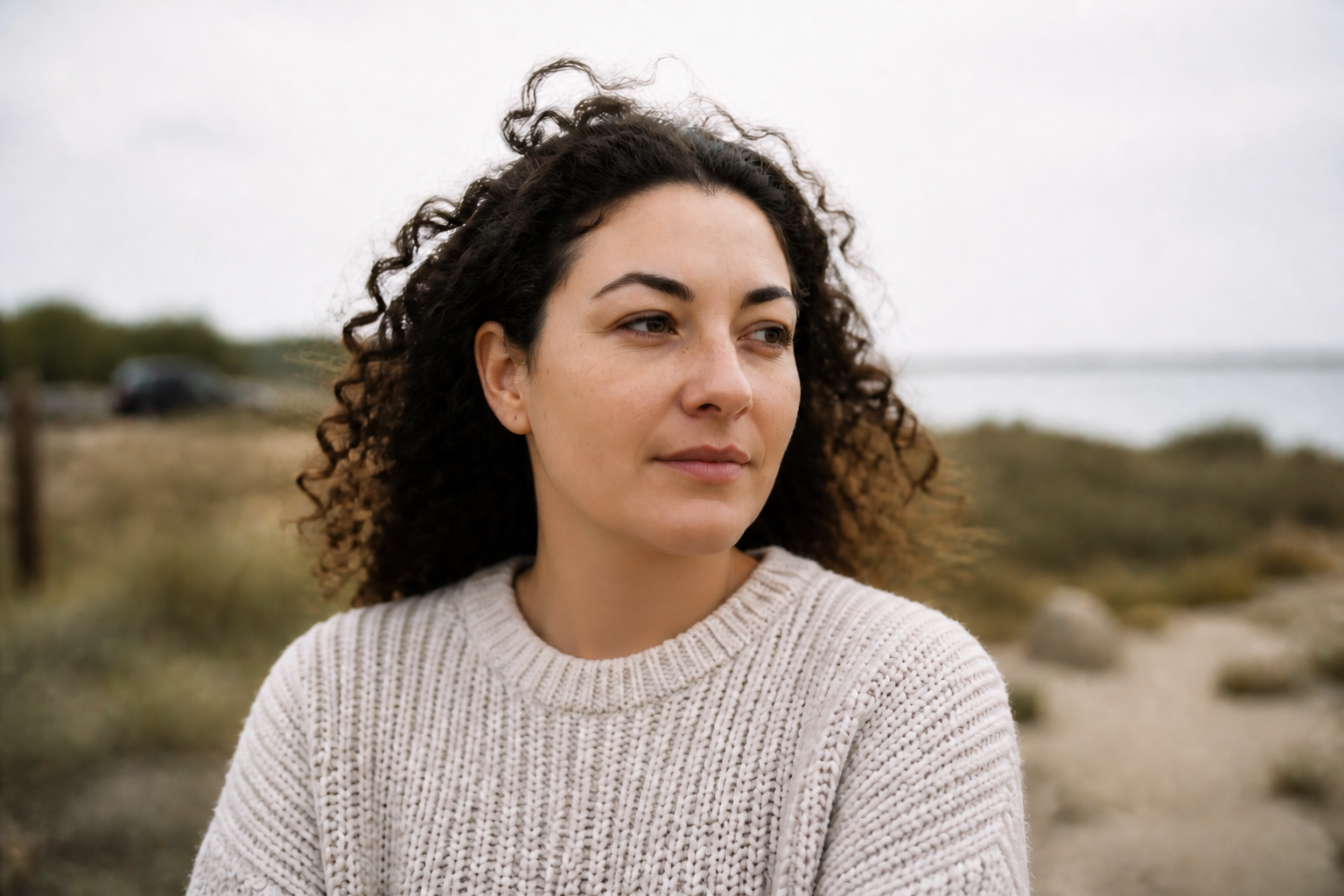 AFTER
AFTER BEFORE
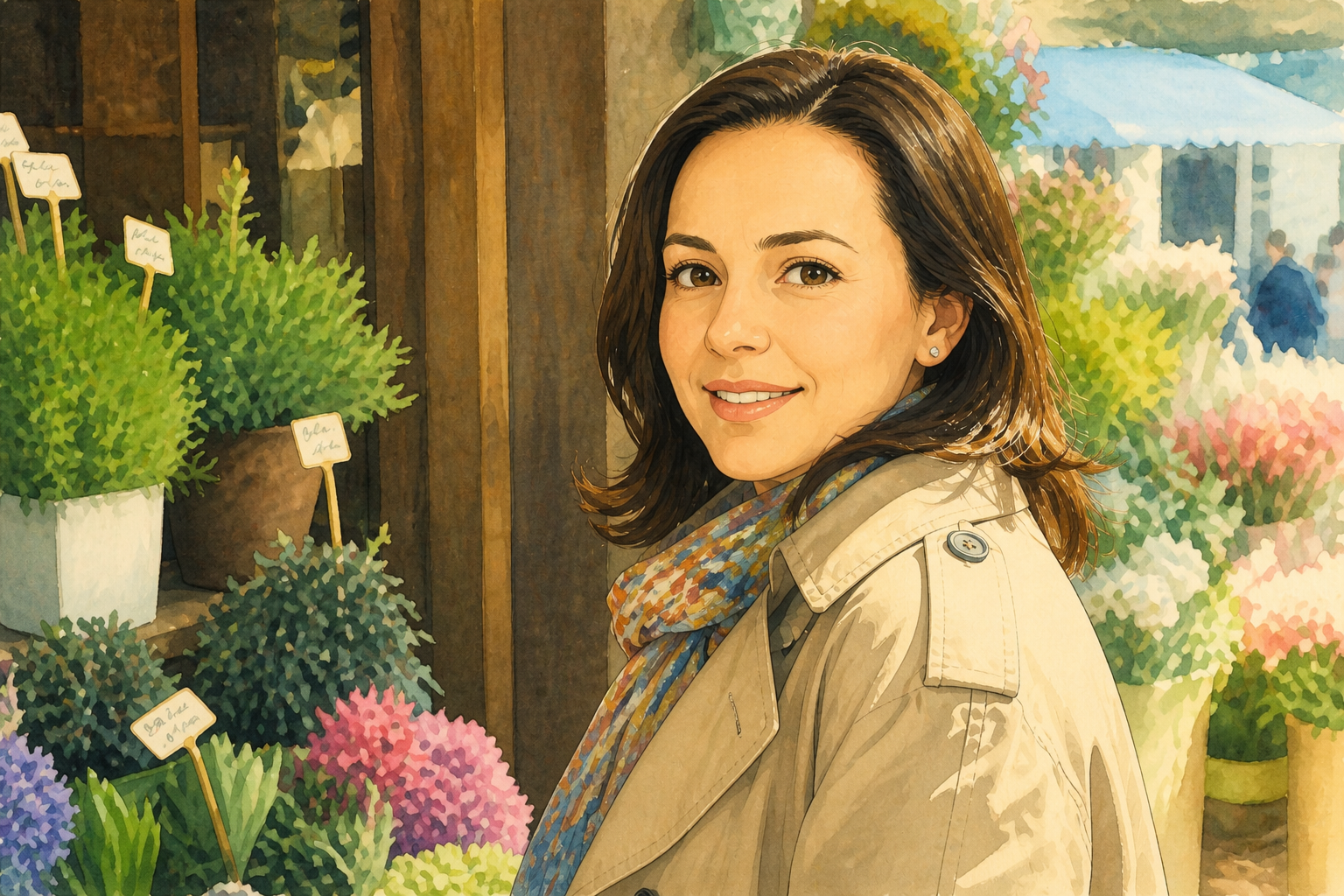 AFTER
AFTER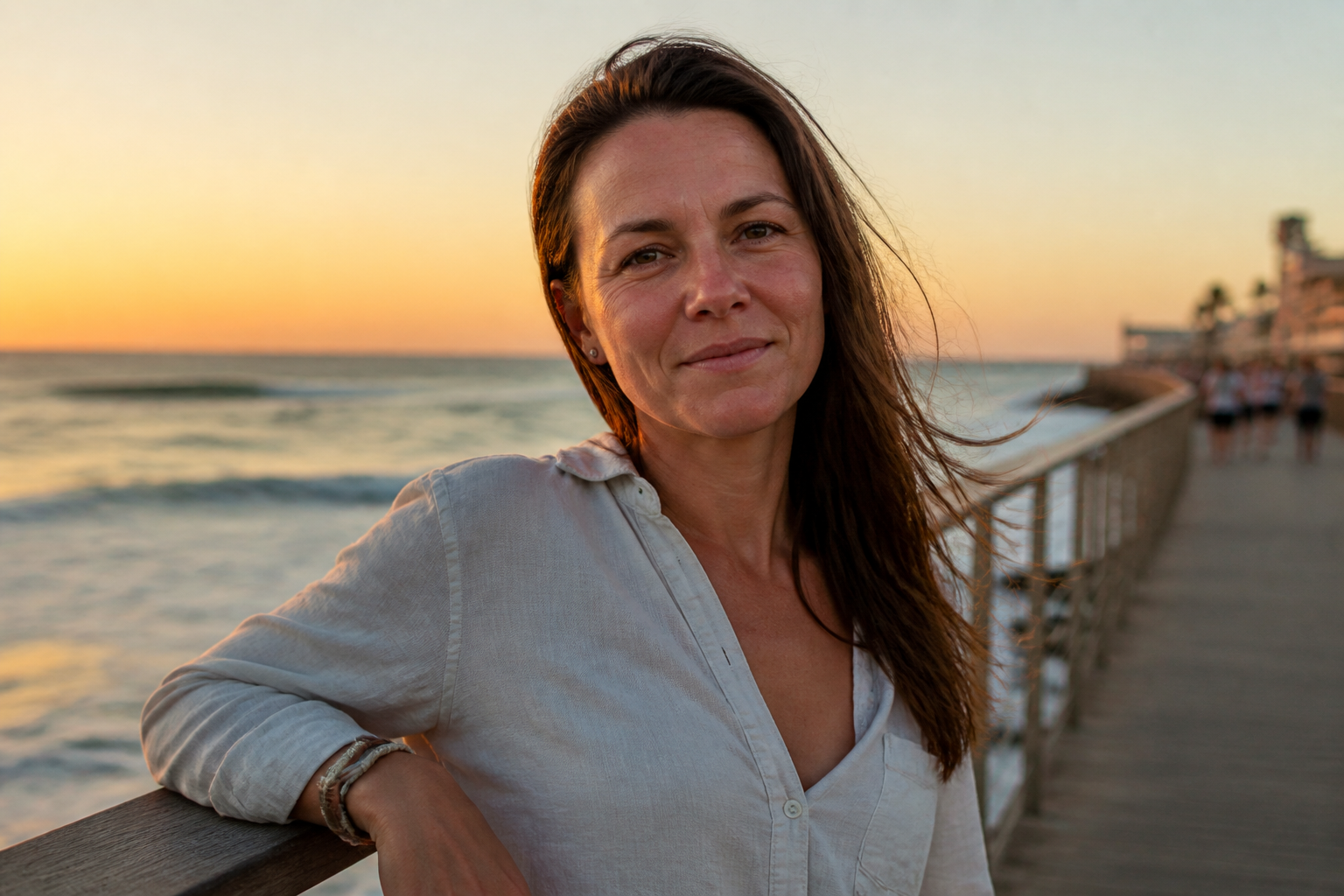 BEFORE
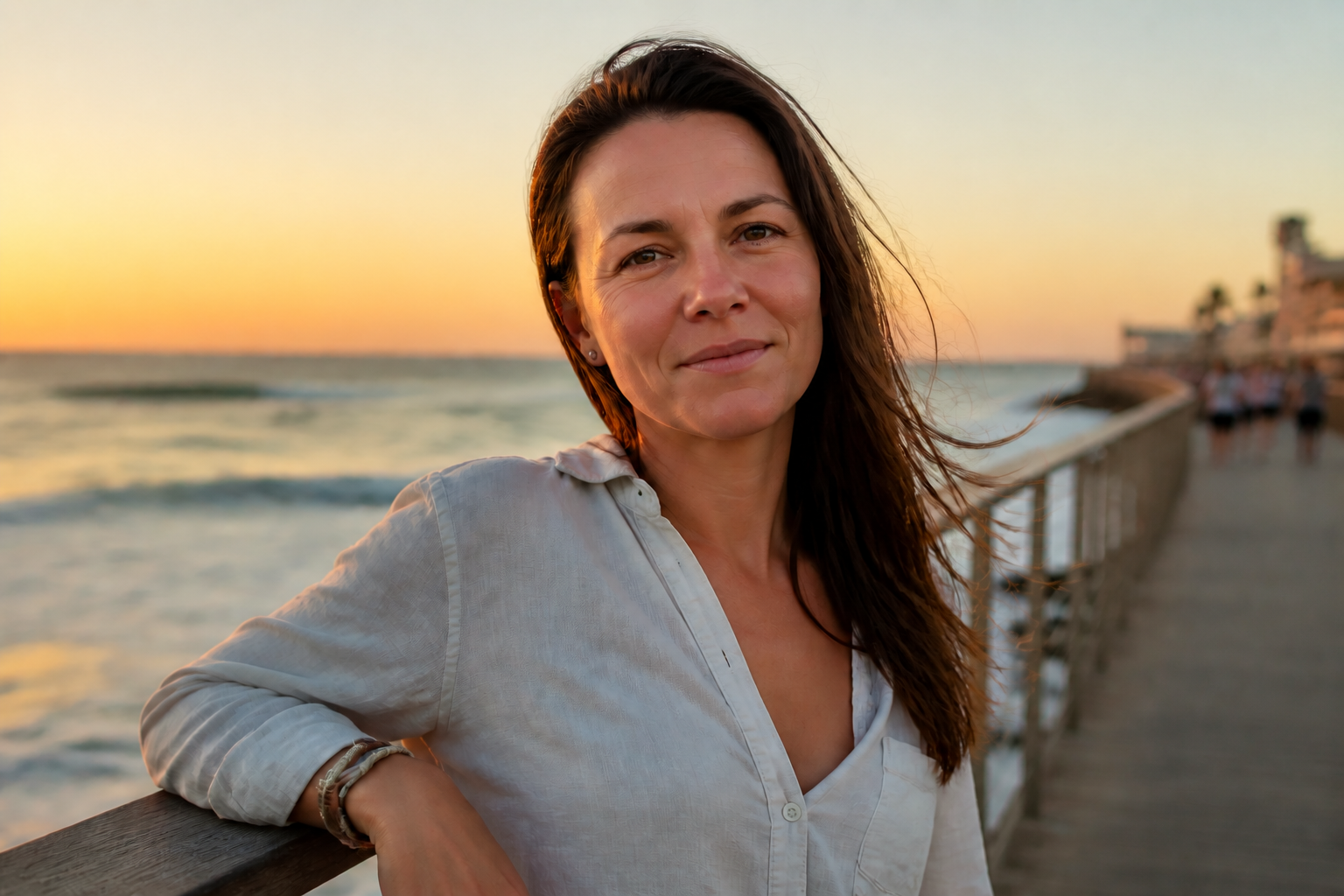 AFTERBEFOREAFTERBEFOREAFTERBEFOREAFTERBEFOREAFTERBEFOREAFTER
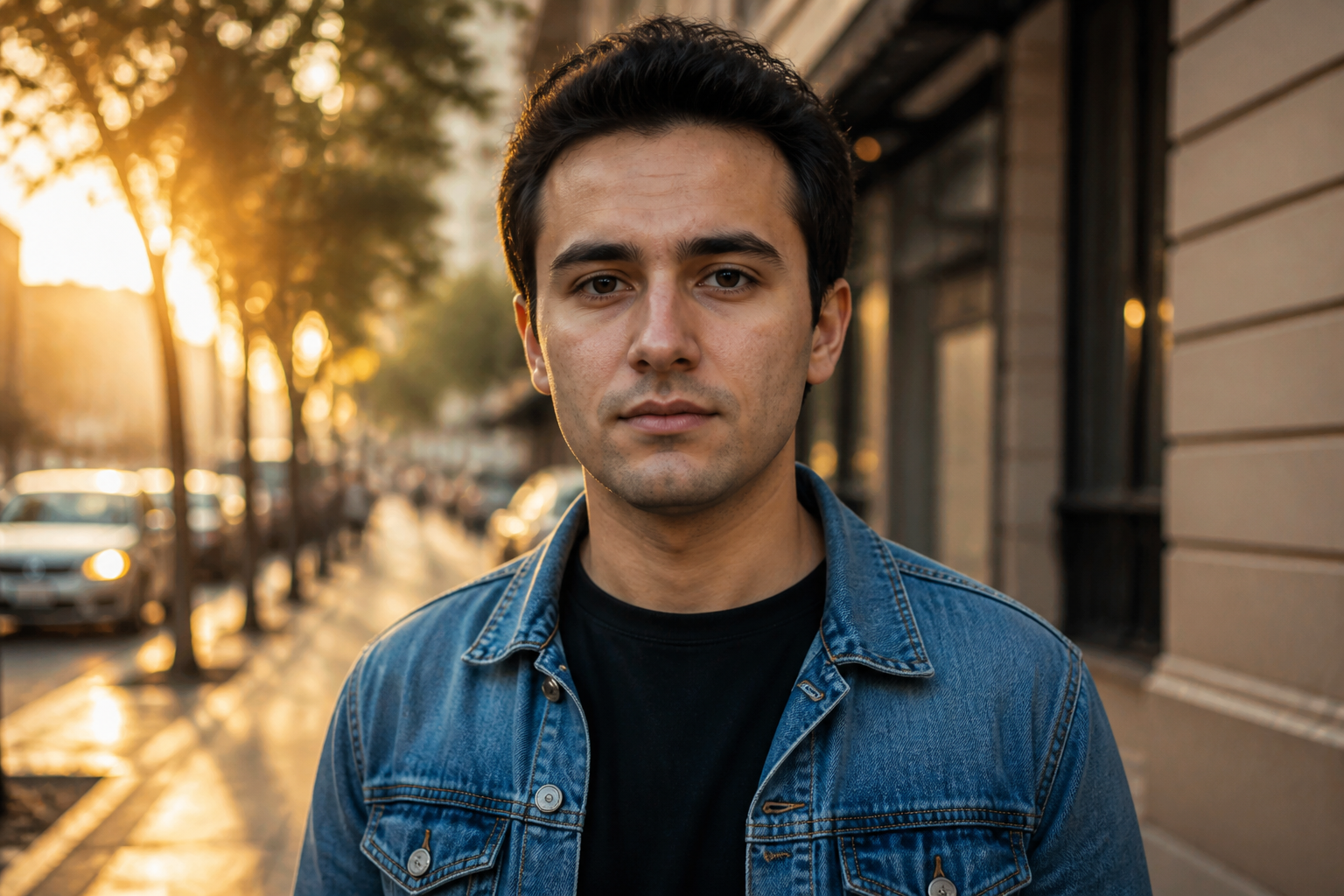 BEFORE
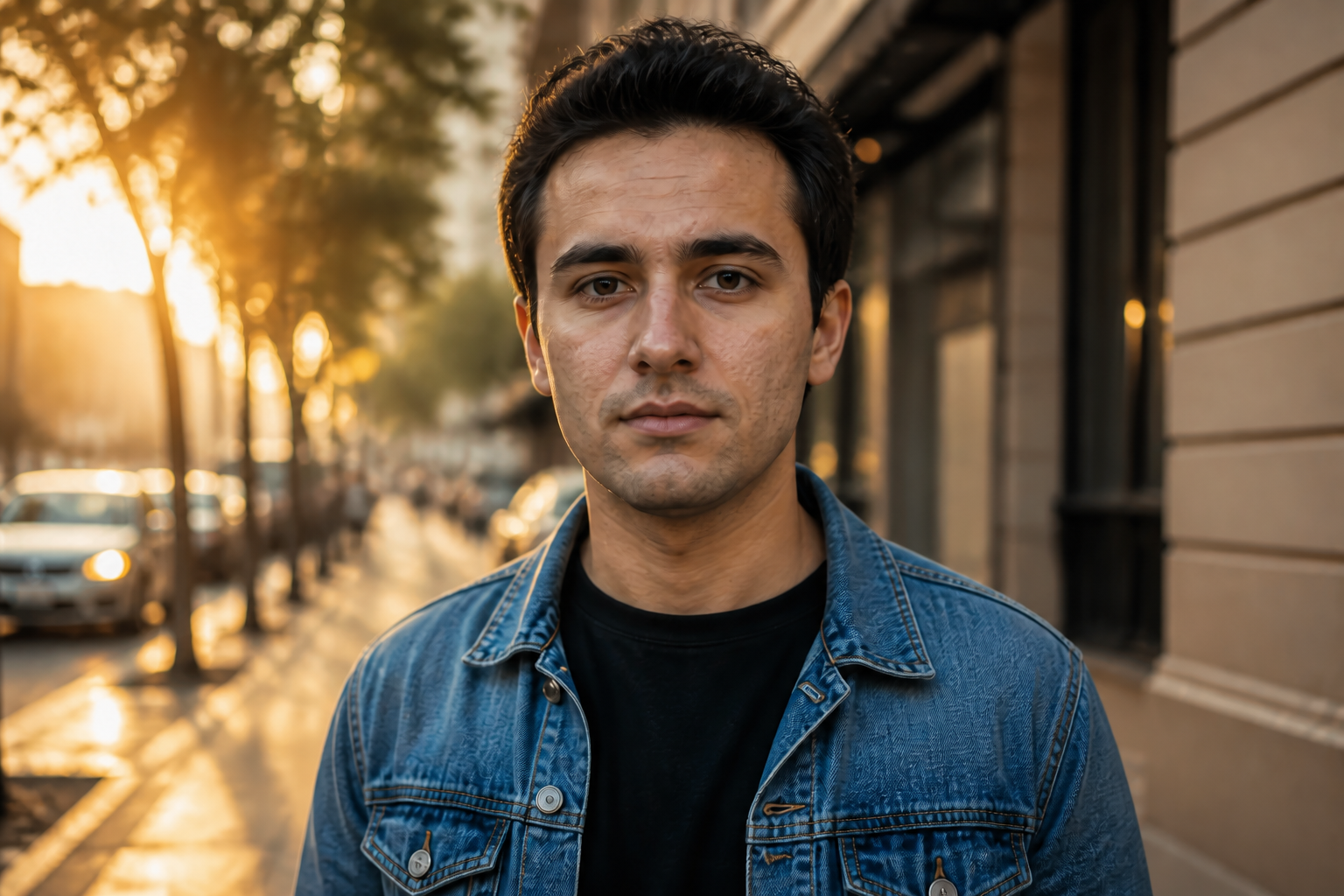 AFTER
AFTER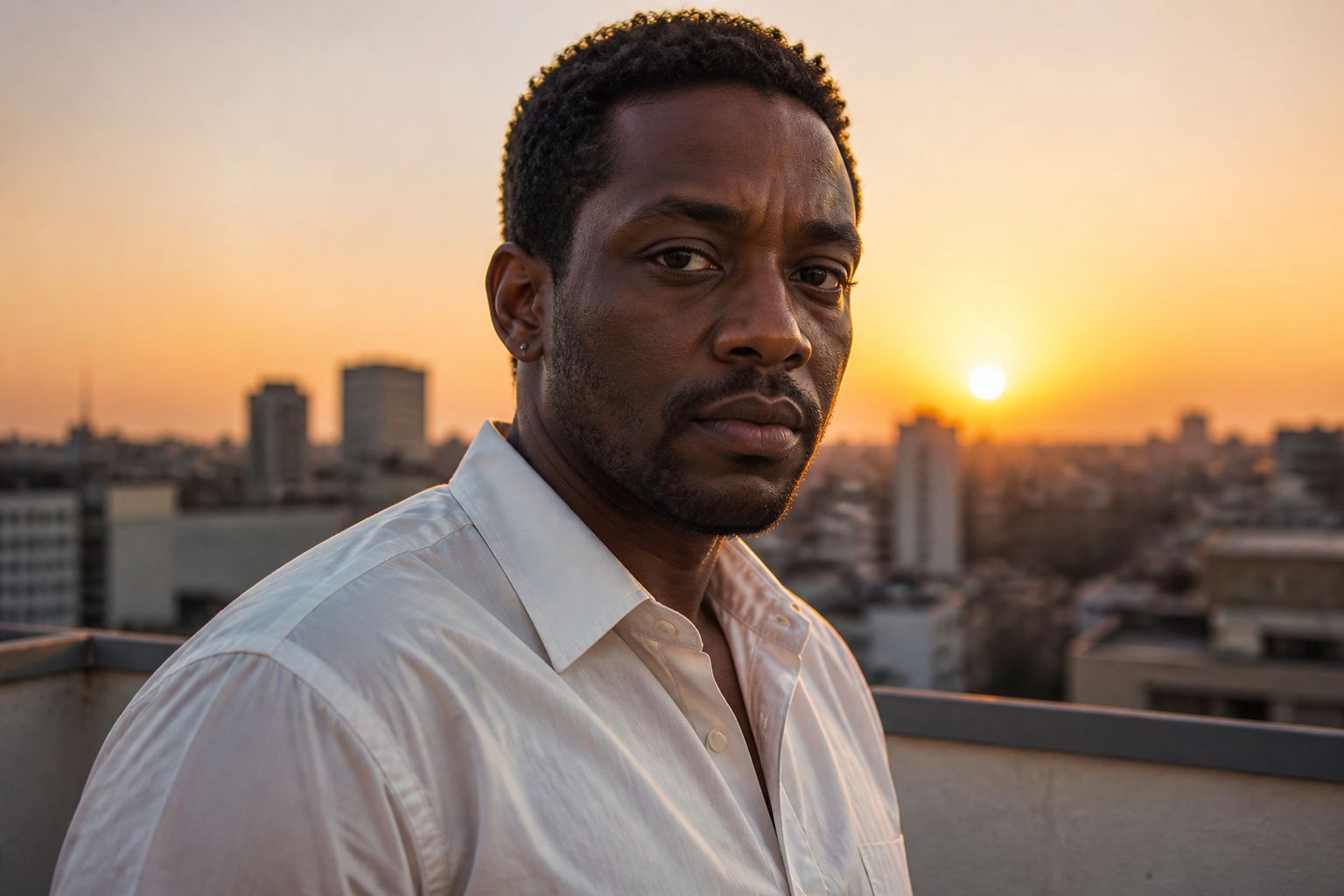 BEFORE
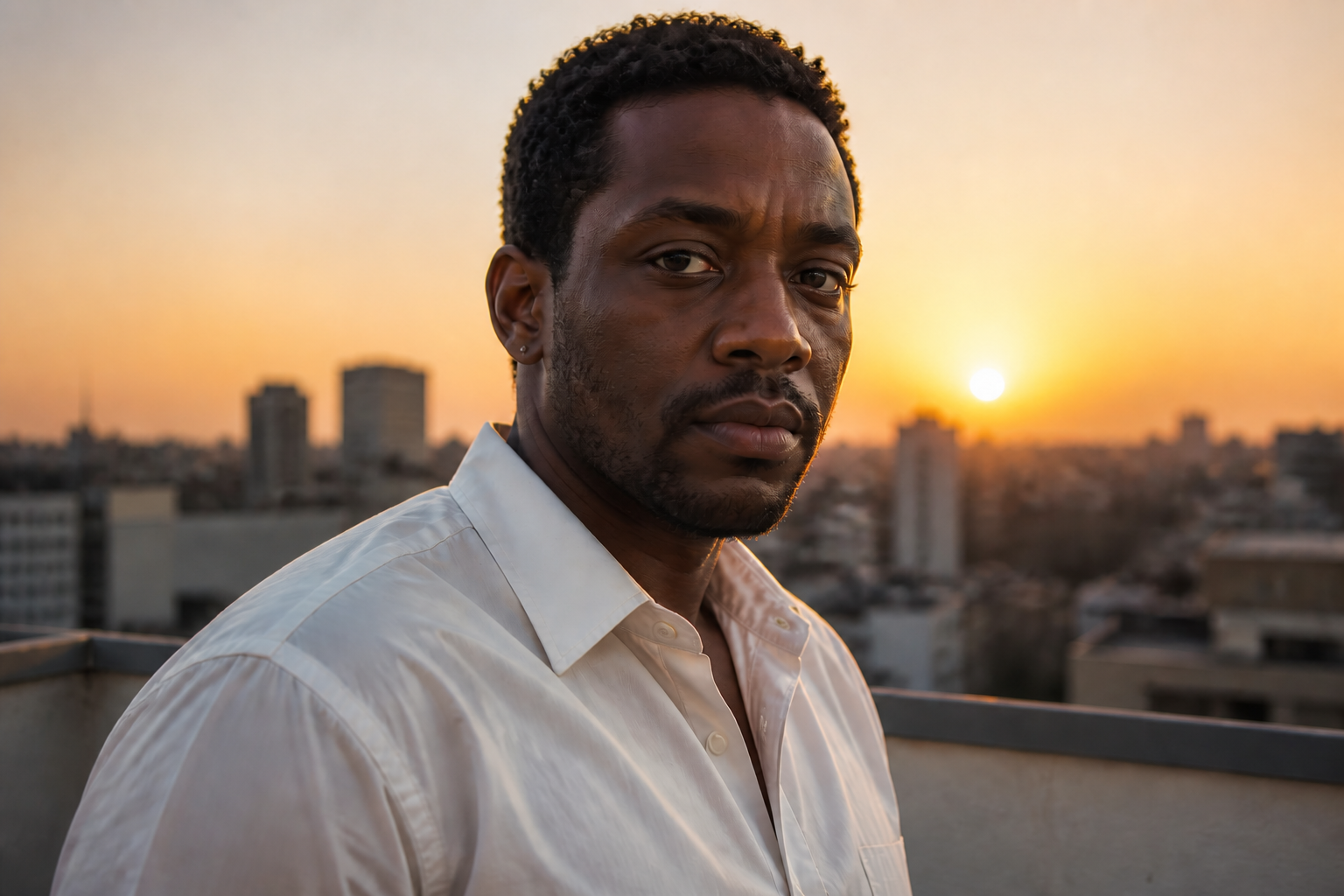 AFTER
AFTER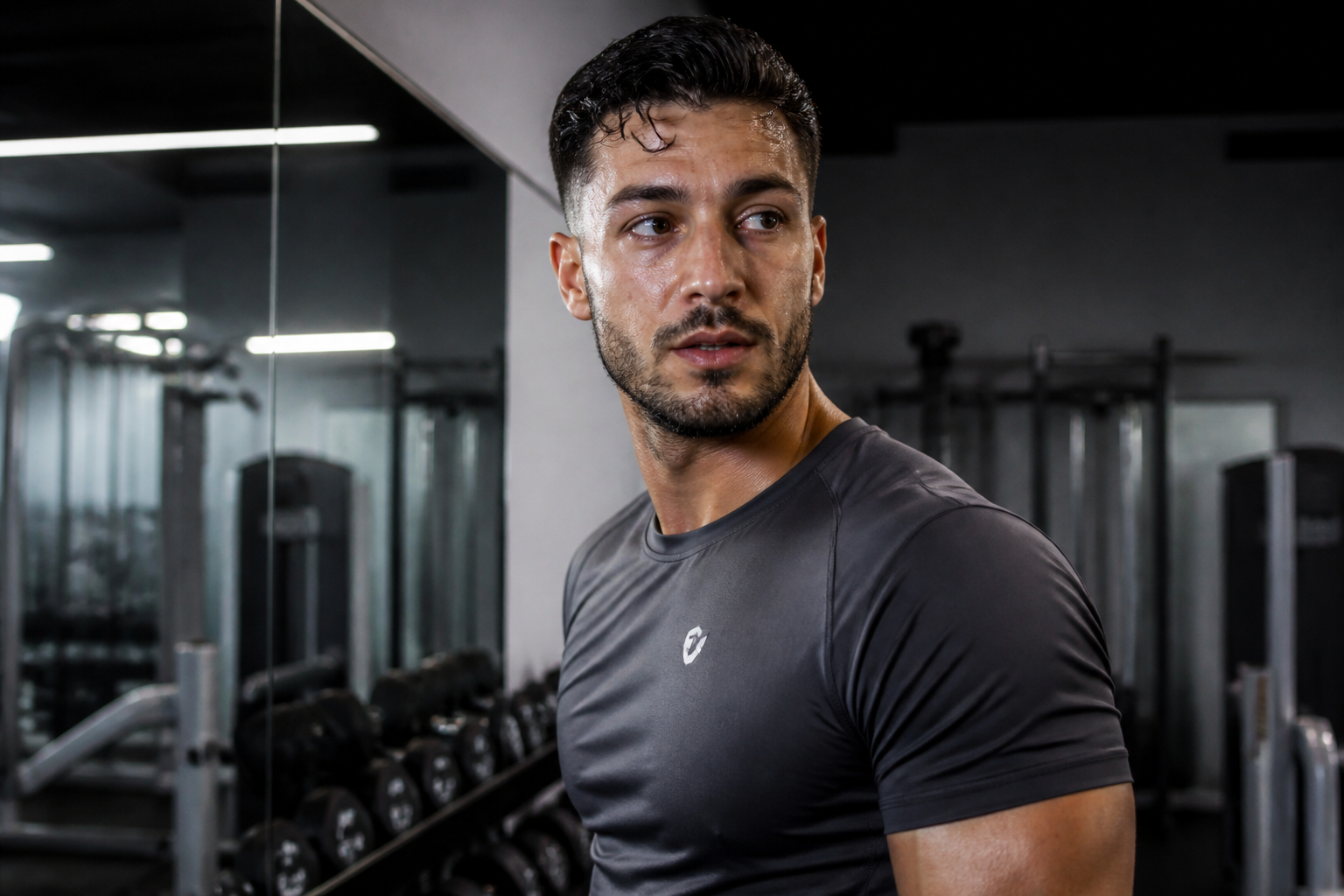 BEFORE
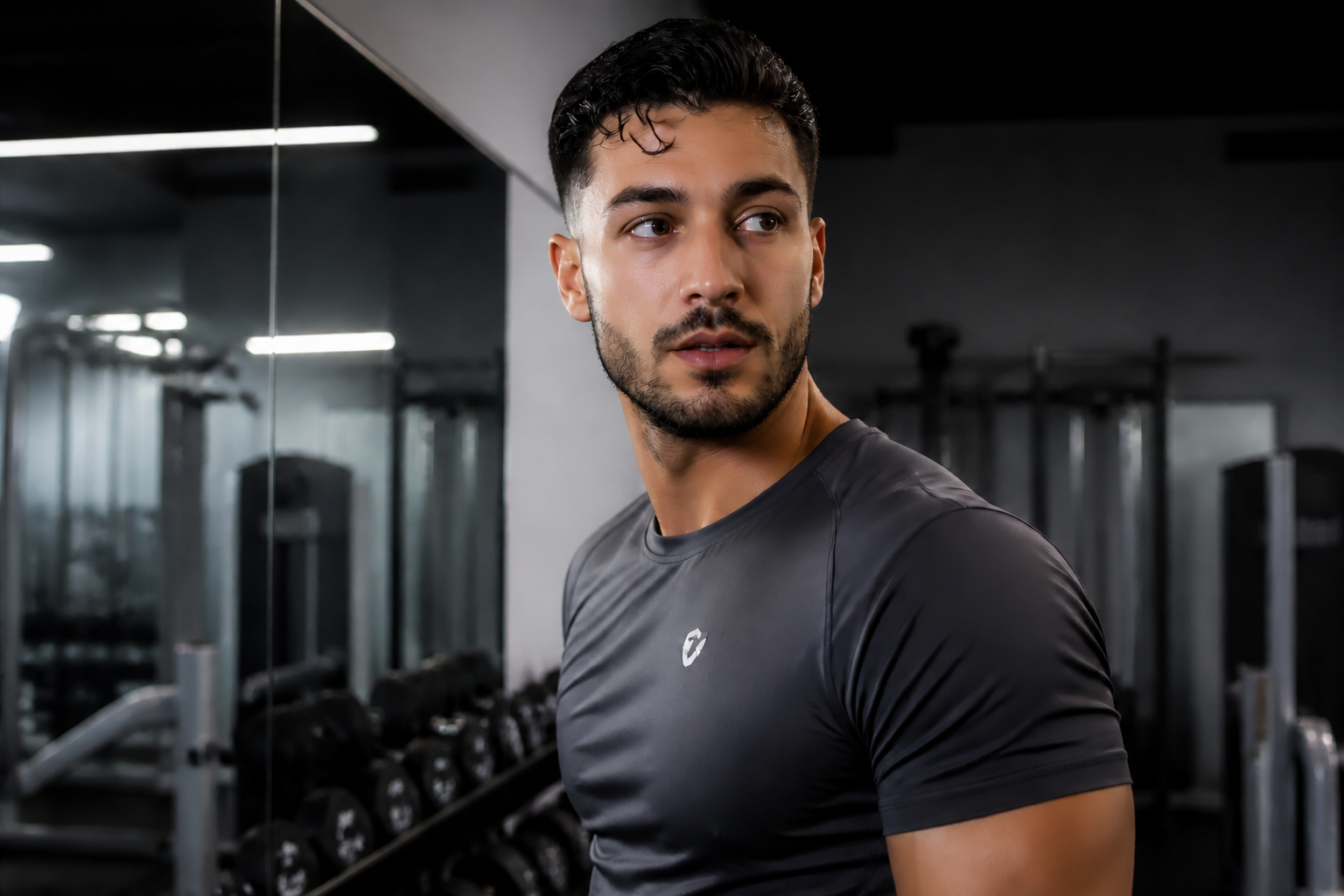 AFTER
AFTER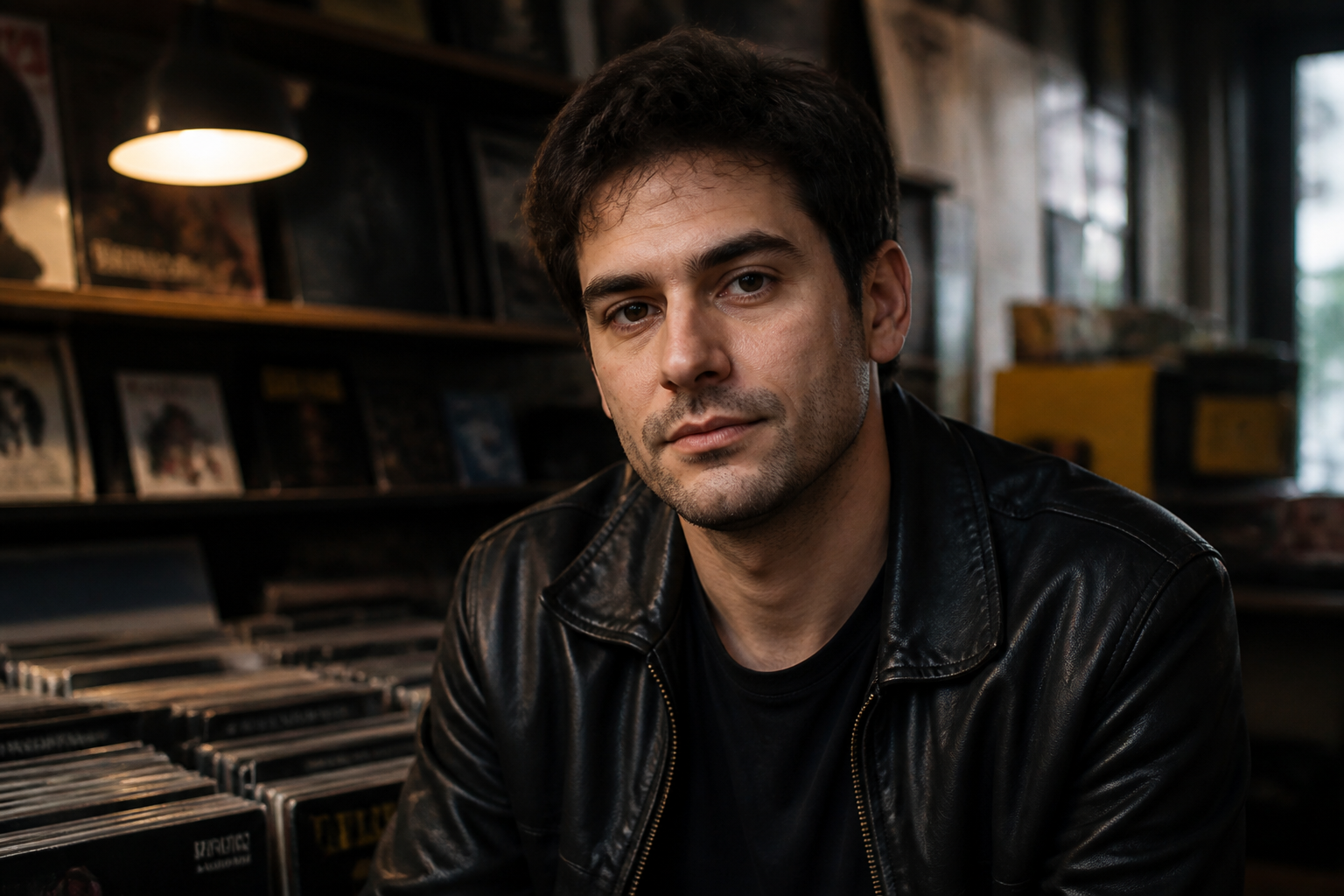 BEFORE
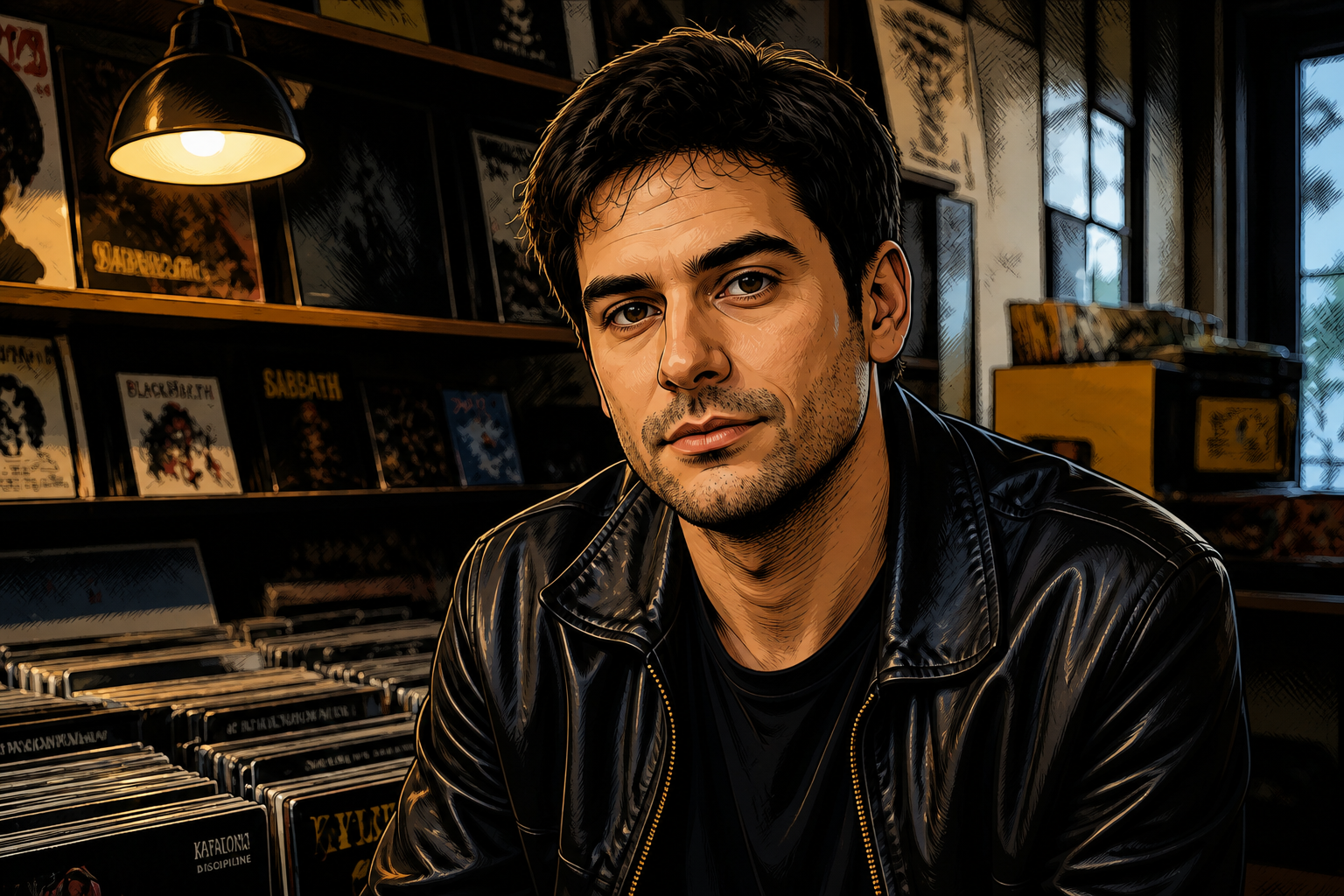 AFTER
AFTER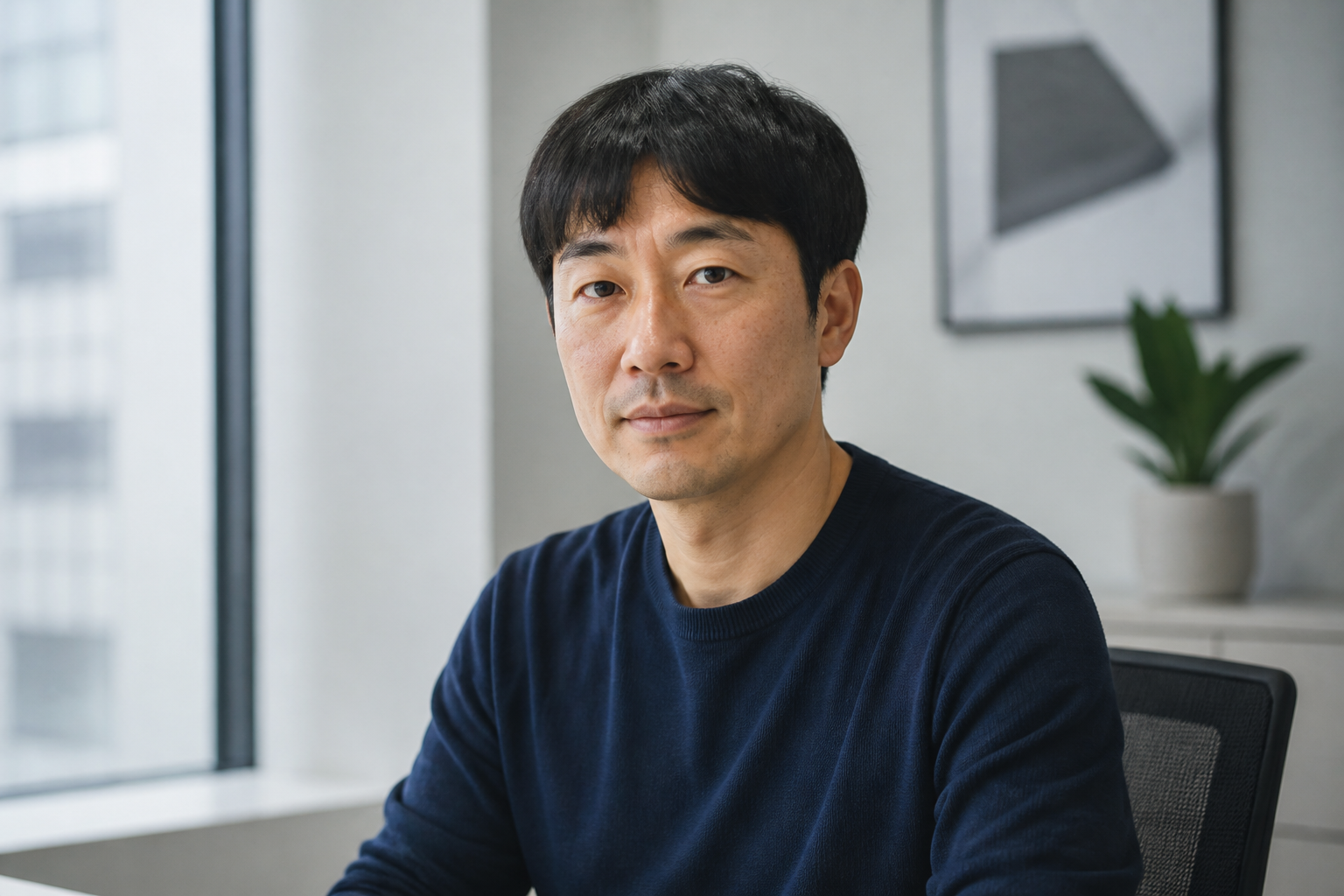 BEFORE
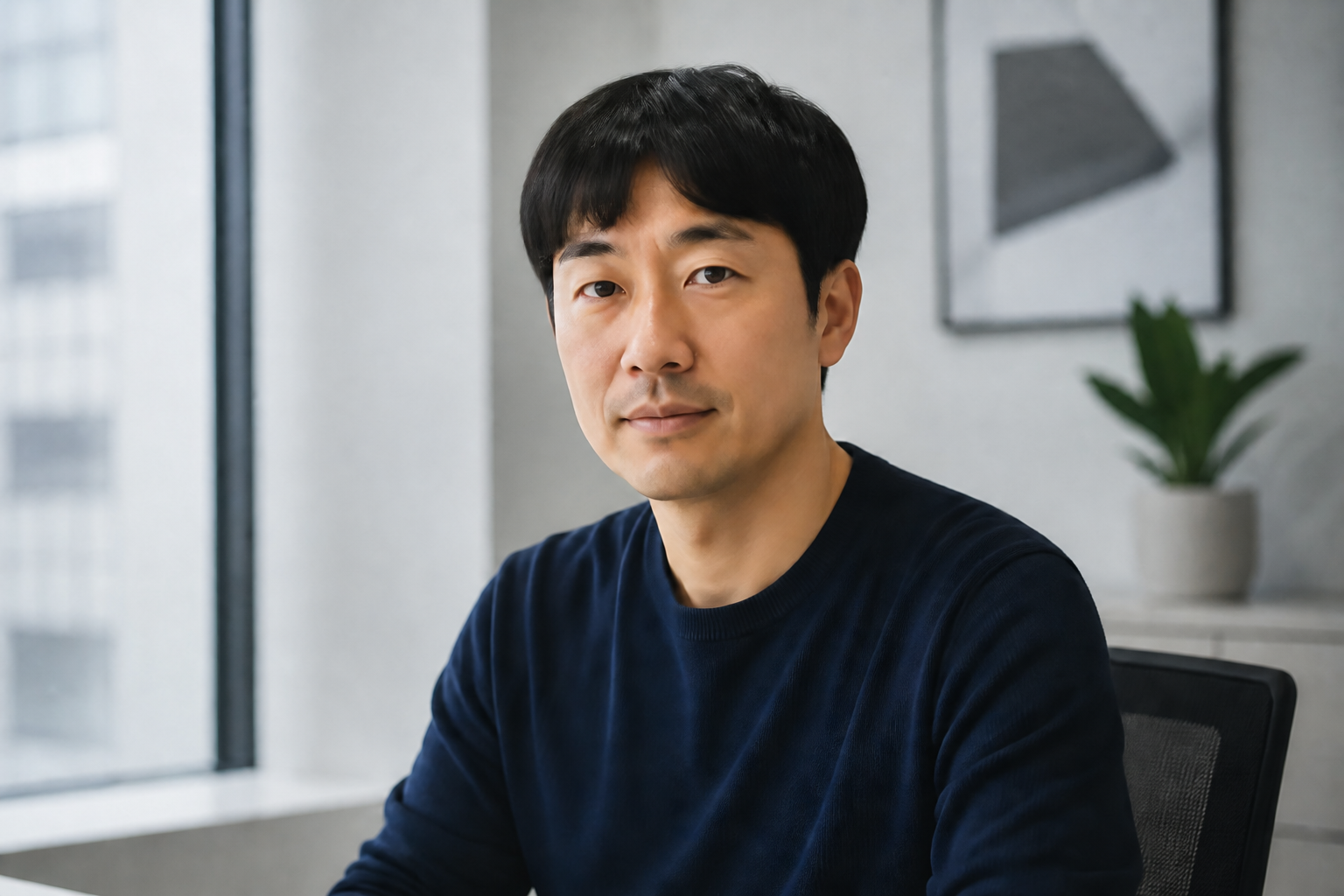 AFTERBEFOREAFTERBEFOREAFTERBEFOREAFTERBEFOREAFTERBEFOREAFTER
Key Features
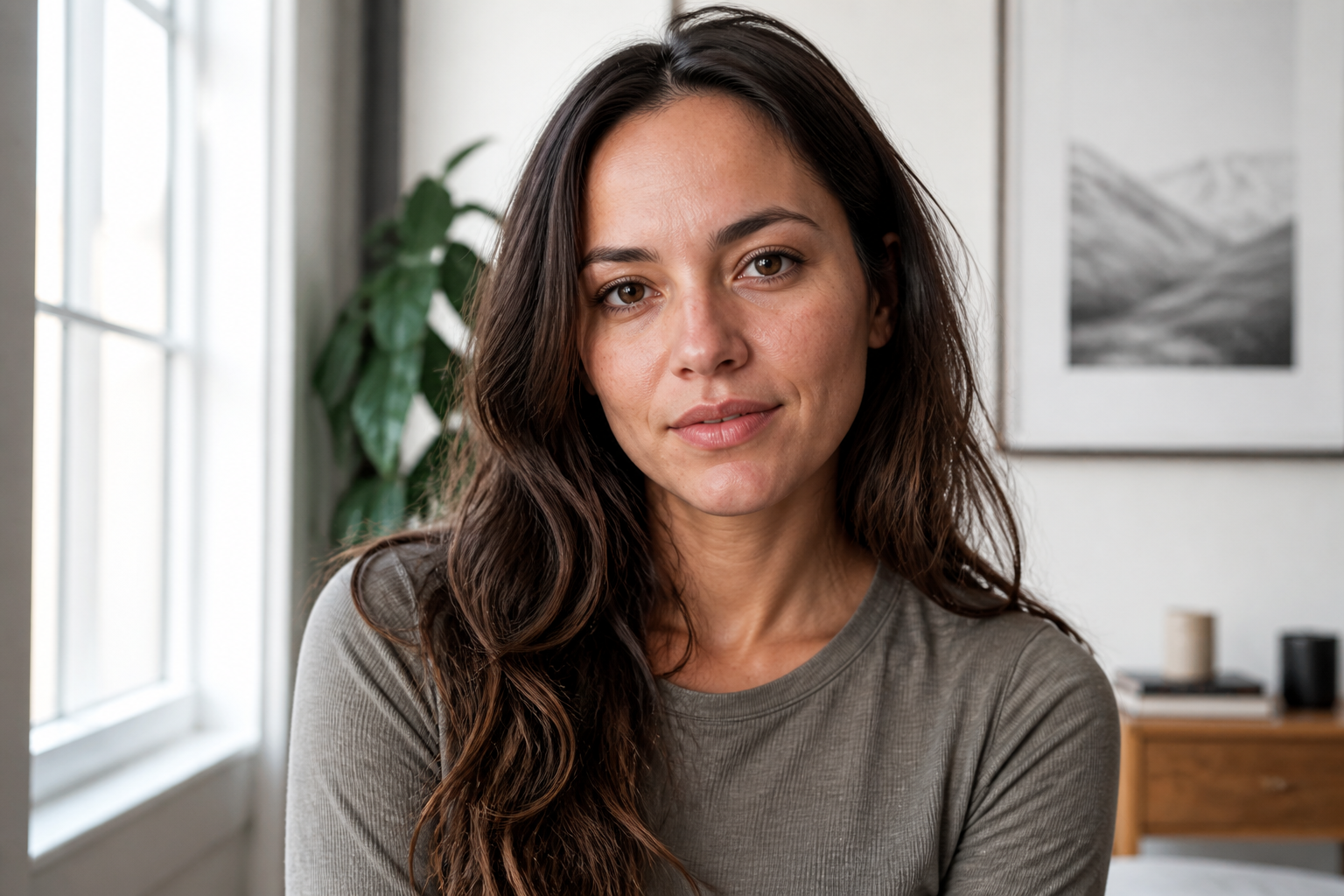
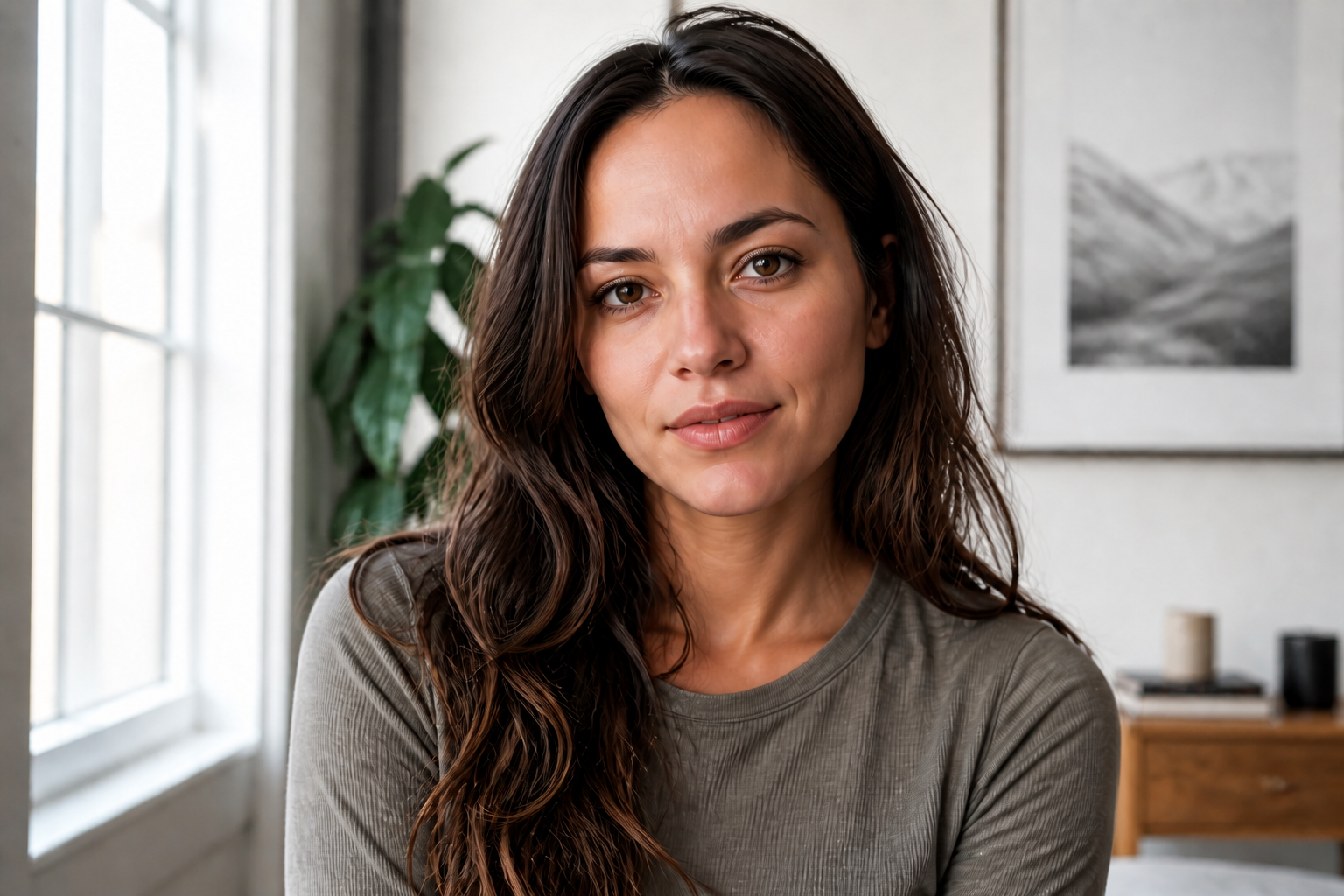
Natural skin, not plastic
The tool smooths uneven texture and removes distractions without wiping out all real skin detail. That matters because portraits look more trustworthy when pores, facial shape, and expression still feel human. Instead of manually brushing every area, you can get a cleaner result in one pass and keep the photo believable.
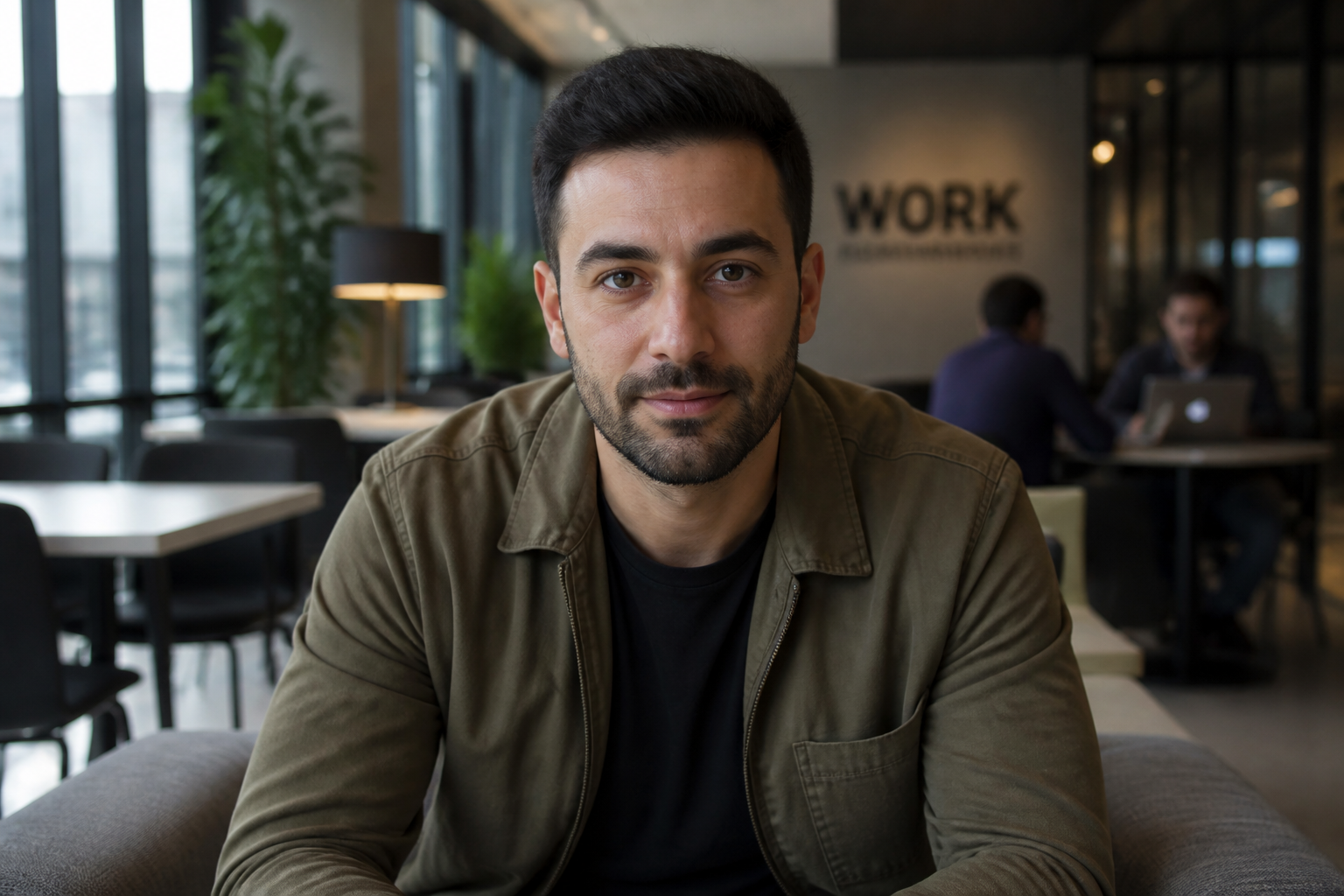
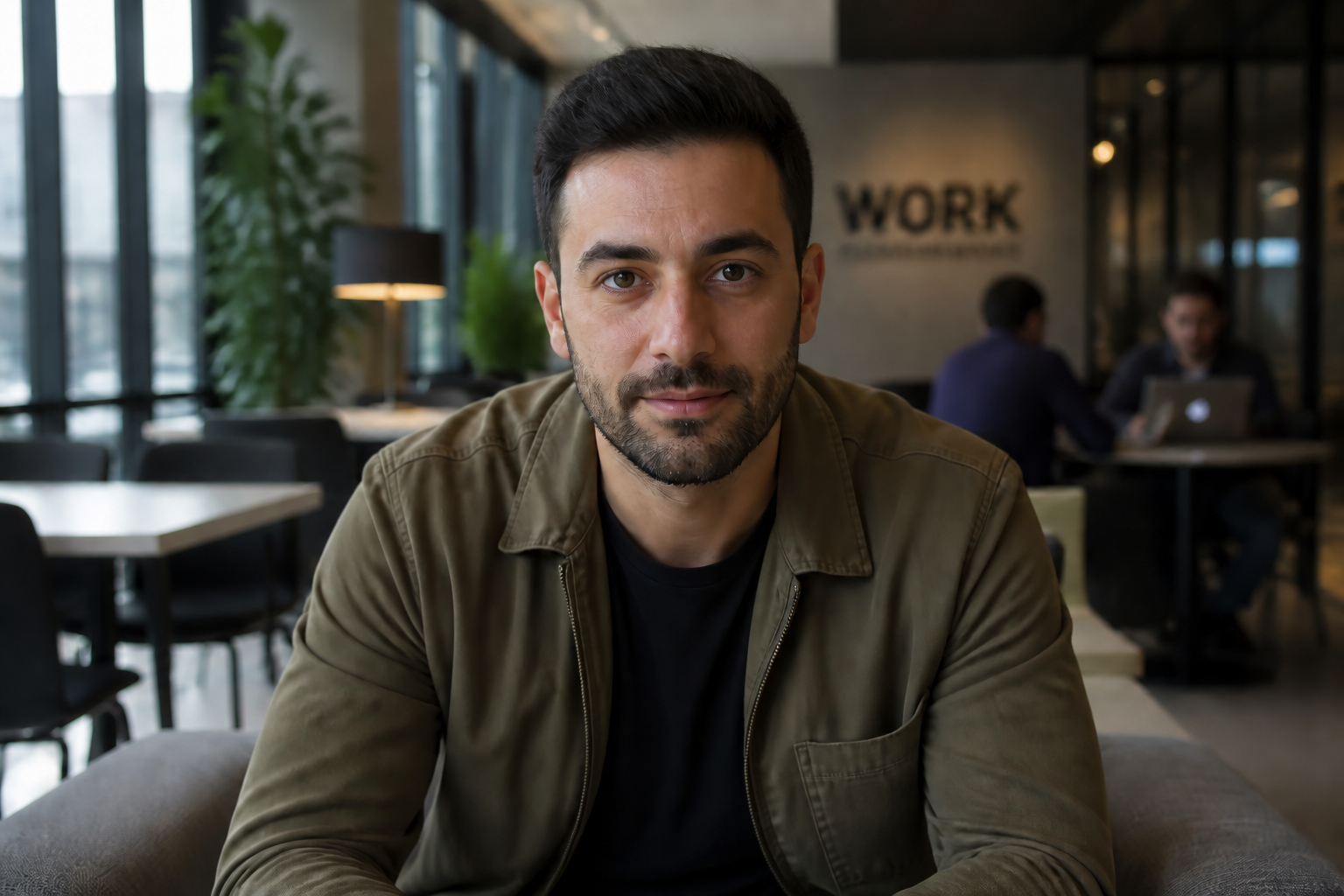
Keep the same person
Skin retouch should improve the photo, not change who is in it. Our AI focuses on skin cleanup while keeping key facial traits, hair, expression, and overall likeness stable. That makes it useful for profile photos, client work, and any edit where identity has to stay intact.
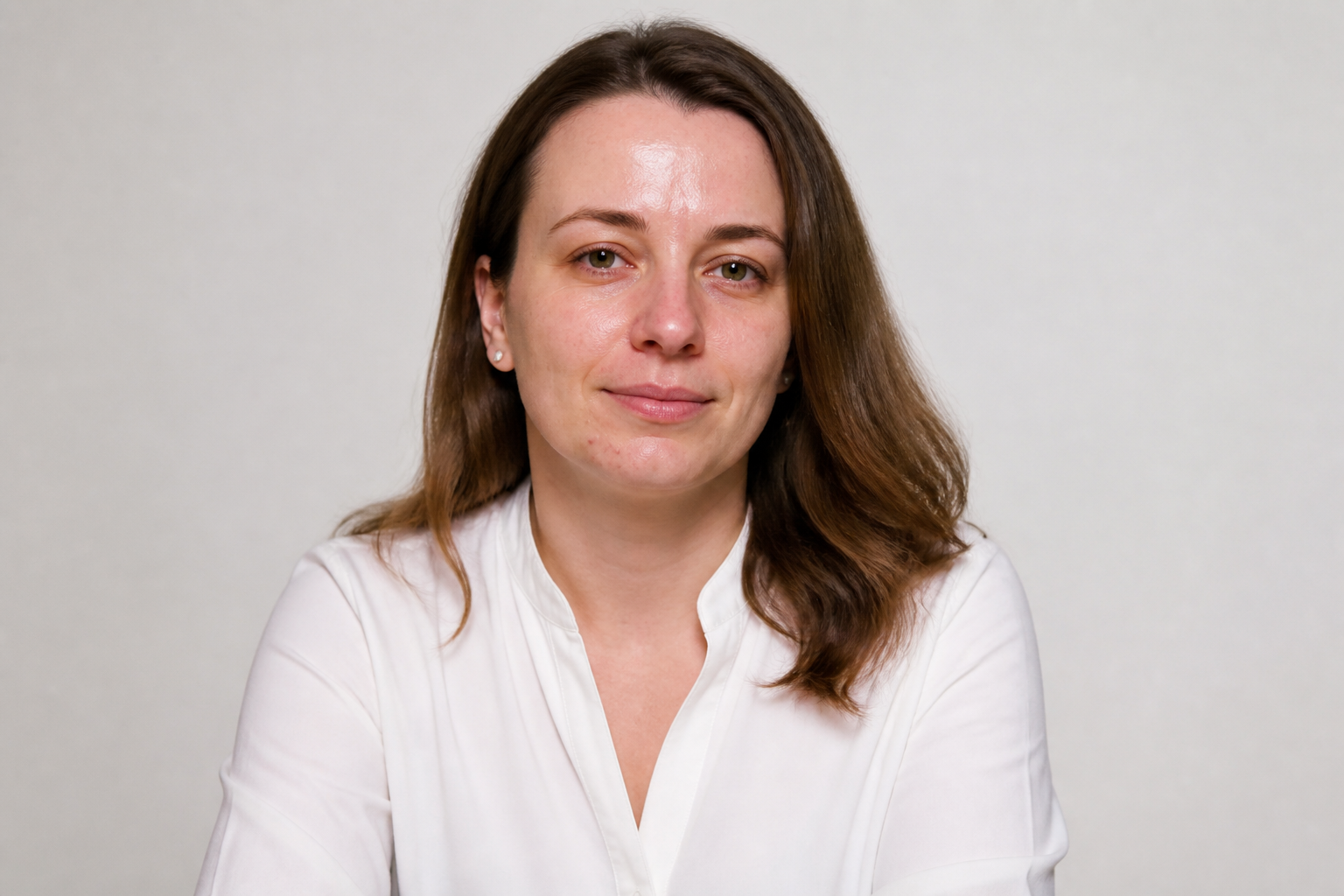
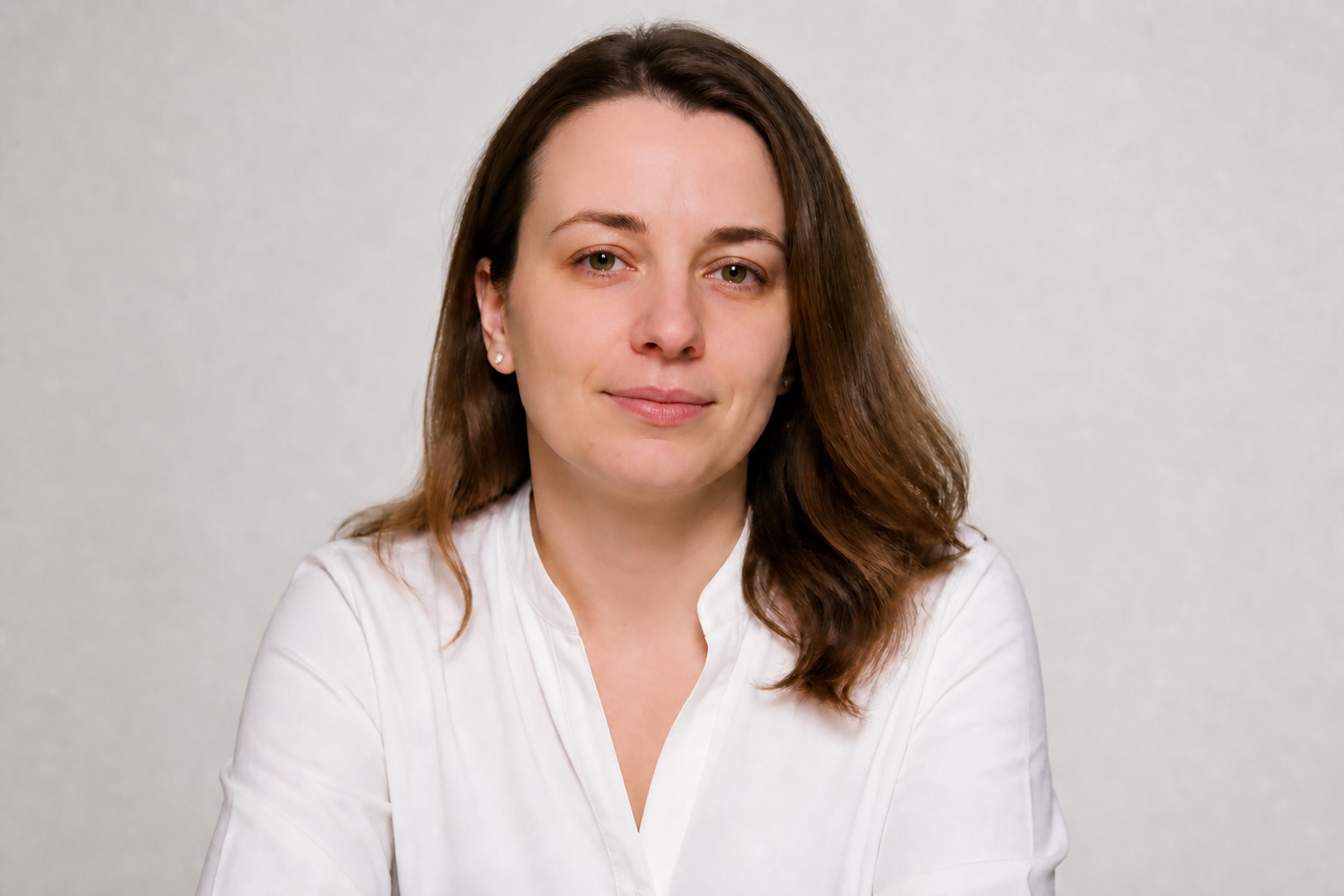
Fix multiple skin issues
A single edit can handle blemishes, redness, shine, rough texture, and tired-looking under-eyes together. This saves time compared with stacking filters or masking separate adjustments by hand. You get a more balanced portrait with fewer steps and less guesswork.
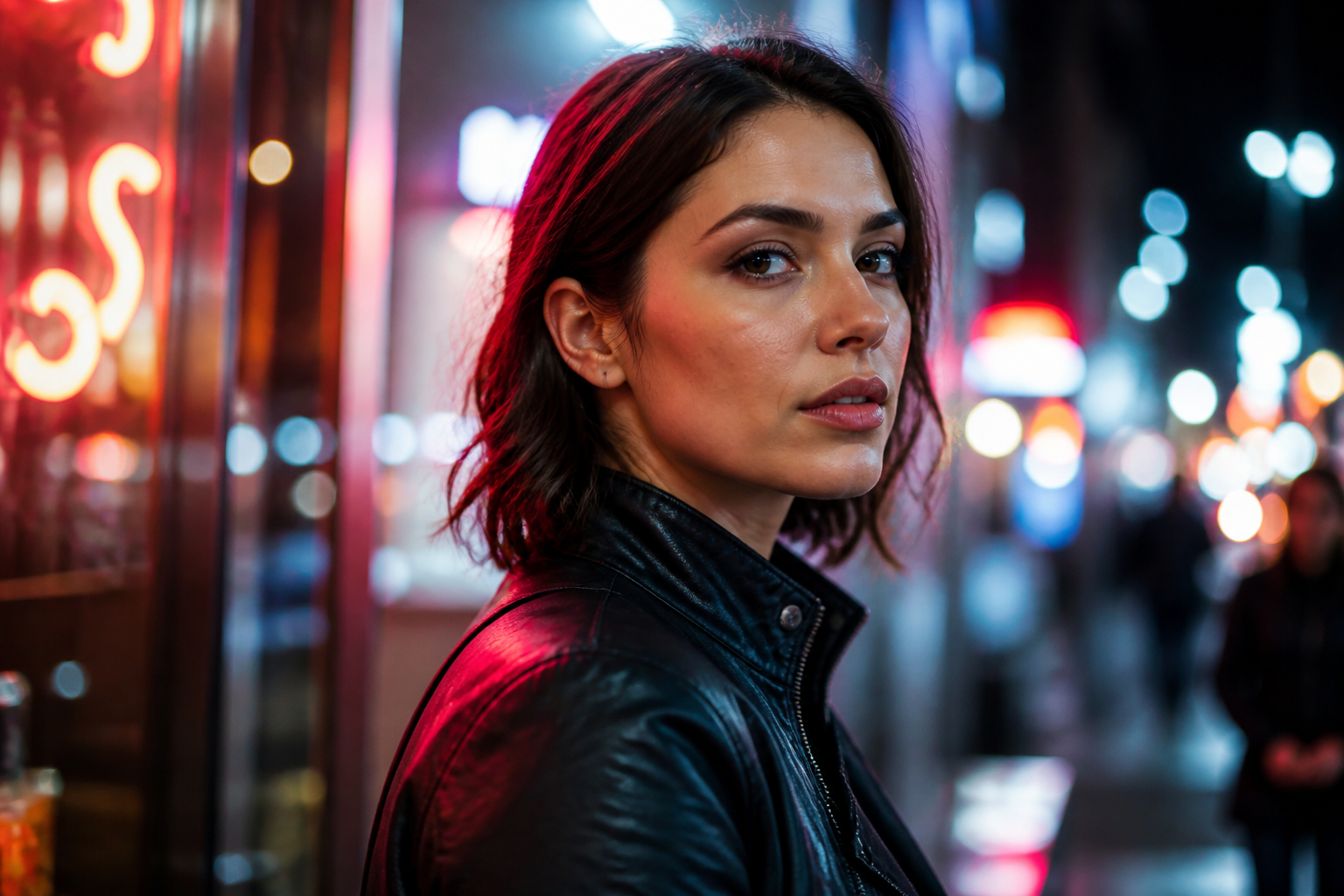
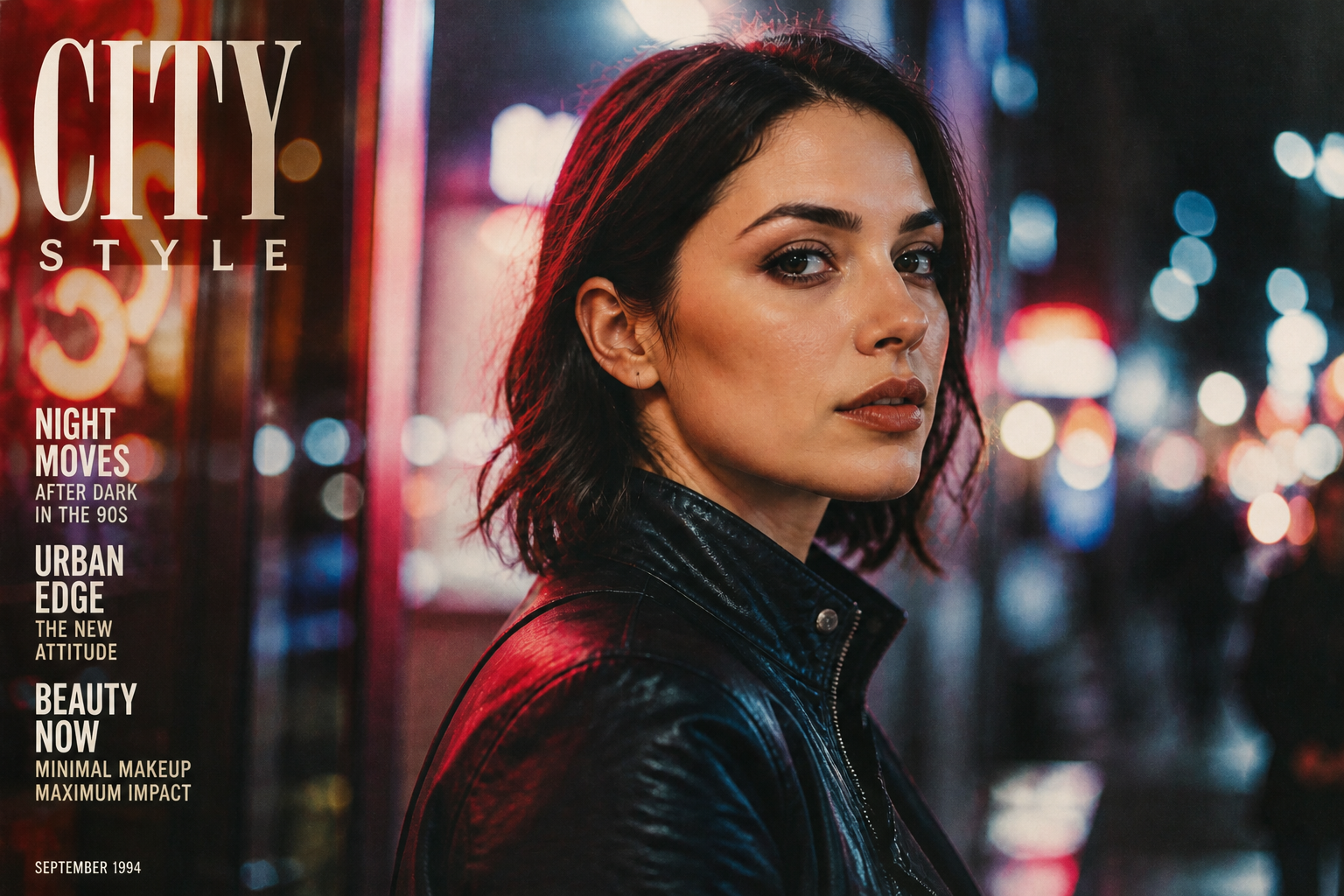
Works across visual styles
You can use the same core retouch goal on realistic portraits and more stylized looks. That is helpful for social posts, creative campaigns, and moodboard images where you want polished skin but not the exact same aesthetic every time. It gives you range without learning a different workflow for each style.
How It Works
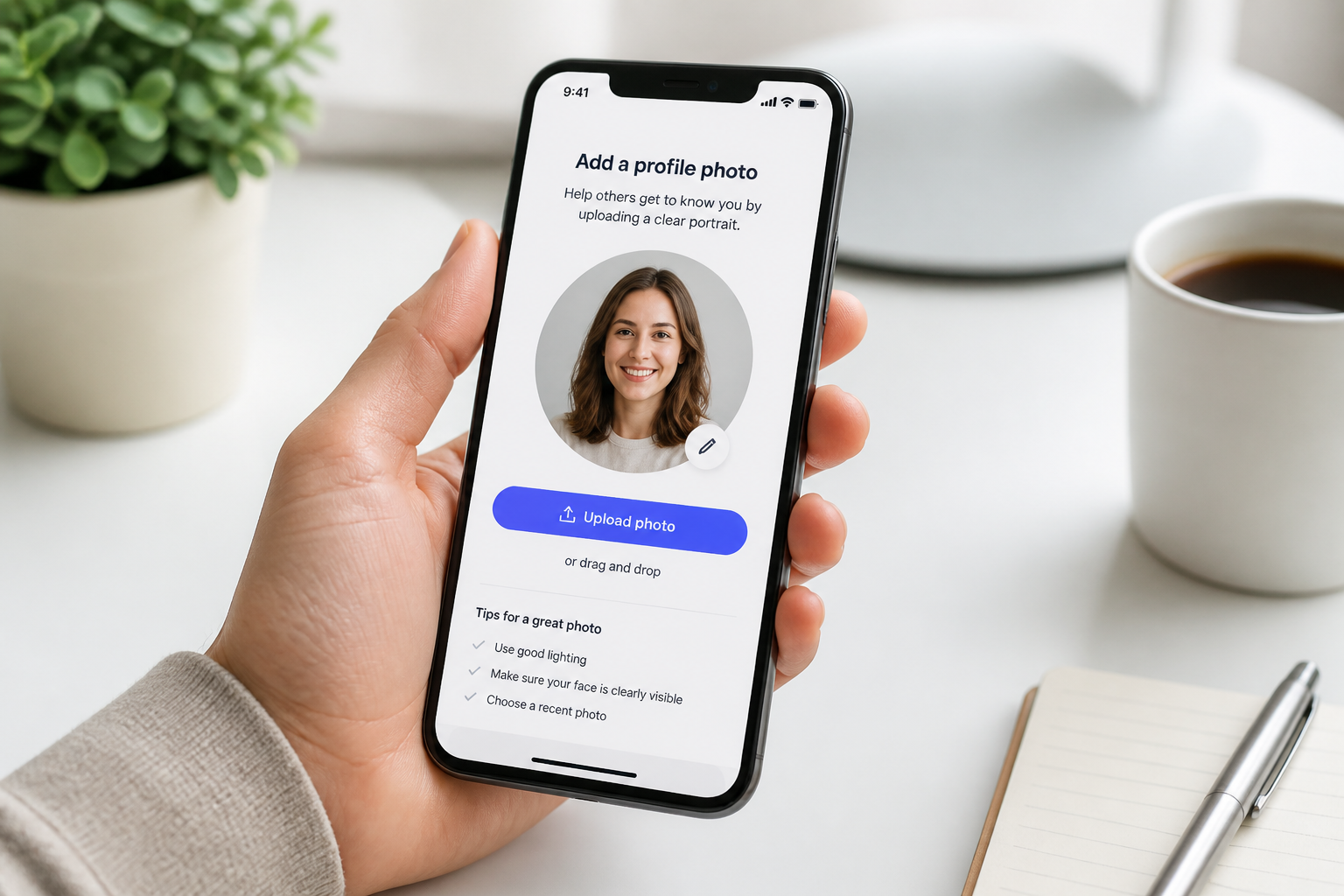
Upload your photo
Start with a clear portrait or headshot with visible facial detail. Well-lit images make skin edits easier to read and usually produce the cleanest results.
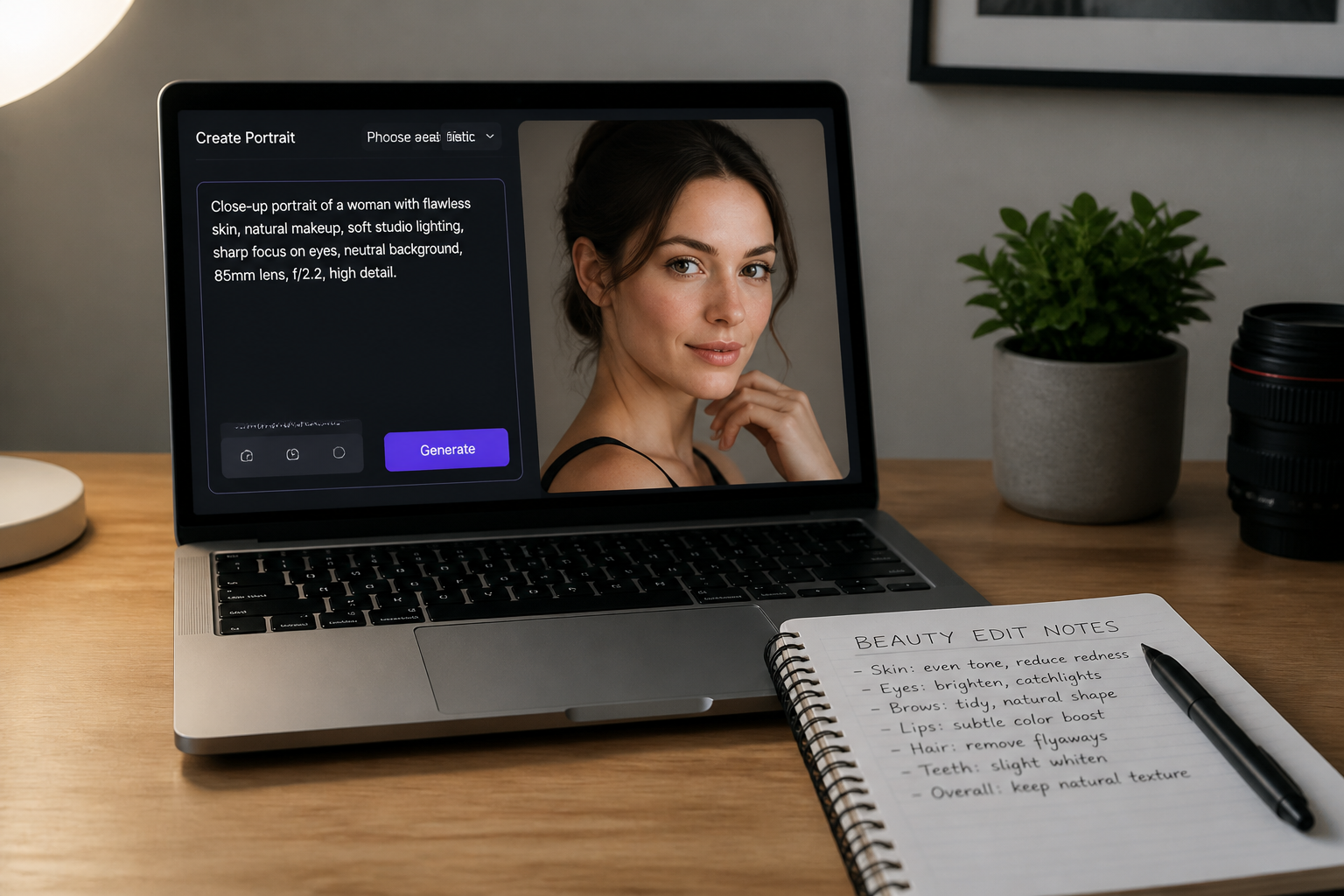
Describe the retouch
Tell the tool what you want changed, such as removing blemishes, reducing shine, or evening skin tone. The clearer the request, the easier it is to guide the result toward a natural finish.
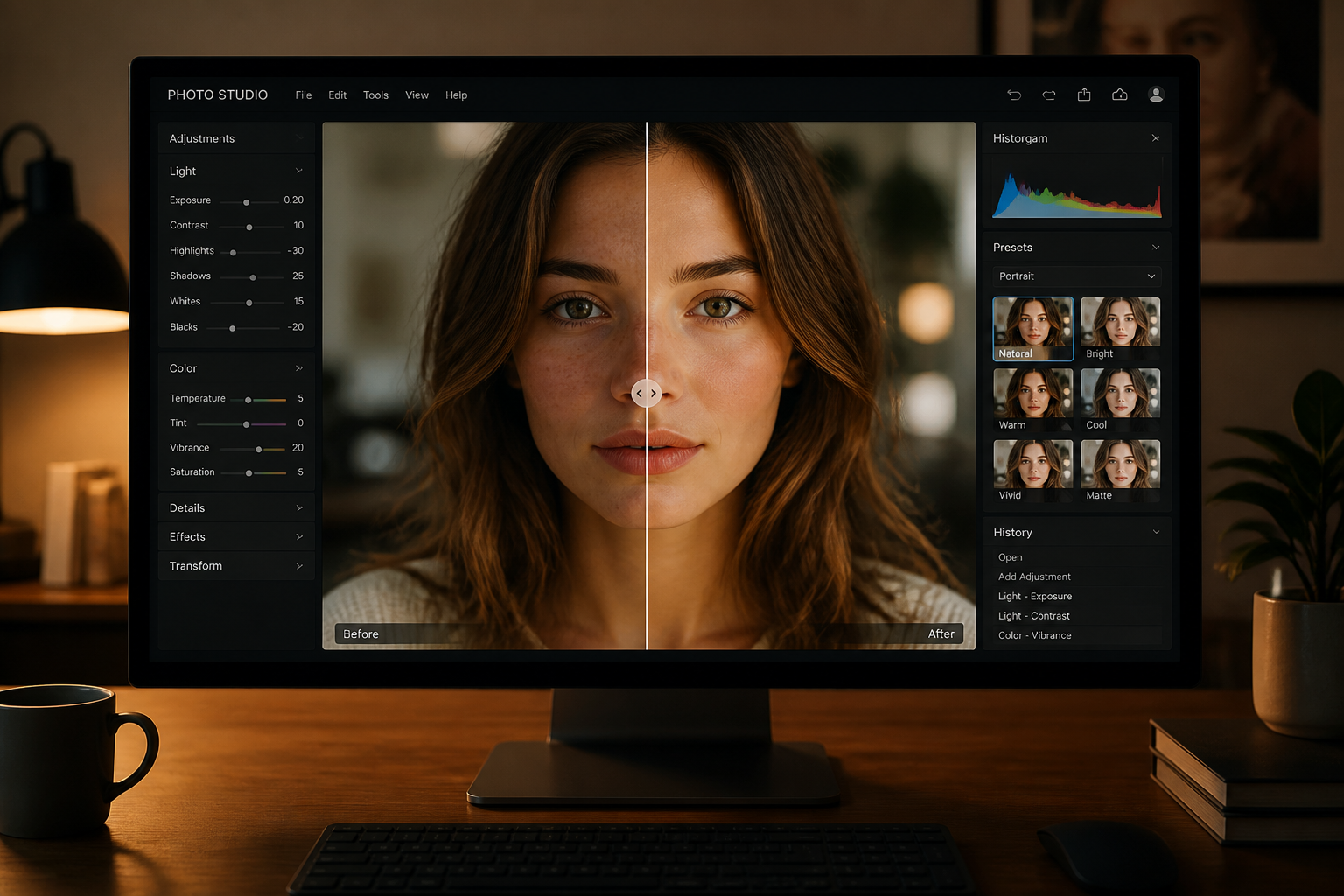
Compare and download
Review the before and after side by side to check that the skin looks cleaner without losing identity. If needed, tweak the prompt and run another version before saving the final image.
Perfect For
Discover how creators and professionals use ai skin retouch
Profile photos
Clean up acne, shine, and uneven tone for LinkedIn, dating apps, and personal profiles without making the portrait look over-edited.
Creator headshots
Polish thumbnails, bios, and press images quickly when you need a cleaner camera-ready look across multiple platforms.
Client portrait delivery
Speed up basic skin cleanup for photographers and editors who want a fast first pass before final selection or export.
Brand and team photos
Make staff headshots feel more consistent by reducing temporary blemishes and shine while keeping everyone recognizable.
Built For
Creators and influencers
For people who need polished portraits for social posts, thumbnails, and profile images on a tight schedule.
Photographers and retouchers
For fast skin cleanup drafts before deeper manual work or final client delivery.
Everyday users
For anyone who wants clearer-looking selfies and headshots without learning complex editing tools.
Why use AI skin retouch
A quick look at how we compare on the things that matter for this niche.
| Feature | BudgetPixel | Generic AI editors | Manual editing apps |
|---|---|---|---|
| Portrait-focused skin cleanup | ✓ | — | ✓ |
| Keeps identity recognizable | ✓ | — | ✓ |
| Fast single-step edits | ✓ | ✓ | — |
| Prompt-guided control | ✓ | — | — |
| Free to start | ✓ | ✓ | — |
Frequently Asked Questions
Will it make skin look fake or overly blurred?
Can it remove acne and blemishes?
Does it keep the person's identity?
What kinds of photos work best?
Can I use it for professional headshots?
Create together.
Share your creations, discover trending AI art, and grow with fellow creators.