AI Skin Editor
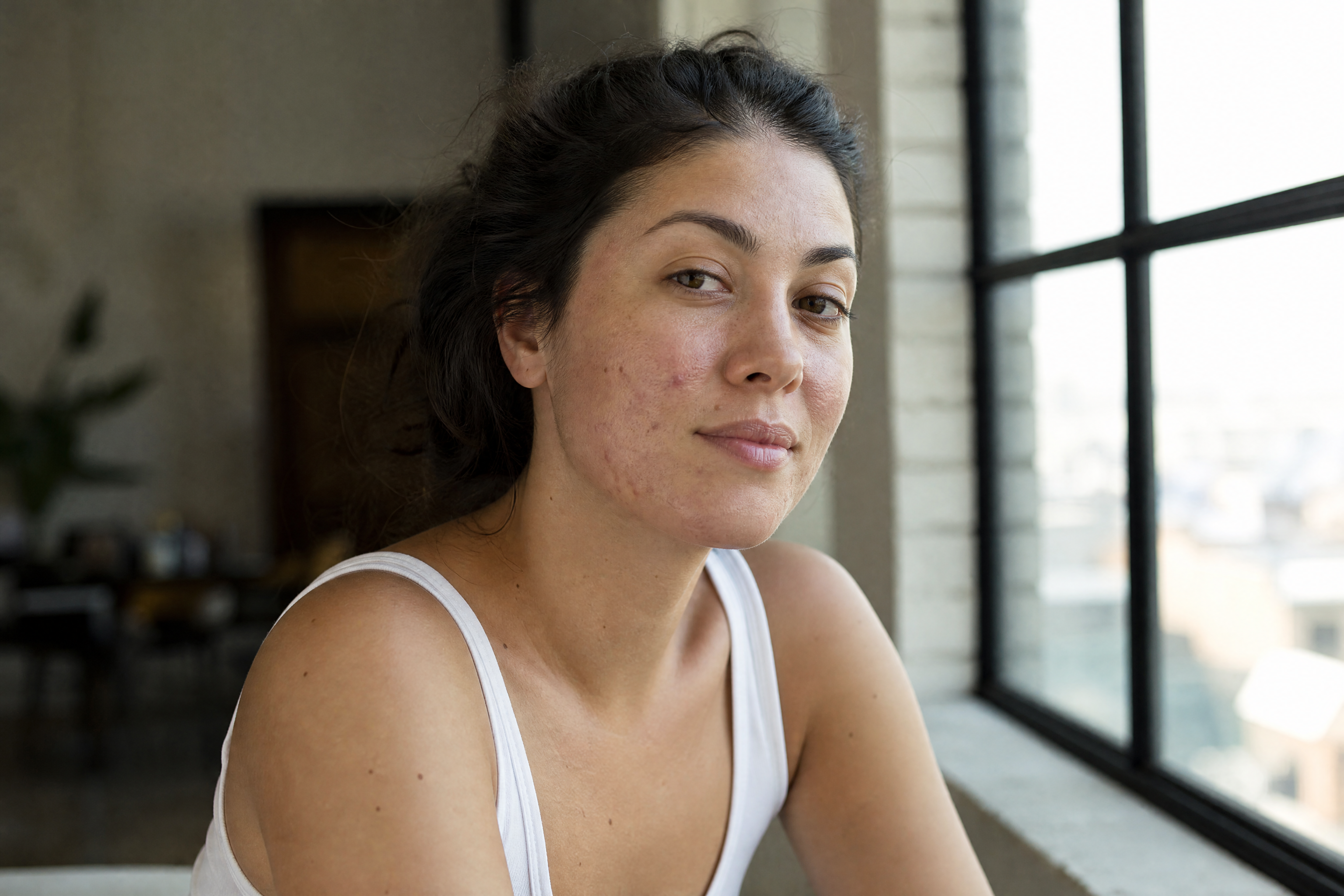
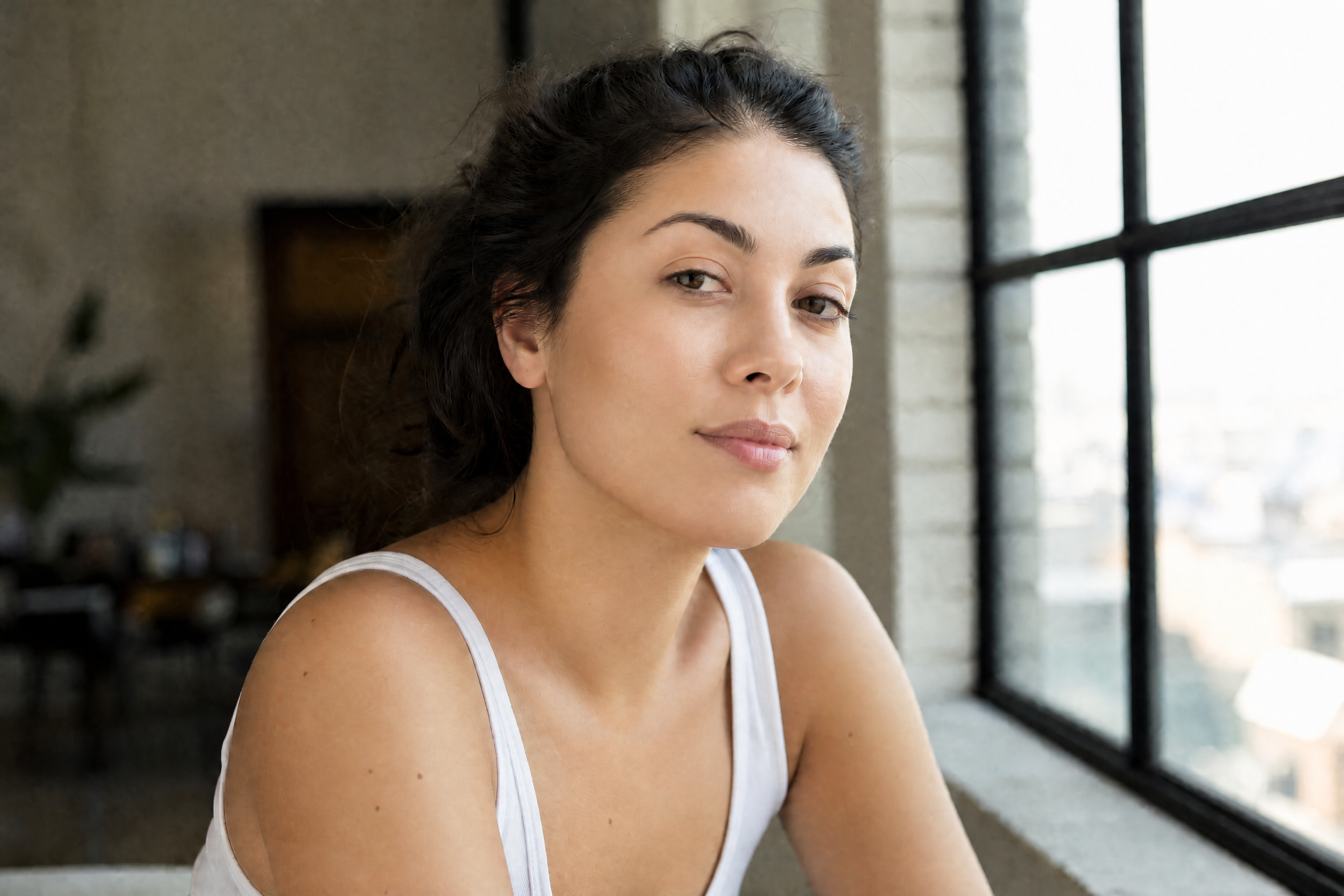
Dramatic skin changes in one clean before-and-after edit
AI Skin Editor lets you transform skin fast, from heavy blemish cleanup to glossy editorial retouching and stylized skin looks. Upload a photo, describe the skin result you want, and our AI applies the change while keeping the face, pose, and overall identity consistent.
Watch the Transformation
See ai skin editor in motion — generated end-to-end by our AI.
See It In Action
Real outputs from ai skin editor.
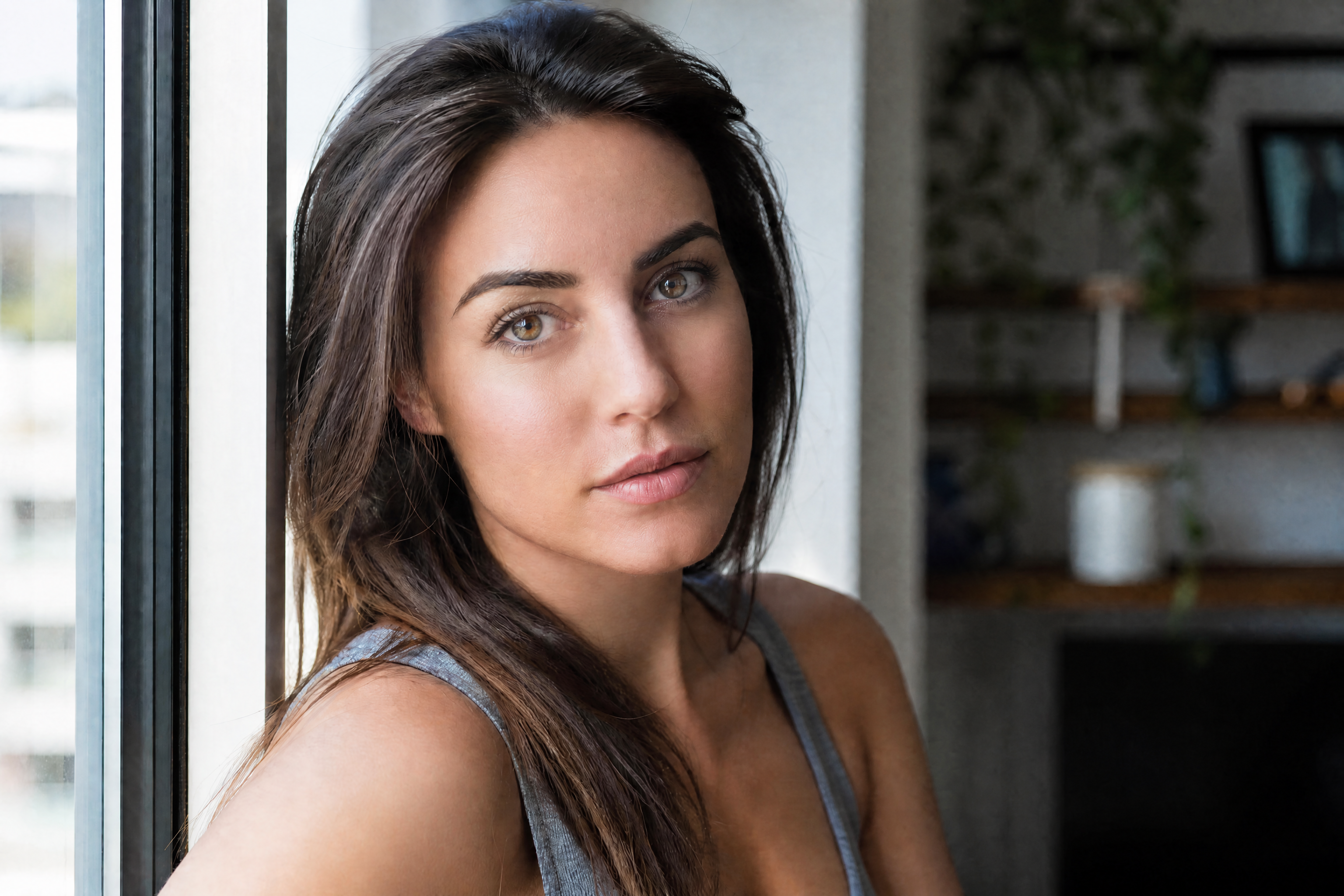
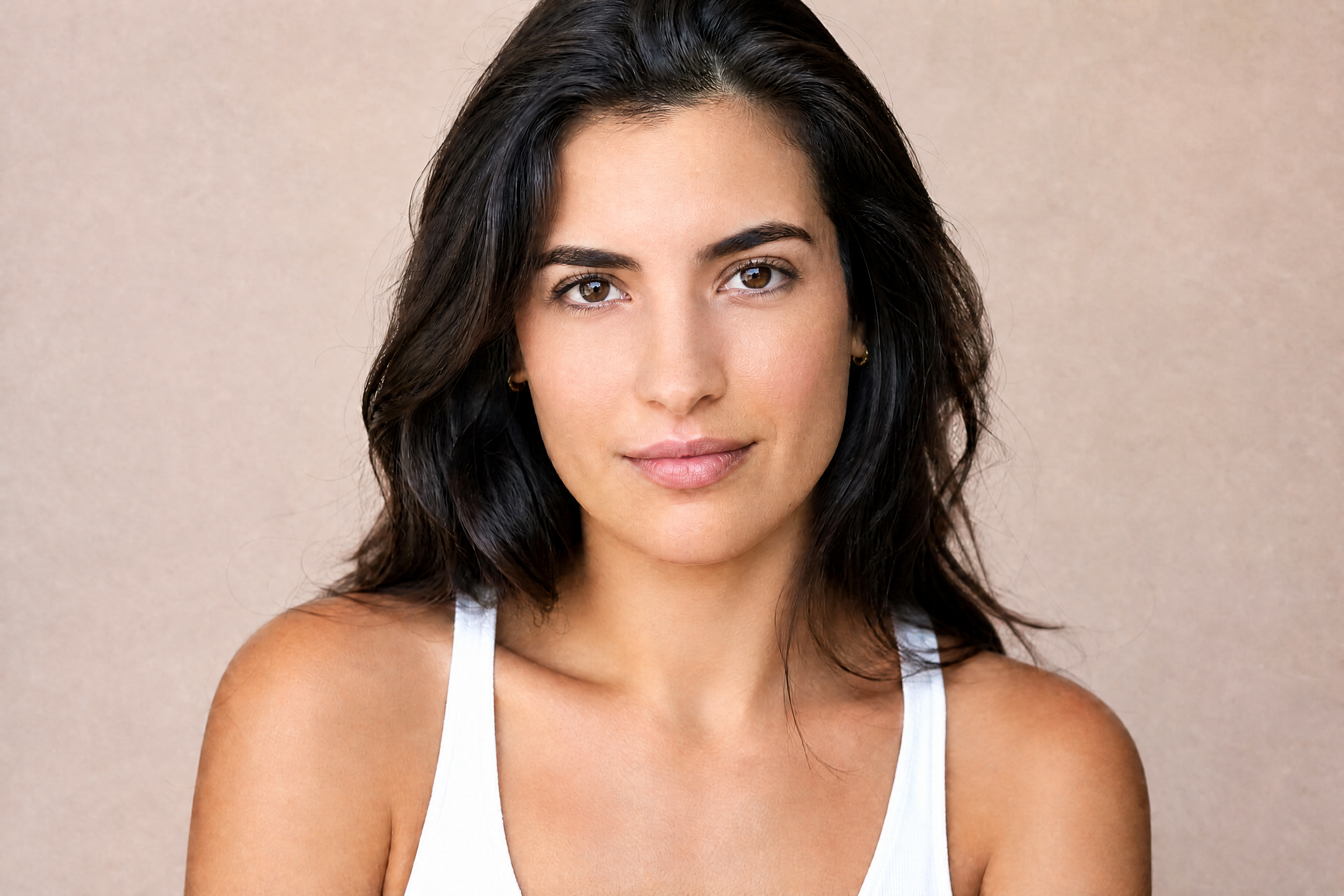
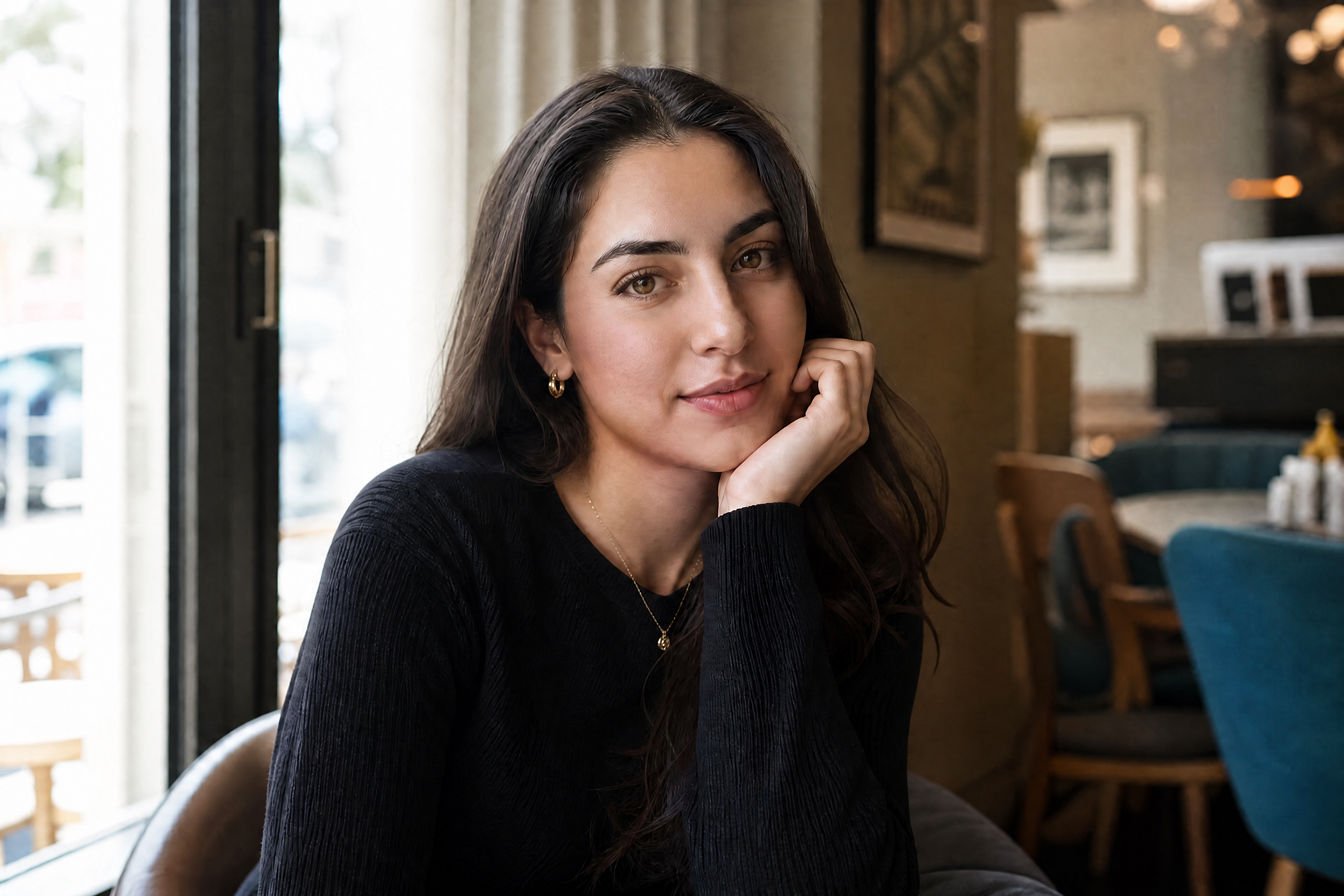
BEFOREAFTER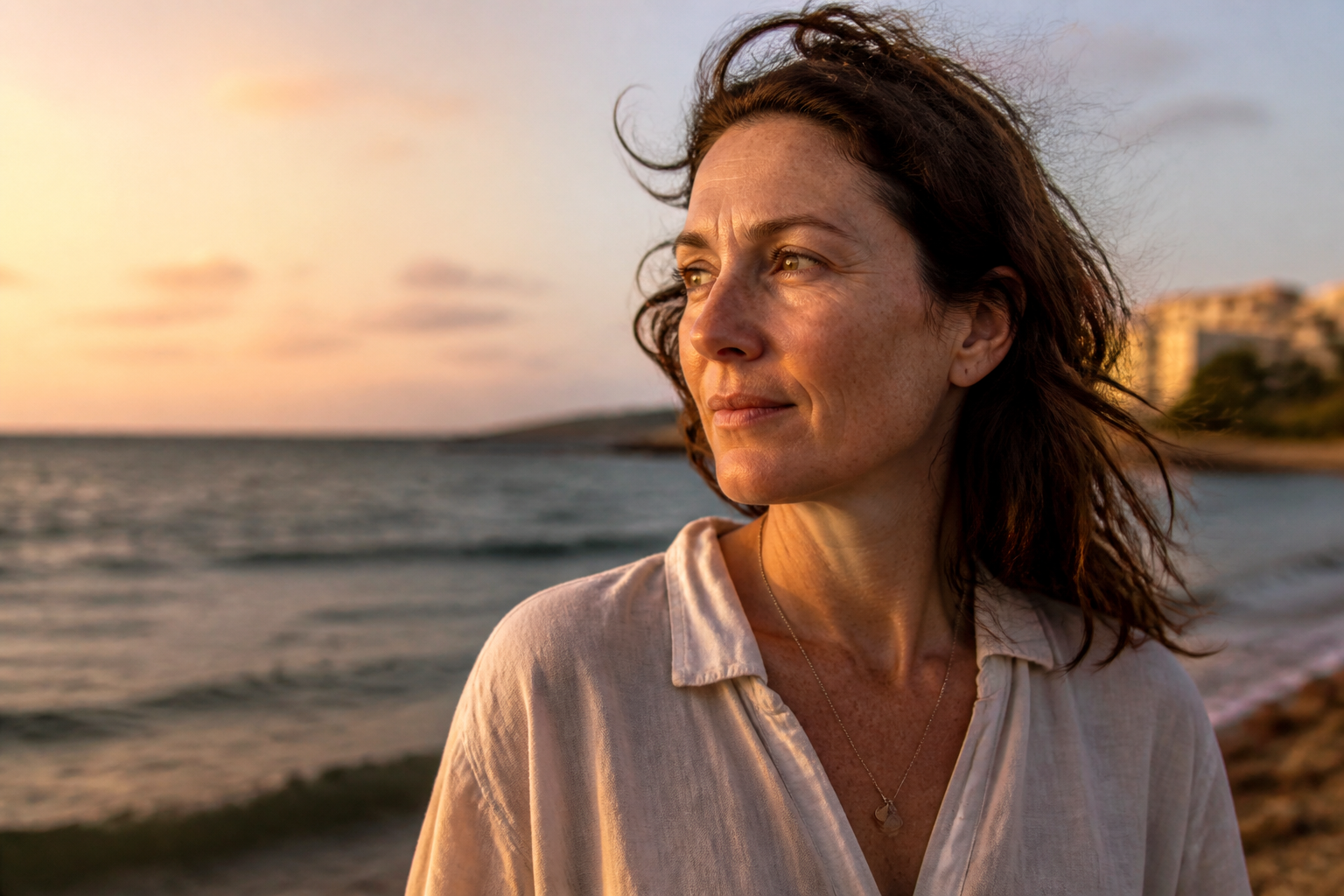 BEFORE
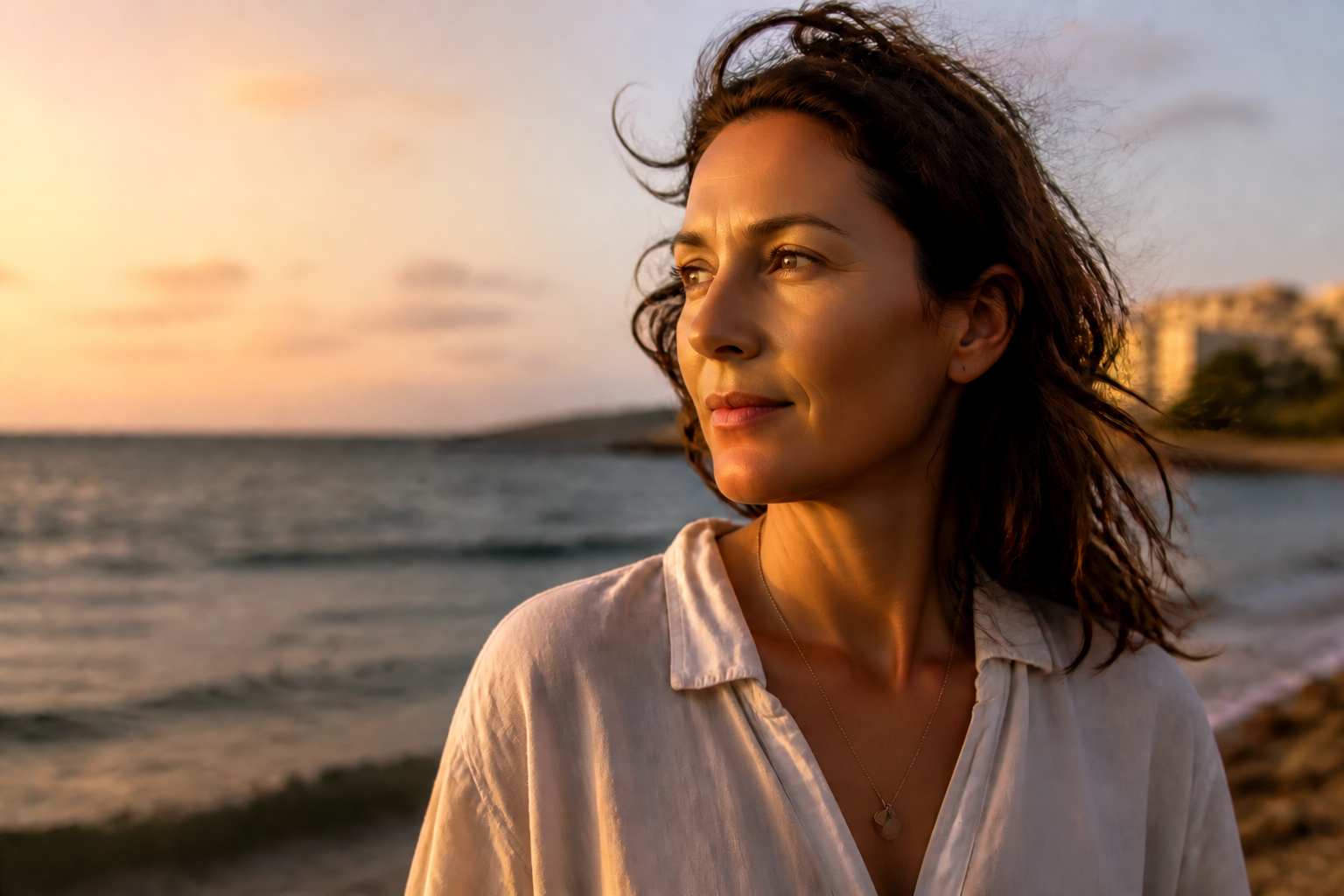 AFTER
AFTER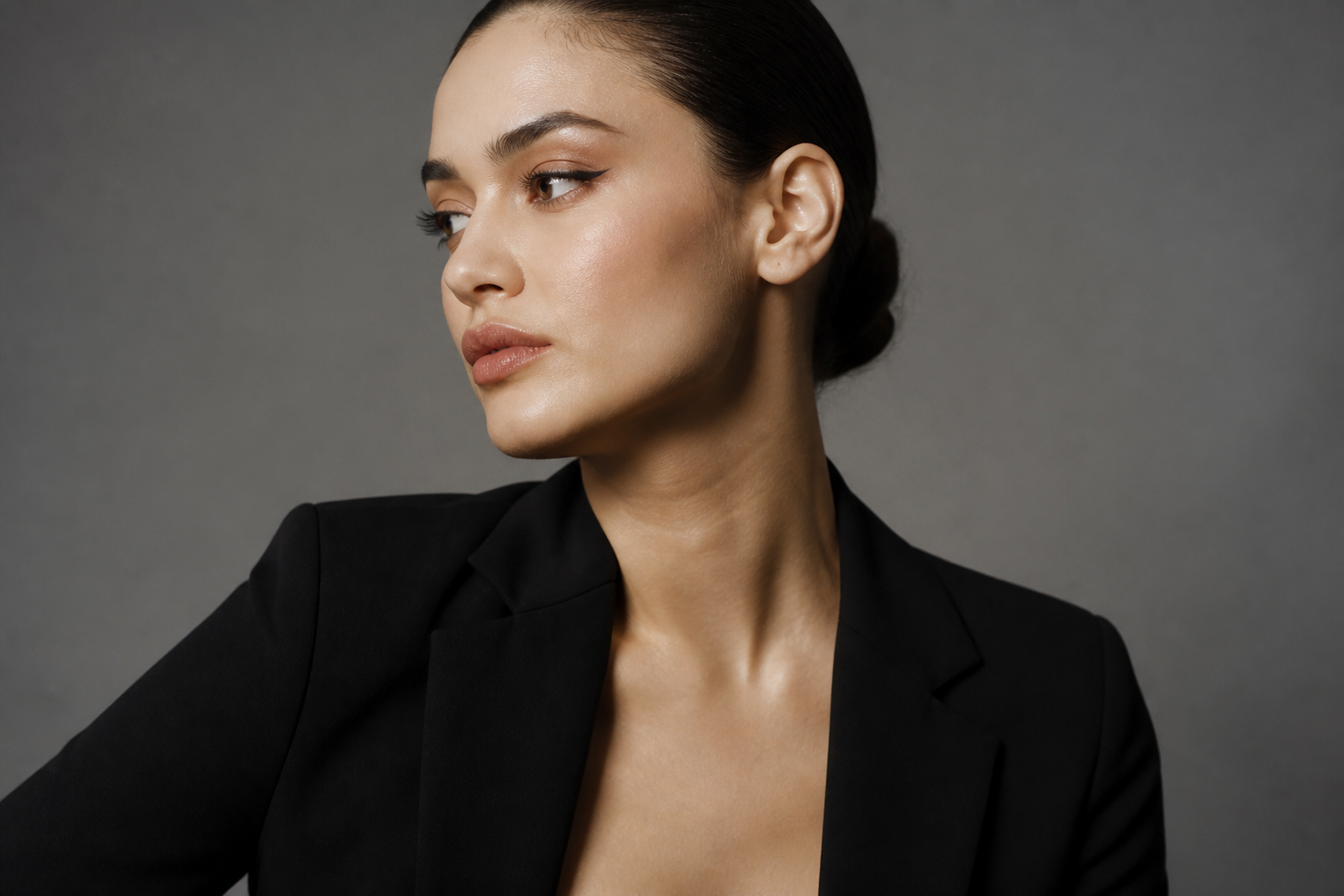 BEFORE
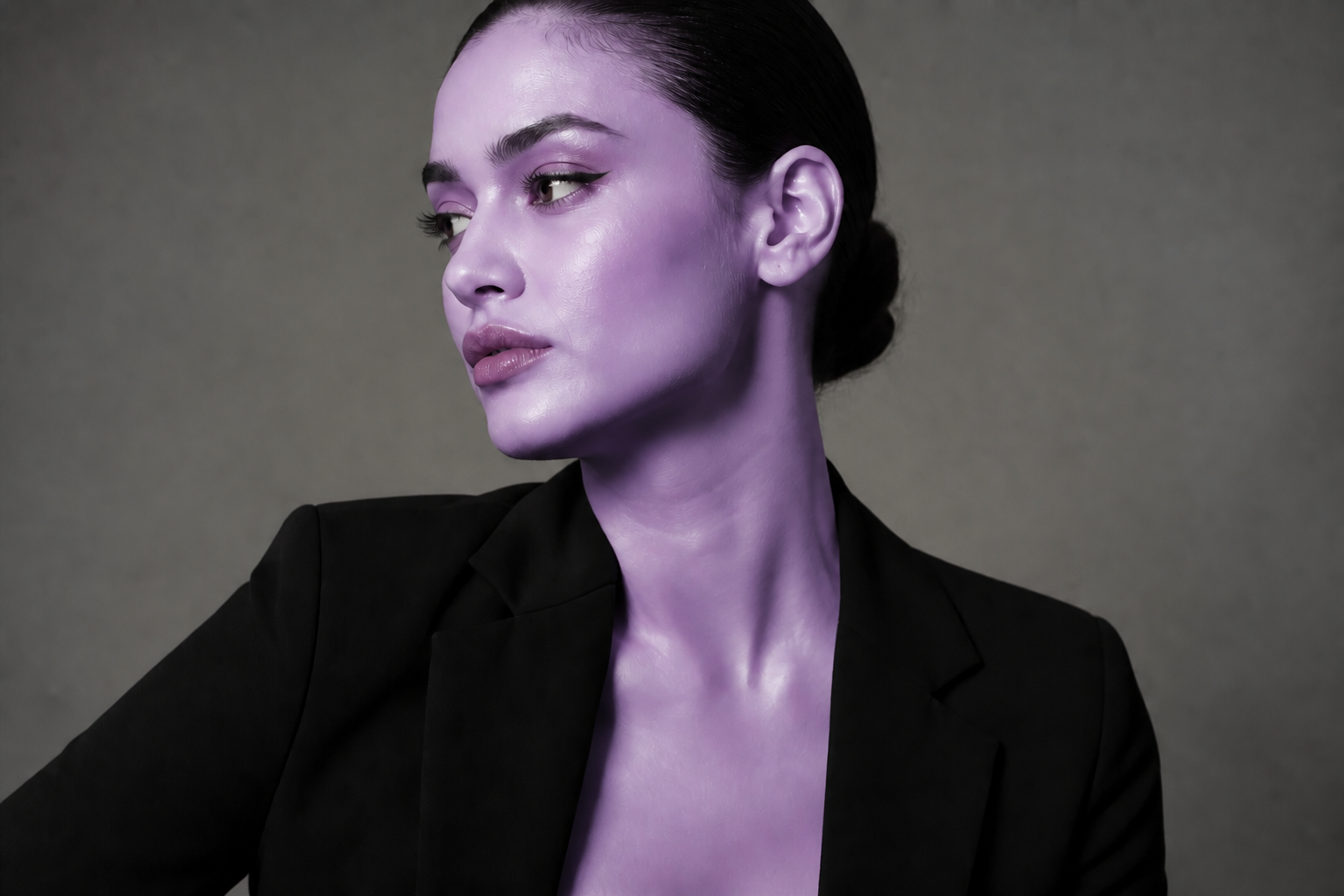 AFTER
AFTER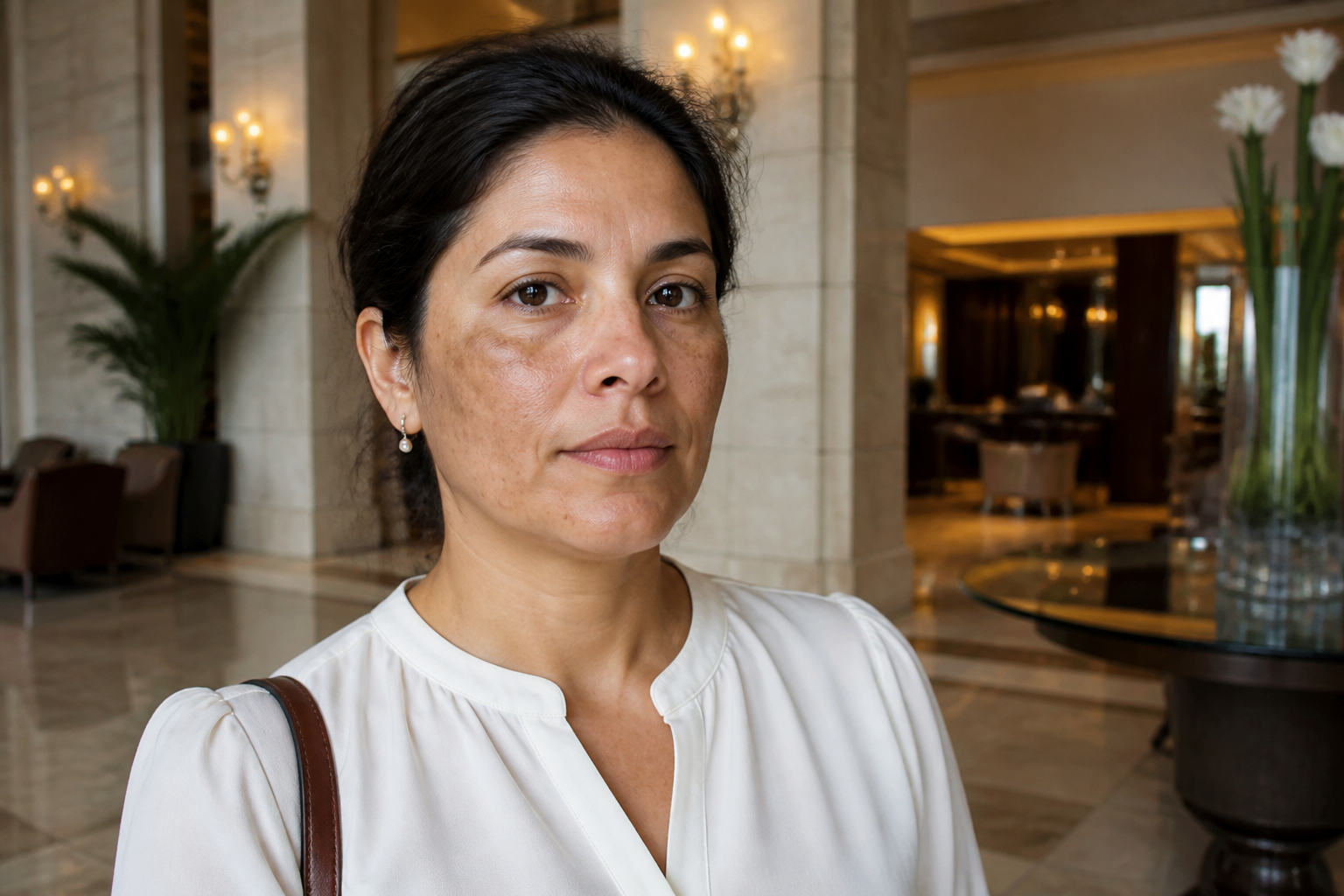 BEFORE
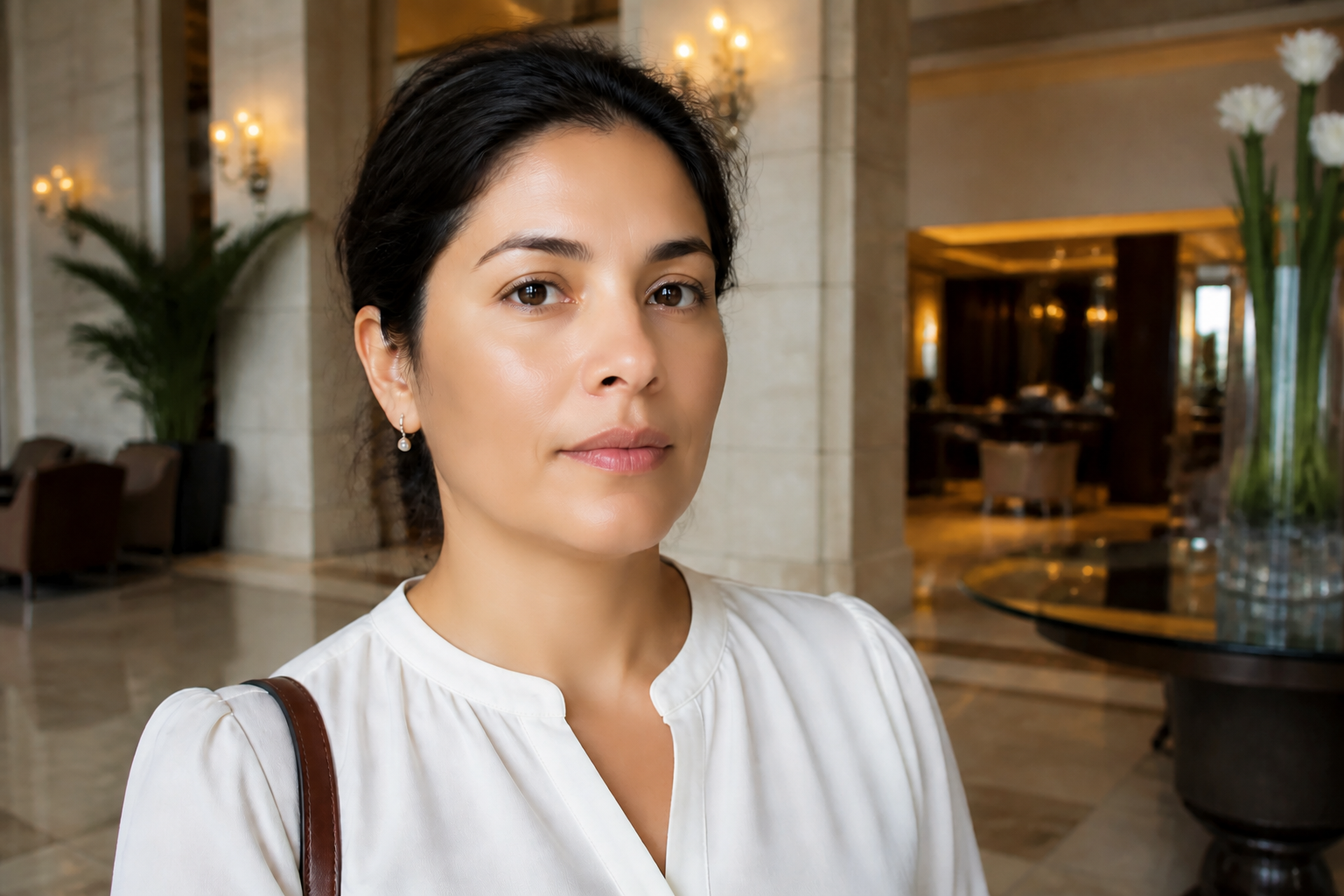 AFTER
AFTER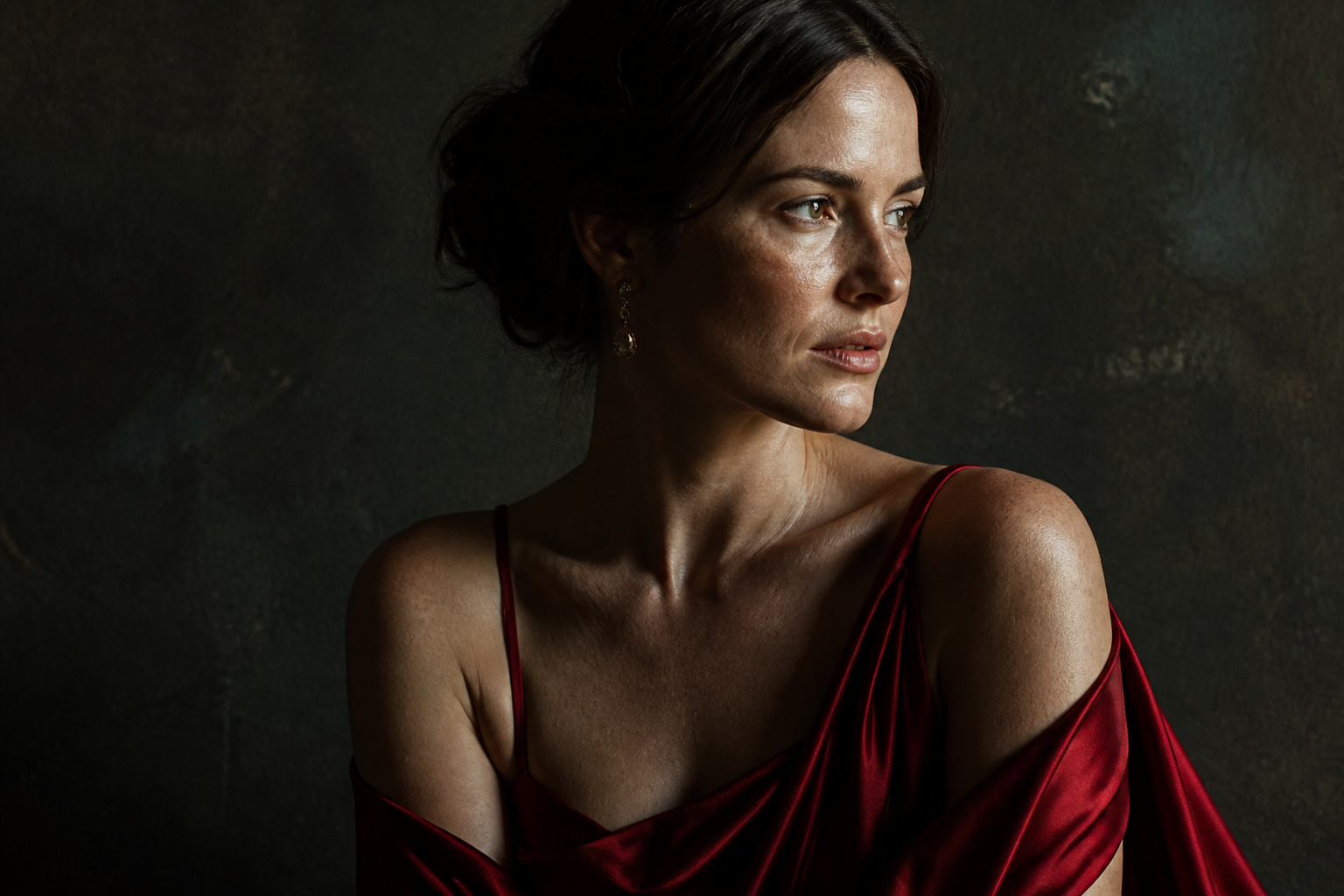 BEFORE
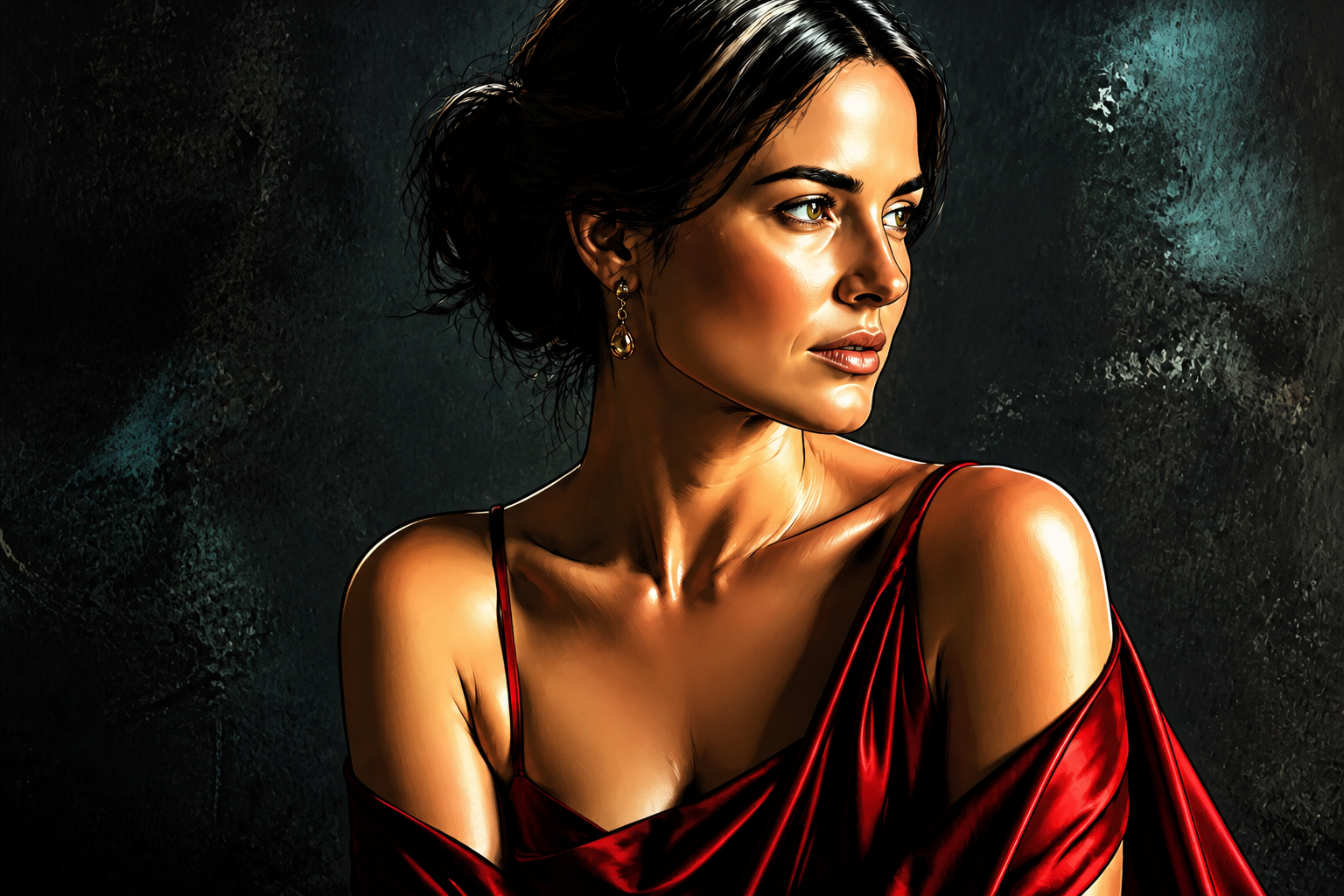 AFTERBEFOREAFTERBEFOREAFTERBEFOREAFTERBEFOREAFTERBEFOREAFTER
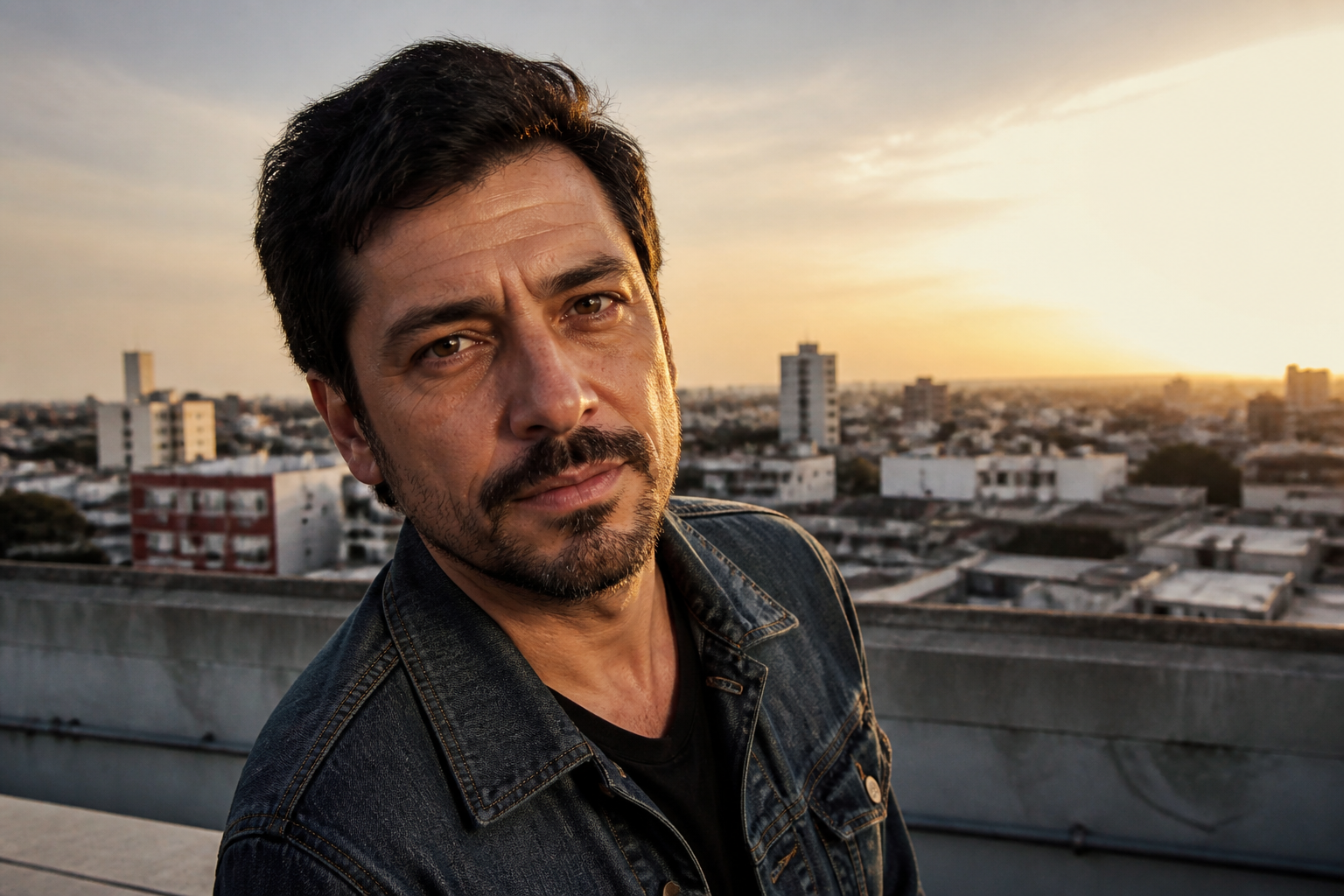 BEFORE
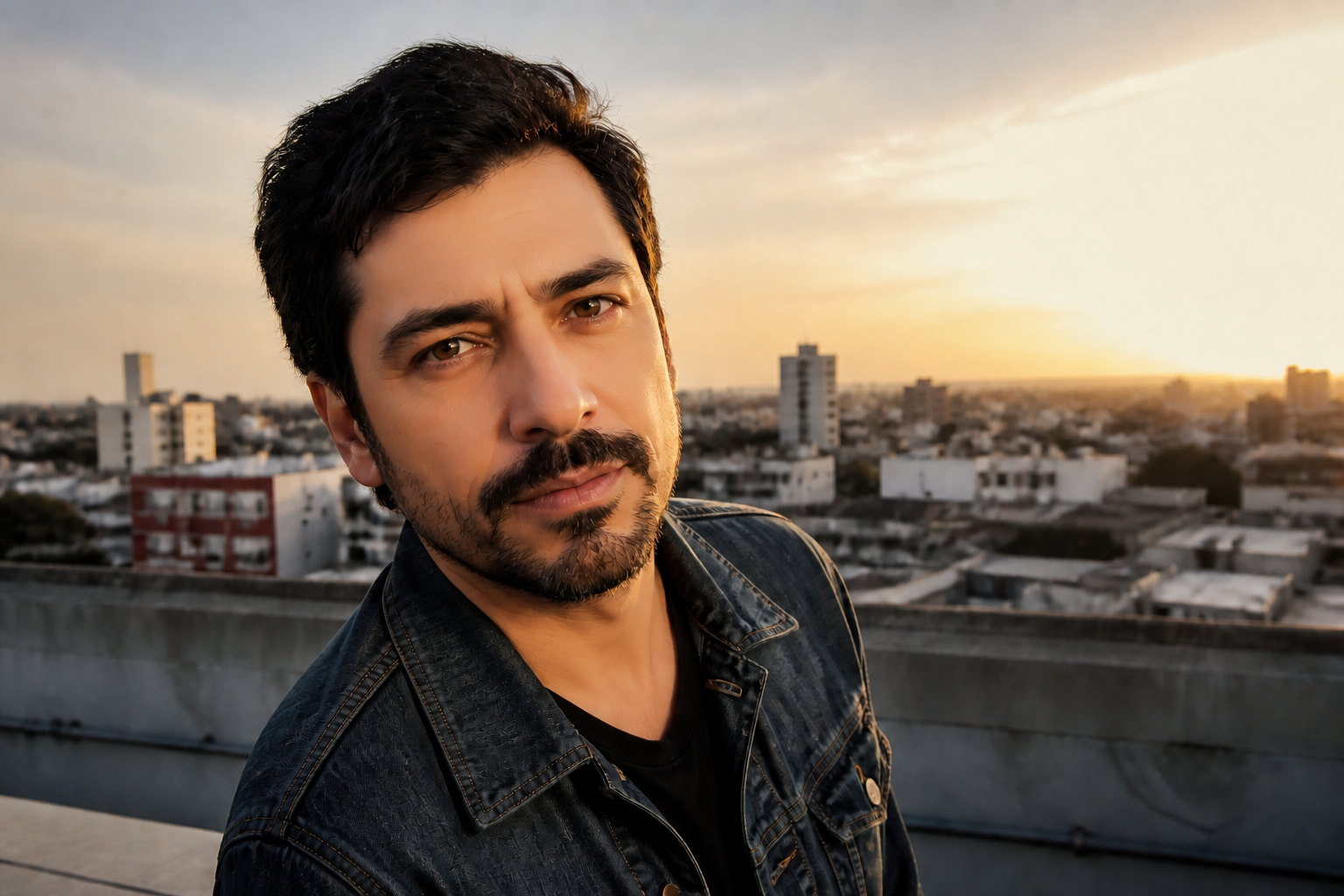 AFTER
AFTER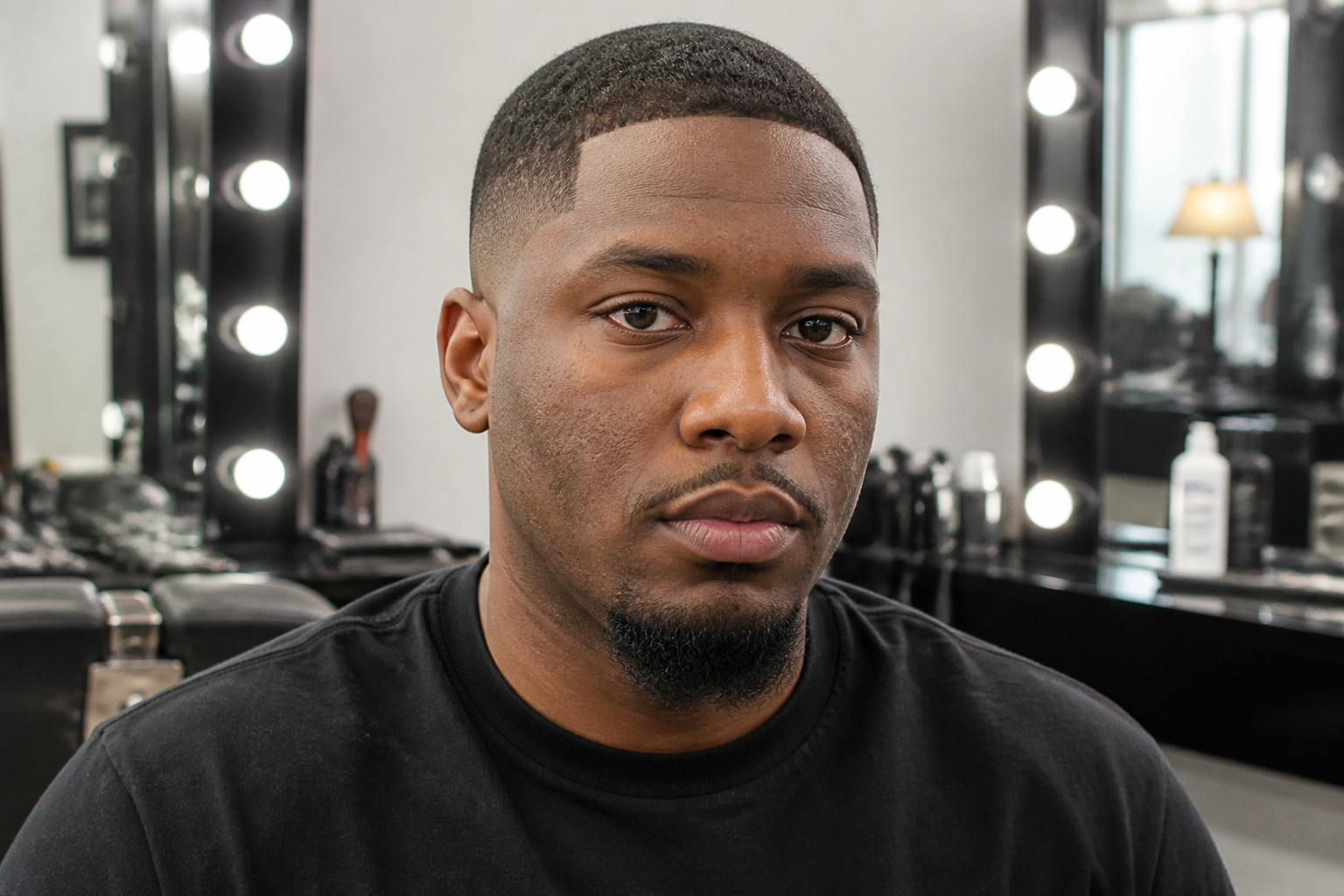 BEFORE
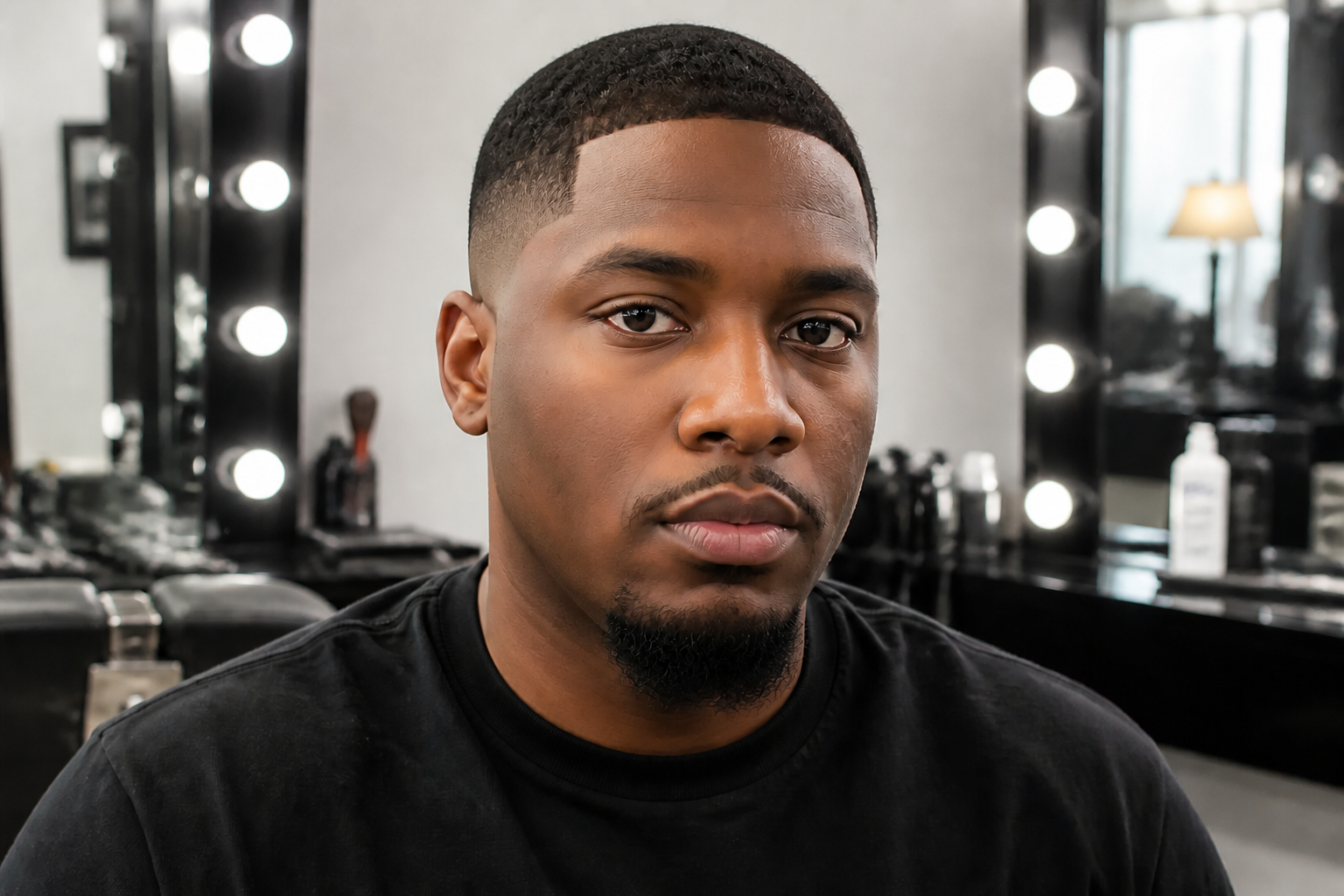 AFTER
AFTER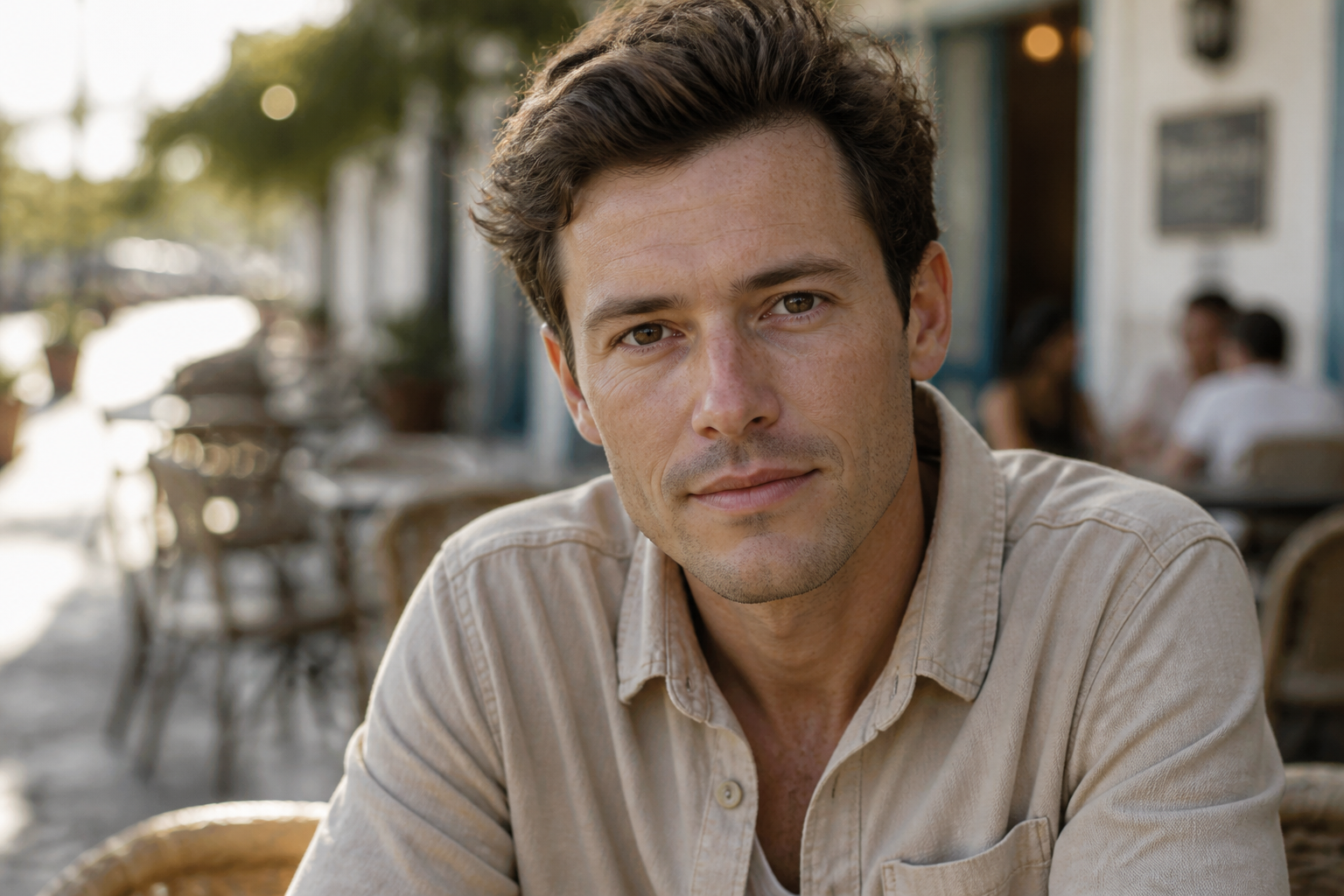 BEFORE
 AFTER
AFTER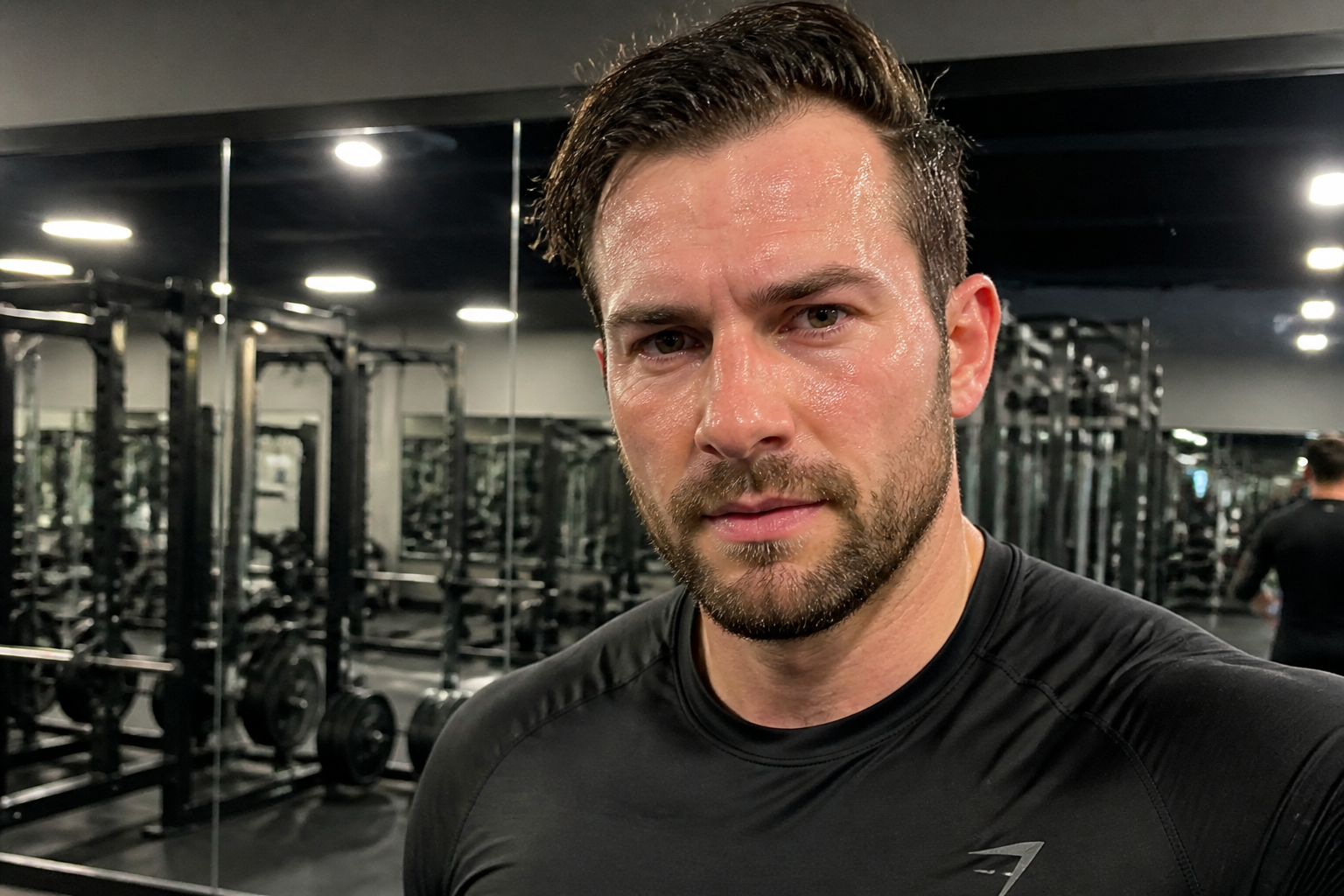 BEFORE
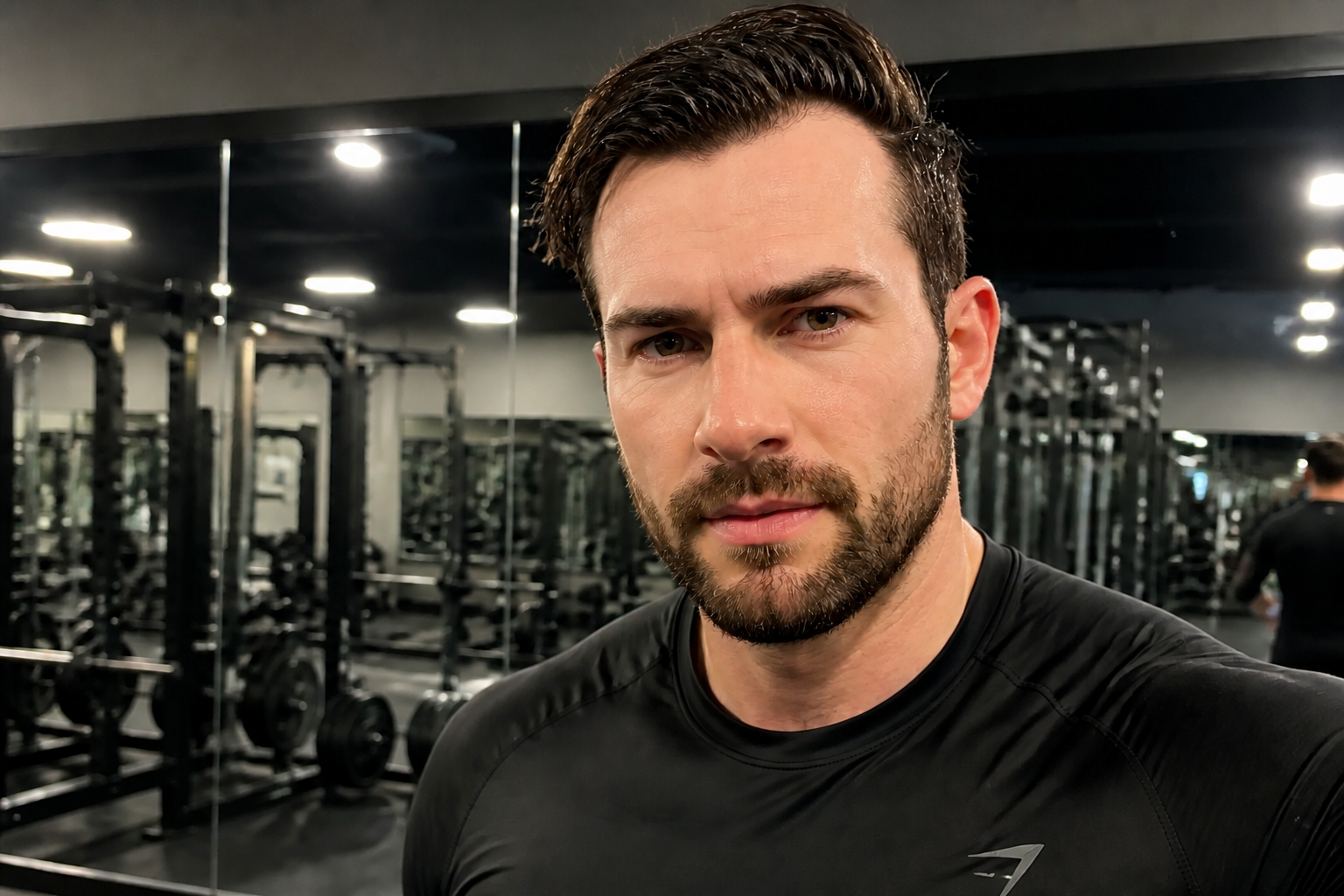 AFTER
AFTER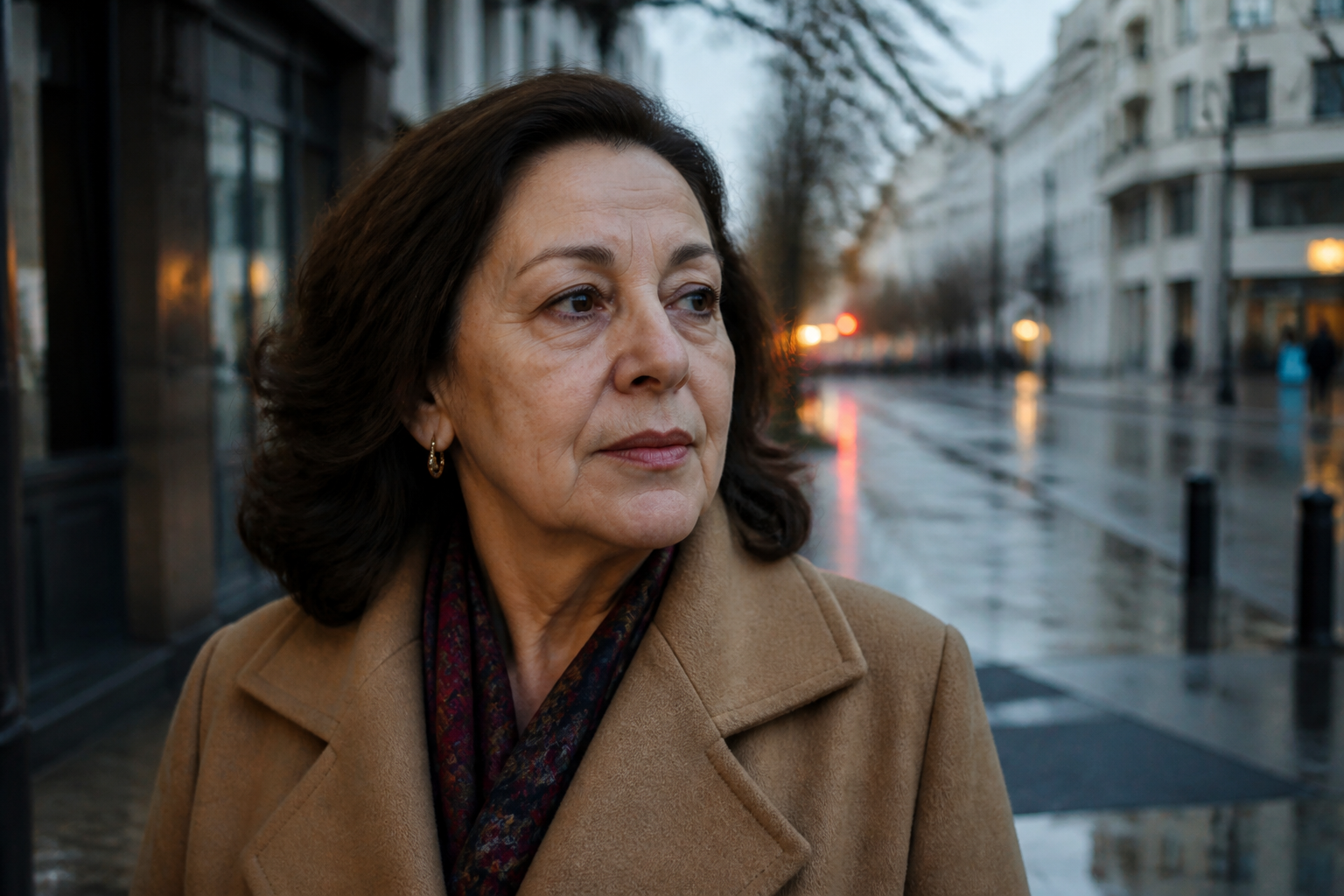 BEFORE
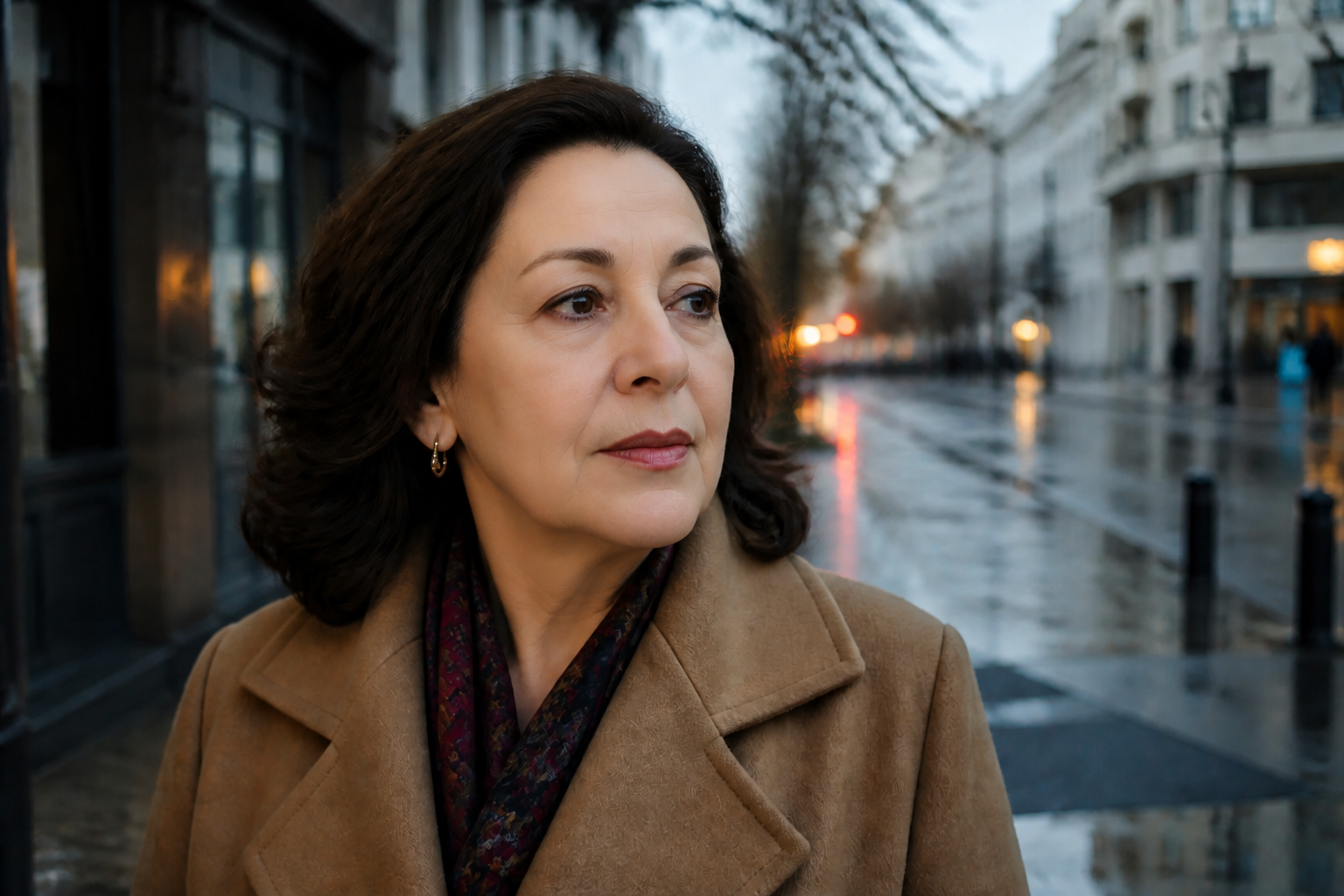 AFTERBEFOREAFTERBEFOREAFTERBEFOREAFTERBEFOREAFTERBEFOREAFTER
Key Features
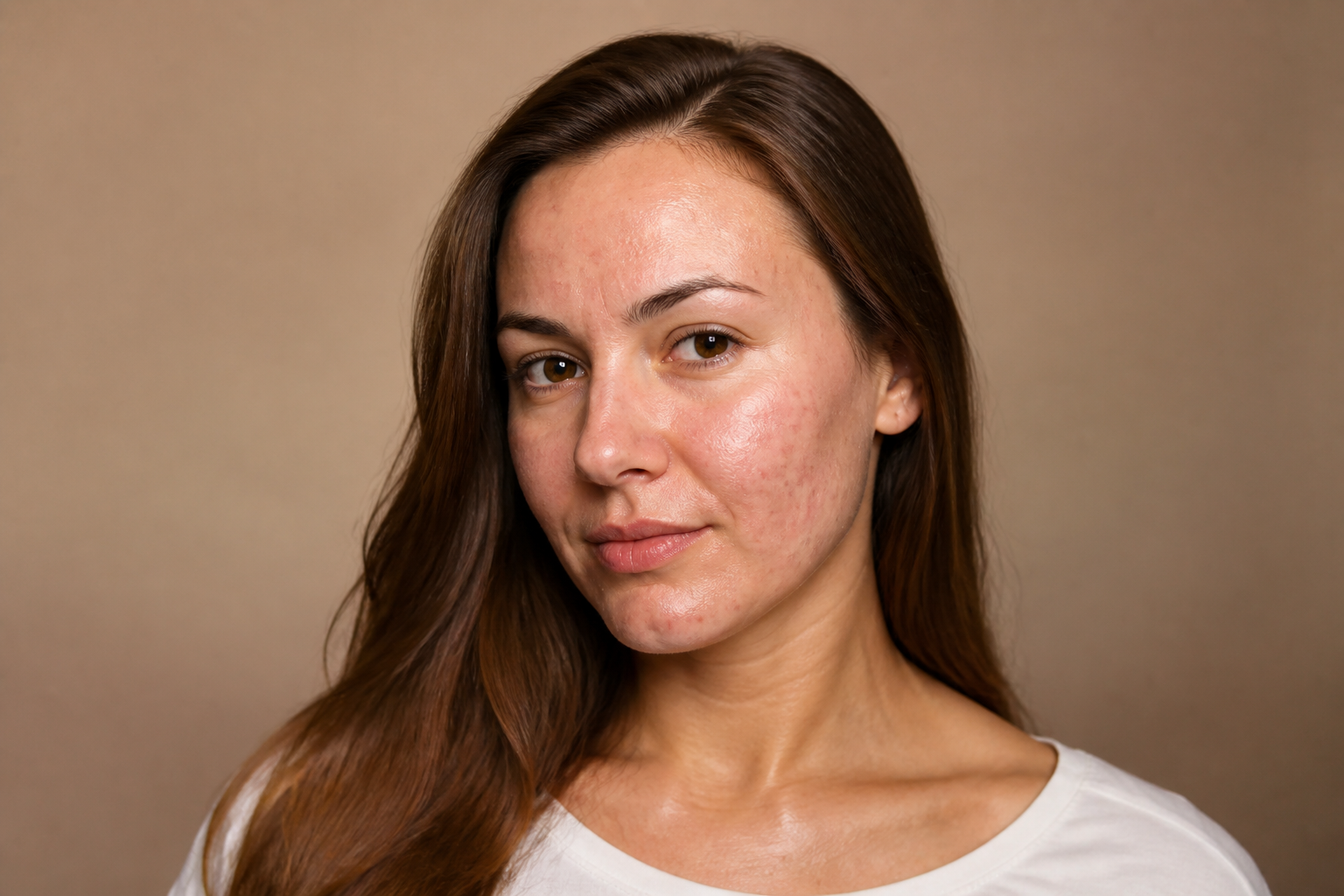
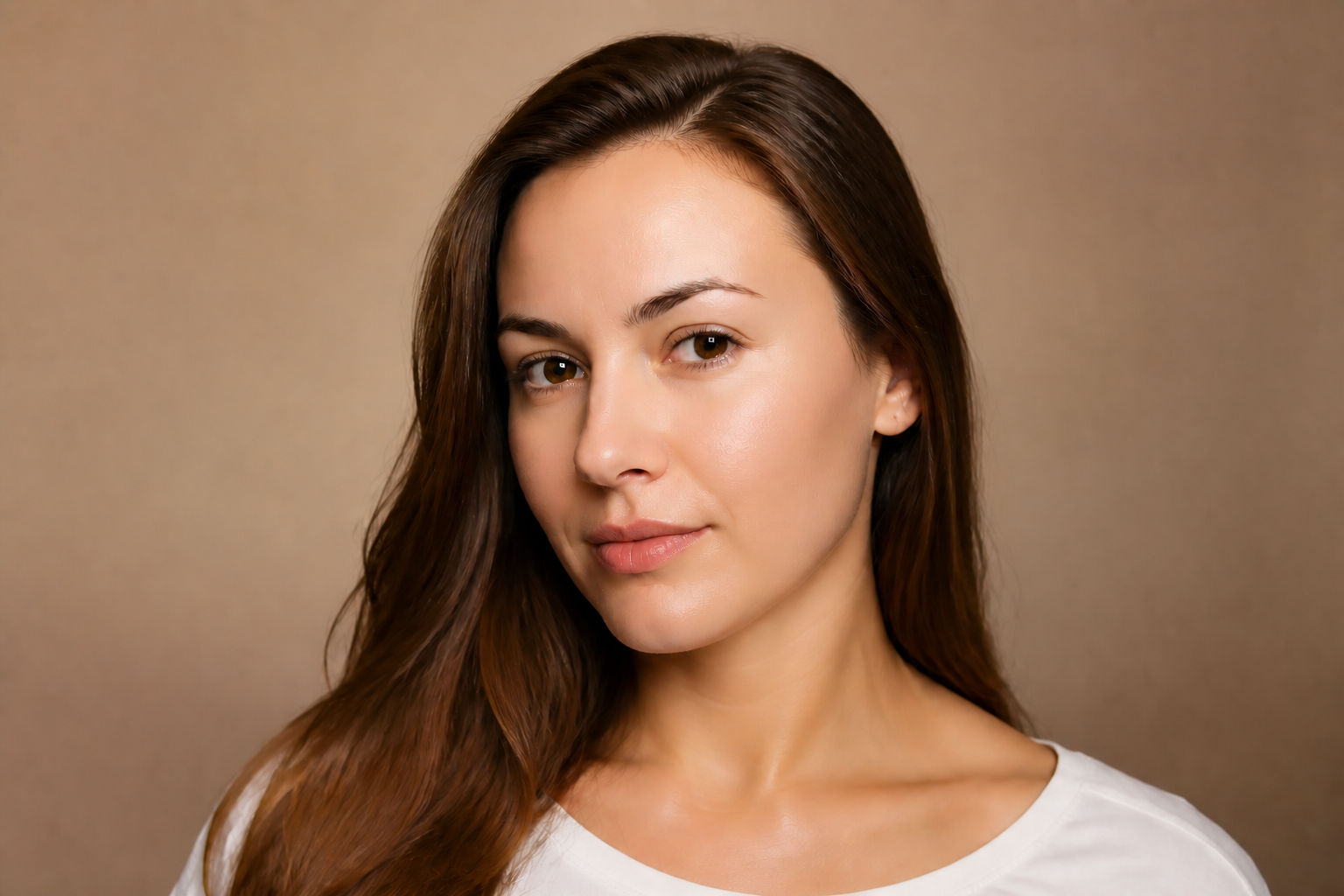
Dramatic skin cleanup
You can make major skin changes that read instantly in a before-and-after view. Remove acne, redness, dark spots, shine, and rough texture in one pass instead of stacking multiple manual tools. This is useful when you want a clear polished result, not a tiny adjustment that barely shows. The edit stays focused on the skin so the photo still looks like the same person.
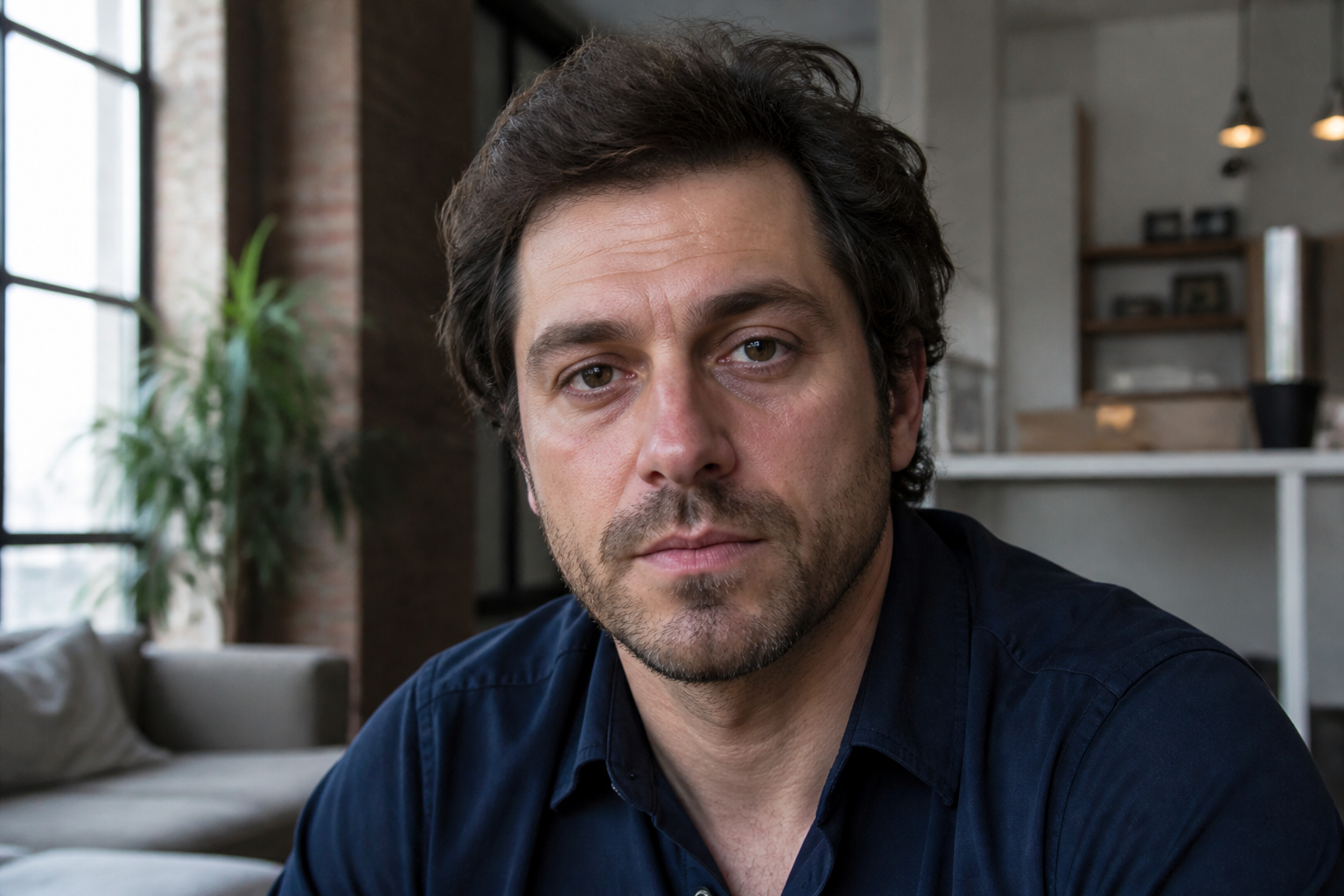
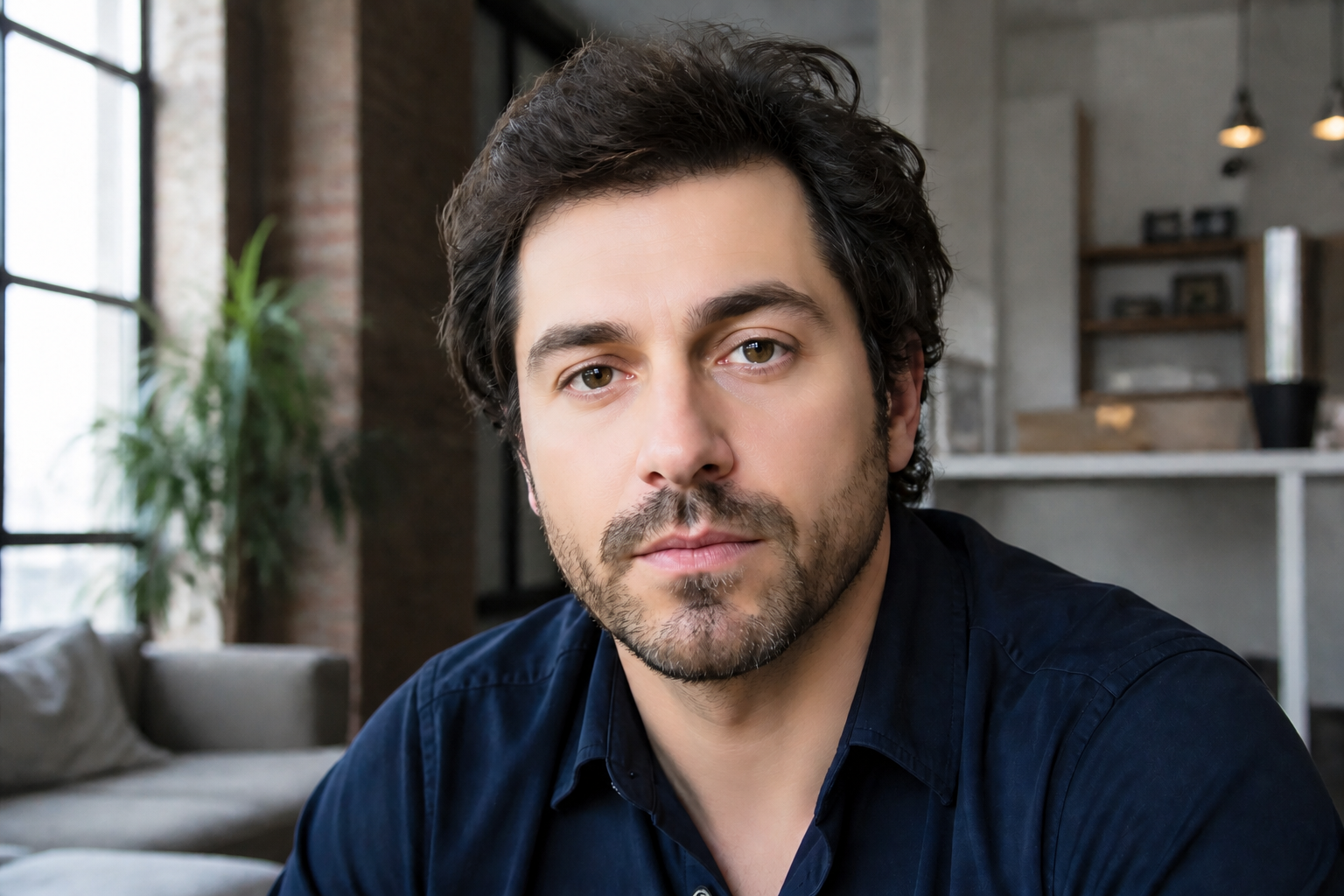
Keep identity intact
Skin can change a lot without changing who the person is. Our AI aims to preserve facial structure, expression, hair, and styling while applying a strong skin edit. That matters for portraits, profile photos, and client work where recognition is important. You get a visible retouch without rebuilding the whole face.
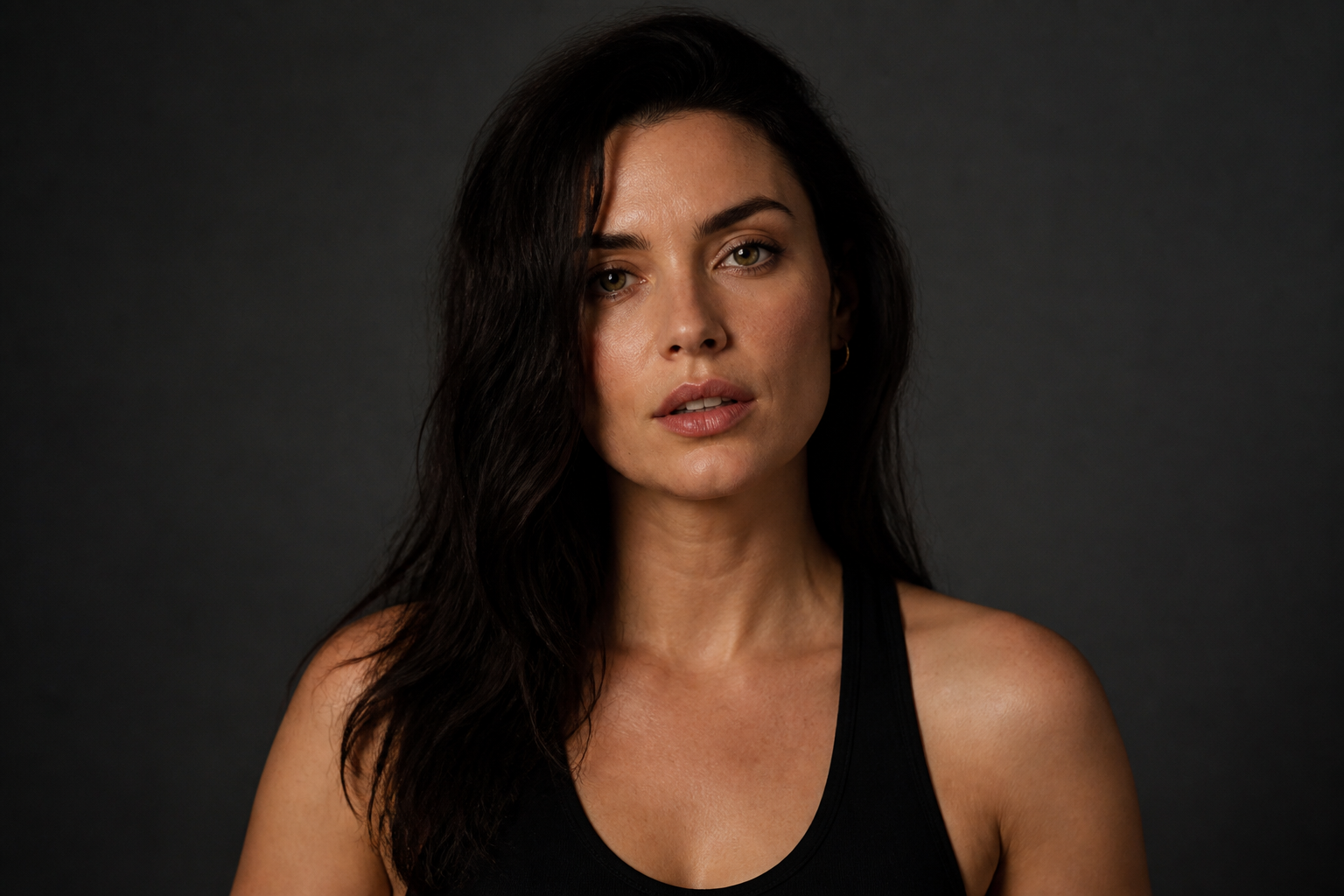
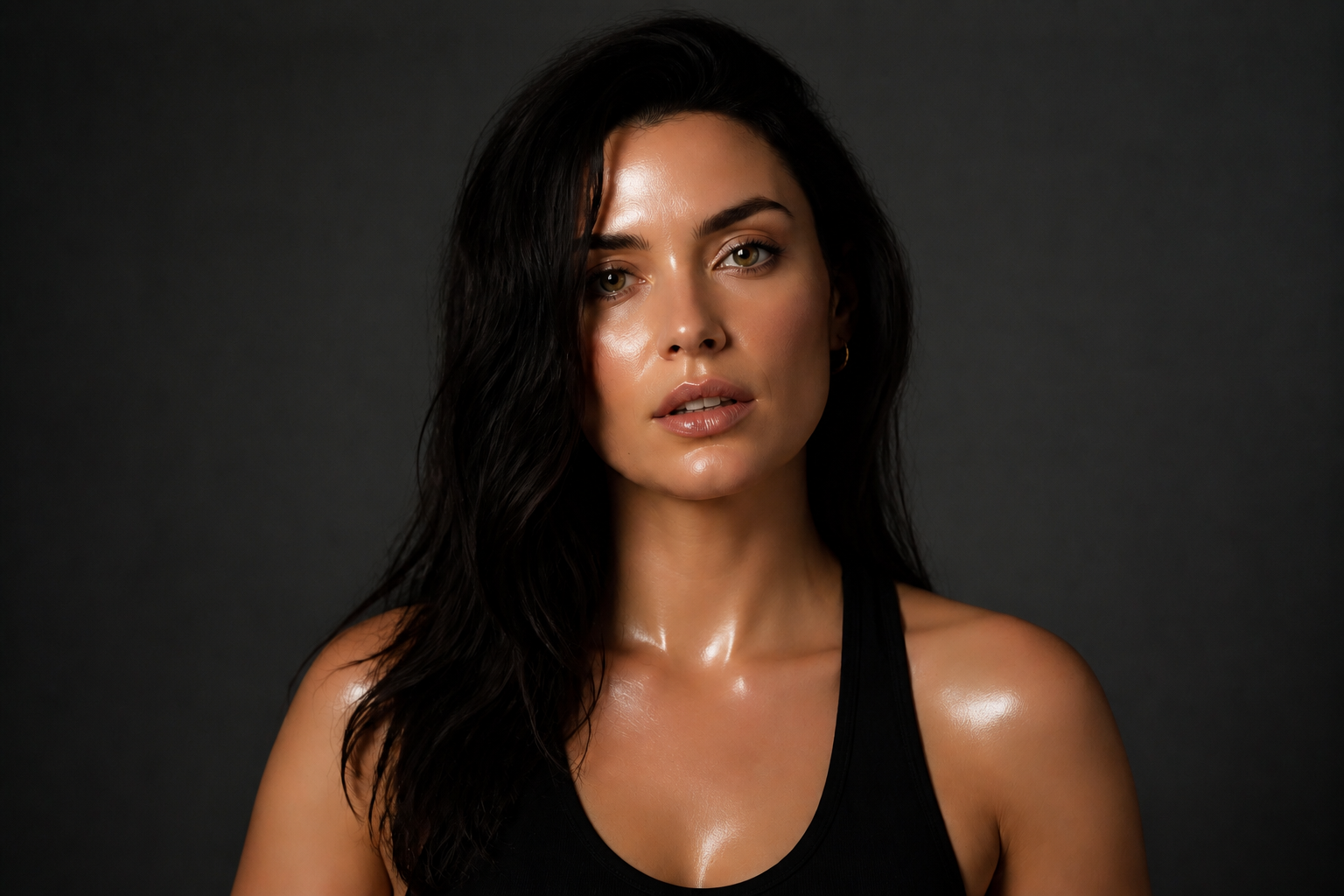
From natural to editorial
Some edits need a realistic clean finish, while others need a beauty-campaign look. You can push skin toward matte, glossy, bronzed, porcelain, or fully stylized results with a short prompt. That gives you more range than a standard blemish remover. It works for creator content, mockups, and mood-board level visuals.
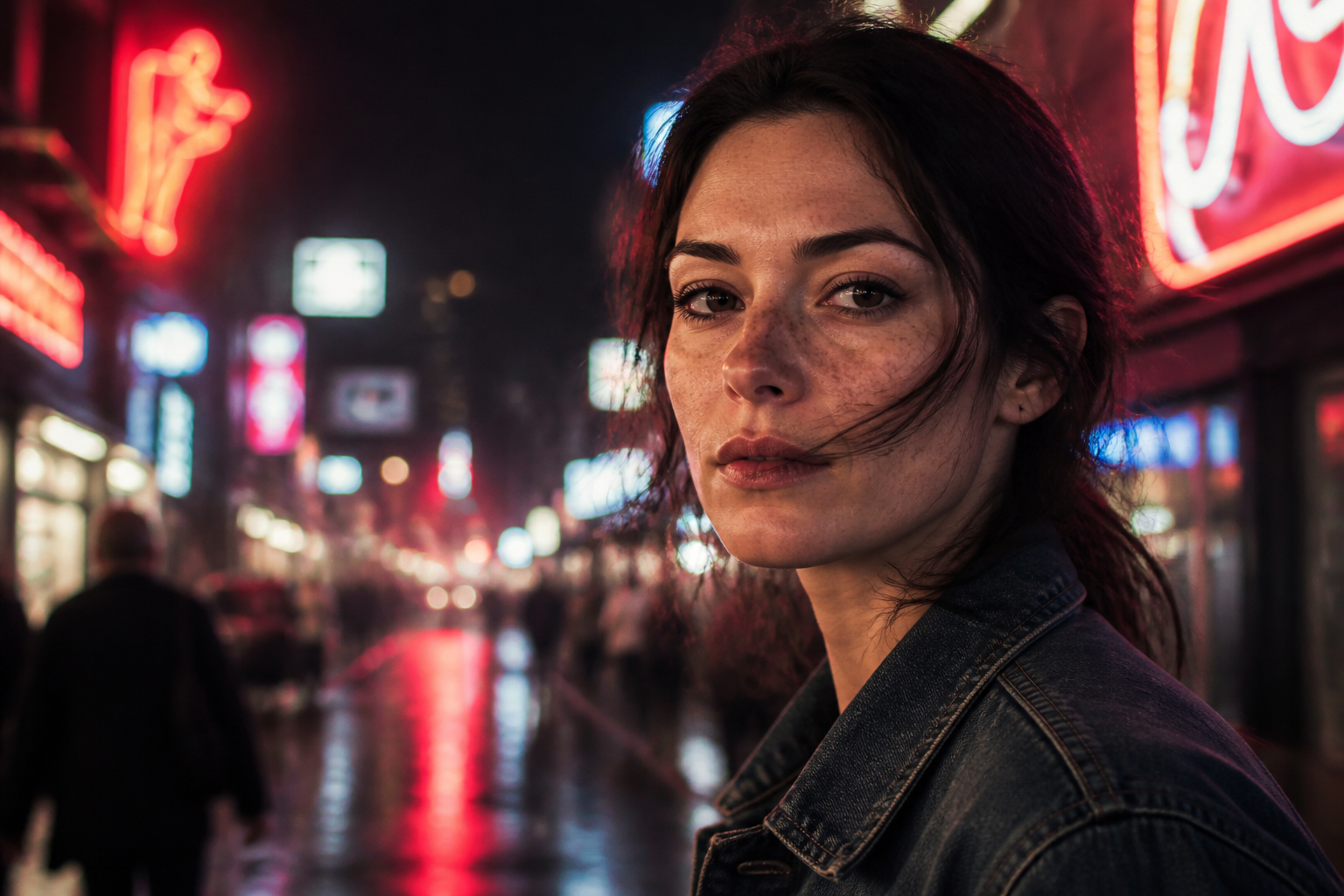
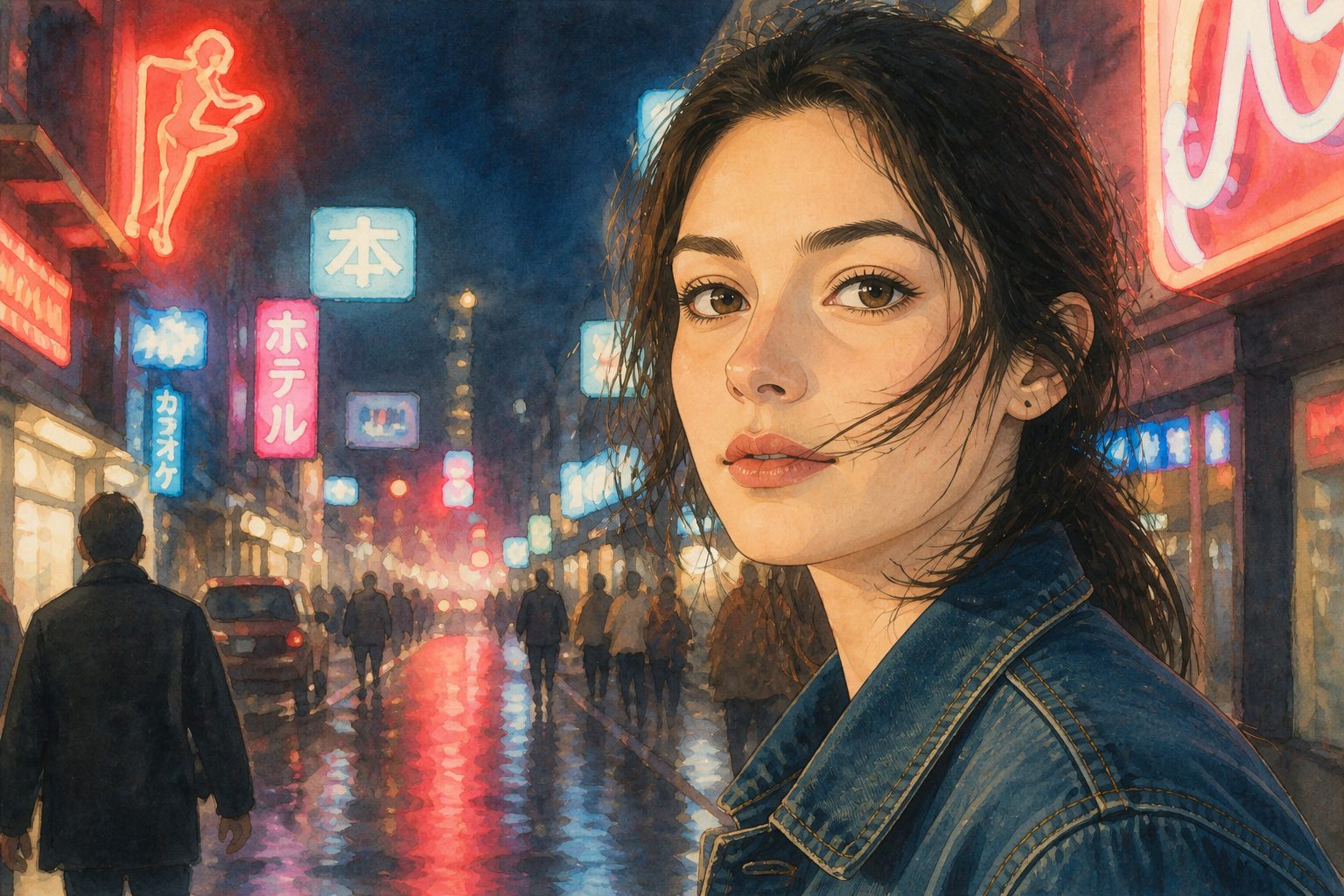
Works across styles
The tool is not limited to plain photo retouching. You can turn realistic skin into stylized anime, comic, or fashion-art skin while keeping the original subject and framing. This helps when you want concept art or social content with a strong visual hook. It is faster than repainting skin by hand across multiple layers.
How It Works
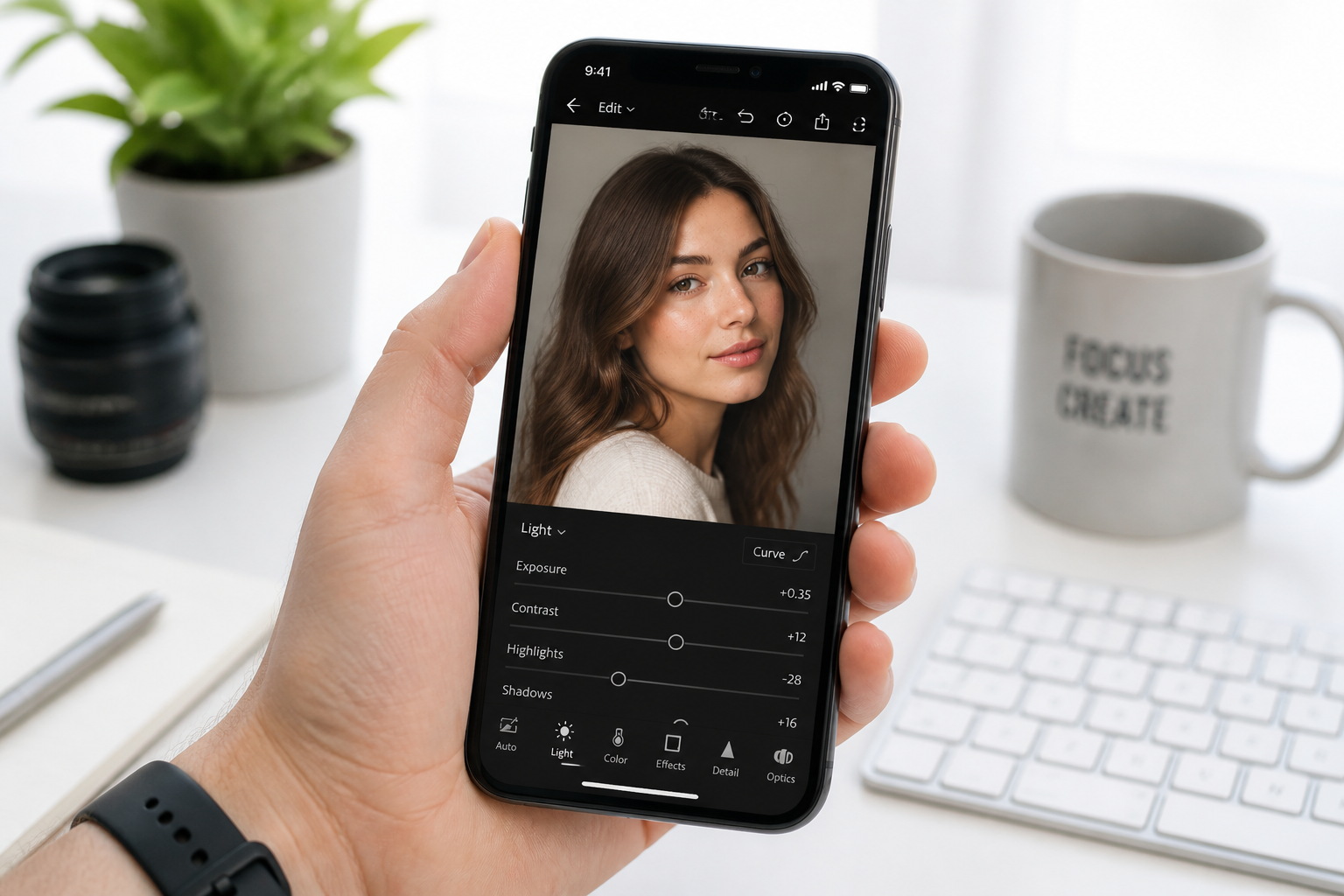
Upload your photo
Start with a clear portrait or selfie where the skin is easy to see. Well-lit images give the AI more detail to work with and make the before-and-after difference stronger.
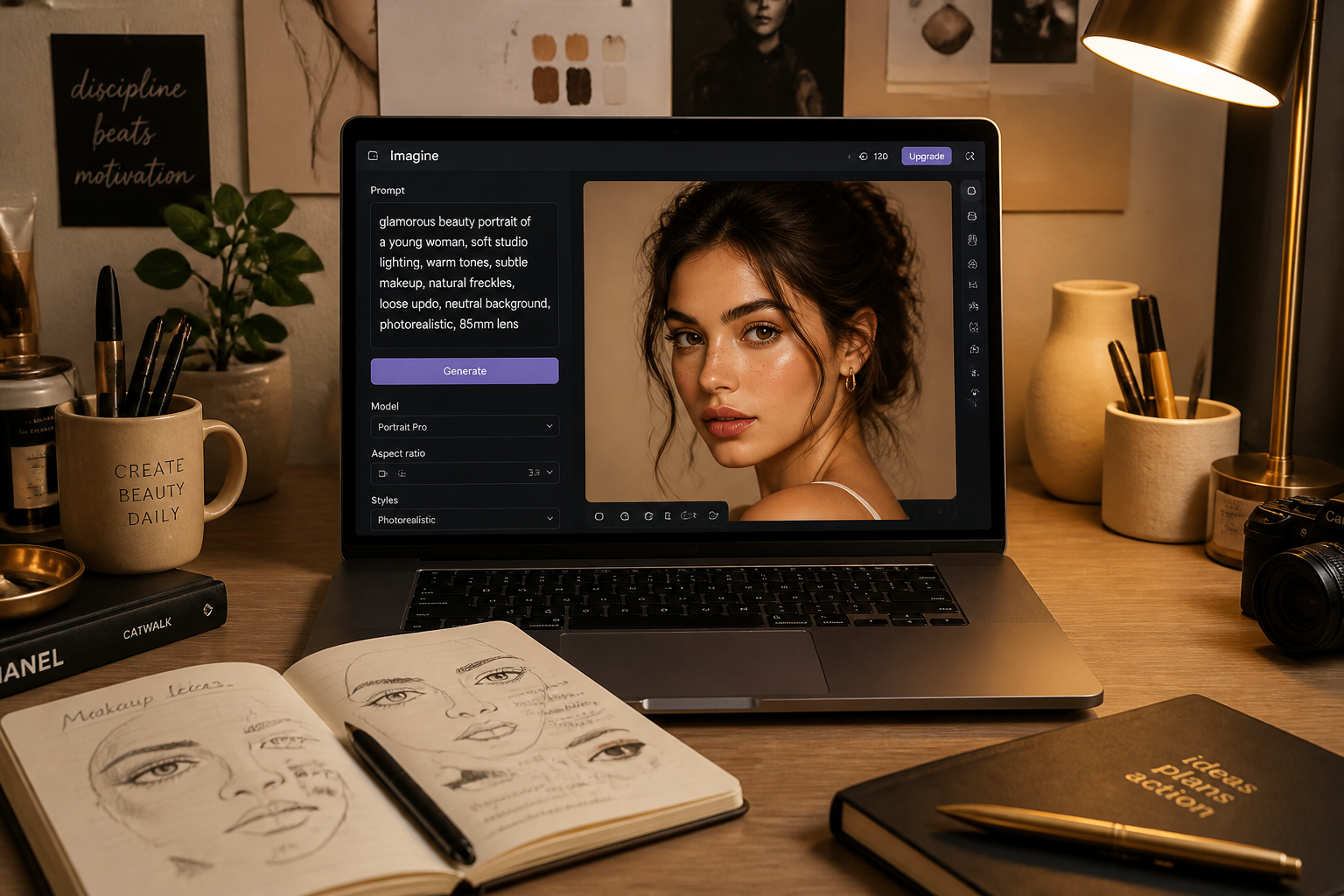
Describe the skin result
Type the exact skin change you want, such as glass skin, matte cleanup, even tan, or acne removal. The clearer your wording, the more controlled and repeatable the result will be.
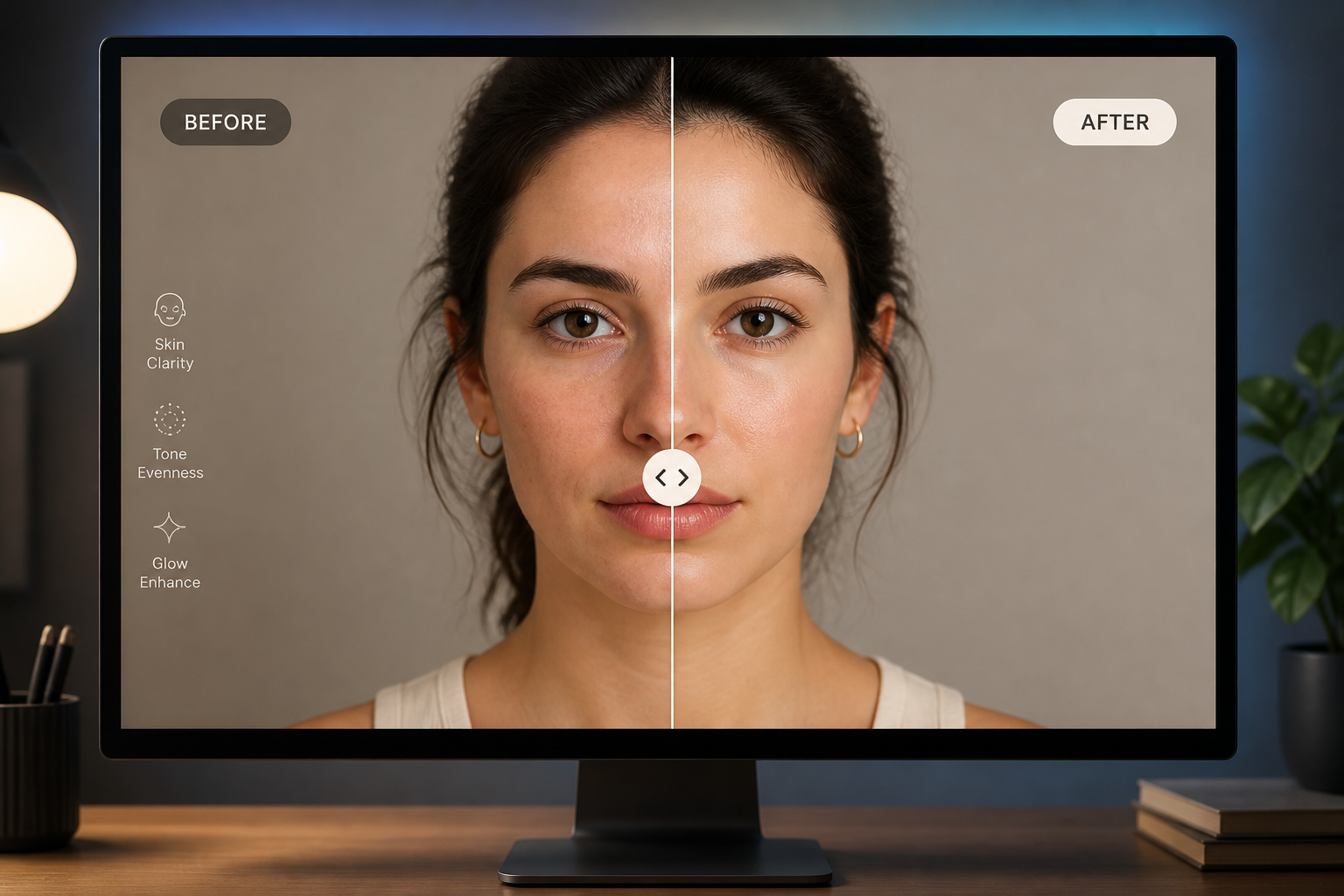
Compare and refine
Review the new skin edit next to the original and decide if you want to push it further. You can rerun the edit with stronger wording to get a bolder skin transformation.
Perfect For
Discover how creators and professionals use ai skin editor
Portrait retouch previews
Show clients quick skin retouch directions before doing full manual post-production.
Beauty content mockups
Create polished skin looks for social posts, ad concepts, and skincare-themed visuals.
Profile photo cleanup
Upgrade selfies and headshots with clearer, brighter, more even-looking skin.
Stylized skin experiments
Test fantasy, editorial, anime, or illustrated skin looks on existing portraits.
Built For
Creators and influencers
Make bold skin edits for thumbnails, reels, mood boards, and visual experiments.
Photographers and retouchers
Mock up skin directions quickly before spending time on manual detail work.
Everyday users
Clean up portraits and selfies without learning complex editing software.
Why use it for skin edits
A quick look at how we compare on the things that matter for this niche.
| Feature | BudgetPixel | Generic AI editors | Manual editing apps |
|---|---|---|---|
| Visible skin transformation | ✓ | — | ✓ |
| Keeps original photo framing | ✓ | — | ✓ |
| Prompt-based skin styles | ✓ | — | — |
| Fast before/after testing | ✓ | ✓ | — |
| Manual skill required | Low | Low | High |
Frequently Asked Questions
What can AI Skin Editor change?
Will the person still look like themselves?
Can I make the skin edit stronger?
Does it only work on realistic photos?
What photos work best?
Create together.
Share your creations, discover trending AI art, and grow with fellow creators.