AI Face Beautifier for Better-Looking Portraits
Refine skin, lighting, and facial detail without changing who you are.
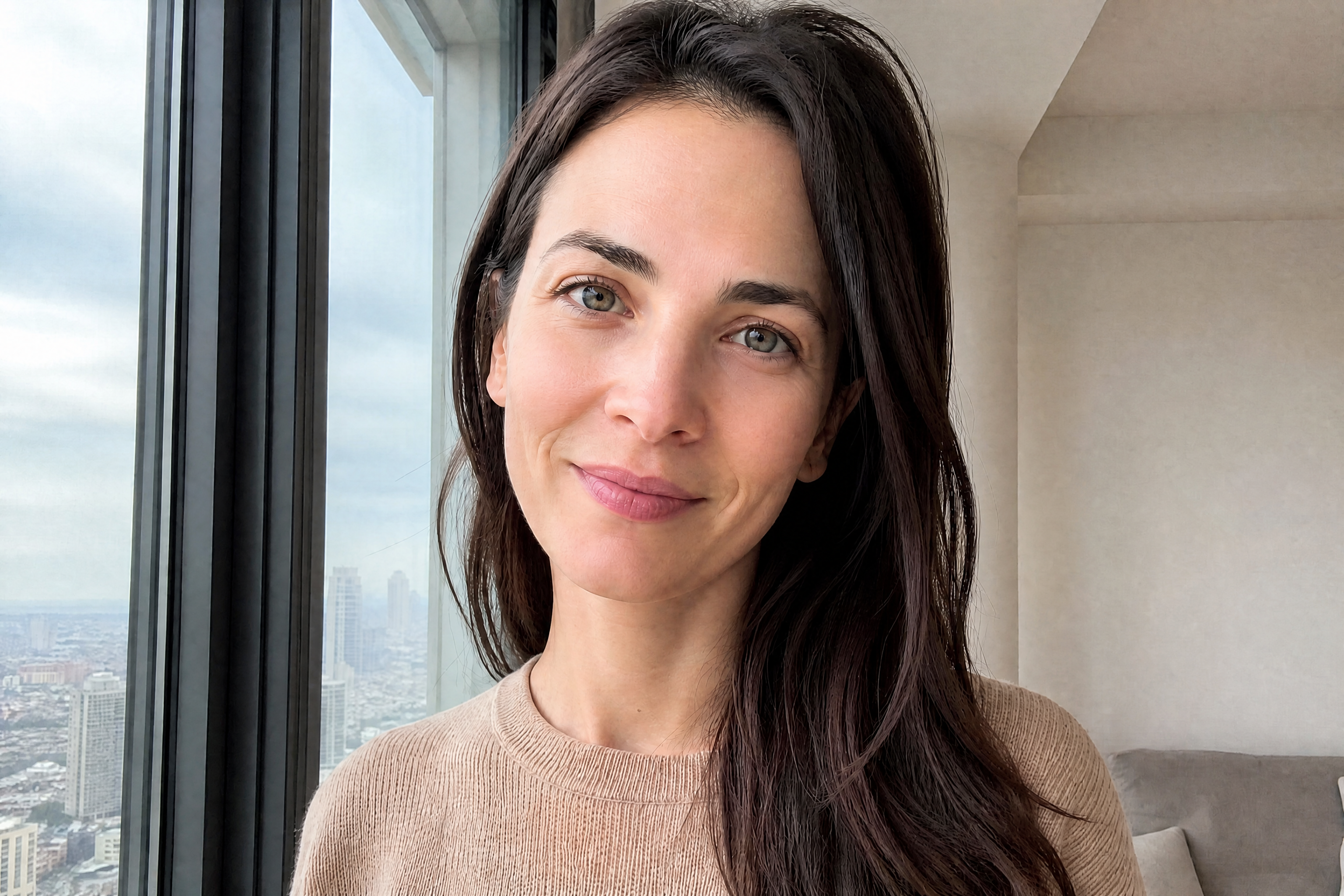
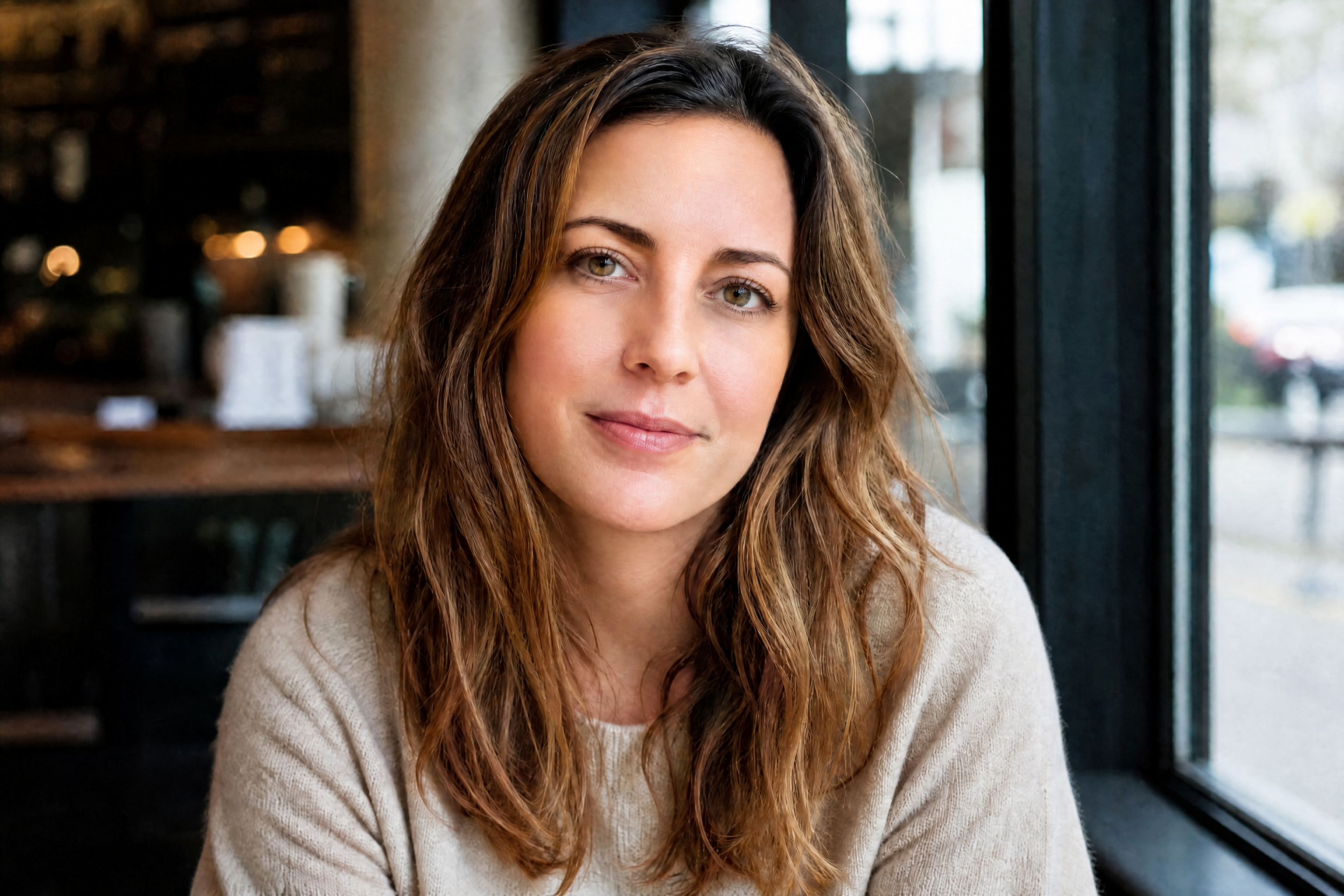
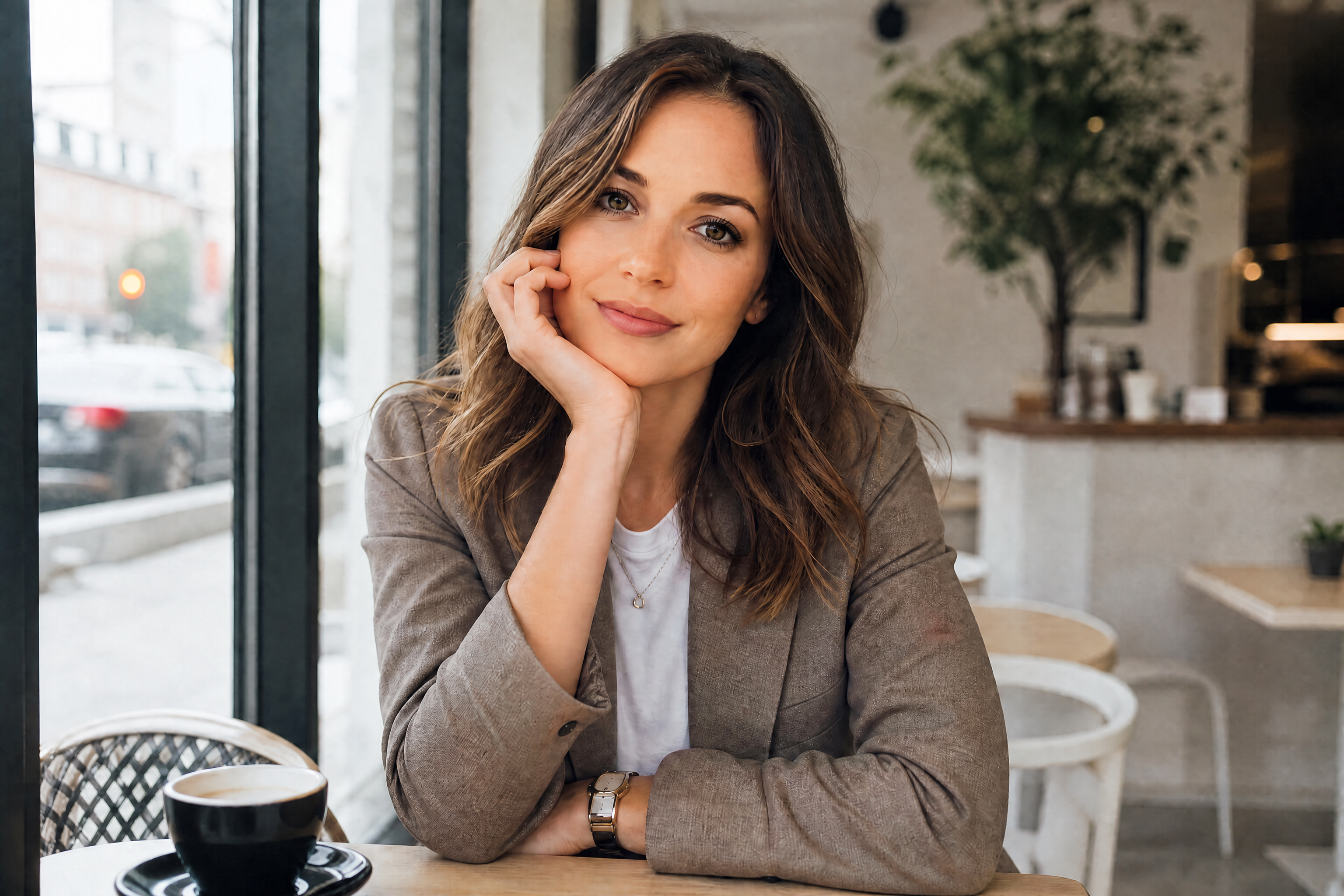
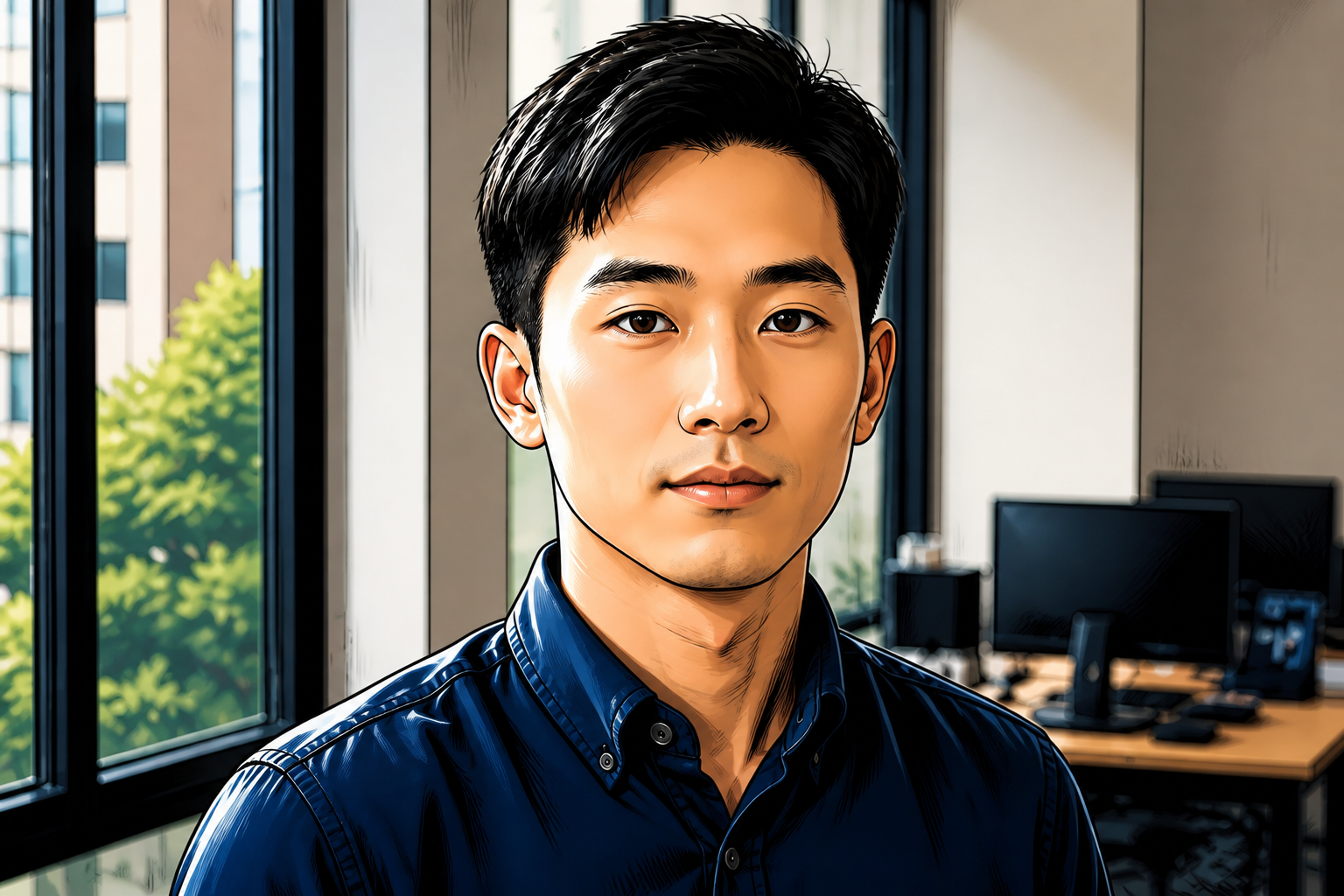
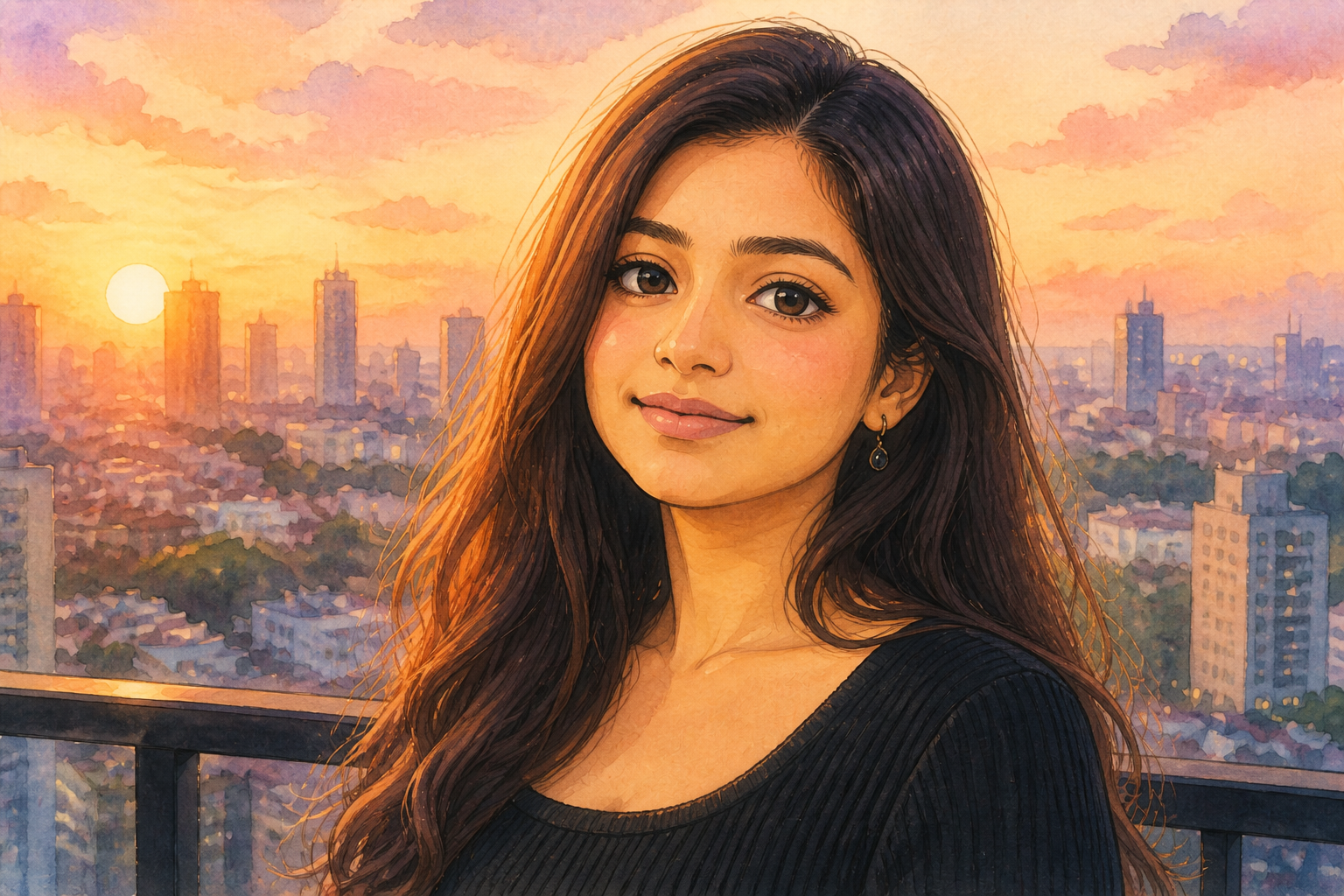
AI Face Beautifier upgrades portraits by smoothing skin, brightening eyes, refining facial balance, and improving overall polish. It keeps the person's identity, pose, and expression recognizable while making the result look cleaner and more camera-ready.
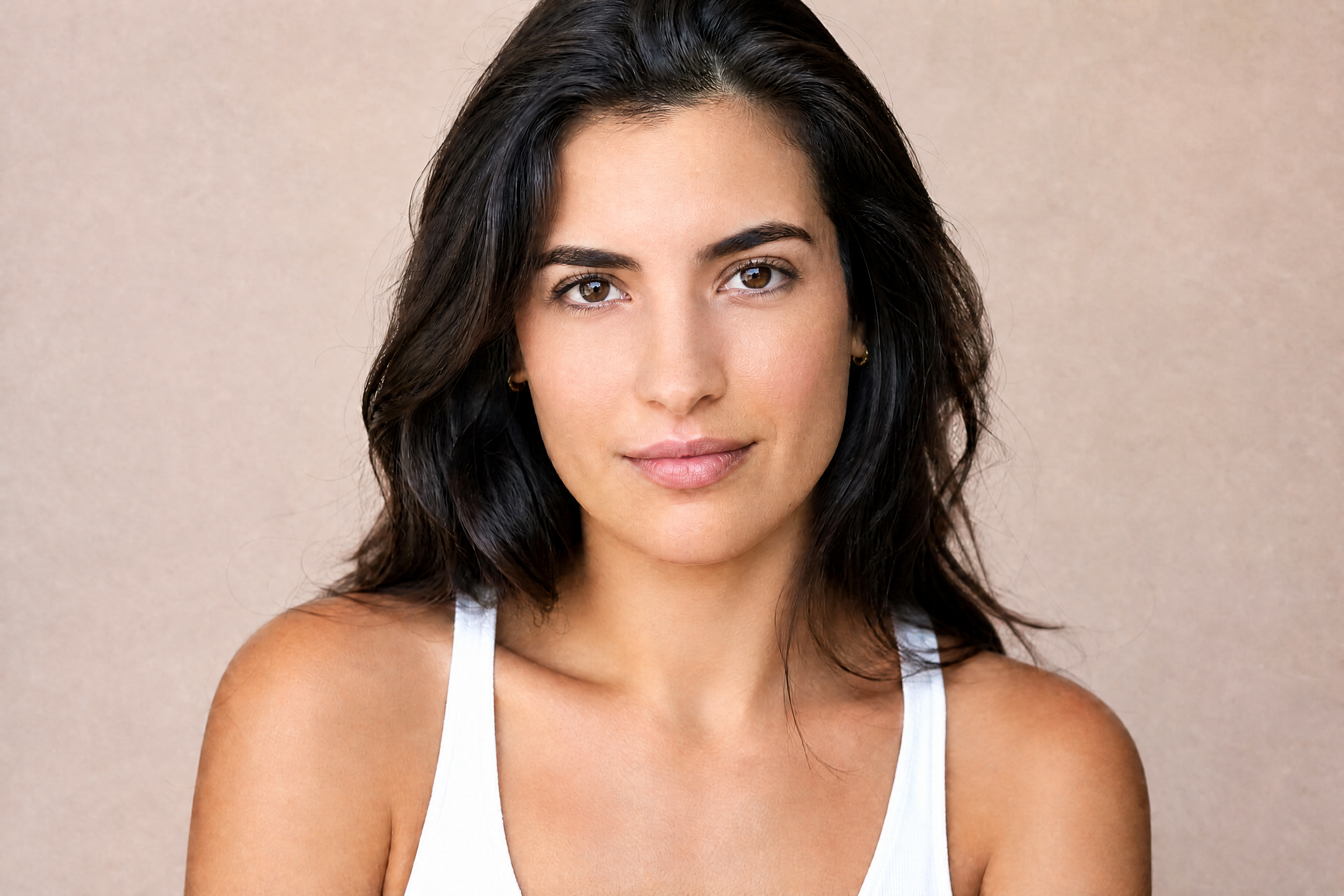
Watch the Transformation
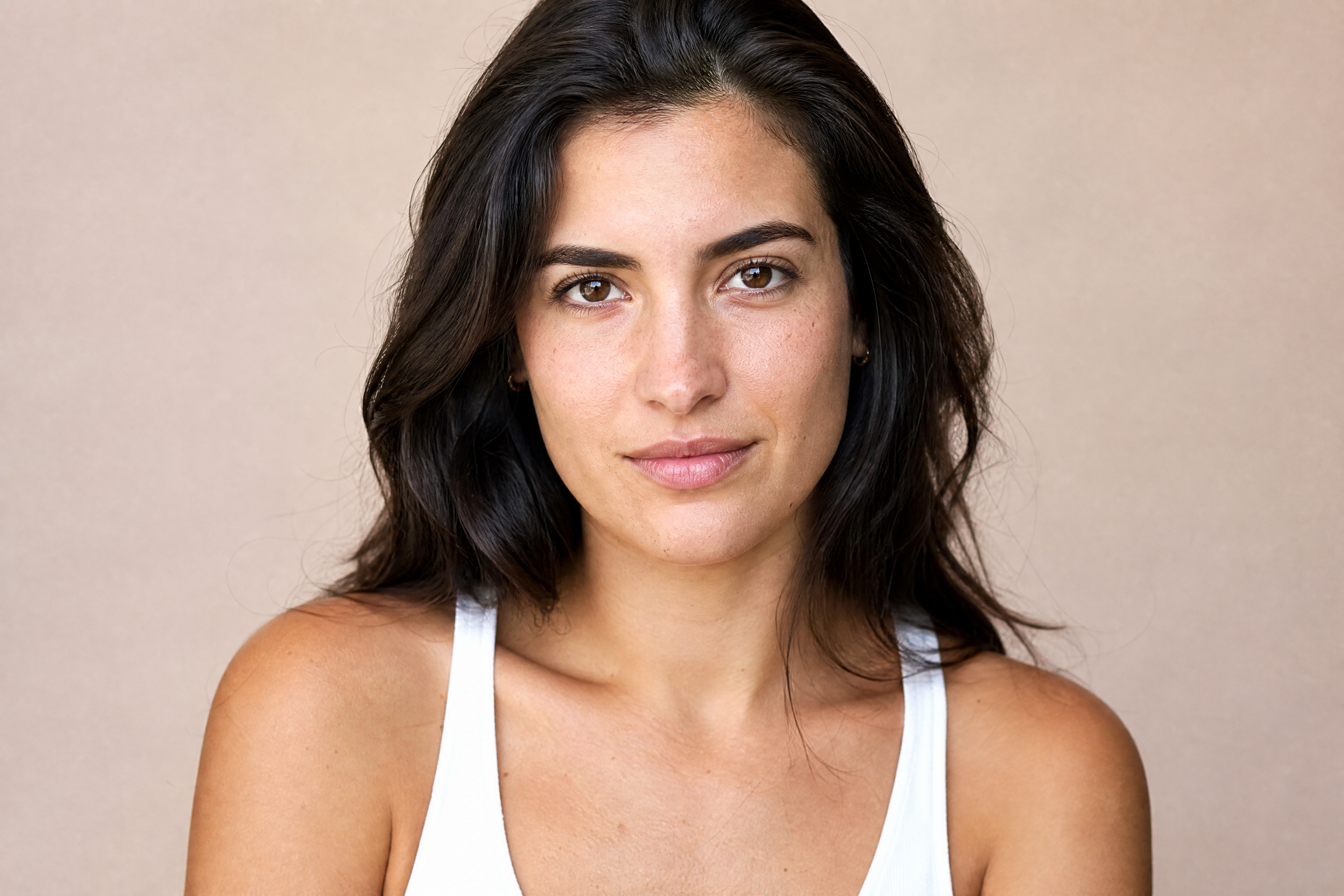
See ai face beautifier in motion — generated end-to-end by our AI.
See It In Action
Real outputs from ai face beautifier.
BEFOREAFTER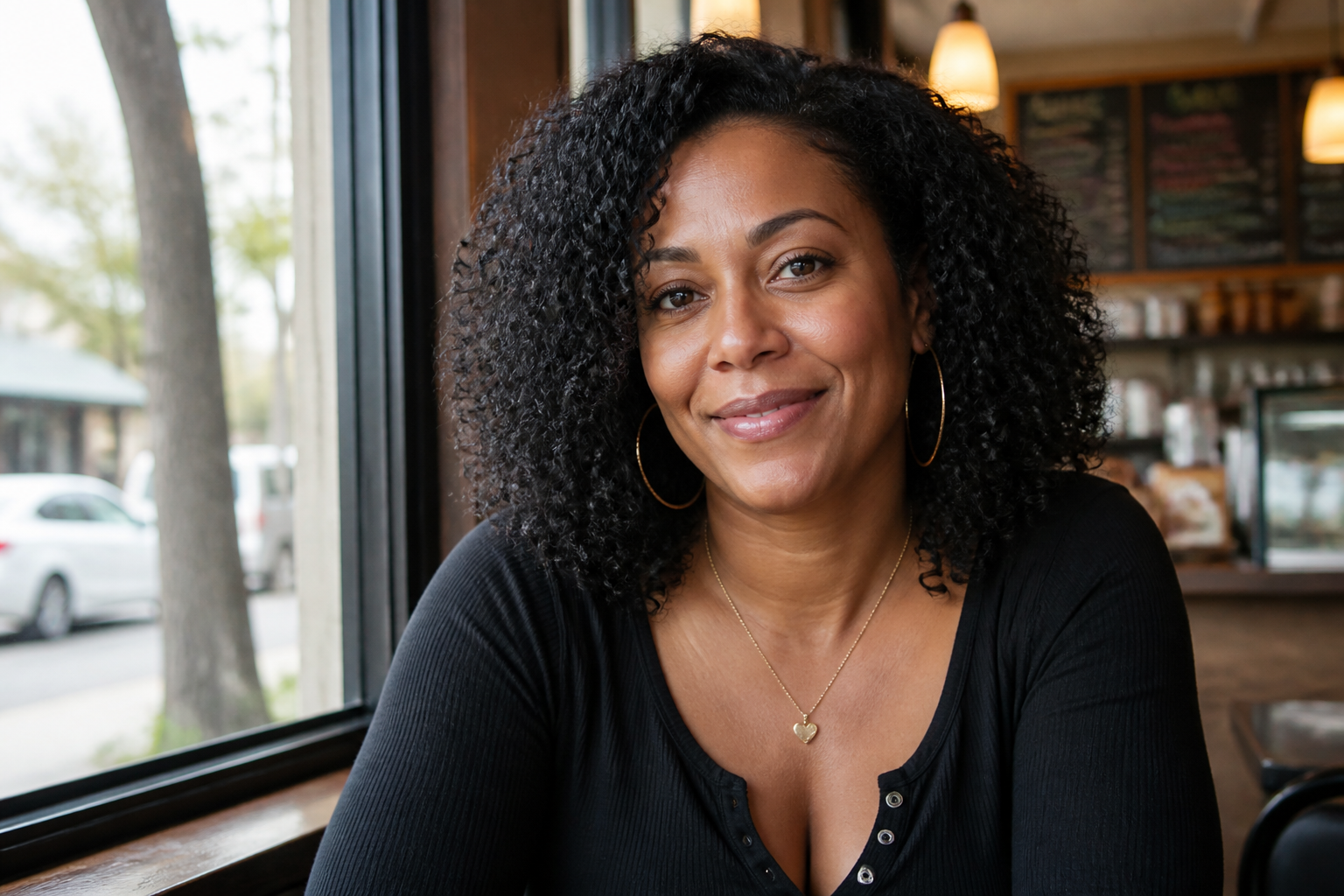 BEFORE
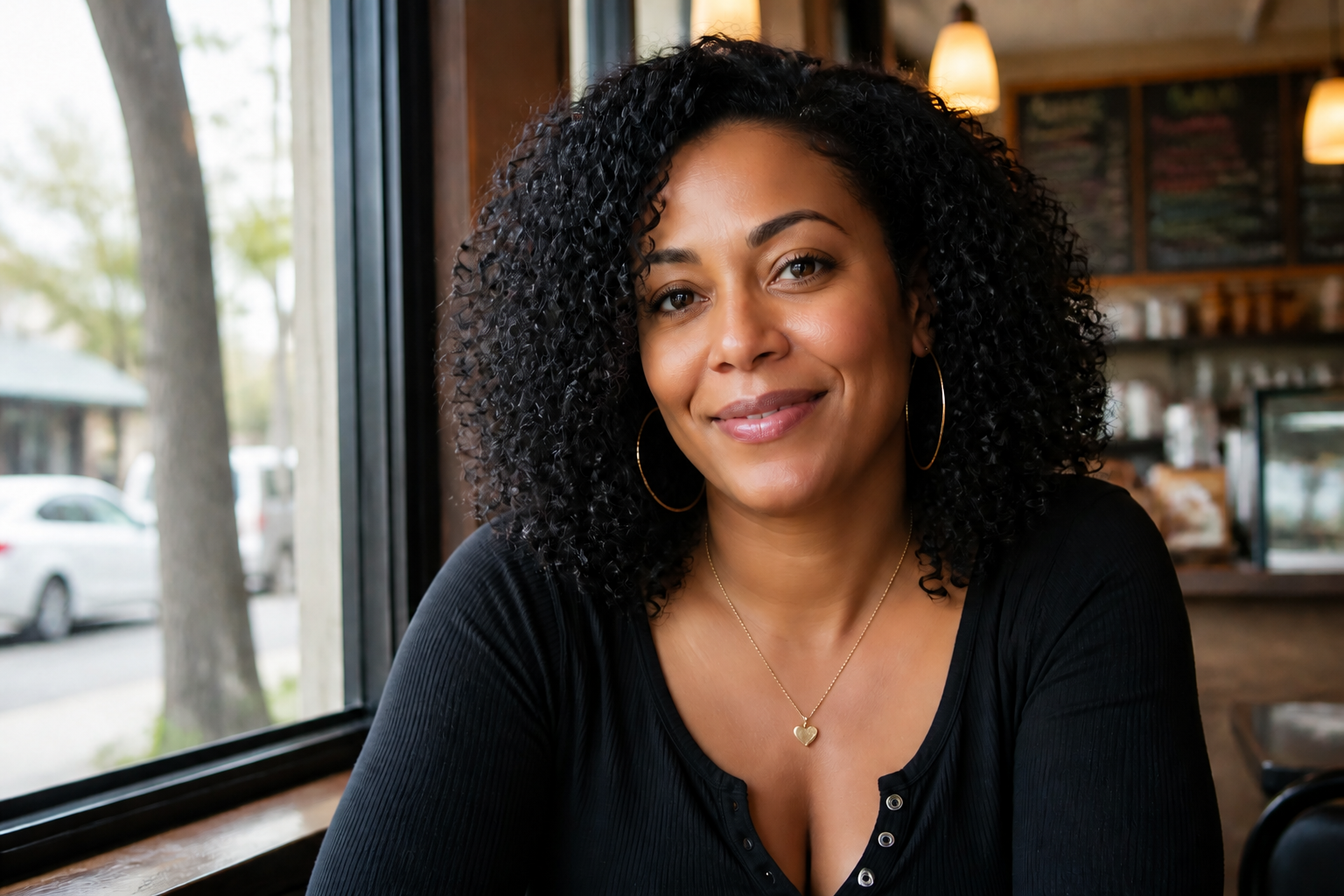 AFTER
AFTER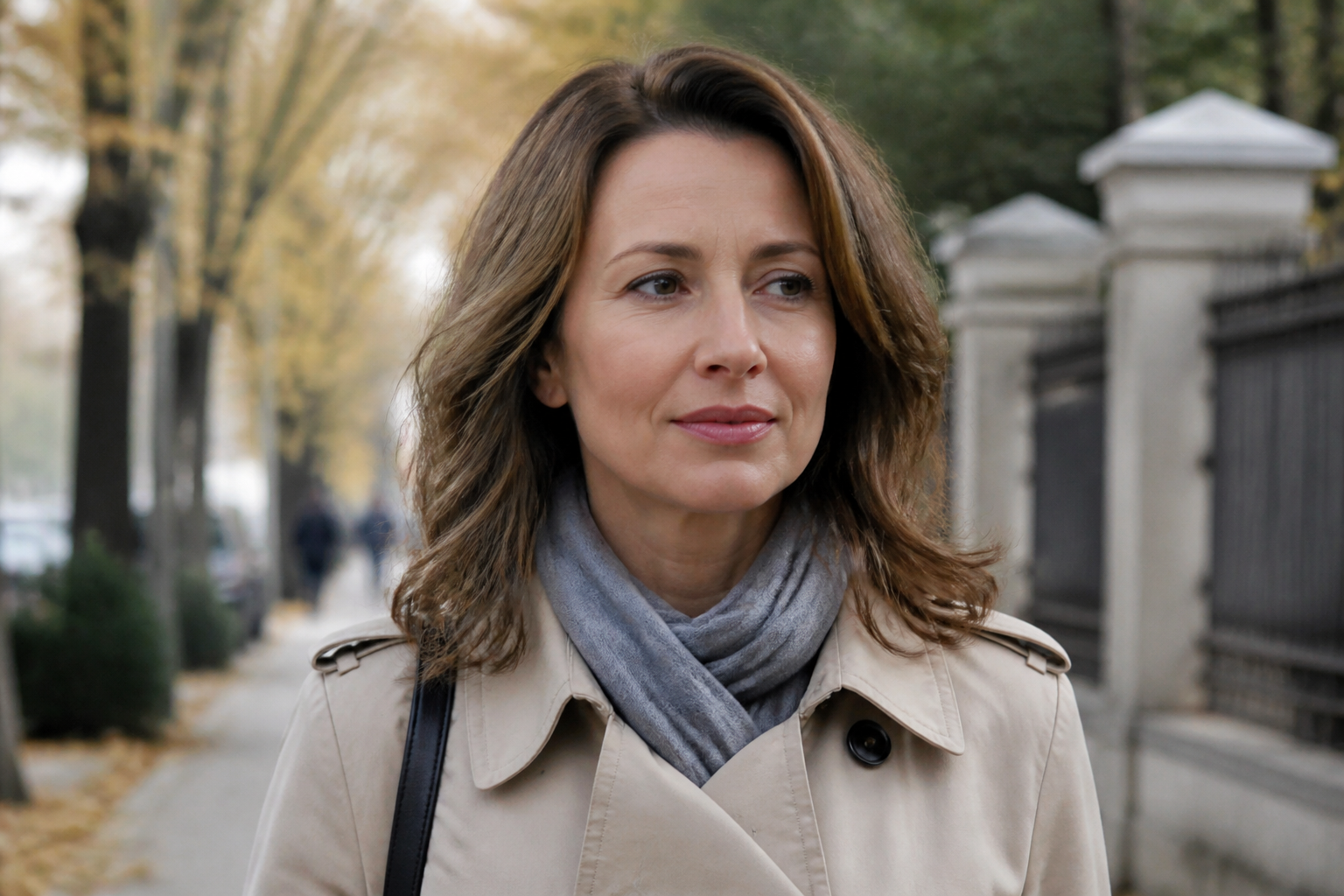 BEFORE
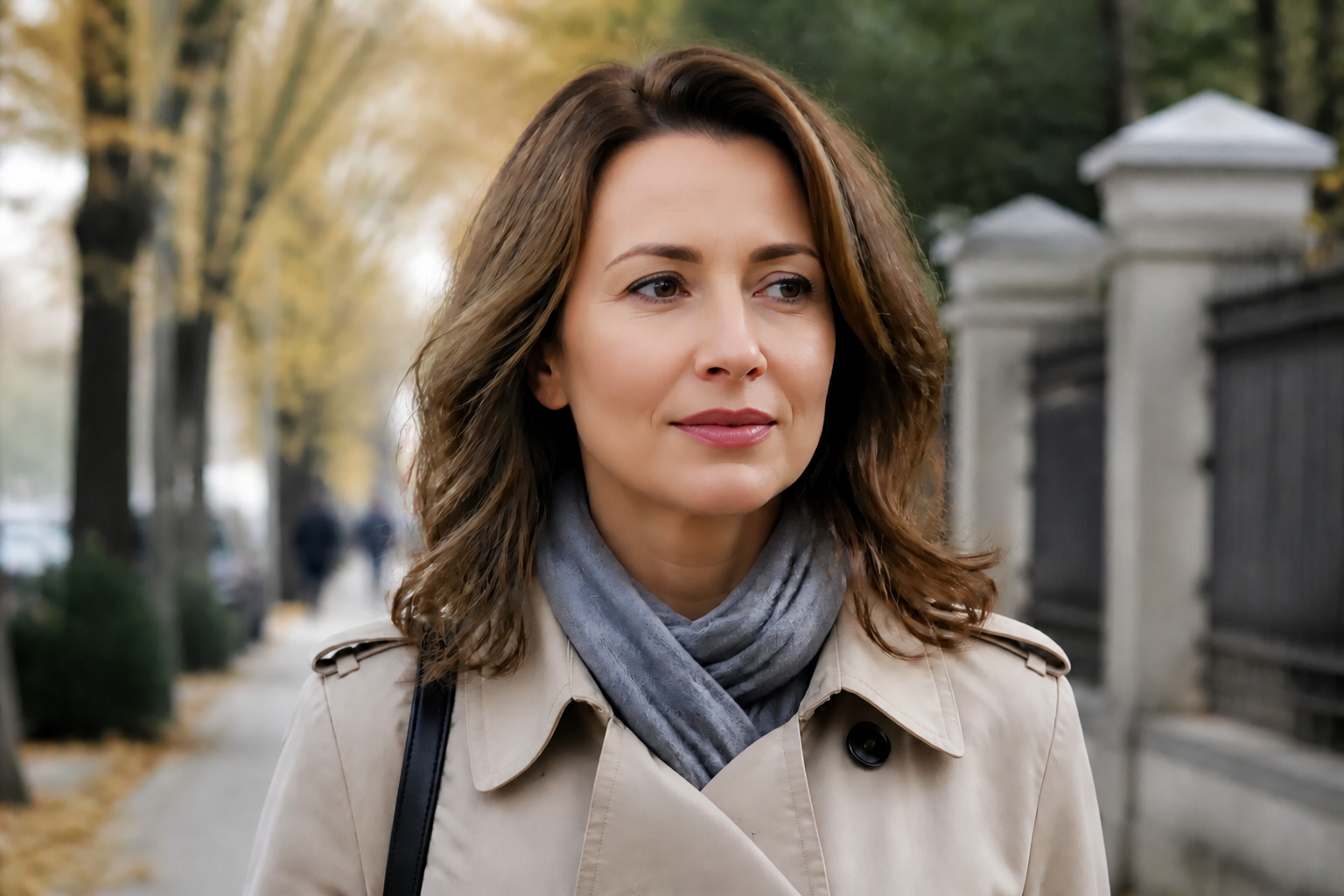 AFTER
AFTER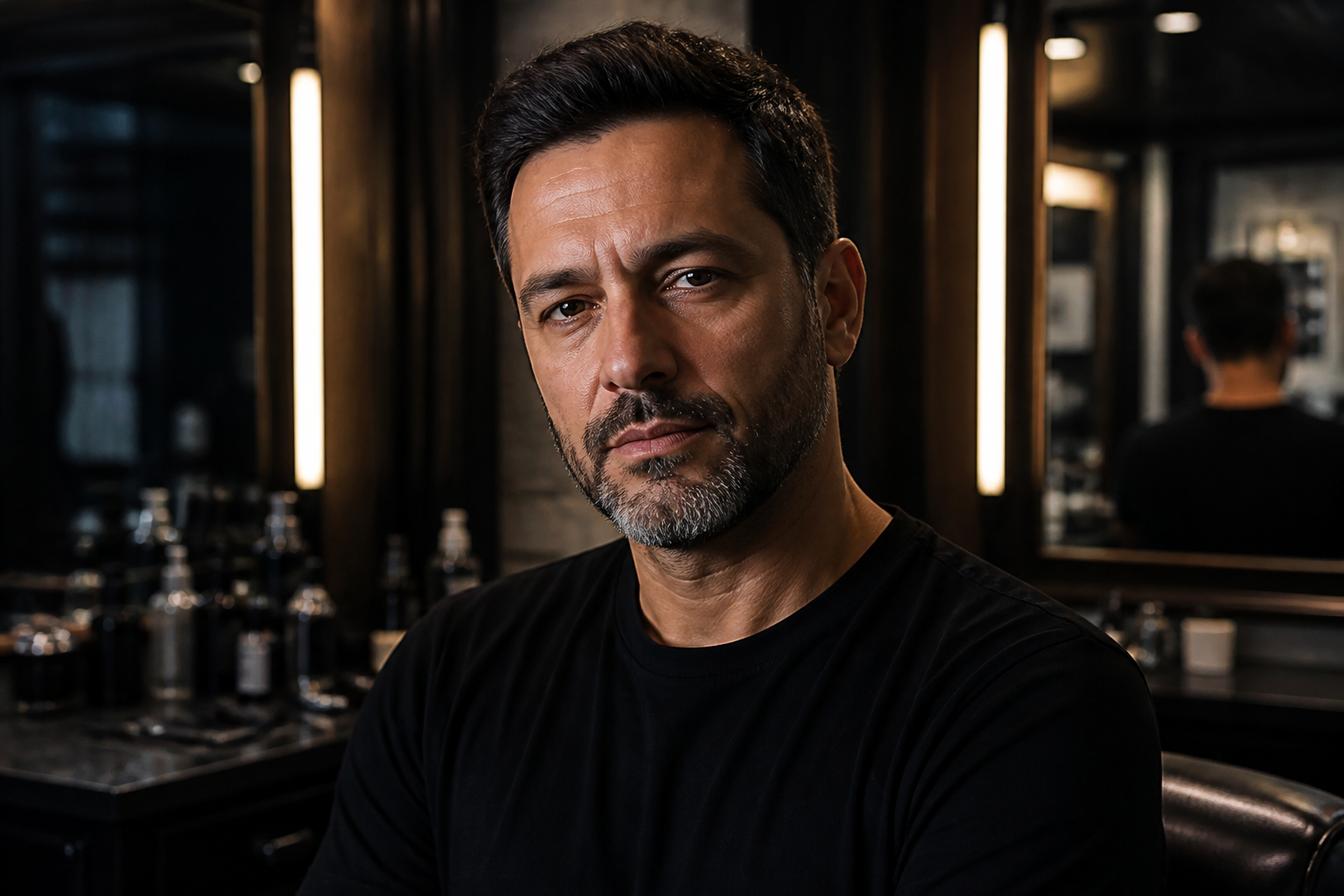 BEFORE
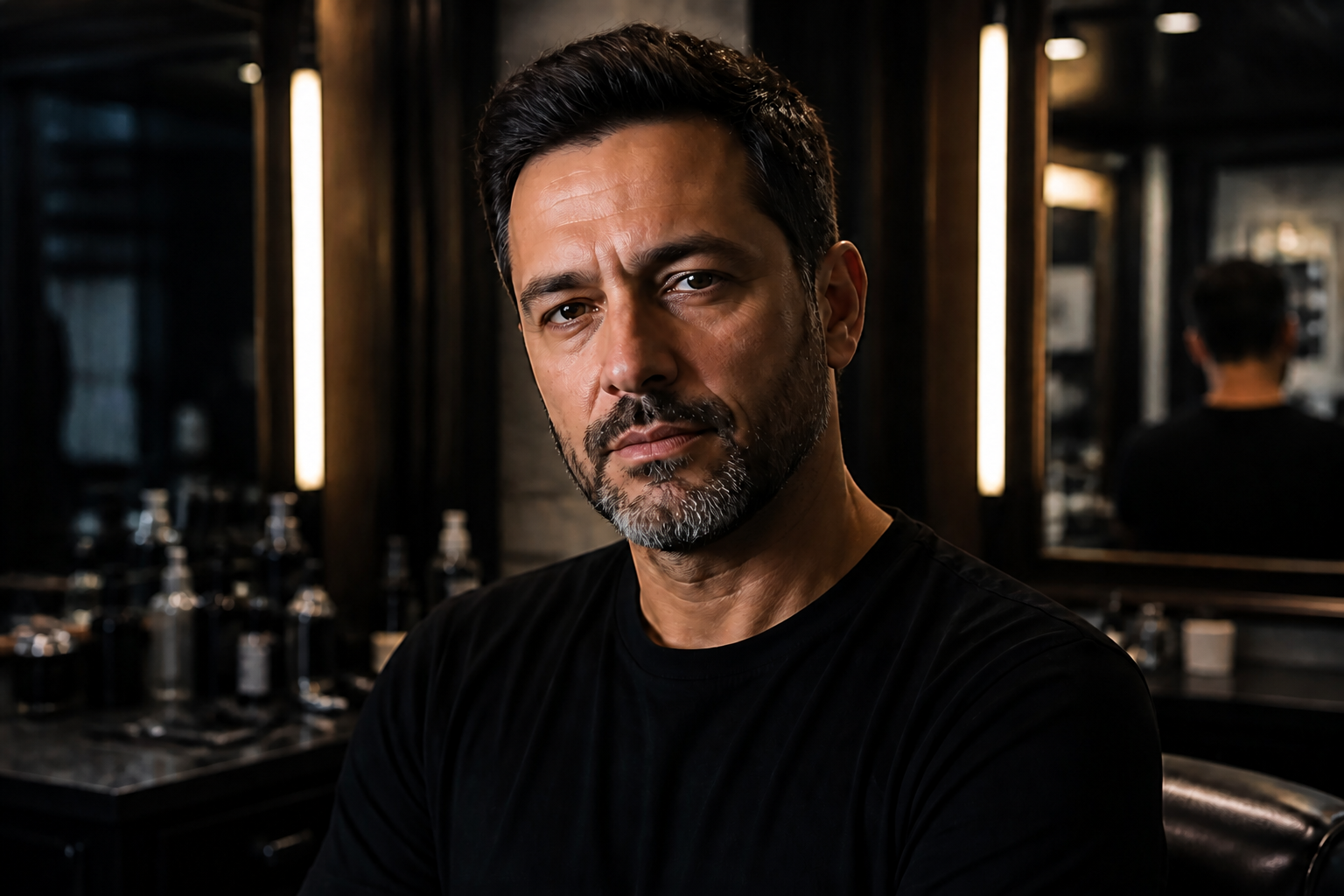 AFTER
AFTER BEFORE
 AFTERBEFOREAFTERBEFOREAFTERBEFOREAFTERBEFOREAFTERBEFOREAFTER
 BEFORE
 AFTER
AFTER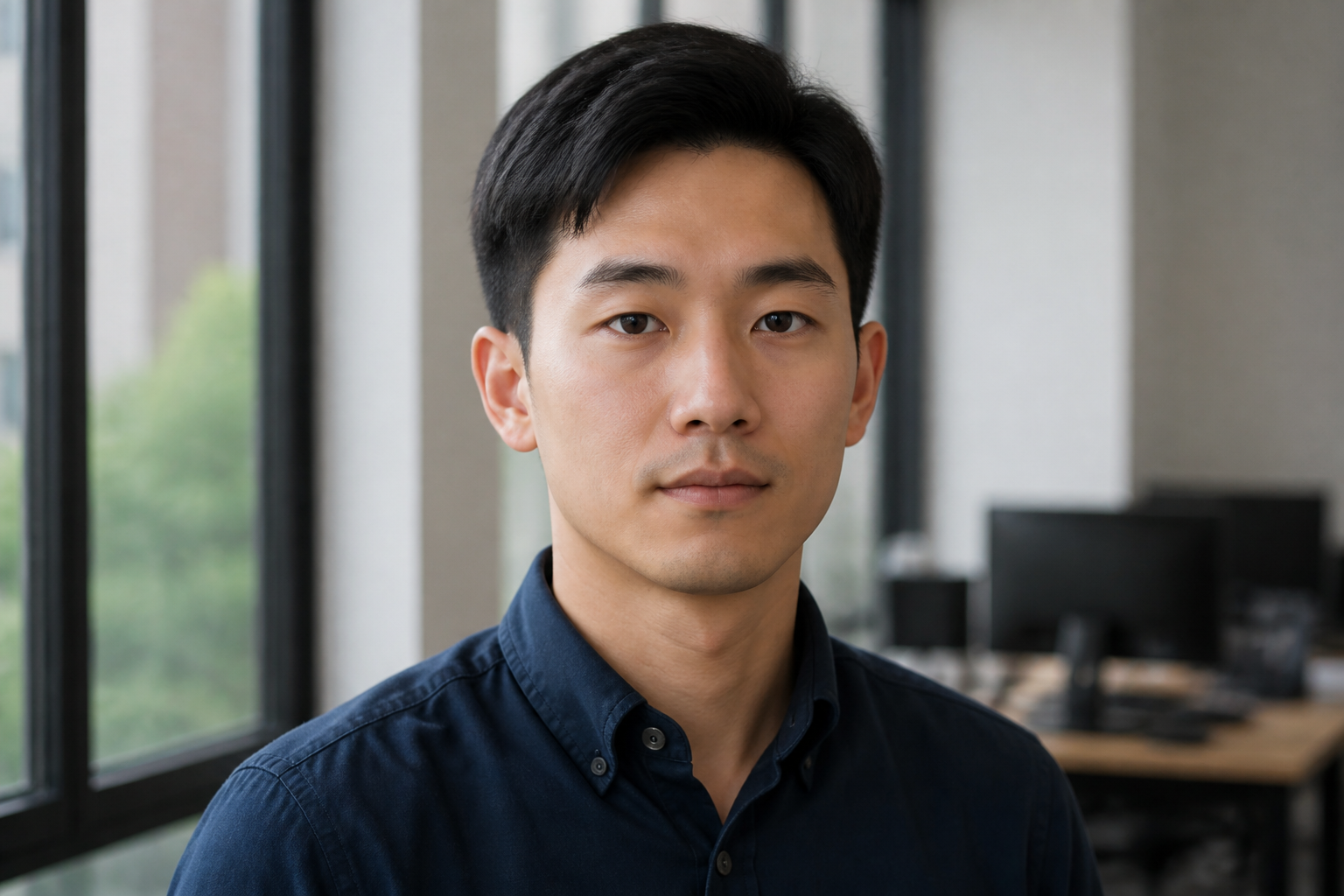 BEFORE
 AFTER
AFTER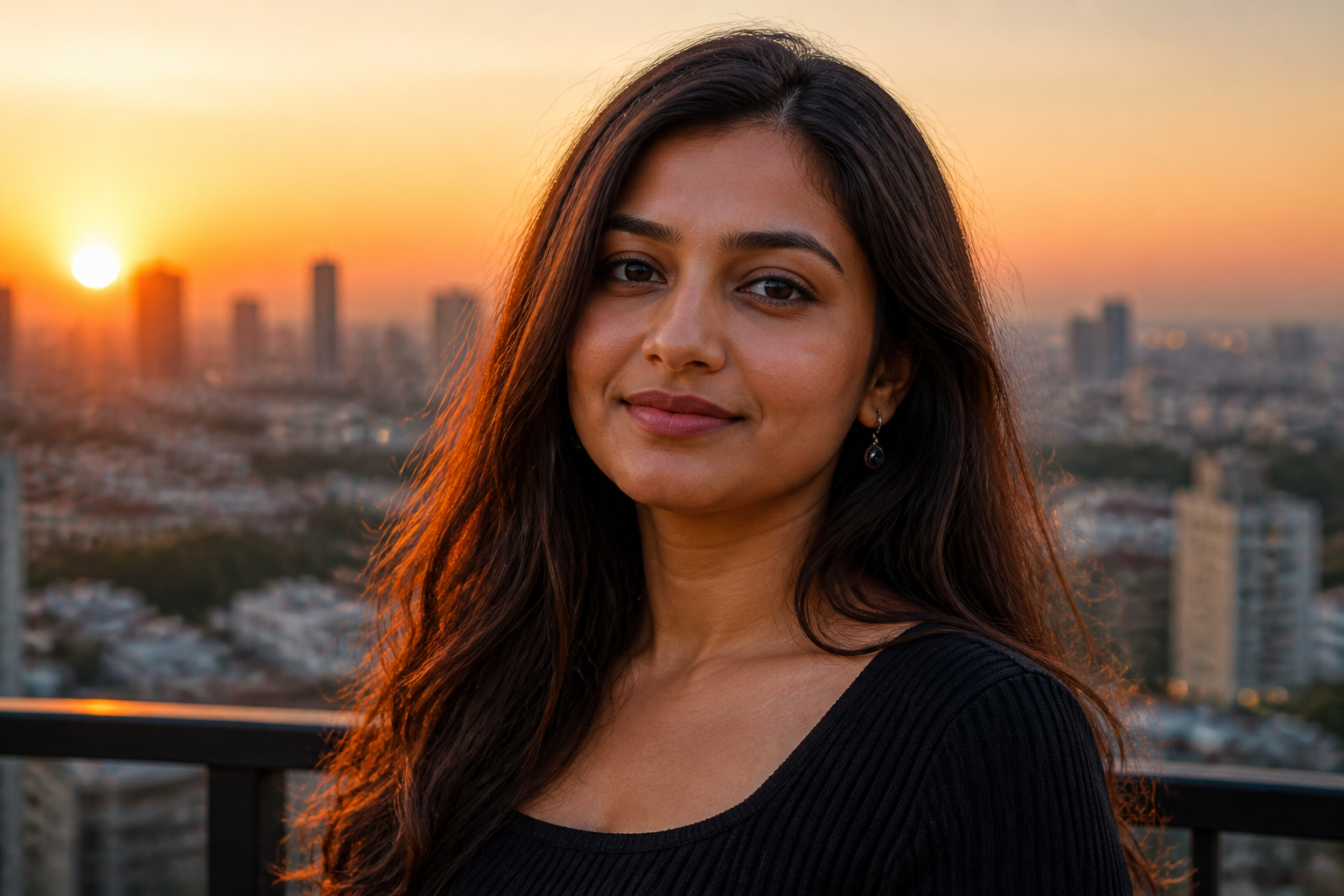 BEFORE
 AFTER
AFTER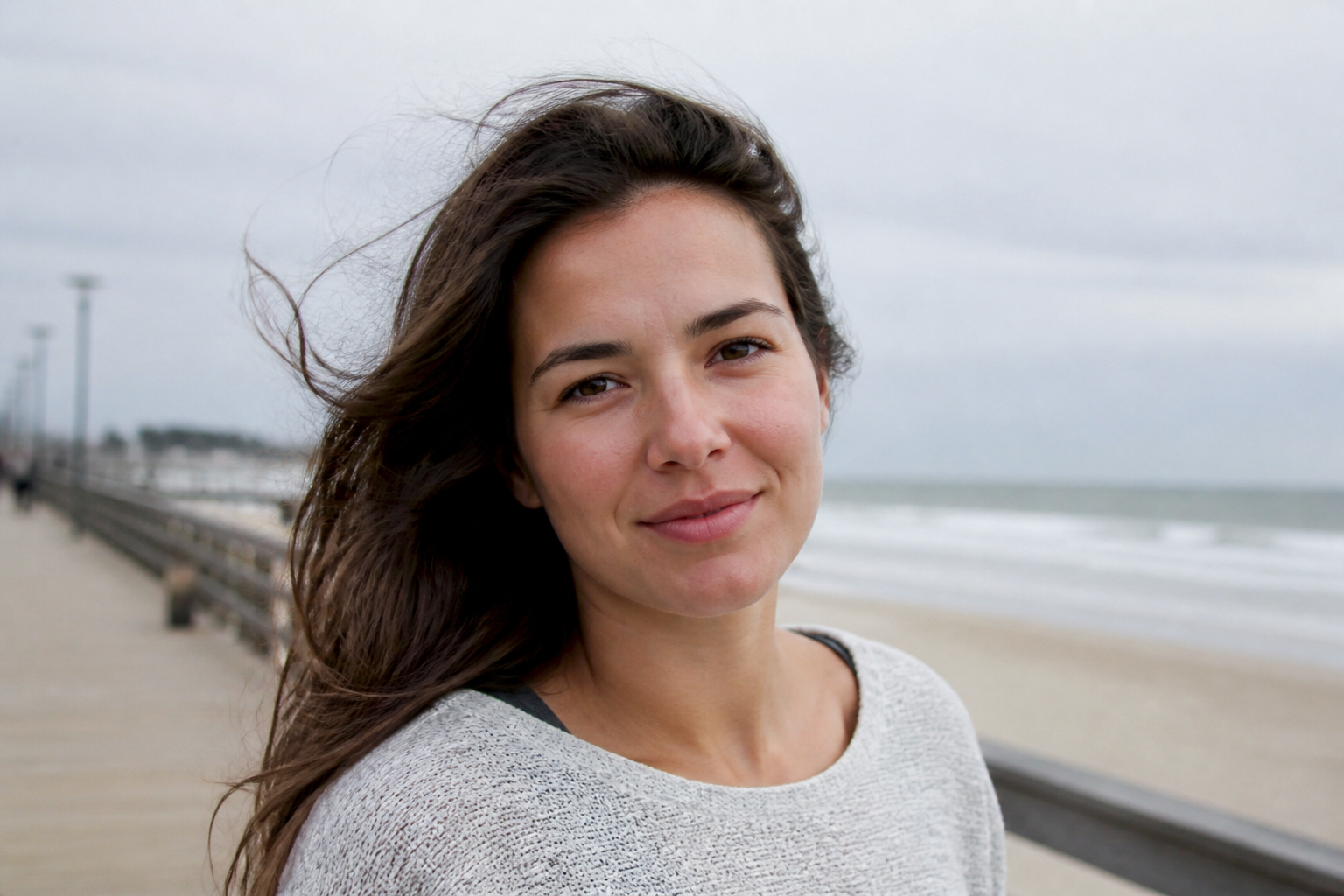 BEFORE
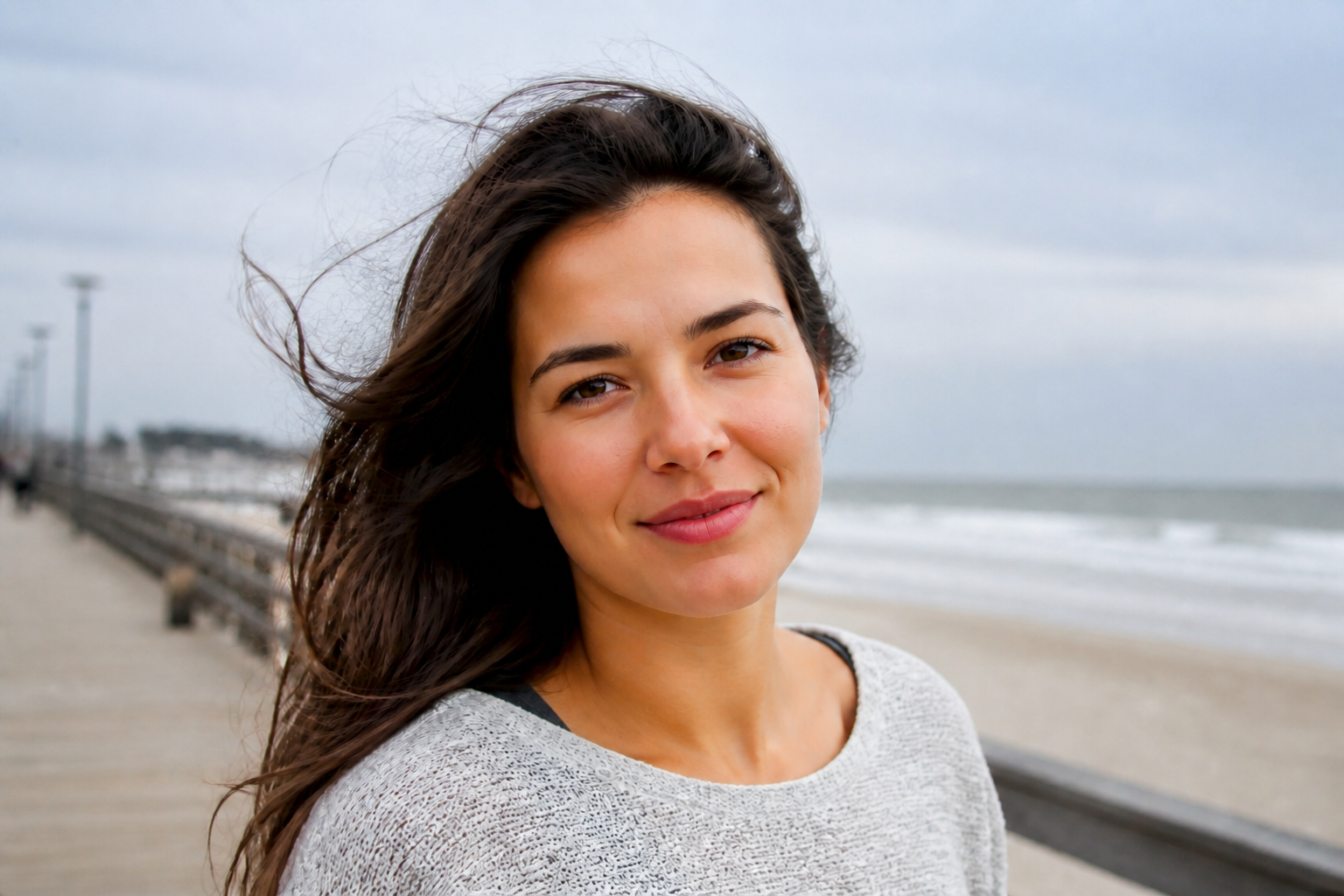 AFTERBEFOREAFTERBEFOREAFTERBEFOREAFTERBEFOREAFTER
Key Features
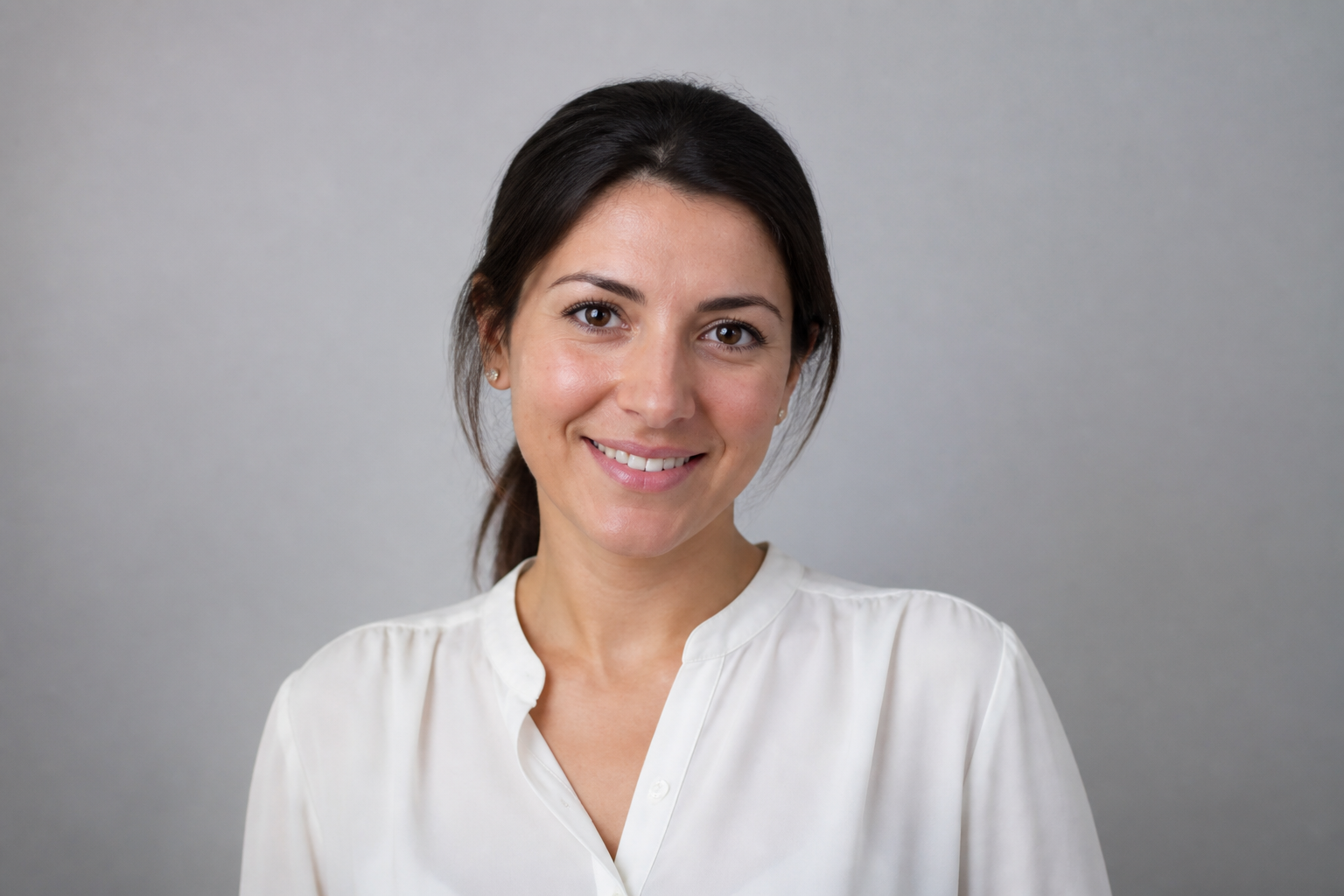
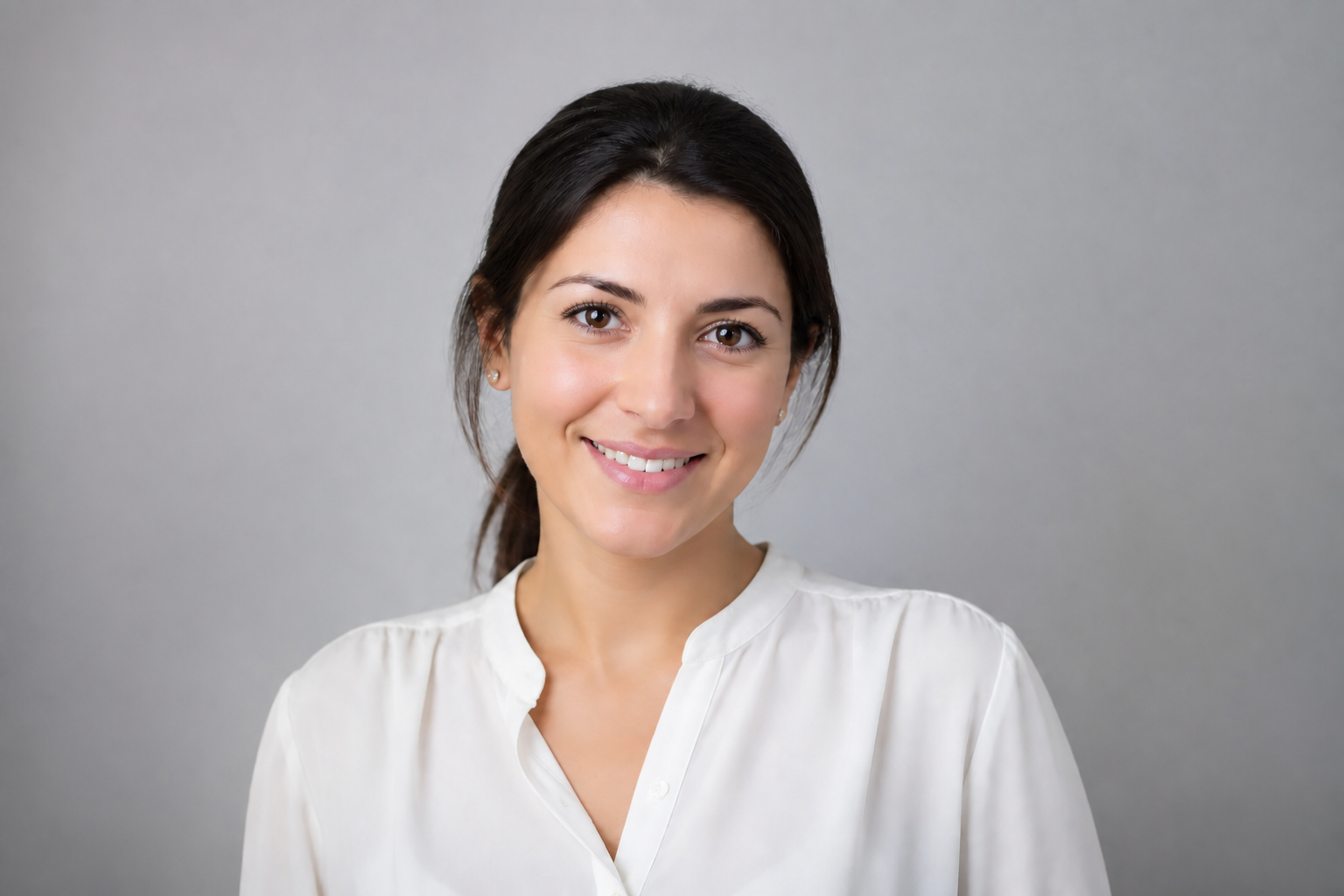
Keep identity recognizable
The edit improves the face without turning the person into someone else. That matters for profile photos, client work, and social posts where the result still needs to look like you. Instead of rebuilding the whole portrait, our AI focuses on polish while keeping facial structure, expression, and overall likeness consistent.
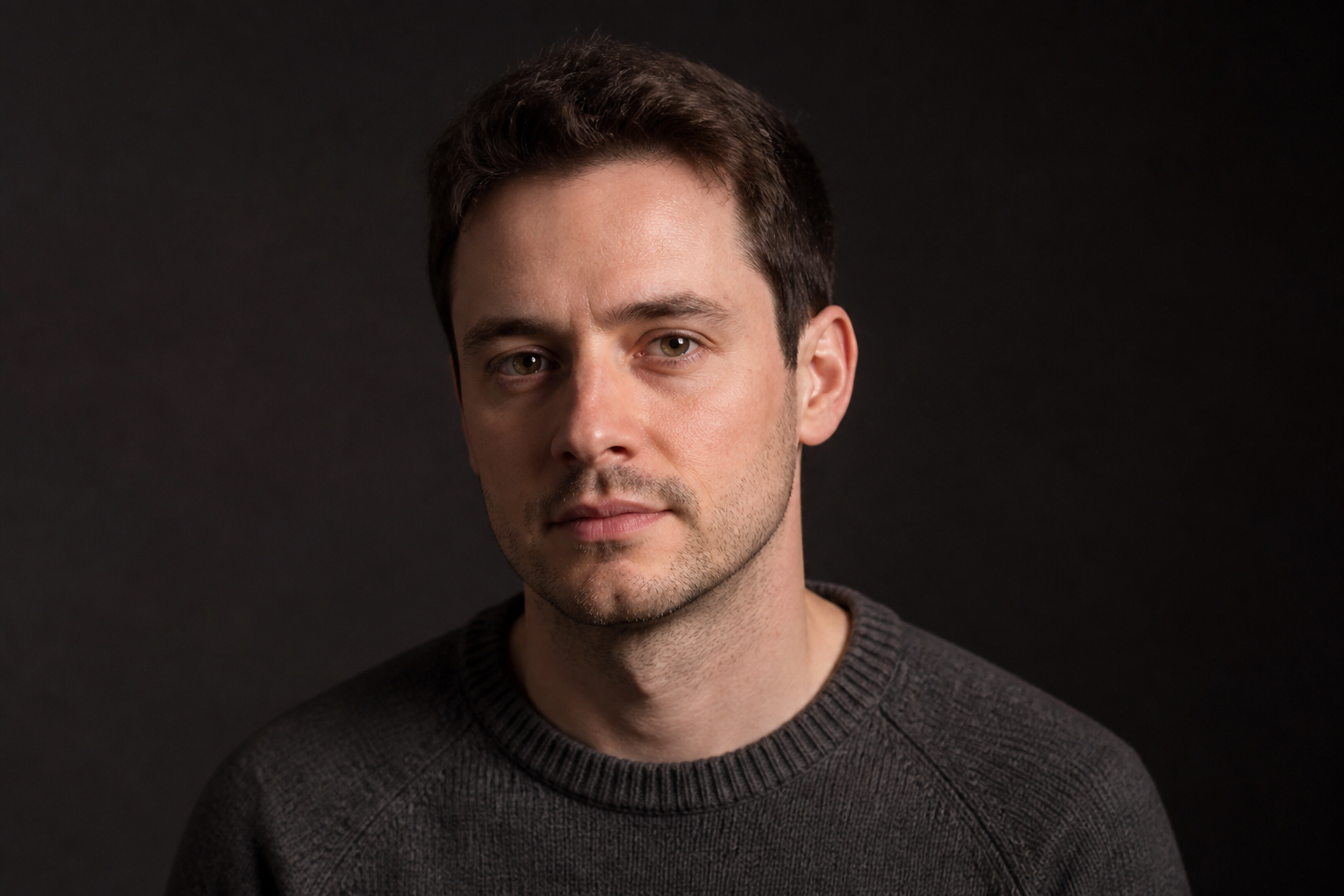
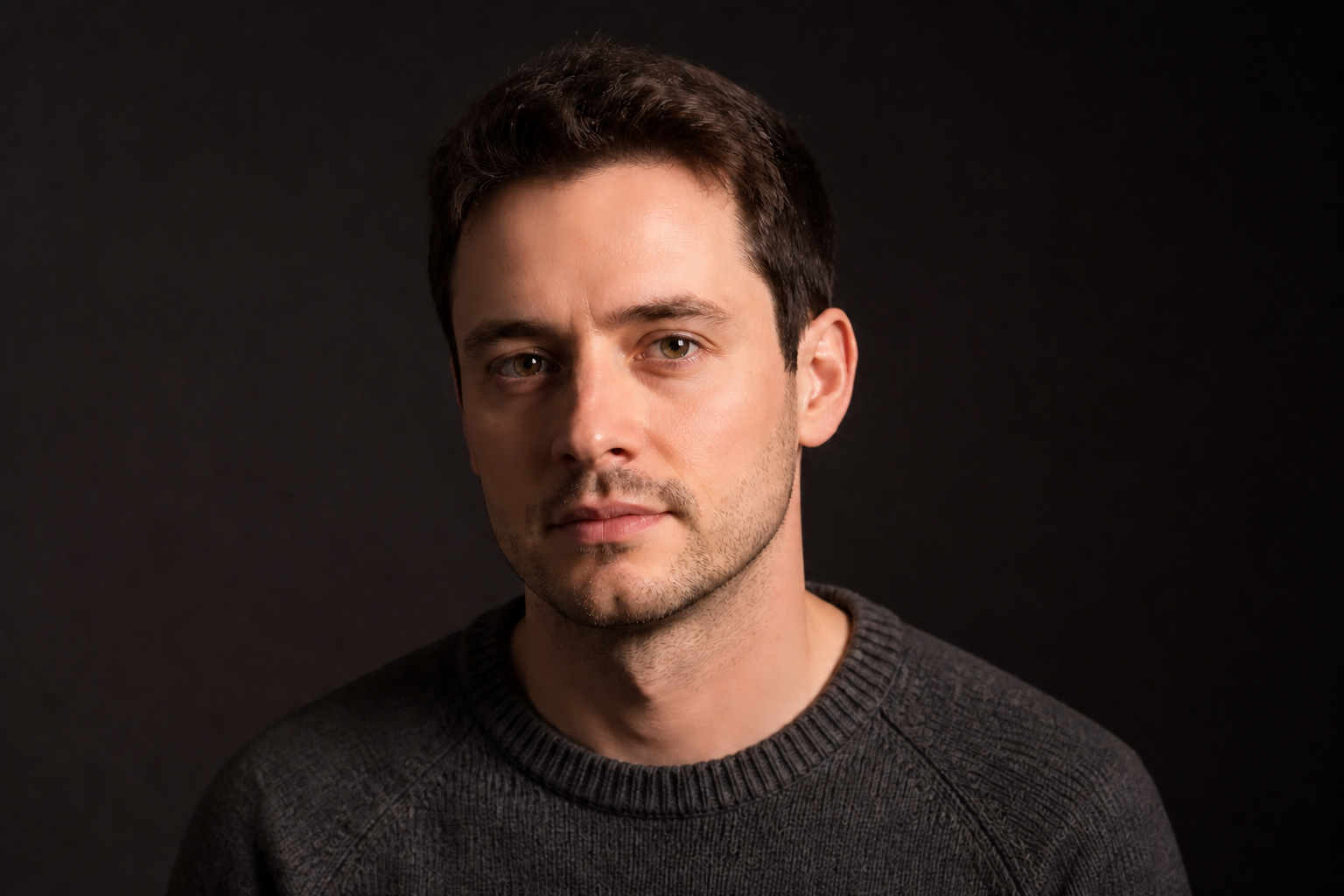
Smooth skin fast
Cleaning up uneven texture manually takes time and often looks overdone. This tool reduces blemishes, shine, and rough texture in one pass while keeping pores and facial detail believable. You get a cleaner portrait without spending minutes brushing and masking every area by hand.
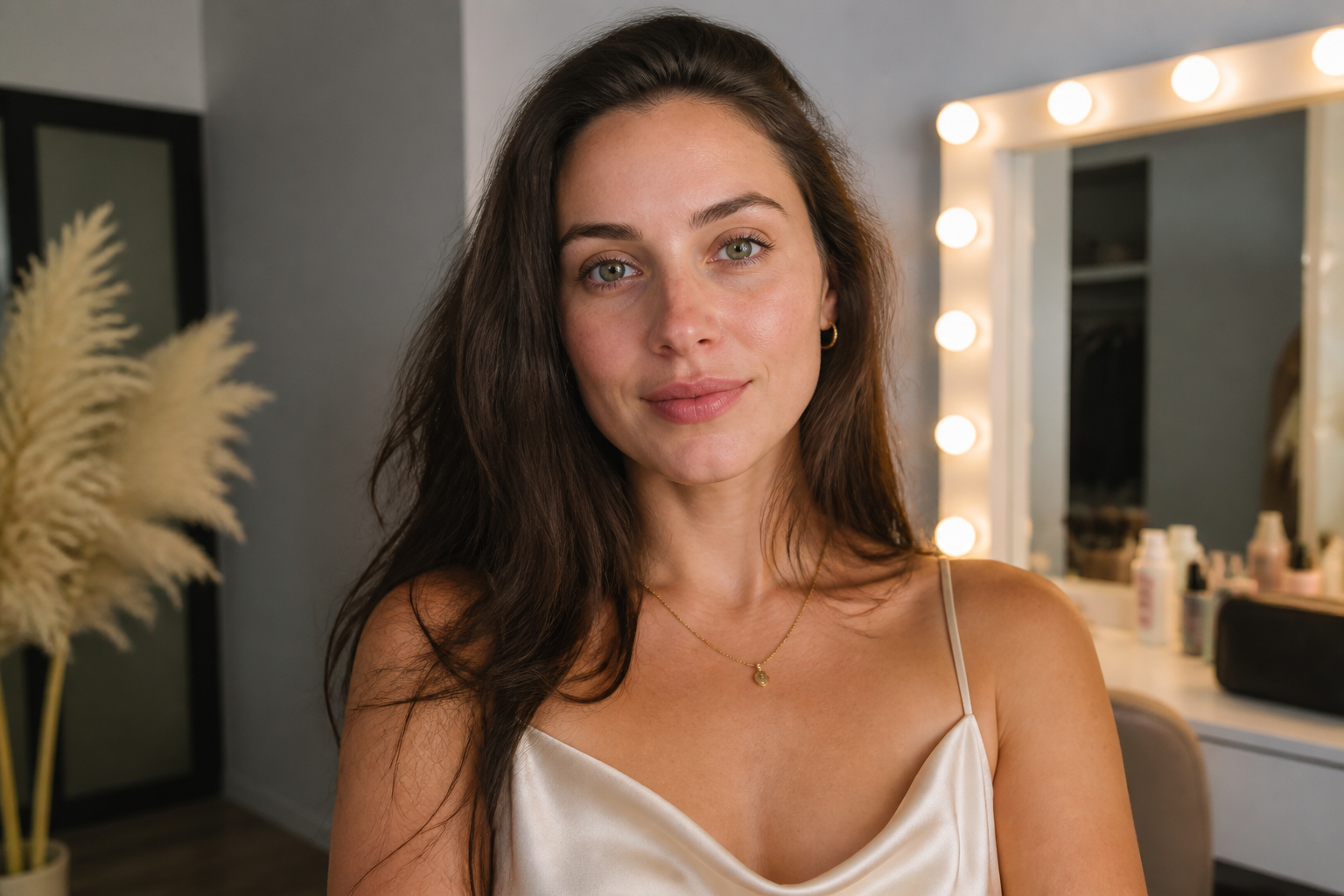
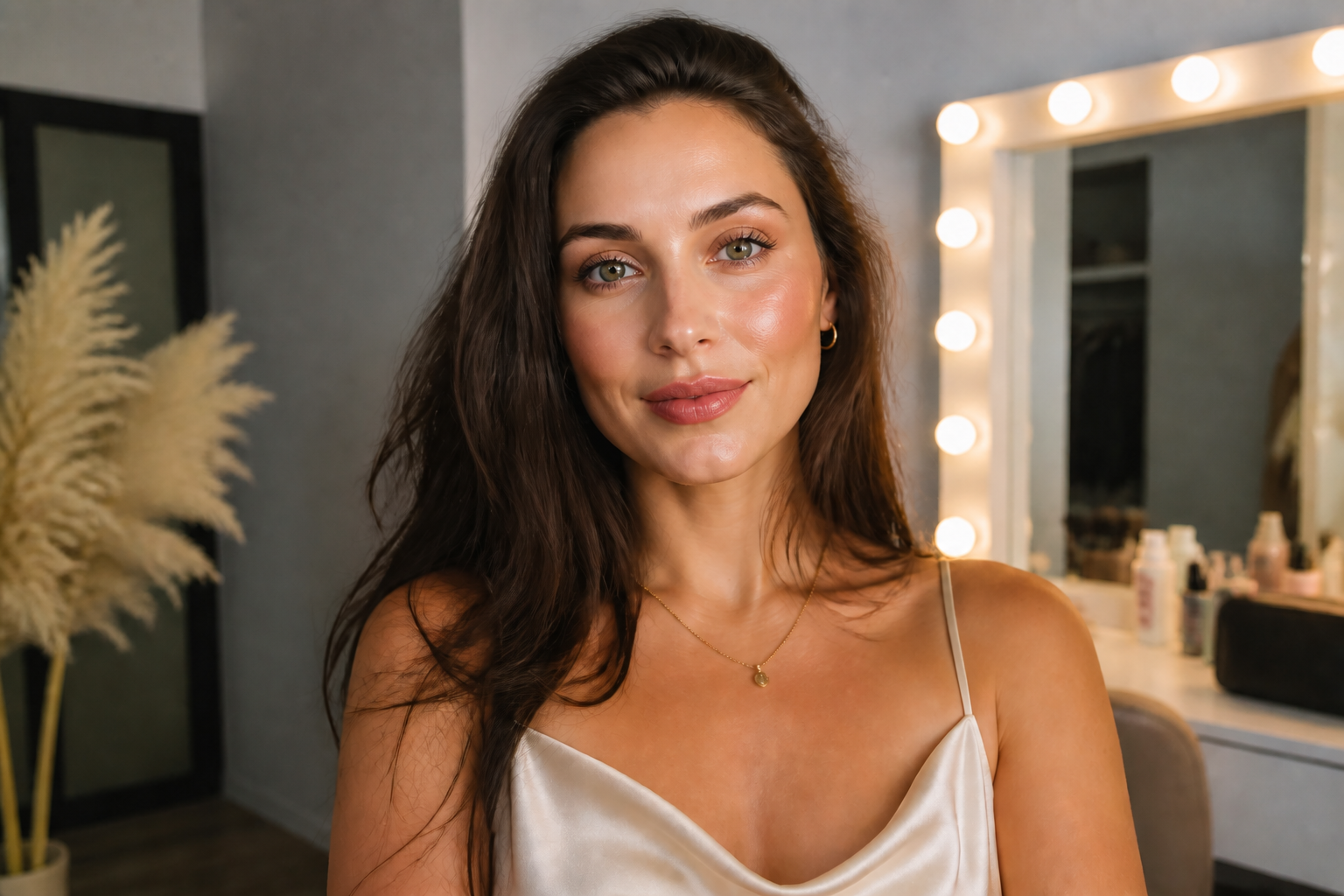
Add polished glam looks
You can push a simple portrait toward a more styled beauty result without a full reshoot. The edit can brighten eyes, define cheekbones, and add clean makeup cues that read well in thumbnails and social feeds. It is useful when you want a finished look but do not want to manually retouch every feature.
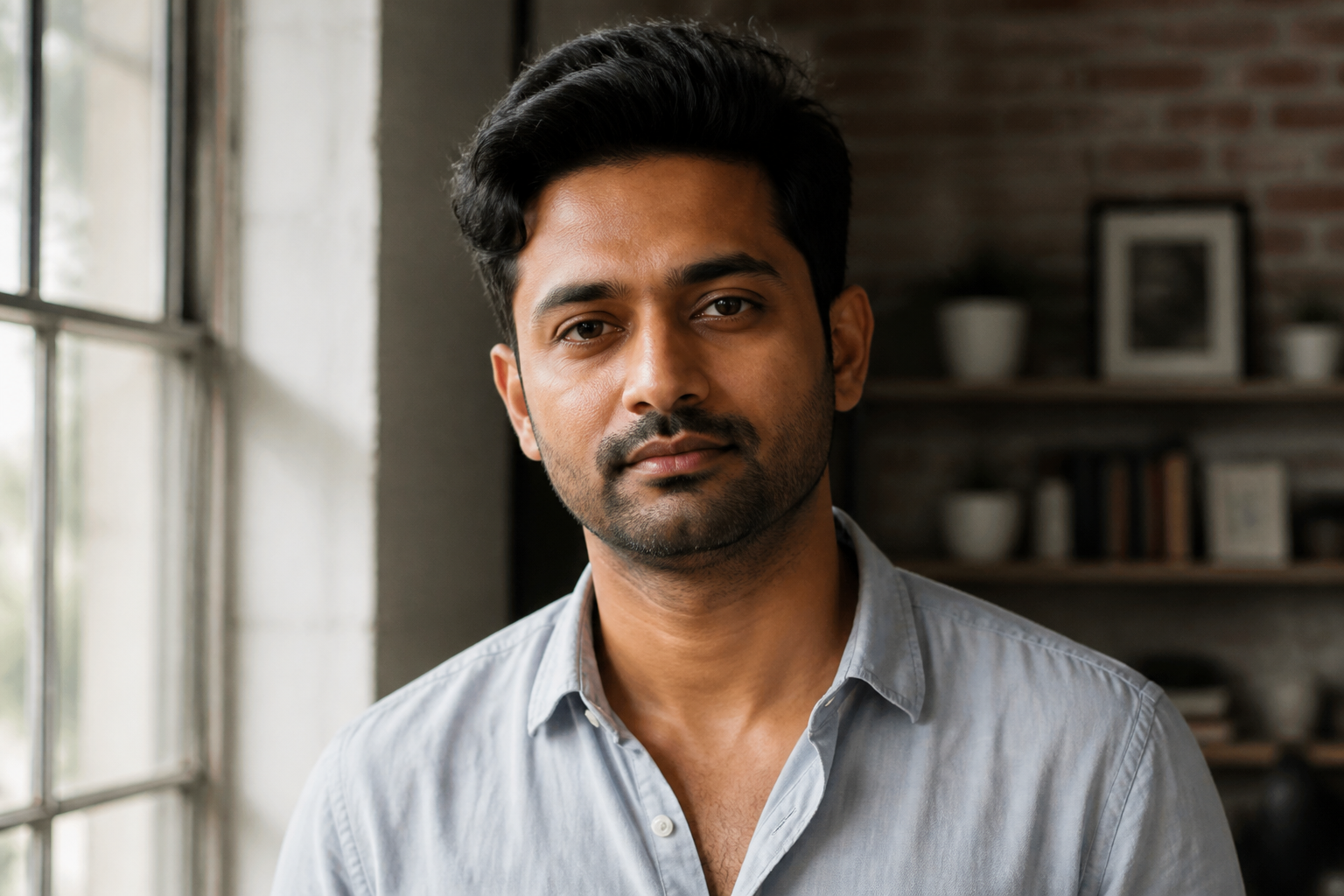
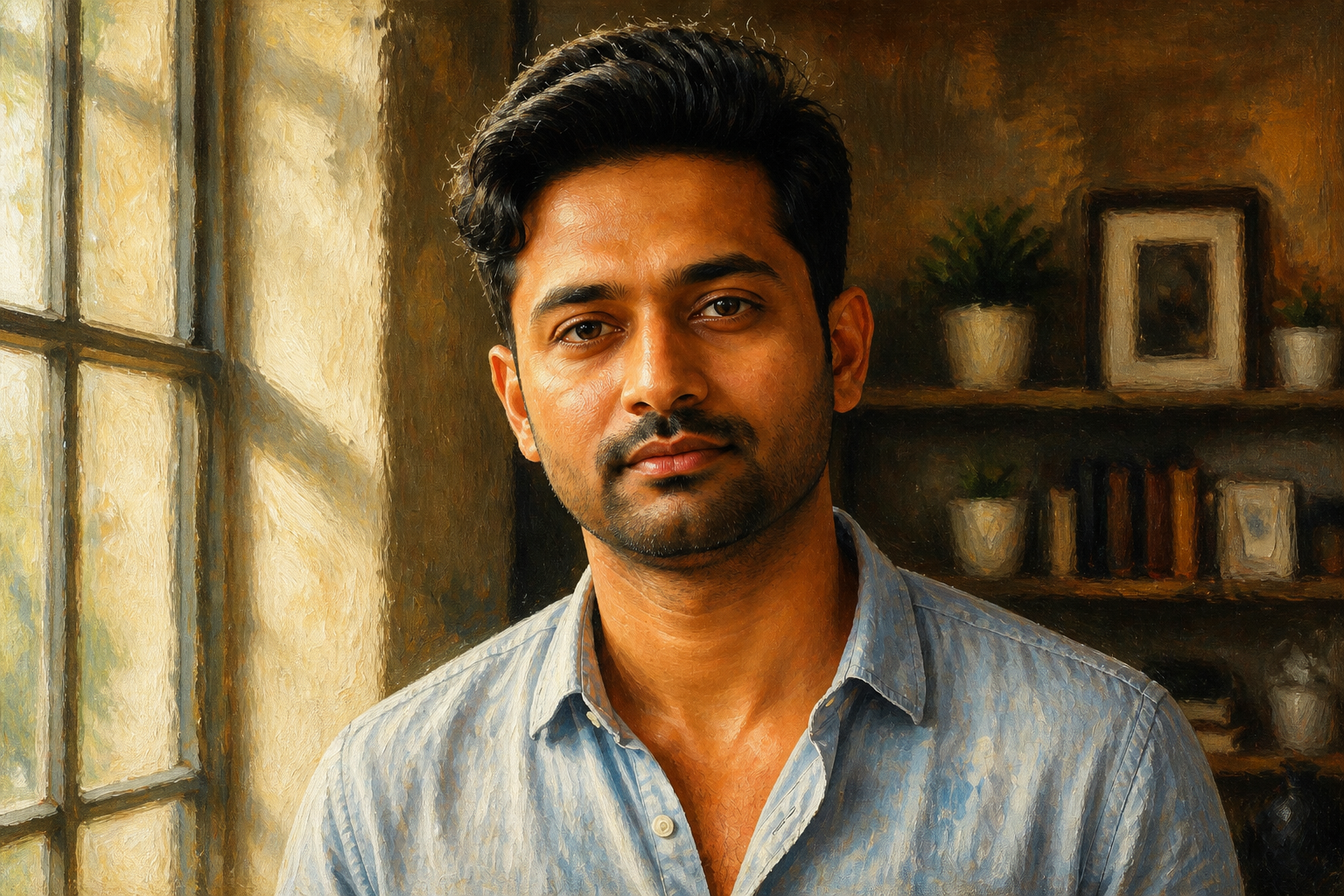
Works across styles
Face enhancement is not limited to plain studio photos. You can apply the same beautifying effect in stylized outputs for mood boards, avatars, or creative posts. That gives you one workflow for both realistic retouching and artistic variations while keeping the same core face and pose.
How It Works
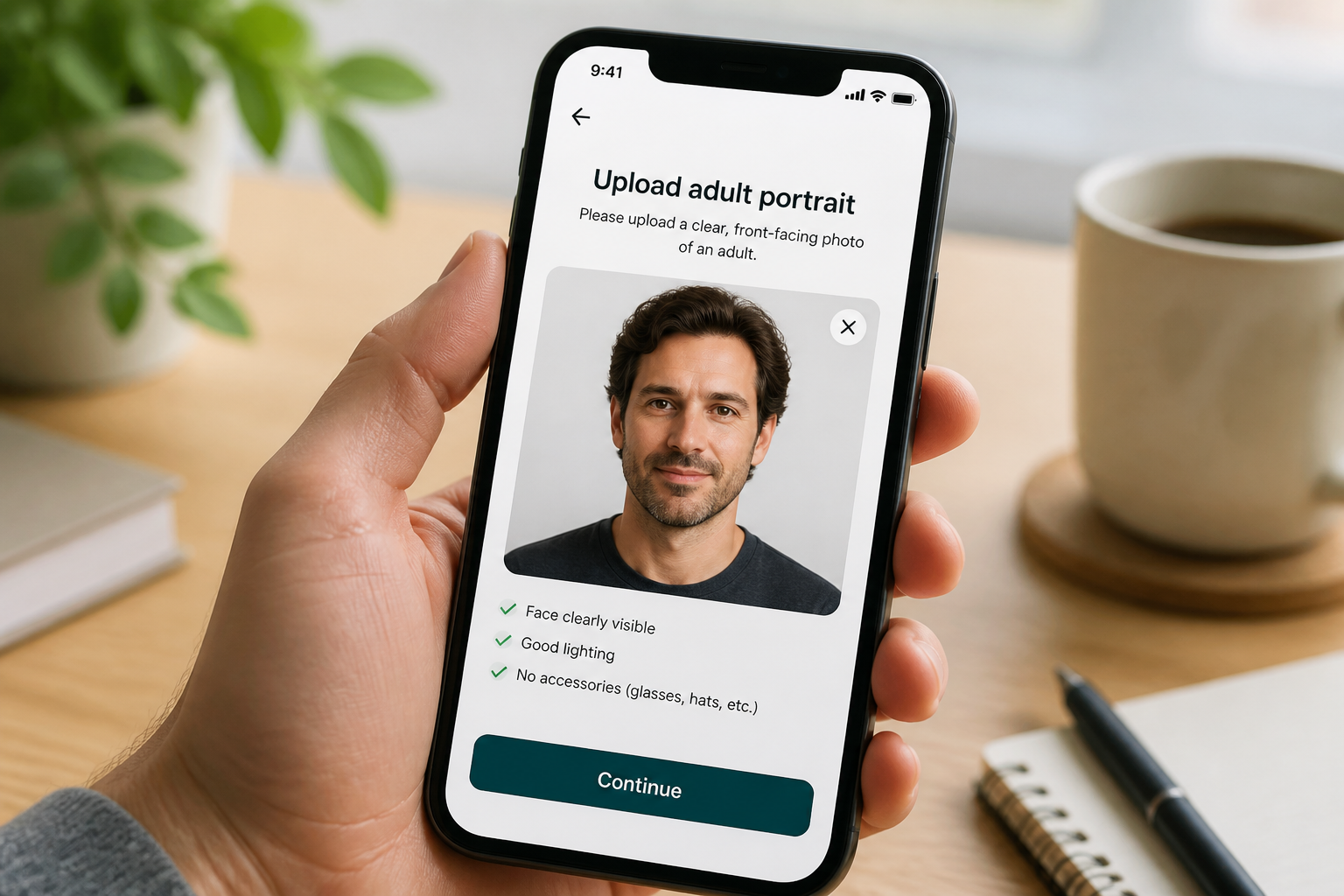
Upload your portrait
Start with a clear photo where the face is easy to see. Well-lit images with a visible expression usually give the cleanest results.
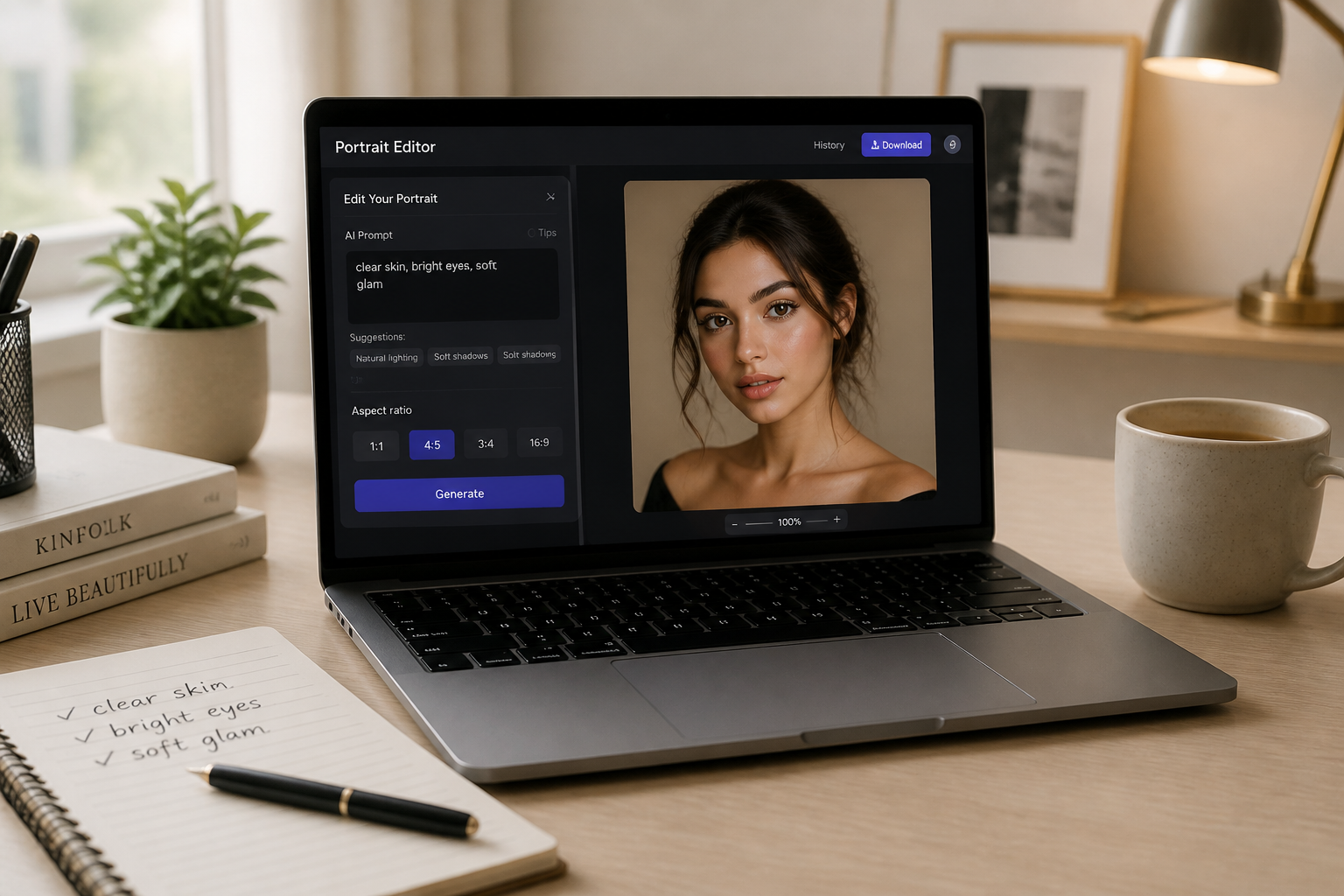
Describe the finish
Tell the editor what kind of beauty result you want, such as clearer skin, brighter eyes, or soft glam makeup. Short, direct instructions work well.
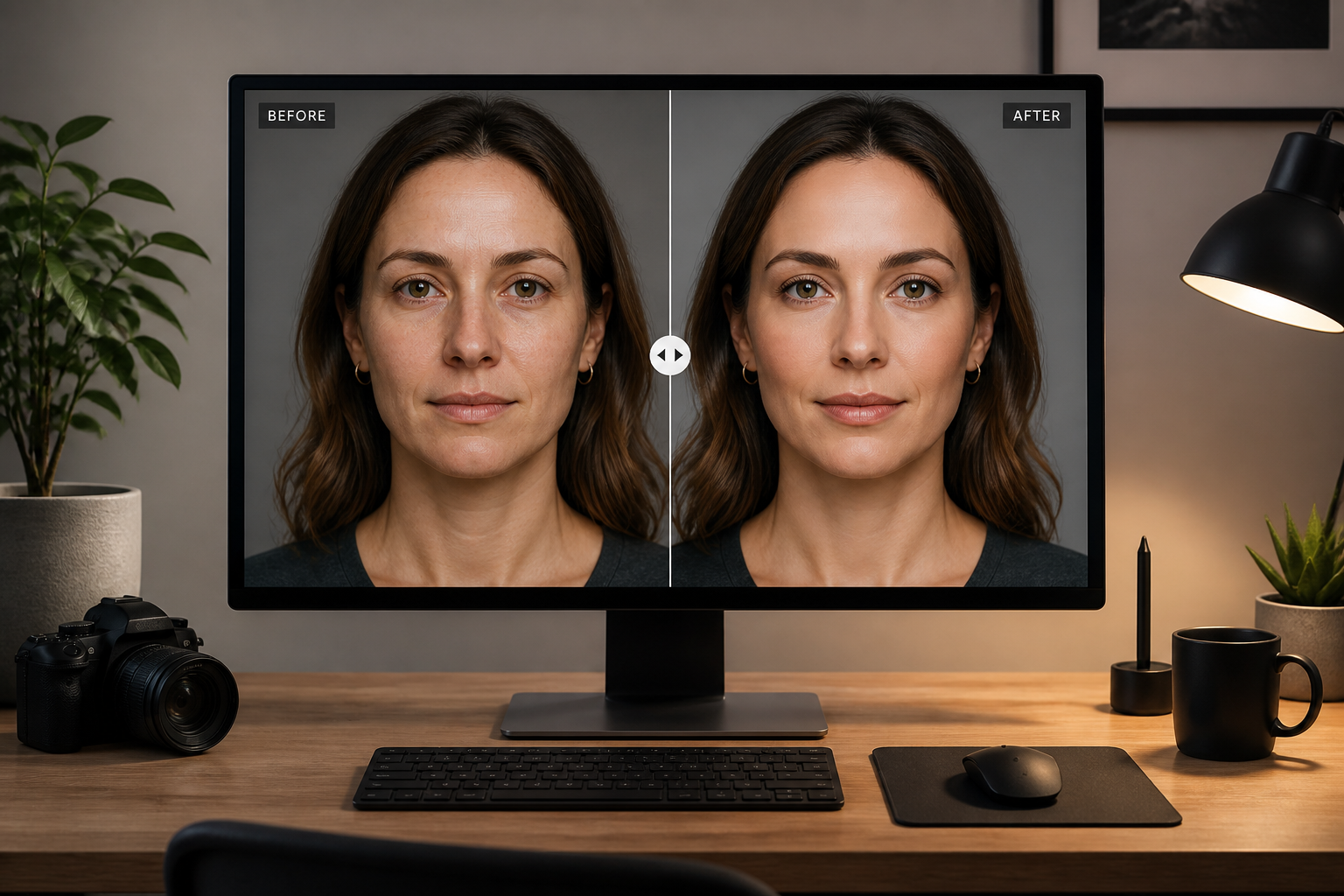
Compare and refine
Review the before and after side by side and see if the polish level feels right. If needed, adjust the prompt and generate another version.
Perfect For
Discover how creators and professionals use ai face beautifier
Profile photos
Clean up portraits for LinkedIn, team pages, and speaker bios without making them look artificial.
Dating app pictures
Improve clarity, skin tone, and overall polish while keeping your face recognizable.
Creator content
Upgrade thumbnails, selfies, and social posts with a more polished beauty look.
Client portrait edits
Speed up routine retouching for photographers, stylists, and content teams.
Built For
Everyday users
People who want better-looking selfies and portraits without learning complex editing tools.
Creators and influencers
Fast beauty retouching for social content, profile images, and branded posts.
Photographers and editors
A quick first pass for portrait cleanup before final delivery or further manual retouching.
Why use AI Face Beautifier
A quick look at how we compare on the things that matter for this niche.
| Feature | BudgetPixel | Generic AI editors | Manual editing apps |
|---|---|---|---|
| Face-specific beautifying edits | ✓ | — | ✓ |
| Keeps portrait context | ✓ | — | ✓ |
| Fast one-step workflow | ✓ | ✓ | — |
| Creative style variations | ✓ | — | — |
| Manual precision control | — | — | ✓ |
Frequently Asked Questions
Will it still look like me?
What kind of photos work best?
Can I choose a natural or glam result?
Does it only work on women?
Is this the same as manual retouching?
Create together.
Share your creations, discover trending AI art, and grow with fellow creators.